

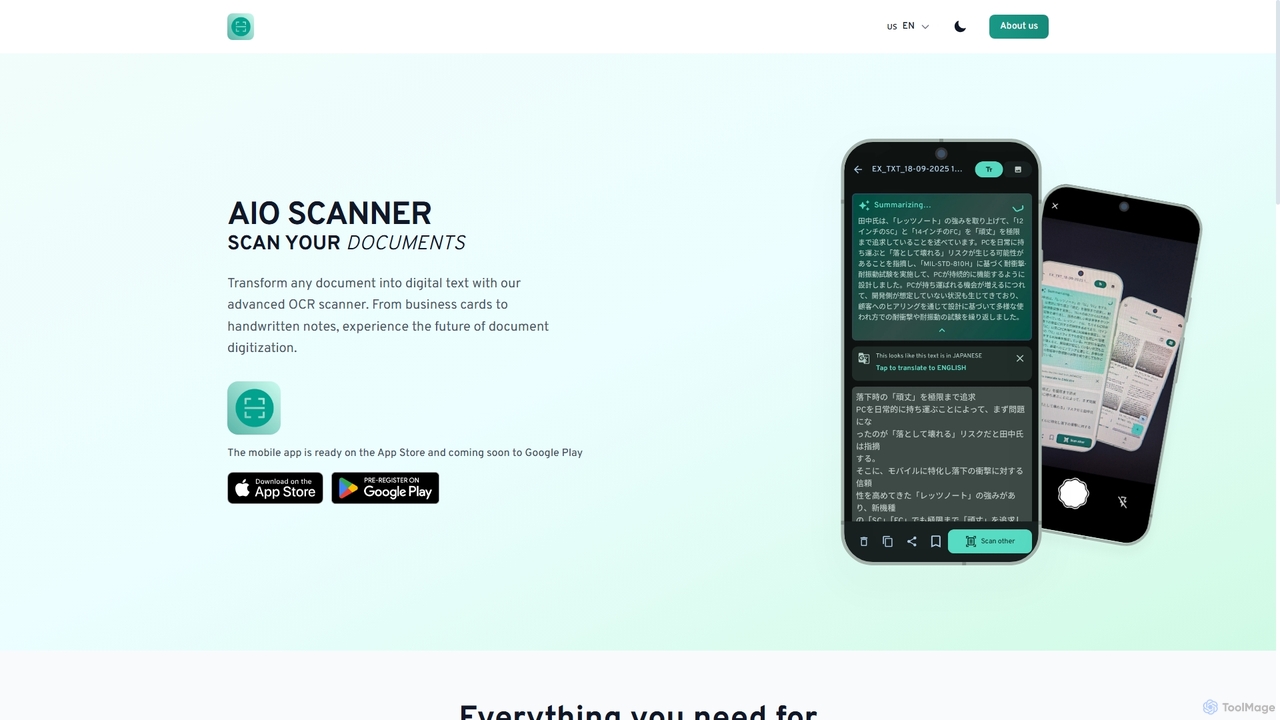
AIO Scanner Overview
AIO Scanner revolutionizes document digitization by providing a powerful, all-in-one mobile application for transforming physical documents into digital assets. Whether it's a business card, a handwritten note, a contract, or a receipt, AIO Scanner leverages advanced OCR (Optical Character Recognition) technology to extract text with exceptional accuracy, boasting 99.9% on printed materials and supporting over 100 languages. Its intelligent features extend to automatic edge detection and image enhancement for professional-grade document scans. Furthermore, it integrates a lightning-fast QR and barcode scanner with smart categorization and history tracking. With AI analysis for smart document summarization, secure cloud backup, and biometric/password protection, AIO Scanner is built for efficiency, security, and smart document management across all your devices.
How to use AIO Scanner
To use AIO Scanner, simply download the mobile application from the App Store (or Google Play when available). Open the app and select the desired scanning mode: Document Scanner, OCR Text Extraction, or QR & Barcode Scanner. For documents, position your device over the document, and the app will auto-detect edges and enhance the image. For OCR, capture an image of the text, and the app will instantly convert it to editable digital text. For QR/barcodes, point the camera at the code for instant detection. Utilize features like multi-page scanning, cloud backup for device syncing, and file security for sensitive documents.
Core Features of AIO Scanner
- Advanced OCR Technology: Extracts editable text from printed documents, handwritten notes, and receipts with 99.9% accuracy on printed text and support for 100+ languages.
- Professional Document Scanner: Features smart edge detection, auto color correction, and multi-page scanning for crisp, clear digital copies of contracts, receipts, and business cards.
- Fast QR & Barcode Scanner: Instantly detects and categorizes QR codes and barcodes, offering batch scanning mode, history, and favorites for quick access.
- AI Analysis: Provides smart document summarization to quickly grasp the essence of scanned documents.
- Secure Cloud Backup: Automatically syncs scanned documents and data across all your devices securely.
- Robust File Security: Protects sensitive documents with password protection and biometric locks.
Use Cases for AIO Scanner
AIO Scanner is ideal for a wide range of personal and professional uses. Business professionals can digitize contracts, invoices, and business cards on the go. Students can convert handwritten notes and textbook pages into editable text for easier study and research. Individuals can keep digital records of receipts for expense tracking or warranty purposes. Retail staff can quickly scan product barcodes for information. Anyone needing to extract text from images, summarize documents, or securely manage digital files will find AIO Scanner invaluable.
Advantages of AIO Scanner
The primary advantages of AIO Scanner include its high-accuracy OCR, comprehensive scanning capabilities (documents, QR, barcodes), and intelligent AI-powered features like summarization. Its mobile-first design ensures convenience and accessibility, while robust security measures provide peace of mind for sensitive information. The ability to support over 100 languages and recognize handwriting makes it versatile for a global user base, streamlining document workflows and boosting productivity.
AIO Scanner FAQ
AIO Scanner Alternatives
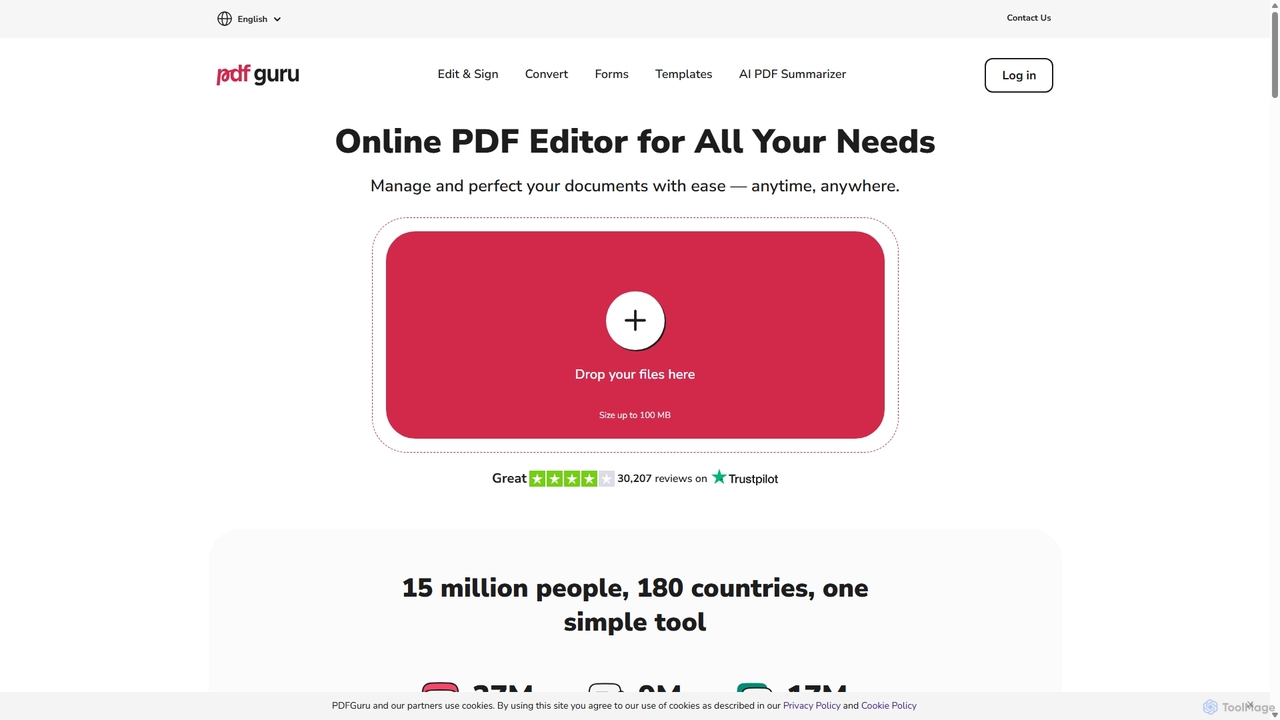
PDFflex
PDFflex is a comprehensive, all-in-one online platform for managing PDF documents. It allows users to edit, convert, merge, split, and sign PDFs with ease. Featuring an intuitive interface and robust security, PDFflex also incorporates AI-powered tools like OCR for scanned documents and summarizers for long texts. It supports a vast range of file formats, making it a versatile solution for both personal and professional use, accessible from any browser without installation.
Summarizer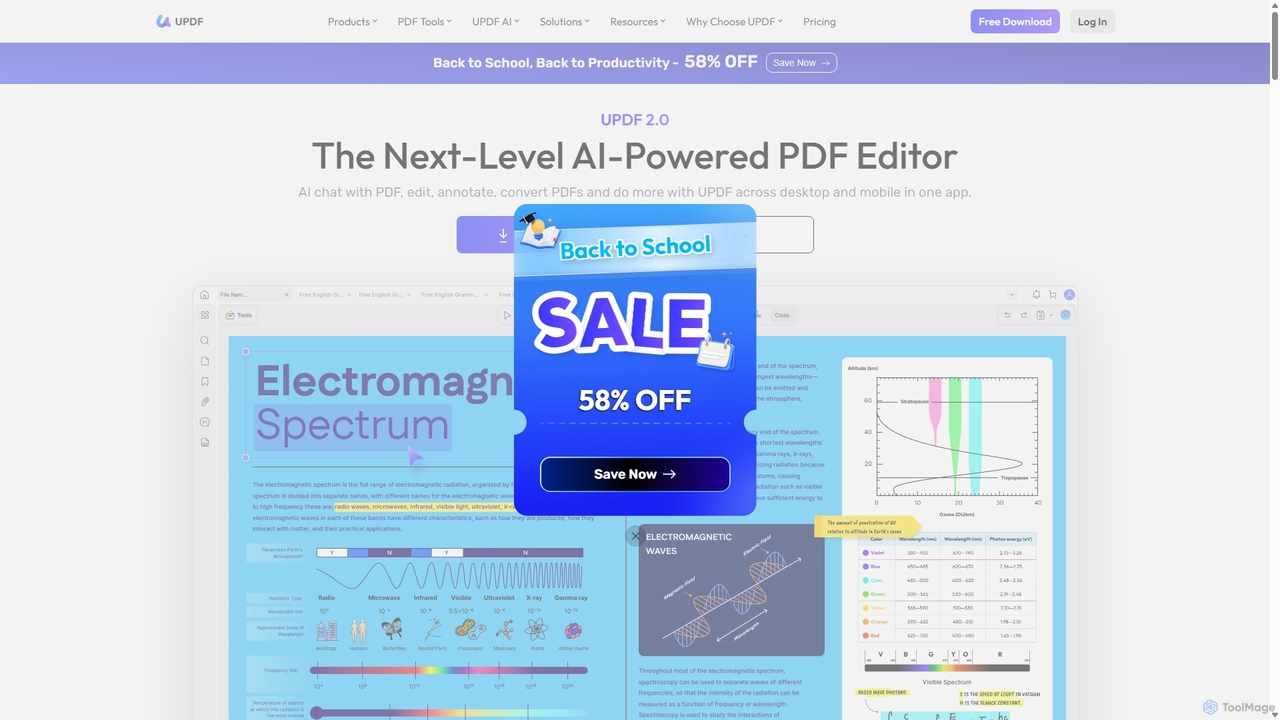
UPDF
UPDF is an AI-integrated, all-in-one PDF editor that allows users to edit, annotate, convert, summarize, translate, and chat with PDF documents. It offers a seamless experience across Windows, macOS, iOS, and Android, boosting productivity for individuals, students, and businesses.
Document Analysis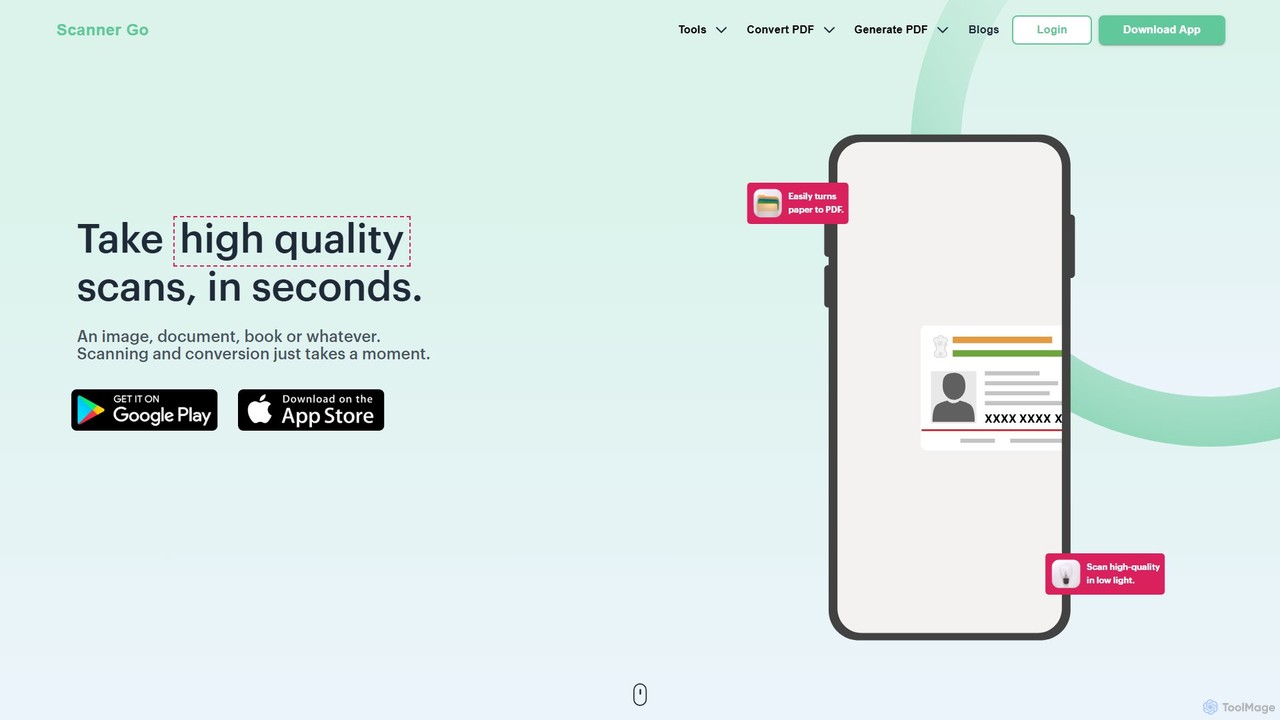
ScannerGo
ScannerGo is an all-in-one productivity tool that combines a powerful mobile document scanner with a comprehensive suite of online PDF utilities. Easily scan, convert, edit, merge, split, and secure your documents on any device, enhanced with OCR technology to extract text from images and PDFs.
File Conversion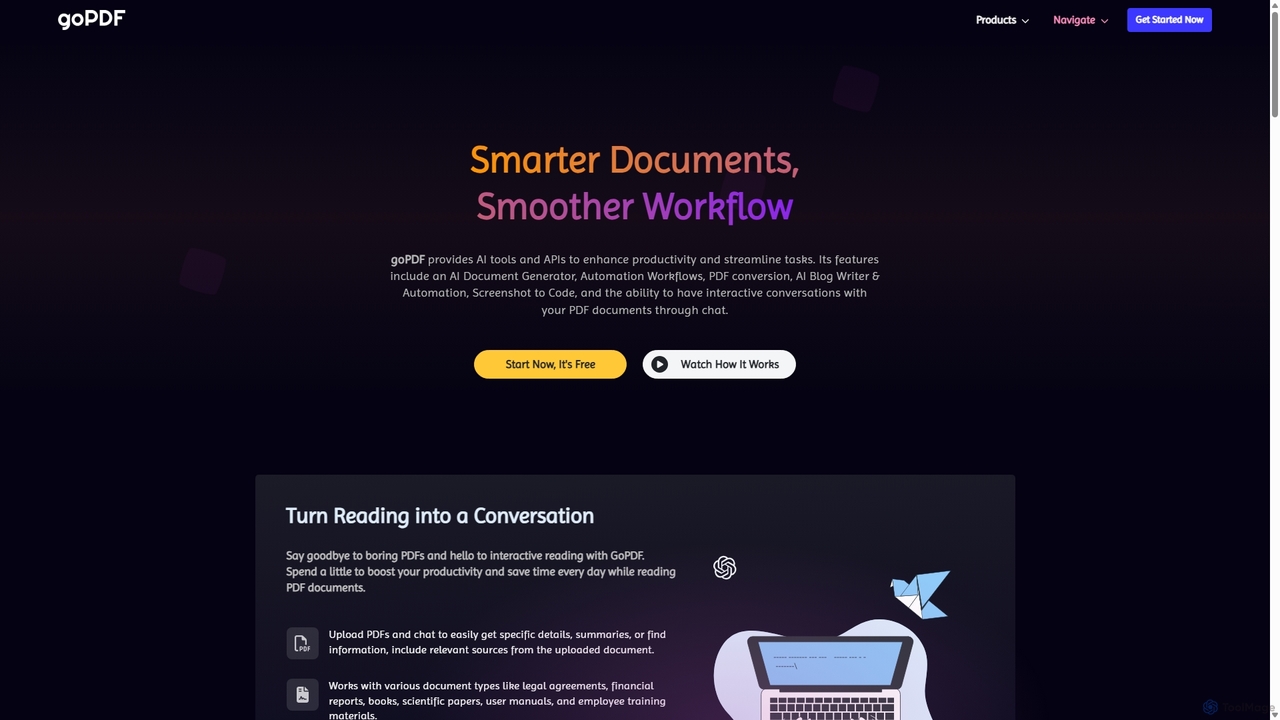
goPDF
goPDF is an AI-powered platform designed to streamline document workflows. It offers a suite of tools including a document generator, PDF converter, AI writer, and a 'Chat with PDF' feature. With a robust API, it's tailored for both individual productivity and demanding tech projects, emphasizing privacy and ease of use.
Workflow Automation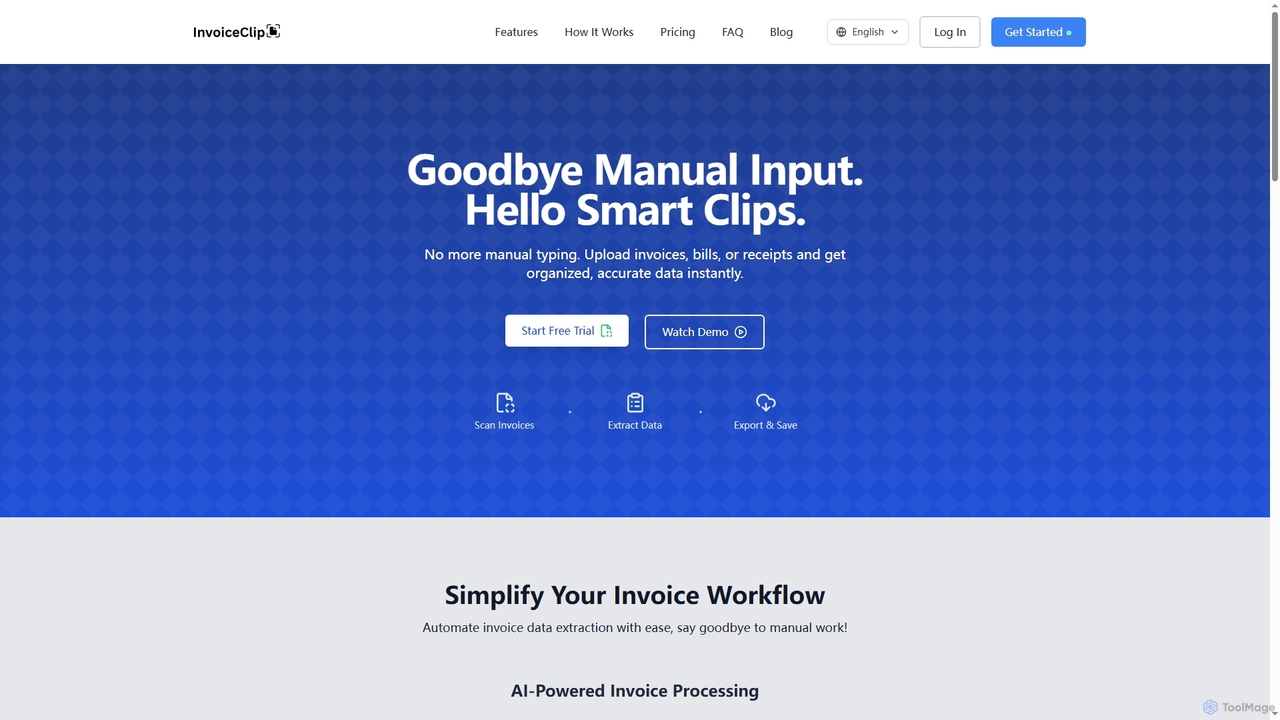
InvoiceClip
InvoiceClip is an AI-powered invoice and receipt scanner app designed to automate data extraction, categorization, and organization for businesses. It eliminates manual data entry by instantly converting uploaded documents into accurate, structured data, streamlining financial workflows.
Invoice ProcessingAIO Scanner Categories
AIO Scanner Jobs
AIO Scanner Embed Widget
Copy this embed code to place the badge on your blog, article, or product site and send readers directly to this ToolMage detail page.

Related AI tools
PDFflex
PDFflex is a comprehensive, all-in-one online platform for managing PDF documents. It allows users to edit, convert, merge, split, and sign PDFs with ease. Featuring an intuitive interface and robust security, PDFflex also incorporates AI-powered tools like OCR for scanned documents and summarizers for long texts. It supports a vast range of file formats, making it a versatile solution for both personal and professional use, accessible from any browser without installation.
SummarizerScannerGo
ScannerGo is an all-in-one productivity tool that combines a powerful mobile document scanner with a comprehensive suite of online PDF utilities. Easily scan, convert, edit, merge, split, and secure your documents on any device, enhanced with OCR technology to extract text from images and PDFs.
File ConversionUPDF
UPDF is an AI-integrated, all-in-one PDF editor that allows users to edit, annotate, convert, summarize, translate, and chat with PDF documents. It offers a seamless experience across Windows, macOS, iOS, and Android, boosting productivity for individuals, students, and businesses.
Document Analysis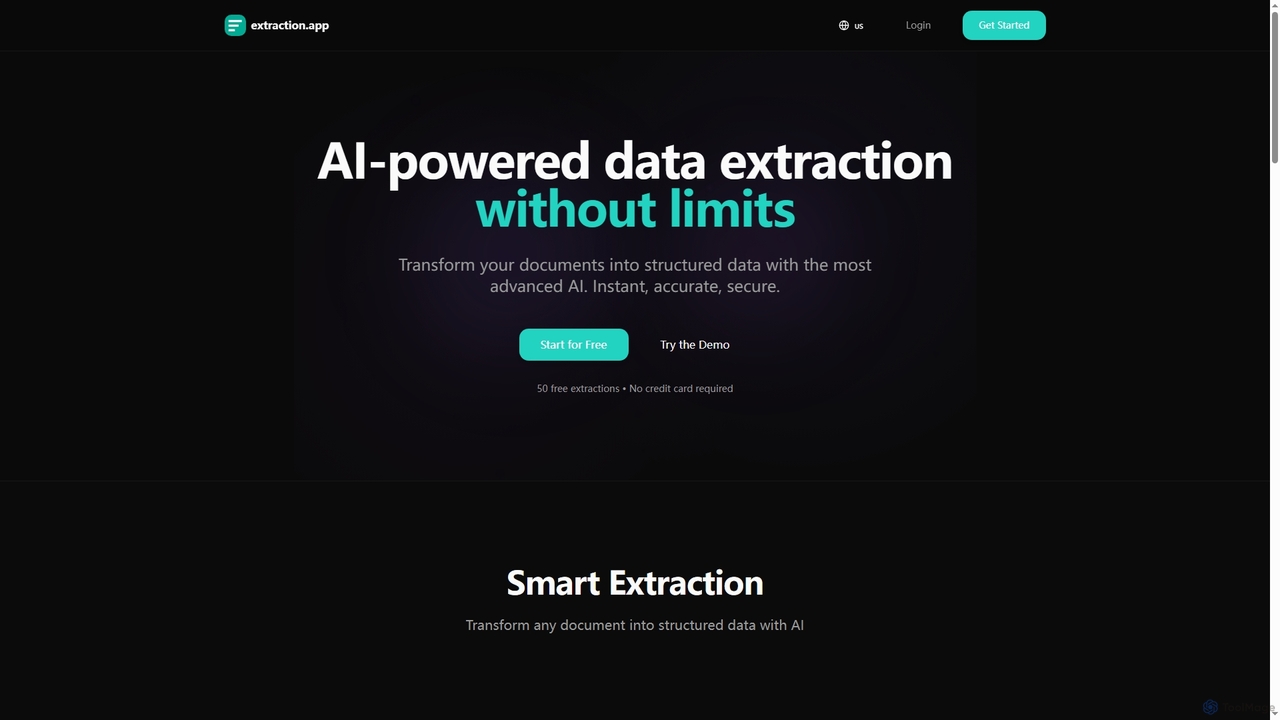
Extraction
Extraction is an AI-powered data extraction tool that transforms any document into structured data instantly, accurately, and securely. It supports all major file formats and complex documents, offering flexible export options.
3D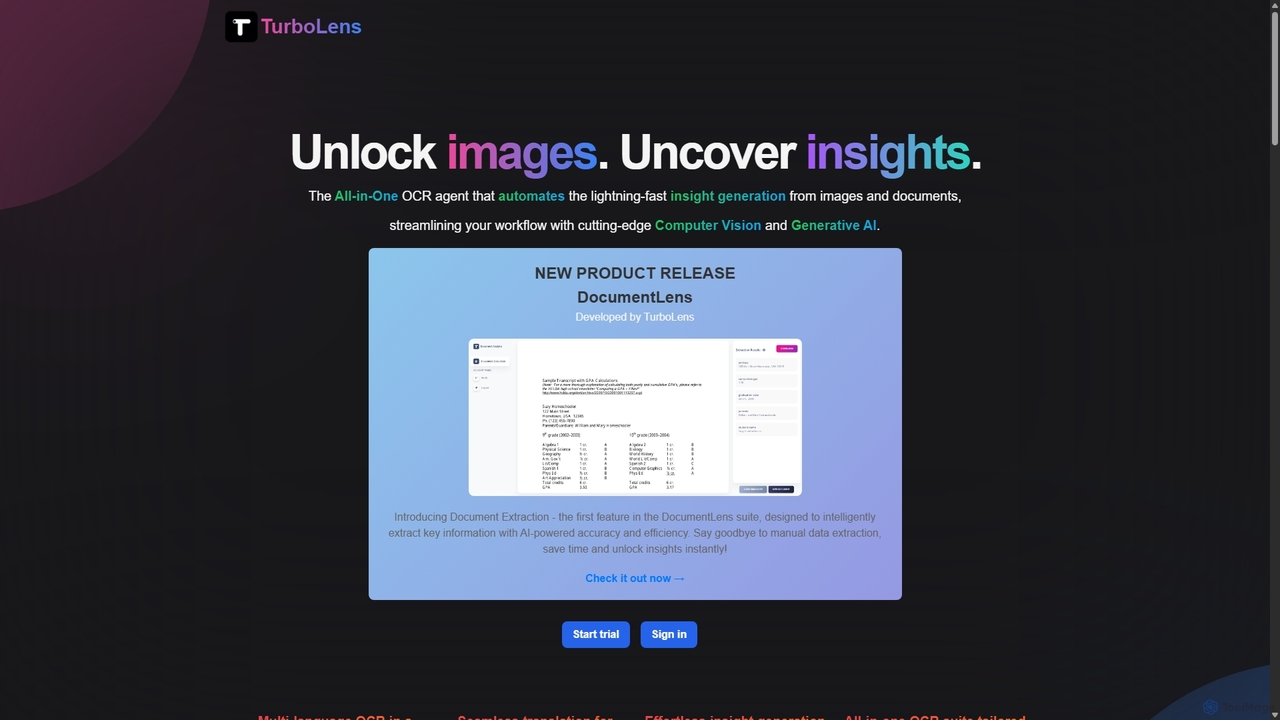
TurboLens
TurboLens is an all-in-one AI-powered OCR agent that automates insight generation from images and documents. It leverages Computer Vision and Generative AI to extract text, handwritten notes, tables, and math formulas, offering in-image translation and customizable workflows to streamline data processing.
Workflow Automation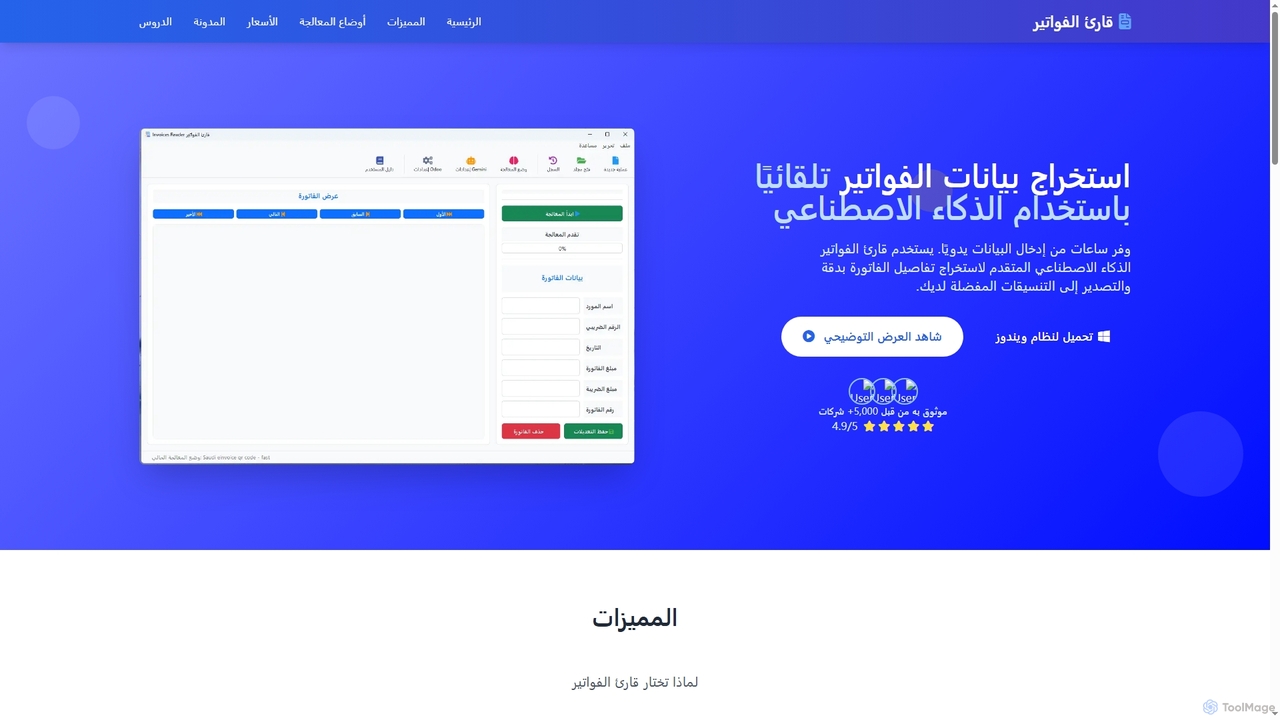
InvoicesReader
InvoicesReader is an AI-powered desktop application for Windows that automates invoice and receipt data extraction. It accurately extracts details from various document formats, offering multiple processing modes including local AI for privacy, cloud AI for complex layouts, and QR code scanning for instant, 100% accurate results. Streamline your financial workflows by exporting data to Excel, CSV, or directly integrating with accounting software.
Document ProcessingInvoiceClip
InvoiceClip is an AI-powered invoice and receipt scanner app designed to automate data extraction, categorization, and organization for businesses. It eliminates manual data entry by instantly converting uploaded documents into accurate, structured data, streamlining financial workflows.
Invoice Processing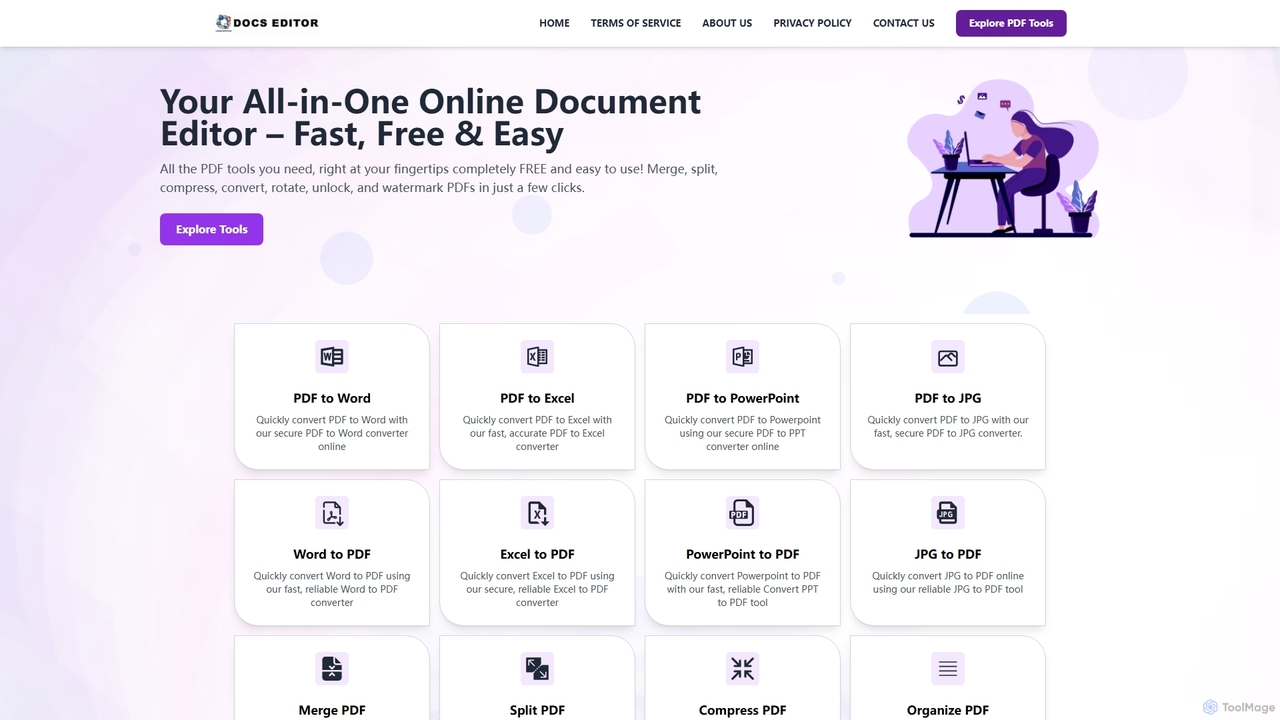
Docseditor
Docseditor is a comprehensive, free online document toolkit for all your PDF needs. It allows users to effortlessly edit, convert, merge, split, compress, sign, and manage PDF files directly in their browser without any installation.
Document Management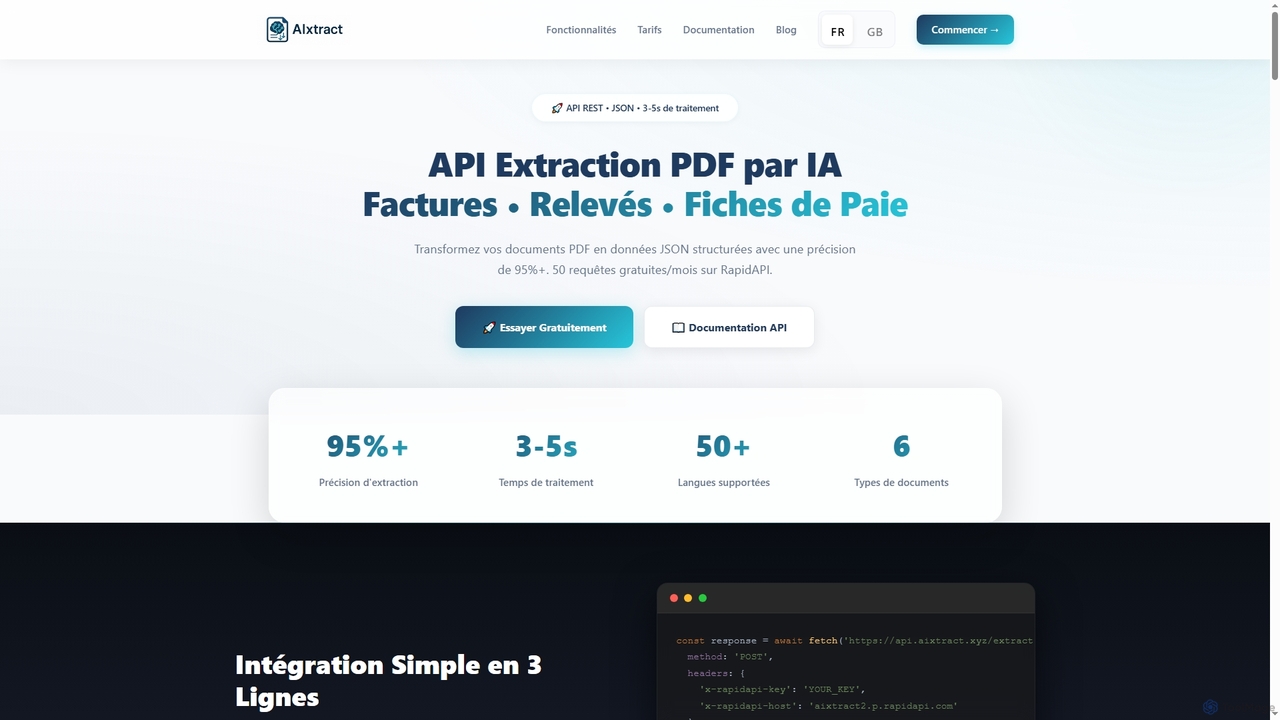
AIxtract
AIxtract is an AI-powered PDF data extraction API that converts unstructured PDF documents like invoices, bank statements, and payslips into structured JSON data with over 95% accuracy. It supports more than 50 languages and processes documents in 3-5 seconds, offering a simple REST API for quick integration.
3DgoPDF
goPDF is an AI-powered platform designed to streamline document workflows. It offers a suite of tools including a document generator, PDF converter, AI writer, and a 'Chat with PDF' feature. With a robust API, it's tailored for both individual productivity and demanding tech projects, emphasizing privacy and ease of use.
Workflow Automation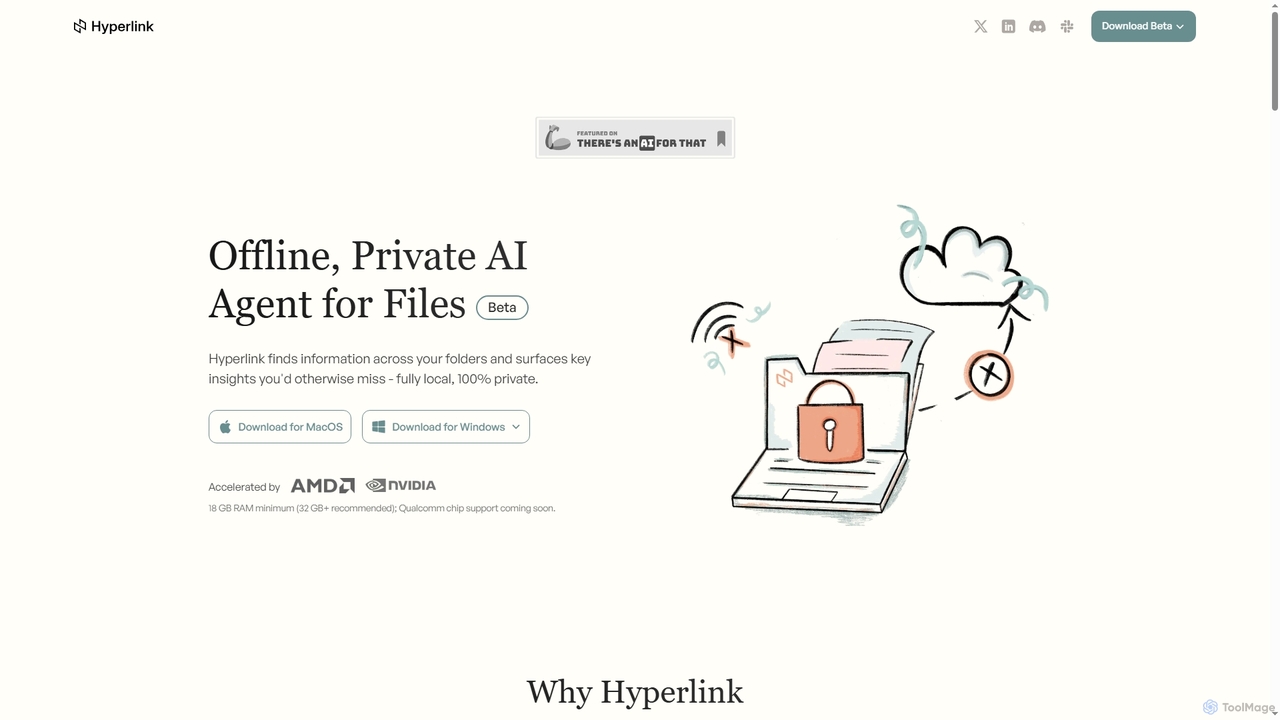
Hyperlink
Hyperlink is a fully on-device, private AI agent designed for document search and understanding. It allows knowledge workers to instantly find, analyze, and summarize information from their local files, notes, and documents without compromising privacy. With features like real-time file indexing, in-text citations, and image text search, Hyperlink transforms your personal data into an intelligent, searchable knowledge base, all processed offline on your device.
Offline Agent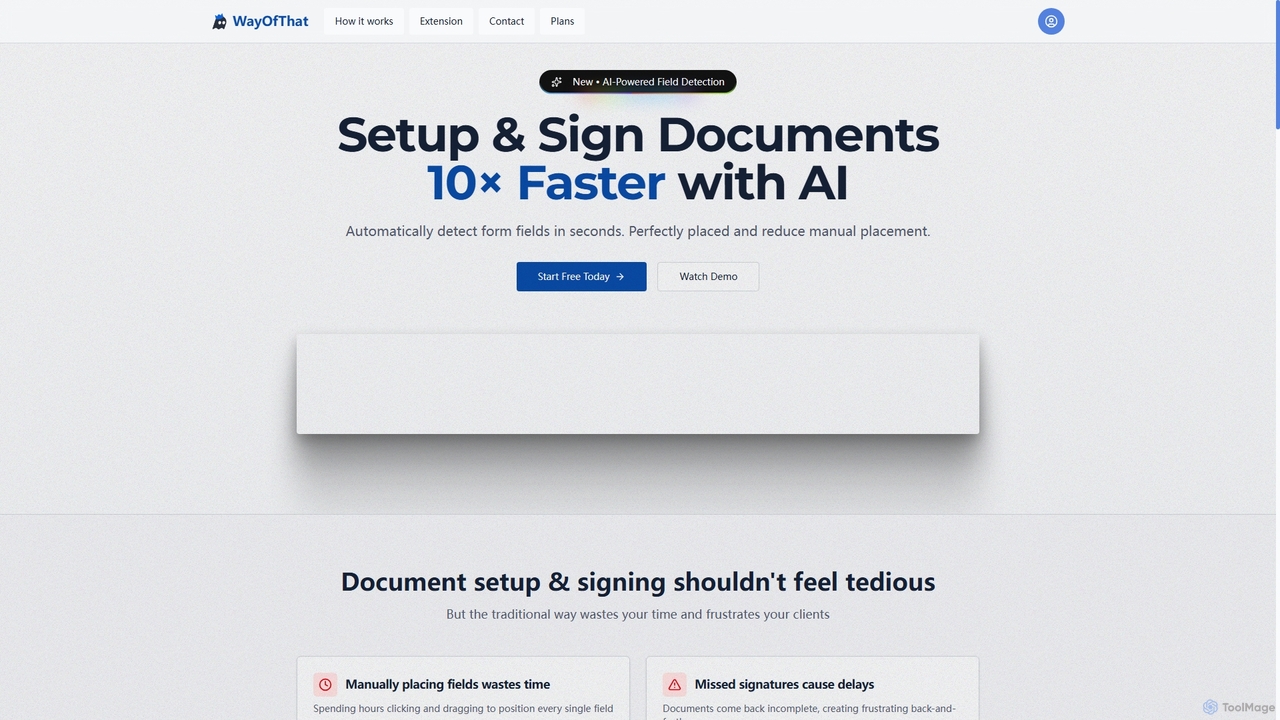
WayOfThat
WayOfThat is an AI-powered document setup and e-signature platform designed to automate the detection and placement of form fields. It helps users sign documents up to 10 times faster, eliminating tedious manual work and improving workflow efficiency for various business and legal documents.
Workflow Automation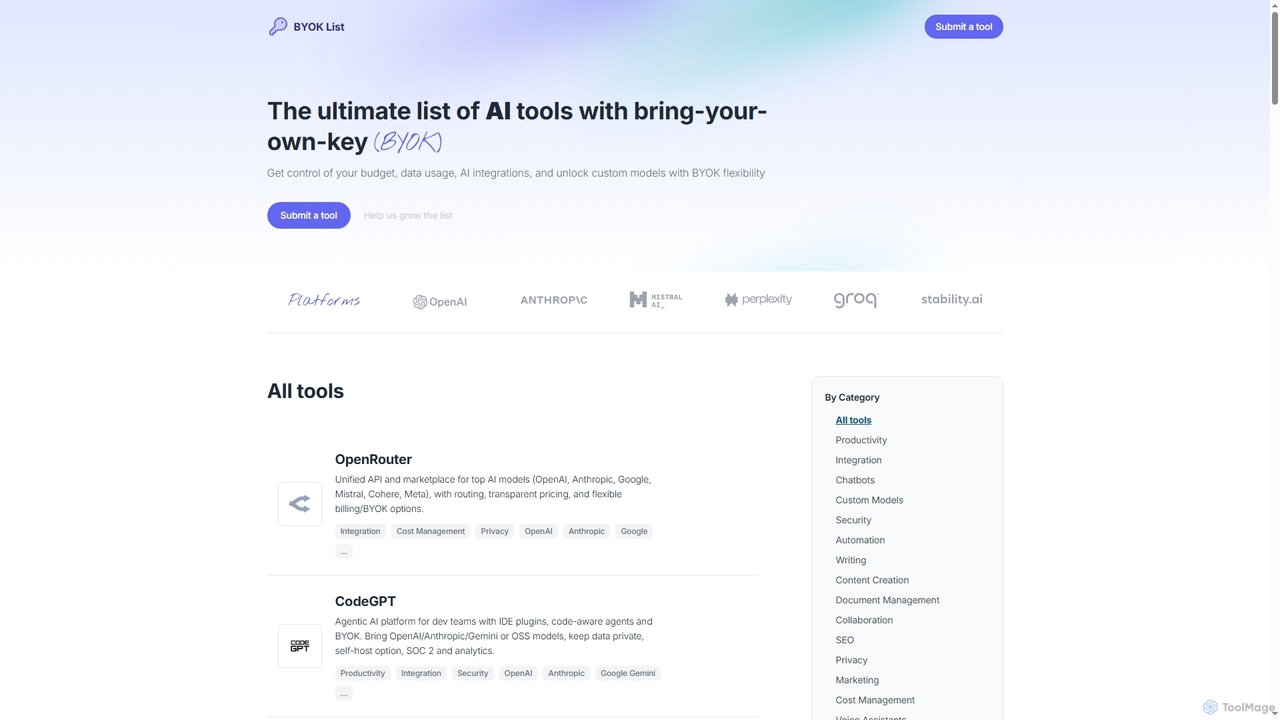
BYOKList
BYOKList is the ultimate directory for discovering AI tools that support Bring-Your-Own-Key (BYOK) functionality. It empowers users to manage their budget, data usage, and AI integrations, while also enabling access to custom models with enhanced flexibility.
Ai Resource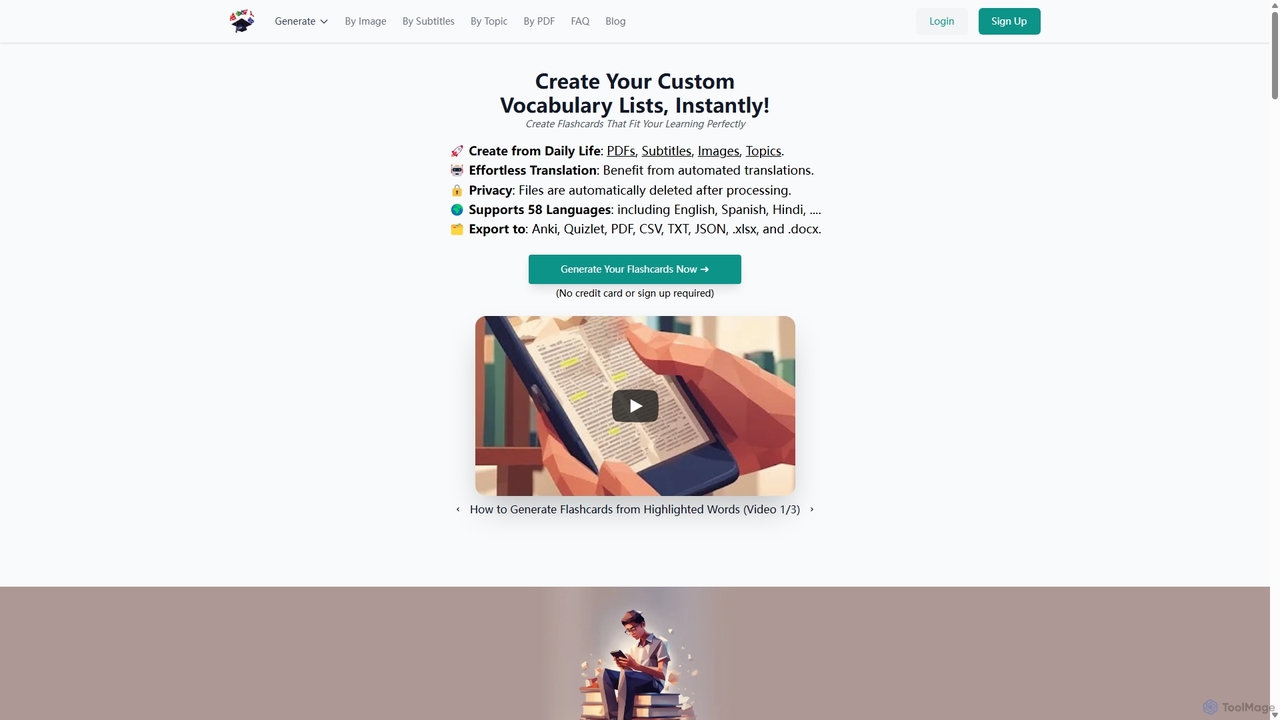
VocabGenerator
VocabGenerator is a powerful AI tool that instantly creates custom vocabulary flashcards. Generate translated flashcards from PDFs, images with highlighted text, subtitle screenshots, or any topic you choose. It supports a vast range of languages and allows for easy export to Anki or printable PDFs, making it an essential resource for language learners, students, and professionals.
Language Learning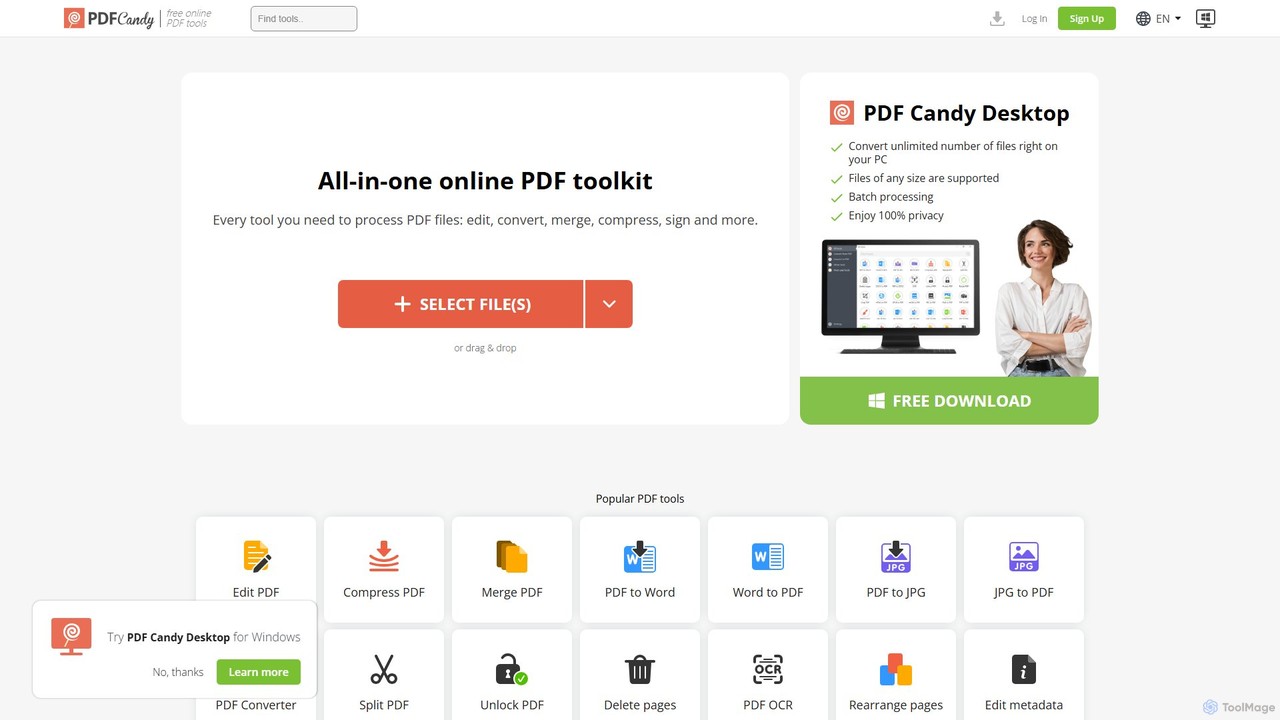
PDF Candy
PDF Candy is a comprehensive all-in-one online and desktop toolkit offering over 90 free tools to manage PDF files. Users can easily edit, convert from and to various formats, merge, compress, sign, unlock, and perform OCR on documents. It provides a user-friendly interface for both casual and professional use, ensuring high-quality results for all your PDF needs.
File Conversion
AIO Scanner Comments (0)
Sign in to comment.
Sign inNo comments yet.