
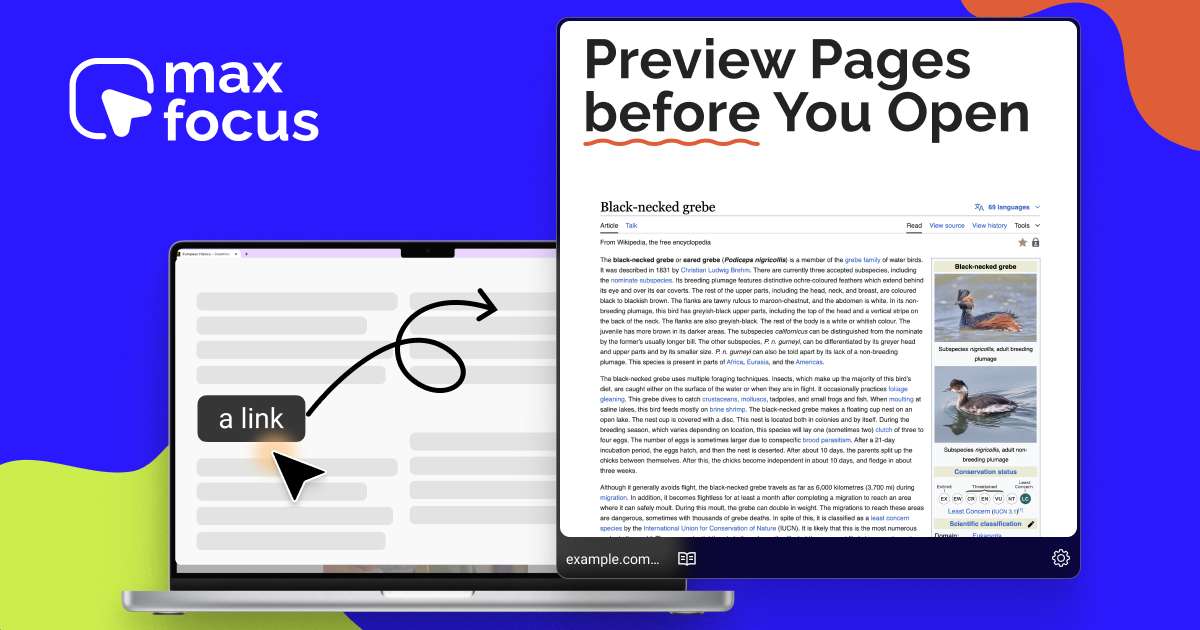

MaxFocus Overview
MaxFocus is a transformative browser extension designed to combat the common problem of tab overload and digital distraction. For anyone who finds themselves lost in a sea of open tabs, MaxFocus offers an elegant solution: the ability to preview links instantly without ever leaving your current page. Whether you're a student researching a paper, a professional prospecting clients, or simply browsing your favorite news site, this tool streamlines your workflow, saves valuable time, and helps you maintain focus. Trusted by over 10,000 users, MaxFocus integrates seamlessly into your browsing habits, making it an indispensable tool for a cleaner, more efficient online experience.
How to use MaxFocus
MaxFocus is designed for flexibility and can be adapted to any user's workflow. You can activate link previews in several intuitive ways:
- Hover to Preview: Simply rest your mouse cursor over a link, and after a brief, customizable delay, a preview window will appear.
- Long Click: Press and hold your mouse button on a link to trigger the preview. This prevents accidental pop-ups.
- Keyboard Shortcuts: For keyboard-centric users, navigate to a link using the 'Tab' key and press 'Space' to open a preview. Alternatively, use 'Alt+Click' for an instant preview without any delay.
- Mac-Specific Shortcuts: Mac users can use familiar commands like 'Command+Shift+Click' or 'Ctrl+Shift+Click' for quick access.
- Context Menu: Right-click on any link and select "Preview with MaxFocus" from the context menu for seamless integration with your standard browsing actions.
- Paste a URL: You can also click the extension icon in your browser toolbar and paste a URL directly to preview it on your current page.
Core Features of MaxFocus
- Instant Link Previews: Peek at articles, videos, and other web content without opening new tabs. Works on most websites, including Google Search, Notion, and social media platforms.
- MaxFocus AI Assistant: Go beyond simple previews. The AI assistant allows you to chat with the content of a webpage or preview, ask for instant summaries of articles or YouTube videos, and receive helpful prompts to dive deeper into a subject.
- Reader Mode: Convert cluttered webpages into a clean, ad-free, and easy-to-read format, perfect for distraction-free reading.
- Dedicated Video Mode: Watch videos from links in a focused preview window, with all surrounding distractions like sidebars and comments removed.
- Extensive Customization: Tailor the extension to your needs. Adjust how previews are opened, how they behave (e.g., size, duration), and what they look like.
- Privacy and Security First: MaxFocus is built with privacy at its core. It does not track your browsing history, does not store any personal data, and actively blocks trackers to protect your online footprint.
- Broad Browser Compatibility: Use MaxFocus on your favorite desktop browsers, including Chrome, Firefox, Edge, Brave, and Vivaldi.
Use Cases for MaxFocus
MaxFocus is versatile and benefits a wide range of users:
- Students and Researchers: Quickly scan through search results, academic papers, and sources without losing track of the main research page. The AI summary feature is perfect for rapidly assessing the relevance of content.
- Sales and Marketing Professionals: Efficiently research prospects by previewing their websites and LinkedIn profiles directly from a Google Sheet or CRM, dramatically shortening the research process.
- Content Curators and Social Media Managers: Skim through feeds on Hacker News, Reddit, or Twitter, previewing articles and discussions to find relevant content without constant tab switching.
- Casual Browsers: Enjoy a cleaner browsing experience. Read news, follow links from newsletters, or watch videos without the clutter of accumulating tabs.
- Users with Accessibility Needs: The extension helps reduce the number of required clicks and simplifies navigation, making the web more accessible.
Advantages of MaxFocus
The primary advantage of MaxFocus is its ability to restore focus and boost productivity. By keeping you on a single page, it minimizes context switching, a major drain on mental energy. It declutters your digital workspace, which can lead to better computer performance and a less stressful browsing session. The integrated AI assistant adds a layer of intelligence, transforming it from a simple preview tool into a powerful research assistant. Furthermore, its strong commitment to privacy and security makes it a trustworthy choice in an era of data surveillance.
Pricing and Plans
MaxFocus operates on a freemium model, providing both a free and a premium option:
- Free Plan: Includes core link preview functionality, allowing users to experience the benefits of tab-free browsing. This plan may have limitations on the number of daily previews or AI uses.
- MaxFocus PRO: A one-time payment provides lifetime access to all premium features. The PRO plan includes: Unlimited AI assistant usage (chat with pages, video summaries), unlimited link previews, advanced customization options, enhanced security features like threat alerts, privacy enhancements like tracker removal from links, and priority customer support. A single purchase provides a code that can be used across all your devices.
Payments are handled securely through PayPal, with other payment options available by contacting their support team.
Traffic
Latest traffic
Status
Monthly traffic trend
- 2025-9: 80.9K
- 2026-1: 67.9K
- 2026-2: 40.6K
- 2026-3: 37.7K
- 2026-4: 34.0K
- 2026-5: 34.7K
Geography
Top 5 countries / regions
- 🇺🇸United States40.7%
- 🇷🇺Russia20.8%
- 🇧🇷Brazil14.7%
- 🇮🇳India12.0%
- 🇩🇪Germany11.7%
Traffic sources
| Source type | Percentage |
|---|---|
Direct | 89.7% |
Referral | 10.0% |
Email | 0.3% |
Top keywords
| Keyword | Cost per click |
|---|---|
| best preview extension | $0.00 |
| browser site to preview media from links | $0.00 |
| googleフォトにアップロード 拡張機能 | $0.00 |
| maxfocus | $6.46 |
| maxfocus for chrome | $0.00 |
MaxFocus Alternatives
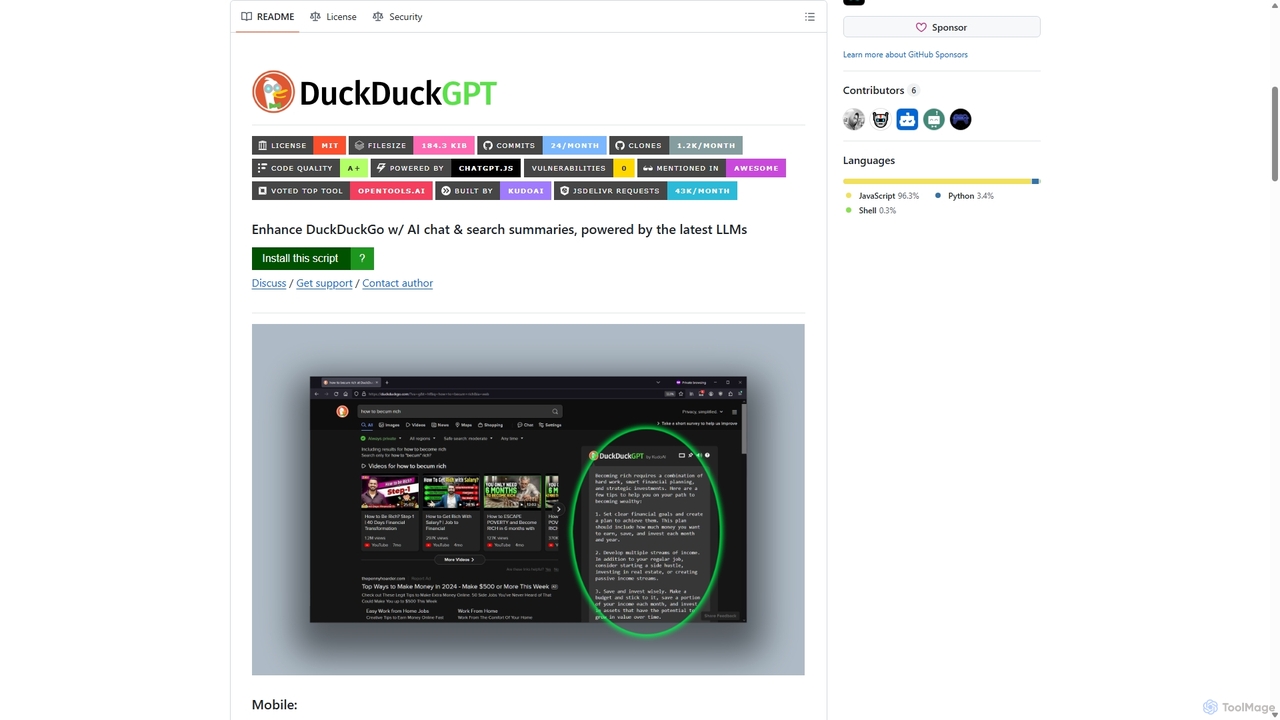
Duckduckgpt
A powerful browser extension that supercharges the DuckDuckGo search engine with AI chat and search summaries. It seamlessly integrates responses from the latest LLMs like GPT-4o directly into your search results, providing instant, intelligent answers while maintaining your privacy.
Browser Extensions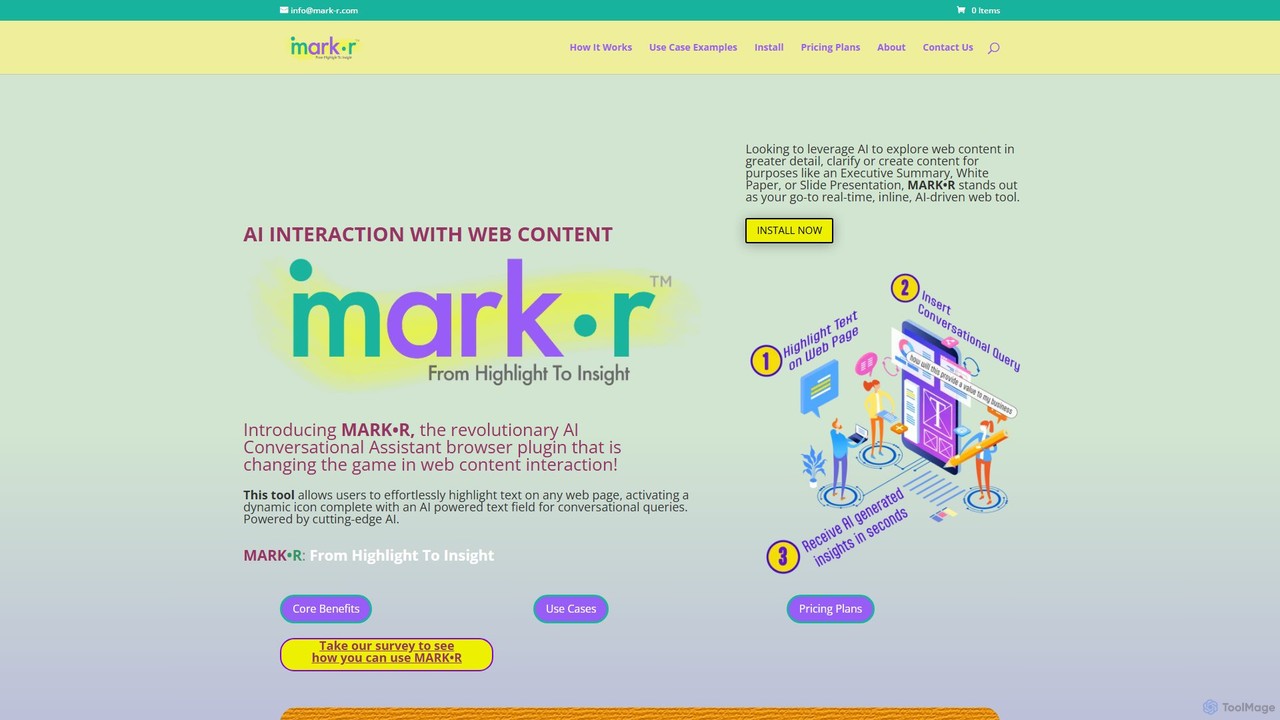
mark_r
mark_r is a revolutionary AI browser extension that transforms how you interact with web content. Simply highlight text on any page to activate a conversational AI, allowing you to ask questions, summarize articles, clarify complex topics, and generate content. It analyzes both the highlighted text and the full page context to provide deep, accurate insights, turning passive reading into an active, engaging experience.
Browser Extensions
AIAI
AIAI is an all-in-one AI creative suite designed to transform ideas into stunning visuals and provide intelligent assistance. It offers powerful tools for generating images, videos, and text content, alongside specialized features like an AI Homework Helper and a productivity-boosting browser extension.
Homework Assistance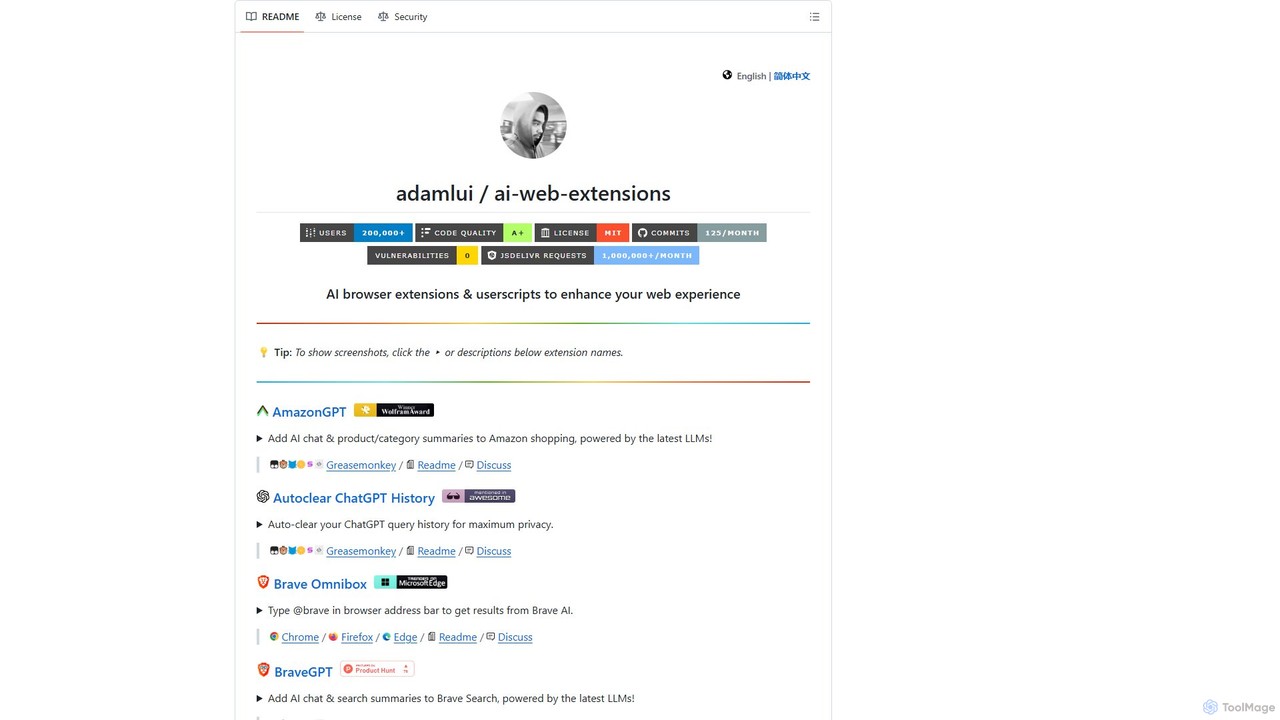
ChatGPT EVO
ChatGPT EVO is a powerful suite of open-source browser extensions and userscripts designed to augment your web experience. It seamlessly integrates AI functionalities from models like ChatGPT into your daily browsing, including search engines, e-commerce sites, and the browser's address bar, boosting productivity and providing instant information.
Code Assistant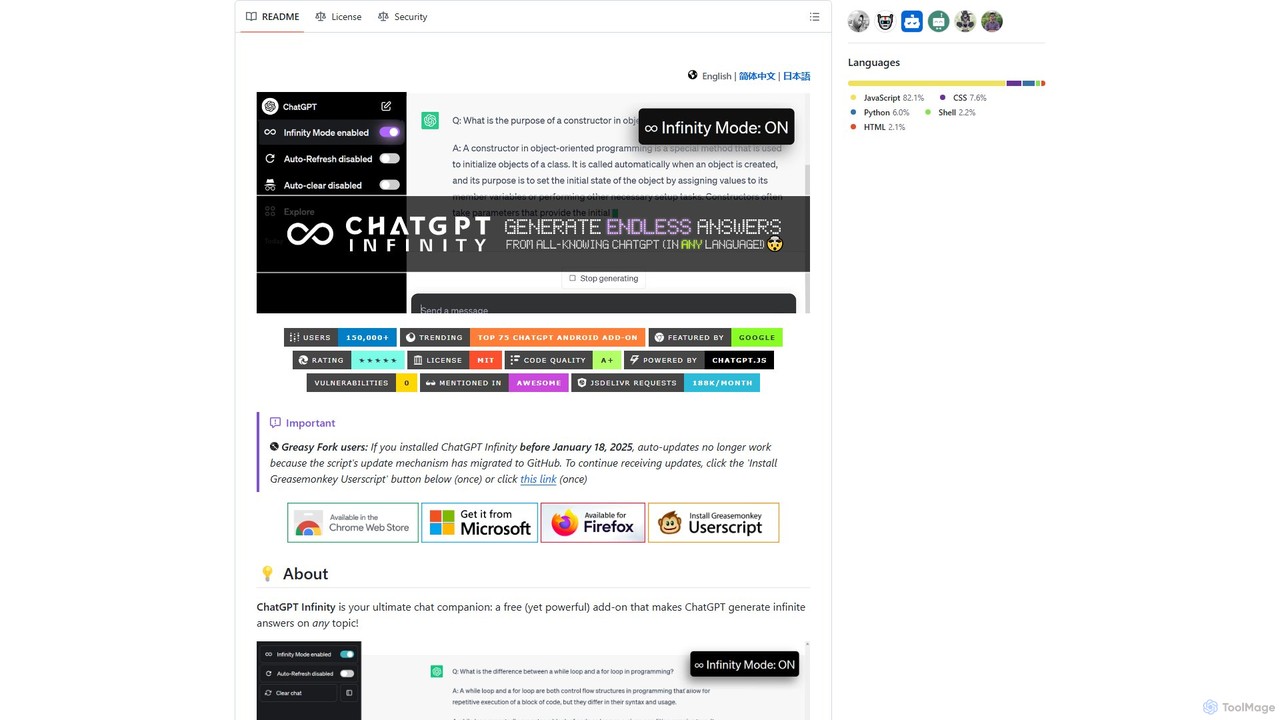
chatgpt-infinity
ChatGPT Infinity is a powerful browser extension that enables ChatGPT to generate endless, continuous answers on any topic you choose. It offers features like customizable topics, multilingual output, adjustable response speed, and auto-scrolling for a seamless, in-depth exploration experience. Ideal for researchers, writers, and learners.
ResearchMaxFocus Categories
MaxFocus Embed Widget
Copy this embed code to place the badge on your blog, article, or product site and send readers directly to this ToolMage detail page.

Related AI tools
TiimoAI
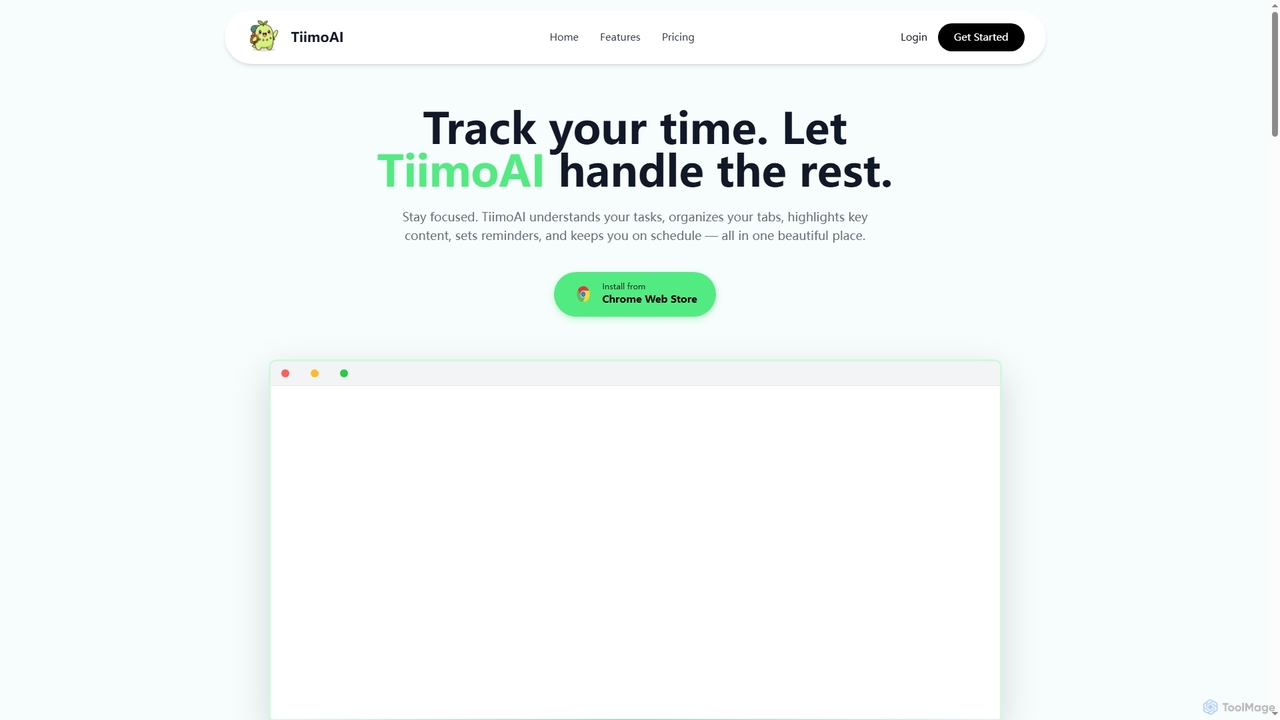
TiimoAI is an AI-powered Chrome extension designed to enhance productivity by intelligently tracking time, organizing browser tabs, and fostering deep focus. It provides detailed analytics on work patterns, helping users understand and optimize their daily output and achieve long-term goals.
Productivity TrackingDuckduckgpt
A powerful browser extension that supercharges the DuckDuckGo search engine with AI chat and search summaries. It seamlessly integrates responses from the latest LLMs like GPT-4o directly into your search results, providing instant, intelligent answers while maintaining your privacy.
Browser Extensionsmark_r
mark_r is a revolutionary AI browser extension that transforms how you interact with web content. Simply highlight text on any page to activate a conversational AI, allowing you to ask questions, summarize articles, clarify complex topics, and generate content. It analyzes both the highlighted text and the full page context to provide deep, accurate insights, turning passive reading into an active, engaging experience.
Browser Extensions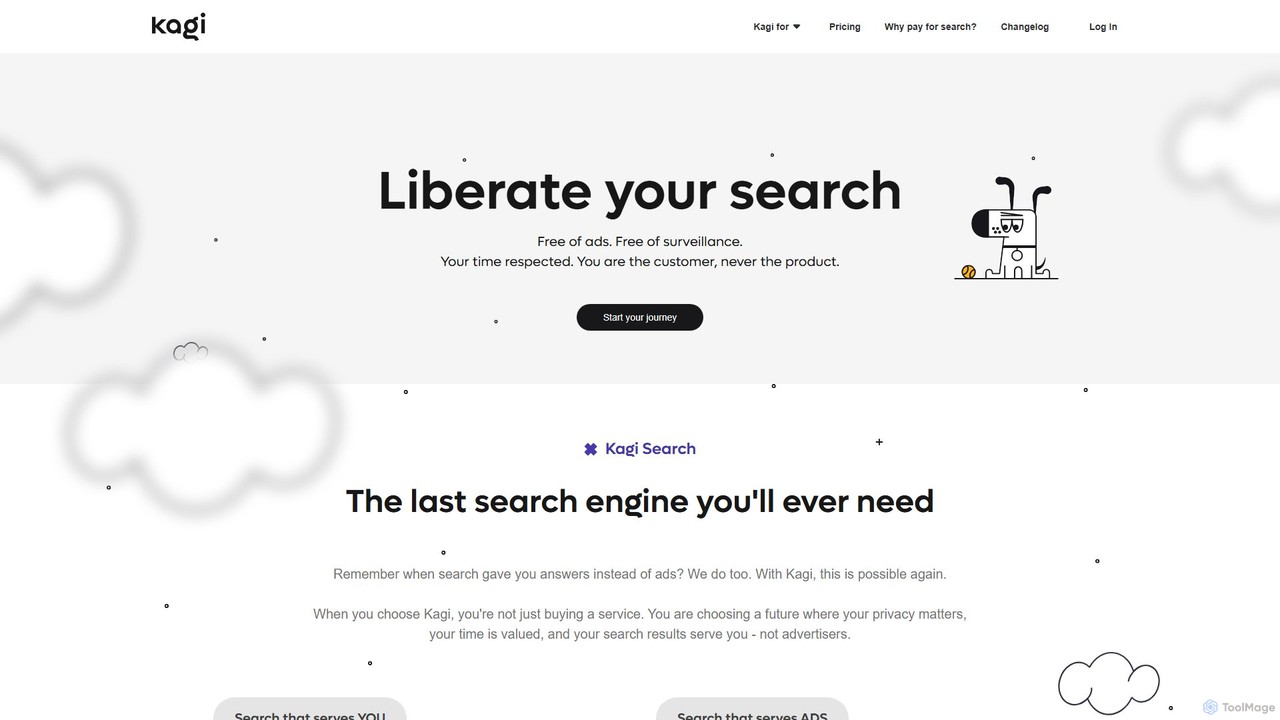
Kagi
Kagi is a premium, user-funded search engine that provides a 100% ad-free, private, and customizable search experience. It enhances productivity with high-quality, unbiased results and an integrated AI Assistant powered by leading large language models. Kagi puts users in control, allowing them to personalize search results and ensuring their data is never sold or used for advertising.
Ai Assistant
Sider
Sider is an all-in-one AI assistant integrated as a browser sidebar and cross-platform app. It combines chat with models like GPT-4 and Claude 3.5, a powerful "Deep Research" agent, a personal knowledge base called "Wisebase," and a suite of tools for summarizing, translating, writing, and image editing to enhance productivity and learning.
Assistant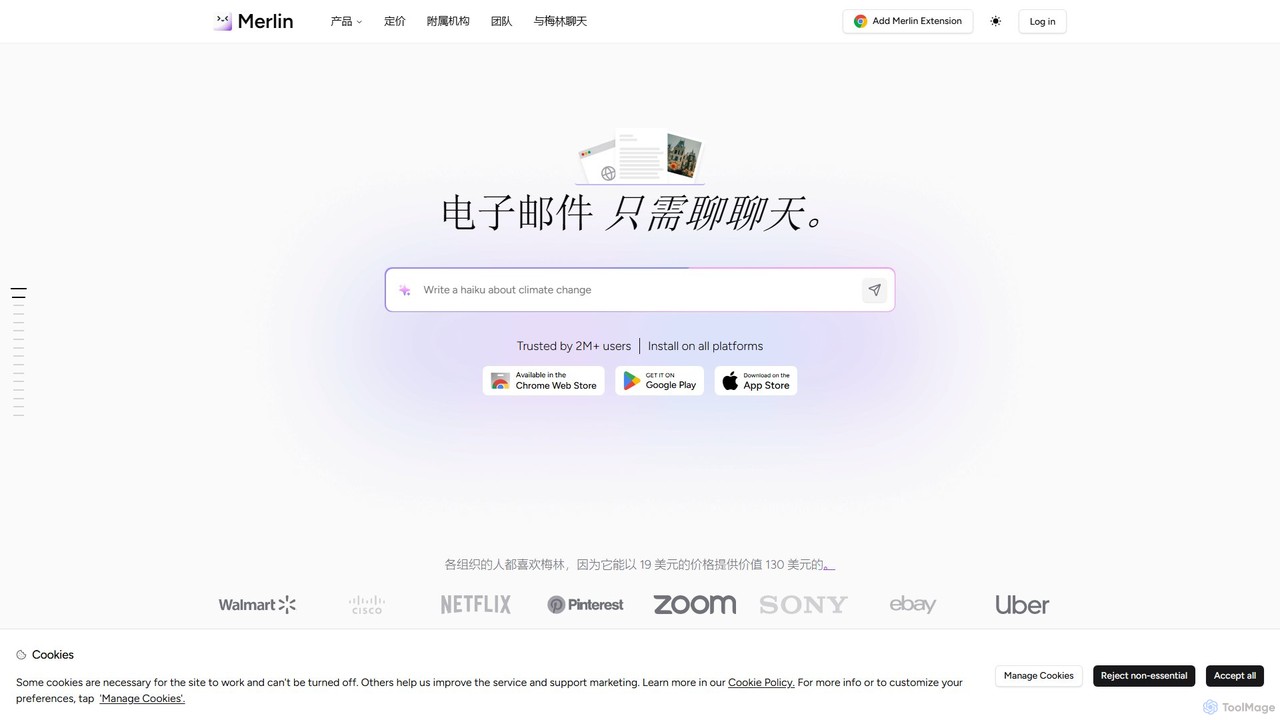
getmerlin
getmerlin is a versatile AI assistant powered by top models like GPT-4o and Claude 3.5. Available as a browser extension and app, it integrates seamlessly into your workflow to summarize content, draft emails, generate text and images, and enhance research on any website. It acts as an all-in-one productivity tool, saving time and money by consolidating multiple AI services into a single subscription.
Chrome Extensions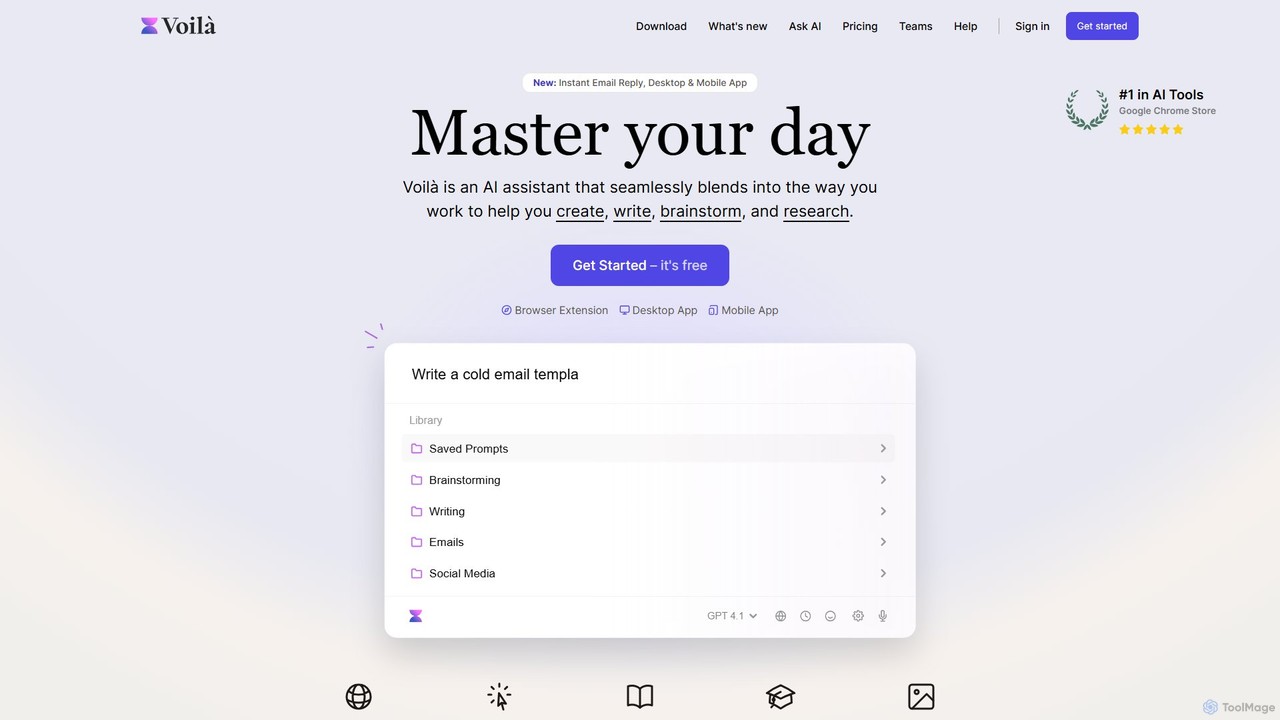
Voilà
Voilà is an all-in-one AI assistant designed to maximize productivity. It functions as a browser extension, desktop, and mobile app, seamlessly integrating into your workflow to help with writing, brainstorming, research, and content creation. It works on any website or app, understanding the context to provide relevant assistance.
Content Creation
duckduckgpt
A free, open-source browser extension that enhances DuckDuckGo search with AI-powered chat and summaries. It integrates seamlessly, providing instant answers and concise summaries from the latest LLMs like GPT-4o, right alongside your search results.
Browser Extension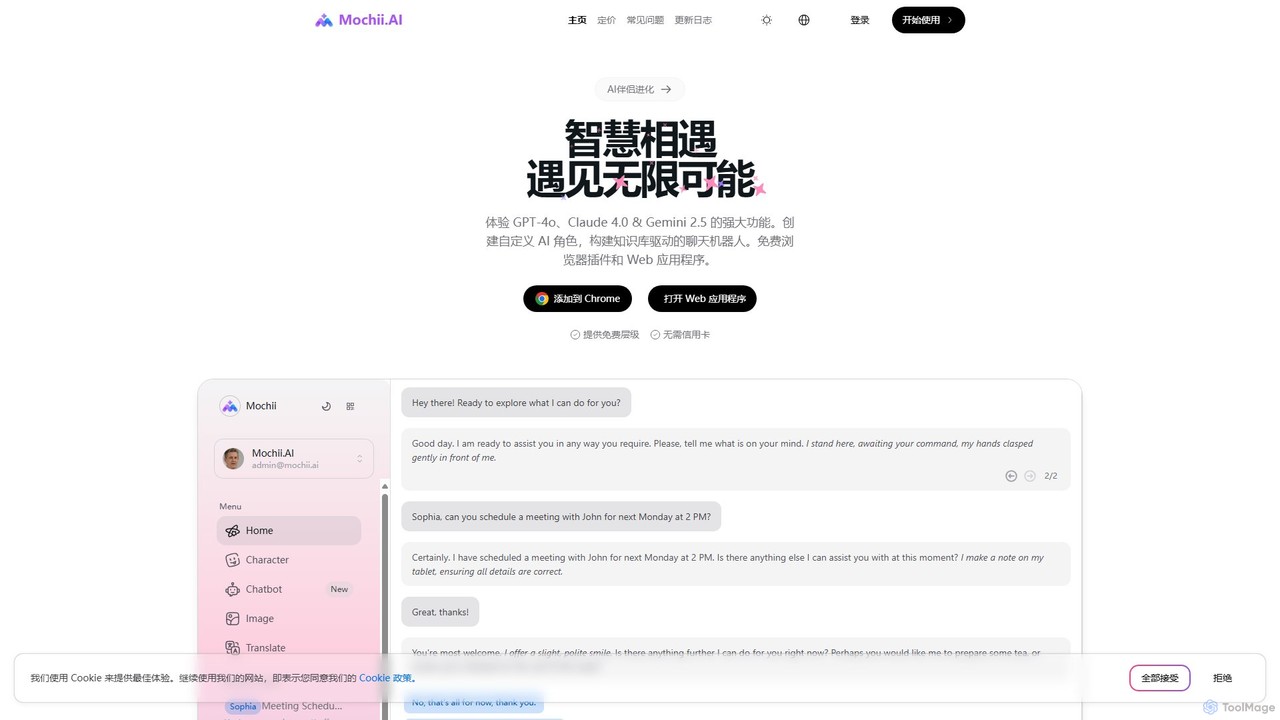
Mochii
Mochii is an all-in-one AI assistant that integrates leading models like GPT-4o, Claude, and Gemini into a seamless browser extension and web app. It enhances productivity by offering features like document analysis, web browsing, AI chatbot building, and customizable AI roles. A generous free tier provides access to advanced AI capabilities for everyone.
Productivity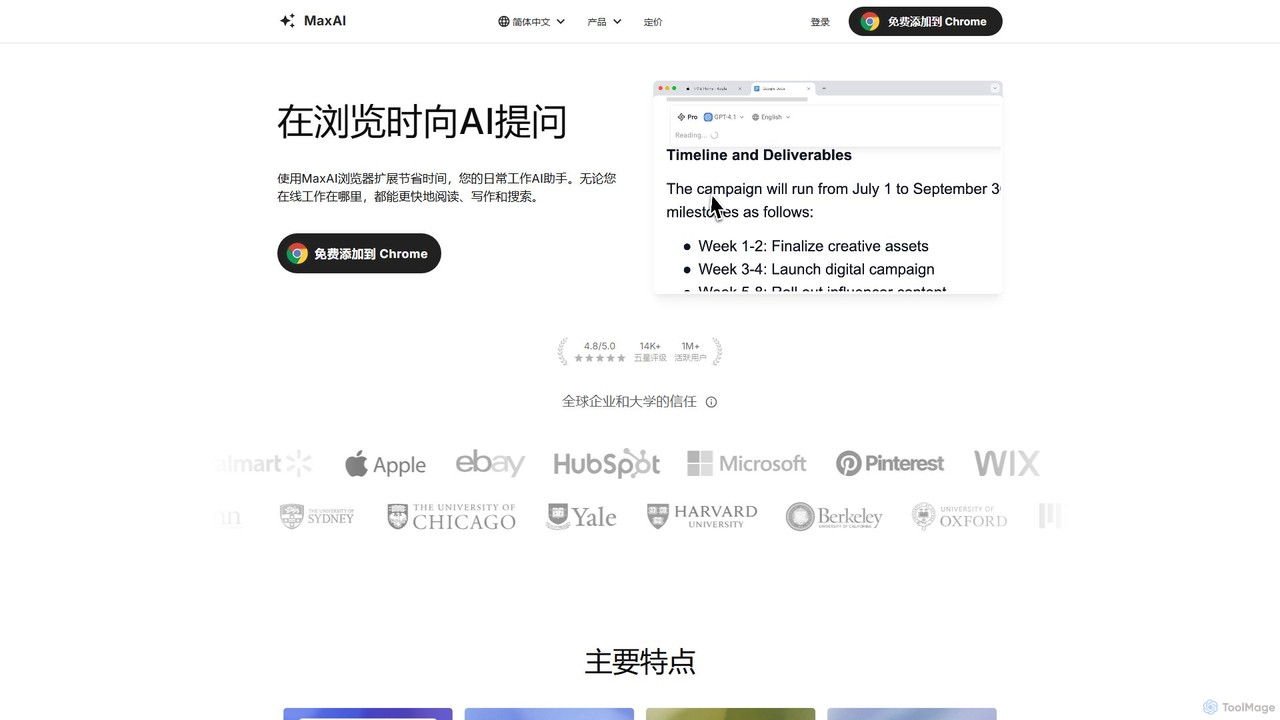
MaxAI
MaxAI is a powerful browser extension that acts as your all-in-one AI assistant. It integrates top AI models like GPT-4o and Claude 3.5 directly into your browser, allowing you to read, write, and research faster. Summarize web pages, improve your writing, translate text, and generate content with a single click, boosting your productivity across all your online activities.
Chrome Extensions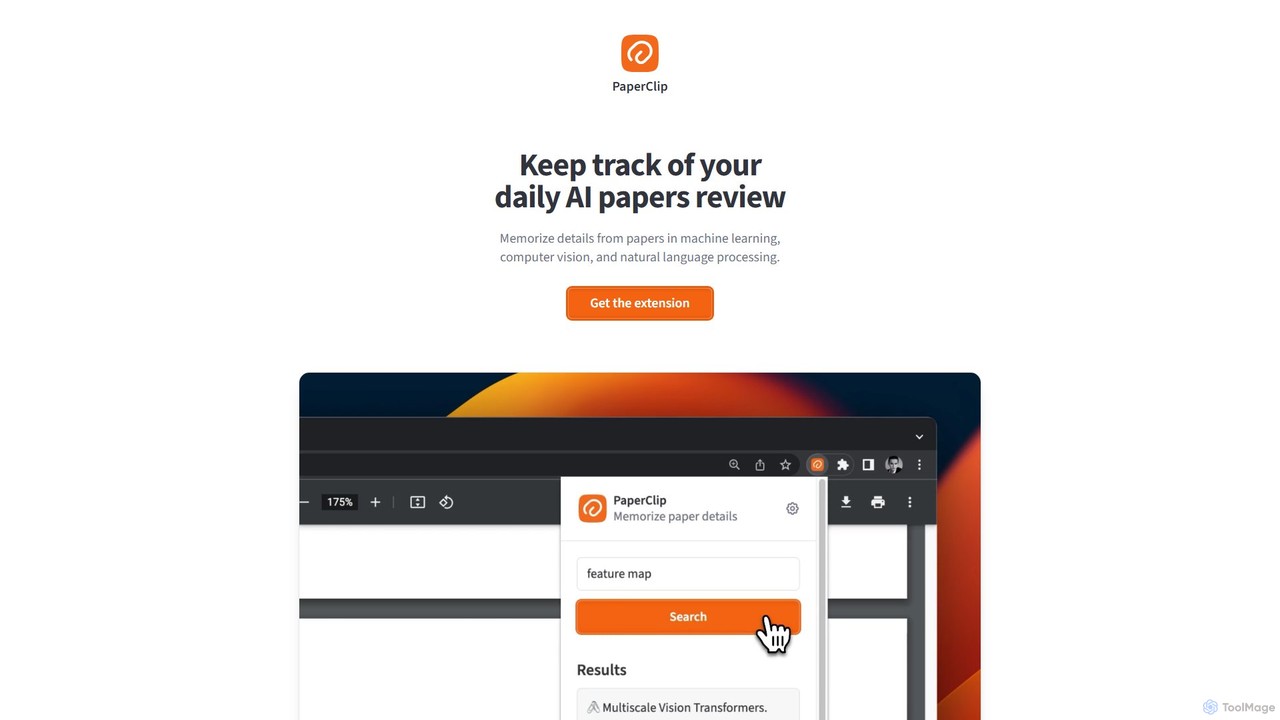
PaperClip
PaperClip is a privacy-focused browser extension that uses on-device AI to help you memorize and recall details from AI research papers, ML blogs, and news. All data is stored and processed locally, ensuring complete privacy and offline access.
Search Tools
Viinyx
Viinyx is an all-in-one AI browser assistant designed to supercharge your productivity. Integrated directly into your browser, it helps you write faster, read smarter, and research more efficiently. Summarize articles and videos, compose emails, and get contextual AI help on any webpage.
Summarizer
timemaster
timemaster is an AI-powered, privacy-first time and productivity tracker for macOS. It automatically monitors your activities in the background, providing insightful analytics to help you understand your work habits, minimize distractions, and supercharge your focus to achieve more every day.
Analytics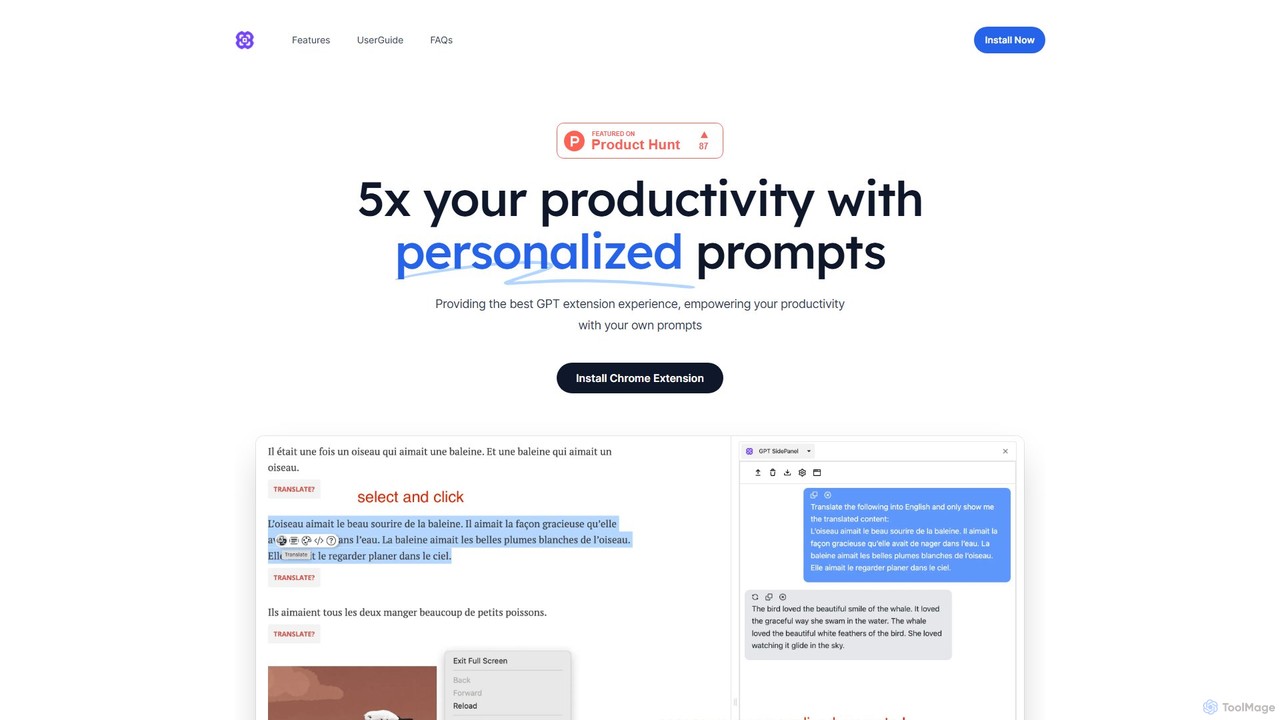
GPTSidePanel
GPTSidePanel is a powerful AI browser extension that integrates a GPT-powered sidebar into your browsing experience. Boost your productivity by summarizing articles, translating text, polishing writing, and using custom prompts directly on any webpage. Eliminate tab-switching and keep your workflow seamless with this intuitive AI assistant.
Browser Extension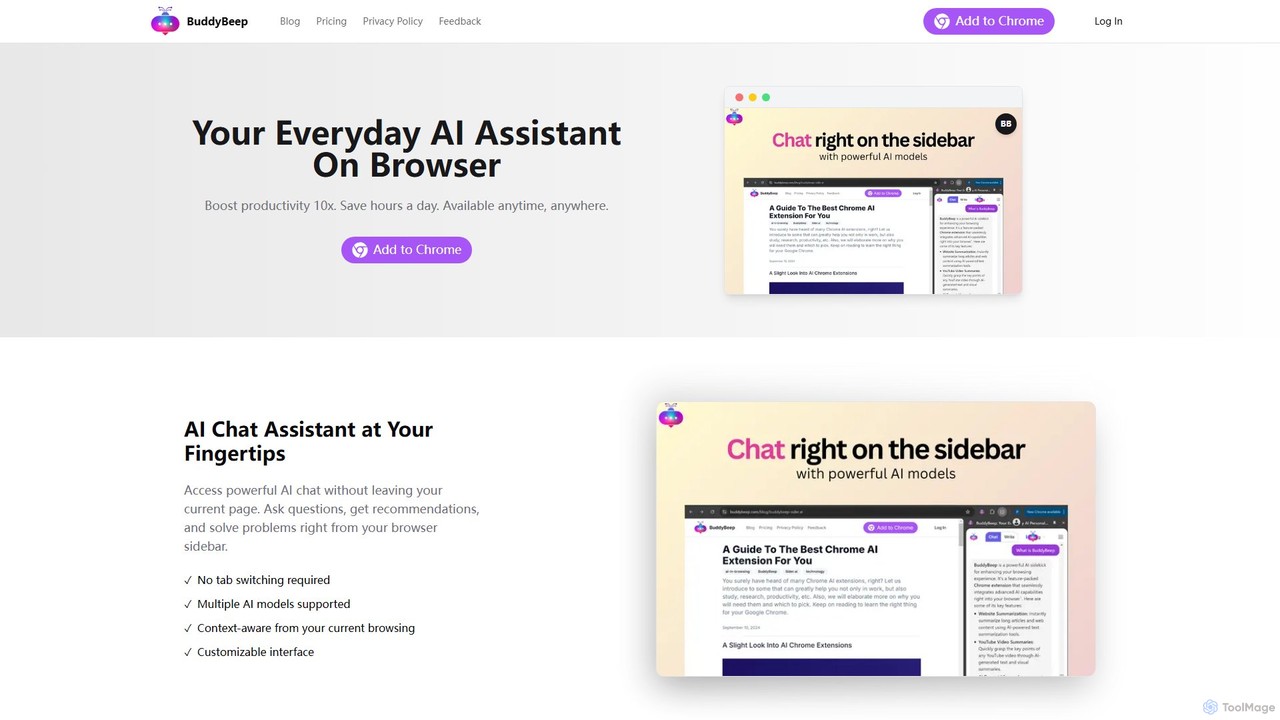
BuddyBeep
BuddyBeep is an AI-powered Chrome extension that acts as your personal browsing assistant. It boosts productivity by offering an in-page AI chat, one-click summarization for articles and YouTube videos, and a smart knowledge repository to build your "second brain". Capture, organize, and retrieve information effortlessly without switching tabs, transforming your browsing into a more efficient and insightful experience.
Browser Extension
MaxFocus Comments (0)
Sign in to comment.
Sign inNo comments yet.