

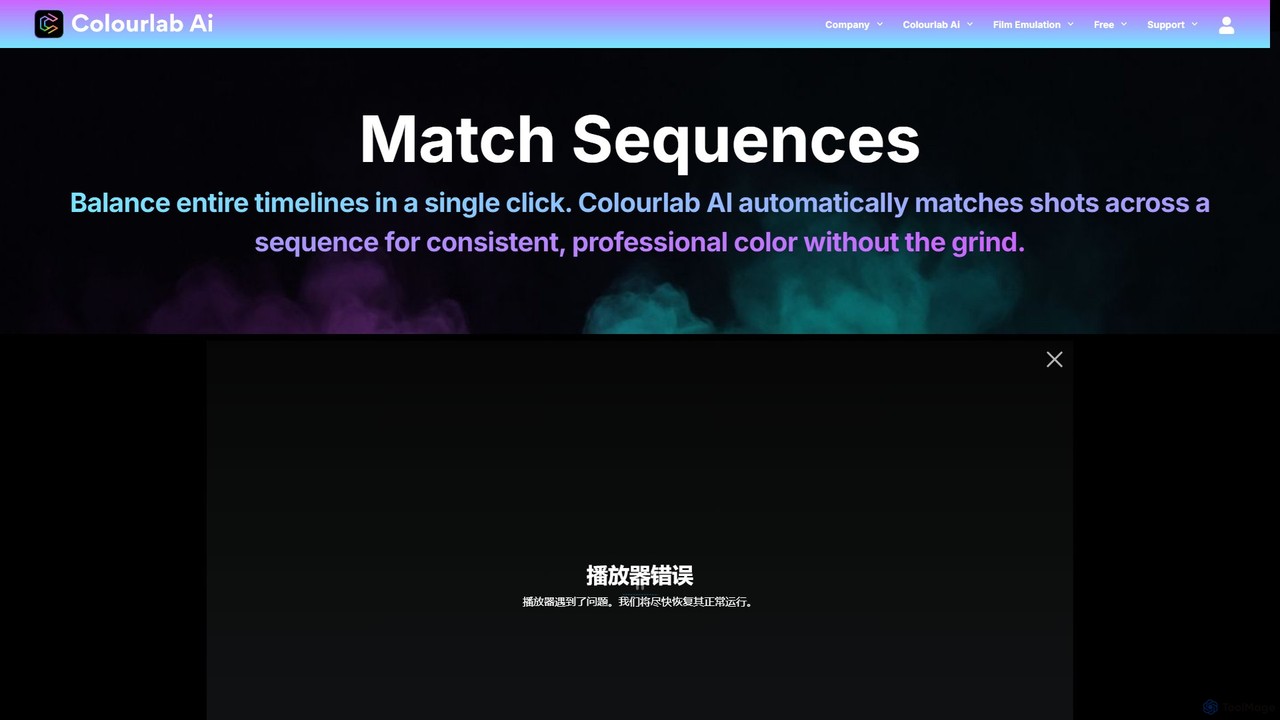
Colourlab.ai Overview
Colourlab.ai is a revolutionary software designed to transform the time-consuming process of video color grading into a fast, intelligent, and automated workflow. Built by Hollywood veterans, it leverages advanced AI and studio-grade color science to deliver professional results with unprecedented speed. The tool is engineered to eliminate hours of manual adjustments, shot matching, and round-tripping between applications. With its latest version running up to 22x faster, Colourlab.ai performs all processing locally on your device, ensuring your media remains secure and private.
The platform is built for both seasoned professionals and independent creators. It can function as a powerful standalone desktop application or as a seamless plugin within your favorite non-linear editing (NLE) software. This flexibility allows users to integrate AI-powered grading directly into their existing post-production pipelines, enhancing efficiency without disrupting established workflows.
How to use Colourlab.ai
Colourlab.ai is designed for an intuitive and streamlined user experience. The workflow typically follows these steps:
- Integration: Install Colourlab.ai as a standalone application or as a plugin for your preferred NLE (DaVinci Resolve, Adobe Premiere Pro, Final Cut Pro). For high-end workflows, the Pro version integrates with Foundry Nuke, Baselight, and Autodesk Flame.
- Import & Analyze: Bring your footage into the application or apply the plugin to your timeline. The AI analyzes your clips to understand their color and lighting characteristics.
- One-Click Correction: Use the 'Auto Balance' feature to instantly fix color imbalances and achieve a neutral, technically accurate starting point. The 'Auto White Balance' corrects for mixed lighting scenarios with high precision.
- Match Sequences: To ensure consistency, use the 'Match Sequences' feature. With a single click, Colourlab.ai automatically matches all shots across an entire timeline, saving hours of manual work.
- Creative Grading: Use any image or frame as a color reference to match its look onto your clips. The Pro version includes LookDesigner for creating unique looks from scratch and GrainLab for adding authentic film grain and texture.
- Export: Since the tool works as a plugin or via round-trip, your graded footage is ready for final export directly from your NLE. It supports all professional color spaces, including ACES, Davinci Wide Gamut, HDR, and Rec.709.
Core Features of Colourlab.ai
- AI-Powered Shot Matching: Automatically balances and matches shots across an entire sequence for perfect color consistency.
- Auto Balance & White Balance: One-click tools to instantly correct color and white balance issues, providing a clean, neutral base.
- Match from Reference: Use any still frame, shot, or LUT as a visual reference to apply a consistent look across your footage.
- Seamless Plugin Integration: Works directly inside DaVinci Resolve, Adobe Premiere Pro, and Final Cut Pro, with Pro support for Nuke, Flame, and Baselight.
- Local Processing: All processing happens on your local machine, ensuring your media is never uploaded and remains 100% secure.
- High-Speed Performance: Optimized for modern processors (e.g., Apple M1), delivering real-time performance that is significantly faster than manual grading.
- Professional Color Space Support: Full support for industry-standard color spaces like ACES, Davinci Wide Gamut, HDR, and Rec.709.
- LookDesigner & GrainLab (Pro Version): Advanced tools for creating custom cinematic looks and adding authentic film grain and texture.
- Extensive RAW Support: Natively supports RAW formats from over 40 camera brands through its integrated Tinman engine.
Use Cases for Colourlab.ai
Colourlab.ai is versatile and benefits a wide range of users:
- Independent Filmmakers & Content Creators: Quickly achieve a professional, cinematic look for projects without needing deep expertise in color science.
- Professional Video Editors: Handle primary color grading directly within their NLE timeline, speeding up delivery times and reducing the need to outsource.
- Professional Colorists: Use the tool to rapidly create a balanced and matched timeline, freeing up valuable time to focus on creative, high-level look development and client requests.
- Post-Production Studios: Streamline workflows for large-scale projects like feature films and episodic television, ensuring consistency and efficiency across the team.
Advantages of Colourlab.ai
The primary advantage of Colourlab.ai is its ability to merge speed with quality. It automates the most tedious and mechanical aspects of color correction, allowing creators to focus on the art of color grading. Its local processing model provides essential security for professional projects. By making Hollywood-level color science accessible through AI, it democratizes high-end finishing and empowers creators at all levels to produce visually stunning content efficiently.
Pricing and Plans
Colourlab.ai offers a free trial with no credit card required, allowing users to test its capabilities. The software is available in two main paid tiers:
- Creator Plan: Aimed at editors, filmmakers, and content creators. It includes the core AI features and plugin support for DaVinci Resolve, Adobe Premiere Pro, and Final Cut Pro. It's perfect for those who want fast, cinematic results directly within their editing timeline.
- Pro Plan: Designed for high-end finishing, VFX professionals, and colorists. It includes all features of the Creator plan, plus advanced integration with DaVinci Resolve, Foundry Nuke, Baselight, and Autodesk Flame. This plan also includes the powerful LookDesigner and GrainLab plugins for complete look creation.
For specific pricing details, please visit the official Colourlab.ai website.
Traffic
Latest traffic
Status
Monthly traffic trend
- 2025-9: 57.9K
- 2026-1: 55.2K
- 2026-2: 45.6K
- 2026-3: 56.7K
- 2026-4: 67.8K
- 2026-5: 66.7K
Geography
Top 5 countries / regions
- 🇺🇸United States43.4%
- 🇮🇳India23.3%
- 🇩🇪Germany12.1%
- 🇻🇳Vietnam11.5%
- 🇳🇬Nigeria9.7%
Traffic sources
| Source type | Percentage |
|---|---|
Direct | 86.5% |
Referral | 13.5% |
Top keywords
| Keyword | Cost per click |
|---|---|
| ai color grading | $1.94 |
| colorlab ai | $1.56 |
| colourlab | $0.39 |
| colourlab ai | $0.51 |
| colourlab ai pro v3.5.0 | $0.00 |
Colourlab.ai Videos on YouTube


Color Grading Academy
Colourlab.ai Alternatives
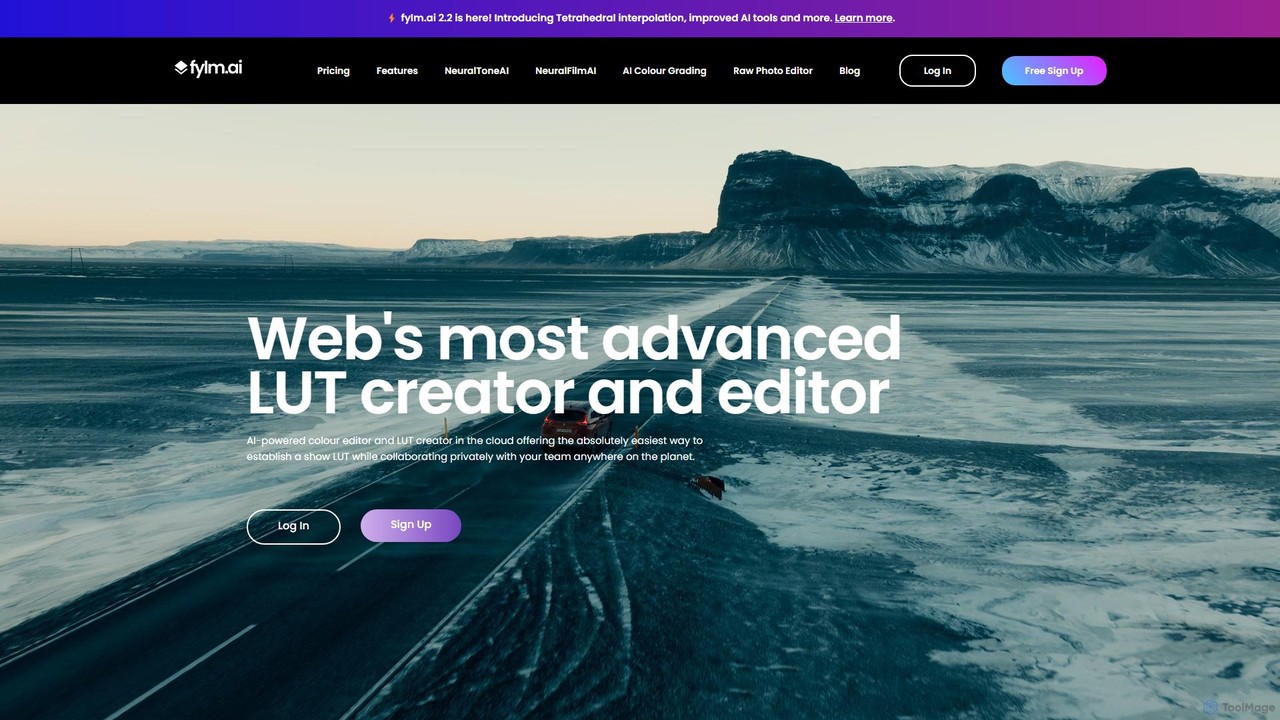
fylm.ai
fylm.ai is an AI-powered, cloud-based platform for professional color grading and real-time collaboration. It empowers filmmakers, colorists, and creative teams to create stunning cinematic looks, manage color workflows, and collaborate seamlessly from anywhere in the world. The platform uses advanced AI to automate and simplify complex tasks like shot matching and look creation, making high-end color grading accessible to everyone.
Coloring
Vivu.ai
Vivu.ai is an AI-powered video editing platform that simplifies and accelerates the video creation process. It uses AI to automatically generate smart rough cuts, index and search video content, and suggest background music, enabling creators of all skill levels to produce professional-quality videos with ease.
Social Media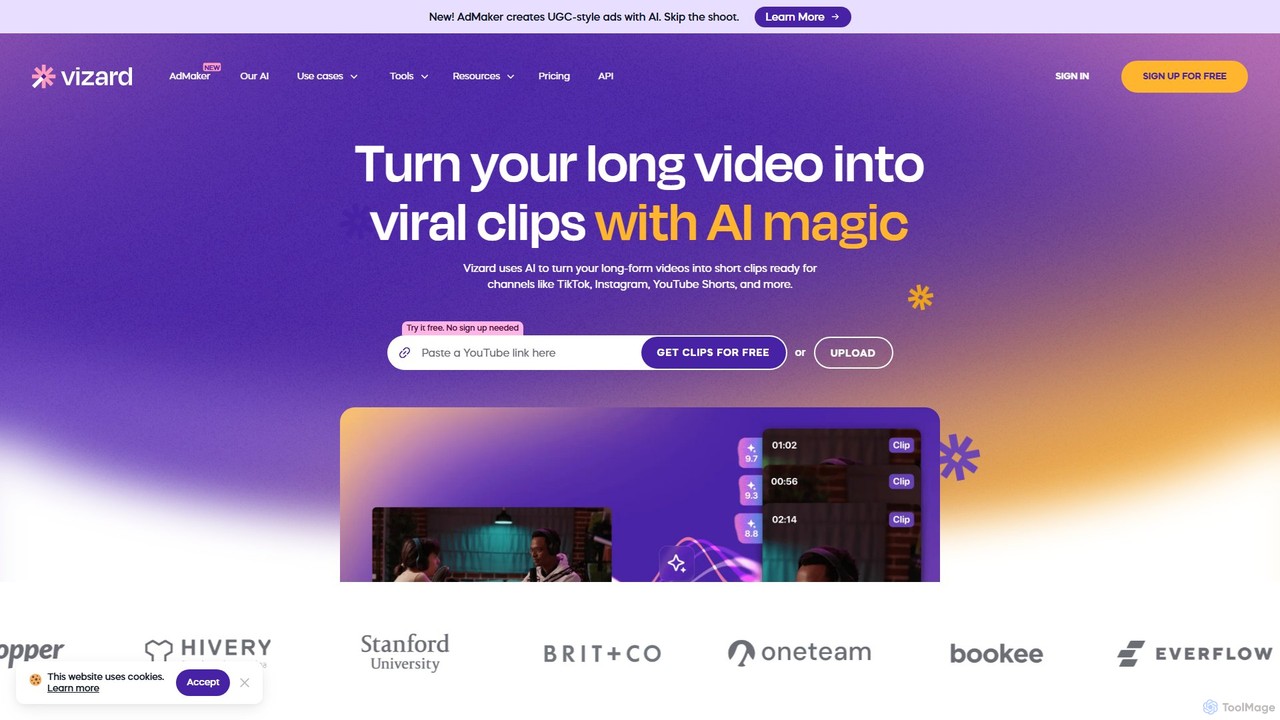
Vizard
Vizard is an AI-powered video editing platform that automatically transforms long-form videos into engaging, short clips for social media. It uses AI to identify highlights, generate transcriptions and captions, and resize videos for platforms like TikTok, Instagram, and YouTube Shorts, saving creators and marketers hours of manual work.
Video Marketing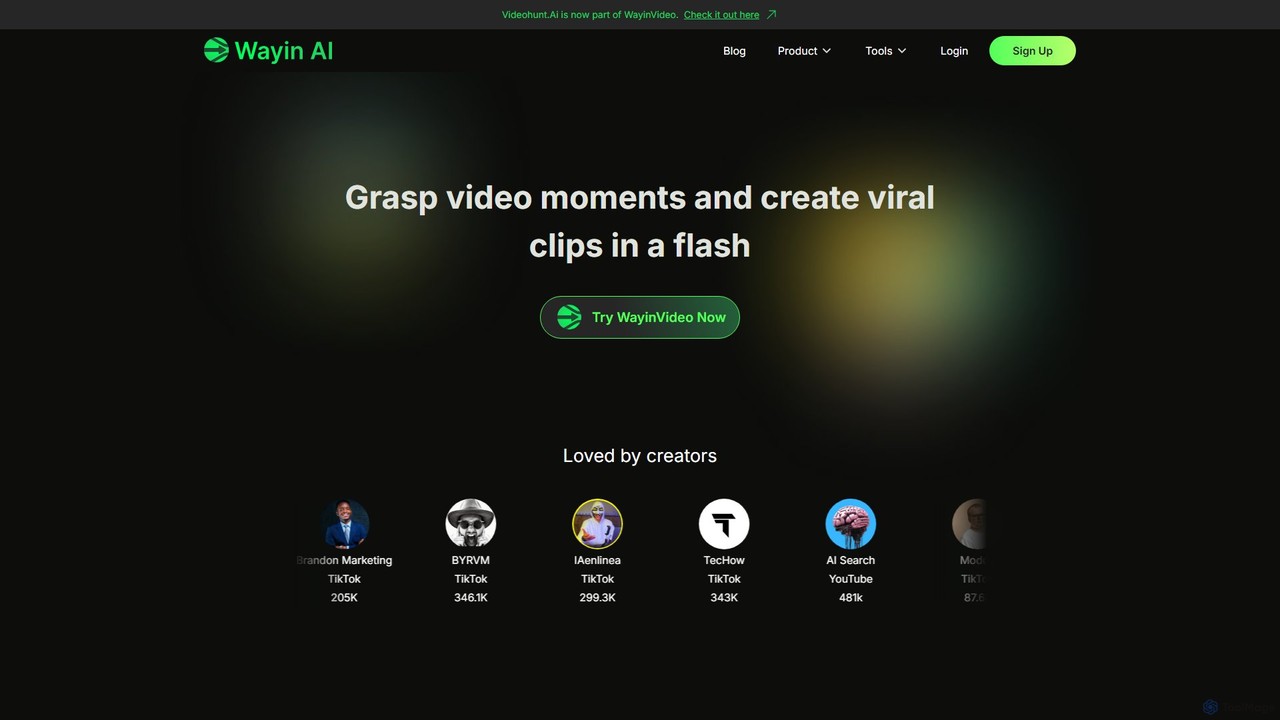
WayinVideo
WayinVideo is an AI-powered platform designed for content creators and marketers to effortlessly transform long-form videos into engaging, viral short clips. By simply pasting a video link or uploading a file, the AI automatically identifies key moments, generates animated captions, and reframes content for social media platforms like TikTok, YouTube Shorts, and Instagram Reels, saving hours of manual editing.
Automation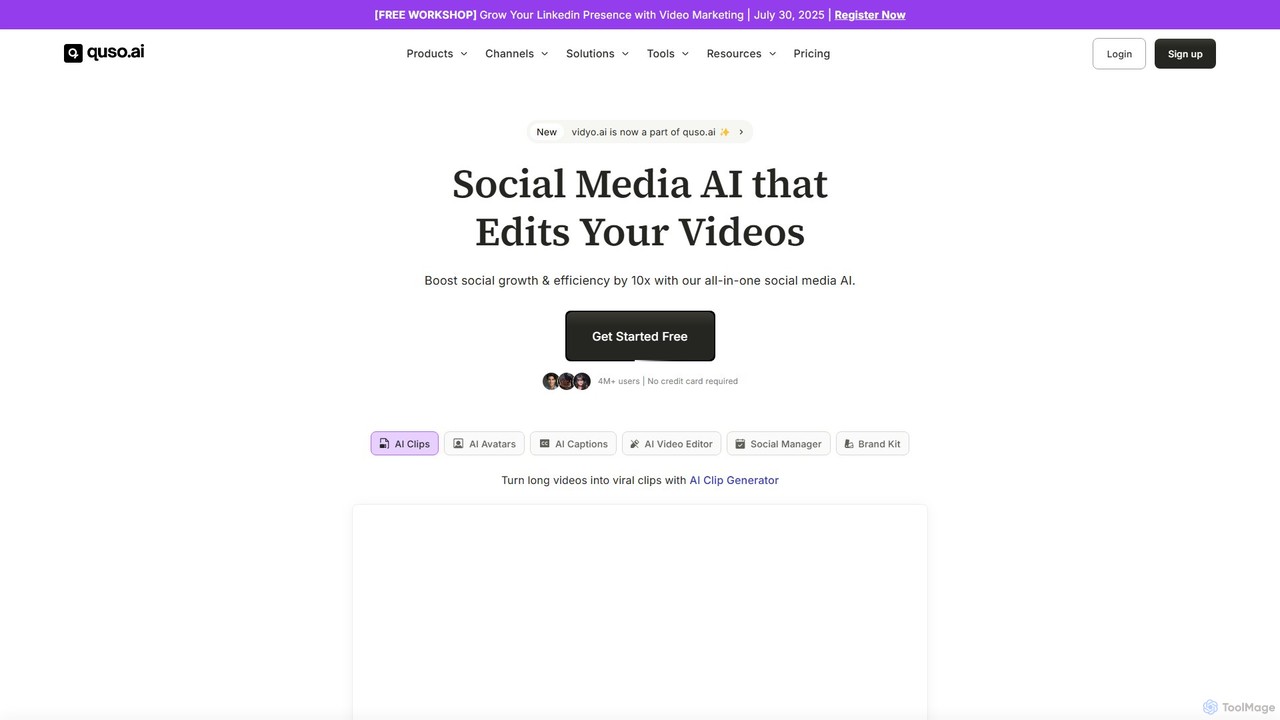
quso.ai
quso.ai is an all-in-one AI-powered social media suite, evolving from vidyo.ai. It boosts social growth with tools for creating viral clips from long videos, generating content from ideas, managing social media schedules and analytics, and creating videos with AI avatars. It's designed for creators, marketers, and businesses to streamline their content workflow, save time, and enhance their online presence across multiple platforms.
AutomationColourlab.ai Categories
Colourlab.ai Embed Widget
Copy this embed code to place the badge on your blog, article, or product site and send readers directly to this ToolMage detail page.

Related AI tools
fylm.ai
fylm.ai is an AI-powered, cloud-based platform for professional color grading and real-time collaboration. It empowers filmmakers, colorists, and creative teams to create stunning cinematic looks, manage color workflows, and collaborate seamlessly from anywhere in the world. The platform uses advanced AI to automate and simplify complex tasks like shot matching and look creation, making high-end color grading accessible to everyone.
Coloring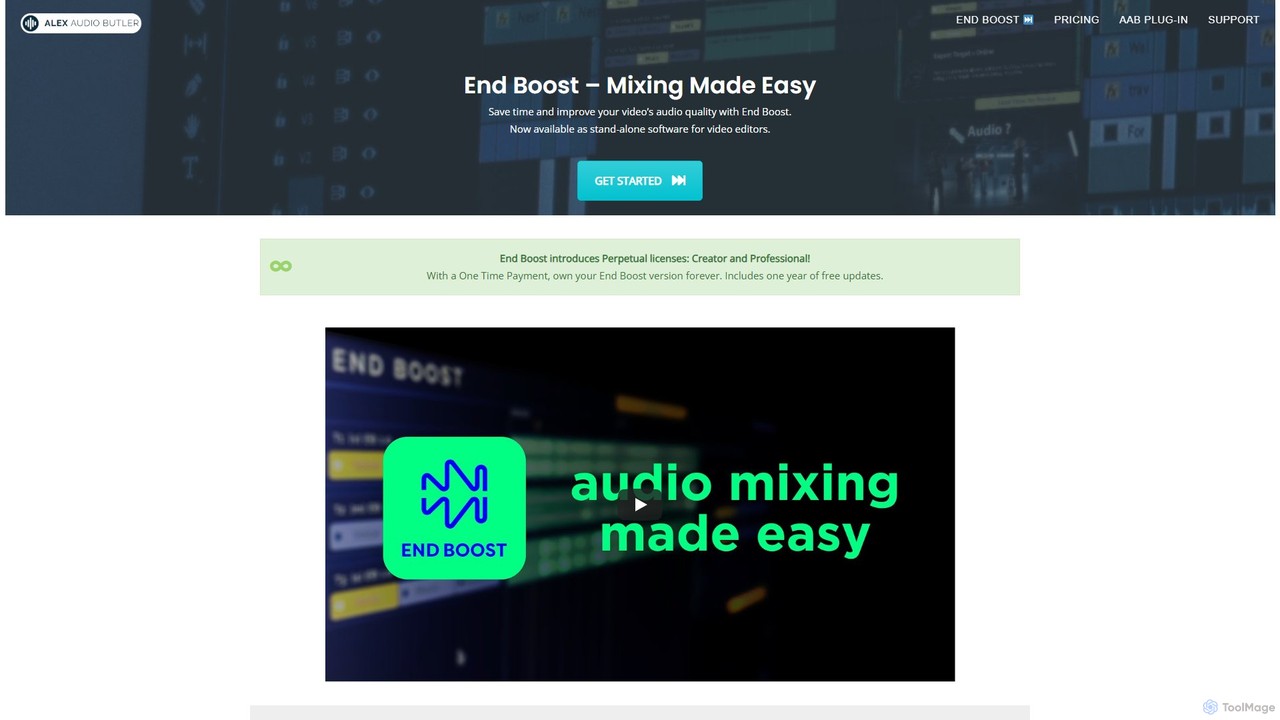
Alex Audio Butler
Alex Audio Butler is an AI-powered audio mixing tool, primarily through its standalone app "End Boost," designed for video editors. It automates complex audio tasks like leveling, ducking, noise reduction, and mastering. By using intelligent presets, it allows creators without audio expertise to achieve professional-quality sound for their videos, saving significant time in post-production. It integrates seamlessly with all major NLEs like Premiere Pro, DaVinci Resolve, and Final Cut Pro.
Mixing & Mastering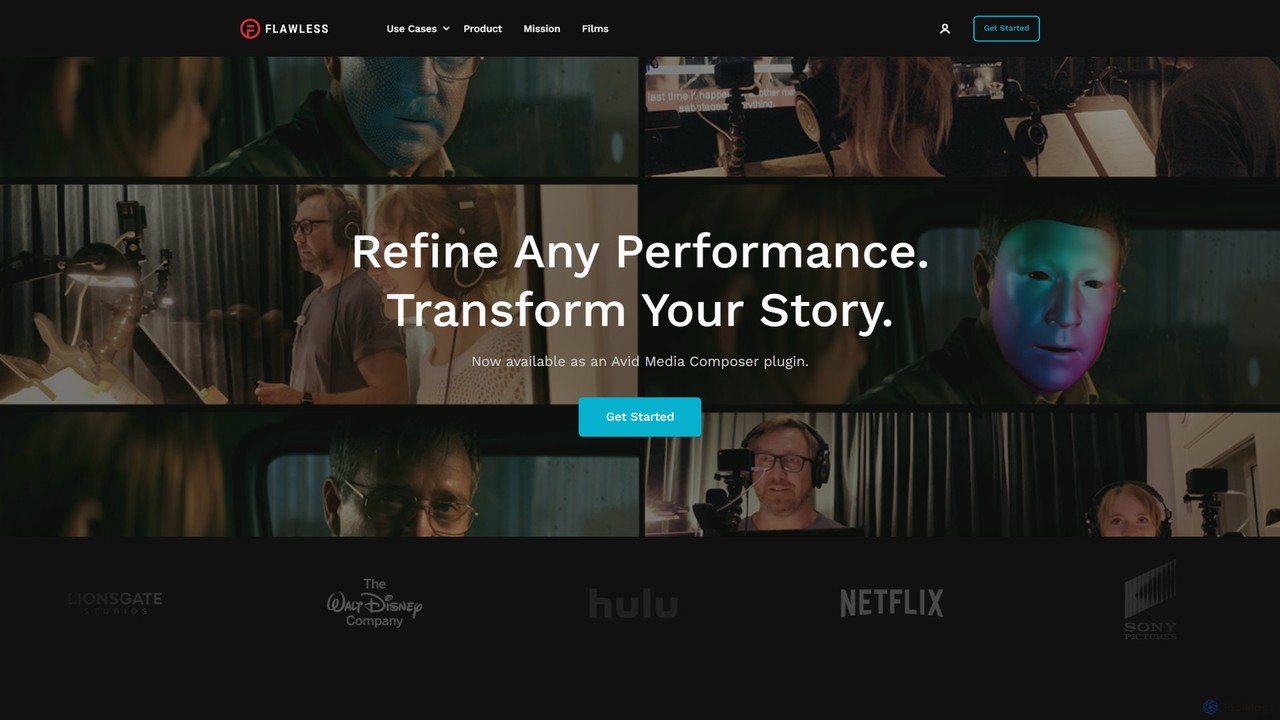
Flawless
Flawless is a pioneering AI tool for the film industry, offering advanced performance editing and visual dubbing. It allows filmmakers to seamlessly alter dialogue and refine actor performances in post-production, creating perfect lip-sync for any language without the need for reshoots.
Filmmaking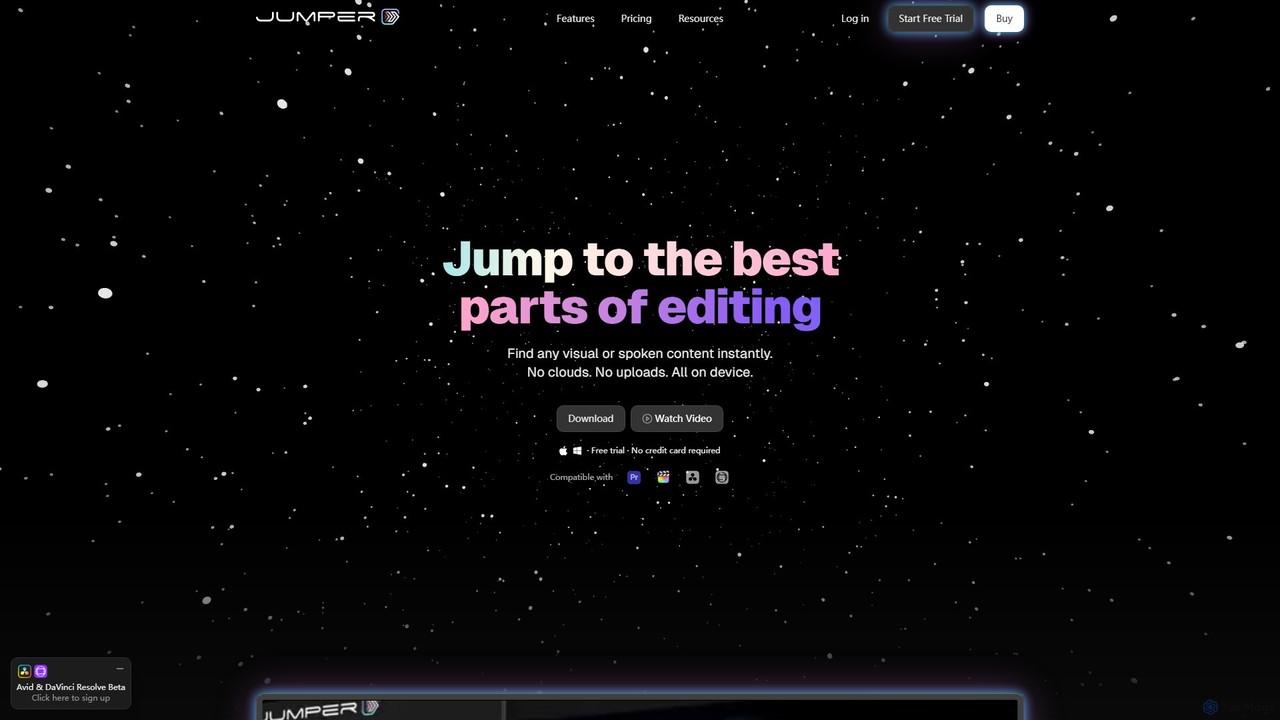
Jumper
Jumper is an AI-powered video editing assistant that integrates with professional editing software. It enables editors to instantly search through hours of footage for any visual or spoken content, all locally on their device. By eliminating cloud uploads, Jumper offers unparalleled speed, privacy, and a streamlined workflow, saving countless hours on every project.
TranscriptionVivu.ai
Vivu.ai is an AI-powered video editing platform that simplifies and accelerates the video creation process. It uses AI to automatically generate smart rough cuts, index and search video content, and suggest background music, enabling creators of all skill levels to produce professional-quality videos with ease.
Social Media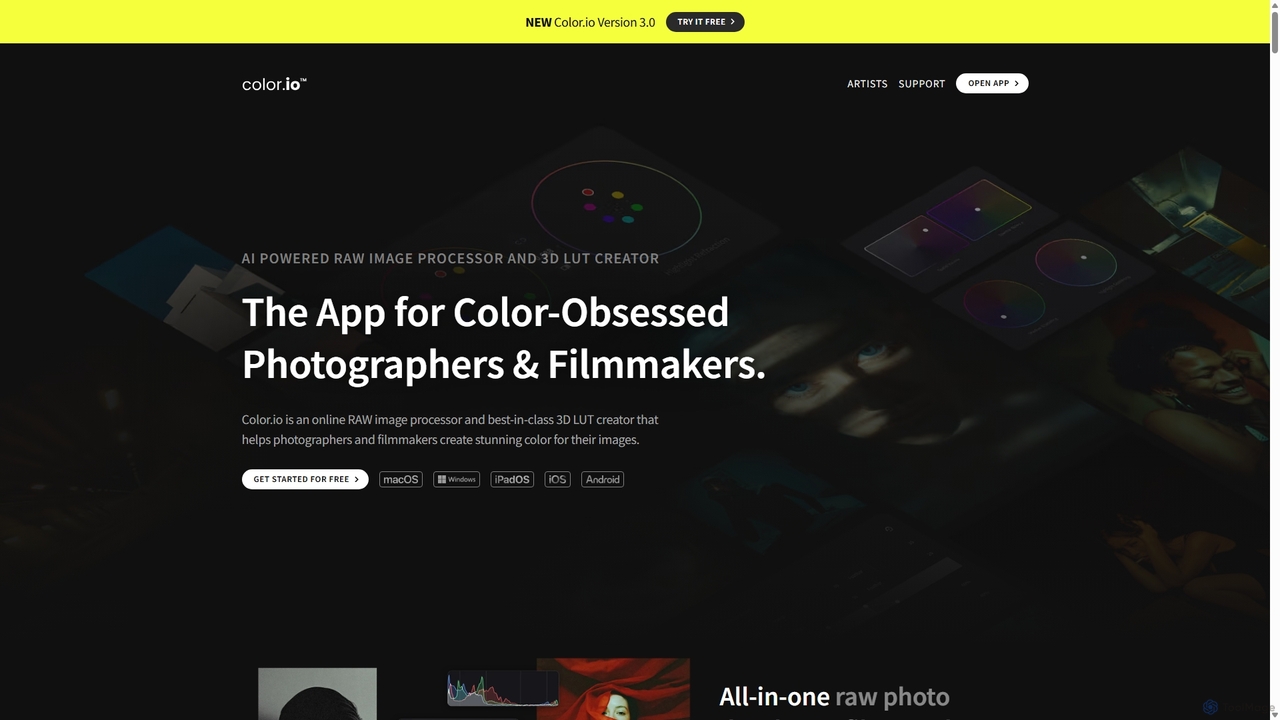
Color.io
Color.io is an AI-powered RAW photo editor and 3D LUT creator for photographers and filmmakers. It specializes in advanced film emulation, cinema-quality color grading, and AI-driven look transfer. Create and export professional 3D LUTs compatible with DaVinci Resolve, Premiere Pro, Lightroom, and more.
3D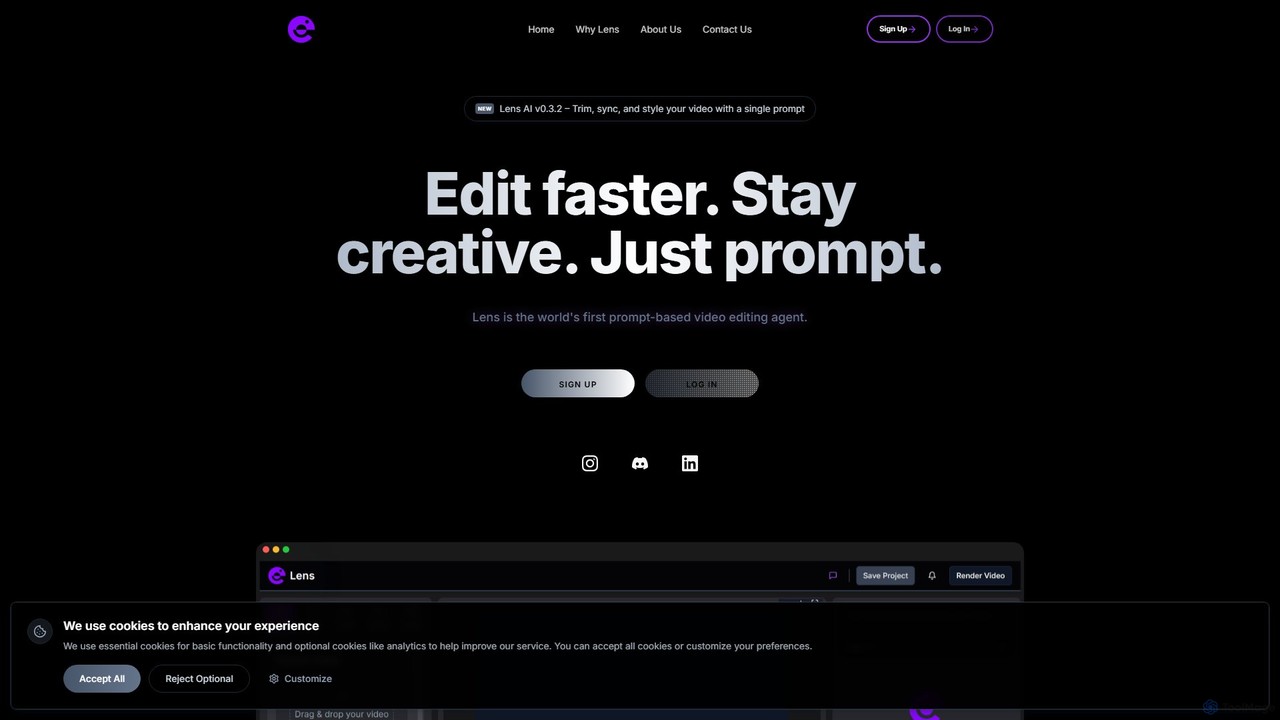
Lens
Lens is the world's first prompt-based video editing agent, designed to revolutionize the editing process. It allows creators to trim, sync, and style videos using simple text commands, eliminating the need for complex timelines and manual tasks. Focus on your creativity while Lens handles the heavy lifting, making video editing faster, more intuitive, and accessible to everyone.
Social Media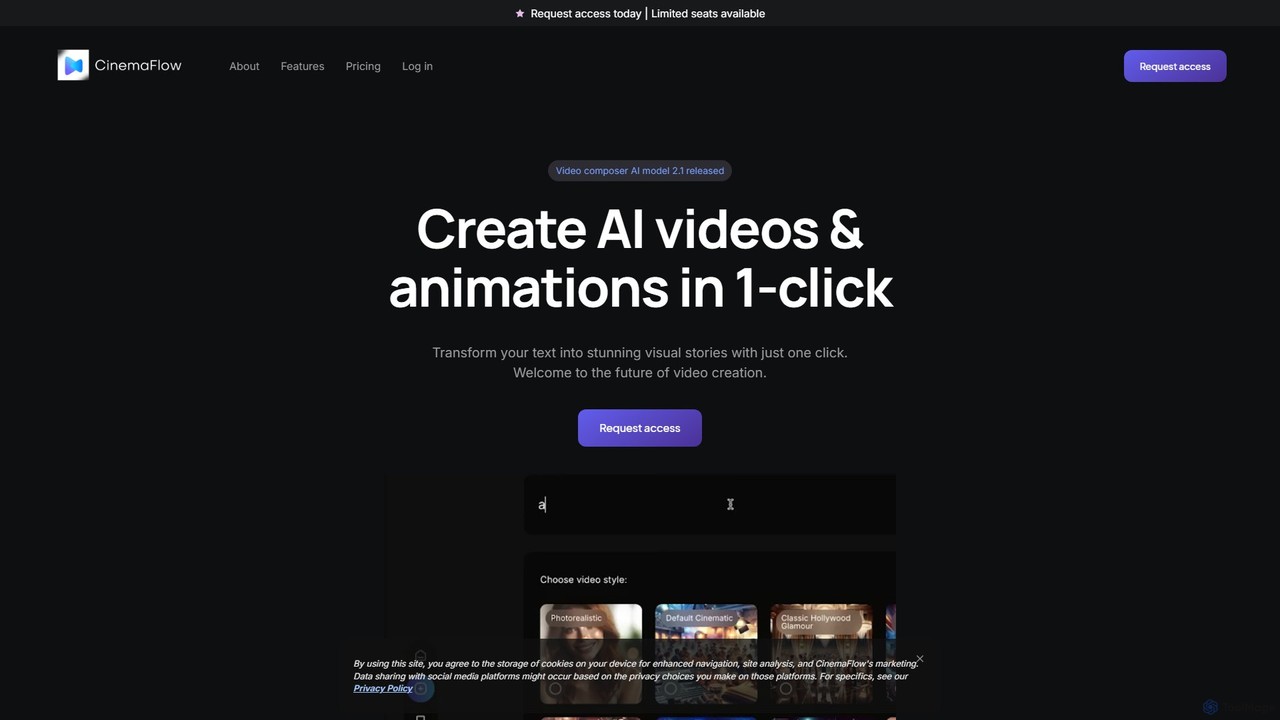
CinemaFlow
CinemaFlow is an AI-powered video creation platform that transforms text prompts into cinematic-quality videos. Designed for filmmakers, marketers, and content creators, it simplifies video production with advanced prompt engineering, an intuitive editor, and AI-driven cinematography, enabling users to turn ideas into reality in minutes.
Filmmaking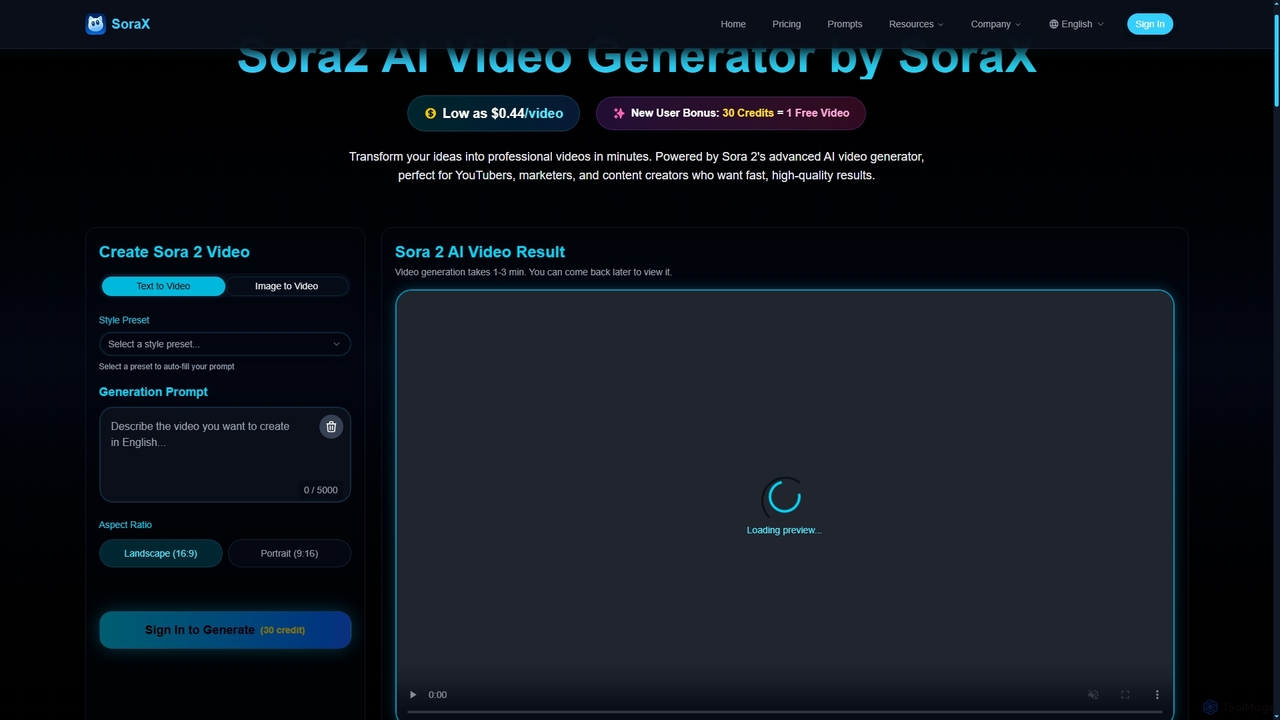
SoraX
SoraX is an advanced AI video generator powered by Sora 2, enabling users to transform text descriptions and static images into professional-quality videos in minutes. It's designed for content creators, marketers, and filmmakers seeking fast, high-quality video production.
Video Production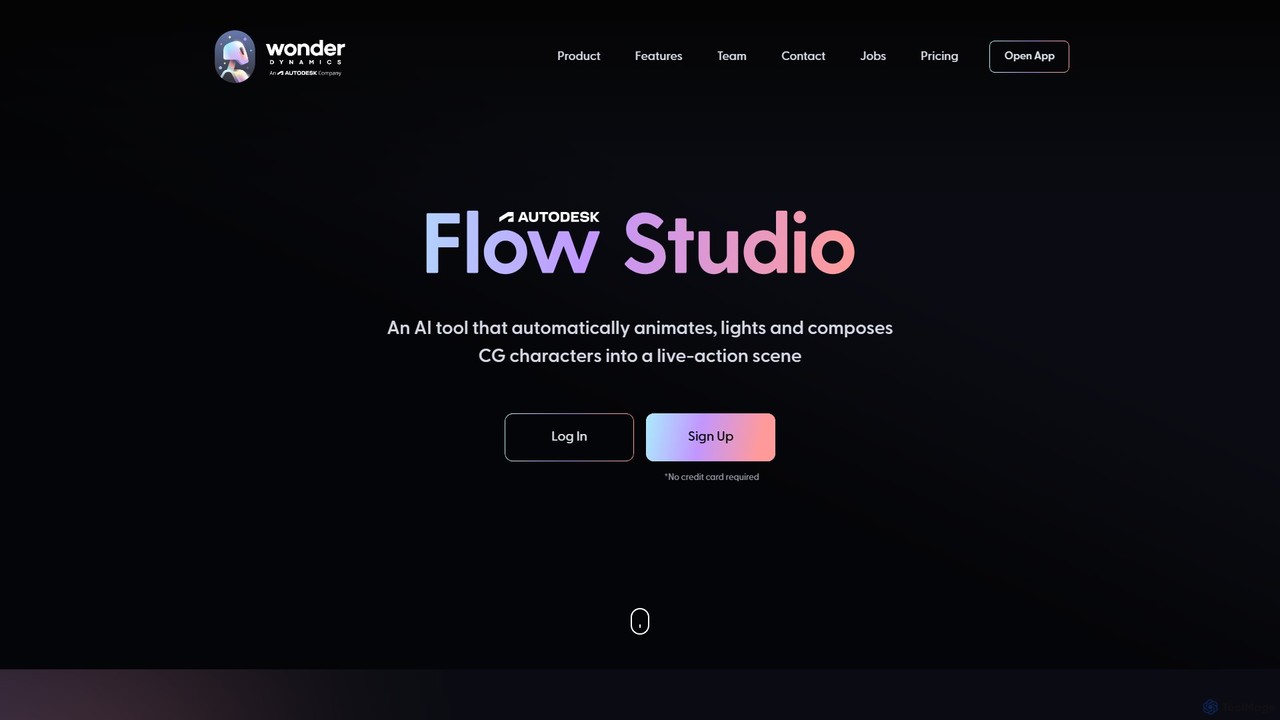
Wonderdynamics
Wonderdynamics, now part of Autodesk as Flow Studio, is a revolutionary AI platform that automates the animation, lighting, and compositing of CG characters into live-action scenes. It eliminates the need for complex motion capture and VFX pipelines, empowering filmmakers and creators to add stunning CG characters to videos with unprecedented ease and speed.
Filmmaking
Skyglass
Skyglass is an AI-powered mobile VFX studio that transforms your iPhone into a Hollywood-grade filmmaking tool. It enables content creators to produce stunning visual effects in real-time, including 3D background replacement, motion capture, and AI-driven relighting, all without expensive equipment.
3D
Detailer
Detailer is an AI-powered online video enhancer designed for creators, especially YouTubers, to achieve crystal-clear, professional-grade video quality. It focuses on reducing noise, sharpening edges, and preserving colors and textures, making videos more immersive and suitable for large-screen viewing without distortion.
3D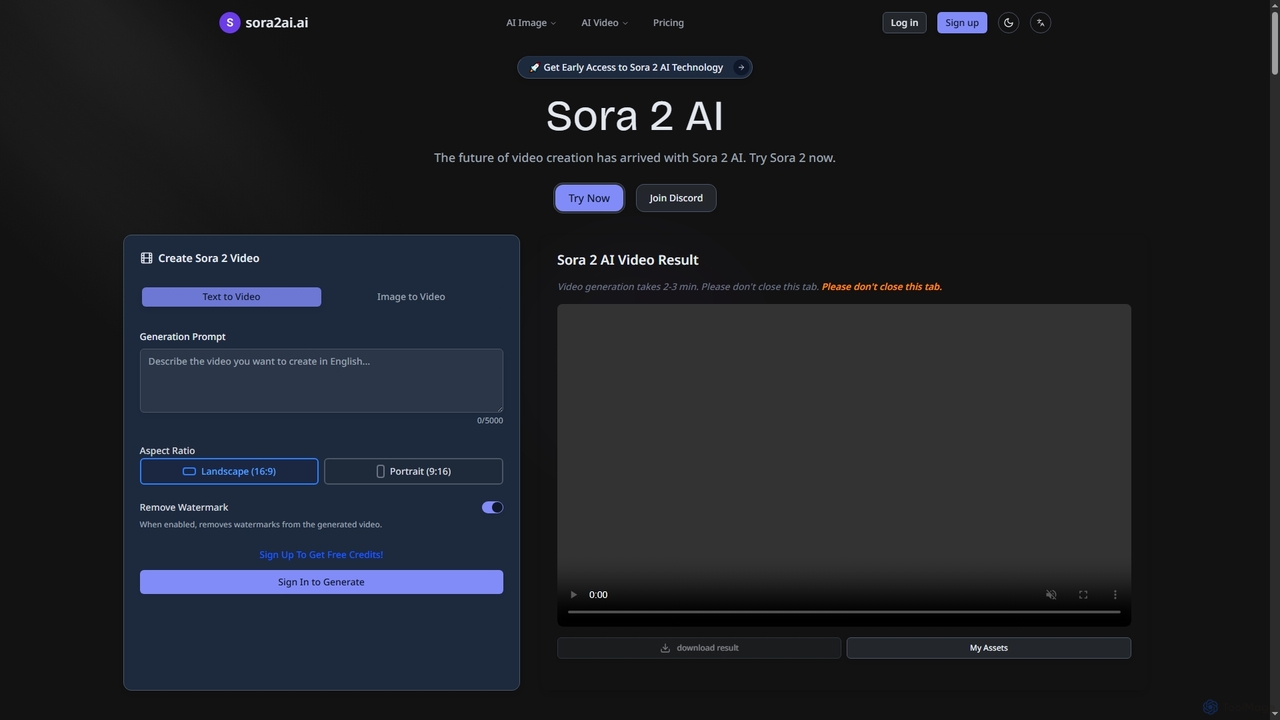
Sora2ai
Sora2ai is a comprehensive AI creative platform offering early access to advanced AI video and image generation. It integrates cutting-edge models like Sora 2 for 20-second continuous video generation with unique cameos and native audio, Google's Veo 3 for cinematic videos, and NanoBanana for powerful image editing, providing a unified workflow for diverse creative needs.
Content Creation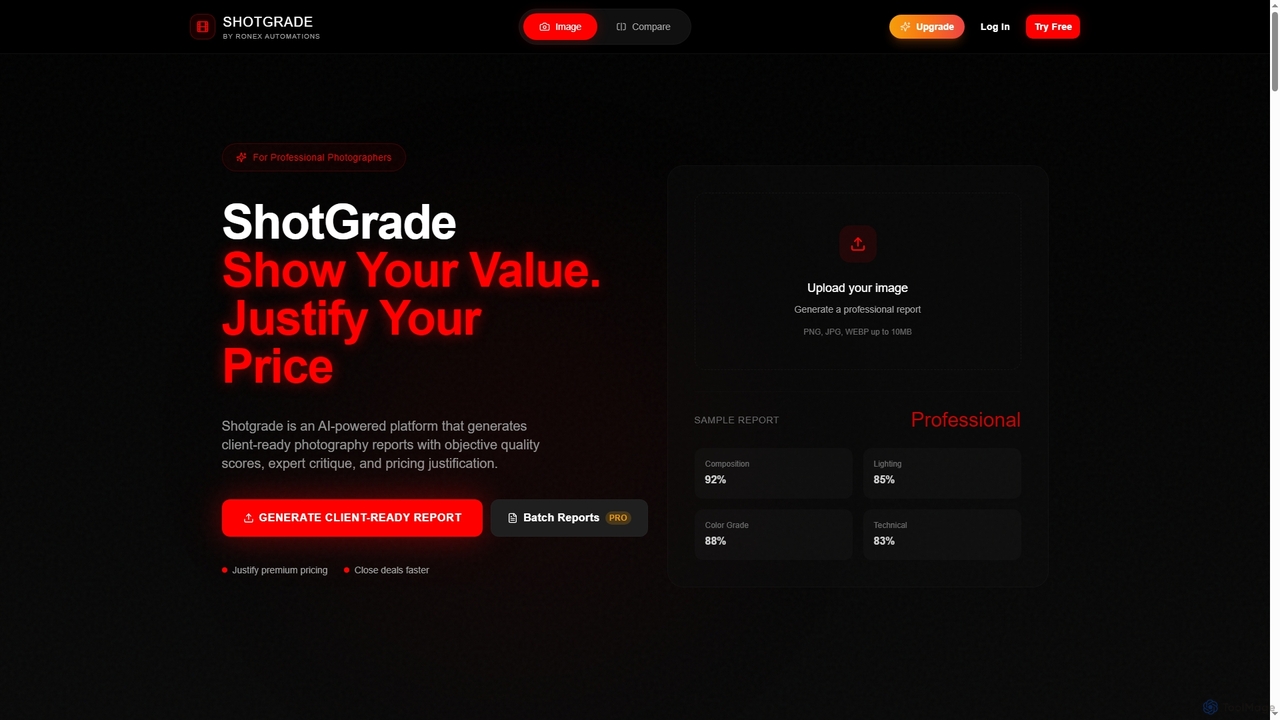
ShotGrade
ShotGrade is an AI-powered platform for professional photographers, generating client-ready reports with objective quality scores, expert critique, and pricing justification. It helps photographers communicate value, justify premium rates, and close deals faster by transforming subjective opinions into measurable benchmarks.
Client Management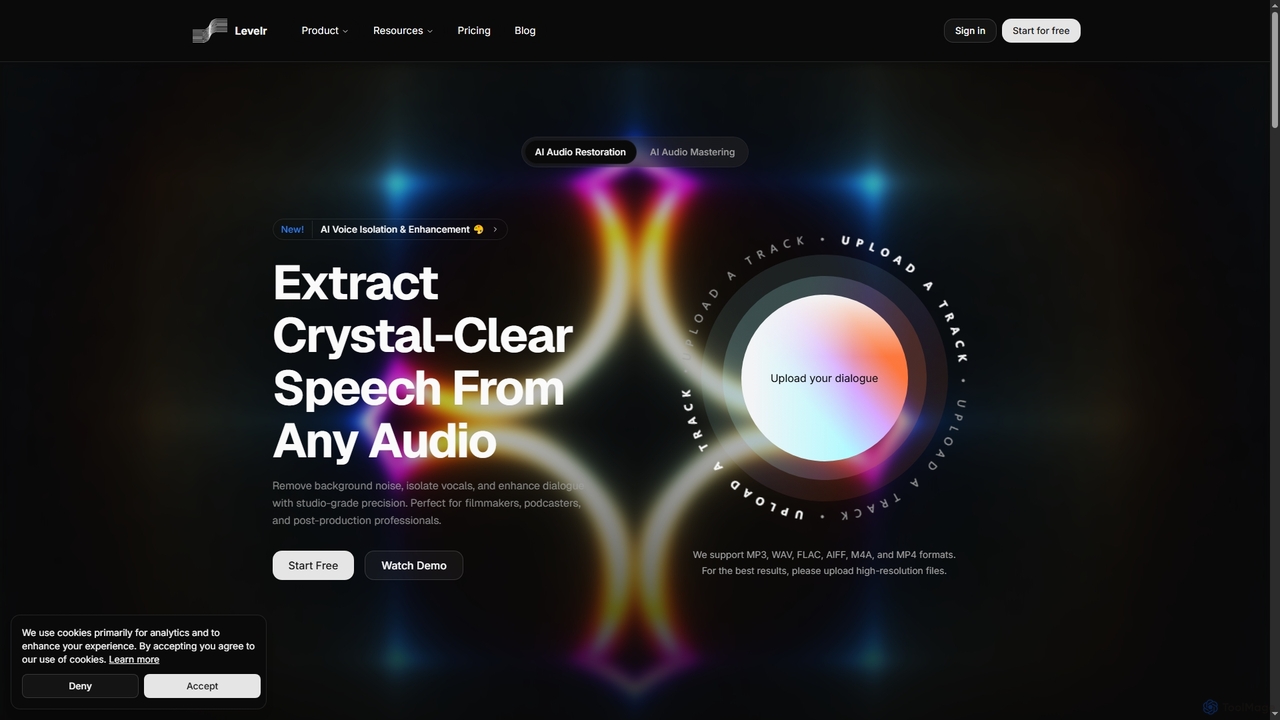
Levelr
Levelr is an AI-powered audio platform offering studio-grade audio restoration, voice isolation, speech enhancement, and professional music mastering. It helps filmmakers, podcasters, music producers, and live streamers achieve crystal-clear sound by removing noise, isolating vocals, and optimizing tracks for release.
Mastering
Colourlab.ai Comments (0)
Sign in to comment.
Sign inNo comments yet.