ToolMage
Sign in

Best 2 Filmmaking AI tools for Art

Popular Filmmaking AI tools in Art include CinemaFlow and Zero1cine, helping you work more efficiently.

Zero1cine
Free

Zero1cine

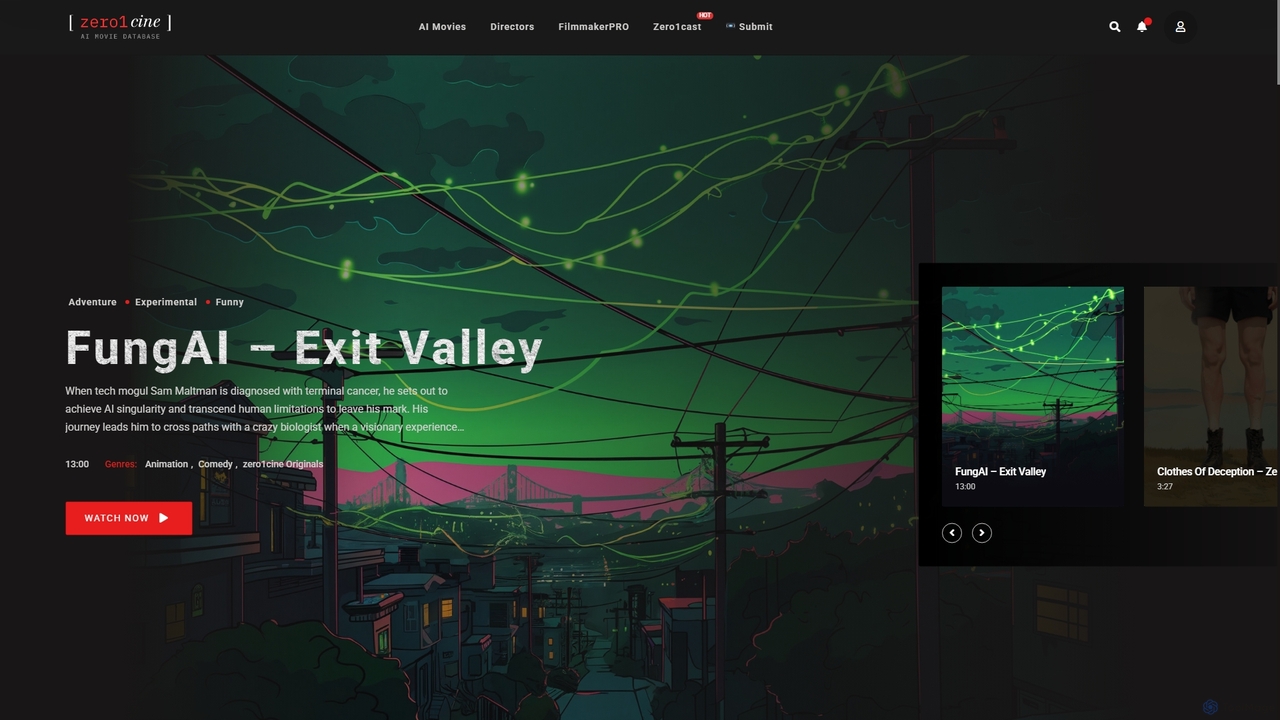
Zero1cine is a pioneering streaming platform and database dedicated to AI-generated films. It serves as a curated showcase for the best in AI cinema, empowering artists by providing a dedicated space to feature their work. Often described as the 'IMDb and Netflix for AI films,' it also offers free resources like the FilmmakerPRO GPT and the 'zero1cast' podcast to support the creative community.

Filmmaking
Visits 38.6KFavorites 122Likes 125
CinemaFlow
Freemium

CinemaFlow

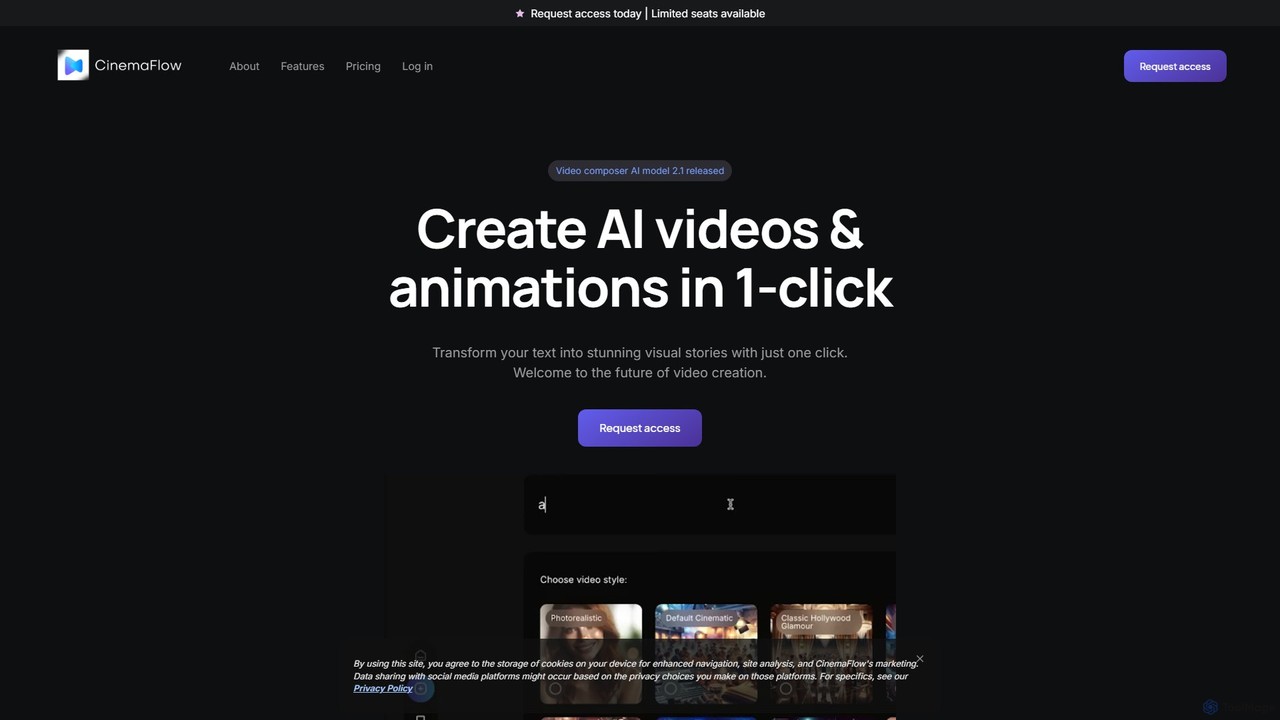
CinemaFlow is an AI-powered video creation platform that transforms text prompts into cinematic-quality videos. Designed for filmmakers, marketers, and content creators, it simplifies video production with advanced prompt engineering, an intuitive editor, and AI-driven cinematography, enabling users to turn ideas into reality in minutes.

Filmmaking
Visits 67.4KFavorites 175Likes 190

About Filmmaking

AI Filmmaking tools are a specialized class of software that uses artificial intelligence to assist and automate various stages of the film production workflow. These tools leverage machine learning models for tasks like script analysis, storyboard generation, text-to-video conversion, and intelligent post-production. They enable creators, from independent filmmakers to large studios, to visualize concepts, accelerate editing processes, and achieve complex visual effects with greater efficiency. This technology helps streamline creative workflows, reducing the time and technical barriers associated with traditional filmmaking.

Core Features

  • AI Script Analysis & Generation: Generates plot ideas, character dialogue, and analyzes script structure for pacing and emotional arcs.
  • Pre-visualization & Storyboarding: Converts text descriptions or script scenes into visual storyboards or animated pre-visualizations (animatics).
  • Intelligent Video Editing: Automates tasks such as scene detection, rough cuts, color correction, and audio enhancement.
  • AI-Powered Visual Effects (VFX): Simplifies complex processes like rotoscoping, object removal, background replacement, and motion tracking.
  • Automated Sound Design & Scoring: Generates context-aware sound effects or composes royalty-free musical scores based on video mood and pacing.

Use Cases

These tools are used across the entire production pipeline. Screenwriters and directors use them in pre-production for ideation and visualization. In post-production, editors and VFX artists leverage them to speed up repetitive tasks and create sophisticated effects. They are valuable for independent filmmakers on a budget, advertising agencies creating video content, and large production houses looking to optimize workflows.

How to Choose

When selecting an AI Filmmaking tool, consider its specific function within your workflow—is it for pre-production, editing, or VFX? Evaluate its integration capabilities with standard software like Adobe Premiere Pro or DaVinci Resolve. Assess the quality and controllability of the AI output, as some tools offer more creative freedom than others. Finally, compare pricing models, which can range from subscriptions to pay-per-use credits for generation tasks.

Filmmaking use cases

1

Pre-visualizing a Sci-Fi Film Scene

An independent film director needs to visualize a complex spaceship sequence before committing to expensive production. They use a text-to-video AI tool, inputting script descriptions like 'A sleek starship glides past a swirling red nebula.' The AI generates multiple short video clips showing different camera angles, ship designs, and lighting setups. This allows the director to create a dynamic animatic in hours instead of weeks, facilitating better planning and clearer communication with the VFX and cinematography teams.

2

Automating Rough Cuts for a Documentary

A documentary editor is faced with over 50 hours of interview footage. Instead of manually logging and selecting clips, they use an AI editing tool that automatically transcribes all dialogue. The editor can then search for keywords or topics, and the AI suggests relevant clips, creating an initial assembly or 'paper cut' based on the narrative structure. This process reduces the initial sorting time by more than 70%, allowing the editor to focus immediately on creative storytelling, pacing, and refining the narrative.

3

Enhancing Dialogue Audio in Post-Production

A sound editor receives dialogue tracks from an on-location shoot that are plagued with background noise like wind and traffic. Re-recording the dialogue (ADR) would be costly and time-consuming. Instead, they process the audio through an AI dialogue enhancement tool. The AI intelligently identifies and separates the human voice from the unwanted noise, cleaning up the track while preserving the original performance's quality and tone. This salvages the original recording and saves significant budget and time in post-production.

4

Generating a Custom Soundtrack

A corporate video producer needs a unique, royalty-free music track for a new promotional video. Instead of spending hours searching through stock music libraries for a suitable track, they use an AI music generation tool. They input parameters like genre ('uplifting corporate'), mood ('inspirational'), and desired length. The AI composes several original tracks that match the specifications. The producer can then select the best option and even request minor variations, obtaining a custom-fit soundtrack in minutes.

5

Creating Complex VFX for a Music Video

A VFX artist is tasked with removing the background and support wires from a performer in a music video. Manually rotoscoping frame by frame would take days. By using an AI-powered VFX tool, the artist can upload the footage and the AI automatically generates a precise matte, isolating the performer from the background. Another AI feature identifies and removes the wires seamlessly. This reduces a multi-day task to a few hours, freeing up the artist to focus on more creative aspects like color grading and adding particle effects.

6

Generating Script Ideas for a Short Film

A film student facing a tight deadline for a scriptwriting competition is experiencing writer's block. They use an AI script generation tool, providing a simple premise: 'A librarian discovers a book that writes the future.' The AI generates multiple plot outlines, character concepts (e.g., a skeptical colleague, a mysterious patron), and even sample scenes with dialogue. While not a finished script, this provides a wealth of starting points and creative angles, helping the student overcome their block and develop a unique and compelling story.

Filmmaking FAQ

What are AI Filmmaking tools?

AI Filmmaking tools are software applications that use artificial intelligence to automate or assist in various stages of film production. They don't replace creative professionals but act as powerful assistants. Their capabilities span from pre-production tasks like script generation and storyboarding, to post-production processes like automated video editing, audio cleanup, color grading, and complex visual effects (VFX).

How to choose the right AI Filmmaking tool?

Choosing the right tool depends on your specific needs. Consider these factors:

  • Production Stage: Identify which part of your workflow needs help. Are you looking for a scriptwriter, a storyboard generator, a video editor, or a VFX tool?
  • Integration: Check if the tool integrates with your existing software (e.g., Adobe Premiere Pro, DaVinci Resolve, Final Cut Pro). Standalone tools can be powerful but may disrupt your workflow.
  • Quality and Control: Evaluate the output quality. For generative tools, assess the realism and resolution. Also, consider how much creative control you have over the final result.
  • Pricing Model: Compare costs. Some tools are subscription-based, while others use a credit system for generative tasks (e.g., pay per minute of video created).
What's the difference between AI Filmmaking tools and traditional video editors?

Traditional video editors like Adobe Premiere Pro or Final Cut Pro provide a comprehensive, manual toolset for assembling and refining video. You control every cut, transition, and effect. AI Filmmaking tools, on the other hand, automate or intelligently assist in these processes. For example, an AI tool might automatically generate a rough cut from hours of footage, remove background noise from audio, or create a complex visual effect with a single click. They often work as plugins within traditional editors or as standalone apps to augment the creative process, not replace it entirely.

Can AI write a complete, production-ready movie script?

Currently, AI is more effective as a creative partner than a sole author. AI scriptwriting tools are excellent for brainstorming, generating plot ideas, overcoming writer's block, and creating dialogue variations. They can produce coherent scenes and outlines. However, crafting a nuanced, emotionally resonant, and structurally sound feature-length script still requires the skill, experience, and creative vision of a human writer to weave the AI-generated elements into a compelling narrative.

Who can benefit from using AI Filmmaking tools?

A wide range of creators can benefit:

  • Independent Filmmakers: Access powerful VFX and post-production capabilities that were previously only available to large studios, allowing for higher production value on a smaller budget.
  • Content Creators & YouTubers: Speed up the editing process significantly, from generating subtitles to creating rough cuts, enabling faster content turnaround.
  • Advertising Agencies: Quickly generate concepts, storyboards, and video ads for campaigns, allowing for rapid iteration and client feedback.
  • Film Students: Learn and experiment with advanced filmmaking techniques without needing expensive equipment or extensive technical knowledge.