TranscribeAndSplit
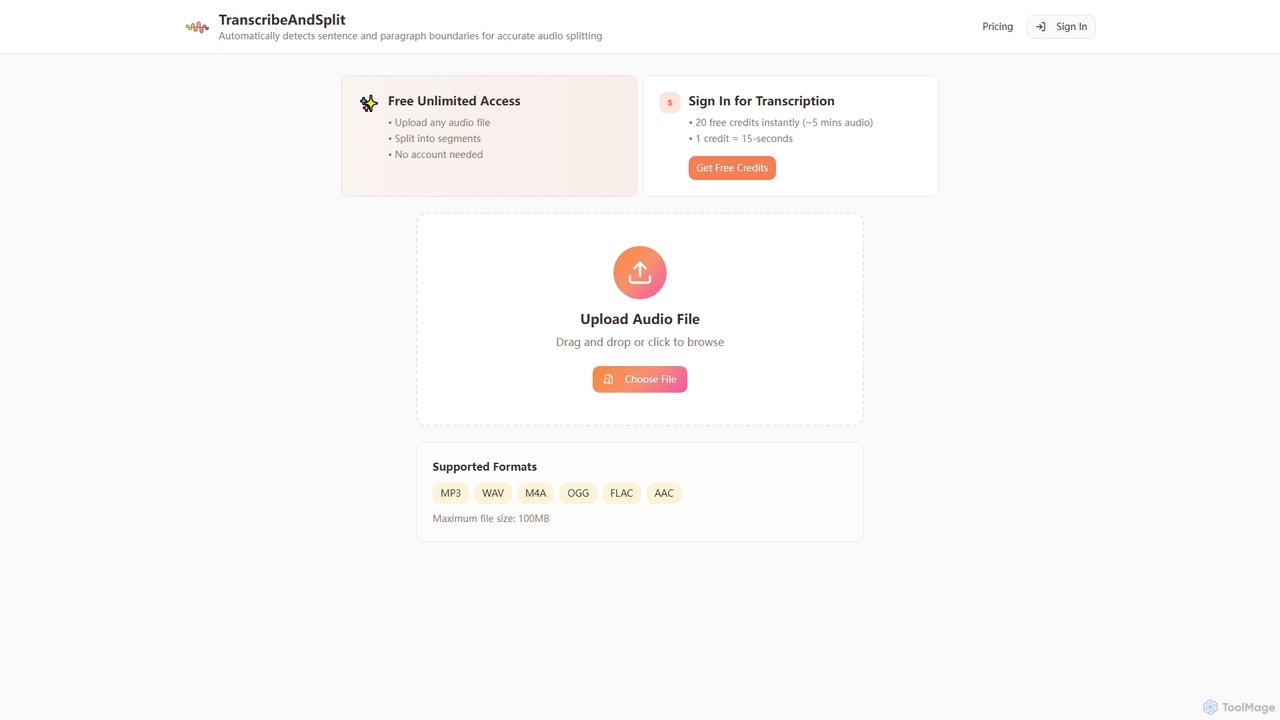
TranscribeAndSplit is an AI-powered online tool designed to effortlessly split audio files by sentence or paragraph boundaries and …
TranscribeAndSplit is an AI-powered online tool designed to effortlessly split audio files by sentence or paragraph boundaries and provide transcription services. It offers free unlimited access for audio splitting and generous free credits for transcription, supporting various popular audio formats for efficient content management.
MeetMinutes
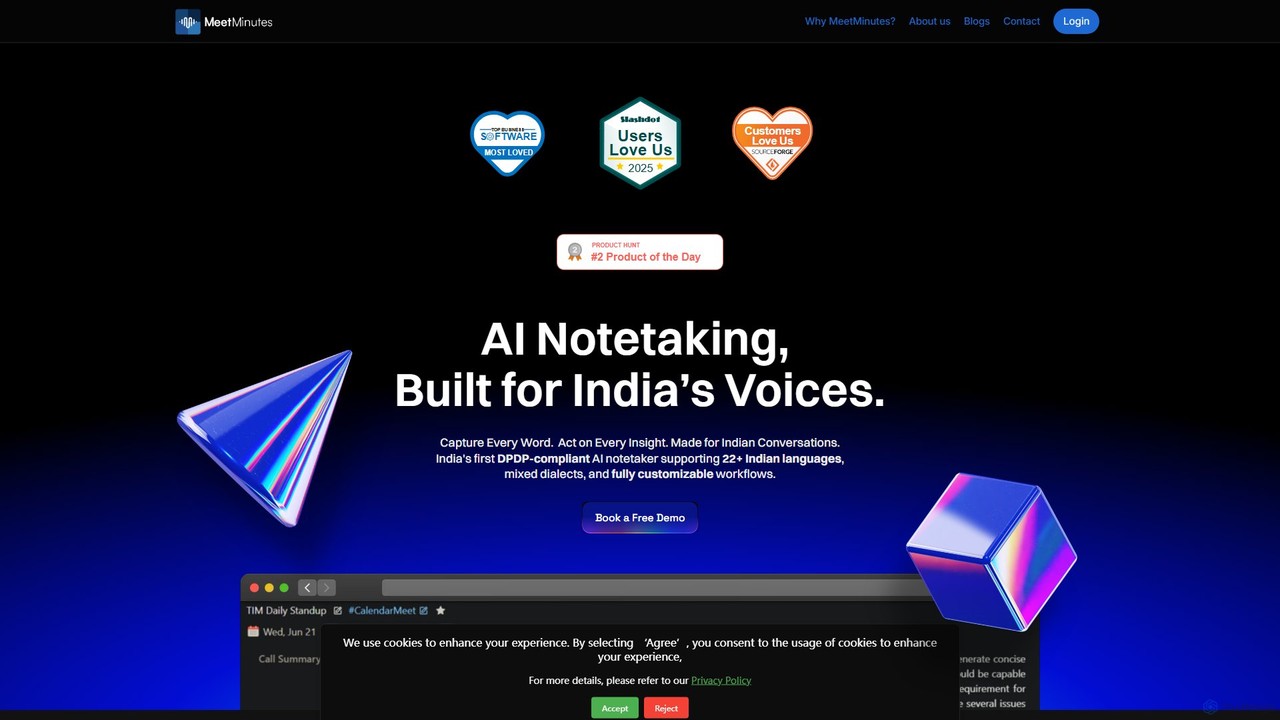
MeetMinutes is an AI-powered meeting assistant designed for Indian voices. It automatically transcribes, summarizes, and analyzes meetings from …
MeetMinutes is an AI-powered meeting assistant designed for Indian voices. It automatically transcribes, summarizes, and analyzes meetings from Zoom, Google Meet, and Teams. Supporting 22+ Indian languages and mixed dialects, it captures action items and creates a searchable knowledge base, all while being DPDP, GDPR, and SOC2 compliant.
About Speech To Text
Speech To Text tools are a class of AI software that automatically convert spoken language from audio or video into written text. These tools utilize advanced Automatic Speech Recognition (ASR) models to process audio streams, delivering fast and accurate transcriptions. They are fundamental for making audio content searchable, generating captions for accessibility, and powering voice-enabled applications. Many services offer features like speaker identification and custom vocabularies to handle specialized terminology with greater precision.
Core Features
- Automatic Speech Recognition (ASR): The core engine that converts spoken words into text with high accuracy.
- Speaker Diarization: Automatically identifies and labels different speakers in a single audio file.
- Real-Time Transcription: Transcribes audio live as it's being spoken, essential for streaming and live events.
- Custom Vocabulary: Allows users to add specific industry jargon, names, or acronyms to improve recognition accuracy.
- Timestamping: Aligns words or phrases with their exact timing in the original audio or video file.
Use Cases
These tools are widely used in media for subtitling, in business for analyzing customer service calls, in journalism for transcribing interviews, and in software development for building voice command features. Academic researchers and students also use them to convert lectures and field recordings into text for analysis.
How to Choose
When selecting a Speech To Text tool, consider its accuracy rate for your specific language and audio quality. Evaluate its support for real-time versus batch processing, the availability of a developer API for integration, and its pricing model (often per minute or per hour of audio). Also, check for essential features like speaker diarization and custom vocabulary support if your use case requires them.
Speech To TextUse Cases
Automating Meeting Minute Generation
Project managers and team assistants often spend hours transcribing meeting recordings to create minutes and action items. A Speech To Text tool automates this process entirely. By uploading the meeting audio, the tool can generate a full transcript in minutes. Features like speaker diarization automatically label who said what, making it easy to attribute comments and decisions. This frees up valuable time, ensures an accurate record of discussions, and allows teams to quickly search for key topics discussed during the meeting.
Creating Accurate Subtitles for Videos
Content creators and marketing teams need to add subtitles to their videos to improve accessibility and engagement on social media platforms where videos are often viewed without sound. Manually transcribing and timing captions is a tedious task. Speech To Text tools can automatically generate a time-stamped transcript. This file (e.g., in SRT format) can be directly uploaded to video platforms or refined in a video editor, reducing the production time for subtitled content by over 80%.
Transcribing Interviews for Journalism and Research
Journalists, researchers, and podcasters rely on accurate transcripts of their interviews to write articles, conduct analysis, or create content. A Speech To Text tool provides a fast first draft of the conversation. The ability to add a custom vocabulary is crucial for ensuring proper nouns, technical terms, and specific jargon are transcribed correctly. This allows the user to focus on the content of the interview rather than the mechanics of transcription, accelerating their workflow significantly.
Analyzing Customer Support Call Recordings
Businesses can gain valuable insights by analyzing recorded customer support calls. Speech To Text tools can process thousands of hours of call audio in bulk, converting them into searchable text data. This text can then be analyzed for sentiment, common customer issues, and agent performance metrics. By identifying keywords and trends across all calls, companies can proactively improve their products, services, and customer support training without manual listening.
Developing Voice-Controlled Applications
Developers building applications with voice commands, such as smart home devices, in-car assistants, or accessibility software, need a reliable way to interpret user speech. Real-time Speech To Text APIs provide the core functionality for this. The API receives an audio stream from the user's microphone and returns the transcribed text with low latency. This enables developers to create responsive and interactive voice-driven experiences without building their own complex ASR models from scratch.
Creating Searchable Archives of Audio/Video Content
Media companies, libraries, and educational institutions often have vast archives of audio and video content that are difficult to search. Speech To Text tools can be used to process this entire archive, creating a text transcript for every file. This makes the entire library fully searchable. A user can then find specific moments in a video or audio file simply by searching for a word or phrase, unlocking the value of historical or educational content that was previously inaccessible.