
ToolMage
Sign in

Best 1 Realtime AI tools for Transcription

Popular Realtime AI tools in Transcription include SuperIntern, helping you work more efficiently.

SuperIntern
Freemium

SuperIntern

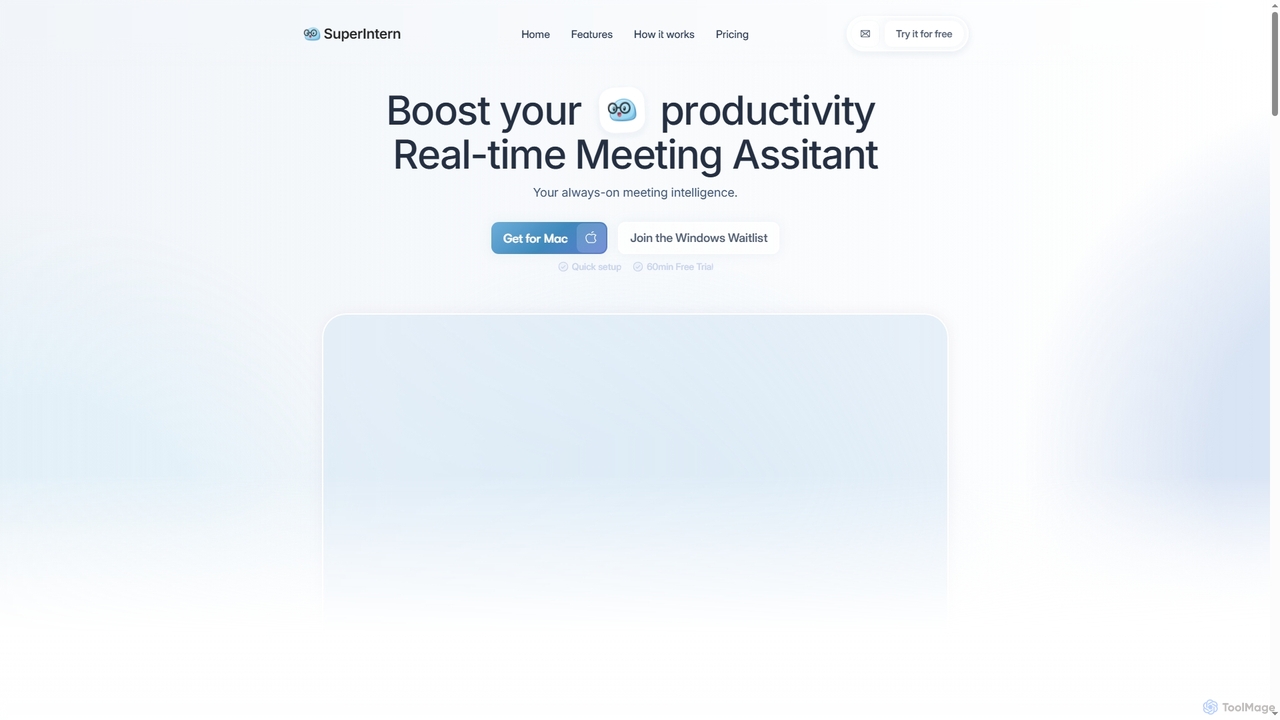
SuperIntern is an AI-powered real-time meeting assistant designed to boost productivity by providing live transcripts, intelligent summaries, and instant translations. It helps users stay focused, capture key insights, and generate structured meeting minutes across various online and in-person meeting platforms.

Collaboration
Visits 10.2KFavorites 126Likes 119

About Realtime

Realtime transcription tools instantly convert live spoken audio into text, providing immediate access to written content as conversations unfold. These AI-powered solutions leverage advanced automatic speech recognition (ASR) technology to process audio with minimal latency, making them essential for dynamic communication environments. They enhance accessibility, facilitate rapid documentation, and enable instant analysis across various professional settings.

Core Features

  • Live Speech-to-Text Conversion: Transforms spoken words into written text in real-time, often within milliseconds of utterance.
  • Low Latency Processing: Minimizes delay between audio input and text output, crucial for interactive applications.
  • Speaker Diarization: Identifies and labels different speakers in a conversation, improving readability and context.
  • Punctuation & Formatting: Automatically adds punctuation, capitalization, and paragraph breaks for coherent text.
  • Integration Capabilities: Seamlessly connects with video conferencing platforms, communication apps, and live streaming services.

Applicable Scenarios

Realtime transcription is vital for professionals requiring immediate textual records of live interactions. This includes journalists capturing quotes during interviews, customer service teams monitoring live calls for quality assurance, and educators providing instant captions for lectures to support diverse learning needs.

How to Choose

When selecting a realtime transcription tool, prioritize accuracy, especially for specialized vocabulary, and latency, ensuring minimal delay. Evaluate its language support, integration options with your existing workflows, and the pricing model, which often varies by usage volume or features.

Realtime use cases

1

Live Meeting Minutes Generation

Business professionals use realtime transcription to automatically generate meeting minutes as discussions happen. This allows participants to focus on the conversation rather than note-taking, ensuring all key decisions, action items, and discussions are captured instantly and accurately, streamlining post-meeting follow-ups and record-keeping.

2

Enhancing Accessibility for Live Events

Event organizers and broadcasters deploy realtime transcription to provide live captions for conferences, webinars, and broadcasts. This ensures that content is accessible to deaf or hard-of-hearing audiences, complies with accessibility regulations, and expands the reach of the event to a broader, more inclusive audience without significant delay.

3

Real-time Customer Service Call Analysis

Call center supervisors utilize realtime transcription to monitor customer service interactions as they occur. This enables immediate identification of customer sentiment, agent performance issues, or critical keywords, allowing for real-time intervention, coaching, and quality assurance, ultimately improving service delivery and customer satisfaction.

4

Journalism and Interview Documentation

Journalists and researchers employ realtime transcription during live interviews or field reporting to instantly convert spoken words into text. This facilitates immediate fact-checking, quote extraction, and rapid drafting of articles or reports, significantly accelerating the content creation process and ensuring accuracy of direct quotes.

5

Educational Content Live Captioning

Educators and e-learning platforms use realtime transcription to provide live captions for lectures, online courses, and presentations. This supports students with diverse learning styles, non-native speakers, and those with hearing impairments, making educational content more inclusive and easier to review post-session.

6

Legal Proceedings and Court Reporting

In legal settings, realtime transcription tools assist court reporters and legal professionals in generating immediate transcripts of testimonies, depositions, and court proceedings. This provides instant textual records for review, allows legal teams to follow arguments closely, and ensures a verifiable, time-stamped account of all spoken words.

Realtime FAQ

What are Realtime Transcription tools?

Realtime transcription tools are AI-powered applications that convert live spoken audio into text almost instantaneously. They leverage advanced automatic speech recognition (ASR) technology to provide immediate textual representations of conversations, lectures, or events. Their core purpose is to offer instant access to written content, enhancing accessibility and facilitating rapid documentation in dynamic environments.

How do Realtime Transcription tools differ from standard Transcription services?

The primary difference lies in speed and immediacy. Standard transcription services typically process pre-recorded audio, often with a human review component, resulting in a delay of hours or days. Realtime transcription, however, processes live audio with minimal latency, providing text output within milliseconds. This makes realtime tools suitable for live events, interactive communication, and scenarios requiring instant textual access, whereas standard services are for post-event documentation where speed is less critical.

How accurate are Realtime Transcription tools?

The accuracy of realtime transcription tools varies significantly based on several factors, including audio quality, speaker clarity, background noise, and the complexity of vocabulary or accents. Modern AI models can achieve high accuracy rates, often exceeding 90-95% under ideal conditions. However, specialized terminology or challenging audio environments can reduce accuracy. Many tools offer features like custom vocabularies to improve performance in specific contexts.

Who benefits most from using Realtime Transcription tools?

A wide range of users benefits from realtime transcription. This includes individuals requiring accessibility support (e.g., deaf or hard-of-hearing), professionals in live communication roles (e.g., customer service, broadcasting, event management), and anyone needing immediate documentation of spoken interactions (e.g., journalists, legal professionals, educators). These tools are invaluable for enhancing communication, ensuring compliance, and accelerating information processing.

What factors should I consider when choosing a Realtime Transcription tool?

When selecting a realtime transcription tool, consider its accuracy for your specific use case, especially regarding industry-specific jargon or accents. Evaluate the latency to ensure it meets your real-time requirements. Check for language support, integration capabilities with your existing platforms (e.g., Zoom, Microsoft Teams), and the pricing structure, which can be based on usage volume, features, or subscription tiers. User interface and ease of setup are also important for practical adoption.