ToolMage
Sign in

Best 6 Audio To Text AI tools for Transcription

Popular Audio To Text AI tools in Transcription include Otter.ai, NoteGPT, StenifyAI, Notterai, Recaply, and Audio2Text AI, helping you work more efficiently.

NoteGPT
Freemium

NoteGPT

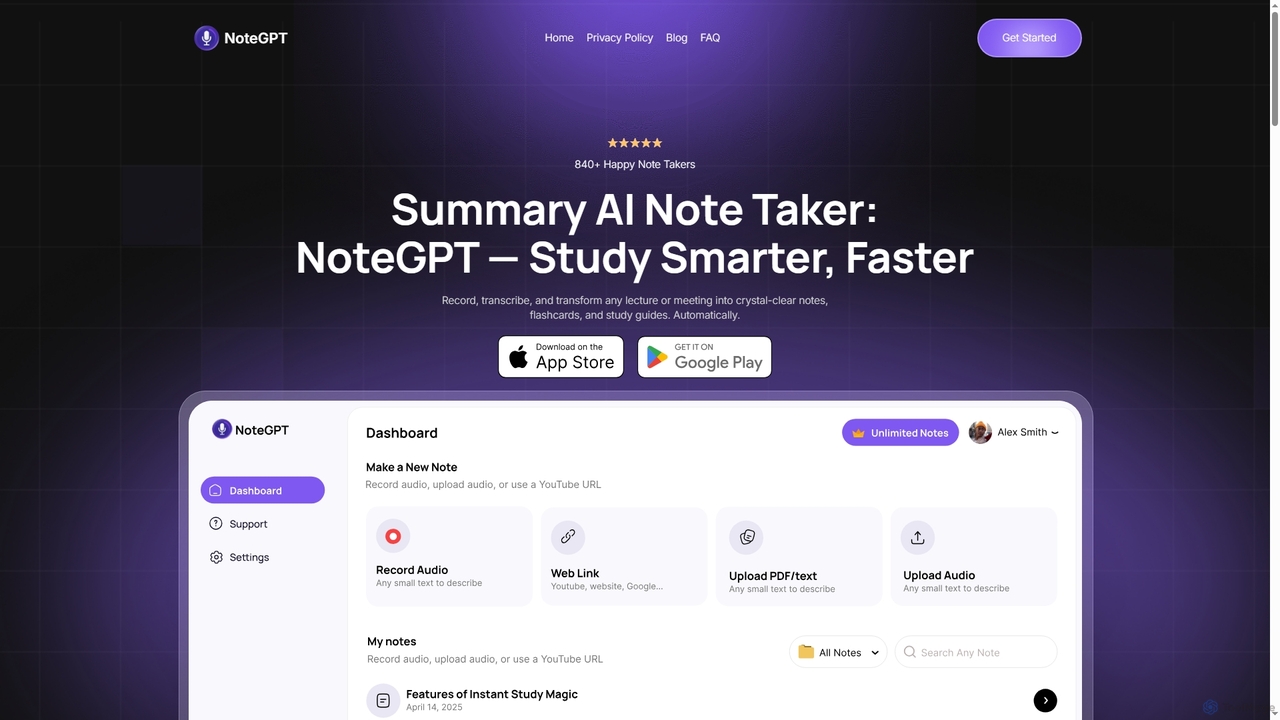
NoteGPT is an AI-powered note-taking and study tool that records, transcribes, and transforms lectures, meetings, videos, and PDFs into crystal-clear notes, summaries, flashcards, and quizzes. It supports over 100 languages, helping students and professionals study smarter and faster.

Summarization
Visits 123.7KFavorites 56Likes 55
Recaply
Freemium

Recaply

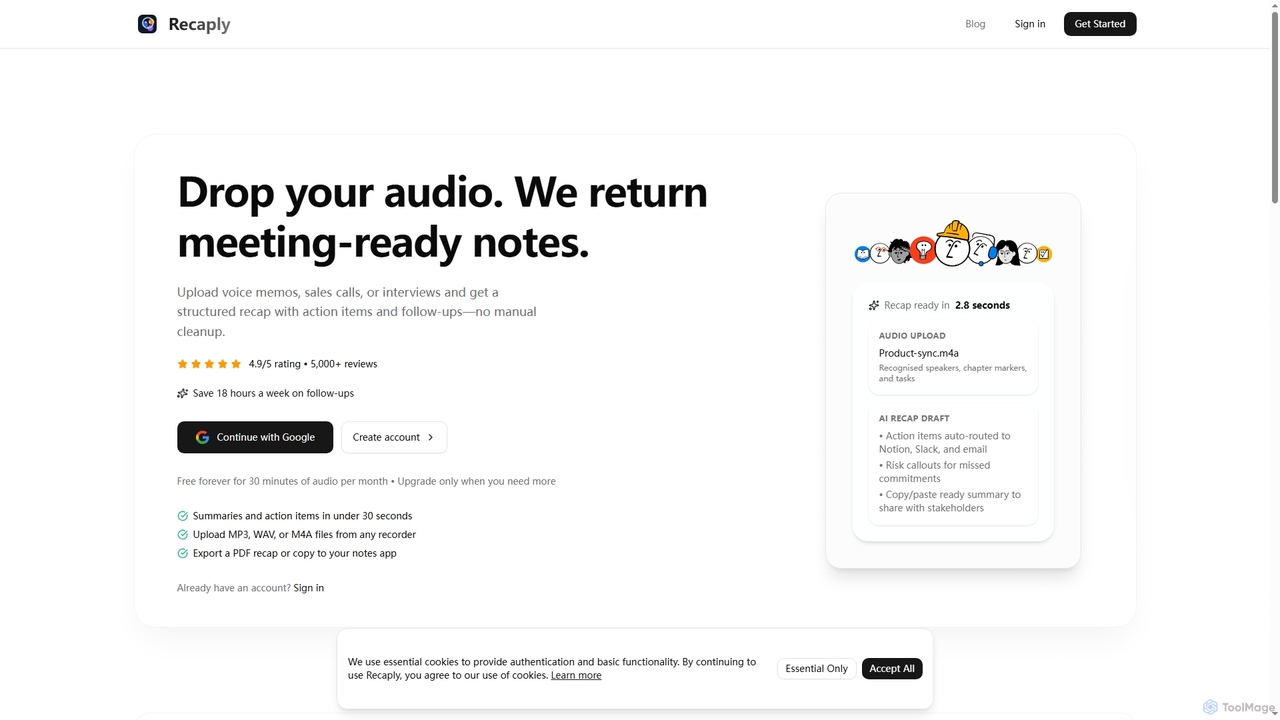
Recaply is an AI-powered tool that transforms voice memos, sales calls, and interviews into structured, actionable notes with summaries, action items, and follow-ups. It streamlines post-meeting tasks, saving significant time on manual cleanup and ensuring team alignment.

Sales Enablement
Visits 5.8KFavorites 88Likes 107
StenifyAI
Freemium

StenifyAI

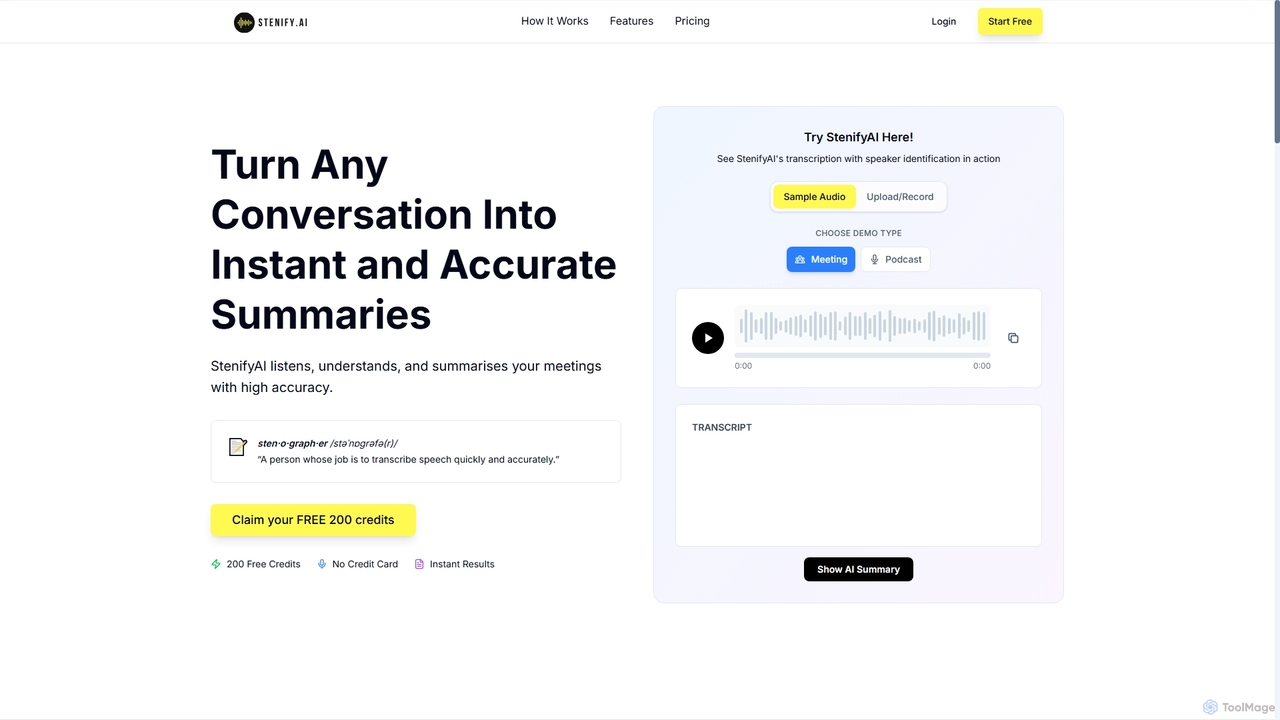
StenifyAI transforms any conversation into instant, accurate summaries and transcripts with speaker identification. It streamlines meeting documentation, saving teams valuable time and ensuring consistent, searchable records across 99 languages.

Communication Tools
Visits 9.5KFavorites 111Likes 98
Notterai
Freemium

Notterai

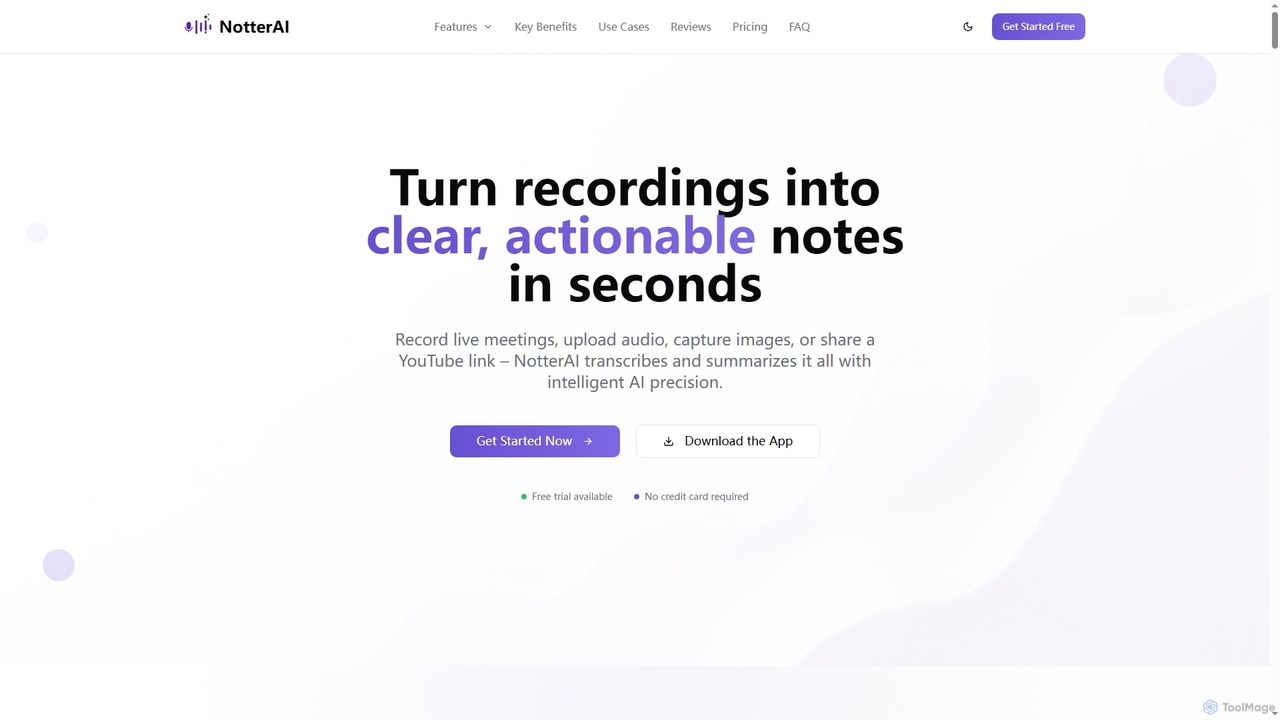
Notterai is an AI-powered note-taker that transforms recordings, audio files, images, PDFs, and even YouTube videos into clear, actionable notes. It offers real-time transcription, intelligent summaries, and multi-language support to boost productivity for students, professionals, and creators.

Study Tools
Visits 6.2KFavorites 177Likes 188
Audio2Text AI
Freemium

Audio2Text AI

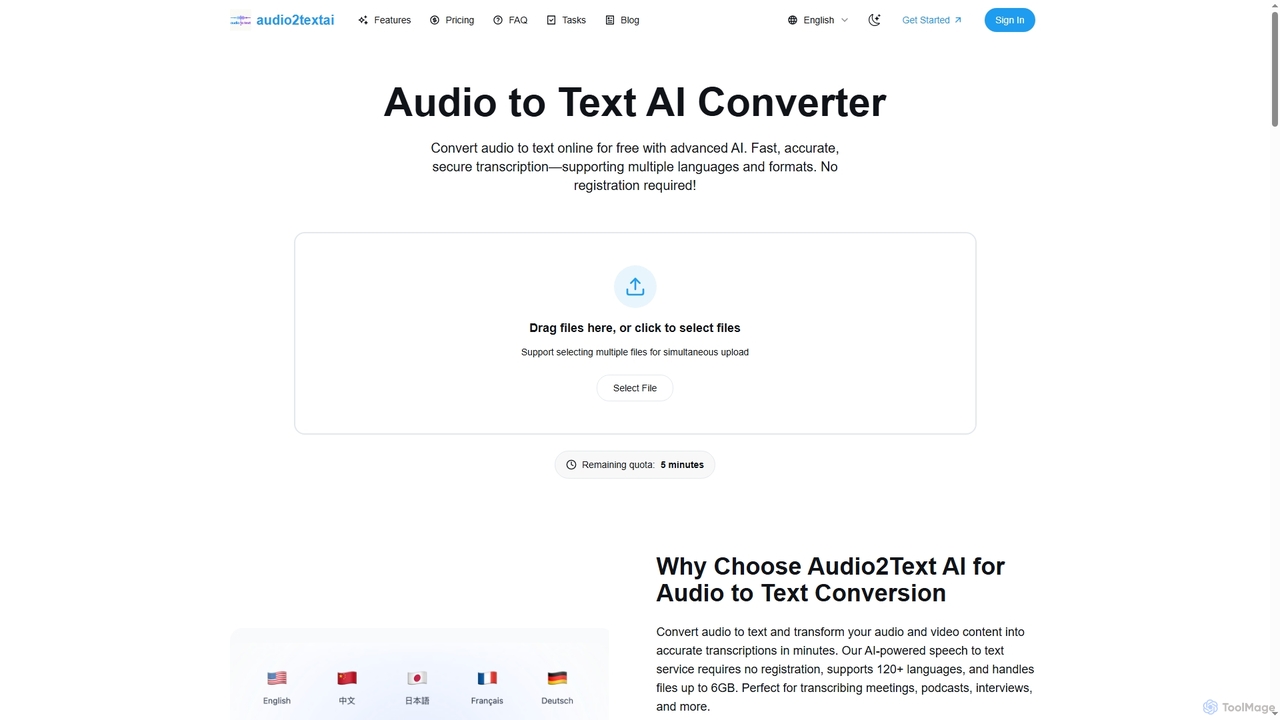
Audio2Text AI is an advanced online AI converter that transforms audio and video files into accurate text transcriptions quickly and securely. Supporting over 120 languages and 21 media formats, it offers enterprise-grade accuracy with speaker identification and timestamps, all without requiring registration for a free 5-minute trial.

Meeting Management
Visits 5.7KFavorites 121Likes 138
Otter.ai
Freemium

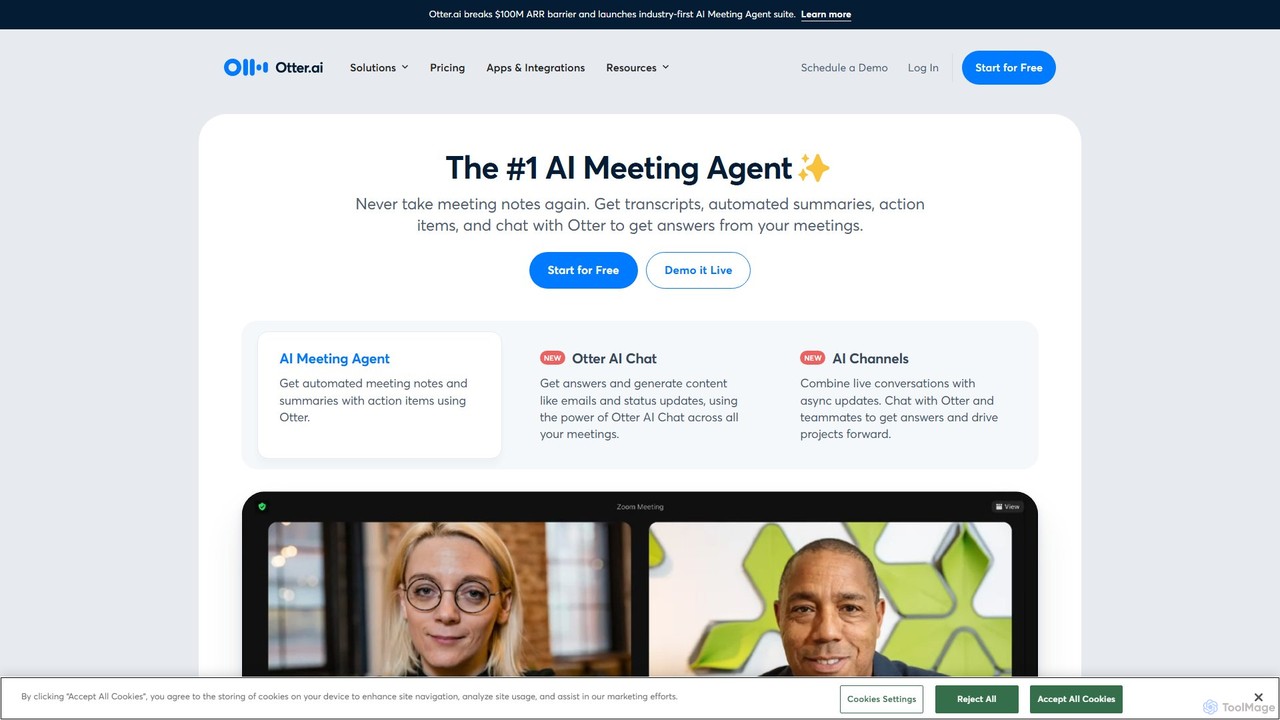
Otter.ai

Otter.ai is an AI-powered meeting assistant that automatically records, transcribes, and summarizes your conversations. It joins your meetings on Zoom, Google Meet, and MS Teams, providing real-time notes, action items, and searchable archives. This allows teams to stay focused, collaborate effectively, and unlock insights from their spoken knowledge.

Note Taking
Visits 7MFavorites 122Likes 118

About Audio To Text

Audio To Text tools are a specialized category of transcription software that automatically convert spoken language from audio files into written text. They leverage advanced Automatic Speech Recognition (ASR) technology to analyze sound waves and identify words, phrases, and speakers. This process makes audio content searchable, editable, and accessible, transforming interviews, meetings, and lectures into valuable data assets. Key features often include high accuracy rates, multi-language support, and speaker diarization for clear attribution.

Core Features

  • Speaker Diarization: Automatically identifies and labels different speakers throughout the audio recording.
  • Accurate Timestamping: Aligns each word or phrase with its precise timing in the audio file for easy reference and editing.
  • Custom Vocabulary: Allows users to add specific names, industry jargon, or technical terms to improve recognition accuracy.
  • Multiple Export Formats: Provides transcripts in various formats like TXT, DOCX, or SRT for subtitles and other applications.
  • Noise Filtering: Employs algorithms to reduce background noise and enhance the clarity of the source audio for better results.

Use Cases

These tools are widely used by journalists for transcribing interviews, podcasters for creating show notes, and academic researchers for analyzing qualitative data. In business, they are essential for creating accurate records of meetings, conference calls, and customer support interactions, improving documentation and follow-up.

How to Choose

When selecting an Audio To Text tool, prioritize its transcription accuracy, especially for specific accents or noisy environments. Evaluate the quality of its speaker identification, the range of supported languages, and its integration capabilities with your existing workflow. Also, consider the pricing model—whether it's per-minute billing or a subscription—and the platform's security protocols for sensitive data.

Audio To Text use cases

1

Transcribing Interviews for Journalism and Research

Journalists and academic researchers frequently conduct interviews that must be accurately documented. Using an Audio To Text tool, they can upload hours of recordings and receive a full transcript within minutes. Features like speaker diarization clearly separate the interviewer from the interviewee, while precise timestamps allow for quick fact-checking and locating key quotes. This significantly accelerates the research and writing process, ensuring accuracy and freeing up time for analysis rather than manual transcription.

2

Creating Content from Podcasts and Videos

Content creators, such as podcasters and YouTubers, use Audio To Text tools to repurpose their audio-visual content. By transcribing an episode, they can quickly generate blog posts, show notes, social media captions, and subtitles (using SRT export). This maximizes the reach of their original content across different platforms and improves SEO by making the spoken content indexable by search engines. It also enhances accessibility for audiences who are hearing-impaired or prefer to read.

3

Documenting Business Meetings and Conference Calls

In a corporate setting, teams use Audio To Text tools to automatically generate minutes from meetings and calls. This ensures that no critical decisions or action items are missed. The speaker diarization feature helps attribute comments and tasks to the correct individuals. The resulting text is a searchable record that can be shared with attendees or those who couldn't make it, improving team alignment and accountability without requiring someone to manually take detailed notes.

4

Assisting Students with Lecture and Study Notes

Students can record lectures and seminars and use an Audio To Text tool to convert them into comprehensive, searchable notes. This allows them to focus on understanding the material during class rather than frantically writing everything down. The transcript serves as a powerful study aid, enabling them to quickly search for keywords and review specific topics. It is particularly beneficial for students with learning disabilities or those studying in a non-native language.

5

Transcribing Legal Depositions and Client Meetings

Legal professionals handle sensitive and detail-oriented audio recordings, such as depositions, witness statements, and client consultations. An Audio To Text tool provides a fast, first-draft transcript. With features like custom vocabulary for legal terminology and clear speaker labeling, it helps paralegals and attorneys quickly review case details, identify key information, and prepare for trials. This automation reduces reliance on expensive, slow manual transcription services for initial reviews.

6

Improving Accessibility for Media Content

Media companies and broadcasters have a responsibility to make their content accessible. Audio To Text tools are crucial for this, as they can automatically generate closed captions and full transcripts for video and audio content. This not only serves audiences with hearing impairments but also benefits viewers in sound-sensitive environments (like public transport) or those who speak a different language and rely on translated subtitles. It's an efficient way to meet accessibility standards and broaden audience reach.

Audio To Text FAQ

What are Audio To Text tools?

Audio To Text tools are software applications that use Artificial Intelligence, specifically Automatic Speech Recognition (ASR) technology, to automatically convert audio recordings into written text. Unlike manual transcription, this process is fast and automated. Key features often include identifying different speakers (diarization), adding timestamps to the text, and supporting multiple languages. They are commonly used to create searchable transcripts of interviews, meetings, podcasts, and lectures.

How accurate are AI-powered Audio To Text tools?

The accuracy of AI-powered Audio To Text tools can range from 85% to over 98%, depending on several factors. Key influences include:

  • Audio Quality: Clear audio with minimal background noise yields the best results.
  • Speaker Clarity: The speaker's accent, pace, and enunciation significantly impact accuracy.
  • Specialized Vocabulary: Accuracy may decrease with industry-specific jargon or unique names, though custom vocabulary features can mitigate this.
For professional or critical applications, it's common practice to use the AI-generated transcript as a first draft and have a human review it for 100% accuracy.

What is the difference between automated 'Audio To Text' and manual transcription?

The main difference lies in speed, cost, and accuracy. Automated 'Audio To Text' tools use AI to produce transcripts in minutes at a low cost, making them ideal for quick drafts, content repurposing, and general note-taking. Manual transcription involves a human transcriber listening to the audio and typing it out, which is slower and more expensive but typically achieves higher accuracy, capturing nuance, and handling difficult audio better. Many workflows use AI for the initial pass and human review for final polishing.

How to choose the right Audio To Text tool?

To choose the right tool, evaluate your specific needs against these criteria:

  • Accuracy & Reliability: Check reviews or test the tool with your typical audio files.
  • Key Features: Do you need speaker diarization, custom vocabulary, or specific export formats like SRT?
  • Language Support: Ensure it supports the languages and dialects you work with.
  • Pricing Model: Compare per-minute rates versus monthly subscriptions based on your usage volume.
  • Security: If you handle confidential information, verify the tool's data privacy and security policies.

Can Audio To Text tools handle multiple speakers?

Yes, many advanced Audio To Text tools include a feature called 'speaker diarization'. This technology analyzes the audio to distinguish between different voices and can label the transcript accordingly, for example, as 'Speaker 1', 'Speaker 2', etc. This is extremely useful for transcribing interviews, meetings, and panel discussions, as it makes the conversation easy to follow and attribute quotes correctly. The quality of diarization can vary, so it's a key feature to test when evaluating tools.