ToolMage
Sign in

Best 11 Audio & Video AI tools

Popular Audio & Video AI tools include TurboScribe, Tingwu, Gladia, ScriptMe, Whisper API, Honeybear.ai, vid2txt, Apprendo, gettxt.ai, and ChatScribe Pro, helping you work more efficiently.

Apprendo
Freemium

Apprendo

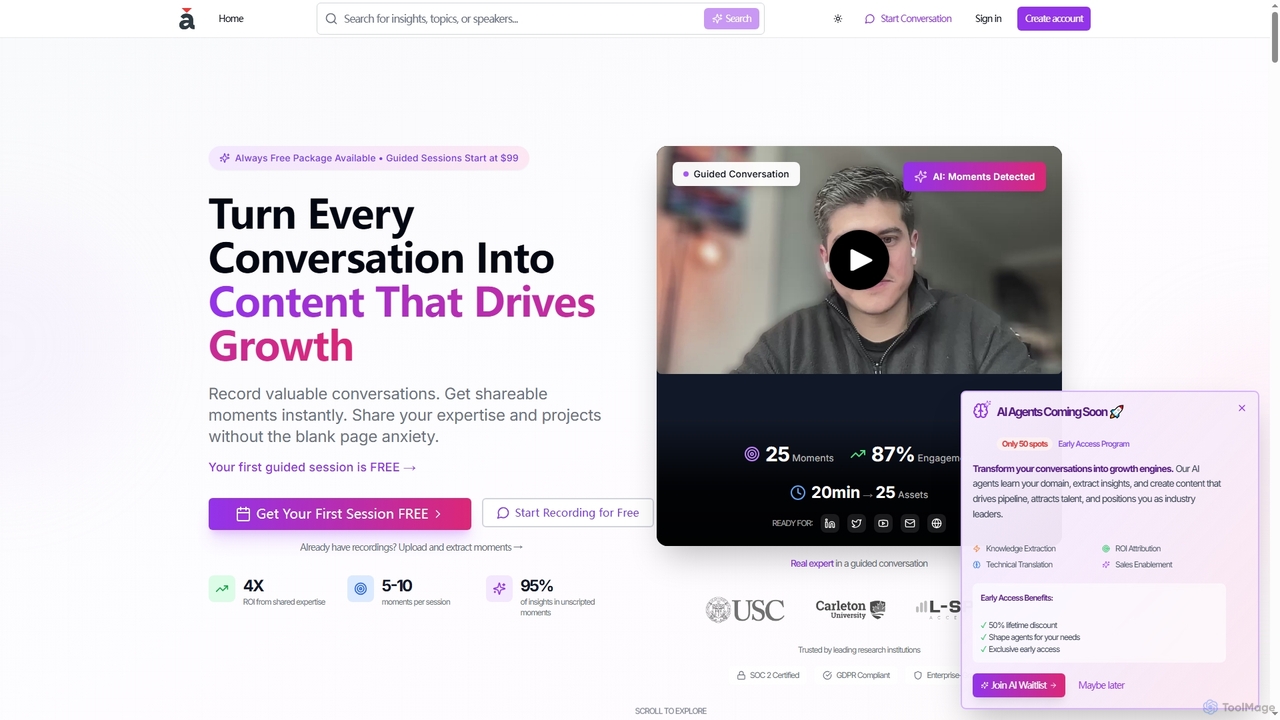
Apprendo is an AI-powered platform that transforms team conversations, meetings, and existing recordings into high-impact content. Designed for R&D teams and experts, it captures valuable insights, extracts shareable moments, and helps disseminate expertise across various platforms to drive growth, talent acquisition, and thought leadership, all while ensuring enterprise-grade security and compliance.

Recording & Editing
Visits 8.6KFavorites 160Likes 153
gettxt.ai
Freemium

gettxt.ai

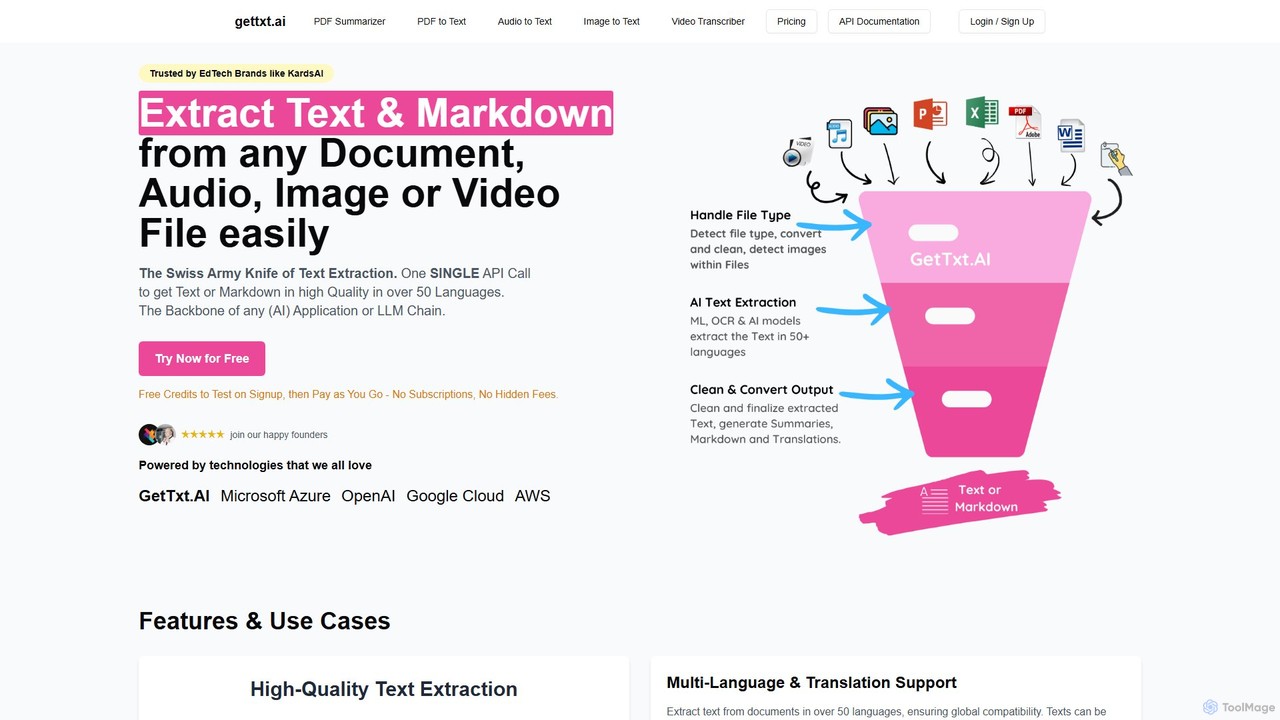
gettxt.ai is a unified API and online toolset for extracting text, markdown, summaries, and translations from any document, audio, image, or video file. It simplifies data processing for developers and users with a single, powerful solution.

Transcription
Visits 8.2KFavorites 167Likes 163
Seymour Events
Freemium

Seymour Events

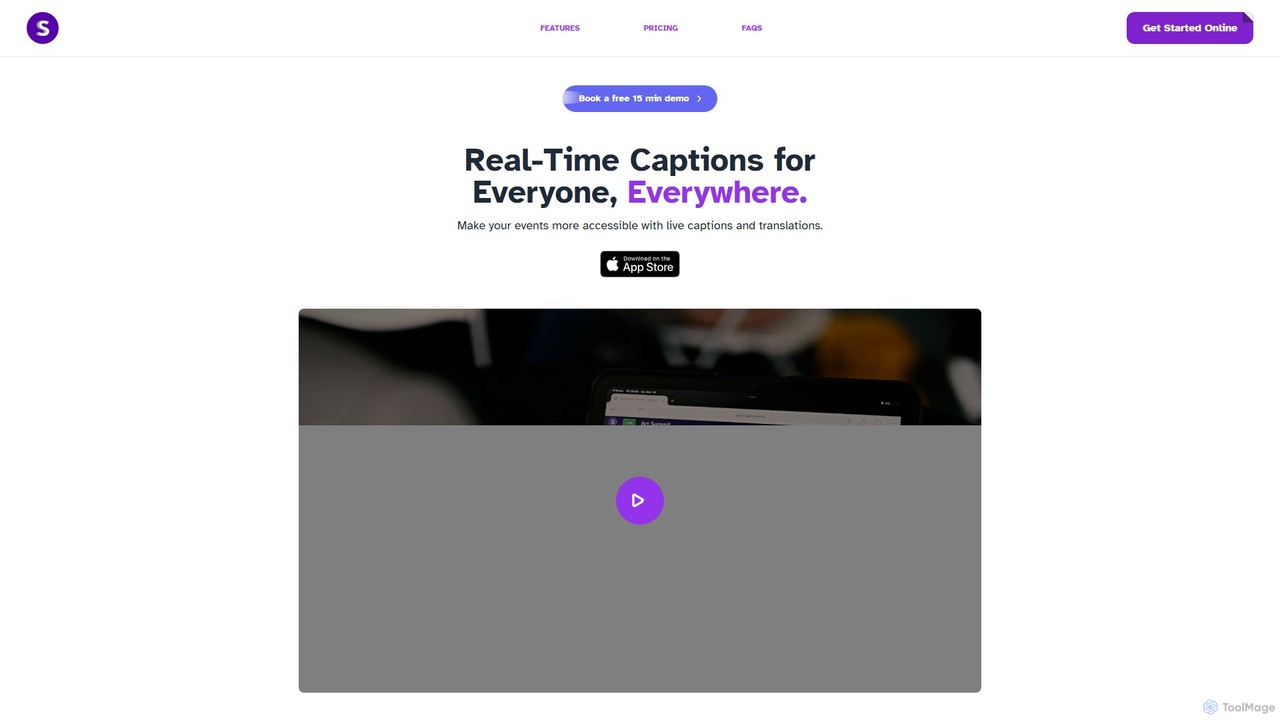
Seymour Events provides AI-powered real-time captions and multi-language translations for live events. Designed for inclusivity, it makes conferences, meetings, and performances accessible to Deaf, Hard of Hearing, and language-diverse audiences. The platform is easy to use for sound technicians, requires no special hardware, and offers a seamless viewing experience for attendees on any device via a simple link.

Hearingimpairment
Visits 7.1KFavorites 146Likes 164
Whisper API
Paid

Whisper API

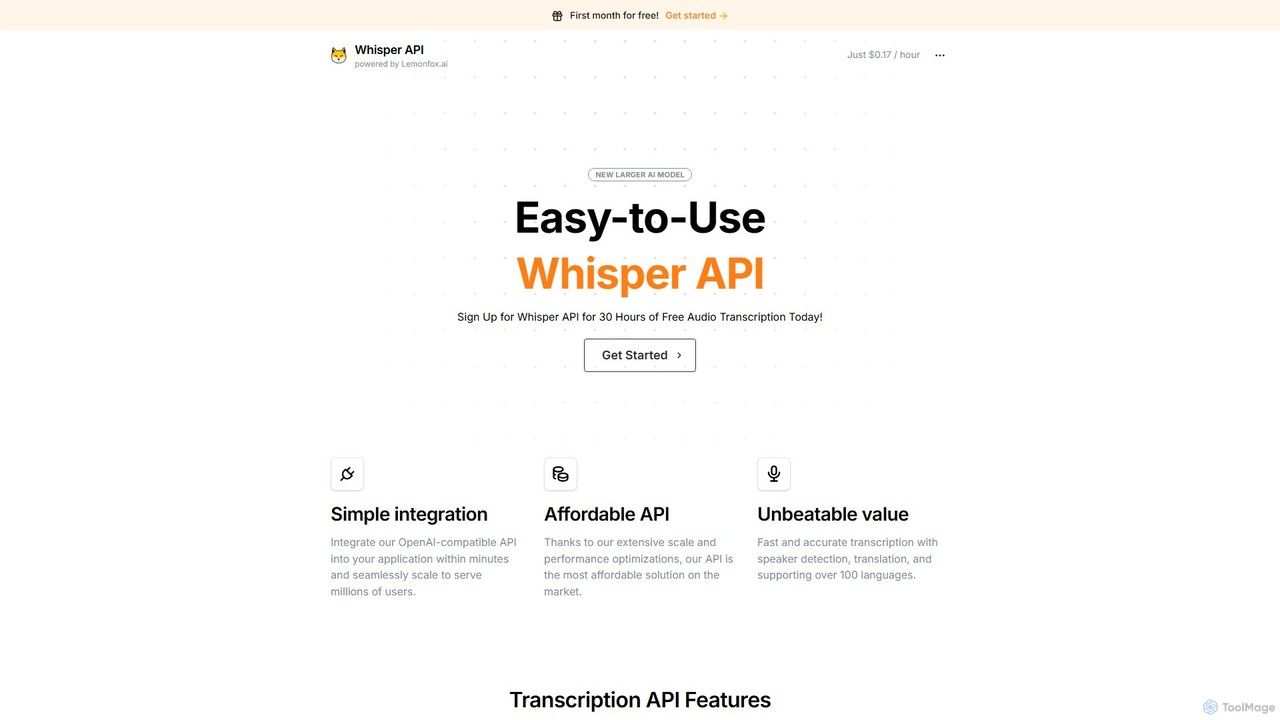
An affordable, developer-focused transcription API powered by OpenAI's Whisper v3. It offers high-accuracy speech-to-text, speaker diarization, translation, and support for over 100 languages. Its OpenAI-compatible structure allows for seamless integration and scaling for millions of users.

Transcription
Visits 41.9KFavorites 135Likes 118
Tingwu
Freemium

Tingwu

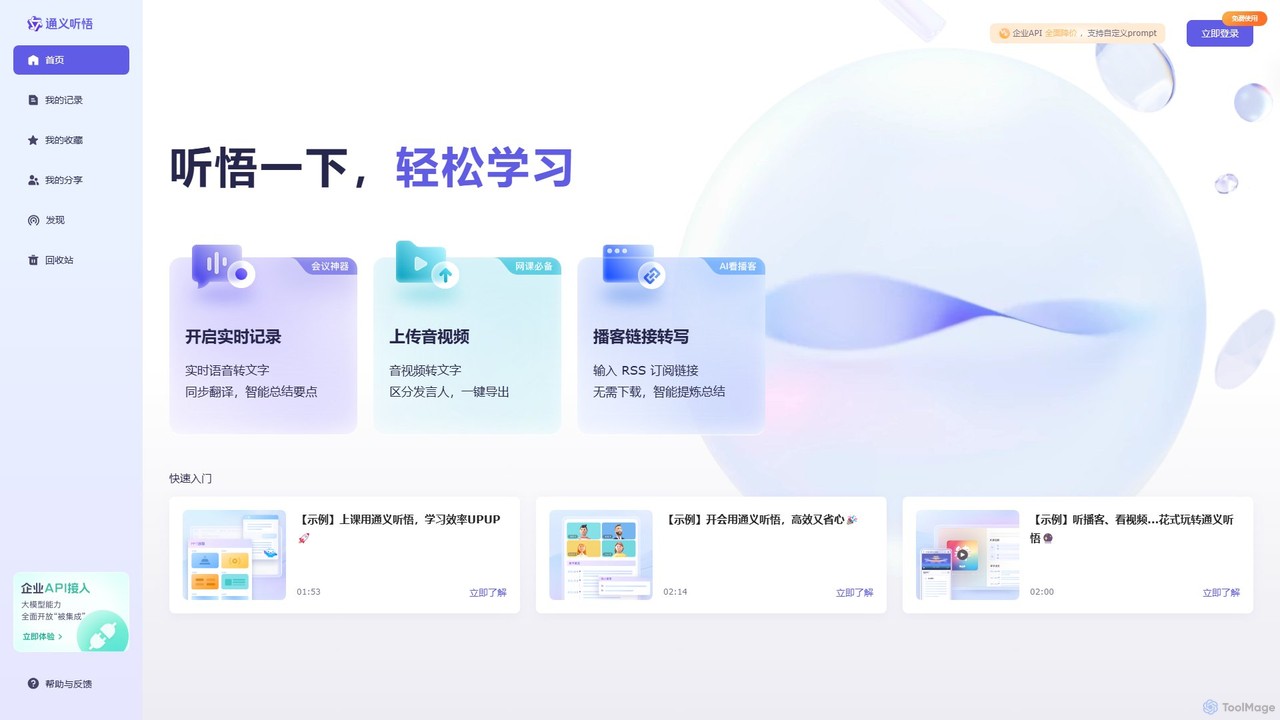
Tingwu is an AI-powered transcription and meeting analysis tool by Alibaba Cloud. It offers real-time speech-to-text, audio/video file transcription, and intelligent summarization. Features include speaker identification, keyword extraction, and simultaneous translation, designed to boost productivity for meetings, lectures, and content creation.

Audio Editing
Visits 453.5KFavorites 124Likes 126
Gladia
Freemium

Gladia

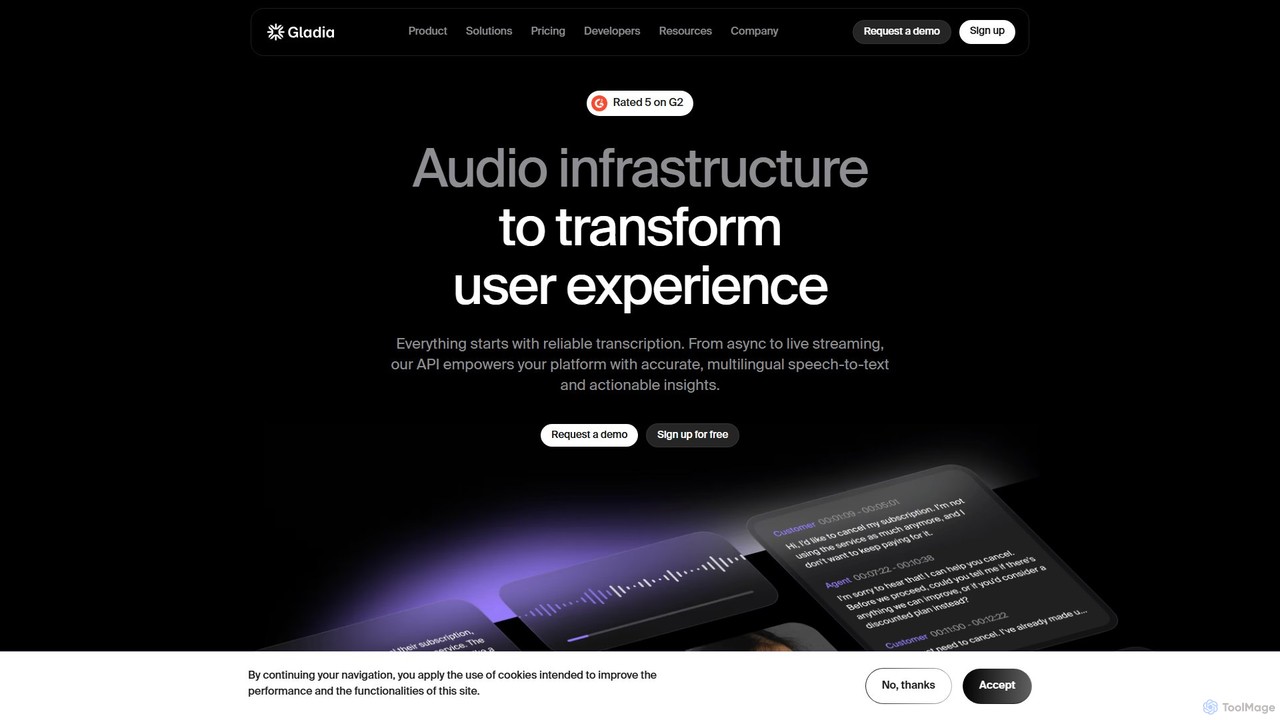
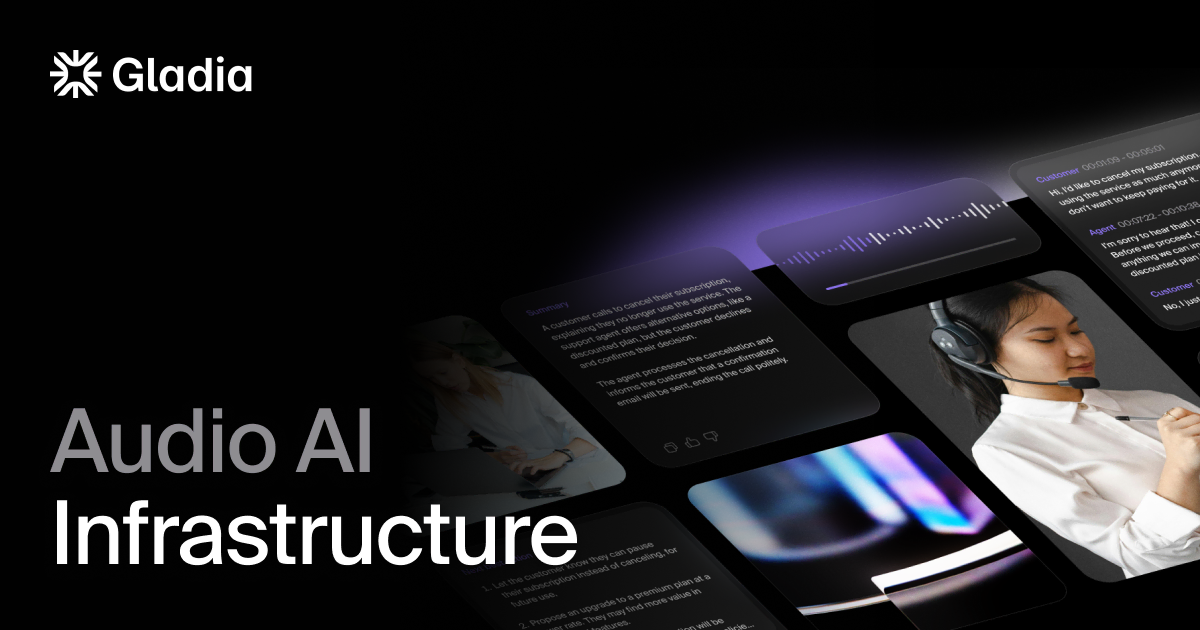
Gladia is an advanced audio transcription API offering both real-time streaming and asynchronous speech-to-text services. It delivers high accuracy, low latency, and near-zero hallucinations across 99 languages, making it ideal for developers building solutions for contact centers, media, sales, and meeting assistance.

Transcription
Visits 218.3KFavorites 125Likes 127
TurboScribe
Freemium

TurboScribe

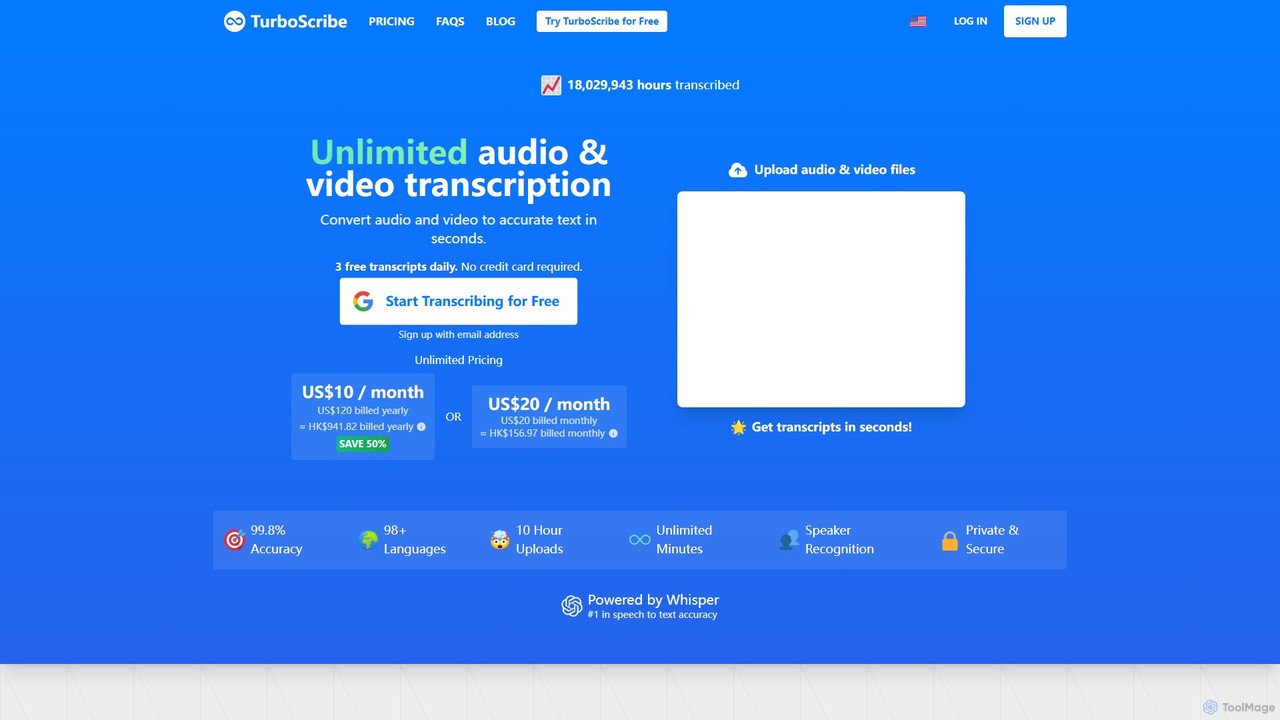
TurboScribe is an AI-powered transcription service that converts unlimited audio and video files to highly accurate text in seconds. Powered by Whisper, it supports over 98 languages, features speaker recognition, and offers built-in translation to 134+ languages. Ideal for transcribing meetings, interviews, podcasts, and videos with up to 99.8% accuracy. It offers a generous free plan and an affordable unlimited plan.

Transcription
Visits 29.1MFavorites 158Likes 162
ScriptMe
Freemium

ScriptMe

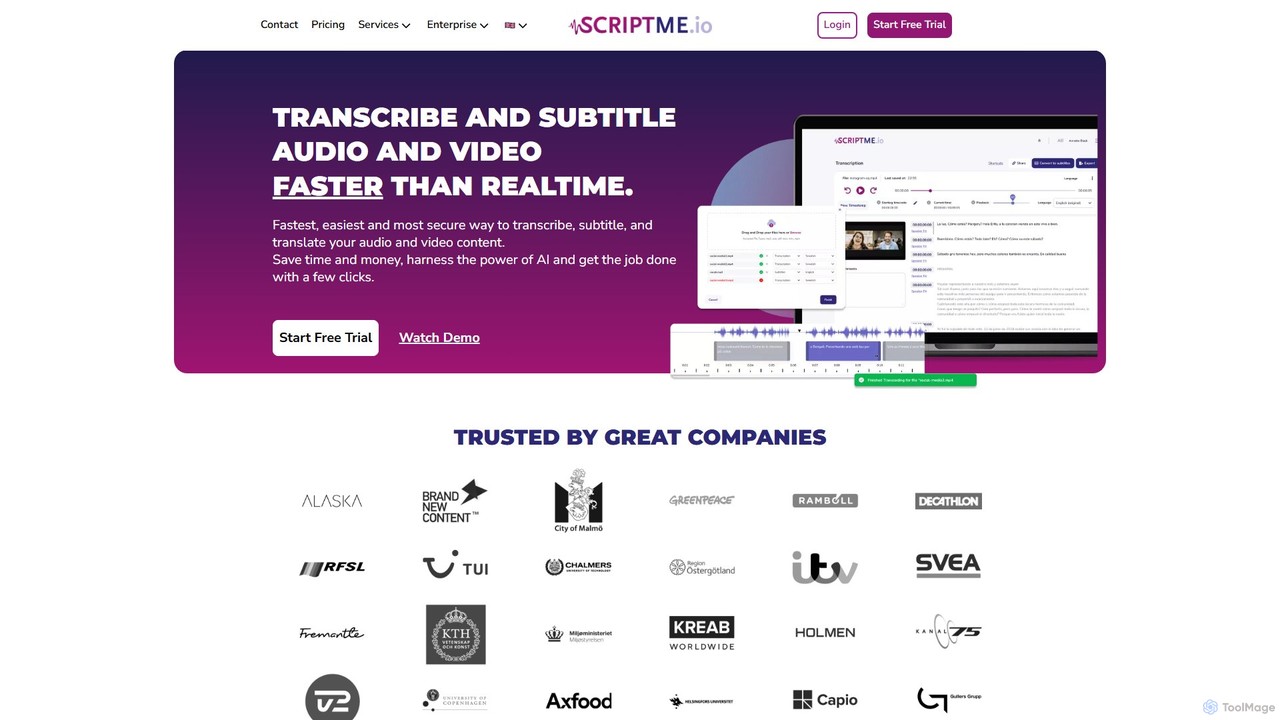
ScriptMe is an AI-powered platform for fast and accurate automatic transcription of audio and video files. It also provides tools for generating and editing subtitles, making it ideal for content creators, journalists, researchers, and media companies looking to streamline their workflow and improve content accessibility.

Transcription
Visits 178.8KFavorites 167Likes 152
ChatScribe Pro
Freemium

ChatScribe Pro

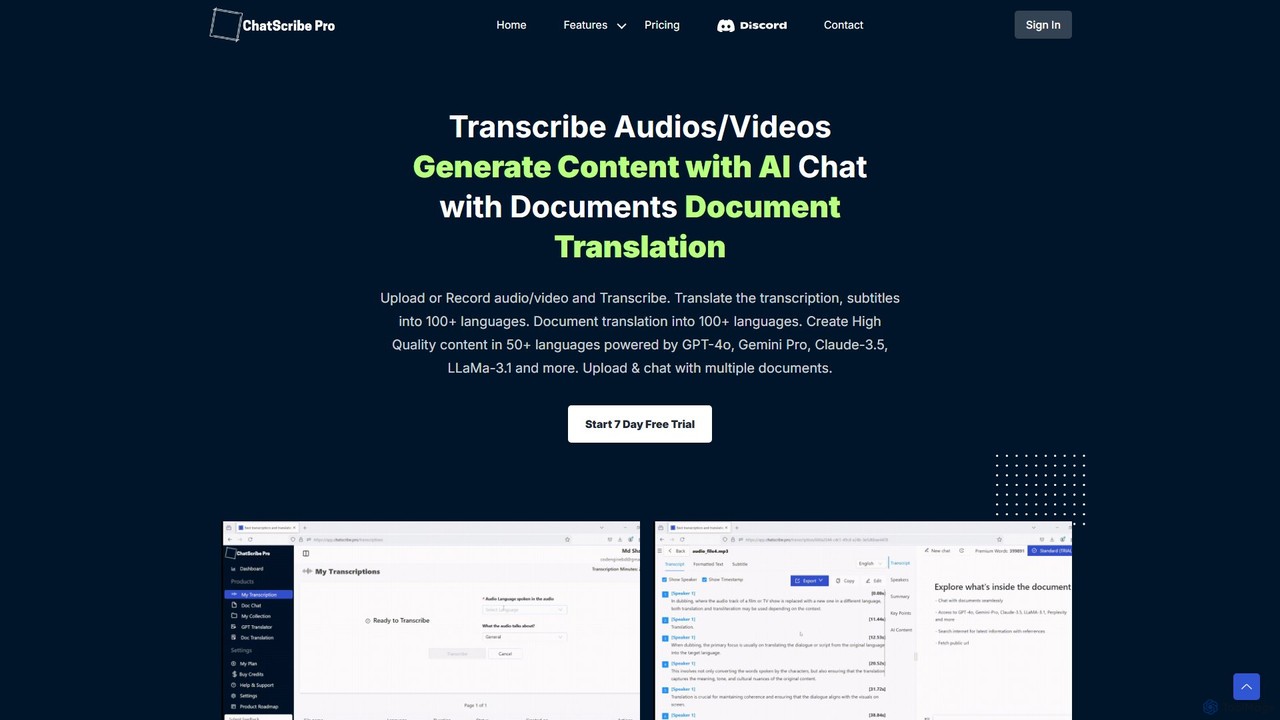
ChatScribe Pro is an AI-powered platform that transcribes, translates, and transforms audio/video content into various written formats. Leveraging multiple top-tier AI models like GPT-4o and Claude 3.5, it offers over 17 templates for generating blog posts, social media updates, meeting summaries, and more, turning your media into actionable insights and ready-to-publish content.

Editing
Visits 7.1KFavorites 176Likes 172
Honeybear.ai
Freemium

Honeybear.ai

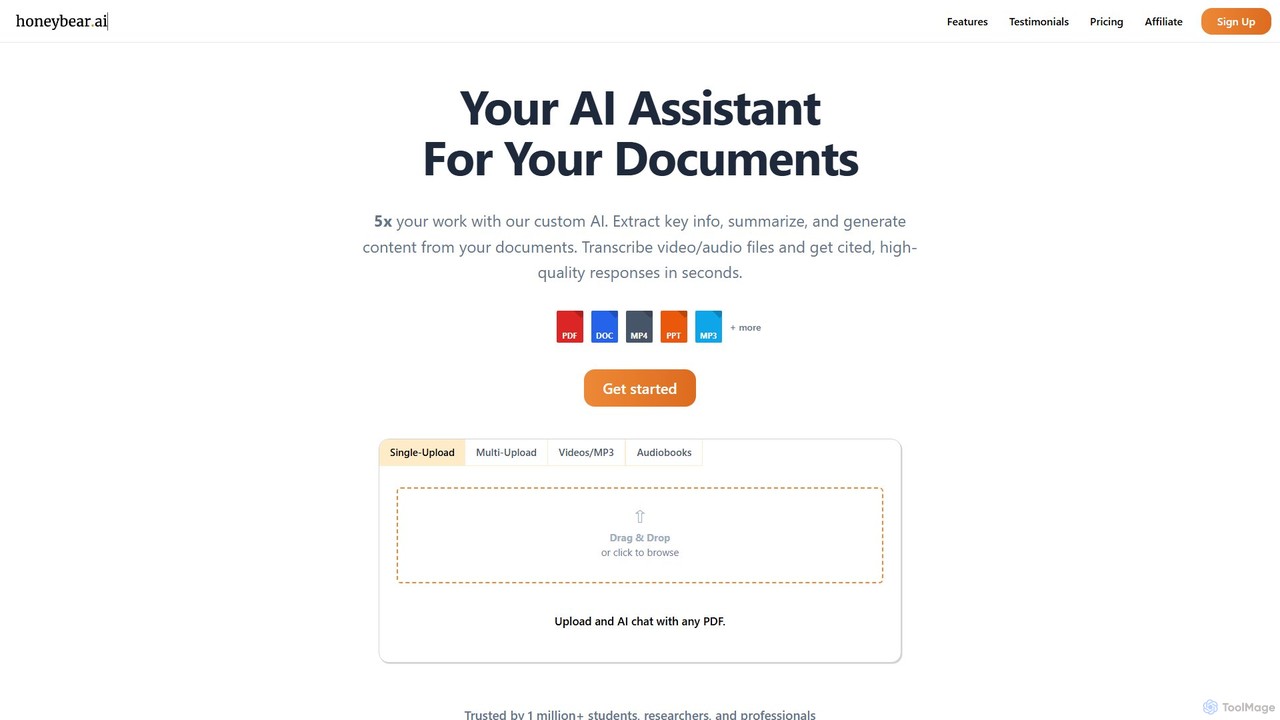
Honeybear.ai is an AI assistant that revolutionizes how you interact with documents, videos, and audio files. It extracts key information, provides instant summaries, and generates content from multiple sources simultaneously. Featuring clickable citations, OCR for scanned documents, and accurate transcription, it's an essential tool for students, researchers, and professionals looking to boost productivity and deepen their understanding of complex materials.

Transcription
Visits 21.5KFavorites 160Likes 153
vid2txt
Paid

vid2txt

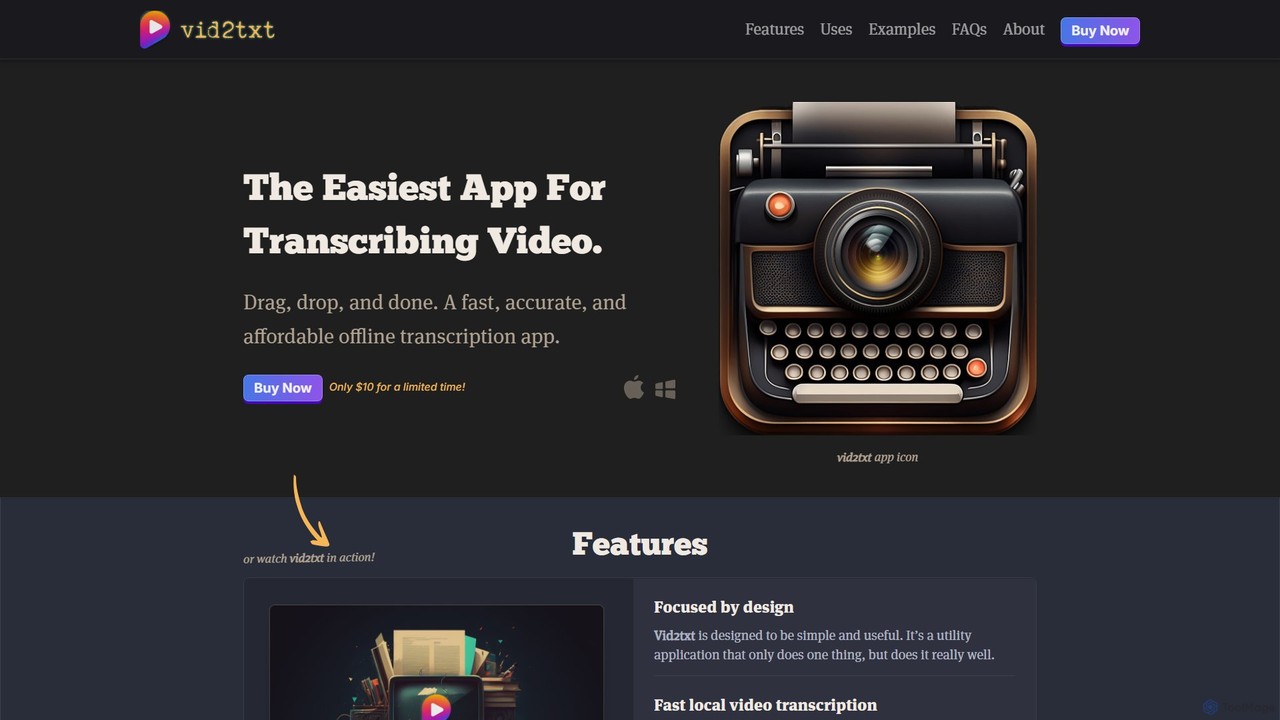
vid2txt is a fast, accurate, and affordable desktop application for transcribing video and audio files. It operates 100% offline, ensuring your data remains private. With a simple drag-and-drop interface, it supports numerous formats and generates .txt, .srt, and .vtt files. It's available for a one-time purchase, offering an anti-subscription model for unlimited transcriptions.

Transcription
Visits 8.8KFavorites 154Likes 156

About Audio & Video

AI Audio & Video tools are a class of software that leverage artificial intelligence to create, edit, analyze, and enhance media content. These tools utilize deep learning models to automate complex tasks like transcription, voice synthesis, video generation, and quality improvement. They empower creators, marketers, and developers to produce high-quality audio and video content more efficiently, breaking down technical barriers and unlocking new creative possibilities. From generating realistic voiceovers from text to creating entire video scenes from a simple prompt, these AI solutions are transforming media production workflows.

Core Features

  • AI Generation: Create original audio (music, voiceovers) or video content from text prompts, images, or other inputs.
  • Voice Synthesis & Cloning: Generate realistic, human-like speech in various languages or replicate a specific voice from a short audio sample.
  • Audio & Video Enhancement: Automatically improve media quality by removing background noise, upscaling video resolution, stabilizing shaky footage, and color correcting.
  • Automated Transcription & Analysis: Convert spoken words into accurate text transcripts, identify speakers, and analyze content for sentiment or keywords.
  • Smart Editing: Automate tedious editing tasks such as removing filler words, cutting silences, or isolating specific sounds or visual elements.

Use Cases

These tools are widely used by content creators for social media and YouTube, marketing teams for producing promotional videos and advertisements, podcasters for audio editing and cleanup, and businesses for creating training materials and virtual presentations. Developers also integrate these capabilities via APIs to build media-rich applications.

How to Choose

When selecting an AI Audio & Video tool, consider the primary function you need (e.g., generation, editing, enhancement). Evaluate the output quality, the level of creative control and customization offered, supported file formats and languages, and integration options like API access. Also, compare pricing models, which can range from subscriptions to pay-per-use credits.

Featured tool rankings

Audio & Video use cases

1

Create Marketing Videos for Social Media

A marketing manager needs to produce a series of short promotional videos for an upcoming product launch on Instagram and TikTok. Instead of a lengthy traditional video production process, they use an AI text-to-video tool. They input a script, select a brand voice and visual style, and the AI generates multiple video variations in minutes. This allows the team to A/B test different ad creatives quickly, significantly reducing production time and costs while increasing campaign agility.

2

Enhance Podcast Audio Quality

A podcaster records interviews remotely, often resulting in inconsistent audio quality and background noise from guests' environments. After recording, they upload the audio files to an AI audio enhancement tool. The tool automatically balances volume levels, removes background hums and echoes, and even eliminates filler words like 'um' and 'ah'. This process, which used to take hours of manual editing, is now completed in minutes, resulting in a professional, clean-sounding final product for their listeners.

3

Generate Multilingual Voiceovers for Training Videos

A global corporation needs to create training modules for its employees in multiple countries. To save on costs and time associated with hiring voice actors for each language, the L&D team uses an AI voice synthesis and cloning tool. They upload the English script and a sample of a preferred narrator's voice. The AI then generates high-quality, natural-sounding voiceovers in Spanish, German, and Japanese, maintaining a consistent tone and style across all versions. This enables rapid deployment of localized training content.

4

Automate Transcription of Meetings and Interviews

A journalist conducts dozens of interviews for a feature story and needs to quickly search through hours of recordings for key quotes. They use an AI transcription service that not only converts audio to text with high accuracy but also identifies different speakers and provides timestamps. This transforms a multi-day manual transcription task into a process of a few hours. The journalist can then easily search the text for keywords, copy quotes, and reference specific moments in the audio, streamlining their writing process.

5

Generate Royalty-Free Background Music

A freelance video editor is working on a corporate video and needs a specific style of background music—uplifting but not distracting. Instead of spending hours searching through stock music libraries and worrying about licensing, they use an AI music generator. They input prompts like 'upbeat corporate, piano and strings, medium tempo'. The AI generates several unique, royalty-free tracks. The editor can then select the best fit and even request minor variations, ensuring the final music perfectly matches the video's tone and pacing.

6

Upscale and Restore Old Video Footage

A documentary filmmaker has archival footage from the 1980s that is low-resolution and grainy. To use it in a modern high-definition production, they process the footage through an AI video enhancement tool. The AI analyzes each frame, intelligently upscaling the resolution to 4K, reducing noise and compression artifacts, and even sharpening details without creating an artificial look. This allows them to seamlessly integrate historical clips into their new film, preserving the past with modern clarity.

Audio & Video FAQ

What are AI Audio & Video tools?

AI Audio & Video tools are applications that use artificial intelligence to perform tasks related to media creation, editing, and analysis. They automate processes that traditionally require significant manual effort and technical skill. Key functions include generating video from text, synthesizing realistic voices, removing background noise from audio, transcribing speech to text, and enhancing the quality of old footage.

How to choose the right AI Audio & Video tool?

To choose the right tool, first identify your primary need. Are you creating content from scratch (generation), improving existing media (enhancement), or processing it (transcription)? Then, consider these factors:

  • Output Quality: Check samples or use a trial to assess if the quality meets your standards.
  • Ease of Use: Look for an intuitive interface that matches your technical skill level.
  • Features & Control: Does it offer the specific features (e.g., voice cloning, style control) and customization you need?
  • Pricing: Compare subscription plans, pay-per-use models, and any limitations on usage or file size.
  • Integration: If you need to connect it with other software, check for API availability.
What's the difference between AI video generators and traditional video editors?

The core difference lies in the creation process. Traditional video editors (like Adobe Premiere Pro or Final Cut Pro) are tools for manipulating existing footage—cutting, arranging, and enhancing clips you have already filmed. AI video generators, on the other hand, create new video content from non-video inputs like text prompts or images. They generate visuals, motion, and scenes algorithmically, rather than editing pre-recorded material. Some tools are now blending these capabilities, offering AI features within a traditional editing interface.

Can AI tools create realistic human voices?

Yes, modern AI voice synthesis (Text-to-Speech or TTS) and voice cloning tools can create highly realistic human voices. The technology has advanced significantly, moving beyond robotic tones to produce speech with natural intonation, emotion, and pacing. High-quality tools can generate voices that are nearly indistinguishable from a human recording. Voice cloning technology can even replicate a specific person's voice from just a few seconds of audio, which has powerful applications in content creation but also raises important ethical considerations regarding consent and misuse.

Who can benefit from using AI Audio & Video tools?

A wide range of users can benefit from these tools. This includes:

  • Content Creators: For quickly producing videos, podcasts, and social media content without expensive equipment or extensive technical skills.
  • Marketers: To create promotional materials, ads, and product demos at scale and test different versions efficiently.
  • Educators & Trainers: To develop engaging e-learning modules, tutorials, and presentations with multilingual voiceovers.
  • Developers: To integrate powerful media processing and generation capabilities into their own applications via APIs.
  • Businesses: For automating meeting transcriptions, creating internal communications, and enhancing customer support materials.