
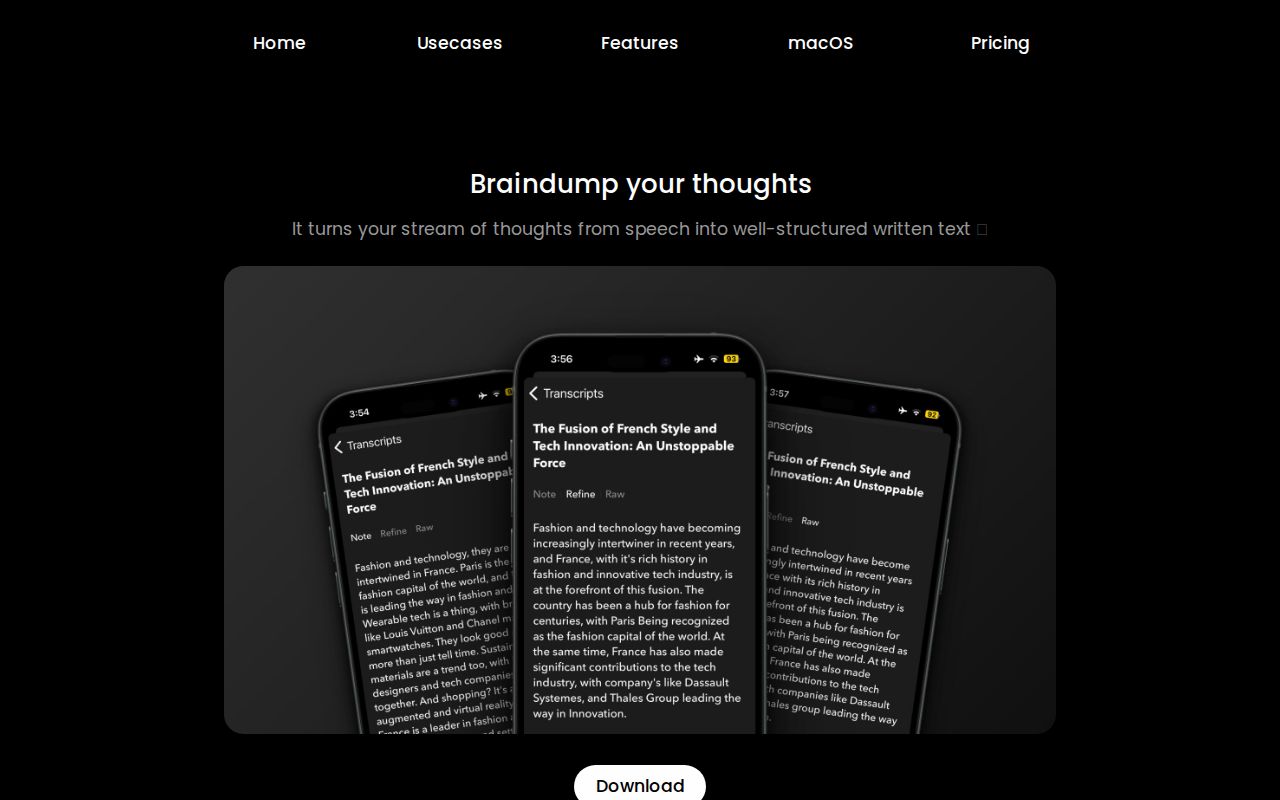
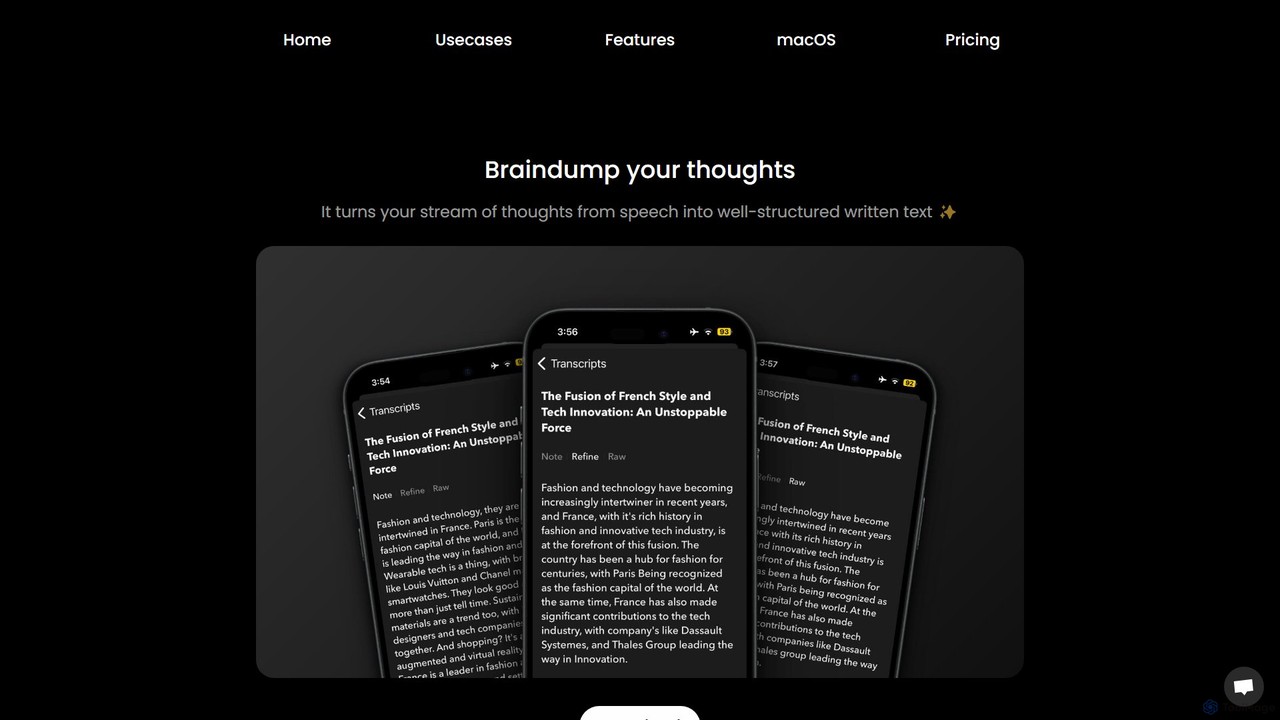
Audio writer Overview
Audio writer is a sophisticated AI application designed to bridge the gap between spontaneous thought and structured writing. It captures your stream-of-consciousness ideas, spoken aloud, and uses artificial intelligence to transcribe, refine, and organize them into clear, coherent text. This tool is built for anyone who thinks better out loud, including writers, content creators, students, and professionals, helping them to capture fleeting ideas and transform them into actionable content without the friction of typing.
The core problem Audio writer solves is the difficulty of capturing and structuring unstructured thoughts. Often, our best ideas come in a free-flowing, disorganized manner. This app acts as a personal scribe, listening to your voice memos and turning them into polished written material. It goes beyond simple transcription by cleaning up the text, removing filler words like 'ums' and 'ahs', correcting grammar, and improving punctuation, resulting in a clean, ready-to-use transcript.
How to use Audio writer
The workflow is designed to be intuitive and seamlessly integrate into your daily routine.
1. Record or Import: You can either record your thoughts directly within the app or import existing audio files from your device, including from the native Voice Memos and Files apps on macOS and iOS.
2. AI Transcription: Once the audio is loaded, Audio writer's AI engine transcribes the speech into text with high accuracy, supporting over 15 languages.
3. Refine and Rewrite: The initial transcript can then be refined. Use the AI to clean up the text, or choose from various rewriting styles and tones. You can make your text more professional, casual, or even mimic the style of a famous author. Custom prompts allow for even greater control over the output.
4. Repurpose and Organize: With a single tap, transform your transcript into different formats, such as a blog post, a tweet thread, a LinkedIn post, an email, or a list of action items.
5. Export and Integrate: Seamlessly export your structured thoughts to your favorite 'second brain' applications like Notion, Reflect, Typefully, or simply send them via email. This helps in organizing and connecting ideas within your existing knowledge management system.
Core Features of Audio writer
- AI-Powered Transcription & Refinement: Delivers clean, error-free transcripts by automatically removing filler words and correcting grammar and punctuation.
- Advanced Rewriting Capabilities: Rephrase text in various styles and tones using predefined presets (e.g., professional, casual, persuasive) or create your own custom prompts for tailored content generation.
- Multi-Format Content Repurposing: Instantly convert your voice notes into a wide range of content types, including emails, social media posts (Tweets, Reddit, LinkedIn), blog drafts, and summaries.
- Multi-Language Support: Speak in one of over 15 supported languages and receive accurate transcripts in your chosen language.
- Second Brain Integration: Effortlessly export your organized ideas to popular note-taking and productivity apps like Notion, Reflect, and Typefully, fostering a connected knowledge base.
- Transcript Management: Features like 'Duplicate & Merge' allow you to combine scattered thoughts from different recordings, while 'Super Summary' provides a concise overview of long transcripts.
- Audio to Text Snippets: Use voice commands to trigger custom text snippets, perform spell checks, expand acronyms, bleep out swear words, or insert links, dramatically speeding up the editing process.
- User-Centric Design: Includes features like Face ID for security, a full-screen Focus Mode, home screen widgets for quick access, and both Dark and Light themes for user comfort.
Use Cases for Audio writer
Brainstorming & Ideation: Capture creative ideas on the go without losing momentum. Just speak your thoughts, and let the app organize them into coherent points, mind maps, or outlines.
Journaling: Maintain a personal or professional journal with ease. Recording your daily reflections is much faster than typing, and Audio writer ensures your entries are well-written and easy to review.
Content Creation: Accelerate your content workflow significantly. Dictate a rough draft for a blog article, a script for a video, or ideas for a social media campaign, and use the app to refine and format it for publication.
Meeting Notes & Summaries: Record meetings and instantly generate summaries, action items, and follow-up emails to share with your team.
Academic & Research Work: Students and researchers can record lectures, interviews, or research notes and have them transcribed and organized for easier analysis and paper writing.
Advantages of Audio writer
The primary advantage of Audio writer is its ability to transform the messy, non-linear process of thinking into a streamlined, productive workflow. It saves countless hours of manual transcription and editing. By allowing users to 'braindump' their thoughts through speech, it removes writer's block and unlocks creativity. The deep integration with other productivity apps makes it a powerful hub for knowledge management, not just a standalone transcription tool. Its advanced AI rewriting and repurposing features provide immense value, turning a simple voice note into a dozen different content assets with minimal effort.
Pricing and Plans
Audio writer operates on a freemium model. A free version is available, allowing users to experience the core transcription and basic editing features. For access to advanced functionalities such as unlimited transcription, premium rewriting styles, custom prompts, multi-format repurposing, and enhanced integrations, users can subscribe to a paid plan. For the most up-to-date and detailed pricing information, please visit the official website or the App Store page.
Audio writer Alternatives
Letterly
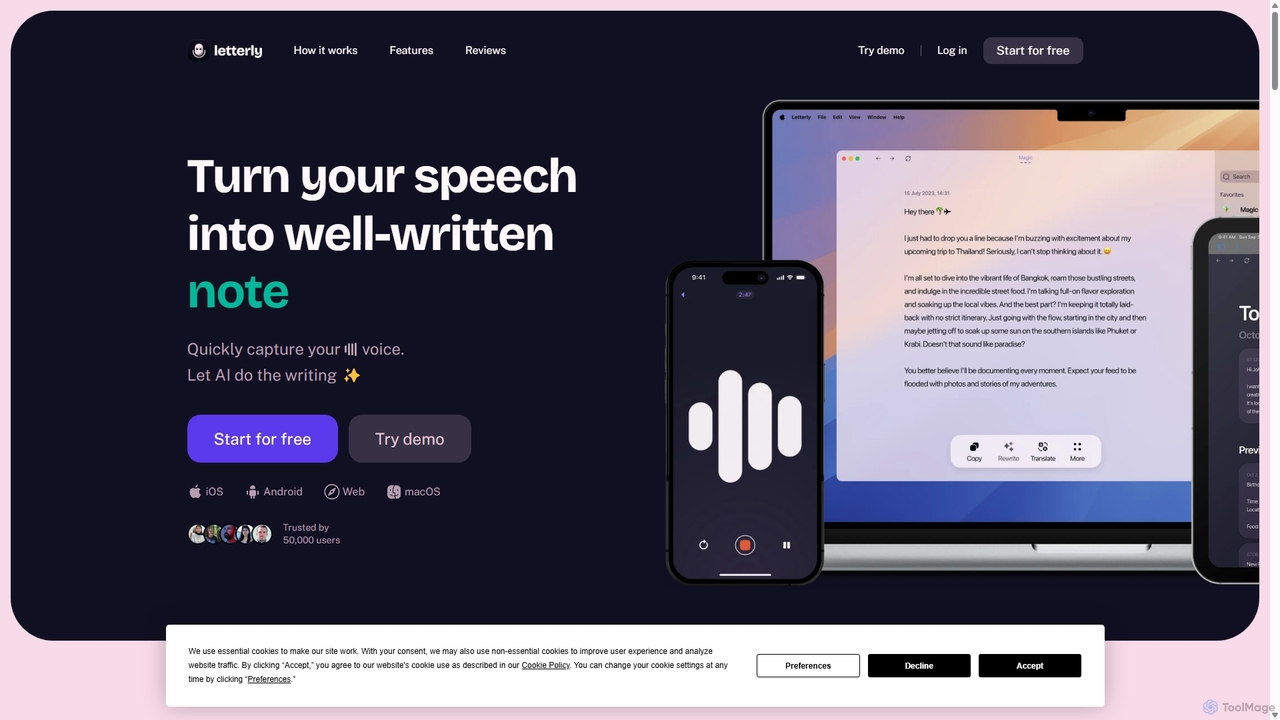
Letterly is an AI-powered mobile and desktop app that transforms your spoken words into clear, well-written text. It's more than just transcription; it uses AI to structure, rewrite, and format your voice notes into ready-to-use emails, social media posts, journal entries, to-do lists, and more, supporting over 90 languages.
Transcription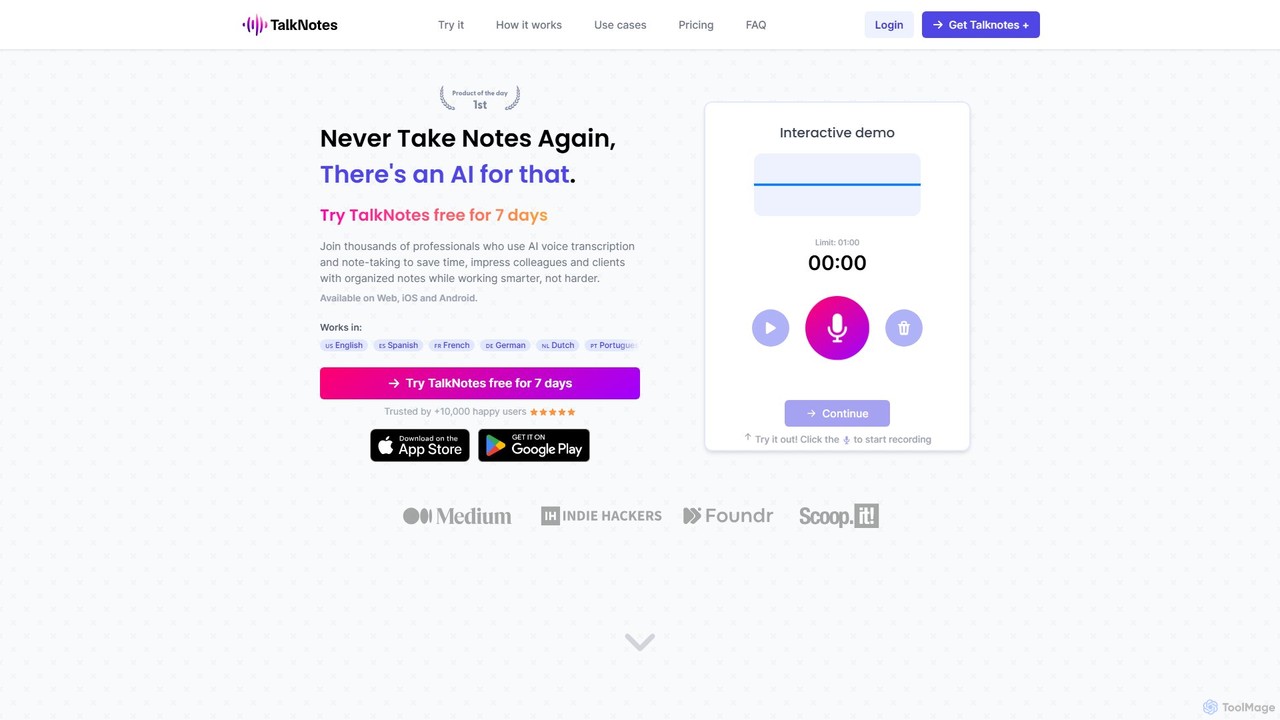
Talknotes
Talknotes is an AI-powered voice note app that transcribes, summarizes, and transforms your spoken words into structured content. Capture ideas, meetings, and lectures effortlessly, and let the AI create organized notes, blog posts, task lists, and more. Available on Web, iOS, and Android, it supports over 50 languages to boost your productivity.
Transcription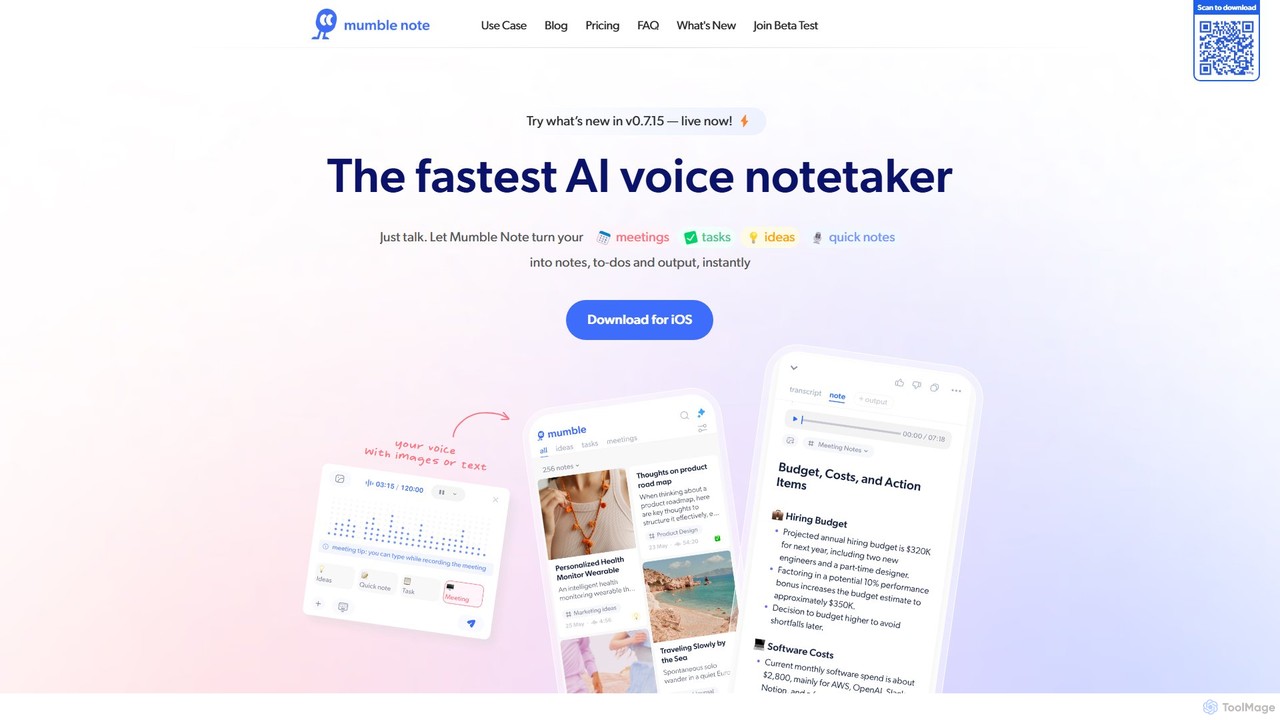
Mumble Note
Mumble Note is an AI-powered voice notetaker for iOS that instantly transcribes, summarizes, and organizes your meetings, ideas, and tasks. Just talk, and let the AI turn your scattered speech into structured, actionable notes, complete with to-dos and insights.
Transcription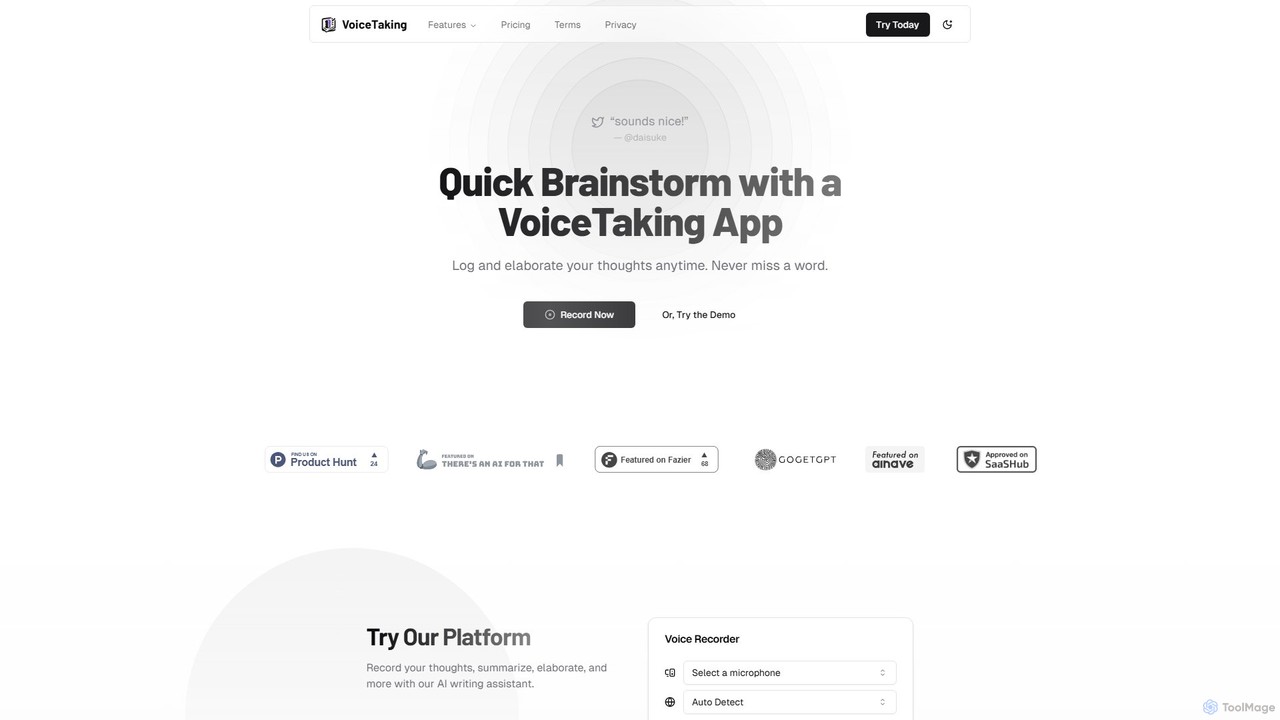
VoiceTaking
VoiceTaking is an AI-powered platform that transforms spoken ideas into structured text. It combines high-accuracy voice transcription with a Notion-like editor and an AI writing assistant, allowing users to record, transcribe, summarize, and elaborate on their thoughts seamlessly. It's designed for quick brainstorming, efficient note-taking, and asynchronous team collaboration.
Transcription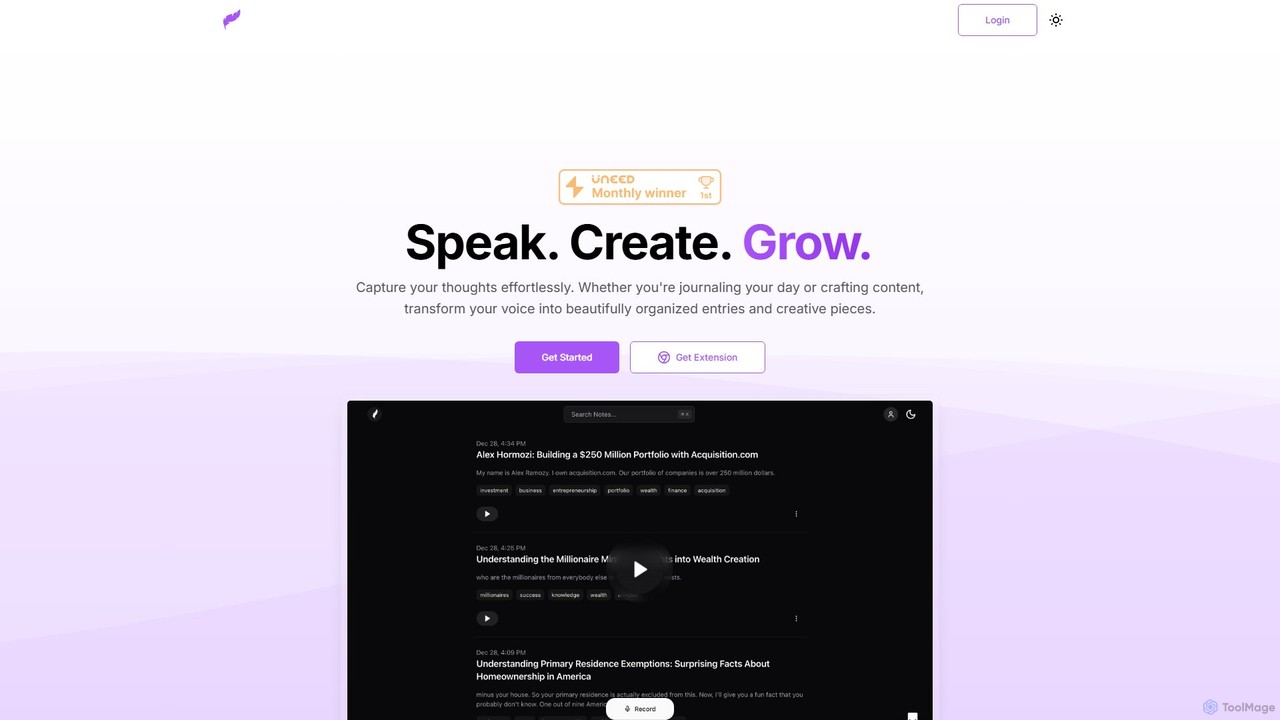
Klarity
Klarity is an AI-powered note-taking assistant that transforms your voice into structured text. Effortlessly capture thoughts, meeting notes, lecture content, and creative ideas, and automatically organize them. It integrates seamlessly with productivity tools like Notion, Obsidian, and Readwise to supercharge your workflow.
TranscriptionAudio writer Categories
Audio writer Embed Widget
Copy this embed code to place the badge on your blog, article, or product site and send readers directly to this ToolMage detail page.

Related AI tools
Voicenotes
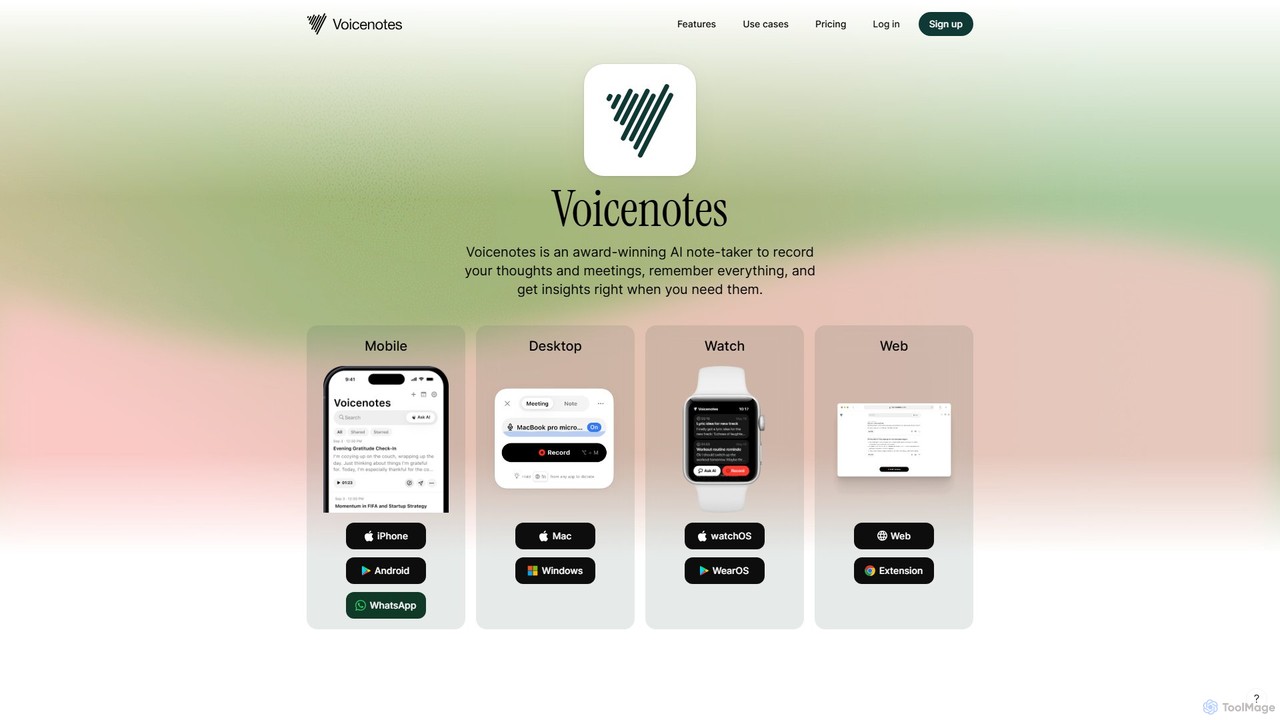
Voicenotes is an award-winning AI note-taker that records your thoughts and meetings, transcribes them with high accuracy, and turns your voice memos into a searchable second brain. It supports over 100 languages and integrates seamlessly across mobile, desktop, and web platforms, including WhatsApp.
Meeting AssistantLetterly
Letterly is an AI-powered mobile and desktop app that transforms your spoken words into clear, well-written text. It's more than just transcription; it uses AI to structure, rewrite, and format your voice notes into ready-to-use emails, social media posts, journal entries, to-do lists, and more, supporting over 90 languages.
TranscriptionTalknotes
Talknotes is an AI-powered voice note app that transcribes, summarizes, and transforms your spoken words into structured content. Capture ideas, meetings, and lectures effortlessly, and let the AI create organized notes, blog posts, task lists, and more. Available on Web, iOS, and Android, it supports over 50 languages to boost your productivity.
TranscriptionMumble Note
Mumble Note is an AI-powered voice notetaker for iOS that instantly transcribes, summarizes, and organizes your meetings, ideas, and tasks. Just talk, and let the AI turn your scattered speech into structured, actionable notes, complete with to-dos and insights.
TranscriptionVoiceTaking
VoiceTaking is an AI-powered platform that transforms spoken ideas into structured text. It combines high-accuracy voice transcription with a Notion-like editor and an AI writing assistant, allowing users to record, transcribe, summarize, and elaborate on their thoughts seamlessly. It's designed for quick brainstorming, efficient note-taking, and asynchronous team collaboration.
TranscriptionKlarity
Klarity is an AI-powered note-taking assistant that transforms your voice into structured text. Effortlessly capture thoughts, meeting notes, lecture content, and creative ideas, and automatically organize them. It integrates seamlessly with productivity tools like Notion, Obsidian, and Readwise to supercharge your workflow.
Transcription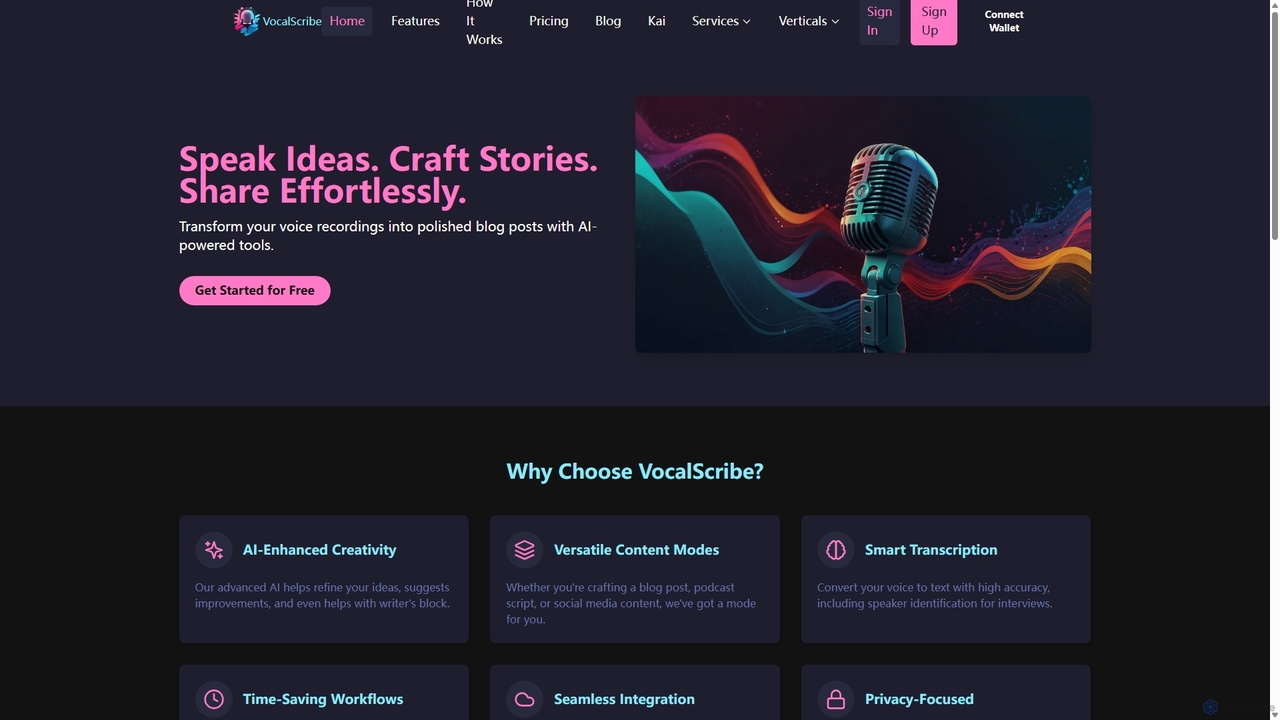
VocalScribe
VocalScribe is an AI-powered platform that transforms your voice recordings into polished, structured written content. Effortlessly convert spoken ideas, interviews, or notes into ready-to-publish blog posts, scripts, and social media updates. It features high-accuracy transcription, an AI editor, and an automatic outline generator to streamline your content creation workflow from ideation to publication.
Speech To Text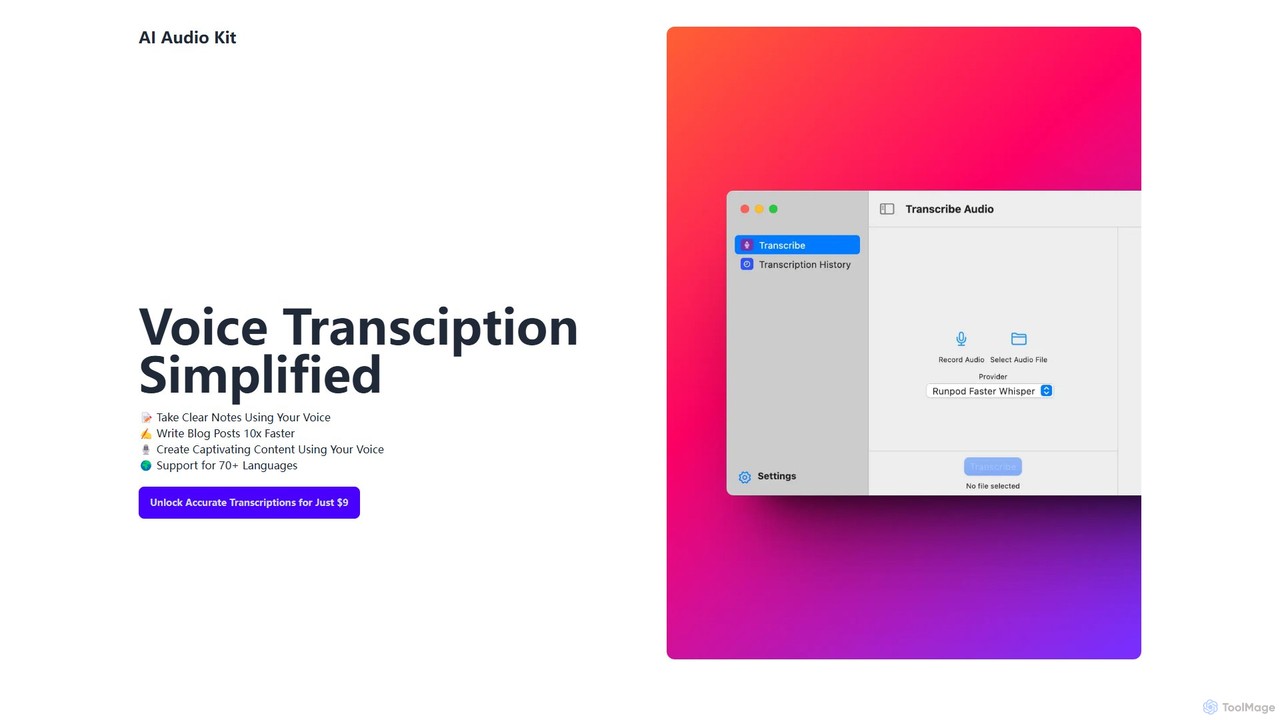
AI Audio Kit
AI Audio Kit is an AI-powered tool that simplifies voice transcription. It accurately converts audio and voice notes into text, supporting over 70 languages. Ideal for content creators, students, and professionals to quickly create notes, blog posts, and other written content from speech, boosting productivity significantly.
Speech To Text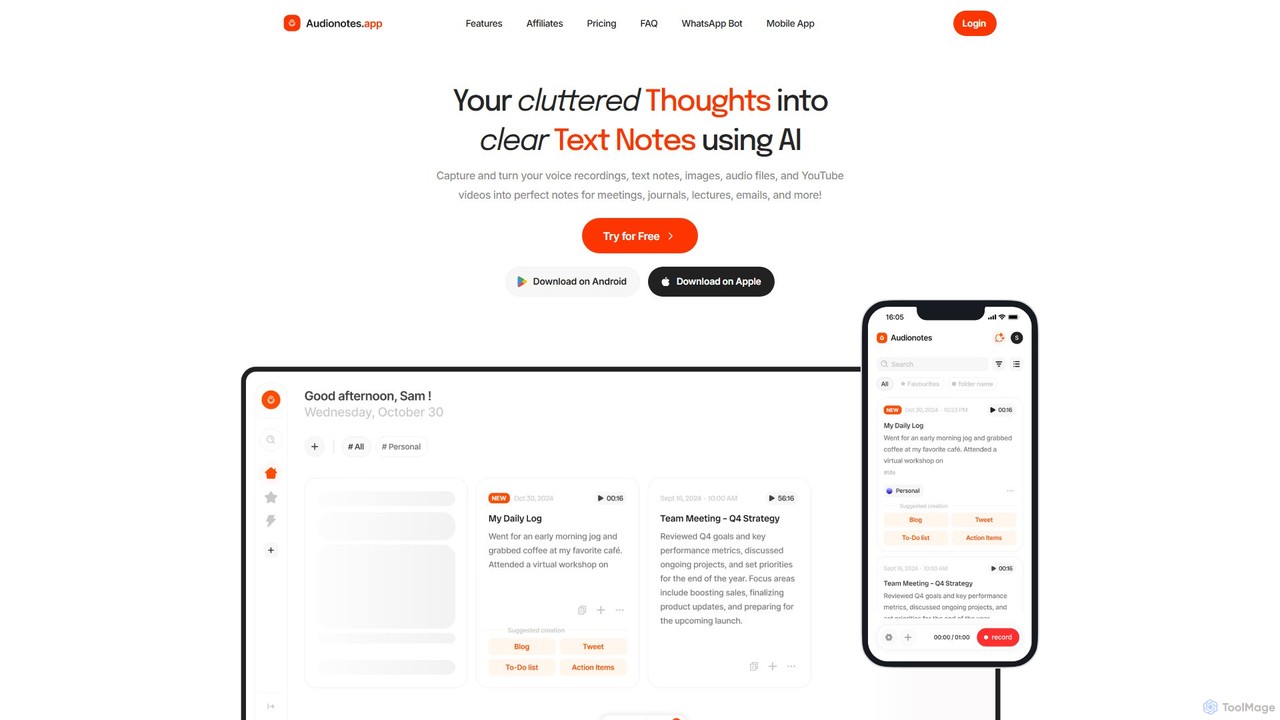
Audionotes.app
Audionotes.app is an AI-powered assistant that transforms your voice notes, text, images, audio/video files, and YouTube videos into clear, structured text. It's designed for professionals, students, and creators to capture ideas, transcribe meetings, summarize lectures, and generate content effortlessly across multiple platforms.
Transcription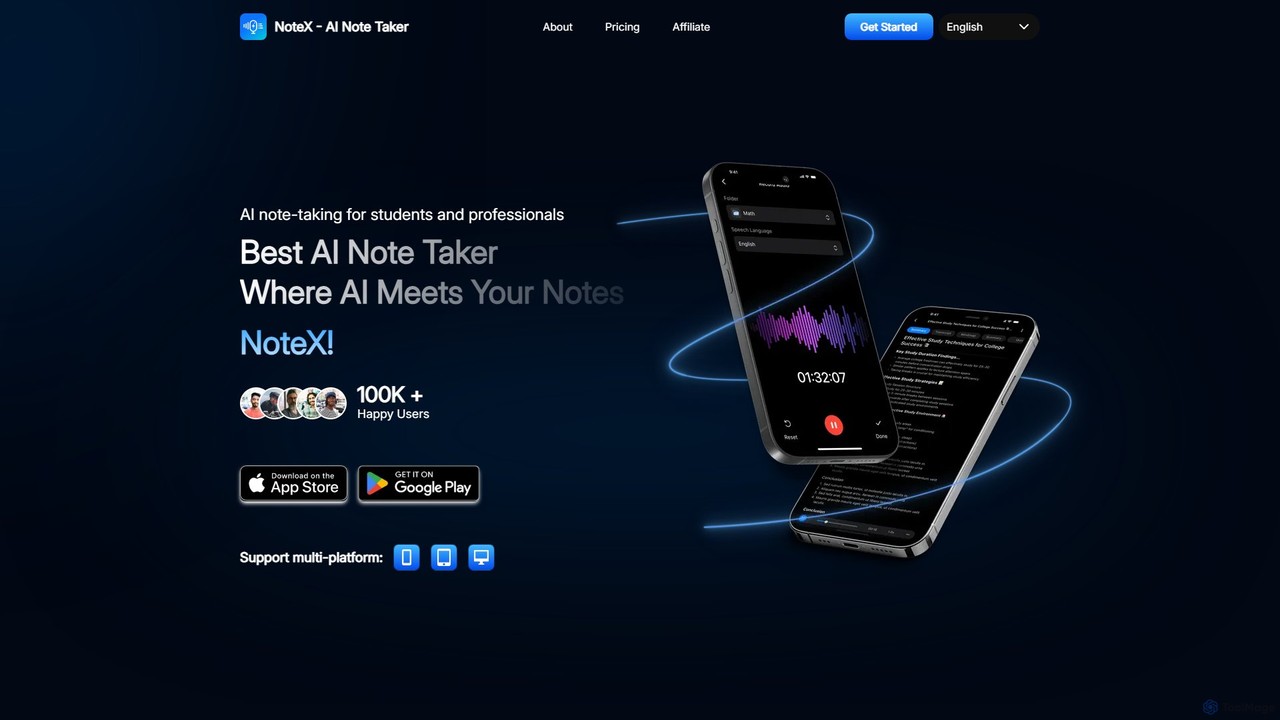
NoteX
NoteX is an AI-powered note-taking application designed for students and professionals. It automatically transcribes audio and video, generates intelligent summaries, and creates mind maps, quizzes, and flashcards from your notes. With cross-device sync and support for over 100 languages, NoteX streamlines information capture, enhances learning, and boosts productivity.
Transcription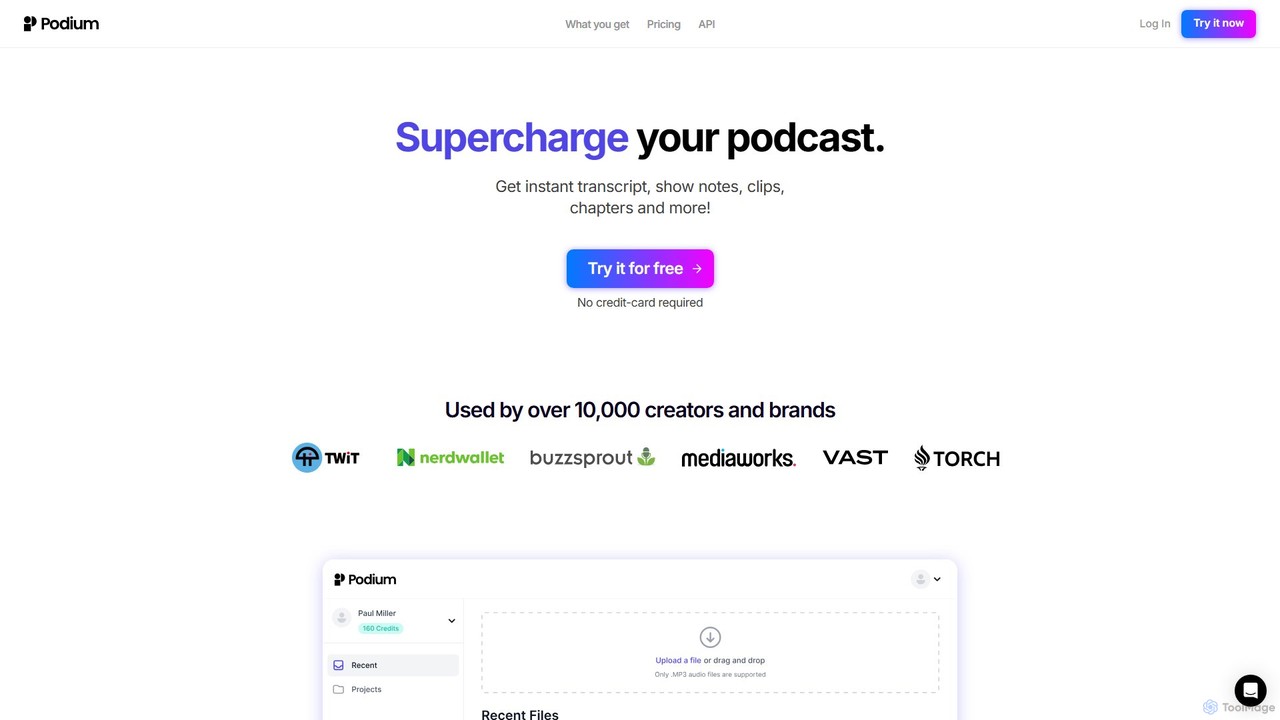
Podium
Podium is an AI-powered tool for podcasters and content creators, designed to automate post-production workflows. It transforms audio content into high-quality show notes, editable transcripts, chapters, shareable video clips (audiograms), and a wide range of marketing materials using its advanced PodiumGPT feature. It helps creators save time, increase accessibility, and grow their audience by effortlessly repurposing content for various platforms.
Transcription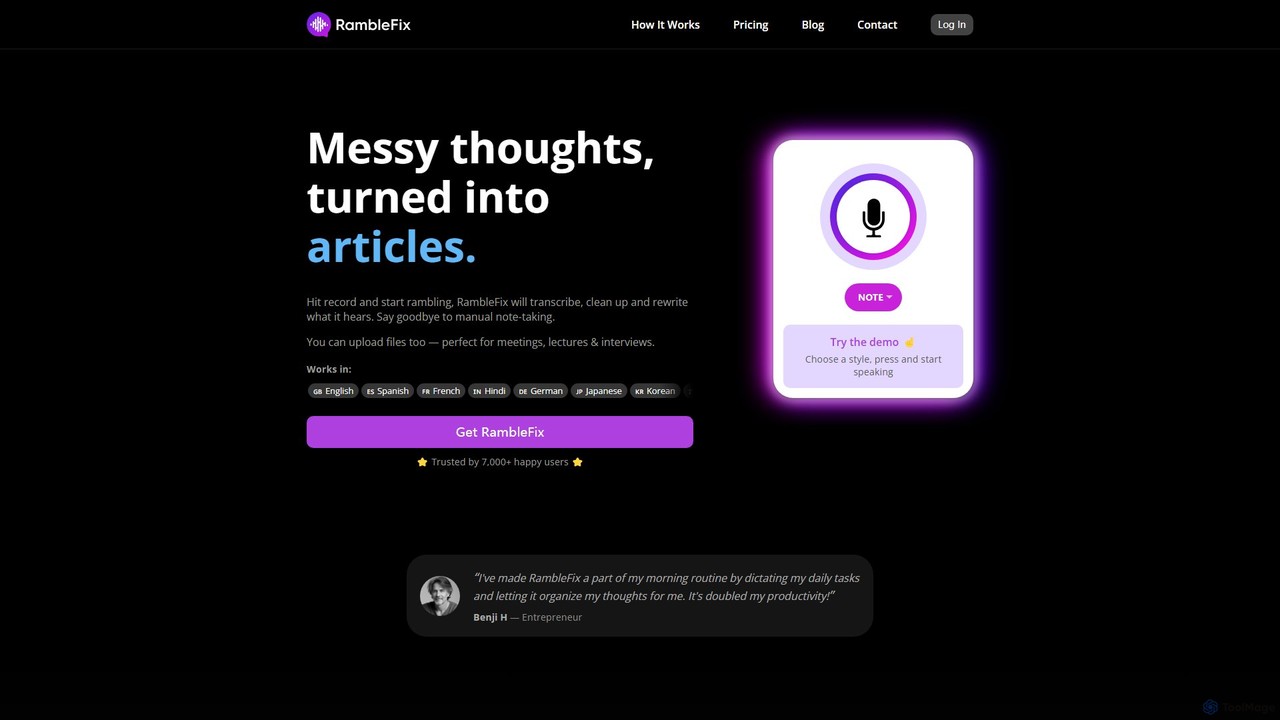
RambleFix
RambleFix is an AI-powered tool that transforms your scattered voice notes and ramblings into structured, polished text. Simply record your thoughts or upload an audio file, and the AI will transcribe, clean up, and rewrite your content into articles, emails, social posts, or organized lists. It supports over 30 languages, making it perfect for boosting productivity, overcoming writer's block, and creating content effortlessly.
Transcription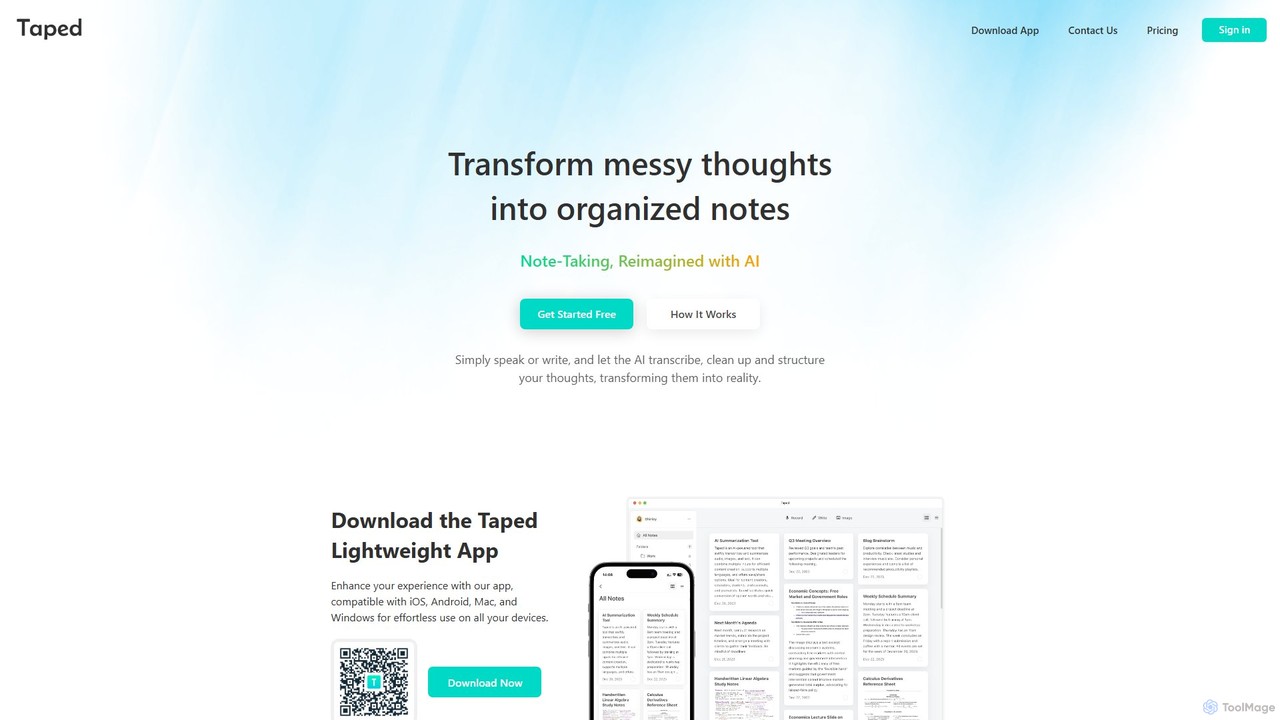
Taped
Taped is an AI-powered note-taking application that transforms your spoken or written thoughts into structured, organized, and summarized notes. It uses advanced AI to transcribe, clean up, and format your ideas, making it easy to capture and act on them across all your devices.
Transcription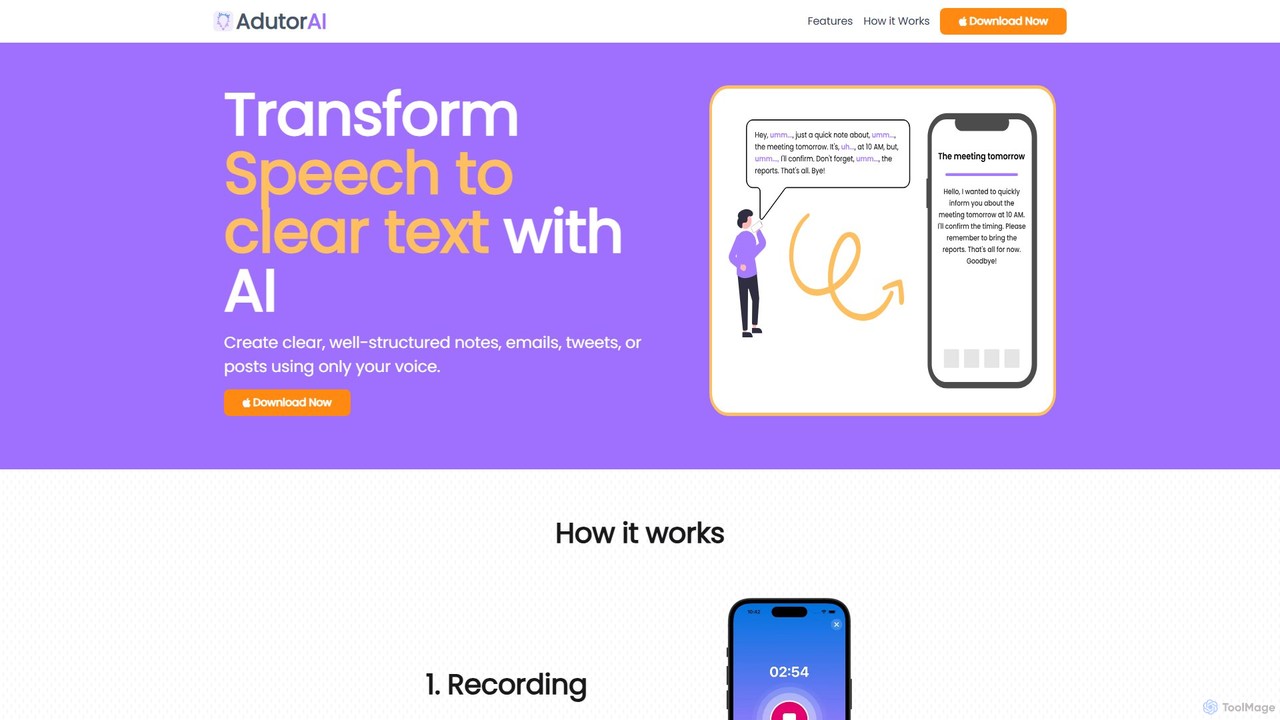
AdutorAI
AdutorAI is an AI-powered application that transforms your speech into clear, well-structured text. Simply record your voice, and the tool will generate organized notes, emails, social media posts, or summaries. It features advanced functions like transcription, summarization, translation, and content restyling, making it a versatile productivity companion.
Transcription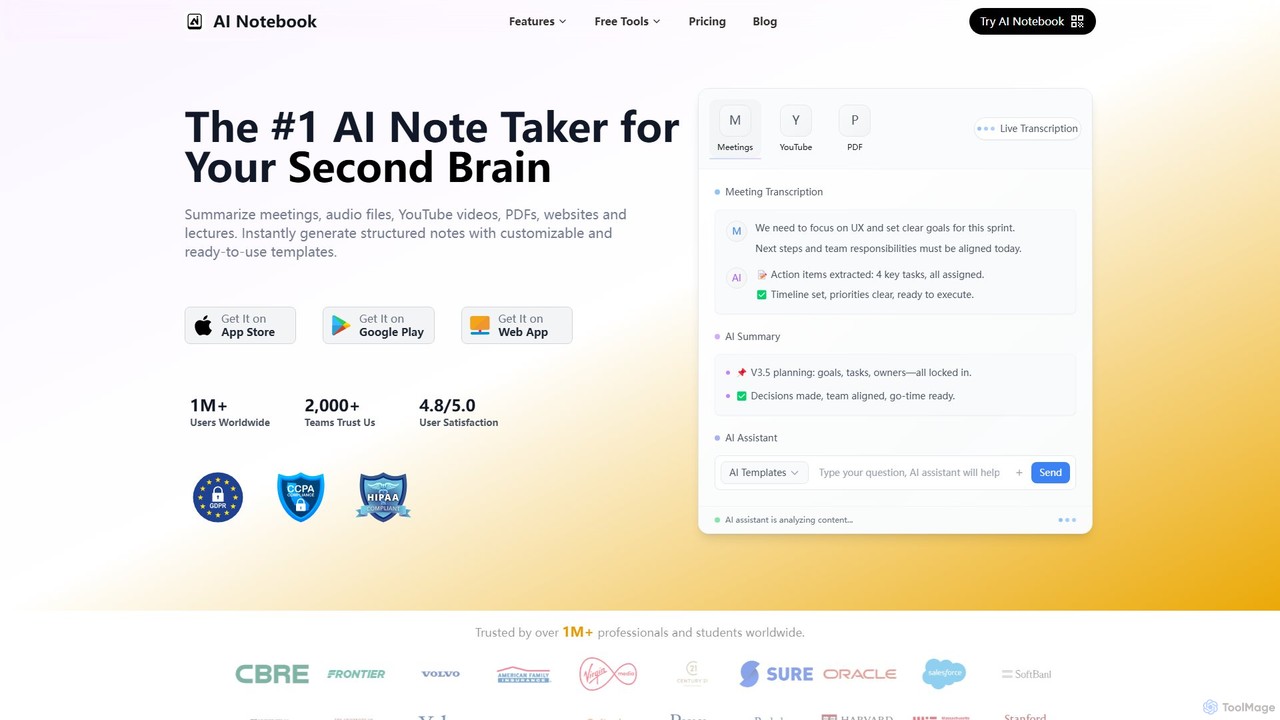
AI Notebook
AI Notebook is an intelligent note-taking and transcription tool that acts as your second brain. It instantly transcribes and summarizes meetings, lectures, audio/video files, YouTube videos, and PDFs. Using AI, it extracts key points, action items, and creates structured notes, boosting productivity for professionals, students, and teams.
Transcription
Audio writer Comments (0)
Sign in to comment.
Sign inNo comments yet.