ToolMage
Sign in

Best 2 Image Generation AI tools for Media

Popular Image Generation AI tools in Media include Jaeves and Coachit AI, helping you work more efficiently.

Coachit AI
Freemium

Coachit AI

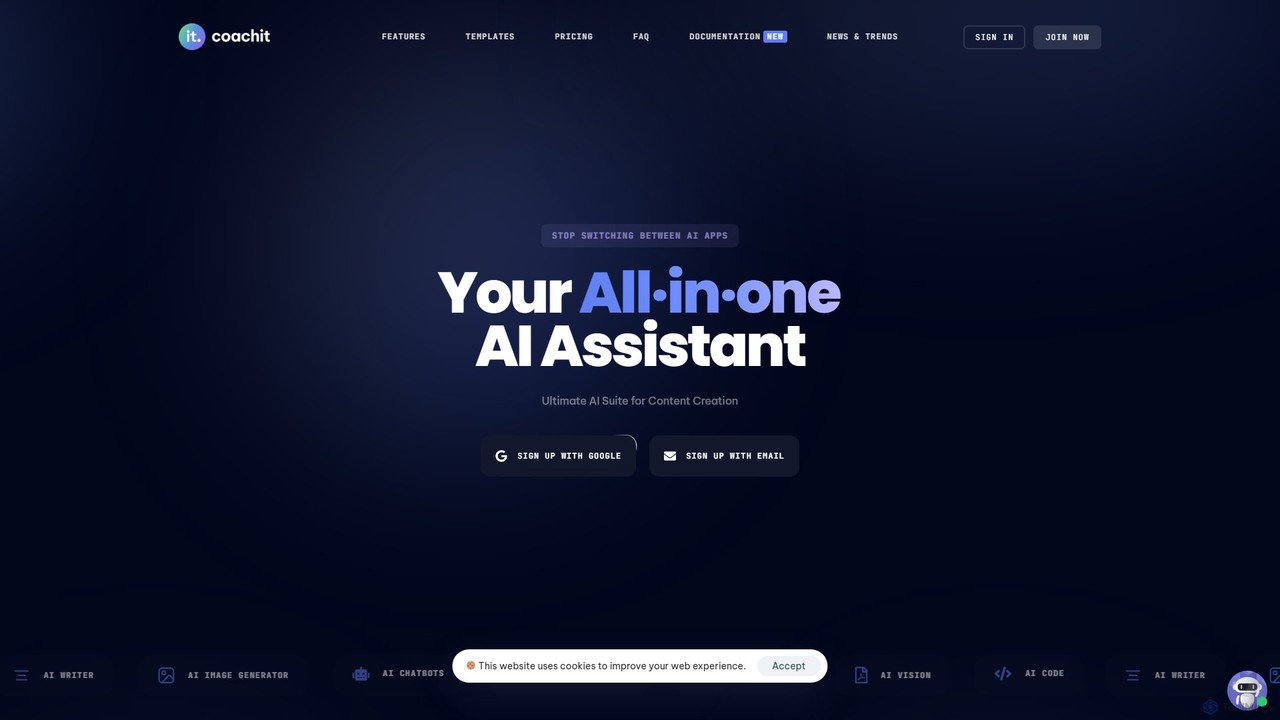
Coachit AI is an all-in-one AI suite designed for seamless content creation. It integrates an AI writer, image generator, voiceover tool, code assistant, and more into a single platform. Ideal for marketers, entrepreneurs, and creators, it aims to eliminate the need for multiple applications, boosting productivity and streamlining workflows.

Content Creation
Visits 4.2KFavorites 154Likes 142
Jaeves
Freemium

Jaeves

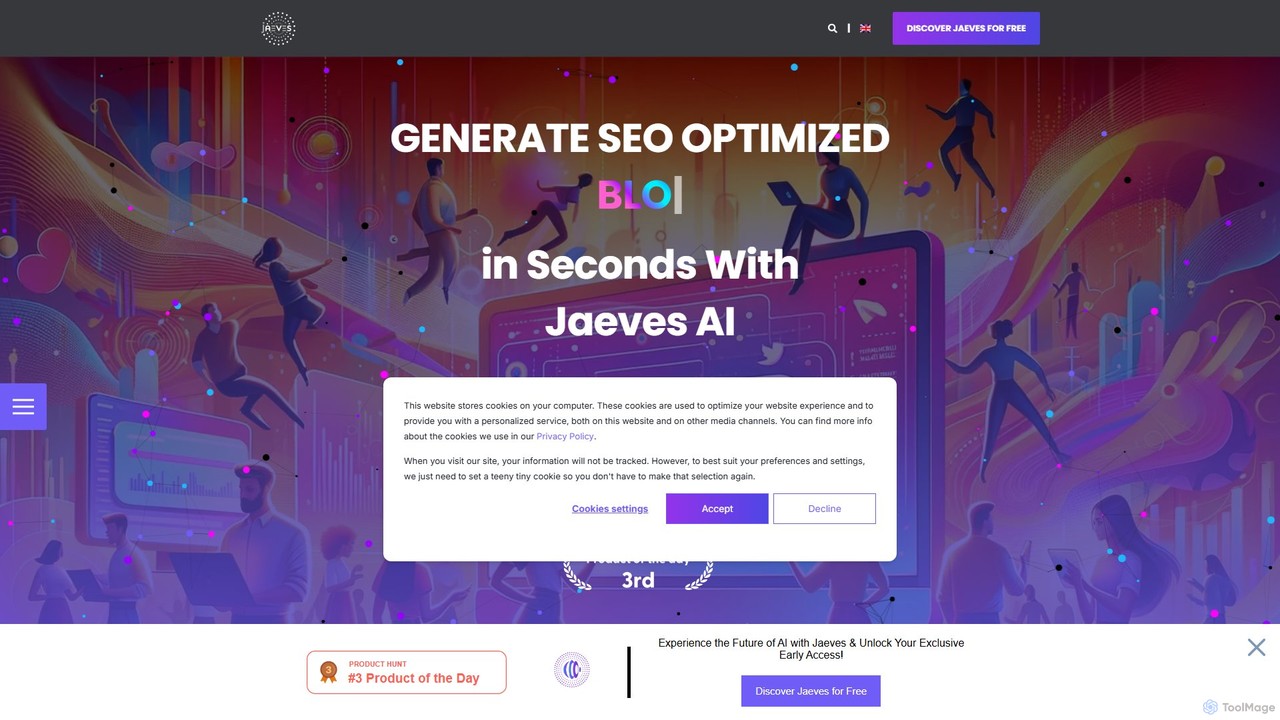
Jaeves is an all-in-one AI content creation platform designed to accelerate your workflow by 10x. It generates SEO-optimized text, stunning AI images, and professional voiceovers. With over 90 templates, it helps users overcome creative hurdles and produce high-quality, original content for blogs, marketing, social media, and more, all without needing any coding skills.

Voice Synthesis
Visits 4.3KFavorites 120Likes 109

About Image Generation

Image Generation tools are a category of AI-powered tools within the broader Media domain that automatically create new visual content from various inputs. Leveraging advanced machine learning models like Generative Adversarial Networks (GANs) and Diffusion Models, these tools transform text descriptions, sketches, or existing images into unique and diverse visuals. They empower creators, marketers, and developers to rapidly produce high-quality imagery, significantly accelerating content creation workflows and expanding creative possibilities.

Core Features

  • Text-to-Image Synthesis: Generates images directly from textual prompts, allowing users to describe desired visuals.
  • Image-to-Image Transformation: Modifies existing images based on new prompts or style transfers, maintaining structural integrity.
  • Style Transfer: Applies the artistic style of one image to the content of another, creating unique aesthetic combinations.
  • Inpainting & Outpainting: Fills in missing parts of an image or extends its boundaries seamlessly, expanding visual contexts.
  • Variations & Iterations: Produces multiple alternative versions of a generated or uploaded image, aiding creative exploration.

Applicable Scenarios

These tools are indispensable for content creators, marketing professionals, game developers, and designers. They are used to quickly generate unique visuals for social media, create concept art for new projects, produce diverse marketing campaign assets, and visualize product designs without extensive manual effort. From generating abstract art to photorealistic scenes, Image Generation tools streamline the visual production pipeline across various industries.

How to Choose

When selecting an AI Image Generation tool, consider the desired output quality and style (photorealistic, artistic, abstract), the range of customization options available (prompt engineering, style controls), and the ease of use for your team. Evaluate the supported input types (text, image, sketch), integration capabilities with existing workflows, and the pricing model based on generation volume. Also, assess the diversity of models and the community support for prompt sharing and learning.

Featured tool rankings

Image Generation use cases

1

Generating Marketing Campaign Visuals

Marketing teams can input product descriptions and campaign themes to instantly generate diverse visual assets like banners, social media posts, and ad creatives. This capability significantly accelerates campaign launch cycles by providing a constant stream of fresh, on-brand imagery tailored to specific marketing objectives and target audiences.

2

Creating Concept Art for Game Development

Game designers and artists use text prompts to rapidly visualize character designs, environmental concepts, and prop ideas, iterating quickly through various styles and compositions during the pre-production phase. This allows for faster exploration of creative directions and reduces the time spent on initial visual development.

3

Producing Unique Social Media Content

Content creators can generate eye-catching and original images for platforms like Instagram, Facebook, and TikTok, ensuring a constant stream of fresh visuals tailored to specific trends or brand aesthetics. This helps maintain audience engagement and reduces the reliance on stock photos or extensive manual design work.

4

Visualizing Product Design Iterations

Product designers can input design specifications or sketches to generate multiple visual representations of a product, exploring different materials, colors, and forms without needing physical prototypes. This accelerates the design review process and allows for rapid iteration and refinement of product concepts before committing to manufacturing.

5

Expanding Image Backgrounds (Outpainting)

Photographers and graphic designers can use outpainting features to seamlessly extend the canvas of an existing image, adding more context or adapting it to different aspect ratios for various media. This is particularly useful for repurposing images for different platforms or creating wider panoramic views from standard photos, saving significant time compared to manual photo manipulation.

6

Developing Storyboards and Comic Panels

Illustrators and filmmakers can generate sequential images from scene descriptions, quickly creating visual narratives for storyboarding, comic books, or animated shorts, saving significant drawing time. This allows for rapid prototyping of visual stories and helps in visualizing complex sequences before committing to detailed production.

Image Generation FAQ

What are AI Image Generation tools?

AI Image Generation tools are software applications that use artificial intelligence, primarily deep learning models, to create new images from various inputs such as text descriptions, sketches, or other images. They leverage algorithms like Diffusion Models and GANs to understand patterns and generate novel visual content that matches the user's prompt or style requirements.

How do AI Image Generation tools work?

Most AI Image Generation tools operate by training large neural networks on vast datasets of images and their corresponding descriptions. When a user provides a prompt (e.g., text), the AI model processes this input, understands the semantic meaning, and then synthesizes an image pixel by pixel, iteratively refining it until it matches the prompt's intent. Diffusion models, for instance, start with random noise and gradually denoise it into a coherent image.

What's the difference between AI Image Generation and AI Image Editing?

AI Image Generation focuses on creating entirely new images from scratch based on prompts, without requiring an initial base image (though some can use one for reference). In contrast, AI Image Editing tools modify or enhance existing images, performing tasks like background removal, object manipulation, color correction, or upscaling. While both fall under AI Media tools, generation creates, while editing transforms.

Who can benefit from using AI Image Generation tools?

A wide range of professionals and enthusiasts can benefit, including graphic designers, marketing specialists, content creators, artists, game developers, architects, and even researchers. Anyone needing to quickly visualize ideas, produce unique visual assets at scale, or explore creative concepts without extensive manual design skills will find these tools invaluable for streamlining their workflows and expanding their creative output.

How do I choose the best AI Image Generation tool for my needs?

To choose the best tool, consider the quality and style of the output you require (e.g., photorealistic, artistic, abstract), the ease of use and learning curve, and the specific features like text-to-image, inpainting, or style transfer. Also, evaluate the cost, the community support, the ability to fine-tune models, and how well it integrates with your existing creative workflow. Trying free trials can help assess suitability.