It's Forever
It's Forever is an AI-powered digital album and photo-sharing app designed for events, especially weddings. It uses advanced …
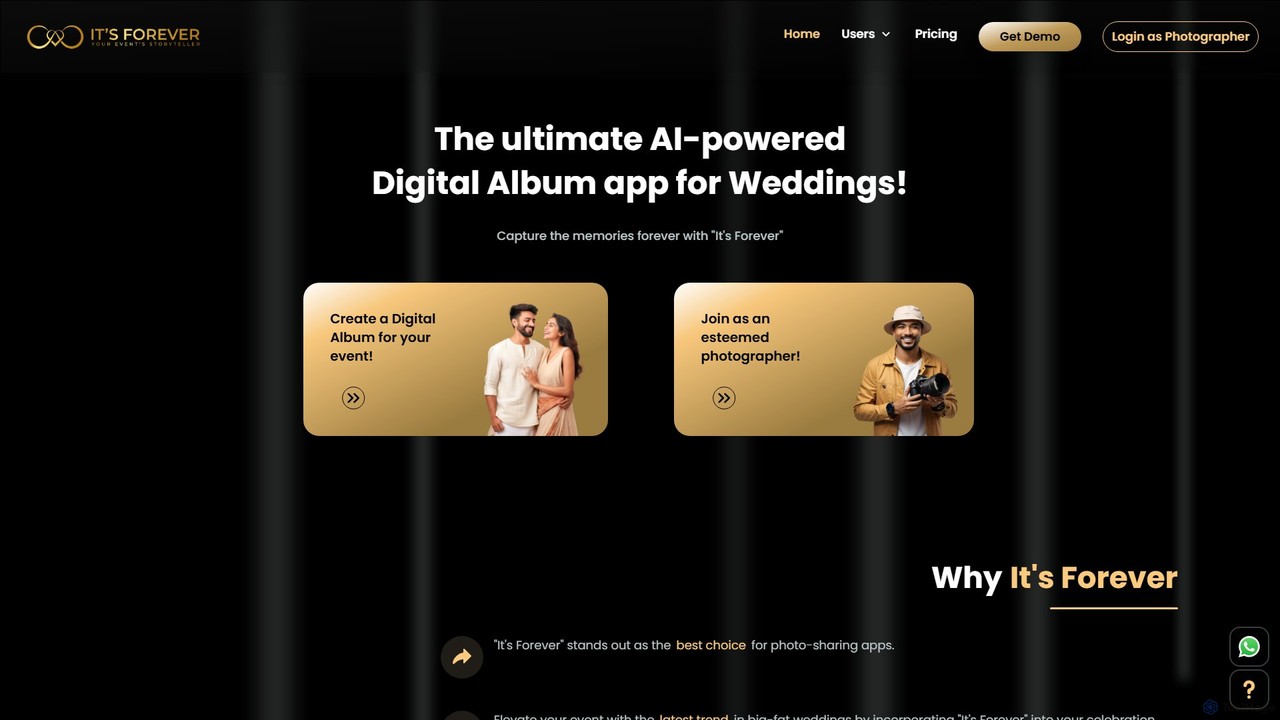
It's Forever is an AI-powered digital album and photo-sharing app designed for events, especially weddings. It uses advanced AI facial recognition to help guests instantly find their photos. Hosts can create a shared album, and guests can upload pictures via a simple QR code, creating a comprehensive and interactive collection of memories.
About Photo Management
Photo Management AI tools are specialized software solutions that leverage artificial intelligence to automate the organization, categorization, and retrieval of digital images. These tools utilize advanced computer vision and machine learning algorithms to recognize objects, faces, scenes, and even emotions within photos, transforming chaotic collections into easily navigable archives. They provide significant value by saving time, improving accessibility, and enhancing the overall efficiency of managing vast photo libraries for both personal and professional users.
Core Features
- Smart Tagging: Automatically adds relevant keywords and labels to photos based on content recognition.
- Facial Recognition: Identifies and groups photos of the same individuals, simplifying people-based searches.
- Duplicate Detection: Scans and flags identical or near-identical images to free up storage space.
- Intelligent Search: Allows users to find specific photos using natural language queries or complex criteria.
- Automatic Categorization: Organizes images into predefined or AI-suggested albums and folders.
Applicable Scenarios
These tools are invaluable for individuals with extensive personal photo collections, professional photographers managing client portfolios, and marketing teams needing efficient access to visual assets. They streamline workflows for content creators, e-commerce businesses, and anyone dealing with large volumes of digital imagery.
How to Choose
When selecting an AI photo management tool, consider the accuracy of its AI recognition capabilities, integration with your existing storage solutions (cloud or local), and its privacy policy regarding data processing. Evaluate the user interface for ease of use, scalability for your photo volume, and the range of advanced features like batch editing or sharing options.
Photo ManagementUse Cases
Automated Personal Photo Organization
Individuals with thousands of family photos, travel snapshots, and daily captures can use AI photo management tools to automatically tag locations, dates, and people. This eliminates the tedious manual sorting process, making it effortless to find specific memories, create themed albums, and share curated collections with family and friends without sifting through a chaotic digital archive.
Professional Photographer Workflow Streamlining
Professional photographers managing hundreds or thousands of client photos from events, weddings, or portrait sessions can leverage AI tools to quickly cull, tag, and categorize images. AI can identify blurry shots, closed eyes, or duplicate poses, drastically reducing post-production time and allowing photographers to focus on creative editing rather than tedious organizational tasks, ultimately improving client delivery speed.
Marketing & E-commerce Asset Management
Marketing teams and e-commerce businesses often manage vast libraries of product images, campaign visuals, and brand assets. AI photo management tools can automatically tag these assets with product IDs, colors, themes, and keywords, ensuring quick retrieval for website updates, social media campaigns, or ad creation. This leads to consistent branding, faster content deployment, and reduced time spent searching for the right visual.
Historical Photo Archiving & Restoration
Institutions like museums, historical societies, or individuals digitizing old family albums can employ AI photo management tools for archiving and even minor restoration. AI can identify subjects, dates, and events in faded or damaged photos, automatically enhance clarity, and suggest color corrections. This preserves cultural heritage and personal histories, making them searchable and accessible for future generations.
Event Photography Sorting & Sharing
Event organizers or photographers covering large gatherings like conferences, concerts, or sports events face the challenge of sorting thousands of photos and delivering personalized galleries. AI photo management tools can automatically sort photos by attendee faces, specific activities, or even team colors. This enables efficient creation of personalized photo albums for participants and streamlines the sharing process, enhancing the overall event experience.
Content Creator Visual Library Management
Content creators, including bloggers, YouTubers, and social media managers, often accumulate vast visual libraries of stock photos, custom graphics, and video stills. AI photo management tools help organize these assets by automatically tagging content by topic, style, or project. This ensures quick access to relevant visuals for new content creation, maintaining brand consistency across platforms, and significantly speeding up the content production pipeline.