ToolMage
Sign in

Best 2 Photo Sharing AI tools for Events

Popular Photo Sharing AI tools in Events include It's Forever and Facialprint, helping you work more efficiently.

Facialprint
Paid

Facialprint

Facialprint is an AI-powered photo-sharing platform for events. It uses facial recognition to automatically identify guests in photos and sends them their personalized galleries. Ideal for weddings, corporate events, and parties, it simplifies photo distribution for hosts and enhances the guest experience.

Photo Sharing
Visits 6KFavorites 146Likes 140
It's Forever
Paid

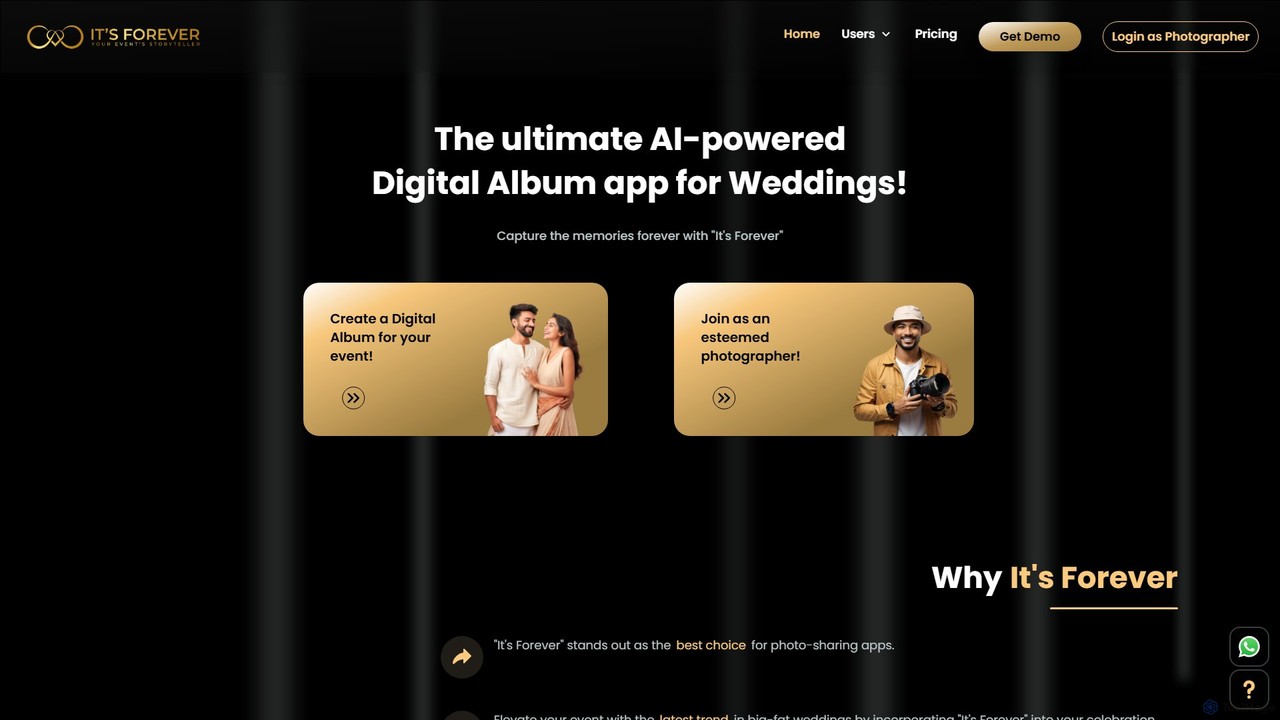
It's Forever

It's Forever is an AI-powered digital album and photo-sharing app designed for events, especially weddings. It uses advanced AI facial recognition to help guests instantly find their photos. Hosts can create a shared album, and guests can upload pictures via a simple QR code, creating a comprehensive and interactive collection of memories.

Photo Sharing
Visits 22KFavorites 157Likes 145

About Photo Sharing

Photo Sharing tools are AI-enhanced platforms designed to simplify the organization, distribution, and collaborative viewing of digital images, especially in the context of events. These tools leverage AI to automate tasks like smart tagging, facial recognition for grouping, and creating curated albums. They provide intuitive ways for users to share memories and visual content securely and efficiently with specific audiences, enhancing the overall experience of reliving moments.

Core Features

  • AI-Powered Organization: Automatically tags, categorizes, and groups photos based on content, faces, and locations.
  • Secure Sharing Controls: Offers granular privacy settings, password protection, and time-limited access for shared albums.
  • Collaborative Albums: Allows multiple users to contribute photos to a single album and comment on images.
  • High-Resolution Delivery: Supports sharing and downloading of original quality images without compression.
  • Event-Specific Galleries: Creates dedicated, customizable galleries for weddings, parties, or corporate events.

Applicable Scenarios

Photo sharing tools are invaluable for individuals, families, and professionals managing visual content from various events. They are widely used by event organizers to distribute official photos, by families to share holiday memories, and by photographers to deliver client galleries. These platforms streamline the often-cumbersome process of collecting, curating, and distributing photos to a defined audience.

How to Choose

When selecting a photo sharing tool, consider its privacy and security features, including encryption and access controls. Evaluate the storage capacity and file size limits, especially for high-resolution images. Look for robust AI organization capabilities, ease of use for both sharers and recipients, and options for collaborative contributions. Finally, assess integration with other platforms and the overall user experience.

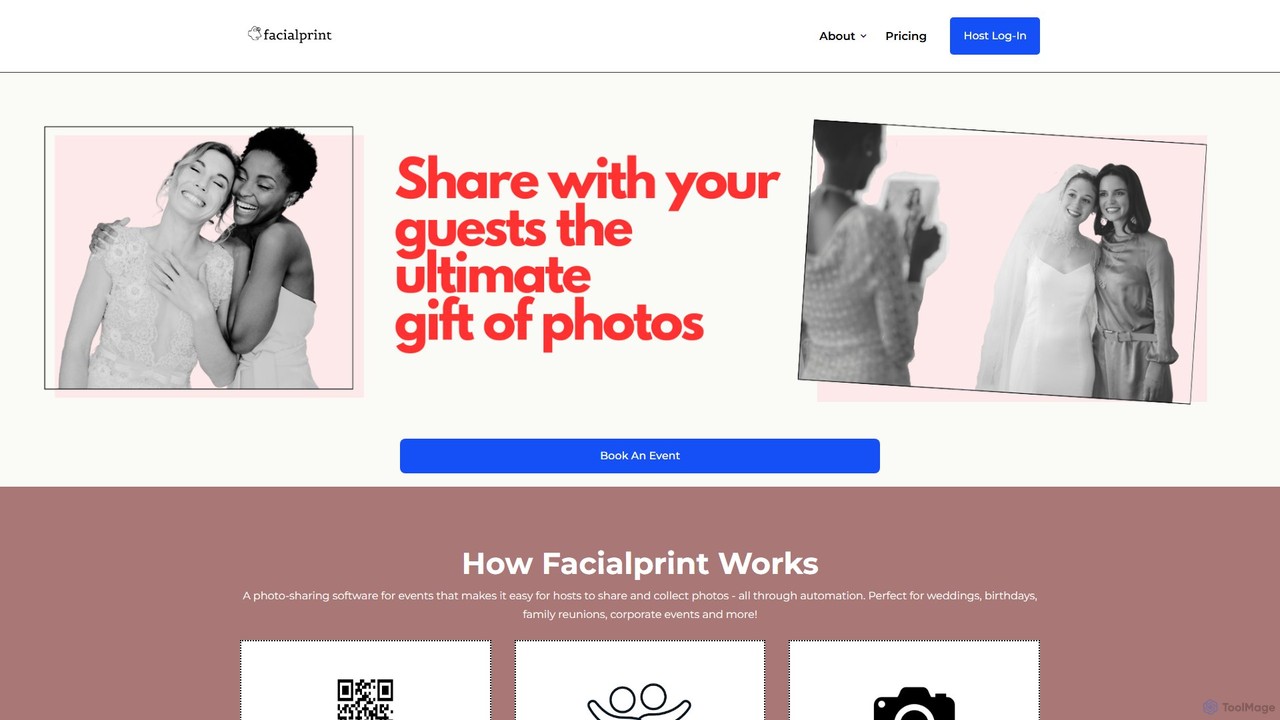
Photo Sharing use cases

1

Seamlessly Share Wedding Photos with Guests

A wedding photographer or newlywed couple can use a photo sharing tool to create a private, branded gallery for their wedding photos. Guests receive a secure link to view, download, and even contribute their own photos from the event. AI features can automatically group photos by person or event segment (e.g., ceremony, reception), saving hours of manual sorting and ensuring everyone gets to see and share their favorite moments easily.

2

Centralize and Distribute Corporate Event Photos

Marketing teams or event organizers can utilize photo sharing tools to collect all photos taken by official photographers and attendees at a corporate conference or product launch. The platform allows for easy curation, branding, and distribution of approved images to press, internal stakeholders, and social media channels. AI can help identify key speakers or brand logos, ensuring consistent visual messaging and efficient asset management post-event.

3

Create Collaborative Family Photo Albums

Families spread across different locations can use photo sharing tools to create shared albums for holidays, birthdays, or everyday moments. Each family member can upload their photos, comment on others' pictures, and collectively build a rich visual history. AI can help organize photos by family member, date, or location, making it easy to find specific memories and ensuring everyone's contributions are seamlessly integrated.

4

Manage and Share School Event Photos with Parents

Schools or parent-teacher associations can use photo sharing platforms to securely share photos from school plays, sports days, or field trips with parents. Access can be restricted to specific classes or groups, ensuring privacy. AI can help blur faces of students not authorized for public sharing or automatically group photos by class, simplifying the distribution process and providing parents with cherished memories of their children's activities.

5

Streamline Photo Proofing for Professional Photographers

Professional photographers can use photo sharing tools to create client-specific galleries for proofing sessions. Clients can easily view watermarked images, select their favorites, and provide feedback directly within the platform. AI can assist in initial culling by identifying duplicates or blurry shots, allowing photographers to present a more refined selection faster, significantly reducing the time spent on client communication and selection processes.

6

Organize and Share Travel Photo Journals

Travel enthusiasts can leverage photo sharing tools to create visually engaging travel journals. After a trip, they can upload all their photos and videos, and AI can automatically group them by location, date, or even identify landmarks. Users can then curate these into beautiful albums, add captions, and share them with friends and family, providing an immersive way to recount their adventures without the hassle of manual organization.

Photo Sharing FAQ

What are Photo Sharing tools?

Photo Sharing tools are AI-enhanced platforms that facilitate the secure and organized distribution of digital images, often in the context of events. They typically feature smart organization using AI (like facial recognition and auto-tagging), robust privacy controls, and collaborative functionalities. Common use cases include sharing event photos with guests, creating family albums, or delivering client galleries for professional photographers.

How to choose the right Photo Sharing tool?

To choose the right photo sharing tool, prioritize privacy and security features like end-to-end encryption, password protection, and granular access controls. Evaluate the storage capacity and support for high-resolution files, which is crucial for quality. Consider AI-driven organization capabilities such as smart tagging and facial recognition for efficient management. Look for intuitive user interfaces for both uploading and viewing, and assess collaborative features if multiple contributors are expected. Finally, check for integration with other platforms and overall cost-effectiveness.

What's the difference between Photo Sharing tools and general cloud storage?

While general cloud storage (like Google Drive or Dropbox) primarily focuses on file storage and basic sharing, Photo Sharing tools are specialized for visual content. They offer enhanced features such as AI-powered photo organization (tagging, facial recognition), advanced privacy controls tailored for images, collaborative album creation, and optimized viewing experiences. Photo sharing tools prioritize visual presentation and social interaction around photos, whereas cloud storage is more about raw file management for any data type.

Can Photo Sharing tools help with event management?

Yes, Photo Sharing tools significantly aid event management by streamlining the collection and distribution of visual content. For event organizers, they provide a centralized platform to gather photos from multiple sources (photographers, attendees), curate them efficiently using AI, and then share them securely with relevant stakeholders or the public. This simplifies post-event communication, marketing efforts, and ensures that all participants have easy access to memories from the event, enhancing overall satisfaction.

What are the key privacy features in Photo Sharing tools?

Key privacy features in photo sharing tools include granular access controls, allowing users to specify who can view, download, or contribute to an album. Password protection for albums, time-limited sharing links, and the ability to revoke access at any time are also common. Many tools offer options to hide or blur faces of individuals who haven't consented to public sharing, and robust encryption ensures that shared content remains secure during transmission and storage. These features are crucial for maintaining control over personal and sensitive visual data.