

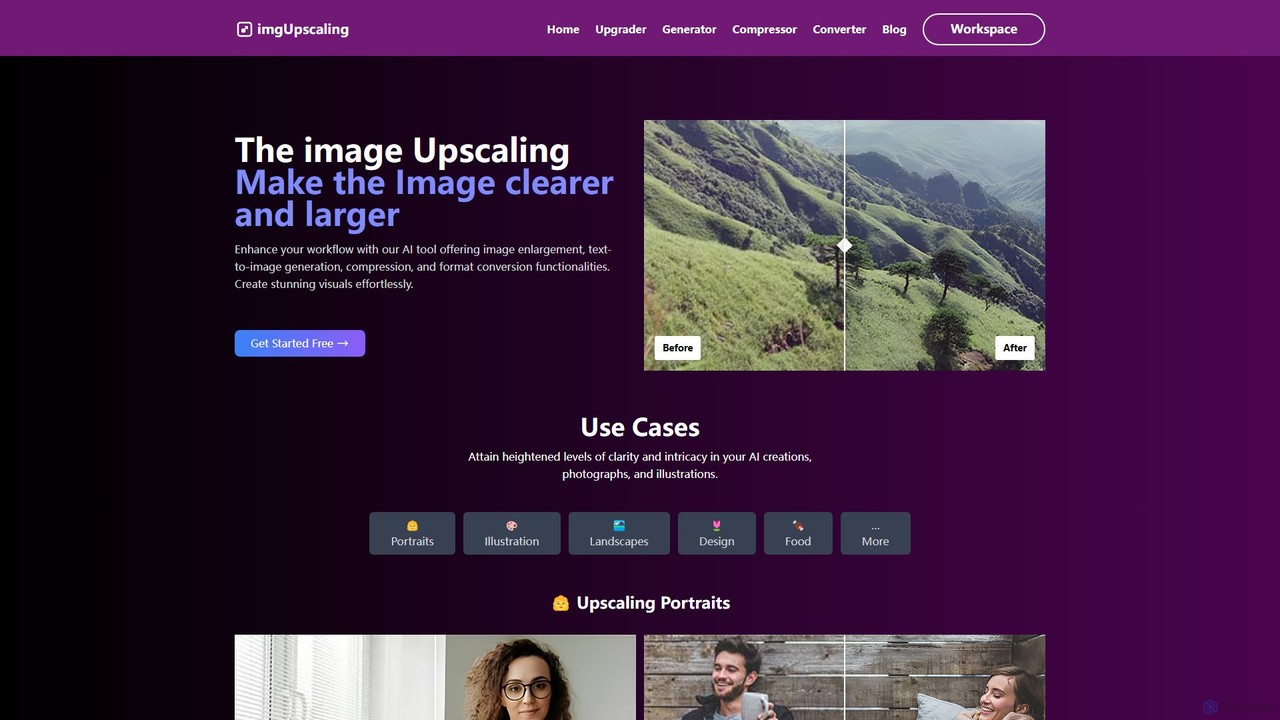
imgupscaling Overview
imgupscaling is a comprehensive AI-powered toolkit designed to enhance and streamline the entire visual content creation process. It leverages powerful artificial intelligence to offer a suite of features, making it an indispensable asset for professionals and hobbyists alike. The platform's core capability is its advanced image upscaling, which can increase image resolution up to 4096px (4K) and even 8192px upon request, transforming low-resolution pictures into high-quality, detailed visuals. Beyond simple enlargement, the tool also offers text-to-image generation, image compression, and format conversion, consolidating multiple essential functions into one user-friendly interface.
The service is built on AI models trained to understand and intelligently add detail, reduce noise, and eliminate artifacts common in digital images. This makes it perfect for a wide range of applications, from enhancing professional photographs and intricate illustrations to reviving old, low-quality family photos. With a focus on security and user experience, imgupscaling ensures data privacy through encryption and does not store user images, providing a secure and reliable environment for all your creative projects.
How to use imgupscaling
Using imgupscaling is designed to be a straightforward and intuitive process. Users can get started in just a few simple steps:
- Upload Your Image: Navigate to the website and select the desired function, such as 'Image Upscaling'. Click the upload button to choose an image file from your computer.
- Select Upscaling Options: Choose your desired upscaling mode. 'Real Upscale' is ideal for real-world photos, enhancing clarity up to 4096px. 'Creative Upscale' is perfect for smaller images or AI art, as it reimagines details to achieve 4K resolution.
- Process the Image: Once your options are set, the AI will begin processing the image. This is typically a fast process thanks to high-speed servers.
- Compare and Download: After processing, the tool presents a side-by-side comparison of the original and the upscaled image. If you're satisfied with the result, you can download the enhanced, high-resolution image directly to your device.
For other functions like text-to-image, compression, or conversion, the process is similarly simple: input your text or file, choose your settings, and let the AI do the work.
Core Features of imgupscaling
- Advanced AI Image Upscaling: Enlarge images up to 4096px (4K) with remarkable clarity. Two distinct modes are available: 'Real Upscale' for enhancing photographs and 'Creative Upscale' for reimagining details in smaller images. Custom upscaling to 8192px is available via contact.
- Text-to-Image Generation: Create stunning and unique visuals from simple text prompts, adding a powerful creative tool to your workflow.
- Image Compression: Reduce file sizes without significant loss of quality, perfect for web optimization and faster loading times.
- Format Conversion: Easily convert images between various formats to suit different platform requirements and use cases.
- User-Friendly Interface: An intuitive and clean interface that makes it easy for both beginners and professionals to navigate and use all features.
- Side-by-Side Comparison: Instantly view the difference between the original and processed image to assess the quality improvement.
Use Cases for imgupscaling
imgupscaling is a versatile tool that caters to a wide variety of users and industries:
- Graphic Designers: Upscale low-resolution assets, logos, and design elements for high-quality print and digital projects. Use text-to-image to generate unique creative assets.
- Photographers: Enhance portraits, landscapes, and food photography by increasing resolution and clarity. Recover details from older or slightly out-of-focus shots.
- Content Creators & Marketers: Create eye-catching visuals for social media, blogs, and marketing campaigns. Revive old photos for throwback content or historical posts.
- AI Artists: Refine and upscale AI-generated illustrations and art to achieve higher levels of detail and intricacy for final presentation.
- E-commerce Businesses: Improve product photos by enhancing their resolution and clarity, leading to a better online shopping experience for customers.
Advantages of imgupscaling
imgupscaling stands out with several key benefits:
- High-Quality Results: The AI is specifically trained to produce clear, detailed, and artifact-free images.
- All-in-One Solution: Combines upscaling, generation, compression, and conversion, eliminating the need for multiple separate tools.
- Speed and Efficiency: Fast processing servers ensure quick turnaround times, boosting productivity.
- Data Security: Employs data transmission encryption and a no-storage policy for user images, guaranteeing privacy and security.
- Accessibility: A free plan allows anyone to get started, with flexible and affordable paid plans for heavier users.
Pricing and Plans
imgupscaling offers a freemium model with several tiers to accommodate different usage levels:
- Hobby (Free): Includes 20 credits per month, allowing for a limited number of upscales (e.g., 5 Real Upscales to 4096px or 1 Creative Upscale to 4K).
- Basic Plan ($9/month): Provides 400 credits per month, suitable for regular users (e.g., 100 Real Upscales to 4096px or 20 Creative Upscales to 4K).
- Growth Plan ($19/month): Offers 1000 credits per month for frequent users and small businesses (e.g., 250 Real Upscales to 4096px or 50 Creative Upscales to 4K).
- Pro Plan ($29/month): Delivers 2000 credits per month, designed for professionals and agencies with high-volume needs (e.g., 500 Real Upscales to 4096px or 100 Creative Upscales to 4K).
Credits are used for different actions, and users can contact support for custom plans, including upscaling to 8192px.
Traffic
Latest traffic
Status
Monthly traffic trend
- 2025-8: 66
- 2025-9: 336
- 2026-2: 0
- 2026-3: 0
- 2026-4: 242
- 2026-5: 124
Geography
Top 5 countries / regions
- 🇺🇸United States100.0%
Top keywords
| Keyword | Cost per click |
|---|---|
| best image border editor online | $0.00 |
| bordertool | $0.00 |
| imgupscale | $0.30 |
imgupscaling Alternatives
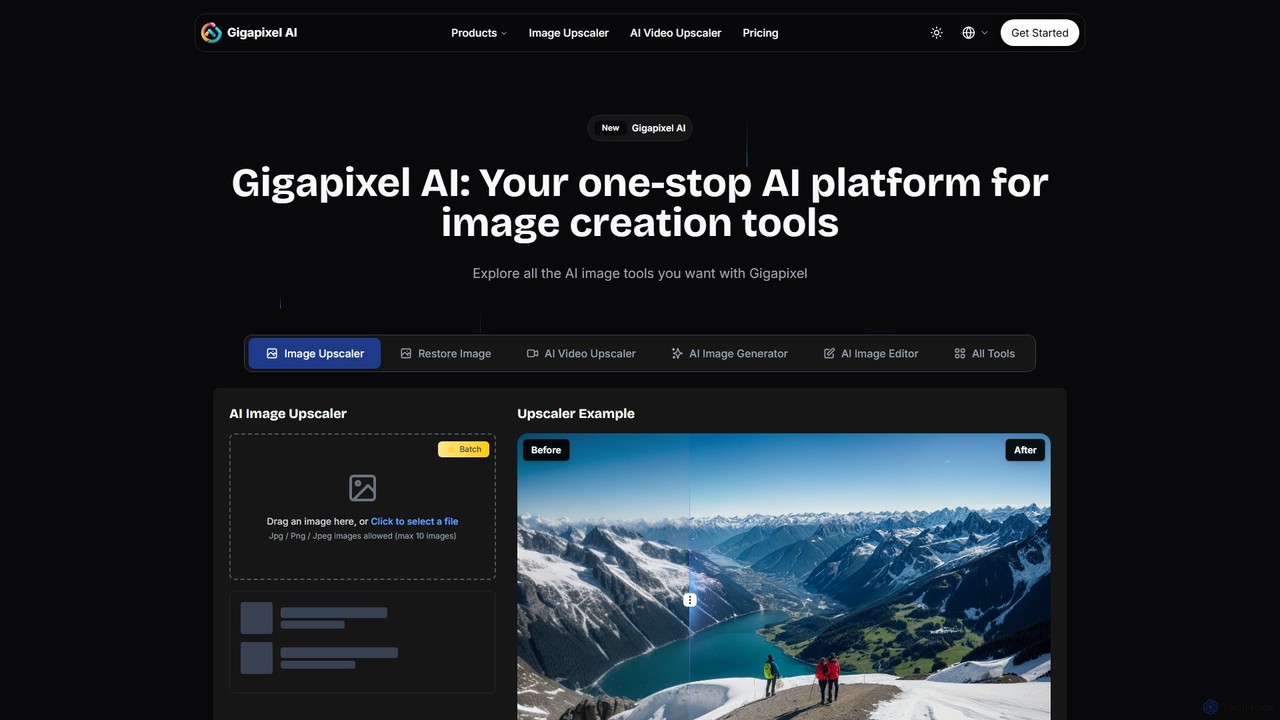
Gigapixel AI
Gigapixel AI is a comprehensive, all-in-one AI platform for image and video creation. It offers a suite of powerful tools, including an advanced image and video upscaler, a versatile image generator, a precise image editor, and a background remover. It's designed for creators, marketers, and developers to enhance, generate, and edit visual content with professional-grade quality and efficiency.
Image Editing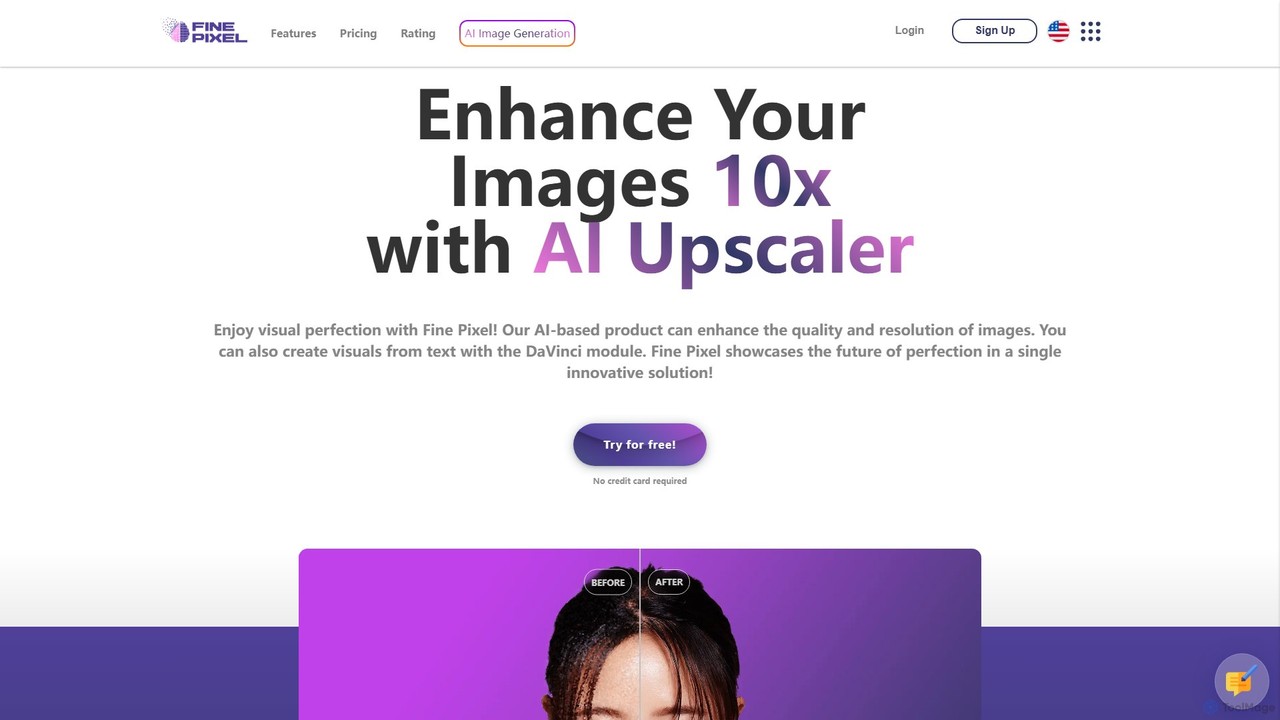
Fine Pixel
Fine Pixel is an all-in-one AI-powered image suite that enhances, generates, and edits visuals. It features a high-resolution image upscaler for print-quality results (300+ DPI), a text-to-image generator (DaVinci Diffusion XL) for instant creativity, and an inpainting tool to seamlessly add or remove objects from photos. It's designed for users of all skill levels, from marketers and designers to personal users, enabling professional-grade image manipulation in seconds.
Image Editing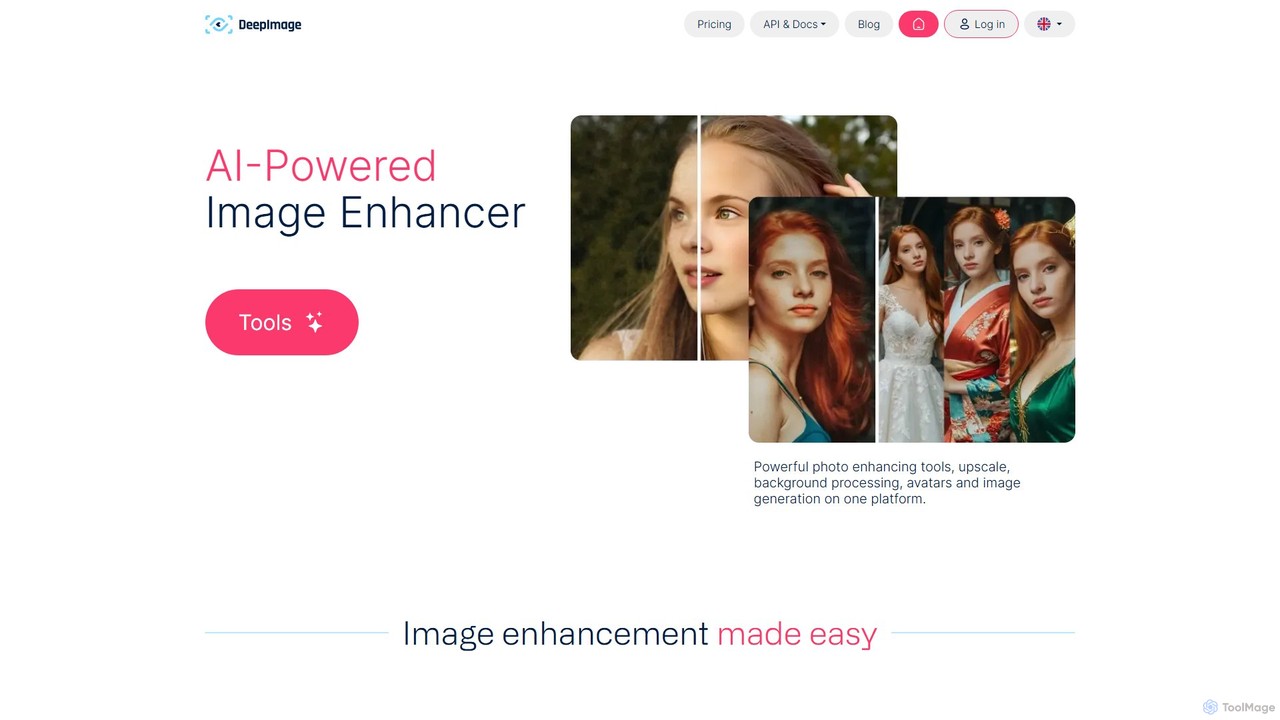
deep_image.ai
A comprehensive AI-powered platform for image enhancement, upscaling, and generation. It offers a suite of tools including noise reduction, sharpening, color correction, background removal, and creating new images from text. Ideal for photographers, e-commerce businesses, and content creators seeking professional-quality results.
Image Editing
Kira
Kira is a powerful AI-powered platform for professional-grade image generation and editing. It combines a versatile text-to-image generator with a comprehensive suite of editing tools, including background removal, inpainting, upscaling, and stylization. Its key feature is the ability to maintain consistent styles and characters across multiple edits and generations, making it ideal for branding, marketing, and creative projects that require a cohesive visual identity.
Graphic Design
Upscalepics
Upscalepics is an AI-powered image toolkit that enhances, upscales, and edits photos with remarkable precision. It can increase image resolution up to 8x, remove backgrounds, compress files, and prepare images for high-quality printing at 300 DPI. With features like batch processing, a browser extension, and API access, it serves photographers, designers, and e-commerce businesses.
Image Editingimgupscaling Categories
imgupscaling Embed Widget
Copy this embed code to place the badge on your blog, article, or product site and send readers directly to this ToolMage detail page.

Related AI tools
Kira
Kira is a powerful AI-powered platform for professional-grade image generation and editing. It combines a versatile text-to-image generator with a comprehensive suite of editing tools, including background removal, inpainting, upscaling, and stylization. Its key feature is the ability to maintain consistent styles and characters across multiple edits and generations, making it ideal for branding, marketing, and creative projects that require a cohesive visual identity.
Graphic DesignUpscalepics
Upscalepics is an AI-powered image toolkit that enhances, upscales, and edits photos with remarkable precision. It can increase image resolution up to 8x, remove backgrounds, compress files, and prepare images for high-quality printing at 300 DPI. With features like batch processing, a browser extension, and API access, it serves photographers, designers, and e-commerce businesses.
Image Editing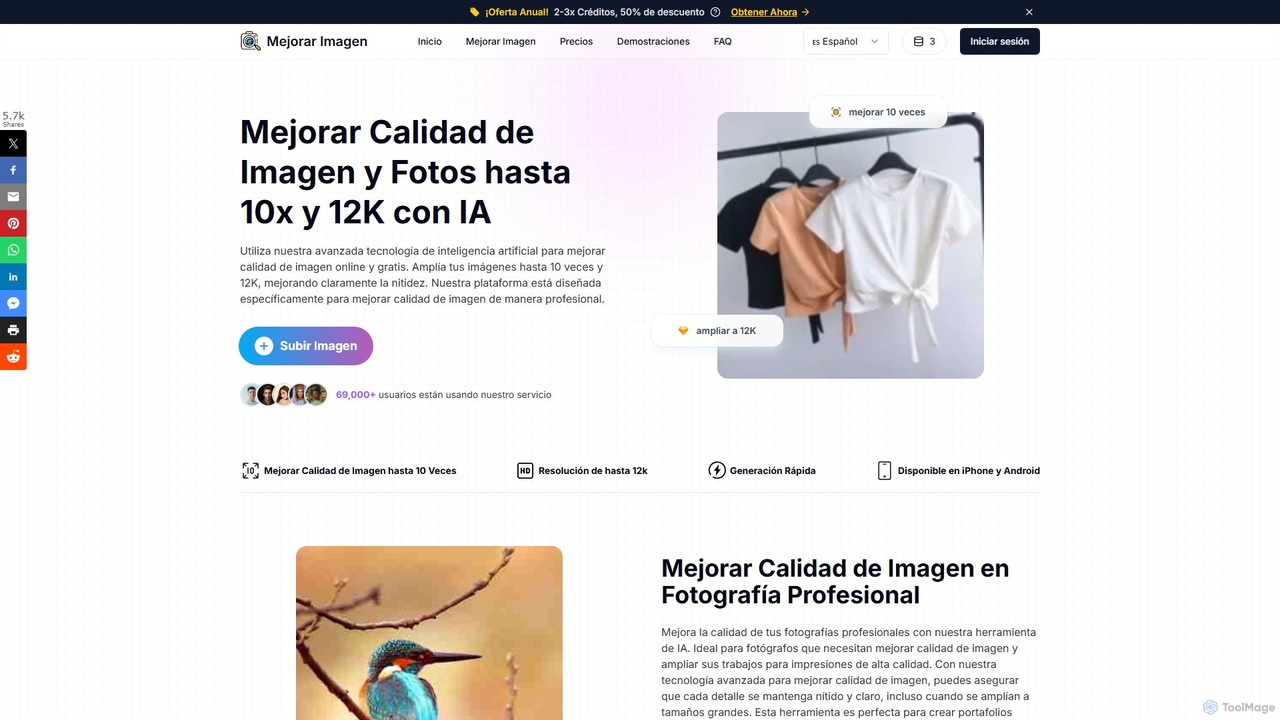
MejorarImagen
MejorarImagen is an AI-powered online tool designed to enhance and upscale image quality. It can enlarge images up to 10x and achieve resolutions up to 12K, significantly improving sharpness and detail. Ideal for professional photographers, graphic designers, and social media managers, it also offers features like batch processing and portrait enhancement.
Image Enhancement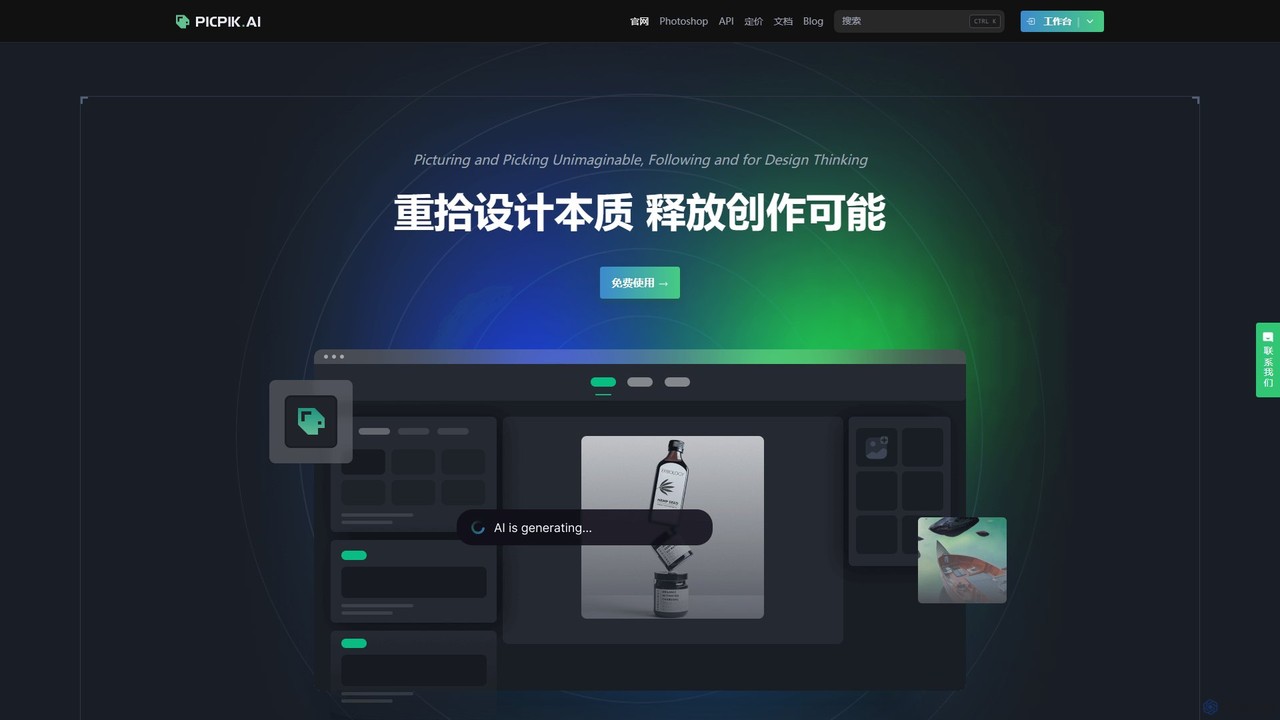
PicPik.ai
PicPik.ai is a professional-grade AI art generator and Photoshop plugin designed for designers and creative teams. It offers high-quality image generation with pre-optimized models, custom LoRA model training, seamless workflow integration, and a suite of powerful AI tools like face swapping, HD upscaling, and background removal.
Graphic DesignGigapixel AI
Gigapixel AI is a comprehensive, all-in-one AI platform for image and video creation. It offers a suite of powerful tools, including an advanced image and video upscaler, a versatile image generator, a precise image editor, and a background remover. It's designed for creators, marketers, and developers to enhance, generate, and edit visual content with professional-grade quality and efficiency.
Image EditingFine Pixel
Fine Pixel is an all-in-one AI-powered image suite that enhances, generates, and edits visuals. It features a high-resolution image upscaler for print-quality results (300+ DPI), a text-to-image generator (DaVinci Diffusion XL) for instant creativity, and an inpainting tool to seamlessly add or remove objects from photos. It's designed for users of all skill levels, from marketers and designers to personal users, enabling professional-grade image manipulation in seconds.
Image Editing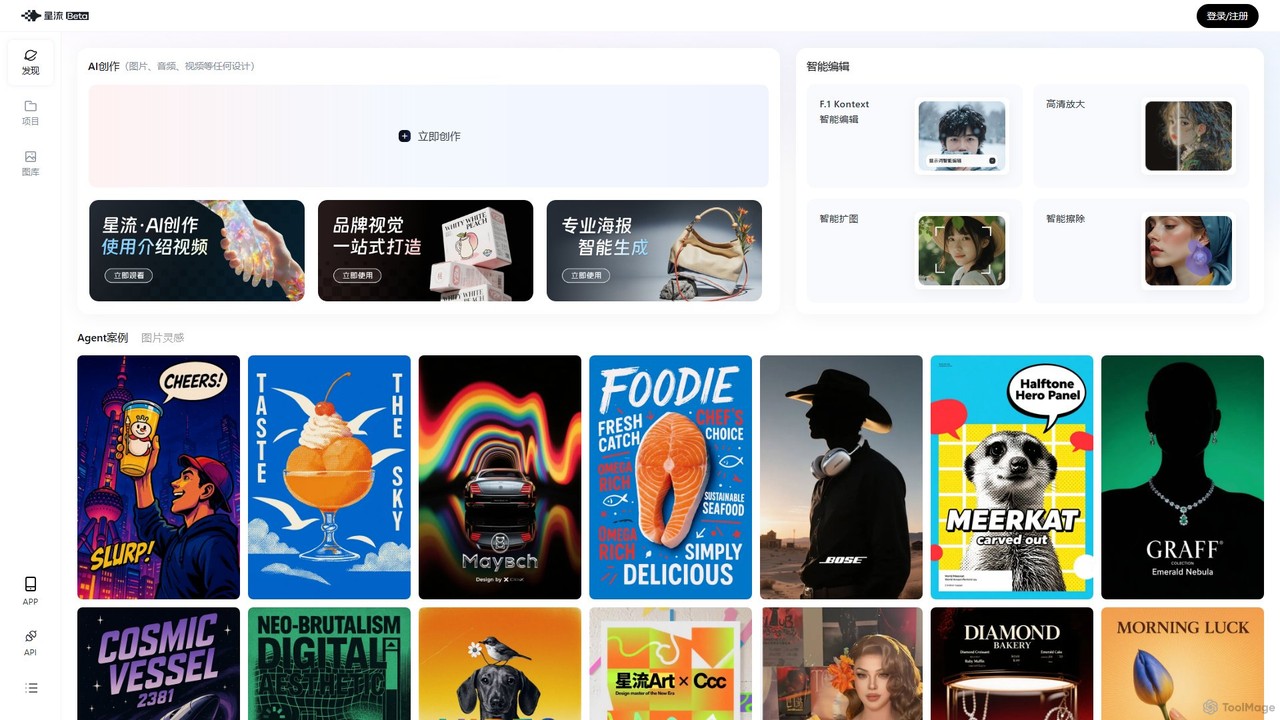
Xingliu
Xingliu is a next-generation AI creation suite that seamlessly integrates content generation and smart editing. Create stunning images, posters, and designs from text prompts, and refine them with powerful tools like HD upscaling, smart outpainting, object removal, and background cutout. It's an all-in-one platform for designers, marketers, and creators to bring their ideas to life effortlessly.
Image Generation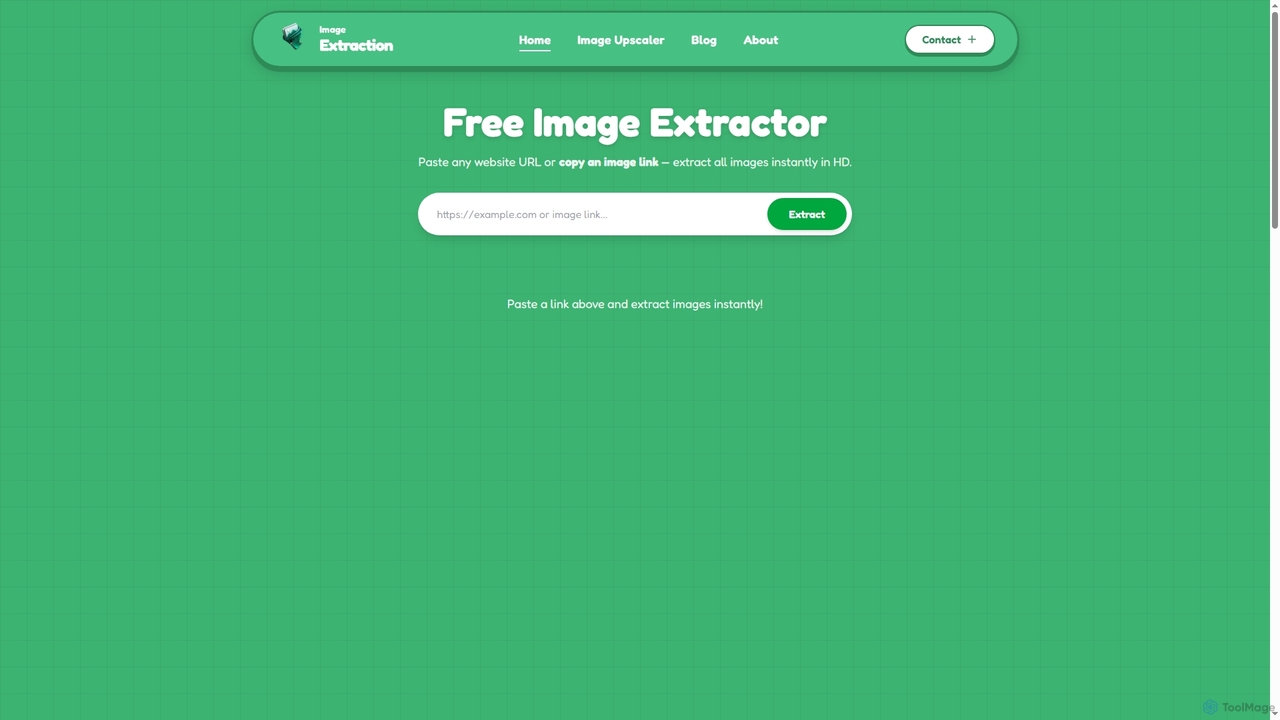
Image Extraction
Image Extraction is a free online platform offering powerful AI-powered tools for image management. It includes an Image Extractor to quickly download high-resolution images from any public website and an AI Image Upscaler to enhance low-quality images into stunning HD visuals for various professional and creative needs.
Graphic Assets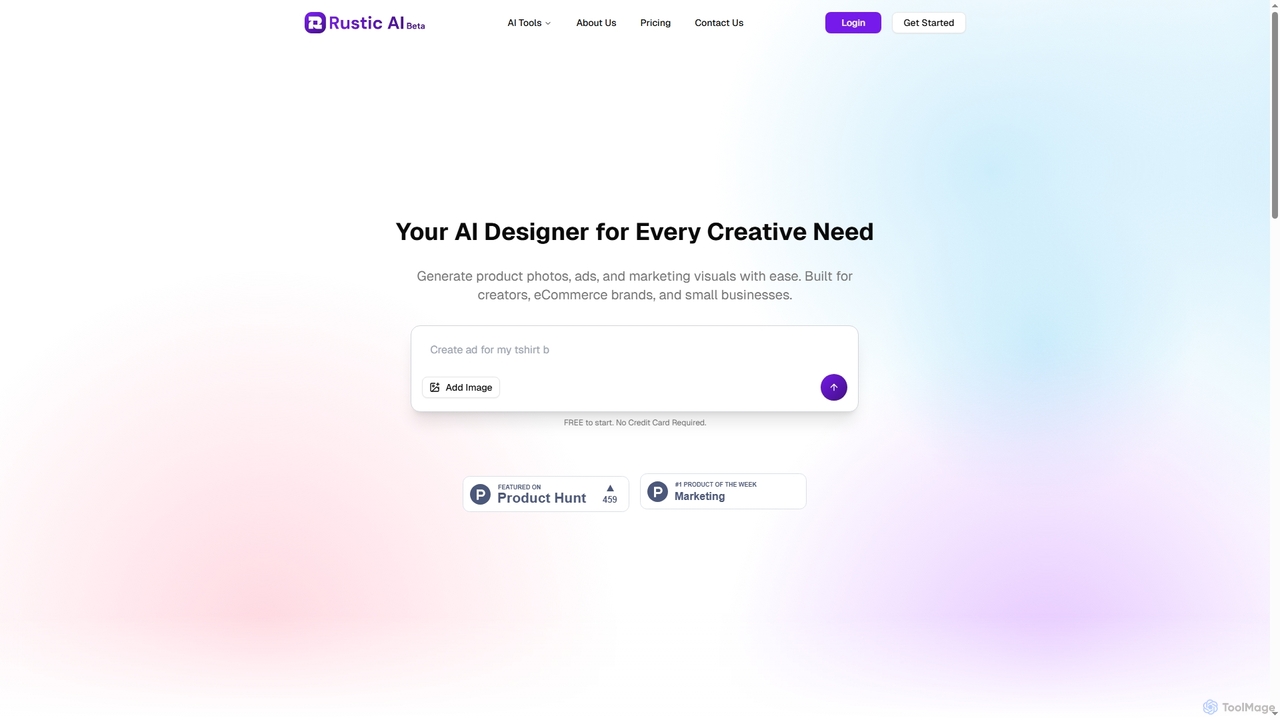
Rustic AI
Rustic AI is an intuitive AI design editor built for creators, e-commerce brands, and small businesses. It simplifies the generation of high-quality product photos, ad creatives, and marketing visuals, transforming ideas into stunning imagery with ease. The platform offers a suite of AI-powered tools to streamline visual content creation.
Graphic Design
Thumbmachine
Thumbmachine is an AI-powered platform for creating stunning YouTube thumbnails, ad creatives, and social media graphics. It combines a text-to-image generator, background remover, image upscaler, and a vast stock photo library. Generate multiple design variations in seconds, A/B test for higher click-through rates, and streamline your creative workflow without needing any design skills. It's a web-based tool with flexible pay-as-you-go pricing.
Image Generator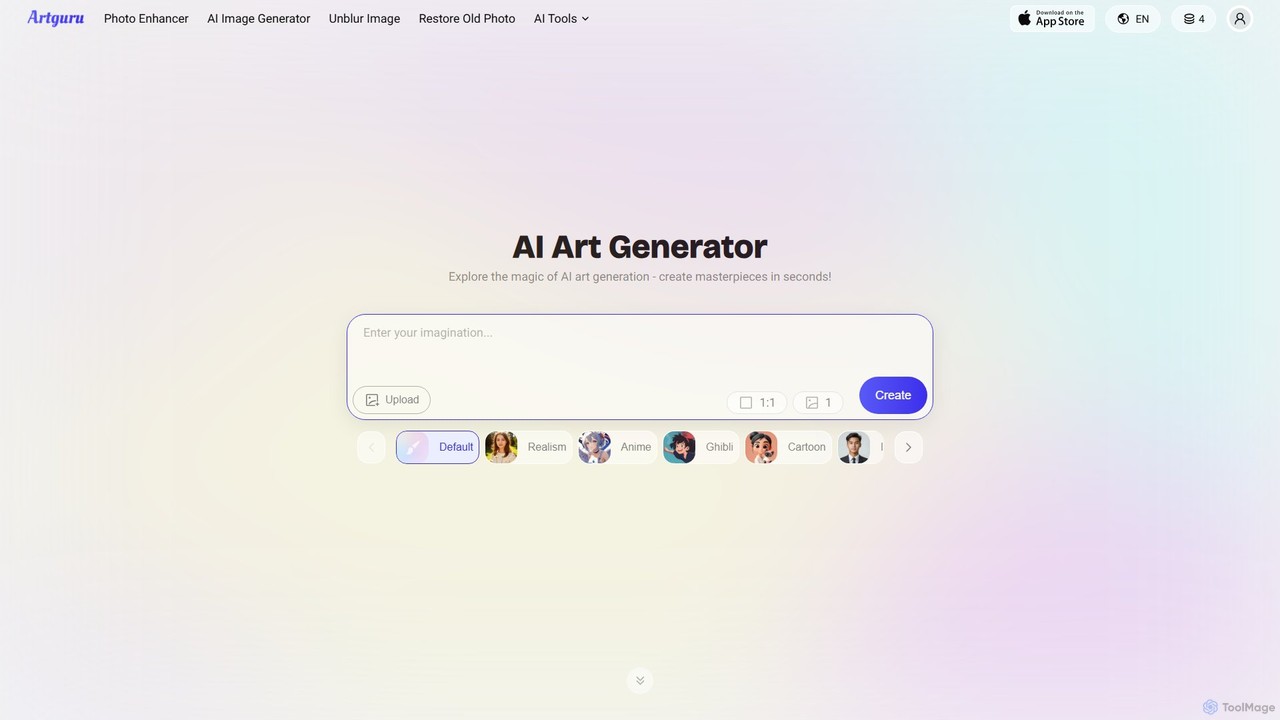
Artguru
Artguru is a versatile AI creative suite for generating unique art from text or photos and enhancing images. It offers tools like a text-to-image generator, photo-to-art converter, 4K image upscaler, photo unblur, and old photo restoration. It's designed for artists, marketers, and casual users with a user-friendly interface and a free-to-start plan.
Ai Art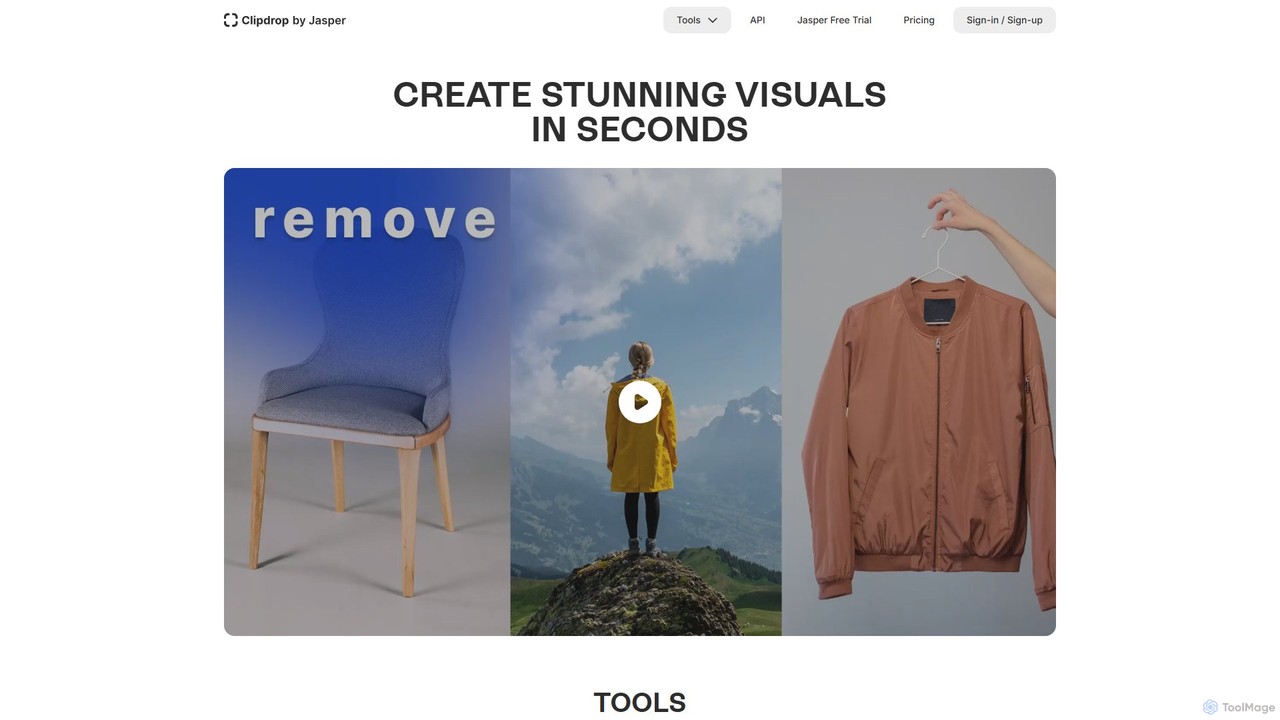
Clipdrop
Clipdrop is an all-in-one suite of AI-powered tools for image creation, editing, and enhancement. Developed by Stability AI, it allows users to effortlessly remove backgrounds, clean up images, upscale resolution, generate visuals from text, and much more, all within a simple web interface.
Graphics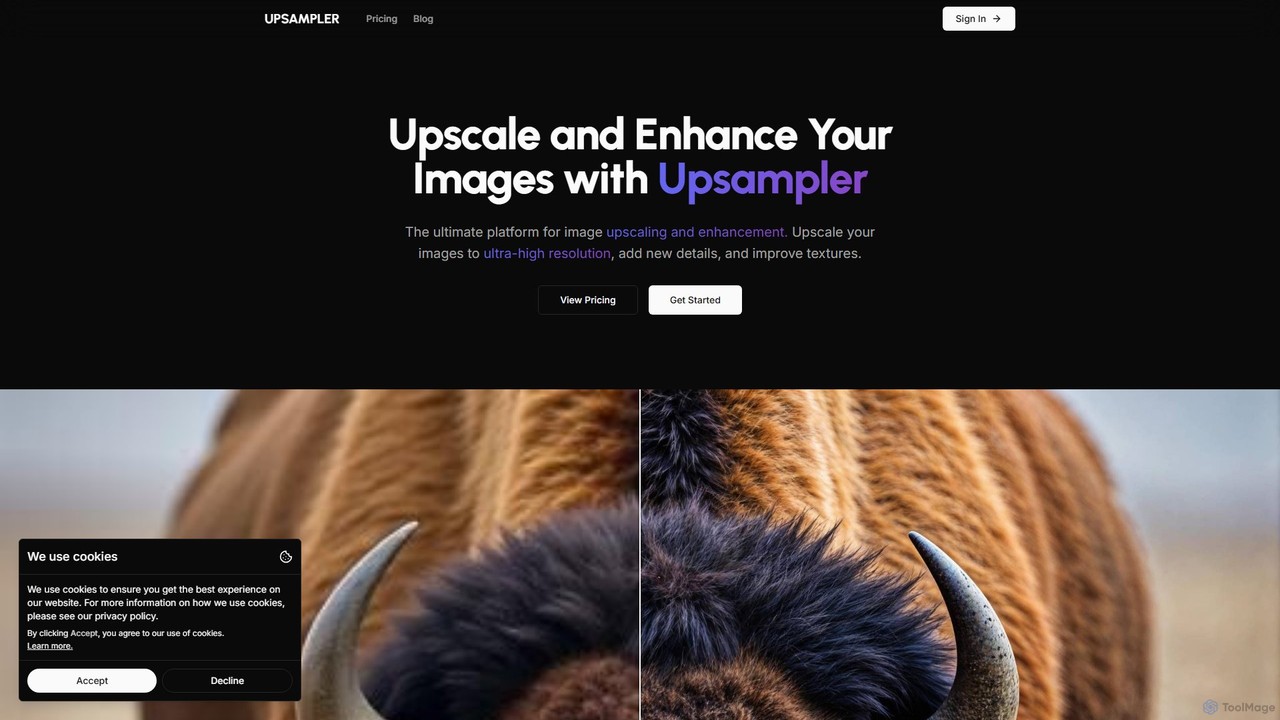
Upsampler
Upsampler is a comprehensive AI-powered online platform for image upscaling, enhancement, restoration, and generation. It features multiple upscaling modes like Smart, Dynamic, and Precise to cater to different image types, from AI art to real photos. It also offers generative fill, photo restoration, and integrates top AI models like GPT-4o and Imagen for image creation.
Image Generation
Jyek
Jyek is an AI agent platform that understands objectives, creates execution plans, uses tools, and delivers verifiable results for complex, multi-step tasks.
Automation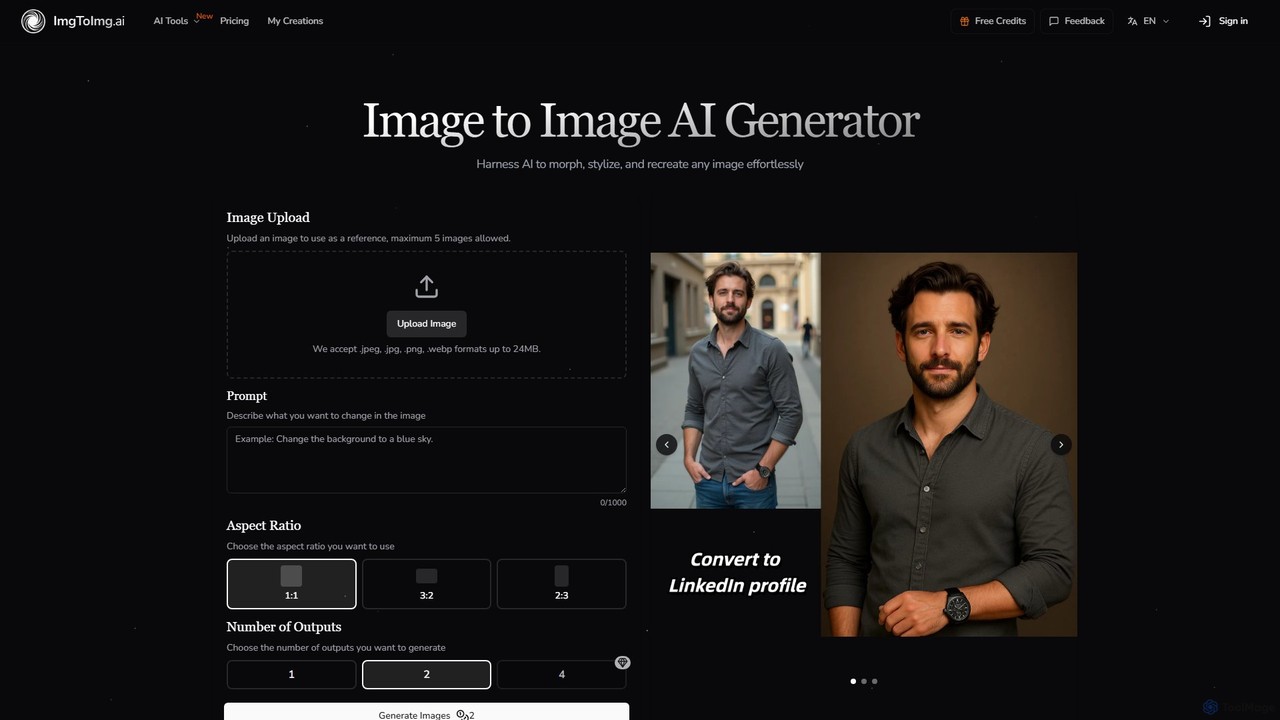
imgtoimg.ai
imgtoimg.ai is a comprehensive AI-powered suite for image creation and editing. It specializes in transforming existing images with text prompts while preserving their core structure (image-to-image). It also features a powerful text-to-image generator to create unique visuals from scratch. The platform includes additional tools like AI face swap, background remover, image upscaler, and photo restoration, making it a versatile solution for designers, marketers, and creators.
Art Generation
imgupscaling Comments (0)
Sign in to comment.
Sign inNo comments yet.