
RemoveBackgroundAI Overview
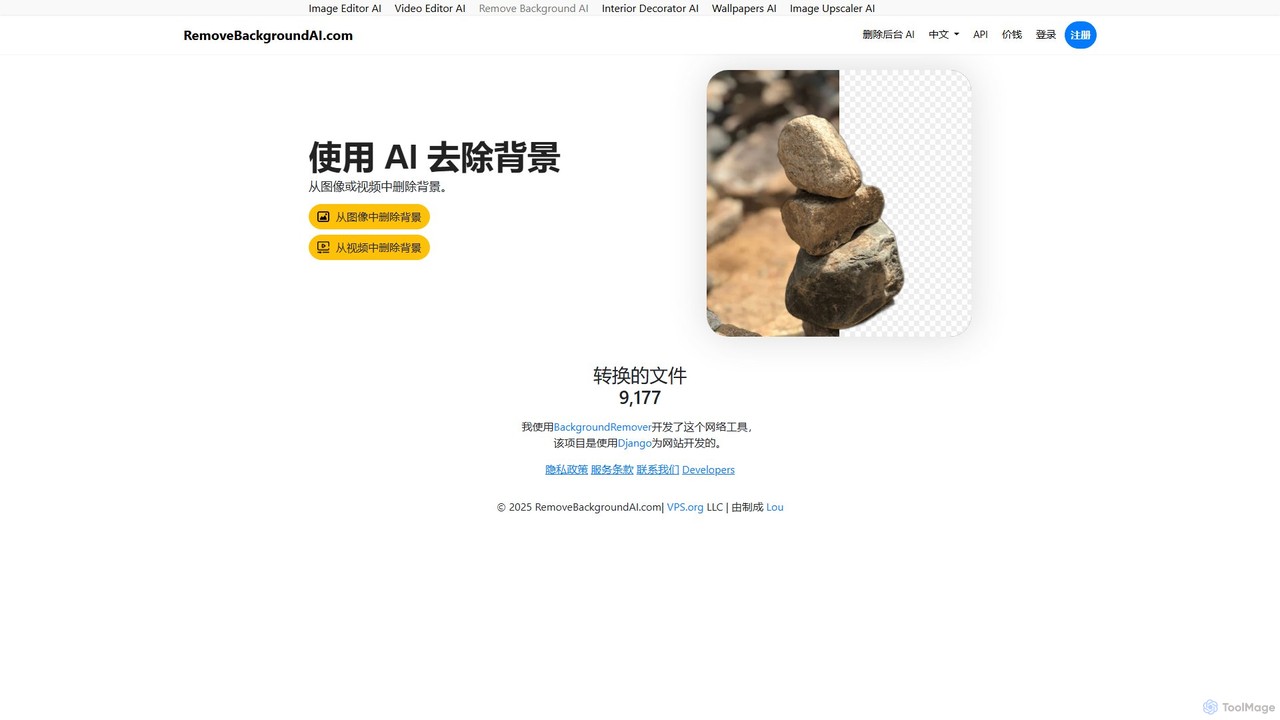
RemoveBackgroundAI is a versatile and efficient online tool designed to simplify the process of background removal for both static images and dynamic videos. Leveraging advanced artificial intelligence and machine learning algorithms, this platform automates what was once a tedious and time-consuming task. It provides a clean, user-friendly interface that allows anyone, regardless of their technical skill, to achieve professional-quality results in just a few clicks. The service is entirely web-based, eliminating the need for complex software installations.
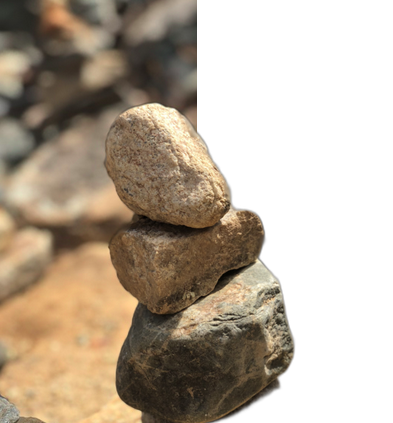
The core value of RemoveBackgroundAI lies in its dual functionality. For images, it intelligently detects the main subject—whether it's a person, an object, or a product—and precisely cuts it out from its background, delivering a high-quality PNG file with a transparent background. For videos, it performs a similar process frame-by-frame, creating a seamless video clip without the original background, which can then be downloaded as a MOV or GIF file. This makes it an invaluable asset for a wide range of creative and commercial projects.
How to use RemoveBackgroundAI
The process is designed for maximum simplicity and speed. Here’s how to use it for both images and videos:
For Images:
- Navigate to the 'Remove Background from Image' section on the website.
- Upload your image by clicking the upload area or by simply dragging and dropping the file onto the page.
- Select the appropriate AI model for your image: 'People' for portraits or 'People, objects or things' for more complex scenes like product photos.
- The AI will automatically process the image and remove the background. This usually takes only a few seconds.
- Once complete, you can preview the result and download the final image as a transparent PNG file.
For Videos:
- Go to the 'Remove Background from Video' section.
- Upload your video file using the drag-and-drop feature or the upload button.
- Choose your processing option. You can process the first five seconds for free as a quick preview. For full-length video processing, you may need to register for an account.
- The AI software will analyze the video and remove the background from each frame.
- After processing, you can download the background-free video as a MOV file or an animated GIF.
Core Features of RemoveBackgroundAI
- AI-Powered Automation: Utilizes sophisticated AI to accurately detect and isolate subjects from their backgrounds in both images and videos.
- Dual Media Support: One of the few free tools that seamlessly handles both image and video background removal.
- Simple User Interface: An intuitive drag-and-drop system makes the tool accessible to everyone, with no learning curve.
- Multiple Output Formats: Provides transparent PNGs for images and offers both MOV (for video editing) and GIF (for web use) formats for videos.
- Specialized AI Models: Offers distinct models for processing images of people versus objects, ensuring higher accuracy for different use cases.
- Privacy Conscious: All uploaded files are automatically deleted from the servers after 24 hours to protect user privacy.
- Developer API: A 'Developers' link suggests the availability of an API for integrating the background removal functionality into other applications and workflows.
Use Cases for RemoveBackgroundAI
This tool is incredibly useful across various fields:
- E-commerce: Creating clean, consistent product images with white or transparent backgrounds for online stores on platforms like Shopify, Amazon, and eBay.
- Marketing and Advertising: Designing professional-looking social media posts, web banners, and ad creatives by easily layering subjects onto new backgrounds.
- Graphic Design: Speeding up the workflow by quickly creating transparent assets for use in larger design projects, presentations, and infographics.
- Content Creation: Producing engaging video content, memes, or reaction GIFs by placing subjects in different virtual environments.
- Photography: Assisting portrait and product photographers by automating the initial, often tedious, step of subject isolation.
- Personal Projects: Making custom stickers, personalized greeting cards, or fun photo collages.
Advantages of RemoveBackgroundAI
The main advantage of RemoveBackgroundAI is its combination of power, simplicity, and accessibility. It saves users a significant amount of time and effort compared to manual editing in software like Adobe Photoshop. Being a web-based tool, it requires no installation and can be accessed from any device with an internet connection. The free tier for basic use makes professional-grade editing tools available to everyone, from students to small business owners.
Pricing and Plans
RemoveBackgroundAI operates on a freemium model, making its core features available for free with certain limitations, while offering expanded capabilities for registered or paying users.
- Free Plan: This plan is ideal for casual users and small tasks. It includes free background removal for images and the first 5 seconds of videos. Files are processed in standard quality.
- Registered/Pro Plan: By registering (which may be free or part of a paid tier), users can unlock features like full-length video background removal, potentially higher resolution downloads, batch processing capabilities, and access to the developer API. This model is designed for professionals and businesses with more demanding needs.
Traffic
Latest traffic
Status
Monthly traffic trend
- 2025-9: 453
- 2026-1: 360
- 2026-2: 1.6K
- 2026-3: 2.2K
- 2026-4: 821
- 2026-5: 3.4K
Geography
Top 5 countries / regions
- 🇮🇩Indonesia37.9%
- 🇪🇸Spain26.8%
- 🇻🇳Vietnam19.8%
- 🇯🇵Japan7.7%
- 🇺🇦Ukraine7.7%
Top keywords
| Keyword | Cost per click |
|---|---|
| ai去视频背景 | $0.00 |
| pig shaking his butt | $0.00 |
| remove background | $0.28 |
| svg 배경 투명 | $0.00 |
| как да премахна фон на снимка в word | $0.00 |
RemoveBackgroundAI Alternatives

removal.ai
An AI-powered background remover that instantly erases the background from images for free. It offers high-quality cutouts, batch processing, a built-in photo editor, and an API for seamless integration, catering to photographers, e-commerce, marketers, and developers.
Photo Editing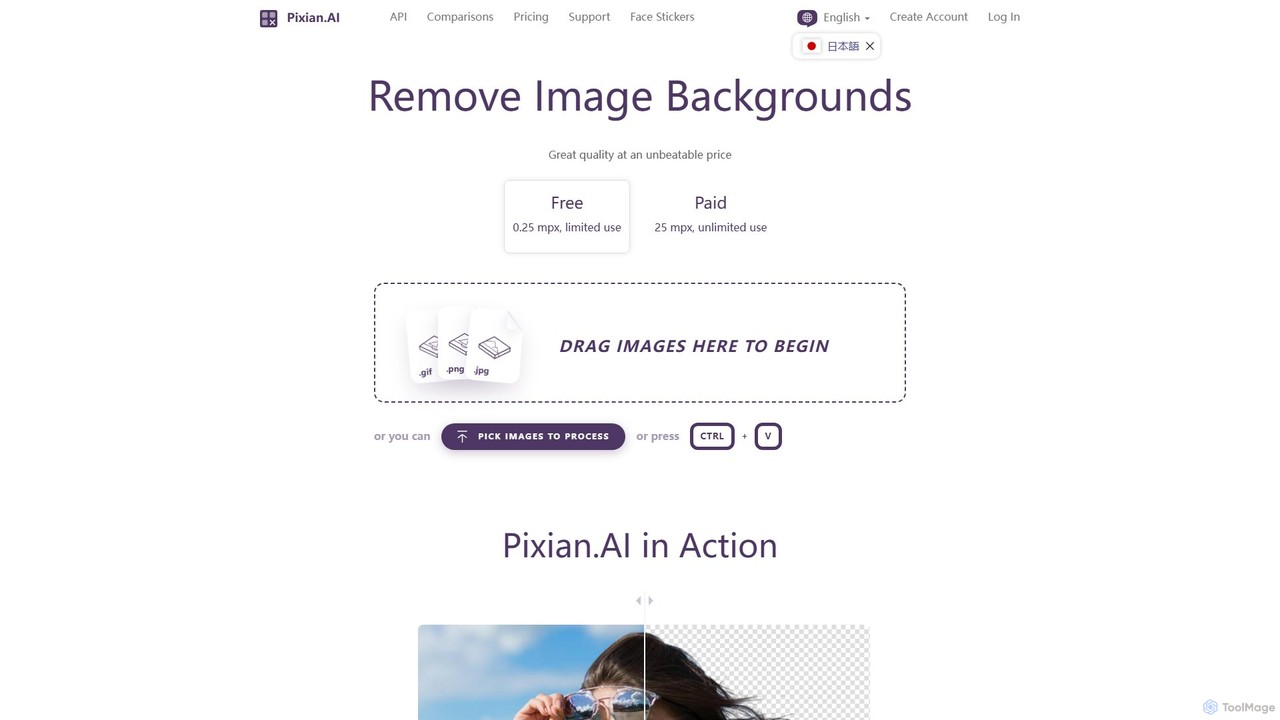
Pixian.ai
Pixian.ai is an AI-powered tool for instantly removing backgrounds from images. It offers a free service for basic use and a highly affordable pay-as-you-go API for high-resolution images. Leveraging a custom AI model, it excels at handling complex details like hair and fur on a wide range of images, including photos, logos, and AI-generated art. It's designed for efficiency, quality, and outstanding value.
Image Editing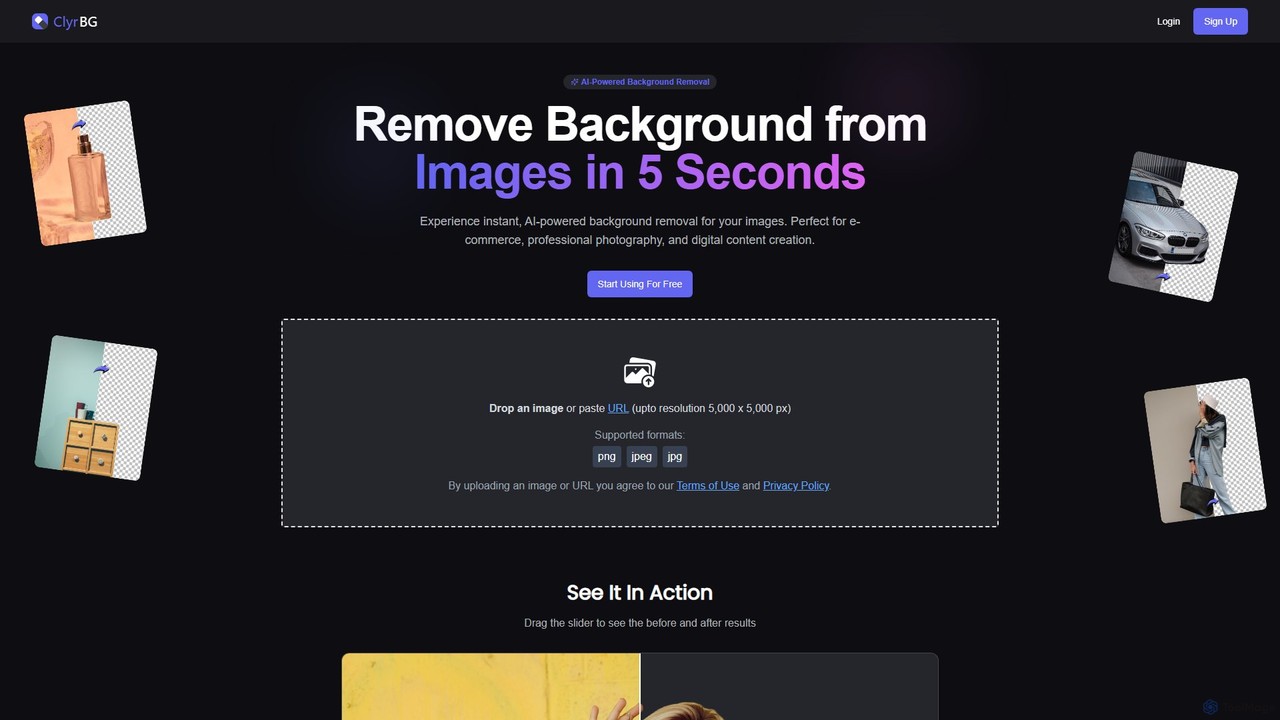
clyrbg
ClyrBG is an AI-powered tool that automatically removes backgrounds from images in just 5 seconds. It's designed for e-commerce, photographers, marketers, and designers, offering high-precision cutouts, batch processing, and an API for integration. Simply upload an image to get a transparent background instantly, no technical skills required.
Image Editing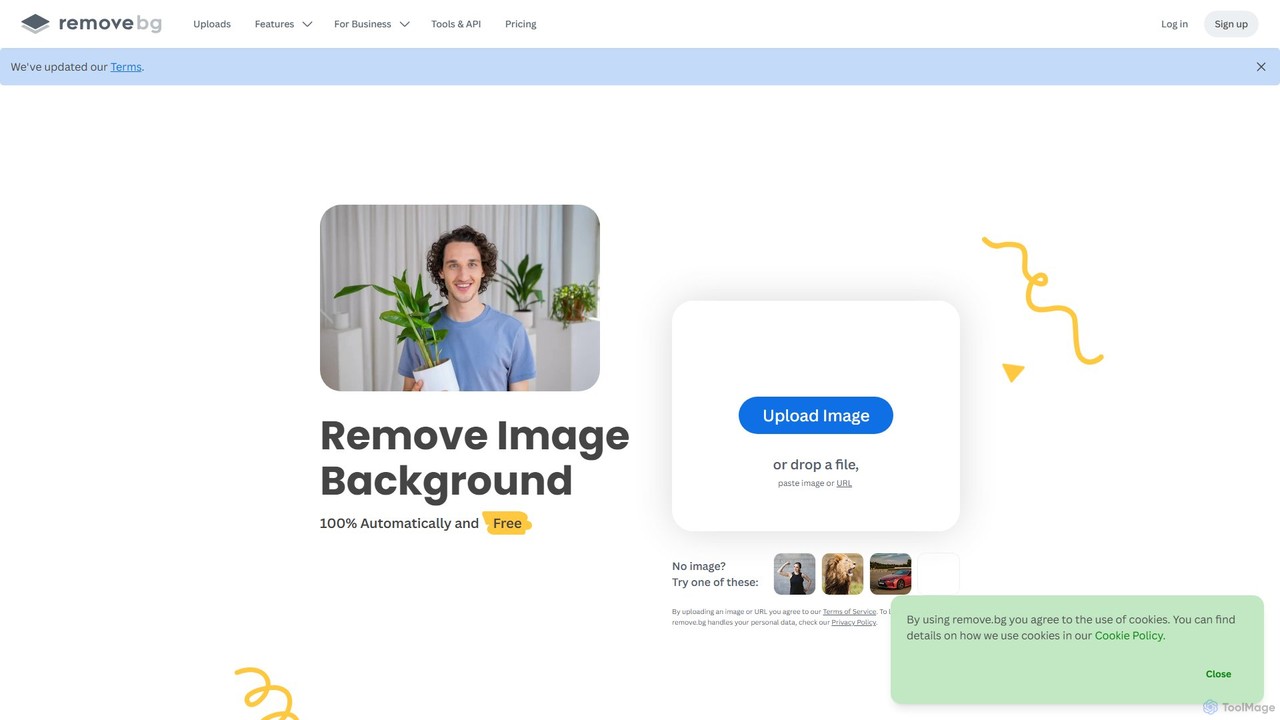
remove.bg
remove.bg is an AI-powered tool that automatically removes the background from any image in just 5 seconds. It uses advanced AI to accurately handle challenging edges like hair and fur. Ideal for photographers, e-commerce businesses, marketers, and developers, it offers web, desktop, and plugin integrations to streamline workflows.
Editing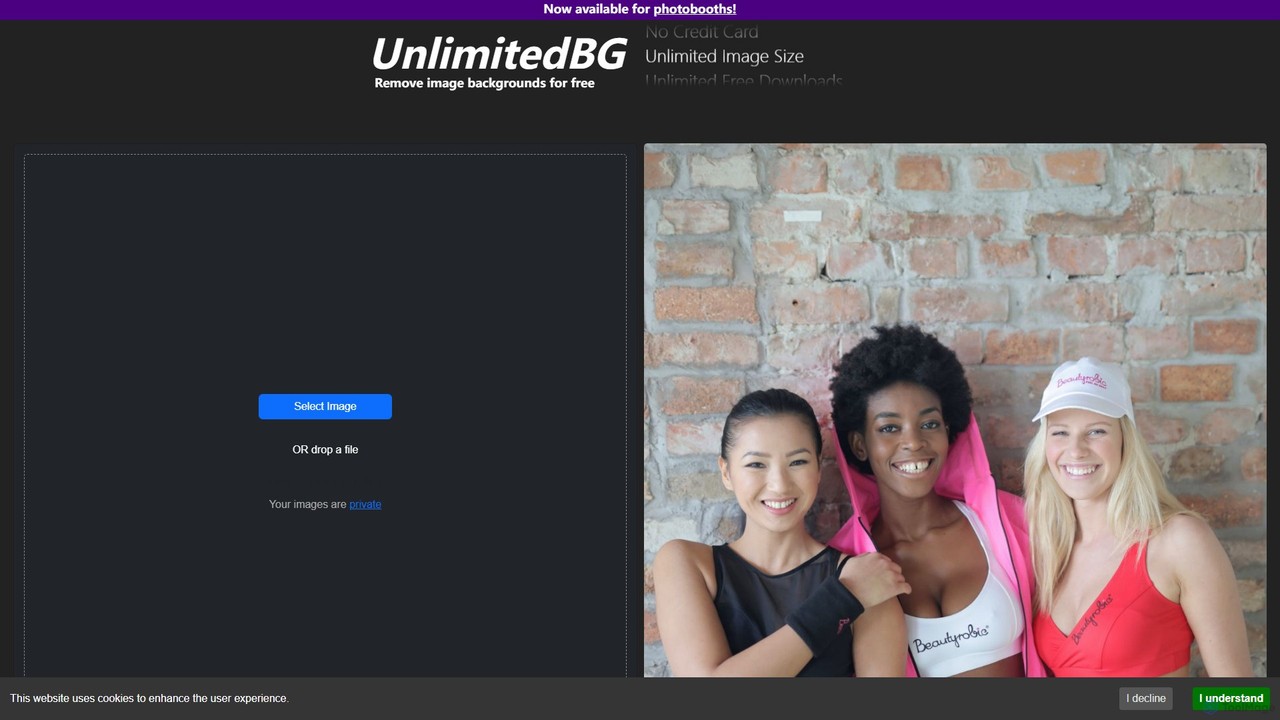
UnlimitedBG
UnlimitedBG is a versatile AI tool offering a 100% free online background remover with no limits on usage, size, or downloads. It also provides a professional, offline-capable desktop application for photobooths with a flat-rate subscription, ensuring high-quality, instant results for both casual users and event professionals.
Background RemovalRemoveBackgroundAI Categories
RemoveBackgroundAI Embed Widget
Copy this embed code to place the badge on your blog, article, or product site and send readers directly to this ToolMage detail page.

Related AI tools
removal.ai
An AI-powered background remover that instantly erases the background from images for free. It offers high-quality cutouts, batch processing, a built-in photo editor, and an API for seamless integration, catering to photographers, e-commerce, marketers, and developers.
Photo EditingPixian.ai
Pixian.ai is an AI-powered tool for instantly removing backgrounds from images. It offers a free service for basic use and a highly affordable pay-as-you-go API for high-resolution images. Leveraging a custom AI model, it excels at handling complex details like hair and fur on a wide range of images, including photos, logos, and AI-generated art. It's designed for efficiency, quality, and outstanding value.
Image Editingclyrbg
ClyrBG is an AI-powered tool that automatically removes backgrounds from images in just 5 seconds. It's designed for e-commerce, photographers, marketers, and designers, offering high-precision cutouts, batch processing, and an API for integration. Simply upload an image to get a transparent background instantly, no technical skills required.
Image Editingremove.bg
remove.bg is an AI-powered tool that automatically removes the background from any image in just 5 seconds. It uses advanced AI to accurately handle challenging edges like hair and fur. Ideal for photographers, e-commerce businesses, marketers, and developers, it offers web, desktop, and plugin integrations to streamline workflows.
Editing
Jyek
Jyek is an AI agent platform that understands objectives, creates execution plans, uses tools, and delivers verifiable results for complex, multi-step tasks.
AutomationUnlimitedBG
UnlimitedBG is a versatile AI tool offering a 100% free online background remover with no limits on usage, size, or downloads. It also provides a professional, offline-capable desktop application for photobooths with a flat-rate subscription, ensuring high-quality, instant results for both casual users and event professionals.
Background Removal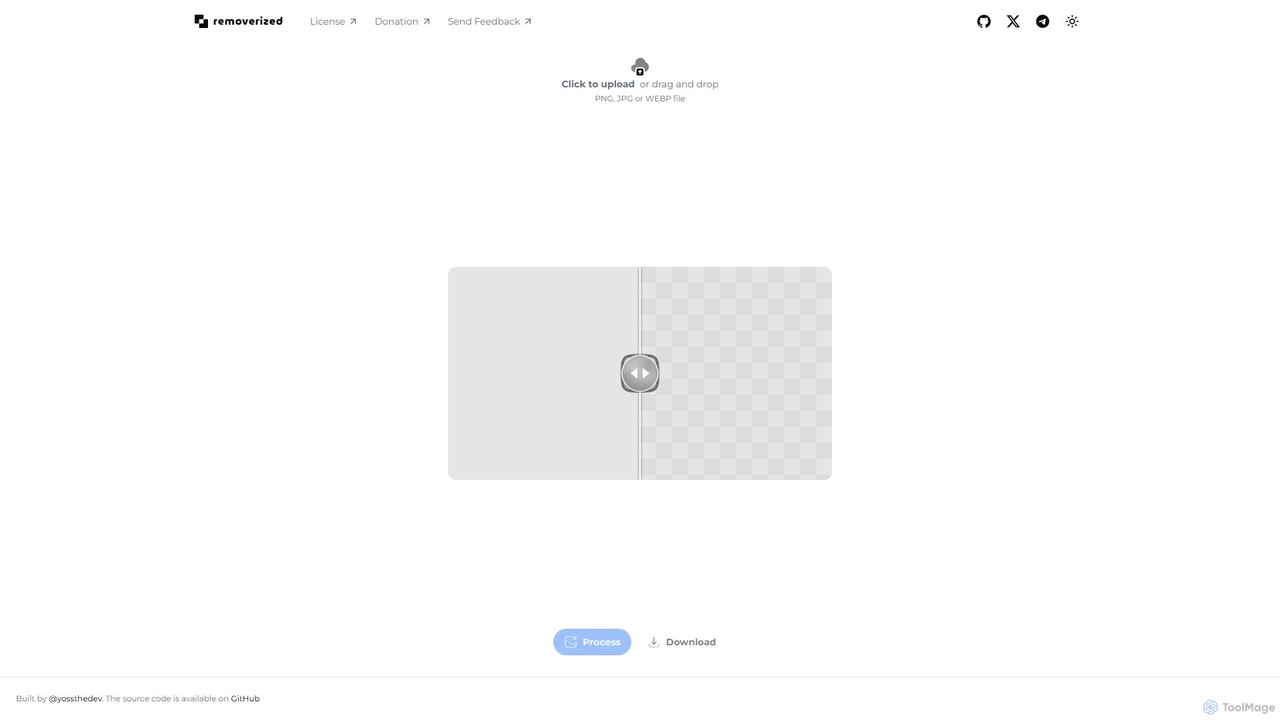
removerized
A free, open-source AI tool that instantly removes backgrounds from images. Simply upload your PNG, JPG, or WEBP file, and the AI will automatically detect and erase the background, providing a high-quality transparent image for download.
Image Editing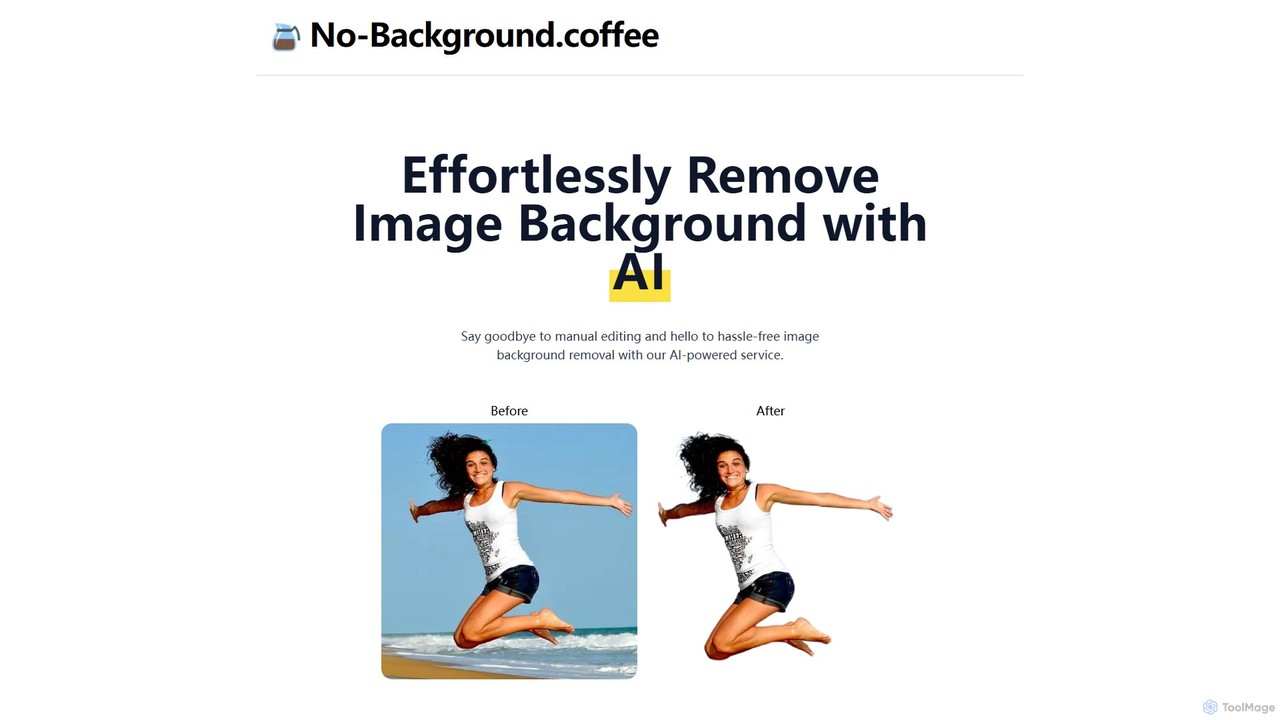
no_background
A free, AI-powered web tool that effortlessly removes backgrounds from images in seconds. Based on the MODNet deep learning model, it offers a fast, simple, and privacy-focused solution for creating transparent backgrounds without manual editing.
Image Editing
magicbackgroundremover
magicbackgroundremover is an AI-powered tool that automatically removes backgrounds from any image in seconds. With just one click, get a high-precision cutout with a transparent background, perfect for e-commerce, marketing, and creative projects. It handles complex edges like hair and fur with ease, saving you time and effort compared to manual editing. Simply upload your image and let the AI do the magic.
Image Editing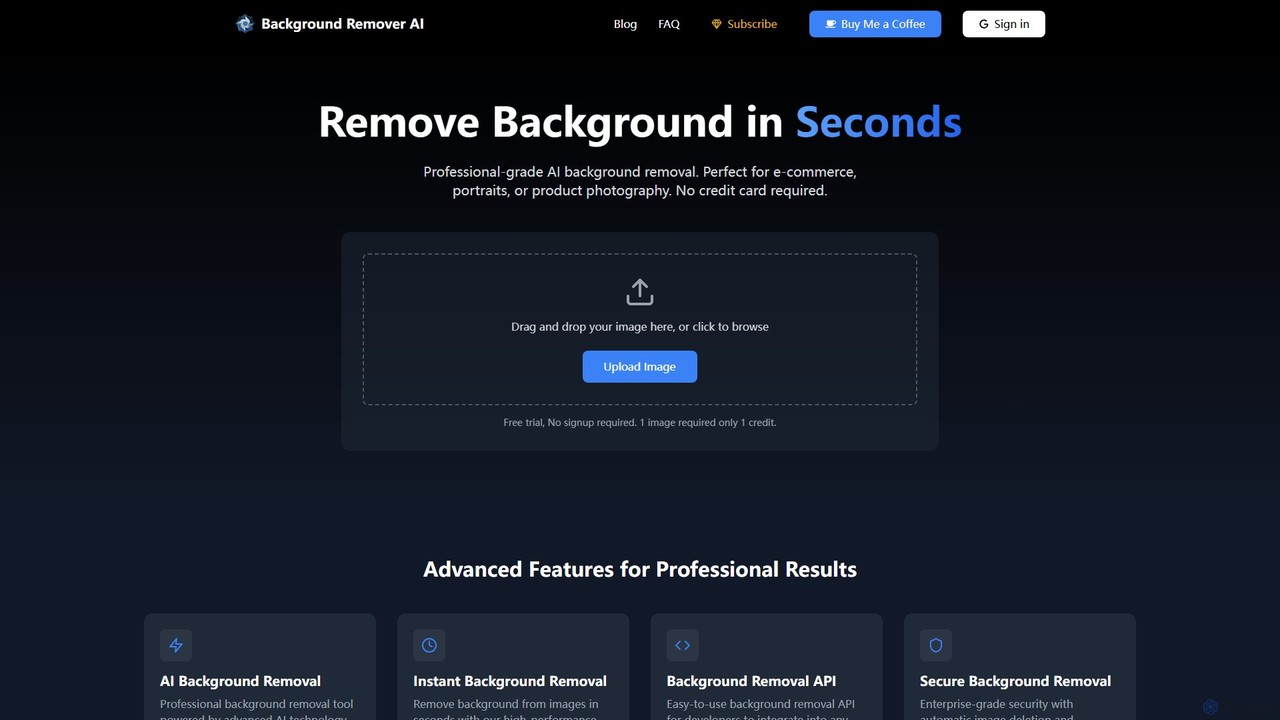
bgclearer
bgclearer is an AI-powered tool that automatically removes the background from any image in seconds. It provides professional-grade, clean cutouts perfect for e-commerce, product photography, and graphic design. The service offers a free trial, a simple drag-and-drop interface, and a developer API for seamless integration.
Image Editing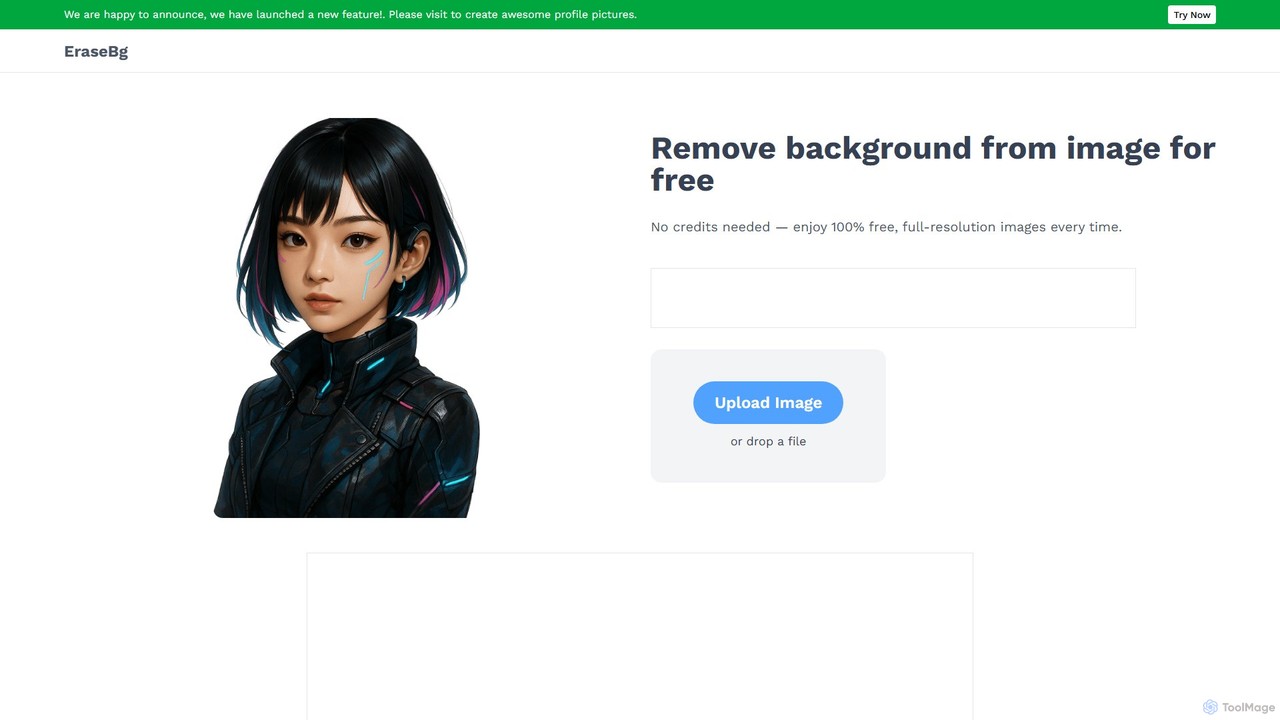
Erase BG
Erase BG is a completely free AI-powered tool that instantly removes backgrounds from images. It requires no registration or credits, offering unlimited downloads in high resolution (up to 4K). Simply upload your image to get a clean, transparent PNG or a white-background JPEG in seconds. It also features a creative GIF maker for personalized animations.
Image Editing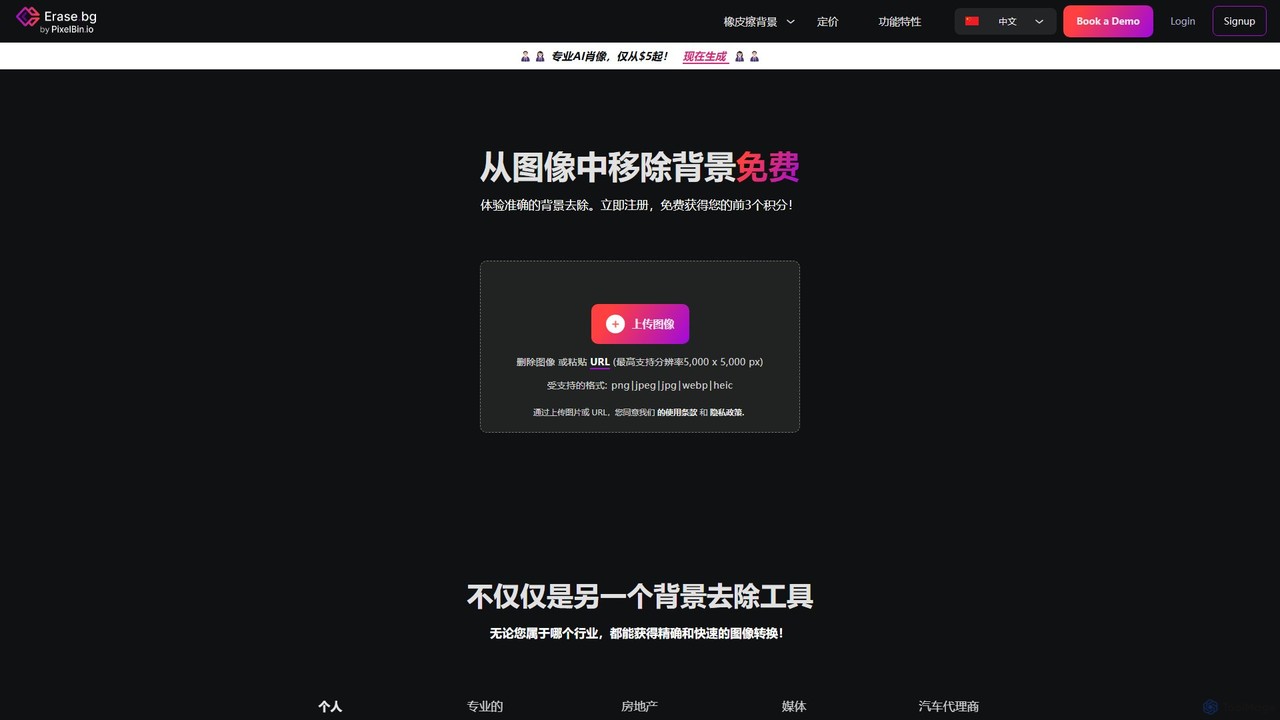
Erase.bg
Erase.bg is an AI-powered tool that automatically removes backgrounds from images in seconds. It's designed for a wide range of users, from individuals creating social media content to e-commerce businesses needing clean product photos. The tool supports various formats, offers high-resolution output, and provides simple editing options to add new backgrounds. It is accessible via web and mobile apps, with an API for developers.
Editing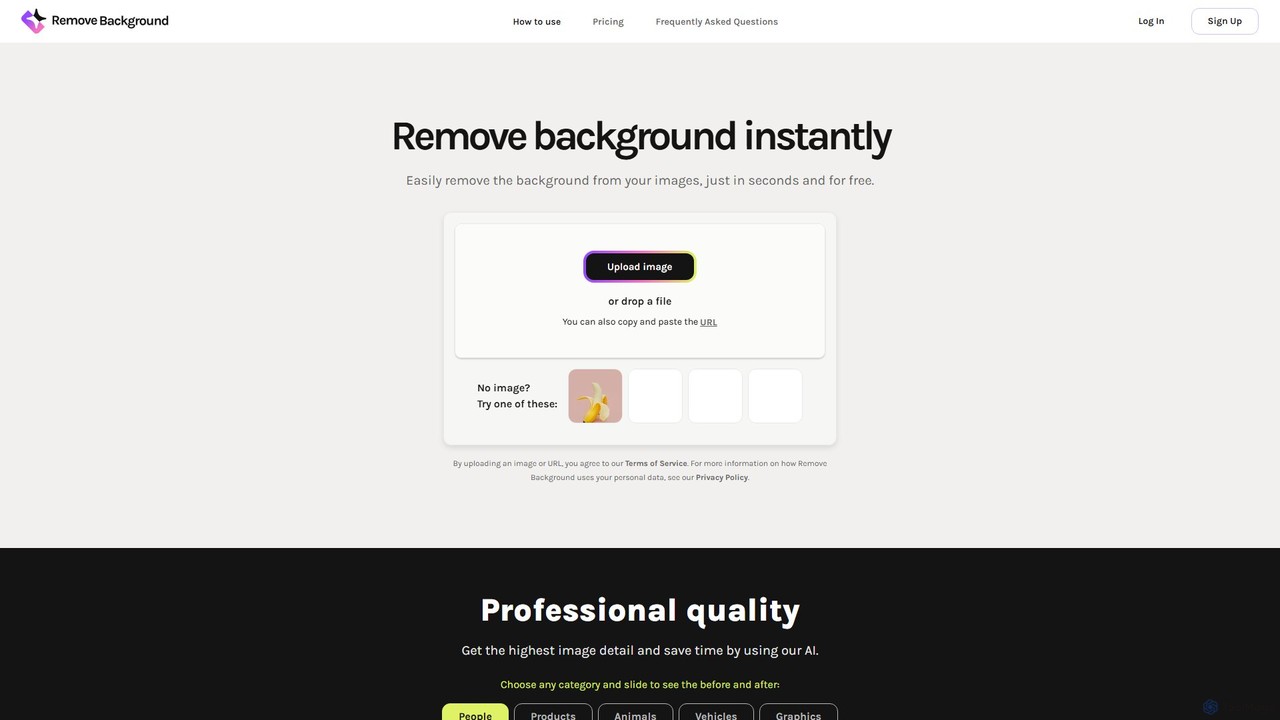
remove_background
An AI-powered tool to instantly remove image backgrounds for free. It creates high-quality transparent backgrounds, offers advanced editing tools, and can even generate custom backgrounds using AI prompts. Ideal for e-commerce, social media, and professional designs.
Editing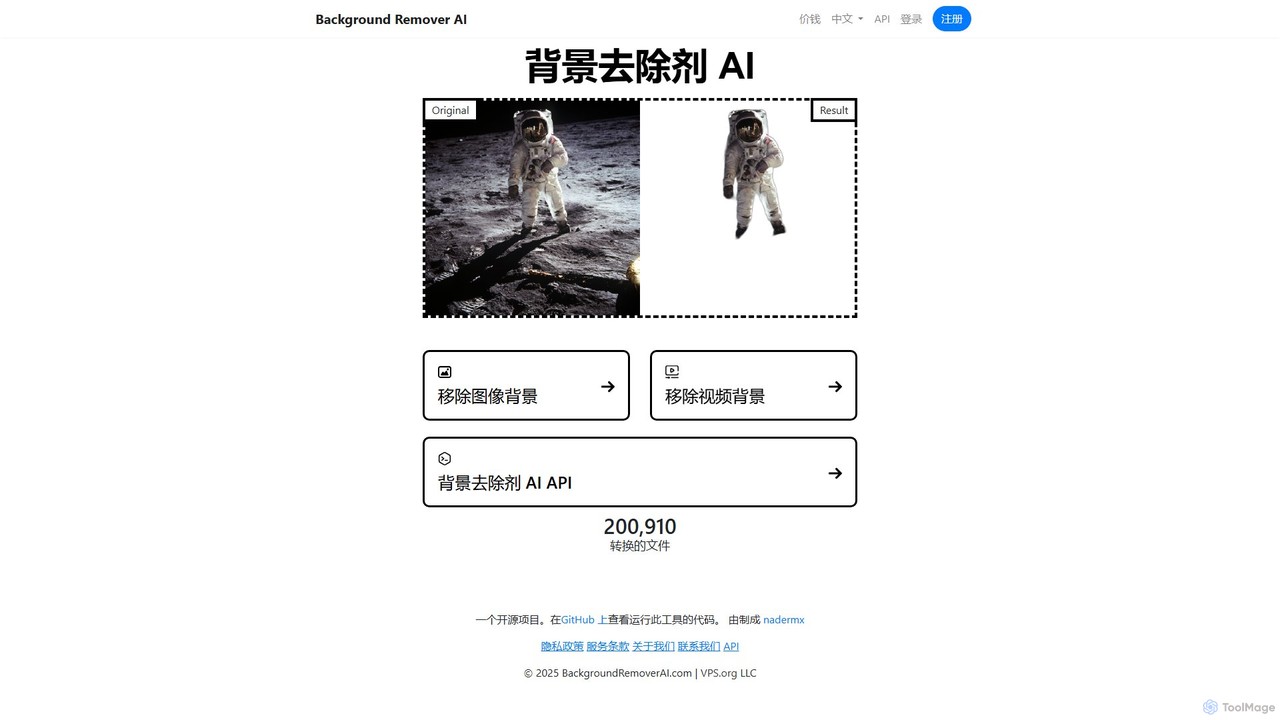
BackgroundRemoverAI
BackgroundRemoverAI is a free, open-source tool that uses AI to automatically remove backgrounds from images and videos. With a simple drag-and-drop interface, it quickly generates transparent PNGs from images and GIFs or MOVs from videos. It also offers a developer API for integration into custom workflows, making it a versatile solution for designers, content creators, and developers.
Api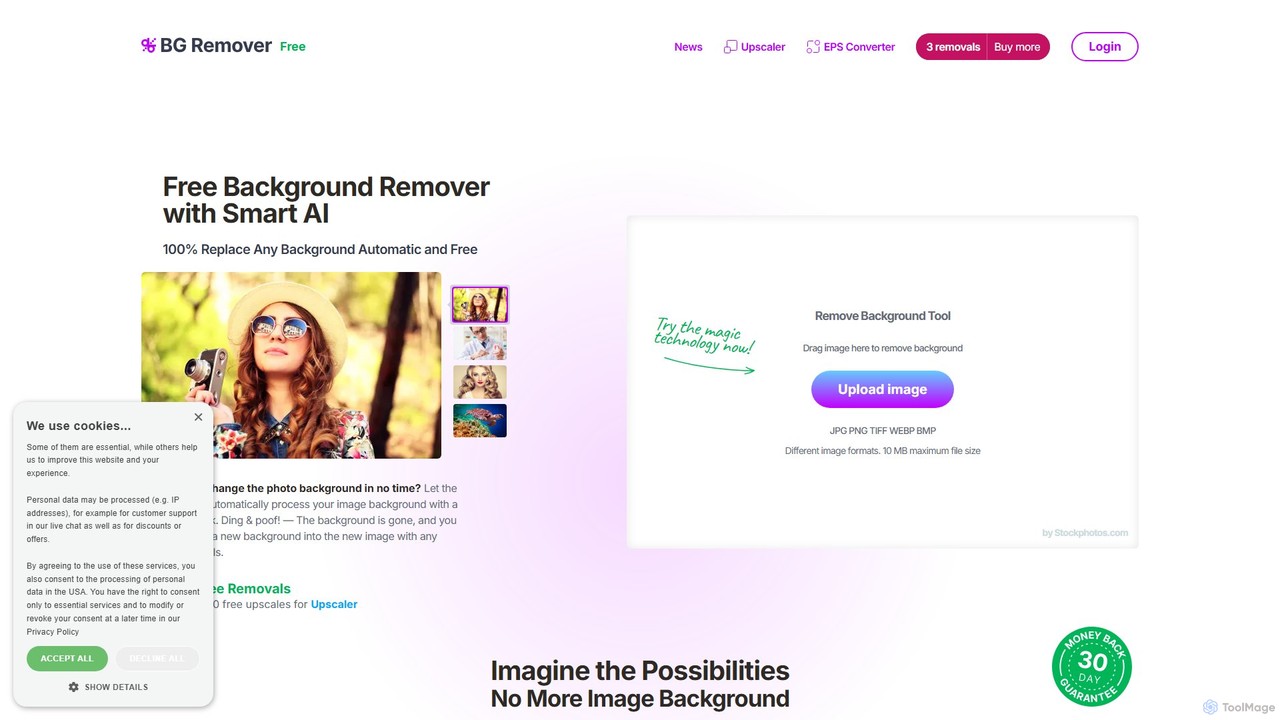
bgremover
bgremover by Stockphotos.com is an AI-powered tool that automatically removes backgrounds from images in seconds. Simply upload your image to get a clean, transparent PNG. It's ideal for e-commerce, marketing, and creative projects, offering high-precision results for people, products, and graphics. It provides a free trial and flexible pay-as-you-go plans.
Editing
RemoveBackgroundAI Comments (0)
Sign in to comment.
Sign inNo comments yet.