
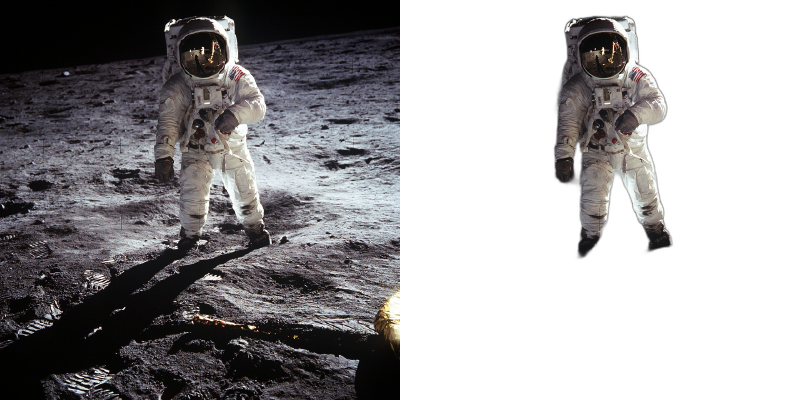
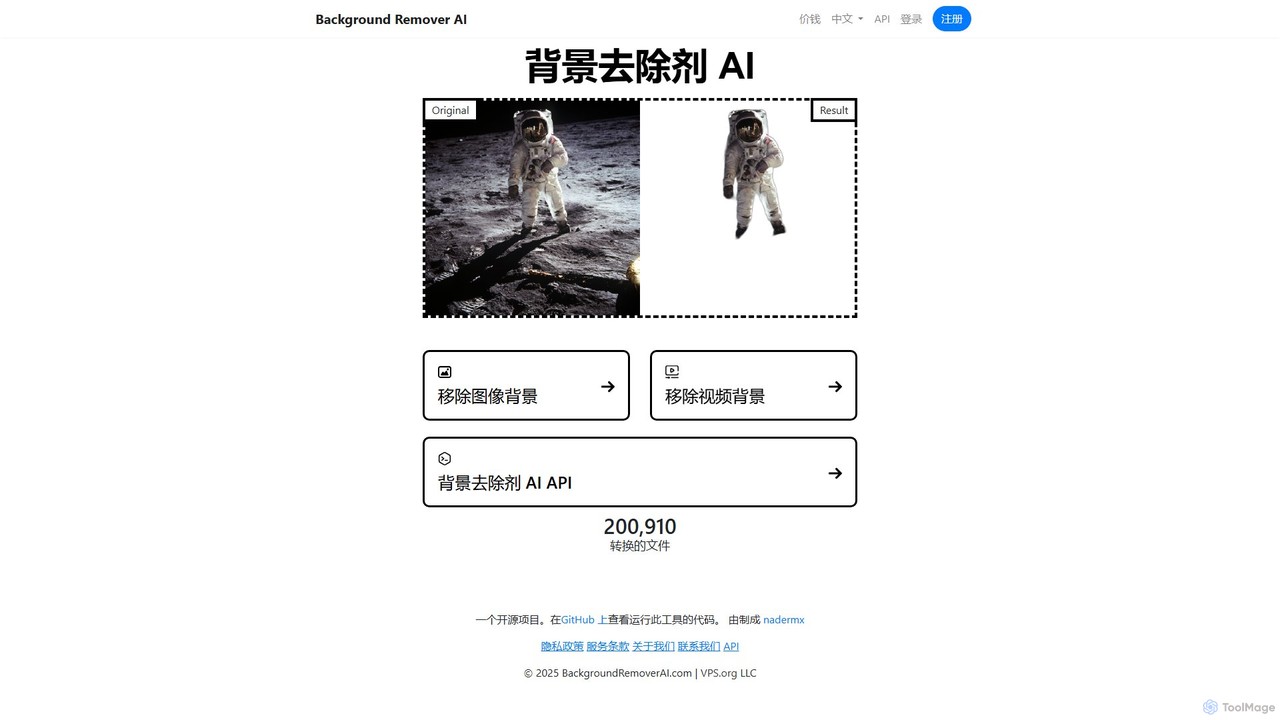
BackgroundRemoverAI Overview
BackgroundRemoverAI is a powerful and accessible artificial intelligence tool designed to simplify the process of removing backgrounds from both images and videos. Built as an open-source project utilizing the advanced U2Net model, it offers high-precision cutouts with remarkable speed and ease. The tool is available as a user-friendly web service, allowing anyone to process their media files without needing complex software like Photoshop. It caters to a wide range of users, from e-commerce store owners needing clean product shots to graphic designers and video creators looking to isolate subjects for creative projects.
The platform is distinguished by its dual capability to handle both static images and dynamic video content. For images, it produces a clean PNG file with a transparent background. For videos, it can process either the first five seconds for a quick preview or the entire video clip (requiring user registration), outputting the result as a GIF or a MOV file. This makes it an invaluable asset for creating professional-looking content efficiently. Furthermore, its commitment to privacy is evident in its policy of automatically deleting all uploaded files after 24 hours.
How to use BackgroundRemoverAI
The process is designed to be intuitive and straightforward for all users. Here’s a step-by-step guide:
For Images:
- Navigate to the 'Remove Image Background' section on the website.
- Drag and drop your image file (e.g., JPG, PNG, WEBP) onto the upload area, or click to select a file from your computer.
- Choose the removal mode: 'Objects, humans, or things' for general-purpose removal or 'Only humans' for portraits.
- The AI will automatically process the image and remove the background. This usually takes just a few seconds.
- Once complete, you can preview the result and download the final image as a high-quality PNG file with a transparent background.
For Videos:
- Go to the 'Remove Video Background' section.
- Upload your video file by dragging and dropping or clicking the upload area.
- Select your processing options. You can choose to process only the first five seconds for free or the full video (this may require registration).
- Similar to images, you can specify whether to isolate 'Only humans' or all objects.
- The AI will process the video frame by frame to remove the background.
- After processing, you can download the resulting video as a transparent GIF or MOV file, ready for use in your projects.
Core Features of BackgroundRemoverAI
- AI-Powered Background Removal: Utilizes the sophisticated U2Net model for accurate and clean separation of foreground subjects from the background.
- Image and Video Support: A versatile tool that can remove backgrounds from both static images and video clips.
- Multiple Output Formats: Saves images as transparent PNGs and videos as transparent GIFs or MOVs, providing flexibility for various use cases.
- Selective Focus: Offers options to specifically isolate humans or to detect and cut out any object, person, or thing.
- Open-Source and Transparent: The project's source code is available on GitHub, allowing for community review, contributions, and self-hosting.
- Developer API: Provides a robust API for developers to integrate background removal functionality directly into their own applications, websites, or automated workflows.
- User-Friendly Interface: A simple drag-and-drop mechanism makes the tool accessible to users of all skill levels, with no technical expertise required.
- Privacy Conscious: All uploaded files are automatically and permanently deleted from the servers after 24 hours to protect user privacy.
Use Cases for BackgroundRemoverAI
This tool is beneficial across various professional and personal domains:
- E-commerce: Creating clean, consistent, and professional-looking product photos with white or transparent backgrounds for online stores on platforms like Shopify, Amazon, and eBay.
- Graphic Design & Marketing: Isolating people, products, or graphics to create compelling social media posts, website banners, advertisements, and presentations.
- Content Creation: YouTubers and video creators can simulate a green screen effect without the need for physical equipment, making it easier to produce professional-looking videos.
- Photography: Photographers can quickly clean up portraits or subject photos, saving significant time compared to manual editing in software like Photoshop.
- Personal Projects: Creating custom stickers, memes, or personalized photo collages by easily cutting out subjects from their original backgrounds.
- Web & App Development: Using the API to build applications that require user-generated content with clean backgrounds, such as profile picture editors or virtual try-on apps.
Advantages of BackgroundRemoverAI
The primary advantage of BackgroundRemoverAI is its combination of power, accessibility, and cost-effectiveness. It democratizes a feature that was once locked behind expensive software and required manual skill. The tool is incredibly fast, delivering results in seconds. Its support for both images and videos in a single platform makes it highly versatile. Finally, its open-source nature fosters trust and provides an option for developers to run the tool on their own infrastructure for free.
Pricing and Plans
BackgroundRemoverAI operates on a freemium model, making its core features widely accessible:
- Free Plan: Users can remove backgrounds from an unlimited number of images completely free of charge. For videos, the free plan allows processing of the first five seconds of a clip. This is ideal for testing the functionality or for creating short animated assets.
- Registered User / Paid Plan: To process full-length videos and potentially access higher-volume API usage, users are required to register. While registration itself may be free, advanced features and higher limits are typically part of a premium plan. Users should consult the website directly for the most current details on paid tiers and API pricing.
The open-source version can also be installed and run locally for free by following the instructions on their GitHub page.
Traffic
Latest traffic
Status
Monthly traffic trend
- 2025-9: 15.3K
- 2026-1: 21.7K
- 2026-2: 21.9K
- 2026-3: 29.3K
- 2026-4: 53.0K
- 2026-5: 49.8K
Geography
Top 5 countries / regions
- 🇺🇸United States29.0%
- 🇺🇿Uzbekistan24.6%
- 🇮🇳India17.0%
- 🇻🇳Vietnam14.7%
- 🇬🇧United Kingdom14.7%
Top keywords
| Keyword | Cost per click |
|---|---|
| ai background remover | $0.41 |
| ai video background remover | $0.61 |
| background remover | $0.35 |
| background remover ai | $0.26 |
| quitar fondo de video online gratis | $0.08 |
BackgroundRemoverAI Videos on YouTube

Tricky user

Top10sTelugu

Top10sTelugu
Top10sTelugu

Top10sTelugu
BackgroundRemoverAI Alternatives
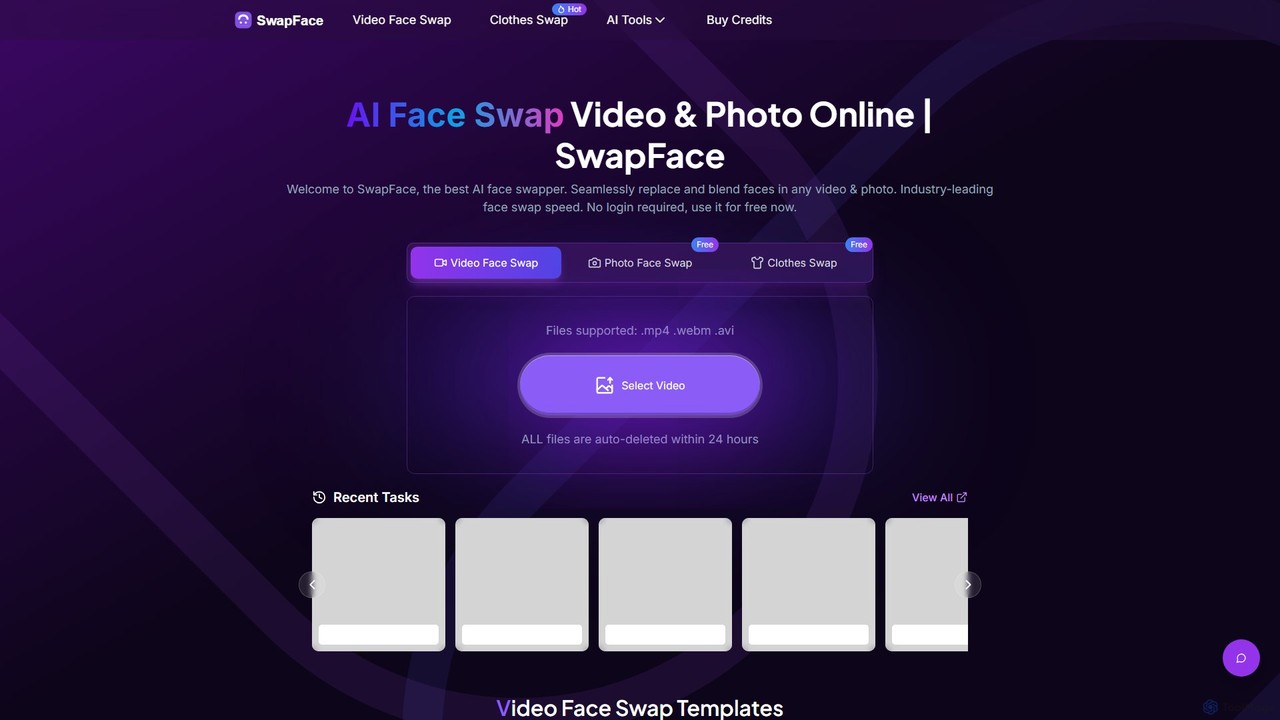
Swapface
Swapface is an advanced AI-powered online platform for creating high-quality, realistic face swaps in videos, photos, and GIFs. It offers a comprehensive suite of tools, including clothes swapping, expression changing, and media enhancement, catering to both entertainment and professional content creation needs. Get started for free and explore a new dimension of digital creativity.
Api
Picsart
Picsart provides powerful photo and video editing APIs and SDKs for businesses. It allows developers to integrate a world-class, AI-powered content editor directly into their platforms. Key features include generative AI tools like text-to-image and background removal, extensive content libraries, and highly configurable solutions for web-to-print, e-commerce, and marketing automation, enabling businesses to offer advanced creative capabilities to their users seamlessly.
Api & Sdk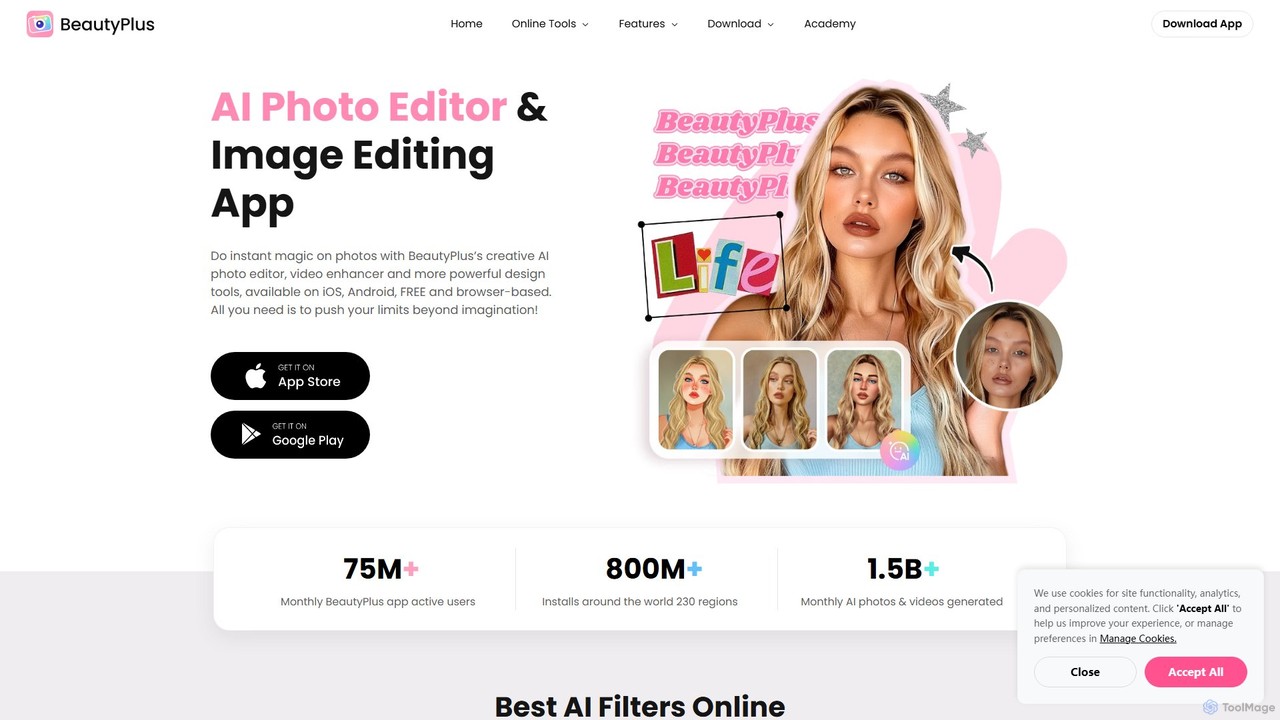
BeautyPlus
BeautyPlus is an all-in-one AI-powered photo and video editor. It offers a vast suite of tools for selfie enhancement, virtual makeup, body reshaping, and creative editing. With features like AI filters, background removal, object eraser, and image enhancement, it allows users of all skill levels to create professional-quality visuals effortlessly on mobile and web.
Generative Art
Filme
Filme by iMyFone is an all-in-one AI-powered creative suite for content creators and gamers. It includes a real-time voice changer, a user-friendly video editor, text-to-speech, AI music generation, and image editing tools. Enhance your gaming, streaming, and video production with a comprehensive set of easy-to-use applications for desktop and mobile.
Voice Modulation
pixalto
Pixalto is an all-in-one AI creative suite for effortless content creation. It allows users to generate stunning videos and images from text, perform advanced photo and video editing like background removal and object erasing, and utilize creative tools such as face swap and style transfer.
Generative ArtBackgroundRemoverAI Categories
BackgroundRemoverAI Embed Widget
Copy this embed code to place the badge on your blog, article, or product site and send readers directly to this ToolMage detail page.

Related AI tools

Retoucher.online
Retoucher.online is an AI-powered tool that automatically removes backgrounds from images in seconds. It's designed for e-commerce, marketing, and personal use, offering features like bulk processing, background replacement, and a built-in editor. No signup is required for free use, making professional photo editing accessible to everyone.
Editing
Pixmiller
Pixmiller is an AI-powered tool that automatically removes backgrounds from images in seconds. It provides high-precision cutouts, creating transparent PNGs or e-commerce-compliant white backgrounds. Ideal for product photos, portraits, and graphic design, it offers a free online tool, desktop apps for batch processing, and an API for developers.
Image Editing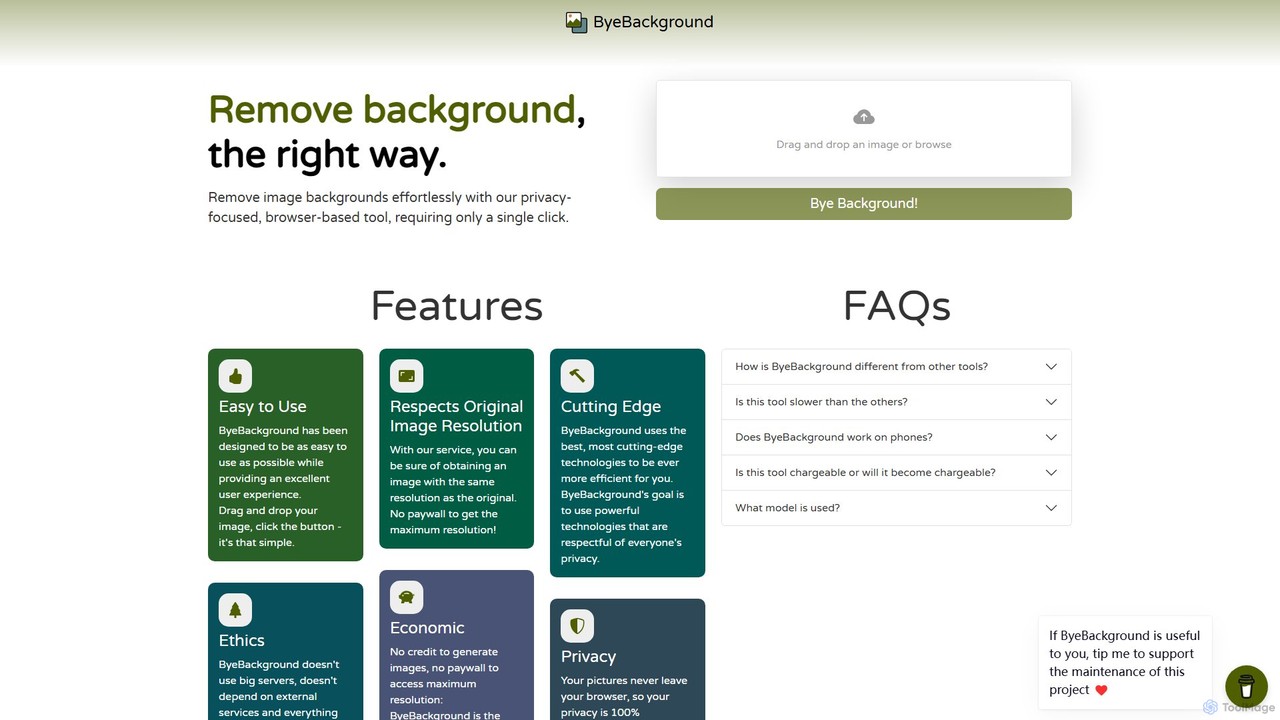
ByeBackground
ByeBackground is a free, privacy-focused AI tool that removes image backgrounds directly in your browser. With a single click, it processes images locally on your device, ensuring no data is ever uploaded to a server. It maintains original image resolution and is completely free, without ads or trackers.
Image Editing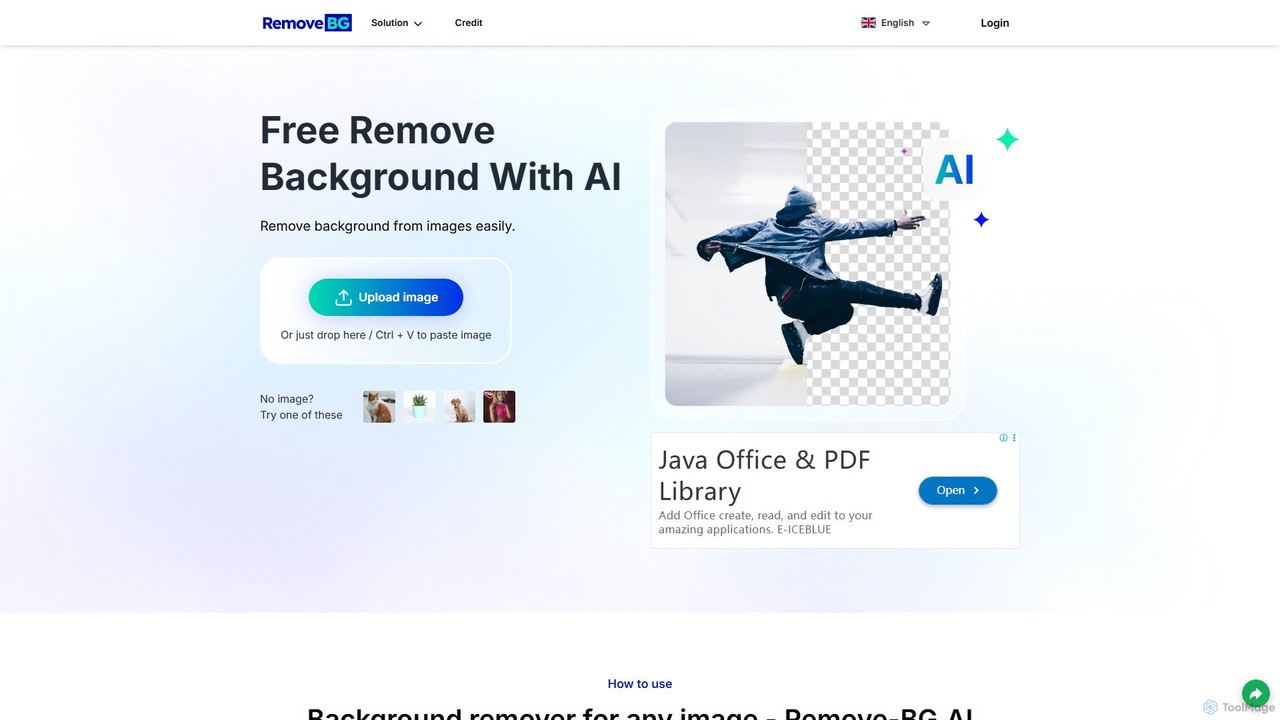
remove-bg.ai
A free, AI-powered tool that automatically removes backgrounds from images in seconds. Upload any photo to get a high-quality, transparent background. Features include manual editing tools, background customization with colors and templates, and support for all common image formats. Ideal for e-commerce, marketing, and personal use without needing an account.
Image Editing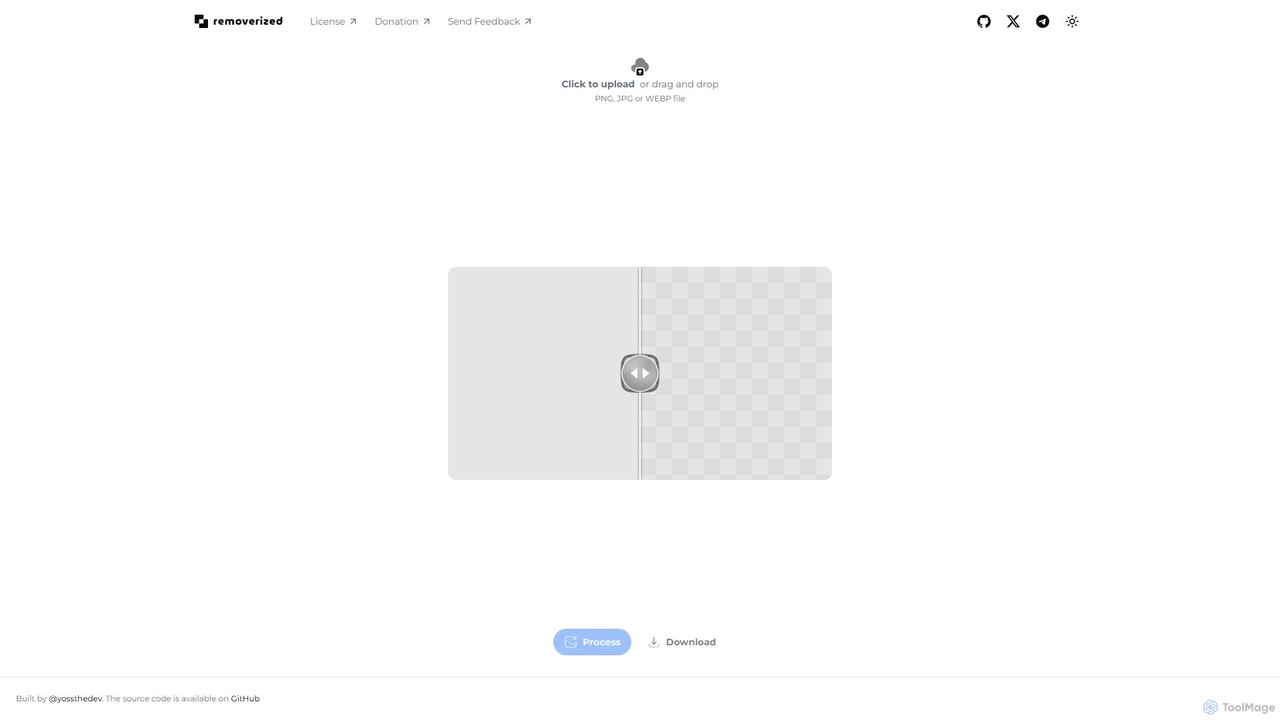
removerized
A free, open-source AI tool that instantly removes backgrounds from images. Simply upload your PNG, JPG, or WEBP file, and the AI will automatically detect and erase the background, providing a high-quality transparent image for download.
Image Editing
Background Removal AI
An AI-powered tool that instantly and automatically removes backgrounds from any image for free. Ideal for e-commerce, graphic design, marketing, and personal use, it offers high-precision results, batch processing, and API integration for streamlined workflows. Get clean, professional images with transparent backgrounds in seconds.
Image Editing
clyrbg
ClyrBG is an AI-powered tool that automatically removes backgrounds from images in just 5 seconds. It's designed for e-commerce, photographers, marketers, and designers, offering high-precision cutouts, batch processing, and an API for integration. Simply upload an image to get a transparent background instantly, no technical skills required.
Image Editing
magicbackgroundremover
magicbackgroundremover is an AI-powered tool that automatically removes backgrounds from any image in seconds. With just one click, get a high-precision cutout with a transparent background, perfect for e-commerce, marketing, and creative projects. It handles complex edges like hair and fur with ease, saving you time and effort compared to manual editing. Simply upload your image and let the AI do the magic.
Image Editing
bgclearer
bgclearer is an AI-powered tool that automatically removes the background from any image in seconds. It provides professional-grade, clean cutouts perfect for e-commerce, product photography, and graphic design. The service offers a free trial, a simple drag-and-drop interface, and a developer API for seamless integration.
Image Editing
Slazzer
Slazzer is an AI-powered visual editing platform that automatically removes image backgrounds in seconds. It offers a suite of tools including AI background generation, image enhancement, upscaling, and shadow creation. Designed for efficiency, it serves e-commerce, photographers, marketers, and developers with web-based tools, desktop apps, and API integration for bulk processing.
Api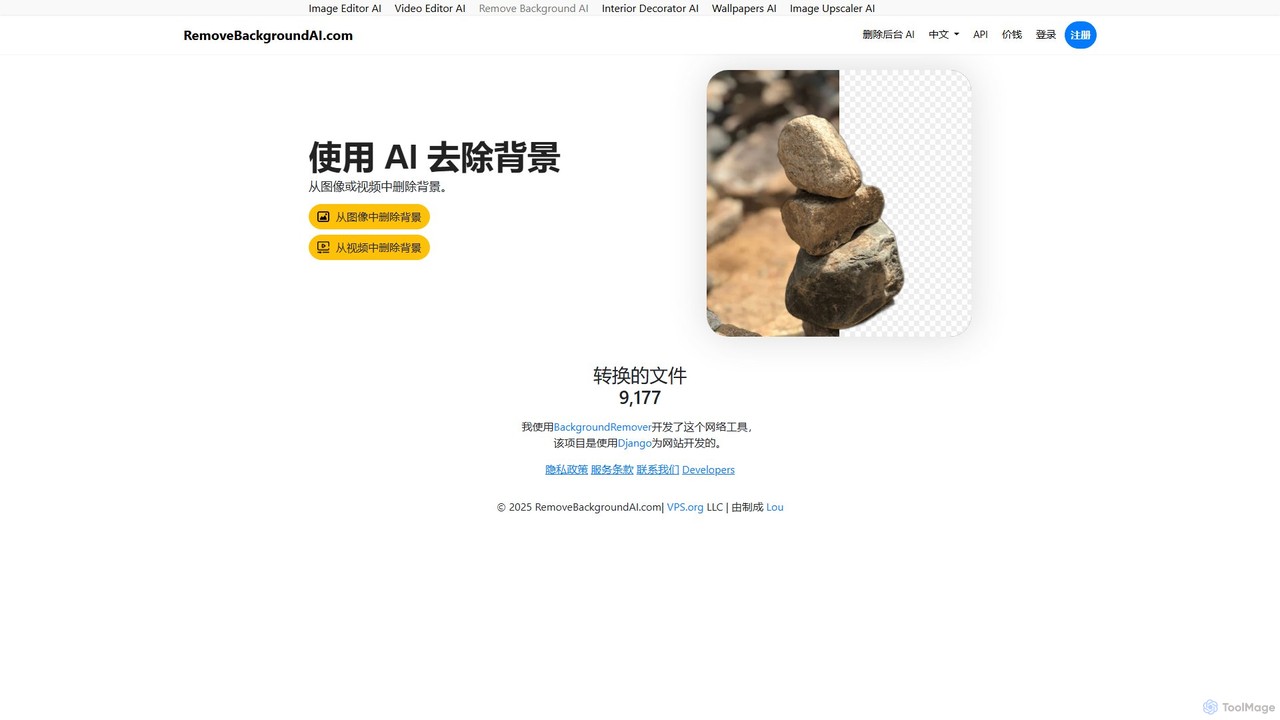
RemoveBackgroundAI
RemoveBackgroundAI is a free, AI-powered online tool that automatically removes backgrounds from both images and videos. With a simple drag-and-drop interface, it quickly generates transparent PNGs for images and background-free MOV or GIF files for videos, catering to designers, marketers, and e-commerce professionals.
Background Removal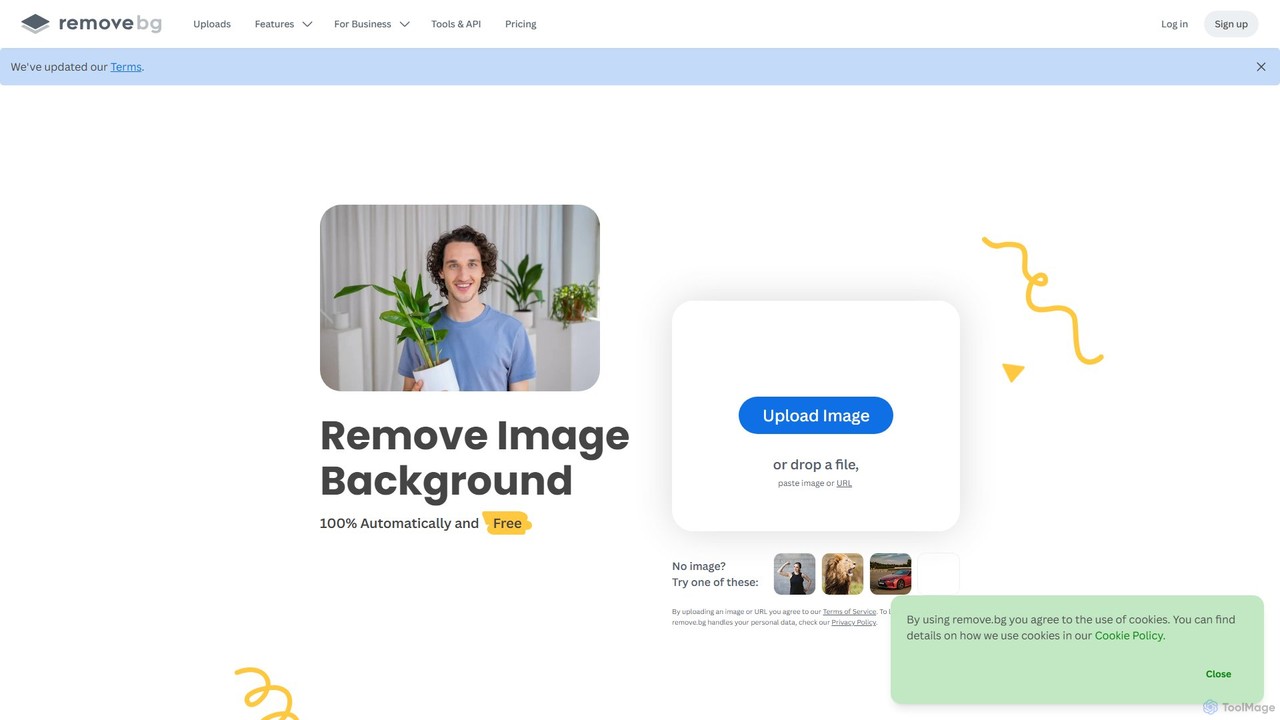
remove.bg
remove.bg is an AI-powered tool that automatically removes the background from any image in just 5 seconds. It uses advanced AI to accurately handle challenging edges like hair and fur. Ideal for photographers, e-commerce businesses, marketers, and developers, it offers web, desktop, and plugin integrations to streamline workflows.
Editing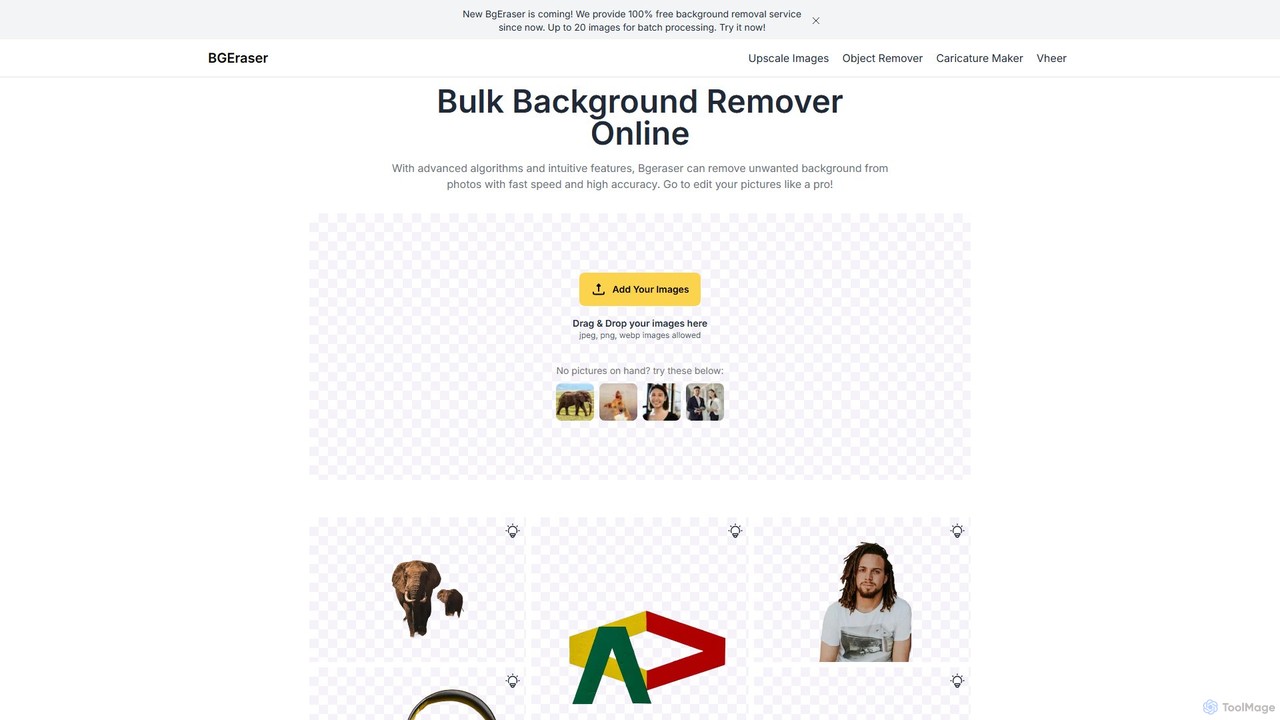
bgeraser
bgeraser is a free, AI-powered online tool for bulk background removal. It allows users to quickly and accurately remove backgrounds from multiple images (JPEG, PNG, WEBP) simultaneously, offering high-precision, watermark-free results ideal for e-commerce, marketing, and design.
Image Editing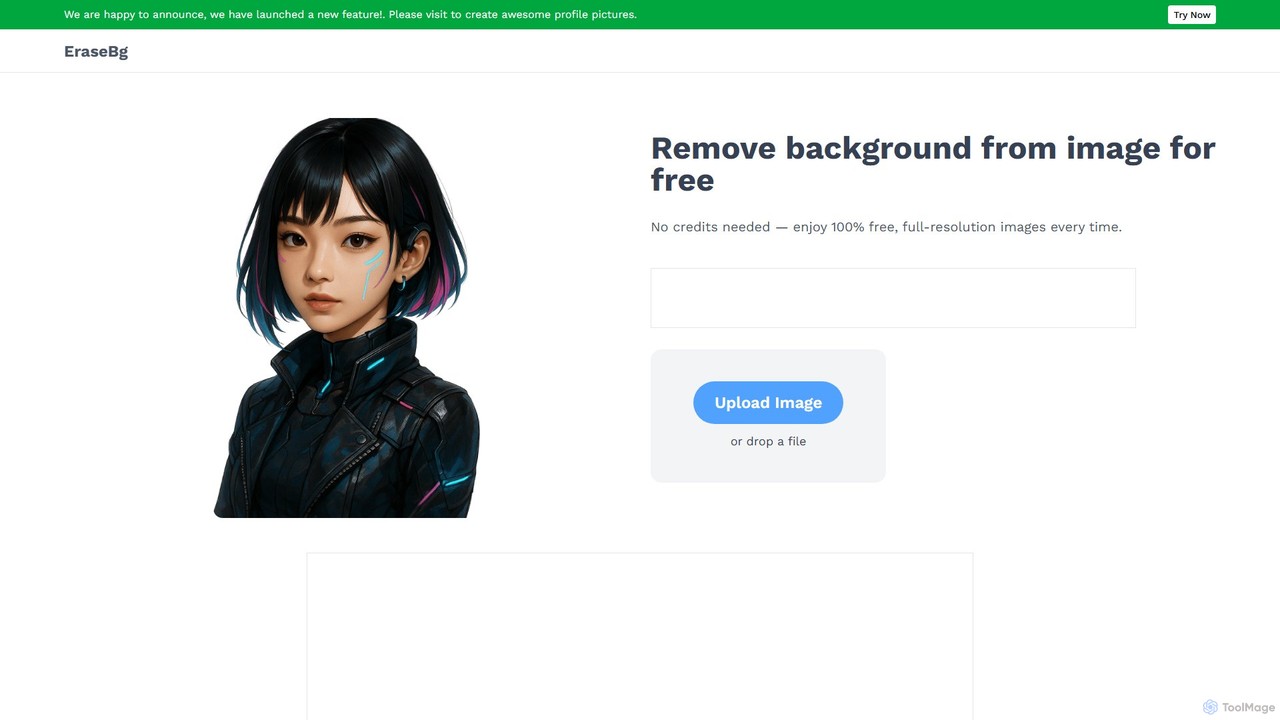
Erase BG
Erase BG is a completely free AI-powered tool that instantly removes backgrounds from images. It requires no registration or credits, offering unlimited downloads in high resolution (up to 4K). Simply upload your image to get a clean, transparent PNG or a white-background JPEG in seconds. It also features a creative GIF maker for personalized animations.
Image Editing
BgSub
BgSub is a free, AI-powered tool for instantly removing and replacing image backgrounds directly in your browser. Its standout feature is its privacy-first approach, processing images locally without uploading them to a server. It supports high-resolution output, background replacement with colors, gradients, or images, and includes features like AI color correction and artistic filters. Ideal for e-commerce, marketing, and personal use.
Image Editing
BackgroundRemoverAI Comments (0)
Sign in to comment.
Sign inNo comments yet.