ToolMage
Sign in

Best 2 Concept Art AI tools for Design

Popular Concept Art AI tools in Design include Blimeycreate and Artifactory, helping you work more efficiently.

Blimeycreate
Freemium

Blimeycreate

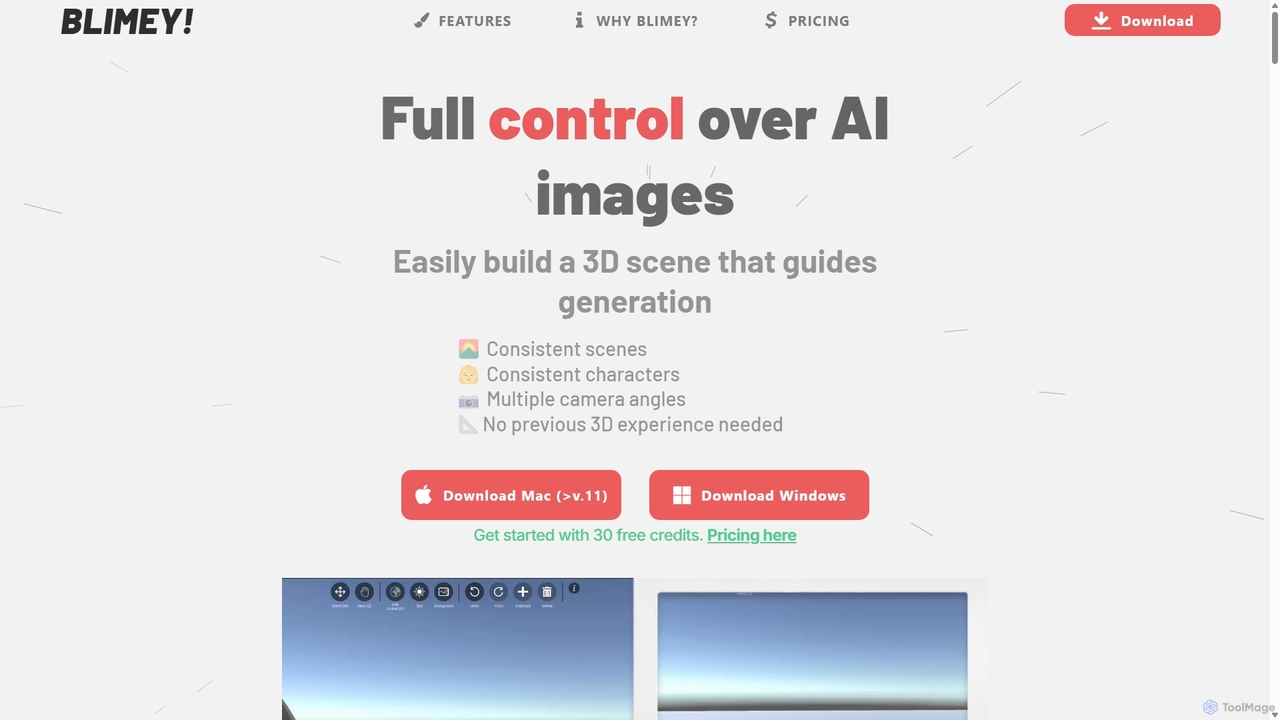
Blimeycreate is a desktop AI image generator that gives you full control by building 3D scenes. It enables consistent characters and scenes, multiple camera angles, and precise composition without needing prior 3D experience. Perfect for creators who want to bring their specific vision to life beyond simple text prompts.

3D Modeling
Visits 7.6KFavorites 125Likes 133
Artifactory
Paid

Artifactory

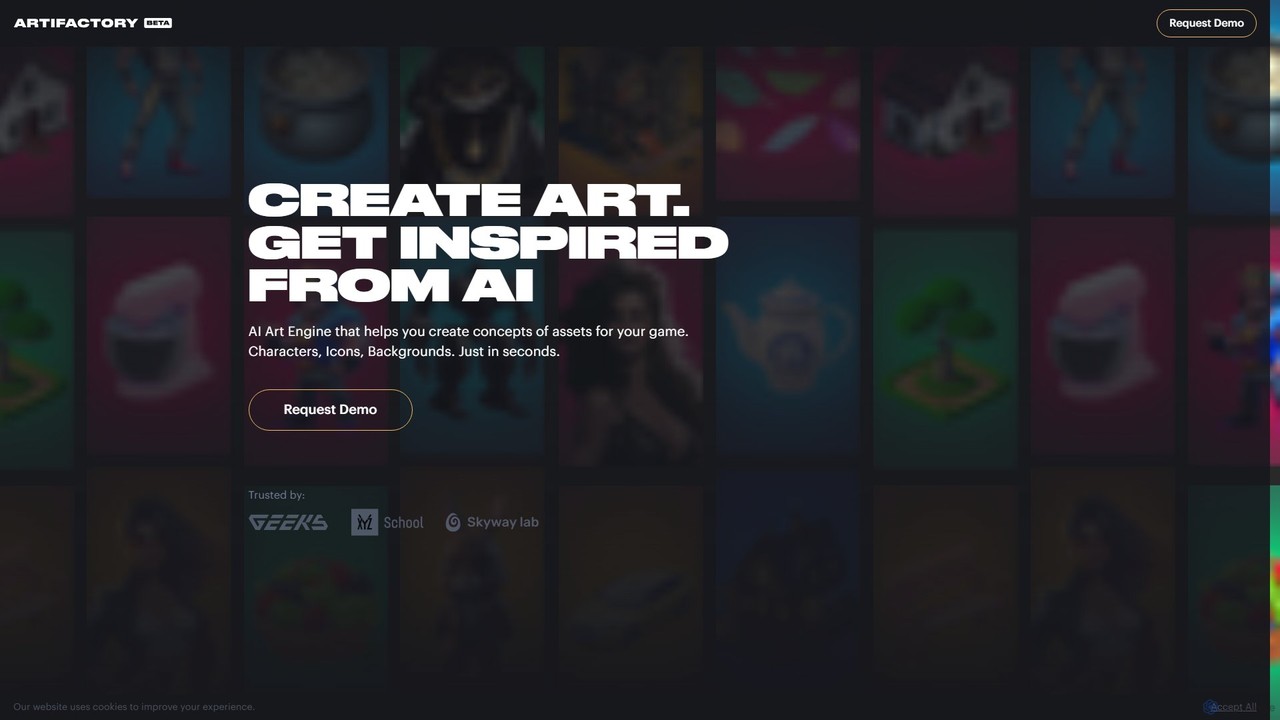
Artifactory is a specialized AI art engine for game developers, enabling the rapid creation of game assets like characters, icons, and backgrounds from text. It provides dedicated, private GPU server sessions for generating and fine-tuning models using technologies like Stable Diffusion. Users retain full intellectual property rights, and all data is deleted after each session, ensuring complete privacy and control.

Concept Art
Visits 6.1KFavorites 140Likes 115

About Concept Art

AI Concept Art tools are a specialized class of AI image generators designed to rapidly visualize ideas for creative projects. They leverage advanced generative models to transform text descriptions, sketches, or existing images into detailed artistic concepts for characters, environments, and objects. This process enables artists and designers in industries like gaming and film to explore numerous visual directions, iterate on designs, and establish a project's aesthetic tone with remarkable speed and efficiency. These tools act as powerful creative partners, accelerating the pre-production pipeline.

Core Features

  • Style & Genre Specialization: Models fine-tuned for specific aesthetics like sci-fi, fantasy, anime, or photorealism.
  • Iterative Variation: Generate multiple design variations from a single prompt or image to explore different compositions and details.
  • Character & Object Consistency: Maintain the appearance of a specific character or object across multiple generated images.
  • Sketch-to-Image Rendering: Transform rough sketches or 3D blockouts into fully rendered, detailed concept art.
  • Compositional Control: Utilize features like control nets or depth maps to guide the layout and posing of elements in the image.

Use Cases

These tools are integral to the pre-production phase in entertainment industries. Game developers use them to design characters, creatures, and worlds. Film and animation studios create storyboards, set designs, and atmospheric keyframes. Authors and publishers also use them to visualize scenes and create compelling book cover concepts.

How to Choose

When selecting an AI Concept Art tool, consider the quality and diversity of its specialized models. Evaluate its ability to maintain character consistency, a critical feature for project-based work. Also, assess the level of control it offers over composition, style, and fine details, and check for integrations with standard design software like Photoshop.

Concept Art use cases

1

Video Game Character Ideation

A game artist needs to design a new protagonist for a fantasy RPG. Instead of spending days on initial sketches, they use an AI concept art tool. They input detailed prompts like 'female elven ranger, leather armor with intricate leaf patterns, longbow, mystical forest background, dynamic pose, detailed face'. The tool generates dozens of high-quality visual starting points in minutes. The artist can then select the most promising designs, generate variations, and use them as a base for final refinement, reducing the initial ideation phase from days to hours.

2

Film Environment and Set Design

A production designer for a sci-fi film needs to visualize a futuristic city. They use an AI tool to generate atmospheric keyframes. By providing prompts like 'dystopian megacity at night, neon-lit skyscrapers, flying vehicles, heavy rain, Blade Runner aesthetic, cinematic lighting', they can quickly produce a variety of mood boards and set concepts. This allows the director and art department to align on a visual style early in pre-production, saving significant time and resources compared to traditional concept painting from scratch.

3

Architectural Visualization Pre-Concept

An architect is exploring initial design ideas for a modern residential building. They upload a rough 3D blockout or a floor plan sketch into an AI tool. Using image-to-image generation with prompts like 'minimalist villa, concrete and glass facade, infinity pool overlooking the ocean, warm sunset lighting, photorealistic render', the tool generates multiple high-fidelity visualizations. This allows for rapid exploration of materials, lighting, and form before committing to detailed 3D modeling, facilitating faster client feedback and design iteration.

4

Book Cover and Illustration Prototyping

An author or publisher needs a compelling cover for a new fantasy novel. They use an AI concept art tool to brainstorm visual ideas based on key scenes or characters. Prompts like 'lone knight in silver armor facing a red dragon on a snowy mountain peak, epic fantasy oil painting style, dramatic lighting' can generate a range of powerful images. These concepts can be used to brief a human illustrator with a clear visual direction or, in some cases, be refined into the final cover art, streamlining the entire creative process.

5

Product Design Brainstorming

A product designer is conceptualizing a new line of smart home devices. To quickly explore different forms and material aesthetics, they use an AI tool. They input prompts such as 'sleek organic smart speaker, fabric mesh cover, soft glowing ambient light, minimalist Scandinavian design' or 'industrial-style smart display, brushed aluminum frame, sharp angles'. The AI generates a wide array of visual concepts, helping the design team to visualize and discuss different aesthetic directions before investing time in detailed CAD modeling and physical prototyping.

6

Fashion and Costume Design Exploration

A costume designer for a historical drama is exploring variations for a queen's ball gown. They use an AI tool to visualize different materials, cuts, and embellishments. By inputting prompts like 'Victorian era royal ball gown, deep crimson silk and velvet, intricate gold embroidery, dramatic silhouette, off-the-shoulder neckline', they can generate a portfolio of concepts. This allows for rapid comparison of different design elements and helps communicate a clear vision to pattern makers and seamstresses, accelerating the pre-production wardrobe process.

Concept Art FAQ

What are AI Concept Art tools?

AI Concept Art tools are specialized AI systems that generate visual concepts from text or image inputs. Unlike general image generators, they are often fine-tuned for creative industries like video games, film, and animation. Their primary purpose is to accelerate the ideation process for characters, environments, props, and other visual assets, allowing artists to explore a vast range of ideas quickly before committing to a final design.

How to choose the right AI Concept Art tool?

When selecting a tool, consider these key factors:

  • Model Quality & Specialization: Does the tool have models trained specifically for your needs (e.g., characters, environments, sci-fi)?
  • Control and Customization: How much control do you have over the output? Look for features like negative prompts, image-to-image, and compositional controls (e.g., ControlNet).
  • Character Consistency: Can the tool generate the same character in different poses and scenes? This is crucial for project-based work.
  • Workflow Integration: Does it offer plugins for software like Photoshop or Blender, or an API for custom pipelines?
What's the difference between AI Concept Art tools and general AI Image Generators?

The main difference lies in their focus and training data. General AI image generators (like DALL-E or Midjourney's general models) are trained on a vast, diverse dataset to create a wide variety of images. AI Concept Art tools are often a subset of these, or specialized models that are fine-tuned on datasets more relevant to entertainment design, such as fantasy art, sci-fi illustrations, and character designs. This specialization often results in better control over specific artistic styles and more relevant outputs for creative professionals.

Can AI replace concept artists?

Currently, AI is viewed more as a powerful augmentation tool rather than a replacement for concept artists. It excels at rapid ideation, generating variations, and handling repetitive tasks, which frees up artists to focus on higher-level creative problem-solving, storytelling, and refining the final vision. The artist's skill, taste, and understanding of design principles remain crucial for guiding the AI and integrating its output into a cohesive and compelling final product. The role is evolving to incorporate AI as a collaborative partner.

Who are the primary users of AI Concept Art tools?

The primary users are creative professionals in industries that rely heavily on visual development. This includes:

  • Concept Artists & Illustrators: For brainstorming and accelerating their workflow in game and film production.
  • Art Directors: To quickly establish a project's visual style and create mood boards.
  • Game Developers: For rapidly prototyping characters, environments, and assets.
  • Architects & Product Designers: For early-stage visualization of ideas before detailed modeling.
  • Authors & Publishers: To create visual concepts for book covers and promotional materials.