
Luminar Brush Overview
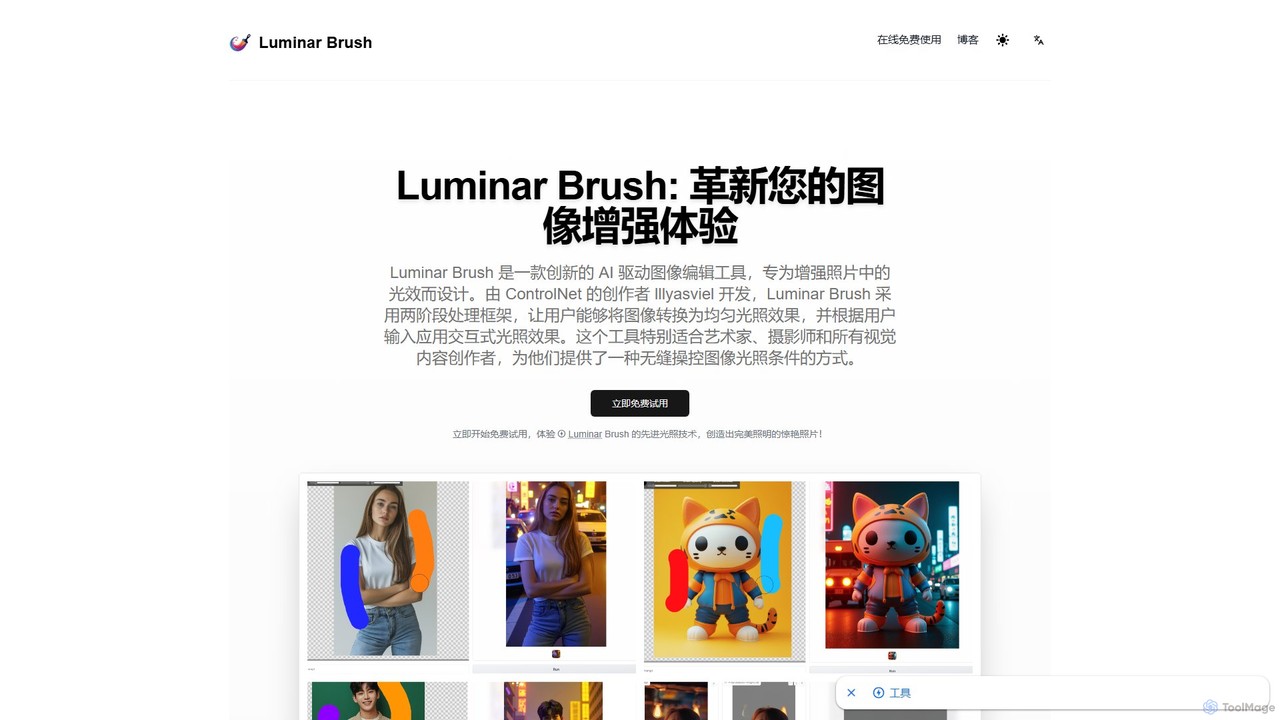
Luminar Brush is a revolutionary AI-driven image editing tool designed to transform your image enhancement workflow, specifically by providing masterful control over lighting effects. Developed by the acclaimed creator of ControlNet, lllyasviel, this tool leverages the advanced IC-Light model. It employs a sophisticated two-stage processing framework that first neutralizes an image to a uniform lighting condition and then interactively applies new lighting based on user input. This approach simplifies the complex problem of relighting, making it accessible to everyone from professional photographers and digital artists to casual content creators. The tool excels at preserving intricate details, ensuring that elements like skin texture, hair, and fur remain crisp and natural throughout the editing process. Trained on millions of diverse, high-quality images, Luminar Brush understands the nuances of light and shadow, delivering results that are both dramatic and photorealistic.
How to use Luminar Brush
Using Luminar Brush is a straightforward process designed for efficiency and ease of use. Follow these simple steps to enhance your images with professional-grade AI lighting:
- Upload Image: Begin by uploading the image you wish to edit. The platform supports common formats such as JPG, JPEG, PNG, and WEBP. For optimal results, it is recommended to use images with a 1:1 square aspect ratio.
- Select Light Source Position: Choose the direction of your desired light source. You can select from various angles, including top, bottom, left, and right, to create the perfect lighting effect for your subject.
- Choose Background (Optional): If you want to blend your subject with a new environment, you can upload a background image. Luminar Brush's IC-Light technology will intelligently fuse the foreground and background, ensuring stylistic and lighting consistency.
- Adjust Parameters: Fine-tune the lighting by adjusting parameters like the light source's size, blur, and color. This gives you granular control to achieve the exact look you envision.
- Generate New Image: Once you are satisfied with your settings, click the 'Generate' button. The AI will process your image and produce a new version with the applied lighting effects, typically within 10-20 seconds.
Core Features of Luminar Brush
- Two-Stage Processing Framework: Utilizes a unique method that first converts the image to a uniform lighting state (de-lighting) and then applies new, user-defined lighting.
- Advanced Detail Preservation: Excels at retaining fine details such as skin textures, hair, and fur, surpassing the quality of previous models like SD1.5.
- Intelligent Light Synthesis: Trained on a massive dataset, the AI generates highly realistic and natural-looking light and shadow effects that respect the image's original content.
- Versatile Style Handling: Capable of processing a wide variety of image styles, including photorealistic portraits, oil paintings, and anime, while maintaining the essence of the original artwork.
- High Efficiency: Delivers enhanced images rapidly, often in under 20 seconds, and supports batch processing for a streamlined workflow.
- User-Friendly Interface: An intuitive design makes the tool accessible for beginners, while its powerful features satisfy the needs of professionals.
Use Cases for Luminar Brush
Luminar Brush is a versatile tool for a wide range of creative and professional applications:
- Portrait Photography: Add dramatic studio lighting, a soft golden hour glow, or correct uneven lighting in portraits.
- Product Photography: Ensure consistent, professional lighting across an entire product catalog, making items look more appealing.
- Digital Art and Illustration: Artists can easily experiment with different lighting scenarios for their characters and scenes without having to repaint them from scratch.
- VFX and Concept Art: Quickly create lighting studies and concepts for film and game development, integrating characters seamlessly into different environments.
- Social Media Content: Elevate the visual quality of photos for platforms like Instagram by adding eye-catching lighting effects.
Advantages of Luminar Brush
Choosing Luminar Brush provides a distinct edge in image editing. Its primary advantage is the precise and intuitive control over lighting, allowing for creative freedom that was previously difficult to achieve. The tool produces remarkably natural results by understanding the physics of light. Its superior ability to preserve details ensures high-quality, professional-grade output. Furthermore, its speed, versatility across different art styles, and user-friendly interface make it an efficient and indispensable tool for any creative workflow.
Pricing and Plans
Luminar Brush is currently available to use for free. Users can access its powerful AI relighting features online without a subscription. Simply visit the website to start transforming your images with stunning lighting effects instantly.
Luminar Brush Alternatives
Luminar Neo
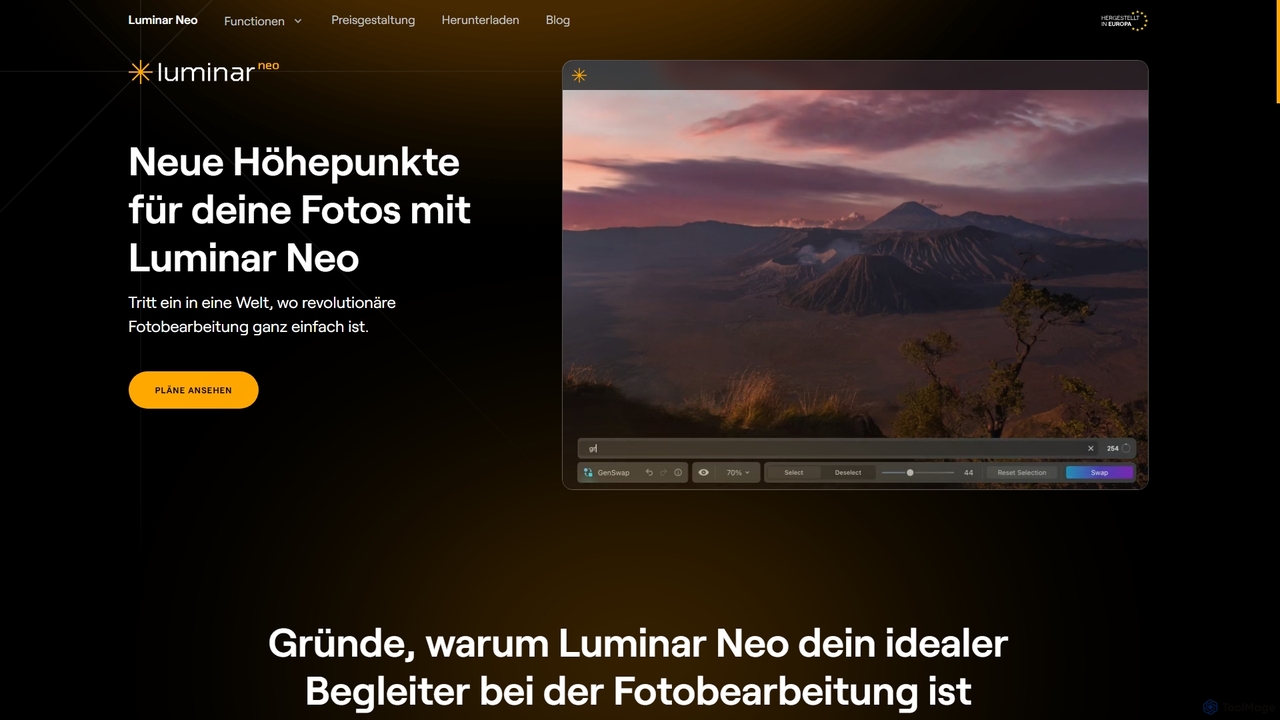
Luminar Neo is a revolutionary AI-powered photo editing software designed to simplify complex tasks and unleash creativity. It offers a comprehensive suite of advanced tools for image enhancement, RAW processing, and creative composition, making professional-grade results accessible to both beginners and experienced photographers on macOS and Windows.
Digital Art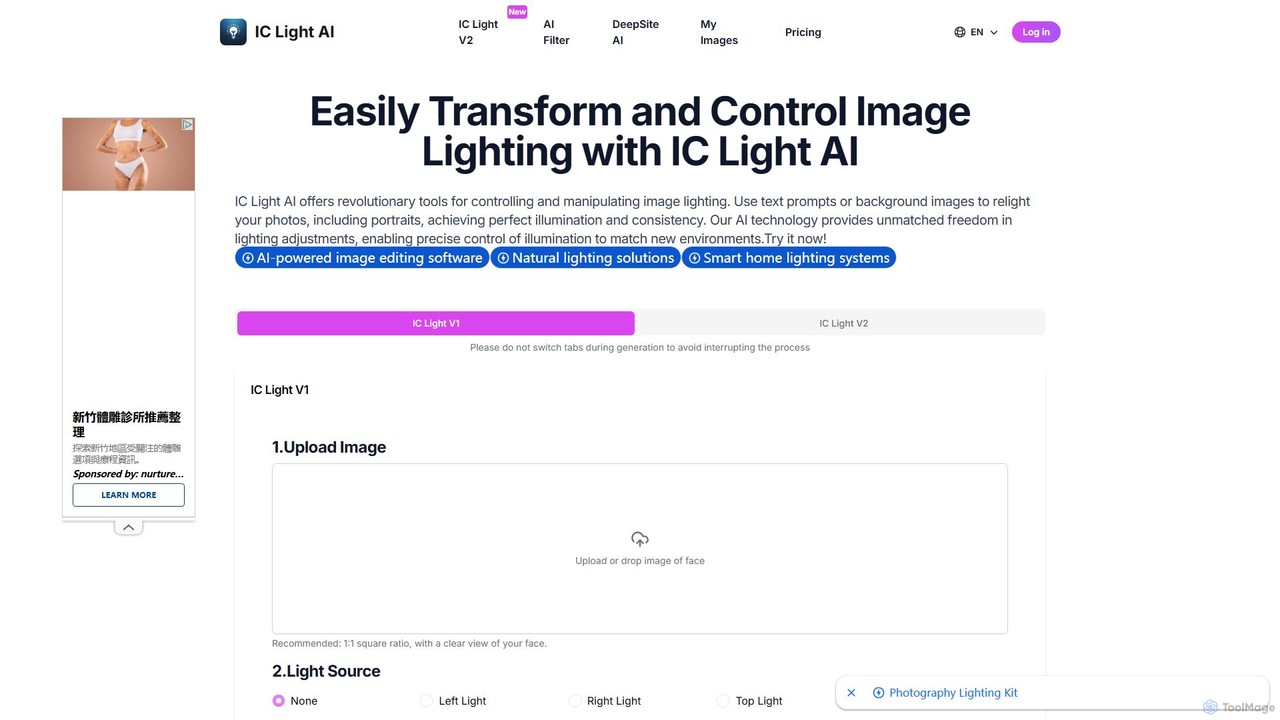
IC Light AI
IC Light AI is a revolutionary AI-powered tool for transforming image lighting. Using text prompts or reference images, users can easily relight photos, especially portraits, to achieve perfect illumination and consistency. It offers precise control over light direction, color, and intensity, making professional-grade lighting adjustments accessible to everyone, from photographers to social media creators.
Image Generation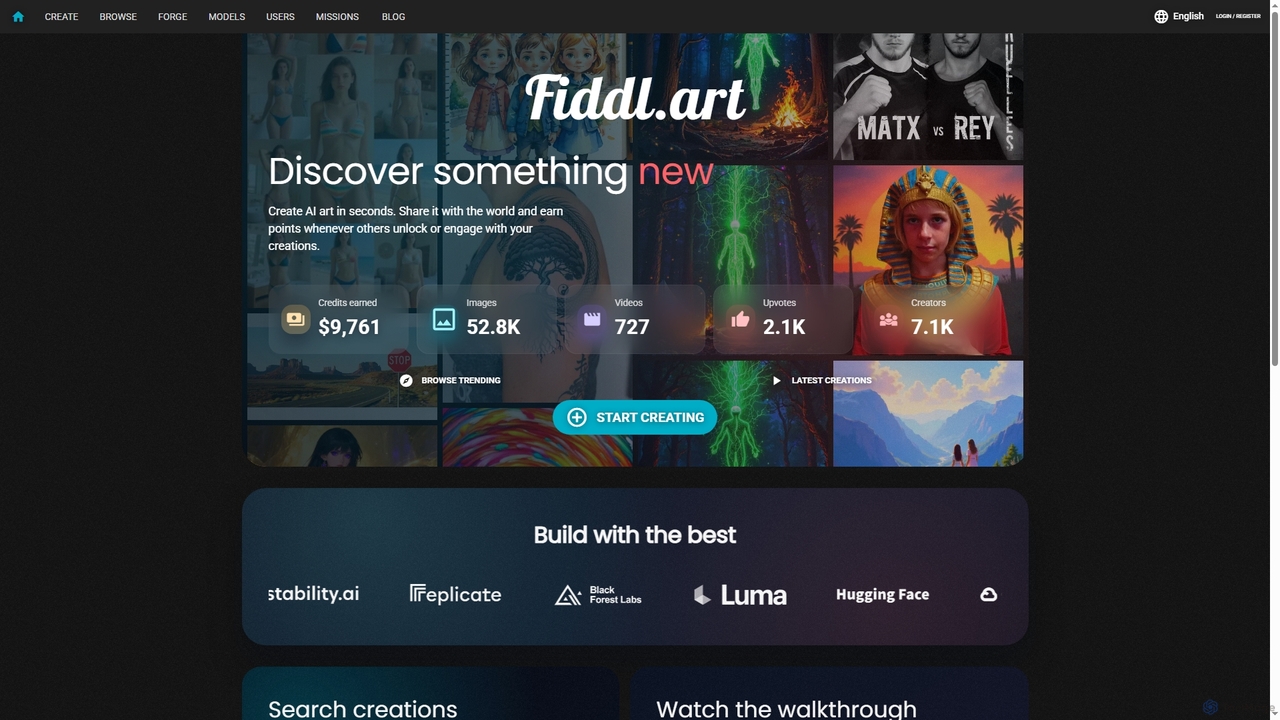
Fiddl
Fiddl is an advanced AI art and video generation platform that allows users to create stunning visuals in seconds. It features a diverse range of AI models, custom model training, and a vibrant community where creators can share their work, earn points, and explore new artistic possibilities without a subscription.
Generative Art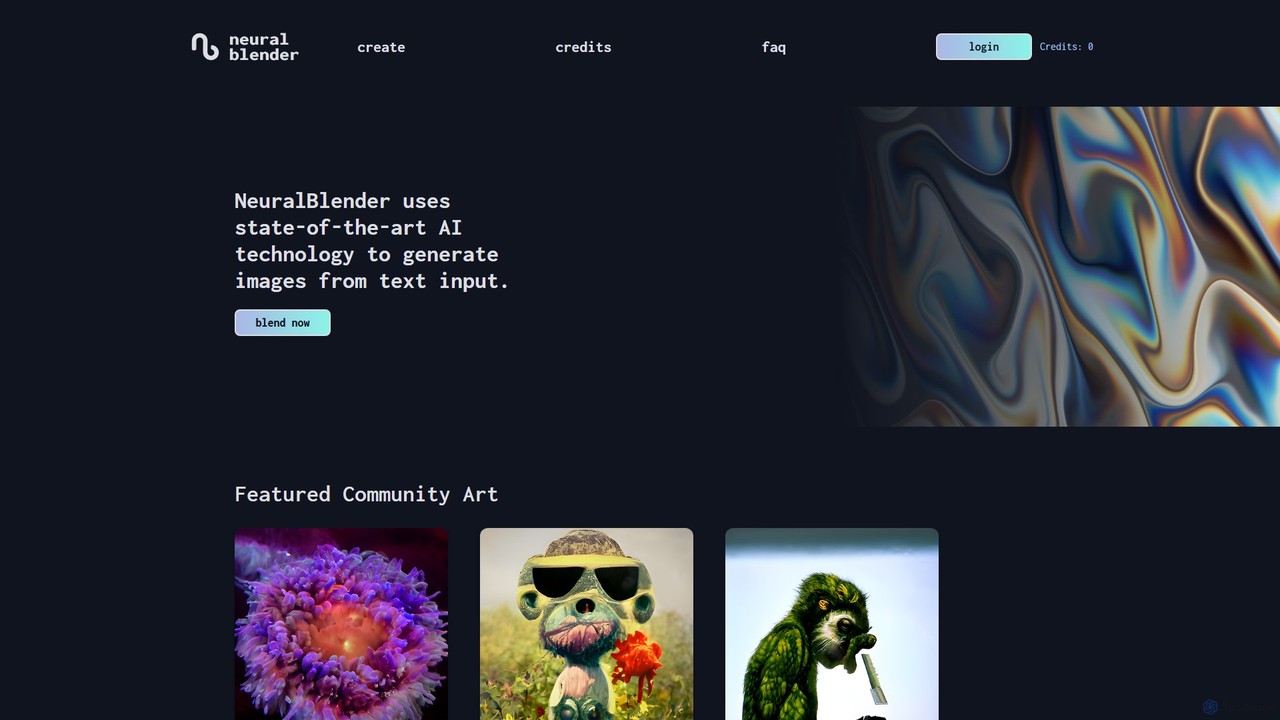
NeuralBlender
NeuralBlender is a user-friendly AI art generator that transforms text descriptions into unique images. Leveraging state-of-the-art AI models, it allows users to create stunning visuals with simple prompts. It features distinct artistic styles through its 'blend' models and fosters a strong creative community. Currently, it's free to use during a platform revamp.
Generative Art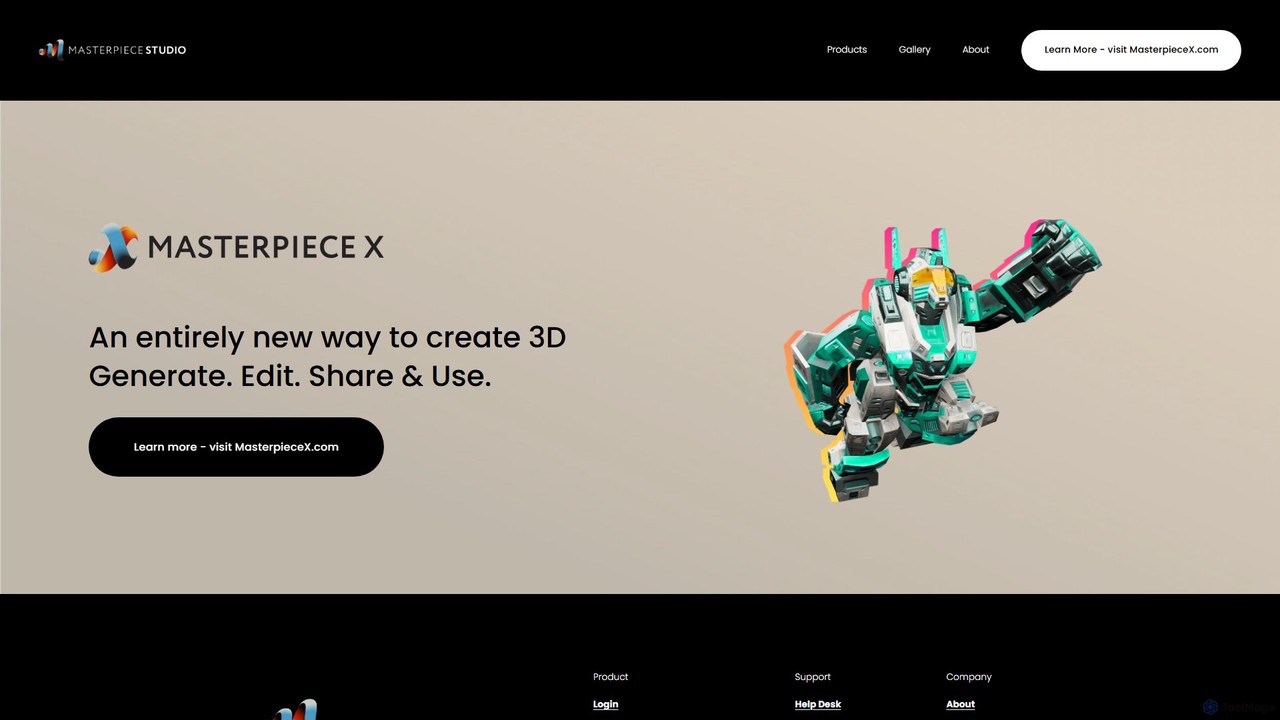
Masterpiece Studio
Masterpiece Studio is an AI-powered 3D creation platform that simplifies the entire workflow from generation to editing and sharing. It's designed for creators of all levels, enabling them to produce high-quality 3D models, characters, and animations effortlessly for games, VR/AR, and other digital media.
3D ModelingLuminar Brush Categories
Luminar Brush Embed Widget
Copy this embed code to place the badge on your blog, article, or product site and send readers directly to this ToolMage detail page.

Related AI tools
Luminar Neo
Luminar Neo is a revolutionary AI-powered photo editing software designed to simplify complex tasks and unleash creativity. It offers a comprehensive suite of advanced tools for image enhancement, RAW processing, and creative composition, making professional-grade results accessible to both beginners and experienced photographers on macOS and Windows.
Digital ArtIC Light AI
IC Light AI is a revolutionary AI-powered tool for transforming image lighting. Using text prompts or reference images, users can easily relight photos, especially portraits, to achieve perfect illumination and consistency. It offers precise control over light direction, color, and intensity, making professional-grade lighting adjustments accessible to everyone, from photographers to social media creators.
Image Generation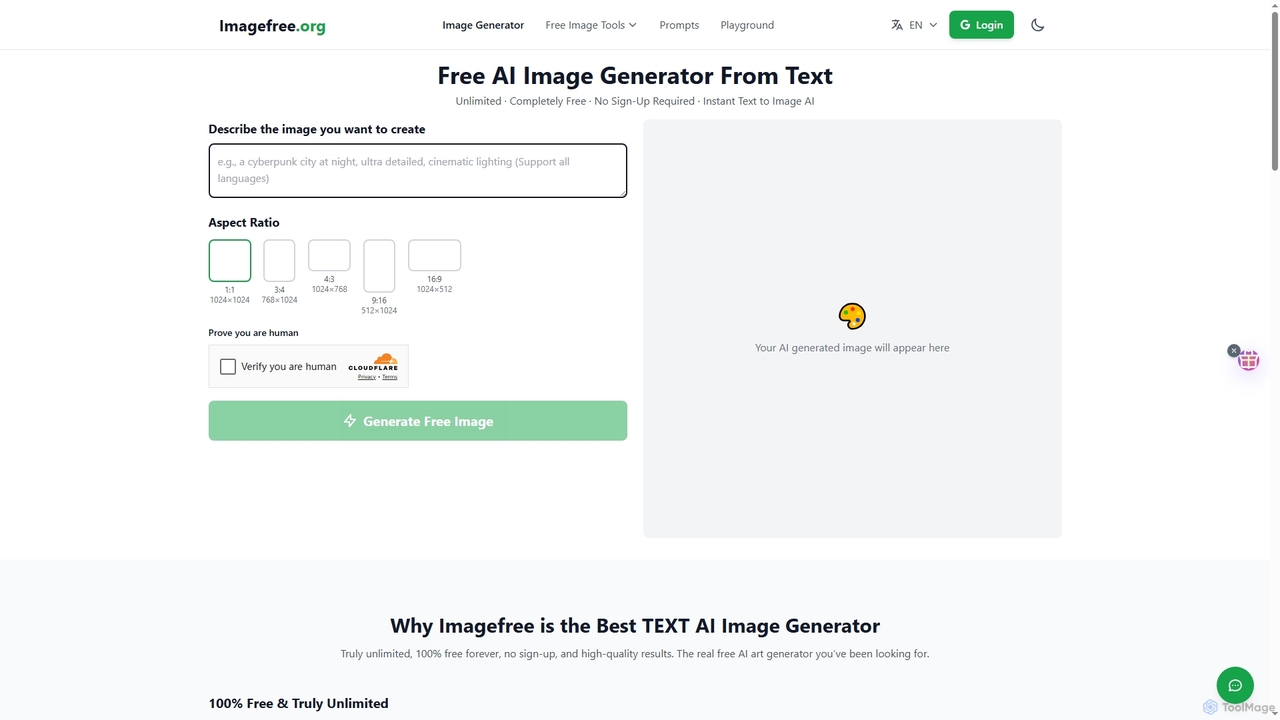
Imagefree
Imagefree is a completely free and unlimited AI tool for generating images from text, removing backgrounds, upscaling photos to 4K, and editing images online. It requires no sign-up or hidden costs, offering instant access to high-quality AI-powered creative tools for everyone.
Prompt Library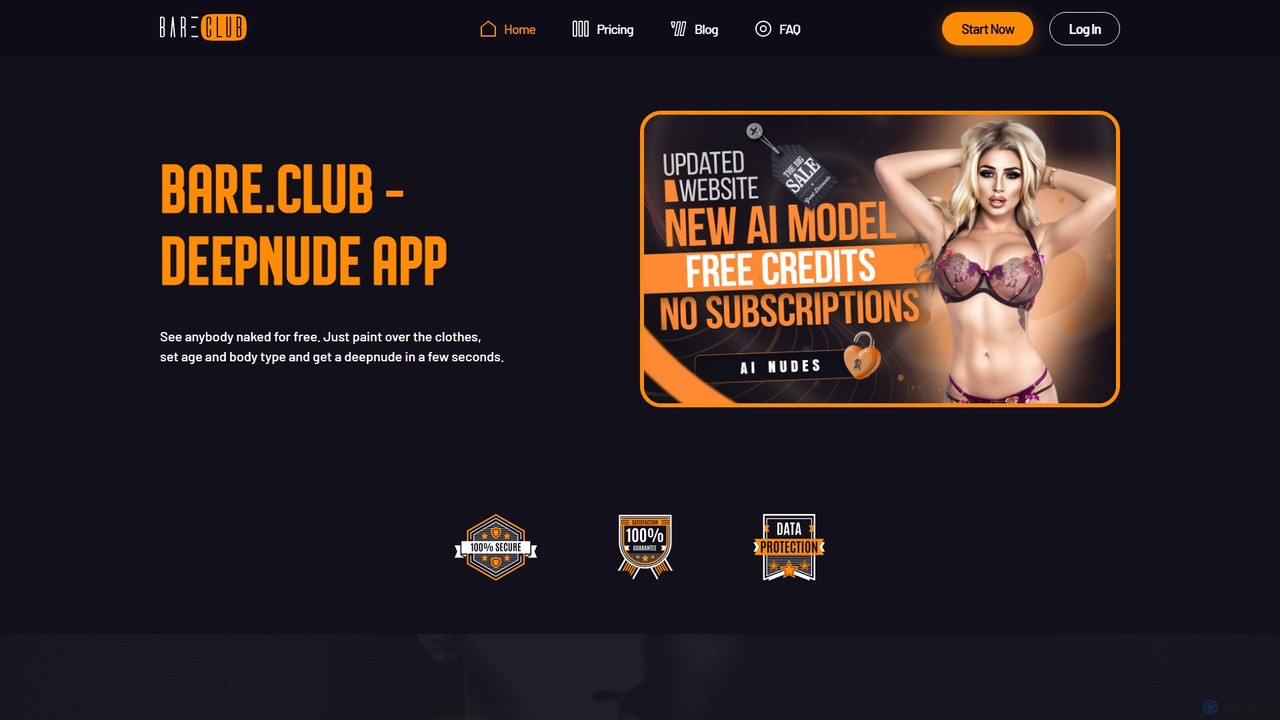
bare
Bare.club is an AI-powered image editor that uses deep learning to digitally alter photos, specializing in 'nudification' or removing clothing. It offers a user-friendly interface with painting tools and customization options for age and body type, emphasizing privacy and ethical use.
Digital Art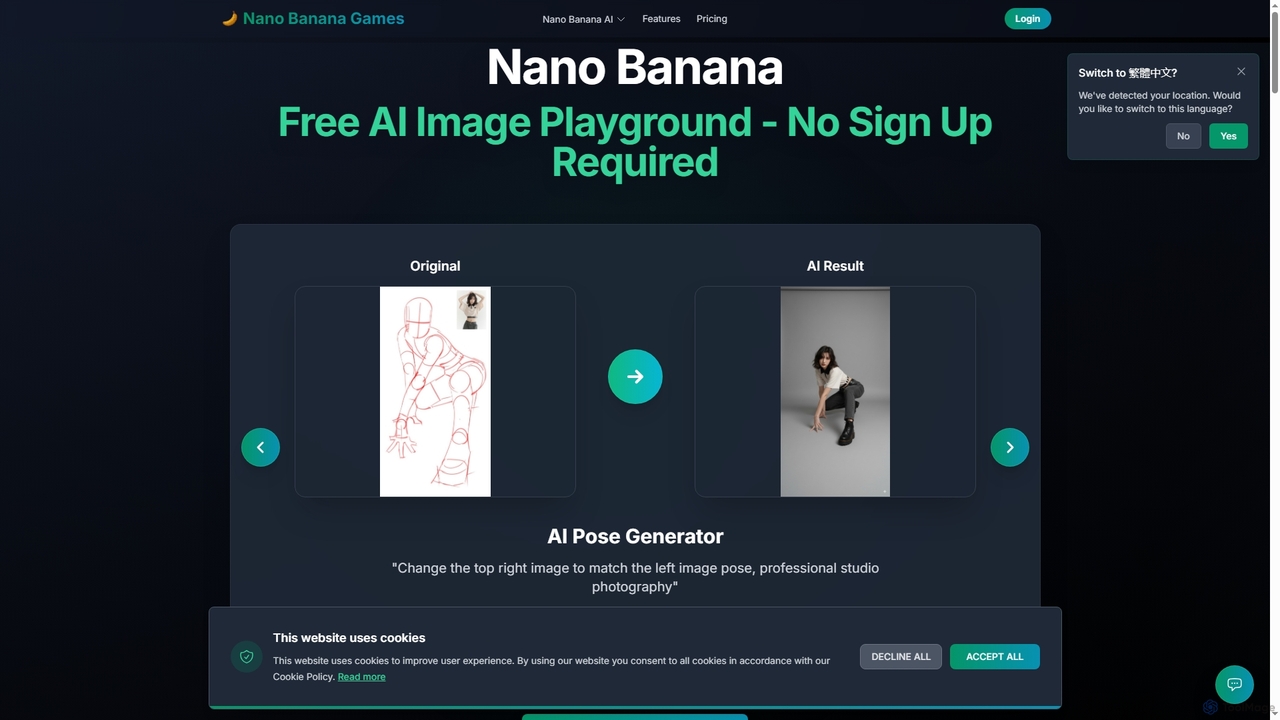
Nano Banana
Nano Banana is a versatile AI image playground offering a suite of tools for creative image transformation. It enables users to generate dynamic poses, perform face swaps, enhance photos, replace backgrounds, and create custom AI figurines, 3D figurines, and miniature worlds from their images, often without requiring a sign-up.
Digital Art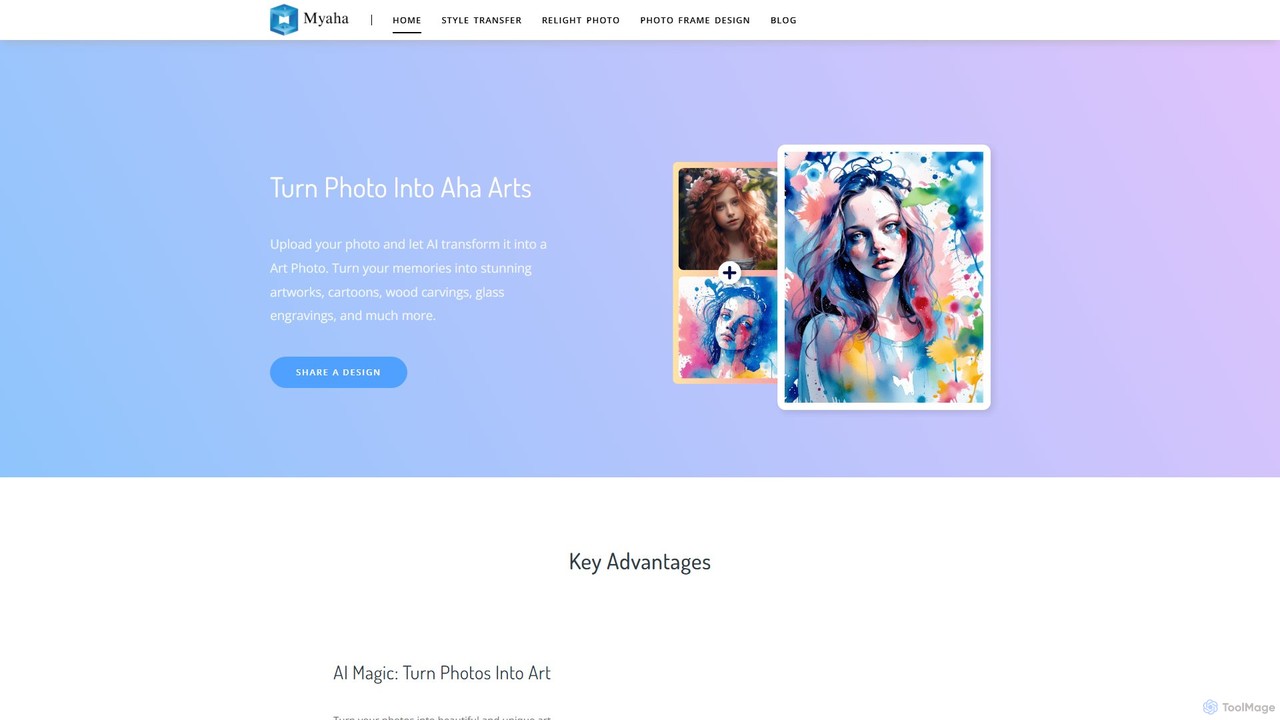
myaha
myaha is an AI-powered platform that transforms your photos into stunning works of art. It offers a suite of tools including artistic style transfer, photo relighting, and frame design. With an intuitive interface, users can easily convert images into various styles like cartoons, oil paintings, and sketches, or manipulate lighting to create dramatic effects, making it ideal for marketers, content creators, and photographers.
Artistic Effects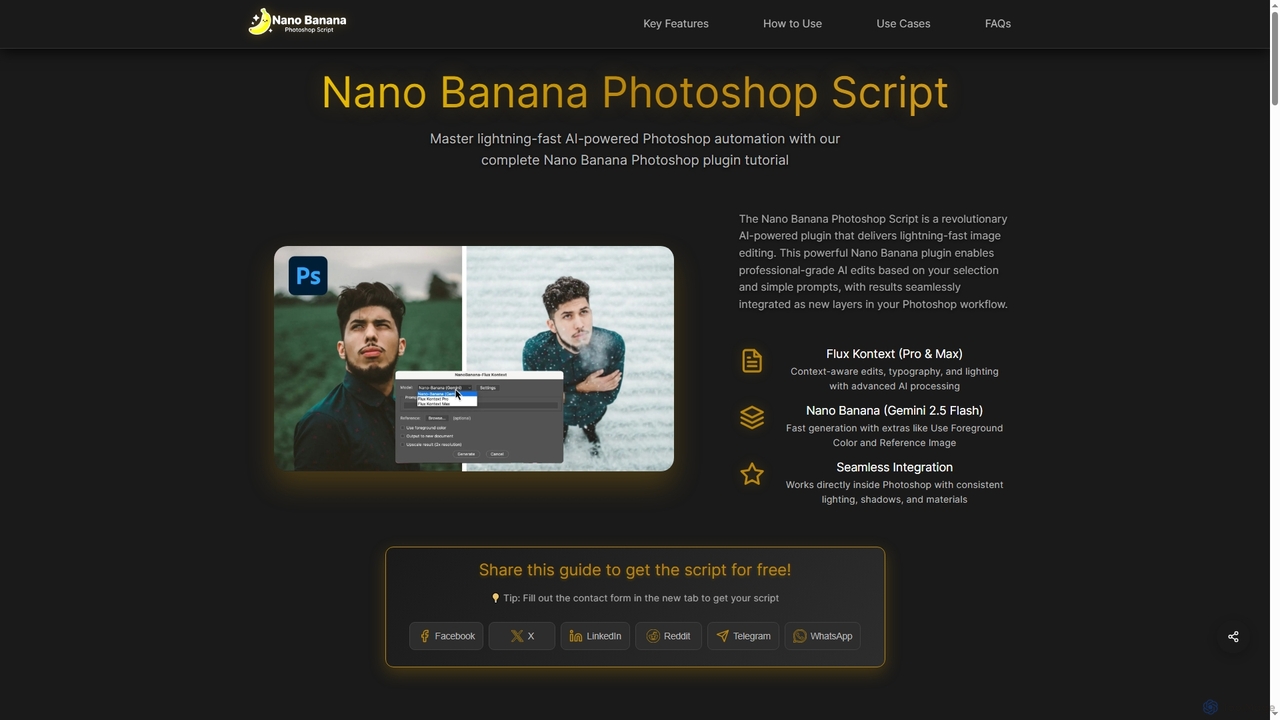
Nano Banana Photoshop Script
Nano Banana Photoshop Script is a revolutionary AI-powered plugin that integrates seamlessly with Adobe Photoshop, offering lightning-fast image editing and automation. It enables professional-grade AI edits based on selections and simple prompts, delivering results as new layers within your workflow.
Generative AiFiddl
Fiddl is an advanced AI art and video generation platform that allows users to create stunning visuals in seconds. It features a diverse range of AI models, custom model training, and a vibrant community where creators can share their work, earn points, and explore new artistic possibilities without a subscription.
Generative ArtNeuralBlender
NeuralBlender is a user-friendly AI art generator that transforms text descriptions into unique images. Leveraging state-of-the-art AI models, it allows users to create stunning visuals with simple prompts. It features distinct artistic styles through its 'blend' models and fosters a strong creative community. Currently, it's free to use during a platform revamp.
Generative ArtMasterpiece Studio
Masterpiece Studio is an AI-powered 3D creation platform that simplifies the entire workflow from generation to editing and sharing. It's designed for creators of all levels, enabling them to produce high-quality 3D models, characters, and animations effortlessly for games, VR/AR, and other digital media.
3D Modeling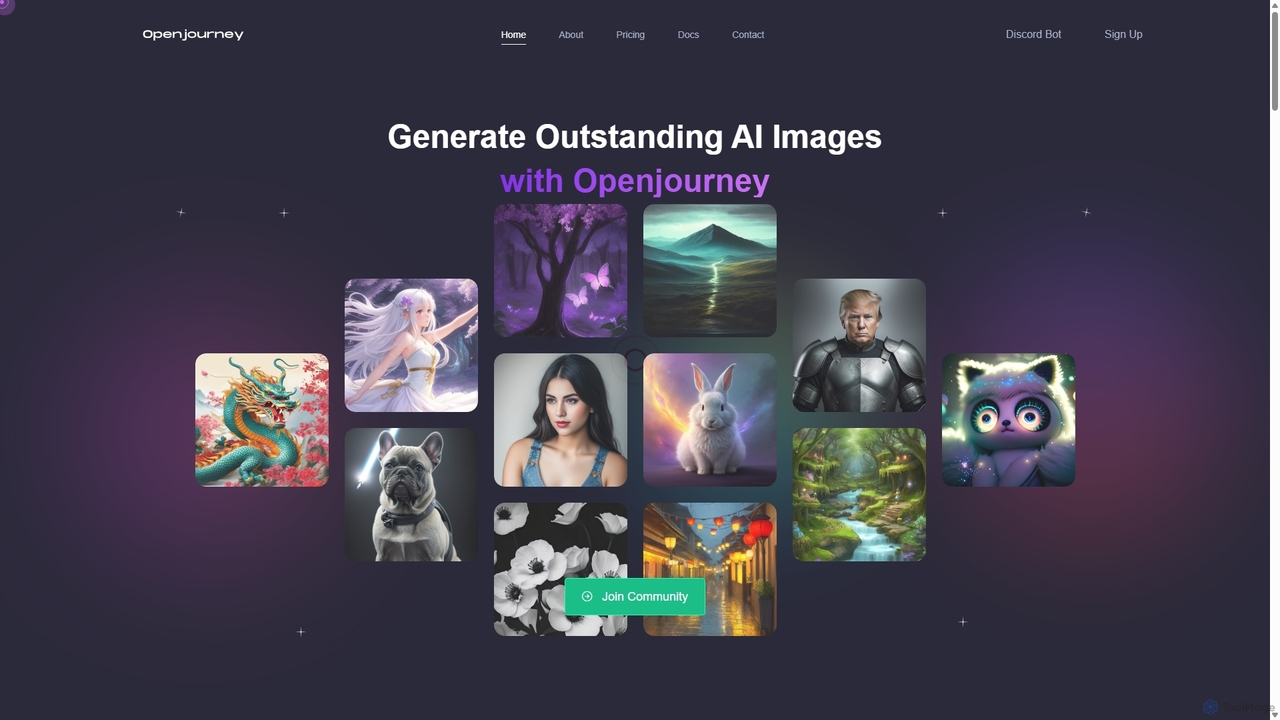
Openjourney
Openjourney is a comprehensive AI creative suite that offers a wide range of generative tools in one place. It excels in generating high-quality images from text prompts but also includes powerful features like face restoration, face swapping, background removal, image upscaling to 4K, an unlimited AI chatbot, and advanced controls like Controlnet. It's designed for creators, marketers, and artists seeking a versatile and powerful AI toolkit.
Generative Art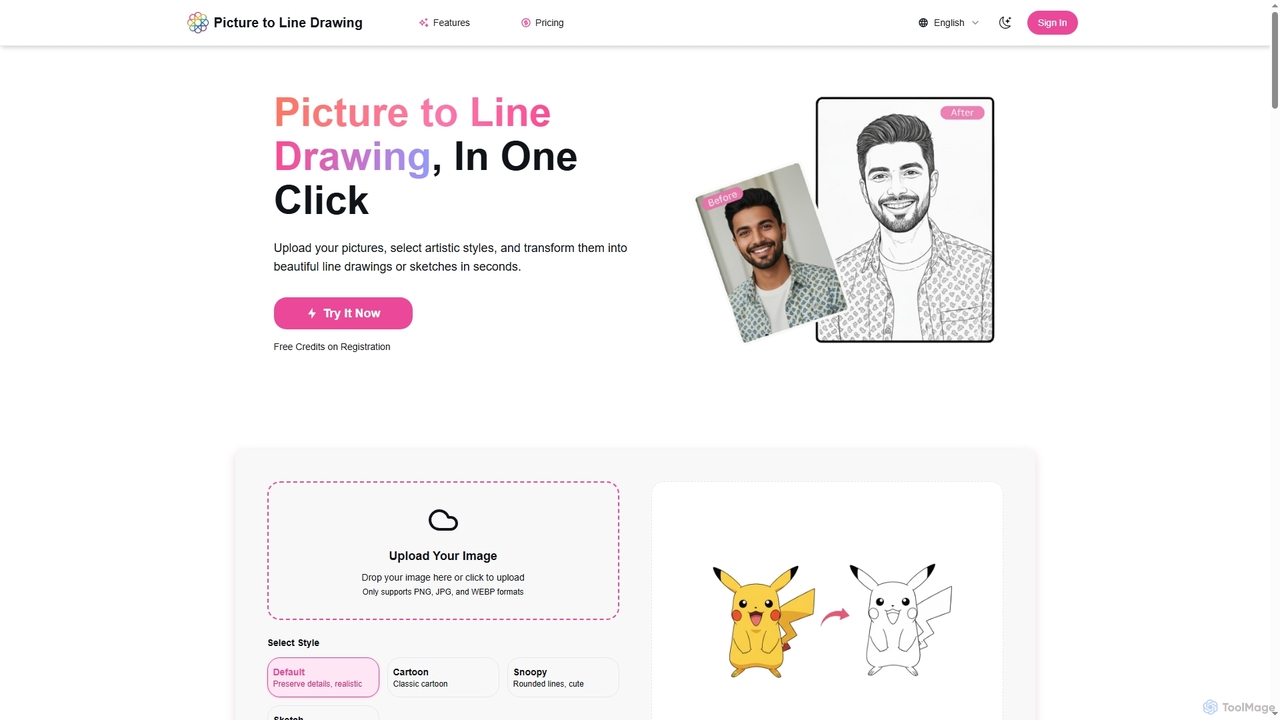
Picture to Line Drawing
Picture to Line Drawing is an AI-powered online converter that transforms photos into beautiful line drawings or sketches in seconds. It offers multiple artistic styles like Default, Cartoon, Snoopy, and Sketch, making it easy for anyone to create unique artworks with a single click.
Generative Art
Nudifier
Nudifier is an advanced AI-powered tool designed for digitally removing clothing from images. It supports both real human photos and anime-style illustrations, handling any pose and outfit. The tool aims to produce high-quality, realistic results through a simple, user-friendly web interface, catering to artists, designers, and entertainment purposes.
Generative Art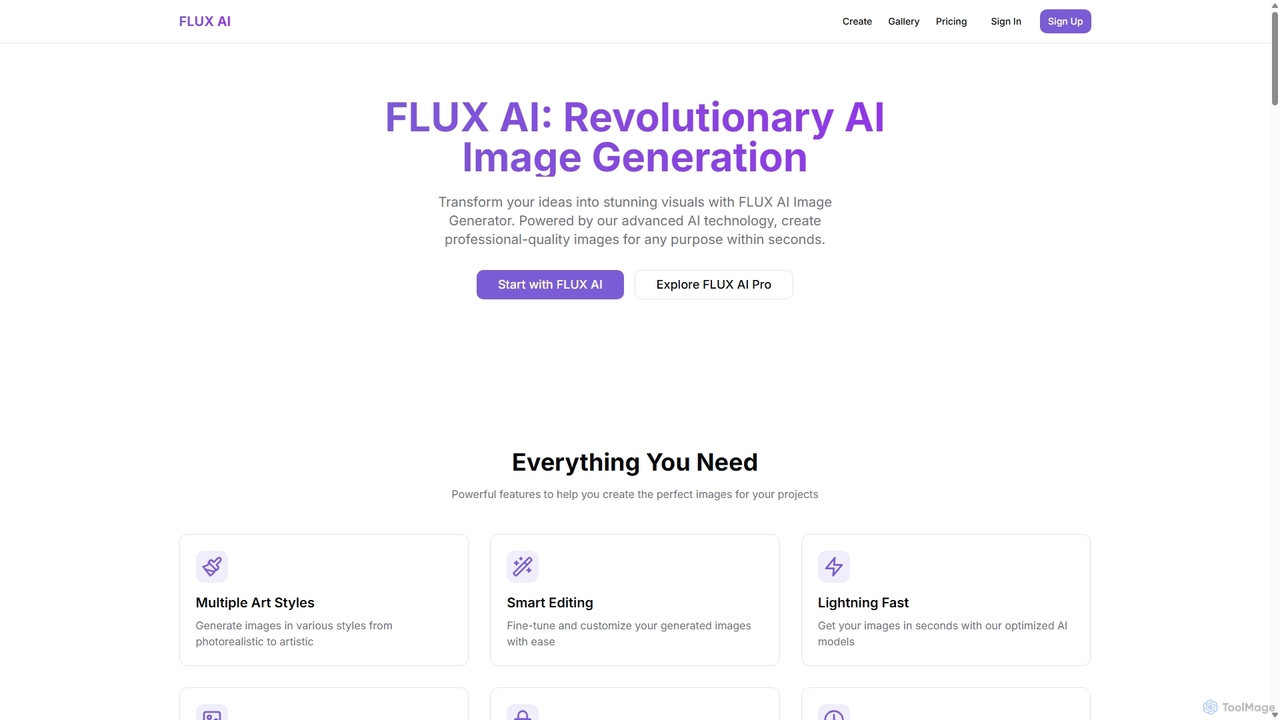
flux1
flux1 is a powerful AI image generator that transforms text prompts into high-quality visuals in seconds. It offers a wide range of artistic styles, from photorealistic to abstract, and provides smart editing tools for fine-tuning creations. With features like high-resolution output, full commercial rights, and a user-friendly interface, flux1 is ideal for artists, marketers, and content creators looking to streamline their creative workflow and produce stunning images effortlessly.
Generative Art
Ainftgenerator
Ainftgenerator is an AI-powered platform that empowers users to effortlessly create unique digital art and generate entire NFT collections. By leveraging advanced generative AI models, you can turn text prompts into stunning visuals, customize styles, and mint your creations directly to the blockchain without any coding knowledge.
Generative Art
Luminar Brush Comments (0)
Sign in to comment.
Sign inNo comments yet.