

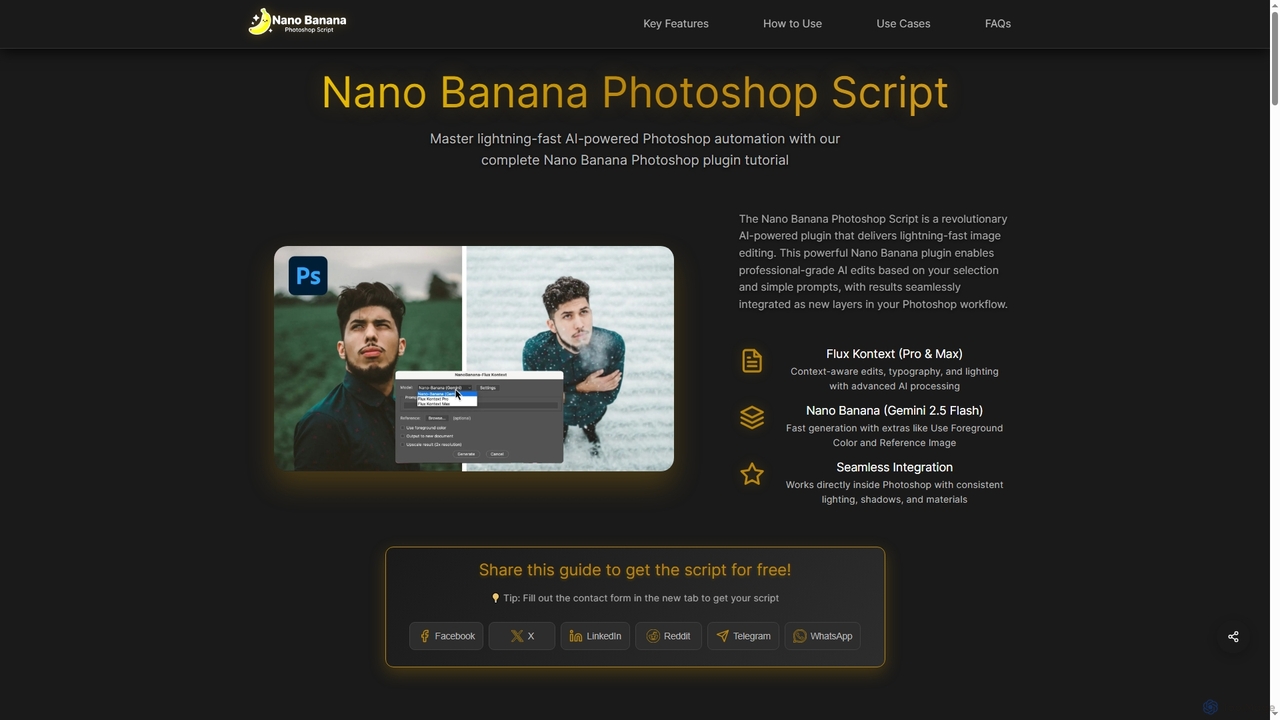
Nano Banana Photoshop Script Overview
The Nano Banana Photoshop Script is an advanced AI-powered plugin designed to revolutionize your image editing workflow within Adobe Photoshop. It leverages cutting-edge AI models, including Nano Banana (Gemini 2.5 Flash) and Flux Kontext (Pro & Max), to provide lightning-fast, professional-grade edits. Users can achieve context-aware enhancements, typography adjustments, and consistent lighting, shadows, and materials, all integrated seamlessly as new layers in Photoshop. This powerful tool simplifies complex editing tasks, making advanced AI capabilities accessible to designers and artists without a steep learning curve.
How to use Nano Banana Photoshop Script
To get started with Nano Banana Photoshop Script, follow these steps:
- Set up Replicate: Visit replicate.com, sign in (or sign up with GitHub), open Account settings, add at least $10 credit under Billing, and disable auto-reload to avoid unwanted charges. Then, create and copy an API token from Account settings.
- Installation: Download the .jsx file and copy it to your Photoshop Scripts folder (macOS: /Applications/Adobe Photoshop [version]/Presets/Scripts/; Windows: C:\Program Files\Adobe\Adobe Photoshop [version]\Presets\Scripts\). Restart Photoshop, and the script will appear under File → Scripts → Nano-Banana-Flux-Kontext.
- First Time Setup: Open any document in Photoshop, then go to File → Scripts → FluxKontext. The Settings will open first; paste your Replicate API token. Choose your desired model: Nano Banana (with options for Foreground Color and Reference Image on macOS) or Flux Kontext (for context-aware edits, typography, and lighting).
- Run Your First AI Edit: Make a selection in Photoshop, go to File → Scripts → Nano-Banana-Flux-Kontext, enter a short, specific prompt, and choose a model. Click Generate, and the result will appear as a new layer.
- Tips: Assign a keyboard shortcut (Edit → Keyboard Shortcuts), keep prompts short and specific (mentioning material, color, lighting), make selections slightly larger for better context, and try drawing a sketch for Nano Banana to interpret.
Core Features of Nano Banana Photoshop Script
- Lightning-Fast AI Processing: Experience rapid AI image generation using advanced machine learning models, delivering professional Photoshop results in seconds.
- Dual AI Model Support: Access both Flux Kontext (for context-aware edits, typography, and lighting) and Nano Banana (for fast generation with options like Use Foreground Color and Reference Image) AI models for diverse creative needs.
- Native Photoshop Integration: The script works directly within Adobe Photoshop's native interface, with AI-generated content appearing as new layers to maintain your professional workflow.
- Consistent Material Quality: Ensures lighting, shadows, and materials consistency across edits for natural-looking, seamlessly blended results.
- Simple User Interface: Features user-friendly AI prompts that integrate smoothly with Photoshop tools like selections, brushes, and color palettes, requiring no complex learning curve.
- Reference Image Support: Allows insertion of reference images into Photoshop selections for precise control over Nano Banana AI generation (available on macOS for Nano Banana model).
Use Cases for Nano Banana Photoshop Script
Nano Banana Photoshop Script is ideal for a wide range of creative and professional applications, including:
- Texture Replacement: Quickly and accurately replace textures within selected areas of an image.
- Object Manipulation: Seamlessly modify, enhance, or generate objects based on prompts and selections.
- Scene Enhancement: Improve overall scene aesthetics, adjust lighting, and add elements with context-aware AI.
- Rapid Prototyping: Accelerate design iterations by quickly generating variations and concepts.
- Professional Image Editing: Automate complex tasks like background removal, color adjustments, and applying various effects.
- Creative Automation: Streamline workflows for graphic designers, digital artists, and photographers by automating repetitive editing processes.
Advantages of Nano Banana Photoshop Script
The Nano Banana Photoshop Script offers significant advantages for creative professionals:
- Revolutionary Workflow: Completely transforms and accelerates Photoshop workflows with AI-powered automation.
- Time-Saving: Saves hours of manual work by generating professional-grade edits in seconds.
- Professional-Grade Results: Delivers high-quality, consistent AI-generated content that blends seamlessly with existing images.
- Context-Aware Intelligence: AI models understand image context, lighting, and materials, leading to more natural and accurate enhancements.
- Ease of Use: Simple setup and user-friendly prompts make it accessible without a complex learning curve.
- Versatility: Dual AI model support (Nano Banana and Flux Kontext) caters to different creative tasks and quality requirements.
- Proven Technology: Built on cutting-edge AI models from Replicate, extensively tested by professionals.
- Cost-Effective: Operates on a pay-per-use model, allowing users to scale costs with their specific needs.
Pricing and Plans
While the Nano Banana Photoshop Script itself is free to download upon sharing the guide, its operation relies on the Replicate platform, which uses a pay-per-use pricing model. Current costs are approximately ~$0.039 for Nano Banana, $0.04 for Flux Kontext Pro, and $0.08 for Flux Kontext Max per operation. Users need to add at least $10 credit to their Replicate account to use the service, with the option to disable auto-reload to manage spending.
Nano Banana Photoshop Script FAQ
Nano Banana Photoshop Script Alternatives

Imamind
Imamind is a revolutionary full-stack AI visual design platform that automates the entire creative process from concept to professional delivery. It offers dual-engine architecture, intelligent AI workflows, precise face fidelity for portraits, and advanced AI editing tools, empowering over 200,000 creators globally.
Product Imaging
Adobe
Adobe is the industry-leading suite of creative, marketing, and document management software, supercharged with powerful generative AI. Featuring tools like Photoshop, Premiere Pro, and Acrobat, integrated with Adobe Firefly AI, it empowers creators, businesses, and individuals to bring any idea to life, from stunning visuals and cinematic videos to intelligent, interactive documents.
Graphic Design
Adobe Firefly
Adobe Firefly is a family of creative generative AI models from Adobe. It enables users to generate high-quality images, text effects, and color palettes from simple text prompts. Designed to be commercially safe, it's integrated into Adobe's Creative Cloud apps like Photoshop and Illustrator, and also available as a standalone web application, empowering creators with new ways to ideate, create, and communicate.
Generative Art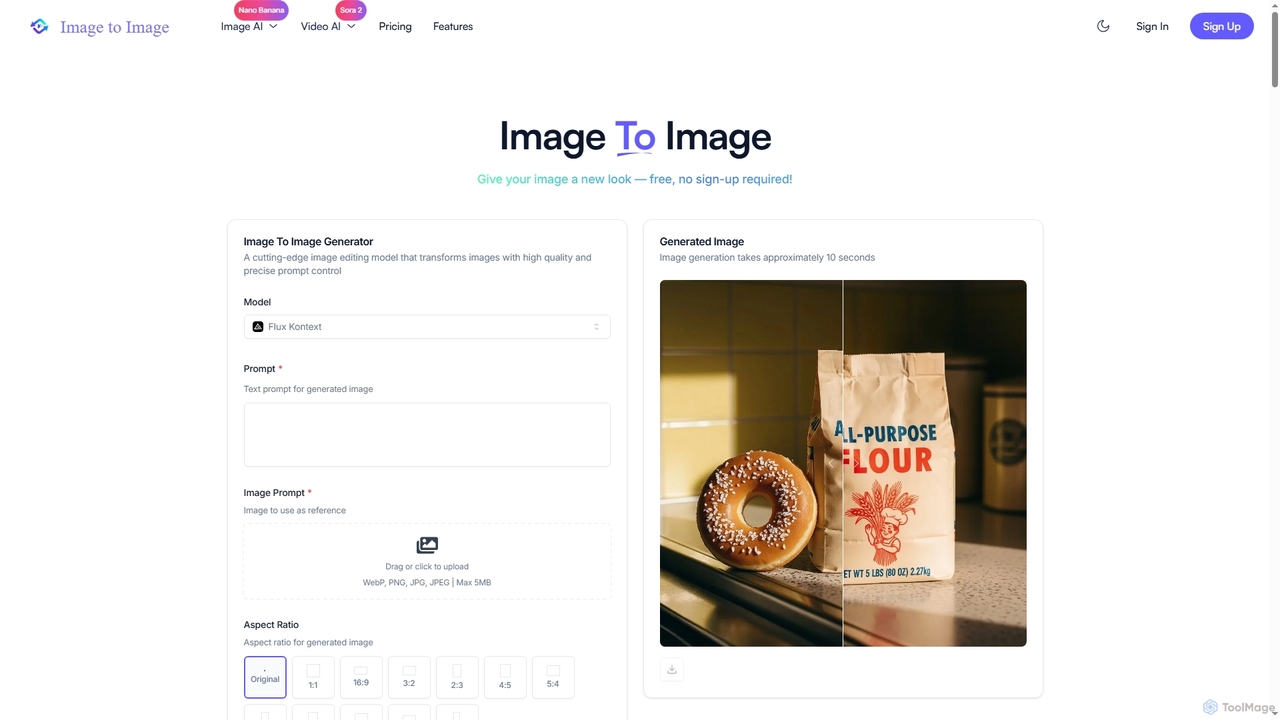
Image to Image
Image to Image is an all-in-one AI creative suite that transforms existing images, generates new visuals from text, and creates dynamic videos from both images and text. It offers high-fidelity outputs, multiple AI models, and a user-friendly interface for artists, designers, marketers, and content creators.
Creative Suite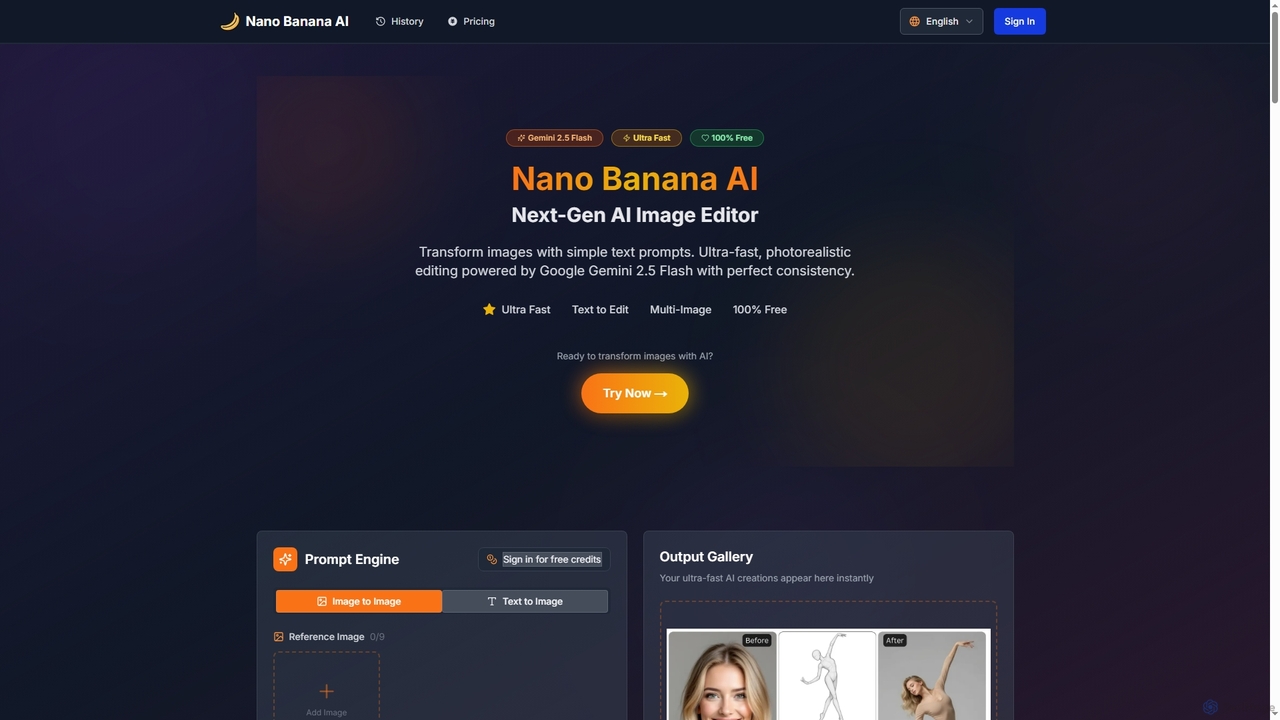
Nano Banana AI
Nano Banana AI is an advanced AI image editor powered by Google Gemini 2.5 Flash, enabling users to transform photos with simple text prompts. It offers ultra-fast, photorealistic editing with perfect character and scene consistency, featuring tools for face swapping, background changes, hairstyle alterations, and a unique Polaroid vintage photo generator. It's designed for both personal and professional creative workflows.
Creative ToolsNano Banana Photoshop Script Categories
Nano Banana Photoshop Script Jobs
Nano Banana Photoshop Script Embed Widget
Copy this embed code to place the badge on your blog, article, or product site and send readers directly to this ToolMage detail page.

Related AI tools
Imamind
Imamind is a revolutionary full-stack AI visual design platform that automates the entire creative process from concept to professional delivery. It offers dual-engine architecture, intelligent AI workflows, precise face fidelity for portraits, and advanced AI editing tools, empowering over 200,000 creators globally.
Product ImagingImage to Image
Image to Image is an all-in-one AI creative suite that transforms existing images, generates new visuals from text, and creates dynamic videos from both images and text. It offers high-fidelity outputs, multiple AI models, and a user-friendly interface for artists, designers, marketers, and content creators.
Creative SuiteAdobe
Adobe is the industry-leading suite of creative, marketing, and document management software, supercharged with powerful generative AI. Featuring tools like Photoshop, Premiere Pro, and Acrobat, integrated with Adobe Firefly AI, it empowers creators, businesses, and individuals to bring any idea to life, from stunning visuals and cinematic videos to intelligent, interactive documents.
Graphic DesignNano Banana AI
Nano Banana AI is an advanced AI image editor powered by Google Gemini 2.5 Flash, enabling users to transform photos with simple text prompts. It offers ultra-fast, photorealistic editing with perfect character and scene consistency, featuring tools for face swapping, background changes, hairstyle alterations, and a unique Polaroid vintage photo generator. It's designed for both personal and professional creative workflows.
Creative Tools
Clean Pixel Art
Clean Pixel Art is an online AI-powered tool designed to transform blurry, AI-generated pixel art into crisp, scalable vector graphics. It simplifies the process of enhancing pixel art quality, supporting popular formats like PNG, JPG, GIF, and WEBP for easy conversion.
EnhancementAdobe Firefly
Adobe Firefly is a family of creative generative AI models from Adobe. It enables users to generate high-quality images, text effects, and color palettes from simple text prompts. Designed to be commercially safe, it's integrated into Adobe's Creative Cloud apps like Photoshop and Illustrator, and also available as a standalone web application, empowering creators with new ways to ideate, create, and communicate.
Generative Art
Nanobanana Google
Nanobanana Google is an advanced AI image processing platform powered by Gemini Flash Image and Nana Banana AI. It enables users to generate stunning visuals, enhance photos, apply artistic styles, and automate image tasks with unparalleled efficiency and quality.
Generation
CuePrompt
CuePrompt is an intuitive AI-powered tool designed to help designers and creators generate powerful and specific prompts for various UI/UX design styles. It simplifies the process of exploring diverse aesthetics, from Minimalist to Cyberpunk, enabling users to quickly articulate their design vision and kickstart creative projects.
Design Inspiration
Pixelzzz
Pixelzzz is an AI creative platform designed to empower designers and teams with intelligent tools for faster and smarter creative workflows. It aims to streamline the design process, offering advanced functionalities for generating and enhancing visual content, fostering collaboration, and boosting productivity.
Team Tools
Cubby Image
Cubby Image is an AI image generation plugin that integrates directly into Adobe Photoshop and Figma. It enables users to generate, edit, upscale, and remove backgrounds from images using state-of-the-art AI models like Nano Banana and Seedream 4.0, all within their familiar creative workflow. Users connect their own API keys for full control over costs and privacy.
Plugins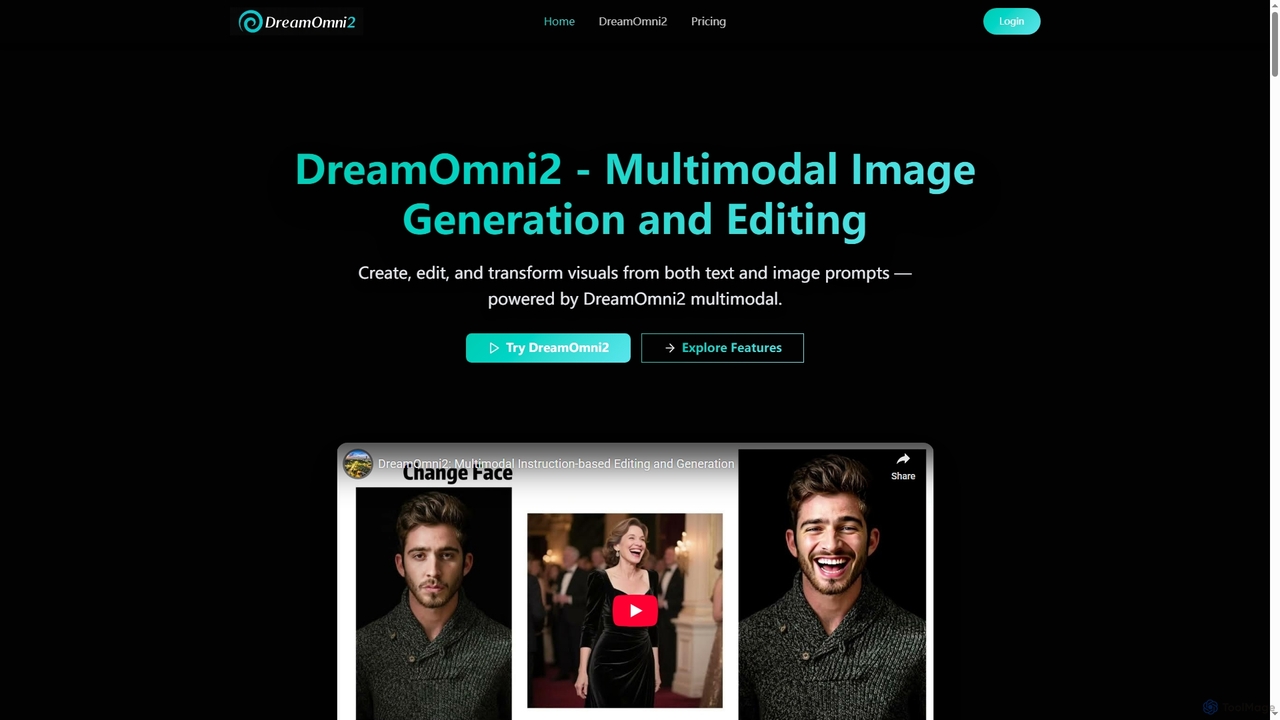
DreamOmni2
DreamOmni2 is a multimodal AI tool for advanced image generation and editing. It allows users to create and transform visuals using both text and image prompts, ensuring superior consistency and creative control for diverse applications from design to advertising.
Photo Manipulation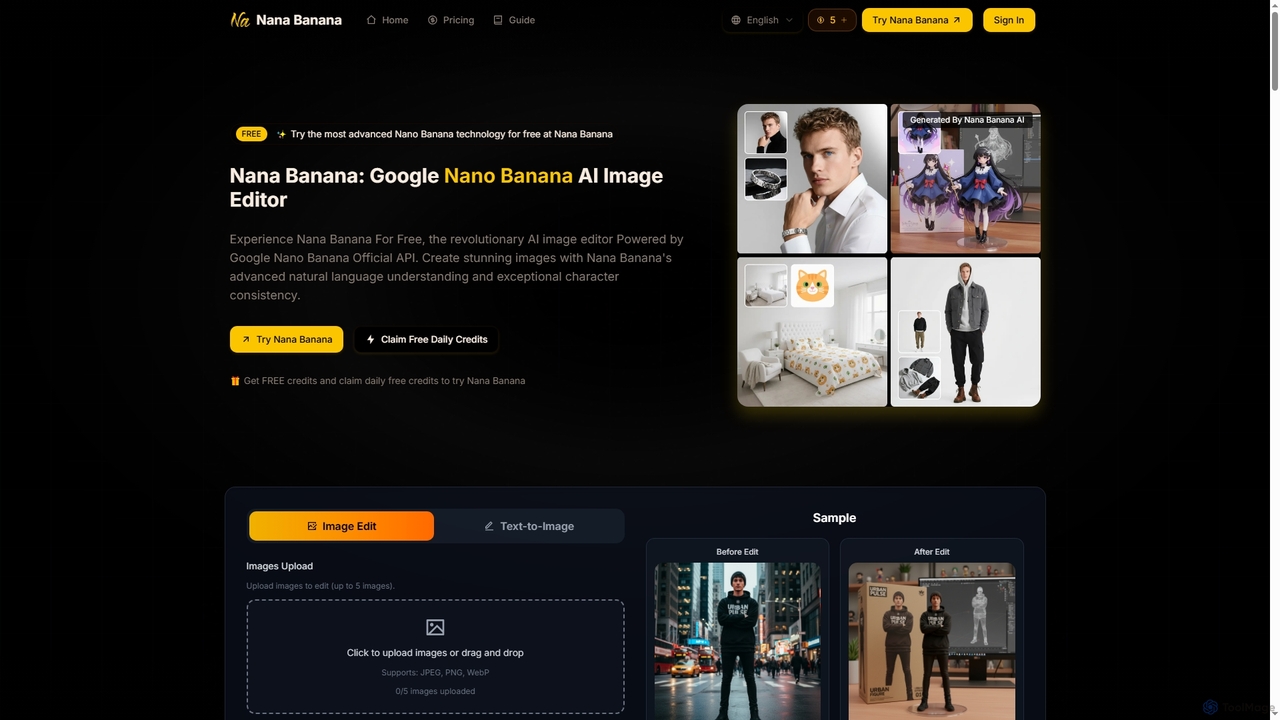
Nana Banana
Nana Banana is an advanced AI image editor and generator powered by Google's cutting-edge Gemini 2.5 Flash Image model. It enables users to create stunning visuals from text prompts or by editing existing images with exceptional natural language understanding, character consistency, and one-shot editing capabilities, delivering professional-grade 4K+ output rapidly.
Graphic Design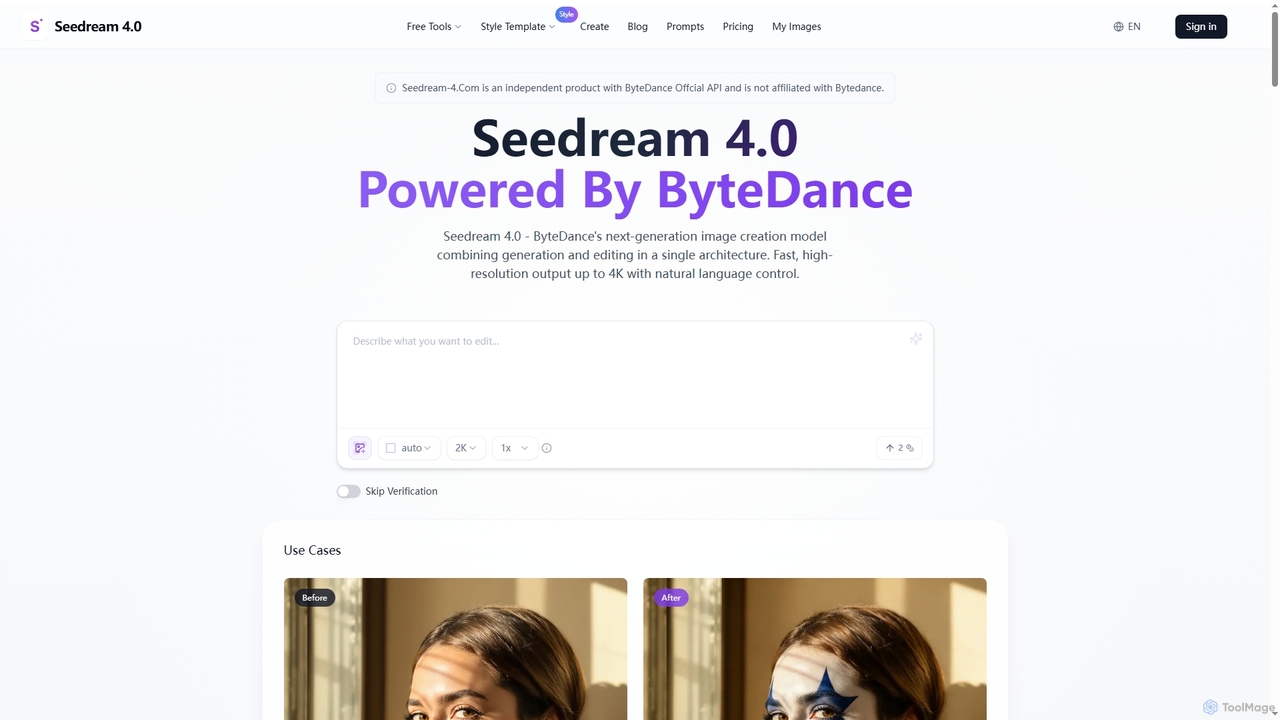
Seedream 4.0
Seedream 4.0 is ByteDance's advanced AI image creation and editing tool, unifying text-to-image generation and image modification in a single architecture. It delivers fast, high-resolution outputs up to 4K with natural language control, batch processing, and versatile style transfer, empowering creators with seamless visual content production.
Creative Asset Generation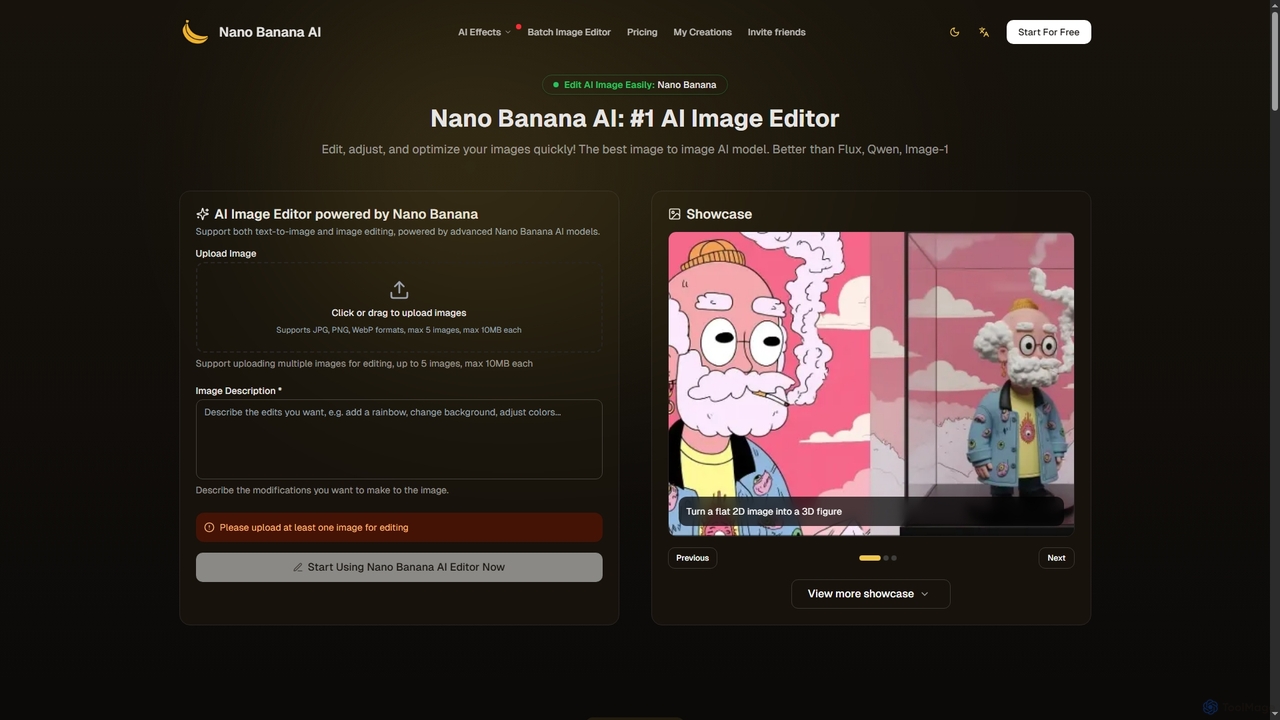
Nano Banana
Nano Banana is an advanced AI image editor and generator that allows users to effortlessly transform photos and create stunning visuals. It supports text-to-image generation, comprehensive image editing, and even specialized features like AI action figure creation. With lightning-fast processing and professional-quality output, Nano Banana simplifies complex editing tasks for personal and commercial use.
Digital Art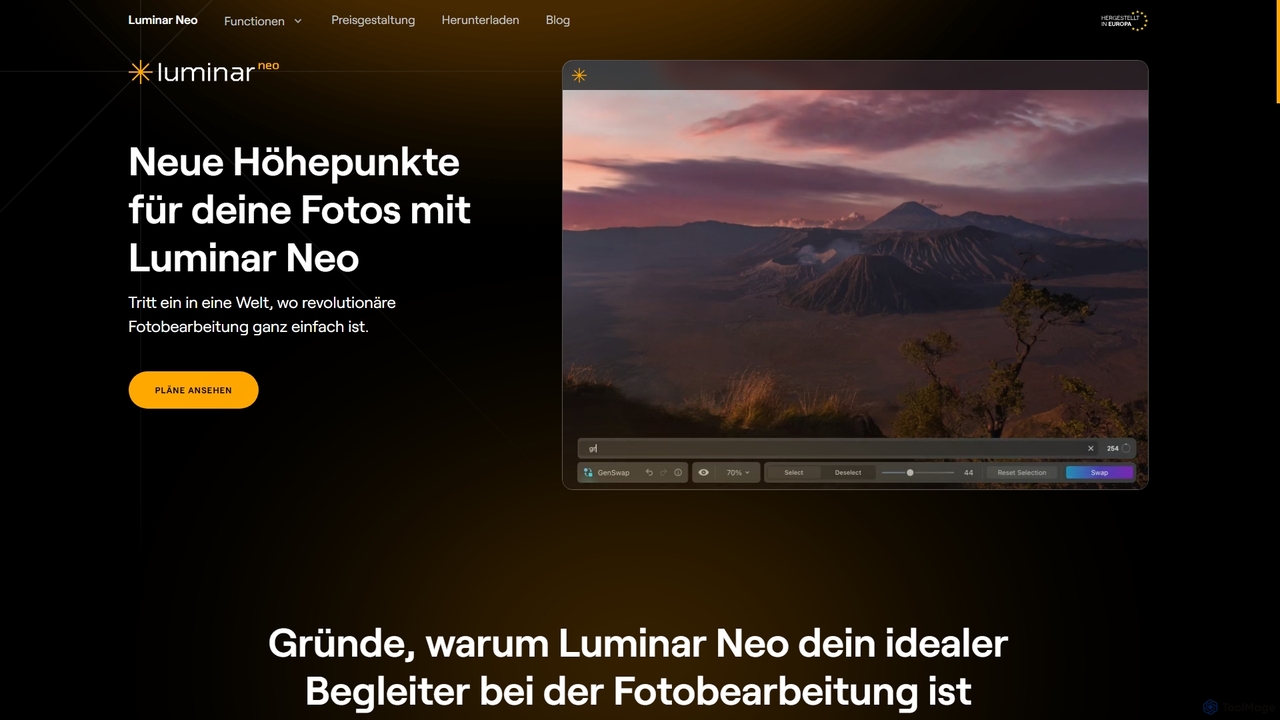
Luminar Neo
Luminar Neo is a revolutionary AI-powered photo editing software designed to simplify complex tasks and unleash creativity. It offers a comprehensive suite of advanced tools for image enhancement, RAW processing, and creative composition, making professional-grade results accessible to both beginners and experienced photographers on macOS and Windows.
Digital Art
Nano Banana Photoshop Script Comments (0)
Sign in to comment.
Sign inNo comments yet.