Best of the Year 1 results Creative Automation AI Tools

Popular AI tools in the Creative Automation field include Nano Banana Photoshop Script, etc., helping you quickly improve efficiency.

Nano Banana Photoshop Script

Nano Banana Photoshop Script

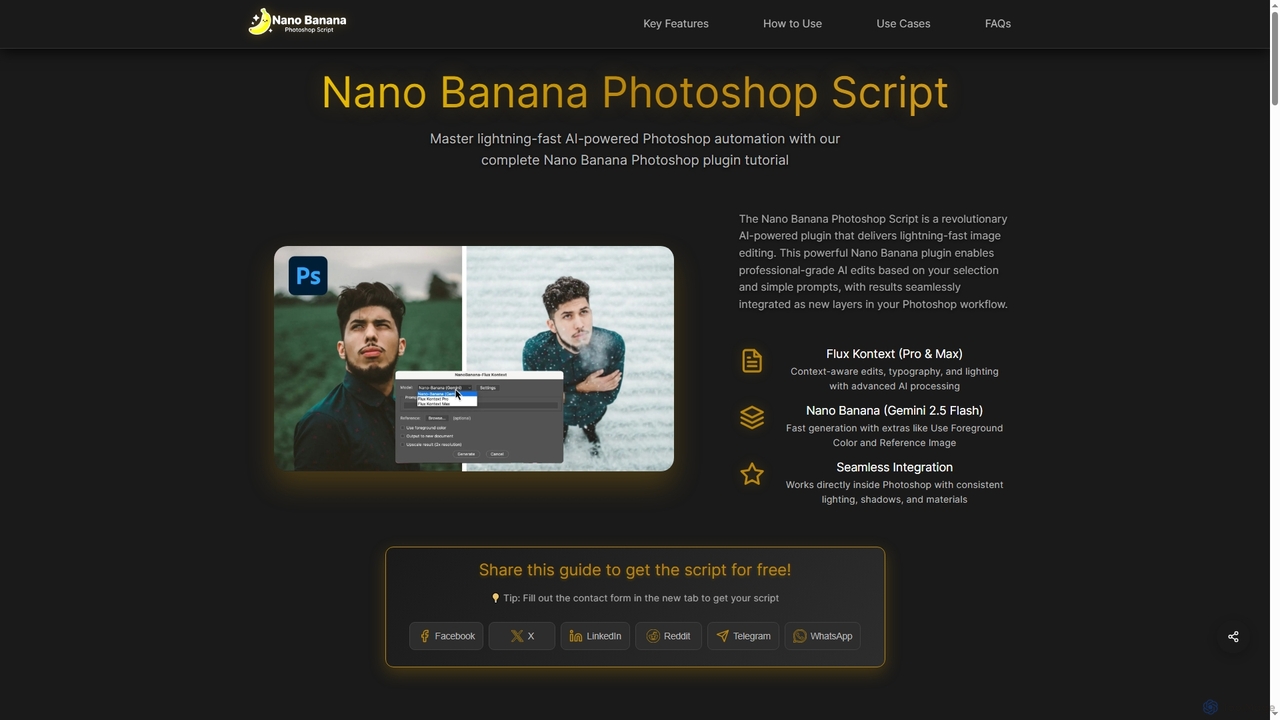
Nano Banana Photoshop Script is a revolutionary AI-powered plugin that integrates seamlessly with Adobe Photoshop, offering lightning-fast image …

3.4K

About Creative Automation

Creative Automation tools are AI-powered platforms designed to streamline and scale the production of marketing and advertising assets. They utilize templates, data feeds, and generative AI to automatically create numerous variations of images, videos, and banners from a single master creative. This enables marketing teams to efficiently launch personalized campaigns, conduct extensive A/B testing, and maintain brand consistency across all channels. Unlike single-purpose design tools, Creative Automation focuses on the entire high-volume creative workflow, from creation and adaptation to distribution.

Core Features

  • Template-Based Generation: Creates thousands of asset variations from predefined, brand-compliant templates.
  • Data-Driven Personalization: Connects to product feeds or user data to generate personalized creatives dynamically.
  • Multi-Format Adaptation: Automatically resizes and reformats a master creative for different platforms and ad specifications.
  • Bulk Creative Production: Generates hundreds or thousands of asset variations in a single, automated operation.
  • Brand Asset Management: Centralizes brand elements like logos, fonts, and color palettes to ensure consistency at scale.

Use Cases

These tools are ideal for e-commerce businesses needing to create ads for thousands of products, advertising agencies managing multiple client campaigns, and large enterprises localizing global marketing materials for different regions and languages. They are essential for any team running data-driven, personalized advertising at scale.

How to Choose

When selecting a Creative Automation tool, evaluate its integration capabilities with your ad platforms (e.g., Google, Meta) and data sources. Assess the range of supported asset types (static images, video, HTML5) and the flexibility of the template editor. Also, consider its scalability to handle your required volume and the pricing model's alignment with your usage patterns.

Creative AutomationUse Cases

1

Automated Ad Creative Production for E-commerce

An e-commerce marketing manager needs to create unique ads for a seasonal sale covering over 1,000 products. Instead of manually designing each ad, they connect their product catalog to a creative automation tool. Using a branded template, the platform automatically pulls product images, prices, and descriptions to generate a unique ad for every single item. This process produces thousands of on-brand, product-specific ads in hours, ready for immediate deployment on Google Shopping and Meta Ads, a task that would otherwise take weeks.

2

Scaling Social Media Content Creation

A social media manager for a global brand needs to publish daily content across Instagram, Facebook, and LinkedIn, with variations for different regions. They create a master design for a campaign in the creative automation tool. The platform then automatically adapts it to the required dimensions for each social network, translates text overlays using integrated AI, and generates dozens of platform-specific, localized assets. This ensures a consistent global presence while delivering relevant content to each market, streamlining the entire content calendar execution.

3

Dynamic Creative Optimization (DCO) for Ad Campaigns

A digital advertiser wants to maximize the performance of a display ad campaign by testing numerous creative combinations. They upload multiple components—headlines, images, logos, and calls-to-action (CTAs)—into a creative automation platform. The tool programmatically assembles all possible ad variations and serves them to the target audience. Using real-time performance data, the system automatically prioritizes the best-performing combinations, significantly improving click-through rates and conversions without the need for manual A/B testing of each individual ad.

4

Localizing Global Marketing Campaigns

A global marketing director is launching a new product across 20 countries. The core campaign creative needs to be adapted for each market's language, currency, and cultural nuances. Using a creative automation platform, the central team provides a master template. Local marketing teams can then access the platform to easily translate text, swap out imagery with pre-approved local options, and adjust promotional details. This process reduces campaign localization time by over 70%, ensuring both brand consistency and local relevance simultaneously.

5

Generating Personalized Video Advertisements

A lifecycle marketer aims to re-engage customers with personalized video messages. They create a video template in a creative automation tool that includes placeholders for customer names and recently viewed products. By connecting the tool to their Customer Data Platform (CDP), the system automatically renders a unique video for each customer in a specific segment. These personalized videos, distributed via email or social media ads, achieve significantly higher engagement and conversion rates compared to generic video content.

6

Automating Banner Ad Production for Affiliates

An affiliate marketing manager needs to supply hundreds of partners with a wide range of up-to-date banner ads. Instead of handling constant manual requests, they use a creative automation tool to build a self-service portal. Affiliates can log in, select a campaign template, customize promotional text within brand-safe limits, and instantly export a full set of standard IAB-sized banners. This empowers partners with fresh, relevant creatives while freeing up the marketing team from repetitive production tasks, leading to a more agile and effective affiliate program.

Creative AutomationFrequently Asked Questions