ToolMage
Sign in

Best 2 Relighting AI tools for Image Editing

Popular Relighting AI tools in Image Editing include IC Light AI and Luminar Brush, helping you work more efficiently.

IC Light AI
Freemium

IC Light AI

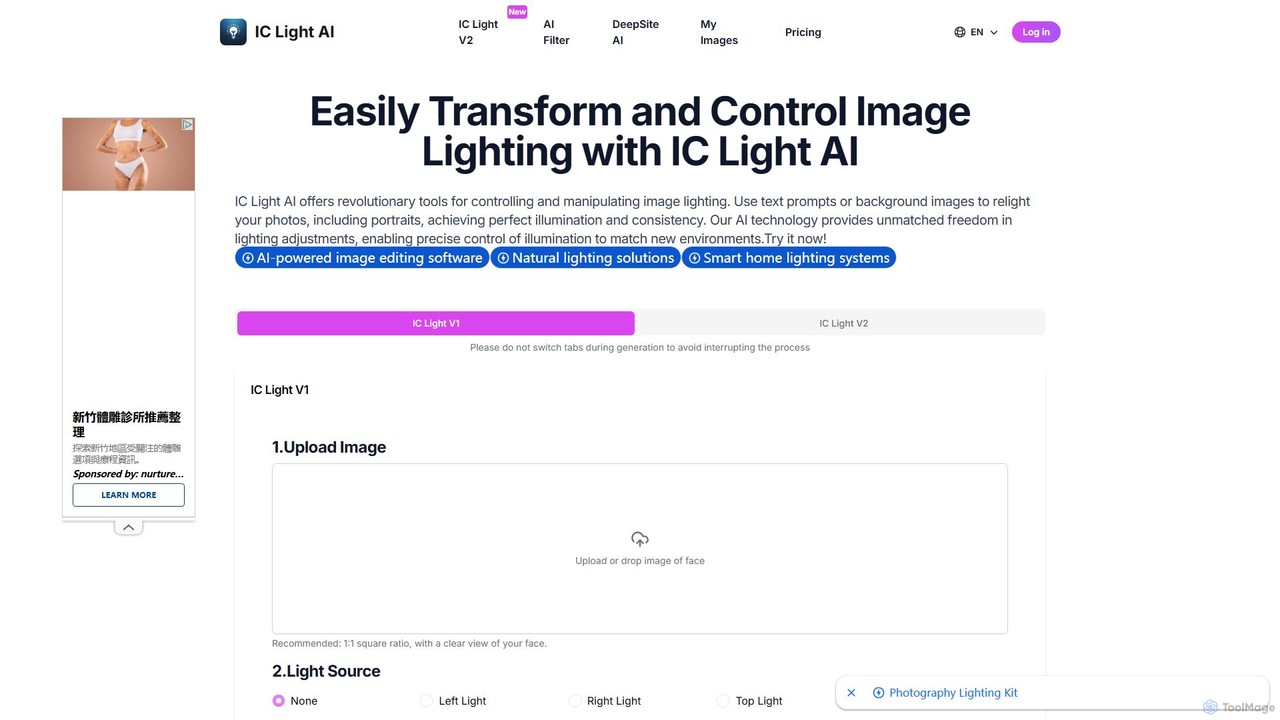
IC Light AI is a revolutionary AI-powered tool for transforming image lighting. Using text prompts or reference images, users can easily relight photos, especially portraits, to achieve perfect illumination and consistency. It offers precise control over light direction, color, and intensity, making professional-grade lighting adjustments accessible to everyone, from photographers to social media creators.

Image Generation
Visits 12.8KFavorites 122Likes 112
Luminar Brush
Free

Luminar Brush

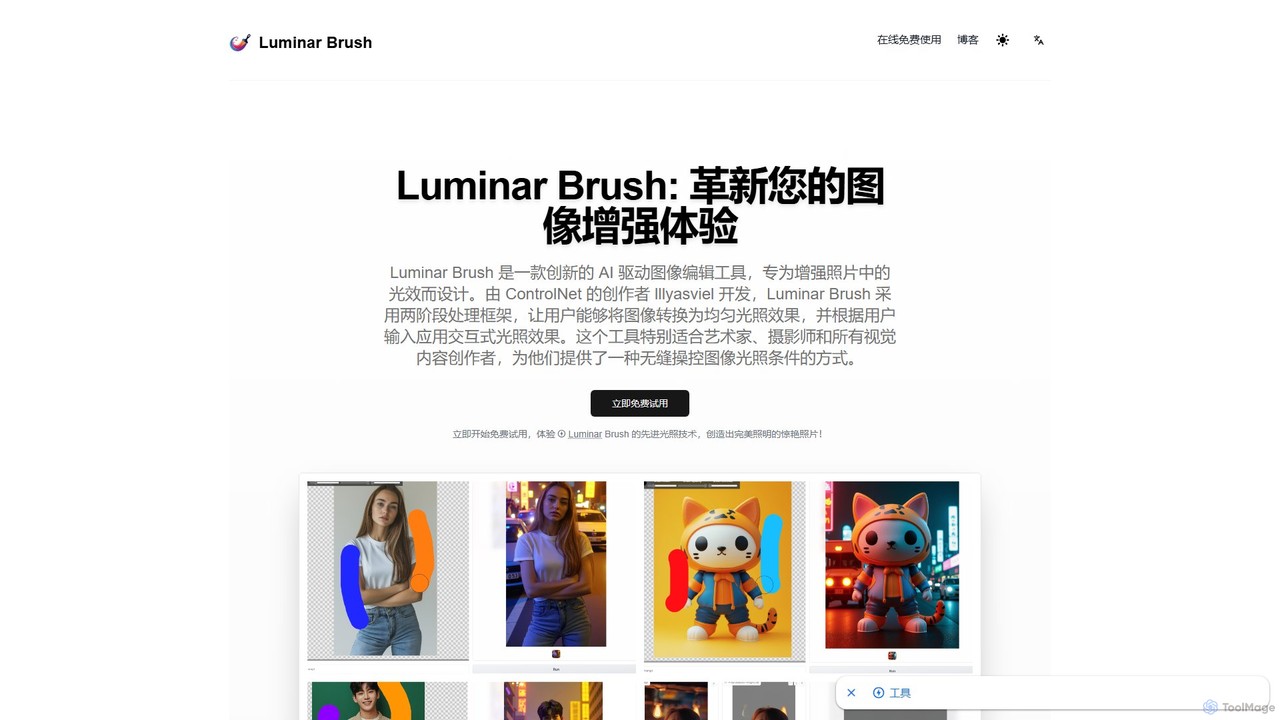
Luminar Brush is an innovative AI-powered image relighting tool developed by the creator of ControlNet. It allows users to professionally manipulate lighting in photos and digital art with incredible precision. By using a unique two-stage framework, it can remove existing lighting and then apply new, interactive light sources, preserving fine details like skin texture and hair for stunning, realistic results.

Generative Art
Visits 5KFavorites 147Likes 146

About Relighting

Relighting tools are AI-powered solutions designed to intelligently alter and manipulate the lighting within existing images or scenes. These tools leverage advanced algorithms to understand the 3D properties of an image, allowing users to add, remove, or modify light sources, adjust shadows, and change reflections with remarkable realism. They provide unprecedented control over illumination, enabling creative enhancements and corrections that were previously complex or impossible with traditional 2D editing. This capability is invaluable for achieving consistent visual aesthetics, correcting photographic errors, or exploring new artistic directions.

Core Features

  • Dynamic Light Source Manipulation: Add, reposition, or remove virtual light sources within an image, controlling their type (e.g., spotlight, ambient), intensity, and color.
  • Realistic Shadow Casting: Automatically generate or adjust shadows that accurately correspond to new light sources and object geometry, enhancing depth and realism.
  • Material Reflection Adjustment: Modify how light interacts with different surfaces, altering reflections and highlights to match new lighting conditions.
  • Color Temperature Control: Precisely adjust the warmth or coolness of the overall lighting or individual light sources.
  • Non-Destructive Editing: Apply lighting changes without permanently altering the original image data, allowing for flexible iterations.

Applicable Scenarios

Relighting tools are crucial for professionals in visual media. Photographers use them to correct poor lighting conditions or create dramatic effects in portraits and product shots. E-commerce businesses ensure consistent lighting across diverse product images. Architectural visualizers can simulate different times of day or moods for building renders. Game developers and filmmakers leverage these tools for rapid iteration on visual assets and scene adjustments in post-production.

How to Choose

When selecting an AI Relighting tool, consider the realism and quality of the output, especially regarding shadows and reflections. Evaluate the granularity of control offered over light sources, color, and intensity. Check for integration capabilities with your existing design or editing software. Assess the processing speed for complex images and the user-friendliness of the interface. Finally, consider the pricing model and whether it aligns with your usage frequency and budget.

Relighting use cases

1

Product Photography Enhancement

An e-commerce photographer needs to present products with consistent, appealing lighting across their online store. Instead of reshooting or manually adjusting each photo, an AI Relighting tool can uniformly apply optimal lighting, correct harsh shadows, or simulate studio-quality illumination, ensuring brand consistency and visual appeal for hundreds of product images efficiently.

2

Architectural Visualization Mood Setting

An architect or interior designer wants to showcase a building or room design under various lighting conditions, such as a sunny morning, a cloudy afternoon, or a warm evening glow. AI Relighting allows them to instantly transform the mood and atmosphere of a rendered image by adjusting the sun's position, ambient light, and artificial light sources, without needing to re-render the entire scene.

3

Portrait Lighting Correction and Stylization

A portrait photographer has a great shot but the lighting is unflattering or inconsistent. An AI Relighting tool can be used to subtly reshape facial shadows, add a rim light, or even simulate a completely different lighting setup (e.g., softbox, dramatic chiaroscuro) to enhance the subject's features or achieve a specific artistic style, saving significant time in post-processing.

4

Game Asset Dynamic Lighting

A game artist needs to adapt a 3D character model or 2D sprite to various in-game environments, each with unique lighting. Instead of creating multiple texture maps or re-rendering, AI Relighting can dynamically adjust the asset's appearance to match the scene's ambient light, directional light, and shadows, ensuring seamless integration and reducing asset creation time.

5

Film and Video Post-Production Continuity

During film or video post-production, a scene might have inconsistent lighting between shots due to changing weather or production challenges. A visual effects artist can employ AI Relighting to subtly adjust the illumination, shadows, and reflections within specific frames or sequences, ensuring seamless visual continuity and maintaining the desired mood across the entire scene.

6

Creative Art and Concept Design

A concept artist or digital painter wants to experiment with dramatic lighting effects on their artwork or character designs without starting from scratch. AI Relighting tools enable them to quickly explore different light directions, intensities, and colors, generating numerous variations of a single image to find the most impactful composition and mood for their creative vision.

Relighting FAQ

What are AI Relighting tools?

AI Relighting tools are advanced software applications that use artificial intelligence to intelligently modify the lighting within an existing image or 3D scene. Unlike traditional image editors that apply 2D adjustments, these tools understand the spatial properties of objects and light, allowing for realistic manipulation of light sources, shadows, and reflections. They are primarily used to enhance visual quality, correct lighting imperfections, or create entirely new atmospheric effects.

How do I choose the best AI Relighting tool for my needs?

To choose the best AI Relighting tool, consider the realism of its output, especially how it handles complex shadows and reflections. Evaluate the level of control it offers over light source properties (direction, intensity, color) and material interactions. Check for compatibility with your existing workflow and software. Additionally, assess the processing speed, ease of use, and whether its pricing model aligns with your budget and project requirements.

How do AI Relighting tools differ from traditional image editing lighting adjustments?

AI Relighting tools differ significantly from traditional image editing. Traditional tools (like brightness/contrast, dodge/burn) manipulate pixels in a 2D space, often leading to unrealistic results when trying to simulate new light sources. AI Relighting, however, analyzes the image's underlying geometry and material properties to simulate physics-based light interactions, allowing for the addition of new, realistic light sources, accurate shadow casting, and dynamic reflection changes that respect the scene's 3D structure.

What specific lighting effects can AI Relighting tools create?

AI Relighting tools can create a wide range of specific lighting effects. This includes adding directional lights (like sunlight), spotlights, or ambient illumination; adjusting the intensity, color, and falloff of existing or new light sources; generating realistic shadows that correspond to object shapes and light direction; modifying reflections on various surfaces; and changing the overall color temperature or mood of a scene from warm to cool, or vice versa.

Who benefits most from using AI Relighting tools?

Professionals in various visual fields benefit greatly from AI Relighting tools. This includes photographers seeking to correct or enhance lighting in portraits and product shots, e-commerce businesses needing consistent product imagery, architectural visualizers simulating different environments, game developers adapting assets to diverse scenes, and filmmakers ensuring continuity in post-production. Digital artists and concept designers also use them for rapid creative exploration.