
Masterpiece Studio Overview
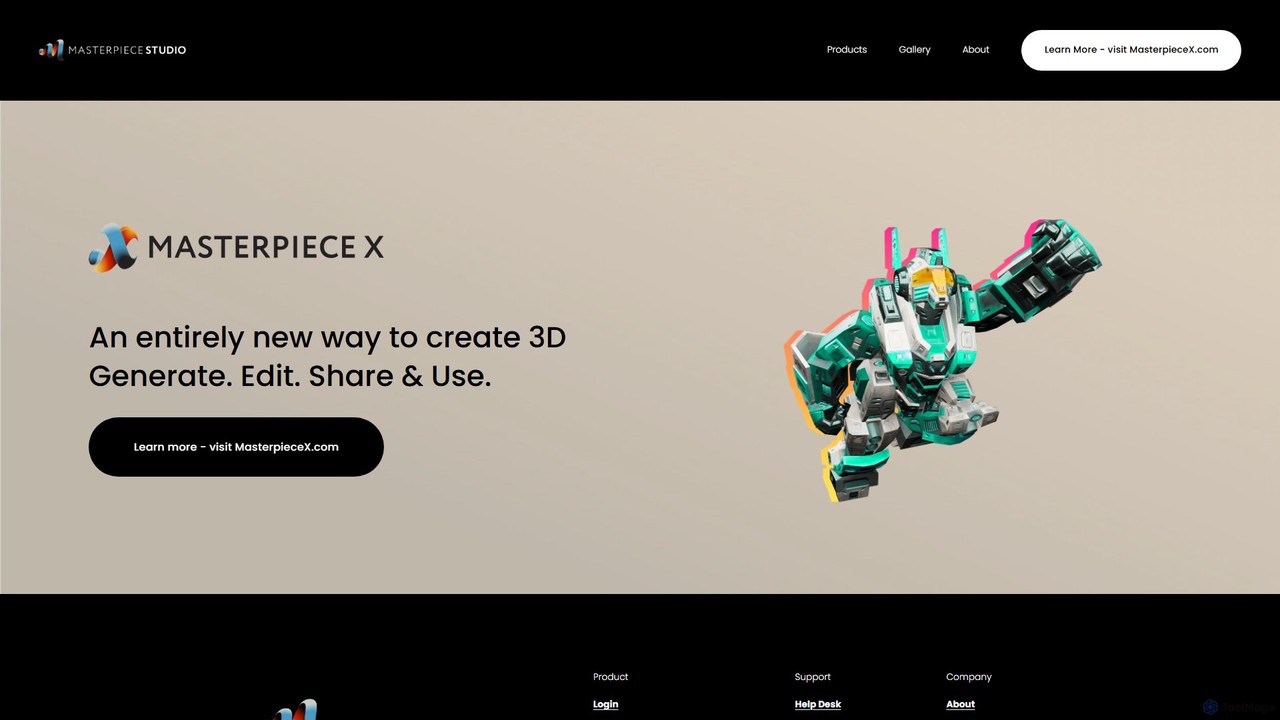
Masterpiece Studio is a revolutionary 3D creation platform designed to make the process of 3D modeling and animation accessible and efficient for everyone. With a history of over eight years in pushing the boundaries of 3D technology, the platform integrates cutting-edge generative AI with a suite of intuitive editing tools. Its core philosophy is to simplify the complex, empowering a new generation of creators to bring their ideas to life in three dimensions. The platform's workflow is streamlined into three simple steps: Generate, Edit, and Share & Use, making it an ideal solution for game developers, animators, digital artists, and designers.
How to use Masterpiece Studio
The user experience in Masterpiece Studio is built around a seamless and intuitive workflow. Users can typically follow these steps to create their 3D assets:
- Generate: Begin your project by generating a 3D model. This can be done using text prompts (Text-to-3D), where the AI interprets your description to create a base mesh. Alternatively, you can start with basic shapes or import existing models.
- Edit & Refine: Once you have a base model, you can enter the editing suite. Here, you can sculpt details, modify the geometry, and apply textures and materials. The platform includes powerful tools for rigging, skinning, and animating your characters, transforming static models into dynamic creations.
- Share & Use: After finalizing your 3D asset, you can easily export it in various industry-standard formats like FBX, OBJ, and GLTF. These models are ready to be used in game engines like Unity and Unreal, animation software, VR/AR applications, or for 3D printing. You can also share your work within the Masterpiece Studio community.
Core Features of Masterpiece Studio
- AI-Powered Generation: Utilizes generative AI to create 3D models from simple text descriptions, dramatically speeding up the initial creation process.
- Comprehensive Editing Suite: Offers a full range of tools for sculpting, texturing, rigging, and animating 3D models, all within a single platform.
- Effortless Rigging and Posing: Features automated rigging tools that simplify the process of creating a skeleton and preparing a character for animation.
- VR Native Creation: Provides an immersive creation experience by allowing users to design and sculpt directly in a virtual reality environment.
- Multi-Format Export: Supports exporting assets to all major 3D formats, ensuring compatibility with professional game development and animation pipelines.
- Community and Gallery: A space for creators to showcase their work, discover inspiration, and connect with other artists.
Use Cases for Masterpiece Studio
Masterpiece Studio is a versatile tool suitable for a wide array of applications:
- Game Development: Rapidly create and iterate on game characters, props, and environmental assets.
- Animation & Film: Produce animated characters and scenes for short films, commercials, and pre-visualization.
- AR/VR Experiences: Design and build immersive assets for virtual and augmented reality applications.
- Product Design & Prototyping: Quickly visualize and prototype product concepts in 3D.
- Digital Art & NFTs: Create unique 3D sculptures and artworks for digital galleries and the NFT market.
Advantages of Masterpiece Studio
The primary advantage of Masterpiece Studio is its ability to democratize 3D creation. It significantly lowers the technical barrier and time investment traditionally required for 3D modeling. The seamless integration of AI generation with robust editing tools creates a fluid and accelerated workflow. This allows solo developers, small teams, and even hobbyists to produce professional-quality 3D content that was once only achievable by large studios.
Pricing and Plans
Masterpiece Studio typically operates on a freemium model. This includes a free version with basic features, perfect for individuals starting out or exploring the platform. For professionals and teams requiring more advanced capabilities, commercial usage rights, and higher export limits, there are paid subscription plans like 'Masterpiece Studio Pro'. Specific details on pricing tiers, features, and limitations are available on the official Masterpiece Studio website. It is recommended to visit their site for the most current and detailed information.
Traffic
Latest traffic
Status
Monthly traffic trend
- 2025-9: 783
- 2026-1: 9.7K
- 2026-2: 7.8K
- 2026-3: 7.0K
- 2026-4: 5.7K
- 2026-5: 2.3K
Geography
Top 5 countries / regions
- 🇺🇸United States45.1%
- 🇮🇳India21.3%
- 🇷🇺Russia21.1%
- 🇹🇷Türkiye12.5%
Top keywords
| Keyword | Cost per click |
|---|---|
| 3d materpiece | $0.00 |
| masterpice | $0.28 |
| master piece | $0.43 |
| masterpiece | $0.50 |
| masterpiecestudio | $0.00 |
Masterpiece Studio Alternatives
Playabl
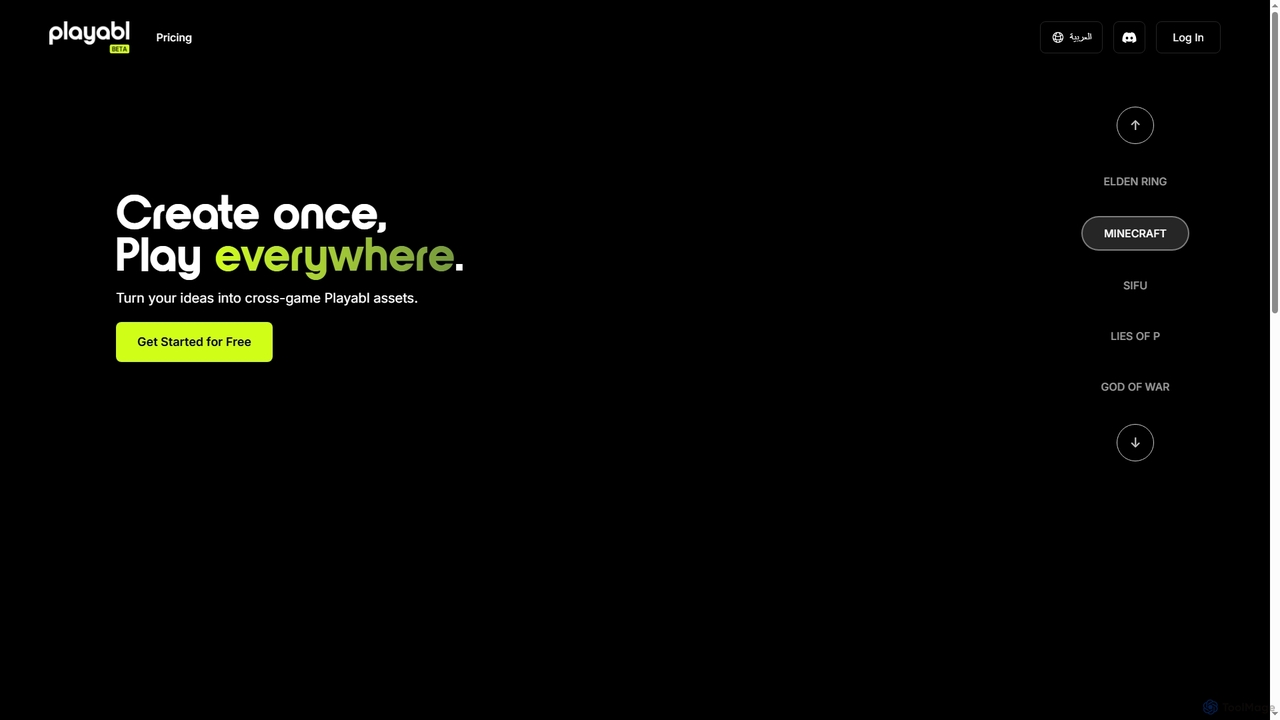
Playabl is an AI-powered platform for creating cross-game assets. It allows users to turn ideas into characters, weapons, and 3D models that can be used across various gaming environments, embodying a 'create once, play everywhere' philosophy.
3D Modeling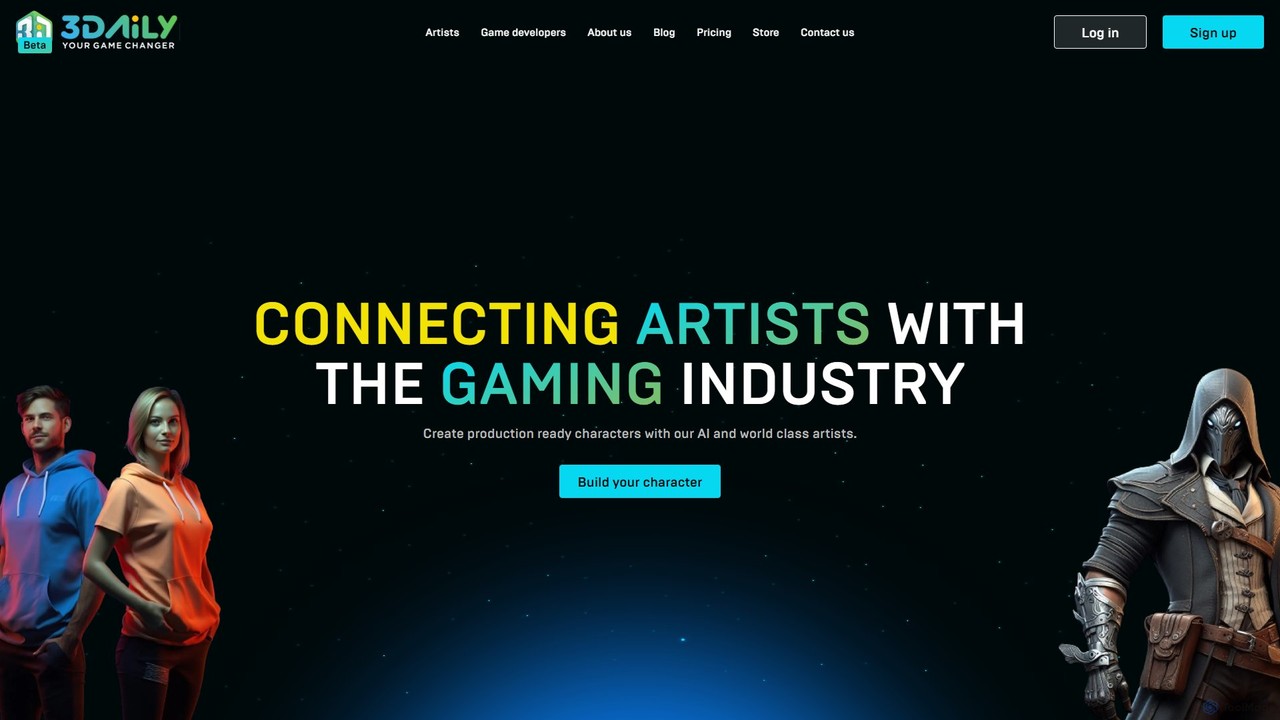
3daily
3daily is an AI-powered platform for creating production-ready 3D models, especially game characters. It combines generative AI with artist creativity, offering a character editor, an asset marketplace, and custom orders. Generate high-quality, game-ready meshes for gaming, animation, VTubing, and the metaverse.
Generator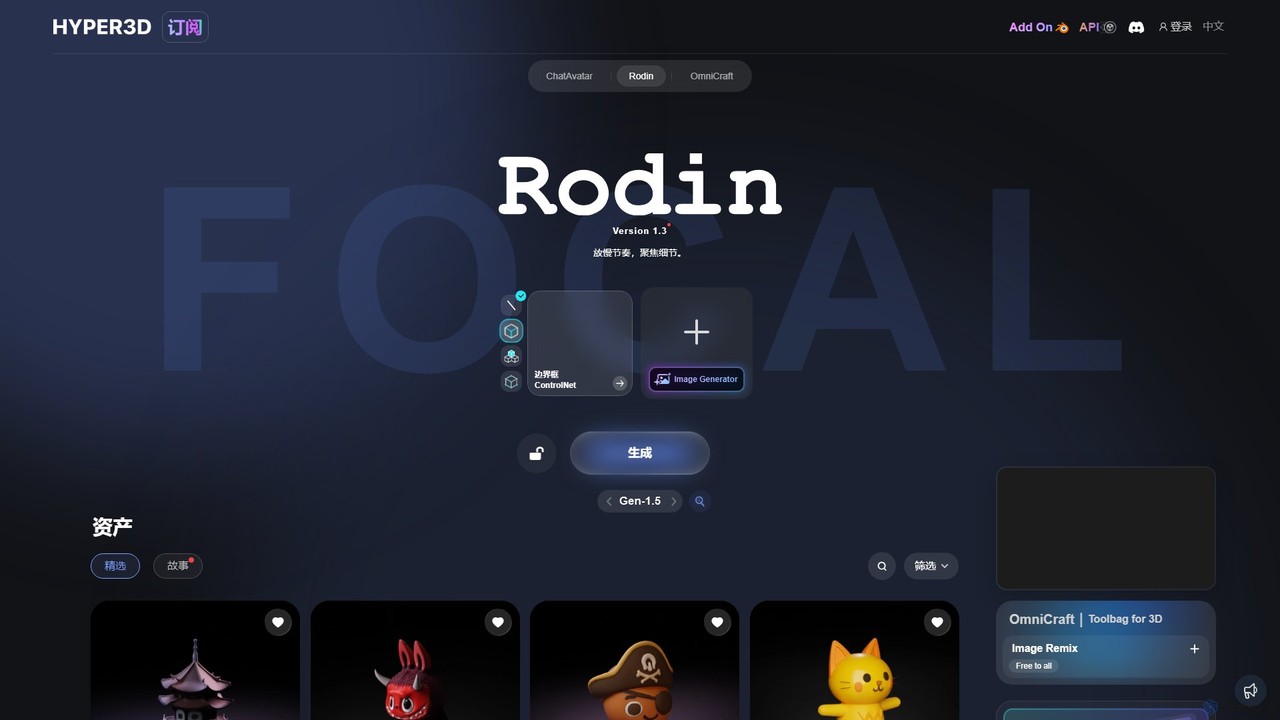
Hyper3D
Hyper3D is a comprehensive AI-powered 3D creation suite. Its core tool, Rodin, generates high-quality 3D models from single images, multi-view photos, or text prompts. The platform also includes the OmniCraft toolbag for mesh editing, texture generation, and more, streamlining the entire 3D asset creation workflow for designers, game developers, and animators.
3D Modeling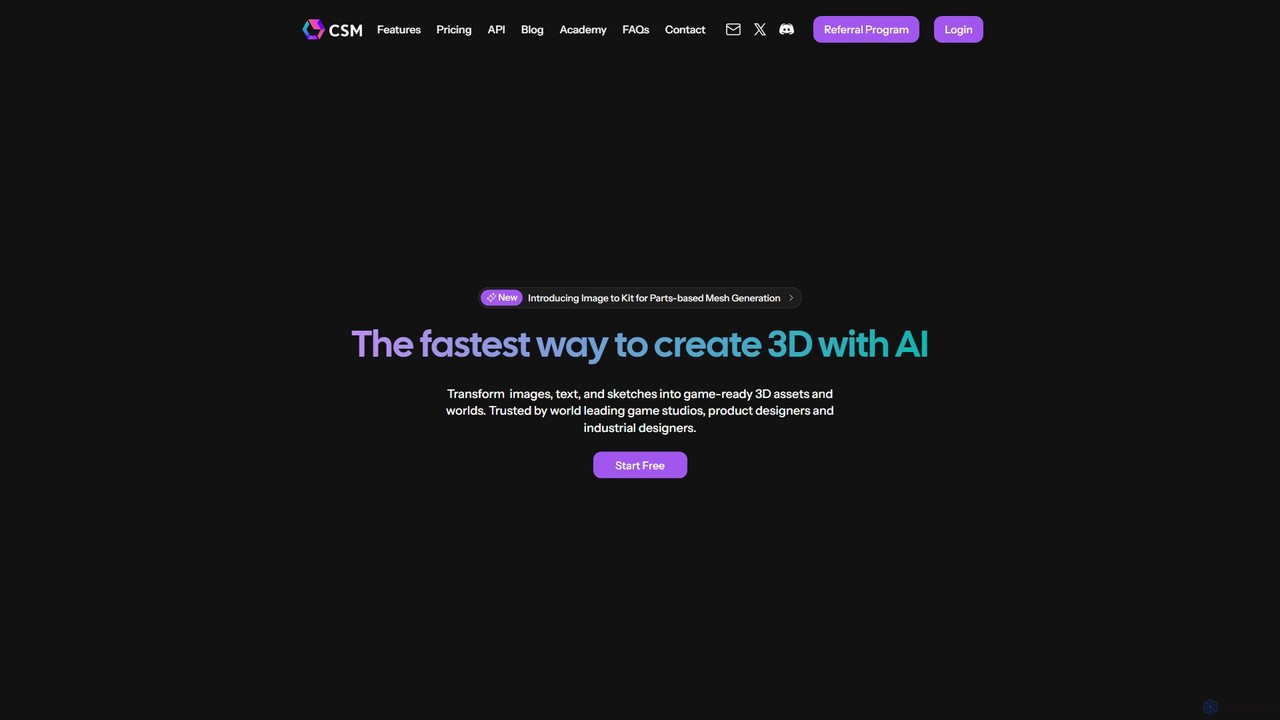
CSM
CSM is an advanced AI platform that rapidly transforms images, text, and sketches into game-ready 3D assets and worlds. It's designed for game developers, product designers, and 3D artists to supercharge their workflows in Unity, Unreal, and Blender with features like Image-to-Kit, AI Retexturing, and Text-to-4D generation.
3D Modeling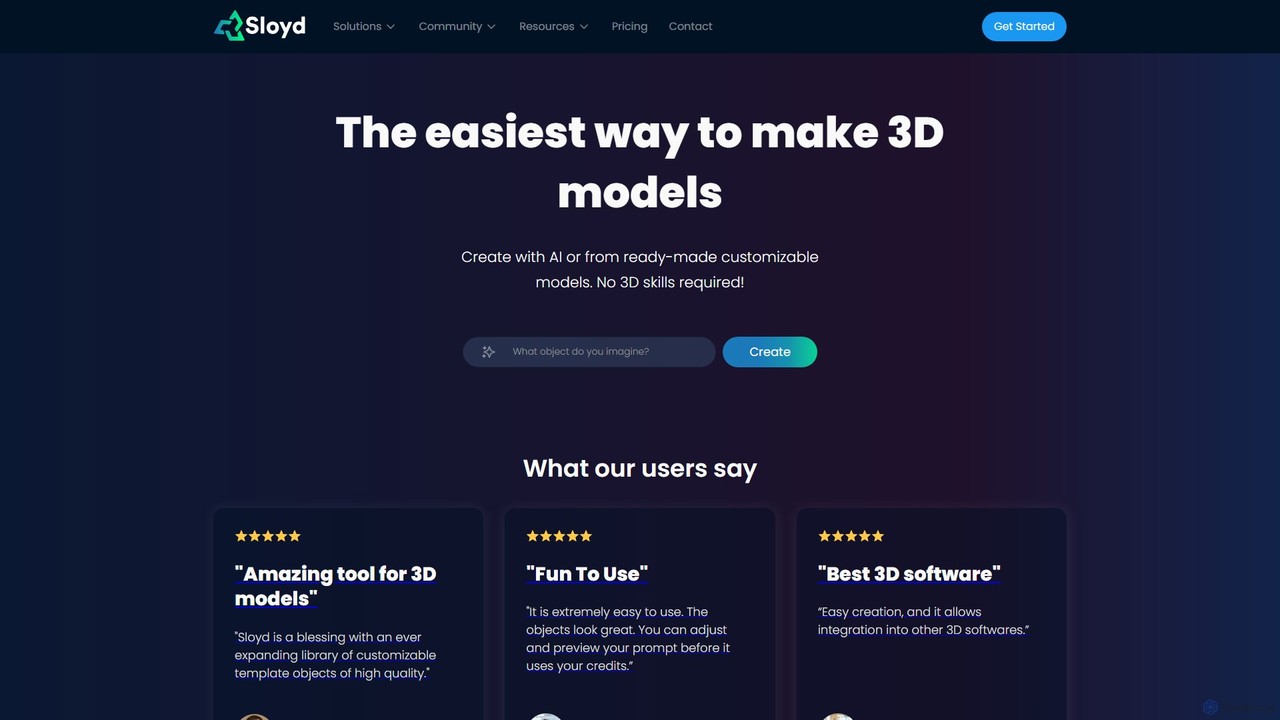
Sloyd
Sloyd is an AI-powered 3D model generator that makes 3D creation effortless. Generate models from text prompts or images, or customize from a vast library of parametric templates. No 3D skills are required, making it perfect for game developers, designers, and hobbyists.
GeneratorMasterpiece Studio Categories
Masterpiece Studio Embed Widget
Copy this embed code to place the badge on your blog, article, or product site and send readers directly to this ToolMage detail page.

Related AI tools
Playabl
Playabl is an AI-powered platform for creating cross-game assets. It allows users to turn ideas into characters, weapons, and 3D models that can be used across various gaming environments, embodying a 'create once, play everywhere' philosophy.
3D Modeling3daily
3daily is an AI-powered platform for creating production-ready 3D models, especially game characters. It combines generative AI with artist creativity, offering a character editor, an asset marketplace, and custom orders. Generate high-quality, game-ready meshes for gaming, animation, VTubing, and the metaverse.
GeneratorHyper3D
Hyper3D is a comprehensive AI-powered 3D creation suite. Its core tool, Rodin, generates high-quality 3D models from single images, multi-view photos, or text prompts. The platform also includes the OmniCraft toolbag for mesh editing, texture generation, and more, streamlining the entire 3D asset creation workflow for designers, game developers, and animators.
3D Modeling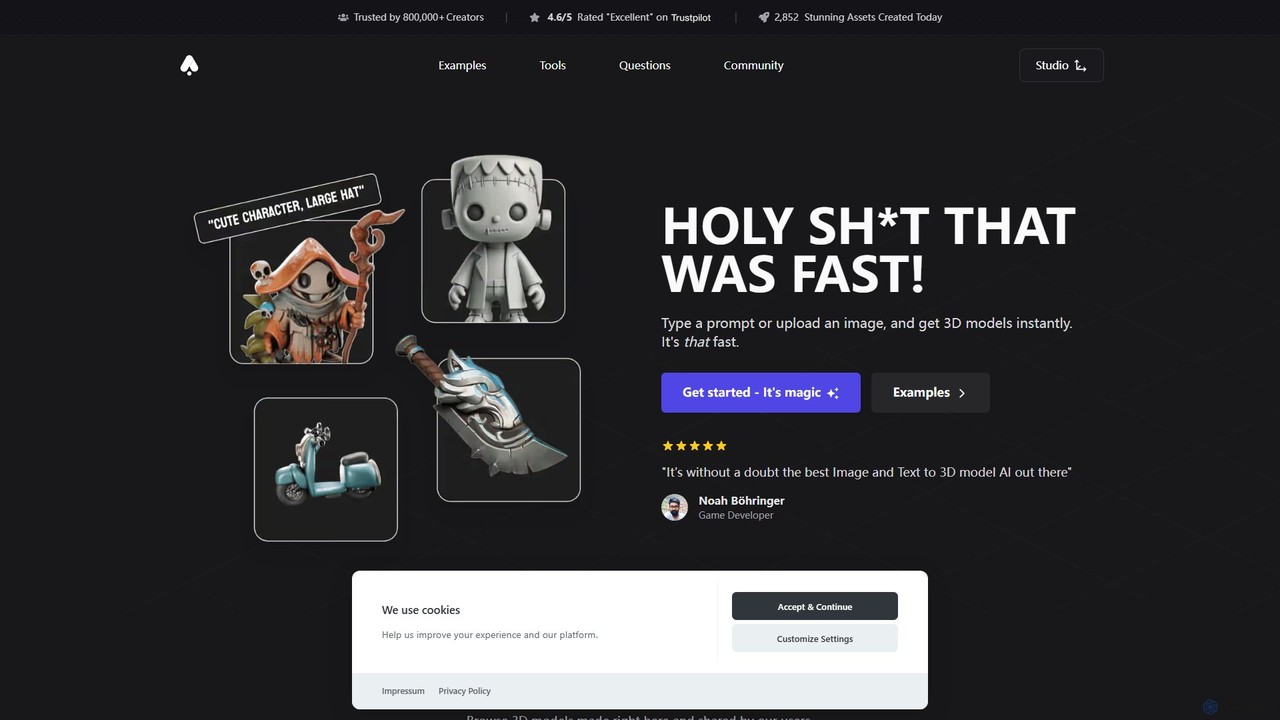
3D AI Studio
3D AI Studio is a powerful AI-driven platform that generates high-quality 3D models from text prompts or images in seconds. Designed for creators, game developers, and designers, it simplifies the 3D creation process with features like AI texturing, automatic remeshing, and a vast community library. It offers a fast, intuitive, and cost-effective solution for producing game-ready assets, 3D printable models, and more, without requiring extensive 3D modeling experience.
Ai 3D Generator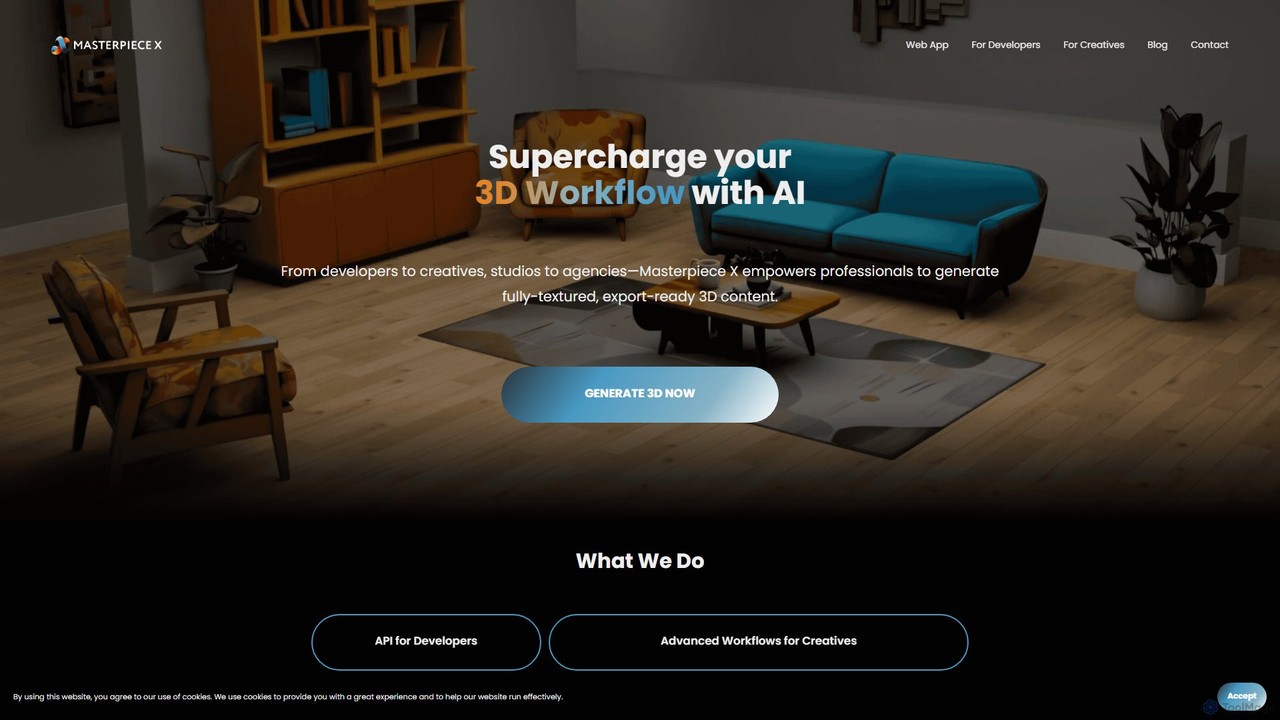
Masterpiece X
Masterpiece X is an advanced AI-powered 3D creation platform designed for professionals and creatives. It enables users to generate fully-textured, animated, and export-ready 3D models from simple text prompts or images, significantly accelerating workflows in game development, concept art, and metaverse creation.
3D Modeling
Glyf
Glyf is an AI-powered platform that transforms text prompts and images into high-quality 3D models. Designed for creators of all skill levels, it simplifies the 3D creation process, enabling rapid prototyping, game asset generation, and artistic expression without complex software.
Generative Art
polymorf3d
polymorf3d is an advanced AI-powered platform for 3D content creation. It enables users to generate high-quality 3D models and textures from text prompts or 2D images. Designed for game developers, artists, and designers, it streamlines the 3D asset pipeline, offering rapid prototyping, automated texturing, and model variation generation to accelerate creative workflows.
3D Generator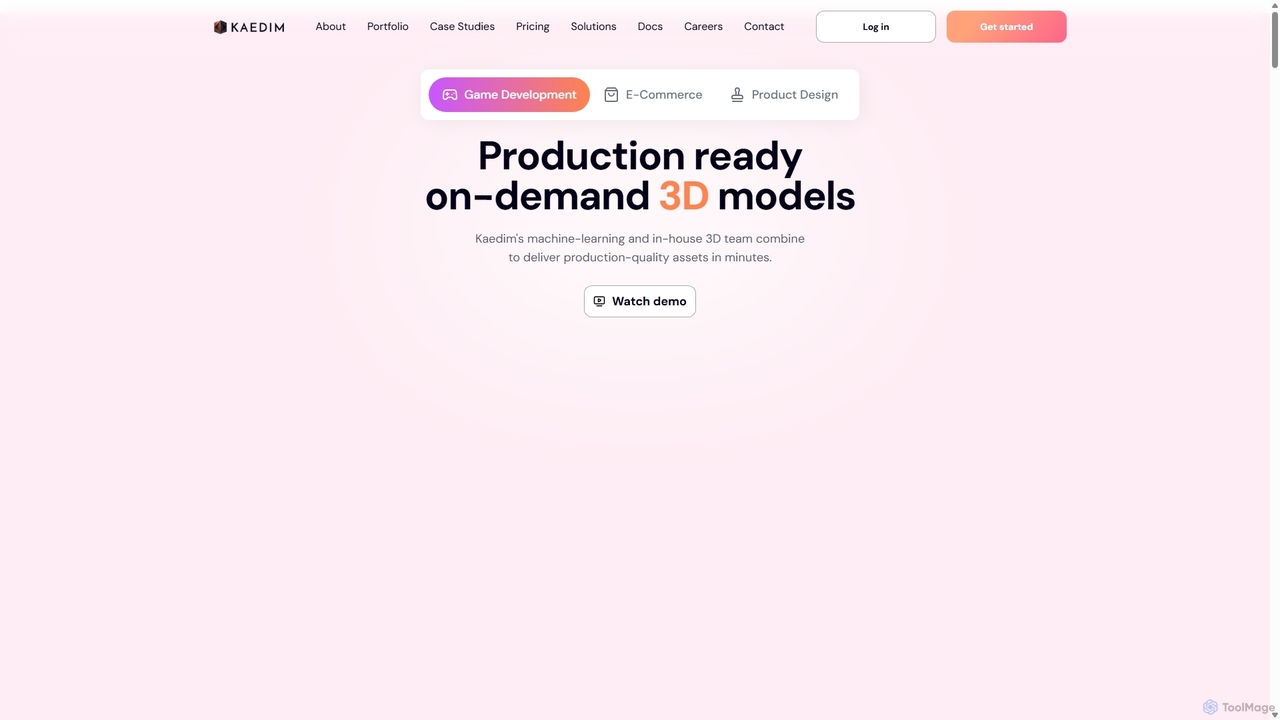
Kaedim3D
Kaedim3D is an AI-powered platform that accelerates 3D asset creation by transforming 2D images or text descriptions into production-ready 3D models. It combines machine learning with a team of in-house artists to deliver high-quality, optimized assets 10x faster for game development, e-commerce, and product design.
3D Modeling
Artefacts.ai
Artefacts.ai is a powerful AI-driven platform that transforms text prompts and 2D images into high-quality 3D models in seconds. Designed for creators, designers, and game developers, it simplifies the 3D creation workflow from concept to asset. Users can generate game-ready models, create files for full-color 3D printing, and seamlessly integrate their creations into existing DCC software. The platform also offers a unique service to order physical 3D prints of generated models.
Generative 3D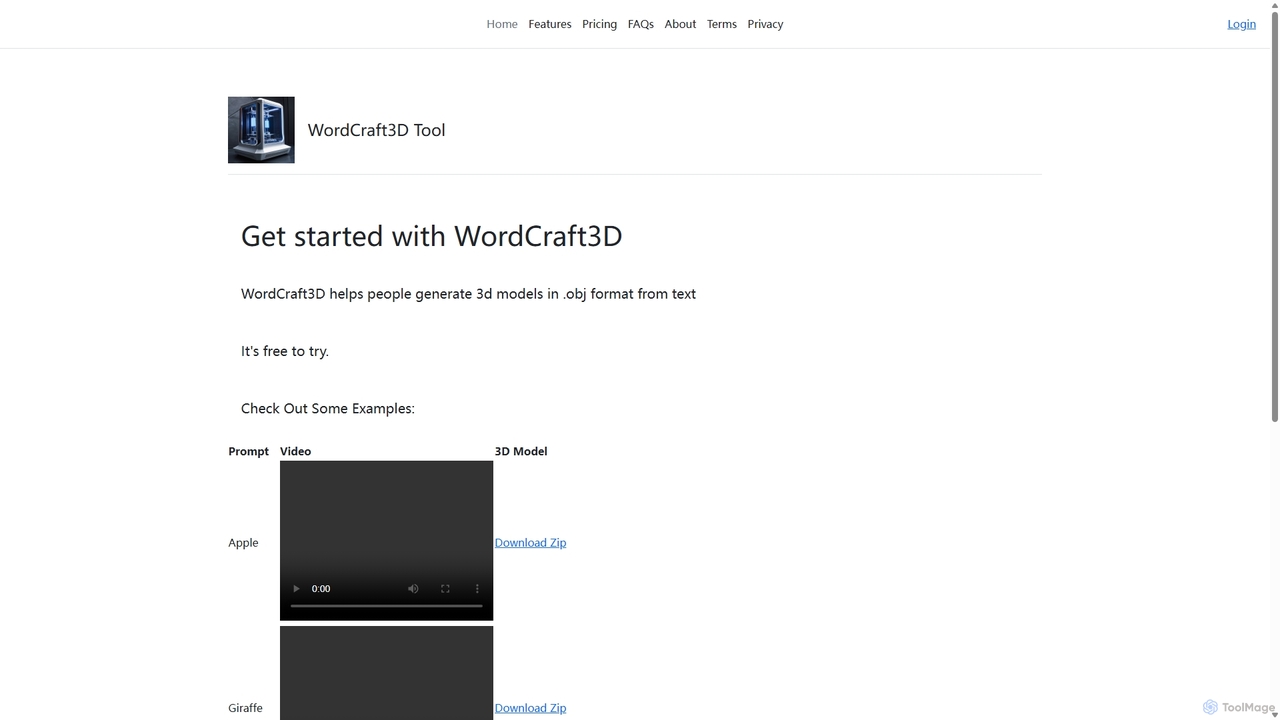
WordCraft3D
WordCraft3D is an AI-powered tool that generates 3D models in the standard .obj format from simple text descriptions. It's designed for game developers, 3D artists, and designers to rapidly prototype and create assets. The tool is currently free to use, allowing users to download models along with their material and texture files, and preview them with a rotating video.
Text To 3D
mondial3d
mondial3d is a powerful AI-driven platform for the rapid creation of high-quality 3D models and immersive environments. By leveraging advanced generative AI, it enables users to generate detailed 3D assets from simple text prompts or 2D images. It's tailored for game developers, architects, and designers, streamlining the 3D content creation pipeline and significantly reducing production time and costs.
Generative 3DCSM
CSM is an advanced AI platform that rapidly transforms images, text, and sketches into game-ready 3D assets and worlds. It's designed for game developers, product designers, and 3D artists to supercharge their workflows in Unity, Unreal, and Blender with features like Image-to-Kit, AI Retexturing, and Text-to-4D generation.
3D Modeling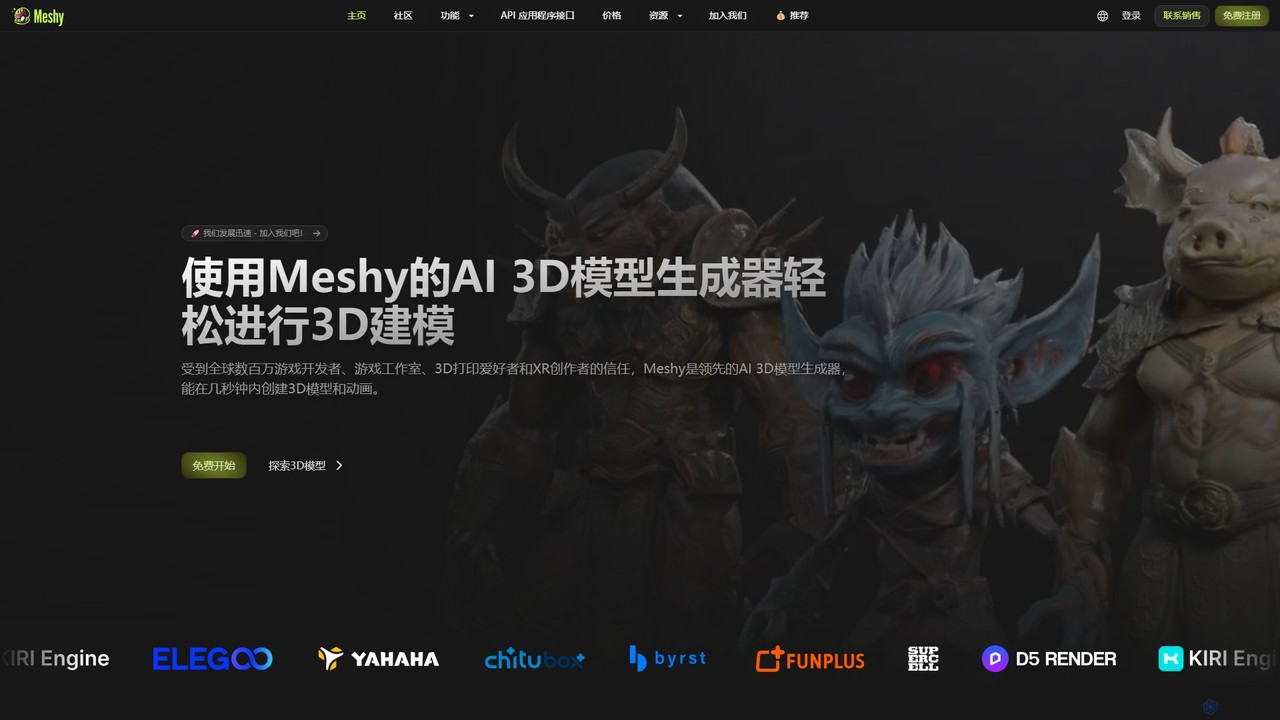
Meshy
Meshy is an all-in-one AI 3D content creation suite. Generate stunning 3D models, textures, and animations from text or images in minutes. It's the ultimate toolkit for game developers, artists, and creators, simplifying the entire 3D workflow from concept to a fully animated asset.
Generator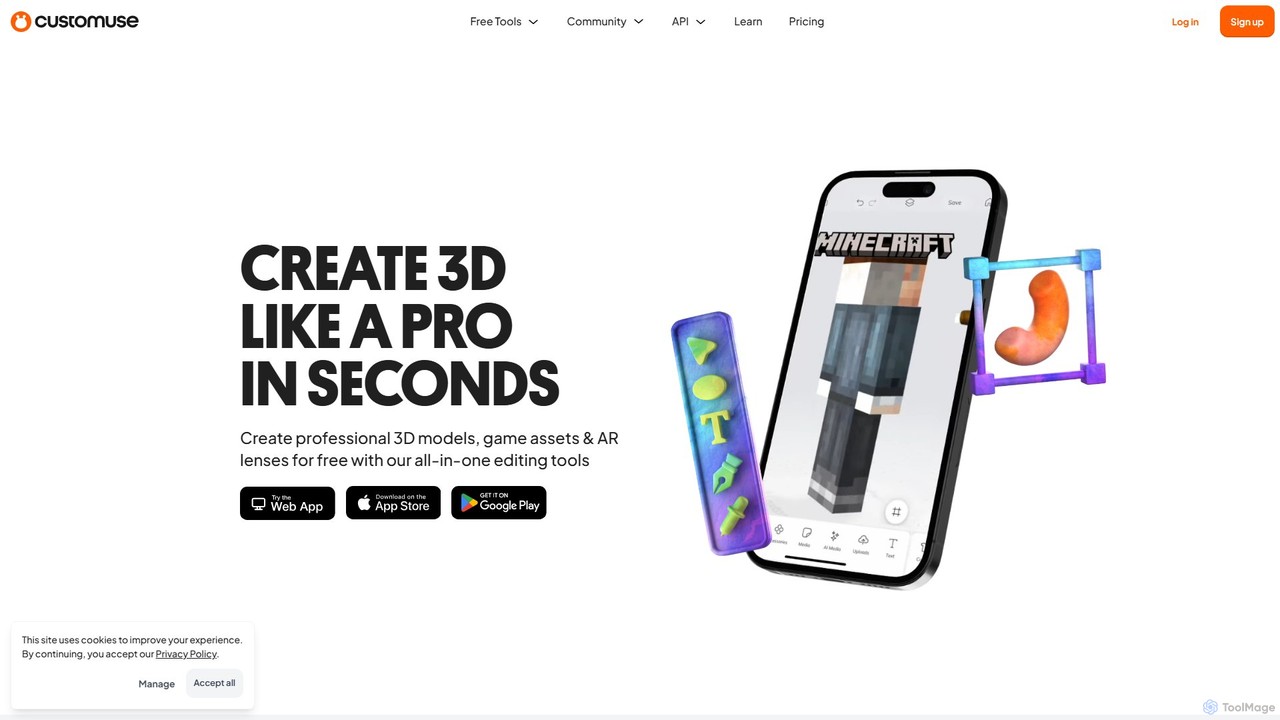
Customuse
Customuse is an all-in-one AI-powered design studio for creating professional 3D models, game assets, and AR filters. It simplifies 3D creation for platforms like Roblox, Minecraft, Zepeto, Snapchat, and TikTok, using an intuitive editor, extensive templates, and powerful AI tools. Available on both desktop and mobile, it empowers creators of all skill levels to design, monetize, and share their digital creations effortlessly.
Modeling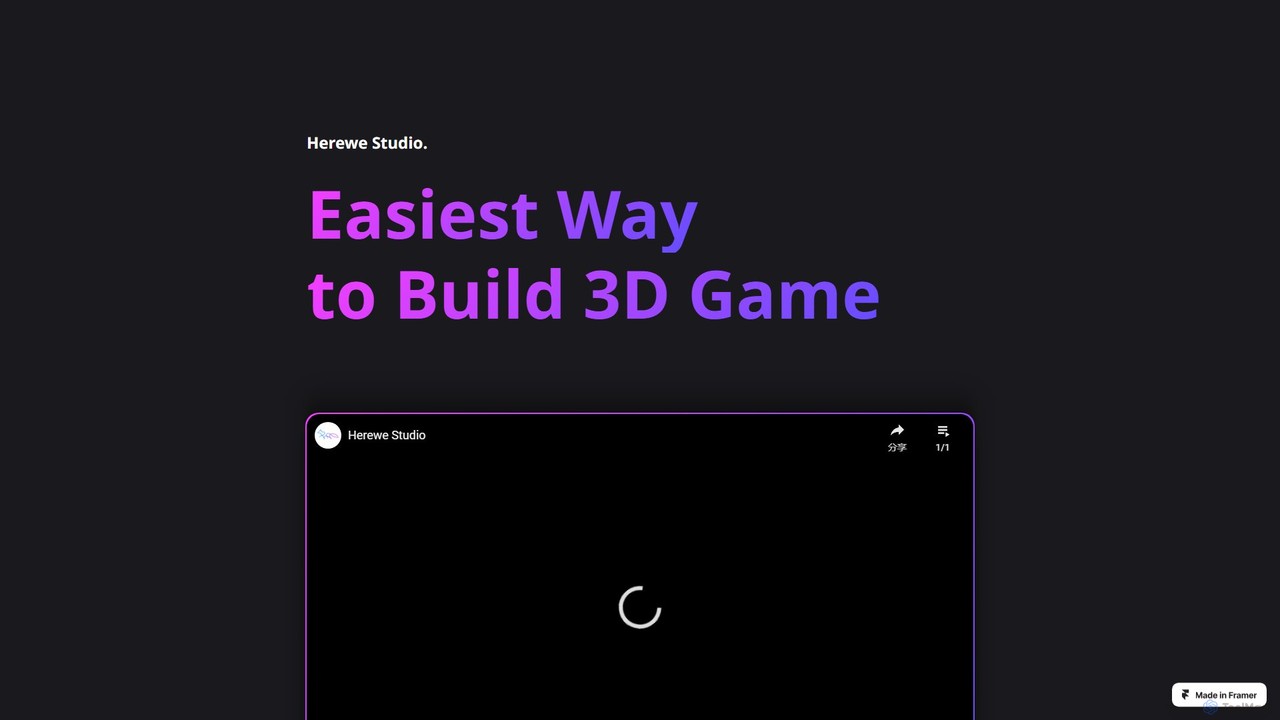
Herewe
Herewe is a web-based, AI-powered platform for easily creating 3D games and metaverse experiences. With its intuitive 3D studio, Text-to-3D generator, and a rich ecosystem of assets and third-party extensions, users can build and share immersive virtual worlds without needing advanced coding or design skills. It's an all-in-one solution for game developers, creators, and communities.
3D Modeling
Masterpiece Studio Comments (0)
Sign in to comment.
Sign inNo comments yet.