

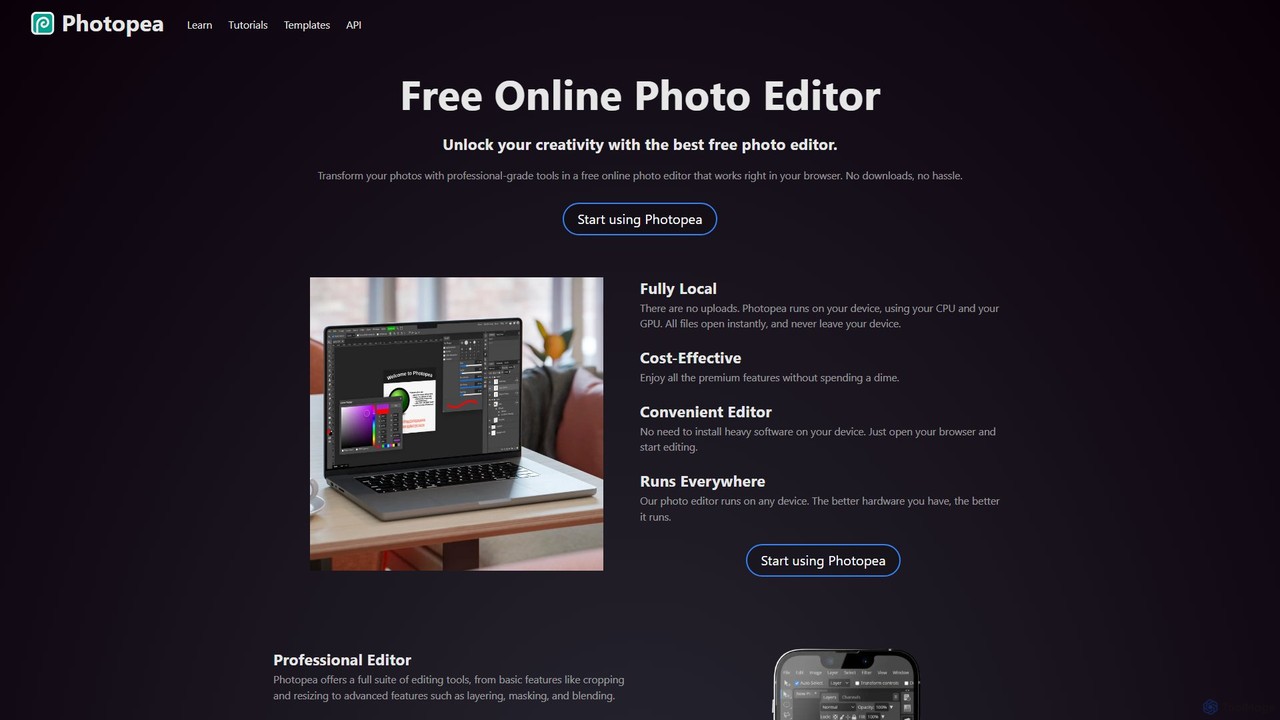
Photopea Overview
Photopea is a revolutionary online image editor that brings professional-grade editing tools to your web browser, completely free of charge. It stands as a powerful and accessible alternative to expensive software like Adobe Photoshop, offering a comprehensive suite of features without the need for any downloads or installations. Because Photopea runs locally on your device, your files are never uploaded to a server, ensuring complete privacy and instant file access.
How to use Photopea
Using Photopea is incredibly straightforward, designed for both beginners and professionals. The process is as follows:
- Access the Editor: Simply open your web browser (like Chrome, Firefox, or Edge) and navigate to www.photopea.com.
- Open a File: You can start a new project from scratch or open an existing file from your computer. Photopea supports a vast range of formats, including PSD, JPG, PNG, and even vector and RAW files. You can drag and drop files directly onto the interface.
- Edit Your Image: The user interface will be familiar to anyone who has used a desktop image editor. The toolbar is on the left, the layer panel is on the right, and the main menu is at the top. Use tools for cropping, resizing, color correction, retouching, and more.
- Utilize Advanced Features: Work with layers, apply masks, use blending modes, create smart objects, and apply non-destructive adjustment layers. You can also create and edit vector shapes and paths.
- Save and Export: Once you are finished, you can save your project as a PSD file to retain all layers and editability, or export it in various formats like PNG, JPG, SVG, or PDF for web use or printing.
Core Features of Photopea
- Professional Editing Suite: Includes all the essential tools you'd expect, such as Layers, Masks, Layer Styles, Smart Objects, Adjustment Layers, Channels, and Paths.
- Full PSD Support: Photopea can open, edit, and save Adobe Photoshop (PSD) files with full layer support, making it a seamless tool for collaboration.
- Extensive File Format Compatibility: It opens and edits over 40 file formats, including PNG, JPG, GIF, SVG, PDF, AI, Figma, and various RAW camera formats (DNG, CR2, NEF, ARW).
- State-of-the-Art AI Tools: Integrated AI features simplify complex tasks. This includes a one-click background remover and a 'Magic Replace' tool that can replace any part of an image based on a text description.
- Advanced Filters and Adjustments: Access powerful tools like Levels, Curves, Gaussian Blur, and advanced transformation features such as Liquify and Puppet Warp.
- Vector Graphics: Create and edit vector graphics, including shapes, paths, and text, directly within the editor. This is ideal for logos, icons, and illustrations.
Use Cases for Photopea
Photopea's versatility makes it suitable for a wide range of users:
- Social Media Enthusiasts: Quickly enhance photos, create memes, or design custom graphics for Instagram, Facebook, and Twitter posts to make them stand out.
- Students and Educators: A perfect free tool for creating stunning visuals for presentations, school assignments, and educational materials without needing access to licensed software.
- Small Business Owners: Design promotional materials, edit product photos for e-commerce stores, and create engaging content for websites and marketing campaigns without a budget for expensive software.
- Graphic Designers & Freelancers: A reliable and powerful tool for professional work. Whether you're on the go or using a different computer, Photopea provides the features needed to produce high-quality designs, logos, and illustrations.
Advantages of Photopea
Photopea offers several distinct advantages:
- Cost-Effective: It provides premium, professional-level features entirely for free, making it an excellent choice for everyone.
- Convenient and Accessible: No installation is required. It runs on any device with a modern web browser, including desktops, laptops, and tablets.
- Privacy-Focused: All processing is done locally on your device. Your files are never uploaded to the cloud, ensuring your data remains private.
- High Performance: The editor is optimized to use your device's hardware (CPU and GPU), resulting in fast and responsive performance.
Pricing and Plans
Photopea operates on a freemium model:
- Free Plan: Access to all editing tools and features. This plan is supported by ads displayed in the interface. It includes 30 history steps.
- Premium Plan: For a small subscription fee, users can upgrade to the Premium plan. This removes all advertisements, increases the number of history steps to 60, and provides email support for a cleaner and more efficient workflow.
Traffic
Latest traffic
Status
Monthly traffic trend
- 2025-9: 16.6M
- 2026-1: 19.2M
- 2026-2: 17.1M
- 2026-3: 18.1M
- 2026-4: 18.2M
- 2026-5: 18.3M
Geography
Top 5 countries / regions
- 🇺🇸United States51.0%
- 🇮🇳India19.4%
- 🇬🇧United Kingdom10.5%
- 🇧🇷Brazil9.9%
- 🇪🇸Spain9.2%
Traffic sources
| Source type | Percentage |
|---|---|
Direct | 94.4% |
Referral | 4.4% |
Email | 1.1% |
Top keywords
| Keyword | Cost per click |
|---|---|
| online photoshop | $1.44 |
| photo pea | $0.61 |
| photopea | $0.55 |
| photoshop online | $0.80 |
| photpea | $0.80 |
Photopea Videos on YouTube

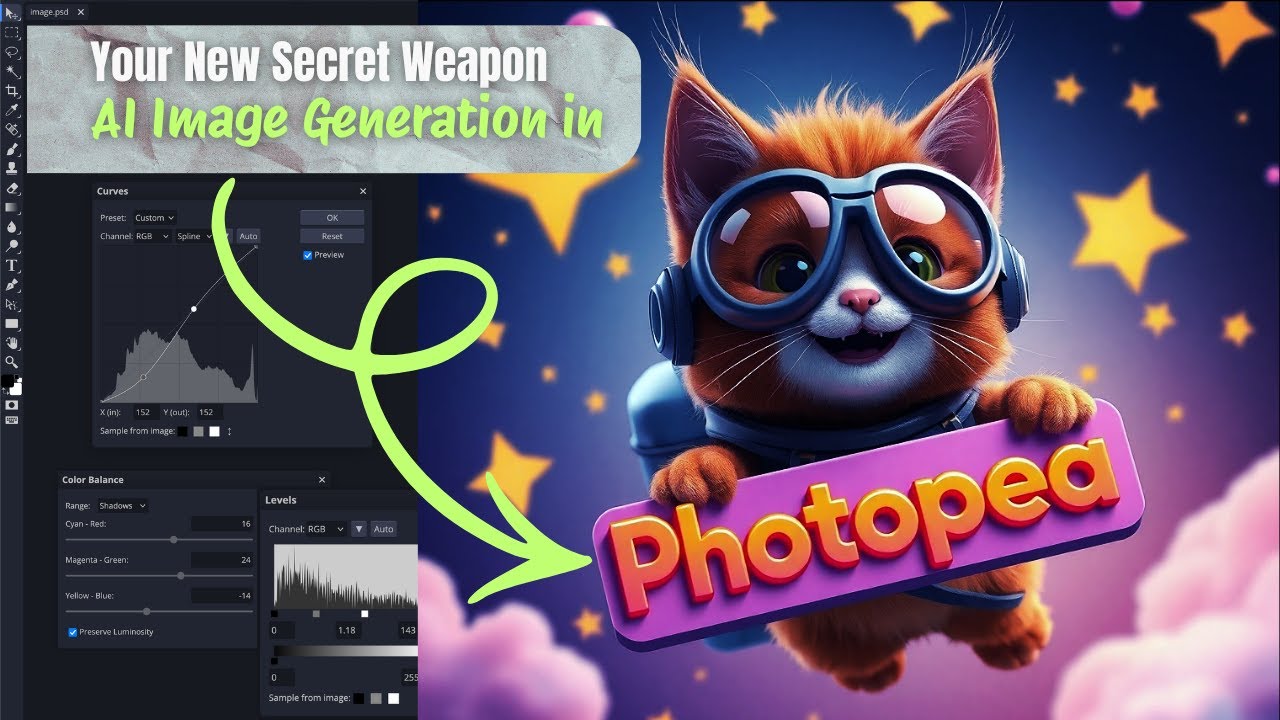
Eses infor Learning


Toptuto Web

Photopea Alternatives
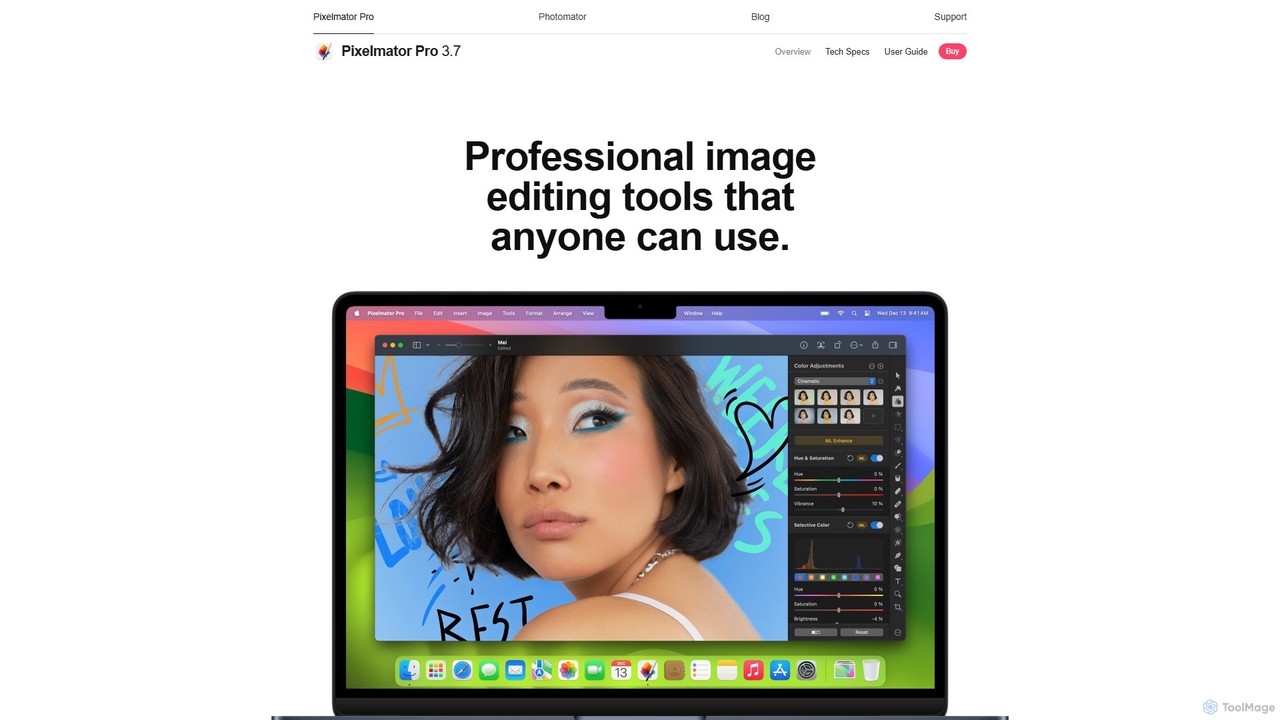
Pixelmator Pro
Pixelmator Pro is a powerful, beautiful, and easy-to-use image editor exclusively for Mac. It leverages advanced AI and machine learning to offer professional-grade photo editing, graphic design, and vector tools. Features include one-click photo enhancement, automatic background removal, advanced color adjustments, RAW editing, video layer support, and a vast library of templates and mockups, making it ideal for both beginners and seasoned professionals.
Image Editing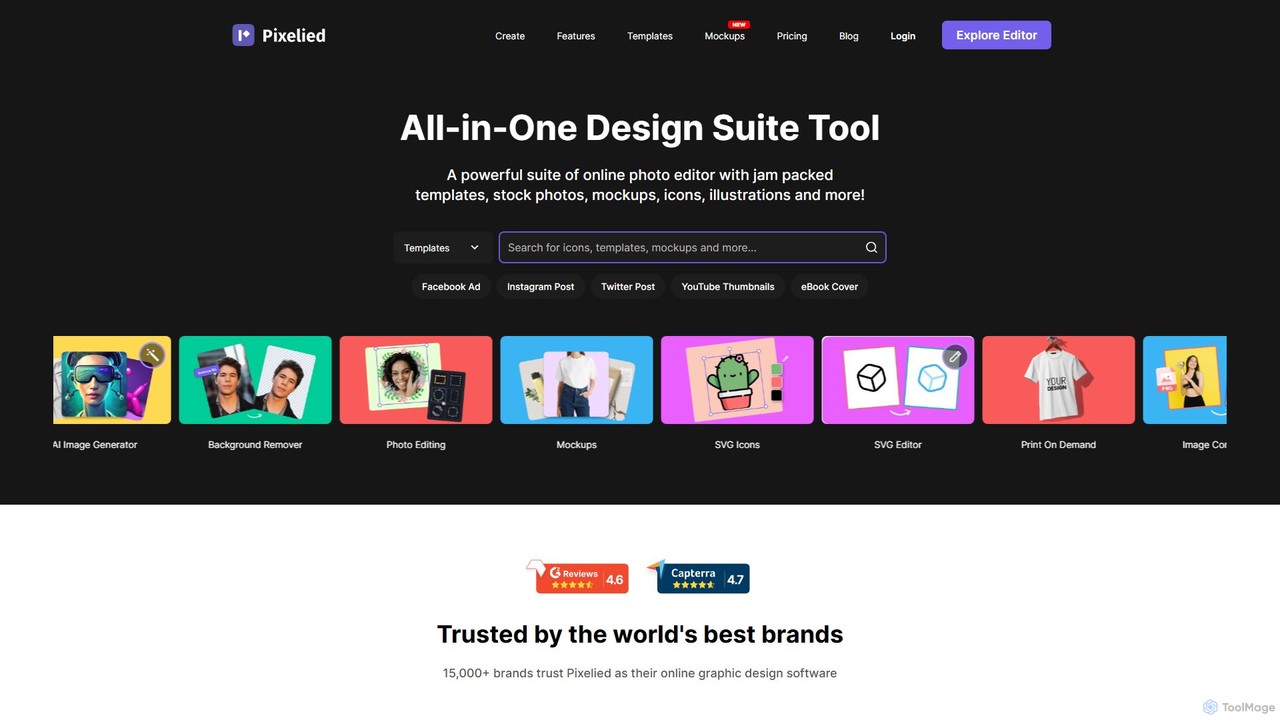
Pixelied
Pixelied is an all-in-one online graphic design suite and photo editor designed for non-designers. It empowers users to create stunning visuals in minutes with a vast library of templates, millions of stock photos, advanced editing tools, and an AI-powered background remover. Ideal for social media graphics, marketing materials, and blog visuals.
3D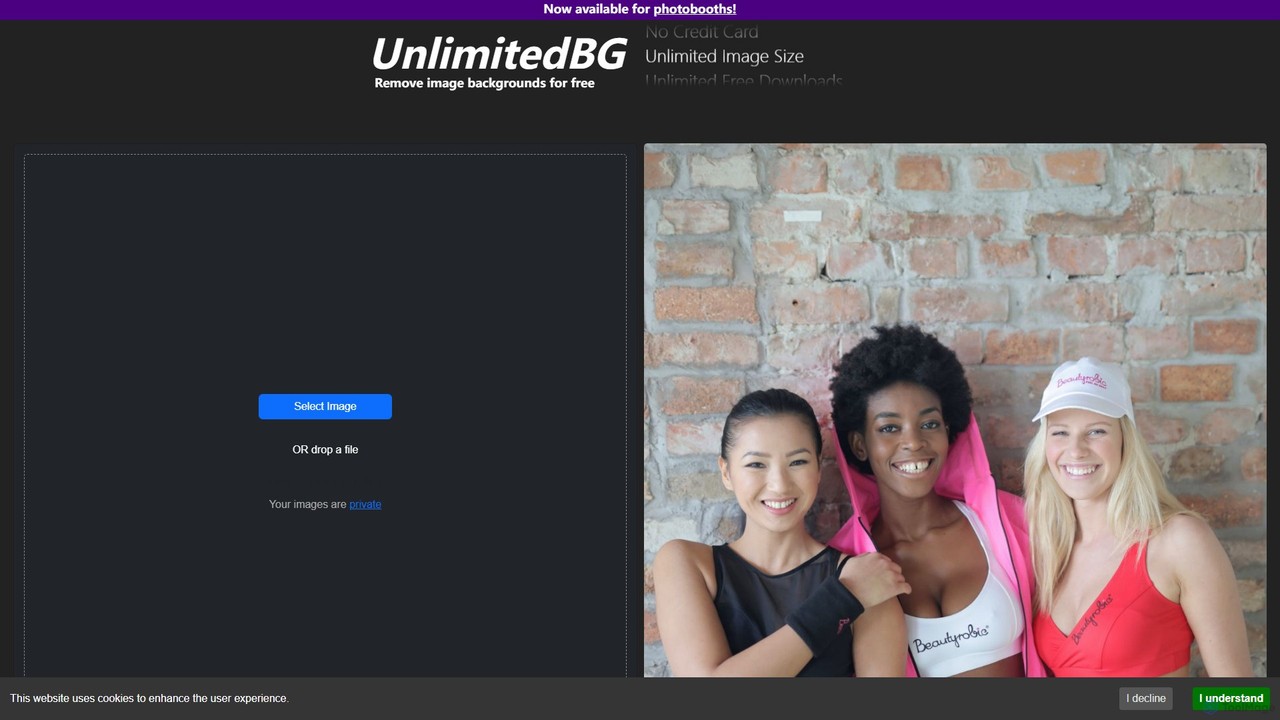
UnlimitedBG
UnlimitedBG is a versatile AI tool offering a 100% free online background remover with no limits on usage, size, or downloads. It also provides a professional, offline-capable desktop application for photobooths with a flat-rate subscription, ensuring high-quality, instant results for both casual users and event professionals.
Background Removal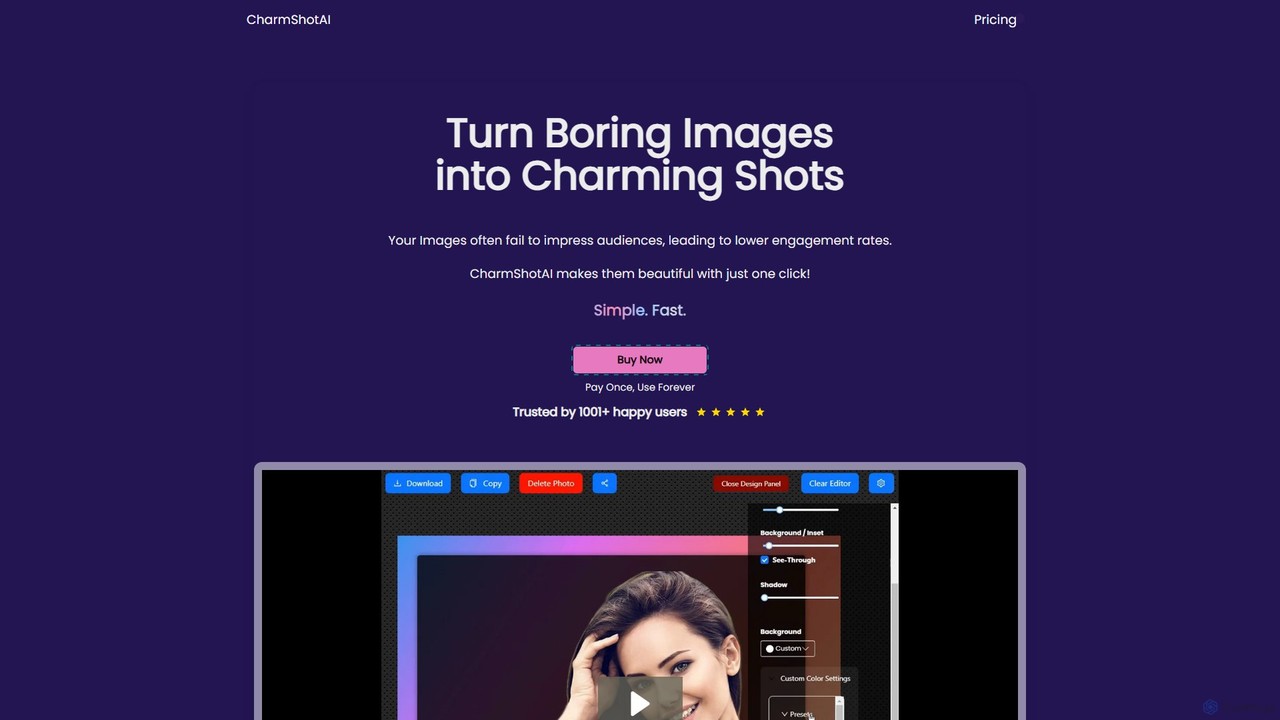
CharmShotAI
CharmShotAI is an AI-powered image editor that transforms plain screenshots and images into visually appealing graphics with one click. It offers features like automatic background generation, text balancing, sensitive information redaction, and code snapshot creation, all within your browser for maximum privacy.
Image Editor
Picsart
Picsart is an all-in-one AI-powered creative platform for photo and video editing. It offers a comprehensive suite of tools, including AI image generation, background removal, photo enhancement, and a vast library of templates and stock content. Designed for everyone from beginners to professionals, Picsart simplifies the creation of stunning visuals for social media, marketing, and personal projects, accessible on both web and mobile.
3DPhotopea Categories
Photopea Embed Widget
Copy this embed code to place the badge on your blog, article, or product site and send readers directly to this ToolMage detail page.

Related AI tools
Pixelmator Pro
Pixelmator Pro is a powerful, beautiful, and easy-to-use image editor exclusively for Mac. It leverages advanced AI and machine learning to offer professional-grade photo editing, graphic design, and vector tools. Features include one-click photo enhancement, automatic background removal, advanced color adjustments, RAW editing, video layer support, and a vast library of templates and mockups, making it ideal for both beginners and seasoned professionals.
Image EditingPixelied
Pixelied is an all-in-one online graphic design suite and photo editor designed for non-designers. It empowers users to create stunning visuals in minutes with a vast library of templates, millions of stock photos, advanced editing tools, and an AI-powered background remover. Ideal for social media graphics, marketing materials, and blog visuals.
3DUnlimitedBG
UnlimitedBG is a versatile AI tool offering a 100% free online background remover with no limits on usage, size, or downloads. It also provides a professional, offline-capable desktop application for photobooths with a flat-rate subscription, ensuring high-quality, instant results for both casual users and event professionals.
Background RemovalPicsart
Picsart is an all-in-one AI-powered creative platform for photo and video editing. It offers a comprehensive suite of tools, including AI image generation, background removal, photo enhancement, and a vast library of templates and stock content. Designed for everyone from beginners to professionals, Picsart simplifies the creation of stunning visuals for social media, marketing, and personal projects, accessible on both web and mobile.
3D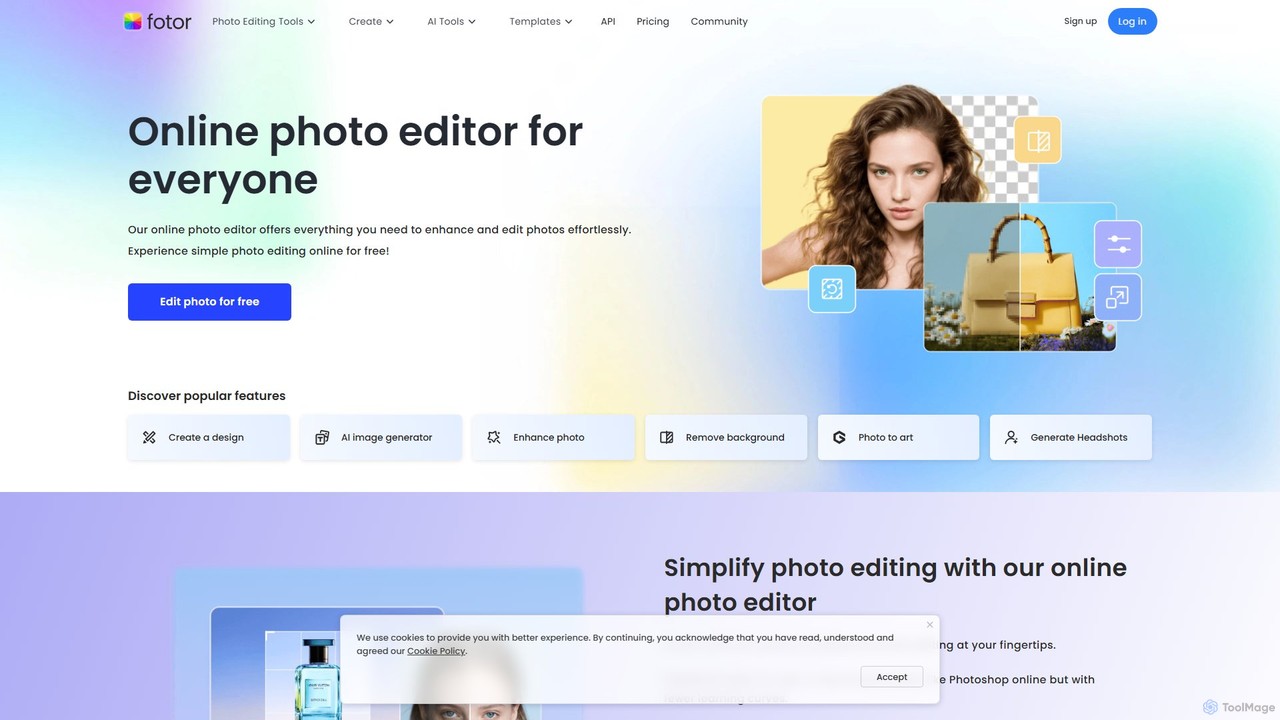
Fotor
Fotor is a comprehensive, all-in-one AI photo editor and design platform. It offers a powerful suite of tools for both beginners and professionals, including one-click photo enhancement, background and object removal, and advanced generative AI features like text-to-image creation, AI-powered object replacement, and image expansion. Fotor simplifies complex editing tasks, making it easy to create stunning visuals for social media, marketing, and personal projects across web, desktop, and mobile devices.
3D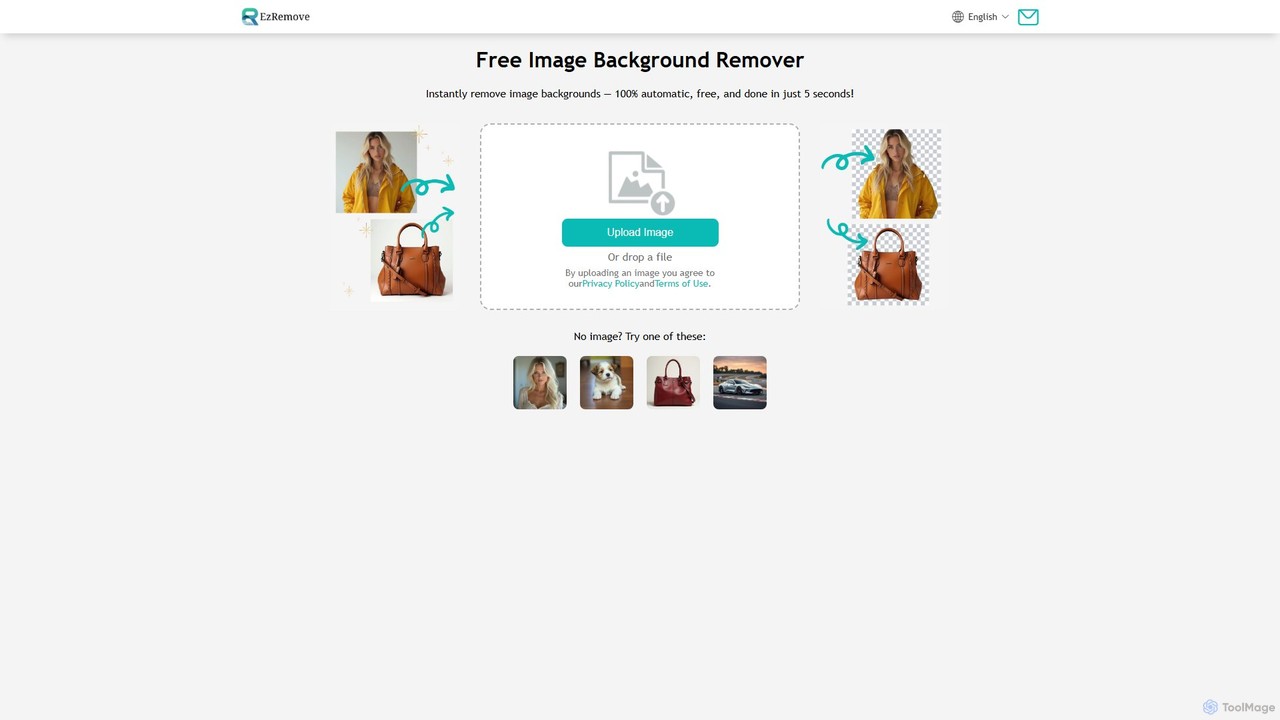
ezremove
ezremove is a free, AI-powered image background remover that automatically creates transparent backgrounds in just 5 seconds. Ideal for e-commerce, graphic design, and social media, it supports batch processing, basic editing, and various image formats. No software or technical skills required—simply upload your image and download a high-quality, clean PNG file instantly.
Image Editing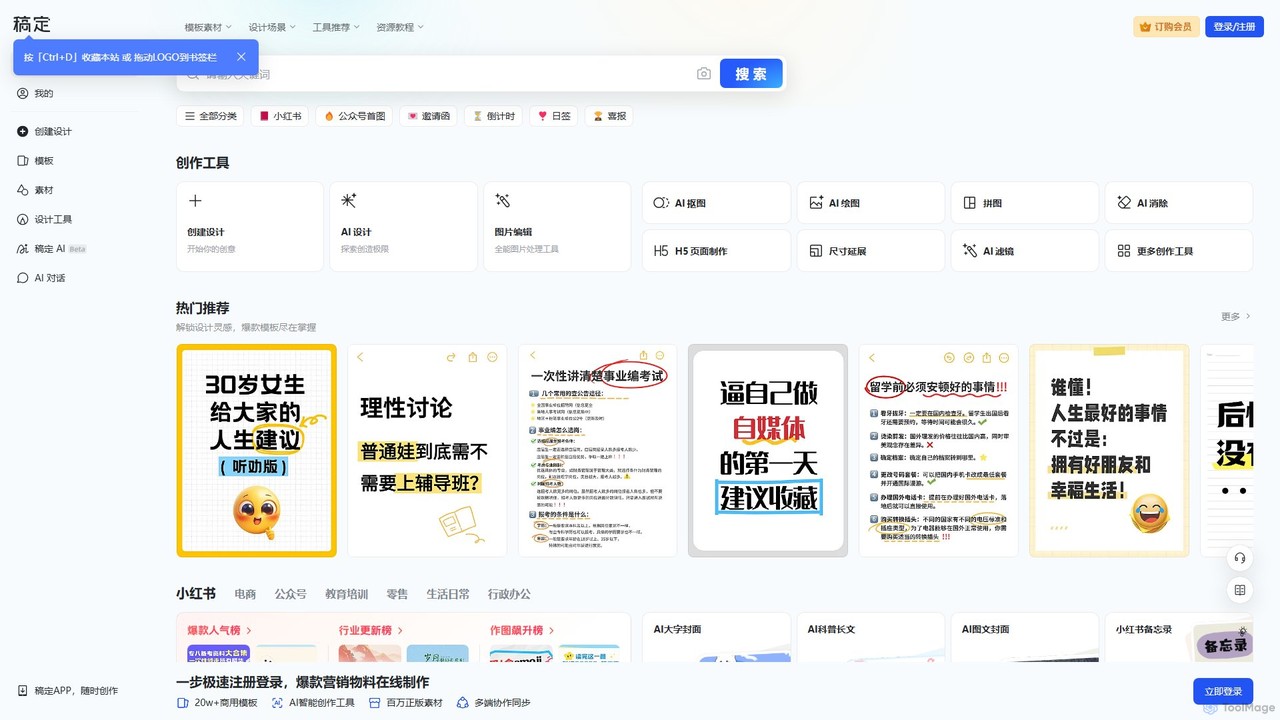
Gaoding Design
Gaoding Design is an all-in-one AI-powered online design platform. It offers a vast library of templates, AI-driven tools for image and video editing, content generation, and smart design automation. Ideal for marketers, content creators, and businesses, it simplifies the creation of professional marketing materials, social media posts, and presentations with collaborative workflows.
Graphic Design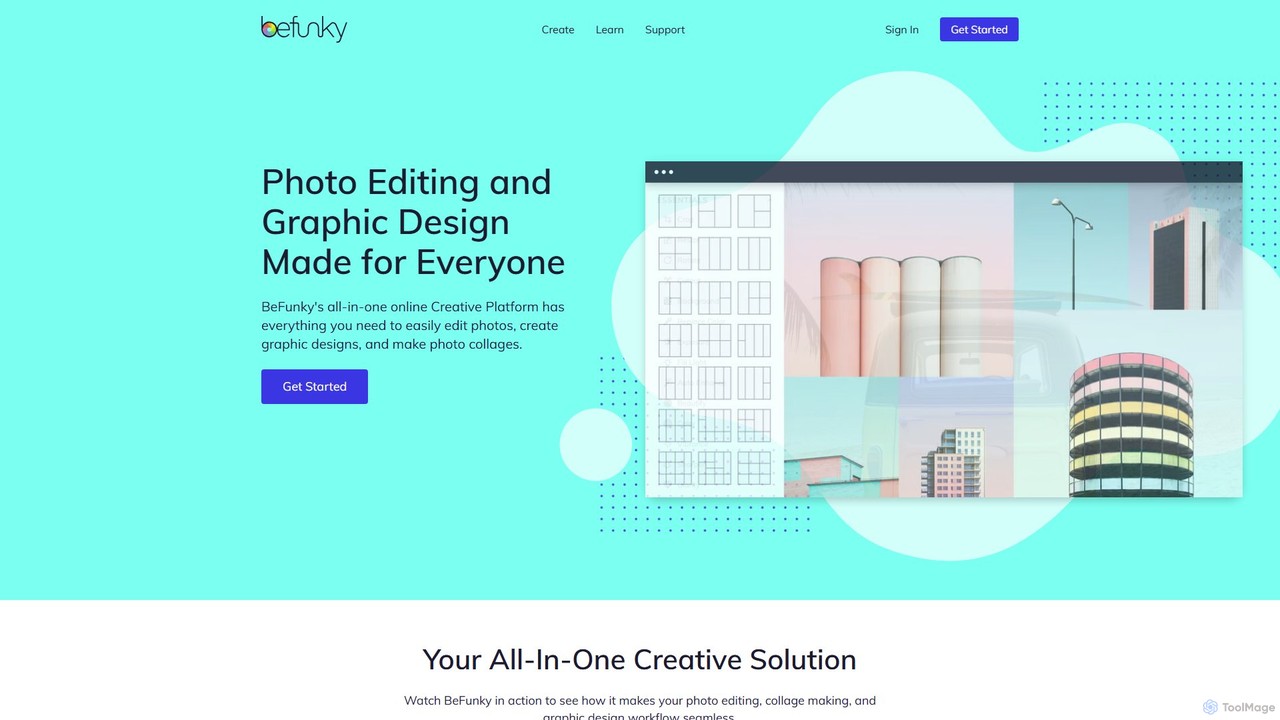
BeFunky
BeFunky is an all-in-one online creative platform designed for easy photo editing, collage making, and graphic design. It offers a powerful suite of tools, including an AI-powered background remover, one-click collage creation, and extensive design templates. With access to millions of stock photos and vector graphics, BeFunky simplifies the creative process for everyone, from beginners to professionals, making it a versatile alternative to complex software.
3D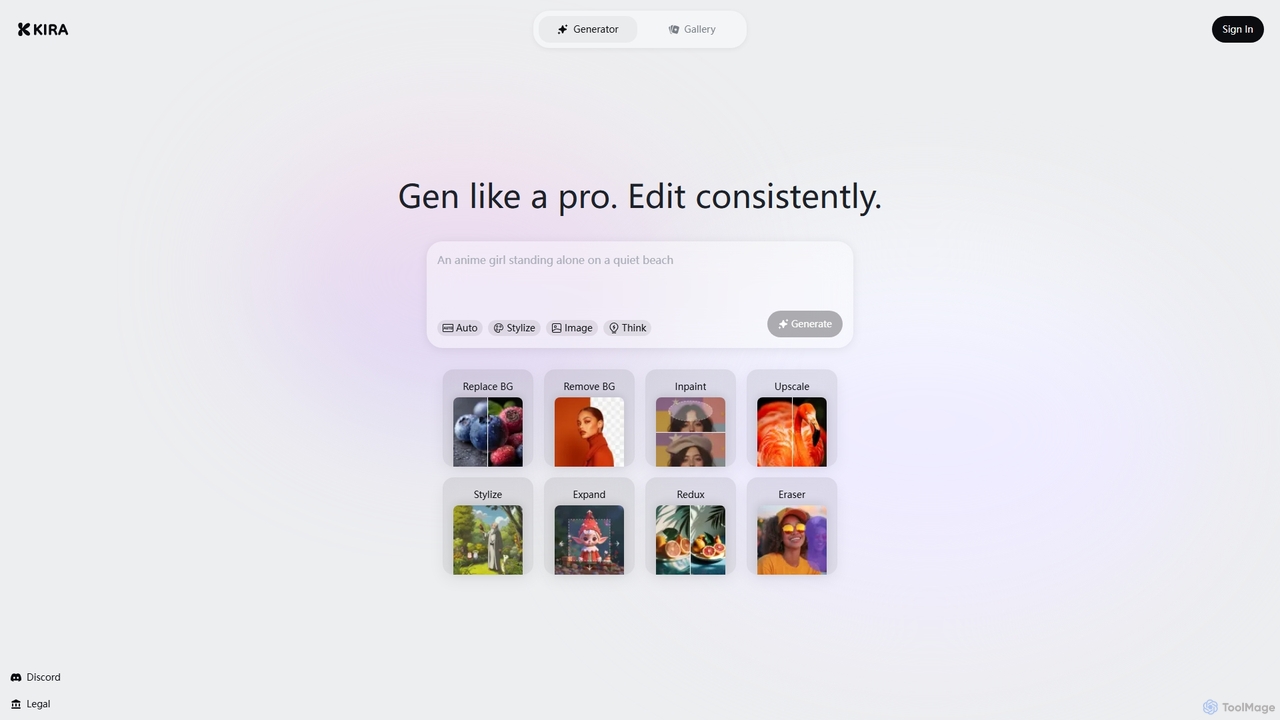
Kira
Kira is a powerful AI-powered platform for professional-grade image generation and editing. It combines a versatile text-to-image generator with a comprehensive suite of editing tools, including background removal, inpainting, upscaling, and stylization. Its key feature is the ability to maintain consistent styles and characters across multiple edits and generations, making it ideal for branding, marketing, and creative projects that require a cohesive visual identity.
Graphic Design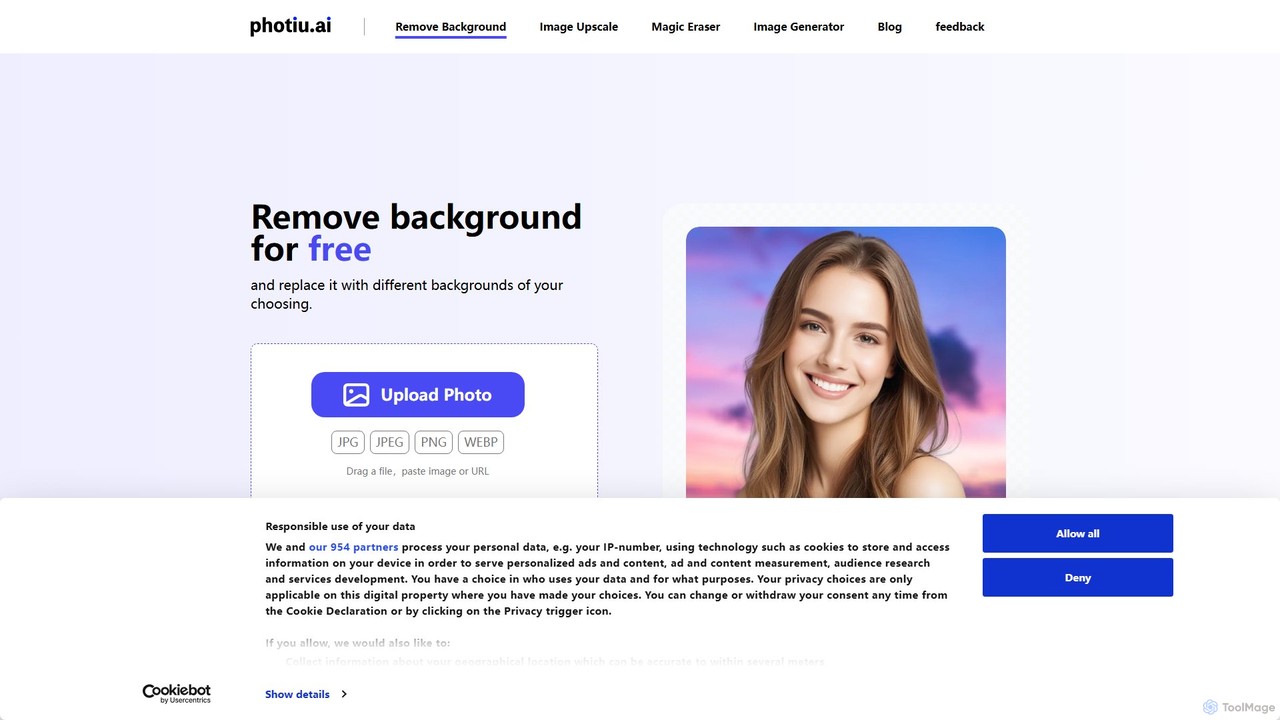
Photiu.ai
Photiu.ai is an AI-powered online image editing suite designed to simplify complex photo manipulation tasks. It offers a set of powerful tools, including a precise background remover, an intelligent object eraser for cleaning up images, and a high-quality image upscaler. This platform is perfect for e-commerce store owners, marketers, photographers, and social media creators who need professional-looking images quickly and without the need for advanced software skills.
3D
Jyek
Jyek is an AI agent platform that understands objectives, creates execution plans, uses tools, and delivers verifiable results for complex, multi-step tasks.
Automation
Xingliu
Xingliu is a next-generation AI creation suite that seamlessly integrates content generation and smart editing. Create stunning images, posters, and designs from text prompts, and refine them with powerful tools like HD upscaling, smart outpainting, object removal, and background cutout. It's an all-in-one platform for designers, marketers, and creators to bring their ideas to life effortlessly.
Image Generation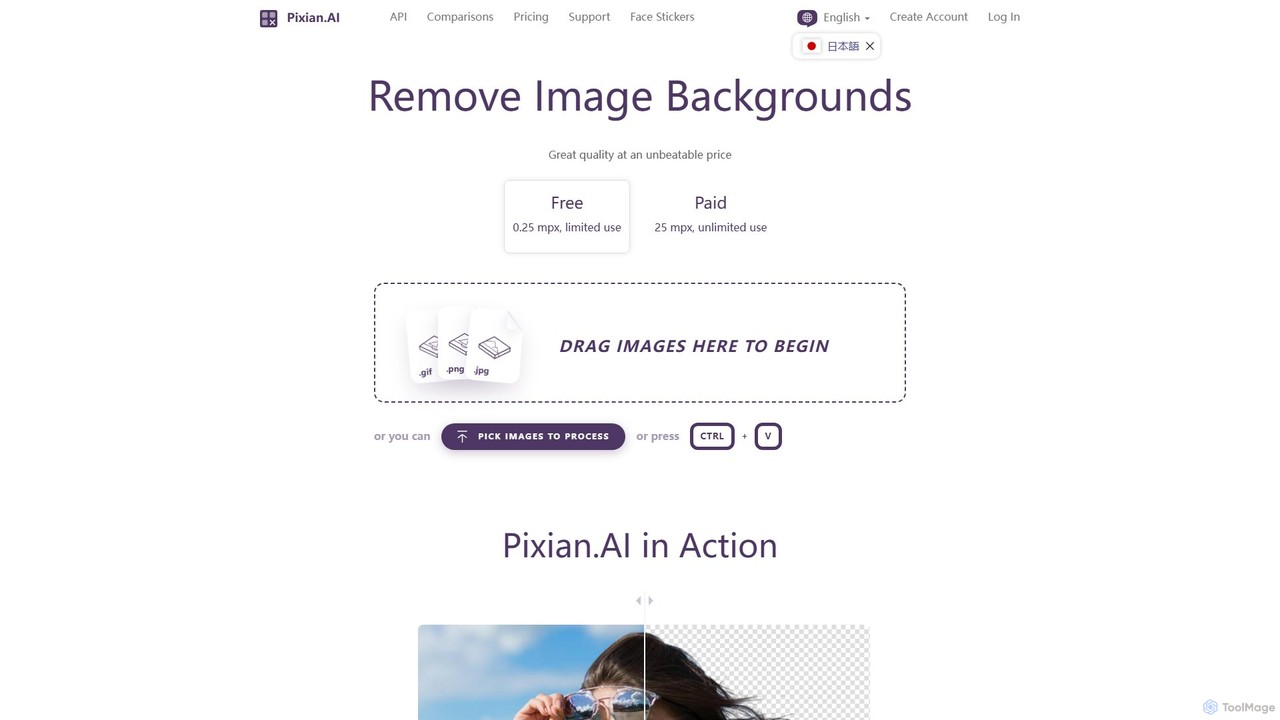
Pixian.ai
Pixian.ai is an AI-powered tool for instantly removing backgrounds from images. It offers a free service for basic use and a highly affordable pay-as-you-go API for high-resolution images. Leveraging a custom AI model, it excels at handling complex details like hair and fur on a wide range of images, including photos, logos, and AI-generated art. It's designed for efficiency, quality, and outstanding value.
Image Editing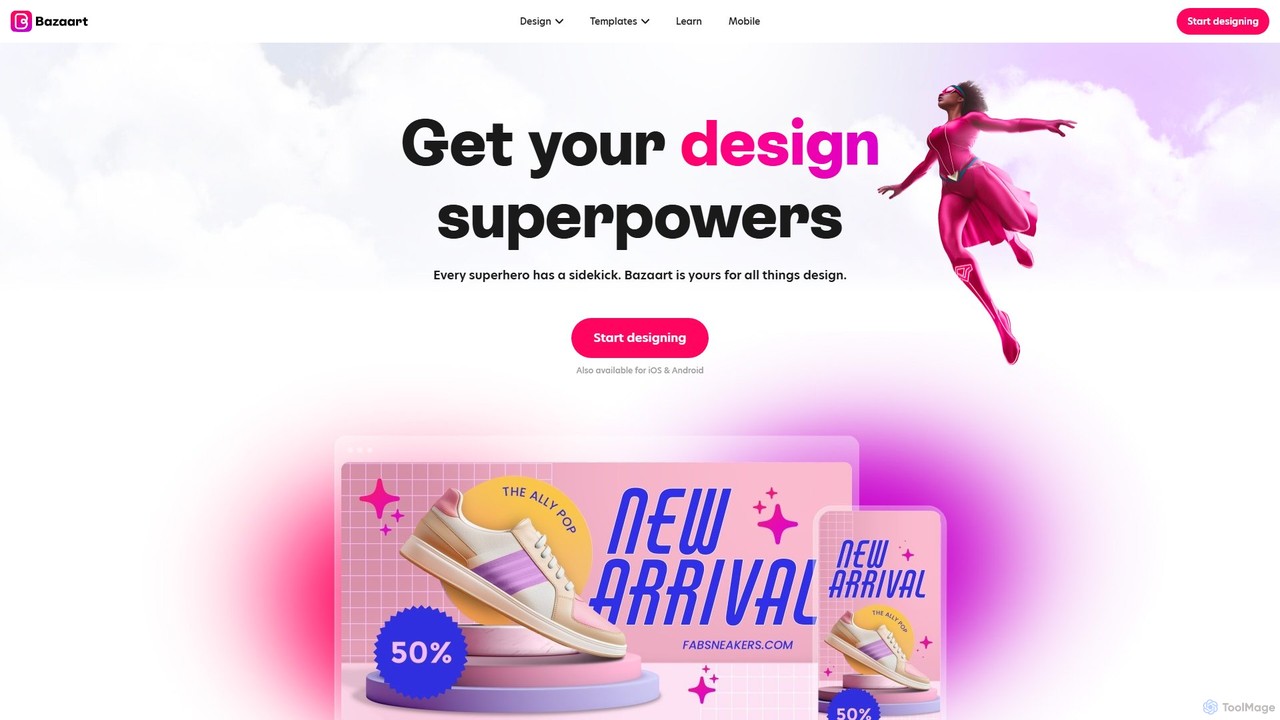
Bazaart
Bazaart is a powerful AI-powered photo editing and graphic design app for web, iOS, and Android. It offers a suite of magical AI tools, including background removal, object eraser, and an AI art generator, alongside thousands of templates and a vast library of design elements. Ideal for social media pros, business owners, and content creators, Bazaart simplifies professional design, enabling users to create stunning visuals effortlessly.
Ai Art Generator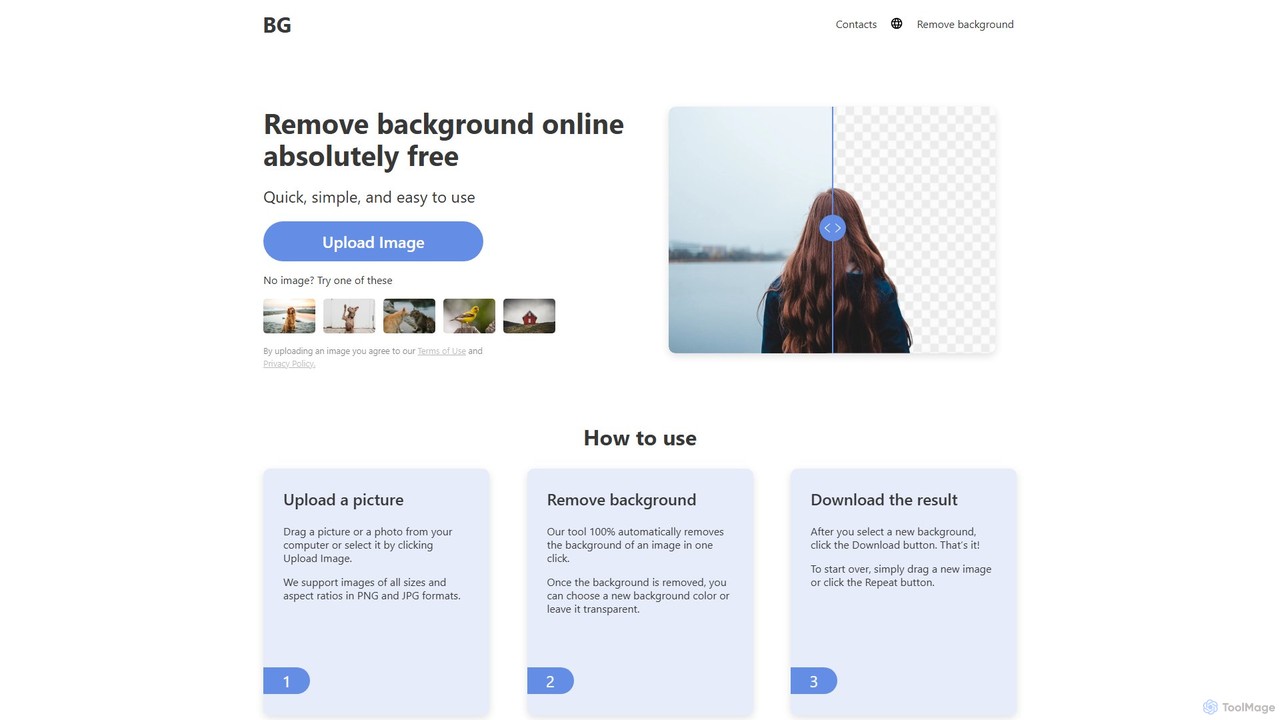
background_remover
background_remover is a free, AI-powered online tool that automatically removes the background from any image in a single click. It requires no registration or software installation. Simply upload your JPG or PNG image to get a high-quality, transparent background instantly. Ideal for e-commerce, graphic design, and personal projects, it supports high-resolution images and works on any device.
3D
Photopea Comments (0)
Sign in to comment.
Sign inNo comments yet.