
Pixelmator Pro Overview
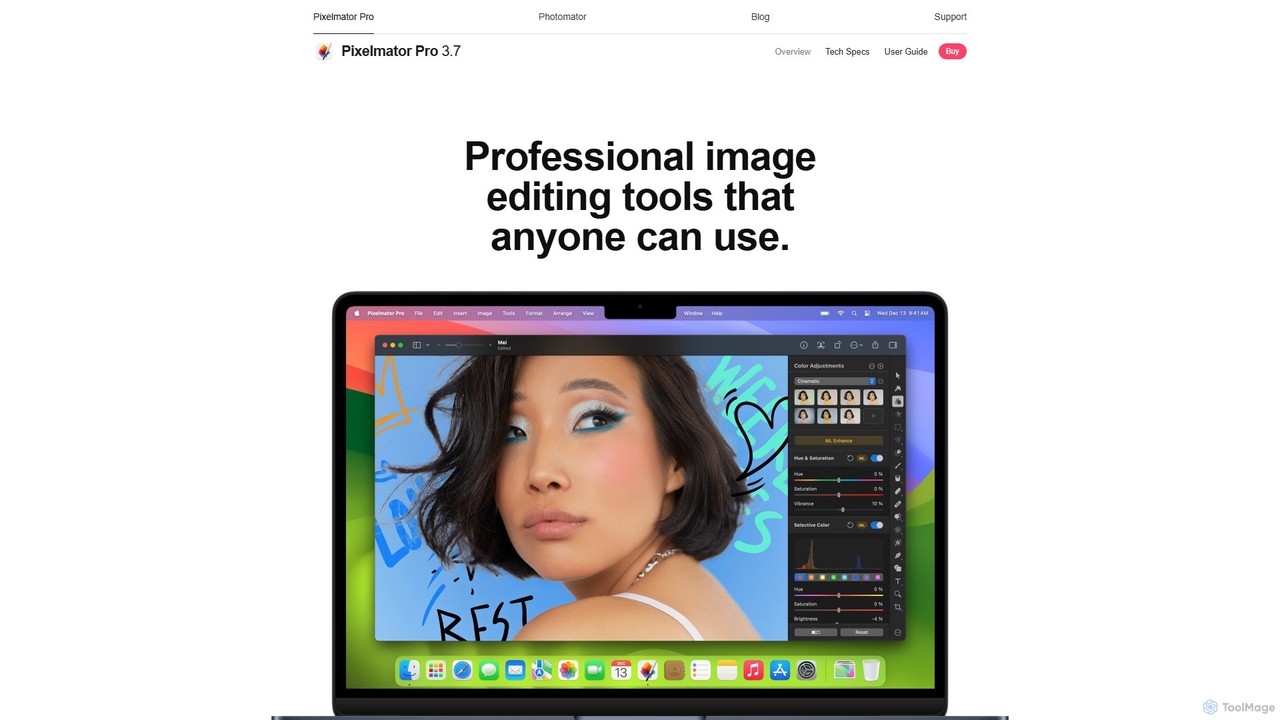
Pixelmator Pro is a comprehensive and powerful image editing application designed exclusively for the Mac ecosystem. It stands out by integrating deeply with macOS technologies and leveraging artificial intelligence to simplify complex editing tasks, making professional-grade tools accessible to everyone. From photographers to graphic designers and digital artists, Pixelmator Pro provides a full suite of features for photo enhancement, composition, and design in a sleek, intuitive interface.
The application is built from the ground up on modern Apple technologies like Metal, Core ML, and Swift, ensuring blazing-fast performance, even when working with large, high-resolution images, complex multi-layer compositions, or RAW files. Its AI-powered features, trained on millions of photos, can automatically enhance images, remove backgrounds with surgical precision, intelligently select subjects, and remove unwanted objects seamlessly. This focus on automation allows users to achieve stunning results with minimal effort, freeing them up to focus on creativity.
How to use Pixelmator Pro
Getting started with Pixelmator Pro is straightforward. First, import your media—whether it's a RAW photo from a digital camera, a multi-page PDF, an Adobe Illustrator file, or even a video clip. For quick improvements, use the 'ML Enhance' button to automatically adjust brightness, contrast, and colors. To remove a background, the 'Hide Background' feature uses AI to mask the subject in a single click. For more detailed work, you can dive into the nondestructive editing workflow. Add adjustment layers like Curves, Levels, or Selective Color to fine-tune the look of your image. Use the retouching tools with simple brushstrokes to remove blemishes or clone areas. For design projects, you can start with one of over 200 customizable templates or create from scratch using vector shapes, text tools, and layer styles. Finally, export your creation in a wide range of formats, including PSD, JPEG, PNG, HEVC video, or even layered files for Apple Motion.
Core Features of Pixelmator Pro
- AI-Powered Editing: Features like ML Enhance, AI Background Removal, ML Super Resolution, and automatic subject selection simplify complex workflows. Magically remove unwanted objects with the Repair Tool.
- Advanced Color Adjustments: A complete set of professional, nondestructive color tools, including wheel-based Color Balance, multi-channel Curves, Levels, Hue & Saturation, and support for LUTs.
- Full RAW Support: Edit RAW photos from over 750 cameras, with all edits applied nondestructively, preserving the original RAW data.
- Graphic Design & Vector Tools: Create stunning designs with a full set of vector tools, customizable smart shapes, advanced text features, and a library of over 200 templates and mockups.
- Video and PDF Editing: Edit videos just like images by adding text, shapes, and effects on video layers. Import and edit vector PDFs with layers, including text elements from documents created in other apps.
- Painting Engine: A high-performance painting engine with fully customizable, dual-texture brushes, dynamic paint blending, and support for Apple Pencil on iPad via Sidecar.
- Nondestructive Workflow: Edit images without permanently altering the original. Adjustments, effects, and styles can be modified or removed at any time.
Use Cases for Pixelmator Pro
For Photographers: Effortlessly edit RAW photos, perform advanced color grading, retouch portraits to perfection, and remove unwanted objects from landscapes. The nondestructive workflow is ideal for experimenting with different looks.
For Graphic Designers: Create marketing materials, social media posts, web graphics, and posters using the vast template library and vector tools. The bento grid templates are perfect for showcasing product features.
For Digital Artists: Use the powerful painting engine and Apple Pencil support to sketch, paint, and create beautiful digital illustrations.
For Content Creators: Quickly create eye-catching thumbnails or simple, engaging videos by adding animated text and graphics to video clips, all within a single app.
Advantages of Pixelmator Pro
Pixelmator Pro's main advantage is its combination of power and simplicity. It offers features comparable to industry-standard software but in a much more intuitive and user-friendly package. Its deep integration with the Apple ecosystem (iCloud, Photos, Sidecar, Shortcuts) creates a seamless user experience. The use of native technologies like Metal and Core ML ensures exceptional performance on Mac devices, especially those with Apple silicon. Finally, its one-time purchase model is a significant benefit over the subscription-based pricing of many competitors, offering incredible value.
Pricing and Plans
Pixelmator Pro is available as a one-time purchase from the Mac App Store. There are no recurring subscription fees. The price is typically around $49.99, though it may vary based on regional pricing or promotional offers. A free trial is available for download from the official Pixelmator website, allowing users to test all features before purchasing.
Traffic
Latest traffic
Status
Monthly traffic trend
- 2026-1: 211.0K
- 2026-2: 110.3K
- 2026-3: 73.1K
- 2026-4: 76.6K
- 2026-5: 67.8K
Geography
Top 5 countries / regions
- 🇺🇸United States49.0%
- 🇩🇪Germany18.5%
- 🇬🇧United Kingdom15.8%
- 🇧🇷Brazil8.4%
- 🇮🇹Italy8.3%
Traffic sources
| Source type | Percentage |
|---|---|
Direct | 89.5% |
Referral | 10.5% |
Top keywords
| Keyword | Cost per click |
|---|---|
| how to measure with pixelmaroe | $0.00 |
| photomator | $2.20 |
| pixelmator | $1.97 |
| pixelmator pro | $1.98 |
| pixelmator pro lumix raw | $0.00 |
Pixelmator Pro Videos on YouTube
![Top 5 AI Tools in Pixelmator Pro [2026 Guide for Beginners]](https://i.ytimg.com/vi/x6UDscP91Zo/maxresdefault.jpg)
Pixelmator Sammy
![How To Remove a Background In Pixelmator Pro with AI tricks [For Beginners]](https://i.ytimg.com/vi/NyiV8SrBdLM/maxresdefault.jpg)

Joseph Slinker

Jenn Jager Pro Tutorials
macmostvideo

How To Mark

Pixelmator Pro Alternatives
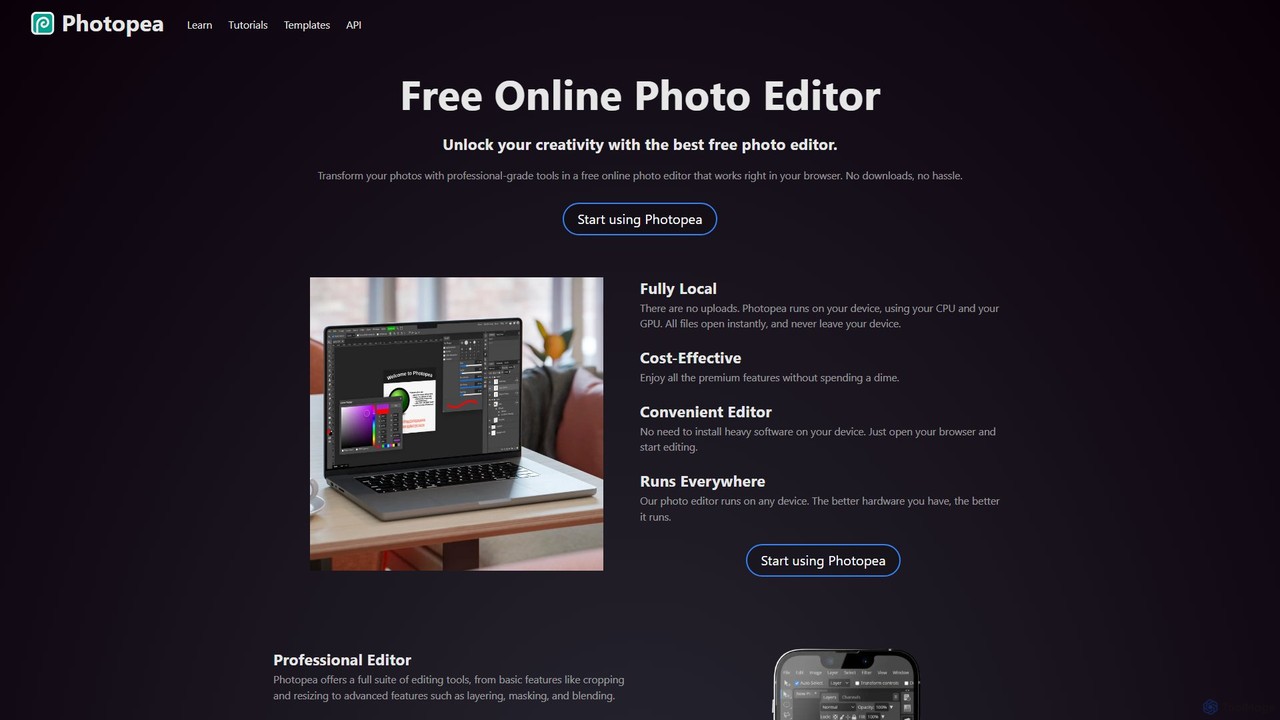
Photopea
Photopea is a powerful, free online photo and graphics editor that runs directly in your browser. It supports advanced features like layers, masks, and smart objects, and is compatible with formats such as PSD, AI, and Sketch. It's a versatile alternative to expensive desktop software, perfect for designers, photographers, and content creators.
Image Editor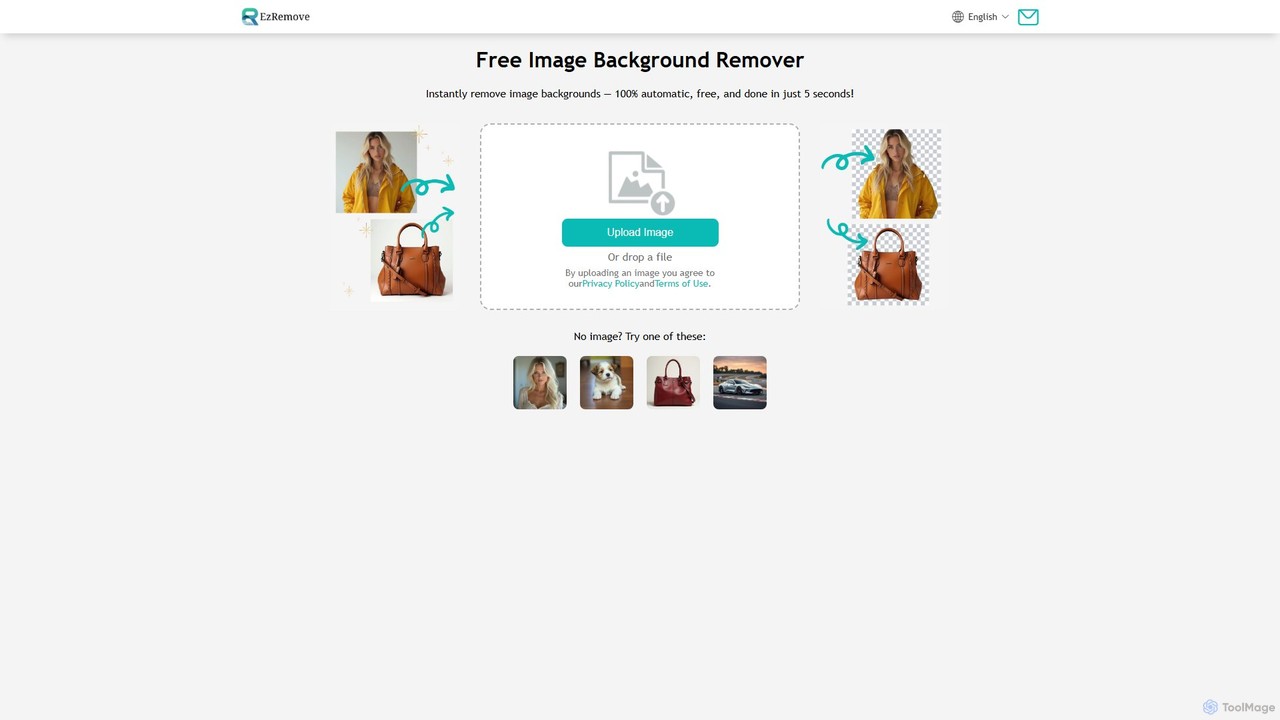
ezremove
ezremove is a free, AI-powered image background remover that automatically creates transparent backgrounds in just 5 seconds. Ideal for e-commerce, graphic design, and social media, it supports batch processing, basic editing, and various image formats. No software or technical skills required—simply upload your image and download a high-quality, clean PNG file instantly.
Image Editing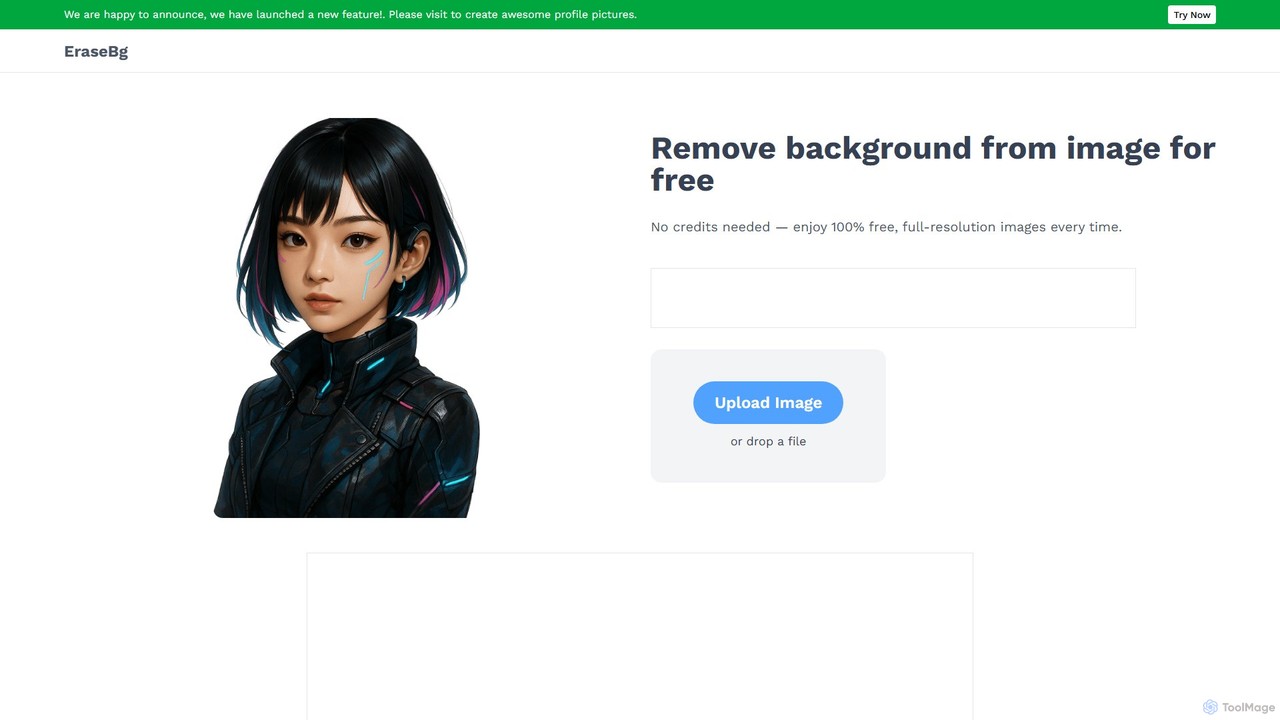
Erase BG
Erase BG is a completely free AI-powered tool that instantly removes backgrounds from images. It requires no registration or credits, offering unlimited downloads in high resolution (up to 4K). Simply upload your image to get a clean, transparent PNG or a white-background JPEG in seconds. It also features a creative GIF maker for personalized animations.
Image Editing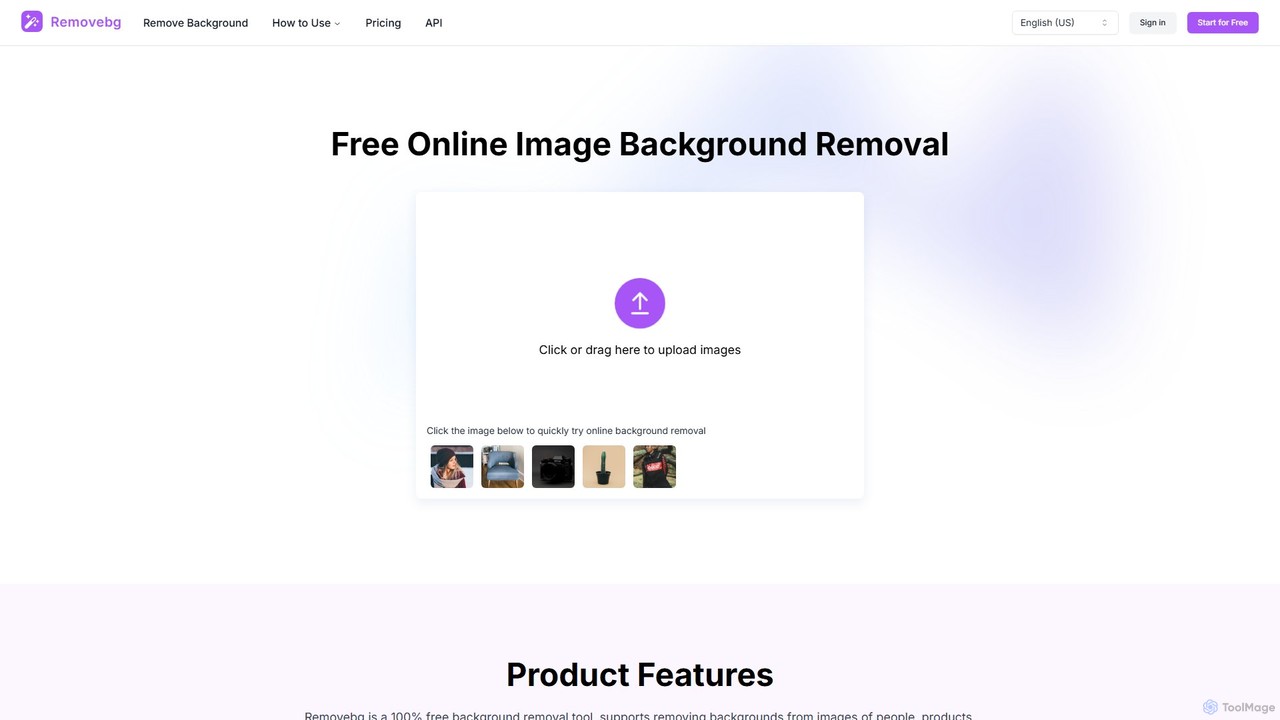
removebg.one
removebg.one is a free, AI-powered online tool for instantly removing backgrounds from images. It supports various subjects like people, products, animals, cars, and logos. Ideal for e-commerce, graphic design, and social media, it offers high-resolution downloads and an optional API for developers. No registration is required for web use, providing a fast and efficient solution for clean, professional cutouts.
Image Editing
stripbackground
A free, AI-powered online tool to instantly remove backgrounds from photos. Supports various image formats and allows replacing the background with a solid color or a new image. Ideal for e-commerce, graphic design, and personal use, with a focus on privacy and ease of use.
Image EditingPixelmator Pro Categories
Pixelmator Pro Embed Widget
Copy this embed code to place the badge on your blog, article, or product site and send readers directly to this ToolMage detail page.

Related AI tools
Photopea
Photopea is a powerful, free online photo and graphics editor that runs directly in your browser. It supports advanced features like layers, masks, and smart objects, and is compatible with formats such as PSD, AI, and Sketch. It's a versatile alternative to expensive desktop software, perfect for designers, photographers, and content creators.
Image Editorezremove
ezremove is a free, AI-powered image background remover that automatically creates transparent backgrounds in just 5 seconds. Ideal for e-commerce, graphic design, and social media, it supports batch processing, basic editing, and various image formats. No software or technical skills required—simply upload your image and download a high-quality, clean PNG file instantly.
Image Editing
Erase.bg
Erase.bg is an AI-powered tool that automatically removes backgrounds from images in seconds. It's designed for a wide range of users, from individuals creating social media content to e-commerce businesses needing clean product photos. The tool supports various formats, offers high-resolution output, and provides simple editing options to add new backgrounds. It is accessible via web and mobile apps, with an API for developers.
Editing
background_remover
background_remover is a free, AI-powered online tool that automatically removes the background from any image in a single click. It requires no registration or software installation. Simply upload your JPG or PNG image to get a high-quality, transparent background instantly. Ideal for e-commerce, graphic design, and personal projects, it supports high-resolution images and works on any device.
3D
Fotoai.ai
Fotoai.ai is a powerful AI-powered tool for instant, automatic background removal. It allows users to create transparent backgrounds (PNGs), add new backgrounds, and remove unwanted objects with text prompts or a magic eraser. Designed for e-commerce, marketing, and design, it supports batch processing to streamline workflows. It's a fast, free, and user-friendly solution for professional-quality image editing without any technical skills.
Product PhotosErase BG
Erase BG is a completely free AI-powered tool that instantly removes backgrounds from images. It requires no registration or credits, offering unlimited downloads in high resolution (up to 4K). Simply upload your image to get a clean, transparent PNG or a white-background JPEG in seconds. It also features a creative GIF maker for personalized animations.
Image Editingremovebg.one
removebg.one is a free, AI-powered online tool for instantly removing backgrounds from images. It supports various subjects like people, products, animals, cars, and logos. Ideal for e-commerce, graphic design, and social media, it offers high-resolution downloads and an optional API for developers. No registration is required for web use, providing a fast and efficient solution for clean, professional cutouts.
Image Editingstripbackground
A free, AI-powered online tool to instantly remove backgrounds from photos. Supports various image formats and allows replacing the background with a solid color or a new image. Ideal for e-commerce, graphic design, and personal use, with a focus on privacy and ease of use.
Image Editing
remove-bg.ai
A free, AI-powered tool that automatically removes backgrounds from images in seconds. Upload any photo to get a high-quality, transparent background. Features include manual editing tools, background customization with colors and templates, and support for all common image formats. Ideal for e-commerce, marketing, and personal use without needing an account.
Image Editing
no_background
A free, AI-powered web tool that effortlessly removes backgrounds from images in seconds. Based on the MODNet deep learning model, it offers a fast, simple, and privacy-focused solution for creating transparent backgrounds without manual editing.
Image Editing
Background Removal AI
An AI-powered tool that instantly and automatically removes backgrounds from any image for free. Ideal for e-commerce, graphic design, marketing, and personal use, it offers high-precision results, batch processing, and API integration for streamlined workflows. Get clean, professional images with transparent backgrounds in seconds.
Image Editing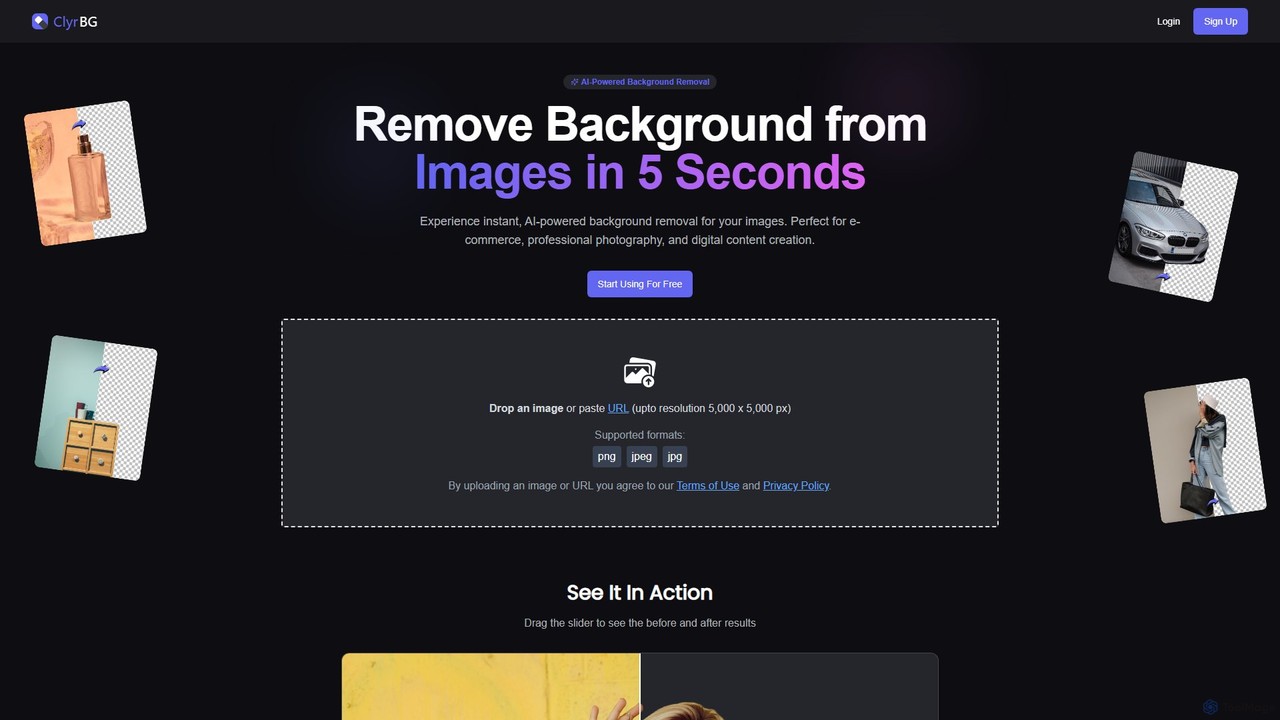
clyrbg
ClyrBG is an AI-powered tool that automatically removes backgrounds from images in just 5 seconds. It's designed for e-commerce, photographers, marketers, and designers, offering high-precision cutouts, batch processing, and an API for integration. Simply upload an image to get a transparent background instantly, no technical skills required.
Image Editing
Gaoding Design
Gaoding Design is an all-in-one AI-powered online design platform. It offers a vast library of templates, AI-driven tools for image and video editing, content generation, and smart design automation. Ideal for marketers, content creators, and businesses, it simplifies the creation of professional marketing materials, social media posts, and presentations with collaborative workflows.
Graphic Design
Magic Studio
Magic Studio is an all-in-one AI-powered image editing suite designed for everyone. It allows users to effortlessly create stunning visuals, remove unwanted objects, change backgrounds, generate images from text, and enhance photo quality in seconds, no design skills required.
Product Photos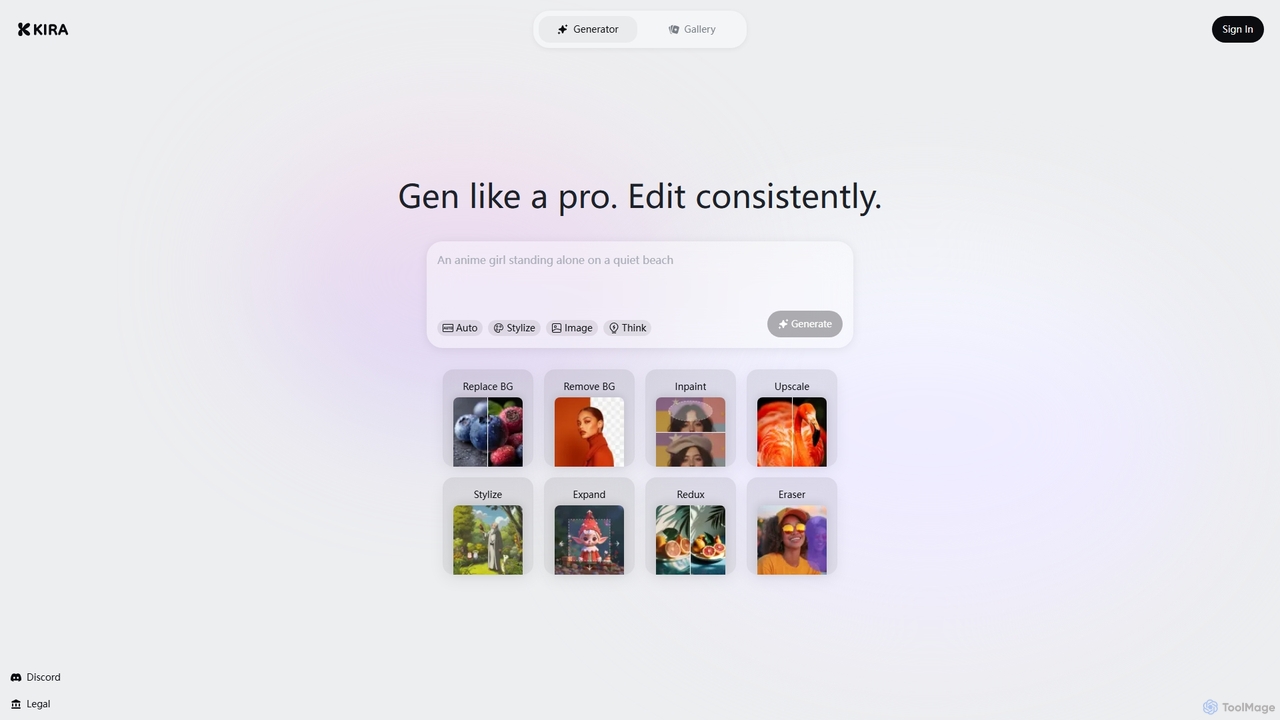
Kira
Kira is a powerful AI-powered platform for professional-grade image generation and editing. It combines a versatile text-to-image generator with a comprehensive suite of editing tools, including background removal, inpainting, upscaling, and stylization. Its key feature is the ability to maintain consistent styles and characters across multiple edits and generations, making it ideal for branding, marketing, and creative projects that require a cohesive visual identity.
Graphic Design
Pixelmator Pro Comments (0)
Sign in to comment.
Sign inNo comments yet.