CharmShotAI
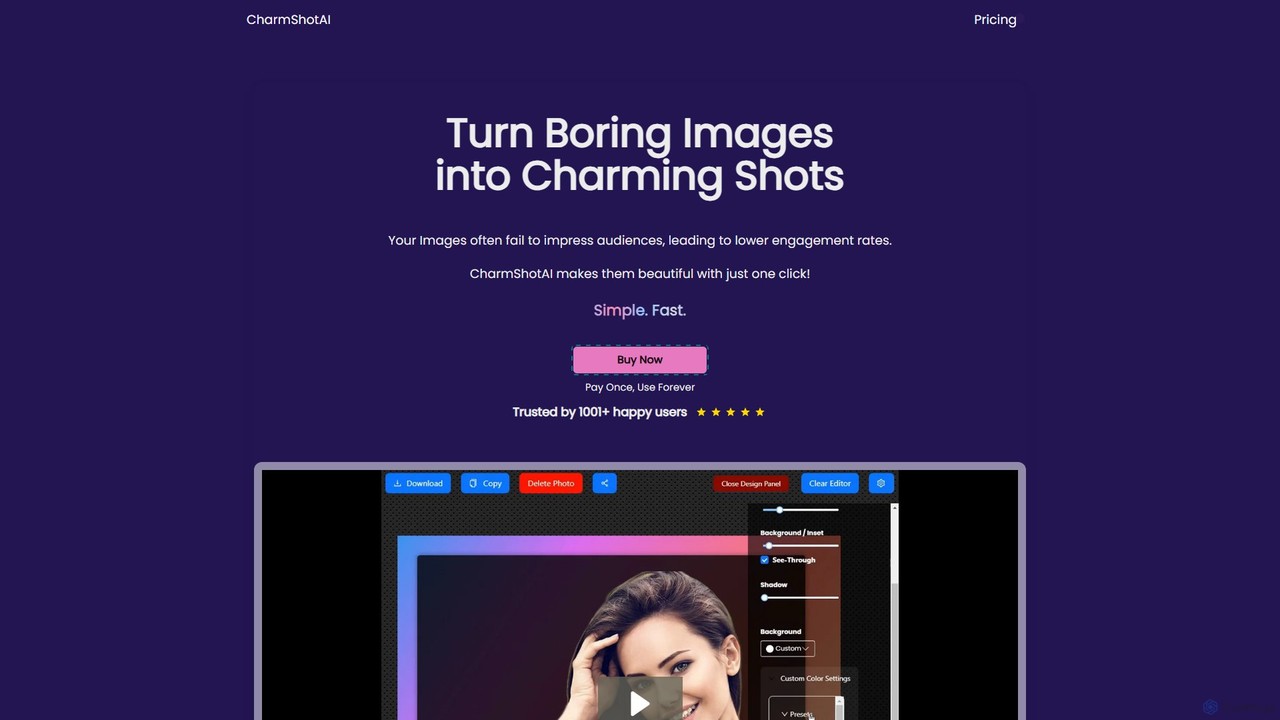
CharmShotAI is an AI-powered image editor that transforms plain screenshots and images into visually appealing graphics with one …
CharmShotAI is an AI-powered image editor that transforms plain screenshots and images into visually appealing graphics with one click. It offers features like automatic background generation, text balancing, sensitive information redaction, and code snapshot creation, all within your browser for maximum privacy.
Photopea
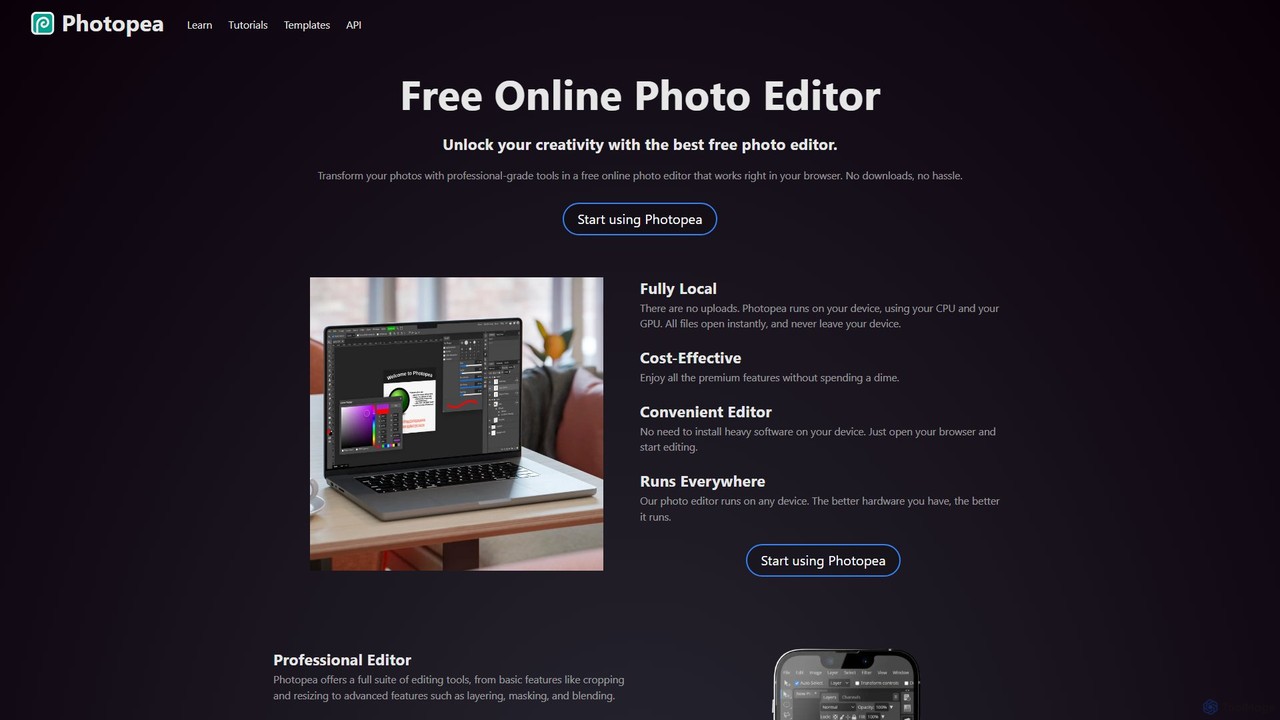
Photopea is a powerful, free online photo and graphics editor that runs directly in your browser. It supports …
Photopea is a powerful, free online photo and graphics editor that runs directly in your browser. It supports advanced features like layers, masks, and smart objects, and is compatible with formats such as PSD, AI, and Sketch. It's a versatile alternative to expensive desktop software, perfect for designers, photographers, and content creators.
Smart Tools AI
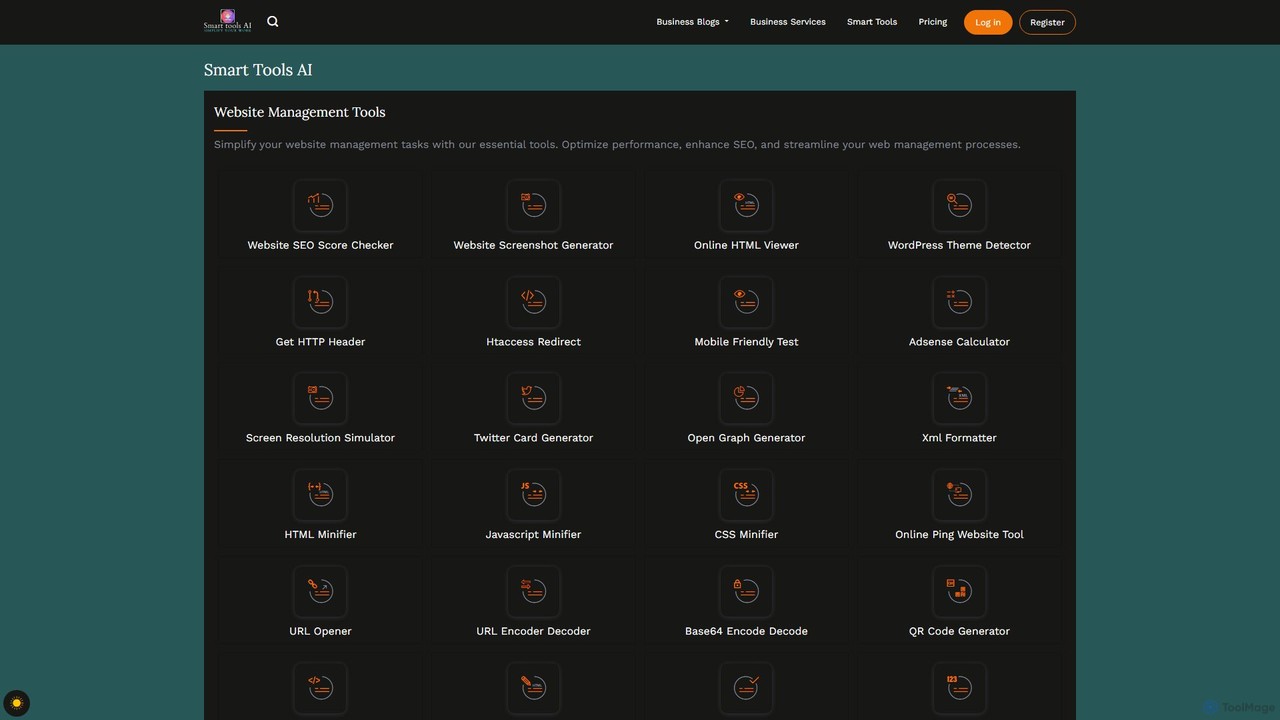
Smart Tools AI is a comprehensive online suite offering over 150 free and freemium tools. It's designed to …
Smart Tools AI is a comprehensive online suite offering over 150 free and freemium tools. It's designed to streamline workflows for professionals, developers, and individuals by providing utilities for website management, SEO, image and PDF editing, text analysis, and development tasks, all in one accessible platform.
About Image Editor
AI Image Editors are tools that leverage artificial intelligence to intelligently modify, enhance, and transform existing images. They automate complex editing tasks like object removal, background replacement, and quality enhancement, which traditionally require manual skill and time. These editors are invaluable for content creators, marketers, and e-commerce professionals, enabling them to produce high-quality visuals quickly and efficiently. Many now use generative AI to seamlessly fill in removed areas or expand image boundaries (outpainting).
Core Features
- AI Object Removal (Inpainting): Intelligently erase unwanted people, text, or objects from photos, and realistically reconstruct the background.
- Smart Enhancement & Upscaling: Automatically improve image resolution, clarity, color balance, and lighting with a single click.
- One-Click Background Manipulation: Instantly remove or replace the background of any image while preserving fine details like hair.
- Generative Fill & Outpainting: Add, extend, or replace parts of an image using simple text prompts to guide the AI.
- AI Style Transfer: Apply the artistic style of one image to another, creating unique visual effects.
Use Cases
AI Image Editors are widely used by social media managers for quick content polishing, e-commerce store owners for creating clean product listings, and photographers for streamlining their retouching workflow. They are also ideal for individuals looking to restore old photos or perfect personal pictures without learning complex software.
How to Choose
When selecting an AI Image Editor, consider the specific functions you need most, such as object removal versus upscaling. Evaluate the user interface for ease of use, check the processing speed and output quality, and understand the pricing model—whether it's subscription-based or pay-per-image. Also, consider any available integrations with other platforms you use, like cloud storage or design software.
Image EditorUse Cases
E-commerce Product Image Optimization
E-commerce managers use AI Image Editors to streamline product photography. They can upload hundreds of photos and automatically remove backgrounds to meet marketplace standards like Amazon or Shopify. The tools also correct inconsistent lighting and enhance product colors, creating a professional and uniform look across the entire online store, which can significantly improve conversion rates without hiring a professional retoucher.
Rapid Social Media Content Retouching
A social media creator captures a great photo, but an unwanted object is in the background. Using an AI Image Editor, they can simply paint over the object, and the AI will intelligently remove it and fill the space. They can also apply an AI-powered filter to match their brand's aesthetic and upscale the image for high-resolution displays, all within minutes before posting.
Real Estate Photography Enhancement
Real estate agents can dramatically improve property photos with AI editors. Features like 'sky replacement' can turn a gloomy day into a bright, sunny one. AI can also be used to declutter rooms by removing personal items or to digitally stage a vacant space by adding furniture using generative fill, making listings far more attractive to potential buyers without the cost of physical staging.
Restoring and Colorizing Old Photos
Individuals can bring old family photos back to life using AI Image Editors. Users can scan a damaged, black-and-white photograph and use AI tools to automatically repair scratches, remove creases, and reduce noise. Furthermore, advanced AI colorization features can analyze the image and apply realistic colors, transforming a faded memory into a vibrant, shareable image for a new generation.
Creating Marketing Campaign Visuals
A marketing team can use an AI Image Editor's generative fill feature to quickly prototype ad visuals. They can take a stock lifestyle photo and seamlessly add their new product into the scene. By simply selecting an area and typing a prompt like 'a blue sports bottle on the table,' the AI generates the object in a matching style and lighting, allowing for rapid iteration of creative concepts without costly photoshoots.
Perfecting Professional Headshots
A professional preparing their LinkedIn profile or company website photo can use an AI Image Editor for subtle but impactful enhancements. They can use AI-powered tools to soften skin textures, remove minor blemishes, and even adjust the lighting to create a more professional look. Some tools also offer features to change the background to a neutral office setting, ensuring a polished and consistent appearance across all professional platforms.