Productivity Best in category 16 results Creative Tool AI Tool

Popular AI tools in the Creative Tool field of Productivity include Photopea、Fadr、Haimian Music、Pixelmator Pro、OptimizerAI、HueHive、Wondershare AIGC、SplitSong、Vieutopia、inthesong, etc., helping you quickly improve efficiency.

OptimizerAI

OptimizerAI

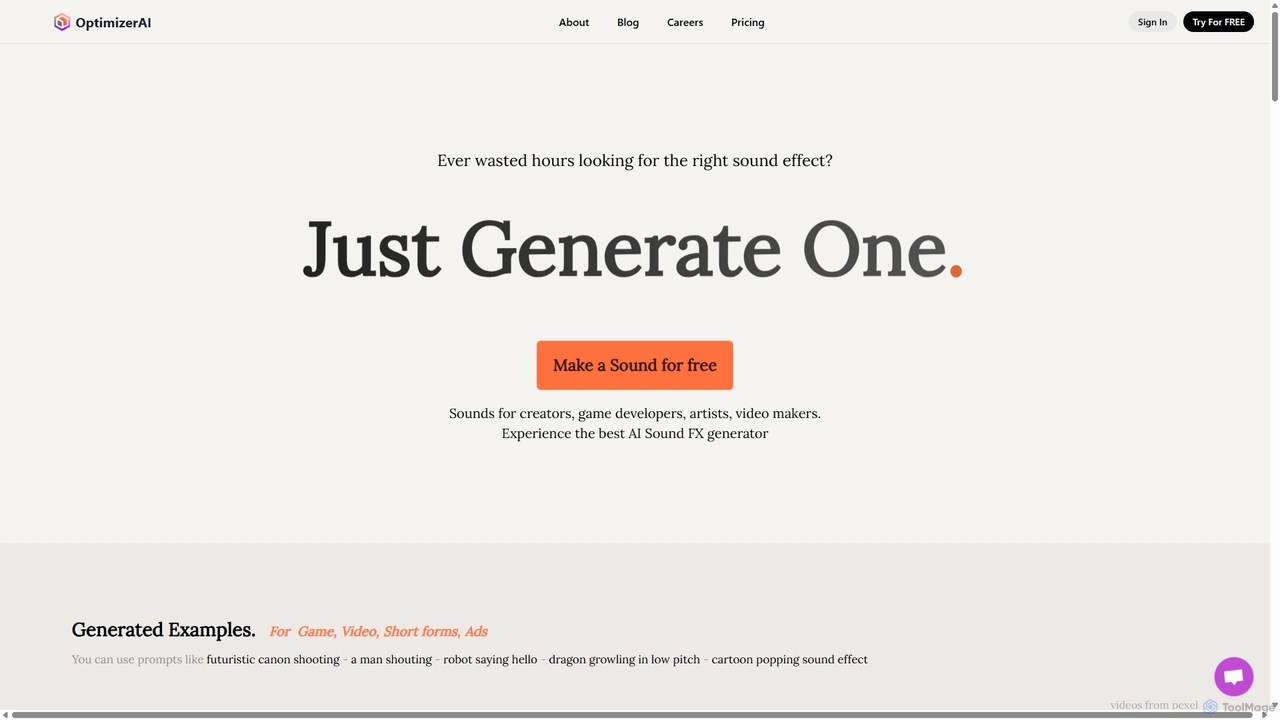
OptimizerAI is a state-of-the-art AI sound effect generator for creators, game developers, and video makers. Instantly generate unique, …

40.4K
Free
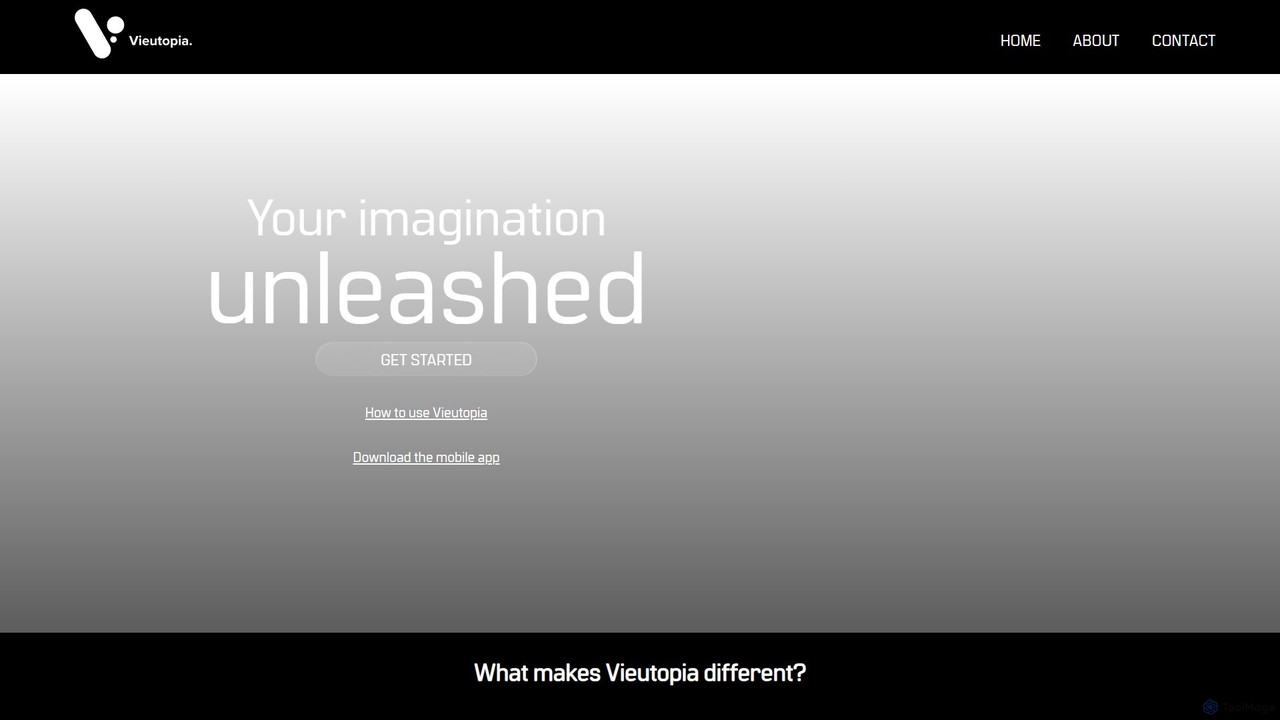
Vieutopia

Vieutopia

Vieutopia is a completely free AI art generator that allows users to create unlimited unique images from text …

3.0K
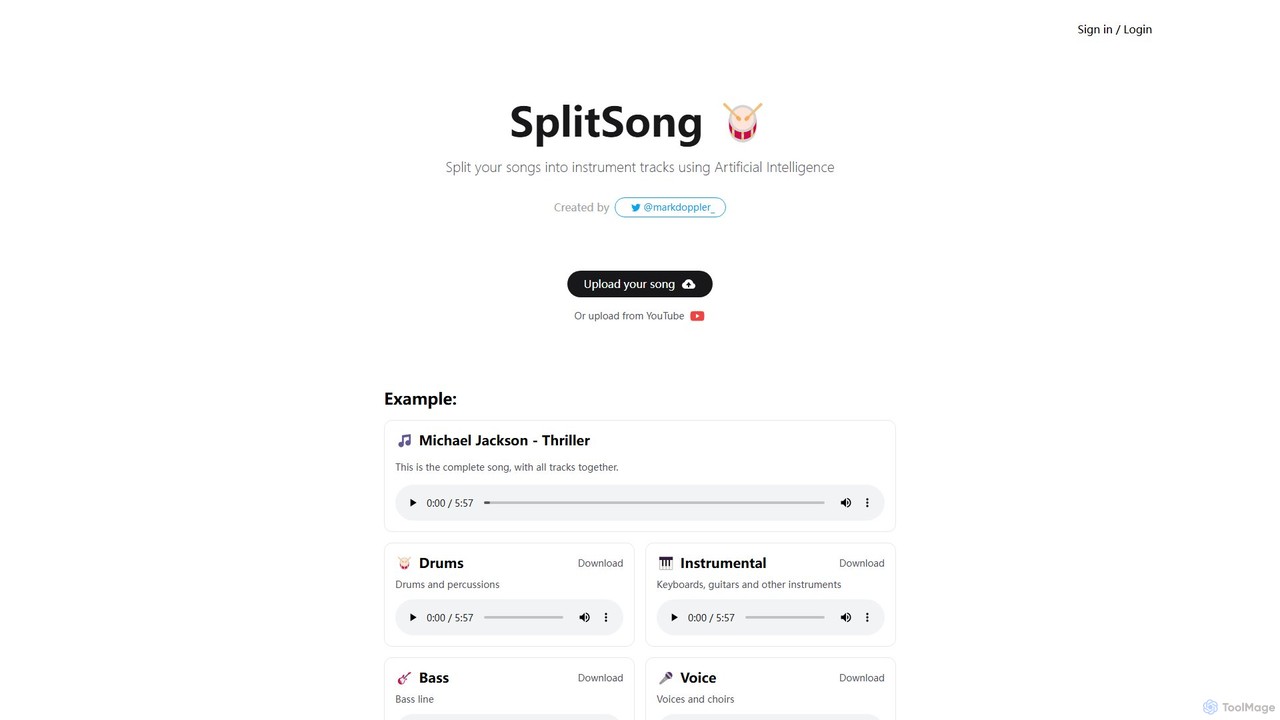
SplitSong

SplitSong

SplitSong is an AI-powered online tool that separates any song into individual tracks like vocals, drums, bass, and …

4.0K
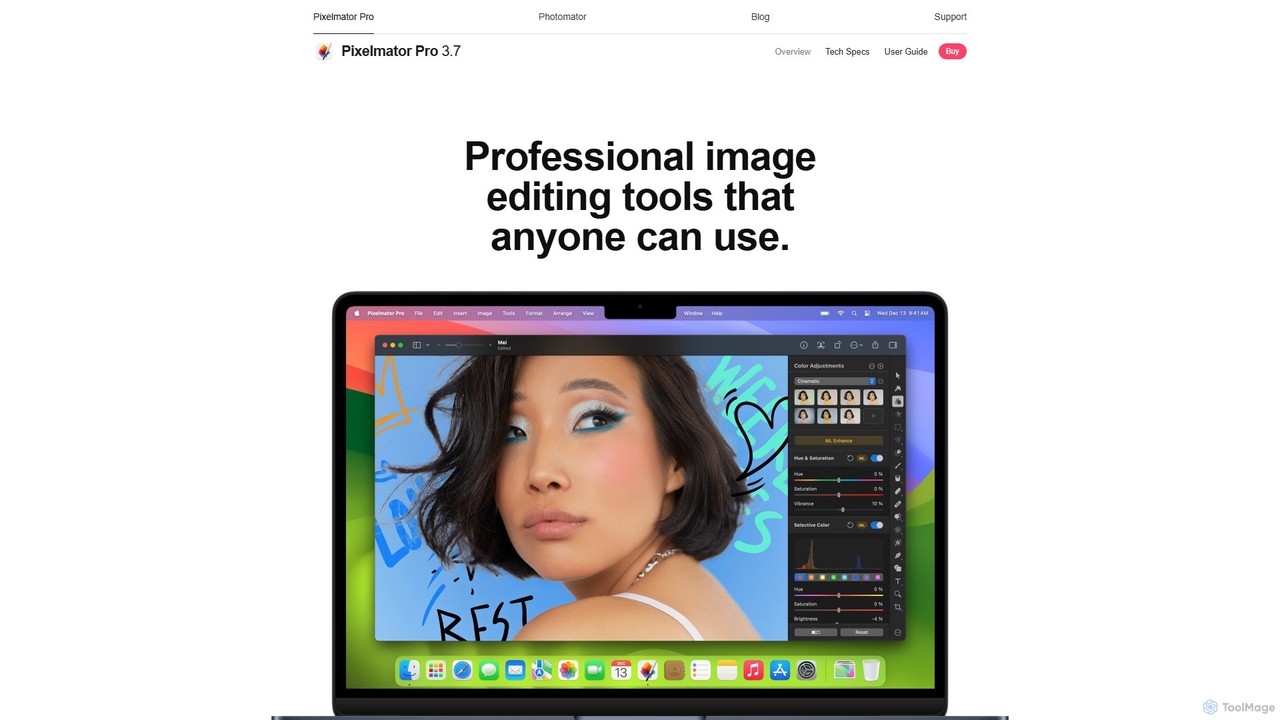
Pixelmator Pro

Pixelmator Pro

Pixelmator Pro is a powerful, beautiful, and easy-to-use image editor exclusively for Mac. It leverages advanced AI and …

79.1K
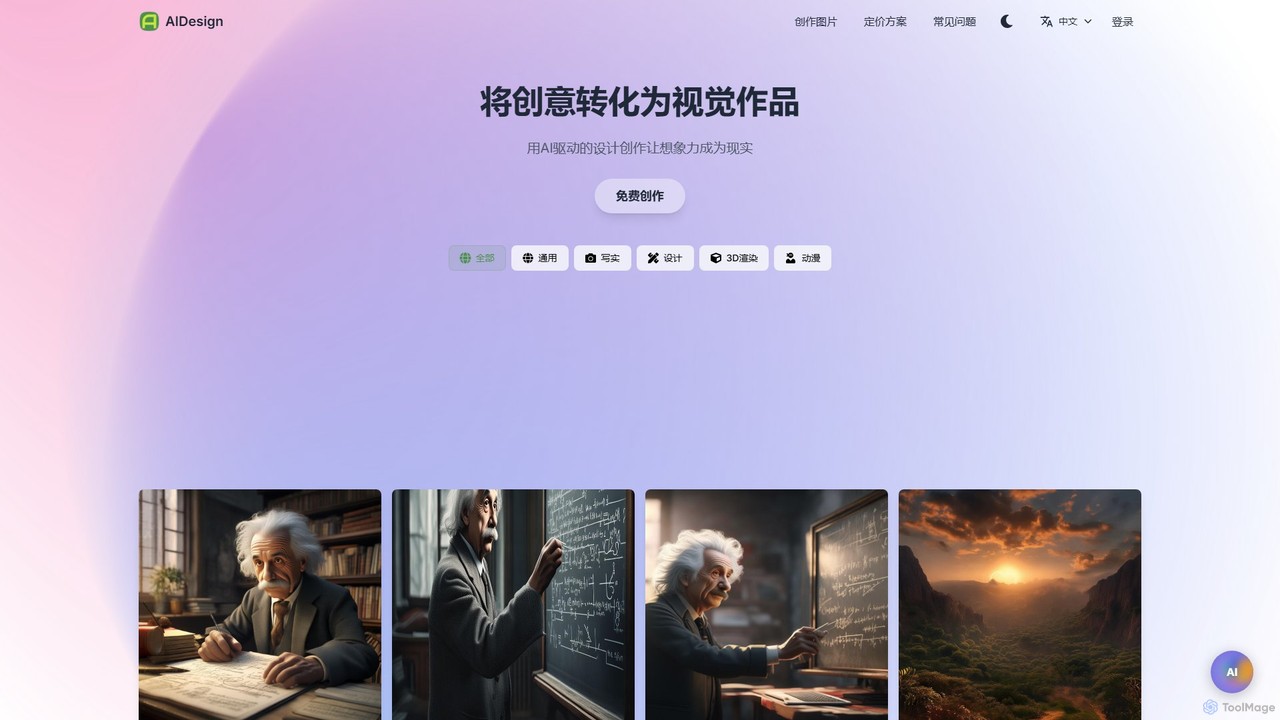
AIDesign

AIDesign

AIDesign is an AI-powered image generation tool that transforms text prompts into high-quality visual art. It supports various …

2.6K
Riff

Riff

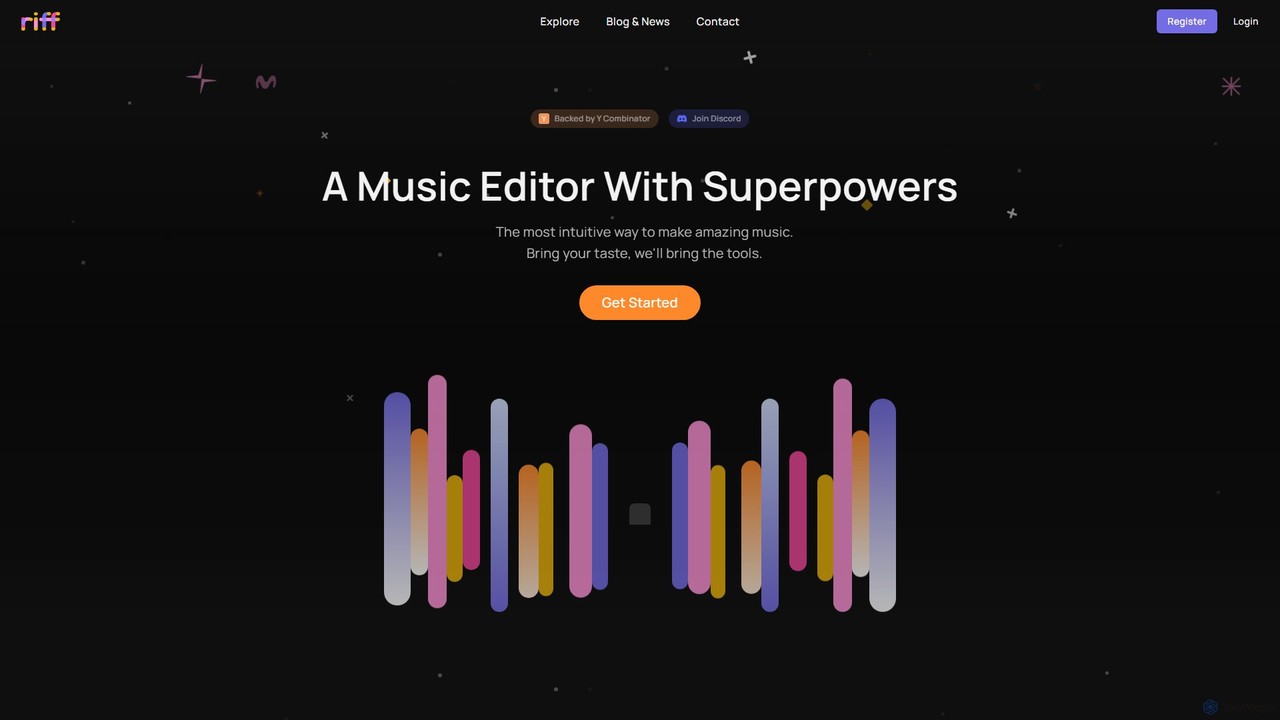
Riff is an AI-powered music editor and collaborative platform designed to make music creation intuitive and fun. Backed …

2.6K
inthesong

inthesong

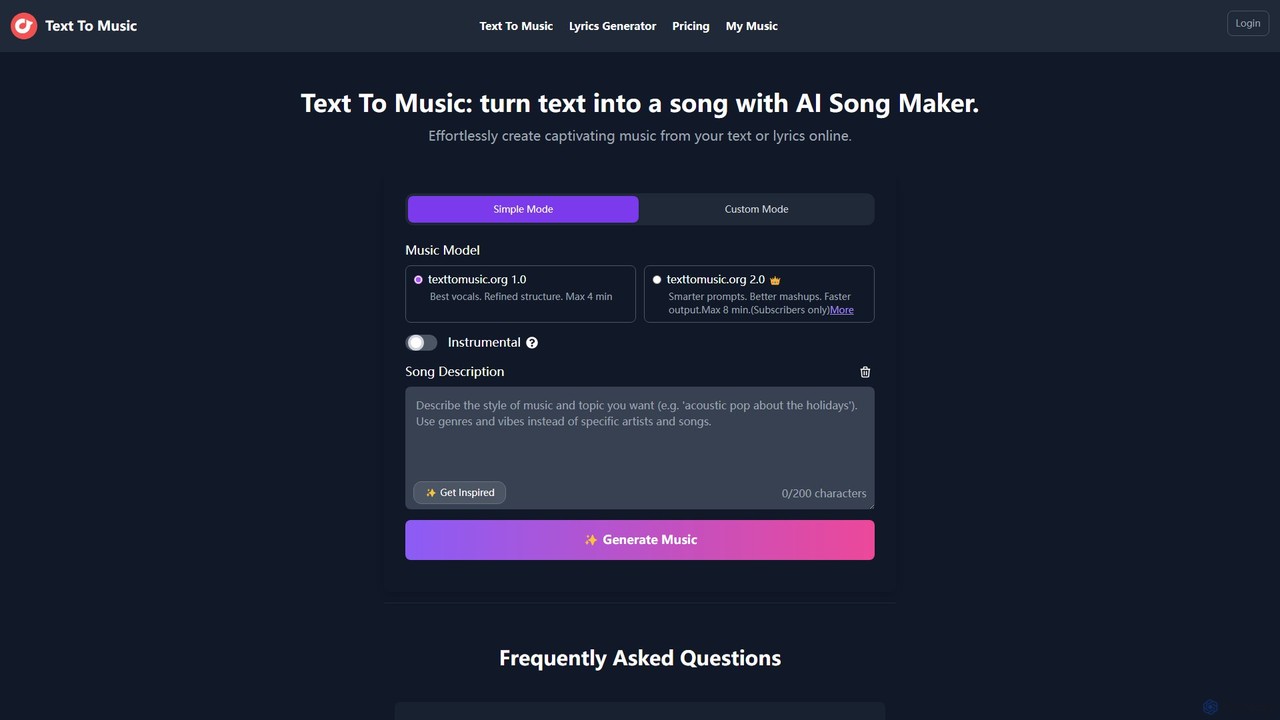
inthesong is a powerful AI song maker that transforms text prompts into complete musical compositions. Leveraging advanced AI …

2.9K
Fadr

Fadr

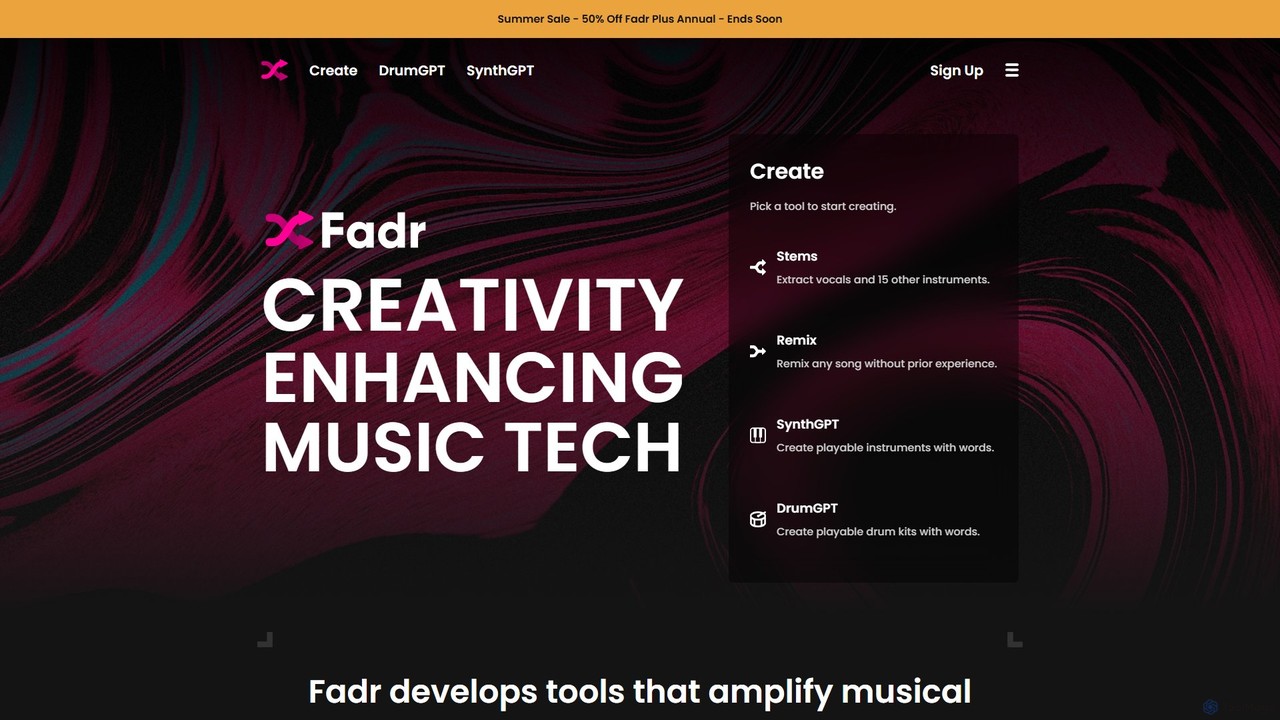
Fadr is a powerful AI music platform that enables users to create remixes, mashups, and separate songs into …

1.1M
Photopea

Photopea

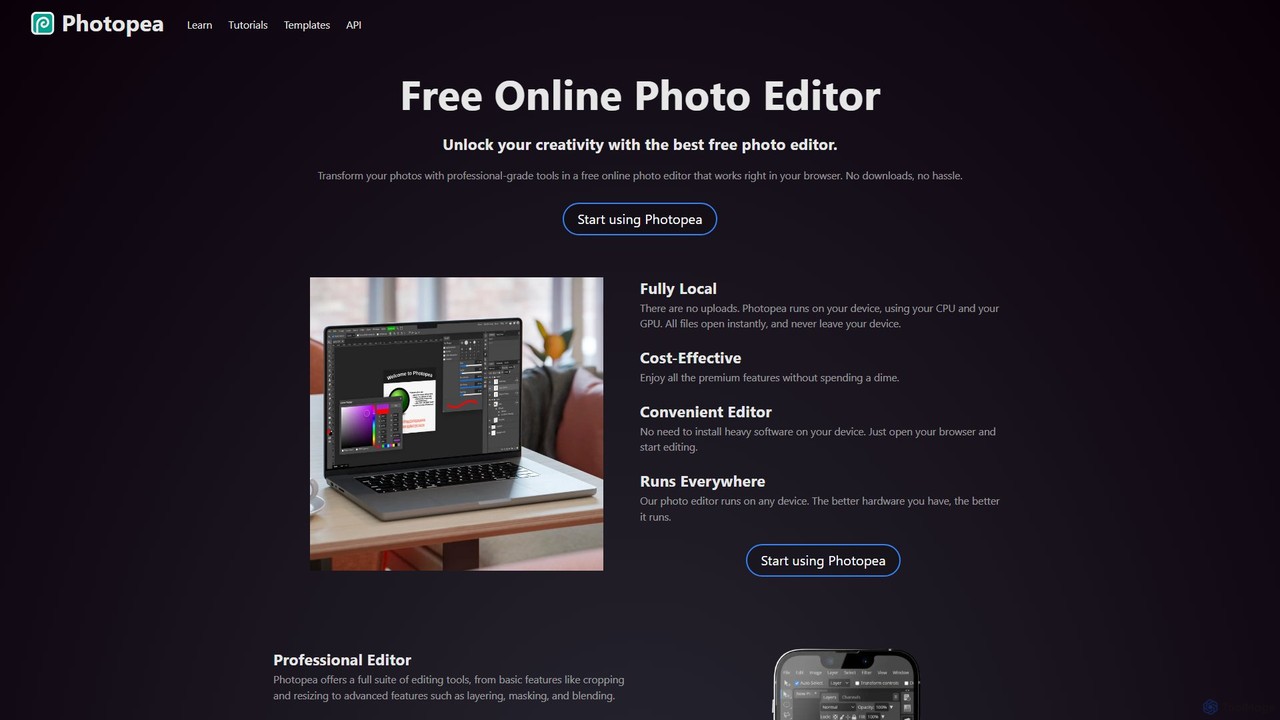
Photopea is a powerful, free online photo and graphics editor that runs directly in your browser. It supports …

18.2M
Haimian Music

Haimian Music

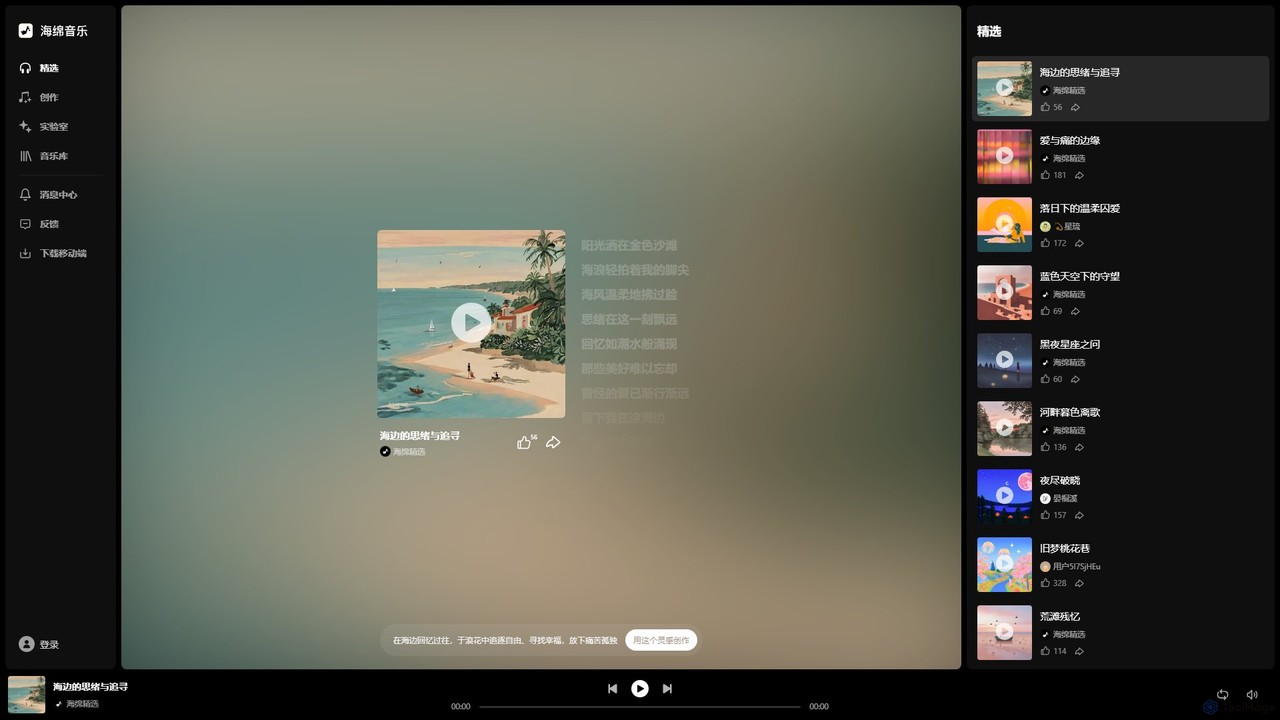
Haimian Music is an AI-powered music generation platform that allows users to create original songs with vocals and …

80.2K
HueHive

HueHive

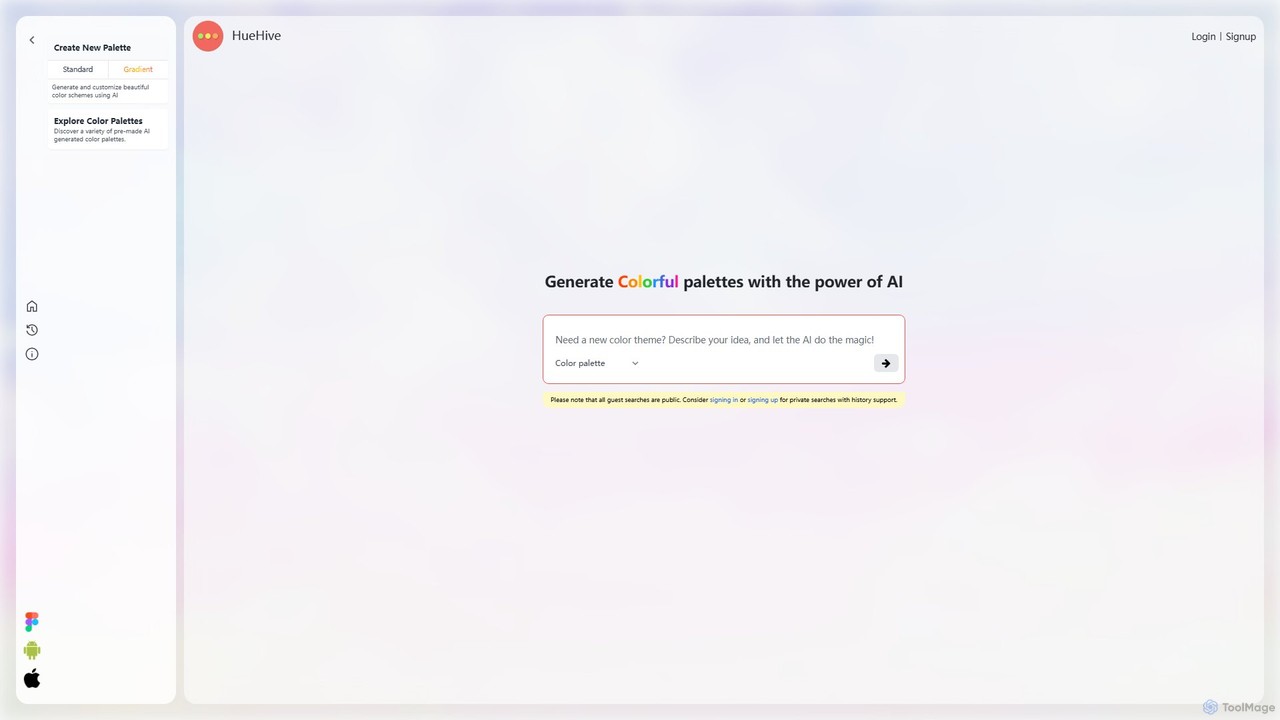
HueHive is an AI-powered color palette and gradient generator that transforms text prompts into beautiful, unique color schemes. …

34.8K
Feng My Shui

Feng My Shui

Feng My Shui is an AI image generation platform that simplifies access to powerful models like Midjourney and …

2.5K
huewheel

huewheel

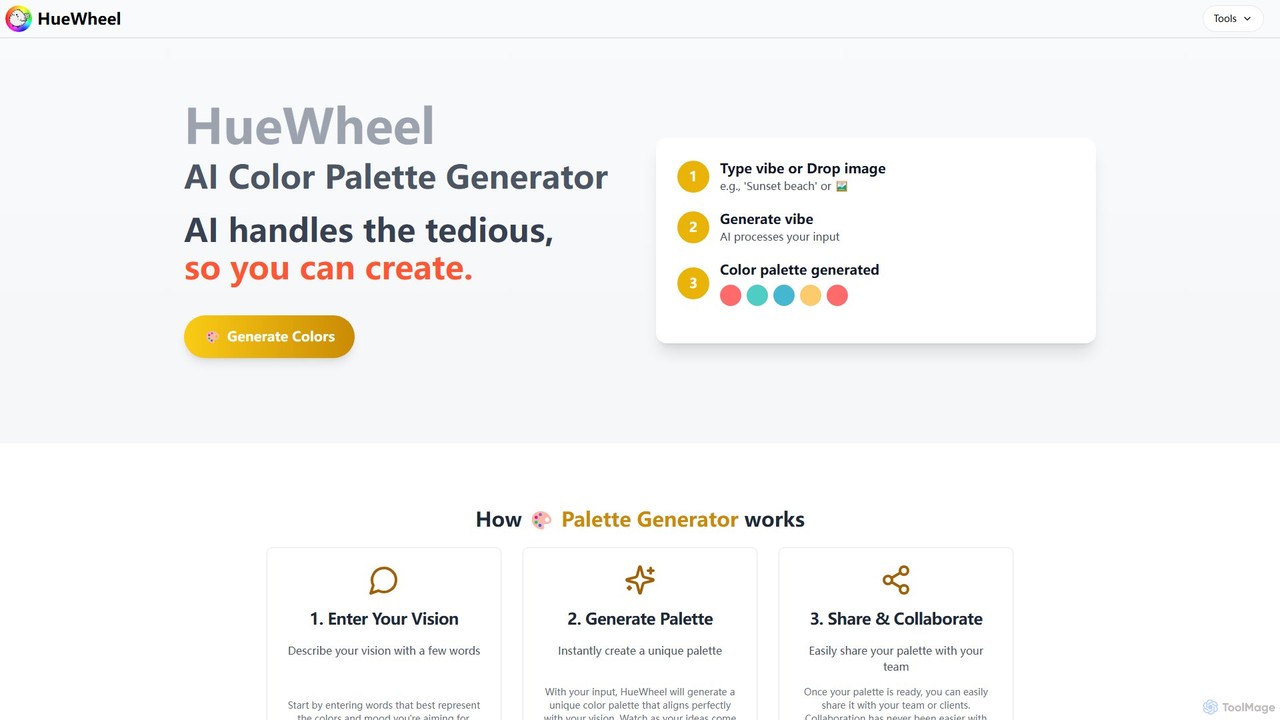
huewheel is an AI-powered color palette generator that creates stunning color combinations from natural language descriptions or image …

2.8K
Free
Makeayo

Makeayo

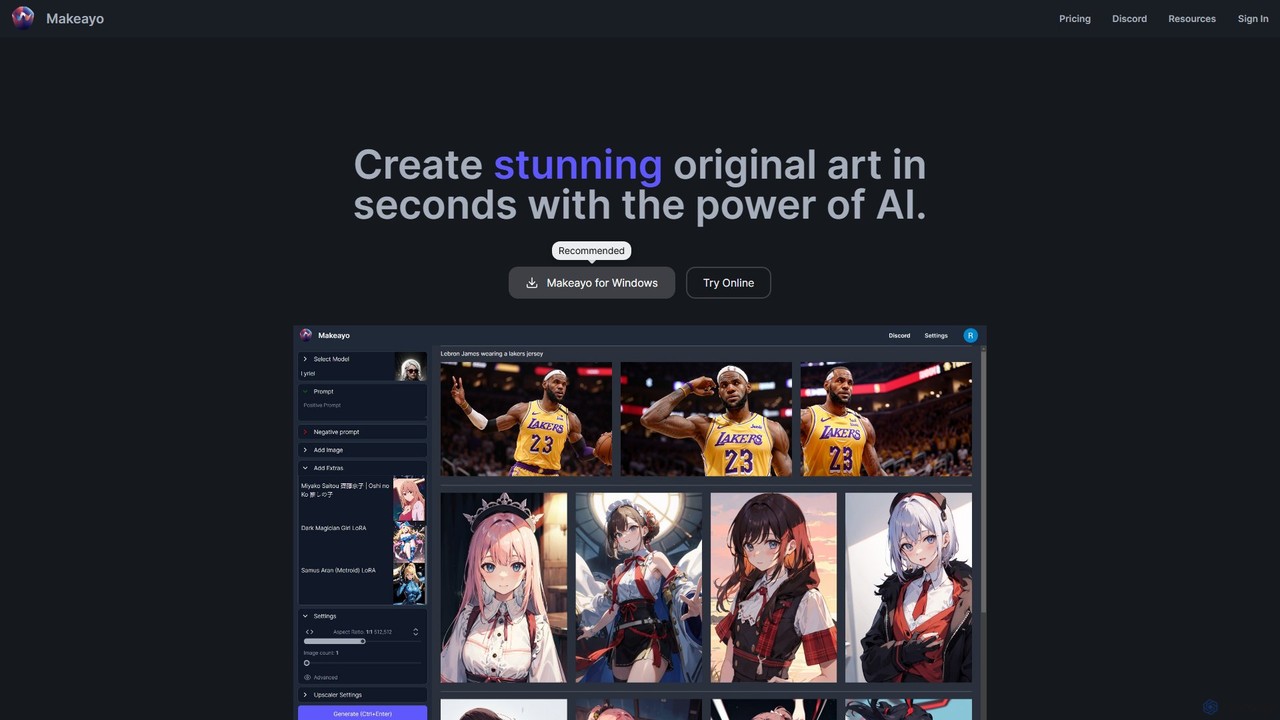
Makeayo is a free, user-friendly AI art generator for Windows. It runs locally on your desktop, offering unlimited …

2.5K
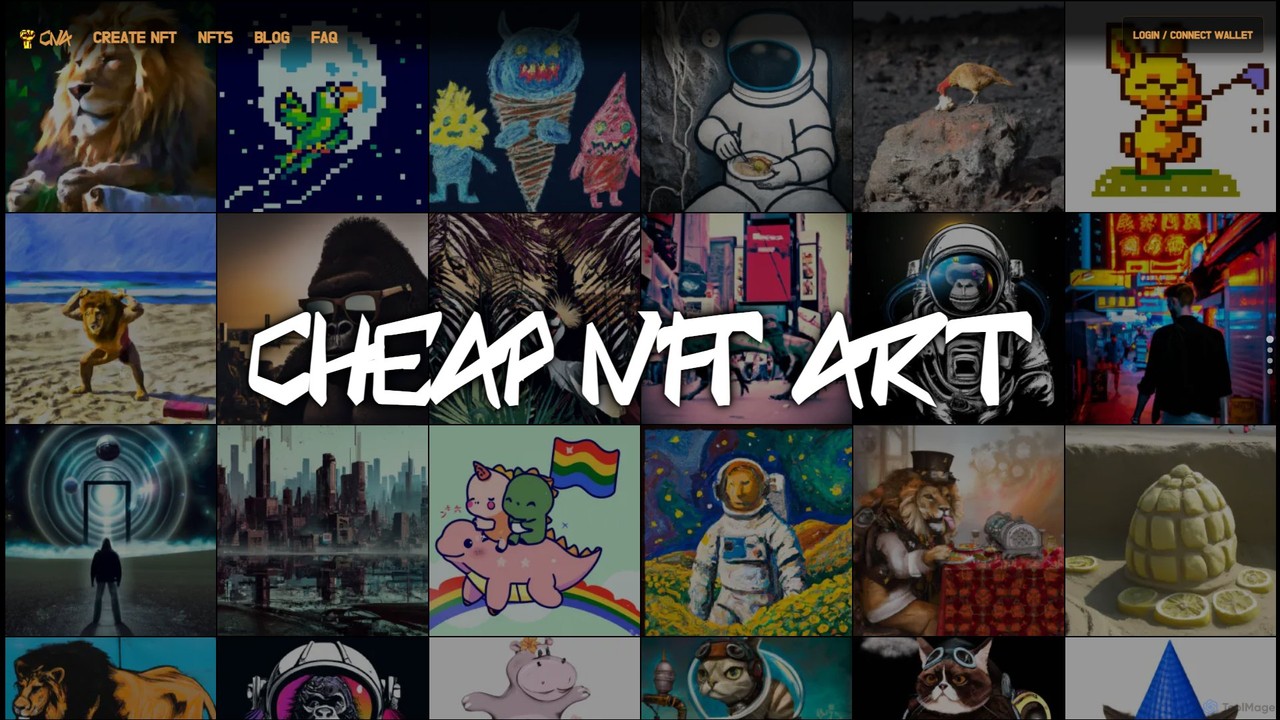
Cheap NFT Art

Cheap NFT Art

Cheap NFT Art is an AI-powered platform that empowers anyone to create unique digital art from text prompts …

2.4K
Wondershare AIGC

Wondershare AIGC

Wondershare AIGC is a powerful AI art generation platform that transforms your text descriptions and images into stunning, …

8.6K

About Creative Tool

AI Creative Tools are a class of software designed to augment and accelerate the human creative process. They leverage artificial intelligence for tasks like idea generation, visual brainstorming, and content structuring, acting as a partner in ideation. This helps users overcome creative blocks, explore diverse concepts, and organize thoughts more effectively, ultimately boosting creative productivity. Unlike general productivity applications, these tools are specifically built for the non-linear, iterative nature of creative work.

Core Features

  • AI-Powered Brainstorming: Generates ideas, keywords, and conceptual connections based on a simple prompt or existing content.
  • Visual Collaboration Canvas: Offers infinite digital whiteboards for mind mapping, mood boarding, and real-time team collaboration.
  • Content Structuring & Outlining: Automatically organizes scattered notes and ideas into coherent outlines, narratives, or project plans.
  • Inspiration Curation: Aggregates visual references, styles, and data from various sources to build comprehensive mood boards.
  • Rapid Prototyping: Assists in quickly generating low-fidelity wireframes or user flow diagrams from text descriptions.

Use Cases

AI Creative Tools are widely used by marketing teams for campaign ideation, UX/UI designers for creating user flows, and writers for storyboarding. They are also valuable for product managers mapping out new features and students organizing complex research projects.

How to Choose

When selecting an AI Creative Tool, consider its collaboration features, such as real-time editing and commenting. Evaluate its integration capabilities with your existing workflow (e.g., Figma, Google Drive). Also, assess the quality and relevance of its template library and the specialization of its AI for text, visual, or structural tasks.

Creative ToolUse Cases

1

Marketing Campaign Brainstorming Session

A marketing team uses an AI Creative Tool to kick off a new product launch campaign. They input the core product message, and the AI generates potential target audiences, slogans, and content pillars on a visual mind map. Team members collaborate in real-time on the digital canvas, adding images, notes, and connecting ideas. This process transforms a multi-day planning meeting into a single, highly productive session, resulting in a comprehensive campaign strategy map with a wider range of initial concepts.

2

Rapid UX/UI Wireframing for a Mobile App

A UX designer needs to visualize a new user onboarding flow. Instead of drawing boxes manually, they type descriptions like "Create a 3-step welcome screen with illustrations and a 'Get Started' button" into the AI tool. The tool instantly generates several layout variations as low-fidelity wireframes. This allows the designer to quickly compare different approaches, gather early feedback, and validate the user journey before committing significant time to high-fidelity design in other software.

3

Structuring a Novel or Screenplay

A writer has numerous scenes, character arcs, and plot points scattered across different notes. They input these elements into an AI Creative Tool. The AI helps organize them into a traditional three-act structure, creates a visual timeline of events, and highlights potential plot holes or inconsistent character motivations. The writer can then rearrange elements on the visual canvas to experiment with different narrative flows, transforming a collection of ideas into a coherent and well-paced story outline.

4

Creating a Visual Mood Board for Branding

A brand designer is tasked with defining the visual identity for a new client. They use an AI Creative Tool to create a mood board by inputting keywords like "sustainable tech, minimalist, human-centric." The AI scours various sources for relevant images, color palettes, and typography, automatically arranging them on a collaborative canvas. This accelerates the research phase and provides a rich, curated collection of visual assets to establish a clear aesthetic direction with the client, ensuring alignment before design work begins.

5

Organizing Academic Research for a Thesis

A graduate student is overwhelmed by hundreds of notes, quotes, and research paper summaries for their thesis. They use an AI Creative Tool to centralize all this information. The AI helps identify key themes, groups related concepts visually, and suggests a logical chapter structure. The student can create a dynamic map of their research, linking sources to arguments and identifying gaps in their literature review. This transforms a chaotic collection of data into a structured foundation for writing.

6

Collaborative Product Feature Roadmapping

A product manager and their team use a shared AI canvas to plan the next quarter's roadmap. They add virtual sticky notes for user feedback, technical requirements, and feature ideas. The AI can help cluster similar ideas or suggest dependencies between features. The team uses pre-built templates for prioritization matrices (like RICE or MoSCoW) to visually organize and debate priorities. This visual and collaborative approach ensures stakeholder alignment and creates a clear, actionable roadmap that everyone understands.

Creative ToolFrequently Asked Questions