
Freemium
Edgee
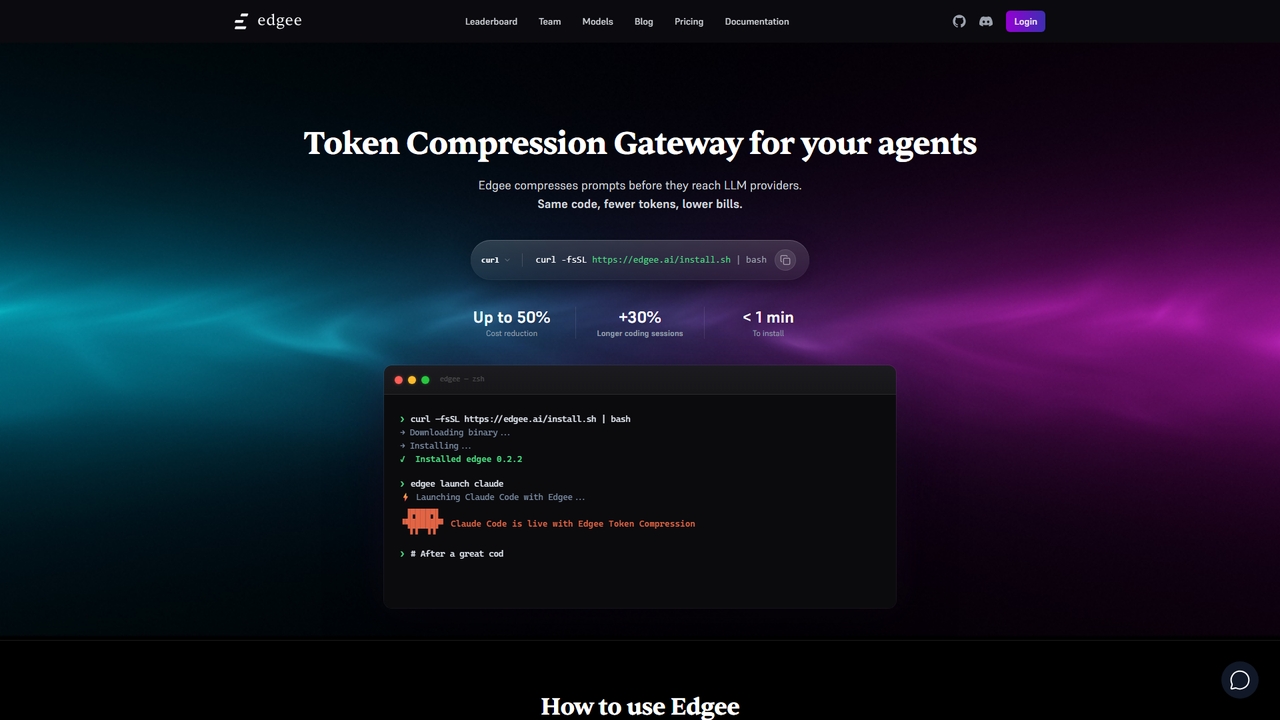
Edgee is a token compression gateway that reduces LLM prompt costs by up to 50%. Works transparently with coding agents like Claude, Codex, and Cursor.
Llm GatewayVisits 11.8KFavorites 52Likes 54
Popular Llm Gateway AI tools in Ai Infrastructure include APIPark and Edgee, helping you work more efficiently.
Edgee is a token compression gateway that reduces LLM prompt costs by up to 50%. Works transparently with coding agents like Claude, Codex, and Cursor.
Llm Gateway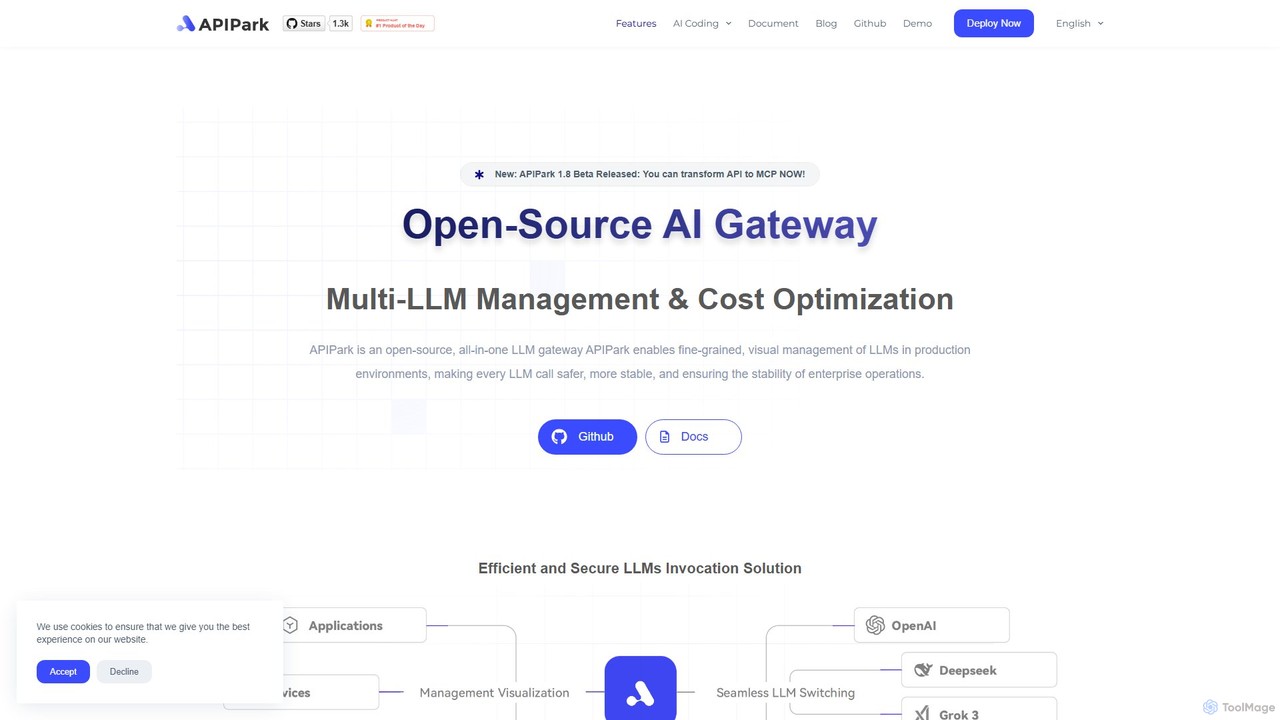
APIPark is an open-source AI gateway and developer portal designed to help businesses manage, integrate, and deploy AI services efficiently. It centralizes LLM calls, reduces costs, and provides tools for API sharing, monitoring, and security.
Llm GatewayLLM Gateways are specialized middleware tools that manage and streamline access to multiple Large Language Models (LLMs). They function as a unified API layer, positioned between applications and various LLM providers like OpenAI, Anthropic, or Google. This centralized control allows developers to route requests, manage API keys, and monitor usage without being locked into a single model ecosystem. As a key part of the AI Infrastructure, LLM Gateways are essential for building scalable, cost-effective, and resilient AI-powered applications.
LLM Gateways are widely used by technology companies building AI-native products, enterprises integrating generative AI into existing workflows, and development teams that require model flexibility. They are particularly valuable in production environments for managing multi-cloud or multi-model strategies, optimizing operational costs, and ensuring application reliability.
When selecting an LLM Gateway, consider the range of supported LLM providers, deployment options (cloud vs. self-hosted), the sophistication of routing and caching rules, and its integration capabilities with your existing observability stack (e.g., logging and monitoring tools). Also, evaluate the security features and the latency overhead the gateway introduces.
An enterprise development team needs to integrate generative AI features into multiple internal applications, such as a CRM and a knowledge base. Instead of building separate integrations for each LLM provider, they deploy an LLM Gateway. This provides a single, secure endpoint for all applications. The gateway is configured to route sensitive data queries to a self-hosted, private model, while general content creation tasks are sent to the most cost-effective commercial model. This approach simplifies maintenance, enforces security policies centrally, and avoids vendor lock-in.
A SaaS company offers an AI-powered content summarization feature to its customers on different pricing tiers. To manage operational costs, they use an LLM Gateway. The gateway enforces strict monthly token limits for each customer based on their subscription plan. It also provides detailed analytics on usage patterns, helping the product team understand costs per feature and adjust pricing. Furthermore, they configure a rule to route requests from free-tier users to a cheaper, slightly less powerful model, preserving the premium models for paying customers.
A customer service platform relies on an AI chatbot that must be available 24/7. To prevent downtime caused by LLM provider outages or performance degradation, the DevOps team implements an LLM Gateway. They configure a primary model for all requests but set up a secondary model from a different provider as a backup. The gateway continuously monitors the health and latency of the primary model. If it detects an issue, it automatically and seamlessly reroutes all traffic to the backup model until the primary service is restored, ensuring uninterrupted service for end-users.
A product team wants to determine whether a new, fine-tuned open-source model provides better results for their specific use case than their current commercial LLM. Using an LLM Gateway, they set up an A/B test. The gateway is configured to route 10% of user traffic to the new model while the other 90% continues to use the existing one. Through the gateway's centralized logging, the team can easily compare key metrics like response quality (via user feedback), latency, and cost per query for both models. This data-driven approach allows them to make an informed decision without disrupting the user experience.
A large team of developers and prompt engineers works on an application with dozens of AI-driven features. Managing and updating prompts directly in the application code is slow and error-prone. They adopt an LLM Gateway that includes a prompt management system. This allows them to store, version, and deploy prompt templates from a central dashboard. When a prompt needs to be improved, a prompt engineer can update it in the gateway's UI, and the change is instantly reflected in the application without requiring a new code deployment. This decouples prompt engineering from the software development lifecycle.
A financial news analysis platform makes frequent, similar API calls to an LLM to summarize breaking news articles. To reduce latency and cut costs, they use an LLM Gateway with semantic caching capabilities. When a request to summarize a new article comes in, the gateway first checks its cache for semantically similar requests. If a sufficiently similar summary already exists, it returns the cached response instantly, avoiding a costly call to the LLM. This significantly improves response times for users viewing popular news stories and reduces the overall API spend by over 40%.
An LLM Gateway is a middleware layer that acts as a single, unified entry point for applications to access multiple Large Language Models (LLMs). Instead of connecting directly to each LLM's API, your application communicates with the gateway. The gateway then intelligently routes requests, manages credentials, caches responses, and monitors usage across all connected models. It's a crucial piece of AI infrastructure for managing complexity, cost, and reliability when building with LLMs.
Using an LLM's API directly ties your application to a single provider and model. An LLM Gateway abstracts this connection. The key differences are:
In short, a direct API is a component, while a gateway is a management and control system for multiple components.
The primary benefits of implementing an LLM Gateway revolve around centralized management and operational efficiency. Key advantages include:
LLM Gateways are most beneficial for teams and organizations building production-grade applications that rely on one or more LLMs. Key users include:
Individual developers working on small projects might not need a gateway, but it becomes essential as soon as cost, reliability, or model flexibility become concerns.
Selecting the right LLM Gateway depends on your specific needs. Consider these factors: