
Klap Overview
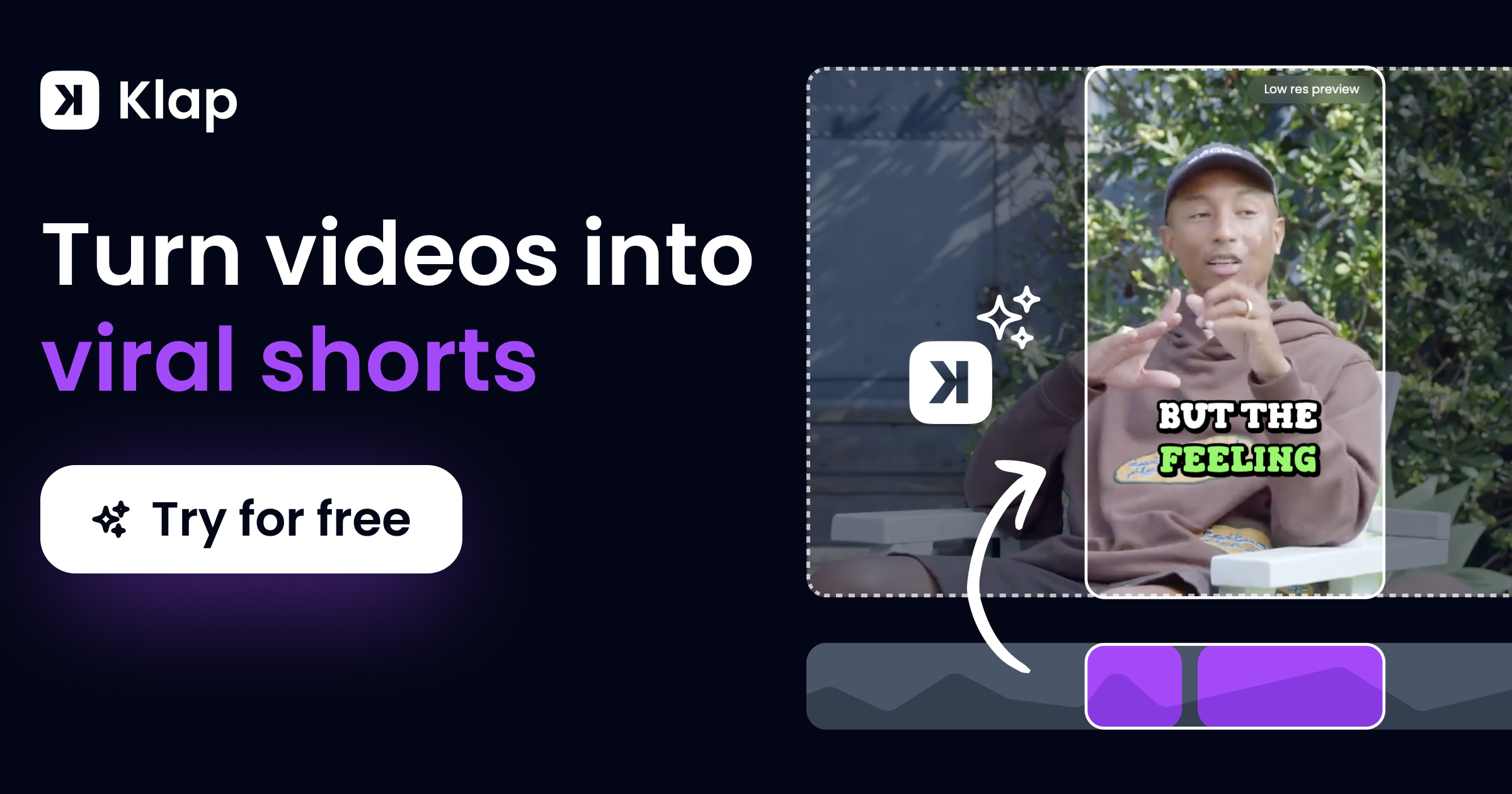
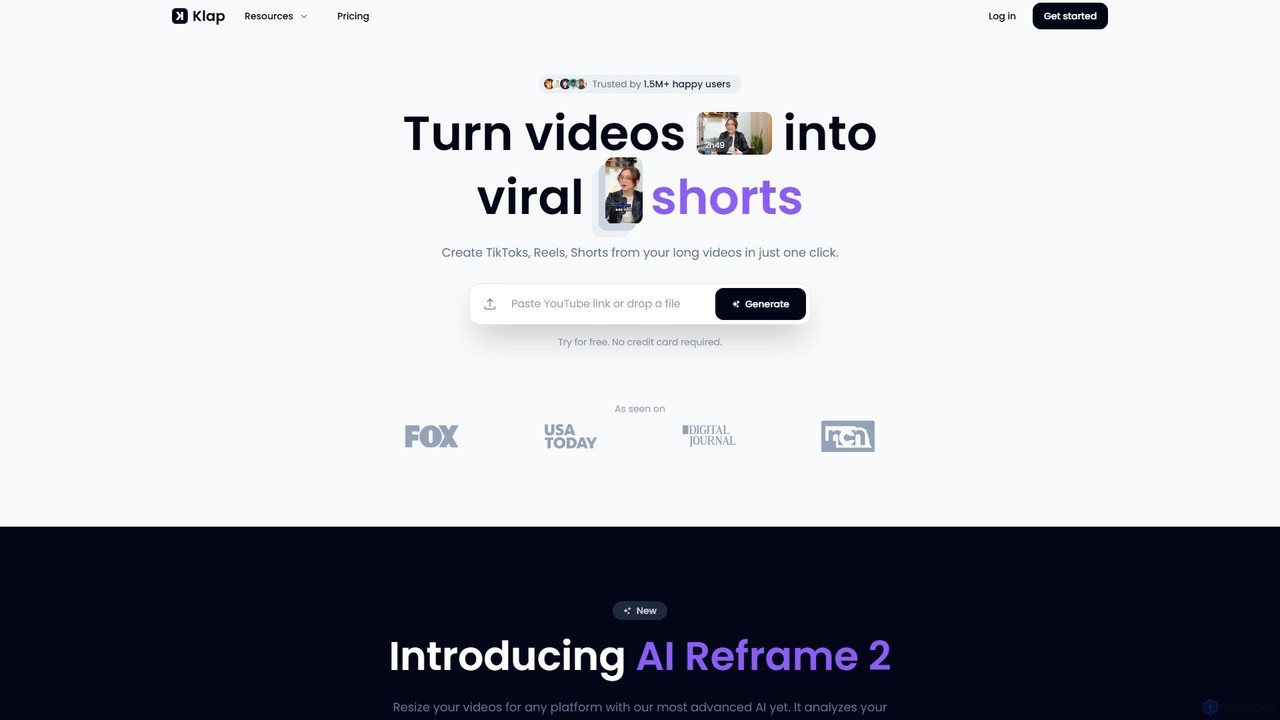
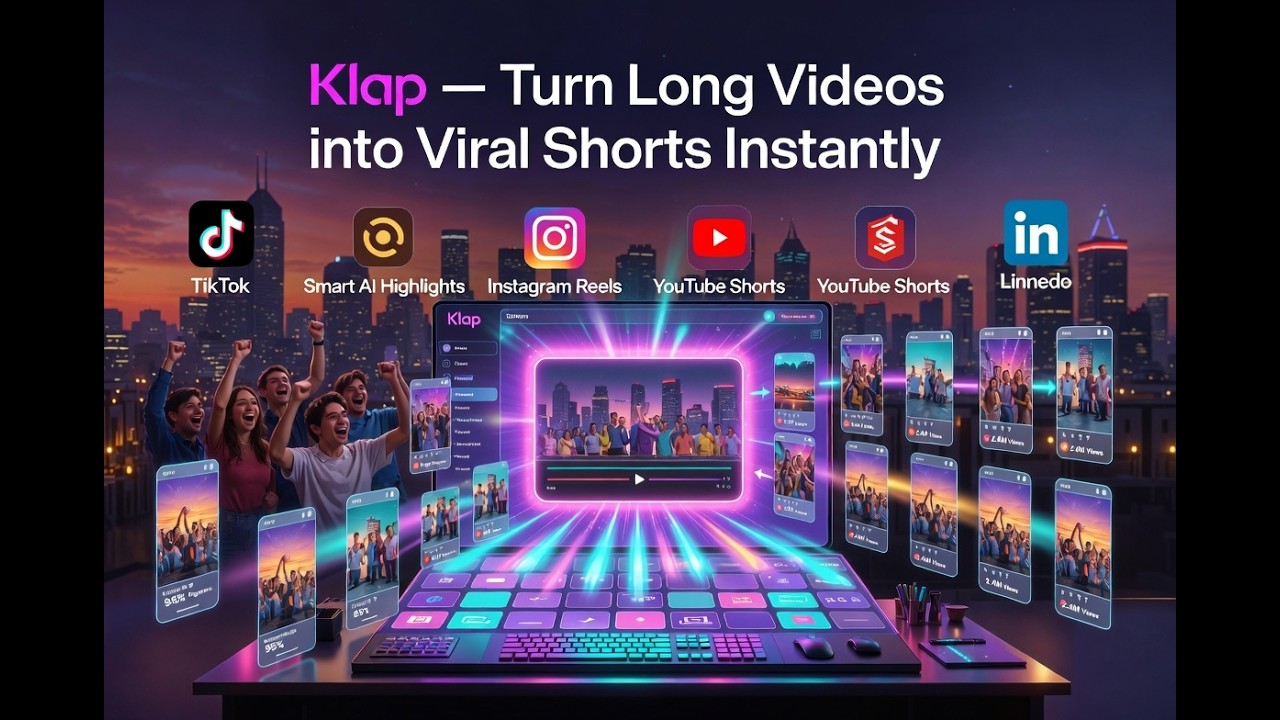
Klap is a revolutionary AI video editing tool designed for content creators, marketers, and podcasters who want to maximize their reach on social media. Trusted by over 1.6 million users, Klap automates the tedious process of converting long-form video content into multiple engaging, vertical short clips. By simply pasting a YouTube link or uploading a video file, you can generate dozens of viral-worthy clips for platforms like TikTok, Instagram Reels, and YouTube Shorts in just a few minutes, saving countless hours and editing costs.
The platform's core is its advanced AI, which analyzes your video to identify the most compelling topics and moments. It then automatically edits these segments into short clips, complete with a virality score to help you choose the best ones. Klap's AI also generates eye-catching, customizable captions to keep viewers engaged. One of its standout features is the new AI Reframe, which intelligently analyzes scenes and applies the perfect layout—such as Split Screen for interviews, Screencasts for tutorials, or focused views for gaming—ensuring your content always looks professional and is perfectly optimized for vertical viewing.
How to use Klap
Using Klap is a simple, three-step process designed for efficiency:
- Upload Your Video: Start by pasting a link to your YouTube video or uploading a video file directly to the Klap platform. As a general rule, a one-minute long video can produce about five distinct clips.
- Let the AI Work: Once uploaded, Klap's AI gets to work. It analyzes the content, identifies key topics, selects the best moments, and automatically edits them into vertical short videos. This process includes smart reframing, adding dynamic subtitles, and scoring each clip's viral potential.
- Review, Customize, and Publish: In minutes, you'll receive a selection of ready-to-use clips. You can make final touches, customize captions, fonts, colors, and logos to match your brand. Once you're satisfied, you can export the videos in high resolution (up to 4K) and share them directly to your social media channels like TikTok, Instagram, YouTube, and LinkedIn, or schedule them to fit your content calendar.
Core Features of Klap
- AI Editing & Clipping: Automatically extracts the most interesting topics from your video and edits them into multiple viral-worthy short clips.
- AI Auto Reframing: Intelligently reframes videos to keep the main subject in focus, with specialized layouts for different content types like interviews, podcasts, and gaming.
- Engaging Captions: Generates beautifully designed, animated subtitles to capture and retain viewer attention, which is crucial for social media performance.
- Full Customization: Offers extensive options to customize fonts, colors, logos, and framing to ensure brand consistency across all your content.
- Publish & Schedule: Allows you to directly publish or schedule your finished clips to TikTok, YouTube, Instagram, and LinkedIn, streamlining your content workflow.
- AI Video Translation & Dubbing: The Pro plans offer the ability to translate and dub your videos into 29 different languages, dramatically expanding your global reach.
- Comprehensive Toolset: Includes a suite of tools like a video cropper, podcast transcriber, video resizer, and subtitle generator to handle all your short-form video needs.
Use Cases for Klap
Klap is ideal for anyone looking to repurpose long-form content efficiently. Common use cases include:
- YouTubers: Turning long video essays, reviews, or vlogs into a steady stream of Shorts to drive traffic back to their main channel.
- Podcasters: Converting audio or video podcasts into visually engaging clips with dynamic captions for social media promotion.
- Marketers & Brands: Repurposing webinars, product demos, or customer testimonials into bite-sized ads and social content.
- Educators & Coaches: Breaking down long lectures or online courses into short, digestible tips and highlights for platforms like Instagram and TikTok.
Advantages of Klap
Klap offers significant advantages over traditional video editing. It saves an immense amount of time and money by automating the clipping and editing process. The AI-driven features ensure high-quality, engaging output without requiring any prior editing experience. By making it easy to post content daily, Klap helps creators maintain consistency, which is key to growing an audience and increasing engagement on social media. Its ability to generate content for multiple platforms from a single source maximizes the value of every long-form video you create.
Pricing and Plans
Klap offers a freemium model with a free trial and several paid plans to suit different needs.
- Free Trial: Allows users to test the platform's capabilities without a credit card. A 3-day free trial is available on the standard plan.
- Standard Plan: Priced at $23/month (billed yearly) or a higher monthly rate. Includes 10 video uploads per month (up to 45 mins long), 100 clips per month, and HD download.
- Pro Plan: Priced at $63/month. Includes 30 video uploads per month (up to 2 hours long), 300 clips per month, 4K download, and AI video translation into 29 languages.
- Pro+ Plan: Priced at $151/month. Includes 100 video uploads per month (up to 3 hours long), 1000 clips per month, 4K download, and AI video translation.
- Enterprise: Custom plans are available for users with larger needs.
Traffic
Latest traffic
Status
Monthly traffic trend
- 2025-9: 352.7K
- 2026-1: 458.4K
- 2026-2: 281.8K
- 2026-3: 315.5K
- 2026-4: 289.7K
- 2026-5: 258.7K
Geography
Top 5 countries / regions
- 🇺🇸United States53.0%
- 🇫🇷France15.6%
- 🇮🇳India12.3%
- 🇬🇧United Kingdom10.0%
- 🇻🇳Vietnam9.1%
Traffic sources
| Source type | Percentage |
|---|---|
Direct | 78.1% |
Referral | 17.3% |
Email | 4.6% |
Top keywords
| Keyword | Cost per click |
|---|---|
| klap | $0.41 |
| klap ai | $0.54 |
| opus clip | $0.38 |
| ssemble | $0.25 |
| ssemble ai | $0.17 |
Klap Videos on YouTube
Review N Discount

Arthur Besnehard


Vil Vas - Software Reviews
CREATIVES SUMAN

Klap Alternatives
WayinVideo
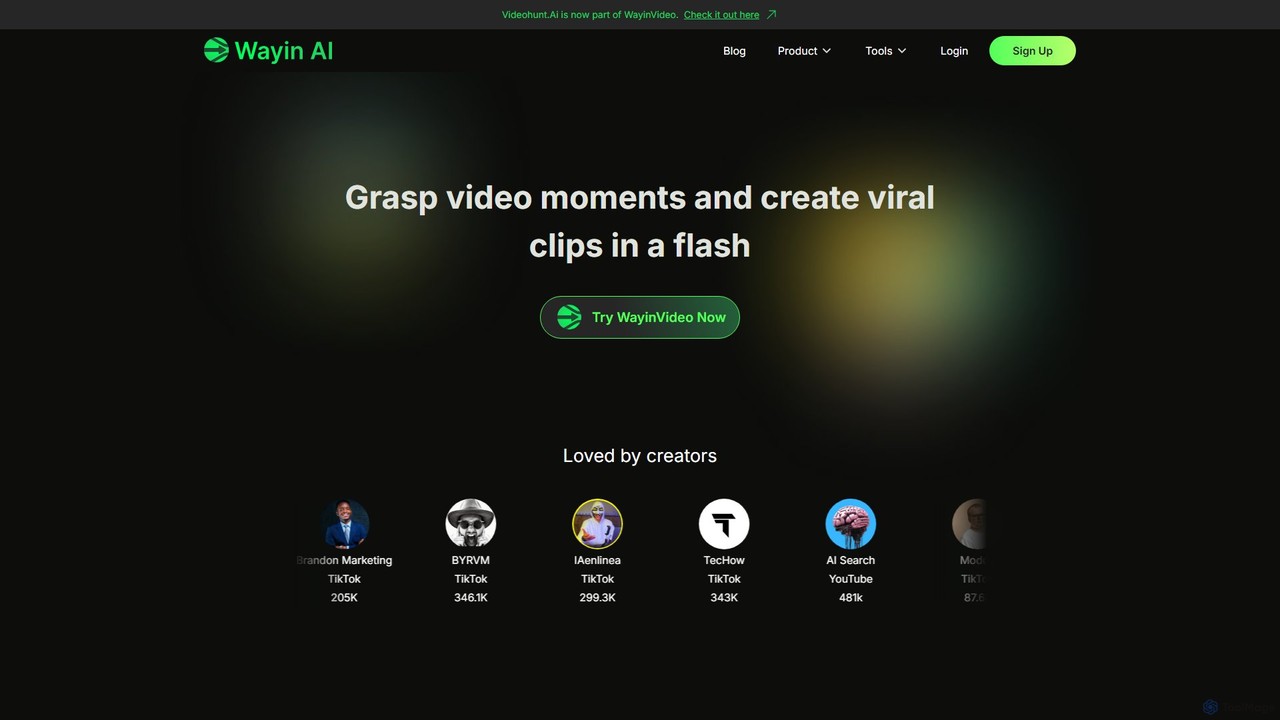
WayinVideo is an AI-powered platform designed for content creators and marketers to effortlessly transform long-form videos into engaging, viral short clips. By simply pasting a video link or uploading a file, the AI automatically identifies key moments, generates animated captions, and reframes content for social media platforms like TikTok, YouTube Shorts, and Instagram Reels, saving hours of manual editing.
Automation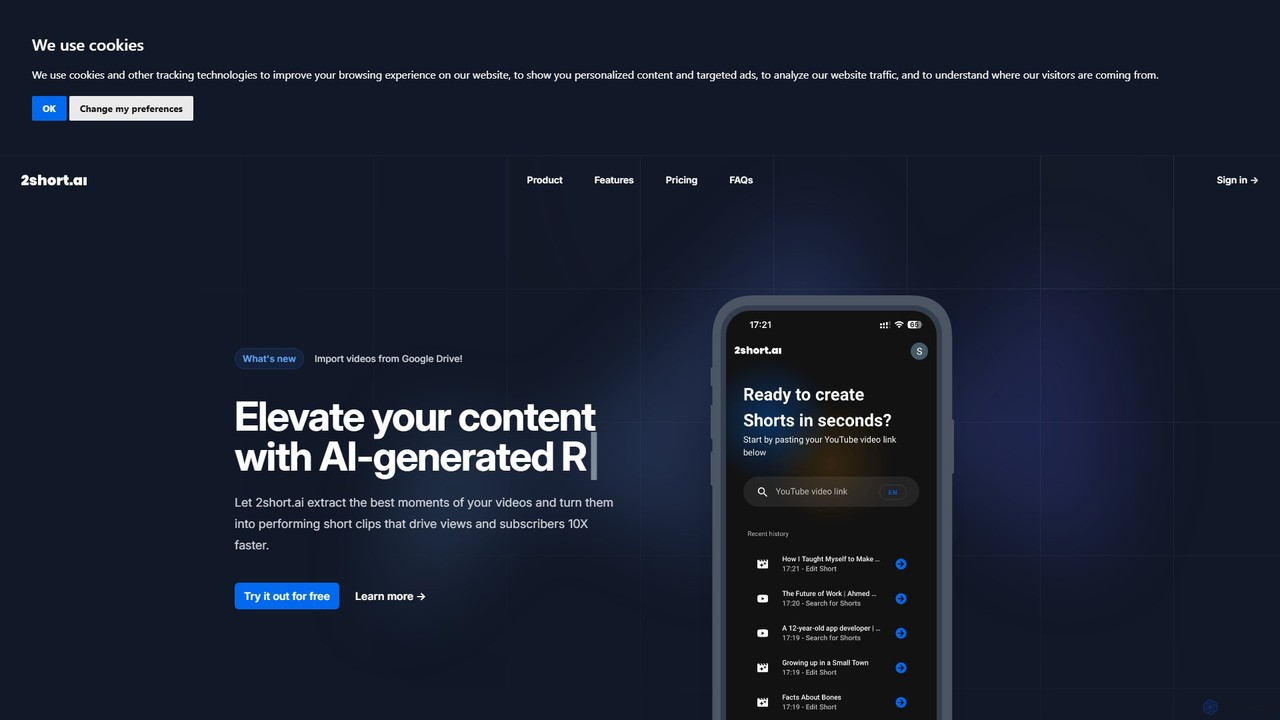
2short.ai
2short.ai is an AI-powered tool that transforms long-form videos into engaging, high-performing short clips. It automatically identifies the most captivating moments, adds animated subtitles, and uses facial tracking to perfectly frame speakers. This helps content creators save hours of editing time and grow their audience on platforms like YouTube Shorts, TikTok, and Reels 10x faster.
Automation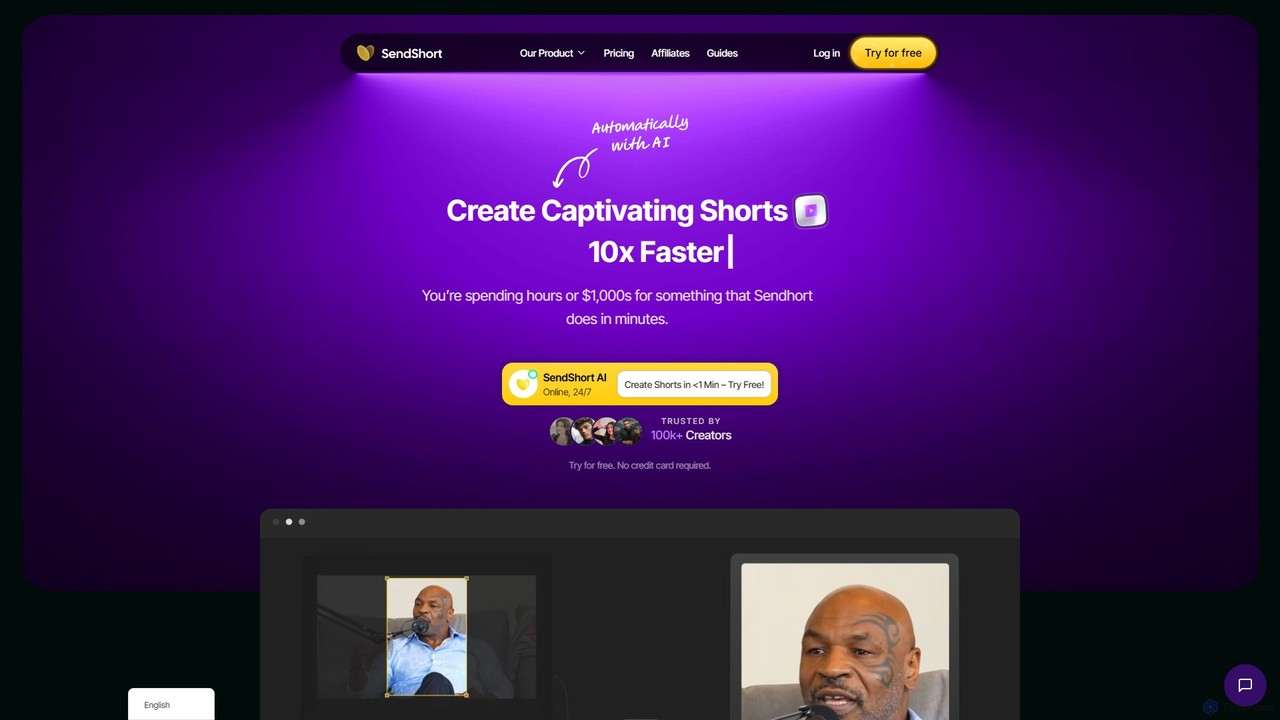
SendShort
SendShort is an AI-powered video platform that instantly transforms long-form videos into dozens of viral short clips for TikTok, Reels, and Shorts. It automates editing, adds dynamic captions, generates faceless content, and provides tools for scheduling, saving creators hours of work and thousands in costs.
Automation
SNAPVID.AI
SNAPVID.AI is an AI-powered video editor designed for content creators to quickly transform long-form videos into viral short clips. It automates tedious tasks like cutting, adding subtitles, and inserting B-roll footage, enabling users to produce more content for platforms like TikTok, Reels, and YouTube Shorts, saving significant time and money.
Automation
ShortX.ai
ShortX.ai is an AI-powered platform that automates the creation of engaging short-form videos from long-form content. Ideal for creators and marketers, it uses AI to find viral moments, add dynamic captions, and reformat videos for platforms like TikTok, Reels, and YouTube Shorts, saving hours of editing time.
Video MarketingKlap Categories
Klap Embed Widget
Copy this embed code to place the badge on your blog, article, or product site and send readers directly to this ToolMage detail page.

Related AI tools
WayinVideo
WayinVideo is an AI-powered platform designed for content creators and marketers to effortlessly transform long-form videos into engaging, viral short clips. By simply pasting a video link or uploading a file, the AI automatically identifies key moments, generates animated captions, and reframes content for social media platforms like TikTok, YouTube Shorts, and Instagram Reels, saving hours of manual editing.
Automation2short.ai
2short.ai is an AI-powered tool that transforms long-form videos into engaging, high-performing short clips. It automatically identifies the most captivating moments, adds animated subtitles, and uses facial tracking to perfectly frame speakers. This helps content creators save hours of editing time and grow their audience on platforms like YouTube Shorts, TikTok, and Reels 10x faster.
AutomationSendShort
SendShort is an AI-powered video platform that instantly transforms long-form videos into dozens of viral short clips for TikTok, Reels, and Shorts. It automates editing, adds dynamic captions, generates faceless content, and provides tools for scheduling, saving creators hours of work and thousands in costs.
AutomationSNAPVID.AI
SNAPVID.AI is an AI-powered video editor designed for content creators to quickly transform long-form videos into viral short clips. It automates tedious tasks like cutting, adding subtitles, and inserting B-roll footage, enabling users to produce more content for platforms like TikTok, Reels, and YouTube Shorts, saving significant time and money.
AutomationShortX.ai
ShortX.ai is an AI-powered platform that automates the creation of engaging short-form videos from long-form content. Ideal for creators and marketers, it uses AI to find viral moments, add dynamic captions, and reformat videos for platforms like TikTok, Reels, and YouTube Shorts, saving hours of editing time.
Video Marketing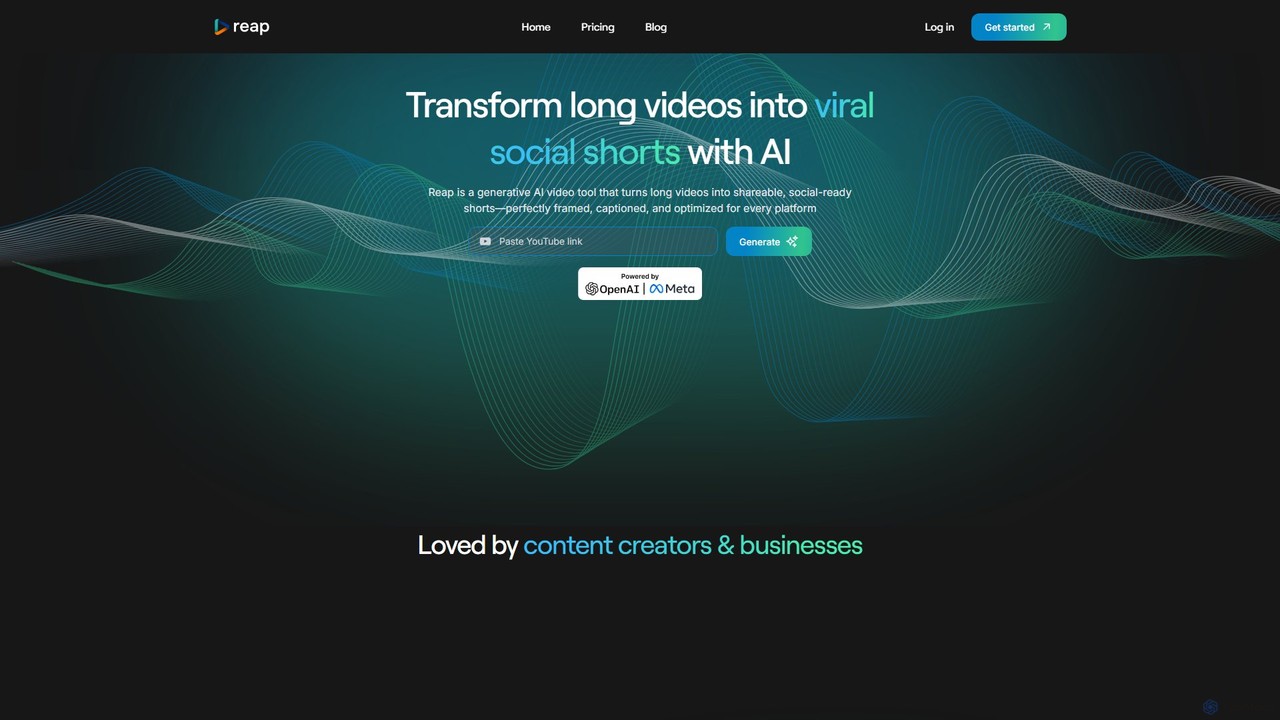
reap
An AI-powered video editing platform that automatically transforms long-form videos into viral short clips for social media. It features AI-driven clipping, transcript-based editing, automatic captions, and audio enhancement tools to save creators time and boost their content's reach.
Repurposing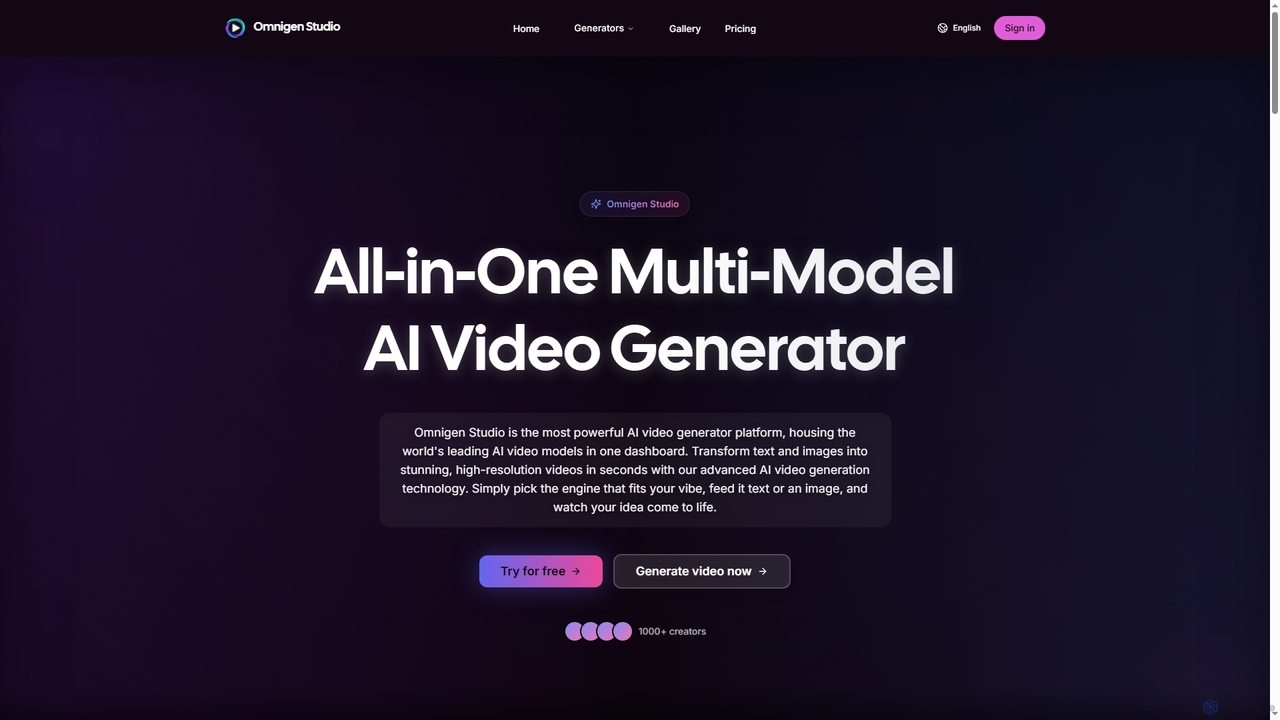
Omnigen
Omnigen is an all-in-one multi-model AI video generator platform that empowers creators to transform text and images into stunning, high-resolution videos in seconds. It integrates leading AI video models like Veo, Wan, and Sora 2, offering a seamless workflow for diverse creative needs, from social media clips to cinematic sequences.
Social Media Video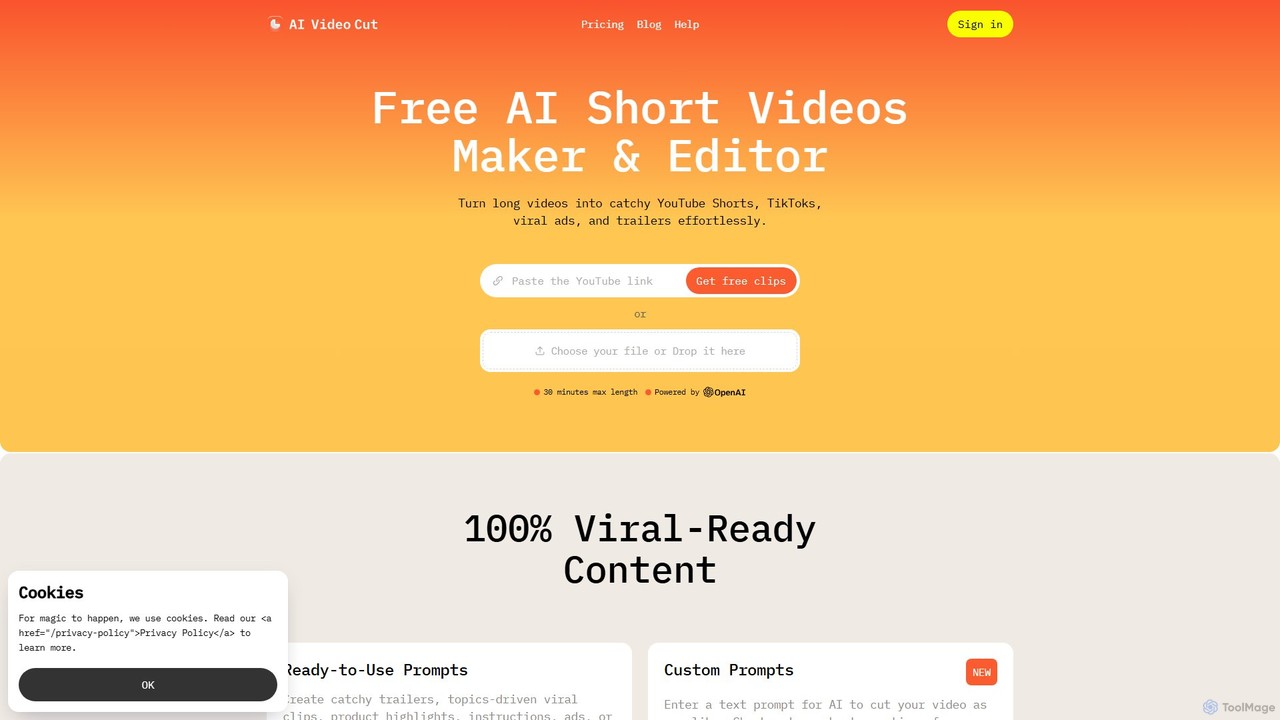
aivideocut
aivideocut is an AI-powered video editor that transforms long videos into engaging, viral short clips for platforms like YouTube Shorts, TikTok, and Instagram. Using AI prompts, it automatically identifies the most compelling moments, adds captions, and formats content for social media, saving creators hours of manual editing.
Advertising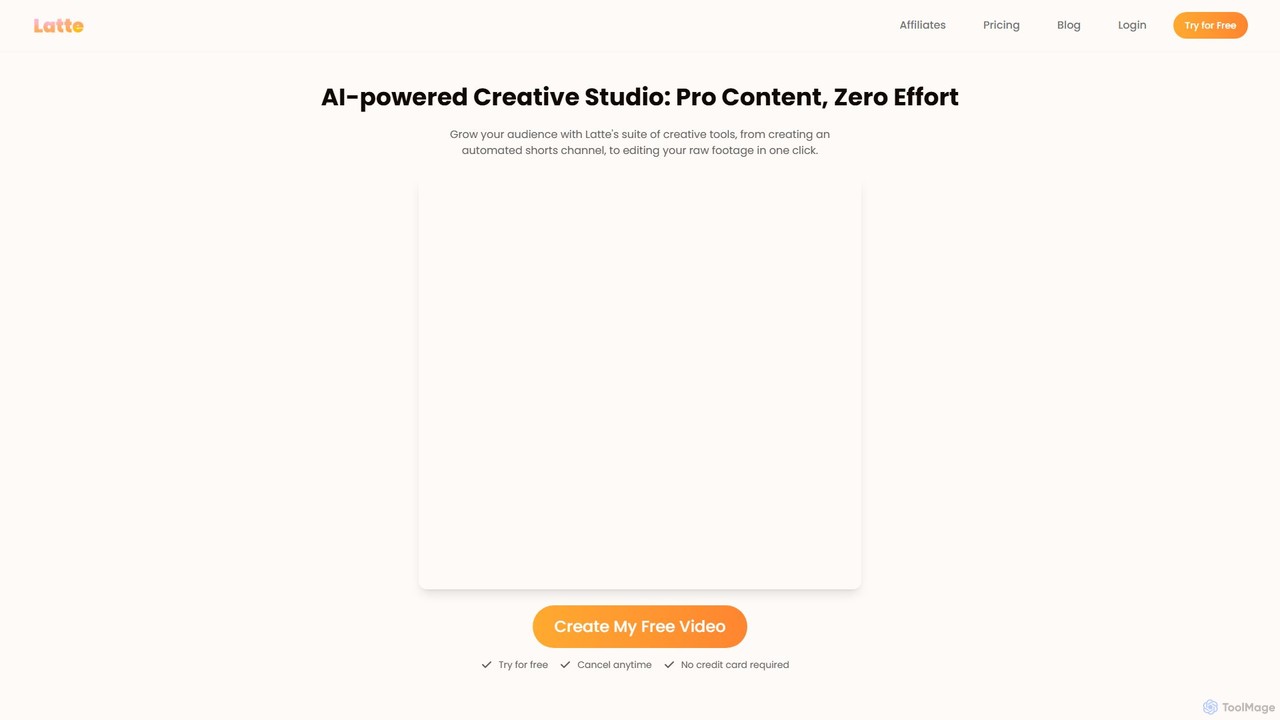
Latte Social
Latte Social is an AI-powered creative studio designed to simplify video production for social media. It automates content creation by transforming long-form videos into viral short clips, editing raw footage, adding animated subtitles, and even generating videos from text. It's built for creators and businesses looking to grow their audience with professional content, effortlessly.
Automation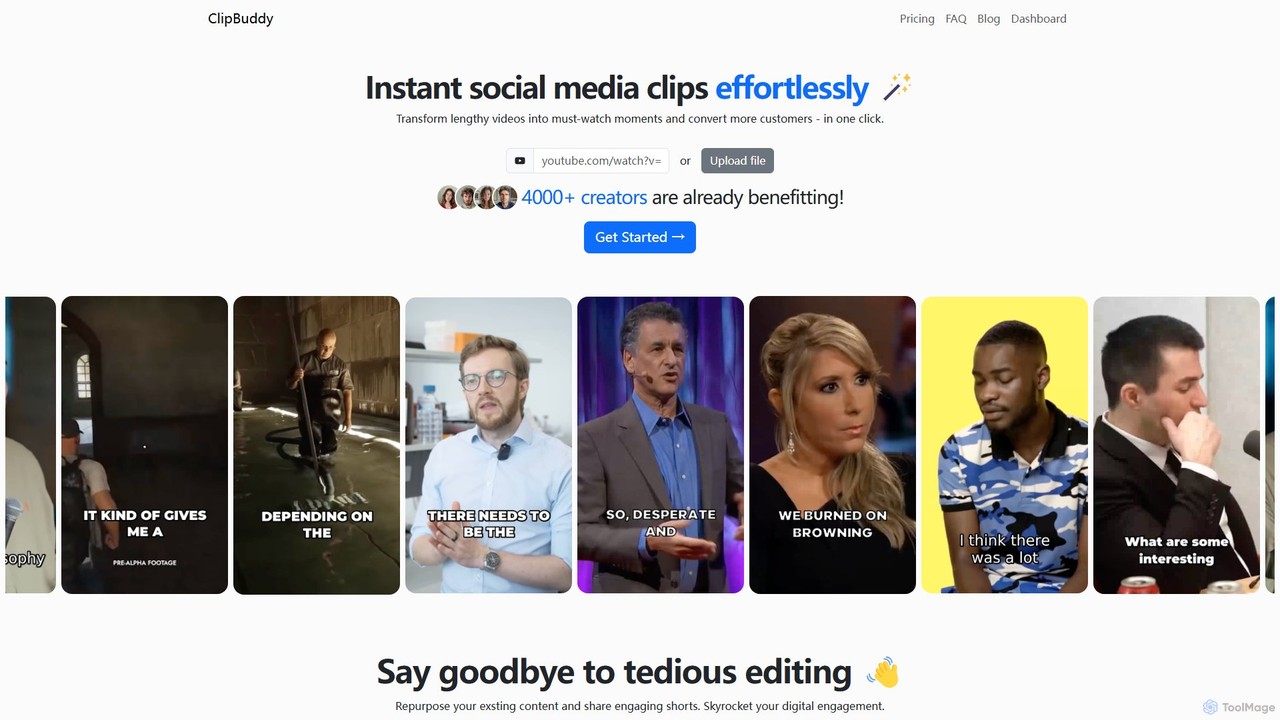
ClipBuddy
ClipBuddy is an AI-powered platform that automatically transforms long-form videos into engaging, viral short clips. It intelligently identifies key moments, adds dynamic multi-language captions, and resizes content for social media platforms like TikTok, Reels, and Shorts, helping creators maximize their reach and engagement with minimal effort.
Automation
SmartEdit
SmartEdit is an AI-powered video editing tool designed for content creators to effortlessly transform long videos into engaging, viral-ready short clips in seconds. It automates transcription, adds trendy animated captions, and integrates relevant b-roll to maximize watch time and audience engagement.
Automation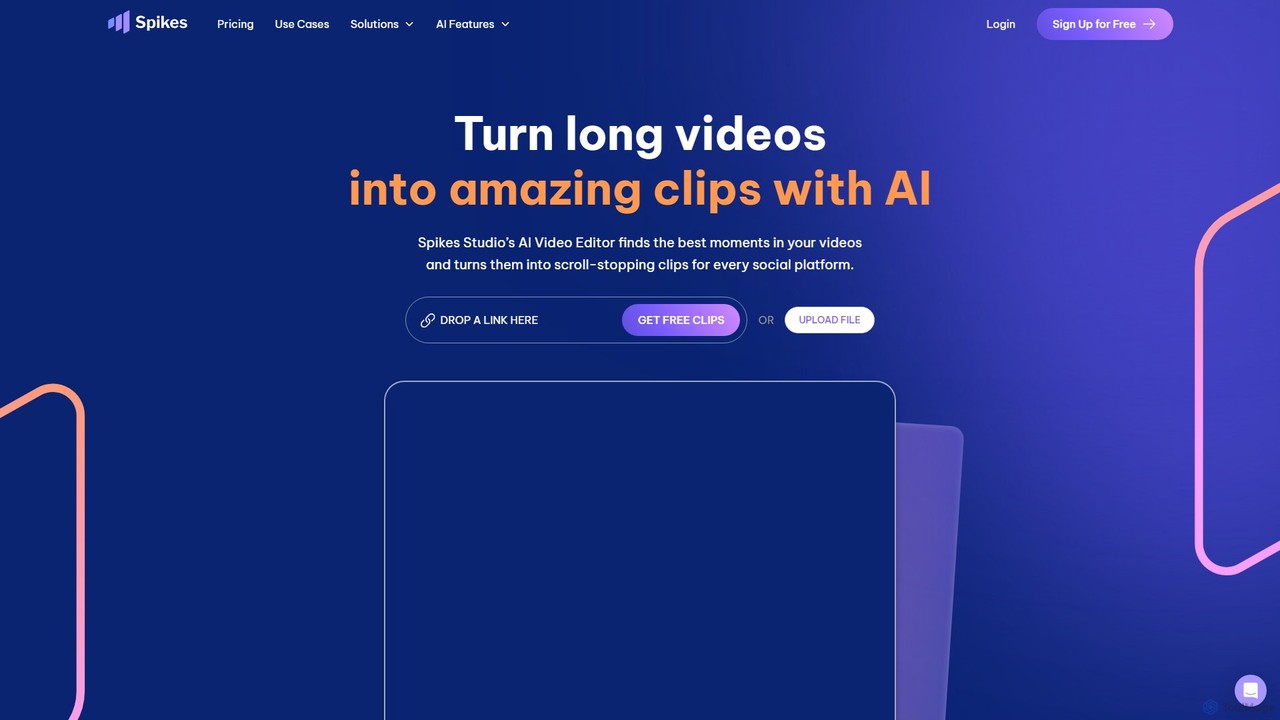
Spikes Studio
Spikes Studio is an AI-powered video editing platform that transforms long-form videos into engaging, shareable short clips for social media like TikTok, Reels, and YouTube Shorts. It automates clip detection, adds animated captions, and provides tools for scheduling and analytics, helping creators and marketers save time and grow their audience.
Automation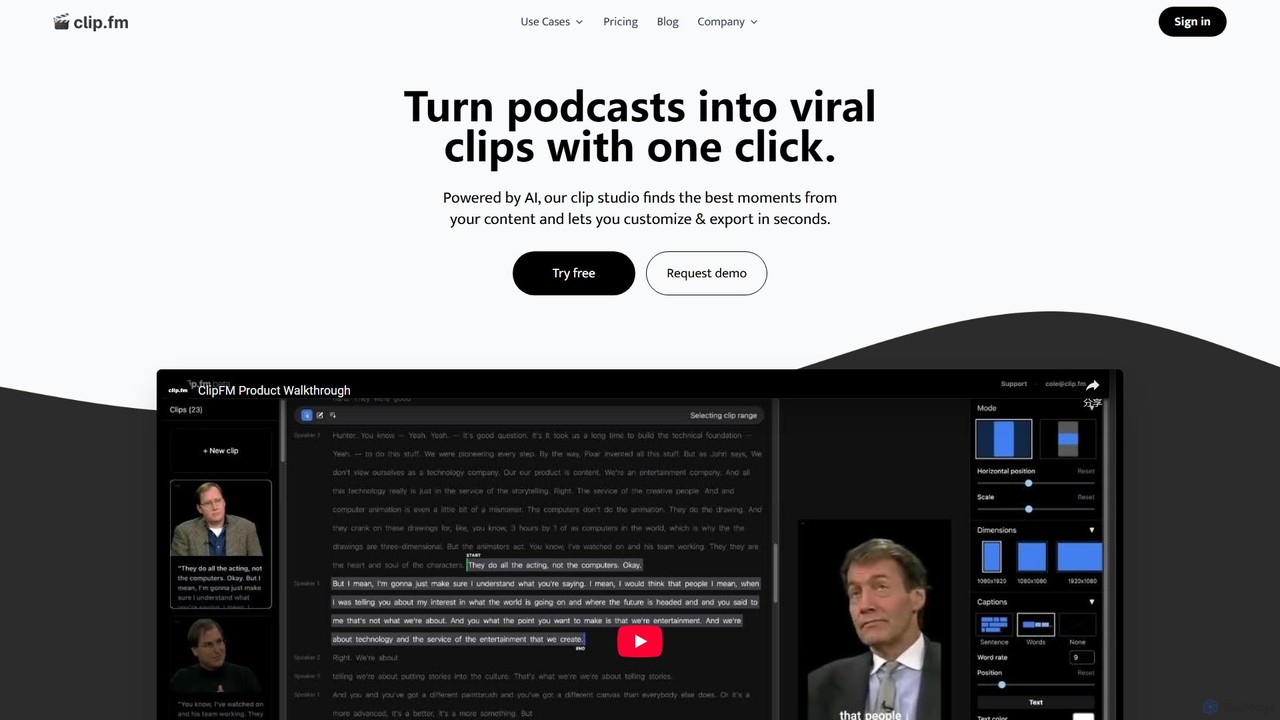
ClipFM
ClipFM is an AI-powered tool that automatically transforms long-form videos and podcasts into engaging, shareable short clips for social media. It identifies the most compelling moments, adds captions, and allows for quick customization, helping creators, podcasters, and marketers save time and expand their audience reach.
Repurposing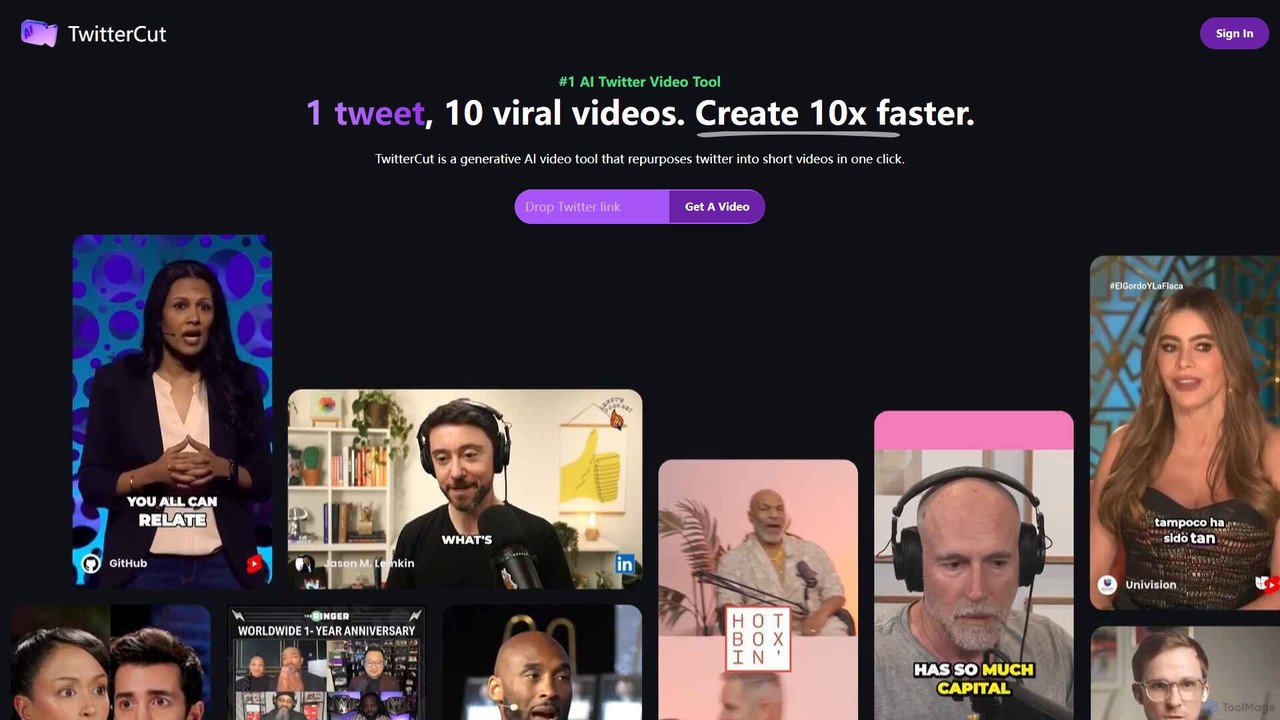
twittercut
twittercut is a revolutionary AI video tool that transforms Twitter content into engaging, shareable short videos in a single click. It automates the entire process, from narration and visual selection to adding dynamic captions, making it perfect for marketers, creators, and brands looking to repurpose their tweets for platforms like TikTok, Reels, and Shorts.
Social Media Marketing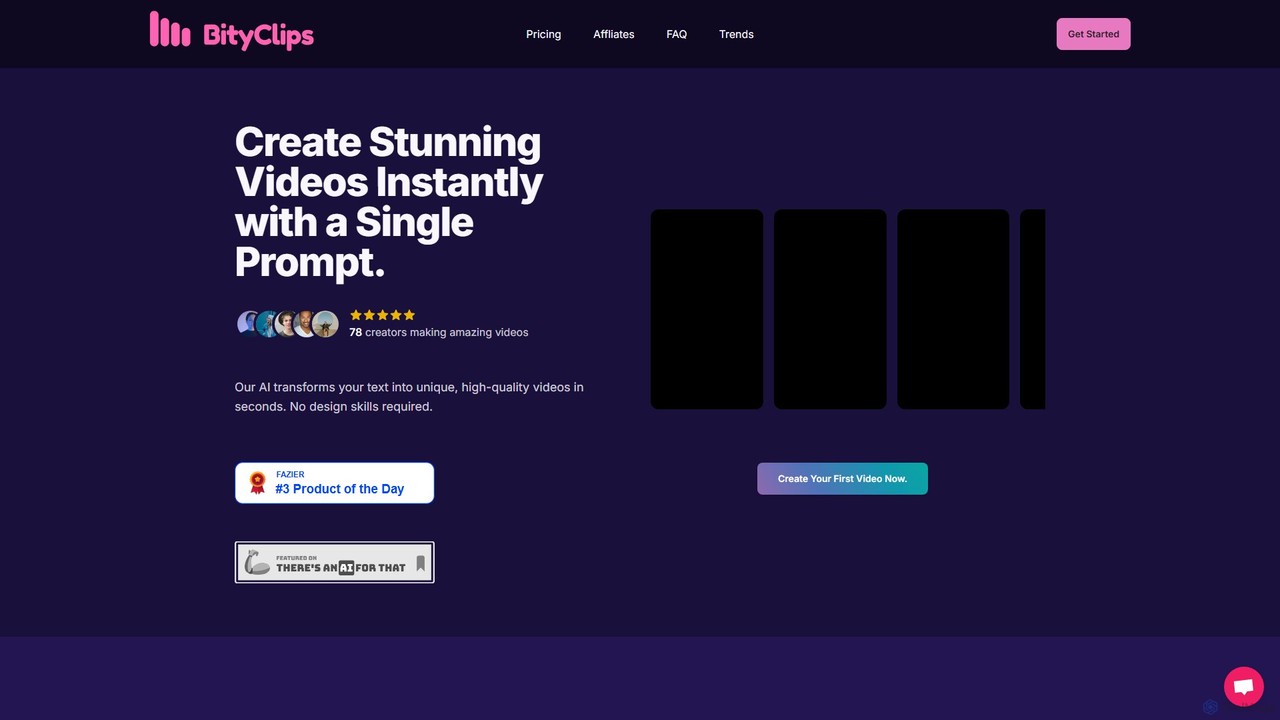
BityClips
BityClips is an AI-powered platform that instantly transforms your text prompts into unique, high-quality short videos. Designed for content creators and marketers, it allows you to generate engaging, faceless videos for platforms like YouTube Shorts, TikTok, and Reels in seconds, with no design or editing skills required.
Video Marketing
Klap Comments (0)
Sign in to comment.
Sign inNo comments yet.