

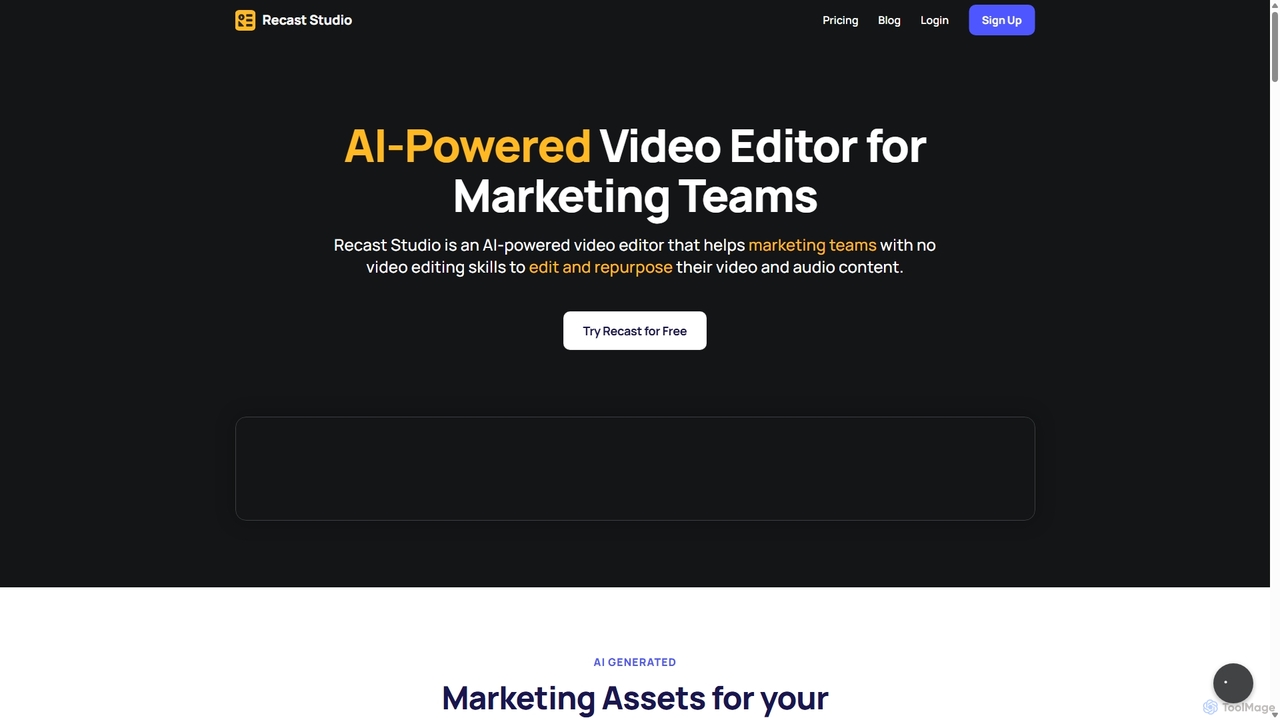
Recast Studio Overview
Recast Studio is an advanced AI-powered video editor and content repurposing platform designed specifically for marketing teams, podcasters, and content creators. It streamlines the process of transforming long-form audio and video content, such as podcasts and webinars, into a wide array of engaging marketing assets. With Recast Studio, users with no prior video editing experience can effortlessly create viral short video clips, detailed blog posts, comprehensive show notes, and ready-to-publish social media updates, all from a single piece of content. The platform's core mission is to save users significant time and money by automating tasks that would otherwise require hours of manual work and multiple complex software tools.
How to use Recast Studio
Using Recast Studio is a simple and intuitive process designed for maximum efficiency. Here’s a step-by-step guide:
- Upload Your Content: Start by uploading your long-form video or audio file, such as a full podcast episode, a webinar recording, or an interview.
- AI Analysis & Transcription: Once uploaded, Recast's AI gets to work. It automatically transcribes the entire content with high accuracy and analyzes it to identify the most engaging and share-worthy highlights.
- Automatic Content Generation: In just a few minutes, the AI generates a complete set of marketing assets. This includes dozens of short video clips (viral shorts), detailed show notes with timestamps, a full-length SEO-optimized blog post, captivating social media posts for platforms like LinkedIn, Twitter, and Instagram, and even a draft email for your newsletter.
- Customize and Brand: Use the simple yet powerful editor to customize the generated content. You can easily add your brand's logo, colors, and fonts. Choose from various templates, add animated captions, waveforms (audiograms), progress bars, text, emojis, and GIFs to make your content stand out.
- Export and Share: Once you are satisfied with the edits, export your new assets and share them across all your marketing channels to maximize your reach and engagement.
Core Features of Recast Studio
- AI Shorts Generator: Automatically extracts the most compelling moments from your long-form content to create dozens of viral-ready short clips for TikTok, Reels, and YouTube Shorts.
- Multi-Format Content Repurposing: Goes beyond video by generating written content, including SEO-optimized blog posts, detailed show notes with summaries and timestamps, and social media posts tailored for different platforms.
- Intuitive Video Editor: Features both a simple editor for quick tweaks and an advanced editor for full creative control. Users can add layers, animate elements, upload custom fonts, and more.
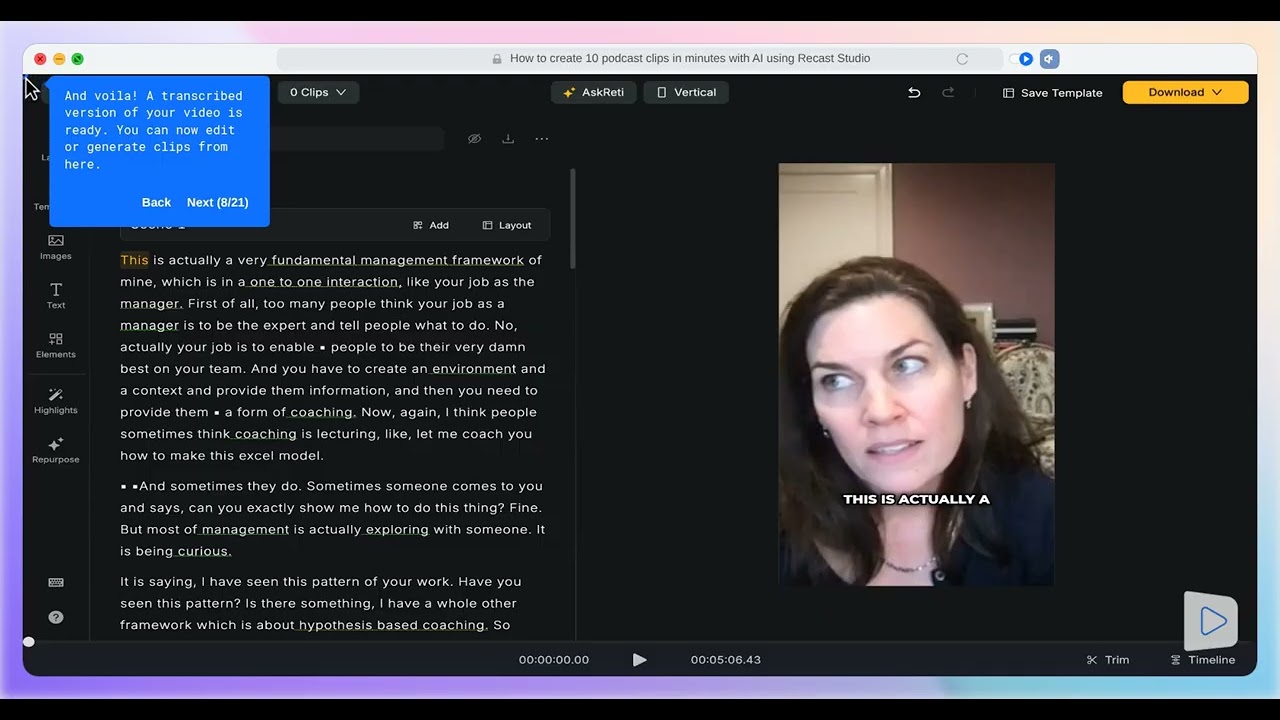
- Automatic Transcription & Captions: Provides highly accurate, AI-generated transcripts that are as easy to edit as a text document. It also automatically adds animated, customizable captions to videos to boost engagement.
- Audiogram & Visualization Tools: Creates engaging audiograms with animated waveforms, progress bars, and other visual elements to make audio content more appealing on social platforms.
- Brand Customization: Allows users to create and save branded templates, ensuring all content is consistent with their brand identity, which speeds up the creation process tenfold.
- AI Filler and Silence Removal: Automatically detects and removes filler words (like "um," "ah") and awkward silences from your audio and video, resulting in a more professional and polished final product.
- Auto Reframe: Intelligently reframes horizontal videos into vertical or square formats, perfectly optimized for mobile viewing on social media platforms.
Use Cases for Recast Studio
Recast Studio is versatile and valuable for various professionals:
- Podcasters: Can promote their episodes by turning them into engaging video clips, audiograms, and social media content, dramatically increasing their listener base and SEO visibility with generated blog posts.
- Marketing Teams: Can scale their content strategy by repurposing a single webinar or interview into a full campaign of clips, blog articles, and social posts, saving countless hours of work.
- Content Creators & YouTubers: Can maximize the value of their long-form videos by creating short, shareable highlights for other platforms, driving traffic back to their main content.
- Coaches & Educators: Can convert their online courses or coaching calls into bite-sized educational content for social media, building their authority and attracting new clients.
Advantages of Recast Studio
The primary advantage of Recast Studio is its efficiency. It transforms a time-consuming, multi-step process into a single, automated workflow. By consolidating transcription, content identification, video editing, and copywriting into one platform, it saves users up to 90% of the cost and time typically associated with content repurposing. Its user-friendly interface makes it accessible to everyone, regardless of their technical skills, empowering them to produce high-quality, professional-looking content consistently.
Pricing and Plans
Recast Studio offers a flexible pricing structure to suit different needs, including a free trial to get started.
- Free Trial: $0/month. Includes a one-time grant of 60 credits, 5 minutes of video exports per month, and a 1-minute maximum export length per video.
- Starter Plan: $10/month (when billed annually). This plan offers 120 credits per month, 300 minutes of video exports, a 15-minute maximum export length, 15GB of cloud storage, and access to all AI features.
- Professional Plan: $20/month (when billed annually). Designed for heavy users, this plan provides 300 credits per month, 600 minutes of video exports, a 60-minute maximum export length, 50GB of cloud storage, and full access to all features.
Annual billing offers significant savings of up to 30% compared to monthly payments. All paid plans include transcription in over 20 languages, AI Shorts Generator, Auto Reframe, AI Filler and Silence Removal, and much more.
Traffic
Latest traffic
Status
Monthly traffic trend
- 2025-9: 39.6K
- 2026-1: 32.2K
- 2026-2: 41.8K
- 2026-3: 34.0K
- 2026-4: 31.4K
- 2026-5: 38.1K
Geography
Top 5 countries / regions
- 🇺🇸United States60.6%
- 🇮🇳India12.7%
- 🇳🇬Nigeria12.5%
- 🇬🇧United Kingdom7.6%
- 🇻🇳Vietnam6.6%
Traffic sources
| Source type | Percentage |
|---|---|
Referral | 69.9% |
Direct | 30.1% |
Top keywords
| Keyword | Cost per click |
|---|---|
| how to create an fb reel with my mp3 audio file? | $0.00 |
| recast | $4.80 |
| recast recorder | $0.00 |
| recast studio | $0.00 |
| upload mp3 on facebook | $0.00 |
Recast Studio Videos on YouTube

Creative Suite Tutorials

Akalanka Ekanayake
AI Hustle Hub

Recast Studio Alternatives
Augie
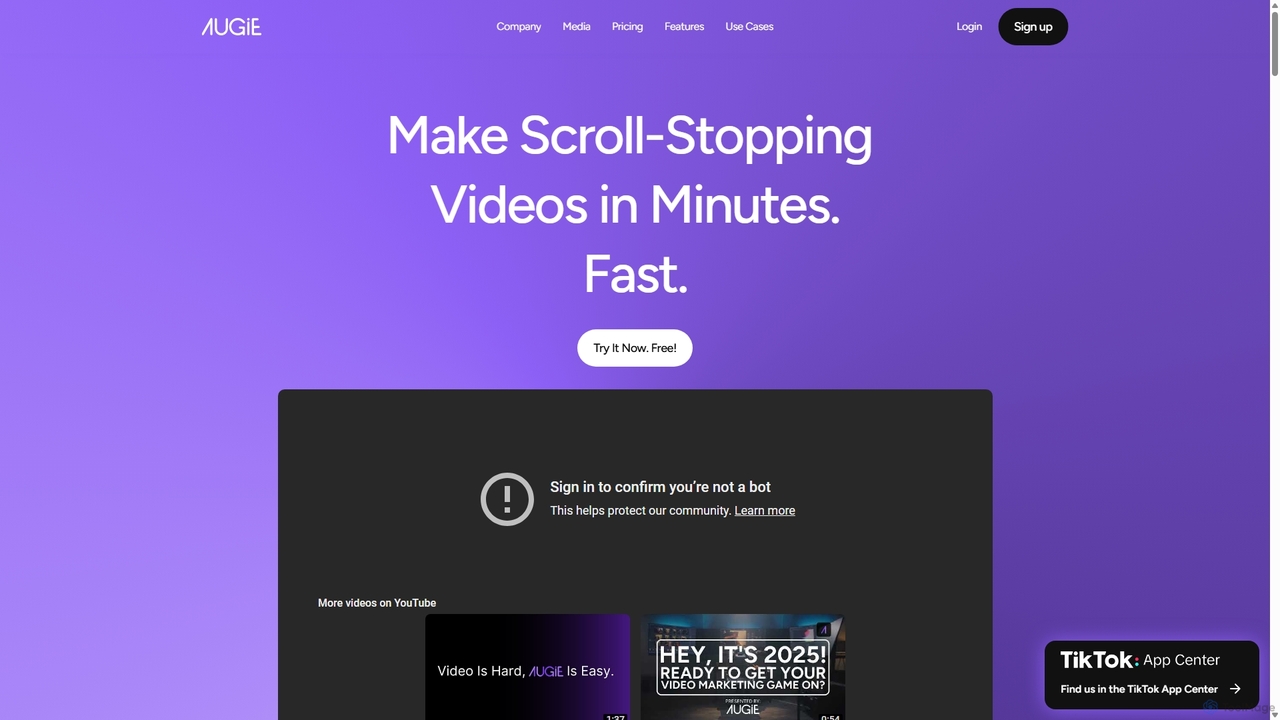
Augie is an AI-powered video studio designed for creators, marketers, and brands to effortlessly transform long-form content like podcasts and streams into engaging, short-form social videos. It automates the editing process, identifies key moments, and provides a vast library of stock media and AI-generated content to create professional-quality videos for TikTok, Reels, and YouTube Shorts in minutes, with no complex editing skills required.
Social Media Marketing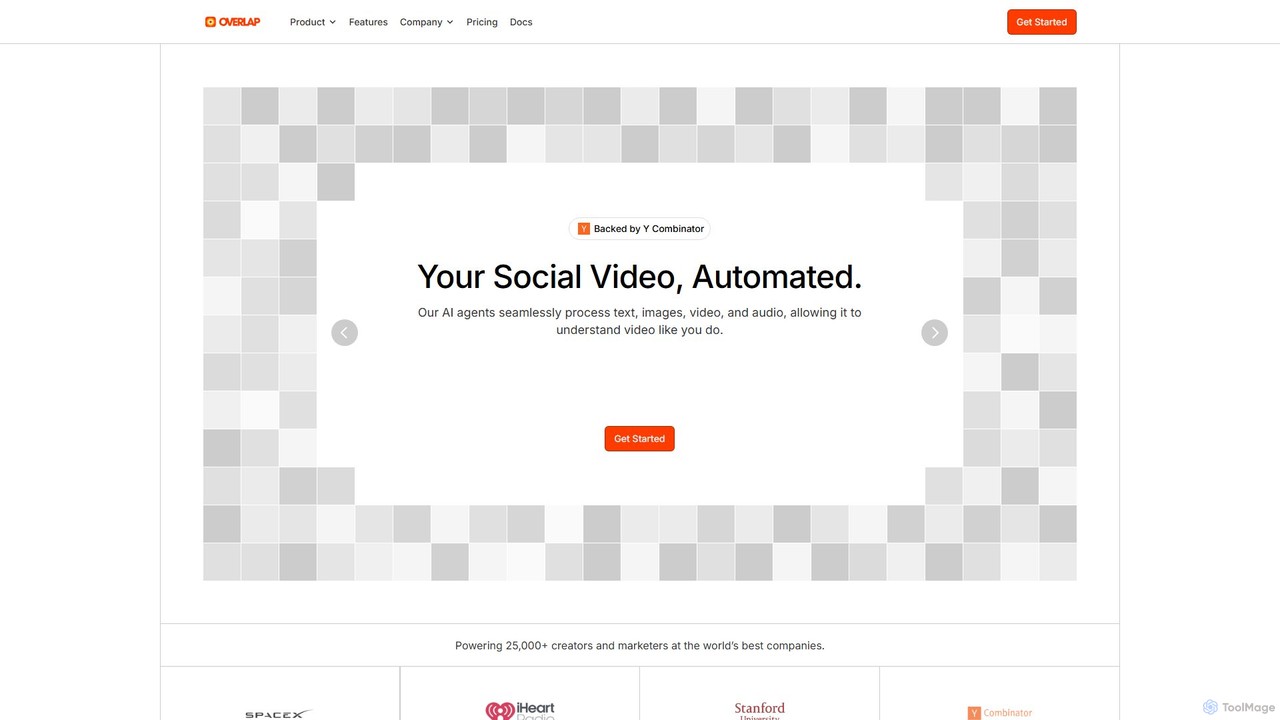
Overlap
Overlap is a Y Combinator-backed AI video marketing agent that automates the entire video creation workflow. It transforms long-form content like podcasts and webinars into engaging, short-form social media clips. The platform uses advanced AI to edit, reframe, and enhance videos, helping creators and marketers significantly boost their online presence and engagement.
Social Media Marketing
Qlip
Qlip is an AI-powered platform that automatically extracts impactful short clips from long-form videos. Designed for marketers and content creators, it simplifies repurposing content for social media with features like auto-reframing, branded subtitles, and transcription, helping to save costs and boost engagement.
Video Marketing
Echosync
Echosync is an AI-powered content repurposing and synchronization platform. It automatically transforms a single piece of content, like a video or blog post, into dozens of unique assets for social media, email, and other channels, ensuring a consistent brand message everywhere.
Content Repurposing
OpusClip
OpusClip is a generative AI video repurposing tool that turns long videos into viral short clips with one click. It automatically identifies the most compelling hooks, reframes the video, adds dynamic captions, and scores clips for virality, streamlining content creation for social media.
Video MarketingRecast Studio Categories
Recast Studio Jobs
Recast Studio Embed Widget
Copy this embed code to place the badge on your blog, article, or product site and send readers directly to this ToolMage detail page.

Related AI tools
Qlip
Qlip is an AI-powered platform that automatically extracts impactful short clips from long-form videos. Designed for marketers and content creators, it simplifies repurposing content for social media with features like auto-reframing, branded subtitles, and transcription, helping to save costs and boost engagement.
Video MarketingEchosync
Echosync is an AI-powered content repurposing and synchronization platform. It automatically transforms a single piece of content, like a video or blog post, into dozens of unique assets for social media, email, and other channels, ensuring a consistent brand message everywhere.
Content Repurposing
Parmonic
Parmonic is an AI-powered video editor and content repurposing platform designed for marketing and training teams. It automatically transforms long-form videos like webinars, interviews, and training sessions into digestible, shareable content such as social media clips, blogs, summaries, and highlight reels, streamlining content creation and maximizing engagement.
Content Creation
ShortsGenerator
ShortsGenerator is an AI-powered platform that automates the creation of viral short videos for YouTube, TikTok, and Instagram. Simply provide a link, text, or an idea, and the AI generates engaging, faceless videos with scripts, visuals, and voiceovers in minutes. It's designed for creators and marketers to save time, repurpose content, and significantly boost audience engagement without needing any video editing skills.
Video Marketing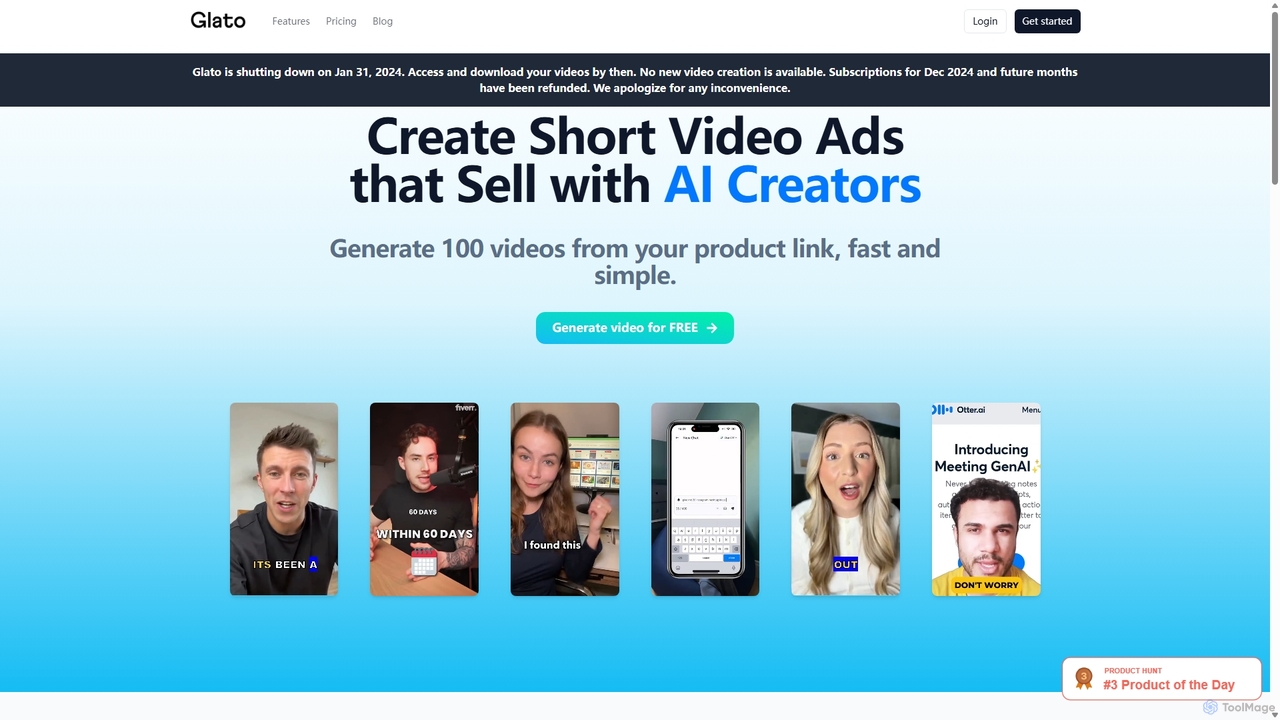
Glato AI
Glato AI is a powerful platform that generates high-converting short video ads using digital clones of real creators. Simply provide a product link, and the AI creates hundreds of variations with expressive avatars, automated B-roll, and trend analysis to maximize engagement. It's designed for brands and founders to scale their video marketing efforts quickly and cost-effectively.
Spokesperson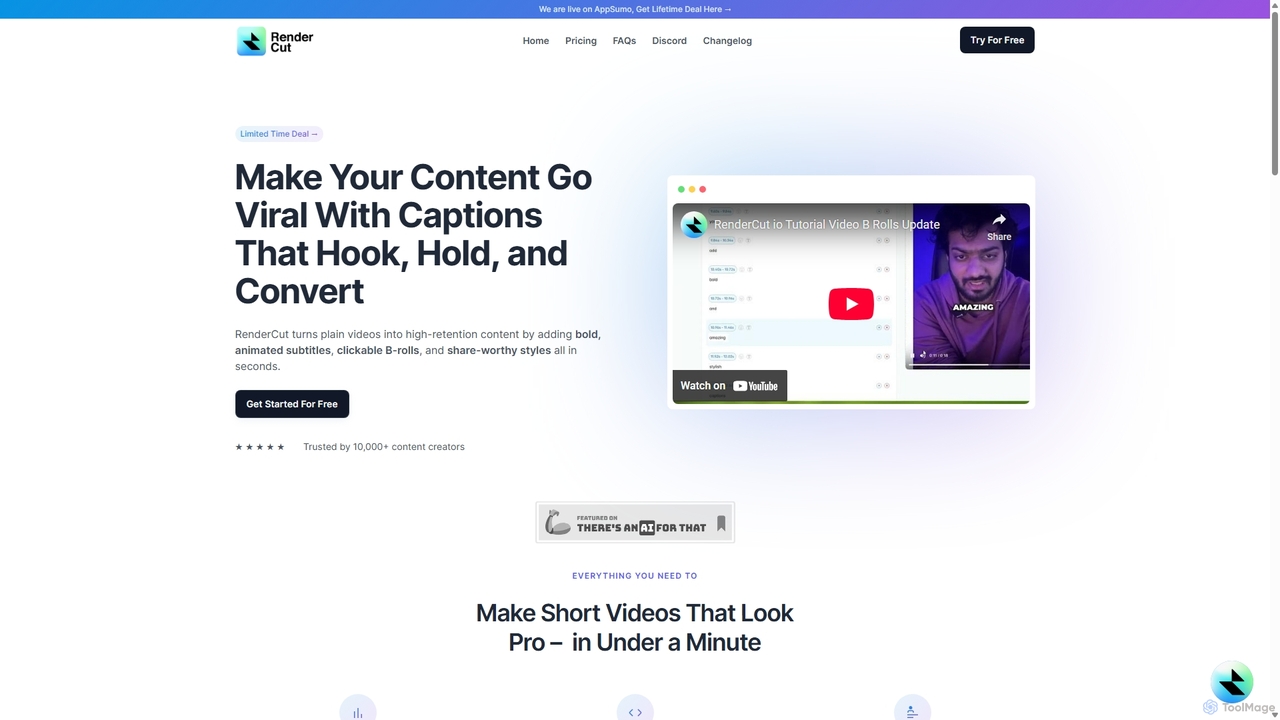
RenderCut
RenderCut is an AI-powered video editing tool that automatically generates stylish, animated subtitles for short-form videos. It helps content creators boost engagement and create viral content by adding customizable captions, B-rolls, emojis, and sound effects in minutes.
AutomationOpusClip
OpusClip is a generative AI video repurposing tool that turns long videos into viral short clips with one click. It automatically identifies the most compelling hooks, reframes the video, adds dynamic captions, and scores clips for virality, streamlining content creation for social media.
Video MarketingOverlap
Overlap is a Y Combinator-backed AI video marketing agent that automates the entire video creation workflow. It transforms long-form content like podcasts and webinars into engaging, short-form social media clips. The platform uses advanced AI to edit, reframe, and enhance videos, helping creators and marketers significantly boost their online presence and engagement.
Social Media Marketing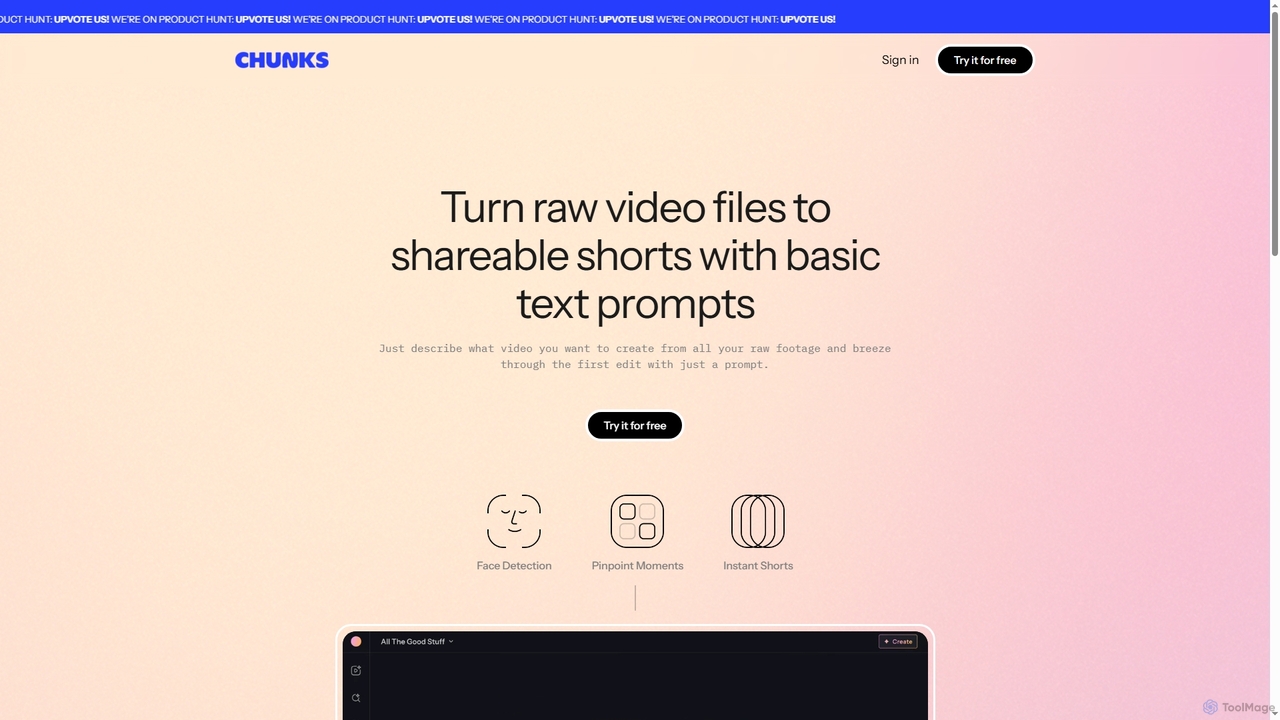
Chunks
Chunks is an AI-powered video editing tool that automatically transforms raw video footage into shareable short-form content. It uses AI vision models to detect key moments, faces, and highlights, allowing users to generate social-ready video shorts with simple text prompts, saving significant manual editing time.
3D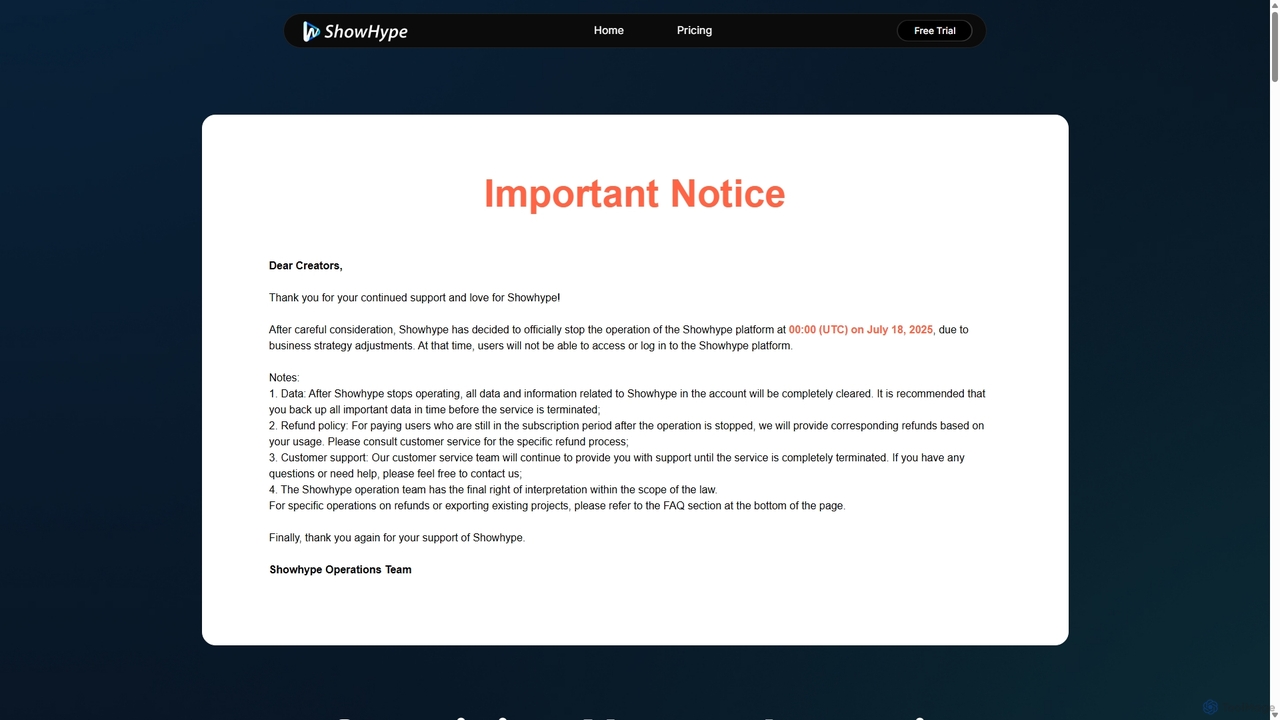
ShowHype.ai
ShowHype.ai is a one-stop AI video creation platform designed for e-commerce sellers, marketers, and content creators. It offers a suite of tools including URL-to-video, image-to-video, AI video translation, talking photos, and face swapping to simplify and accelerate video production. Please note: The service will be officially discontinued on July 18, 2025.
Voice Synthesis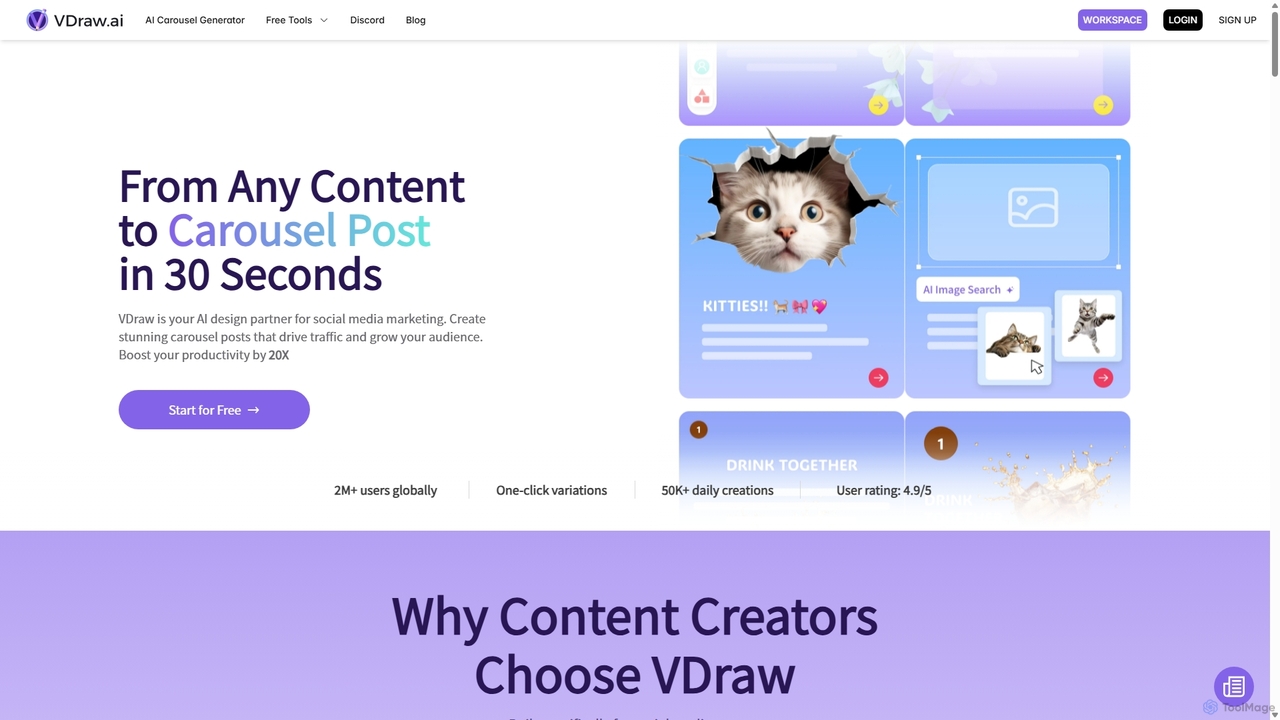
VDraw
VDraw is an AI-powered design partner that transforms any content—text, links, or PDFs—into stunning social media carousel posts in seconds. It offers over 1000 customizable templates, AI-driven content extraction, and a suite of tools for creating infographics, charts, and summaries, helping creators boost productivity and audience engagement without needing design skills.
Visual Marketing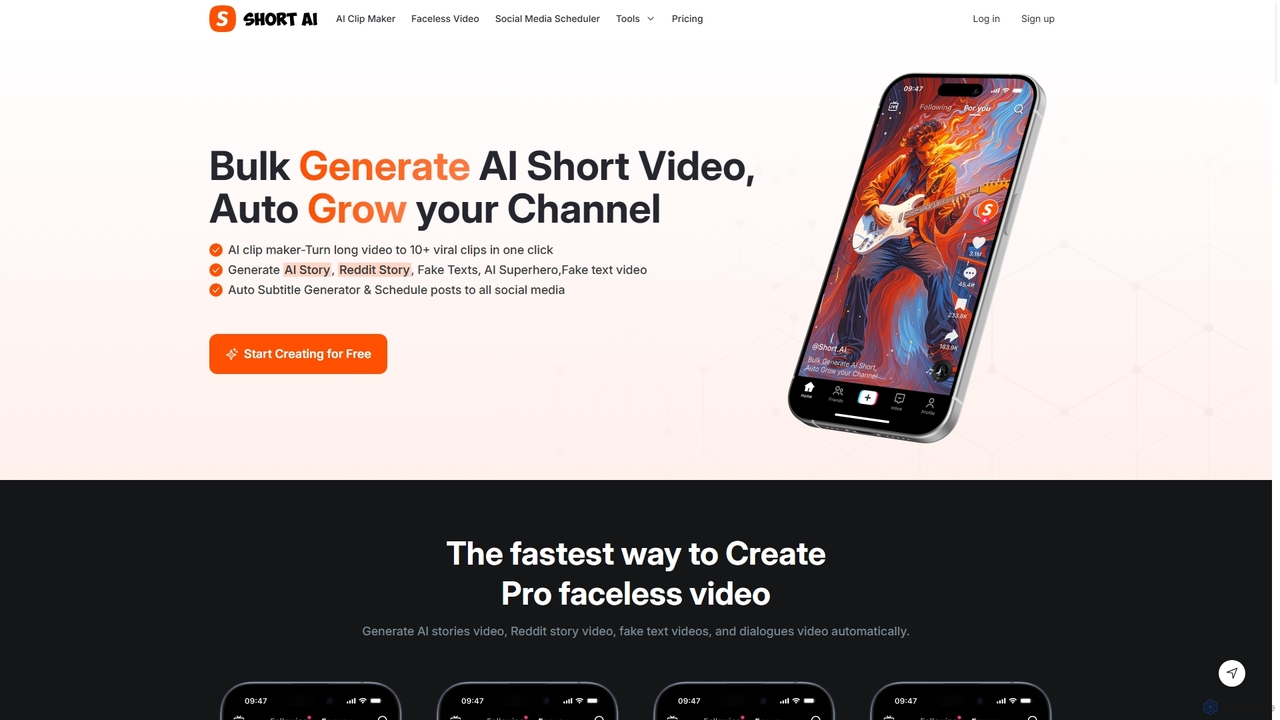
Short AI
Short AI is an AI-powered video generator that automates the creation of viral short videos. It can turn long-form content into multiple engaging clips, generate faceless videos from scripts (like Reddit or story videos), add dynamic captions, and schedule posts across all major social media platforms.
Automation
Jyek
Jyek is an AI agent platform that understands objectives, creates execution plans, uses tools, and delivers verifiable results for complex, multi-step tasks.
Automation
SendShort.ai
SendShort.ai is an AI-powered platform that transforms long-form videos into engaging, viral-ready short clips for social media. Automatically identify key moments, add dynamic captions, and repurpose your content for TikTok, Reels, and Shorts in minutes, maximizing your reach and saving hours of editing time.
Video Marketing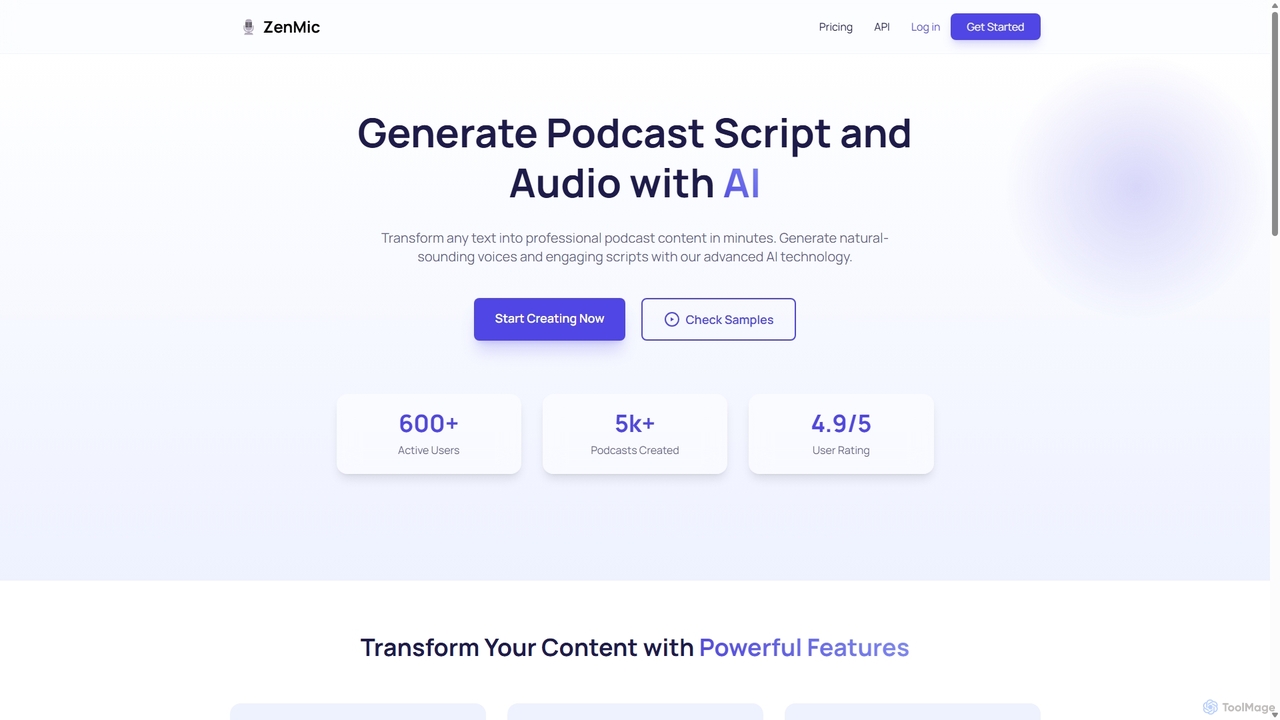
ZenMic
ZenMic is an AI-powered podcast generator that transforms any text into professional-quality podcast episodes in minutes. It automates the entire process, from generating engaging scripts based on your topic or content to producing natural-sounding audio with advanced AI voices. Ideal for content creators, marketers, and educators looking to repurpose written material into audio format effortlessly, ZenMic simplifies podcast production, making it accessible to everyone without needing technical skills or recording equipment.
Podcast Generation
Recast Studio Comments (0)
Sign in to comment.
Sign inNo comments yet.