ToolMage
Sign in

Best 2 Video To Text AI tools for Content Repurposing

Popular Video To Text AI tools in Content Repurposing include Swell AI and YT Copycat, helping you work more efficiently.

Swell AI
Freemium

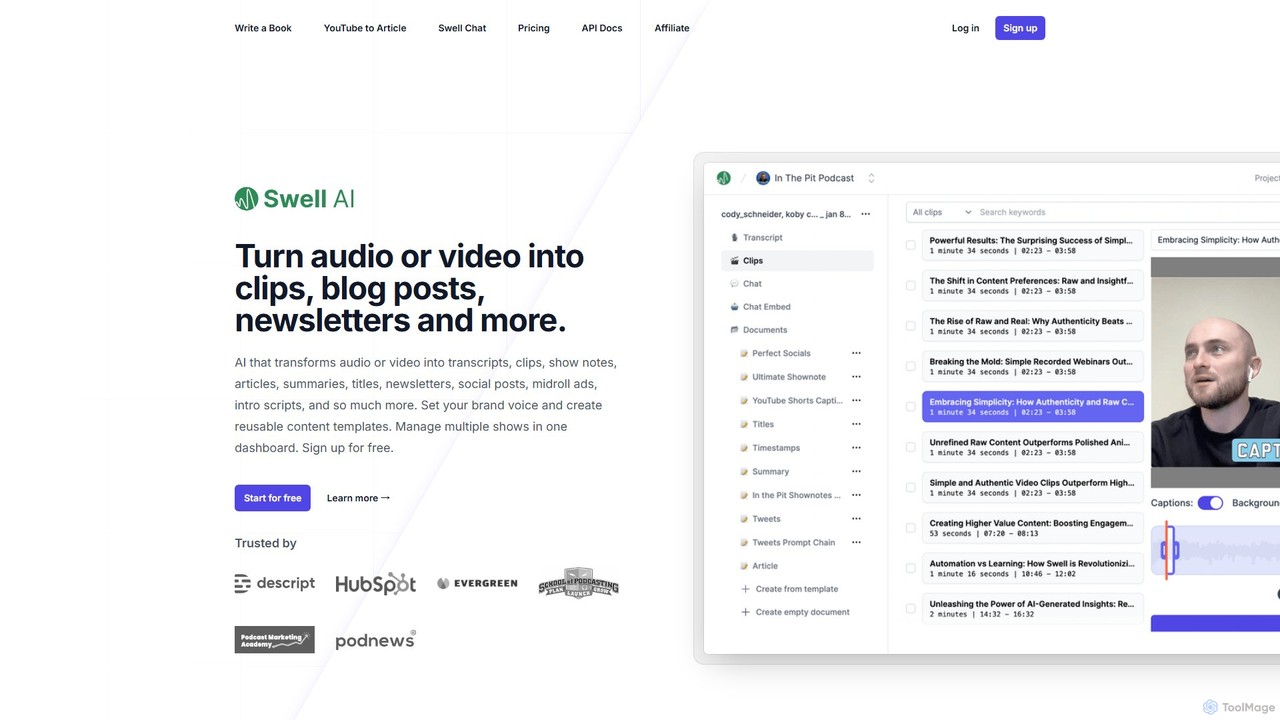
Swell AI

Swell AI is an AI-powered platform that transforms audio and video content into a wide range of written assets. It automatically generates transcripts, show notes, articles, summaries, and social media posts, helping podcasters and content creators repurpose their content efficiently for every marketing channel. Features include a transcript editor, AI-suggested clips, customizable brand voice, and chatbot creation.

Video To Text
Visits 68KFavorites 103Likes 114
YT Copycat
Paid

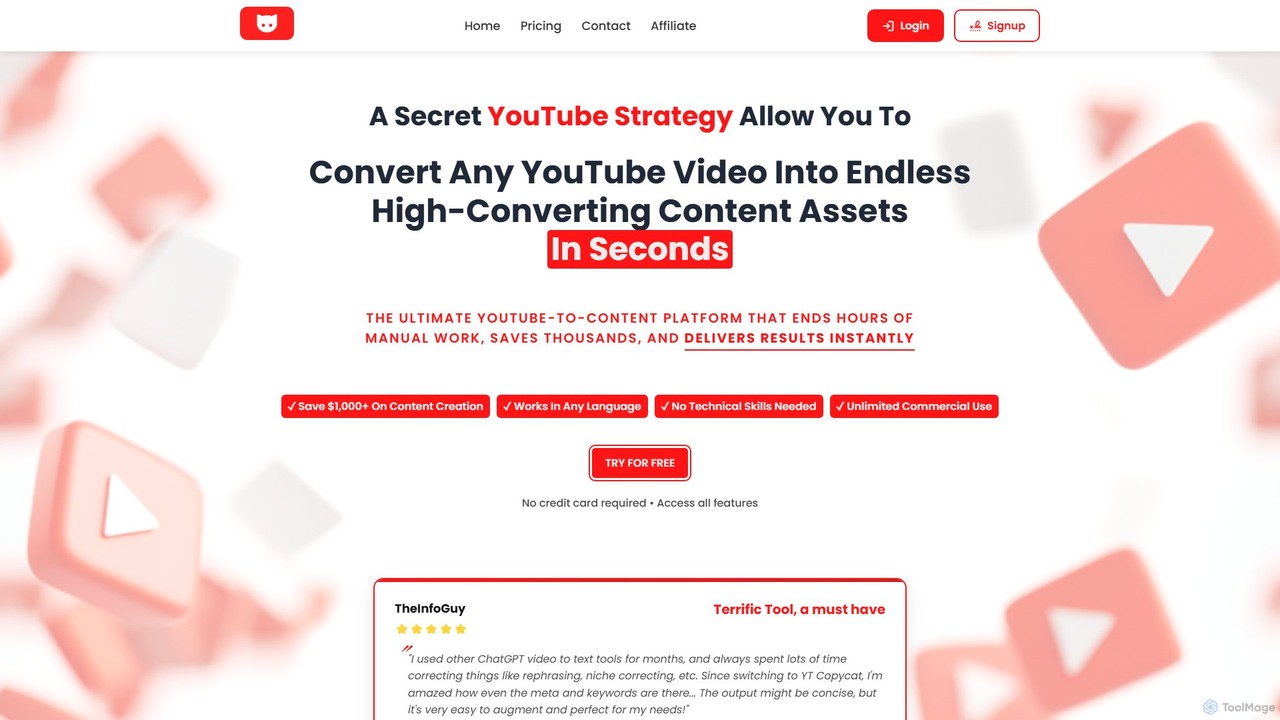
YT Copycat

YT Copycat is an AI-powered platform that instantly converts any YouTube video into multiple high-converting content formats. It transforms videos into SEO-optimized blog posts, social media threads, professional newsletters, podcasts with studio-quality audio, and more. Designed for content creators, marketers, and businesses, it automates content repurposing, saving significant time and money while boosting productivity and online presence across various platforms.

Video To Text
Visits 5.8KFavorites 131Likes 135

About Video To Text

Video To Text tools are a class of AI-powered software that automatically transcribes spoken audio from video files into written text. They utilize advanced Automatic Speech Recognition (ASR) technology to identify speakers, understand various accents, and generate accurate, time-stamped transcripts. This process transforms inaccessible video content into searchable, editable, and repurposable text, significantly enhancing content accessibility and value as part of a content repurposing strategy. Many tools also offer features like summary generation and key topic extraction, making them an efficient starting point for creating articles, social media posts, and show notes.

Core Features

  • Automatic Transcription: Converts spoken words in video into text with high accuracy using AI.
  • Speaker Identification (Diarization): Distinguishes between different speakers and labels their dialogue accordingly.
  • Timestamping: Aligns the generated text with its corresponding time in the video, essential for subtitles and captions.
  • Multi-Language Support: Transcribes videos in numerous languages and can sometimes translate the output.
  • Keyword & Topic Extraction: Identifies and highlights the main themes, keywords, and topics discussed in the video.

Use Cases

These tools are widely used by content creators, marketers, journalists, and researchers. For instance, a YouTuber can quickly generate a transcript to create a blog post from their video. A marketing team can extract key quotes from a webinar for social media campaigns. Researchers use them to analyze hours of interview footage efficiently, making qualitative data searchable.

How to Choose

When selecting a Video To Text tool, consider transcription accuracy and the languages it supports. Evaluate its speaker identification capabilities if your videos involve multiple people. Check the available export formats (e.g., TXT, SRT, VTT) to ensure compatibility with your workflow. Finally, compare pricing models, such as per-minute rates versus monthly subscriptions, to find the most cost-effective solution for your needs.

Video To Text use cases

1

Repurposing Video Podcasts into Blog Posts

Content creators, such as podcasters and YouTubers, use Video To Text tools to transform their episodes into written content. After recording a one-hour interview, they can upload the video file to an AI tool. Within minutes, they receive a full, speaker-labeled transcript. This text serves as a solid foundation for a detailed blog post, show notes, or articles. This process not only saves hours of manual transcription but also makes their content discoverable by search engines, expanding their audience reach beyond the original video platform.

2

Generating Subtitles for Accessible Video Content

Instructional designers and corporate trainers need to ensure their video materials are accessible to all employees, including those with hearing impairments. By using a Video To Text tool, they can automatically generate time-stamped transcripts. These transcripts can then be easily converted into subtitle formats like SRT or VTT. This not only helps in complying with accessibility standards (like WCAG) but also improves engagement and comprehension for all viewers, especially for non-native speakers or those watching in noisy environments.

3

Analyzing Qualitative Data from Video Interviews

Researchers and journalists often conduct hours of video interviews to gather qualitative data. Manually transcribing this footage is time-consuming and prone to errors. A Video To Text tool automates this process, providing searchable text files. Researchers can then import these transcripts into data analysis software (like NVivo or ATLAS.ti) to quickly identify themes, patterns, and specific quotes. This dramatically accelerates the research workflow, allowing them to focus on analysis and interpretation rather than tedious transcription tasks.

4

Creating Meeting Minutes and Action Items

Project managers and team leads often record virtual meetings to ensure no details are missed. Instead of re-watching the entire recording, they use a Video To Text tool to get an instant transcript. With speaker identification, it's easy to see who said what. They can quickly search the transcript for keywords like 'action item,' 'deadline,' or 'decision' to create accurate meeting summaries and assign tasks. This practice improves accountability and creates a searchable archive of all discussions and commitments made during meetings.

5

Extracting Key Quotes from Webinars for Marketing

Digital marketers host webinars to generate leads and share expertise. A 60-minute webinar contains numerous valuable soundbites perfect for social media. Using a Video To Text tool, a marketer can transcribe the entire event. They can then search the text for compelling statistics, expert opinions, or memorable quotes. These text snippets can be quickly repurposed into engaging graphics for LinkedIn, quote cards for Instagram, or a series of tweets, maximizing the marketing impact of a single video asset.

6

Transcribing Legal Depositions and Video Evidence

Legal professionals, such as paralegals and attorneys, require precise written records of video depositions, witness statements, and other evidence. Using a high-accuracy Video To Text tool provides a fast, cost-effective first draft of a transcript. While it may require human review for certification, it significantly reduces the turnaround time compared to traditional transcription services. The resulting searchable text allows legal teams to quickly locate key testimony and prepare for trials or settlements more efficiently.

Video To Text FAQ

What are Video To Text tools?

Video To Text tools are applications that use Artificial Intelligence, specifically Automatic Speech Recognition (ASR) technology, to convert the spoken words in a video into written text. They automatically generate a transcript of the dialogue, often including timestamps and speaker labels. This makes video content searchable, editable, accessible, and easy to repurpose into other formats like blog posts or social media updates.

How do I choose the right Video To Text tool?

To choose the right tool, consider these factors:

  • Accuracy: Check reviews or test the tool with a sample video to assess its transcription accuracy, especially with jargon or accents.
  • Language Support: Ensure it supports the languages present in your videos.
  • Speaker Identification: If you have multiple speakers, a tool with good diarization is crucial.
  • Export Options: Verify it can export in formats you need, such as .txt, .docx, or subtitle files like .srt.
  • Cost: Compare pricing models—per-minute billing versus subscription plans—to match your usage volume and budget.
What's the difference between AI transcription and manual transcription?

The main differences are speed, cost, and accuracy. AI transcription, used by Video To Text tools, is significantly faster and more affordable, often delivering results in minutes. It's ideal for general content repurposing, meeting notes, and initial drafts. Manual transcription is done by a human, which is slower and more expensive but typically offers higher accuracy (often 99% or more). It is preferred for legal, medical, or official proceedings where absolute precision is required.

Can these tools handle videos with poor audio quality or multiple speakers?

Performance varies. High-quality tools can handle background noise and multiple speakers reasonably well, often using speaker diarization to separate dialogue. However, very poor audio quality (e.g., heavy background noise, muffled voices, strong accents) will significantly reduce the accuracy of any AI transcription tool. For best results, it's always recommended to use a video with the clearest audio possible. Some advanced tools offer features to filter out background noise, which can improve results.

Who benefits most from Video To Text tools?

A wide range of users benefit from these tools. Key groups include:

  • Content Creators: For repurposing video content into blogs, show notes, and social media posts.
  • Marketers: To analyze webinars and extract quotes for campaigns.
  • Researchers & Journalists: For transcribing interviews and making qualitative data searchable.
  • Students & Educators: To create study notes from lectures and make educational content more accessible.
  • Legal & Corporate Professionals: For documenting meetings, depositions, and creating searchable records.