
Lutra AI Overview
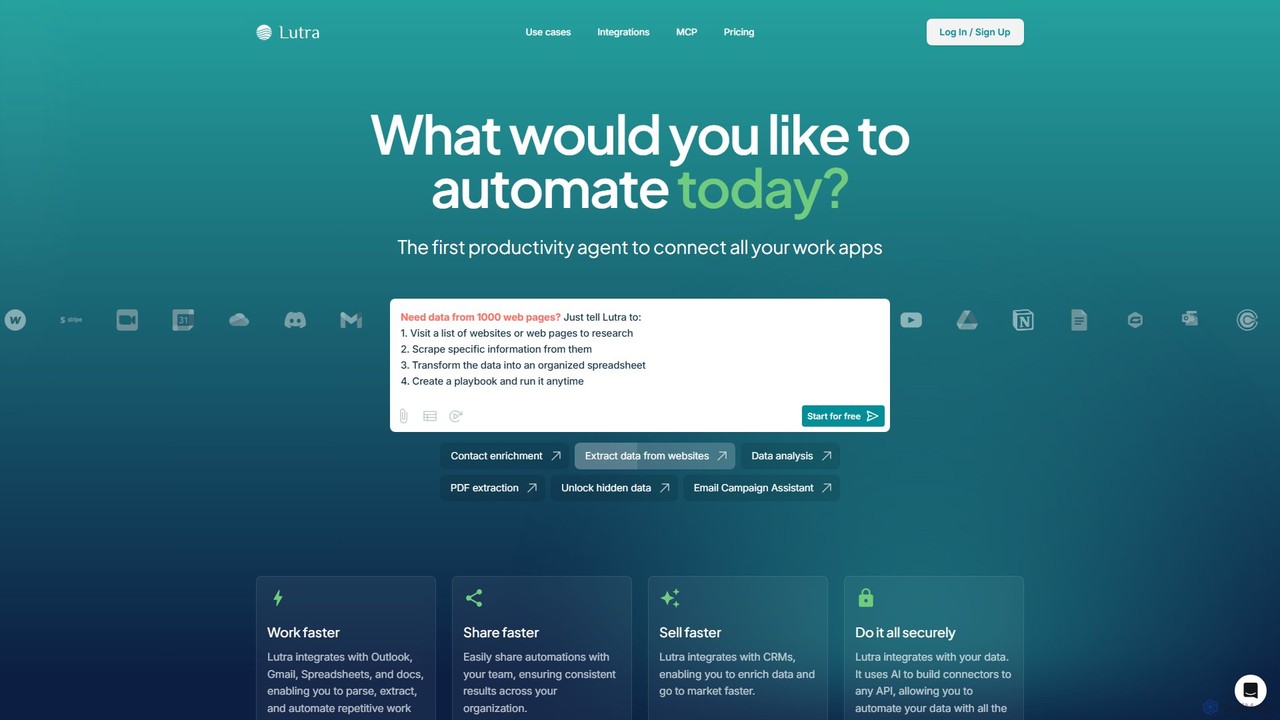
Lutra AI is an advanced AI-powered productivity agent designed to automate complex tasks and workflows by connecting the various applications you use daily. It functions as a personal AI developer, translating your plain English instructions into executable code. This unique approach ensures that automations are not only powerful but also reliable and secure, eliminating the ambiguity and potential for errors found in purely conversational AI assistants. Lutra's core mission is to make sophisticated automation accessible to everyone, regardless of their technical expertise, thereby bridging the gap between user intent and software execution.
The platform is built on a foundation of deep, native integrations with a vast ecosystem of business tools. It securely connects to your data sources and executes tasks with precision. Whether you need to extract detailed information from a batch of PDF invoices, enrich your CRM with the latest data from LinkedIn, or orchestrate a multi-step marketing campaign, Lutra can build a custom workflow to handle it. The entire process is transparent, allowing you to see the code and actions being performed, and it is all done within a SOC2 certified, secure environment.
How to use Lutra AI
Using Lutra AI is designed to be an intuitive, conversational process:
- Connect Your Apps: Begin by securely authorizing Lutra to access your work applications. It uses secure OAuth for connections to tools like Google Workspace (Gmail, Sheets, Drive), Microsoft 365 (Outlook), CRMs (HubSpot, Apollo), Slack, Airtable, and more.
- Describe Your Task: In the chat-like interface, simply tell Lutra what you want to achieve in natural language. For example, you could type, "Research the top 10 companies in the fintech industry from the latest YC batch, find their websites, and list them in a new Google Sheet."
- Review and Execute: Lutra processes your request, writes the necessary code, and presents a clear, step-by-step plan for the workflow. You can review this plan for accuracy before giving the command to run it.
- Create and Use Playbooks: For tasks you perform regularly, you can save the generated workflow as a "Playbook." These Playbooks can be run on demand, triggered automatically on a schedule (e.g., every Monday at 9 AM), or initiated via a webhook. You can also use pre-built Playbooks from Lutra's library for common use cases.
- Share and Collaborate: Share your custom Playbooks with your team to standardize processes and ensure everyone is working with the same efficient automations, boosting organizational productivity.
Core Features of Lutra AI
- Natural Language to Code Engine: Translates plain English commands into reliable, executable code, making automation accessible to non-developers.
- Extensive Integrations: Offers deep integrations with dozens of popular apps, including Google Workspace, Microsoft 365, HubSpot, Slack, Airtable, GitHub, Notion, Apollo, and more. It also supports custom integrations via REST APIs.
- Playbooks (Reusable Workflows): Allows users to save, schedule, share, and reuse automated workflows. A library of pre-built Playbooks is available to get started quickly.
- Advanced Data Processing: Excels at extracting structured data from unstructured sources like PDFs, websites, and emails, and then cleaning, transforming, and loading it into other systems like spreadsheets or CRMs.
- Contact and Account Enrichment: Automates the process of keeping your CRM data fresh by enriching contacts and companies with information from external sources like LinkedIn and web searches.
- Secure and Transparent: SOC2 certified, ensuring enterprise-grade security. Users have full visibility into the code and actions performed by the agent.
- Built-in AI Tools: Provides a suite of AI functions for tasks such as text classification, data summarization, Markdown-to-PDF conversion, and generating HTML visualizations.
Use Cases for Lutra AI
Lutra AI is versatile and can be applied across various business functions:
- Sales Teams: Automate lead enrichment by finding LinkedIn profiles for new contacts in a CRM. Research target accounts by gathering recent news and company signals, and automatically create notes in HubSpot or Salesforce.
- Finance Departments: Streamline expense reporting and invoice processing by automatically extracting line items, due dates, and vendor details from PDF invoices and organizing the data in a spreadsheet.
- Marketing Professionals: Build and execute personalized email outreach campaigns at scale. Research content ideas by analyzing YouTube trends and competitor activities, saving all findings to a centralized database.
- Operations Managers: Automate the generation of weekly or monthly reports by pulling data from multiple sources and creating visual summaries. Manage databases in Airtable or Notion by automating record creation, updates, and clean-up.
- Researchers and Analysts: Conduct market research by extracting and compiling data from websites, public filings, or industry reports into a structured dataset for analysis.
Advantages of Lutra AI
Lutra AI stands out from other automation tools and AI assistants due to several key advantages:
- Unmatched Reliability: By generating and executing actual code, Lutra avoids the "hallucinations" and inconsistencies of purely conversational AI models, delivering predictable and accurate results every time.
- Deep Functionality: Its deep API integrations allow for complex data manipulation and multi-step workflows that are not possible with simpler IFTTT-style automation tools.
- Enhanced Efficiency: Testimonials show that Lutra can reduce processes that took days down to mere hours, freeing up significant time for teams to focus on strategic, high-value activities.
- Accessibility for All: It empowers non-technical team members to become "citizen developers," creating sophisticated automations without needing to learn how to code.
- Scalability and Security: The platform is built to scale from individual users to entire organizations, with enterprise-grade security features like SOC2 compliance and custom data policies.
Pricing and Plans
Lutra AI offers a flexible, credit-based pricing model to suit different needs:
- Free Plan: $0/month. Perfect for trying out the platform, it includes 15 messages per day, 200 credits per month for AI and live data actions, and access to basic tool integrations.
- Essentials Plan: $23/month (billed annually). Aimed at individuals, this plan offers unlimited messages, 2,000 credits per month, access to premium tools, and the ability to schedule workflows and use webhooks.
- Professional Plan: $63/month (billed annually). For professionals and businesses, this includes everything in Essentials plus an increased 6,000 credits per month, priority support, and the option to purchase bulk credits at a discount.
- Enterprise Plan: Custom pricing. Designed for large teams and companies, this plan offers unlimited credits, dedicated support, custom integrations, advanced security and data policies, and custom workflow setup.
Credits are used for AI-intensive actions like web searches or data enrichment. The system is transparent, allowing users to manage their usage effectively.
Traffic
Latest traffic
Status
Monthly traffic trend
- 2025-9: 37.0K
- 2026-1: 17.8K
- 2026-2: 15.8K
- 2026-3: 13.5K
- 2026-4: 10.5K
- 2026-5: 7.2K
Geography
Top 5 countries / regions
- 🇺🇸United States65.8%
- 🇹🇭Thailand13.2%
- 🇮🇳India12.7%
- 🇦🇹Austria4.7%
- 🇳🇬Nigeria3.6%
Traffic sources
| Source type | Percentage |
|---|---|
Direct | 80.3% |
Referral | 19.7% |
Top keywords
| Keyword | Cost per click |
|---|---|
| export reddit thread | $0.00 |
| luta ai | $0.00 |
| lutra | $0.84 |
| lutra ai | $12.87 |
| lutra.ai | $0.00 |
Lutra AI Alternatives
Jet Admin
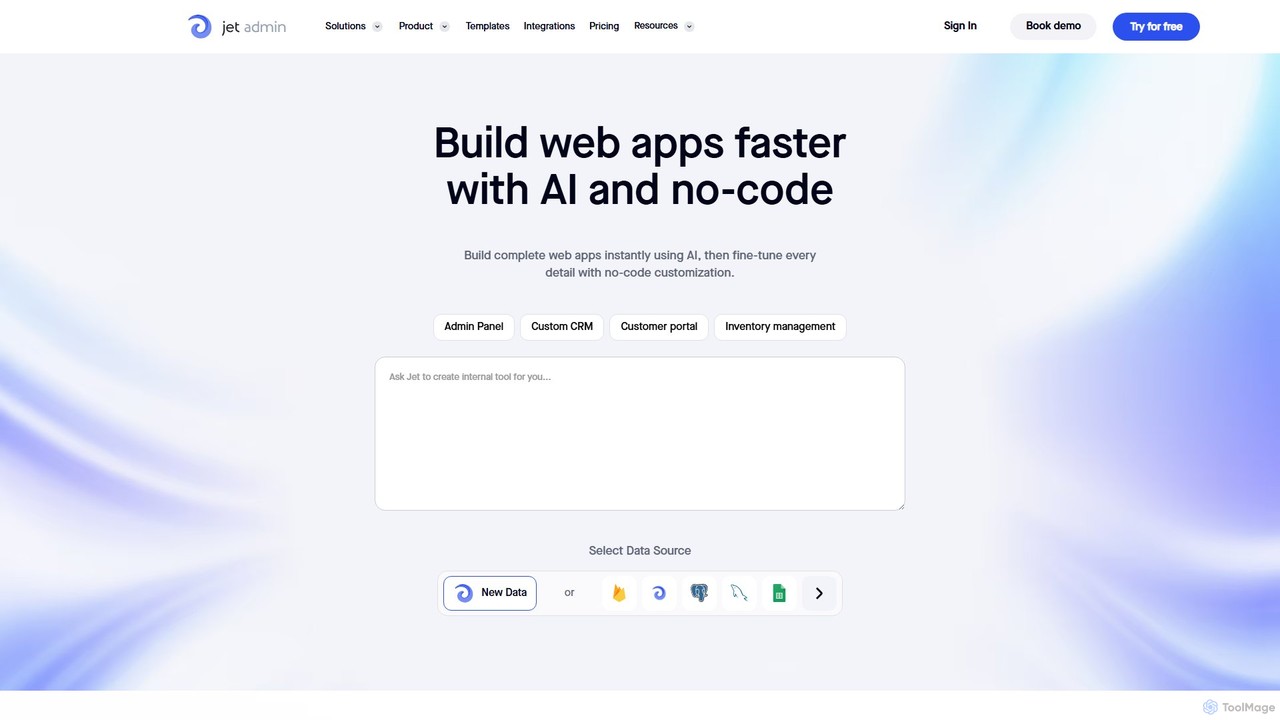
Jet Admin is an AI-powered no-code/low-code platform for building custom business applications like admin panels, CRMs, and customer portals. It enables users to connect to any data source, automate complex workflows, and design pixel-perfect user interfaces without extensive coding, significantly accelerating internal tool development.
Internal Tools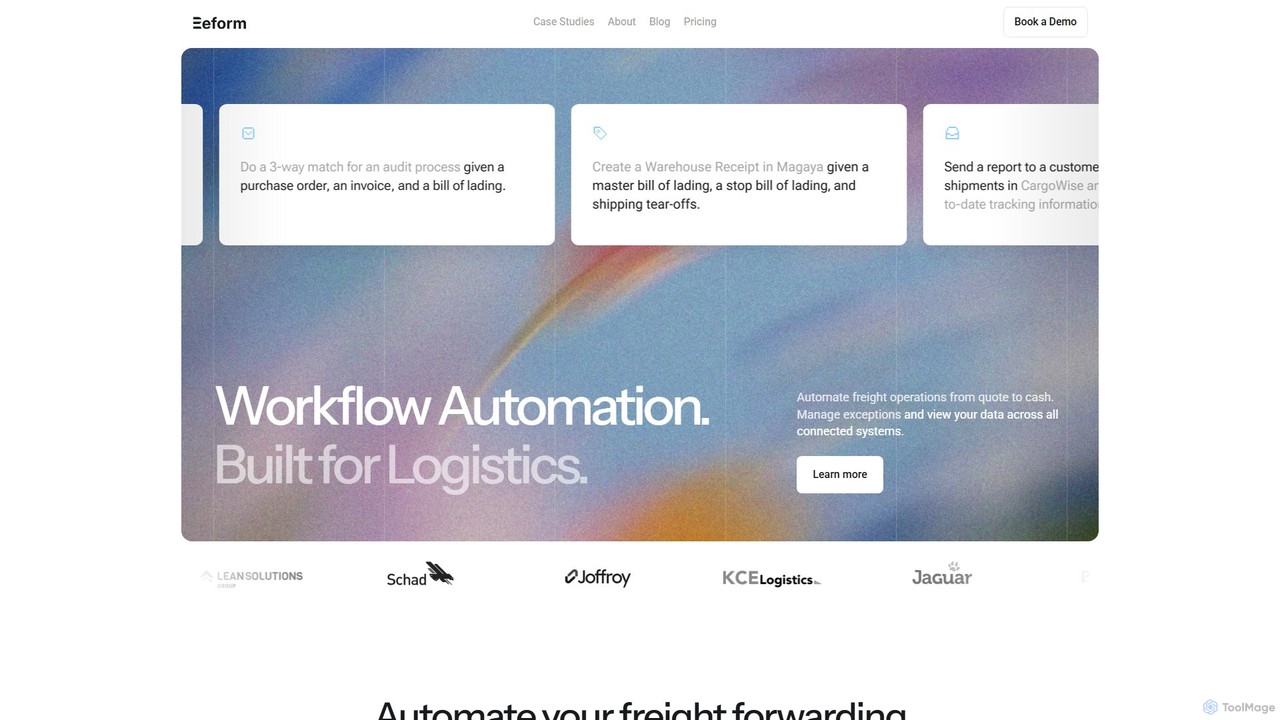
Reform
Reform is a specialized AI automation platform designed for the freight forwarding and logistics industry. It automates complex operational workflows, from quoting to customs and accounts payable, by integrating with your existing systems. The platform uses AI to digitize SOPs, extract data, and manage tasks, allowing your team to focus on exception handling and high-value activities, significantly boosting efficiency and accuracy.
Logistics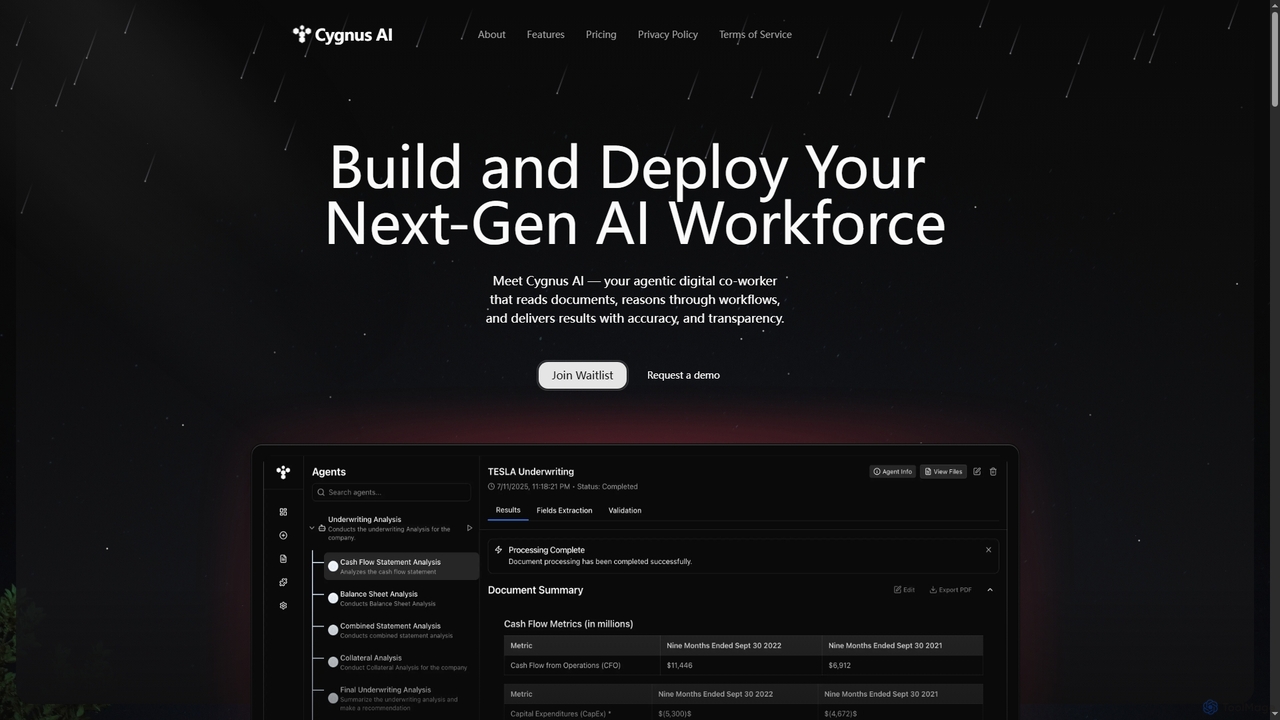
Cygnus AI
Cygnus AI is a platform for building and deploying an agentic digital workforce. Create AI agents that read documents, reason through complex workflows, and execute tasks autonomously with accuracy and transparency, all through a no-code interface.
Autonomous Agents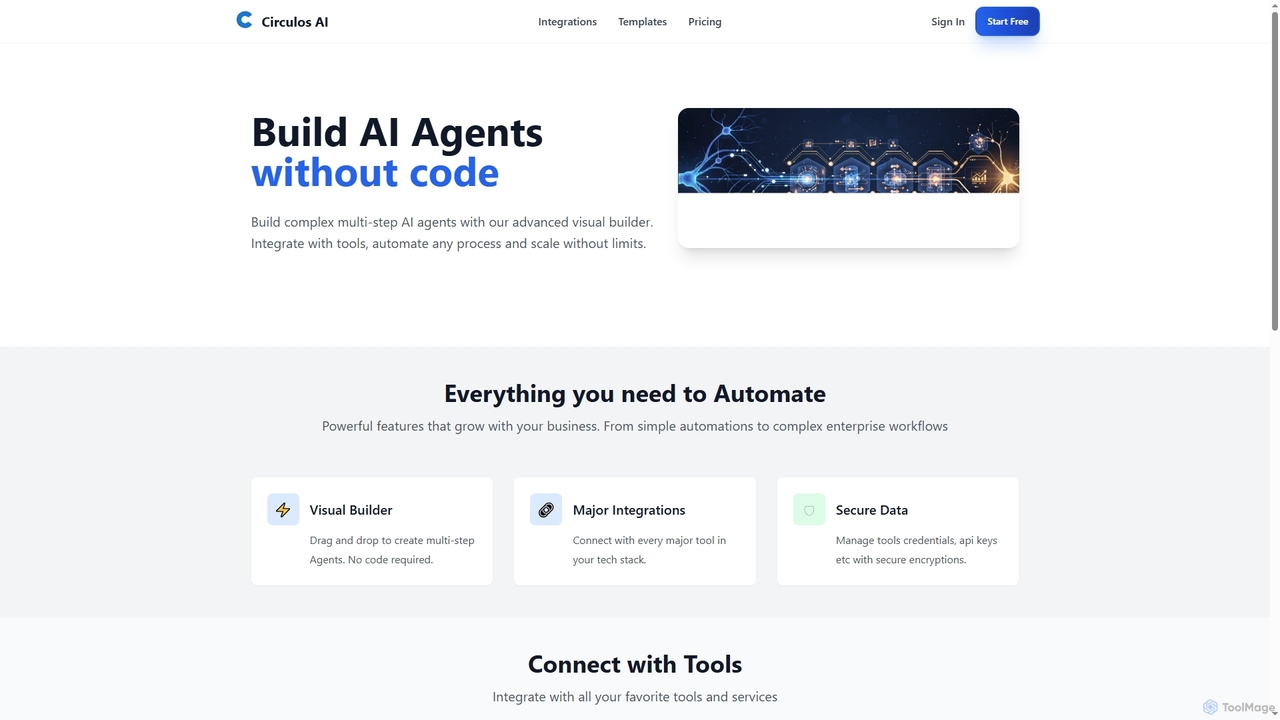
Circulos
Circulos is a no-code AI automation platform that empowers businesses to build complex, multi-step AI agents using an intuitive visual builder. It integrates with over 100 popular tools, automates diverse workflows, and offers scalable solutions for various business needs, from lead qualification to social media publishing.
Ai Automation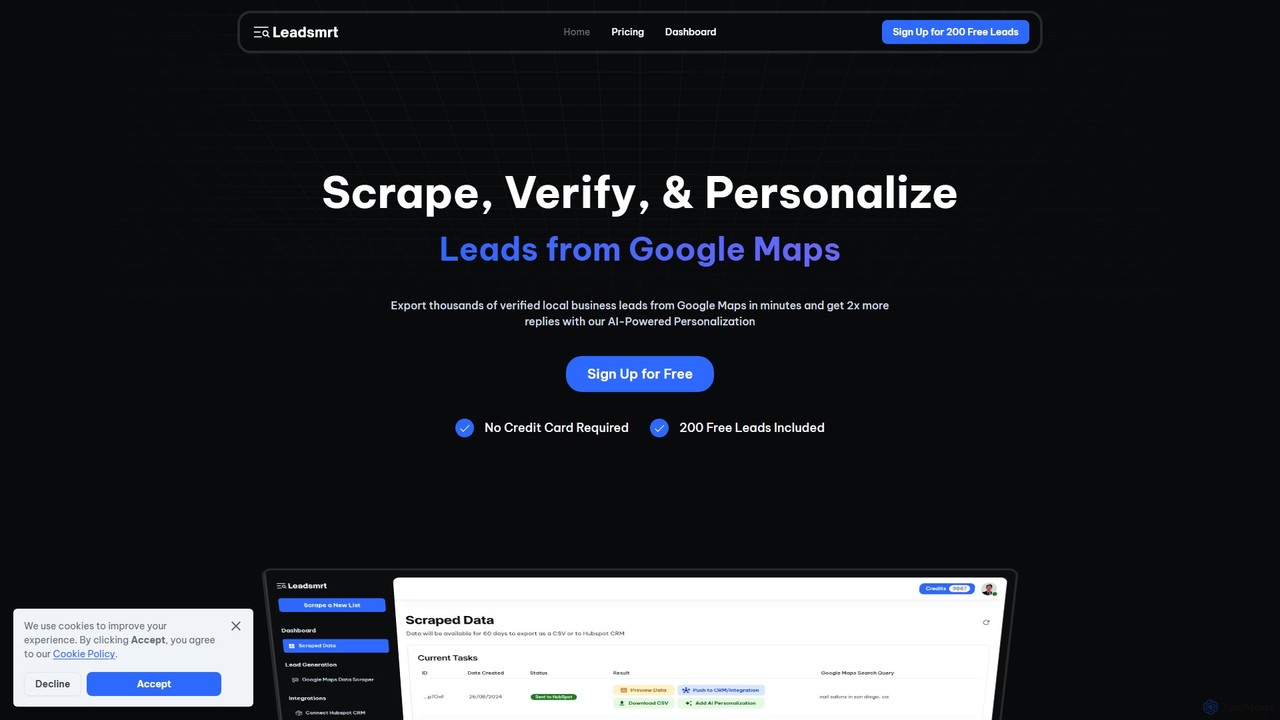
Leadsmrt
Leadsmrt is an AI-powered platform for sales and marketing teams to generate high-quality local business leads from Google Maps. It automates scraping, verifying, and personalizing lead data. With its AI-driven one-liner generation, users can significantly boost outreach response rates. The tool seamlessly integrates with HubSpot and allows easy data export via CSV, making it a powerful solution for targeted lead generation and B2B sales prospecting.
Data ExtractionLutra AI Categories
Lutra AI Embed Widget
Copy this embed code to place the badge on your blog, article, or product site and send readers directly to this ToolMage detail page.

Related AI tools

doflow.io
doflow.io is an AI-native workflow automation platform designed to connect your apps and automate complex tasks. It allows you to build intelligent workflows using a visual canvas, integrating powerful AI models to streamline marketing, sales, and operational processes without writing any code.
Business IntelligenceJet Admin
Jet Admin is an AI-powered no-code/low-code platform for building custom business applications like admin panels, CRMs, and customer portals. It enables users to connect to any data source, automate complex workflows, and design pixel-perfect user interfaces without extensive coding, significantly accelerating internal tool development.
Internal ToolsCygnus AI
Cygnus AI is a platform for building and deploying an agentic digital workforce. Create AI agents that read documents, reason through complex workflows, and execute tasks autonomously with accuracy and transparency, all through a no-code interface.
Autonomous AgentsCirculos
Circulos is a no-code AI automation platform that empowers businesses to build complex, multi-step AI agents using an intuitive visual builder. It integrates with over 100 popular tools, automates diverse workflows, and offers scalable solutions for various business needs, from lead qualification to social media publishing.
Ai Automation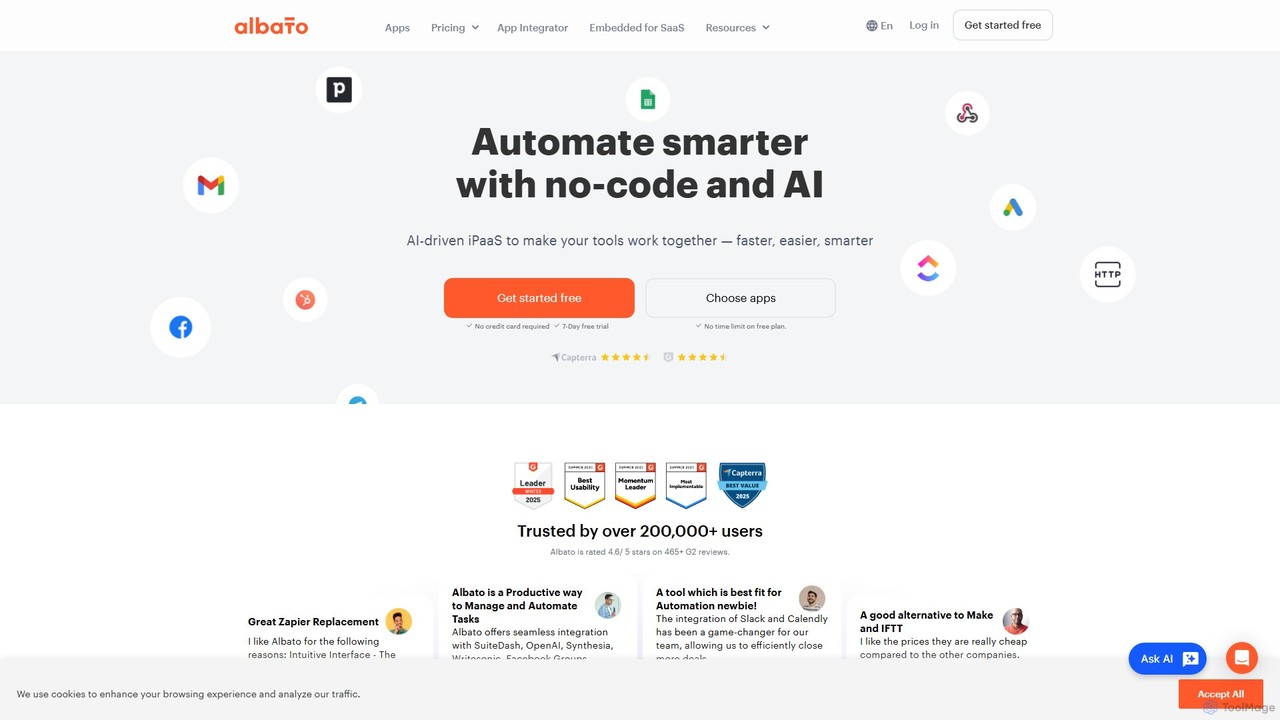
Albato
Albato is an AI-driven, no-code integration platform (iPaaS) that empowers users to connect over 800 applications and automate complex workflows effortlessly. It serves as a powerful alternative to Zapier and Make, offering an intuitive interface, extensive app library, and the ability to build custom integrations. Ideal for businesses of all sizes, Albato simplifies data synchronization, task automation, and process management, enhancing productivity and efficiency without requiring any coding knowledge.
Workflow Management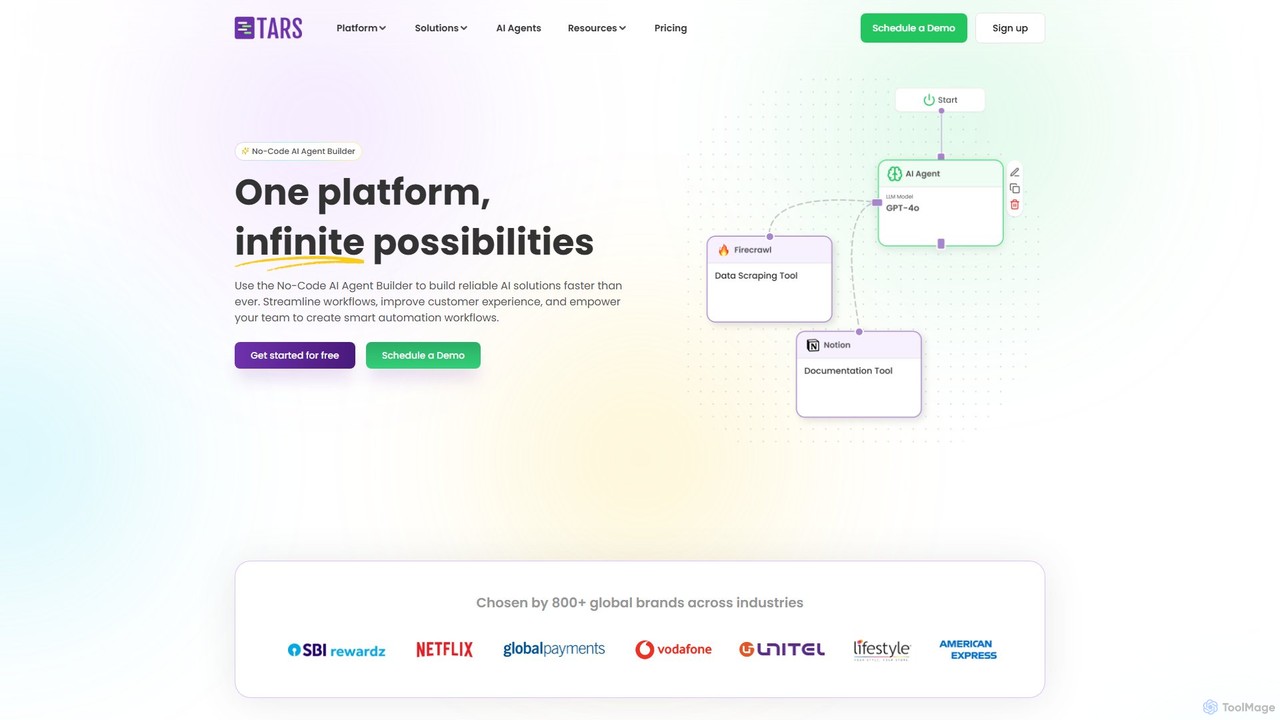
hellotars
hellotars is a no-code AI agent builder that empowers businesses to create intelligent conversational AI for both customer-facing interactions and internal team workflows. Streamline customer support, boost lead generation, and automate internal processes with an intuitive drag-and-drop interface, pre-built templates, and powerful integrations.
Chatbot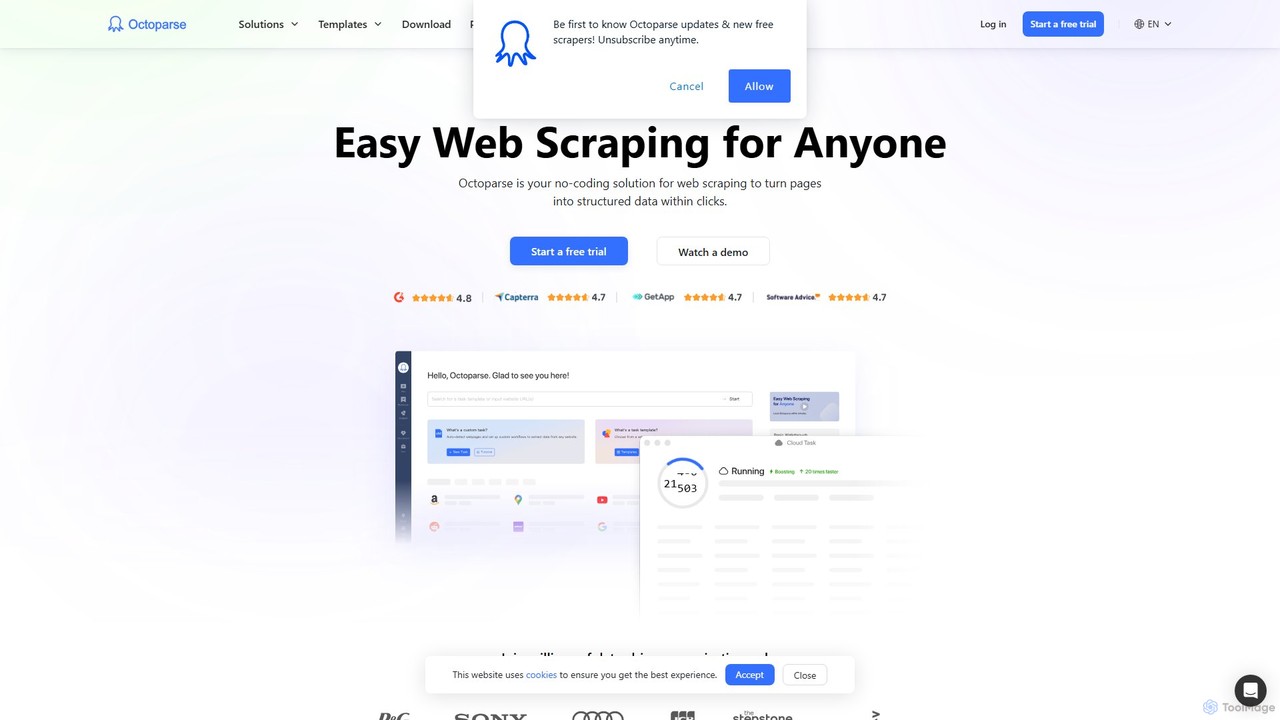
Octoparse AI
Octoparse AI is a no-code platform for building custom AI-powered workflows and RPA bots. It enables users to automate tasks, scrape web data, and integrate with various applications without writing any code. With a rich library of ready-to-use automation apps, it streamlines processes for sales, marketing, and data management, boosting productivity for individuals and teams.
Web Scraping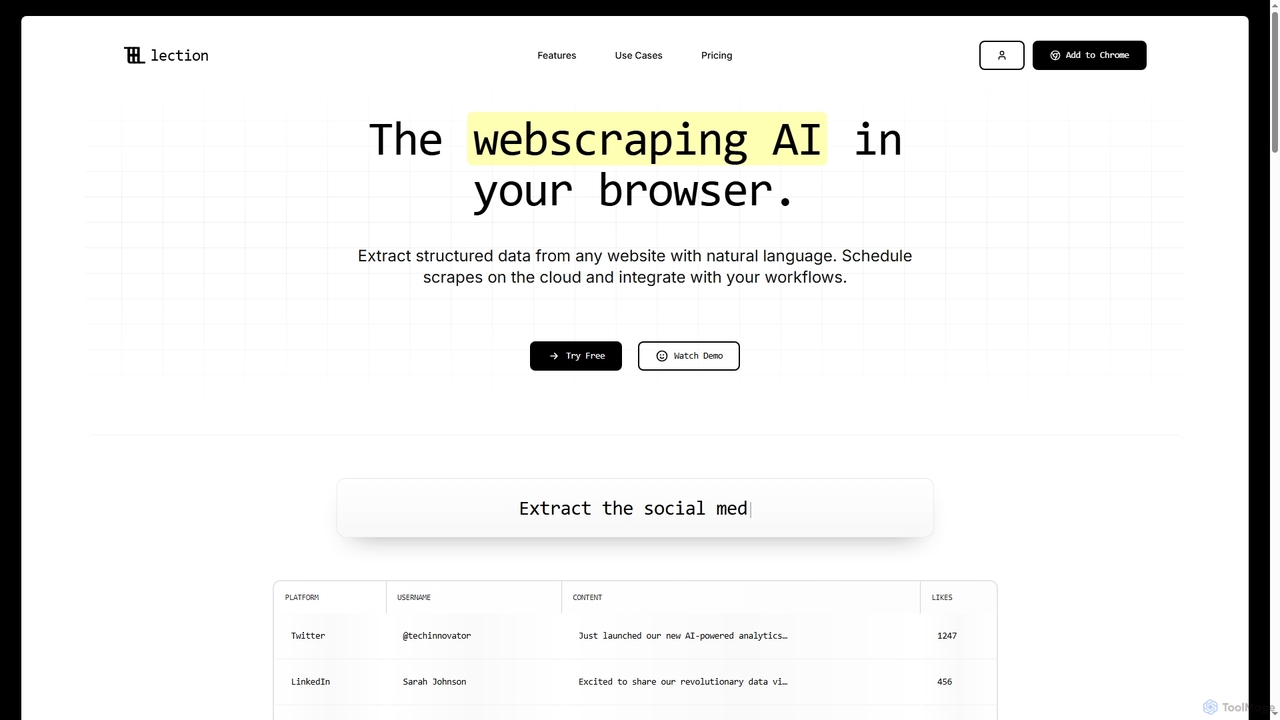
Lection
Lection is an AI-powered web scraping agent that allows users to extract structured data from any website using natural language. It automates data collection, integrates with popular workflows, and provides clean, validated data without requiring any coding expertise.
3D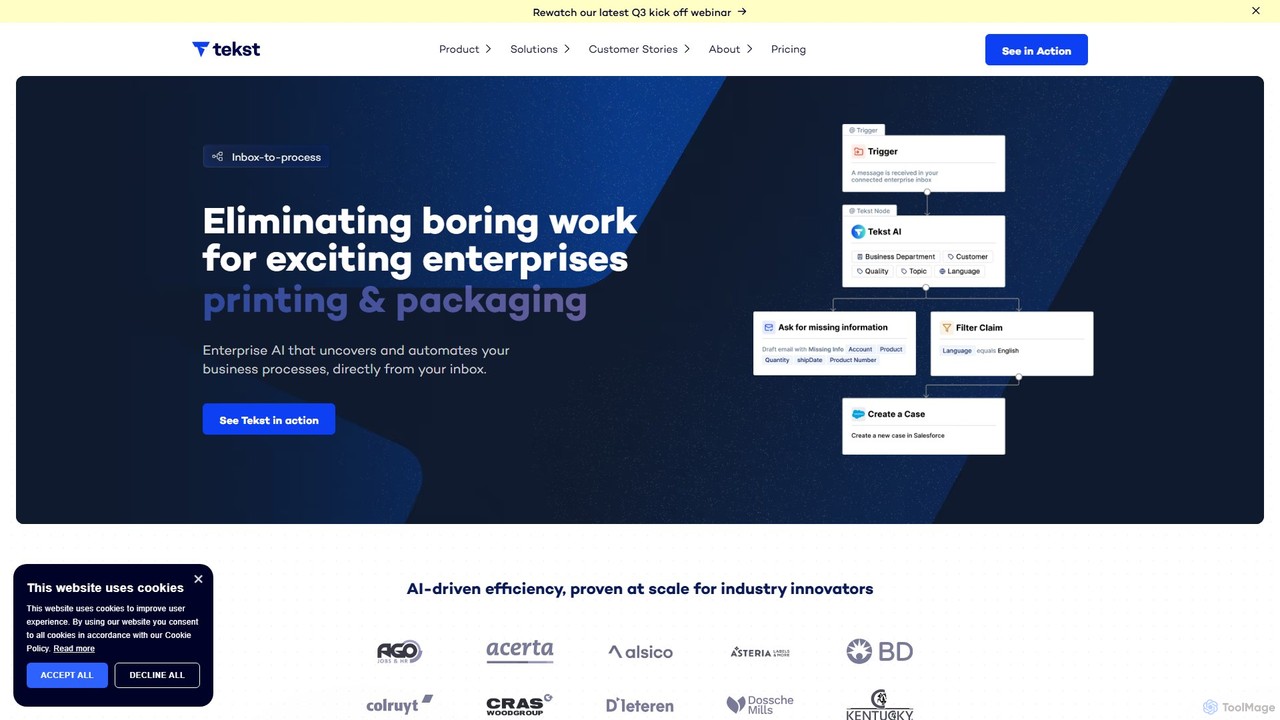
Tekst
Tekst is an enterprise-grade AI platform that automates complex business workflows by analyzing and understanding unstructured communications. It intelligently categorizes, prioritizes, and routes emails, tickets, and chats to streamline operations, enhance customer support, and drive significant efficiency gains. By integrating seamlessly with existing systems like SAP and Salesforce, Tekst turns your back-office into a competitive advantage.
Business Intelligence
Aify
Aify is a no-code AI platform that empowers users to build custom AI-powered applications and automate complex workflows. Integrate top AI models through a visual drag-and-drop interface to create tools for content generation, data analysis, and process automation without writing any code.
Workflow Management
Extracto.bot
Extracto.bot is an AI-powered, no-code web scraper that operates as a Chrome extension. It allows users to effortlessly extract data from any website directly into Google Sheets without any configuration, making data collection simple, fast, and intelligent for various purposes like sales prospecting and market research.
Web Scraping
Chatsheet
Chatsheet is an AI-powered spreadsheet platform that automates research, content creation, and data analysis. Using a familiar spreadsheet interface, users can build complex, no-code workflows to process documents, scrape websites, and generate personalized content at scale, effectively turning each cell into a smart AI agent.
Spreadsheets
Jyek
Jyek is an AI agent platform that understands objectives, creates execution plans, uses tools, and delivers verifiable results for complex, multi-step tasks.
Automation
Onedollaragent
Onedollaragent is an AI workflow automation platform offering n8n-based agents for rent or ownership. Users can access existing workflows for $1 for 24 hours or remix them for $5 to publish on the marketplace and earn 88% of sales. It covers areas like communication, data, marketing, project management, and intelligent automation.
3D
Zigi.ai
Zigi.ai is an intelligent AI assistant designed to automate workflows, manage tasks, and enhance team collaboration. By integrating with your existing tools, Zigi proactively streamlines processes, summarizes meetings, and provides data-driven insights to boost productivity for individuals and businesses.
Intelligent Assistants
Lutra AI Comments (0)
Sign in to comment.
Sign inNo comments yet.