

CreateDraft Overview
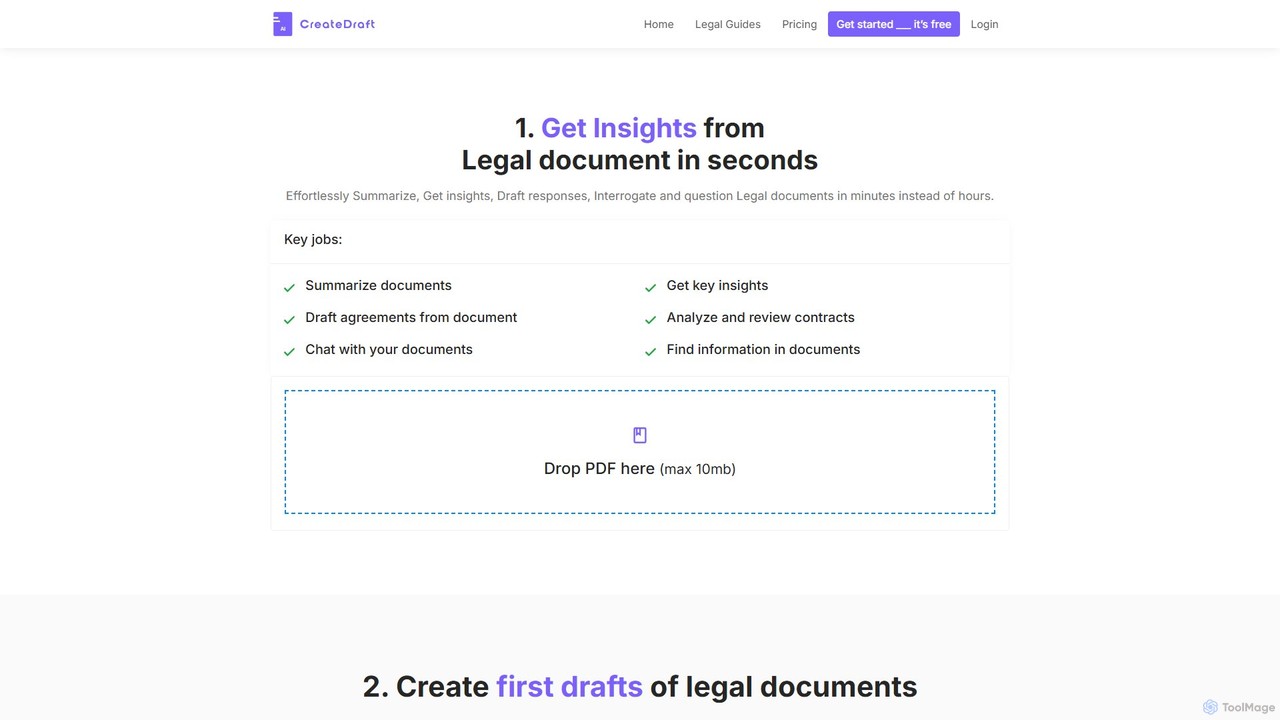
CreateDraft is an advanced AI-powered platform designed to revolutionize how legal documents are created, analyzed, and managed. It serves as a comprehensive legal assistant, empowering legal teams, businesses, and individuals to handle complex legal tasks with unprecedented speed and efficiency. By leveraging artificial intelligence, CreateDraft can generate high-quality first drafts, summarize lengthy contracts, and extract critical insights from any legal document in minutes, a process that would traditionally take hours.
The platform is built to eliminate the 'blank page' problem, offering a vast library of over 340 professionally crafted legal templates. These templates cover a wide spectrum of legal needs, from business operations and corporate governance to real estate and intellectual property. This extensive resource streamlines the drafting process, ensuring documents are well-structured and tailored to specific jurisdictional nuances and country laws.
How to use CreateDraft
Using CreateDraft is a simple and intuitive process designed for maximum productivity:
- Select a Method: You can either start by uploading an existing legal document (PDF format, up to 10MB) for analysis or choose from the extensive library of over 340 legal templates to create a new document.
- AI Analysis and Generation: The platform's AI gets to work instantly. If you've uploaded a document, it will analyze the content to provide summaries, key insights, and clause breakdowns. If you've chosen a template, the AI will use your input to generate a unique, high-quality draft.
- Interact and Interrogate: Use the 'Chat with your documents' feature to ask specific questions about the content. You can inquire about hidden terms, clarify complex legalese, or find specific information quickly without reading the entire document.
- Edit and Refine: Utilize the built-in editor to polish the generated draft or your analyzed document. You can rewrite paragraphs, clean up language, and ensure the final text meets your exact requirements.
- Export: Once you are satisfied with the document, you can easily export it for use.
Core Features of CreateDraft
- AI-Powered Document Drafting: Generate high-quality first drafts of legal contracts and agreements in minutes, leveraging AI to ensure accuracy and completeness.
- Extensive Template Library: Access over 340 legal templates across various categories, including Business, Employment, Real Estate, IP, and more. Notable templates include NDAs, Employment Agreements, and Partnership Agreements.
- In-depth Document Analysis: Upload PDF documents to receive instant summaries, breakdowns of complex clauses, and identification of key terms and potential risks.
- Interactive Document Chat: 'Chat' with your legal documents to ask questions and receive immediate, context-aware answers, making it easy to find information and understand complex provisions.
- Multi-language and Jurisdictional Support: The platform supports over 25 languages, tailoring documents to the specific legal nuances of different countries and jurisdictions.
- User-Friendly Editor: A built-in editor allows for easy rewriting, polishing, and finalizing of documents before export.
Use Cases for CreateDraft
CreateDraft is versatile and valuable for a wide range of users:
- Lawyers and Legal Teams: Accelerate document drafting, streamline contract review processes, and quickly get up to speed on case files, saving valuable billable hours.
- Startups and Small Businesses: Create essential legal documents like Partnership Agreements, NDAs, and Terms of Service without the high cost of a dedicated legal team.
- Freelancers and Contractors: Draft Independent Contractor Agreements, Service Agreements, and Consulting Agreements to protect their work and formalize client relationships.
- Real Estate Professionals: Quickly generate and review Lease Agreements, Purchase Agreements, and other property-related contracts.
- Individuals: Create personal legal documents such as Wills, Lease Termination Agreements, or Loan Agreements with confidence.
Advantages of CreateDraft
CreateDraft offers a significant competitive edge by focusing on efficiency, accessibility, and comprehensiveness. Users can save hours daily on reading and drafting, dramatically increasing productivity. The tool demystifies complex 'legalese,' making legal documents understandable for non-lawyers. Its extensive template library and multi-language support provide a global legal expertise that is both accessible and affordable.
Pricing and Plans
CreateDraft offers a freemium model with a free trial and several paid plans to suit different needs.
- Free Trial: Try the platform's features for free without requiring a credit card.
- STARTER Plan: Priced at $9.99/month, this plan includes 6 Legal Drafts/day, 6 Documents/day, 500 PDF chat credits/month, and access to all 340 templates.
- PREMIUM Plan: For $29.00/month, users get 25 Legal Drafts/day, 25 Documents/day, 3,000 PDF chat credits/month, and access to all templates.
- BUSINESS Plan: At $99.00/month, this plan offers unlimited legal drafts, documents, and PDF chat credits, making it ideal for heavy users and teams.
All paid plans include unlimited draft revisions, unlimited PDF words, pages, summaries, and analysis. Users can change or cancel their plans at any time.
Traffic
Latest traffic
Status
Monthly traffic trend
- 2025-9: 2.2K
- 2026-1: 584
- 2026-2: 78
- 2026-3: 221
- 2026-4: 36
- 2026-5: 461
Geography
Top 5 countries / regions
- 🇮🇳India100.0%
Top keywords
| Keyword | Cost per click |
|---|---|
| association memorandum design | $0.00 |
| legalpad | $1.20 |
| mou create | $0.00 |
| ncnda | $5.34 |
| portfolio agreement | $0.00 |
CreateDraft Alternatives
Spellbook
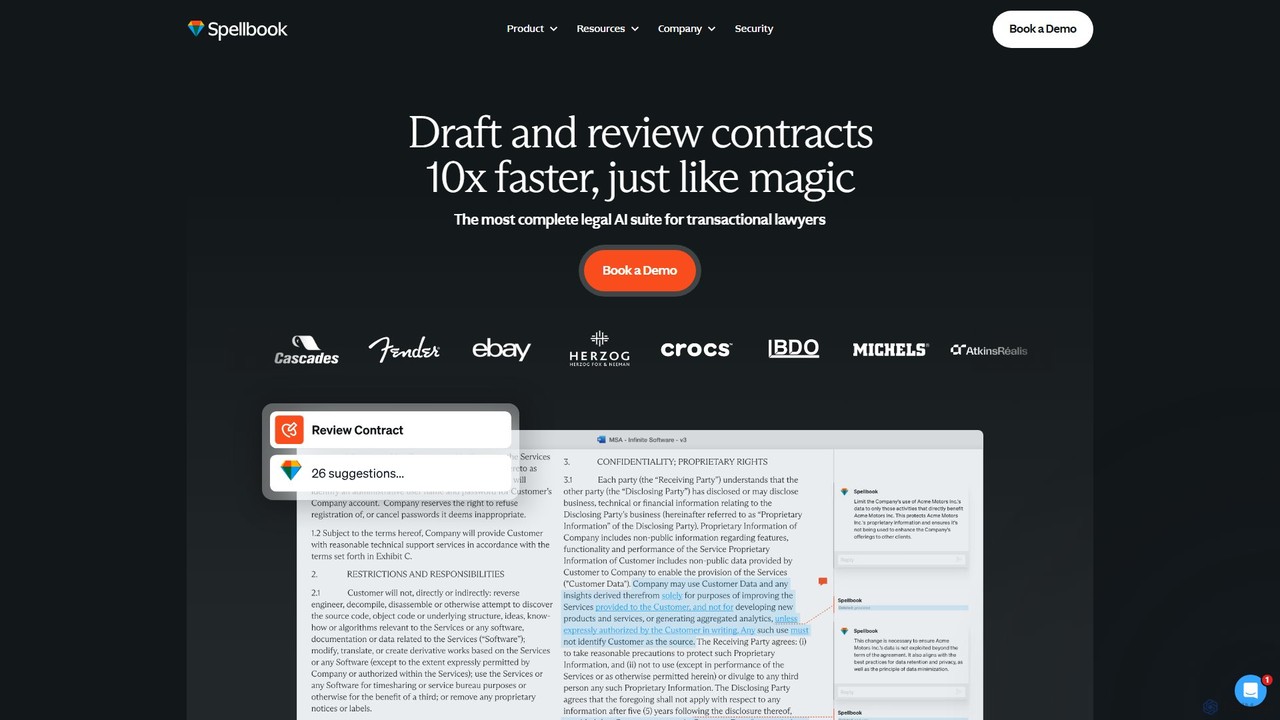
Spellbook is an AI-powered legal assistant that integrates directly into Microsoft Word. It leverages advanced models like GPT-4o to help lawyers draft, review, and redline contracts up to 10 times faster. It offers features like risk detection, clause drafting, contract benchmarking, and an AI agent for complex multi-document workflows, trusted by thousands of legal professionals worldwide.
Compliance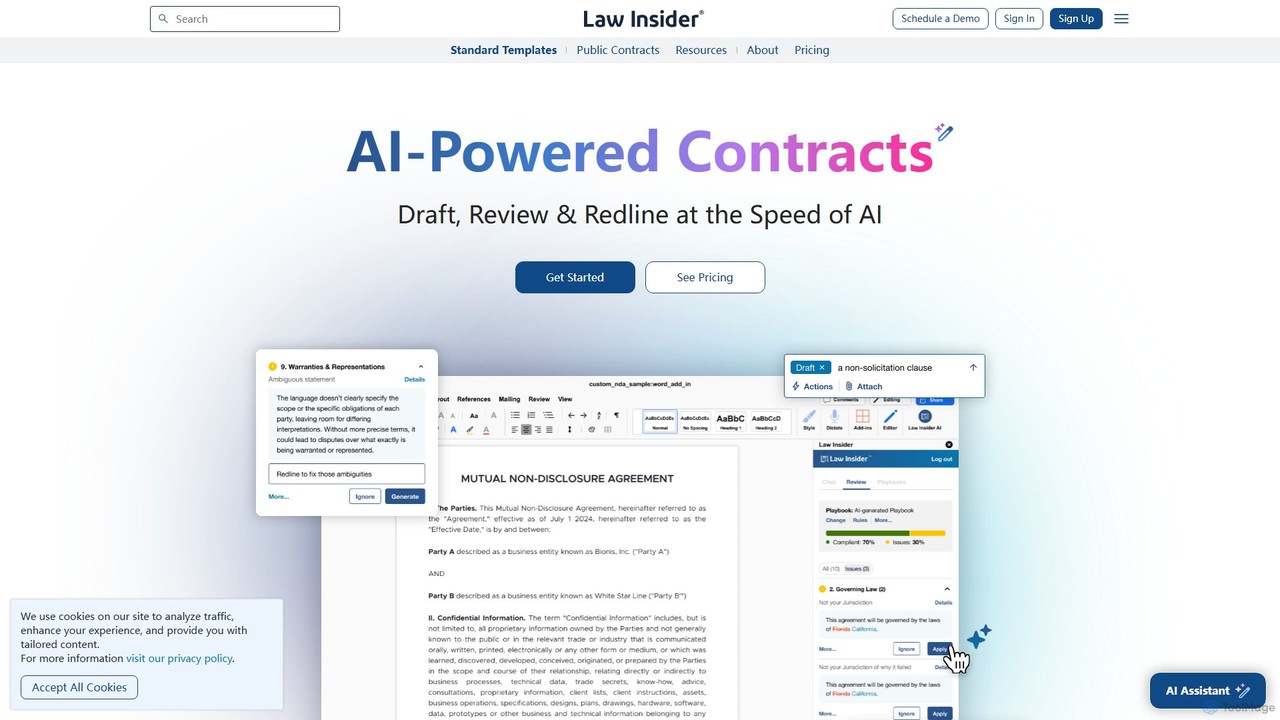
Law Insider
Law Insider is an AI-powered platform for legal professionals, offering tools to draft, review, and redline contracts with unprecedented speed. It leverages the world's largest public contract database to provide data-backed insights, AI-driven suggestions, and standardized templates, streamlining the entire contract lifecycle.
Compliance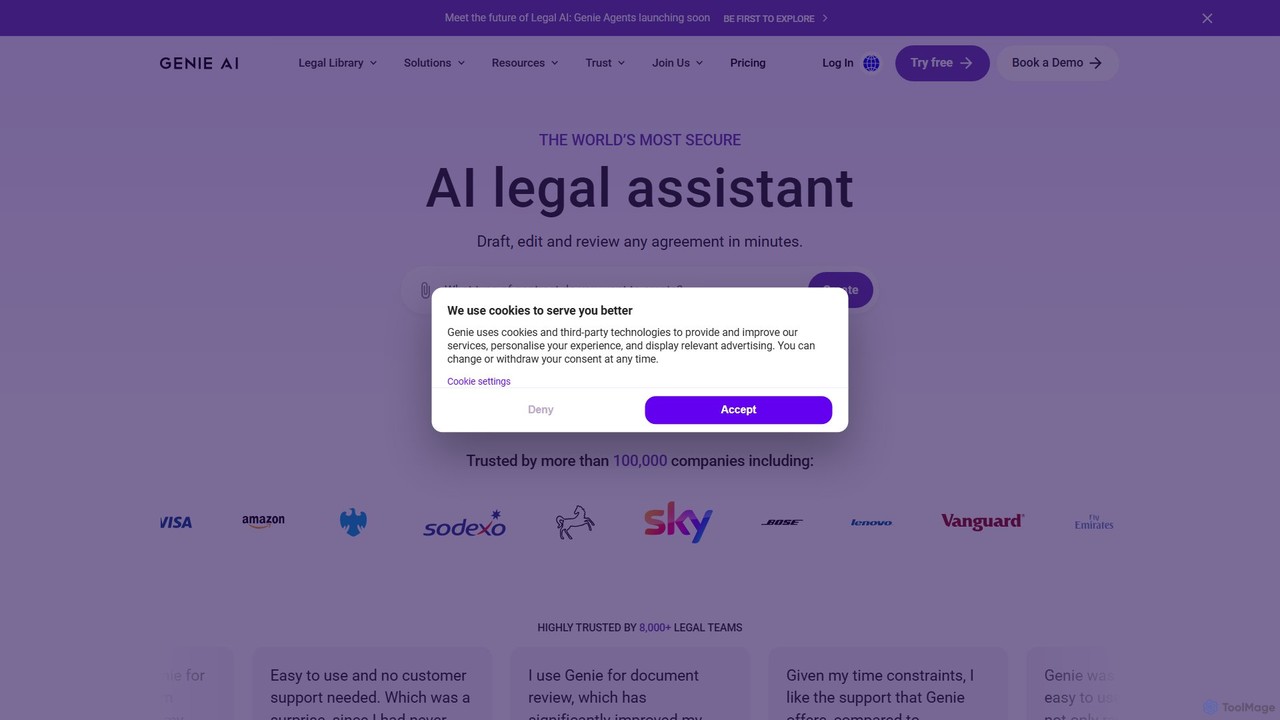
Genie AI
Genie AI is a secure, AI-powered legal assistant designed for drafting, reviewing, and collaborating on legal documents. It supports 120 jurisdictions and offers a library of over 500 templates, AI-driven document analysis, and real-time editing to streamline legal workflows for businesses and legal professionals.
Startups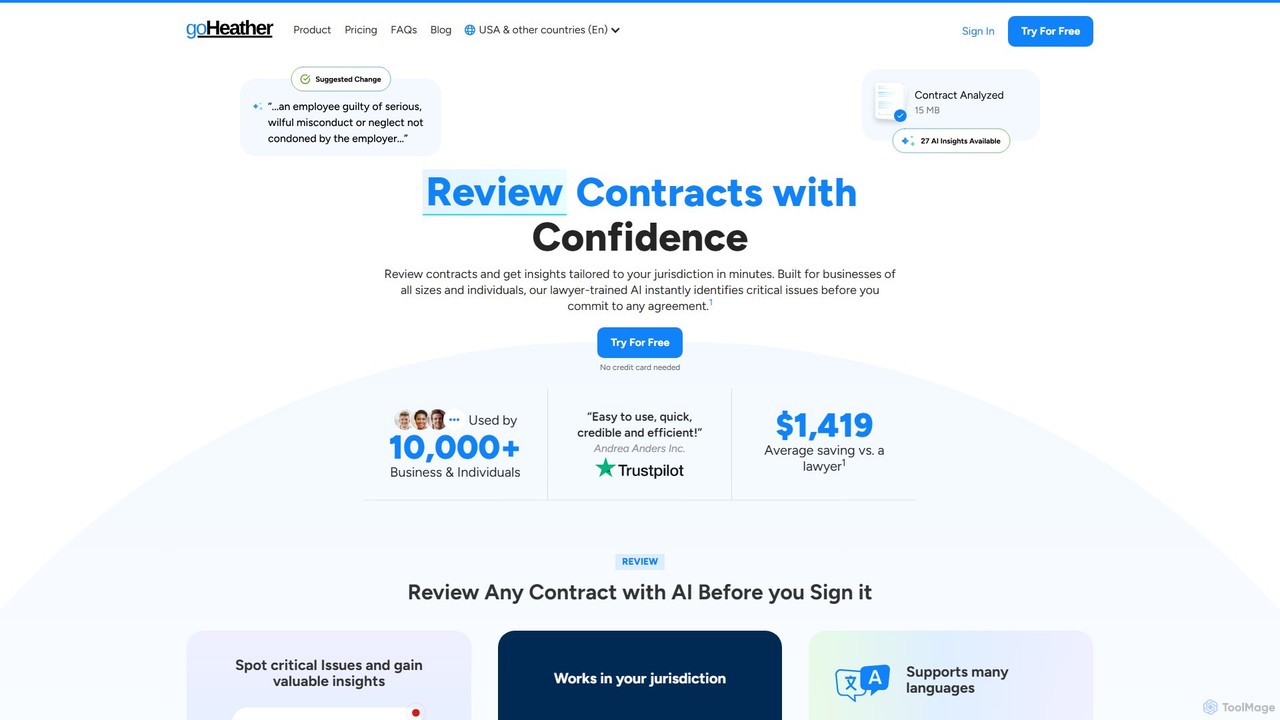
goHeather
goHeather is a lawyer-trained AI platform for effortless contract drafting and review. It helps businesses and individuals analyze legal documents, identify critical risks, and gain jurisdiction-specific insights in minutes. Features include a Microsoft Word add-in, AI chat, and customizable review playbooks.
Human Resources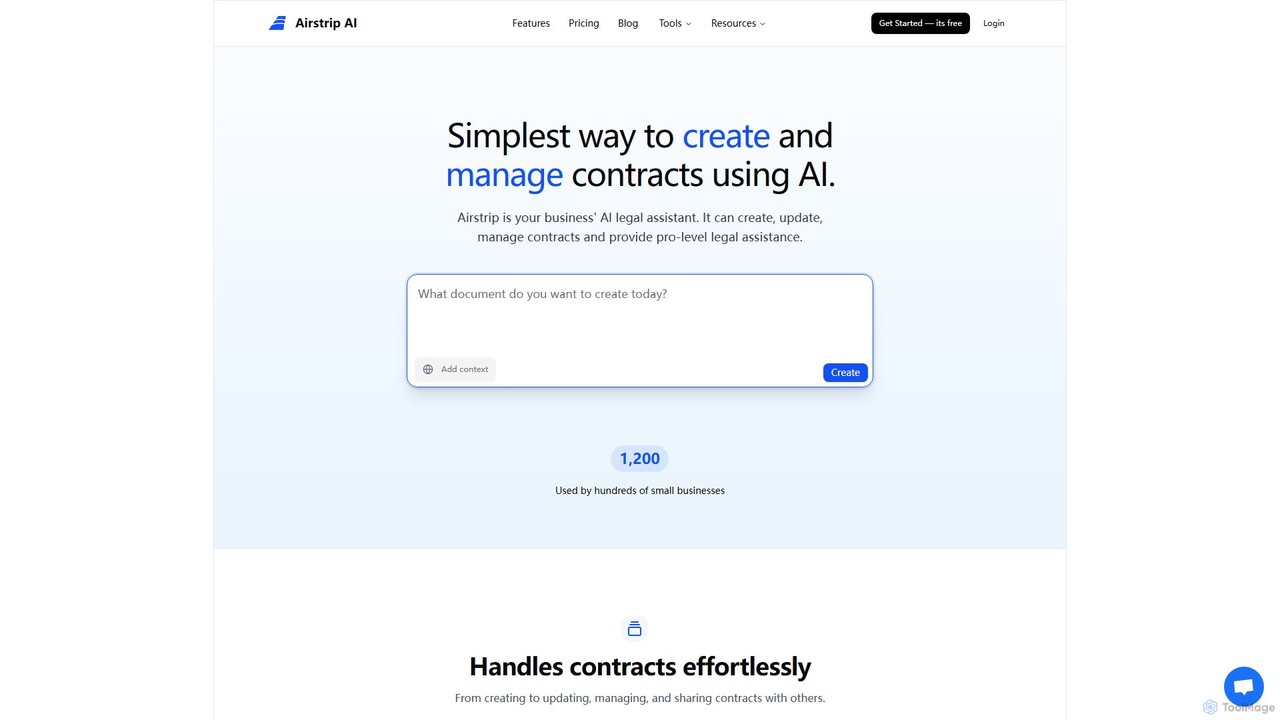
Airstrip
Airstrip is an AI-powered legal assistant designed for small businesses, startups, and agencies. It simplifies legal processes by helping users create, update, and analyze legal documents and contracts through a conversational AI interface. It makes professional-grade legal assistance accessible and affordable.
Small Business ToolsCreateDraft Categories
CreateDraft Embed Widget
Copy this embed code to place the badge on your blog, article, or product site and send readers directly to this ToolMage detail page.

Related AI tools
Spellbook
Spellbook is an AI-powered legal assistant that integrates directly into Microsoft Word. It leverages advanced models like GPT-4o to help lawyers draft, review, and redline contracts up to 10 times faster. It offers features like risk detection, clause drafting, contract benchmarking, and an AI agent for complex multi-document workflows, trusted by thousands of legal professionals worldwide.
ComplianceLaw Insider
Law Insider is an AI-powered platform for legal professionals, offering tools to draft, review, and redline contracts with unprecedented speed. It leverages the world's largest public contract database to provide data-backed insights, AI-driven suggestions, and standardized templates, streamlining the entire contract lifecycle.
ComplianceGenie AI
Genie AI is a secure, AI-powered legal assistant designed for drafting, reviewing, and collaborating on legal documents. It supports 120 jurisdictions and offers a library of over 500 templates, AI-driven document analysis, and real-time editing to streamline legal workflows for businesses and legal professionals.
StartupsgoHeather
goHeather is a lawyer-trained AI platform for effortless contract drafting and review. It helps businesses and individuals analyze legal documents, identify critical risks, and gain jurisdiction-specific insights in minutes. Features include a Microsoft Word add-in, AI chat, and customizable review playbooks.
Human ResourcesAirstrip
Airstrip is an AI-powered legal assistant designed for small businesses, startups, and agencies. It simplifies legal processes by helping users create, update, and analyze legal documents and contracts through a conversational AI interface. It makes professional-grade legal assistance accessible and affordable.
Small Business Tools
JuriFlow
JuriFlow is an AI-powered personal lawyer that provides affordable and instant legal assistance. Upload any legal document to chat with it, ask questions, summarize complex texts, and get expert advice. Ideal for lawyers, law students, and individuals, it offers access to specialized AI legal experts 24/7, simplifying legal challenges without hefty fees.
Contract Review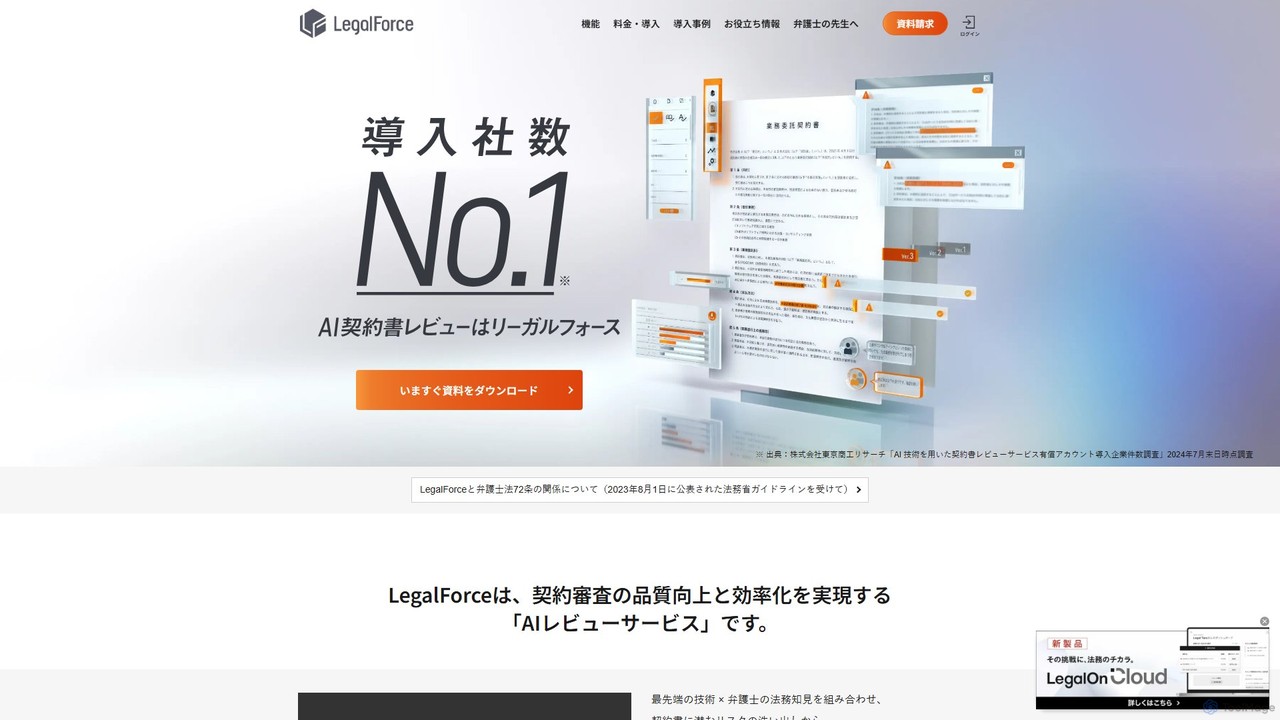
LegalForce
An AI-powered contract review platform for legal teams and law firms. It automates risk detection, provides lawyer-supervised clause suggestions, and streamlines the entire contract lifecycle. By combining advanced AI with legal expertise, LegalForce helps businesses improve review quality, reduce turnaround time, and build a centralized knowledge base.
Compliance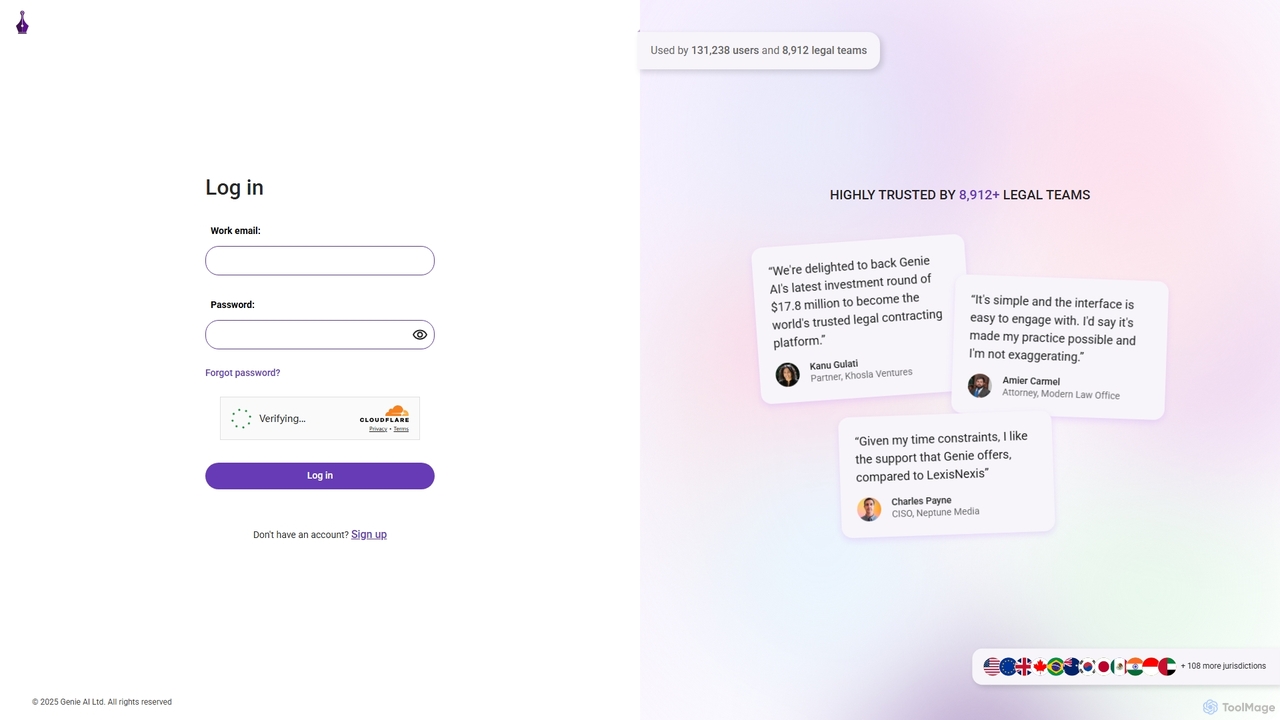
Genie AI
Genie AI is an advanced AI-powered legal platform designed to streamline contract drafting, review, and negotiation. Trusted by thousands of legal teams, it leverages a vast database of legal documents to provide data-driven insights, identify risks, and suggest market-standard clauses. It empowers lawyers, in-house counsel, and business professionals to handle legal contracts with greater speed, accuracy, and confidence, making expert legal intelligence accessible to everyone.
Compliance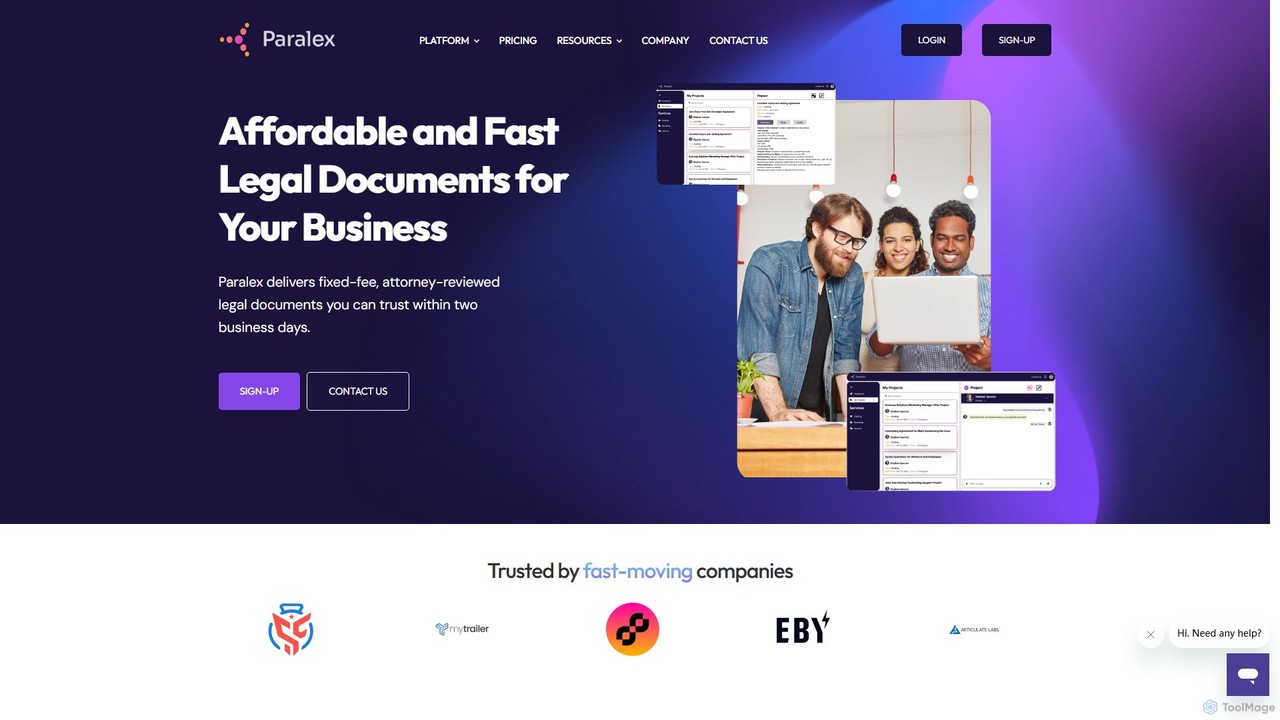
Paralex
Paralex is an AI-powered platform that provides fast, affordable, and attorney-reviewed legal documents for startups and small businesses. It combines AI efficiency with expert human oversight to deliver reliable legal solutions at a fixed, transparent price, typically within two business days. It's the smart alternative to risky DIY templates and expensive traditional law firms.
Startups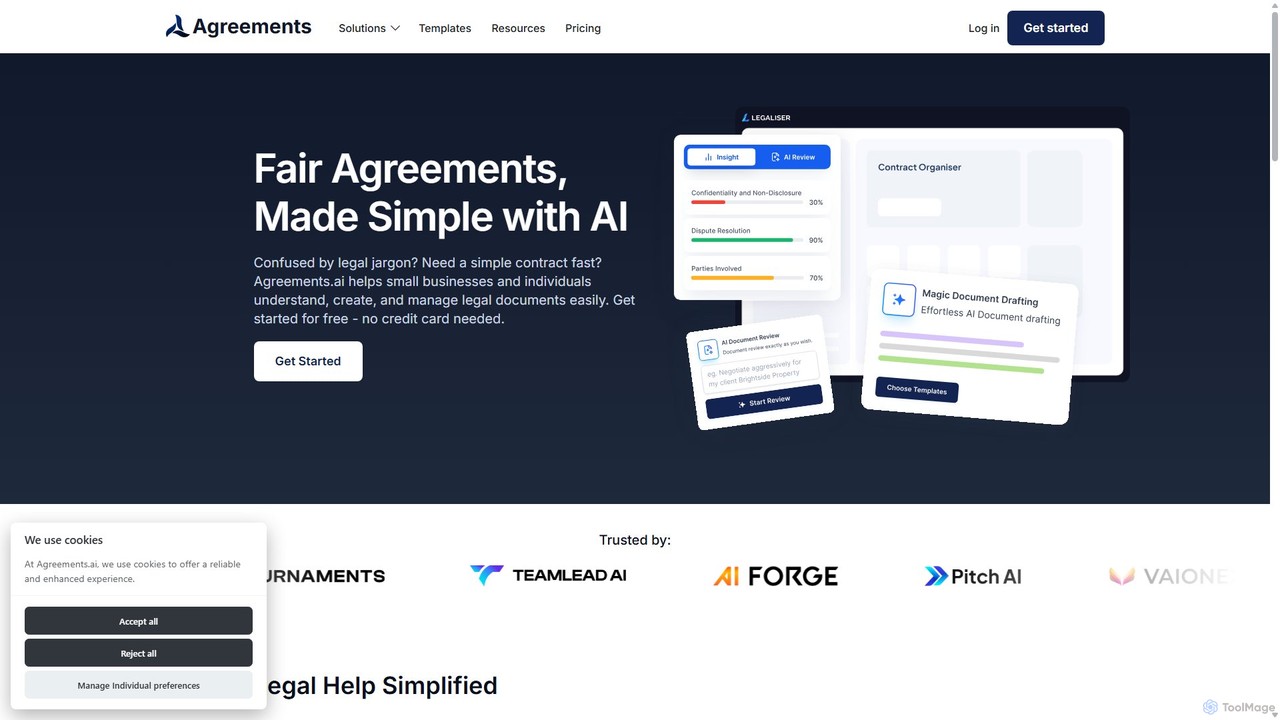
Agreements.ai
Agreements.ai is an AI-powered platform designed to simplify legal documents for small businesses and individuals. It instantly analyzes contracts, explains complex legal jargon in plain English, checks for fairness, and helps you create new agreements from customizable templates. Manage all your legal documents securely in one place.
Document Management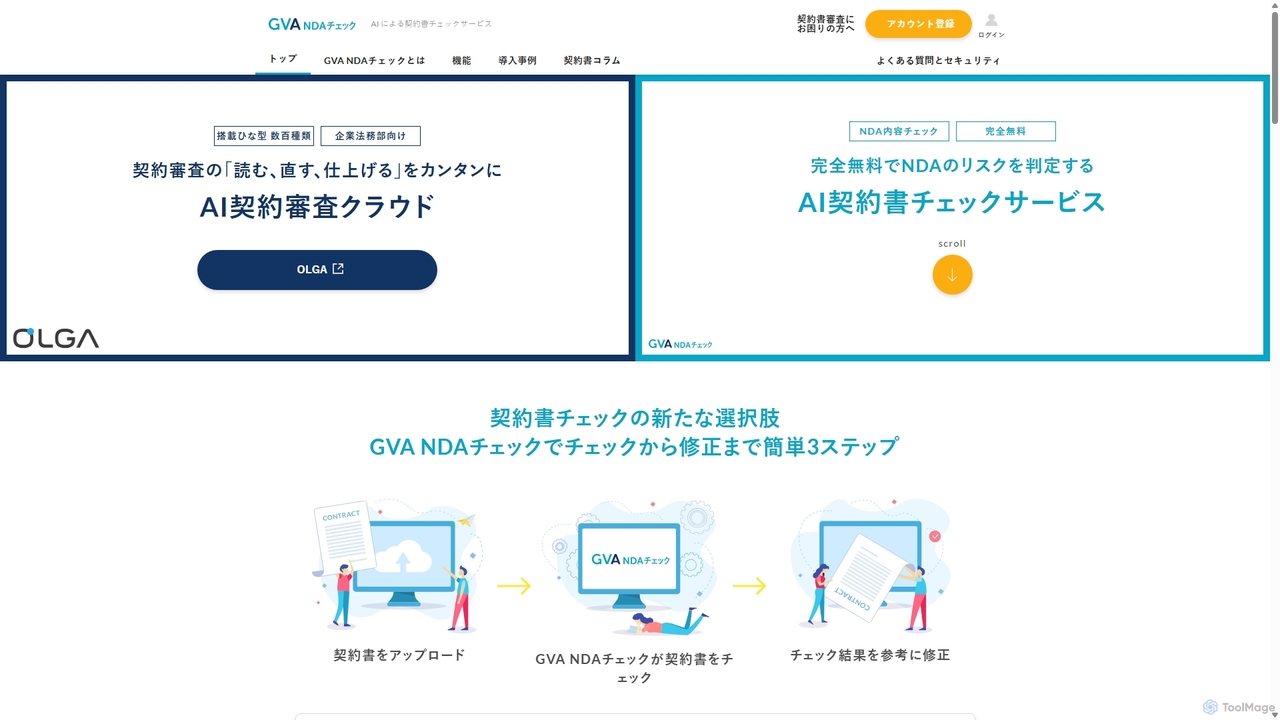
Ai Con
Ai Con (GVA NDA Check) is a free, AI-powered legal tool supervised by lawyers, specializing in reviewing Japanese Non-Disclosure Agreements (NDAs). It helps startups, SMEs, and freelancers quickly identify contractual risks. Users upload an NDA to receive an instant analysis, including visual risk assessment of clauses, suggested revisions for unfavorable terms, and identification of common pitfalls or missing items, streamlining the contract review process.
Risk Management
Jyek
Jyek is an AI agent platform that understands objectives, creates execution plans, uses tools, and delivers verifiable results for complex, multi-step tasks.
Automation
Traverse Legal
Traverse Legal is an AI-powered platform designed for legal professionals, offering advanced tools for legal research, document analysis, and contract review. It streamlines workflows, enhances accuracy, and provides data-driven insights to law firms and corporate legal departments, significantly reducing time spent on manual tasks.
Contract Management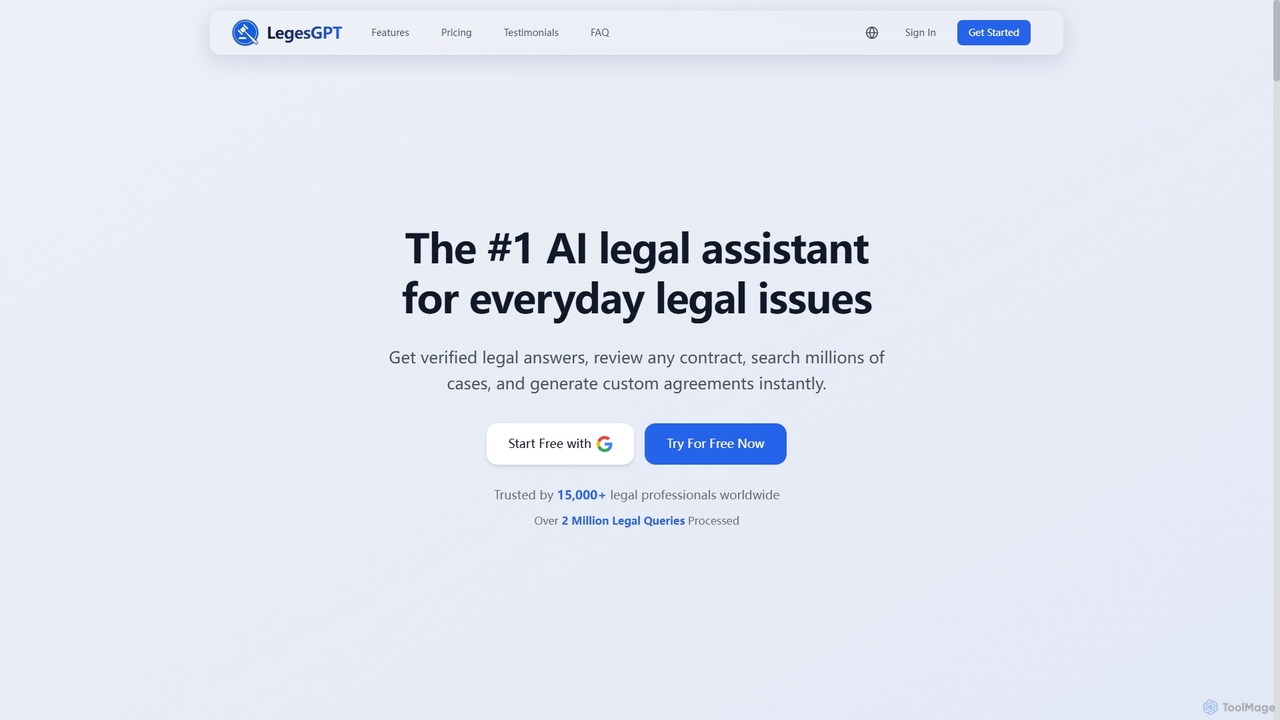
LegesGPT
LegesGPT is an advanced AI legal assistant platform designed for legal professionals, business owners, and individuals. It provides verified legal answers, comprehensive contract review, extensive case law research, and instant generation of custom legal agreements across 38+ jurisdictions.
Legal Compliance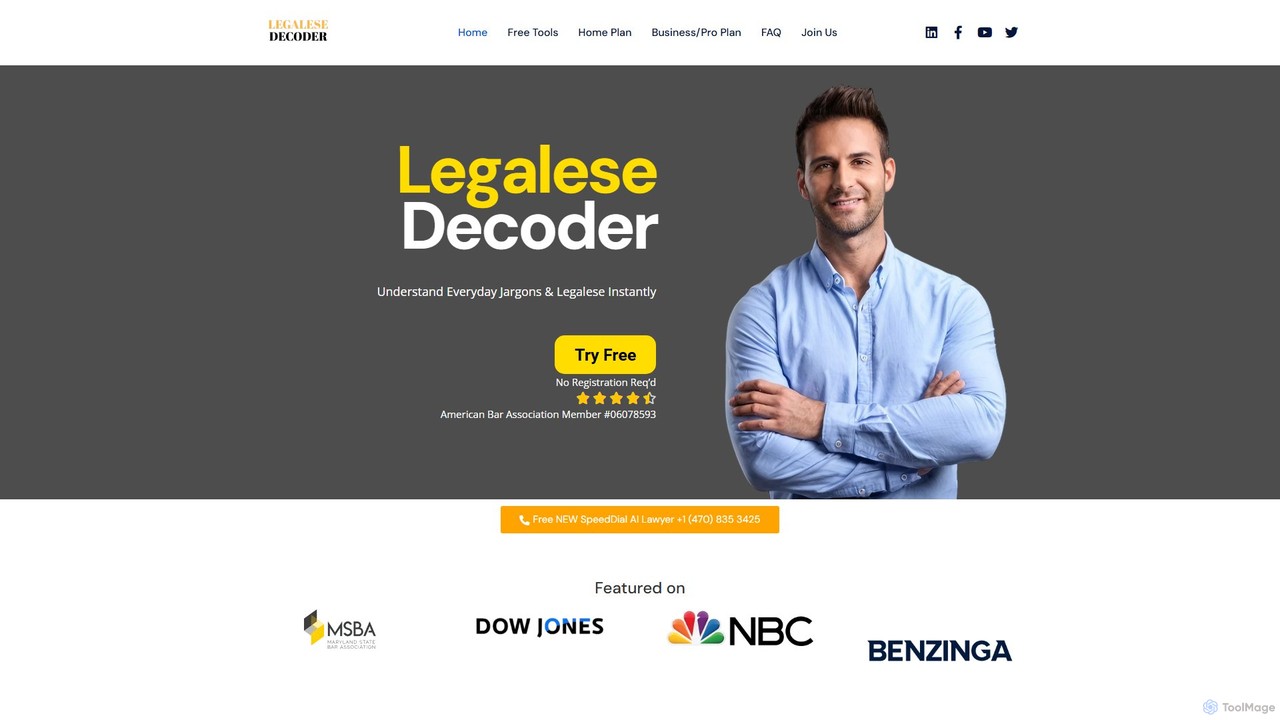
Legalese Decoder
Legalese Decoder is an AI-powered tool that translates complex legal documents into simple, plain English. It helps individuals and small businesses understand contracts, leases, and agreements without high legal fees, analyzing documents for key terms, risks, and fairness. Instantly demystify legal jargon and make informed decisions.
Compliance
CreateDraft Comments (0)
Sign in to comment.
Sign inNo comments yet.