

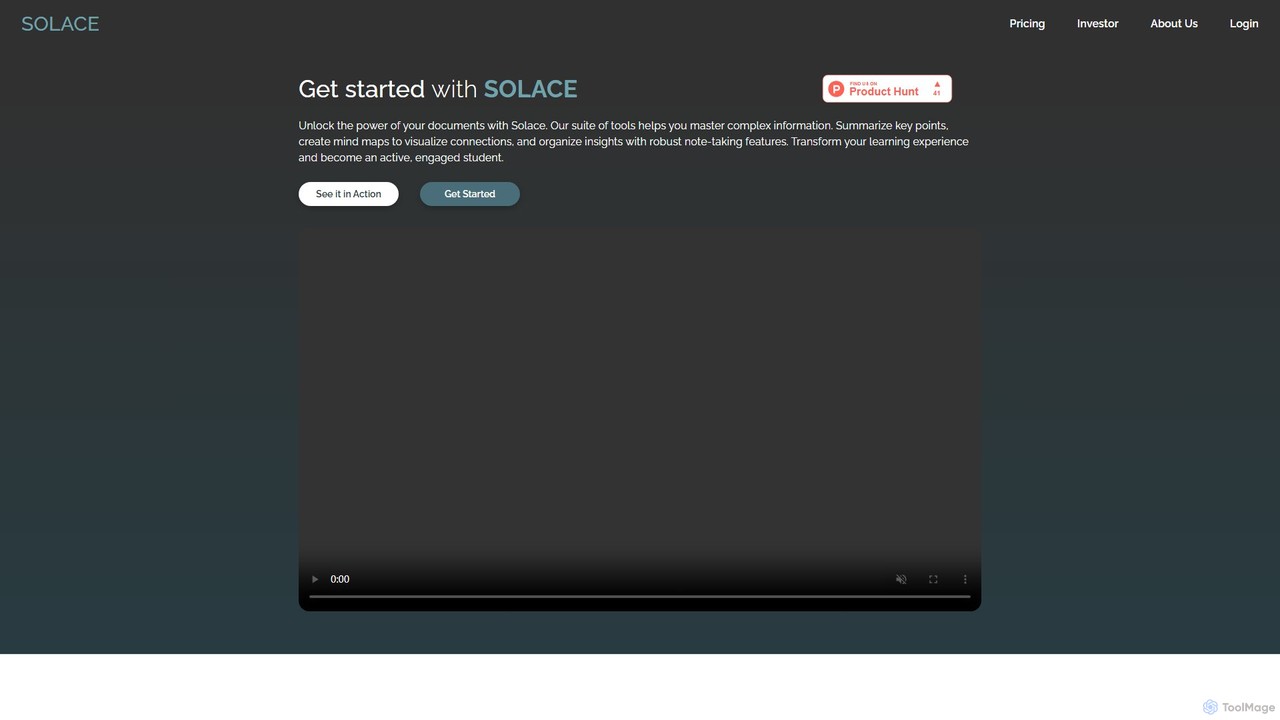
mysolace Overview
mysolace is a cutting-edge AI tool designed to transform how users interact with their documents. It serves as an intelligent assistant for students, researchers, and professionals who need to process and understand complex information efficiently. By leveraging advanced AI, Solace allows you to 'chat' with your documents, asking questions in natural language and receiving precise, context-aware answers. The platform goes beyond simple keyword searching, aiming to provide a deep, conceptual understanding of the material.
Born from a need to overcome information overload, Solace was developed by a team of educators, developers, and AI experts. It is built on a secure and robust cloud architecture, supported by industry leaders like NVIDIA, AWS, Google, and Microsoft, ensuring reliability and data protection. The platform's core mission is to make knowledge within documents accessible to everyone, turning static files into dynamic sources of insight and fostering active learning.
How to use mysolace
Getting started with mysolace is designed to be intuitive and straightforward. The process involves a few simple steps:
- Sign Up: Create a free account on the mysolace website.
- Upload Documents: Use the drag-and-drop interface to upload your files. Solace currently supports various formats, including PDF and Word, with more to come. You can upload single or multiple documents to work with them simultaneously.
- Interact with AI: Once uploaded, you can start interacting with your document. Type questions into the chat interface, such as "Summarize the main arguments of this paper" or "Explain the concept of quantum computing as described in chapter 3."
- Analyze and Extract: Use specialized features like 'Capture and Ask' to select a diagram, chart, or table and ask specific questions about it. The AI will analyze the visual data and provide an explanation.
- Organize Insights: Utilize built-in tools to highlight important text, add comments, and create mind maps to visualize connections between different concepts within your documents.
Core Features of mysolace
- AI Chat with Documents: Engage in a conversational Q&A with your documents to get instant, accurate answers based strictly on the provided content.
- Multi-Document Integration: Upload and analyze multiple documents at once. Cross-reference information, compare arguments, and synthesize knowledge from a whole set of materials.
- Insightful Analysis and Summarization: Generate detailed summaries, extract key information, and receive explanations of complex concepts with direct references to the source text.
- Capture and Ask: An innovative feature that allows you to capture specific sections, including images, charts, and diagrams, and ask targeted questions about them.
- Mind Map Creation: Visualize the structure and connections of ideas within a document by automatically generating mind maps.
- Multi-Format Support: Works with various document types, including PDFs and Word files, extracting both text and images for comprehensive analysis.
- Bring Your Own Key (BYOK): Offers the flexibility to use your own API keys from different LLM providers like OpenAI and Google (Gemini), giving you control over model usage.
- Secure and Private: Documents are stored securely on AWS S3 with encryption. A private processing option is also available, which processes sensitive documents locally without uploading them to servers.
Use Cases for mysolace
mysolace is a versatile tool suitable for a wide range of users:
- Students: Quickly grasp complex topics from textbooks and lecture notes, prepare for exams by asking targeted questions, and efficiently write research papers by summarizing and citing sources.
- Researchers: Accelerate literature reviews by analyzing dozens of academic papers simultaneously, extracting key findings, comparing methodologies, and identifying knowledge gaps.
- Professionals: Business analysts, lawyers, and consultants can review long reports, contracts, and financial documents in minutes, extracting critical data points and clauses to make informed decisions.
- Content Creators: Quickly research topics by extracting key information from multiple sources to create well-informed articles, reports, and presentations.
Advantages of mysolace
mysolace stands out with several key advantages:
- Adaptability: Users can customize the experience with adjustable summarization styles, highlighting preferences, and varying depths of explanation to suit their unique needs.
- Precision and Accuracy: The AI is designed to provide contextually-bound answers, ensuring that all information is derived directly from the uploaded documents, eliminating irrelevant data and guaranteeing reliability.
- User-Friendly Design: An intuitive interface, drag-and-drop functionality, and interactive annotation tools make the platform easy to navigate for all users.
- Innovation: Powered by cutting-edge AI, it offers deep conceptual understanding that goes far beyond basic keyword extraction.
- Reliable Support: Dedicated customer assistance is available through live chat and a comprehensive knowledge base.
Pricing and Plans
mysolace offers a flexible pricing structure to cater to different user needs:
- Evergreen (Free Plan): Ideal for getting started. Includes up to 200 pages, 500 chat messages, and 10 workspaces per month at no cost.
- Pine Plan: Priced at ₹199/month, this plan is for more advanced users, offering up to 2000 pages, 5000 messages, and unlimited workspaces.
- Fern (Pay-as-you-go): A flexible option where you pay for what you use. Costs are ₹0.10 per page, ₹0.01 per workspace, and ₹0.05 per message. This plan also supports the 'Bring Your Own Key' model, allowing users to use their own LLM API keys.
Subscriptions can be canceled or changed at any time, and payments are securely handled via Razorpay.
Traffic
Latest traffic
Status
Monthly traffic trend
- 2025-9: 688
- 2026-1: 2.2K
- 2026-2: 1.8K
- 2026-3: 2.8K
- 2026-4: 1.3K
- 2026-5: 2.3K
Geography
Top 5 countries / regions
- 🇮🇳India78.6%
- 🇺🇸United States21.4%
Top keywords
| Keyword | Cost per click |
|---|---|
| smoolace | $0.00 |
| solace | $10.36 |
| solace ai | $0.00 |
| solace concept | $0.00 |
| solace tool | $0.00 |
mysolace Alternatives
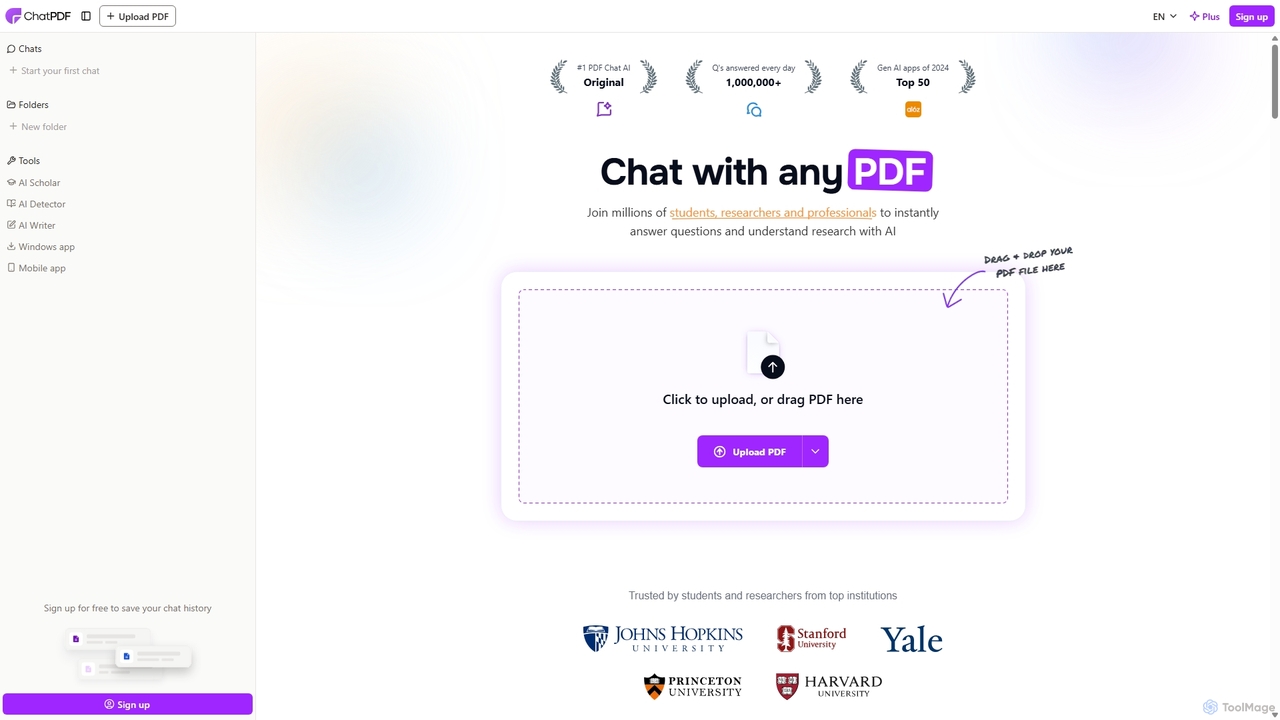
ChatPDF
ChatPDF is an AI-powered platform that allows you to interact with your documents as if you were having a conversation. Simply upload a PDF, and the AI will help you summarize content, answer specific questions, and extract key information in seconds. It's designed for students, researchers, and professionals to enhance productivity and understanding.
Research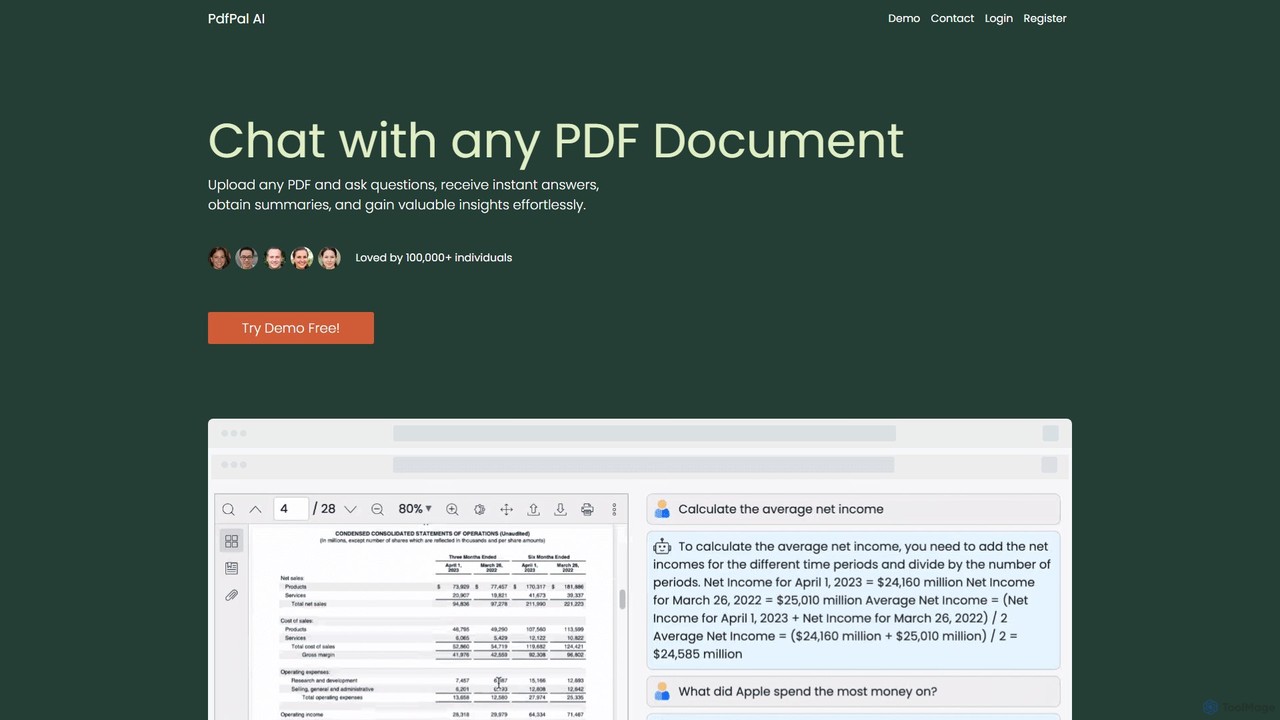
pdfpal
pdfpal is an AI-powered tool that lets you chat with any PDF document. Simply upload your file and ask questions in natural language to get instant summaries, find specific information, and gain deep insights without reading the entire document. It's designed to save time and boost productivity for students, researchers, and professionals by simplifying complex information.
Data Analysis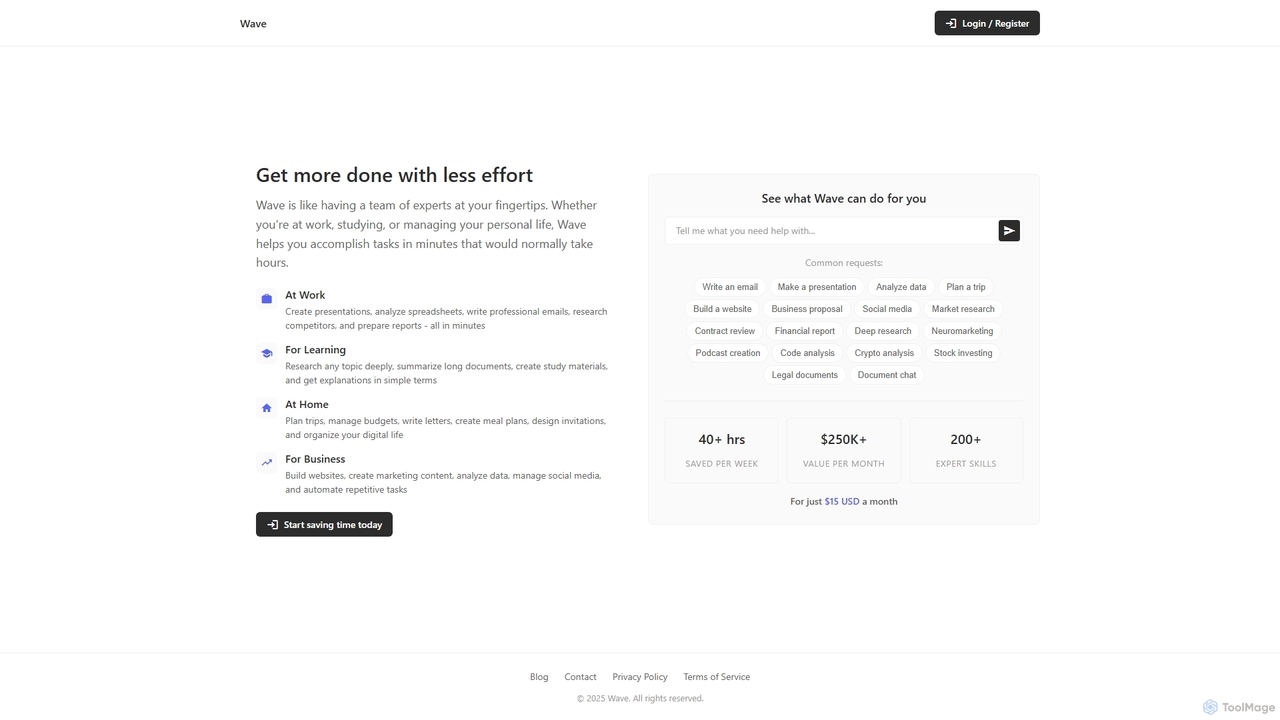
ChatDocuments
ChatDocuments is an AI-powered platform that allows you to interact with your documents through a conversational chat interface. Upload PDFs, Word files, and other formats to ask questions, get instant summaries, extract key information, and gain insights without manually reading through pages. It's designed to boost productivity for students, researchers, and professionals.
Data Analysis
UPDF AI
UPDF AI is a powerful AI assistant integrated into the UPDF editor, designed to revolutionize how you interact with PDF documents. It allows you to chat with your PDFs, get instant summaries, translate entire documents or selected text, explain complex data, and even convert dense content into visual mind maps. Available on Windows, macOS, iOS, Android, and the web, it streamlines workflows for students, researchers, and professionals by making document comprehension and analysis faster and more efficient.
Research
Pdfai
Pdfai is an AI-powered document assistant that allows you to chat with your PDF files. Instantly get summaries, ask complex questions, and extract key information from research papers, reports, and contracts. Boost your productivity and unlock insights from your documents in seconds.
Data Analysismysolace Categories
mysolace Embed Widget
Copy this embed code to place the badge on your blog, article, or product site and send readers directly to this ToolMage detail page.

Related AI tools
ChatInDoc
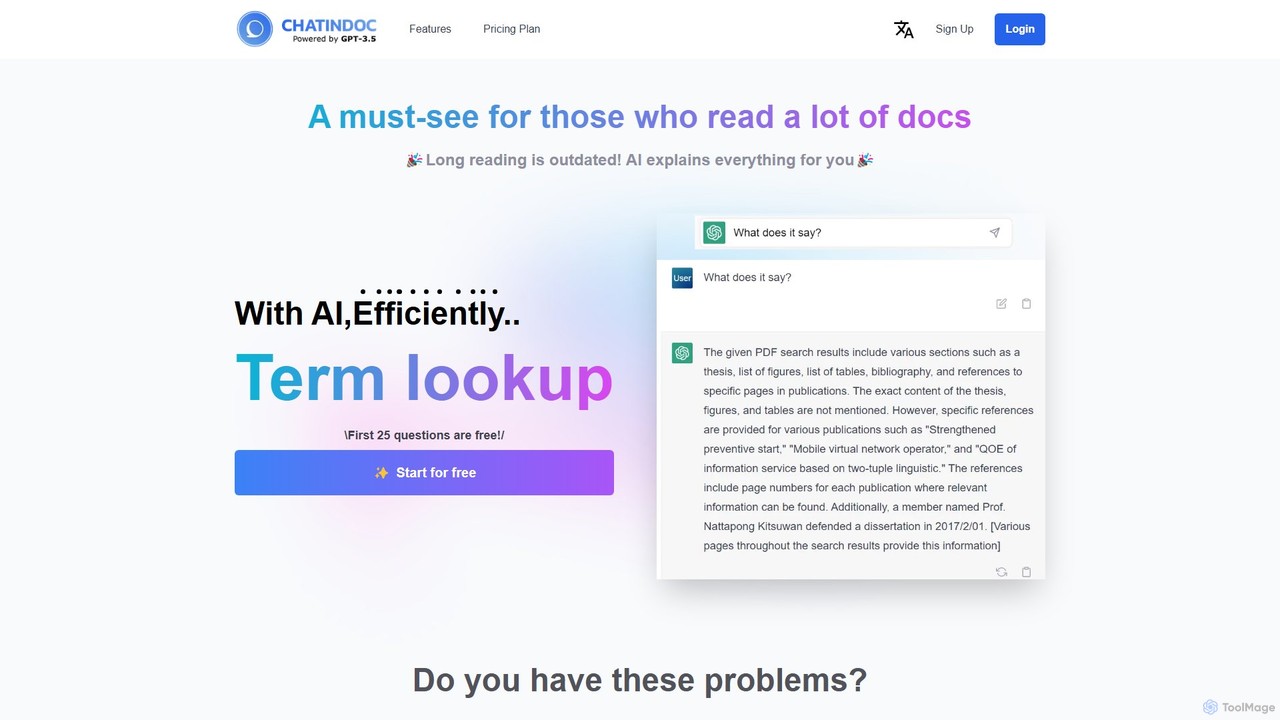
ChatInDoc is an AI-powered assistant that allows you to chat directly with your documents. Upload PDF, Word, Excel, or PowerPoint files to instantly get summaries, ask questions, and extract key information. It's designed to save you hours of reading time, making it ideal for students, researchers, and professionals who need to quickly understand dense materials.
Studypdfpal
pdfpal is an AI-powered tool that lets you chat with any PDF document. Simply upload your file and ask questions in natural language to get instant summaries, find specific information, and gain deep insights without reading the entire document. It's designed to save time and boost productivity for students, researchers, and professionals by simplifying complex information.
Data AnalysisChatDocuments
ChatDocuments is an AI-powered platform that allows you to interact with your documents through a conversational chat interface. Upload PDFs, Word files, and other formats to ask questions, get instant summaries, extract key information, and gain insights without manually reading through pages. It's designed to boost productivity for students, researchers, and professionals.
Data Analysis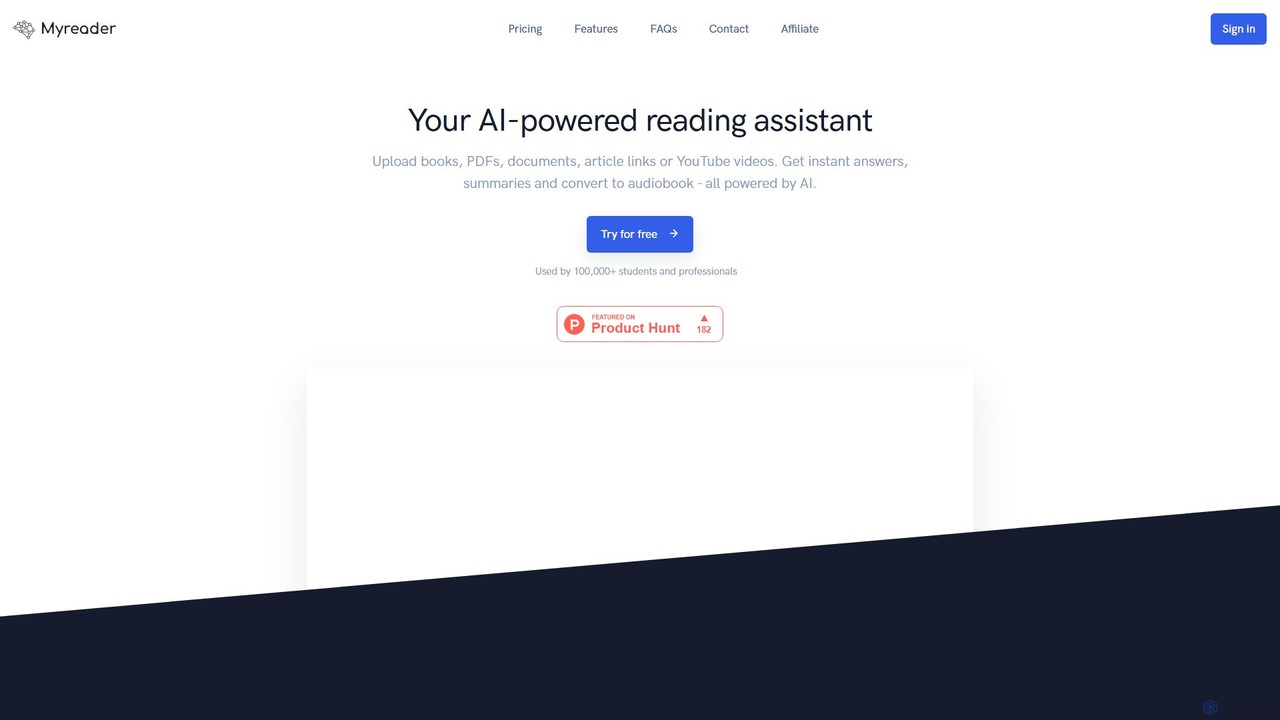
Myreader
Myreader is an AI-powered reading assistant that transforms your documents, ebooks, articles, and YouTube videos into an interactive, conversational library. Upload your content to ask questions, get summaries, and find information instantly, making it a powerful tool for students, researchers, and professionals.
Research
bunni
Bunni is an AI-powered tool that allows you to chat with your PDF documents. Simply upload a file to summarize its content, extract key information, and ask specific questions in any language. It supports large files, multiple document chats, and offers a flexible pay-as-you-go pricing model, making it ideal for researchers, students, and professionals who need to quickly analyze and understand dense documents.
Data Extraction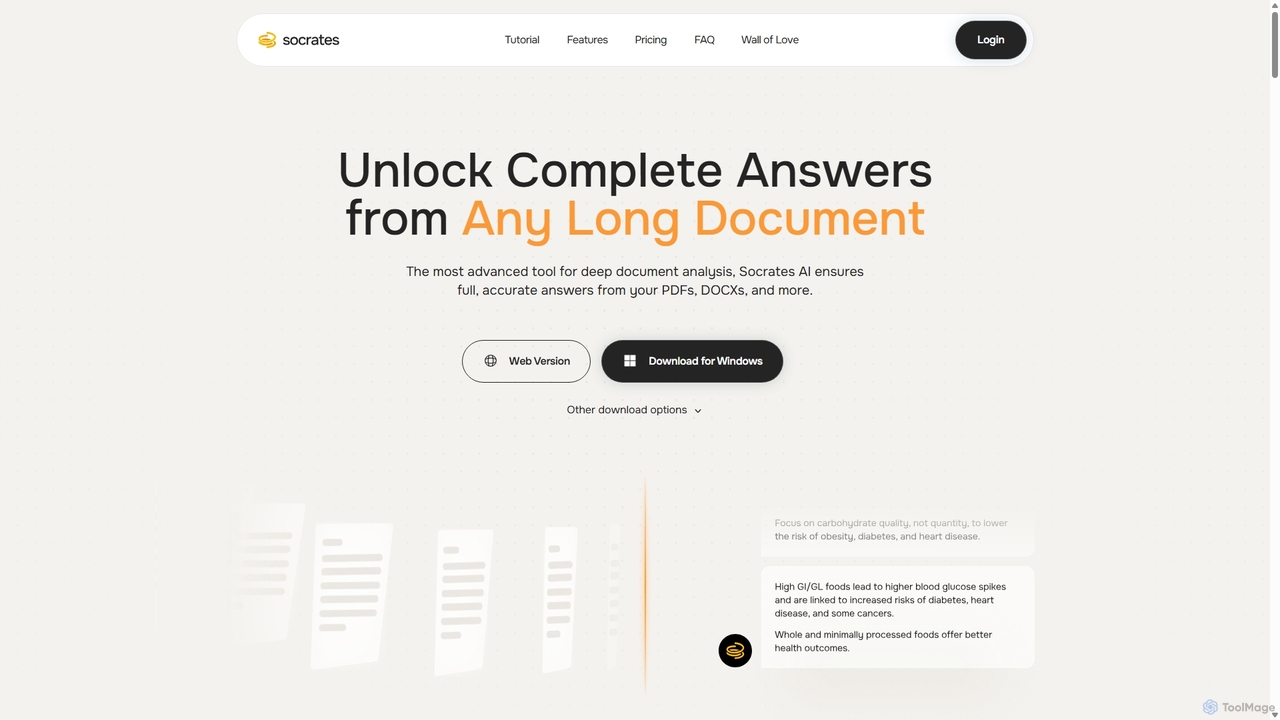
Socrates
Socrates is an advanced AI tool for deep document analysis. It allows users to upload long documents like PDFs and DOCX to get complete, accurate answers. Its unique 'Deep Dive' feature provides thorough analysis, while features like Table AI and Local LLM support cater to researchers, legal professionals, and students seeking detailed insights with enhanced data privacy.
Data Analysis
chatdochub.com
ChatDocHub is an AI-powered platform that transforms your documents into interactive chatbots. Simply upload your files (PDF, DOCX, etc.) and ask questions in natural language to get instant summaries, key insights, and specific answers. It's the perfect tool for students, researchers, and professionals to quickly analyze and extract information from dense materials, boosting productivity and understanding.
Data Analysis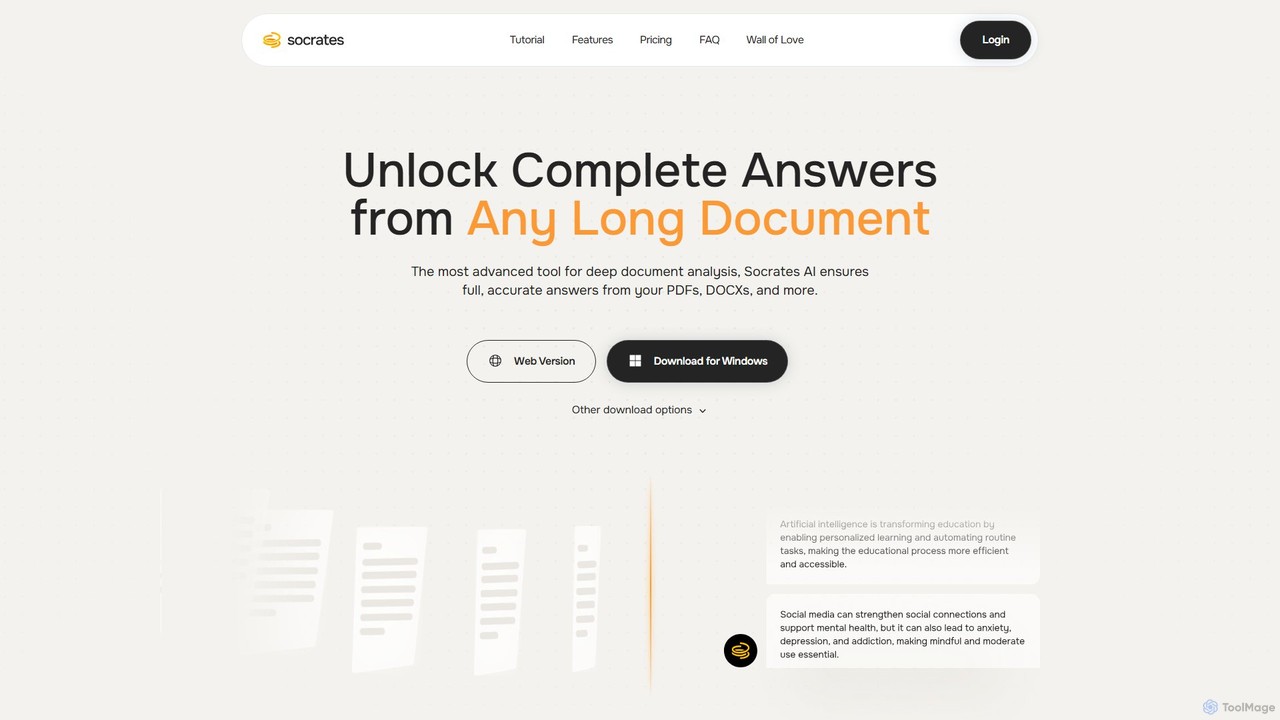
Socrates
Socrates is an advanced AI tool for deep document analysis. Upload PDFs, DOCX, and more to get complete, accurate answers instantly. Features like Deep Dive, Table AI, and local LLM support provide unparalleled insights while ensuring data privacy. Ideal for researchers, professionals, and anyone needing to understand long documents quickly.
Study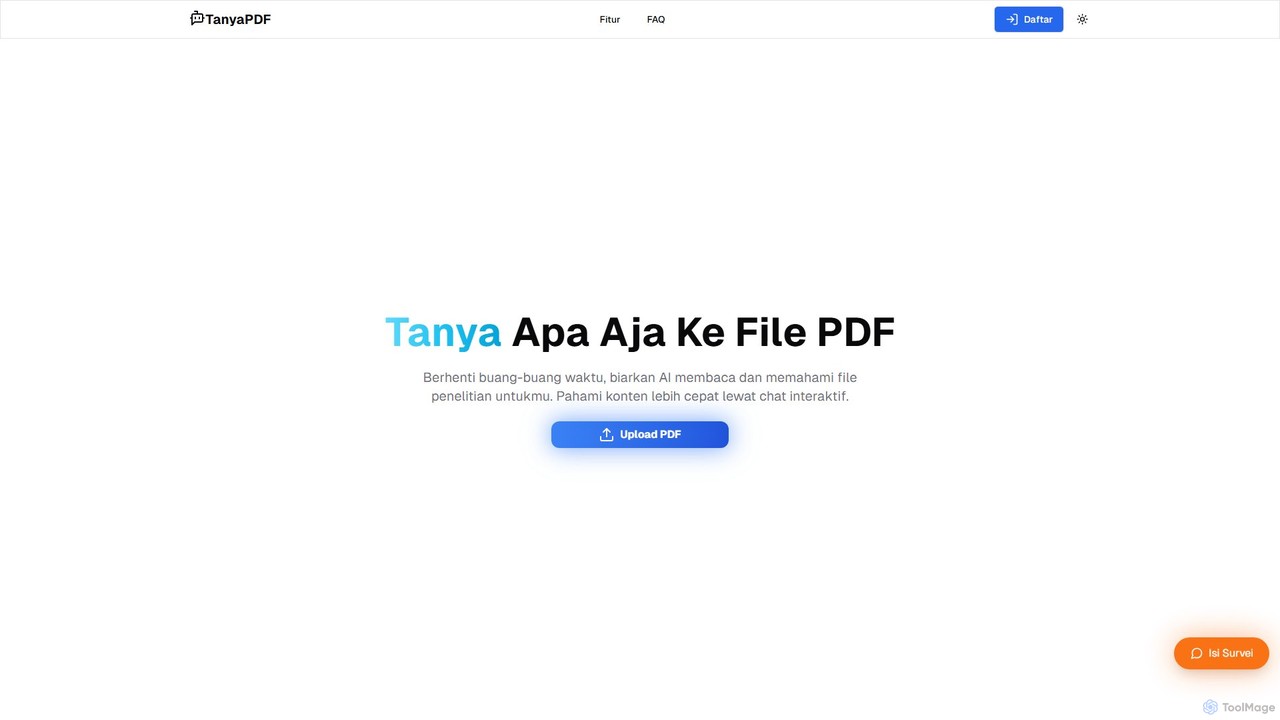
TanyaPDF
An AI-powered tool that allows you to chat with your PDF documents. Upload a file, ask questions in natural language, and get instant summaries and answers. Designed for students, researchers, and professionals to understand complex documents faster and more efficiently.
Report AnalysisUPDF AI
UPDF AI is a powerful AI assistant integrated into the UPDF editor, designed to revolutionize how you interact with PDF documents. It allows you to chat with your PDFs, get instant summaries, translate entire documents or selected text, explain complex data, and even convert dense content into visual mind maps. Available on Windows, macOS, iOS, Android, and the web, it streamlines workflows for students, researchers, and professionals by making document comprehension and analysis faster and more efficient.
ResearchPdfai
Pdfai is an AI-powered document assistant that allows you to chat with your PDF files. Instantly get summaries, ask complex questions, and extract key information from research papers, reports, and contracts. Boost your productivity and unlock insights from your documents in seconds.
Data Analysis
pdfpilot.ai
pdfpilot.ai is an AI-powered assistant that transforms your PDF documents into interactive chatbots. Instantly get summaries, ask complex questions, and extract key information from research papers, reports, and contracts, saving you hours of reading time.
Data Analysis
docubro
docubro is an AI-powered document intelligence platform designed to help users instantly summarize, query, and extract key information from complex documents. Upload PDFs, reports, or articles and interact with them through a conversational AI to boost productivity and accelerate research.
Data Analysis
pdfai.io
pdfai.io is an AI-powered document assistant that lets you chat with your PDF files. Instantly summarize complex documents, ask questions, and extract key information effortlessly. It's designed to boost productivity for students, researchers, and professionals by turning static PDFs into interactive knowledge bases.
Data Extraction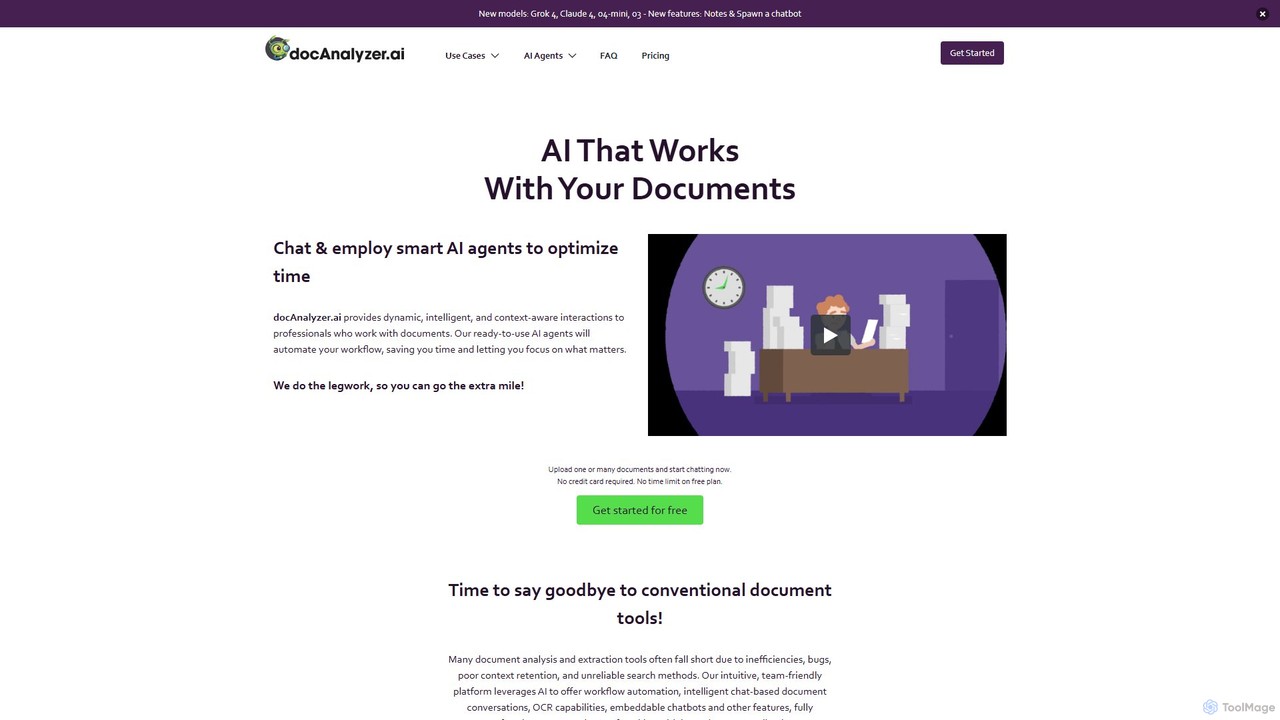
docanalyzer.ai
An advanced AI platform that enables dynamic conversations with your documents. Utilize intelligent agents to automate workflows, extract data, and gain insights from various file formats like PDF, DOCX, and more. It supports multiple top-tier AI models and offers features for individual and team collaboration.
Data Extraction
mysolace Comments (0)
Sign in to comment.
Sign inNo comments yet.