

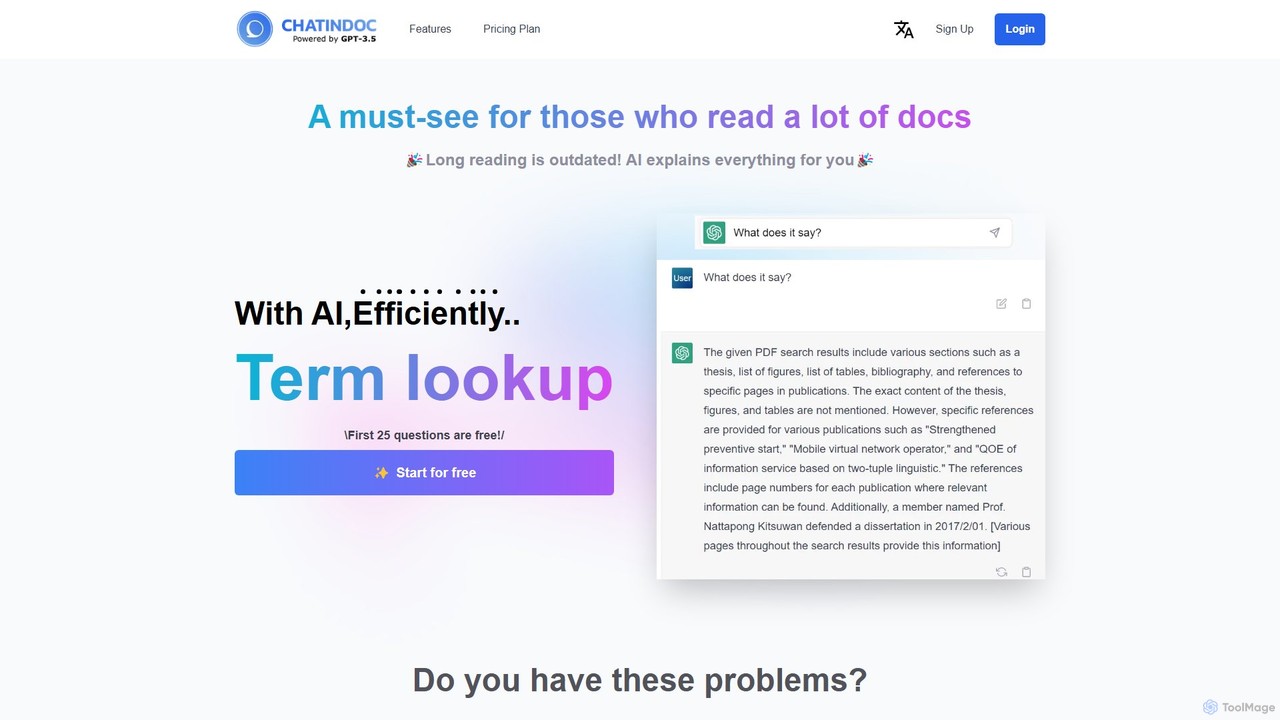
ChatInDoc Overview
ChatInDoc is an innovative AI tool designed to revolutionize the way you interact with documents. In an age of information overload, wading through lengthy PDFs, reports, and academic papers can be a significant drain on time and productivity. ChatInDoc addresses this challenge by allowing you to have a direct conversation with your files. Powered by OpenAI's advanced language models, including GPT-3.5-turbo and GPT-4, the tool can comprehend, summarize, and answer specific questions about the content of your uploaded documents, effectively acting as your personal research assistant.
The platform supports a wide array of common file formats, including PDF, Microsoft Office (Word, Excel, PPT), and TXT files. This versatility makes it an indispensable tool for various users, from students dissecting complex academic papers to business analysts extracting data from financial reports. By transforming static documents into interactive conversational partners, ChatInDoc helps you focus on understanding and analysis rather than the tedious task of reading.
How to use ChatInDoc
Using ChatInDoc is a straightforward and intuitive process designed for efficiency:
- Sign Up: Create a free account to get started. No credit card is required for the free plan.
- Upload Your Document: Drag and drop or select a file from your computer. ChatInDoc supports PDF, DOCX, XLSX, PPTX, and TXT formats.
- Start Chatting: Once the document is processed, a chat interface will appear. You can start asking questions immediately.
- Ask for Information: You can ask for a summary (e.g., "Summarize this document"), inquire about specific details (e.g., "What were the key findings in section 3?"), or ask for definitions of terms found within the text.
- View and Interact: Use the integrated PDF viewer to see the document alongside the chat, allowing you to reference the source material easily.
Core Features of ChatInDoc
- Interactive Document Chat: Engage in natural language conversations with your documents to find information quickly and efficiently.
- AI-Powered Summarization: Generate concise summaries of entire documents or specific sections with a simple command.
- Multi-Format Support: Upload and analyze a variety of file types, including PDF, Word, Excel, PowerPoint, and text files.
- Data Extraction and Analysis: Ask the AI to pull specific data points, figures, or statements from reports. It can even organize information into tables, as demonstrated with IR report analysis.
- Integrated PDF Viewer: Read your document and chat with the AI in a single, unified interface, eliminating the need to switch between applications.
- Advanced AI Models: Leverages the power of GPT-3.5 and GPT-4 to provide nuanced, accurate, and context-aware responses.
Use Cases for ChatInDoc
ChatInDoc is versatile and can be applied across numerous fields:
- Academic Research: Students and academics can quickly grasp the core arguments of dense papers and articles, saving countless hours of reading.
- Business & Finance: Analysts can efficiently analyze long Investor Relations (IR) reports, business plans, and financial statements to extract key metrics and insights.
- Legal Professionals: Lawyers and paralegals can rapidly search through contracts and legal documents to find specific clauses or precedents.
- Technical Understanding: Engineers and users can easily find instructions and specifications within complex technical manuals without reading them cover to cover.
Advantages of ChatInDoc
The primary advantage of ChatInDoc is its ability to dramatically increase efficiency. By converting passive reading into an active dialogue, users can save time, reduce cognitive load, and improve their comprehension of complex materials. The freemium model makes it highly accessible, allowing anyone to benefit from its core features. Its simple, chat-based interface is user-friendly and requires no technical expertise, making powerful AI accessible to all.
Pricing and Plans
ChatInDoc offers a simple freemium pricing structure:
- Free Plan: $0/month. This plan includes 2,000 points per month (approximately 20 questions), the ability to hold up to 5 PDFs, a file size limit of 10MB, and monthly point resets. Files may be deleted after one week.
- Pro Plan: $10/month. This plan provides a significant upgrade with 200,000 points per month (approximately 2,000 questions), storage for up to 30 PDFs, a larger file size limit of 50MB, and files will not be automatically deleted.
ChatInDoc Alternatives
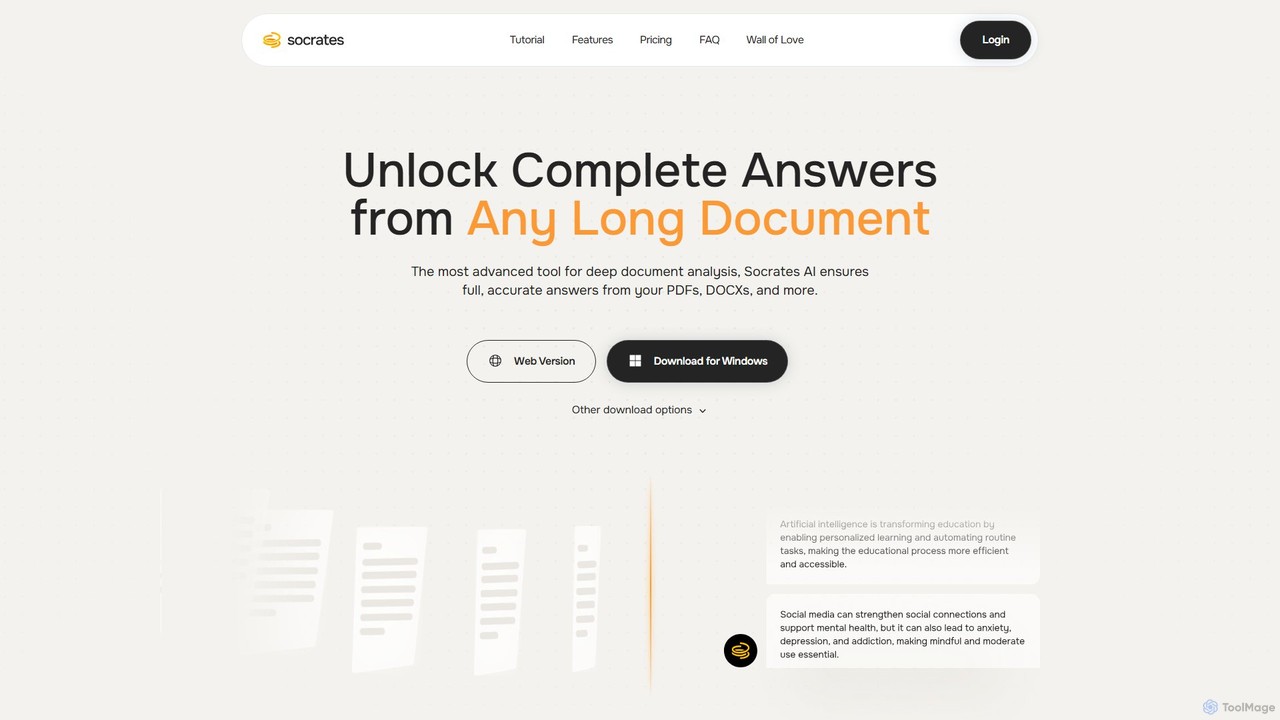
Socrates
Socrates is an advanced AI tool for deep document analysis. Upload PDFs, DOCX, and more to get complete, accurate answers instantly. Features like Deep Dive, Table AI, and local LLM support provide unparalleled insights while ensuring data privacy. Ideal for researchers, professionals, and anyone needing to understand long documents quickly.
Study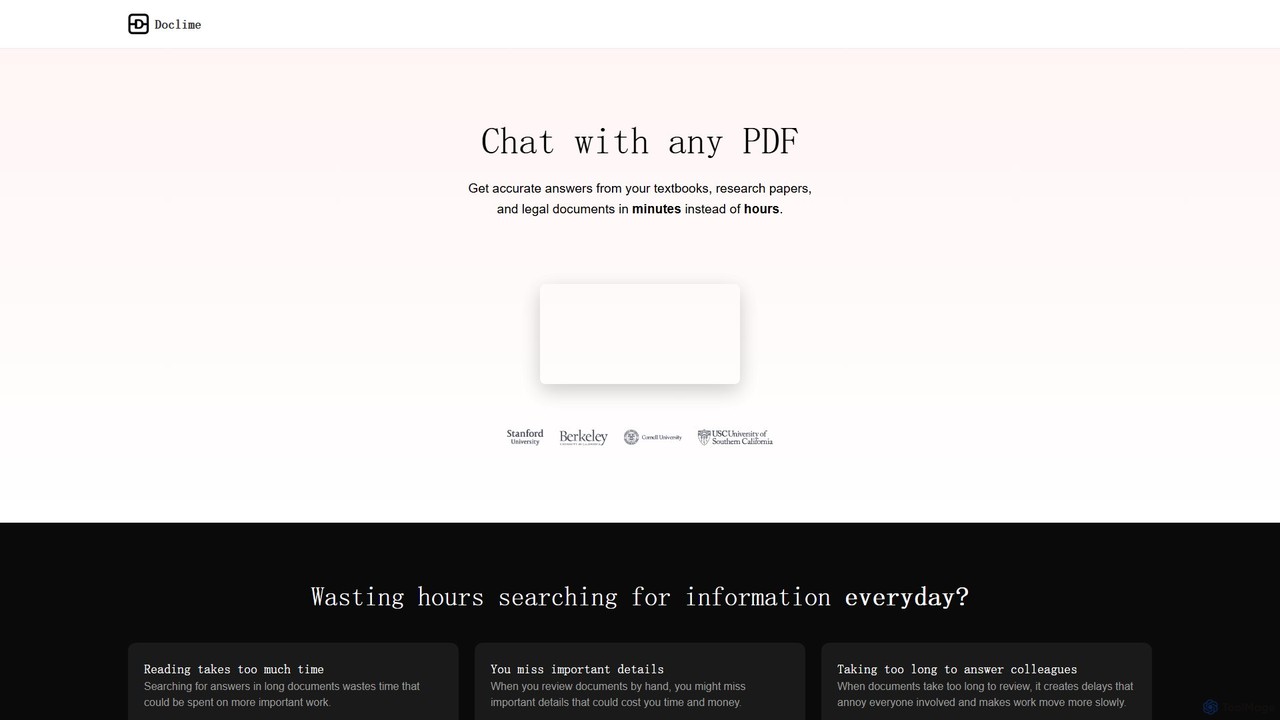
Doclime
Doclime is an AI-powered document assistant that lets you chat with your PDFs. Upload any document, ask questions in plain English, and get instant, accurate answers with citations. It's designed to help students, researchers, and professionals quickly extract information and insights from dense materials.
Study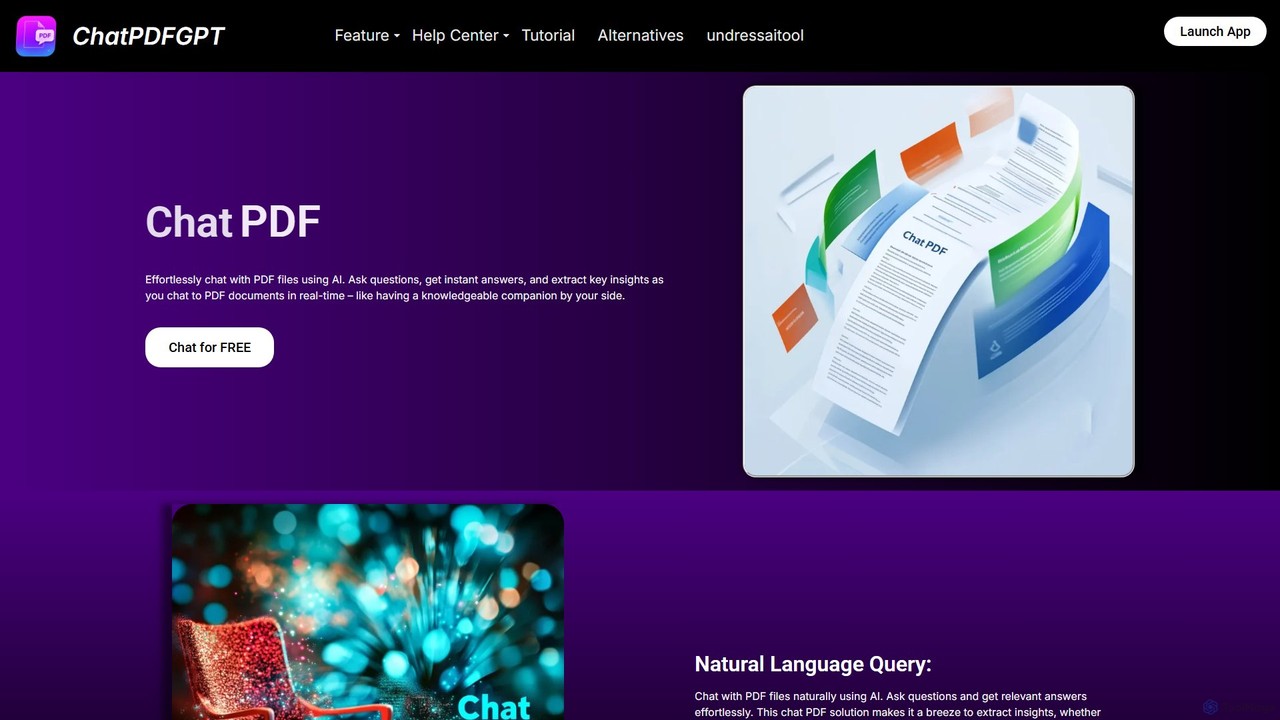
ChatPDFGPT
ChatPDFGPT is an AI-powered tool that transforms your static PDF documents into interactive conversations. Simply upload a file and ask questions to get instant summaries, find specific information, and understand complex concepts quickly. It's designed for students, researchers, and professionals to boost productivity and streamline document analysis.
Study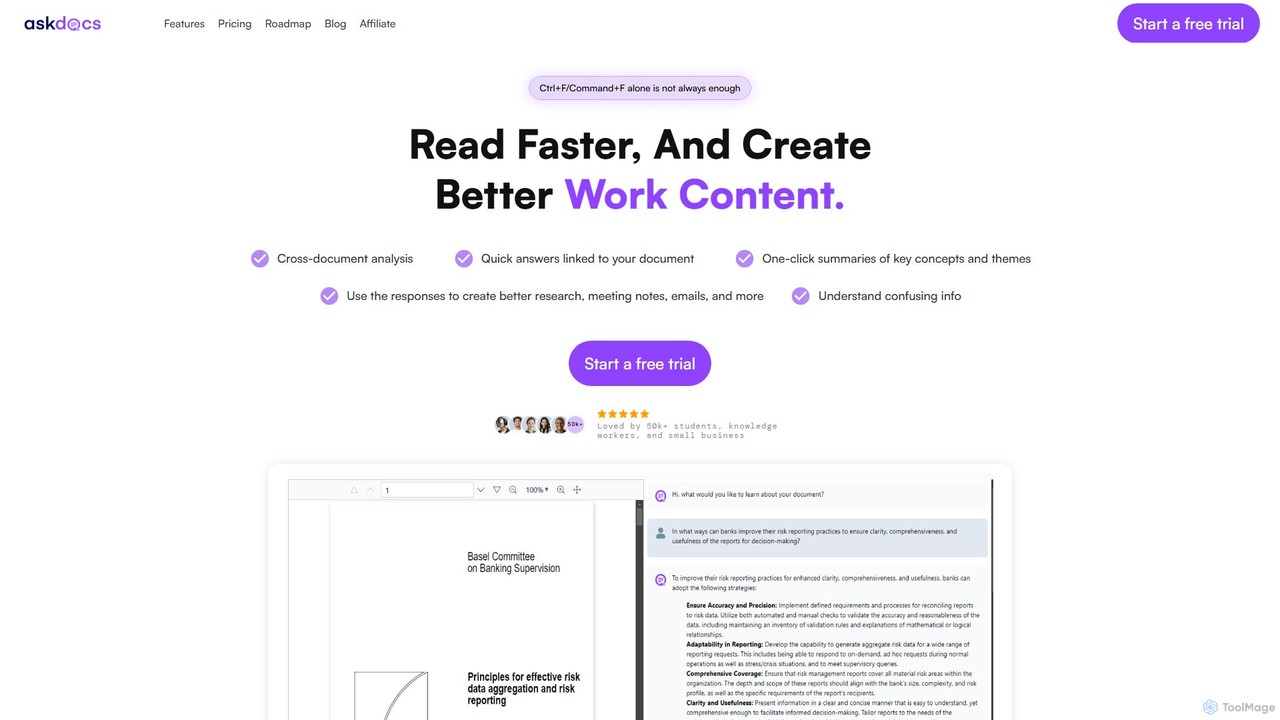
AskDocs
AskDocs is an AI-powered document assistant designed to help you quickly read, understand, and extract information from your files. Chat with single or multiple documents (PDF, DOCX, CSV, etc.), get instant summaries, and receive answers with precise source citations. It's an ideal tool for students, researchers, and professionals looking to accelerate their research and analysis workflows.
Data Analysis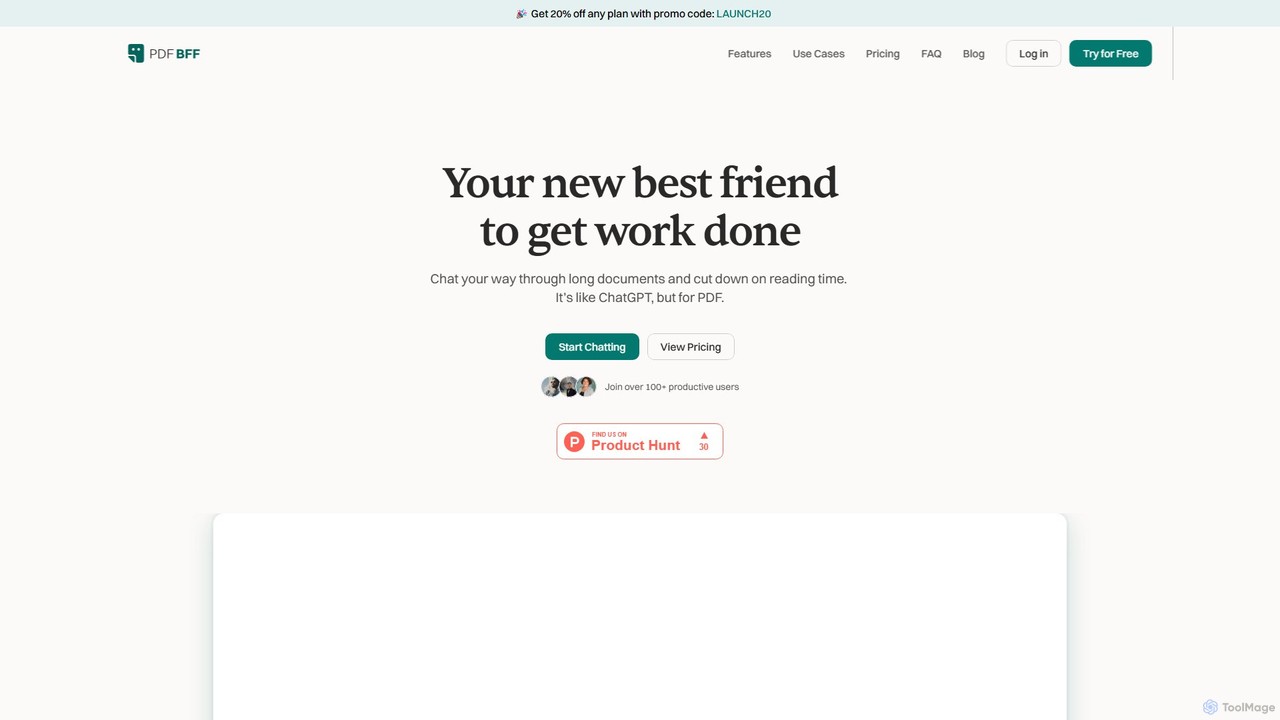
pdfbff
pdfbff is an AI chat tool, like ChatGPT, designed for your PDF documents. Interact with files by asking questions, get instant summaries, and extract key insights in any language. It helps students, researchers, and professionals save time, understand complex information, and streamline their workflow with features like automatic citations and document highlights.
StudyChatInDoc Categories
ChatInDoc Embed Widget
Copy this embed code to place the badge on your blog, article, or product site and send readers directly to this ToolMage detail page.

Related AI tools

pdfai.io
pdfai.io is an AI-powered document assistant that lets you chat with your PDF files. Instantly summarize complex documents, ask questions, and extract key information effortlessly. It's designed to boost productivity for students, researchers, and professionals by turning static PDFs into interactive knowledge bases.
Data Extraction
chatdochub.com
ChatDocHub is an AI-powered platform that transforms your documents into interactive chatbots. Simply upload your files (PDF, DOCX, etc.) and ask questions in natural language to get instant summaries, key insights, and specific answers. It's the perfect tool for students, researchers, and professionals to quickly analyze and extract information from dense materials, boosting productivity and understanding.
Data Analysis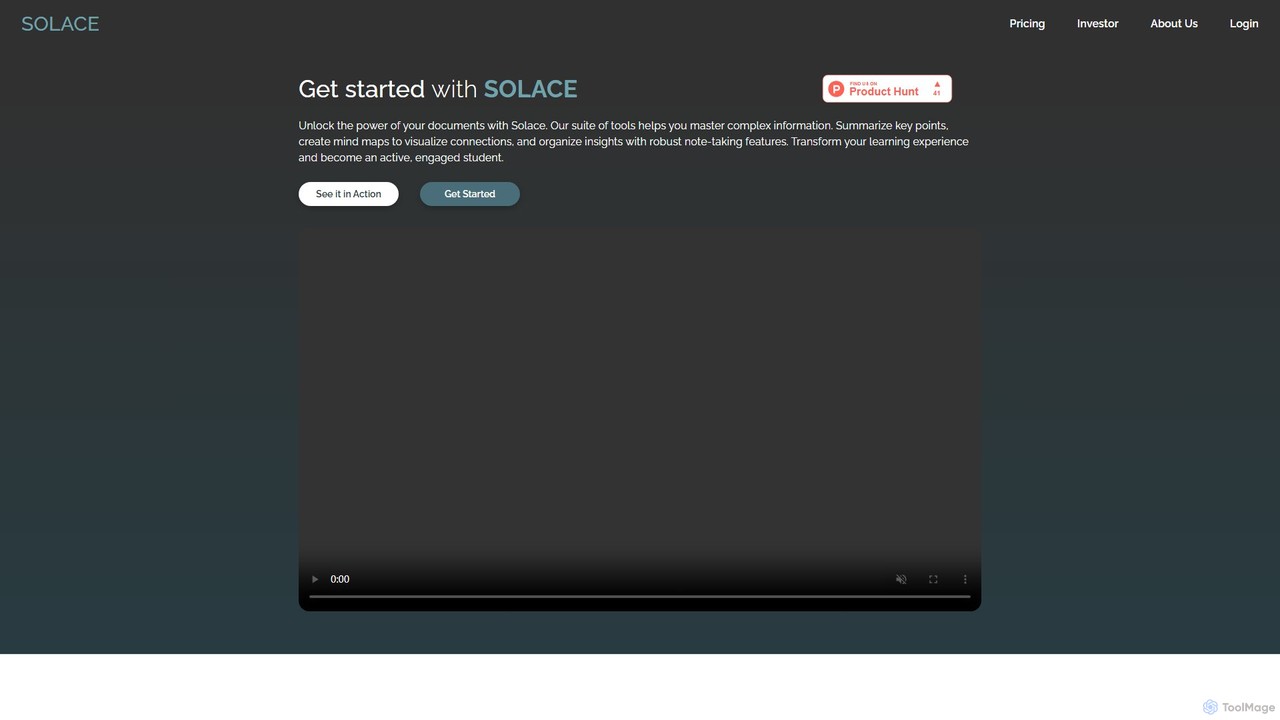
mysolace
Solace is an AI-powered platform that revolutionizes document interaction. Chat with your PDFs and Word documents, get instant summaries, analyze charts and diagrams, and cross-reference multiple files. Designed for students, researchers, and professionals to unlock deep insights and accelerate learning and analysis.
ResearchSocrates
Socrates is an advanced AI tool for deep document analysis. Upload PDFs, DOCX, and more to get complete, accurate answers instantly. Features like Deep Dive, Table AI, and local LLM support provide unparalleled insights while ensuring data privacy. Ideal for researchers, professionals, and anyone needing to understand long documents quickly.
StudyDoclime
Doclime is an AI-powered document assistant that lets you chat with your PDFs. Upload any document, ask questions in plain English, and get instant, accurate answers with citations. It's designed to help students, researchers, and professionals quickly extract information and insights from dense materials.
Study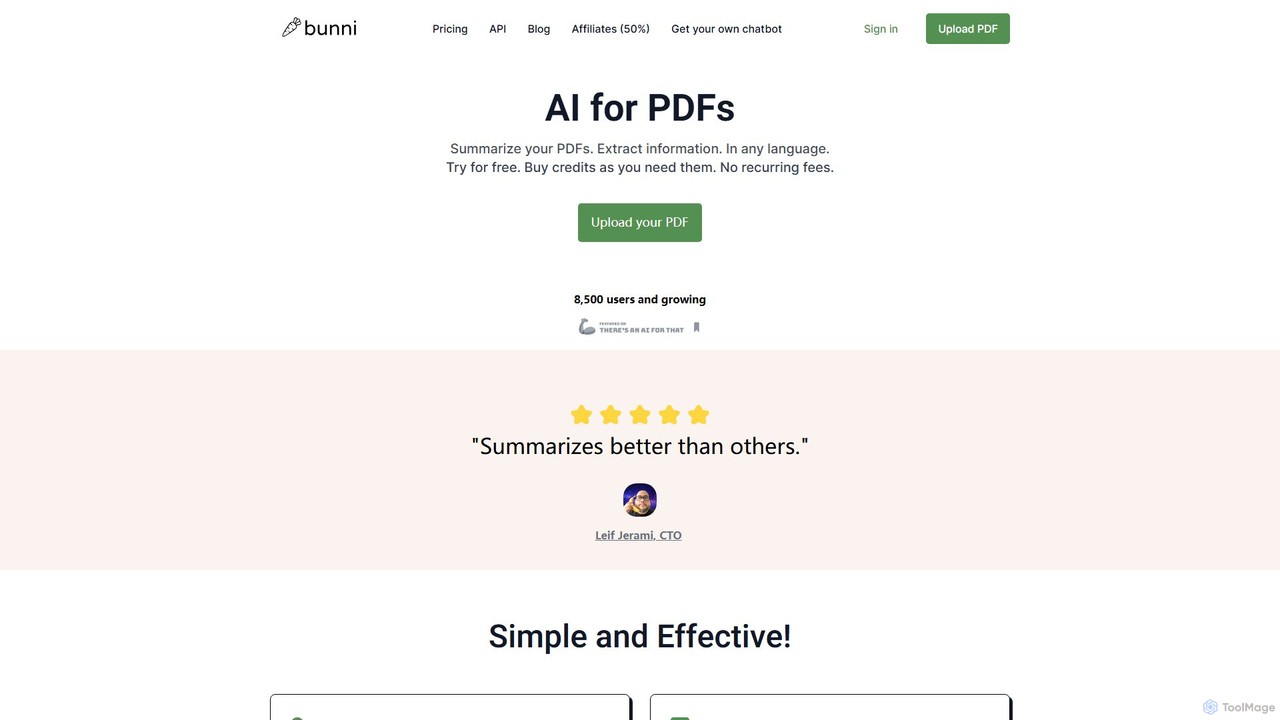
ClarifyPDF
ClarifyPDF is an AI-powered tool for interacting with your PDF documents. Simply upload one or more PDFs to summarize content, extract key information, and ask specific questions in any language. It supports large files and offers a shareable chat interface, making it ideal for students, researchers, and professionals to quickly understand complex documents without recurring subscription fees.
Data Extraction
bunni
Bunni is an AI-powered tool that allows you to chat with your PDF documents. Simply upload a file to summarize its content, extract key information, and ask specific questions in any language. It supports large files, multiple document chats, and offers a flexible pay-as-you-go pricing model, making it ideal for researchers, students, and professionals who need to quickly analyze and understand dense documents.
Data Extraction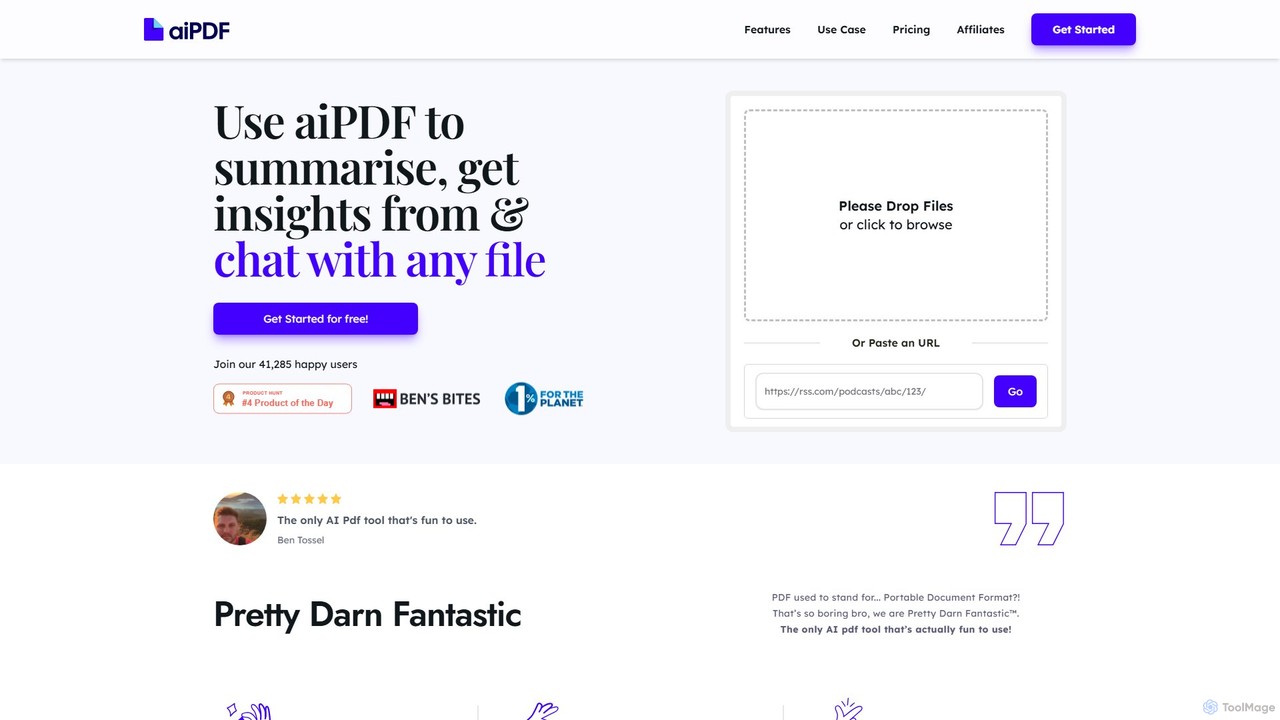
aiPDF
aiPDF is an AI-powered chat application that transforms static PDF documents into interactive conversations. Users can upload files, ask questions, summarize content, and extract key insights instantly. It supports various document types, including reports, essays, and ebooks, and provides source-backed answers for enhanced reliability. With a user-friendly interface and a focus on data privacy, aiPDF makes document analysis efficient and engaging for students, researchers, and professionals.
Data Analysis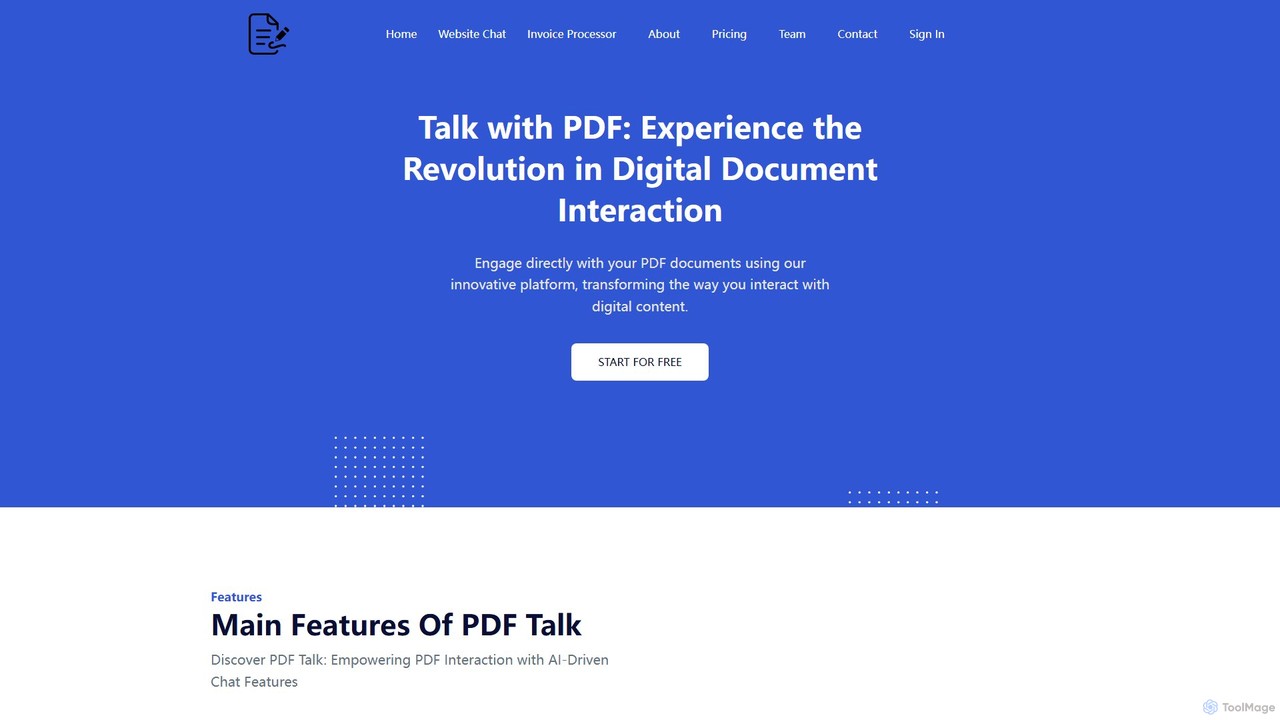
pdf_talk
pdf_talk is an AI-powered platform that revolutionizes how you interact with documents. Simply upload your PDF files and start a conversation. Ask questions, request summaries, and extract key information instantly. It supports querying across multiple documents, making it ideal for students, researchers, and professionals.
Data Extraction
brainypdf
BrainyPDF is an AI-powered tool that transforms your static PDF documents into interactive sources of knowledge. Chat directly with your files, get instant summaries of lengthy reports, and extract crucial information effortlessly. It's the ultimate productivity booster for students, researchers, and professionals who need to process dense documents quickly and efficiently.
Data Extraction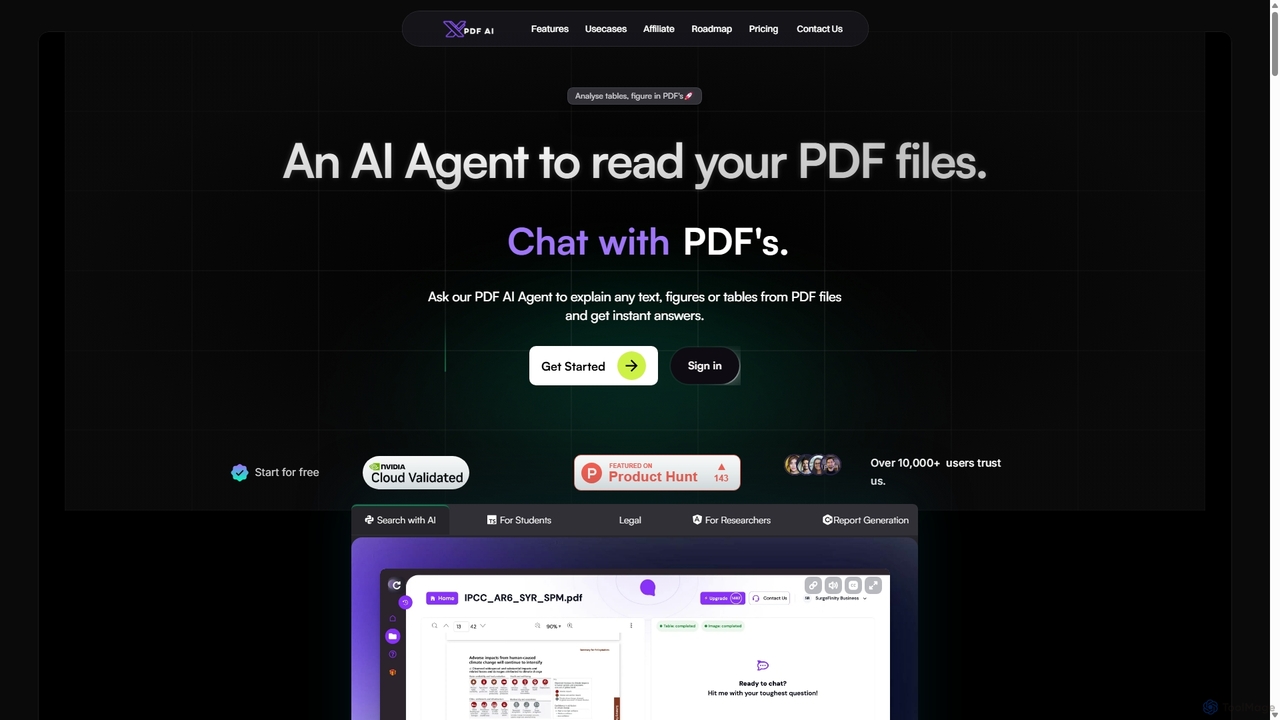
XPDF AI
xPDF AI is a personal AI assistant that transforms your interaction with PDF documents. Chat with any PDF, ask questions, and get instant answers from text, tables, and figures. It features multimodal analysis, an AI summarizer, report generation, and a voice-activated interface, making it an essential tool for students, researchers, and professionals to quickly extract insights and boost productivity.
Data Extraction
UPDF AI
UPDF AI is a powerful AI assistant integrated into the UPDF editor, designed to revolutionize how you interact with PDF documents. It allows you to chat with your PDFs, get instant summaries, translate entire documents or selected text, explain complex data, and even convert dense content into visual mind maps. Available on Windows, macOS, iOS, Android, and the web, it streamlines workflows for students, researchers, and professionals by making document comprehension and analysis faster and more efficient.
Research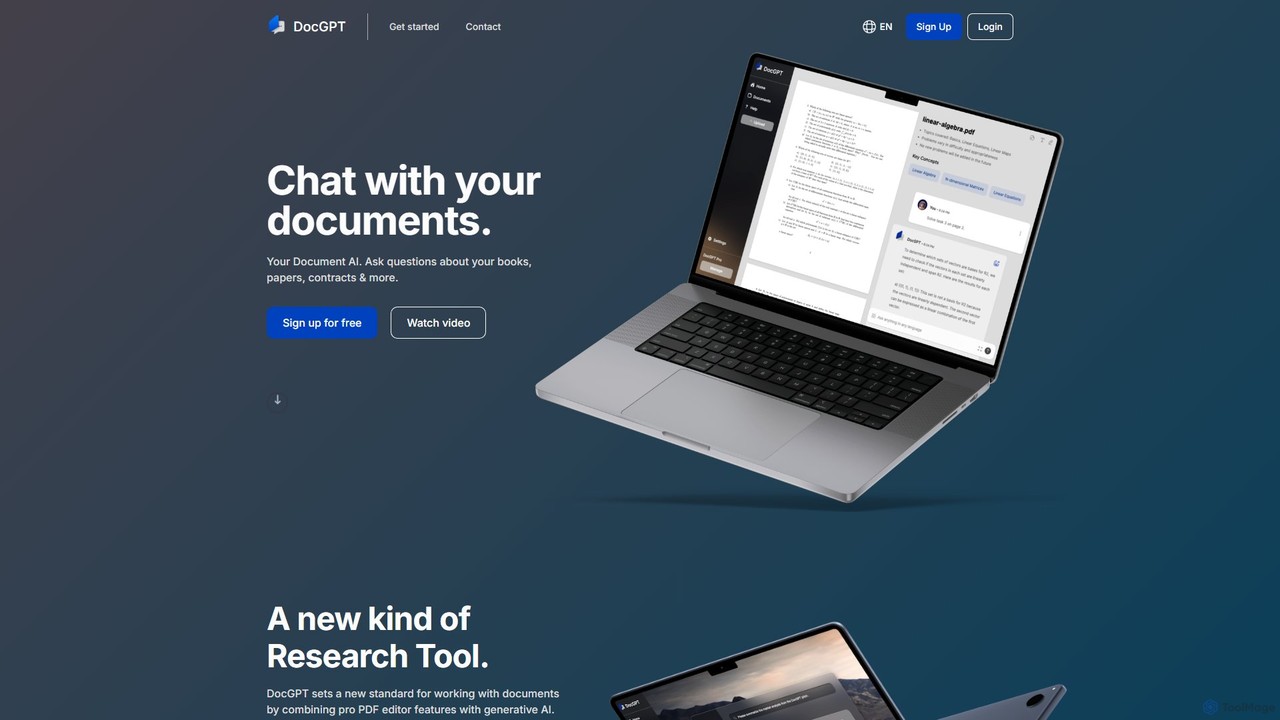
DocGPT
DocGPT is an AI-powered tool that allows you to chat directly with your documents. Simply upload files like PDFs, DOCX, or TXT, and ask questions in natural language to instantly extract information, get summaries, and find key insights. It's designed to boost productivity for students, researchers, and professionals by making document analysis fast and intuitive.
Study Aid
pdfpilot.ai
pdfpilot.ai is an AI-powered assistant that transforms your PDF documents into interactive chatbots. Instantly get summaries, ask complex questions, and extract key information from research papers, reports, and contracts, saving you hours of reading time.
Data Analysis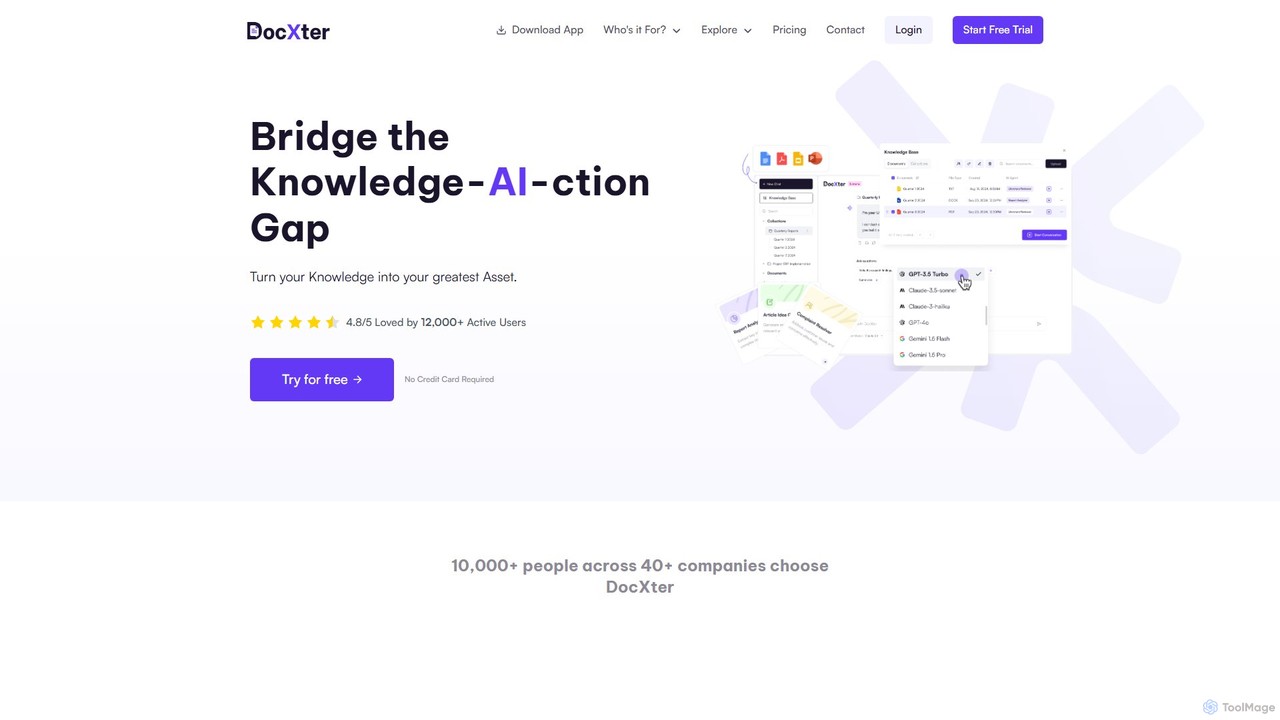
DocXter
DocXter is an AI-powered knowledge intelligence platform that allows you to interact with any document. Upload PDFs, DOCX, or even scanned files, and use natural language to ask questions, summarize content, extract key insights, and analyze information across multiple documents. It's designed to boost productivity for professionals, teams, and researchers by turning static documents into interactive knowledge bases.
Knowledge Management
ChatInDoc Comments (0)
Sign in to comment.
Sign inNo comments yet.