

Myreader Overview
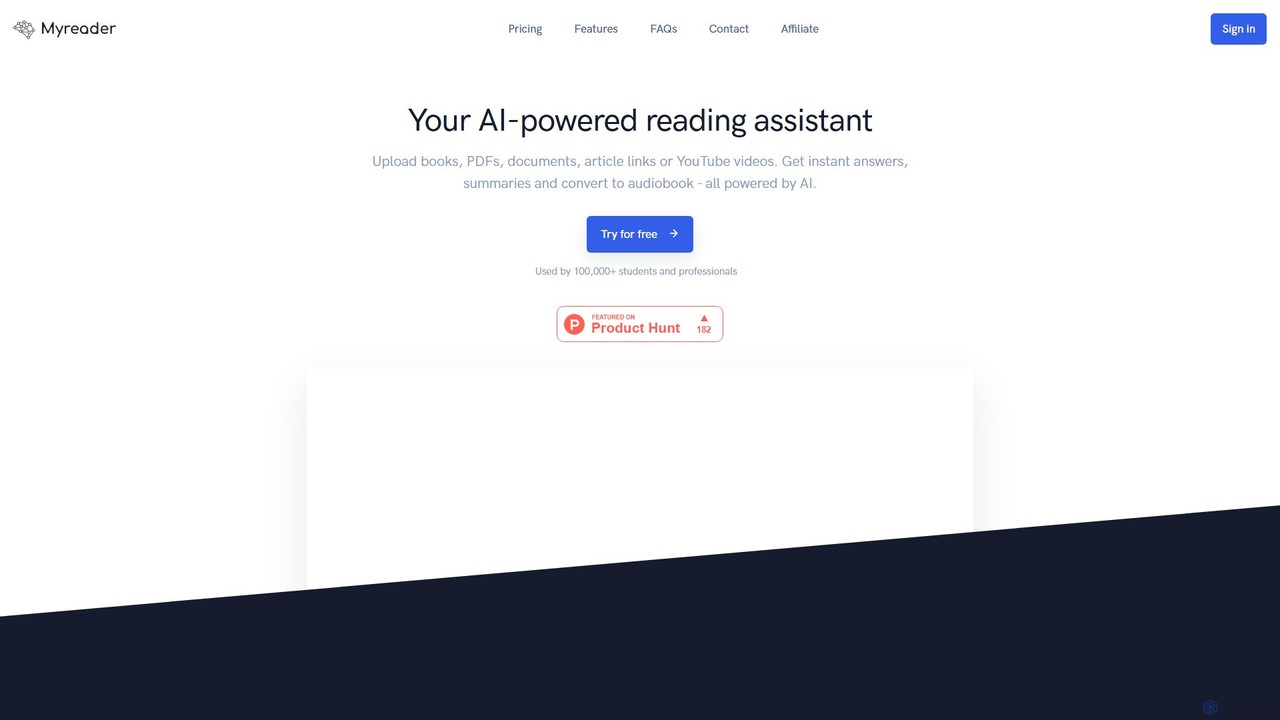
Myreader is an advanced AI reading assistant designed to revolutionize how you interact with information. It allows you to build a personal, intelligent library from a wide array of sources, including documents, ebooks, web articles, and even YouTube videos. Instead of passively reading, you can actively converse with your content, asking complex questions and receiving instant, context-aware answers. This transforms static information into a dynamic knowledge base, saving you countless hours of searching and helping you understand material more deeply.
The platform is built for efficiency and depth, whether you're a student preparing for an exam, a researcher analyzing literature, or a professional needing to digest dense reports. By enabling you to chat with multiple documents at once and organize them into thematic collections, Myreader acts as a powerful extension of your own memory and analytical capabilities.
How to use Myreader
Getting started with Myreader is a simple and intuitive process:
- Sign Up: Create an account and choose a plan that suits your needs, starting with the free tier to explore the basic features.
- Build Your Library: Upload your content. Myreader supports a wide range of formats like .pdf, .epub, .azw, .doc, and .ppt. You can also add content by pasting links to web articles or YouTube videos. The bulk upload feature helps you add multiple files at once.
- Organize Your Knowledge: Create collections to group related materials. For example, you could have collections for 'Finance', 'Academic Research', or 'Project X' to keep your library tidy and context-specific.
- Start Chatting: Select a single document, an entire collection, or your whole library to begin a conversation. Type your questions into the chat interface. You can ask for summaries, definitions, comparisons between documents, or specific data points.
- Leverage Advanced Features: Use the built-in OCR (Optical Character Recognition) to make scanned documents searchable. If you prefer listening, convert your documents into audiobooks and listen on the go.
Core Features of Myreader
- Multi-Format Support: Upload and analyze various document types, including PDF, EPUB, AZW, DOC, and PPT.
- Diverse Content Sources: Go beyond files by adding web articles and YouTube videos to your library for comprehensive analysis.
- Interactive AI Chat: Engage in natural language conversations with your documents to get summaries, answers, and insights.
- Multi-Document Chat: Ask questions across a single document, a specific collection, or your entire library simultaneously.
- Content Organization: Create custom collections to categorize and manage your information effectively.
- OCR for Scanned Documents: Automatically extracts text from scanned files and images, making them fully searchable.
- Audiobook Conversion: Listen to your content with text-to-speech functionality, with listening hours varying by plan.
- Large Cloud Storage: Store a substantial amount of data, with the Pro plan supporting up to 50 million characters (approx. 20,000 pages).
- Multilingual Capabilities: Supports interaction with documents in 16 different languages.
- Data Privacy and Security: All user data is stored securely in the cloud, remains private, and can be deleted by the user at any time.
Use Cases for Myreader
Myreader is a versatile tool suitable for a wide range of users:
- Students and Academics: Quickly find key information in textbooks, research papers, and lecture notes. Prepare for exams by asking targeted questions across all course materials.
- Researchers: Efficiently analyze large volumes of literature, compare findings from different studies, and extract crucial data points without manual skimming.
- Professionals: Digest long reports, legal documents, and technical manuals in minutes. Quickly get up to speed on new industry topics by querying multiple sources.
- Content Creators: Gather information and inspiration from books, articles, and videos, consolidating research into one interactive space.
- Lifelong Learners: Build and explore a personal knowledge base on any topic of interest, from philosophy to finance, through engaging conversations.
Advantages of Myreader
- Time-Saving Efficiency: Drastically reduces the time spent on manual reading, searching, and note-taking.
- Enhanced Comprehension: Deepens understanding by allowing you to ask clarifying questions and connect ideas across different sources.
- Centralized Knowledge Hub: Consolidates all your learning and research materials into a single, intelligent, and searchable library.
- Improved Accessibility: Transforms any document into an interactive chat or an audiobook, catering to different learning styles.
- Unmatched Flexibility: Handles a wide variety of file formats and content types, from formal academic papers to informal YouTube videos.
Pricing and Plans
Myreader offers a flexible pricing structure with a 25% discount on annual plans. You can cancel anytime.
- FREE Plan: $0/month. Includes 5 queries per day, 250,000 characters (~100 pages), and a 10 MB file size limit. Features include audiobook listening, link integration, OCR, and bulk upload. *Note: Books are deleted after 7 days of inactivity.*
- LITE Plan: $6/month. Upgrades to 100 queries per day, 10 million characters (~4,000 pages), a 100 MB file size limit, and 2 hours of audiobook listening per month.
- PRO Plan: $15/month. Offers 1,000 queries per day, 50 million characters (~20,000 pages), no file size limit, and 10 hours of audiobook listening per month.
Traffic
Latest traffic
Status
Monthly traffic trend
- 2025-9: 44.3K
- 2026-1: 73.1K
- 2026-2: 43.7K
- 2026-3: 37.2K
- 2026-4: 53.5K
- 2026-5: 56.9K
Geography
Top 5 countries / regions
- 🇺🇸United States33.6%
- 🇳🇬Nigeria28.3%
- 🇻🇳Vietnam15.8%
- 🇮🇳India14.3%
- 🇧🇷Brazil8.1%
Traffic sources
| Source type | Percentage |
|---|---|
Direct | 83.2% |
Referral | 14.6% |
Email | 2.2% |
Top keywords
| Keyword | Cost per click |
|---|---|
| ai book reading assistant | $0.00 |
| book ai reader | $0.00 |
| existe una ia que pueda leerme un libro completo gratis | $0.00 |
| is there an ai that can read extremely long pages for free no email | $0.00 |
| myreader | $0.00 |
Myreader Videos on YouTube
Myreader Alternatives
articlesummarizer
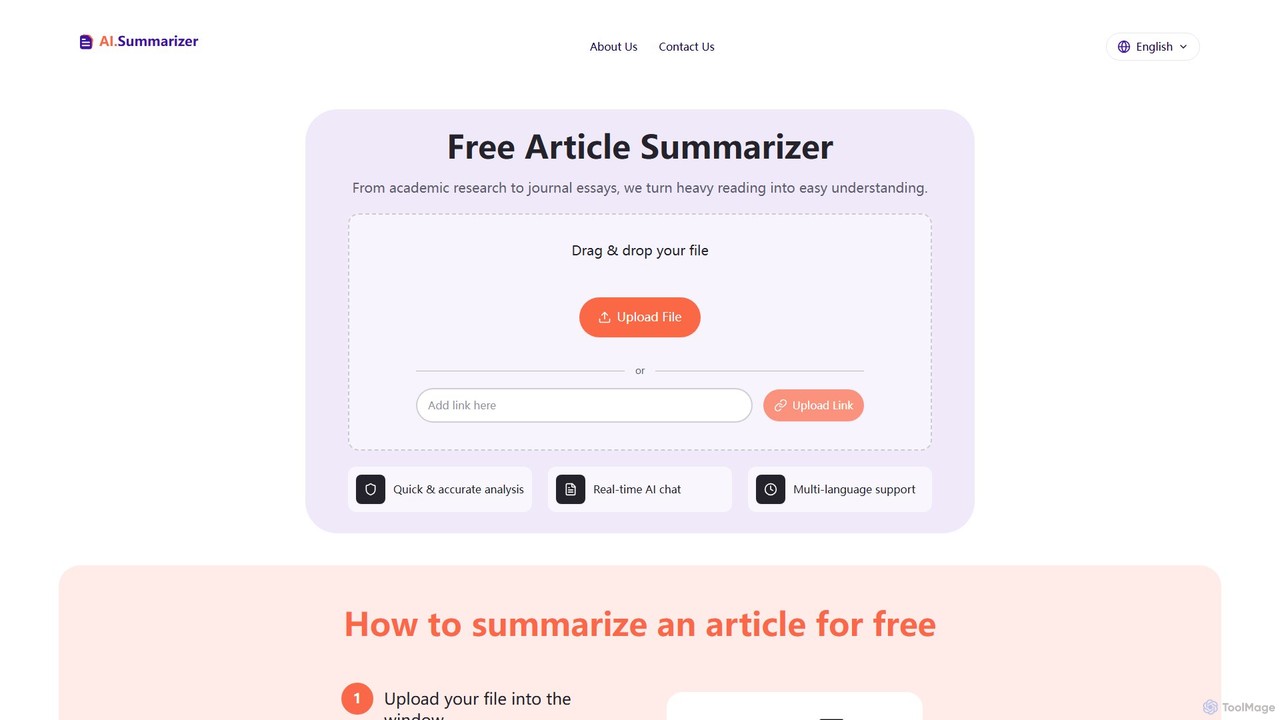
A free AI-powered tool that quickly summarizes long articles, research papers, and various documents. It supports file and URL uploads, handles over 80 languages, and features an interactive AI chat for deeper analysis and follow-up questions, making complex information easy to understand.
Research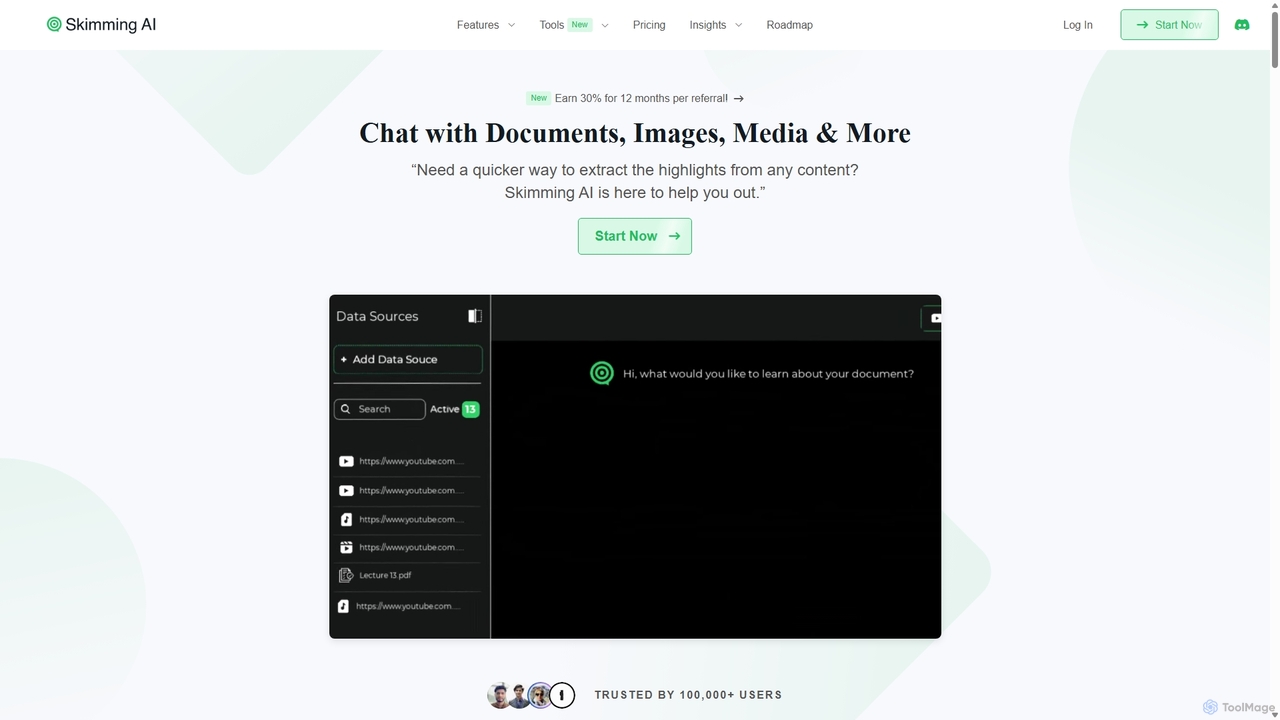
Skimming AI
Skimming AI is a versatile AI-powered platform that allows you to chat with and summarize a wide range of content, including documents, PDFs, YouTube videos, audio, images, and social media posts. Instantly extract key insights, ask questions, and get accurate answers without sifting through hours of material. It's designed to boost productivity for students, researchers, and professionals by making information consumption faster and more efficient across multiple formats and languages.
Analysis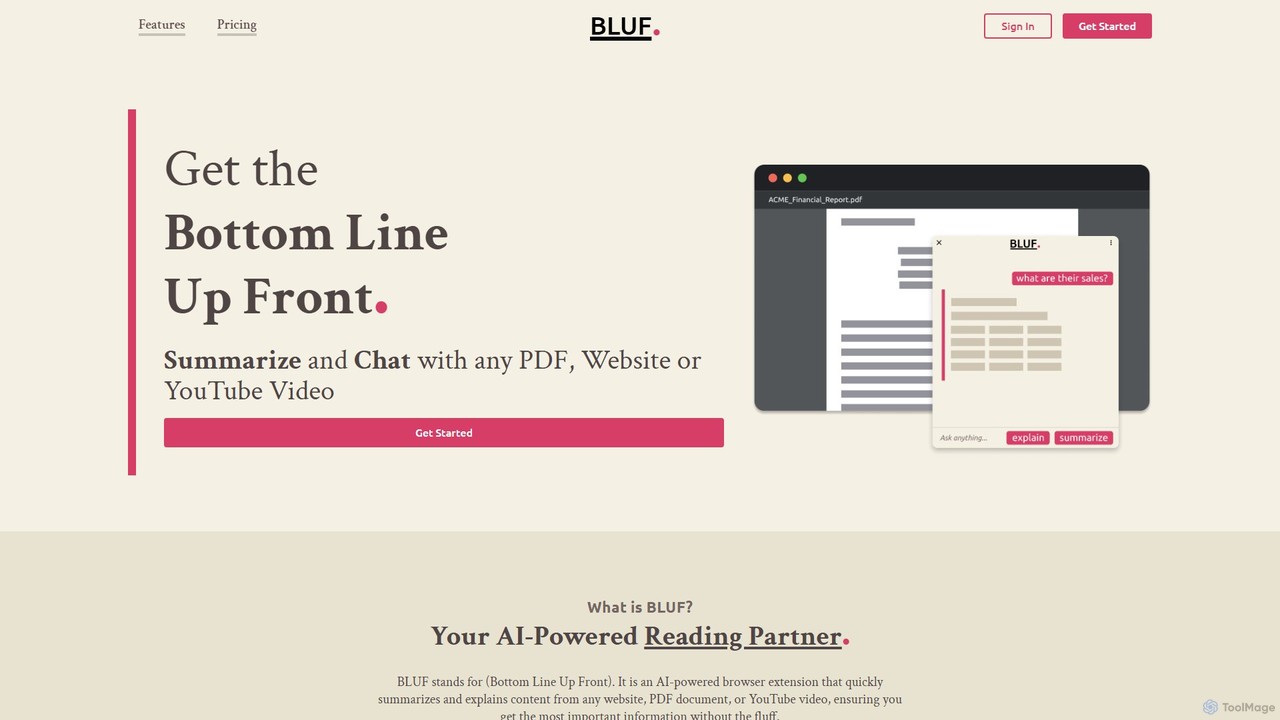
BLUF
BLUF is an AI-powered browser extension that instantly summarizes and explains content from any website, PDF, or YouTube video. Get the main points, understand complex topics, and ask follow-up questions to save time and boost your comprehension.
Reading Assistant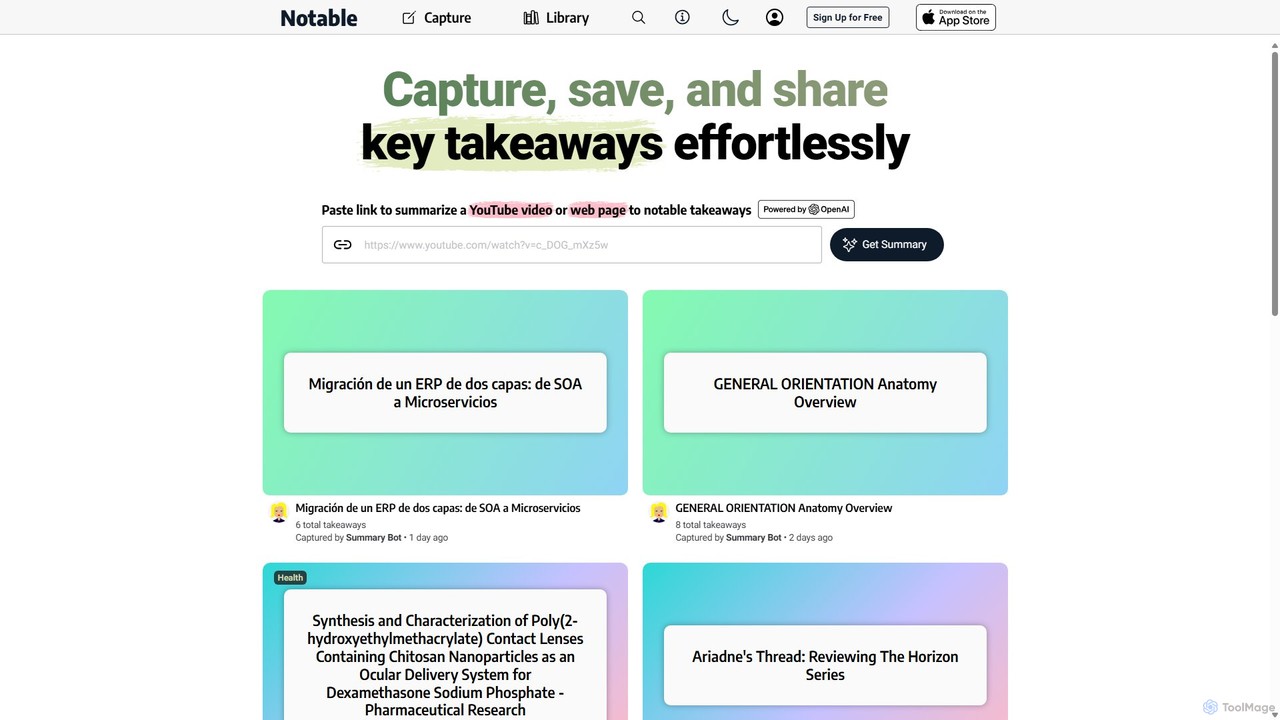
Notable AI
Notable AI is an intelligent tool designed to capture, summarize, and organize key takeaways from web pages and YouTube videos. Simply paste a link, and the AI generates concise summaries, helping you build a personal knowledge library and share insights effortlessly.
Research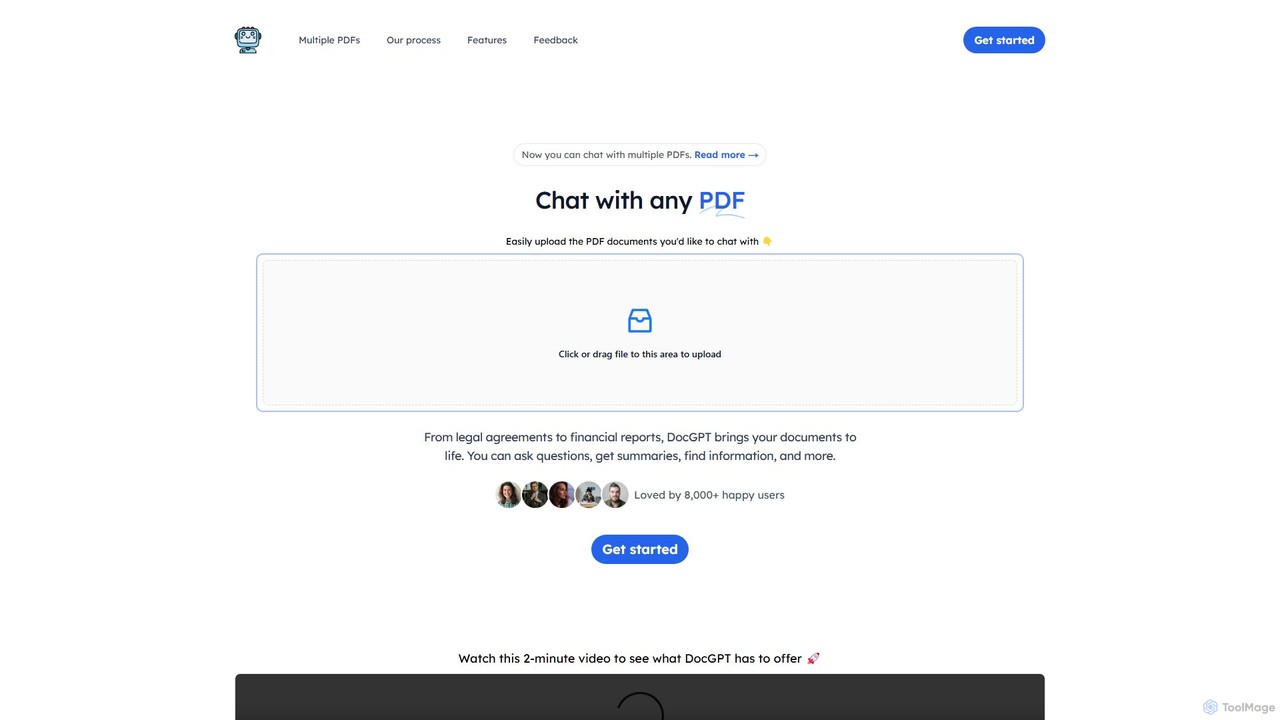
DocGPT
DocGPT is an AI-powered tool that transforms your static PDF documents into dynamic conversations. Upload single or multiple PDFs to ask questions, get instant summaries, extract key information, and receive answers with direct source citations. Ideal for students, researchers, and professionals.
ResearchMyreader Categories
Myreader Embed Widget
Copy this embed code to place the badge on your blog, article, or product site and send readers directly to this ToolMage detail page.

Related AI tools
Converse
Converse is an AI reading companion that saves and summarizes web articles, PDFs, and YouTube videos. It allows you to chat with your documents, get instant TLDRs, and organize content in a personal library, saving you time and enhancing comprehension.
Researcharticlesummarizer
A free AI-powered tool that quickly summarizes long articles, research papers, and various documents. It supports file and URL uploads, handles over 80 languages, and features an interactive AI chat for deeper analysis and follow-up questions, making complex information easy to understand.
Research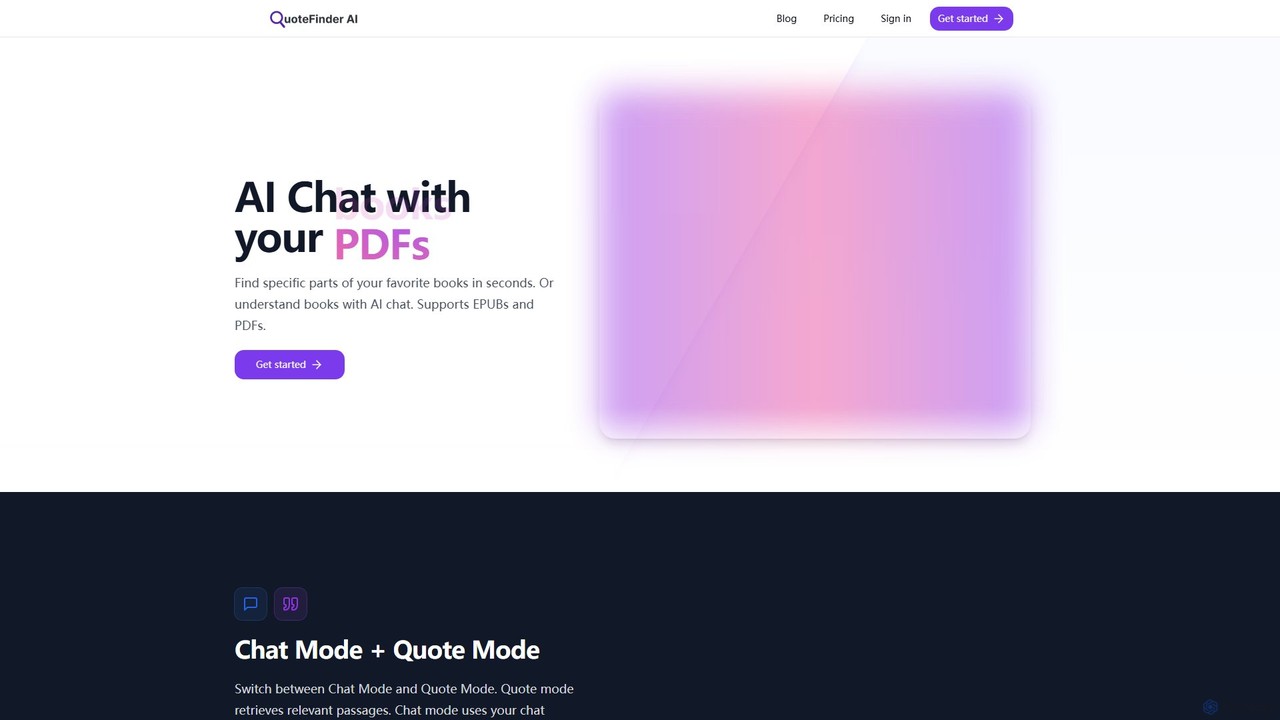
QuoteFinder
QuoteFinder is an AI-powered tool that lets you chat with your documents and books. Upload PDFs and EPUBs to instantly find specific quotes, passages, or get answers to your questions through a conversational interface. It's designed for writers, researchers, and readers to quickly navigate and understand large texts without tedious keyword searching.
Study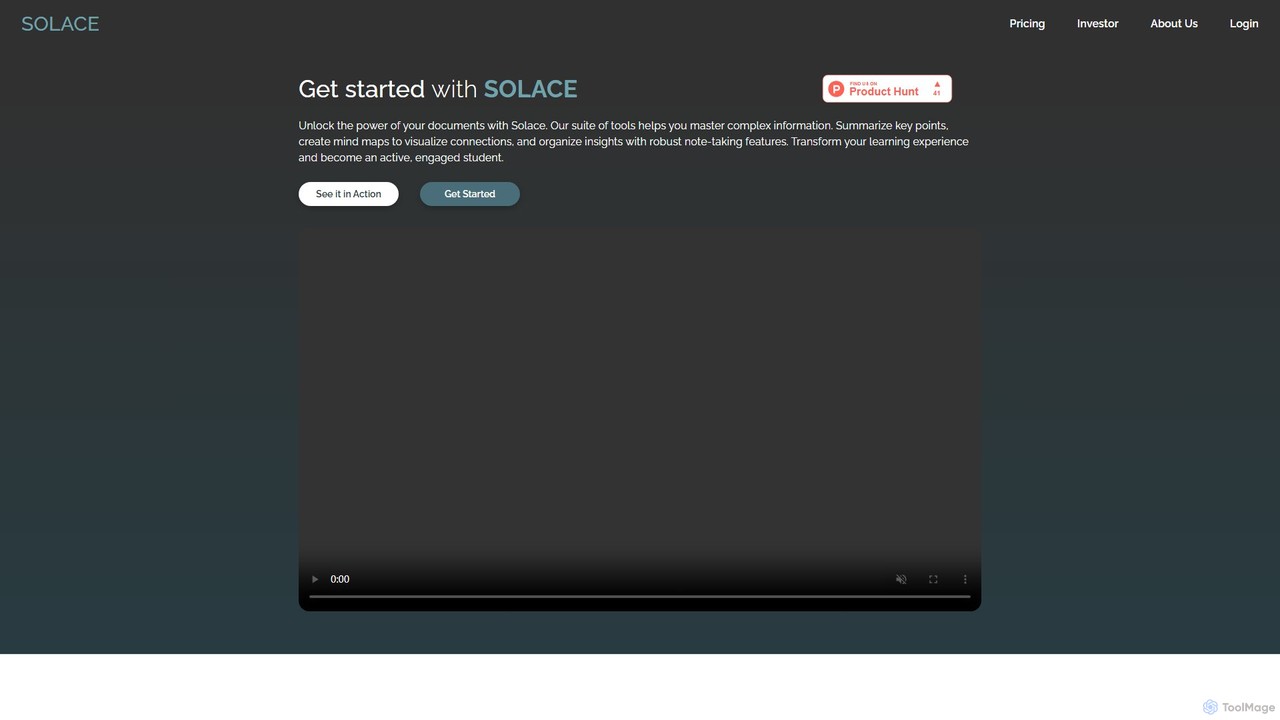
mysolace
Solace is an AI-powered platform that revolutionizes document interaction. Chat with your PDFs and Word documents, get instant summaries, analyze charts and diagrams, and cross-reference multiple files. Designed for students, researchers, and professionals to unlock deep insights and accelerate learning and analysis.
ResearchSkimming AI
Skimming AI is a versatile AI-powered platform that allows you to chat with and summarize a wide range of content, including documents, PDFs, YouTube videos, audio, images, and social media posts. Instantly extract key insights, ask questions, and get accurate answers without sifting through hours of material. It's designed to boost productivity for students, researchers, and professionals by making information consumption faster and more efficient across multiple formats and languages.
AnalysisBLUF
BLUF is an AI-powered browser extension that instantly summarizes and explains content from any website, PDF, or YouTube video. Get the main points, understand complex topics, and ask follow-up questions to save time and boost your comprehension.
Reading AssistantNotable AI
Notable AI is an intelligent tool designed to capture, summarize, and organize key takeaways from web pages and YouTube videos. Simply paste a link, and the AI generates concise summaries, helping you build a personal knowledge library and share insights effortlessly.
ResearchDocGPT
DocGPT is an AI-powered tool that transforms your static PDF documents into dynamic conversations. Upload single or multiple PDFs to ask questions, get instant summaries, extract key information, and receive answers with direct source citations. Ideal for students, researchers, and professionals.
Research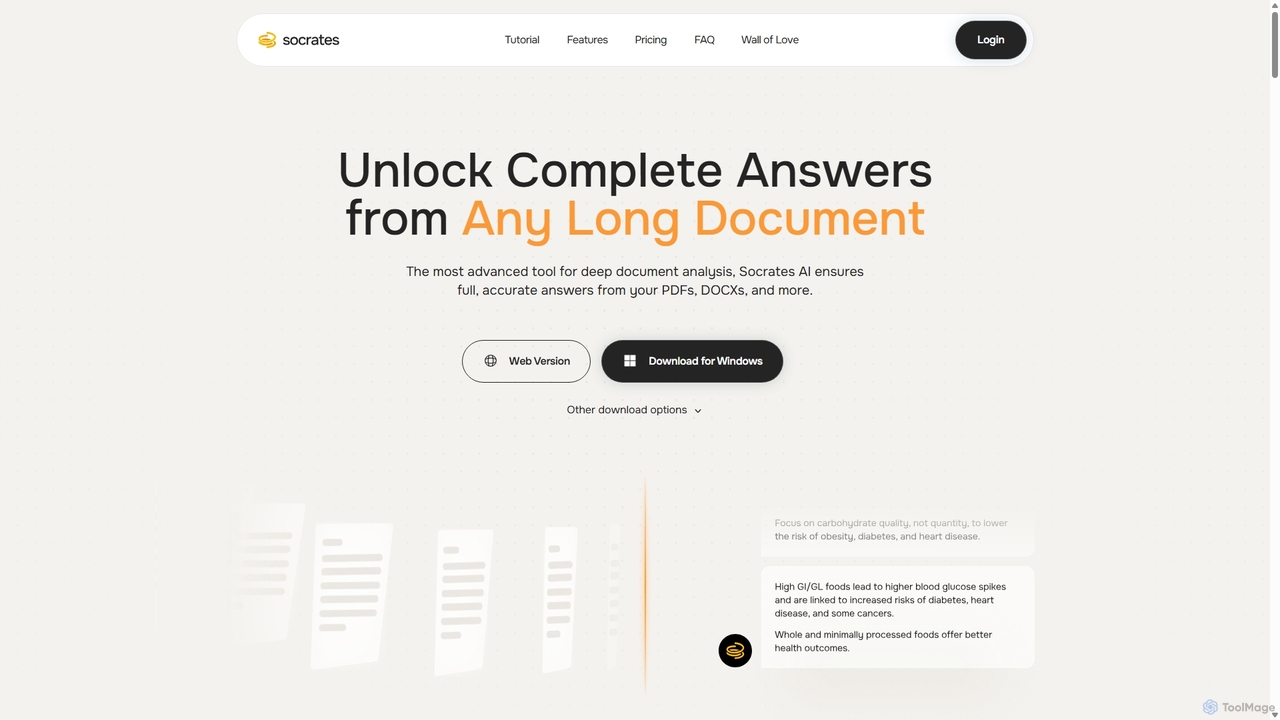
Socrates
Socrates is an advanced AI tool for deep document analysis. It allows users to upload long documents like PDFs and DOCX to get complete, accurate answers. Its unique 'Deep Dive' feature provides thorough analysis, while features like Table AI and Local LLM support cater to researchers, legal professionals, and students seeking detailed insights with enhanced data privacy.
Data Analysis
Readefine
Readefine is an AI-powered Chrome extension that summarizes any webpage, article, or report in seconds. It helps you quickly grasp the core ideas of long texts, saving time and boosting productivity. Customize summary length and format to fit your specific needs.
Research
Gimmesummary
Gimmesummary is an AI-powered summarization tool that instantly condenses long articles, documents, and web pages into concise, easy-to-digest summaries. It helps you save time, absorb key information faster, and boost your productivity. Ideal for students, researchers, and professionals dealing with information overload. Simply paste text or enter a URL to get an instant summary.
Research
sumz.pro
sumz.pro is an AI-powered summarization tool designed to condense long texts, articles, and documents into concise, easy-to-digest summaries. It's ideal for professionals, students, and researchers who need to quickly grasp key information, saving significant time and boosting productivity.
Research
ChatPDFGPT
ChatPDFGPT is an AI-powered tool that transforms your static PDF documents into interactive conversations. Simply upload a file and ask questions to get instant summaries, find specific information, and understand complex concepts quickly. It's designed for students, researchers, and professionals to boost productivity and streamline document analysis.
Study
ChatPDF
ChatPDF is an AI-powered tool that allows you to interact with your PDF documents. Simply upload a file and ask questions, get summaries, and extract key information instantly. It's designed for students, researchers, and professionals to enhance productivity and understanding of complex materials.
Contract Analysis
PortableDocs
PortableDocs is an AI-powered platform that allows you to chat with your PDF documents. Instantly get summaries, ask complex questions, and extract key information in seconds. It also offers a suite of free tools to encrypt, merge, and remove pages from your PDFs, streamlining your entire document workflow.
Study
Myreader Comments (0)
Sign in to comment.
Sign inNo comments yet.