ToolMage
Sign in

Best 29 Document Assistant for Productivity

Popular Document Assistant in Productivity include ChatPDF, LightPDF, Spellbook, GPT for Work, UPDF AI, ailawyer, Raccoon, myaidrive, Coral AI, and DocGPT, helping you work more efficiently.

CreateDraft
Freemium

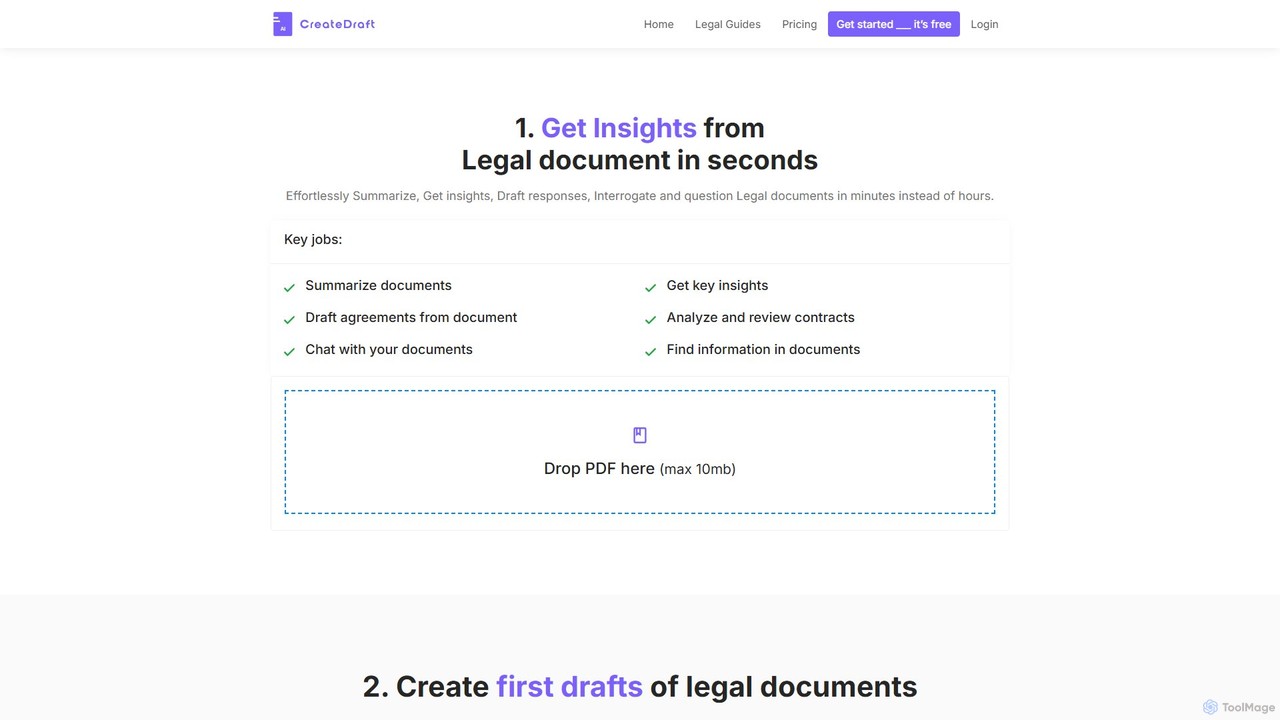
CreateDraft

An AI-powered legal assistant that drafts, analyzes, and provides insights from legal documents in seconds. Features over 340 templates, document summarization, contract review, and an interactive chat function to simplify complex legal language for both lawyers and non-lawyers.

Contract Management
Visits 5.9KFavorites 180Likes 162
docubro
Freemium

docubro

docubro is an AI-powered document intelligence platform designed to help users instantly summarize, query, and extract key information from complex documents. Upload PDFs, reports, or articles and interact with them through a conversational AI to boost productivity and accelerate research.

Data Analysis
Visits 5.5KFavorites 115Likes 123
Smart Doc AI

Smart Doc AI

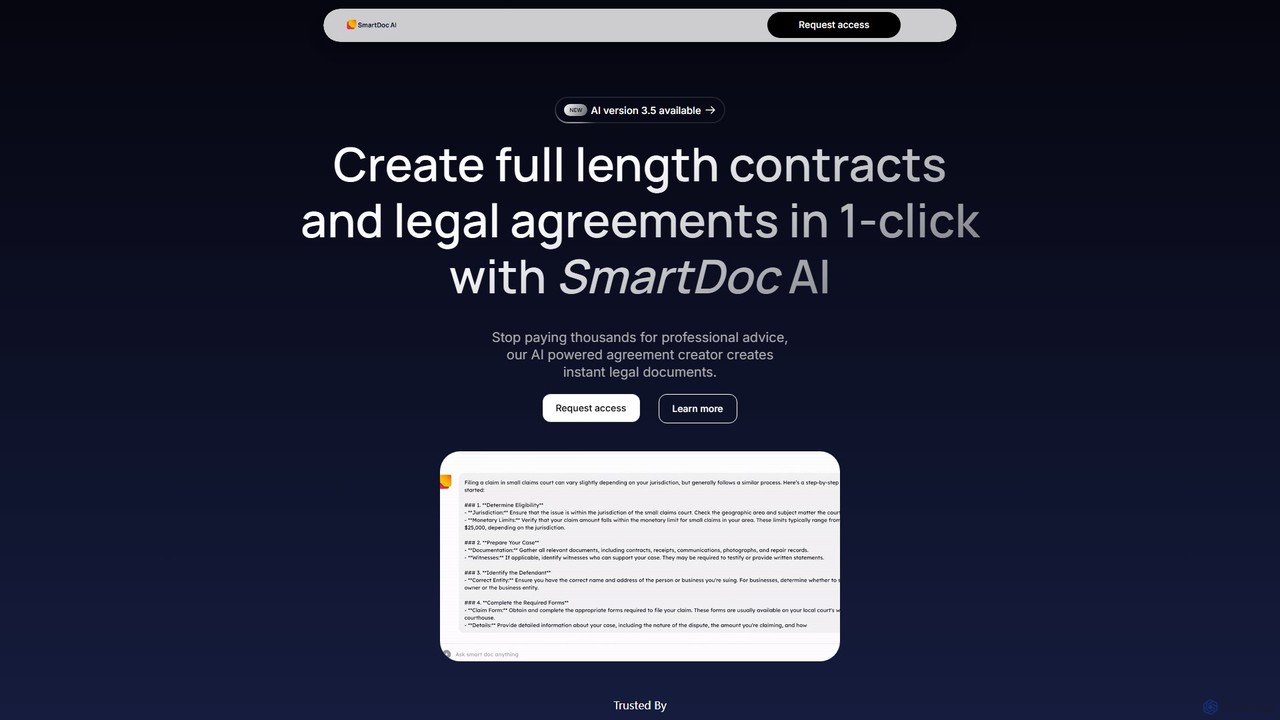
Smart Doc AI is an intelligent document processing platform that creates, summarizes, and analyzes complex documents. Interact with your files through a Q&A interface, generate professional reports, contracts, and manuals, and extract key insights in seconds, boosting productivity for professionals across various industries.

Contract Management
Visits 5.4KFavorites 151Likes 136
Coral AI
Freemium

Coral AI

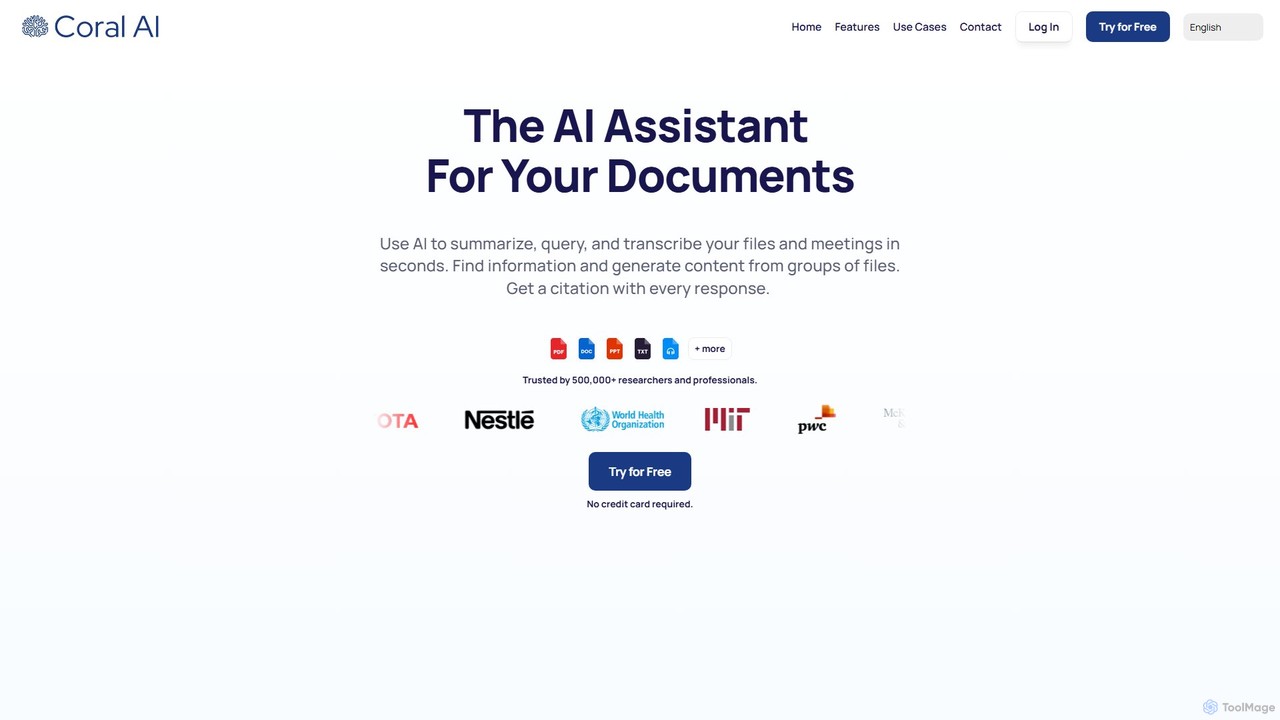
Coral AI is an intelligent assistant that transforms your documents, audio, and video files into interactive resources. Upload your files to summarize content, ask specific questions, extract key information, and transcribe media in seconds. It provides precise, citable answers, making it an essential tool for students, researchers, and professionals to enhance productivity and understanding.

Transcription
Visits 31.3KFavorites 127Likes 126
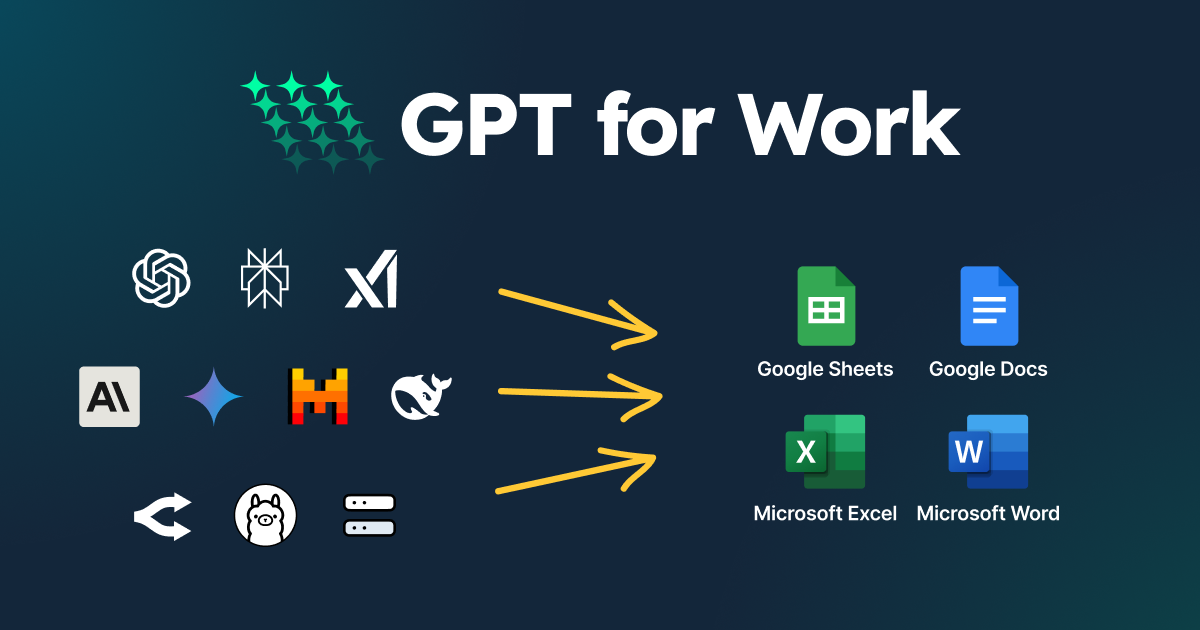
GPT for Work
Freemium

GPT for Work

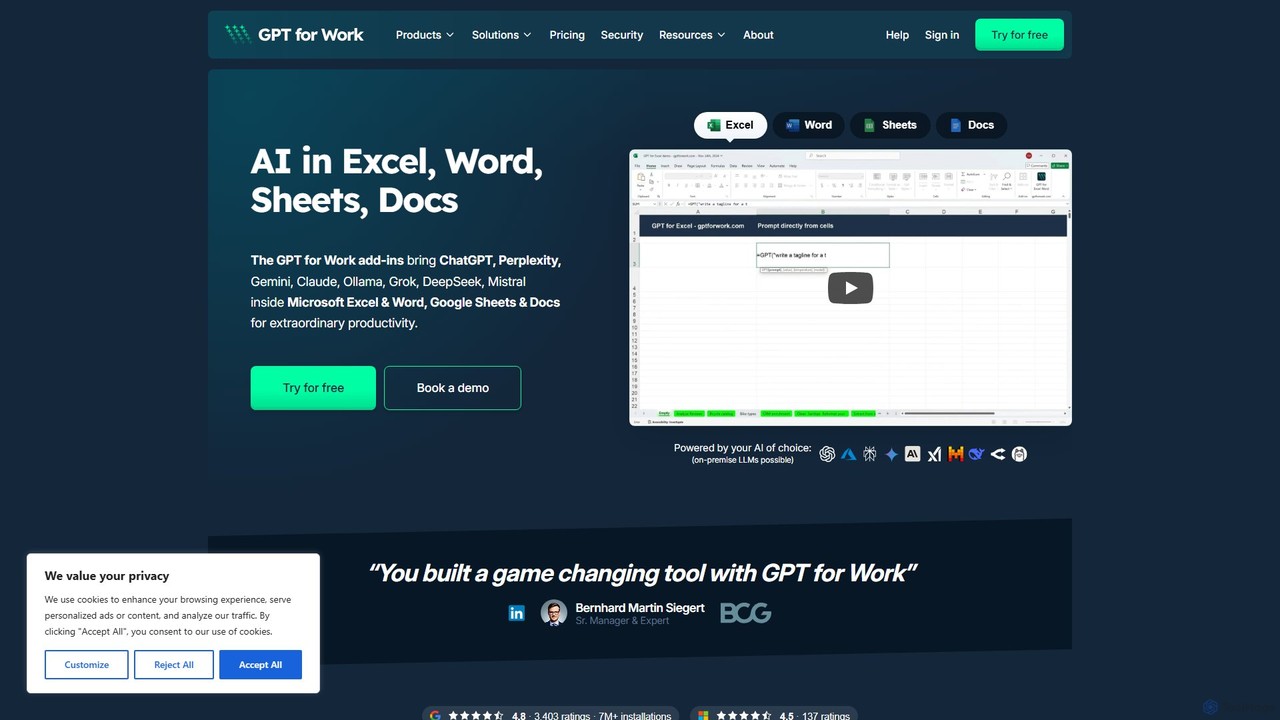
A powerful AI add-on that integrates GPT capabilities directly into Google Sheets, Docs, Microsoft Excel, and Word. Automate tasks, generate text, analyze data, and create formulas using simple commands, boosting your productivity without leaving your documents.

Document Assistant
Visits 264.4KFavorites 115Likes 118

About Document Assistant

Document Assistants are AI-powered tools designed to help you interactively understand, summarize, and query your files. Using Natural Language Processing (NLP), these tools allow you to 'chat' with your documents, asking specific questions and receiving context-aware answers directly from the text. This transforms static files like PDFs, reports, and contracts into dynamic knowledge bases, significantly accelerating research and data extraction. They are a key component of modern productivity, enabling users to quickly distill insights from dense materials without manual reading.

Core Features

  • Interactive Q&A: Ask direct questions about the document's content and receive precise, source-cited answers.
  • AI-Powered Summarization: Generate multi-level summaries, from a single paragraph to detailed bullet points, for long documents.
  • Information Extraction: Automatically identify and pull specific data such as names, dates, financial figures, or key terms.
  • Cross-Document Analysis: Upload multiple files and ask questions across the entire collection to synthesize information.
  • Content Generation: Assist in drafting emails, reports, or articles based on the information contained within the source documents.

Use Cases

These tools are invaluable for professionals and students who handle large volumes of text. Legal professionals use them to quickly review contracts for specific clauses, researchers analyze academic papers for key findings, and financial analysts query earnings reports for critical data. In corporate settings, they help teams quickly get up to speed on project documentation or internal knowledge bases.

How to Choose

When selecting a Document Assistant, consider the supported file types (PDF, DOCX, PPTX) and size limits. Evaluate the accuracy and citation capabilities of the AI's responses. For business use, prioritize tools with robust security features, data privacy policies, and potential integrations with cloud storage services like Google Drive or Dropbox. Finally, assess the user interface and collaboration features if working in a team.

Featured tool rankings

Document Assistant use cases

1

Accelerate Academic Literature Review

A postgraduate researcher is working on their thesis and needs to analyze over 50 academic papers. Instead of reading each one cover-to-cover, they upload the entire collection to a Document Assistant. They can then ask specific questions like, 'Which papers use a quantitative methodology?' or 'Summarize the key findings related to neuroplasticity across all documents.' The tool provides synthesized answers with direct citations, allowing the researcher to identify relevant papers and map out scholarly conversations in hours instead of weeks, significantly speeding up the research process.

2

Streamline Legal Contract Analysis

A paralegal at a law firm is tasked with reviewing a 150-page service agreement for potential risks and non-standard clauses. By uploading the document to an AI Document Assistant, they can instantly ask, 'What are the liability limitations?' or 'Identify all confidentiality obligations for our client.' The AI highlights the relevant sections and provides concise summaries. This process reduces the initial review time by over 70%, allowing the legal team to focus their expertise on strategic negotiation points rather than manual information finding.

3

Quickly Understand Financial Reports

A financial analyst needs to prepare a briefing on a competitor's quarterly earnings report. The report is a dense, 80-page PDF filled with tables and text. Using a Document Assistant, the analyst uploads the file and asks, 'What was the reported net income for Q3?' and 'Compare the revenue growth year-over-year.' The tool extracts the exact figures and provides context from the management discussion section. This allows the analyst to draft an accurate executive summary in under 30 minutes, a task that would typically take several hours of careful reading and data compilation.

4

Create Study Guides from Lecture Notes

A university student has a semester's worth of lecture notes and textbook chapters in digital format. To prepare for final exams, they upload all the materials into a Document Assistant. They then issue commands like, 'Create a bulleted list of all key theories mentioned' and 'Generate five potential exam questions about the Industrial Revolution based on these documents.' The AI synthesizes the information into a structured study guide and practice questions, transforming disorganized notes into a powerful and efficient revision tool.

5

Synthesize Market Research Reports

A marketing manager has gathered multiple market research reports, competitor analyses, and customer survey results. To develop a new marketing strategy, they need to synthesize key trends from these disparate sources. They upload all documents to an AI assistant and ask, 'What are the top three customer pain points mentioned across all surveys?' and 'Which new market opportunities are identified in the research reports?' The tool provides a consolidated summary, saving the manager days of manual cross-referencing and data compilation, enabling faster strategic decision-making.

6

Onboard New Employees with Internal Documentation

A human resources manager needs to onboard a new software developer. Instead of having the new hire read hundreds of pages of technical documentation and company policies, they provide access to a Document Assistant pre-loaded with all relevant materials. The new developer can ask questions like, 'What is the process for code deployment?' or 'Summarize the company's remote work policy.' This interactive approach provides instant, contextual answers, making the onboarding process more efficient and engaging, and helping the new employee become productive faster.

Document Assistant FAQ

What is an AI Document Assistant?

An AI Document Assistant is a software tool that uses artificial intelligence, particularly Natural Language Processing (NLP), to help users interact with their digital documents. Unlike a simple file viewer, it allows you to ask questions in plain language and get answers directly from the text. Key functions include summarizing long reports, extracting specific data points, and even comparing information across multiple files. They essentially turn your static document collection into an interactive, searchable knowledge base.

How to choose the right AI Document Assistant?

Choosing the right tool depends on your specific needs. Consider the following factors:

  • File Compatibility: Ensure the tool supports the file types you use most, such as PDF, DOCX, PPTX, or even image-based documents that require OCR.
  • Accuracy and Sourcing: Look for tools that provide accurate answers and, crucially, cite the sources within your documents. This is vital for verifying information.
  • Security and Privacy: If you handle sensitive information, choose a tool with strong encryption, a clear data privacy policy, and options for local processing if needed.
  • Advanced Features: Do you need to analyze multiple documents at once (cross-document analysis) or integrate with cloud storage like Google Drive? Check if these features are available.
What's the difference between a Document Assistant and a standard PDF reader?

The primary difference is interaction versus presentation. A standard PDF reader (like Adobe Acrobat Reader) is designed for viewing, annotating, and signing documents. Its focus is on presenting the document as it is. An AI Document Assistant, on the other hand, is designed for understanding and querying the document's content. It processes the text to allow for natural language questions, summarization, and data extraction. In short, a PDF reader lets you read the document, while a Document Assistant helps you understand it without reading everything.

Can Document Assistants handle complex tables and charts?

The capabilities vary significantly between tools. Basic Document Assistants primarily focus on processing plain text. However, more advanced platforms are increasingly able to interpret data within tables, often allowing you to ask specific questions about rows and columns (e.g., 'What was the total revenue in 2023?'). The ability to understand charts and images is a more complex feature, often relying on multimodal AI models. If your documents are data-heavy with many visuals, it's important to specifically check if a tool supports table and chart analysis before committing.

Is my data secure when using an AI Document Assistant?

Security is a critical consideration. Reputable providers use strong encryption for data both in transit and at rest. However, the core concern is often how the provider uses your data. You should always review the tool's privacy policy and terms of service. Look for providers that offer a zero-retention policy, meaning they don't store your documents or conversations after processing. For highly sensitive corporate or legal documents, consider enterprise-grade solutions that offer options for private cloud deployment or on-premise hosting, ensuring your data never leaves your control.