

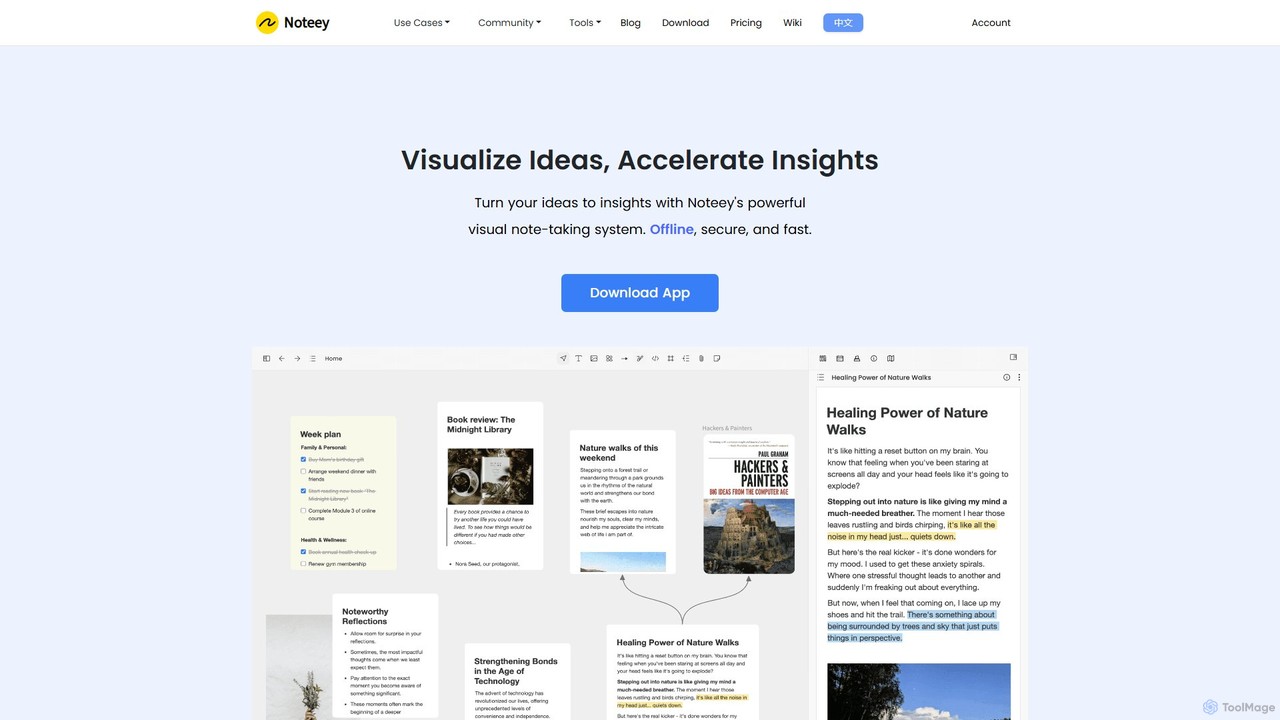
noteey Overview
Noteey is a powerful visual knowledge system designed to revolutionize how you manage information and generate insights. Unlike traditional linear note-taking apps, Noteey provides an infinite canvas, a limitless space where you can visually connect and organize your thoughts. It operates on an offline-first principle, ensuring your data is always secure, private, and accessible on your local device. This makes it an ideal tool for anyone looking to build a robust personal knowledge management (PKM) system or a "second brain".
The core of Noteey is its ability to unify diverse types of content. You can seamlessly integrate text notes (called cards), images, sticky notes, web links, PDFs, mind maps, videos, and even freehand sketches all in one place. This holistic approach eliminates the fragmentation of knowledge and allows you to see the bigger picture, fostering deeper understanding and creativity.
How to use noteey
Getting started with Noteey is an intuitive process designed for visual thinkers:
- Download and Install: Begin by downloading the Noteey application for your macOS or Windows device. The free version is fully functional for basic use without requiring an account.
- Create a Project: Start a new project, which opens up your infinite canvas or "board". You can create multiple boards within a single project to organize different topics.
- Add Content: Drag and drop various elements onto your canvas. This can include writing notes in cards, embedding images, importing PDFs, adding links to web pages, or embedding videos from sources like YouTube or local files.
- Organize Visually: Use the mind mapping tool to structure your ideas hierarchically. Connect related elements with customizable arrows and lines to build visual relationships. Use frames to group related items together.
- Annotate and Analyze: Open PDFs and videos directly on the canvas or in floating windows. Highlight important text in PDFs and take time-stamped notes on videos and audio files. These annotations become individual, linkable items in your knowledge base.
- Build Connections: Use deep linking to connect your knowledge. Type "@" to mention and link to other cards, highlights, boards, or even entire projects, creating a dense web of interconnected information.
- Present Your Insights: Switch to Presentation Mode to showcase your visual knowledge map, guiding your audience through your thought process step-by-step.
Core Features of noteey
- Infinite Visual Canvas: A limitless whiteboard space to unify text, images, PDFs, mind maps, videos, web bookmarks, and sketches.
- Offline-First & Secure: All data is stored locally on your device, guaranteeing privacy, security, and full offline access. Cloud sync is an optional feature.
- Advanced Annotation System: Create highlights and notes on PDFs. Take time-stamped notes on videos (YouTube, Bilibili, local files) and audio, turning passive content into active knowledge.
- Powerful Mind Mapping: Build and customize mind maps with rich text, links, images, and files embedded directly into nodes.
- Deep Linking & Backlinks: Every item (card, highlight, block) has a unique link, allowing you to create a robust, interconnected knowledge graph with backlinks.
- Floating Windows: Work with multiple documents, videos, or cards simultaneously in resizable, movable windows for ultimate multitasking.
- All-in-One Media Hub: Natively handles a wide range of media, eliminating the need to switch between different applications.
- Drawing & Diagramming Tools: Create sketches, flowcharts, and diagrams with a suite of built-in drawing tools.
- Presentation Mode: Turn your canvas into a dynamic presentation to share your ideas and findings.
- Rich Block Editor: Cards feature a modern block-based editor supporting headings, lists, tables, code blocks (with syntax highlighting), LaTeX formulas, and more.
- OCR (Image to Text): A premium feature that allows you to extract text from any image on your canvas.
Use Cases for noteey
Noteey is versatile and can be adapted for various needs:
- Academic Research: Consolidate research papers, lecture notes, video tutorials, and interview recordings. Visually map out arguments, evidence, and connections to synthesize complex information for a thesis or publication.
- Personal Knowledge Management (PKM): Build a comprehensive "second brain" by capturing ideas from books, articles, and videos. Use the visual canvas and deep linking to discover unexpected connections and foster serendipitous insights.
- Creative Brainstorming: Ideal for writers, designers, and strategists. Use the canvas for mood boards, storyboarding, character maps, and developing creative concepts.
- Student Learning: Deconstruct complex subjects by creating visual study guides. Take time-stamped notes from online lectures and highlight key sections in digital textbooks.
- Project Planning: Visually outline project workflows, create flowcharts, and organize all project-related assets (documents, links, mockups) in a central, shared space.
Advantages of noteey
Noteey stands out from other note-taking tools with several key advantages:
- Spatial & Visual Thinking: It caters to a non-linear thought process, which can be more natural and effective for understanding complex systems than traditional text-based notes.
- Unified Workspace: By bringing all media types into one environment, it boosts productivity and reduces the cognitive load of switching between multiple applications.
- Data Ownership & Privacy: The offline-first architecture gives you complete control over your data, a crucial feature for sensitive research or personal journals.
- Flexible Pricing: Offers a generous free plan and a one-time payment option for the Pro license, providing a cost-effective alternative to recurring subscriptions.
Pricing and Plans
Noteey uses a freemium model with options for one-time purchases and subscriptions for cloud services.
- Free Plan: Always free. Includes up to 3 projects, 100 cards, and annotation for up to 3 PDFs/Videos/Audios. No account or signup is required.
- Desktop Pro (Lifetime License): A one-time payment of $99. Unlocks unlimited local projects, use on 4 devices (Mac/Windows), web publishing (up to 20MB), project export, custom fonts, OCR, and a laser pointer.
- Desktop Pro Plus (Lifetime License): A one-time payment of $159. Includes all Pro features but for use on 8 devices.
- Premium Plan (Cloud Sync): Requires a Desktop Pro license. This is a subscription for cloud features. Options include Monthly ($10/month), Yearly ($90/year), or a Lifetime deal ($599). It adds unlimited web publishing, a future web version, and priority support.
Note: Prices and offers, such as the 'OFF20' discount code, are subject to change. Please visit the official website for the most current information.
Traffic
Latest traffic
Status
Monthly traffic trend
- 2025-9: 154.1K
- 2026-1: 198.2K
- 2026-2: 180.4K
- 2026-3: 209.0K
- 2026-4: 194.5K
- 2026-5: 205.7K
Geography
Top 5 countries / regions
- 🇰🇷South Korea47.2%
- 🇺🇸United States26.2%
- 🇮🇳India13.2%
- 🇧🇪Belgium7.1%
- 🇬🇧United Kingdom6.3%
Traffic sources
| Source type | Percentage |
|---|---|
Direct | 81.0% |
Referral | 19.1% |
Top keywords
| Keyword | Cost per click |
|---|---|
| 유튜브 스크립트 | $0.52 |
| 유튜브 텍스트 추출 | $0.00 |
| 유튜브 자막 추출 | $0.35 |
| noteey | $2.98 |
| youtube 文字起こし | $0.73 |
noteey Videos on YouTube
Antone Heyward

Antone Heyward
Antone Heyward

Antone Heyward
Antone Heyward

Antone Heyward

Antone Heyward
noteey Alternatives
Scrintal
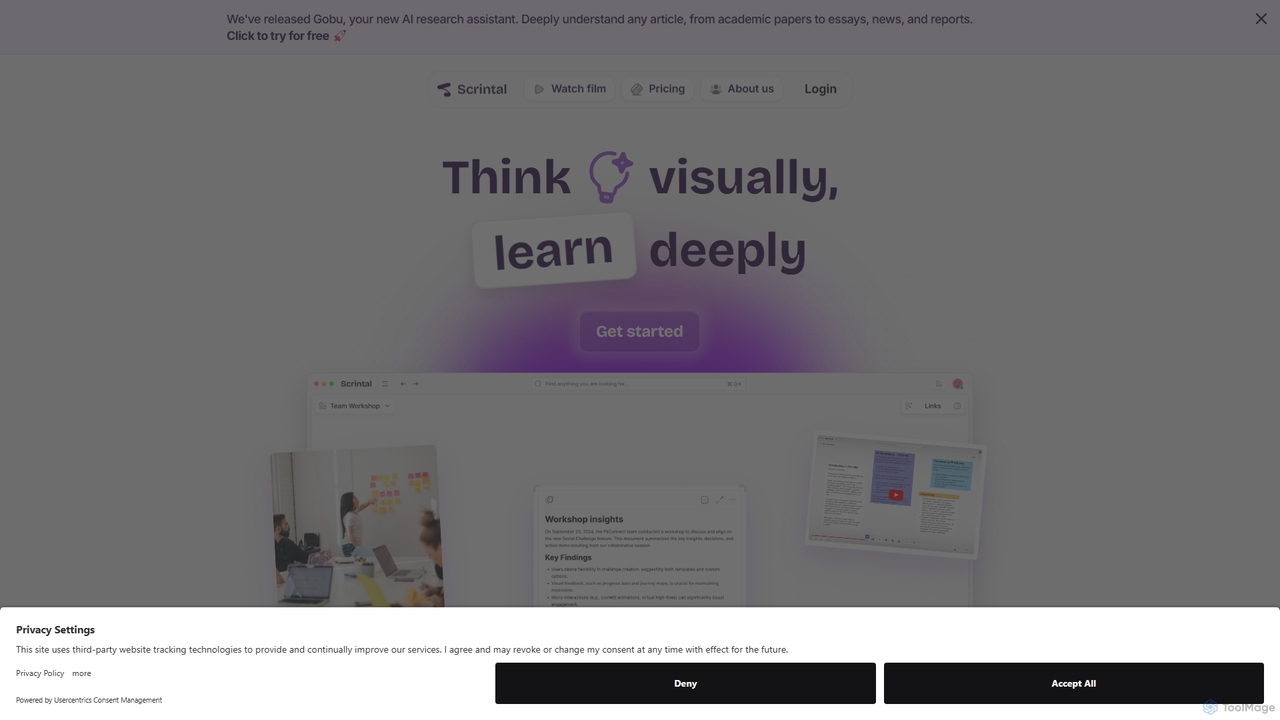
Scrintal is an AI-powered visual note-taking and research tool designed for thinkers, researchers, and students. It combines an infinite canvas for brainstorming with a powerful block-based editor and an AI assistant, Gobu. Organize ideas, connect concepts with bi-directional links, and seamlessly turn your visual thoughts into structured written documents.
Research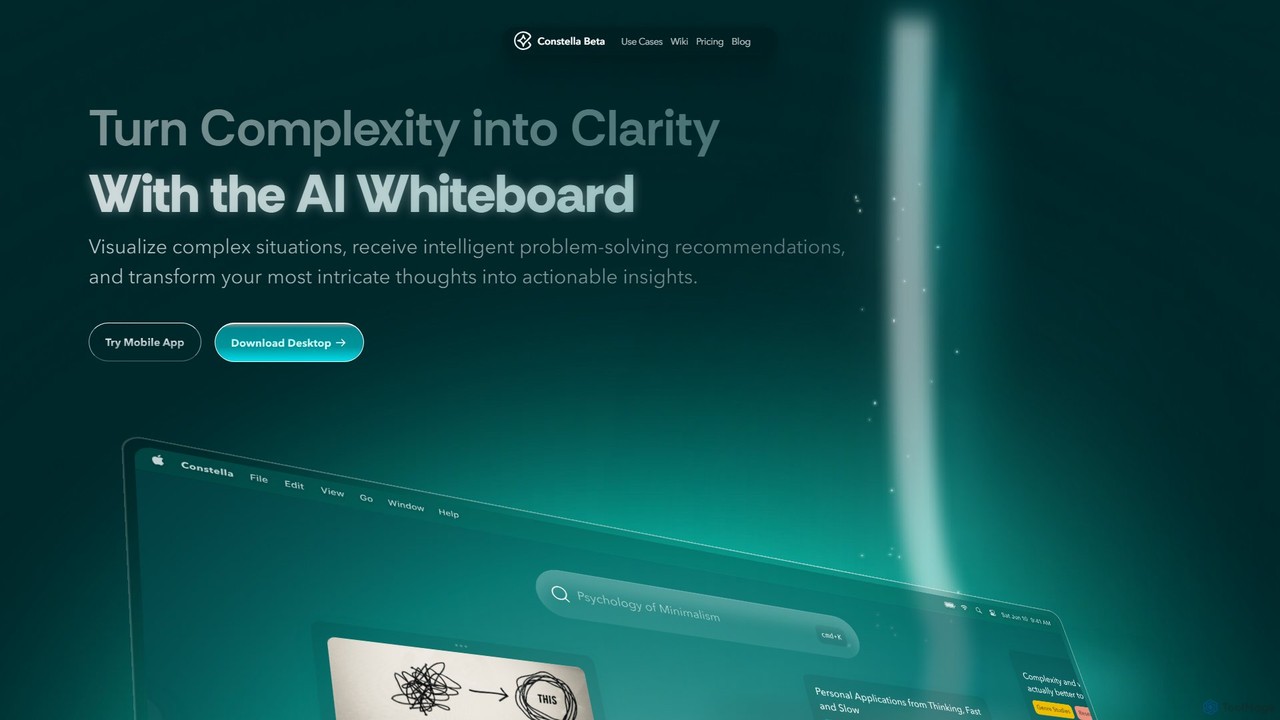
Constella
Constella is an AI-powered second brain application that uses a visual infinite graph to help you capture, connect, and visualize your thoughts. It moves beyond traditional folders, allowing you to organize ideas non-linearly, uncover hidden patterns, and receive intelligent problem-solving recommendations. Ideal for personal knowledge management, research, and creative thinking.
Knowledge Management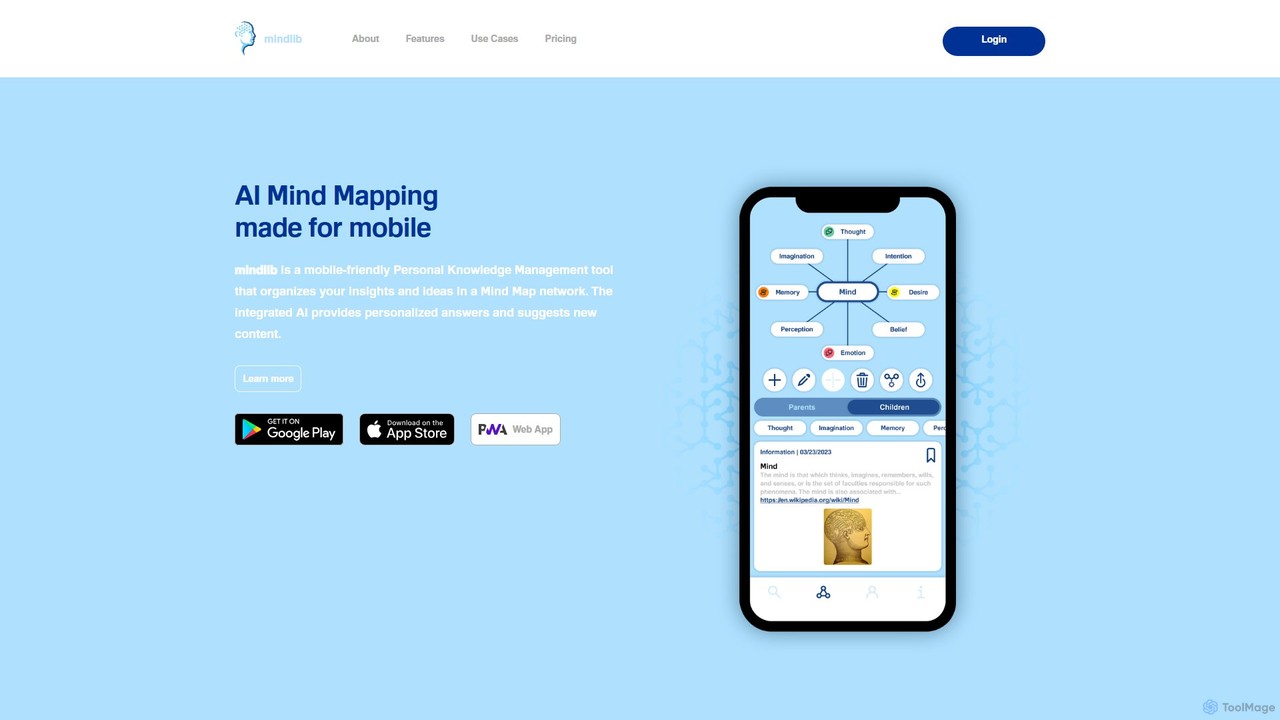
mindlib
mindlib is a mobile-first AI mind mapping tool for personal knowledge management (PKM). It helps you build a 'second brain' by organizing ideas and insights into a connected network of mind maps. The integrated AI provides personalized answers based on your knowledge base and helps you explore and expand your ideas conversationally.
Learning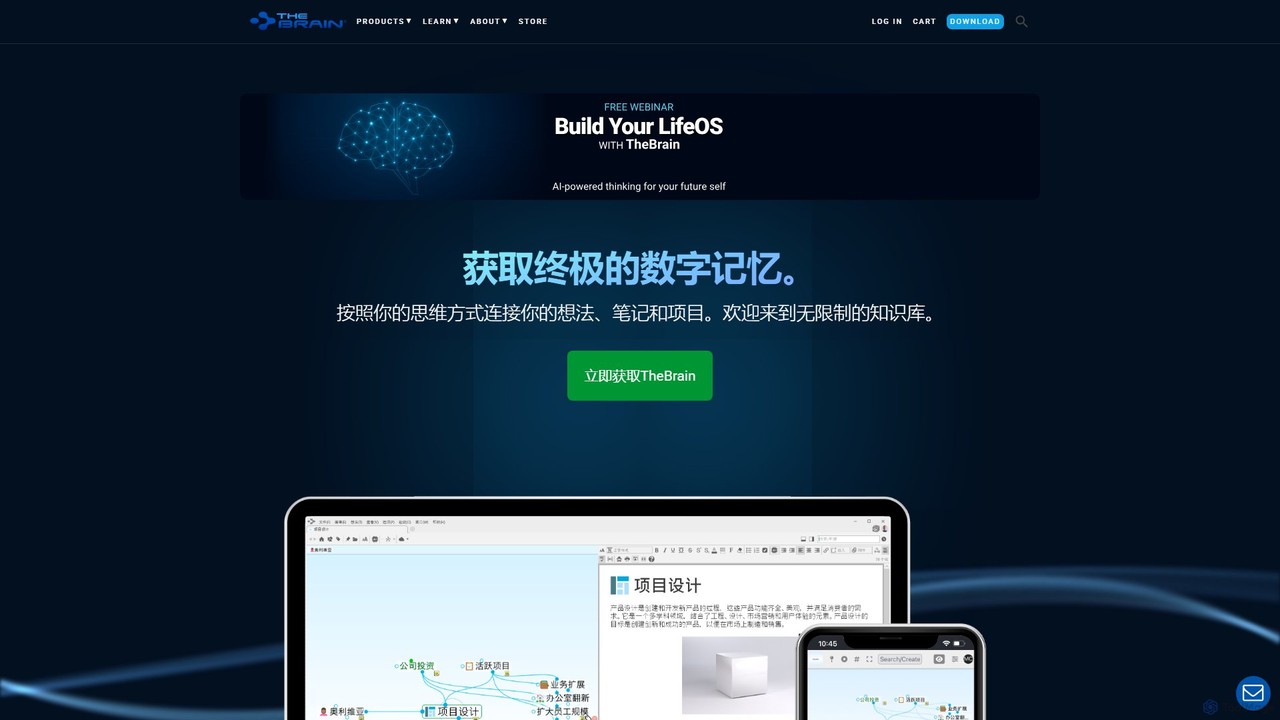
TheBrain
TheBrain is an ultimate digital memory and mind mapping software that uses AI to help you organize your thoughts, projects, and digital life. It moves beyond traditional folders and lists, allowing you to create a dynamic, interconnected network of information that mirrors how you think. Link any file, webpage, or note to create a visual context for all your knowledge.
Second Brain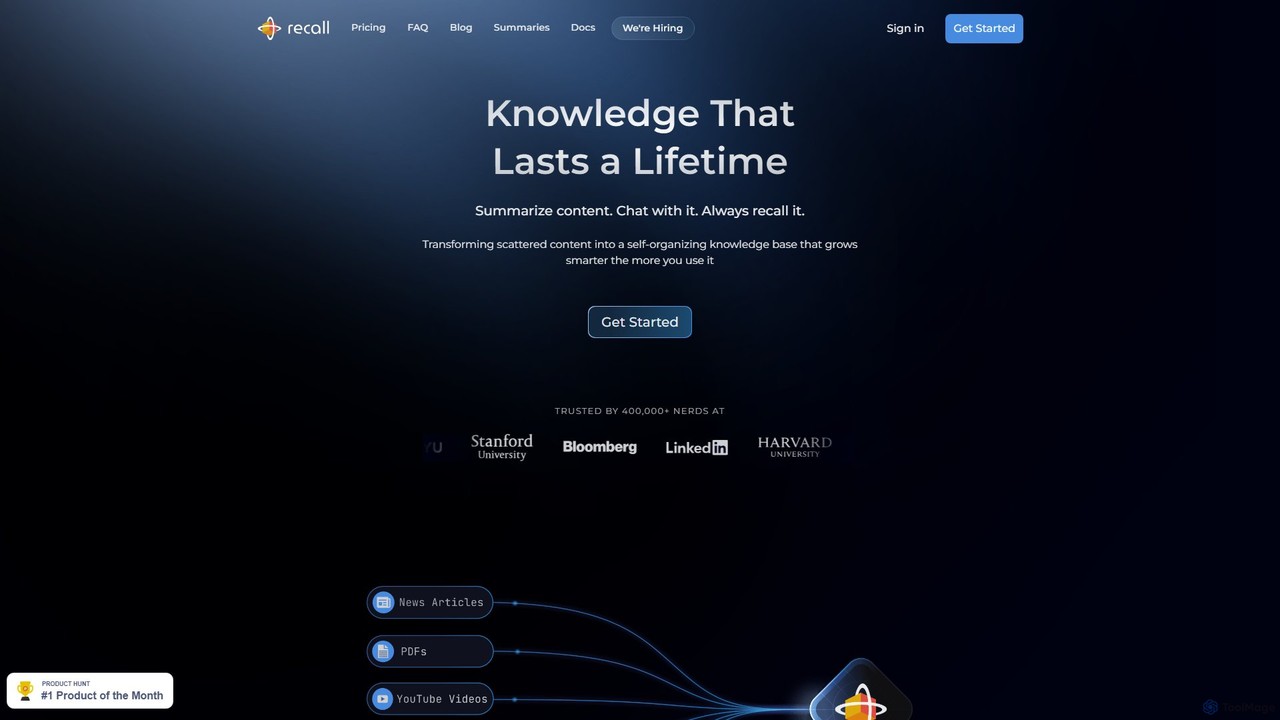
Recall
Recall is an AI-powered knowledge management tool that transforms scattered content into a self-organizing knowledge base. It summarizes articles, YouTube videos, PDFs, and more, allows you to chat with your content, and uses features like augmented browsing and spaced repetition to help you remember everything you learn.
Researchnoteey Categories
noteey Embed Widget
Copy this embed code to place the badge on your blog, article, or product site and send readers directly to this ToolMage detail page.

Related AI tools
Scrintal
Scrintal is an AI-powered visual note-taking and research tool designed for thinkers, researchers, and students. It combines an infinite canvas for brainstorming with a powerful block-based editor and an AI assistant, Gobu. Organize ideas, connect concepts with bi-directional links, and seamlessly turn your visual thoughts into structured written documents.
ResearchConstella
Constella is an AI-powered second brain application that uses a visual infinite graph to help you capture, connect, and visualize your thoughts. It moves beyond traditional folders, allowing you to organize ideas non-linearly, uncover hidden patterns, and receive intelligent problem-solving recommendations. Ideal for personal knowledge management, research, and creative thinking.
Knowledge Managementmindlib
mindlib is a mobile-first AI mind mapping tool for personal knowledge management (PKM). It helps you build a 'second brain' by organizing ideas and insights into a connected network of mind maps. The integrated AI provides personalized answers based on your knowledge base and helps you explore and expand your ideas conversationally.
Learning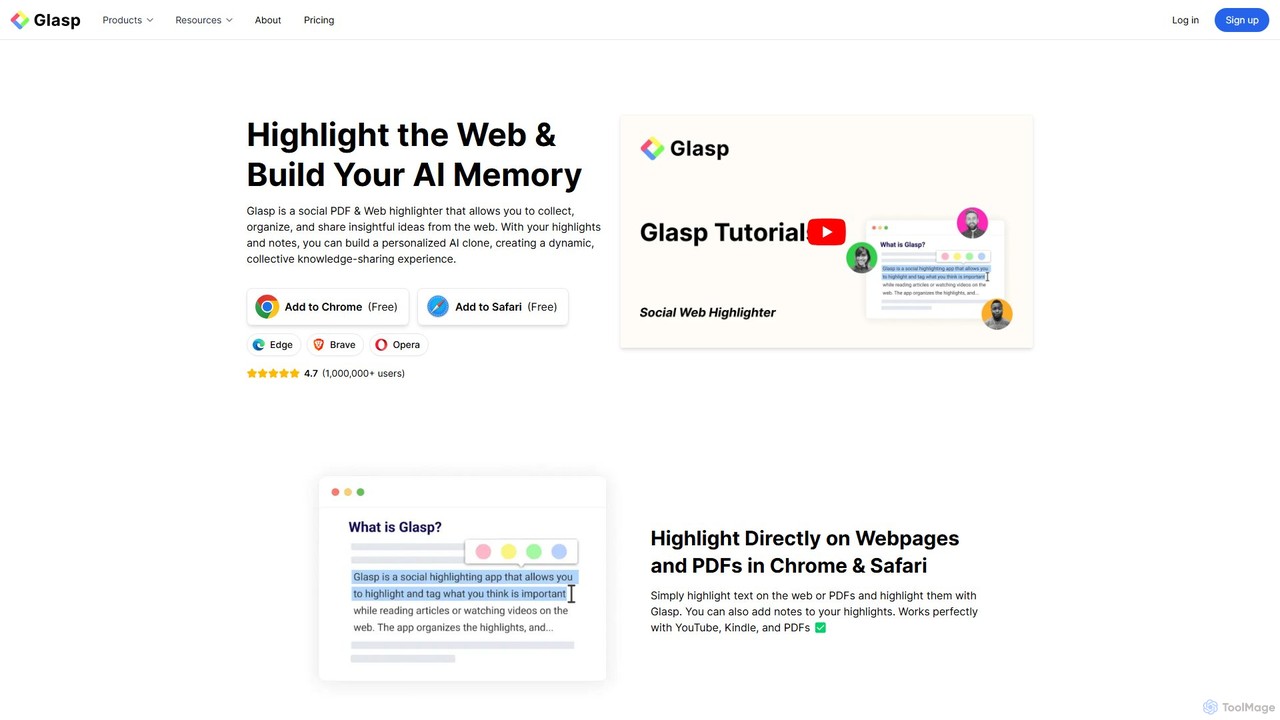
Glasp
Glasp is a social web and PDF highlighter that helps learners and researchers capture, organize, and share insightful ideas. It uses AI to create a personalized knowledge base from your highlights, offering features like AI-powered summaries, chat with your notes, and seamless integration with popular note-taking apps. It's designed to facilitate public learning and build a collective intelligence.
Web Clipper
TheBrain
TheBrain is an ultimate digital memory and mind mapping software that uses AI to help you organize your thoughts, projects, and digital life. It moves beyond traditional folders and lists, allowing you to create a dynamic, interconnected network of information that mirrors how you think. Link any file, webpage, or note to create a visual context for all your knowledge.
Second Brain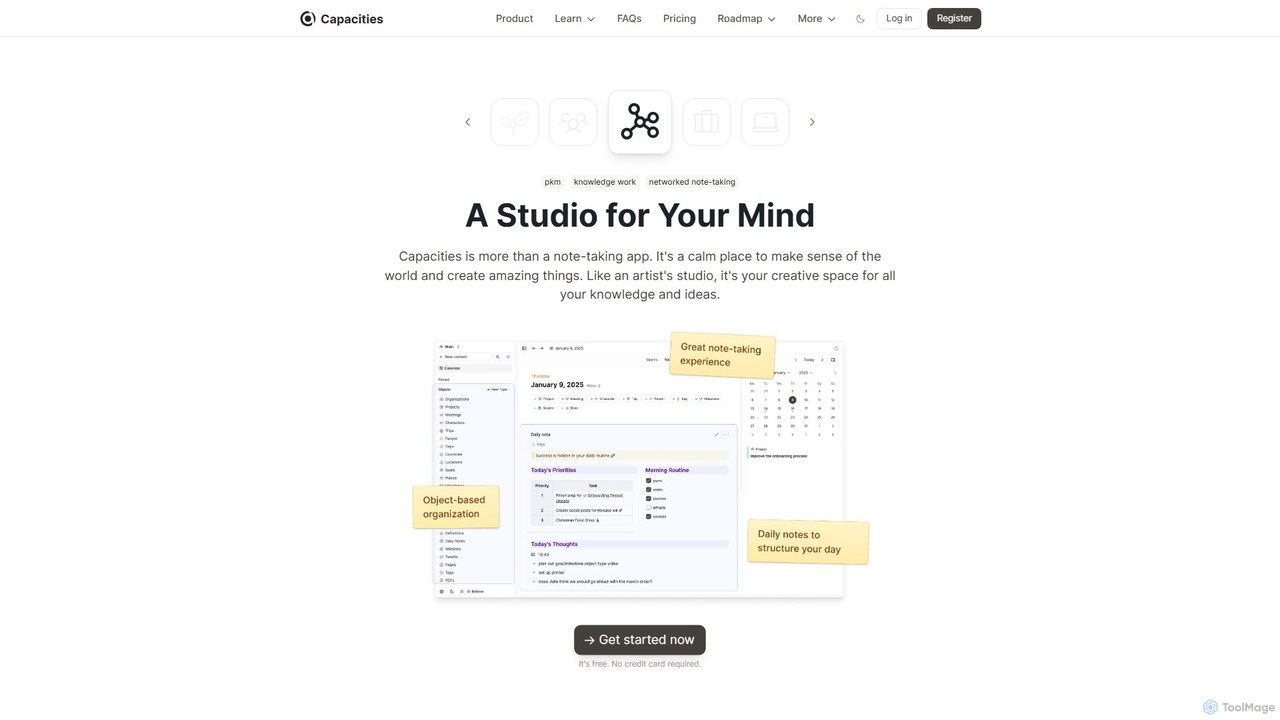
Capacities
Capacities is a next-generation note-taking and knowledge management tool designed as a "studio for your mind." It replaces traditional folders with a flexible, object-based network, allowing you to connect ideas naturally. Features include an integrated AI assistant, powerful linking, custom content types, and cross-platform availability, making it ideal for building a personal knowledge base or "second brain."
Second Brain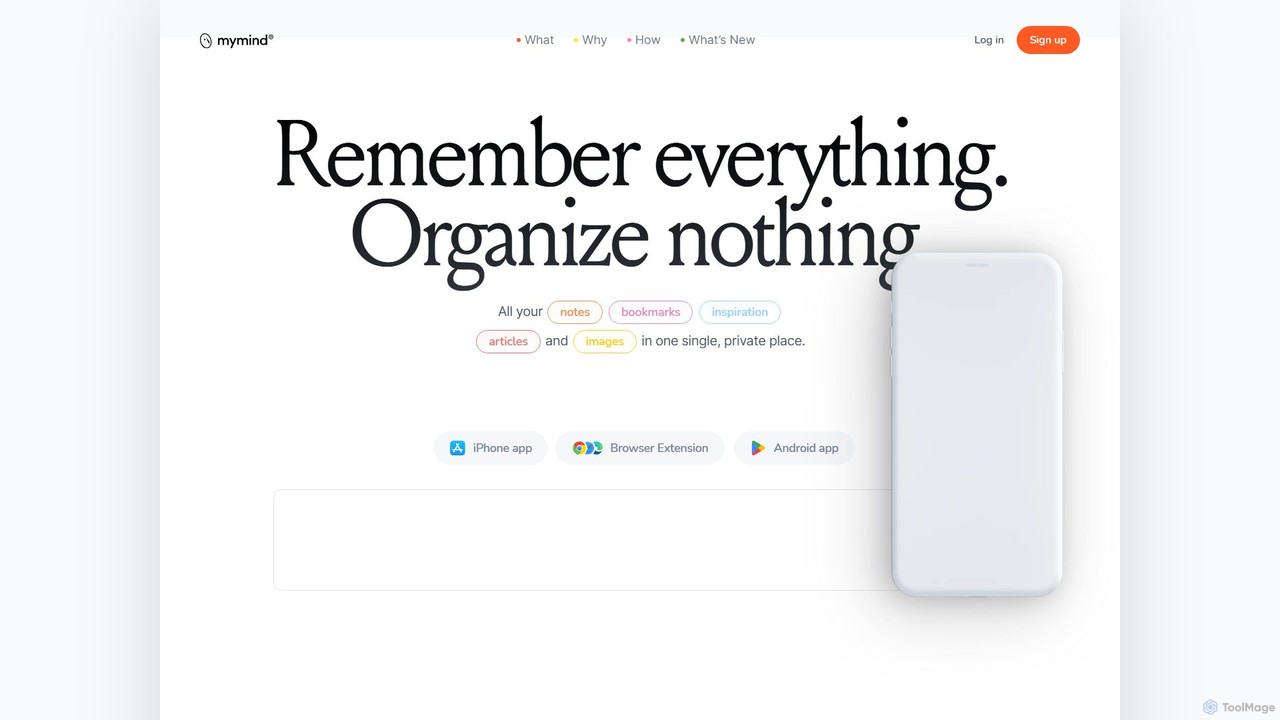
mymind
mymind is a private, AI-powered second brain designed to remember everything without the need for manual organization. It acts as an extension of your mind, capturing notes, bookmarks, images, and articles in a single, searchable space, prioritizing privacy and a clutter-free experience.
Bookmarking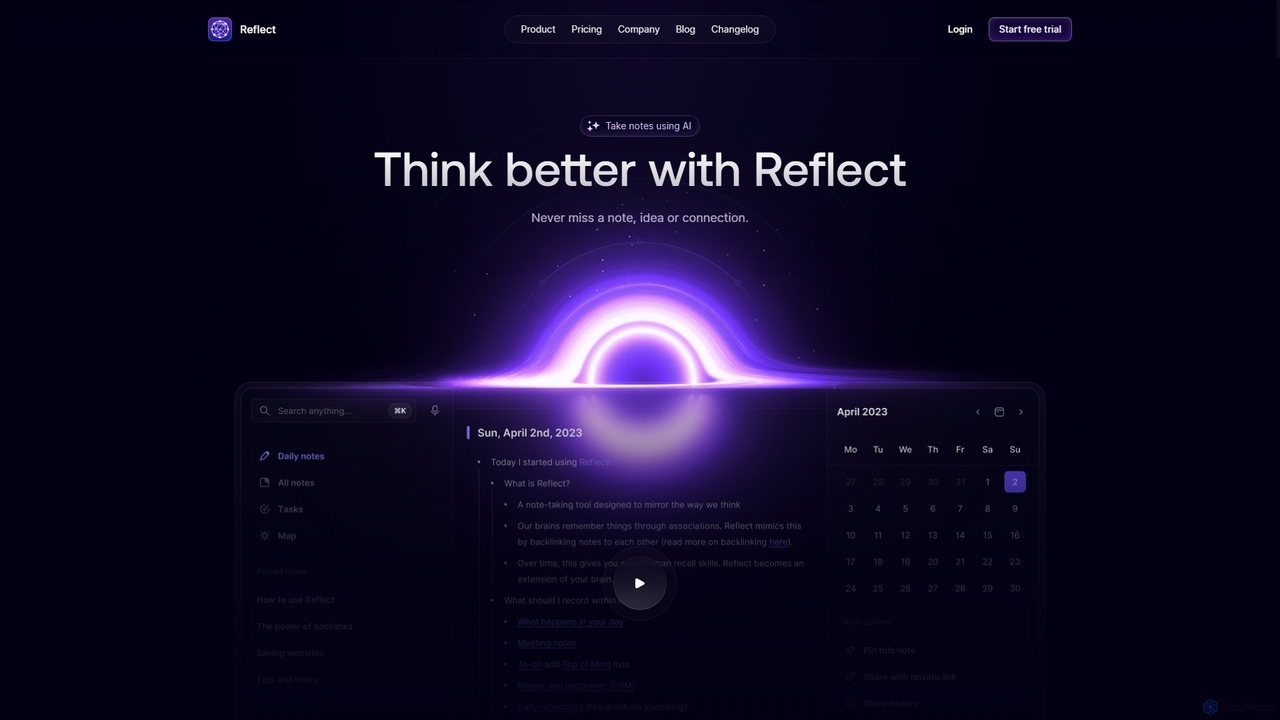
Reflect
Reflect is an AI-powered, networked note-taking app designed to help you think better. It acts as a 'second brain' by connecting your notes through backlinks, creating a graph of your ideas. With features like AI-driven transcription, summarization, end-to-end encryption, and seamless cross-device sync, it's built for speed, security, and frictionless thought capture.
Personal Assistant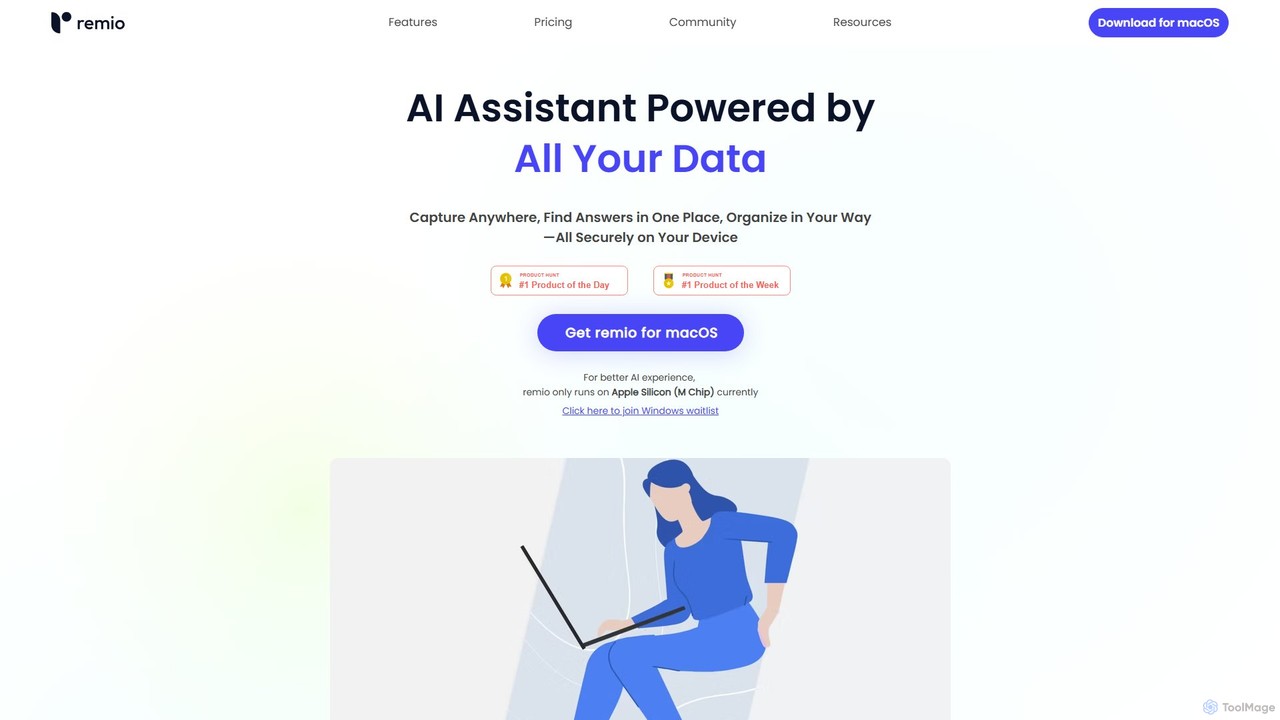
remio
remio is a local-first AI assistant that unifies all your data—notes, files, and web content—into a single, private knowledge base. It allows you to capture information from anywhere, find answers instantly with AI-powered search, and organize your knowledge securely on your device, boosting your productivity and creativity.
Personal Assistant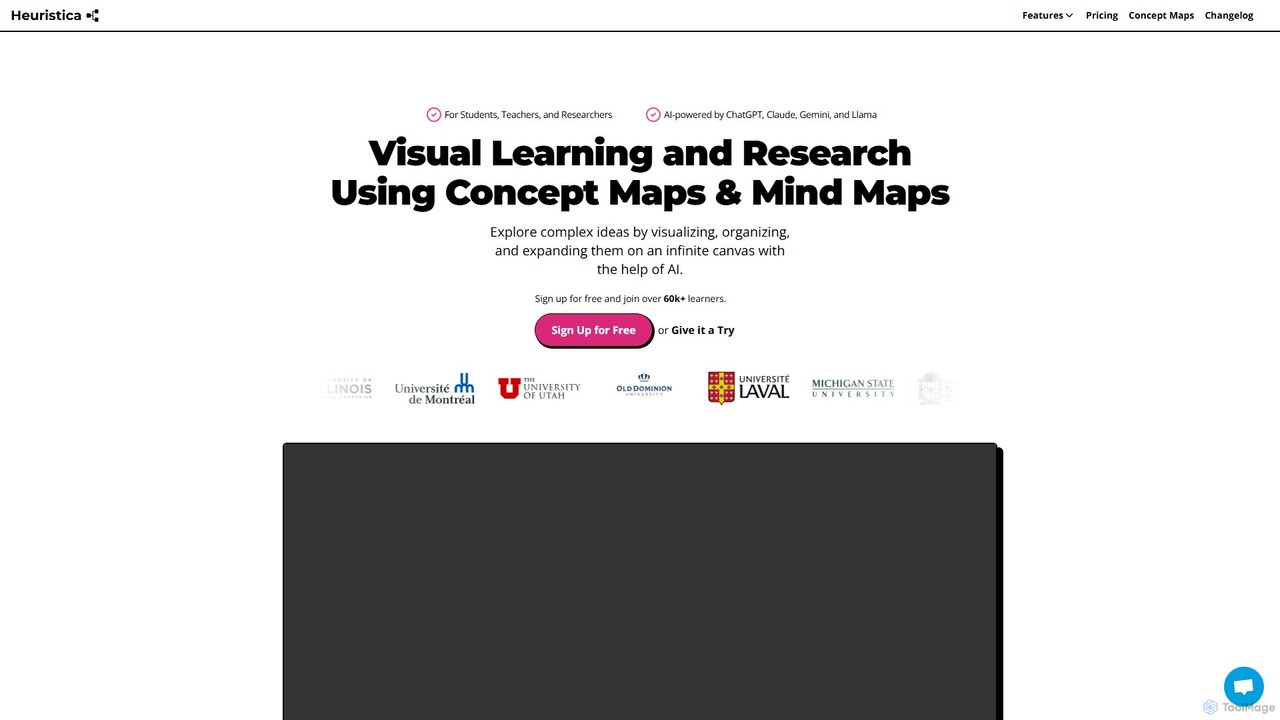
Heuristica
Heuristica is an AI-powered visual learning platform that helps students, teachers, and researchers create dynamic mind maps and concept maps. It integrates with various knowledge sources like academic databases, YouTube, and PDFs to visualize, organize, and expand complex ideas. Users can instantly generate study materials, chat with their maps, and personalize their learning experience with custom prompts on an infinite canvas.
Learning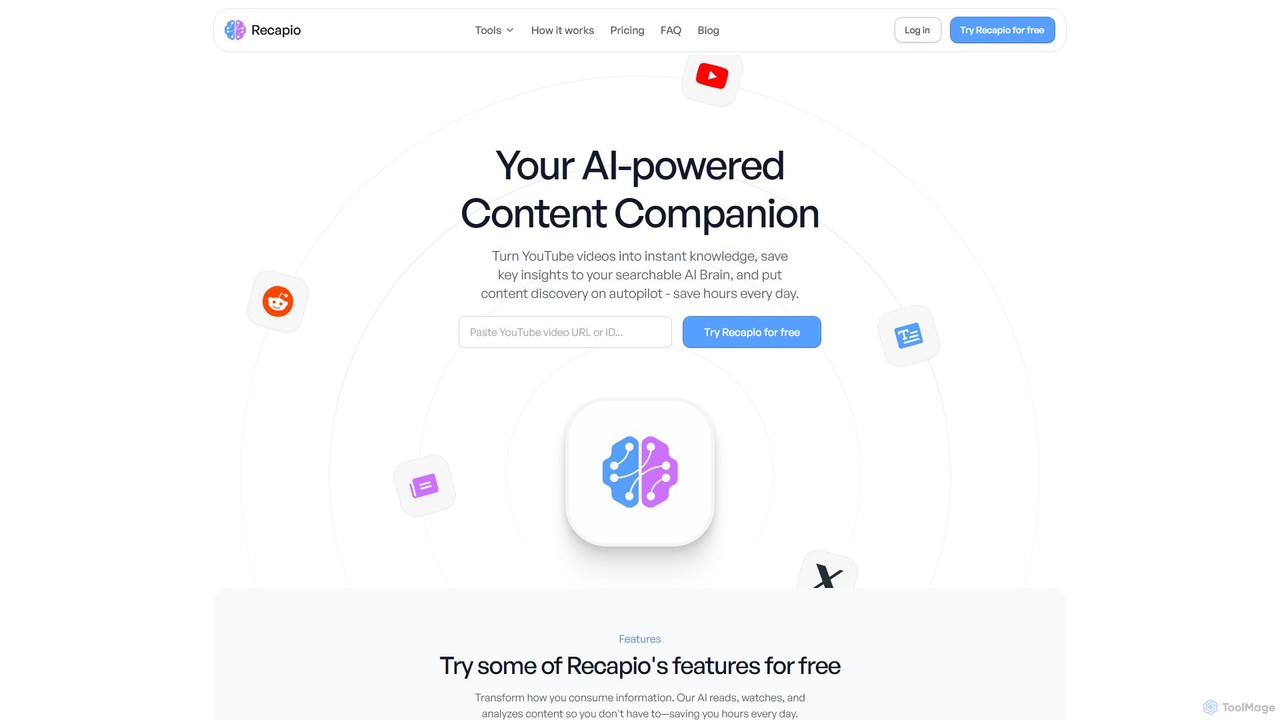
RecapioGPT
RecapioGPT is an AI-powered second brain and content summarizer that transforms YouTube videos, articles, and web posts into a searchable knowledge base. Chat with your content, get daily recaps, and organize insights to save time and learn smarter.
Research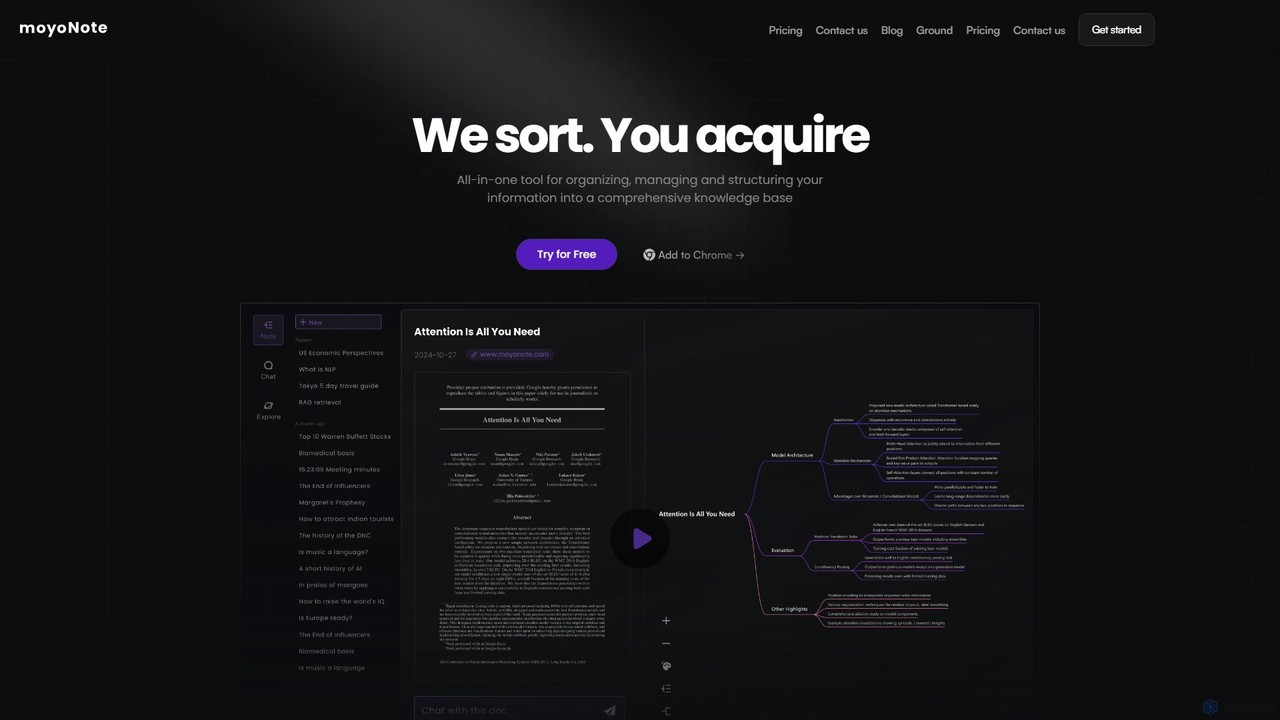
moyonote
moyonote is an AI-powered tool that automatically transforms documents, text, and various files into structured, interactive mind maps. It helps users quickly sort and acquire knowledge, enhancing productivity for students, professionals, and teams by simplifying complex information.
Document Analysis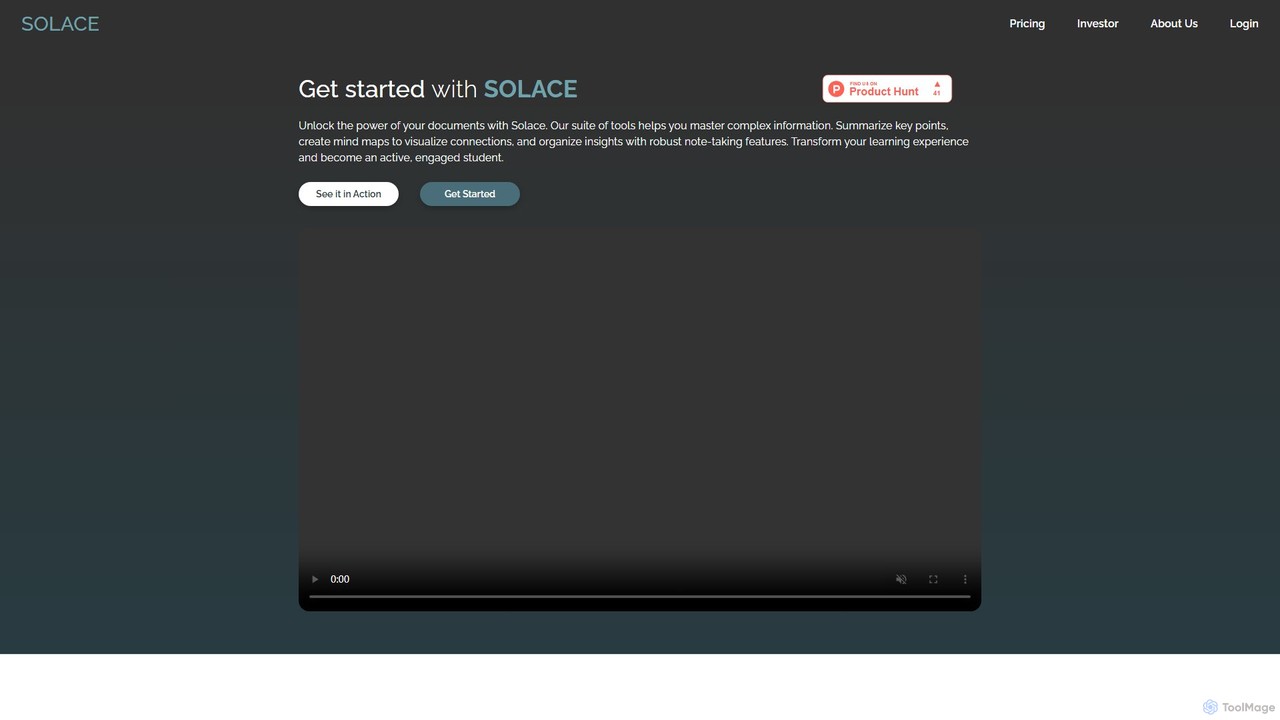
mysolace
Solace is an AI-powered platform that revolutionizes document interaction. Chat with your PDFs and Word documents, get instant summaries, analyze charts and diagrams, and cross-reference multiple files. Designed for students, researchers, and professionals to unlock deep insights and accelerate learning and analysis.
Research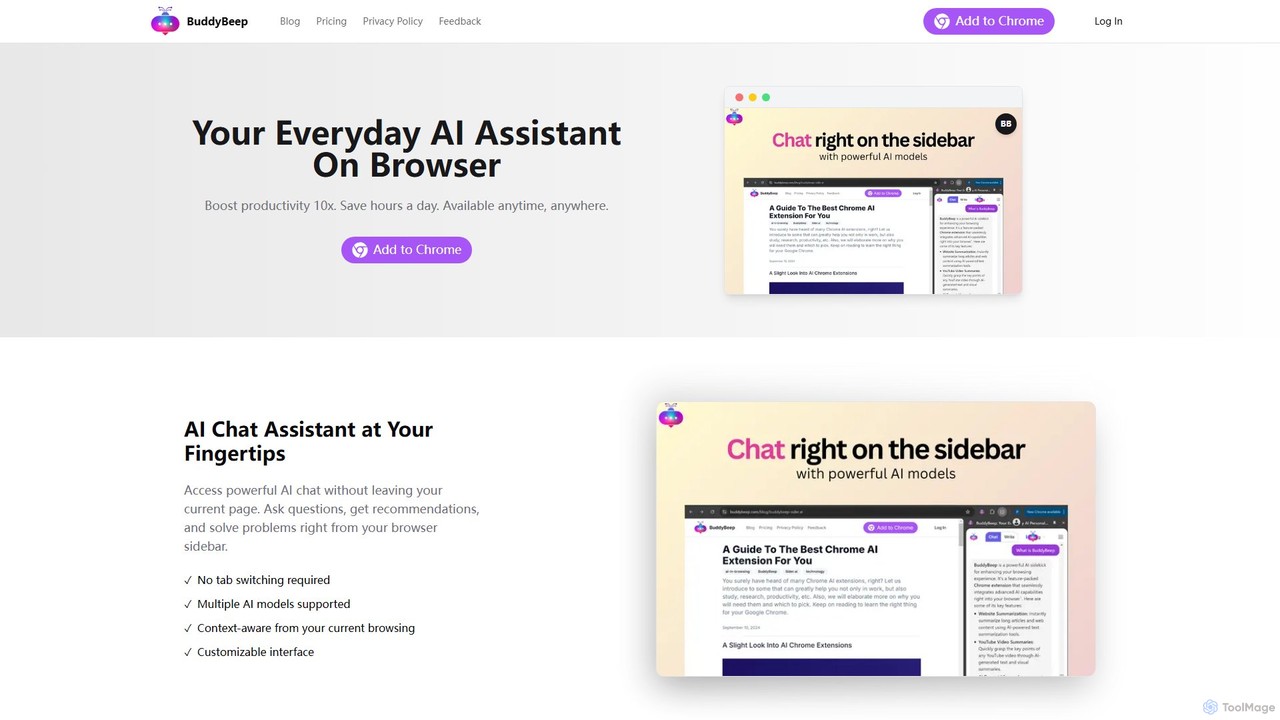
BuddyBeep
BuddyBeep is an AI-powered Chrome extension that acts as your personal browsing assistant. It boosts productivity by offering an in-page AI chat, one-click summarization for articles and YouTube videos, and a smart knowledge repository to build your "second brain". Capture, organize, and retrieve information effortlessly without switching tabs, transforming your browsing into a more efficient and insightful experience.
Browser Extension
noteey Comments (0)
Sign in to comment.
Sign inNo comments yet.