ToolMage
Sign in

Best PDF annotation AI tools

Discover powerful PDF annotation AI tools, including Goodnotes, noteey, Papers, Collabwriting, and Nebo, and other related products.

Freemium

Papers

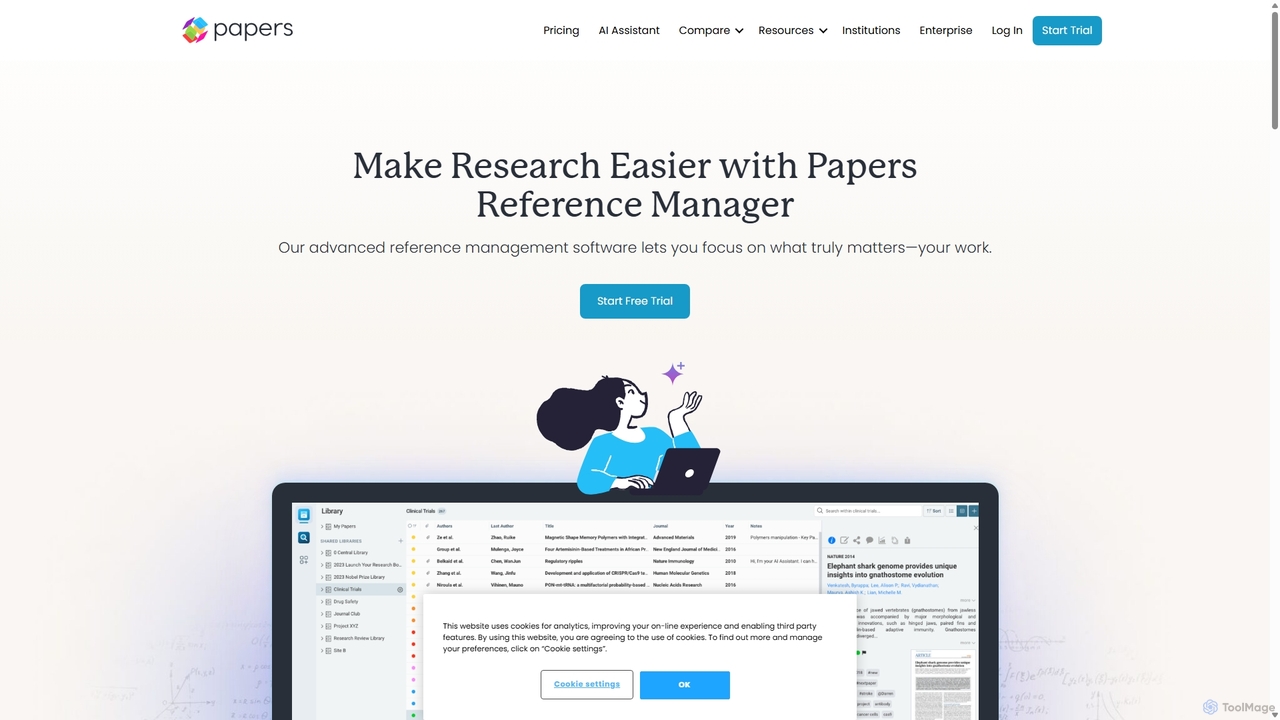
Papers is an advanced AI-powered reference management software designed for students, academics, and corporate researchers. It helps you organize, discover, analyze, and cite your research materials, streamlining your entire workflow from literature discovery to manuscript writing.

Academic
Visits 69.3KFavorites 106Likes 108
Freemium

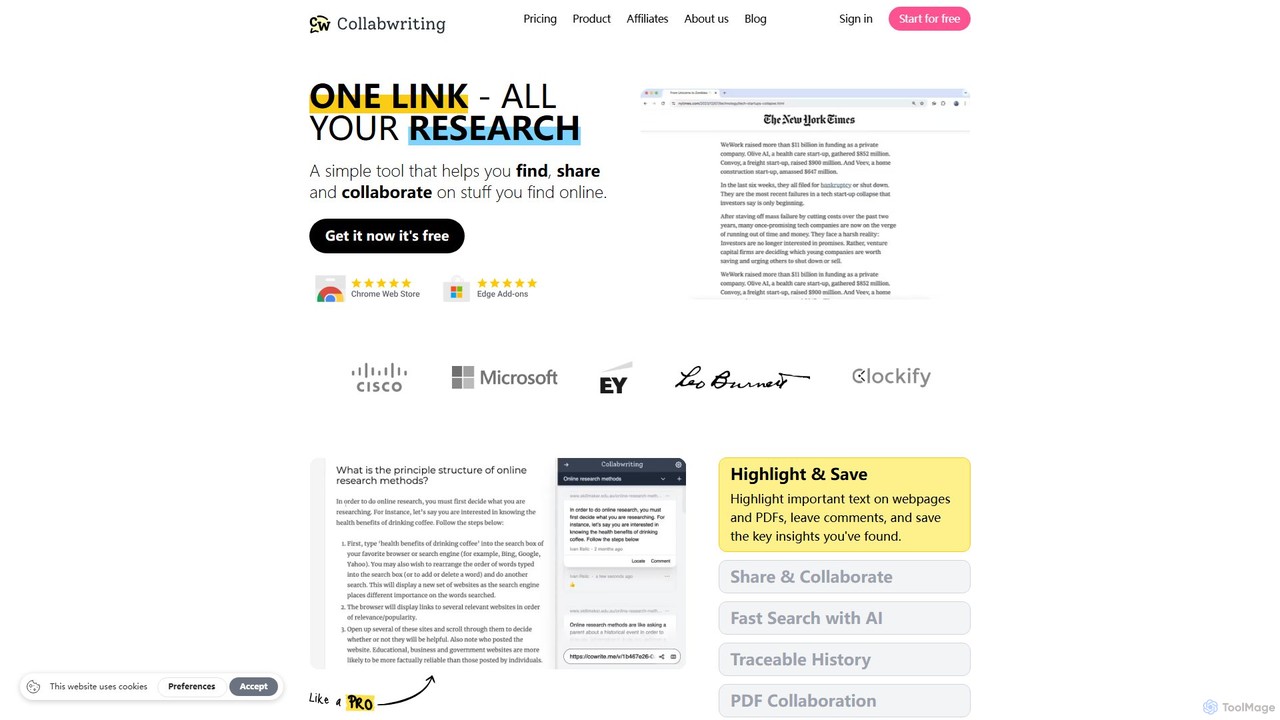
Collabwriting

Collabwriting is an AI-powered research and collaboration tool that helps you find, save, and share information from webpages, PDFs, and Kindle. Highlight key text, add comments, and organize your findings with tags and topics. Its AI Copilot automates research, while seamless integrations with Notion and Google Docs streamline your workflow, making it ideal for teams and individuals.

Knowledge Management
Visits 4.3KFavorites 112Likes 120
Freemium

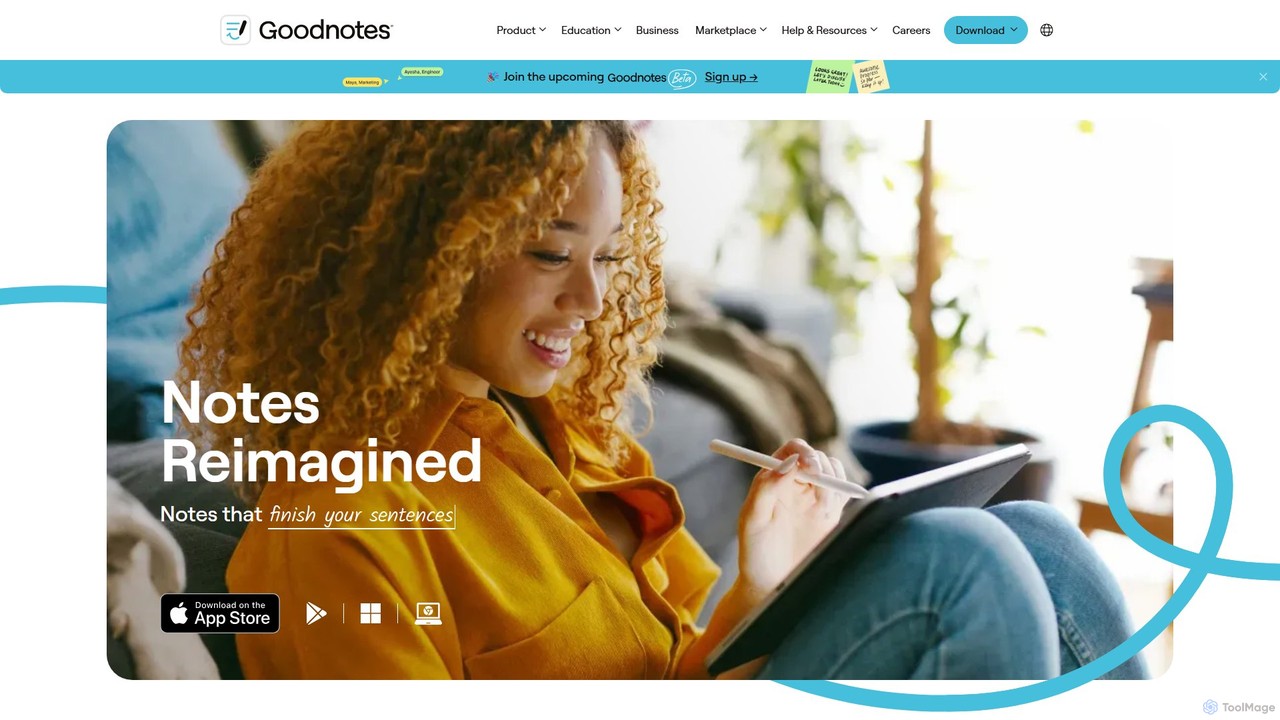
Goodnotes

Goodnotes is a leading digital note-taking app that enhances the handwriting experience with powerful AI features. It allows users to create, organize, and search handwritten notes, annotate PDFs, and study with interactive flashcards. Available across iOS, Android, Windows, and Web, it's designed for students, professionals, and anyone looking to digitize their notebooks and boost productivity.

Document Management
Visits 2.4MFavorites 88Likes 90
Freemium

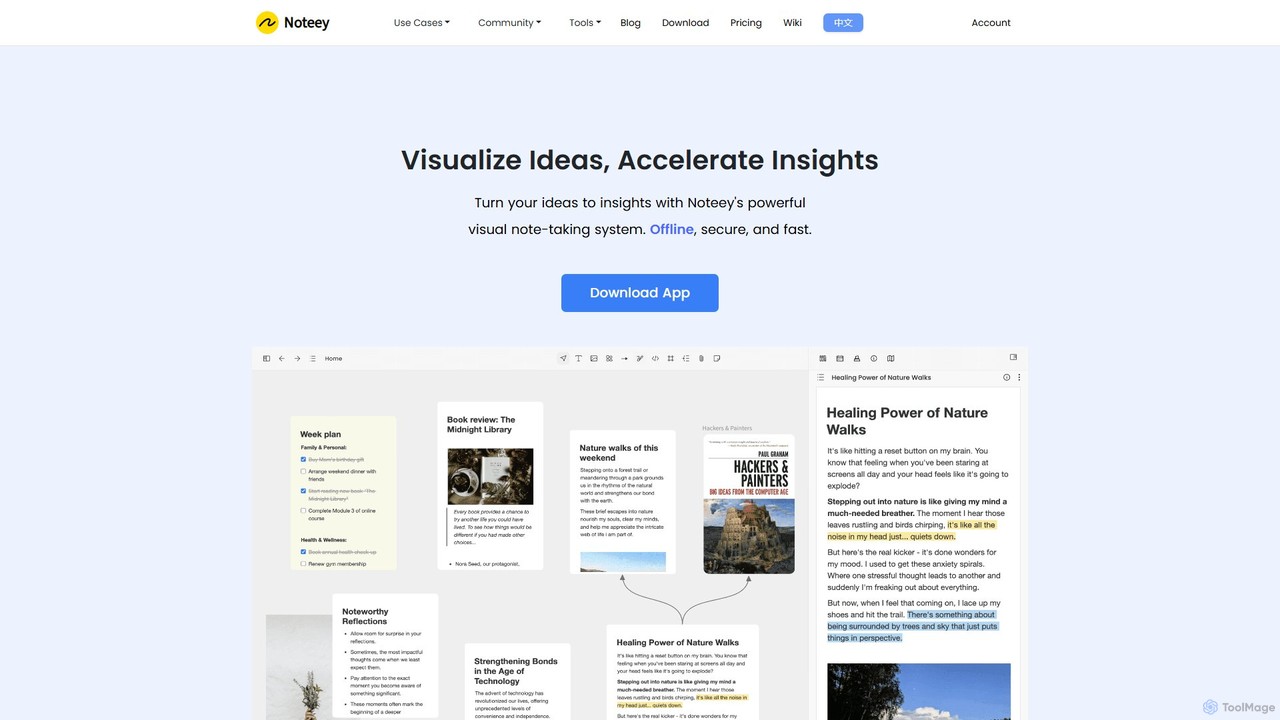
noteey

Noteey is an offline-first visual note-taking and knowledge management app for Mac & Windows. It features an infinite canvas to visually organize ideas, notes, PDFs, videos, and mind maps, helping you turn fragmented information into structured insights. Ideal for researchers, students, and creative thinkers.

Research
Visits 209.2KFavorites 97Likes 103
Freemium

Nebo

Nebo is an AI-powered note-taking application that transforms your handwritten notes into professional documents. Featuring world-class handwriting recognition, it allows you to write, draw, edit with pen gestures, convert math and diagrams, and annotate PDFs seamlessly across your devices.

Document Management
Visits 3.8KFavorites 103Likes 105
Tag