
Nebo Overview
Nebo is a revolutionary note-taking application designed to bridge the gap between handwriting and the digital world. Powered by MyScript's world-leading AI, Nebo offers an unparalleled digital ink experience, allowing users to create beautiful notes, professional documents, and freeform sketches with the natural ease of pen and paper. It's built for students, professionals, and anyone who values the flexibility of handwriting but requires the power of digital text.
The application provides three distinct content types to suit different needs: the structured Document for linear note-taking that reflows like a web page, the freeform Board which is an infinite canvas for brainstorming and visual thinking, and the standard Notebook for daily notes with fixed-size pages. With Nebo, your handwritten content is not static; it's interactive and intelligent.
How to use Nebo
Getting started with Nebo is intuitive. First, choose the type of note you want to create: a Document, a Board, or a page in a Notebook. Using a stylus like the Apple Pencil, you can begin writing or drawing directly on the screen. The experience is designed to feel as natural as writing on paper, with virtually no lag. As you write, you can use simple, natural pen gestures to edit your content in real-time—scratch out words or shapes to erase them, underline text to make it bold, or draw a vertical line to create a line break. To convert your handwriting into typed text, simply double-tap the content. You can also hand-draw diagrams, charts, and mathematical equations, which Nebo can convert into perfect, editable digital objects. For PDF workflows, import any PDF into Nebo to annotate it freely with your pen. All your notes, documents, and annotations can be synced across your devices (iPad, Mac, iPhone) using cloud services like iCloud, Google Drive, or Dropbox.
Core Features of Nebo
- AI-Powered Handwriting Recognition: Utilizes the world's most accurate handwriting recognition engine, supporting 66 languages.
- Handwriting to Text Conversion: Instantly convert handwritten notes, lists, and titles into typed text with a simple gesture.
- Interactive Ink & Pen Gestures: Edit and format your notes using intuitive pen gestures like scratching to erase, underlining for emphasis, and more, without interrupting your flow.
- Math and Diagram Objects: Hand-draw equations and diagrams, and Nebo will convert them into perfect, editable, and solvable forms. Math can be exported as LaTeX, and diagrams remain editable even in PowerPoint.
- Freeform Canvas & Structured Documents: Choose between an infinite, zoomable canvas (Board) for brainstorming or a responsive document (Document) where content reflows intelligently.
- PDF Annotation: Import PDFs, mark them up with your pen, and search your handwritten annotations. Your annotations are editable and are exported with the PDF.
- Cross-Device Sync: Keep your notes synchronized and accessible across your iPad, Mac (with Apple silicon), and iPhone through cloud services.
- Global Search: Search your entire library, including handwritten text, typed text, and PDF annotations, to find information quickly.
- Custom Dictionary: Improve recognition accuracy by adding custom words, acronyms, and names to your personal dictionary.
- Generative AI Features: The Nebo AI beta introduces generative AI tools to summarize notes, create quizzes from them, and enhance the overall note-taking process.
Use Cases for Nebo
For Students: Take notes in class, solve complex math problems, and create interactive diagrams. With the new Nebo 6 AI features, students can automatically generate study sets and quizzes from their notes, making revision more efficient.
For Professionals: Capture meeting minutes by hand and instantly convert them to a Word document to share with colleagues. Use the infinite Board to brainstorm project ideas, create mind maps, and develop workflows. Annotate reports and contracts in PDF format on the go.
For Creatives and Thinkers: Sketch out ideas, designs, and concepts on a limitless canvas. The ability to convert rough shapes into perfect forms helps in creating clean and professional-looking diagrams and mockups.
For Everyday Organization: Create to-do lists, jot down quick thoughts, and organize personal information. The combination of handwriting, keyboard input, and dictation offers ultimate flexibility for capturing information anytime, anywhere.
Advantages of Nebo
The primary advantage of Nebo is its superior AI technology, which makes digital handwriting not just possible, but powerful and productive. It eliminates the tedious task of transcribing handwritten notes. The flexibility to switch between structured documents and freeform canvases within one app caters to diverse needs. Its interactive ink technology, which allows for real-time editing with gestures, creates a seamless and focused user experience. Furthermore, its cross-platform availability and robust sync capabilities ensure your ideas are always with you.
Pricing and Plans
Nebo operates on a freemium model. You can download the app for free and get started with a limited number of pages (e.g., 5 free pages on iPad) to experience the core features. To unlock the full potential of the app, including unlimited pages, notebooks, and advanced features, a one-time purchase is required. This single purchase unlocks the full feature set on all compatible devices (iPad, Mac, iPhone). For the most current pricing details, please check the App Store on your device.
Traffic
Latest traffic
Status
Monthly traffic trend
- 2025-9: 144.6K
- 2026-1: 0
- 2026-2: 0
- 2026-3: 333
- 2026-4: 0
- 2026-5: 274
Nebo Alternatives
Goodnotes
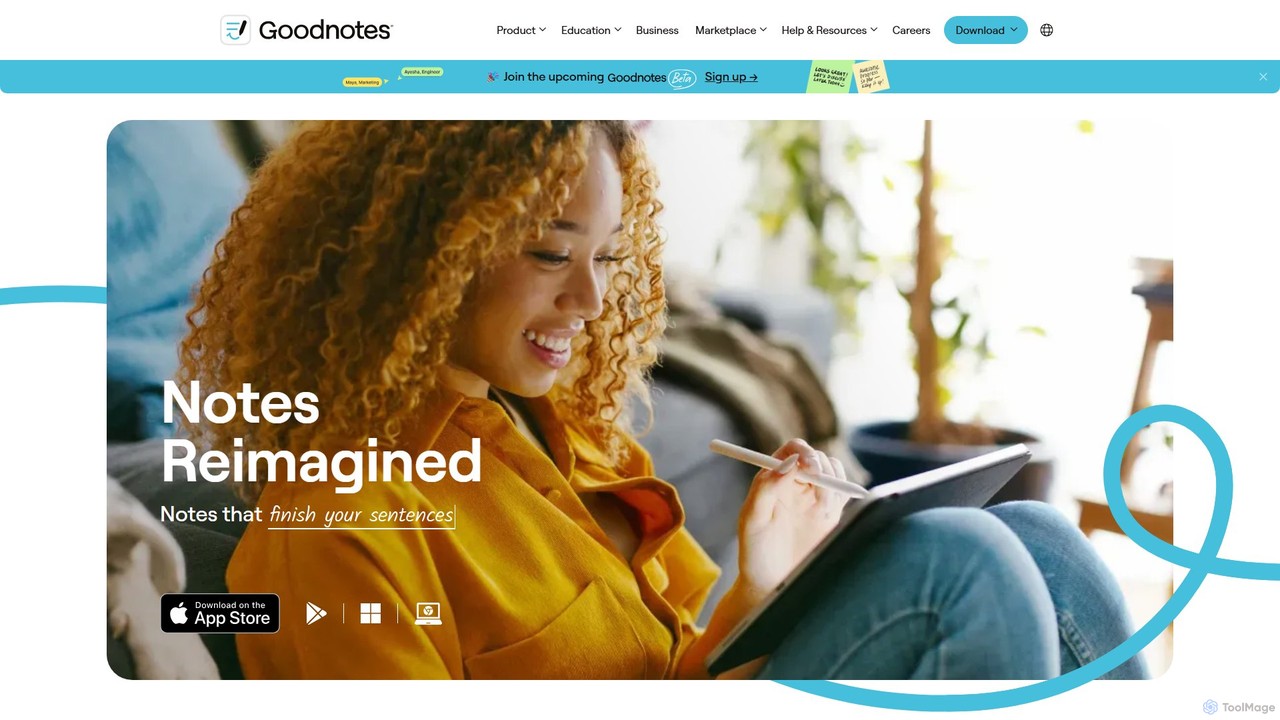
Goodnotes is a leading digital note-taking app that enhances the handwriting experience with powerful AI features. It allows users to create, organize, and search handwritten notes, annotate PDFs, and study with interactive flashcards. Available across iOS, Android, Windows, and Web, it's designed for students, professionals, and anyone looking to digitize their notebooks and boost productivity.
Document Management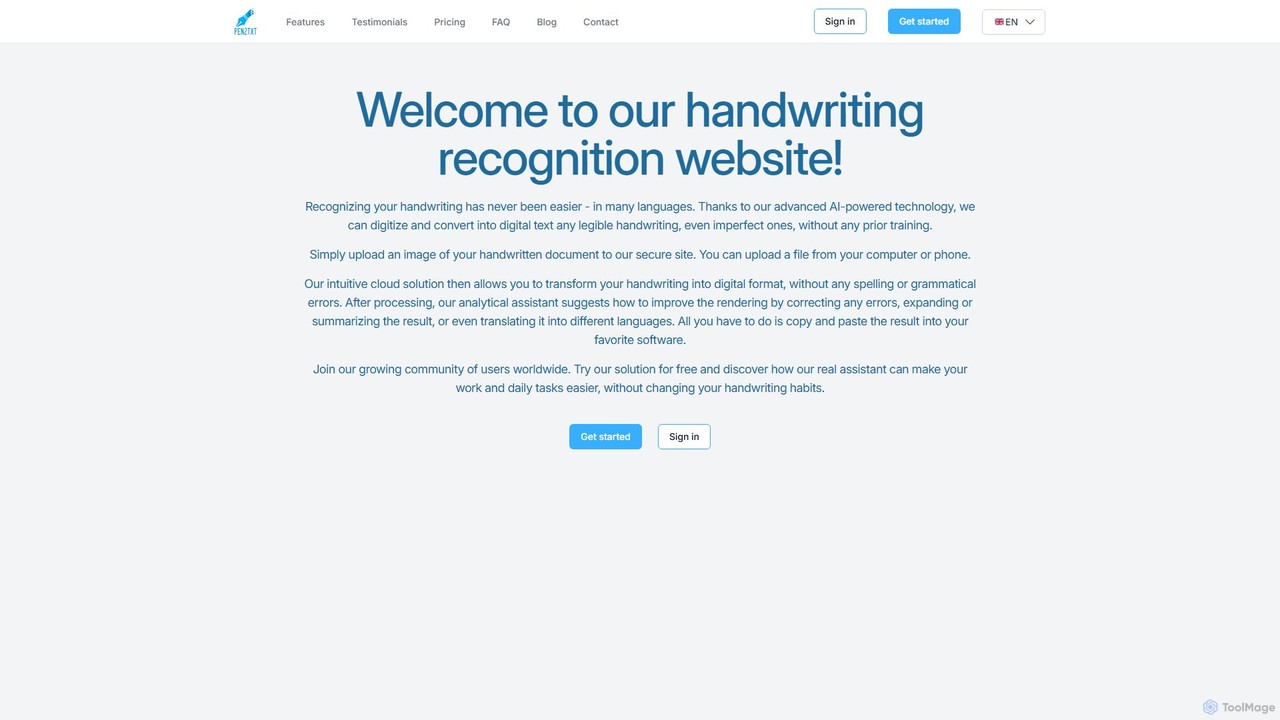
pen2txt
Pen2txt is an AI-powered handwriting recognition (HTR) tool that effortlessly converts handwritten notes into editable, searchable digital text. It supports various languages and handwriting styles, including imperfect and cursive scripts. With its intuitive interface and advanced analytical assistant, you can digitize, correct, summarize, and even translate your notes, bridging the gap between analog writing and digital efficiency.
Student Tools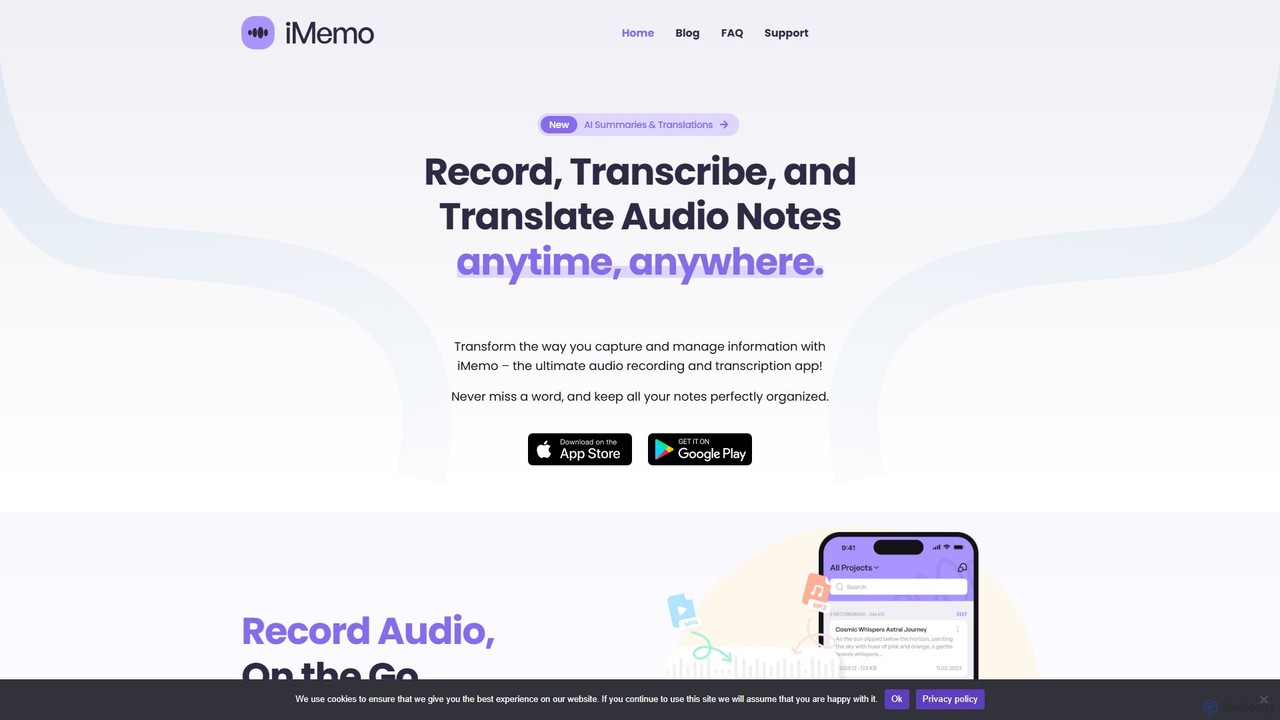
iMemo
iMemo is an AI-powered note-taking assistant that transforms audio into actionable text. Record meetings, lectures, or ideas, and get instant transcriptions, AI-generated summaries, and translations in over 100 languages. Organize your notes in project folders, find information quickly with advanced search, and stay focused without distracting meeting bots. Ideal for students, professionals, journalists, and anyone looking to save time and capture every detail.
Transcription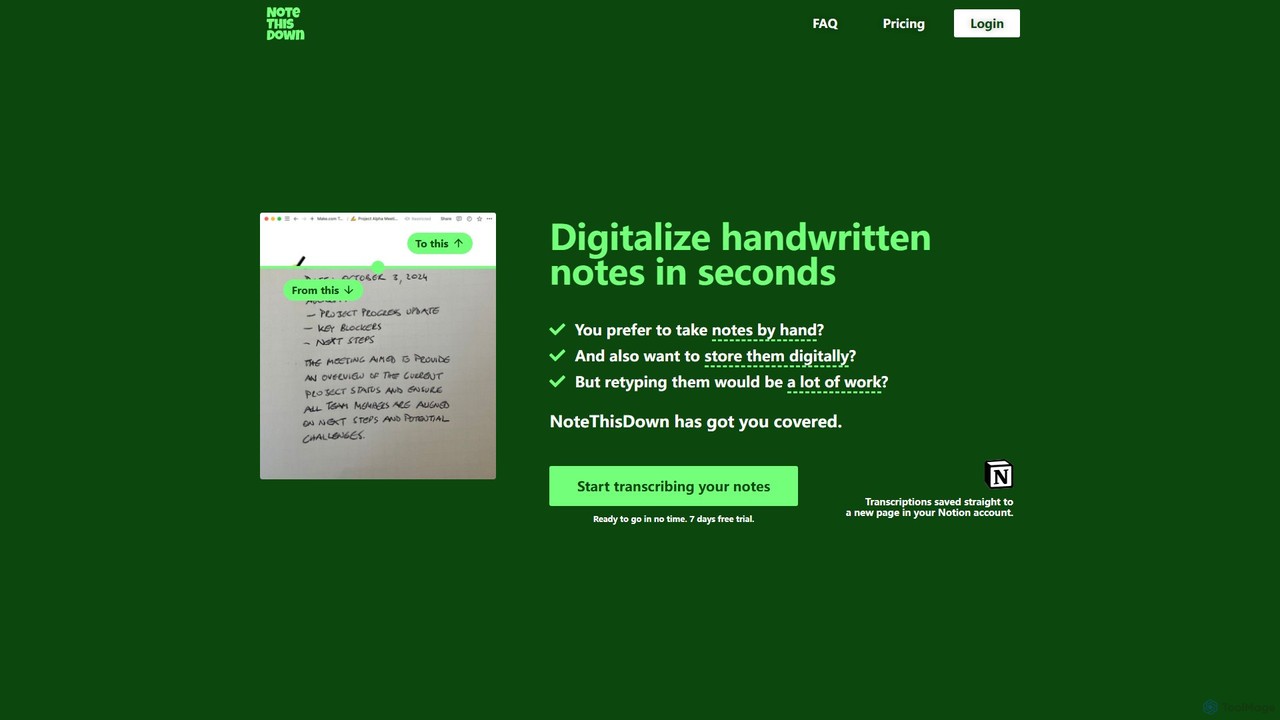
Note This Down
Note This Down is an AI-powered tool that specializes in transcribing handwritten notes into editable digital text. Simply upload photos of your notes, and the tool accurately converts them, saving the transcription directly to your Notion account for seamless organization and access.
Student Tools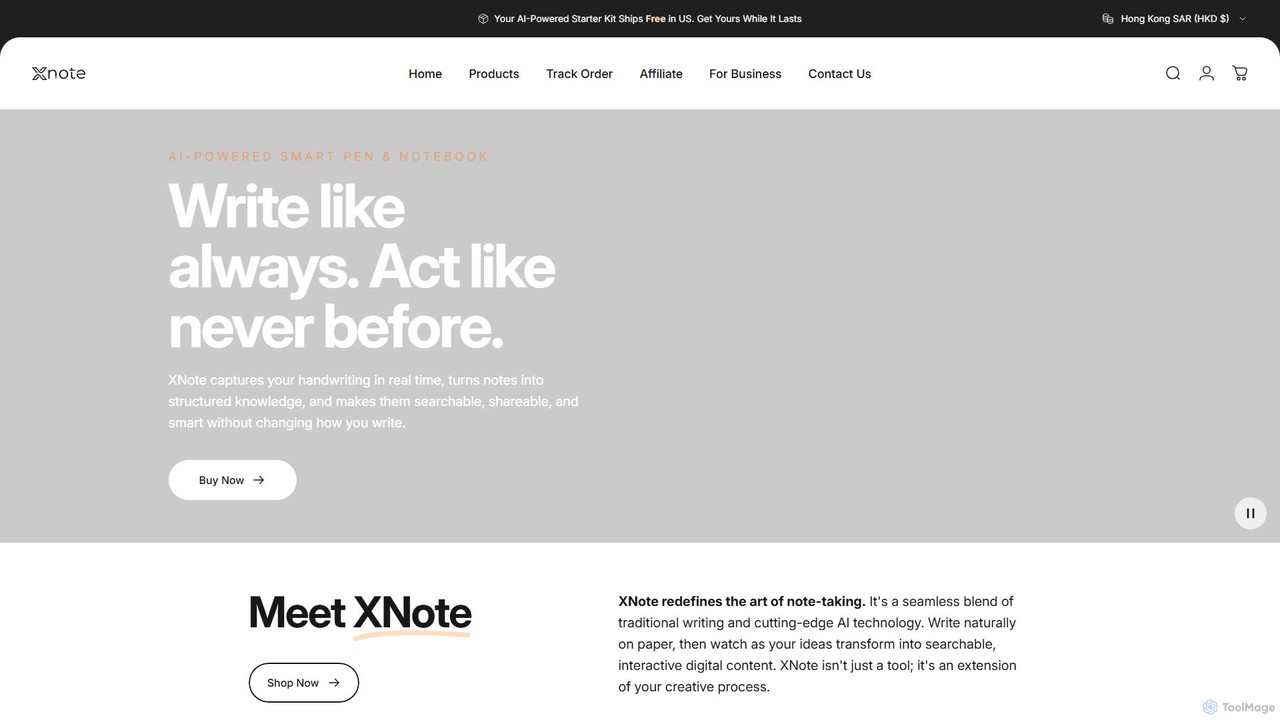
XNote
XNote is an AI-powered smart writing set that combines a traditional pen and paper notebook with advanced digital technology. It captures your handwriting in real-time, converts it into editable digital text, and uses AI to help you search, summarize, and organize your notes. It's designed for anyone who loves the feel of writing on paper but needs the power and convenience of digital tools.
Study ToolsNebo Categories
Nebo Embed Widget
Copy this embed code to place the badge on your blog, article, or product site and send readers directly to this ToolMage detail page.

Related AI tools
XNote
XNote is an AI-powered smart writing set that combines a traditional pen and paper notebook with advanced digital technology. It captures your handwriting in real-time, converts it into editable digital text, and uses AI to help you search, summarize, and organize your notes. It's designed for anyone who loves the feel of writing on paper but needs the power and convenience of digital tools.
Study Tools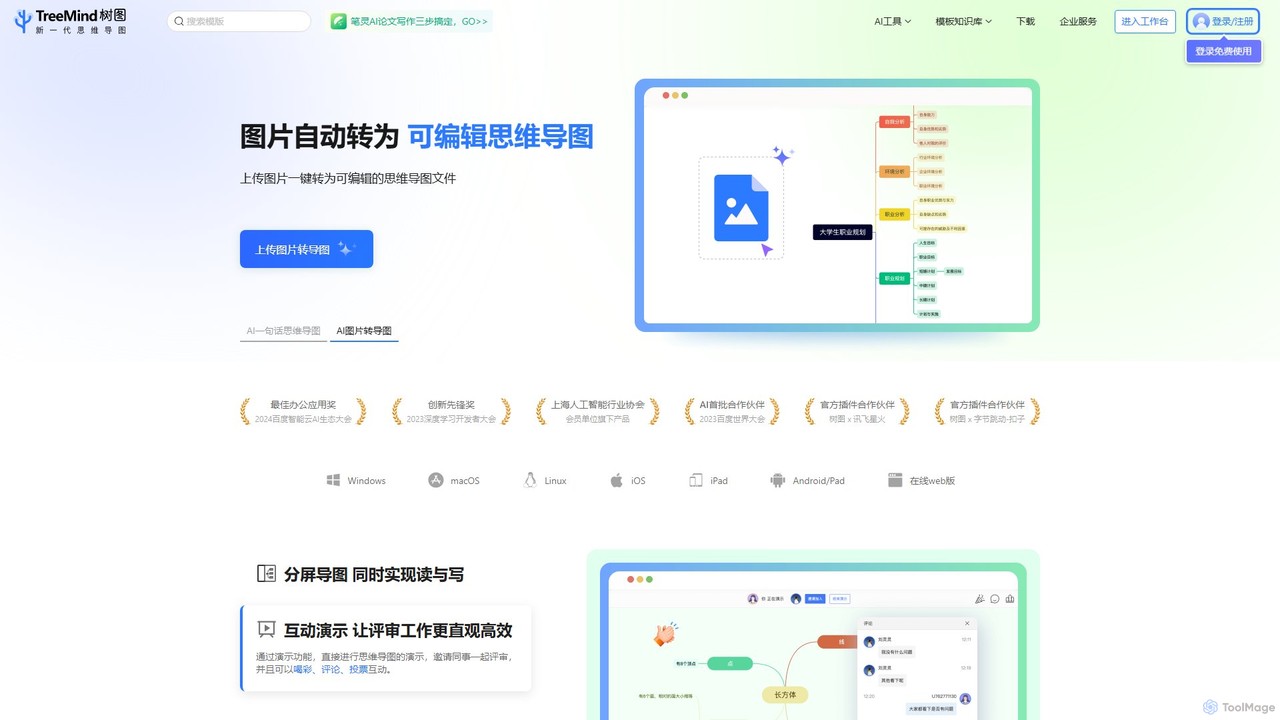
TreeMind
TreeMind is a next-generation AI-powered mind mapping tool that allows users to generate, organize, and visualize ideas effortlessly. It supports creating mind maps from a single sentence, images, or documents, and offers real-time collaboration, cross-platform synchronization, and a vast library of templates and design assets.
Generative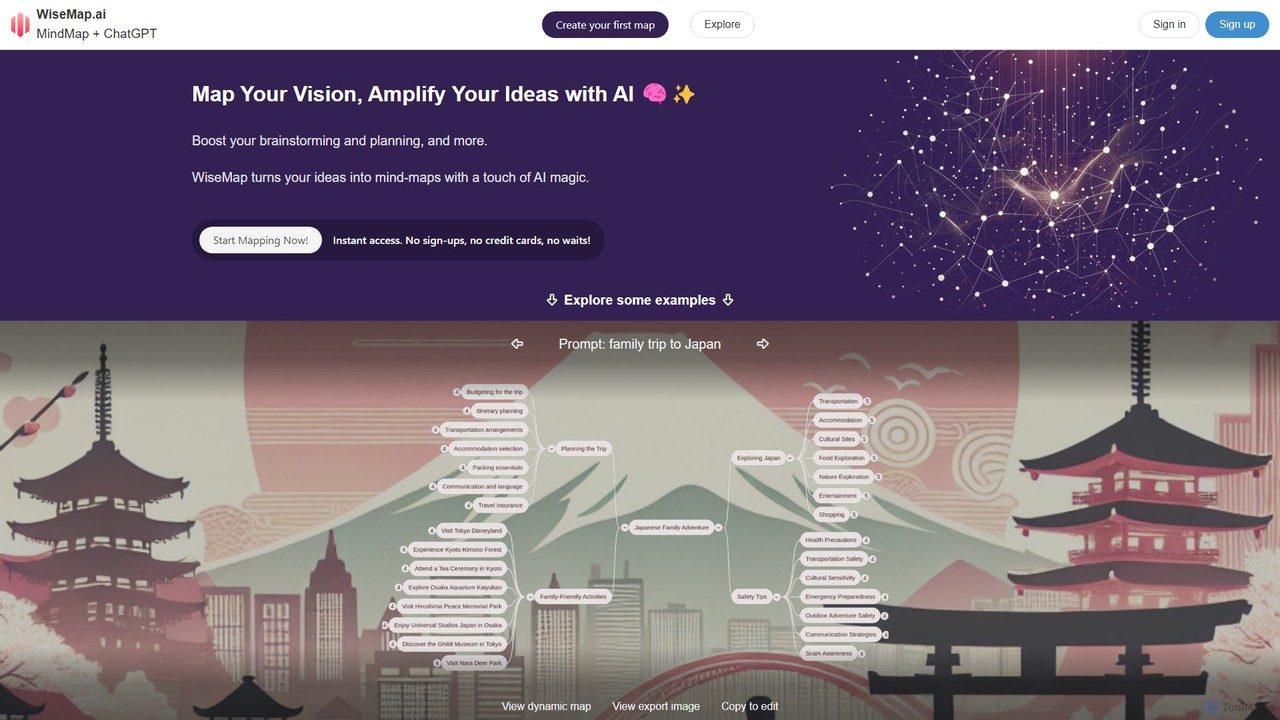
WiseMap
WiseMap is an AI-powered mind mapping tool that transforms your text prompts into structured, visual diagrams. Leveraging AI like ChatGPT, it helps you brainstorm, plan projects, and organize ideas effortlessly. Start with a simple idea and let the AI expand it into a comprehensive map, which you can then manually edit, customize, and share.
BrainstormingGoodnotes
Goodnotes is a leading digital note-taking app that enhances the handwriting experience with powerful AI features. It allows users to create, organize, and search handwritten notes, annotate PDFs, and study with interactive flashcards. Available across iOS, Android, Windows, and Web, it's designed for students, professionals, and anyone looking to digitize their notebooks and boost productivity.
Document Management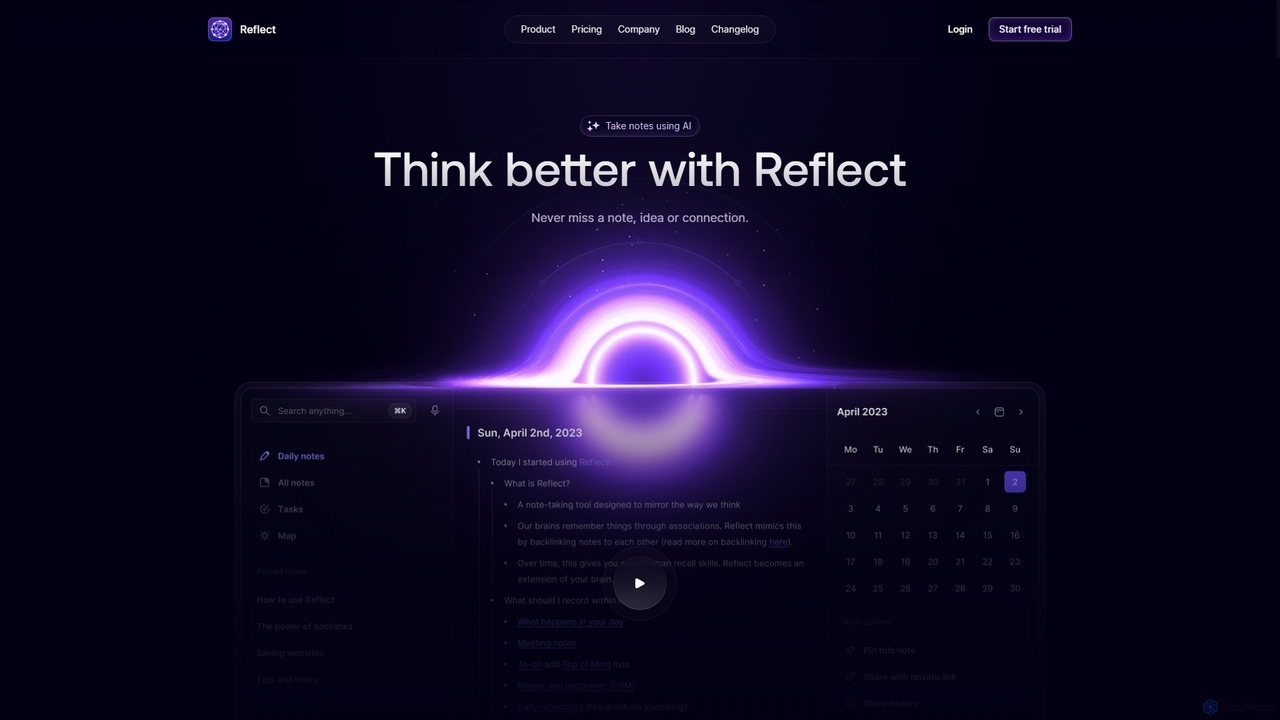
Reflect
Reflect is an AI-powered, networked note-taking app designed to help you think better. It acts as a 'second brain' by connecting your notes through backlinks, creating a graph of your ideas. With features like AI-driven transcription, summarization, end-to-end encryption, and seamless cross-device sync, it's built for speed, security, and frictionless thought capture.
Personal Assistant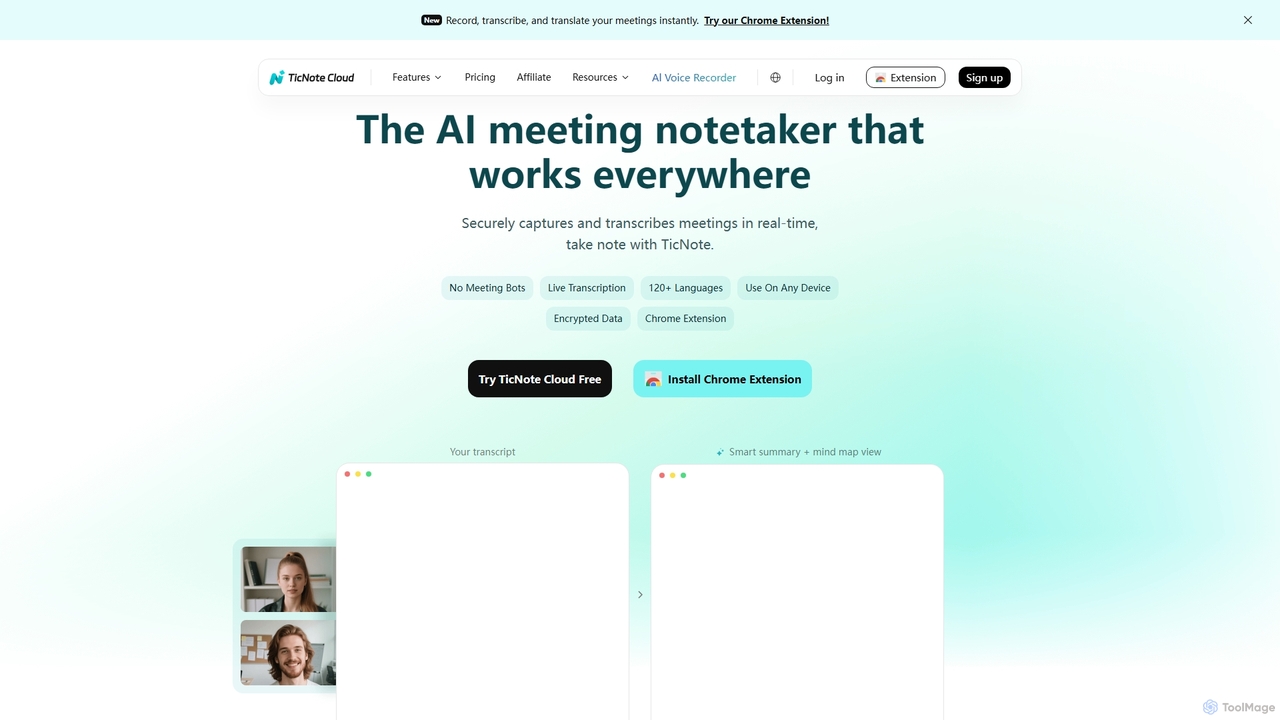
TicNote
TicNote is an AI-powered meeting notetaker that transcribes, summarizes, and organizes conversations in real-time across 120+ languages. It uses on-device AI to generate smart summaries, mind maps, and action items without meeting bots, enhancing productivity and knowledge management for professionals.
Language Processing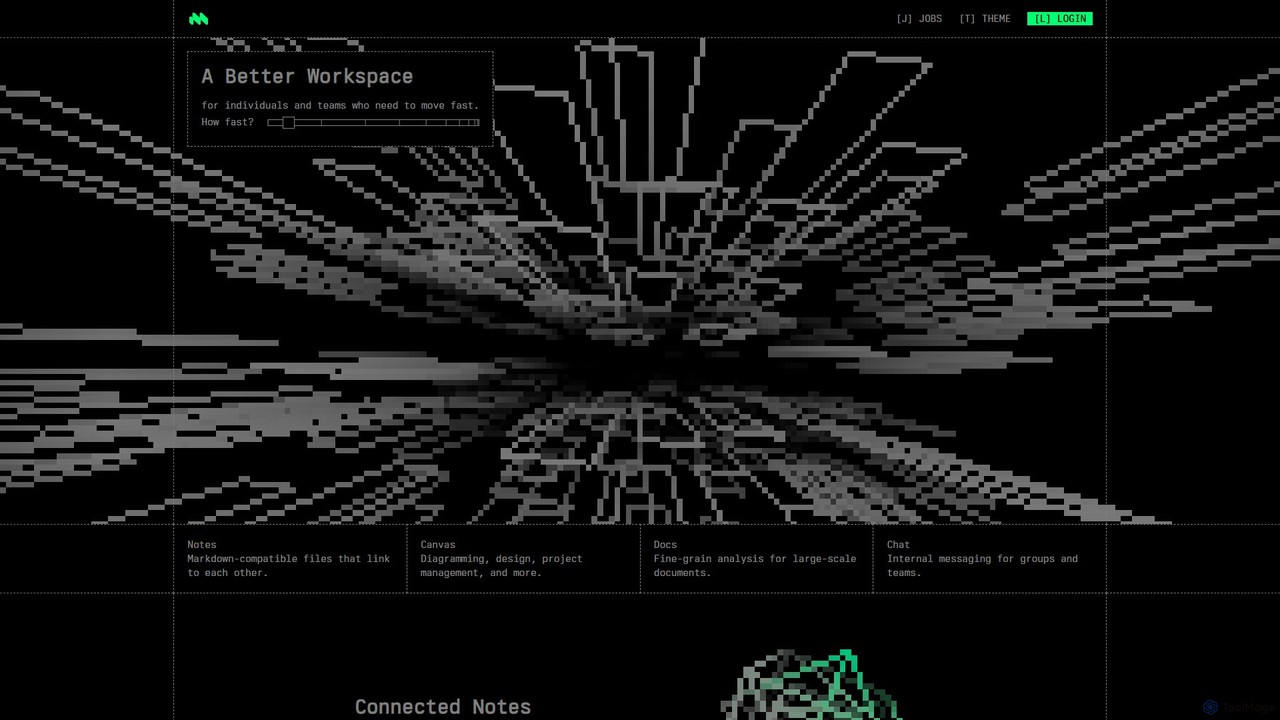
Macro
Macro is an AI-powered, unified workspace designed for speed and collaboration. It integrates linkable notes, an infinite canvas for brainstorming, intelligent document analysis, and threaded team chat into a single, secure, and enterprise-ready platform.
Ai Document Analysis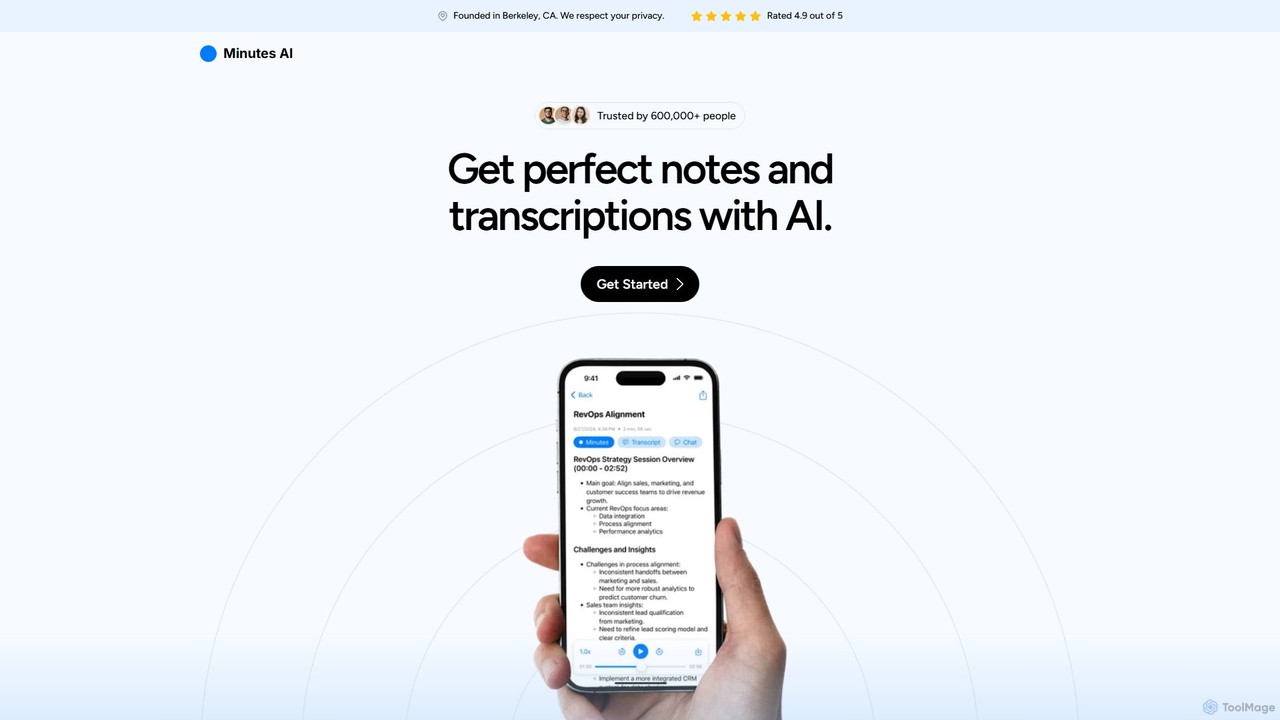
myminutes
myminutes is an AI-powered tool that automates note-taking and transcription from audio. It instantly converts live recordings, audio files, or YouTube videos into beautifully formatted, summarized notes and accurate transcripts, allowing you to focus on the conversation.
Meeting Assistant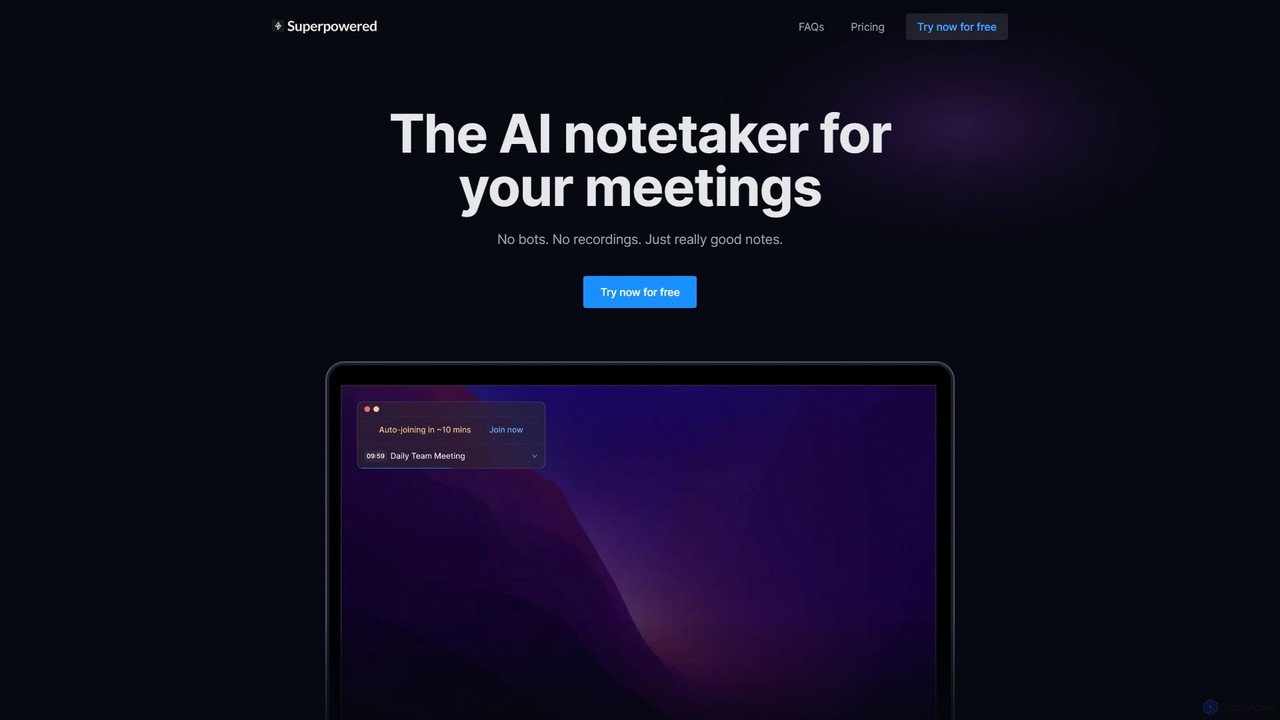
Superpowered
Superpowered is an AI meeting assistant that generates high-quality notes, summaries, and action items without using bots or recordings. It works seamlessly with all meeting platforms by transcribing device audio in real-time, ensuring privacy and security. It integrates with your calendar and workflow tools to boost productivity.
Meeting Assistant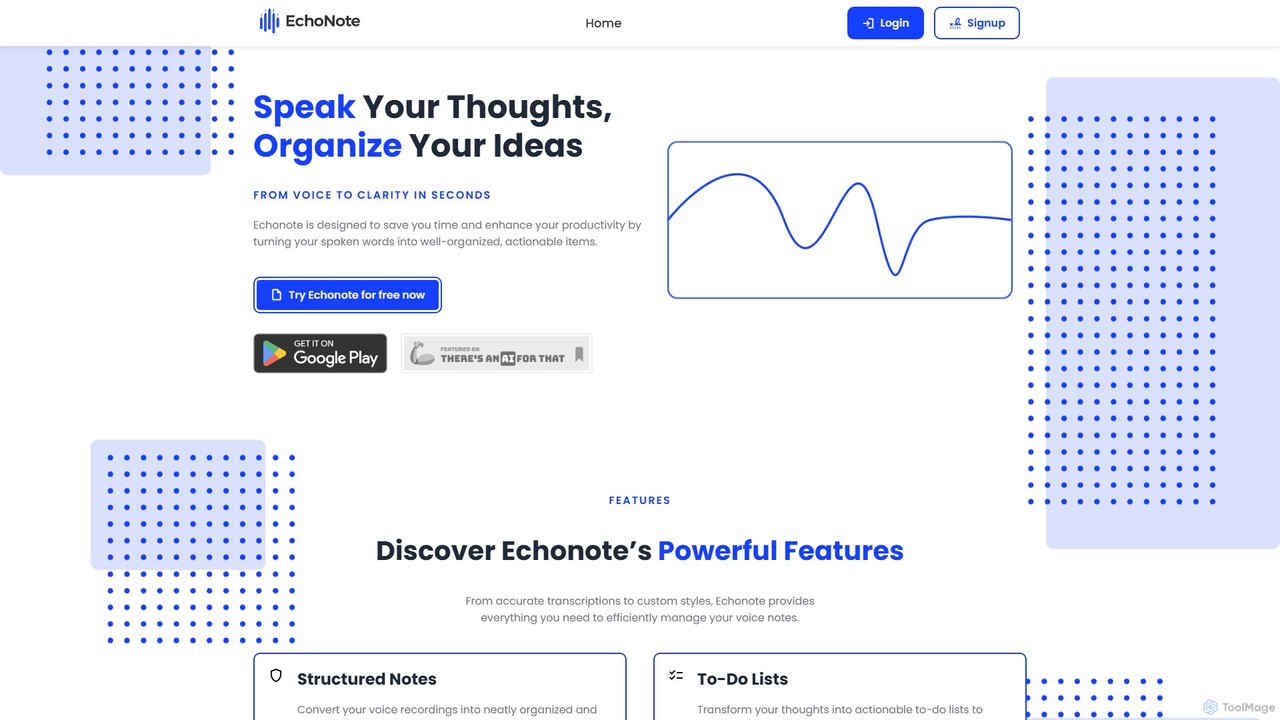
EchoNote
EchoNote is an AI-powered tool that transforms your voice recordings into structured notes, actionable to-do lists, and custom-formatted text. It supports over 50 languages and syncs across web, iOS, and Android to boost your productivity and organize your ideas effortlessly.
Speech To Text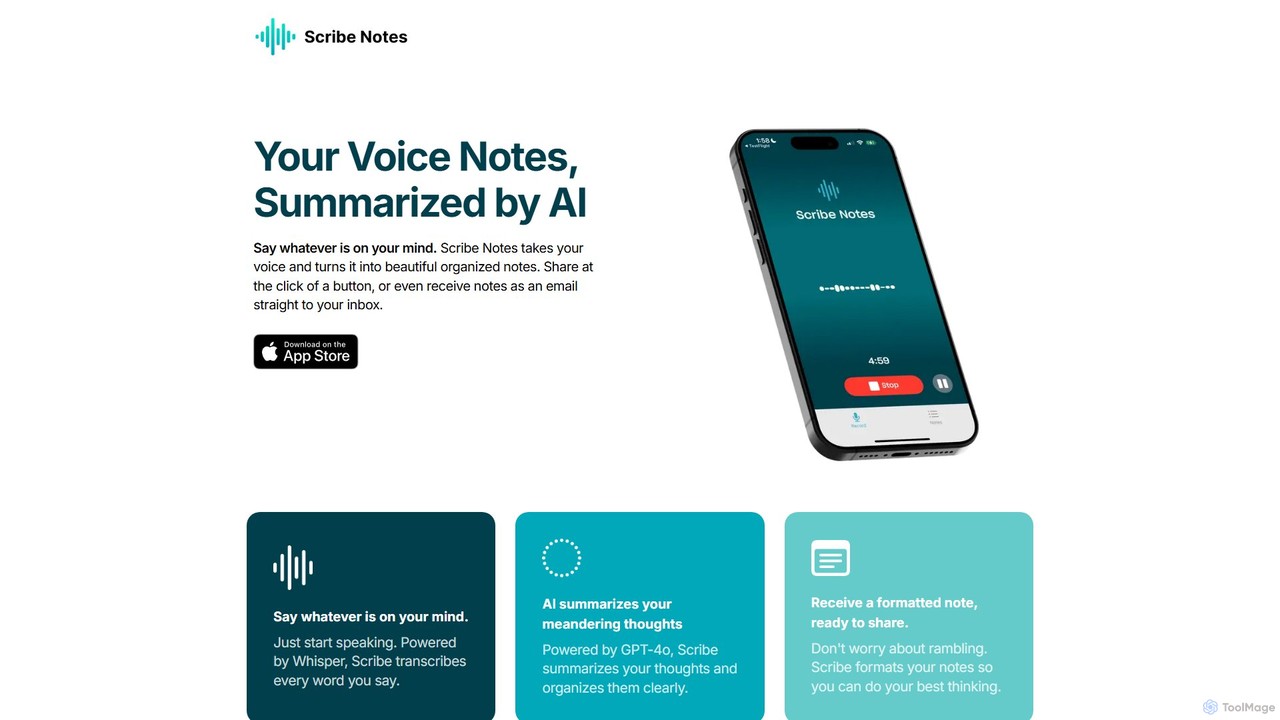
Scribe Notes
Scribe Notes is an AI-powered voice memo app for iOS that transcribes and summarizes your spoken thoughts. Capture ideas on the go with your iPhone or Apple Watch, and receive organized, actionable notes automatically.
Transcription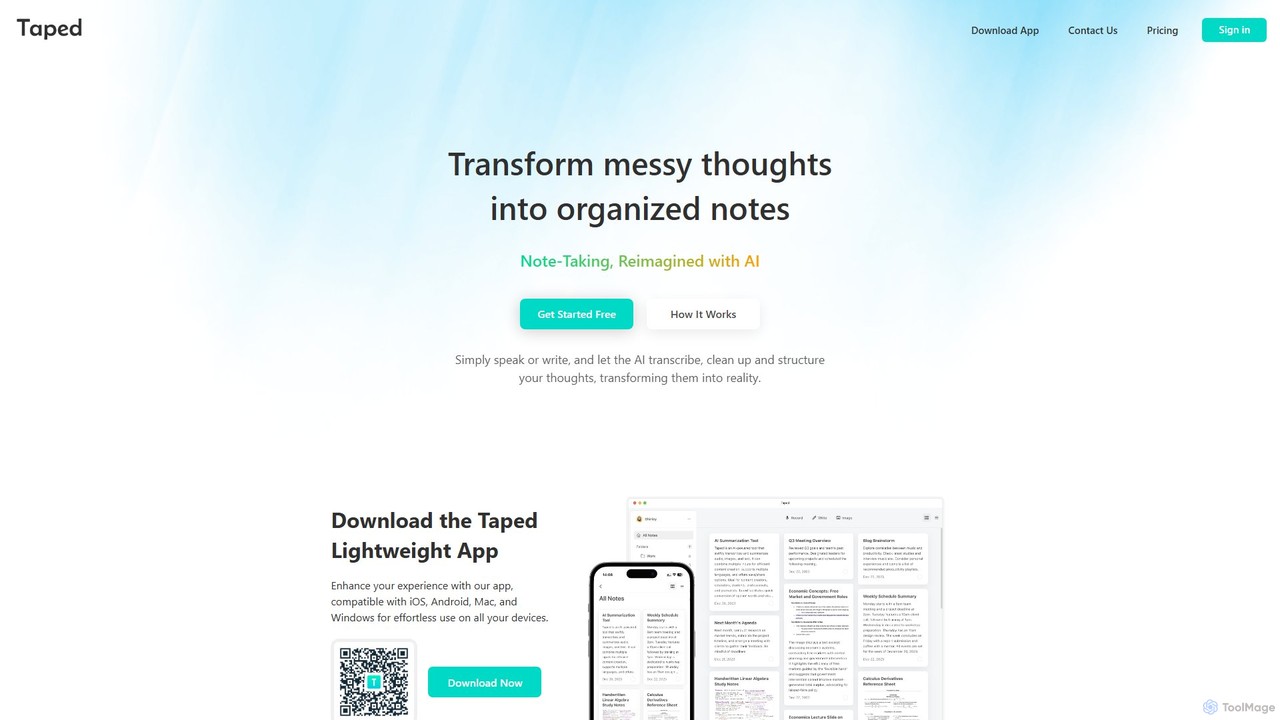
Taped
Taped is an AI-powered note-taking application that transforms your spoken or written thoughts into structured, organized, and summarized notes. It uses advanced AI to transcribe, clean up, and format your ideas, making it easy to capture and act on them across all your devices.
Transcription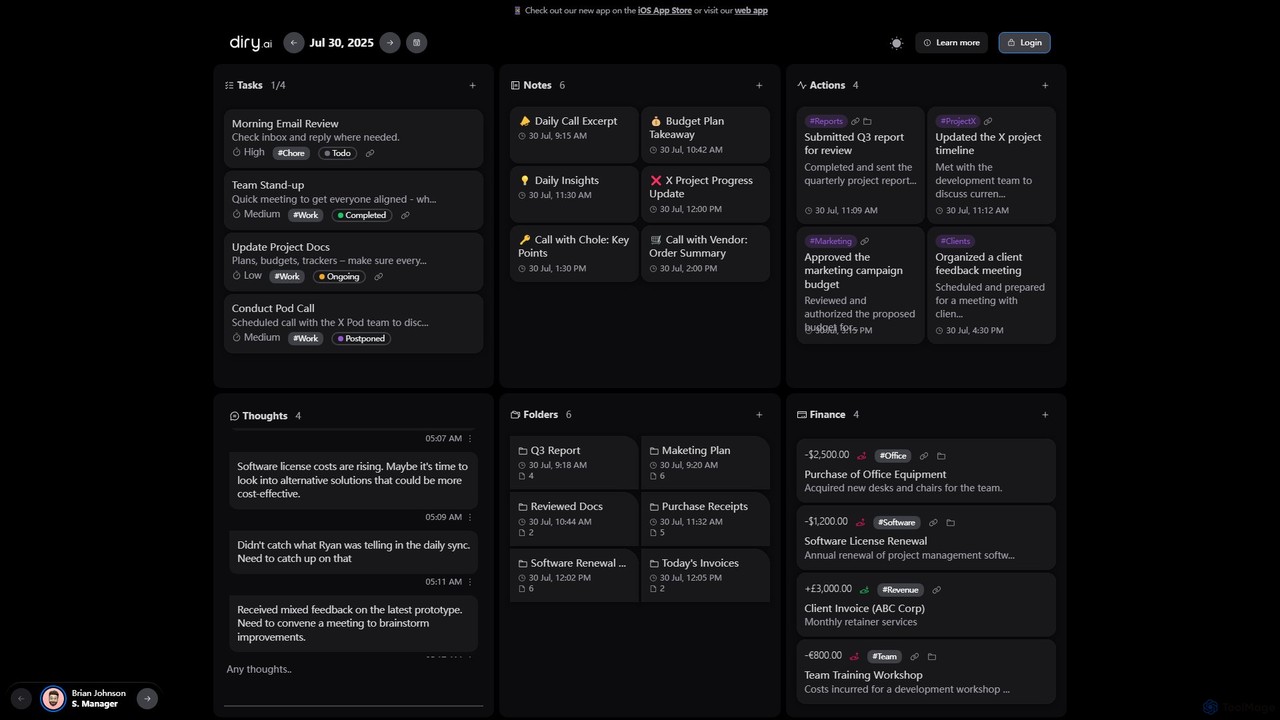
Diry AI
Diry AI is an intelligent life organizer that uses AI to automatically capture, categorize, and connect your daily tasks, notes, thoughts, and finances. It acts as a unified workspace, streamlining your personal and professional life by transforming unstructured inputs into organized, actionable information.
Expense Tracking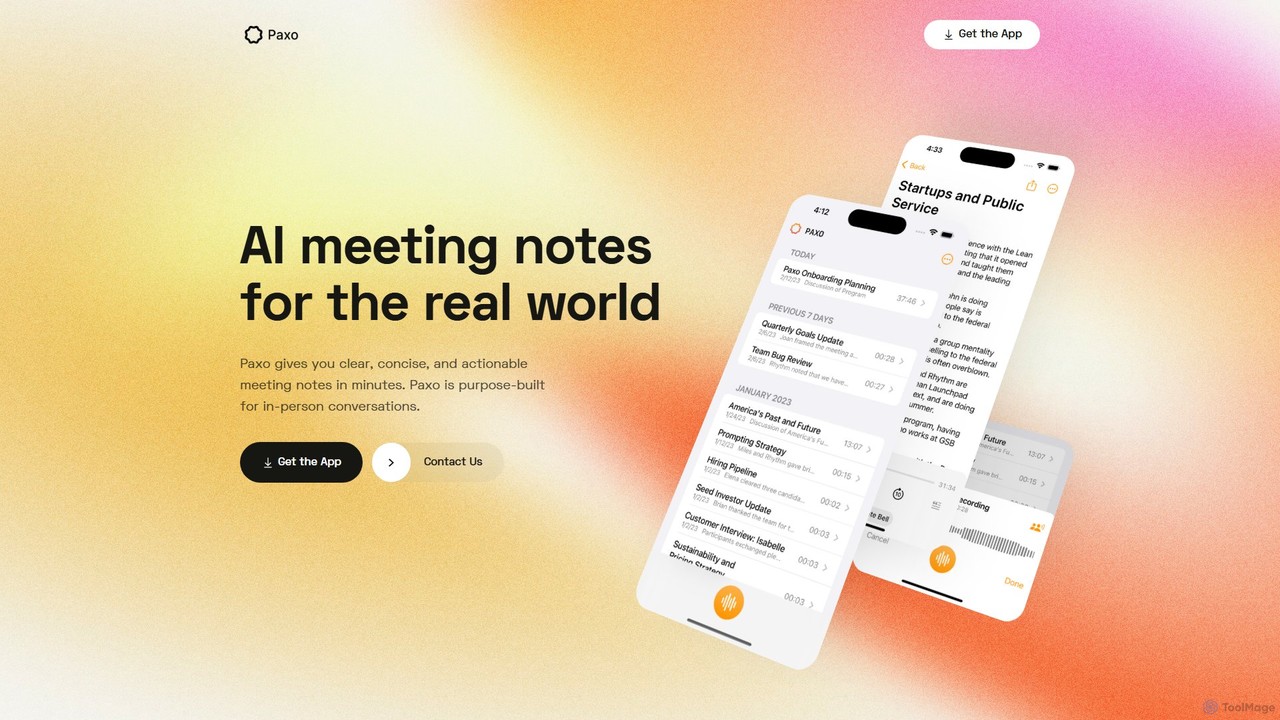
Paxo
Paxo is an AI-powered meeting notes application for Apple devices that records, transcribes, and summarizes your conversations. It transforms audio into searchable, organized, and actionable notes, seamlessly synced across your devices with iCloud and a strong focus on privacy.
Transcription
Nebo Comments (0)
Sign in to comment.
Sign inNo comments yet.