

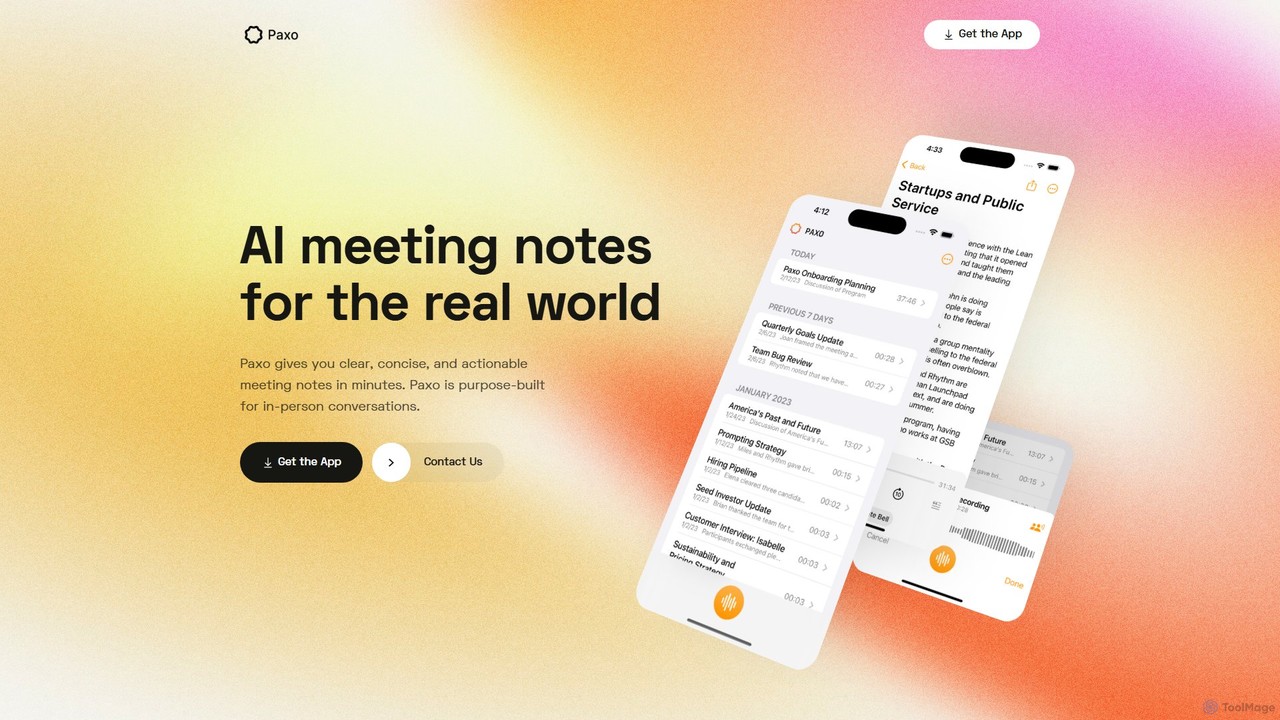
Paxo Overview
Paxo is a sophisticated AI-powered application designed to revolutionize how you capture and process information from meetings, lectures, and conversations. Dubbed as 'AI meeting notes for the real world,' Paxo is built specifically for the Apple ecosystem (iPhone, iPad, Mac), offering a seamless and secure experience. It goes beyond simple audio recording by providing intelligent transcription, insightful summaries, and effortless organization, allowing you to stay fully engaged in your discussions without the fear of missing critical details.
The core philosophy of Paxo is to augment human memory, not replace it. It acts as your personal assistant, diligently taking notes so you can focus on collaboration and critical thinking. With a strong commitment to user privacy, Paxo ensures your sensitive conversations are handled securely, processing data with minimal access. Its integration with popular productivity tools and constant feature updates make it an indispensable asset for professionals, students, and creators alike.
How to use Paxo
Using Paxo is designed to be intuitive and straightforward, integrating smoothly into your daily workflow. Here’s a typical step-by-step guide:
- Record Your Conversation: Simply open the Paxo app on your iPhone, iPad, or Mac and tap the record button to start capturing your meeting, interview, or lecture. The app ensures high-fidelity audio capture.
- Automatic AI Processing: Once you stop the recording, Paxo automatically gets to work. The audio is securely uploaded and processed by its advanced AI engine.
- Receive Intelligent Notes: In a short time, you'll receive a complete set of notes. This includes a highly accurate, speaker-separated transcript of the entire conversation.
- Review AI Summaries & Insights: Paxo doesn't just give you a wall of text. It intelligently generates a concise summary, pulls out key topics, and identifies actionable items or decisions made during the discussion.
- Search and Organize: All your recordings are automatically organized and become fully searchable. You can instantly find a specific piece of information, a quote, or a decision across all your past conversations.
- Export and Share: Easily export your notes—whether the full transcript or the AI summary—to other applications like Notion, Obsidian, or Google Docs to integrate them into your projects, reports, or study materials.
Core Features of Paxo
- AI-Powered Transcription: Delivers fast, accurate, and readable speech-to-text conversion. It includes speaker diarization, which clearly labels who said what, making transcripts easy to follow.
- Intelligent Summarization: The AI analyzes the transcript to produce a concise summary, highlighting the core message and key takeaways, saving you hours of review time.
- Action Item Detection: Automatically identifies and lists tasks, deadlines, and commitments discussed, ensuring nothing falls through the cracks.
- Seamless iCloud Sync: Your recordings and notes are always in sync across all your Apple devices. Start a recording on your iPhone and review the notes on your Mac without any manual effort.
- Powerful Global Search: A robust search engine allows you to find keywords, names, or phrases across your entire library of recordings in seconds.
- Privacy-First Design: Built from the ground up with privacy as a priority. Paxo minimizes its access to your personal information, ensuring your data remains secure.
- Versatile Export Options: Integrates with your workflow by allowing easy export of notes to popular platforms like Notion, Obsidian, and Google Docs.
Use Cases for Paxo
Paxo is a versatile tool that benefits a wide range of users:
- Professionals and Managers: Capture every detail from client calls, team meetings, and board reviews. Generate minutes automatically and track action items effortlessly.
- Students and Academics: Record lectures and seminars to focus on understanding the material, not just transcribing it. Quickly search for key concepts when preparing for exams.
- Journalists and Researchers: Conduct interviews with confidence, knowing every word is captured. Speed up the analysis and writing process with accurate transcripts.
- Consultants and Freelancers: Keep a perfect record of client requirements and feedback. Provide detailed call summaries as part of your service.
- Content Creators: Record podcasts, interviews, or video brainstorming sessions. Use the transcript to create show notes, blog posts, or subtitles.
Advantages of Paxo
Paxo offers a distinct competitive edge by focusing on a seamless, secure, and intelligent user experience. Its main advantages include its deep integration with the Apple ecosystem via iCloud, its robust privacy-first architecture, and its powerful AI that provides not just transcripts but actionable insights. This combination allows users to save time, improve productivity, and create a perfect, searchable archive of their most important conversations.
Pricing and Plans
Paxo typically operates on a freemium model, providing value to both casual and power users. While the exact details can change, the structure is generally as follows:
- Free Plan: This plan is ideal for users with occasional needs. It usually includes a monthly quota of free transcription minutes, standard recording features, and full search capabilities.
- Pro Plan: Aimed at professionals and heavy users, this paid plan typically offers unlimited transcription, access to advanced AI features like in-depth summaries and action item detection, more export formats, and priority customer support.
For the most current and detailed pricing information, please visit the official Paxo website or its page on the Apple App Store.
Paxo Alternatives
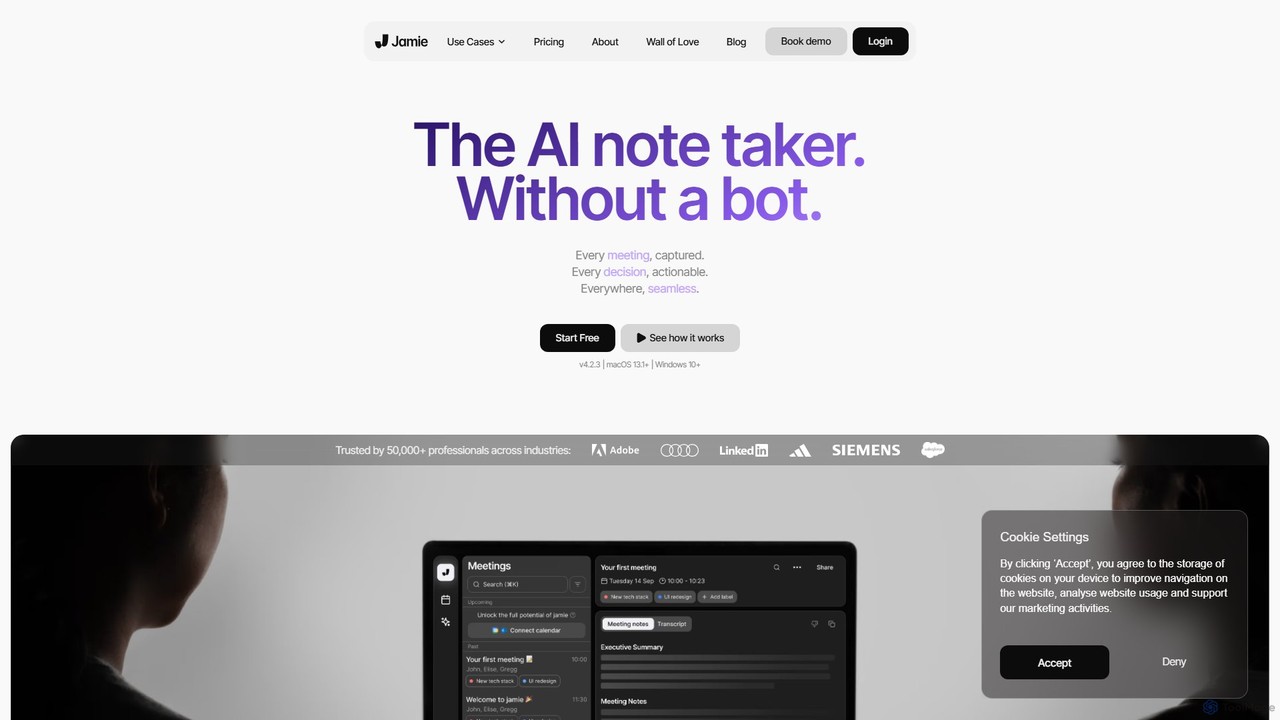
meetjamie
meetjamie is a personal AI note-taker that automatically summarizes online and in-person meetings without a bot. It captures detailed notes, identifies tasks and decisions, and allows you to ask questions across all your past meetings. It's a privacy-first desktop app for macOS and Windows, supporting over 100 languages.
Transcription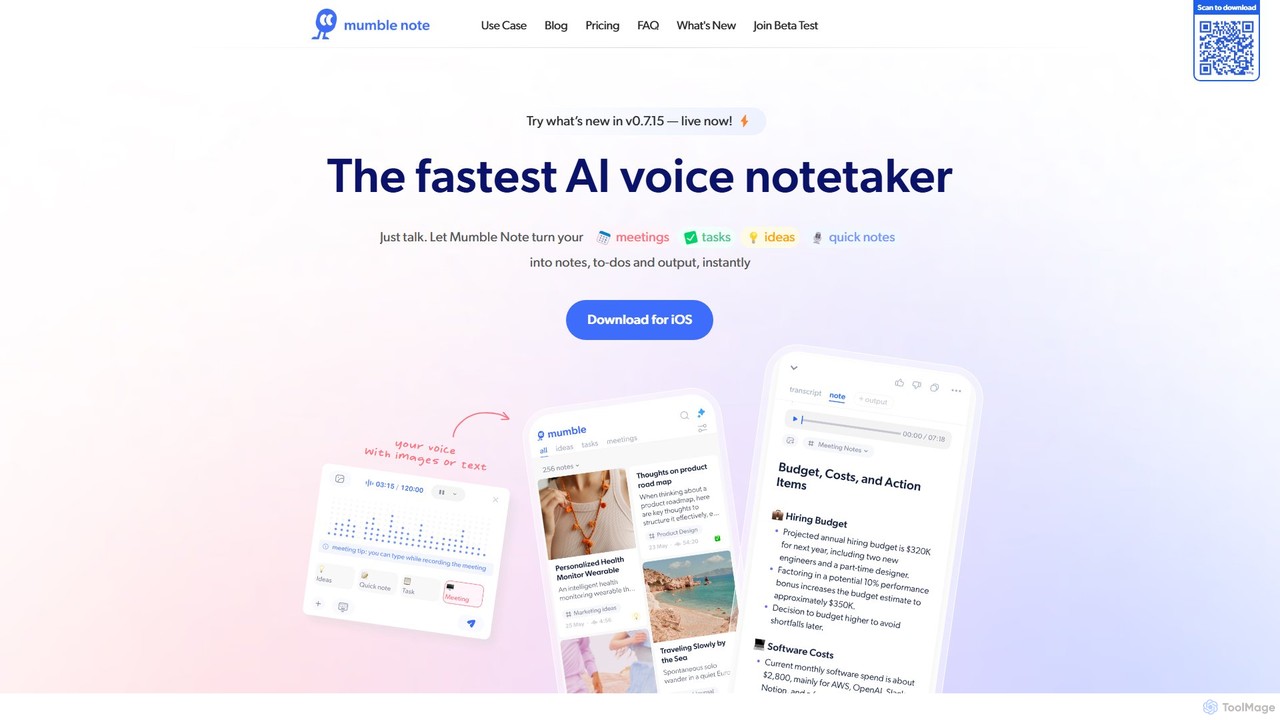
Mumble Note
Mumble Note is an AI-powered voice notetaker for iOS that instantly transcribes, summarizes, and organizes your meetings, ideas, and tasks. Just talk, and let the AI turn your scattered speech into structured, actionable notes, complete with to-dos and insights.
Transcription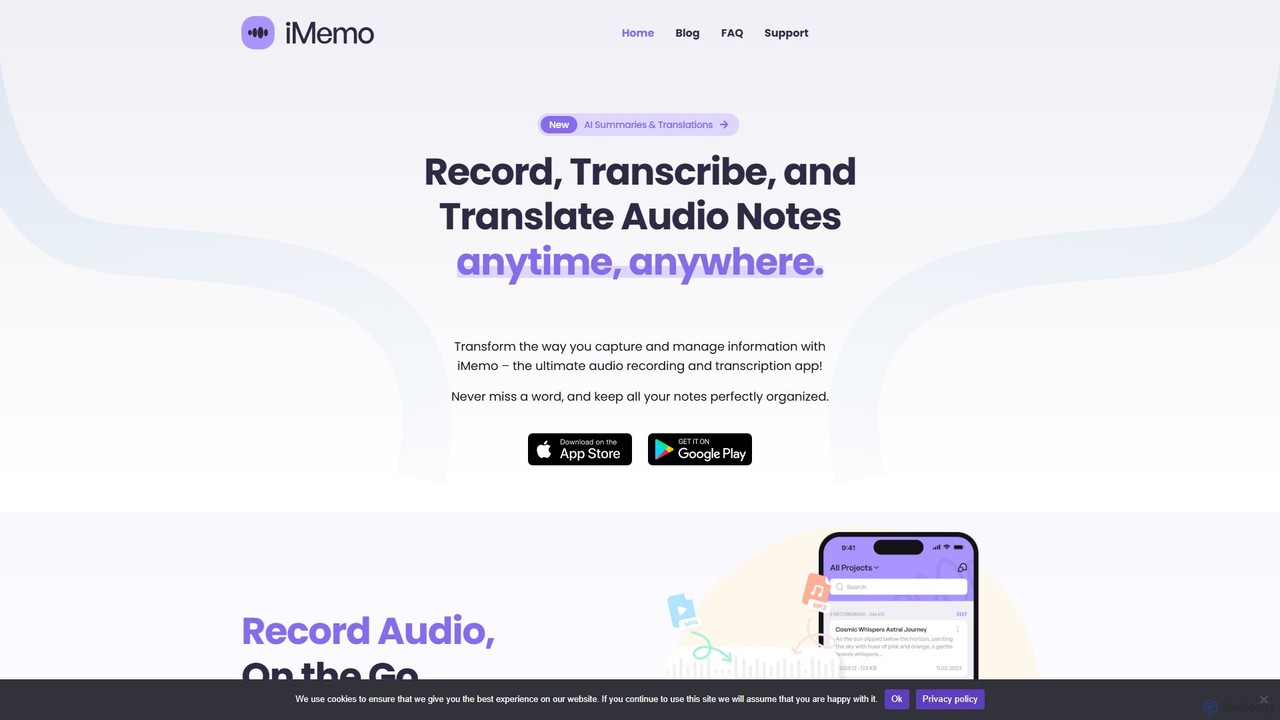
iMemo
iMemo is an AI-powered note-taking assistant that transforms audio into actionable text. Record meetings, lectures, or ideas, and get instant transcriptions, AI-generated summaries, and translations in over 100 languages. Organize your notes in project folders, find information quickly with advanced search, and stay focused without distracting meeting bots. Ideal for students, professionals, journalists, and anyone looking to save time and capture every detail.
Transcription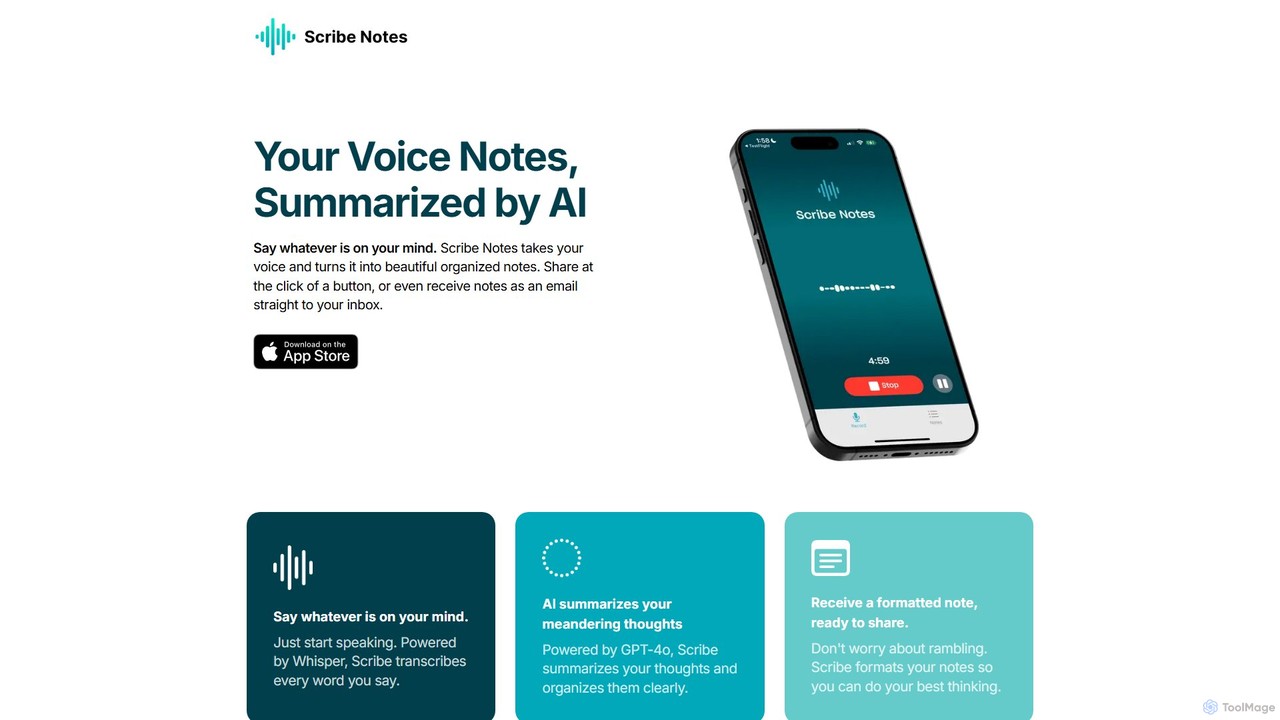
Scribe Notes
Scribe Notes is an AI-powered voice memo app for iOS that transcribes and summarizes your spoken thoughts. Capture ideas on the go with your iPhone or Apple Watch, and receive organized, actionable notes automatically.
Transcription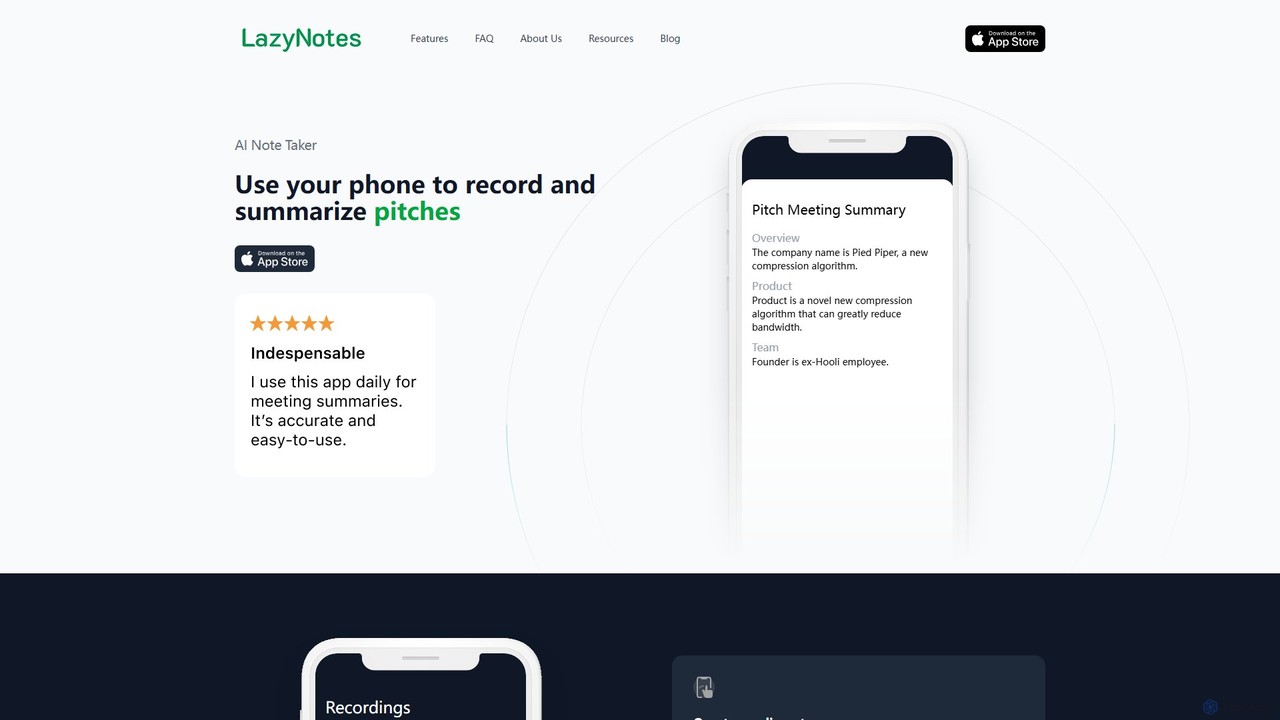
LazyNotes
LazyNotes is an AI-powered note-taker app for iPhone that records, transcribes, and summarizes your meetings. It allows you to stay fully engaged in conversations by automating the note-taking process. Get concise, human-like summaries with key action items and concerns delivered directly to your email, all with a single tap.
TranscriptionPaxo Categories
Paxo Embed Widget
Copy this embed code to place the badge on your blog, article, or product site and send readers directly to this ToolMage detail page.

Related AI tools
VOMO
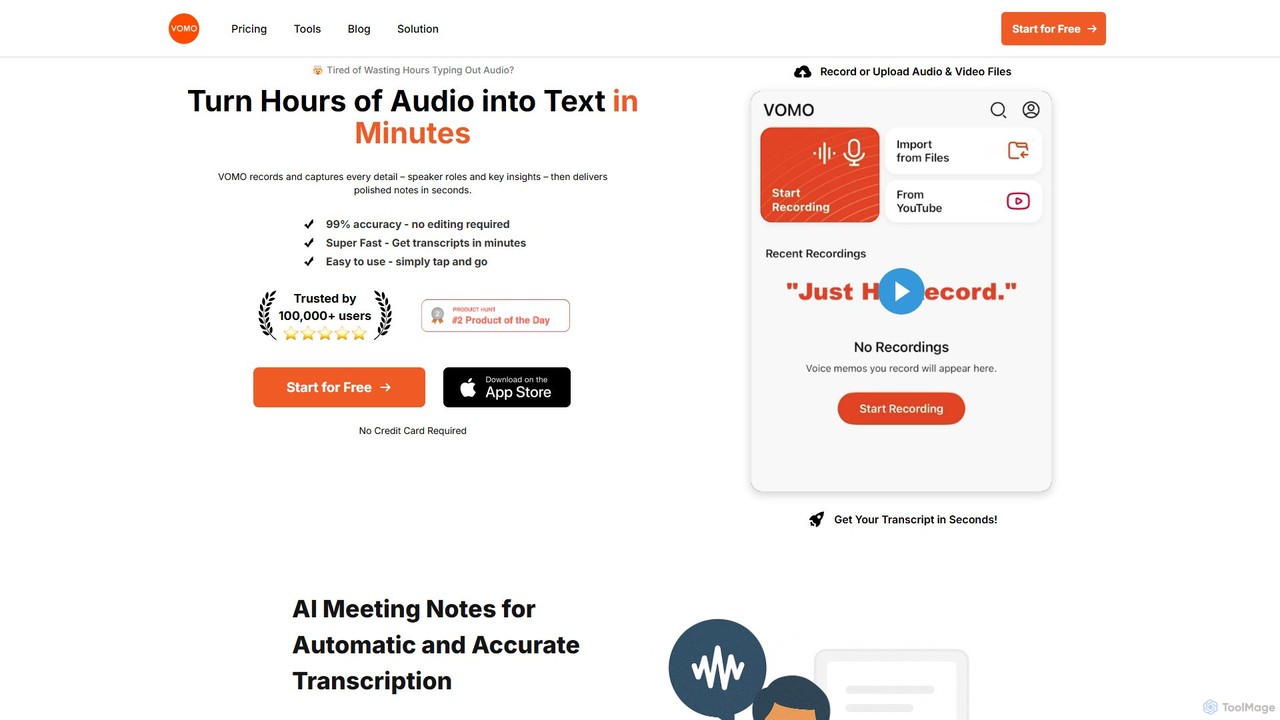
VOMO is an AI-powered tool that transcribes audio and video into text in minutes with 99% accuracy. It automatically generates meeting notes, summaries, and identifies speakers, helping users save time and boost productivity. It supports various file uploads, including YouTube links, and offers features like AI-powered Q&A and smart templates.
Speech To TextScribe Notes
Scribe Notes is an AI-powered voice memo app for iOS that transcribes and summarizes your spoken thoughts. Capture ideas on the go with your iPhone or Apple Watch, and receive organized, actionable notes automatically.
TranscriptionLazyNotes
LazyNotes is an AI-powered note-taker app for iPhone that records, transcribes, and summarizes your meetings. It allows you to stay fully engaged in conversations by automating the note-taking process. Get concise, human-like summaries with key action items and concerns delivered directly to your email, all with a single tap.
Transcription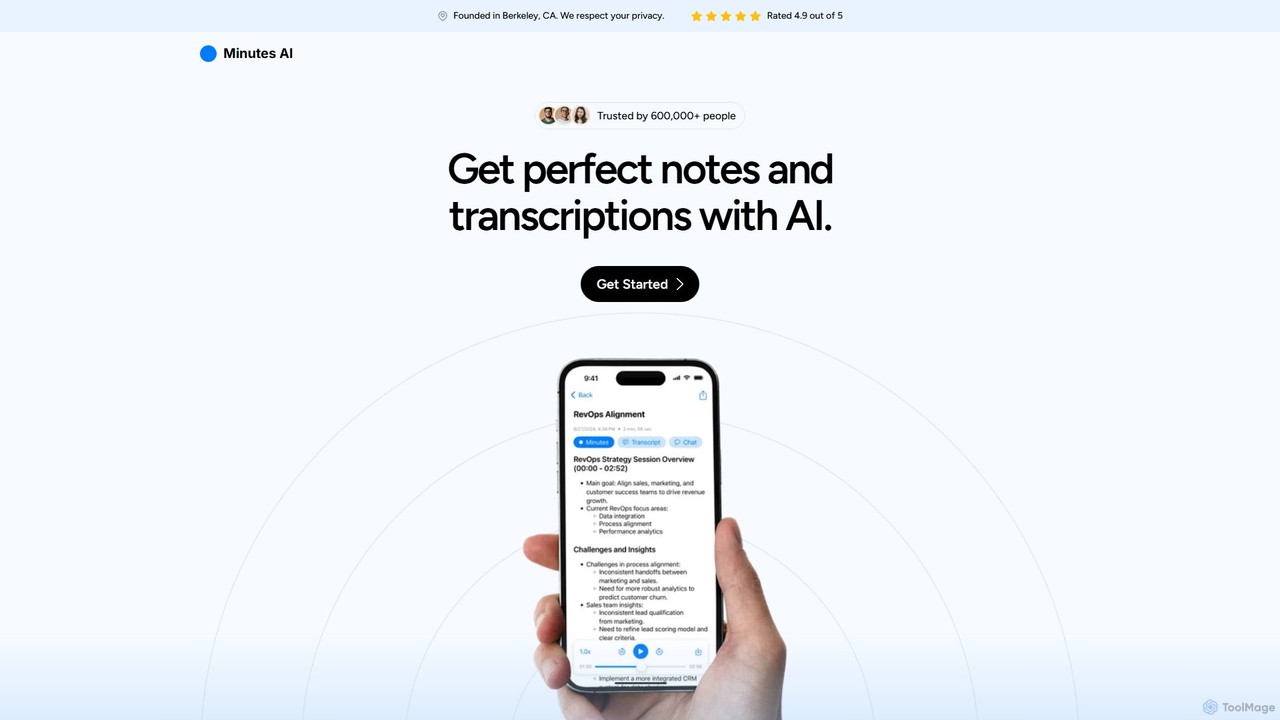
myminutes
myminutes is an AI-powered tool that automates note-taking and transcription from audio. It instantly converts live recordings, audio files, or YouTube videos into beautifully formatted, summarized notes and accurate transcripts, allowing you to focus on the conversation.
Meeting Assistant
Notta
Notta is an AI-powered transcription service that converts audio and video to text with high accuracy. It offers real-time transcription, AI summaries, speaker identification, and translation in 58 languages, streamlining workflows for meetings, interviews, and lectures.
Speech To Text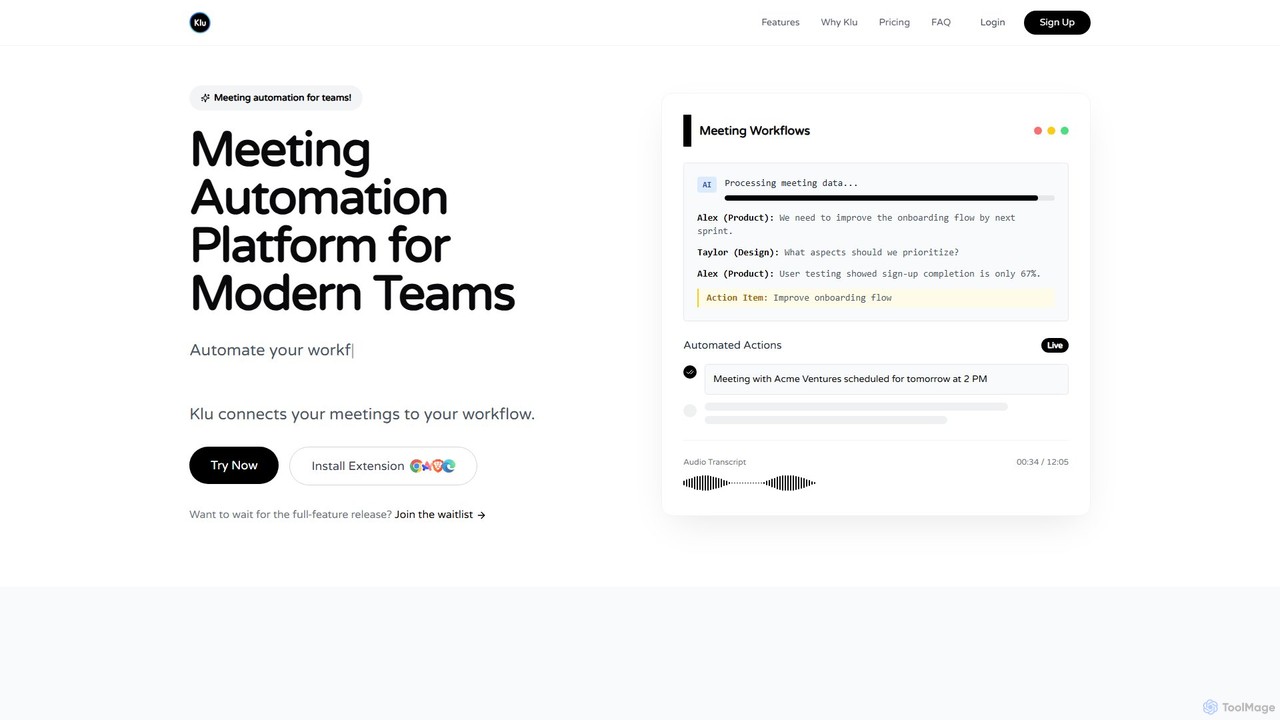
Klu
Klu is an AI-powered meeting automation platform designed for modern teams. It records, transcribes, and summarizes your meetings, automatically extracting action items and key insights. By integrating with your existing workflow tools like Notion, Slack, and Asana, Klu automates post-meeting tasks, saving time and boosting productivity.
Workflow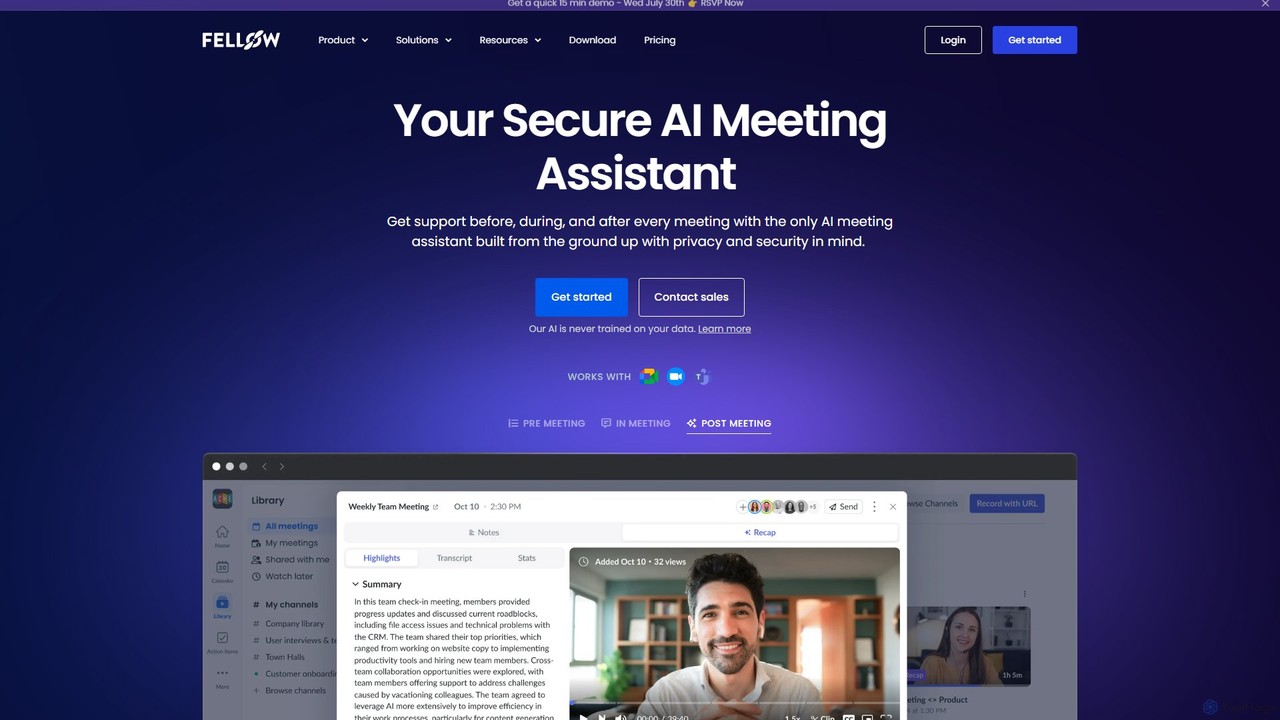
Fellow.app
Fellow.app is a secure AI meeting assistant designed to enhance productivity for the entire meeting lifecycle. It automatically records, transcribes, summarizes, and assigns action items, allowing teams to focus on collaboration. With a strong emphasis on privacy, Fellow ensures your meeting data is always protected.
Team Collaboration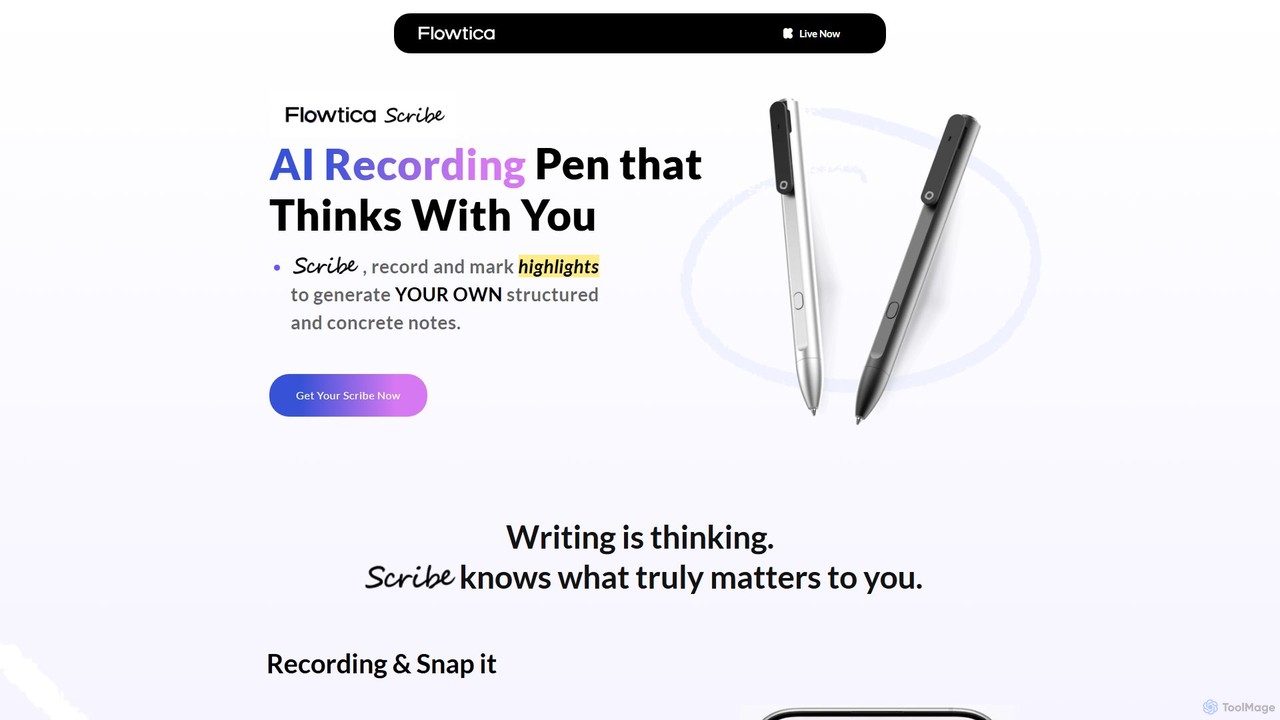
Flowtica Scribe
Flowtica Scribe is a revolutionary AI-powered recording pen designed to capture audio and generate personalized, structured notes. By combining audio recording with user-marked highlights and snapped handwritten notes, it creates insightful summaries that reflect your priorities, moving beyond generic bullet points for meetings, interviews, and lectures.
Transcription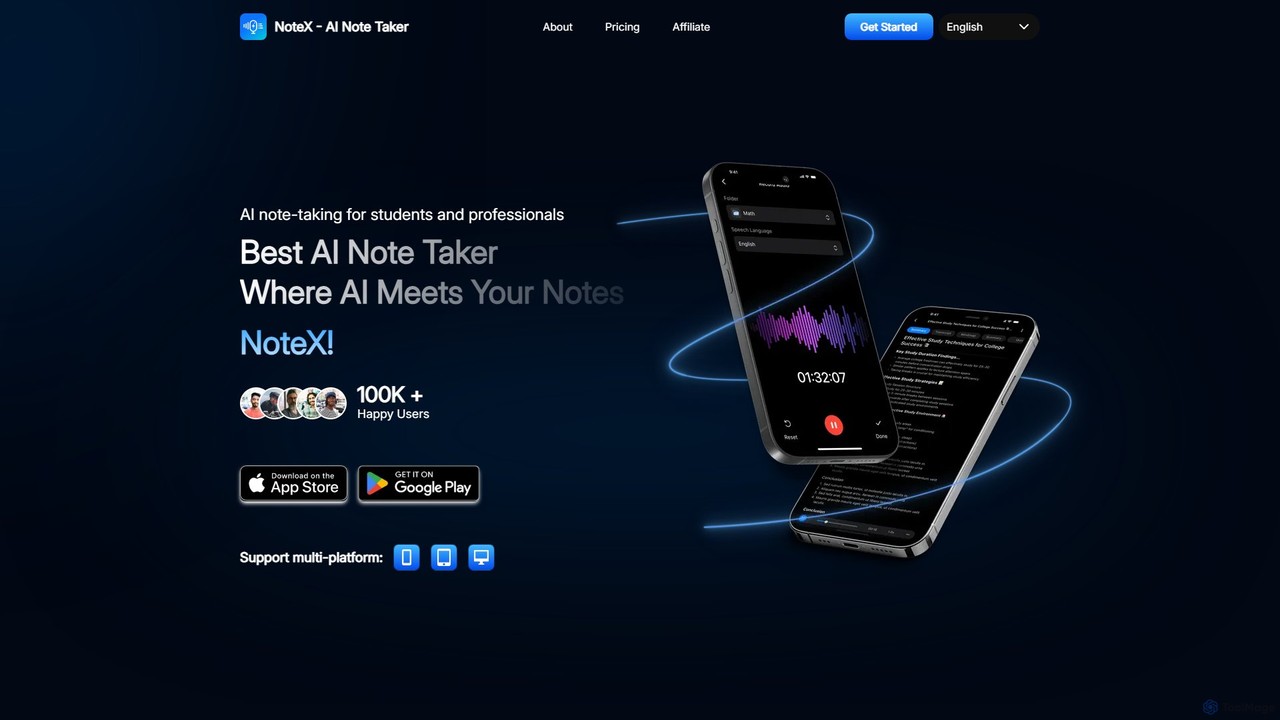
NoteX
NoteX is an AI-powered note-taking application designed for students and professionals. It automatically transcribes audio and video, generates intelligent summaries, and creates mind maps, quizzes, and flashcards from your notes. With cross-device sync and support for over 100 languages, NoteX streamlines information capture, enhances learning, and boosts productivity.
Transcription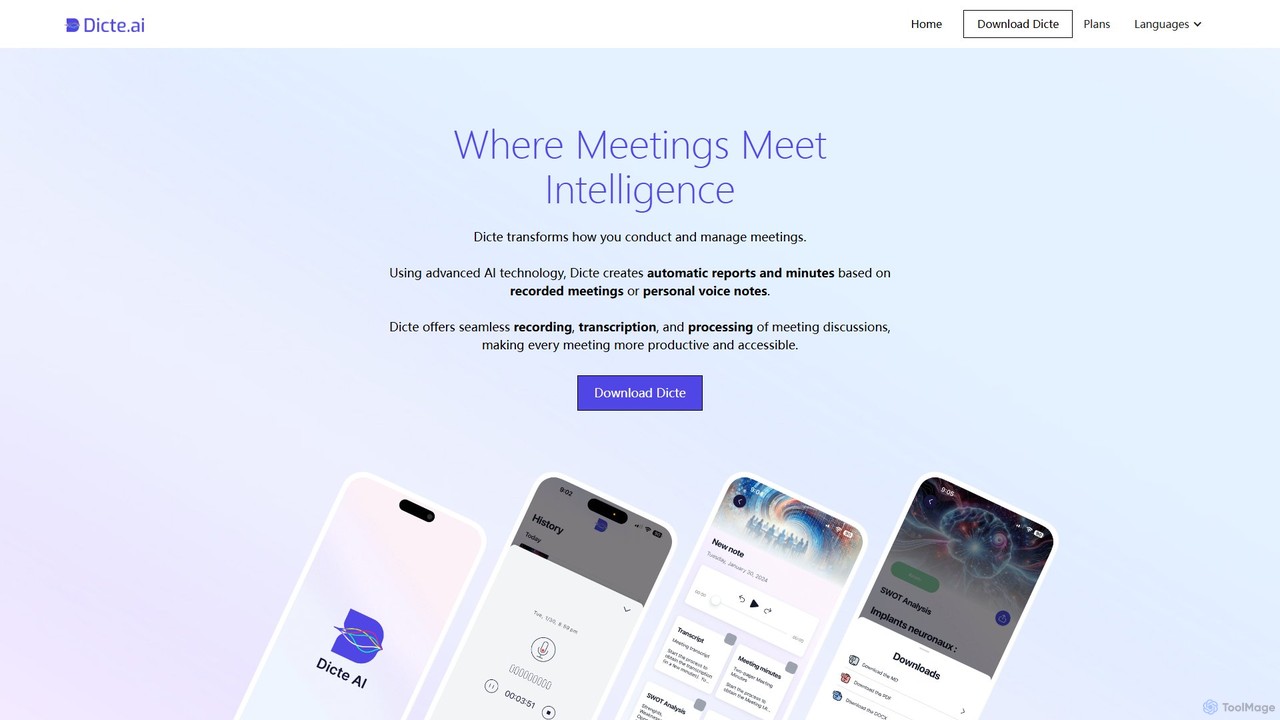
Dicte.ai
Dicte.ai is an AI-powered meeting assistant and voice note transcriber for mobile and web. It offers advanced transcription with speaker identification, automatically generating professional meeting minutes, SWOT analyses, and project reports. With multilingual support and a focus on data security, it helps teams save time, improve collaboration, and focus on productive discussions.
Transcription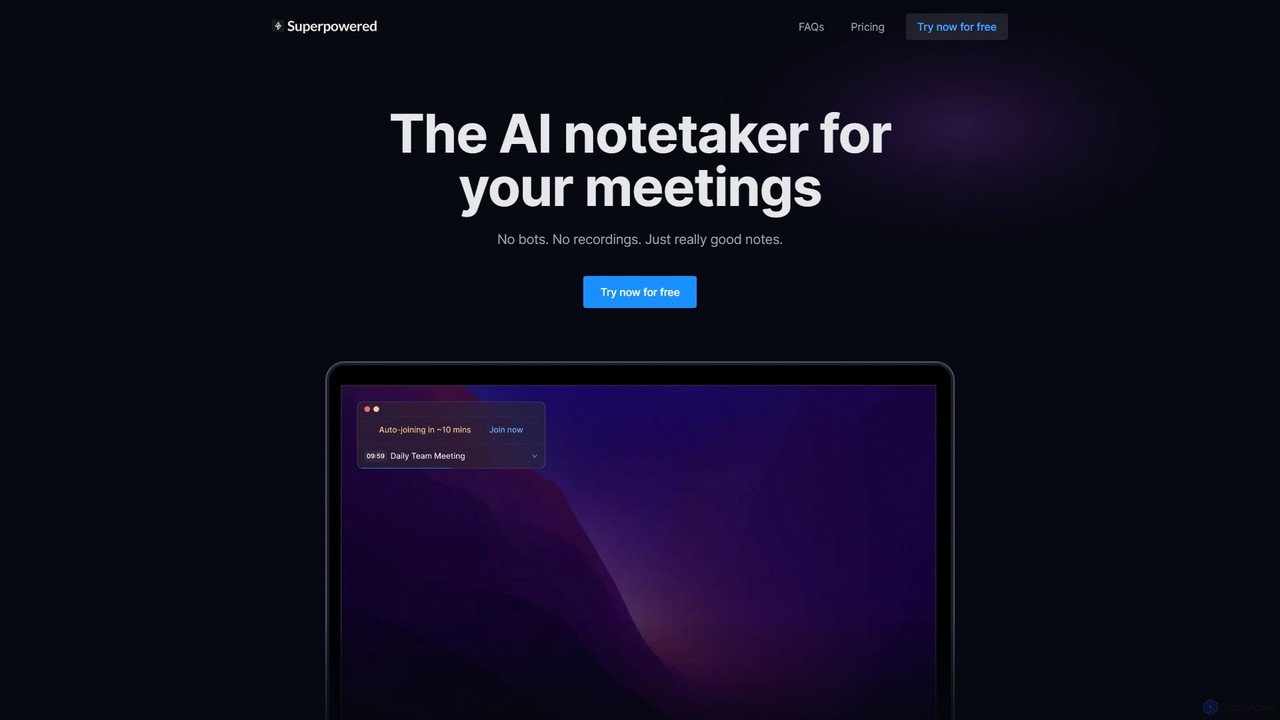
Superpowered
Superpowered is an AI meeting assistant that generates high-quality notes, summaries, and action items without using bots or recordings. It works seamlessly with all meeting platforms by transcribing device audio in real-time, ensuring privacy and security. It integrates with your calendar and workflow tools to boost productivity.
Meeting Assistant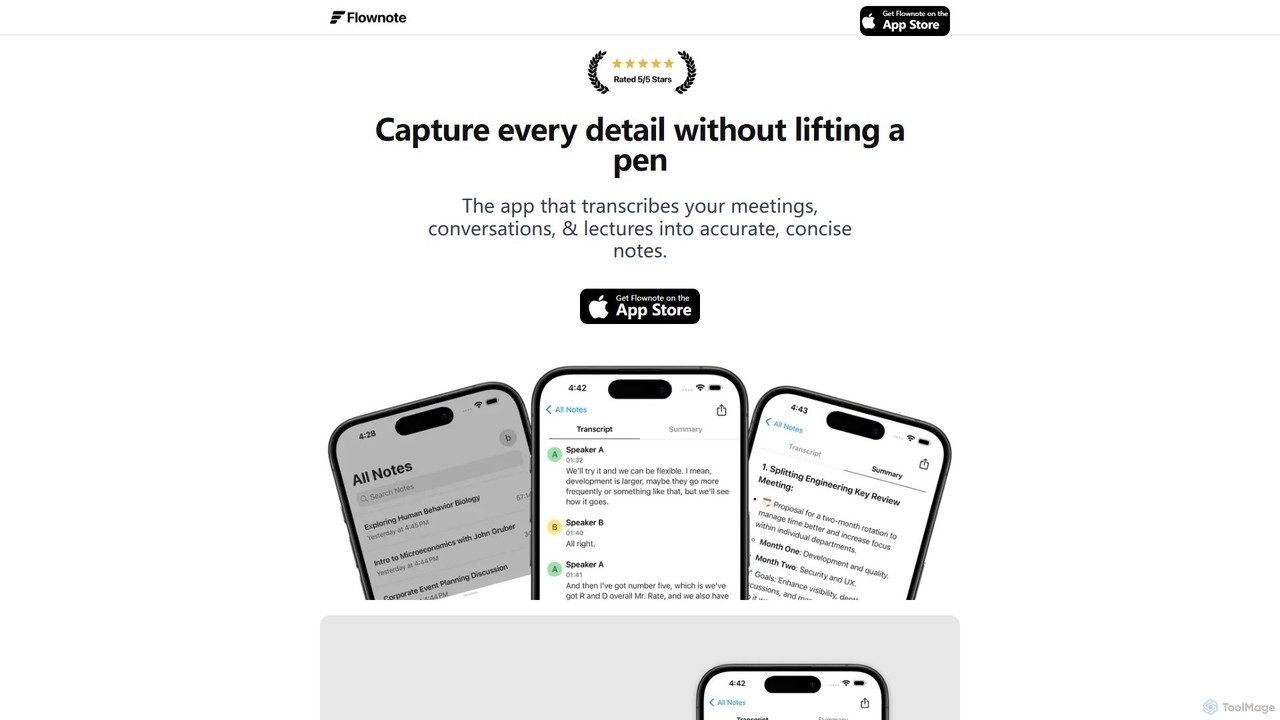
Flownote
Flownote is an AI-powered iOS app that transcribes and summarizes meetings, conversations, and lectures. It provides highly accurate, real-time transcriptions with speaker labels and timestamps, and generates concise summaries with key points and action items. This allows users to focus on the conversation without manual note-taking, boosting productivity and ensuring no details are missed.
Transcription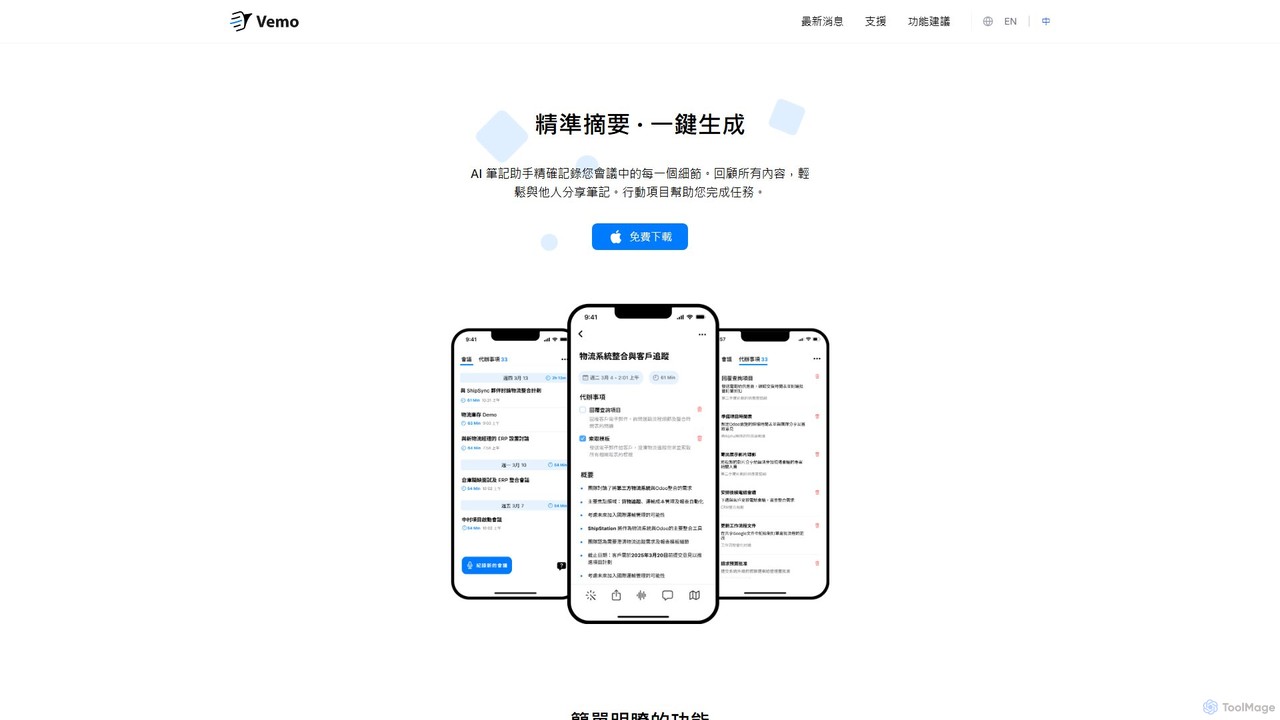
Vemo
Vemo is an AI-powered meeting assistant that records, transcribes, and summarizes your conversations with high accuracy. It automatically identifies action items and creates to-do lists, allowing you to focus on the discussion without worrying about taking notes. Features include voice-based editing and an AI assistant for querying meeting details.
Transcription
AudioNote
AudioNote is an AI-powered tool that transforms your spoken ideas and audio recordings into structured, professional text. It accurately transcribes voice notes and uses AI to summarize, organize, and even rewrite your content. Supporting over 30 languages, it's perfect for capturing fleeting thoughts, drafting content, and boosting productivity without typing.
Transcription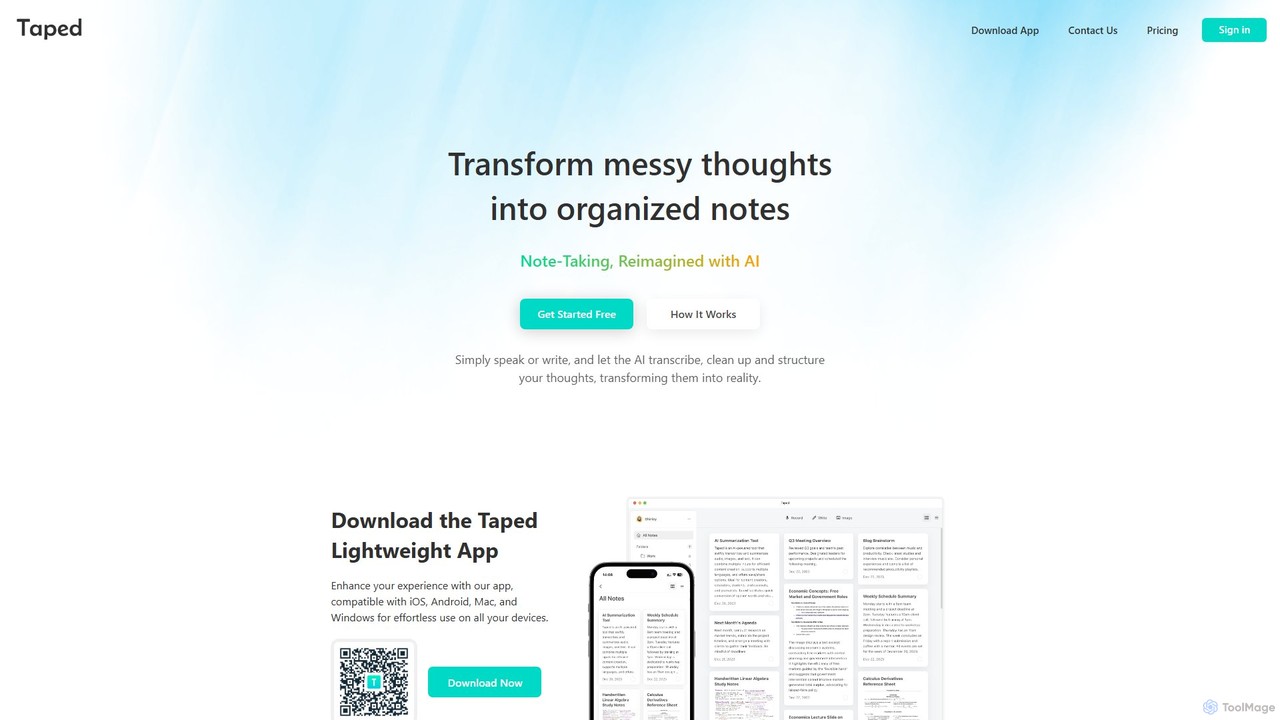
Taped
Taped is an AI-powered note-taking application that transforms your spoken or written thoughts into structured, organized, and summarized notes. It uses advanced AI to transcribe, clean up, and format your ideas, making it easy to capture and act on them across all your devices.
Transcription
Paxo Comments (0)
Sign in to comment.
Sign inNo comments yet.