

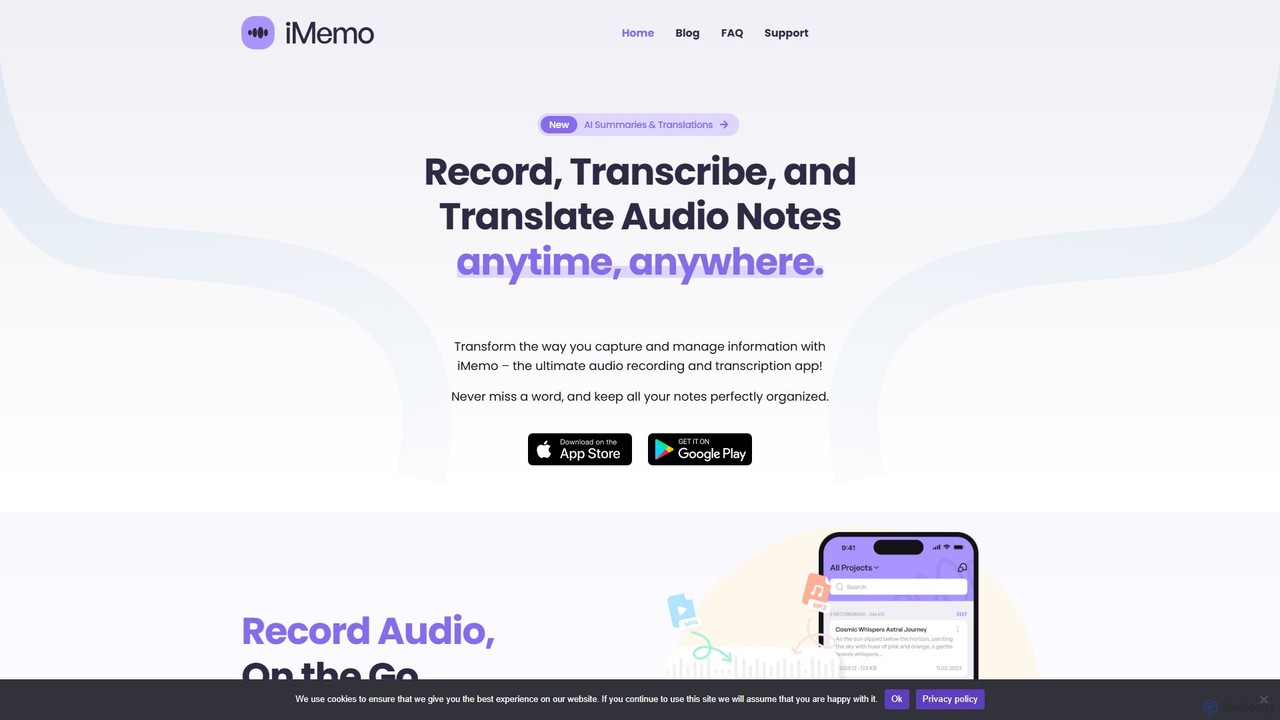
iMemo Overview
iMemo is your unlimited AI note-taking assistant, designed to revolutionize the way you capture, manage, and utilize information. By seamlessly integrating audio recording, AI-powered transcription, and intelligent summarization, iMemo ensures you never miss a crucial detail from meetings, lectures, interviews, or personal brainstorming sessions. It's a powerful tool built for anyone who needs to convert spoken words into organized, searchable, and actionable text, saving countless hours of manual work and boosting productivity.
The app offers a fluid audio recording experience, allowing you to capture high-quality sound anytime, anywhere. Once recorded, iMemo's advanced AI engine gets to work, providing near-instant and highly accurate transcriptions in over 100 languages. This breaks down language barriers and makes content accessible to a global audience. But it doesn't stop at transcription; the AI also generates concise, easy-to-digest summaries, bullet points, and outlines, transforming lengthy discussions into key takeaways at a glance. This feature is particularly beneficial for reviewing complex topics or quickly catching up on missed meetings.
How to use iMemo
Using iMemo is designed to be intuitive and straightforward, allowing you to focus on your conversation, not the tool.
- Record or Import: Start by recording audio directly within the app during a meeting, lecture, or interview. Alternatively, you can import existing audio files you need to process.
- Instant AI Processing: As soon as the recording is complete, iMemo's AI automatically transcribes the audio into text. Simultaneously, it generates a concise summary, identifies key points, and can even create an organized outline.
- Organize and Manage: Keep your notes tidy by creating project folders for different subjects, clients, or classes. This structure makes it easy to manage a large volume of information.
- Search and Retrieve: Use the advanced search function to find any specific word, phrase, or topic across all your notes and transcriptions in seconds. Every word is indexed and instantly accessible.
- Translate and Share: If needed, translate the transcript or the AI-generated summary into one of over 120 supported languages. Easily export and share your notes with colleagues, classmates, or team members.
Core Features of iMemo
- AI-Powered Transcription: Instantly convert audio recordings into accurate text in over 100 languages, saving hours of manual typing.
- AI Summarization: Distills long recordings into concise summaries, bullet points, and structured outlines, making information easier to review and comprehend.
- Multilingual Translation: Translate entire transcripts or AI-generated notes into more than 120 languages, perfect for international collaboration and language learners.
- Seamless Audio Recording: Capture high-quality audio of lectures, meetings, and interviews directly within the app.
- Advanced Search & Organization: Keep all notes neatly organized in project folders and use a powerful search feature to find specific information across all your files instantly.
- AI Chat Assistant: Interact with your notes by asking the AI to explain concepts, generate action items, or reformat information, acting as a personal productivity coach.
- Discreet Operation: iMemo records discreetly without using distracting meeting bots, allowing you to stay present and focused on the conversation.
- Support for ADHD Users: Specifically designed with features to help users with ADHD externalize memory, reduce mental clutter, and stay organized with structured, actionable notes.
Use Cases for iMemo
iMemo is a versatile tool for a wide range of users:
- Students and Teachers: Record lectures and get instant transcripts and summaries for efficient studying and review. Teachers can create accessible materials for all students.
- Business Professionals: Capture every detail from meetings, generate action items, and share clear summaries with the team to ensure alignment and save time.
- Journalists and Researchers: Accurately record and transcribe interviews, using AI summaries to quickly pinpoint key insights and quotes for articles or studies.
- Podcasters and Content Creators: Transcribe podcast episodes to create show notes, blog posts, or social media content, increasing the accessibility and reach of their work.
- Multilingual Teams: Overcome language barriers by transcribing a meeting in one language and instantly translating the notes for global team members.
- Individuals with ADHD: Use iMemo as a cognitive partner to manage information overload, remember important details, and organize tasks effectively.
Advantages of iMemo
iMemo offers significant advantages over traditional note-taking methods. It saves a massive amount of time by automating transcription and summarization. It enhances focus and participation in meetings by freeing you from the need to take manual notes. The tool improves information retention and accessibility, making every spoken word searchable and reviewable. Its multilingual capabilities foster better communication in international settings. Finally, its user-friendly interface and thoughtful design make it a powerful yet simple tool for anyone to use.
Pricing and Plans
iMemo operates on a freemium model. There is a free version available that allows users to experience the core functionalities of the app. For users who require more advanced features and higher usage limits, iMemo offers a 'Pro' subscription plan. The Pro plan typically unlocks unlimited AI summarization, extended recording durations, and other premium features. For the most current and detailed pricing information, please visit the official iMemo website or check its page on the app store.
Traffic
Latest traffic
Status
Monthly traffic trend
- 2025-9: 2.3K
- 2026-1: 3.7K
- 2026-2: 1.2K
- 2026-3: 1.7K
- 2026-4: 1.3K
- 2026-5: 1.8K
Geography
Top 5 countries / regions
- 🇺🇸United States52.5%
- 🇪🇸Spain20.2%
- 🇵🇭Philippines14.8%
- 🇧🇪Belgium12.4%
Top keywords
| Keyword | Cost per click |
|---|---|
| automatically set all meeting to take notes | $0.00 |
| can gmeet note down during meeting automaticaly for free | $0.00 |
| imemo | $0.00 |
| imemo turkey | $0.00 |
| memo ai app | $0.00 |
iMemo Alternatives
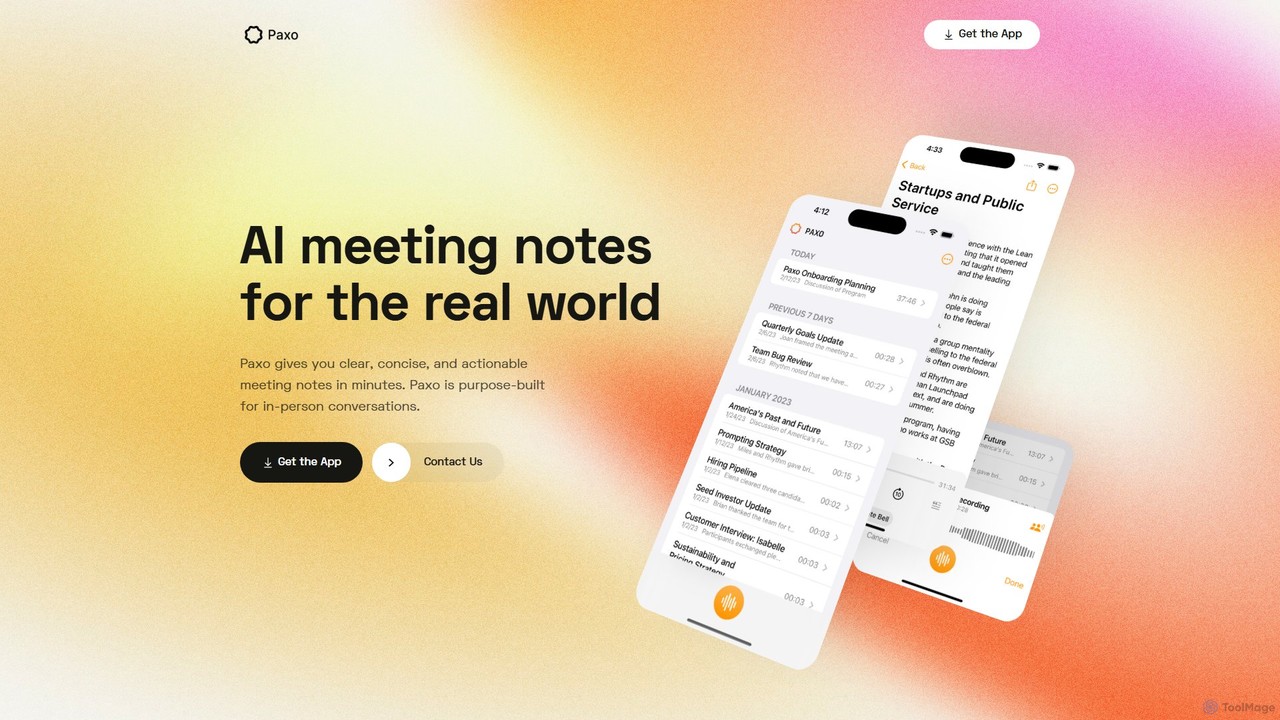
Paxo
Paxo is an AI-powered meeting notes application for Apple devices that records, transcribes, and summarizes your conversations. It transforms audio into searchable, organized, and actionable notes, seamlessly synced across your devices with iCloud and a strong focus on privacy.
Transcription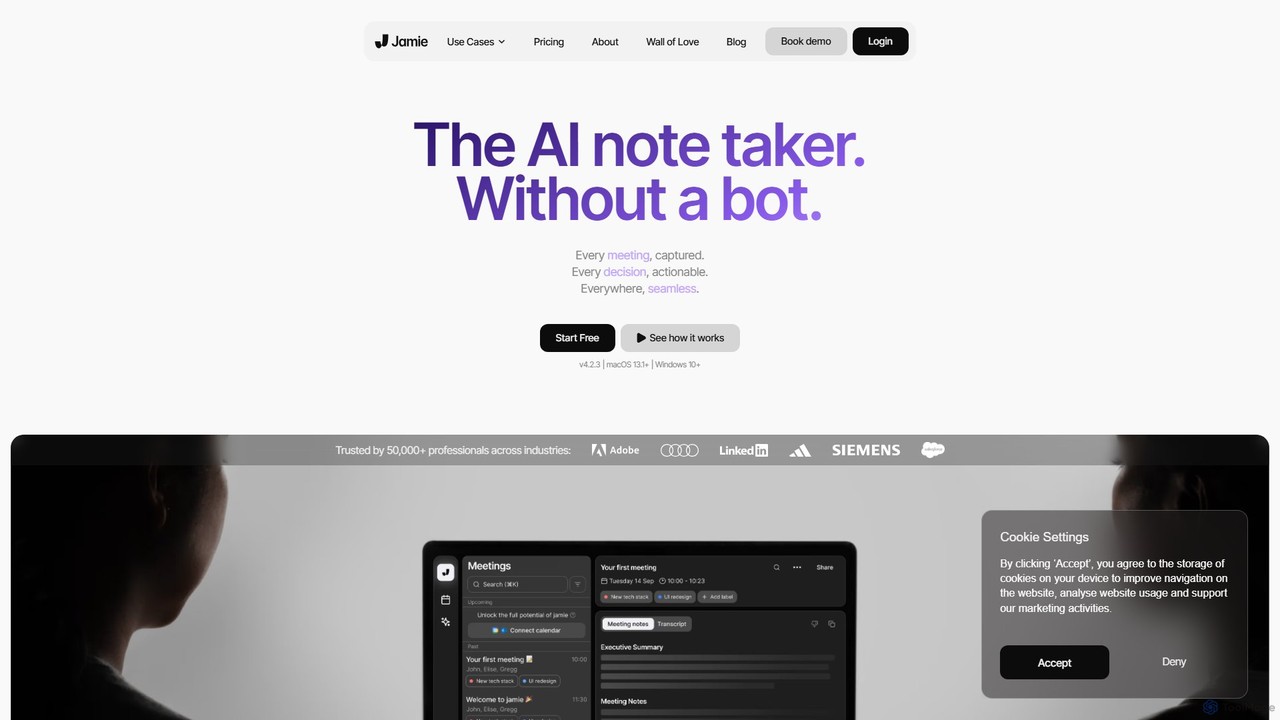
meetjamie
meetjamie is a personal AI note-taker that automatically summarizes online and in-person meetings without a bot. It captures detailed notes, identifies tasks and decisions, and allows you to ask questions across all your past meetings. It's a privacy-first desktop app for macOS and Windows, supporting over 100 languages.
Transcription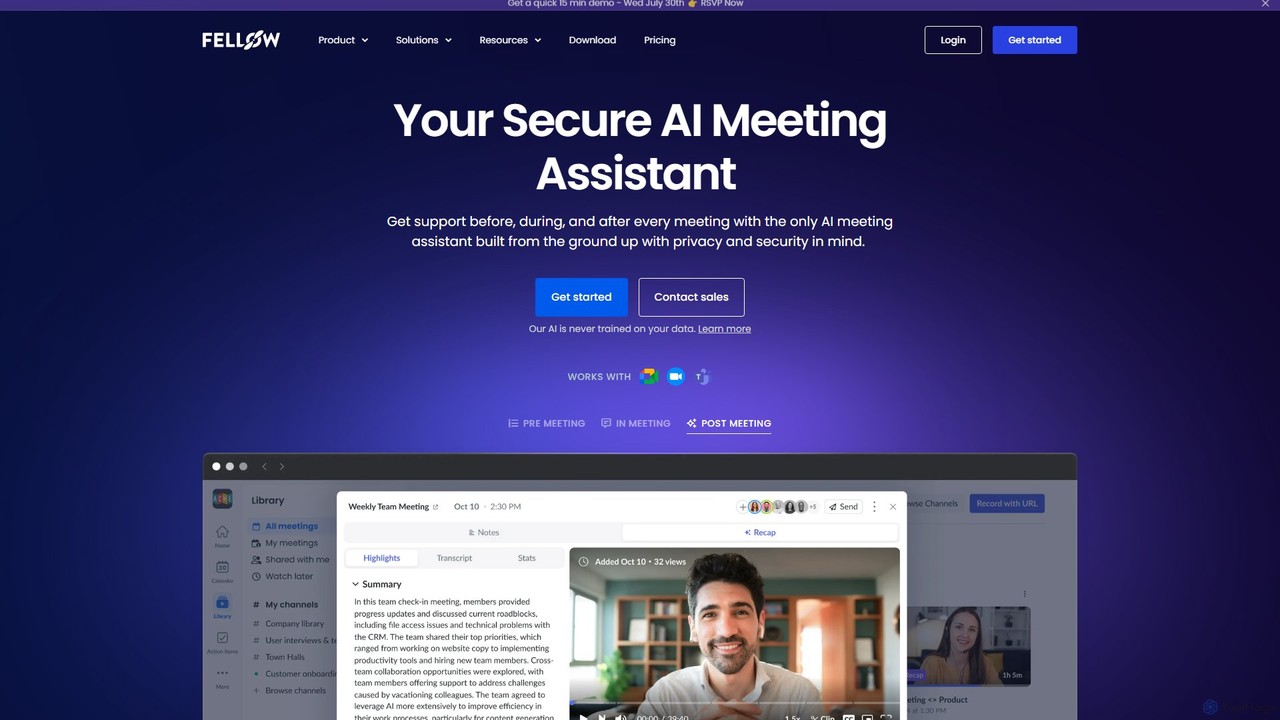
Fellow.app
Fellow.app is a secure AI meeting assistant designed to enhance productivity for the entire meeting lifecycle. It automatically records, transcribes, summarizes, and assigns action items, allowing teams to focus on collaboration. With a strong emphasis on privacy, Fellow ensures your meeting data is always protected.
Team Collaboration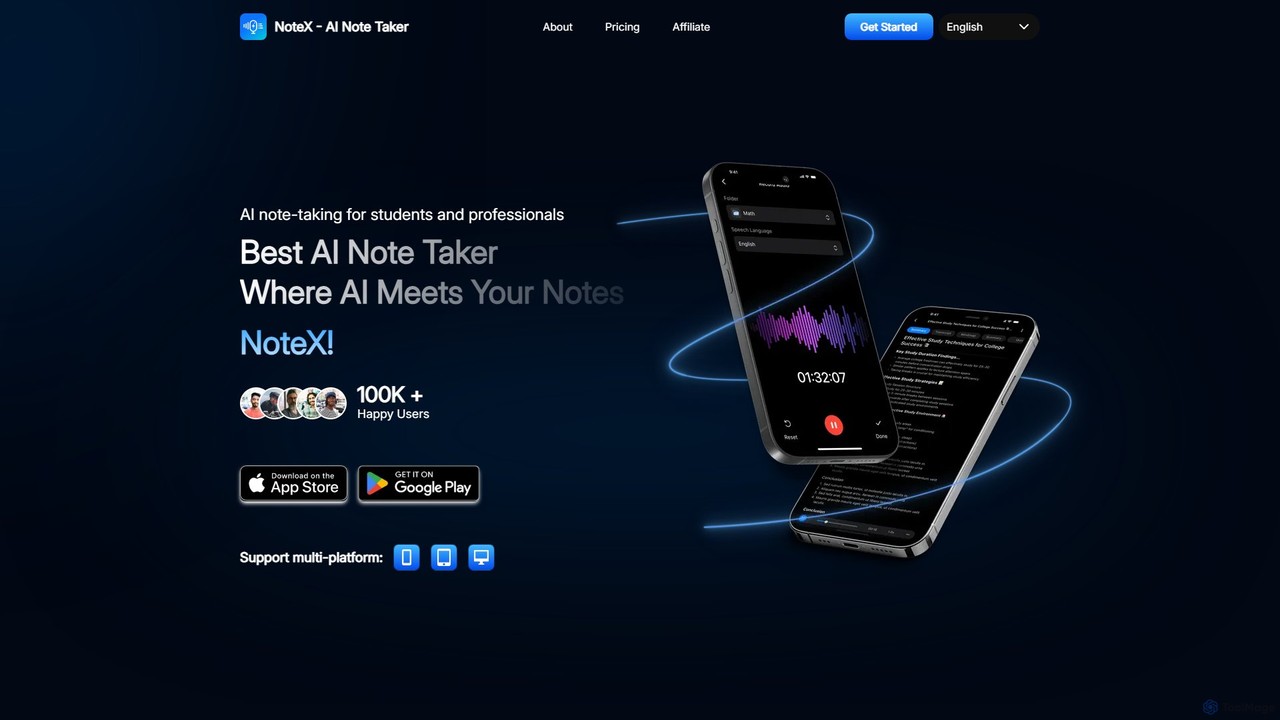
NoteX
NoteX is an AI-powered note-taking application designed for students and professionals. It automatically transcribes audio and video, generates intelligent summaries, and creates mind maps, quizzes, and flashcards from your notes. With cross-device sync and support for over 100 languages, NoteX streamlines information capture, enhances learning, and boosts productivity.
Transcription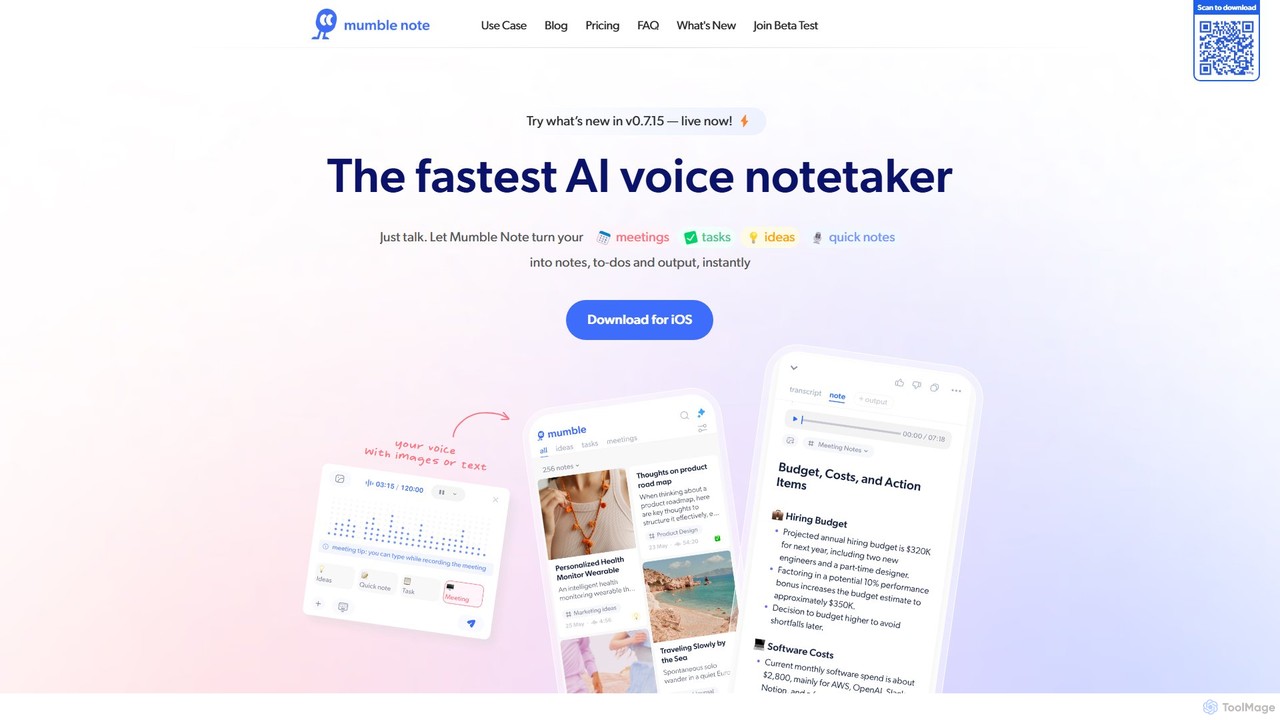
Mumble Note
Mumble Note is an AI-powered voice notetaker for iOS that instantly transcribes, summarizes, and organizes your meetings, ideas, and tasks. Just talk, and let the AI turn your scattered speech into structured, actionable notes, complete with to-dos and insights.
TranscriptioniMemo Categories
iMemo Embed Widget
Copy this embed code to place the badge on your blog, article, or product site and send readers directly to this ToolMage detail page.

Related AI tools
Notta
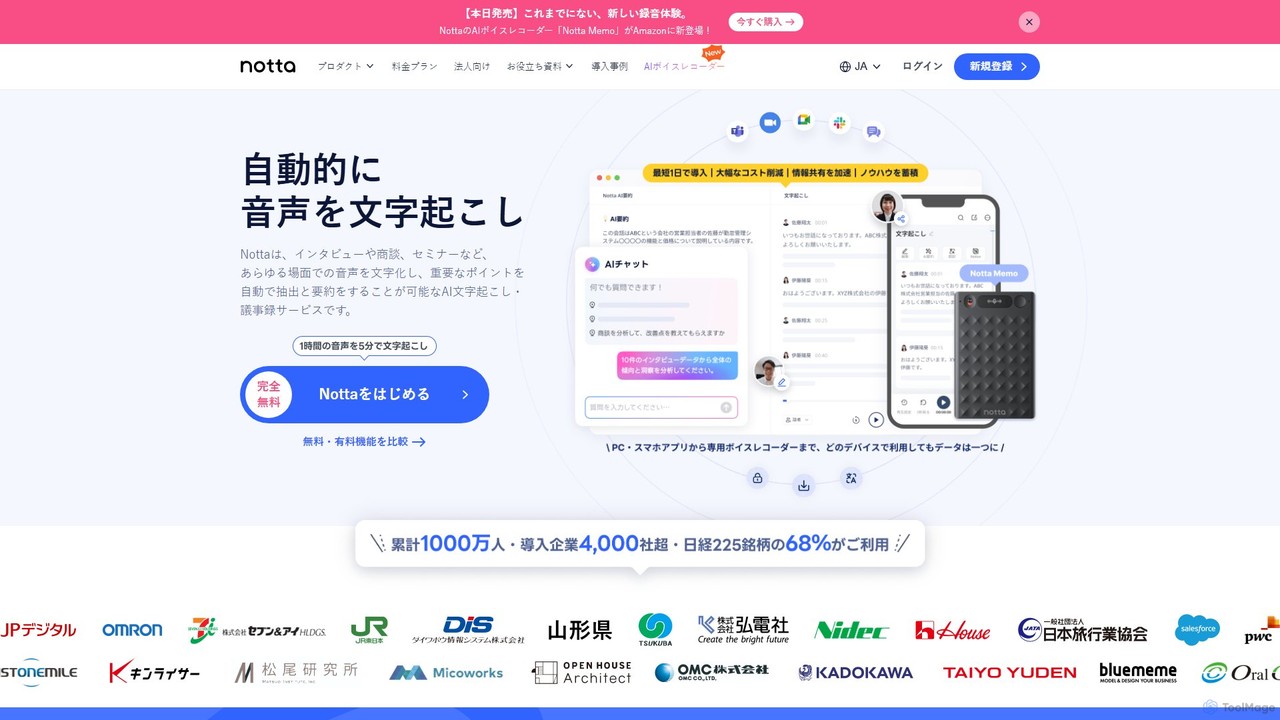
Notta is an AI-powered transcription service that converts audio and video to text with high accuracy. It offers real-time transcription, AI summaries, speaker identification, and translation in 58 languages, streamlining workflows for meetings, interviews, and lectures.
Speech To Text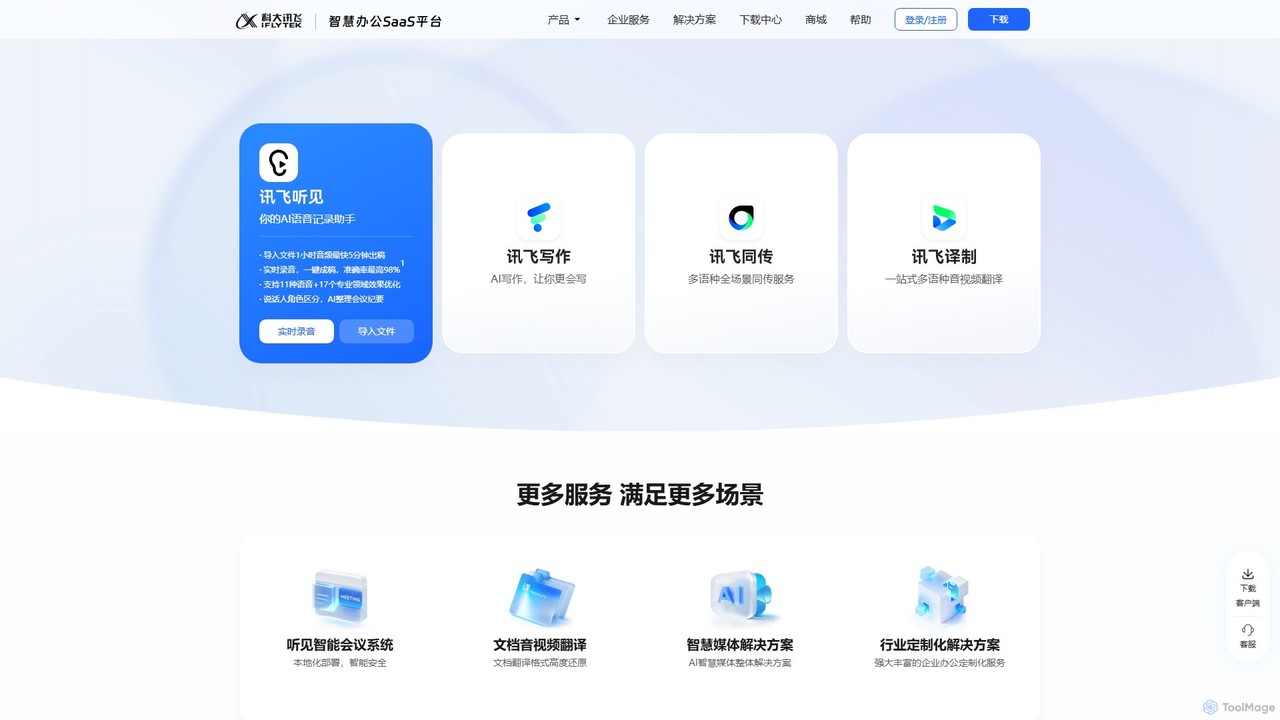
iflyrec
iFlyrec is an AI-powered voice assistant from iFlytek, specializing in high-accuracy speech-to-text transcription, real-time translation, and intelligent document generation. It supports multiple languages and professional domains, offering solutions for meetings, interviews, lectures, and content creation to boost productivity for professionals, students, and enterprises.
Speech To Text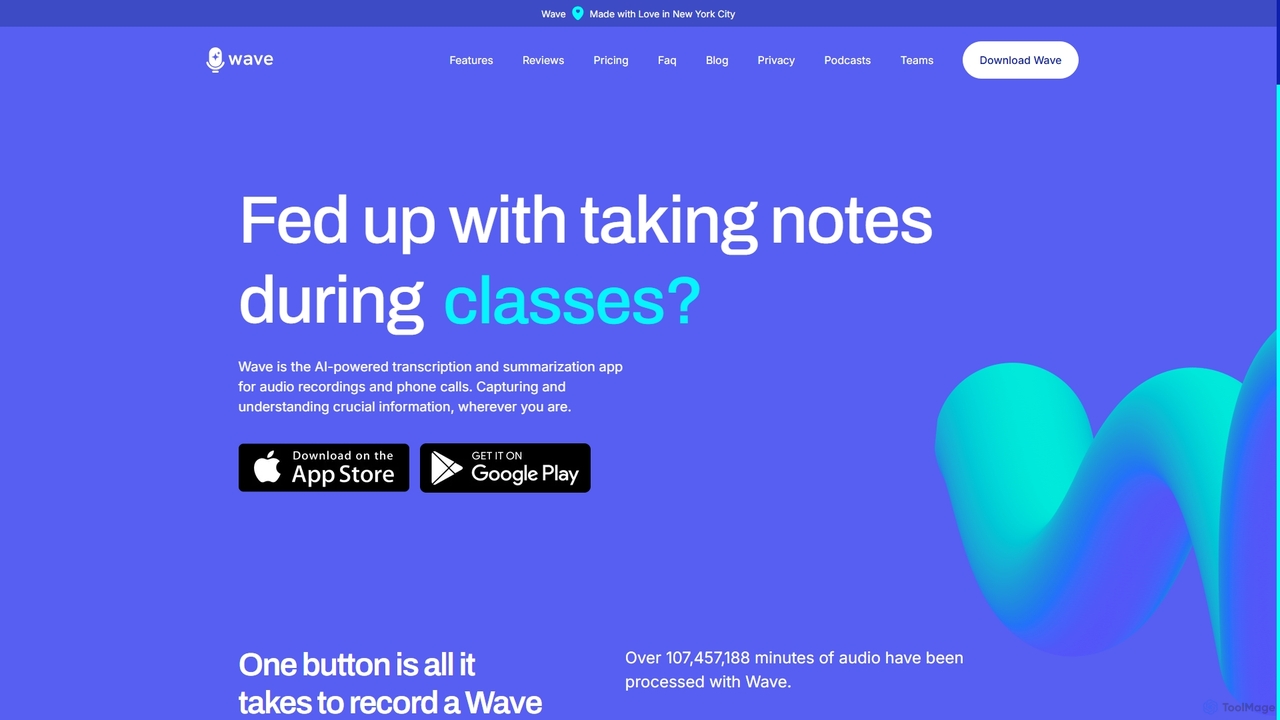
Wave
Wave is an AI-powered note-taker and transcription app for iOS and Android. It effortlessly records audio from meetings, calls, and lectures, providing highly accurate transcriptions and concise, customizable summaries. With features like phone call recording, multi-language support, and cross-device sync, Wave helps you capture and understand crucial information anywhere, anytime, without the hassle of manual note-taking.
Meeting Assistant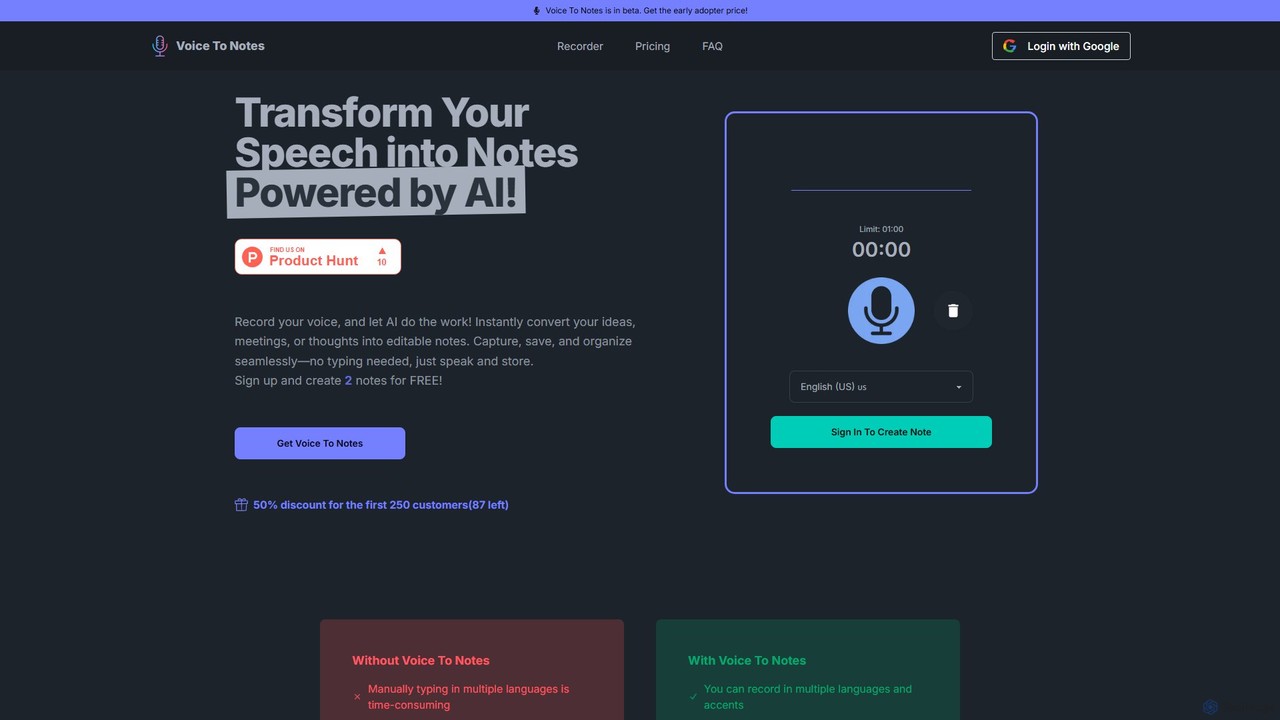
Voice To Notes
Voice To Notes is an AI-powered tool that instantly converts your speech into editable, organized text notes. Supporting over 70 languages, it's perfect for capturing ideas, meeting minutes, and interviews without typing. Record for up to 2 hours and edit your notes seamlessly.
Speech To TextFellow.app
Fellow.app is a secure AI meeting assistant designed to enhance productivity for the entire meeting lifecycle. It automatically records, transcribes, summarizes, and assigns action items, allowing teams to focus on collaboration. With a strong emphasis on privacy, Fellow ensures your meeting data is always protected.
Team CollaborationNoteX
NoteX is an AI-powered note-taking application designed for students and professionals. It automatically transcribes audio and video, generates intelligent summaries, and creates mind maps, quizzes, and flashcards from your notes. With cross-device sync and support for over 100 languages, NoteX streamlines information capture, enhances learning, and boosts productivity.
Transcription
AudioNote
AudioNote is an AI-powered tool that transforms your spoken ideas and audio recordings into structured, professional text. It accurately transcribes voice notes and uses AI to summarize, organize, and even rewrite your content. Supporting over 30 languages, it's perfect for capturing fleeting thoughts, drafting content, and boosting productivity without typing.
Transcription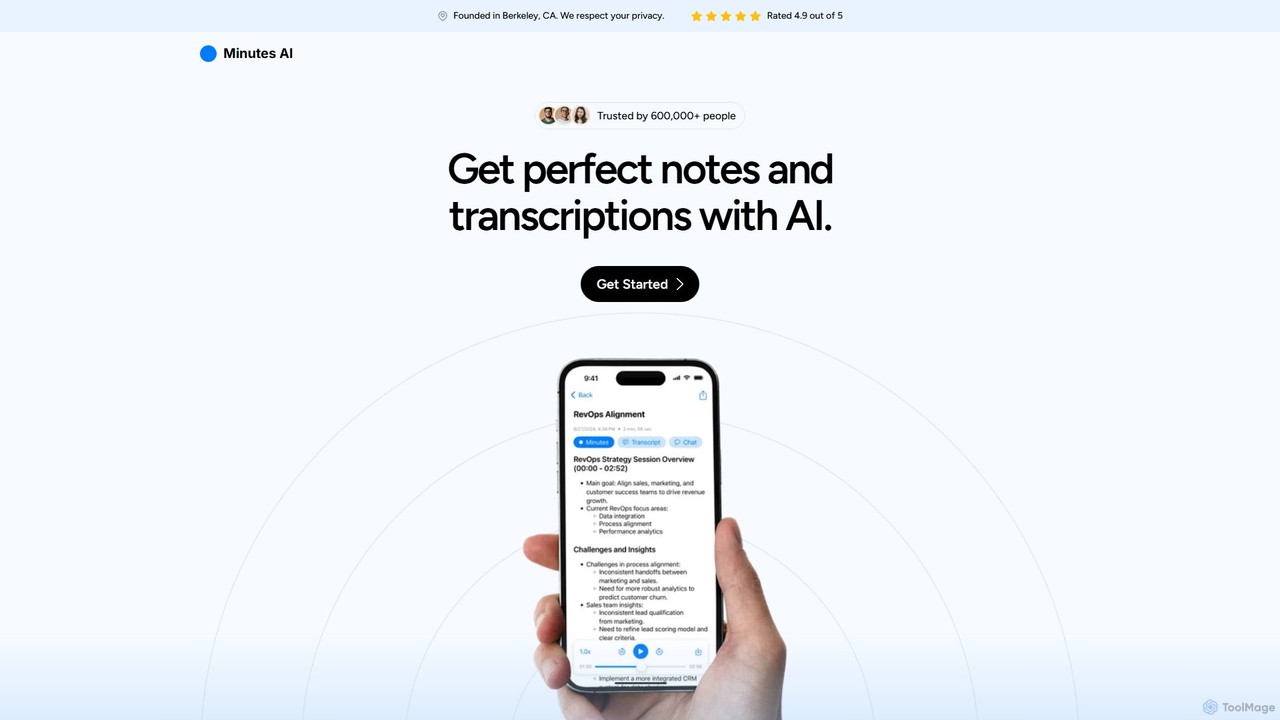
myminutes
myminutes is an AI-powered tool that automates note-taking and transcription from audio. It instantly converts live recordings, audio files, or YouTube videos into beautifully formatted, summarized notes and accurate transcripts, allowing you to focus on the conversation.
Meeting Assistant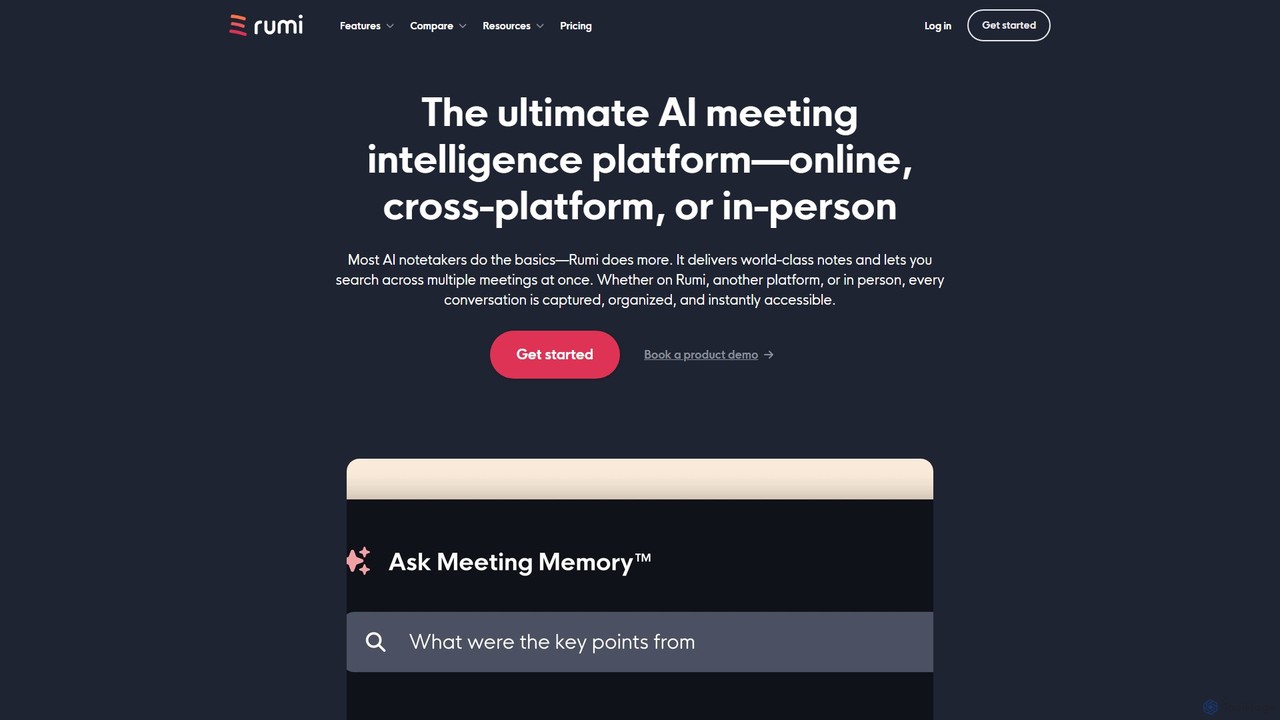
Rumi.ai
Rumi.ai is an all-in-one AI meeting intelligence platform that replaces traditional video conferencing tools. It provides world-class AI notes, summaries, and action items. Its standout feature, Meeting Memory™, allows you to search across all your team's past conversations, turning institutional knowledge into an instantly accessible and actionable resource.
Team Collaboration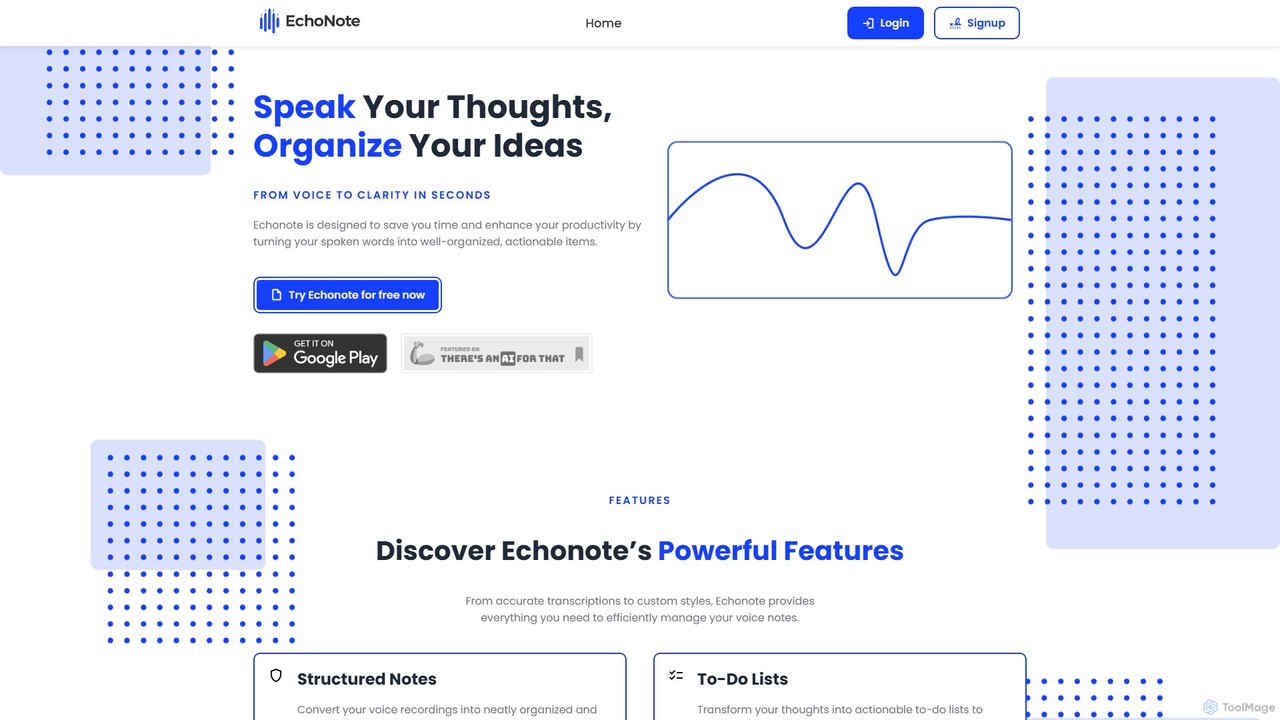
EchoNote
EchoNote is an AI-powered tool that transforms your voice recordings into structured notes, actionable to-do lists, and custom-formatted text. It supports over 50 languages and syncs across web, iOS, and Android to boost your productivity and organize your ideas effortlessly.
Speech To Text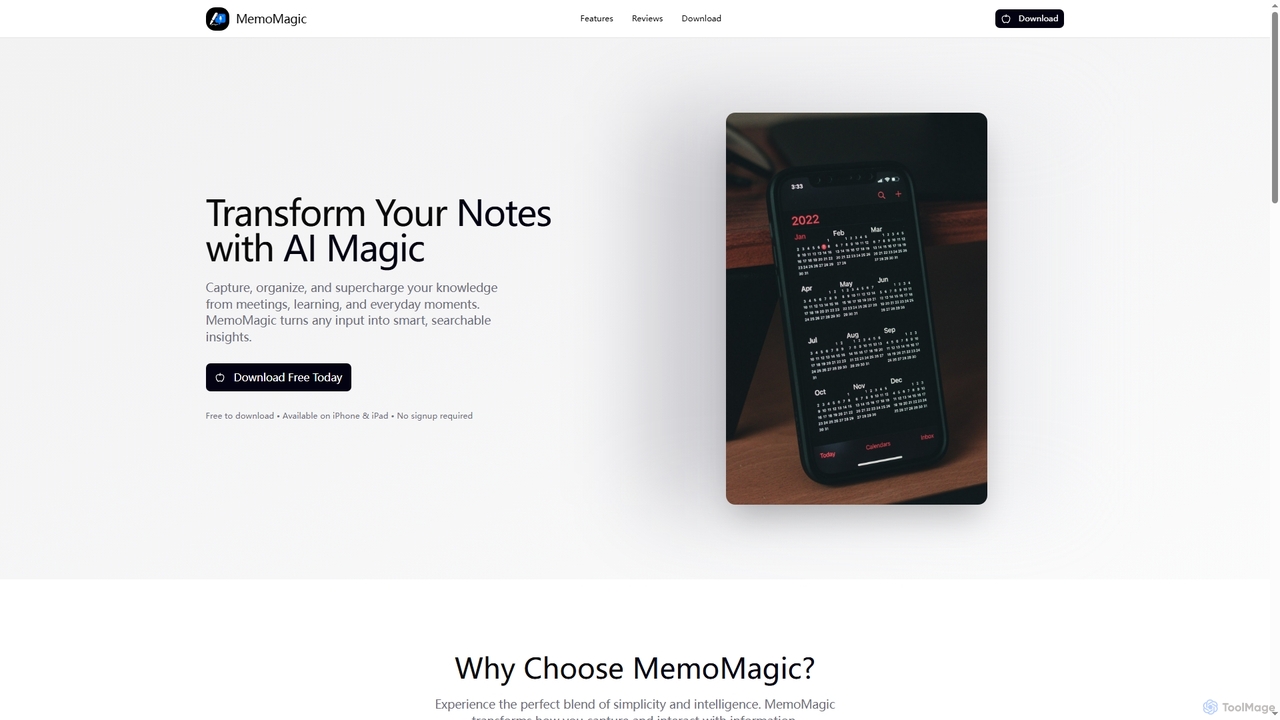
Memomagic
Memomagic is an AI-powered note-taking app for iPhone and iPad that captures information from multiple sources like voice, text, and images. It automatically summarizes, translates, and transforms notes into interactive learning tools such as quizzes, flashcards, and mind maps to boost productivity and knowledge retention.
Meeting Assistant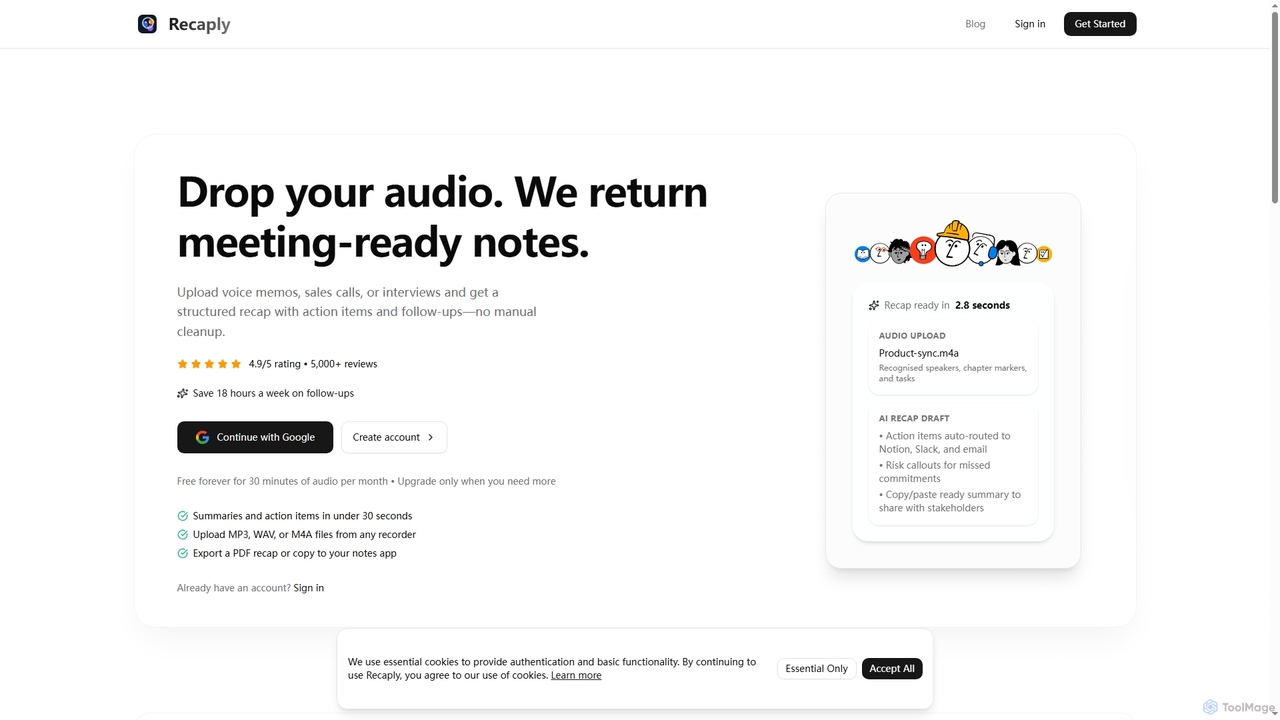
Recaply
Recaply is an AI-powered tool that transforms voice memos, sales calls, and interviews into structured, actionable notes with summaries, action items, and follow-ups. It streamlines post-meeting tasks, saving significant time on manual cleanup and ensuring team alignment.
Sales EnablementPaxo
Paxo is an AI-powered meeting notes application for Apple devices that records, transcribes, and summarizes your conversations. It transforms audio into searchable, organized, and actionable notes, seamlessly synced across your devices with iCloud and a strong focus on privacy.
Transcription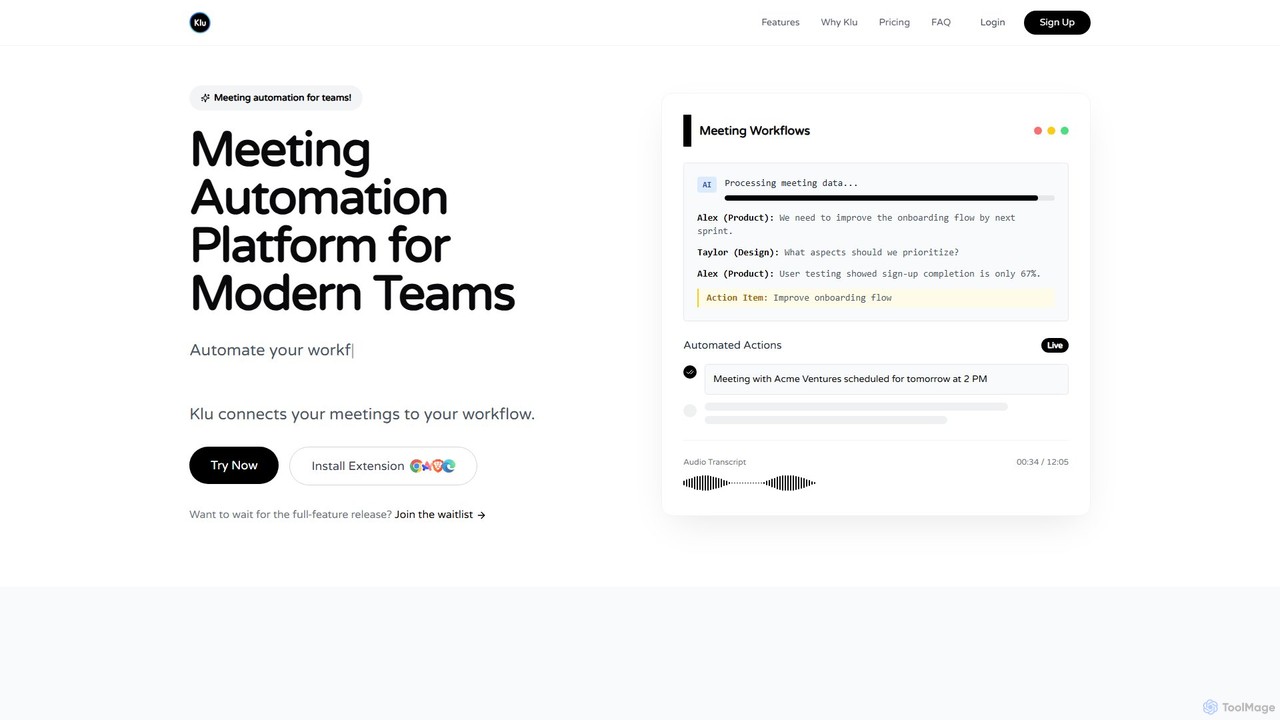
Klu
Klu is an AI-powered meeting automation platform designed for modern teams. It records, transcribes, and summarizes your meetings, automatically extracting action items and key insights. By integrating with your existing workflow tools like Notion, Slack, and Asana, Klu automates post-meeting tasks, saving time and boosting productivity.
Workflow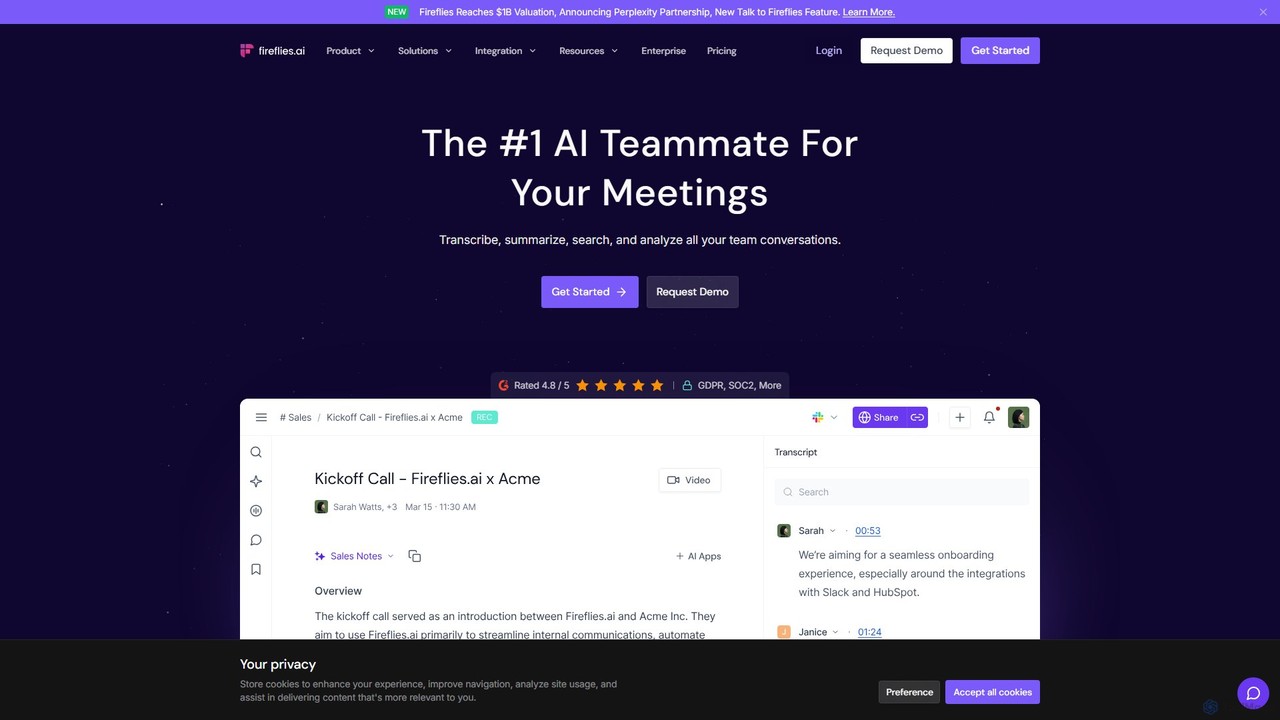
Fireflies.ai
Fireflies.ai is an AI meeting assistant that automatically transcribes, summarizes, searches, and analyzes voice conversations. It joins your meetings on platforms like Zoom, Google Meet, and Teams to take notes, identify action items, and provide detailed insights, freeing you to focus on the conversation.
Transcription
iMemo Comments (0)
Sign in to comment.
Sign inNo comments yet.