
Voice To Notes Overview
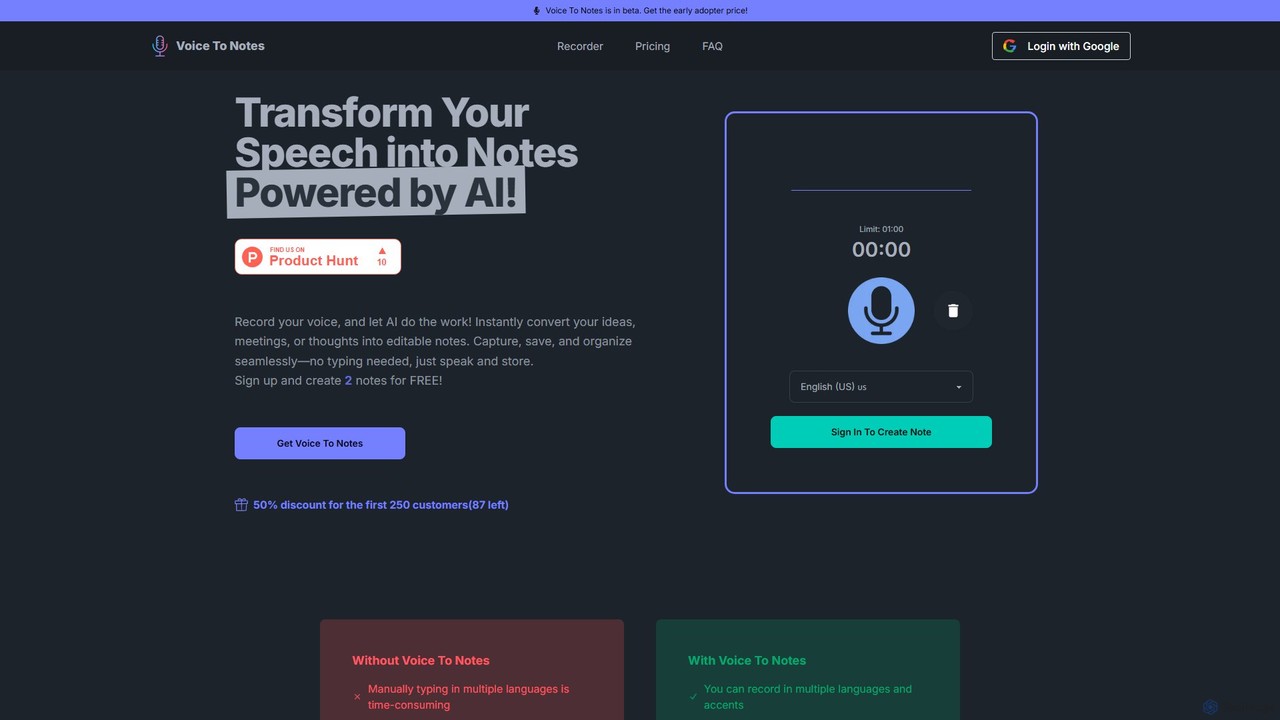
Voice To Notes is an innovative AI-powered tool designed to effortlessly transform your spoken words into organized, editable text notes. In a world where ideas, conversations, and crucial information are exchanged verbally, this tool serves as your personal scribe, ensuring no detail is lost. Whether you're a student in a lecture, a professional in a meeting, a content creator conducting an interview, or simply someone who prefers speaking to typing, Voice To Notes streamlines the note-taking process. It eliminates the need for manual transcription, freeing you up to focus on the conversation at hand. With support for over 70 languages and various accents, it's a truly global solution for capturing thoughts and discussions accurately and efficiently. The platform is built for speed and convenience, allowing you to record on the go and multitask without interruption.
How to use Voice To Notes
Getting started with Voice To Notes is simple and intuitive. Follow these steps to convert your voice into text:
- Sign Up: Create an account on the Voice To Notes website. You can start immediately by creating up to 2 notes for free to test the platform's capabilities.
- Start Recording: Navigate to the main dashboard and click the record button. Select your desired language from the extensive list of over 70 options to ensure the highest transcription accuracy.
- Speak Your Mind: Begin speaking. You can record anything from a quick thought, a to-do list, a full meeting, or a long lecture. The tool can handle recordings up to 2 hours in length.
- Automatic Transcription: As you speak, the AI works in the background to convert your speech into text. Once you stop the recording, the full transcript will be generated almost instantly.
- Edit and Organize: The generated text is fully editable. You can review the note, correct any potential inaccuracies, format the text, and add your own annotations. All your notes are saved and organized within your account for easy access later.
- Export and Share: Once your note is perfected, you can export it for use in other applications, share it with colleagues, or simply keep it as a permanent record.
Core Features of Voice To Notes
- AI-Powered Transcription: Utilizes advanced artificial intelligence to provide fast and accurate voice-to-text conversion.
- Extensive Language Support: Supports over 70 languages and various regional accents, making it a versatile tool for users worldwide. This includes major languages like English, Spanish, Chinese (Mandarin, Cantonese), Arabic, French, German, and many more.
- Long-Form Recording: Capable of recording and transcribing audio for up to 2 hours per note, ideal for long meetings, lectures, and interviews.
- In-App Note Editor: Provides a user-friendly editor to refine and format your transcribed notes directly within the platform.
- Seamless Organization: All your notes are automatically saved and organized in your account, allowing for easy search and retrieval.
- Hands-Free Productivity: Enables you to capture information while multitasking, driving, or engaging in any activity where typing is impractical.
- Cross-Platform Accessibility: As a web-based tool, it can be accessed from any device with an internet browser.
Use Cases for Voice To Notes
Voice To Notes is a versatile tool that can be adapted for various personal and professional needs:
- For Professionals: Capture every detail from client meetings, team brainstorming sessions, and conferences. Focus on the discussion instead of frantically typing, and have a searchable, editable record afterward.
- For Students: Record lectures, seminars, and study group discussions. This allows you to listen actively and engage with the material, knowing that the app is handling the note-taking. Reviewing transcripts can significantly enhance learning and exam preparation.
- For Content Creators: Transcribe interviews, podcast episodes, and video content drafts with ease. This dramatically speeds up the content creation workflow, making it easier to pull quotes, write show notes, or create articles from audio recordings.
- For Personal Productivity: Use it as a digital voice memo pad. Capture fleeting ideas, create to-do lists, set reminders, or even maintain a daily audio journal. It's the perfect way to stay organized without being tied to a keyboard.
- For Researchers: Record interviews, focus groups, and field observations. The accurate transcription provides a reliable dataset for qualitative analysis, saving countless hours of manual work.
Advantages of Voice To Notes
Compared to traditional note-taking methods, Voice To Notes offers significant advantages:
- Efficiency: Converts hours of audio into text in minutes, a task that would take significantly longer to do manually.
- Accuracy: The AI-driven engine minimizes human errors that often occur during manual transcription, such as typos or missed details.
- Convenience: Record anytime, anywhere, without needing to stop what you're doing. It's the ultimate tool for capturing thoughts on the fly.
- Focus: Allows you to be fully present and engaged in conversations, knowing that the details are being captured automatically.
- Cost-Effective: The one-time payment model for unlimited access offers exceptional value compared to subscription-based transcription services.
Pricing and Plans
Voice To Notes offers a straightforward and highly accessible pricing structure.
- Free Trial: New users can sign up and create 2 notes completely free of charge. This allows you to experience the full functionality of the platform before making a commitment.
- Lifetime Access: For unlimited use, there is a one-time purchase plan. The standard price is $24. A limited-time offer is available for the first 250 customers, providing a 50% discount for a final price of $12. This single payment grants you lifetime access to the service.
- Unlimited notes creation.
- Unlimited exports of your notes.
- Full access to all 77 supported languages.
- The ability to record for up to 2 hours per note.
Voice To Notes Alternatives
Hurd.ai
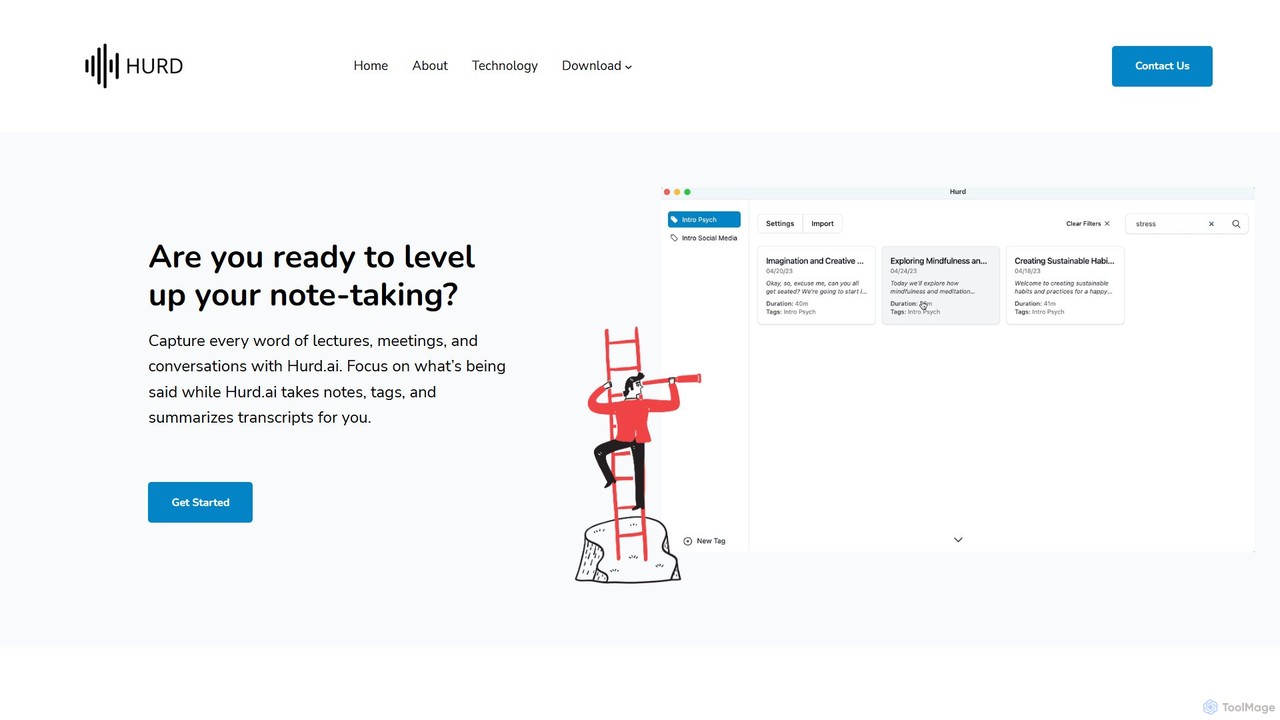
Hurd.ai is a free, privacy-focused AI transcription tool for macOS. It automatically transcribes, summarizes, and tags your lectures, meetings, and conversations from audio/video files. Powered by OpenAI's Whisper, it offers high accuracy in over 90 languages. All processing is done locally on your device, ensuring your data remains private. Ideal for students, professionals, and anyone needing to capture spoken information without the distraction of manual note-taking.
Speech To Text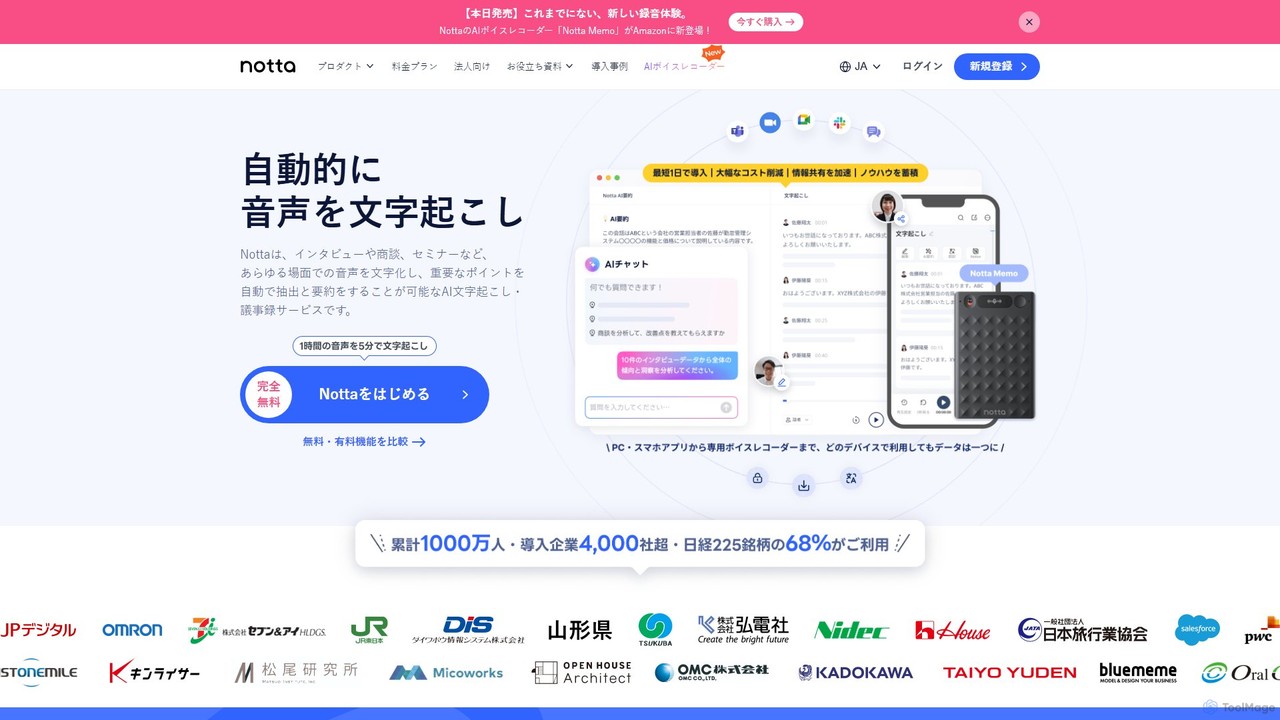
Notta
Notta is an AI-powered transcription service that converts audio and video to text with high accuracy. It offers real-time transcription, AI summaries, speaker identification, and translation in 58 languages, streamlining workflows for meetings, interviews, and lectures.
Speech To Text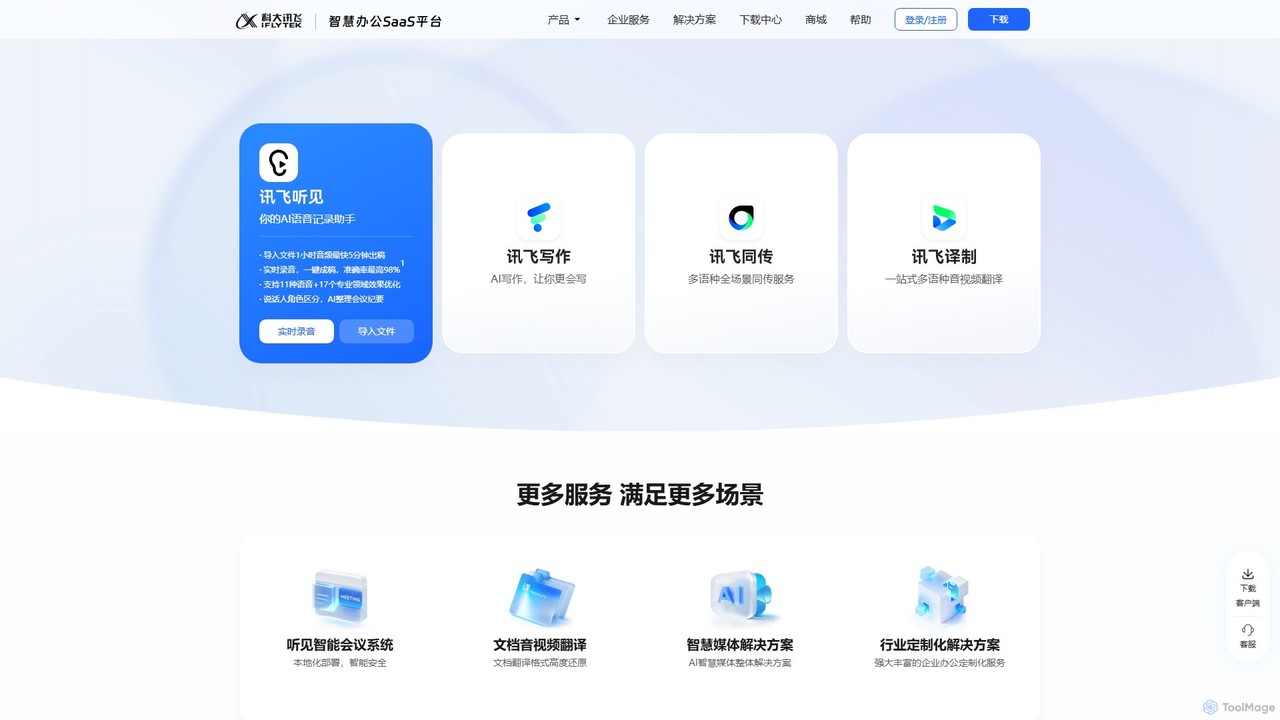
iflyrec
iFlyrec is an AI-powered voice assistant from iFlytek, specializing in high-accuracy speech-to-text transcription, real-time translation, and intelligent document generation. It supports multiple languages and professional domains, offering solutions for meetings, interviews, lectures, and content creation to boost productivity for professionals, students, and enterprises.
Speech To Text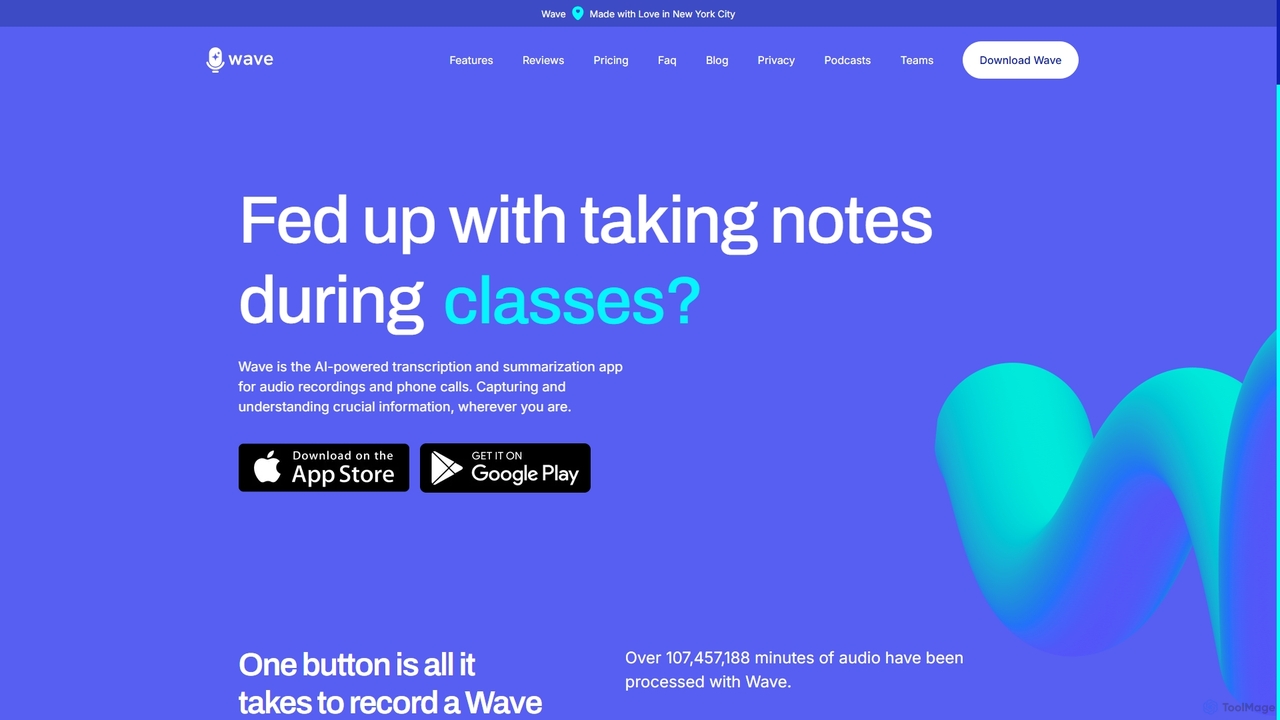
Wave
Wave is an AI-powered note-taker and transcription app for iOS and Android. It effortlessly records audio from meetings, calls, and lectures, providing highly accurate transcriptions and concise, customizable summaries. With features like phone call recording, multi-language support, and cross-device sync, Wave helps you capture and understand crucial information anywhere, anytime, without the hassle of manual note-taking.
Meeting Assistant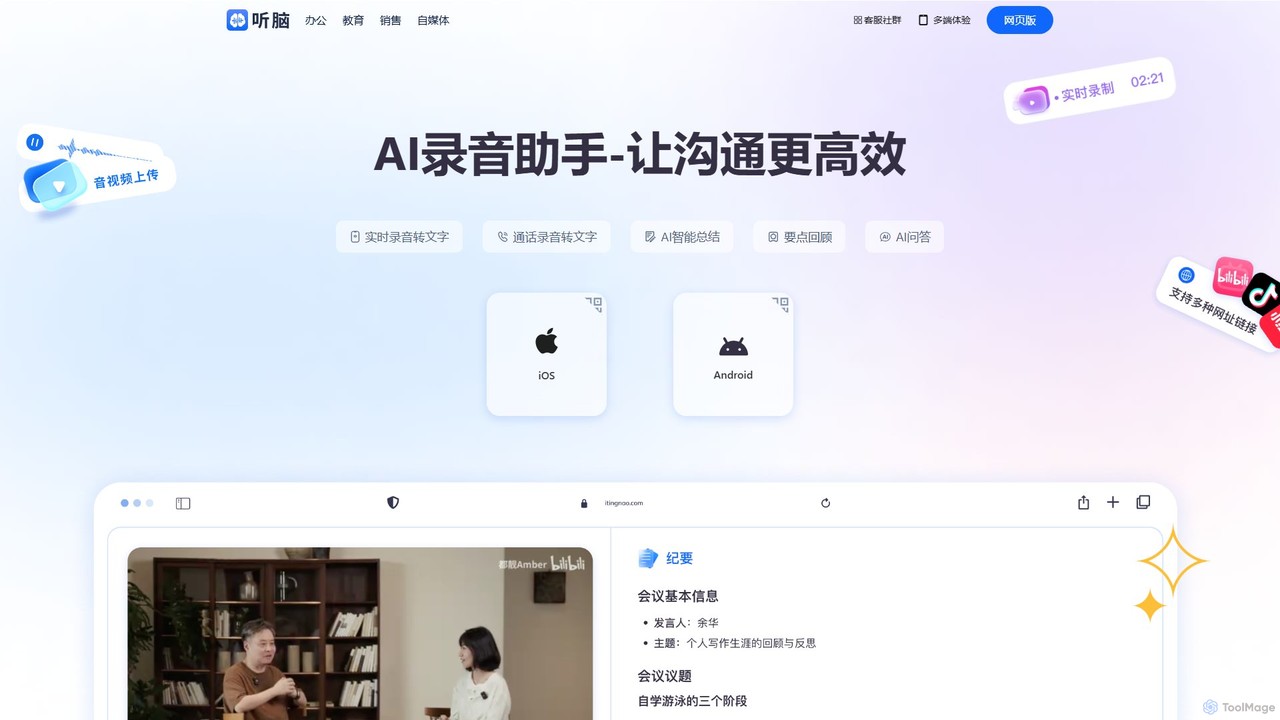
itingnao
itingnao is an AI-powered assistant that transcribes audio and video into text. It offers real-time transcription, file uploads, and video link parsing. Key features include automatic summarization, key point extraction, and AI-driven Q&A on your content. Designed for students, professionals, and content creators, it streamlines note-taking, meeting minutes generation, and subtitle creation across web, iOS, and Android platforms.
Speech To TextVoice To Notes Categories
Voice To Notes Embed Widget
Copy this embed code to place the badge on your blog, article, or product site and send readers directly to this ToolMage detail page.

Related AI tools
Notta
Notta is an AI-powered transcription service that converts audio and video to text with high accuracy. It offers real-time transcription, AI summaries, speaker identification, and translation in 58 languages, streamlining workflows for meetings, interviews, and lectures.
Speech To Textiflyrec
iFlyrec is an AI-powered voice assistant from iFlytek, specializing in high-accuracy speech-to-text transcription, real-time translation, and intelligent document generation. It supports multiple languages and professional domains, offering solutions for meetings, interviews, lectures, and content creation to boost productivity for professionals, students, and enterprises.
Speech To TextWave
Wave is an AI-powered note-taker and transcription app for iOS and Android. It effortlessly records audio from meetings, calls, and lectures, providing highly accurate transcriptions and concise, customizable summaries. With features like phone call recording, multi-language support, and cross-device sync, Wave helps you capture and understand crucial information anywhere, anytime, without the hassle of manual note-taking.
Meeting Assistant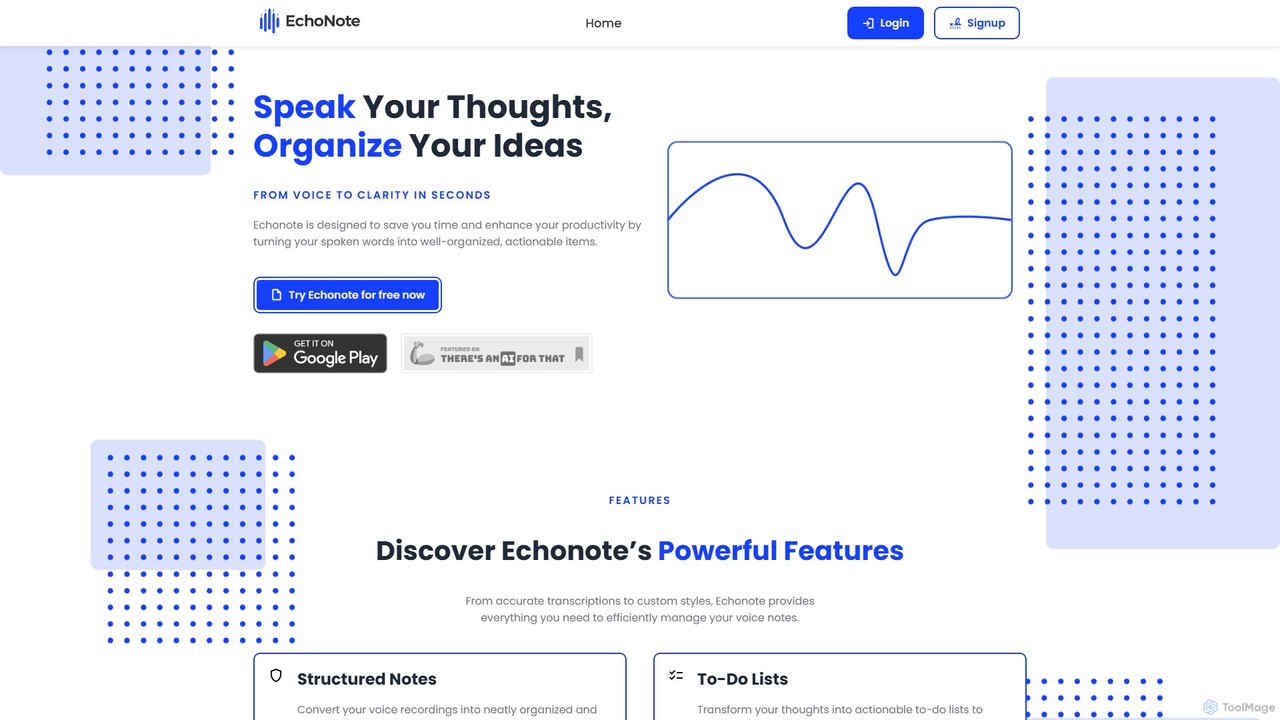
EchoNote
EchoNote is an AI-powered tool that transforms your voice recordings into structured notes, actionable to-do lists, and custom-formatted text. It supports over 50 languages and syncs across web, iOS, and Android to boost your productivity and organize your ideas effortlessly.
Speech To Text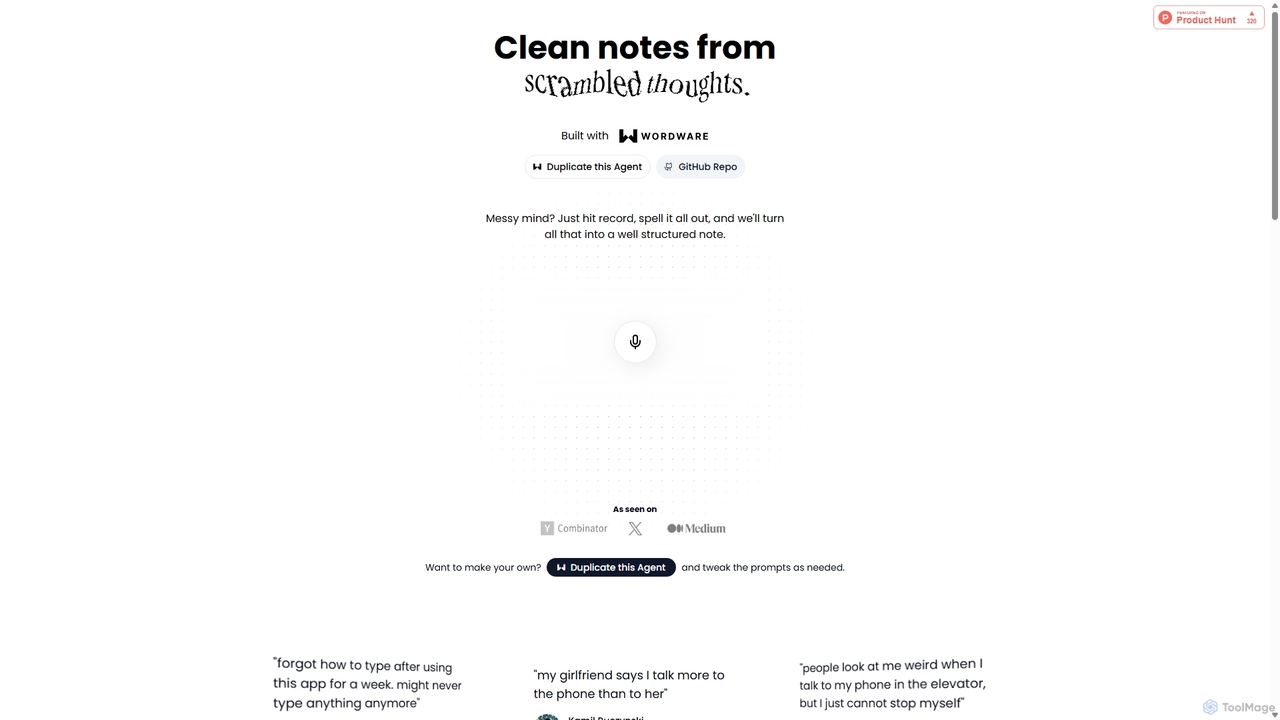
Audioscribe
Audioscribe is an AI-powered tool that transforms your messy, spoken thoughts into clean, well-structured notes. Simply record your voice, and the AI will transcribe, organize, and format your ideas into coherent text for project plans, emails, journals, and more, streamlining your workflow and boosting productivity.
Speech To Text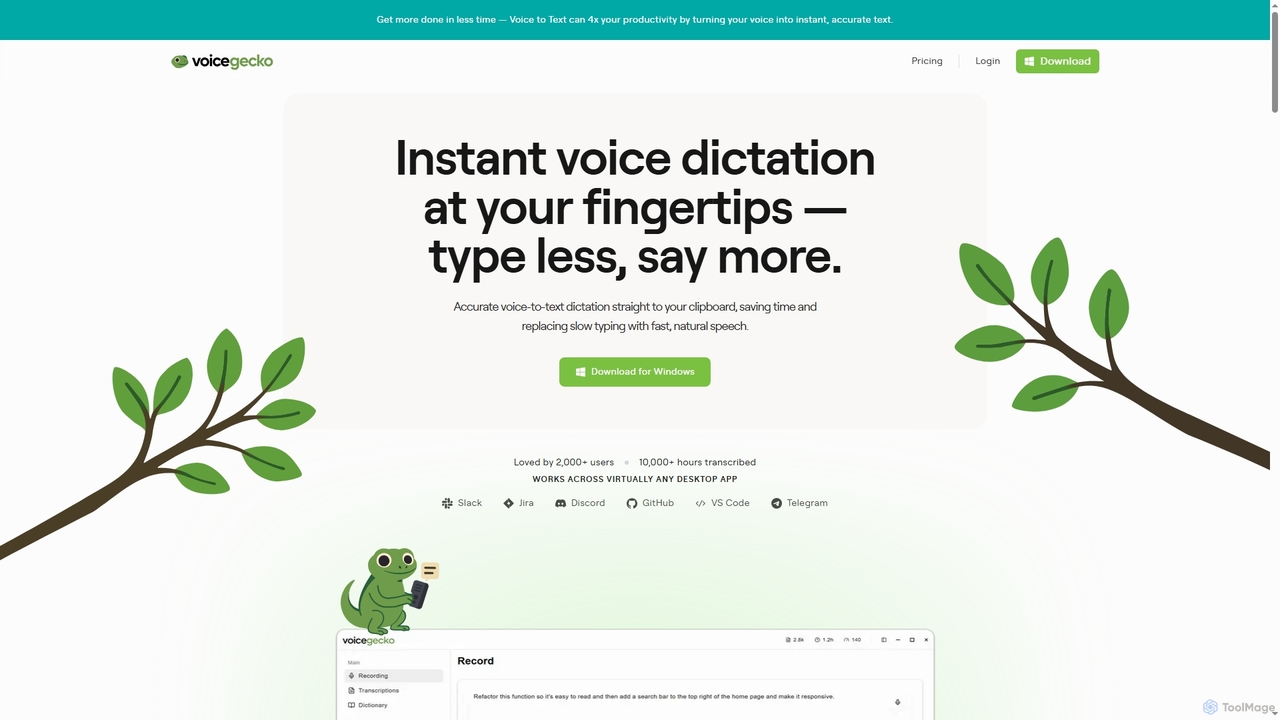
VoiceGecko
VoiceGecko is a desktop application providing instant, high-accuracy voice-to-text dictation. It works across virtually any app, allowing users to type with their voice to save time, reduce typos, and improve workflow, especially for developers and AI users.
MessagingHurd.ai
Hurd.ai is a free, privacy-focused AI transcription tool for macOS. It automatically transcribes, summarizes, and tags your lectures, meetings, and conversations from audio/video files. Powered by OpenAI's Whisper, it offers high accuracy in over 90 languages. All processing is done locally on your device, ensuring your data remains private. Ideal for students, professionals, and anyone needing to capture spoken information without the distraction of manual note-taking.
Speech To Text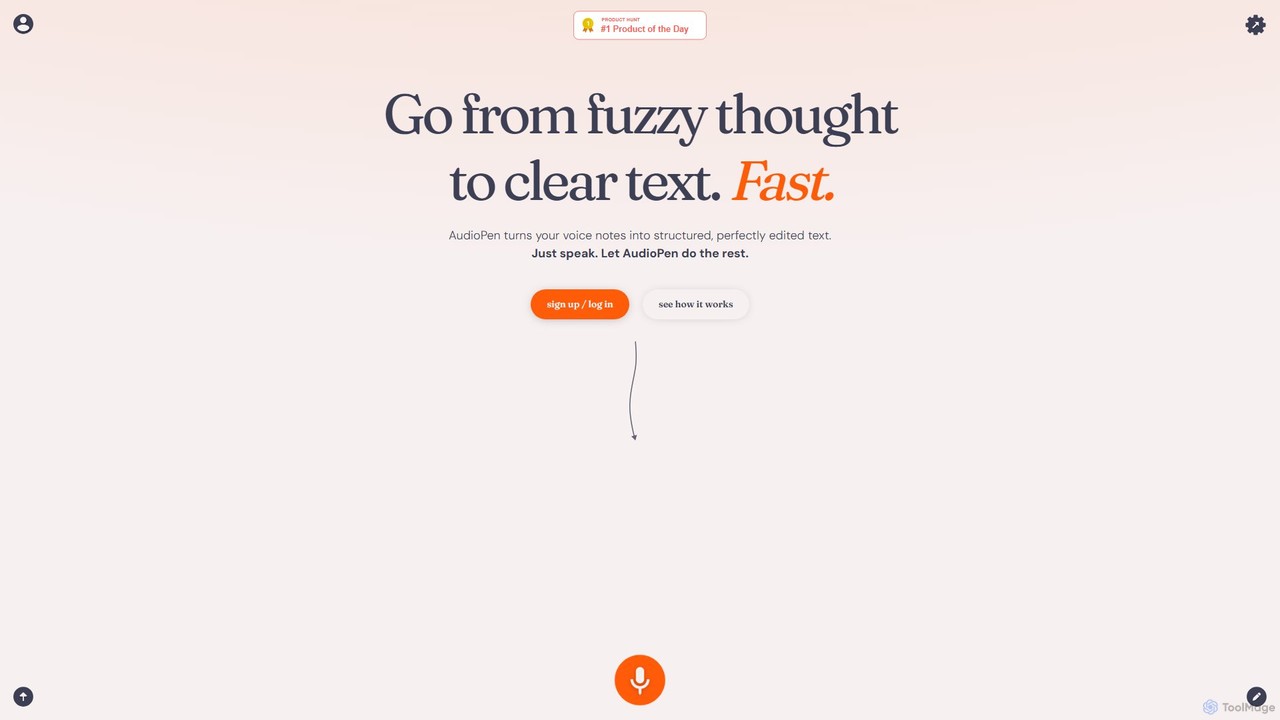
AudioPen
AudioPen is an AI-powered tool that converts unstructured voice notes into clear, well-written text. Simply record your thoughts, and AudioPen will transcribe, summarize, and rewrite them into coherent summaries, blog posts, emails, or lists. It's designed to help you capture ideas on the go without the hassle of typing.
Transcription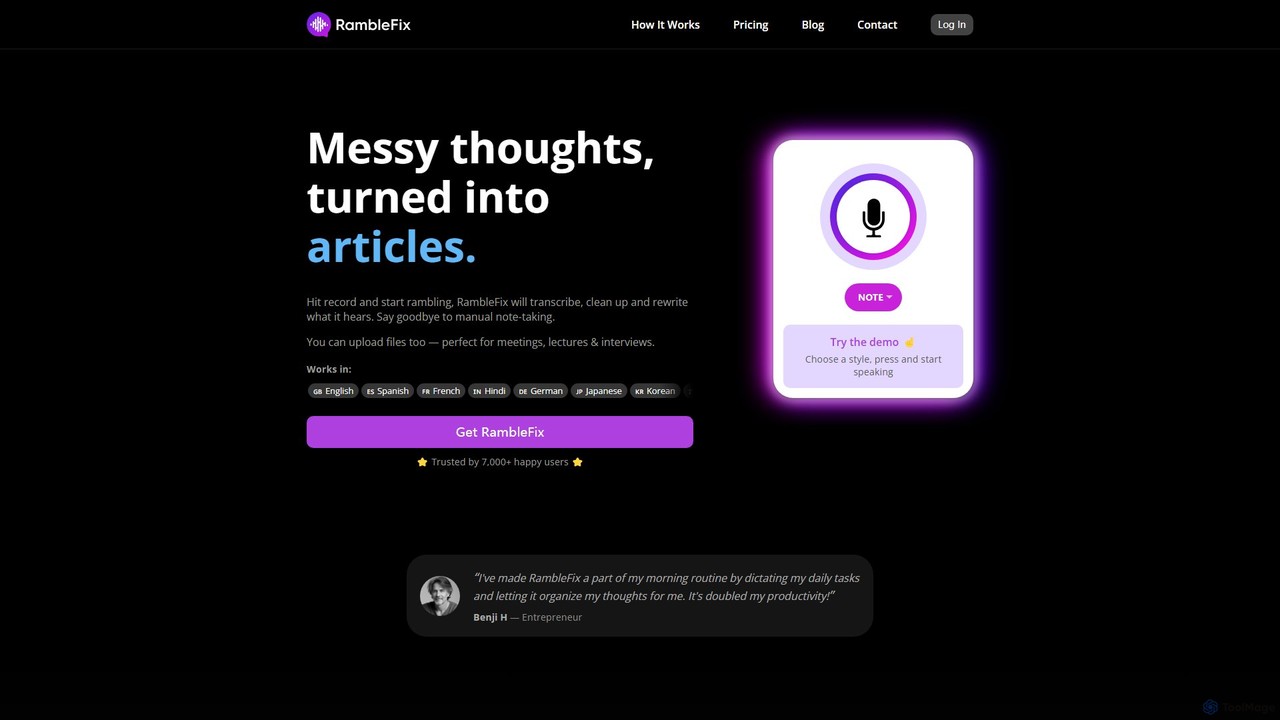
RambleFix
RambleFix is an AI-powered tool that transforms your scattered voice notes and ramblings into structured, polished text. Simply record your thoughts or upload an audio file, and the AI will transcribe, clean up, and rewrite your content into articles, emails, social posts, or organized lists. It supports over 30 languages, making it perfect for boosting productivity, overcoming writer's block, and creating content effortlessly.
Transcription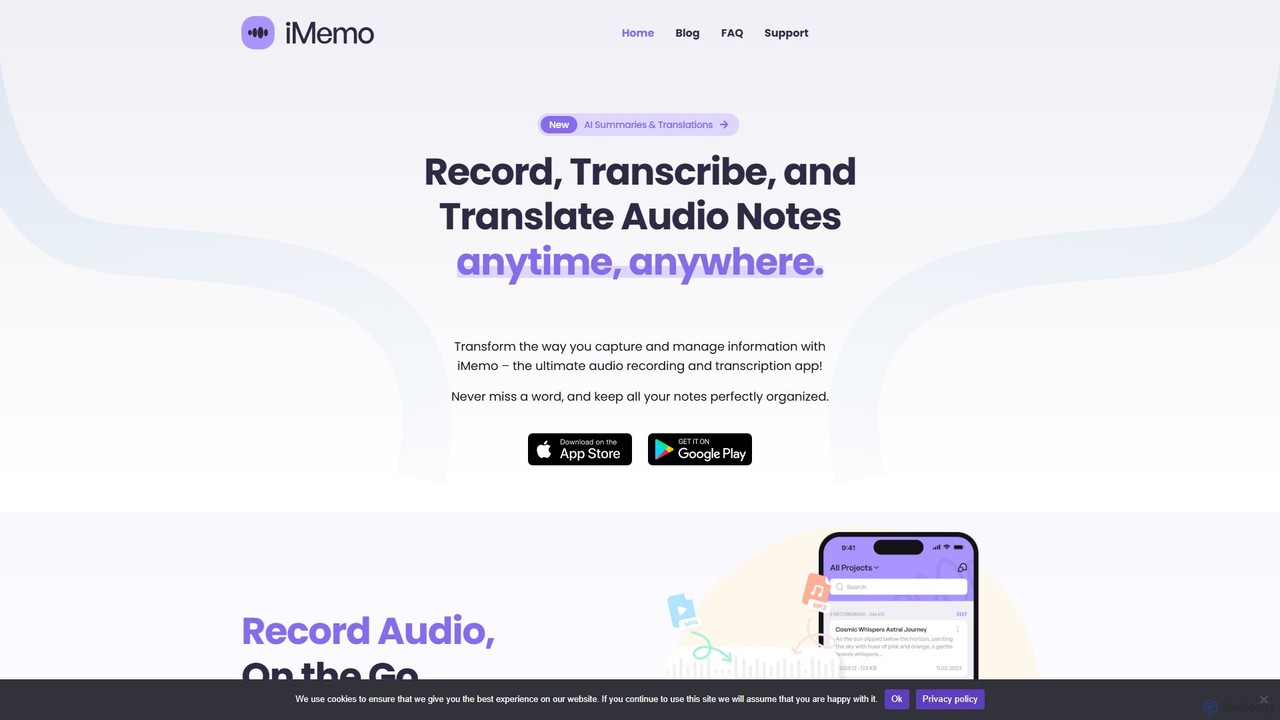
iMemo
iMemo is an AI-powered note-taking assistant that transforms audio into actionable text. Record meetings, lectures, or ideas, and get instant transcriptions, AI-generated summaries, and translations in over 100 languages. Organize your notes in project folders, find information quickly with advanced search, and stay focused without distracting meeting bots. Ideal for students, professionals, journalists, and anyone looking to save time and capture every detail.
Transcription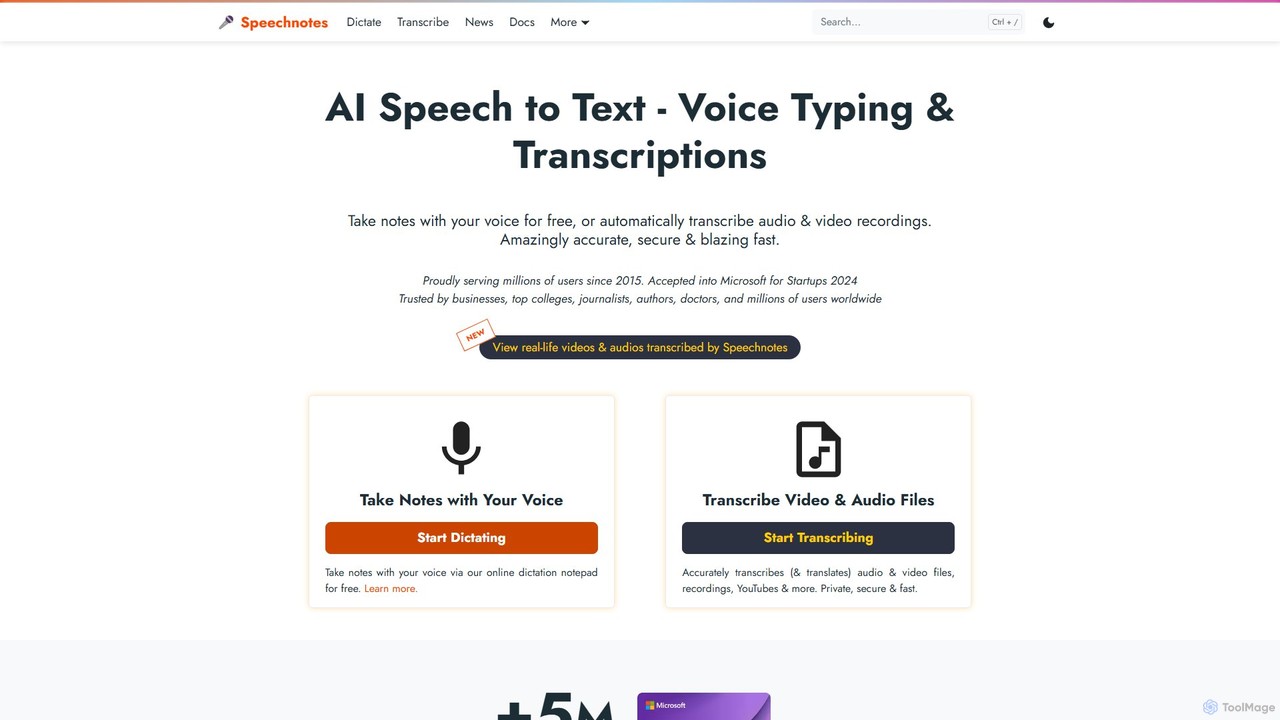
Speechnotes
Speechnotes is a powerful and private speech-to-text tool, offering free online voice dictation and a professional, secure automatic transcription service. It supports real-time voice typing, audio/video file transcription, and even features a convenient WhatsApp bot. With a strong emphasis on user privacy and HIPAA compliance for its paid service, Speechnotes is ideal for writers, journalists, students, and professionals.
Speech To Text
superwhisper
superwhisper is an AI-powered dictation and transcription tool for macOS and iOS. It offers high-accuracy speech-to-text conversion, intelligent formatting modes for different contexts (emails, notes), and supports over 100 languages. It prioritizes privacy with offline, on-device processing and works seamlessly in any application.
Speech To Text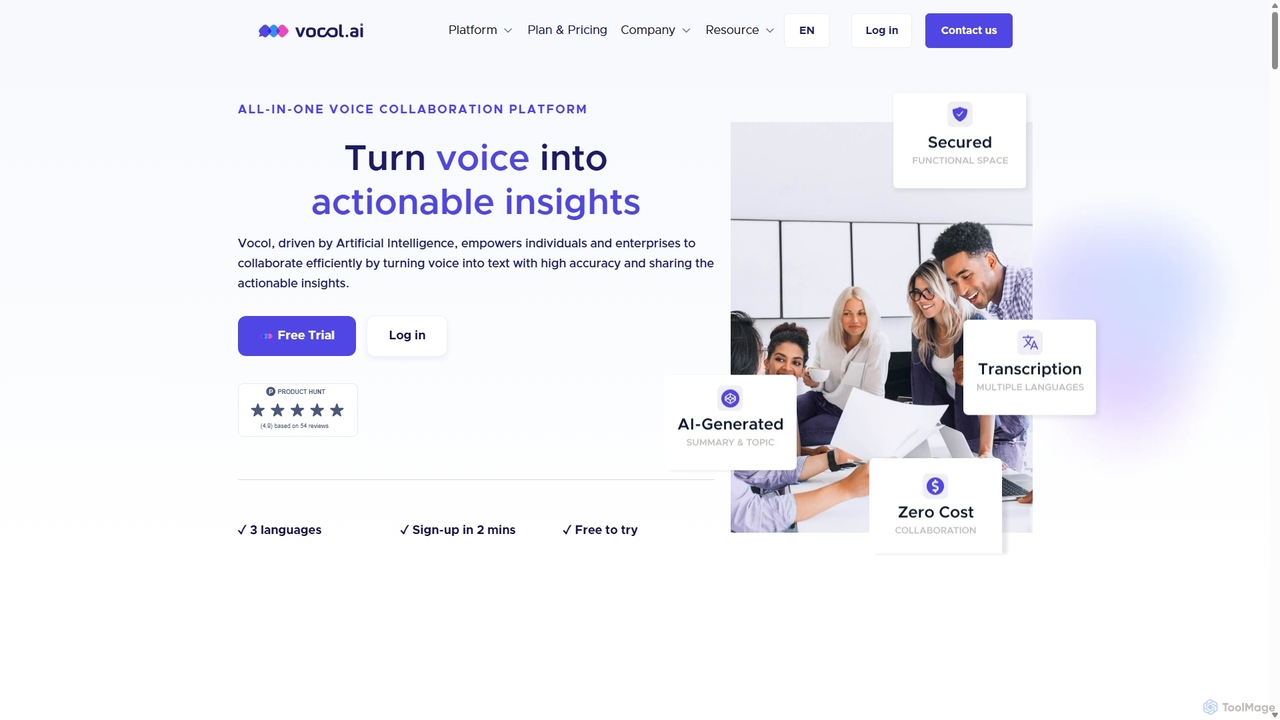
Vocol.ai
Vocol.ai is an all-in-one AI voice collaboration platform that transforms spoken conversations into actionable insights. It provides high-accuracy, multilingual transcription (English, Chinese, Japanese), AI-generated summaries, key topics, and action items. Designed for teams, it streamlines workflows, enhances collaboration, and boosts productivity by automating the manual work of note-taking and analysis for meetings, interviews, and lectures.
Speech To Text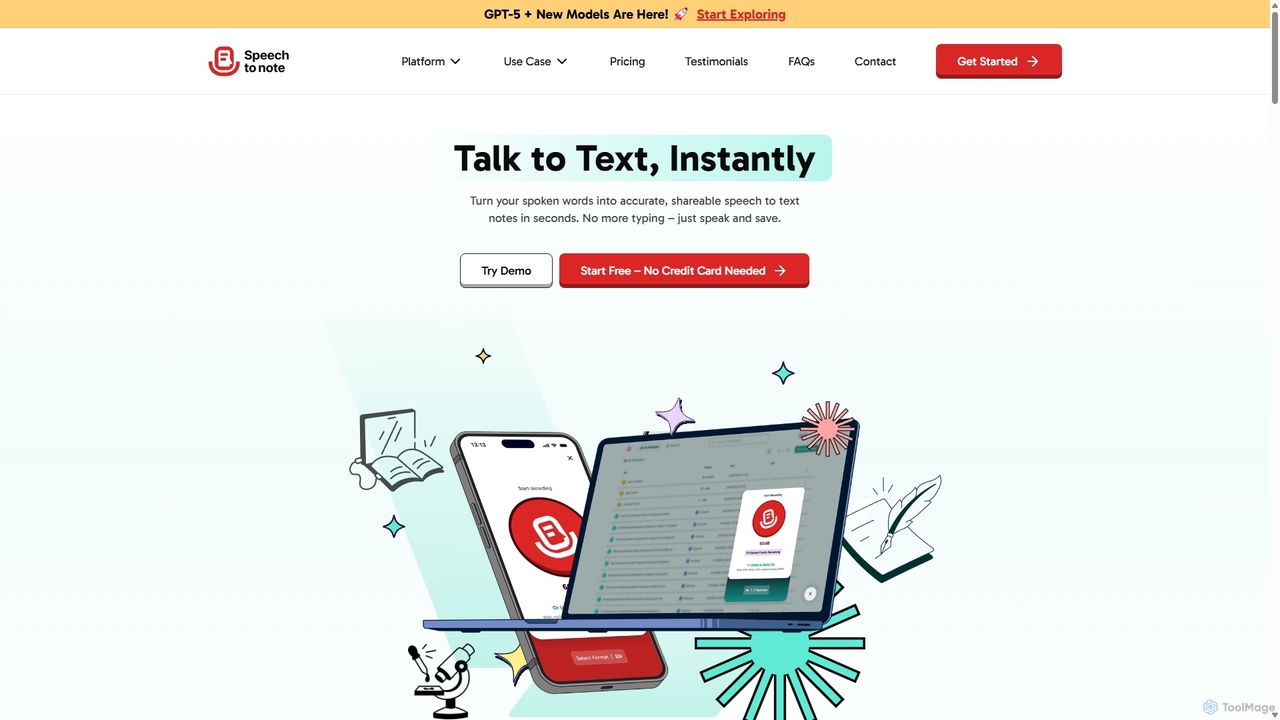
SpeechtoNote
SpeechtoNote is an AI-powered tool that instantly converts spoken words into accurate text notes. It supports over 40 languages and offers 30+ smart note formats, including summaries, emails, and to-do lists. Powered by advanced models like GPT-4o, it's designed for professionals, students, and creators to capture ideas, transcribe meetings, and streamline their workflow effortlessly.
Speech To Text
Jyek
Jyek is an AI agent platform that understands objectives, creates execution plans, uses tools, and delivers verifiable results for complex, multi-step tasks.
Automation
Voice To Notes Comments (0)
Sign in to comment.
Sign inNo comments yet.