Productivity Best in category 5 results Whiteboard AI Tool

Popular AI tools in the Whiteboard field of Productivity include tldraw、Pixso、noteey、Jeda.ai、BloxGPT, etc., helping you quickly improve efficiency.

tldraw

tldraw

tldraw is a free, AI-powered collaborative whiteboard that transforms your rough sketches into functional code and polished diagrams. …

805.7K
Pixso

Pixso

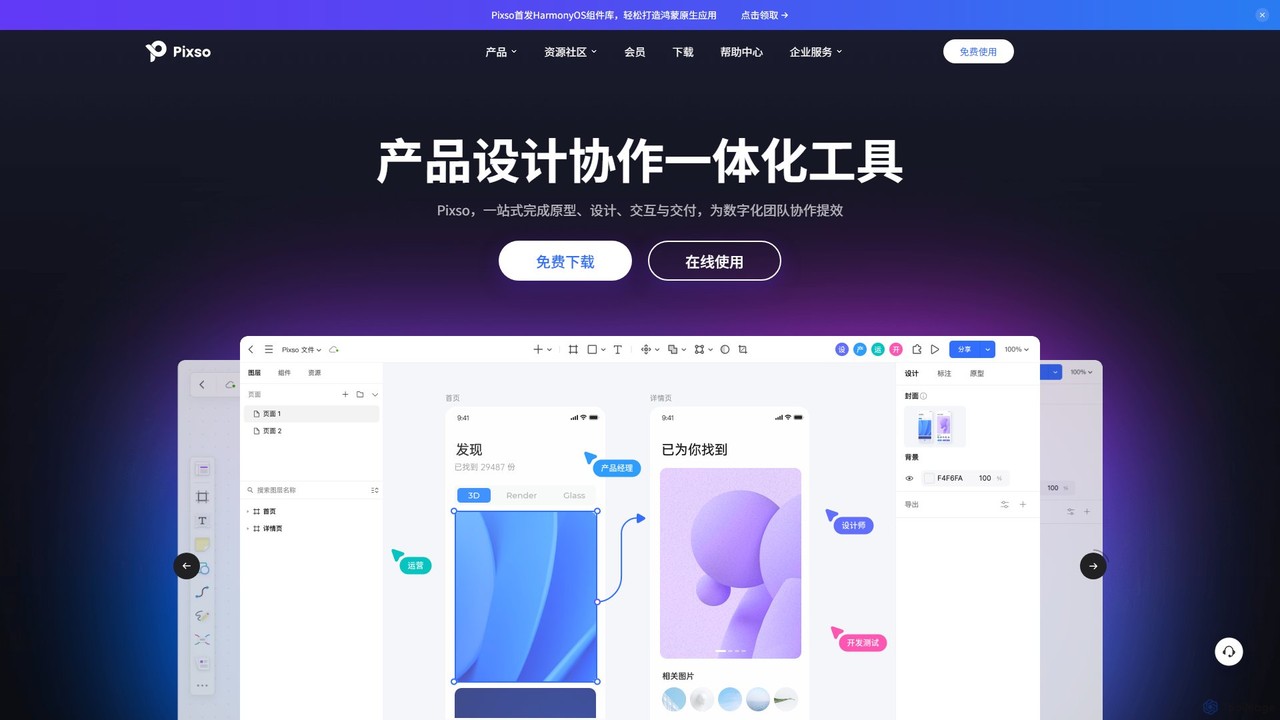
Pixso is an all-in-one, cloud-based collaborative product design platform for UI/UX design, prototyping, and developer handoff. It integrates …

487.3K
noteey

noteey

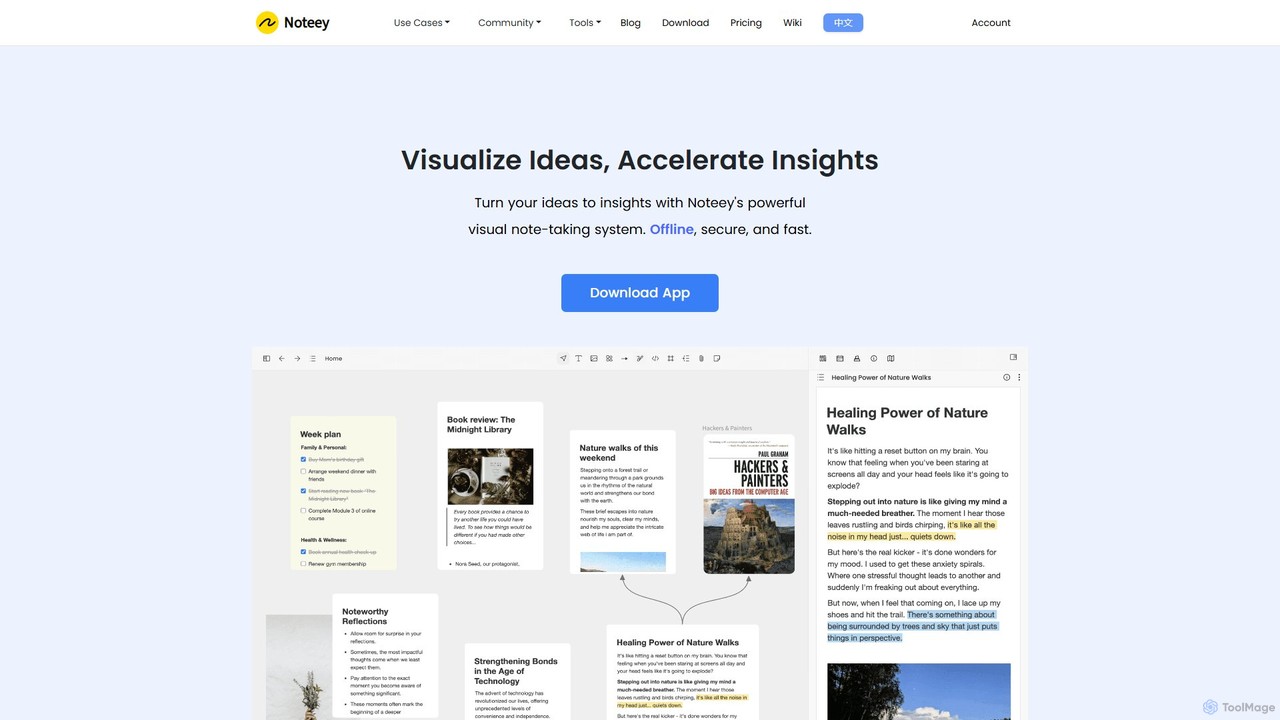
Noteey is an offline-first visual note-taking and knowledge management app for Mac & Windows. It features an infinite …

197.5K
Jeda.ai

Jeda.ai

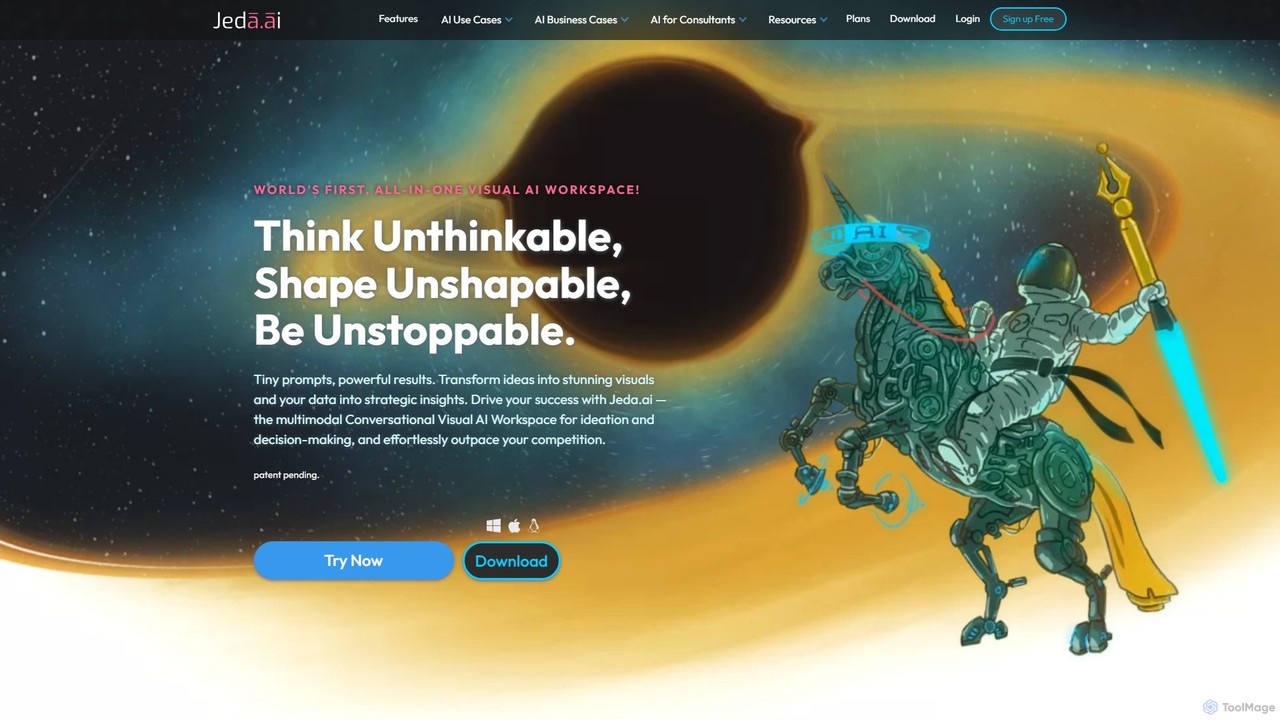
Jeda.ai is a multimodal generative visual AI workspace designed to enhance productivity and collaboration. It allows users to …

46.1K
BloxGPT

BloxGPT

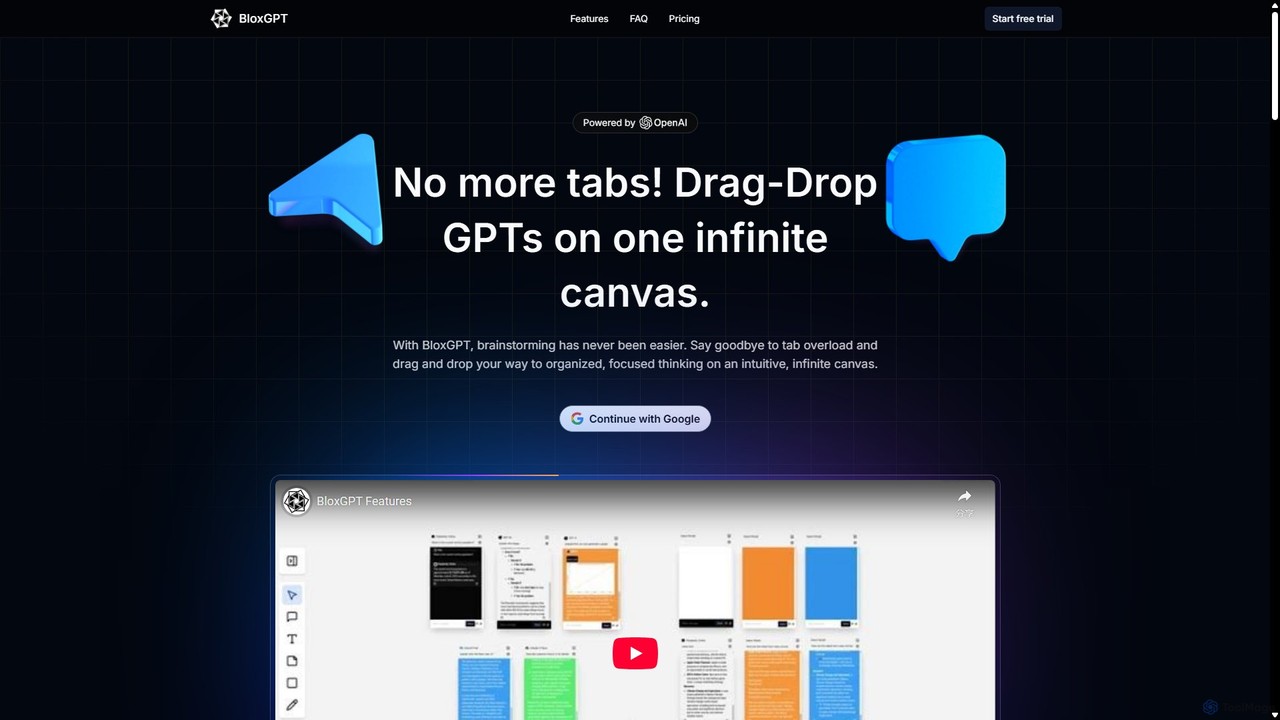
BloxGPT is an AI-powered collaborative workspace that replaces tab clutter with a single, infinite canvas. Users can drag …

4.4K

About Whiteboard

AI Whiteboard tools are intelligent digital canvases that enhance collaborative brainstorming and visual planning. They utilize artificial intelligence to automatically generate diagrams, organize ideas from unstructured input, and summarize complex information. This empowers teams to transform chaotic brainstorming sessions into structured, actionable plans with greater speed and clarity. Unlike traditional digital whiteboards, these tools act as active participants, suggesting connections and creating polished visuals from rough concepts.

Core Features

  • Automated Diagramming: Instantly converts text prompts, raw data, or rough sketches into professional flowcharts, mind maps, and UML diagrams.
  • AI Idea Generation: Expands on initial concepts by suggesting related ideas, asking clarifying questions, and generating content for sticky notes.
  • Intelligent Summarization: Analyzes content on the board, such as sticky notes and text, to produce concise summaries and identify key themes.
  • Visual Content Creation: Generates images, icons, and other visual aids directly on the canvas based on simple text descriptions.
  • Workflow Automation: Connects visual elements to other tools, automatically creating tasks in project management software from whiteboard items.

Use Cases

AI Whiteboards are widely used by product development teams for user story mapping, marketing teams for campaign strategy visualization, and software engineers for designing system architectures. They are also valuable in educational settings for creating dynamic lesson plans and in consulting for facilitating client workshops and strategy sessions.

How to Choose

When selecting an AI Whiteboard, evaluate the specific AI capabilities—whether you need stronger diagramming, idea generation, or summarization. Consider its integration ecosystem and how well it connects with your existing tools like Slack, Jira, or Google Workspace. Also, assess the real-time collaboration features, user permission controls, and enterprise-grade security for sensitive projects.

WhiteboardUse Cases

1

Accelerate Agile Sprint Planning

A scrum master for a distributed software team uses an AI Whiteboard to facilitate a sprint planning session. Team members add their ideas and potential tasks as unstructured text or sticky notes. The AI automatically clusters related notes into themes, identifies dependencies, and suggests user story formats. This process reduces manual sorting time by over 50% and helps the team visualize the entire sprint scope clearly and efficiently.

2

Visualize Complex System Architectures

A team of software architects needs to design a new microservices architecture. Instead of manually drawing boxes and lines, they describe the services, databases, and API connections in a simple text list on the AI Whiteboard. The tool's AI engine interprets this text and automatically generates a clean, standardized C4 model or UML diagram. The team can then ask the AI to suggest potential bottlenecks or security vulnerabilities, enabling faster iteration and more robust design before writing any code.

3

Streamline UX Research Synthesis

A UX research team concludes a series of user interviews and needs to synthesize their findings. They paste raw interview transcripts and notes onto the AI Whiteboard. The AI processes the text to identify recurring pain points, user needs, and positive feedback, automatically grouping them into affinity clusters. It generates a summary for each cluster, creating an instant affinity diagram. This transforms days of manual analysis into a few hours of guided work, allowing the team to focus on generating actionable insights.

4

Dynamic Marketing Campaign Brainstorming

A marketing team is planning a new product launch campaign. They start by adding a central product idea to the AI Whiteboard. The AI then generates a mind map of potential campaign angles, target audience segments, and content ideas (e.g., blog posts, social media series, video concepts). As the team adds more ideas, the AI organizes them and even generates draft ad copy or social media posts for selected concepts, providing a comprehensive, visually organized campaign plan in a single session.

5

Facilitate Interactive Corporate Workshops

A corporate trainer conducts a remote workshop on design thinking. Participants use the AI Whiteboard to contribute ideas during brainstorming exercises. The AI facilitates the process by providing prompts, organizing contributions in real-time, and running timed voting sessions. At the end of the workshop, the AI generates a complete summary of the discussions, key decisions, and action items, which is then automatically distributed to all participants. This enhances engagement and ensures clear outcomes without manual note-taking.

6

Create Strategic Business Roadmaps

A product leader works with stakeholders to define a multi-quarter product roadmap. They input strategic goals, feature ideas, and market data onto the AI Whiteboard. The AI helps structure this information into a timeline view, suggesting dependencies between initiatives and aligning features with specific company objectives. It can generate different roadmap visualizations (e.g., Gantt chart, Kanban view) on the fly, making it easy to present the strategy to executive teams and align cross-functional departments.

WhiteboardFrequently Asked Questions