

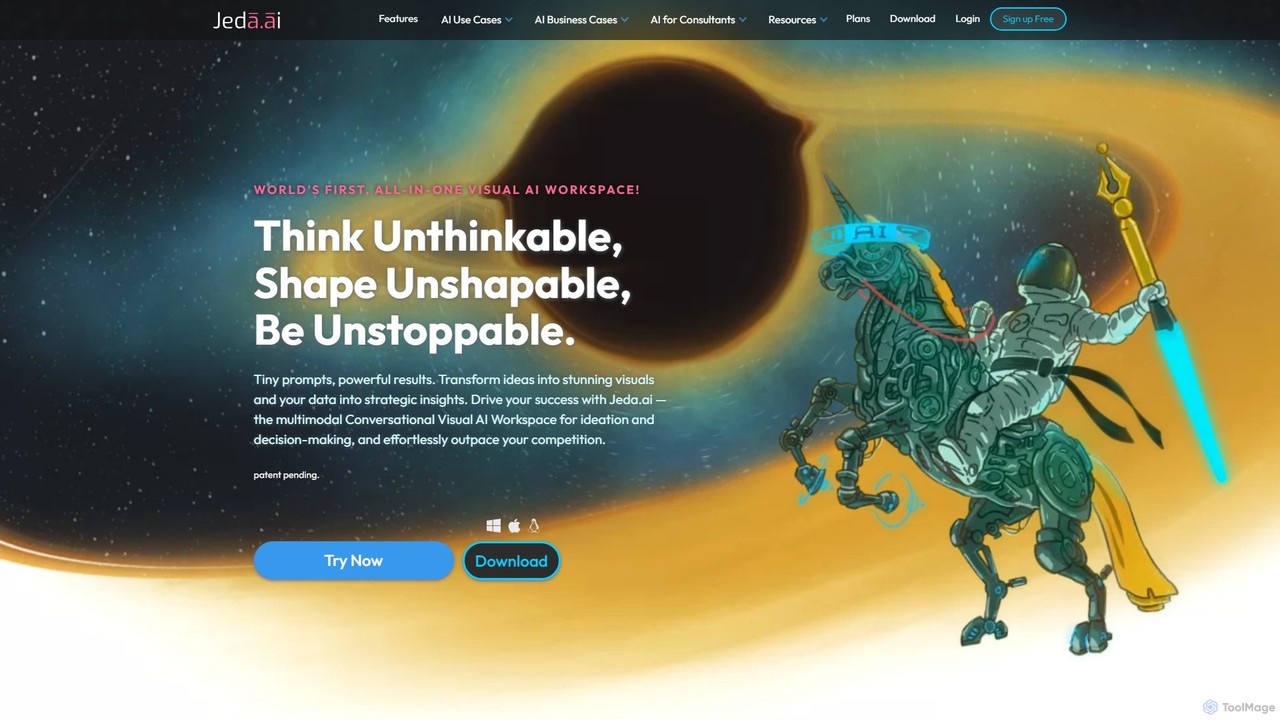
Jeda.ai Overview
Jeda.ai is a revolutionary Multimodal Generative Visual AI Workspace that functions as an intelligent online whiteboard. It is engineered to transform how teams visualize ideas, collaborate on projects, and innovate. By integrating a suite of powerful AI models, Jeda.ai empowers users to move from concept to creation in seconds. You can generate complex diagrams, detailed wireframes, and insightful data visualizations simply by typing a text command. This eliminates the traditional friction of design and analysis, allowing for a seamless flow of creativity and productivity.
The platform serves as a unified hub where visual generation, real-time editing, and teamwork converge. It supports a wide range of inputs, including text prompts, data files like CSV and Excel, and documents such as PDF, DOCx, and PPTx. Jeda.ai processes these inputs to produce fully editable visual outputs on an infinite canvas, making it an indispensable tool for business analysts, product managers, data scientists, and creative teams.
How to use Jeda.ai
Using Jeda.ai is an intuitive process designed to maximize efficiency:
- Start with a Prompt: Begin by typing a natural language command into the prompt bar. For example, 'Create a flowchart for a user login process' or 'Generate a wireframe for a mobile app's home screen.' The AI will instantly generate the visual on your canvas.
- Upload Data or Documents: For data-driven insights, upload a CSV or Excel file. Jeda.ai's AI Data Intelligence will automatically analyze the data and suggest relevant charts and visualizations. Similarly, you can upload a PDF, DOCx, or PPTx file, and the AI Document Intelligence will summarize the content or create visuals based on it.
- Edit and Refine on the Canvas: All AI-generated elements are fully editable. Use the versatile drawing tools, sticky notes, and shapes to refine the visuals. The unique 'One Pen' feature allows you to draw and create shapes without switching tools, streamlining the creative process.
- Collaborate in Real-Time: Invite your team members to the workspace. Everyone can view, edit, and contribute to the canvas simultaneously, making it perfect for brainstorming sessions, workshops, and collaborative project planning.
- Present and Export: Use the built-in Presentation Mode to guide your audience through your work directly on the board. When finished, export your entire canvas or selected parts as high-quality JPG, PNG, or PDF files to share with stakeholders.
Core Features of Jeda.ai
- Generative Visual AI: Instantly create fully editable flowcharts, wireframes, mind maps, sequence diagrams, and other visual templates from simple text prompts.
- AI Data Intelligence: Upload CSV or Excel files to receive instant data analysis, generate charts, and uncover key insights without writing any code.
- AI Document Intelligence: Generate visual summaries and diagrams by uploading documents like PDFs, DOCx, and PPTx files.
- Multi-LLM Integration: Harnesses the collective power of leading AI models, including OpenAI's GPT-4o, Anthropic's Claude 3.5 Sonnet, Meta's LLaMA 3, and more, for superior reasoning and generation quality.
- AI Vision (AI Alchemy): Advanced capabilities to analyze images and generate visual content based on visual inputs.
- Collaborative Online Whiteboard: An infinite canvas equipped with real-time collaboration, intuitive drawing tools, sticky notes, image/document import, and version history.
- One Pen Technology: A patent-pending feature that automatically detects shapes as you draw, allowing for rapid and fluid diagramming.
- Publish and Share: Create a shareable public link for your private board or export your work in various formats, including PDF, PNG, and JPG.
Use Cases for Jeda.ai
Jeda.ai is versatile and can be applied across various professional domains:
- Business & Strategy: Business analysts and consultants can rapidly create process flows, SWOT analyses, and strategic roadmaps.
- Product & UX/UI Design: Product managers and designers can generate user flows and wireframes in minutes, accelerating the design and feedback cycle.
- Data Analysis: Data scientists and business users can perform quick data exploration and visualization without specialized software.
- Software Engineering: Developers can map out system architecture, database schemas, and sequence diagrams.
- Marketing & Sales: Teams can brainstorm campaigns, create customer journey maps, and design presentation visuals.
- Education & Research: Teachers and students can use it for collaborative projects, visual learning aids, and organizing research findings.
Advantages of Jeda.ai
Jeda.ai offers significant advantages over traditional tools. It can boost team productivity by up to 95% by automating tedious design and analysis tasks. The platform saves valuable time, with users reporting up to a 57% reduction in the time spent on data analysis and visual creation. By leveraging multiple AI models, it achieves up to 3x higher reasoning capabilities than single-model platforms, resulting in more accurate and context-aware outputs. Its all-in-one nature reduces tool sprawl and associated costs, providing a single, powerful workspace for a wide range of tasks.
Pricing and Plans
Jeda.ai offers a flexible pricing structure to suit different needs:
- White Belt (Free): Ideal for individuals and small teams, offering 3K daily AI tokens, unlimited workspaces, and core visual generation features with attribution.
- Black Belt ($25/month): Aimed at professionals, this plan includes unlimited AI tokens for content creation, access to GPT-4o Mini and GPT-4o, and removes the attribution requirement.
- Shifu ($82/month): The most popular plan, adding AI Data and Document Intelligence, access to a wider range of advanced models (Claude 3.5 Sonnet, LLaMA 3), and higher usage caps.
- Alchemist ($500/month): For power users and large teams, offering uncapped access to all advanced models, the Multi-LLM Agent, and dedicated support.
Jeda.ai also provides Team Subscriptions, Enterprise Plans with features like SSO and private cloud, and API access. Significant discounts are available for students, teachers, non-profits, startups, and users from developing countries.
Traffic
Latest traffic
Status
Monthly traffic trend
- 2025-9: 58.8K
- 2026-1: 61.4K
- 2026-2: 44.9K
- 2026-3: 43.2K
- 2026-4: 43.2K
- 2026-5: 39.7K
Geography
Top 5 countries / regions
- 🇮🇳India27.6%
- 🇳🇬Nigeria27.0%
- 🇺🇸United States17.8%
- 🇻🇳Vietnam15.7%
- 🇮🇩Indonesia12.0%
Traffic sources
| Source type | Percentage |
|---|---|
Direct | 94.5% |
Email | 5.5% |
Top keywords
| Keyword | Cost per click |
|---|---|
| ai for porter analysis | $0.00 |
| ai for whiteboard | $0.00 |
| best ai for business consultants | $0.00 |
| jeda | $0.00 |
| jeda ai | $0.00 |
Jeda.ai Alternatives

tldraw
tldraw is a free, AI-powered collaborative whiteboard that transforms your rough sketches into functional code and polished diagrams. With its 'Make Real' feature, it's an essential tool for developers, designers, and teams to brainstorm, prototype, and innovate with unprecedented speed.
Brainstorming
boardmix
boardmix is an AI-powered collaborative online whiteboard designed to enhance team creativity and productivity. It integrates AIGC, mind mapping, flowcharts, and real-time collaboration tools into a single, infinite canvas, making it an all-in-one solution for brainstorming, project management, and visual communication.
Project Management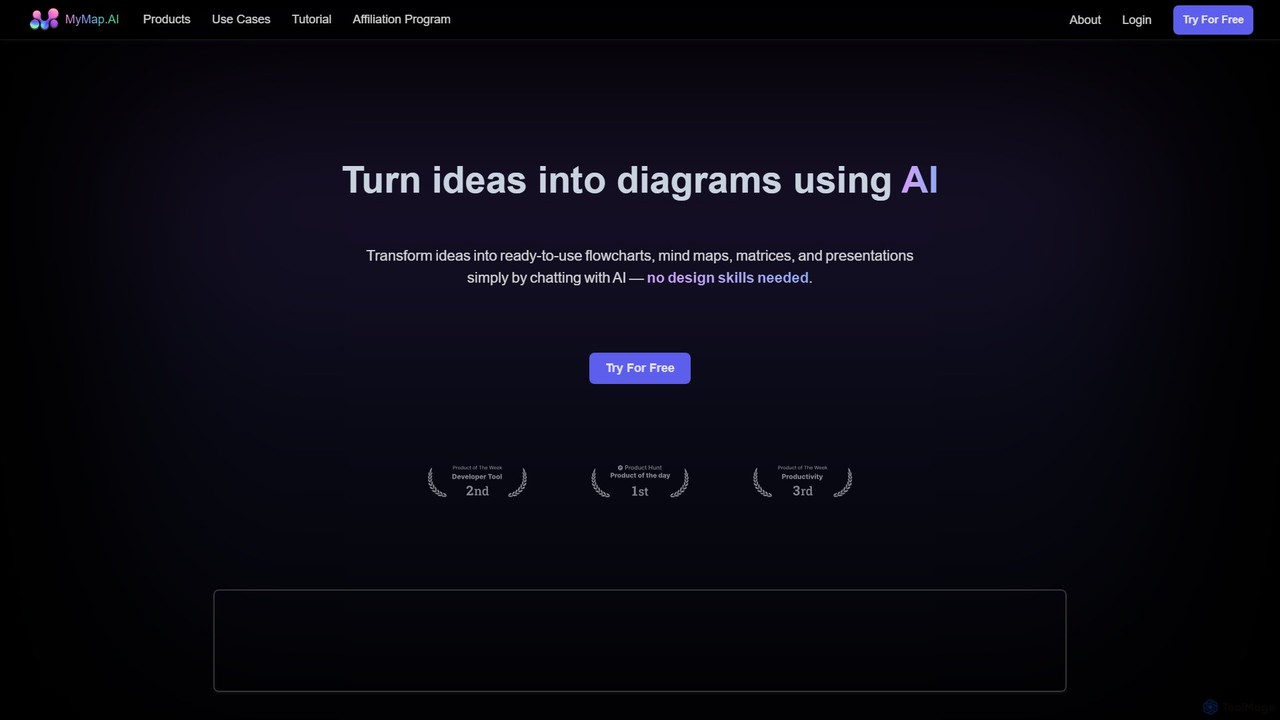
MyMap
MyMap is an AI-native diagramming tool that transforms text, files, and web content into visual formats like mind maps, flowcharts, and presentations. Simply chat with the AI to generate, edit, and collaborate on diagrams in real-time. It's designed for visual thinkers to quickly structure ideas, plan projects, and create engaging content without manual design work.
Planning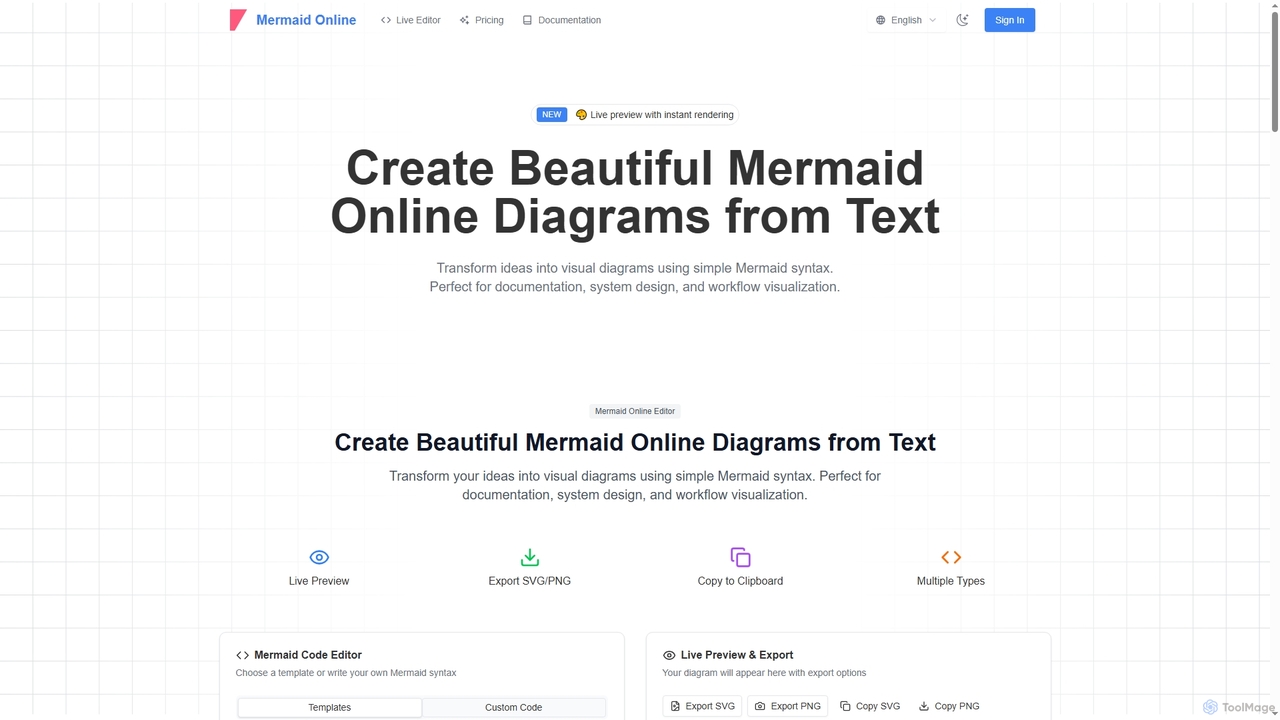
Mermaid Online
Mermaid Online is an advanced web-based editor and AI-powered diagram generator that transforms text descriptions and Mermaid syntax into professional visual diagrams. It supports various diagram types, offers real-time preview, and flexible export options, streamlining documentation and system design workflows for individuals and teams.
Text To Diagram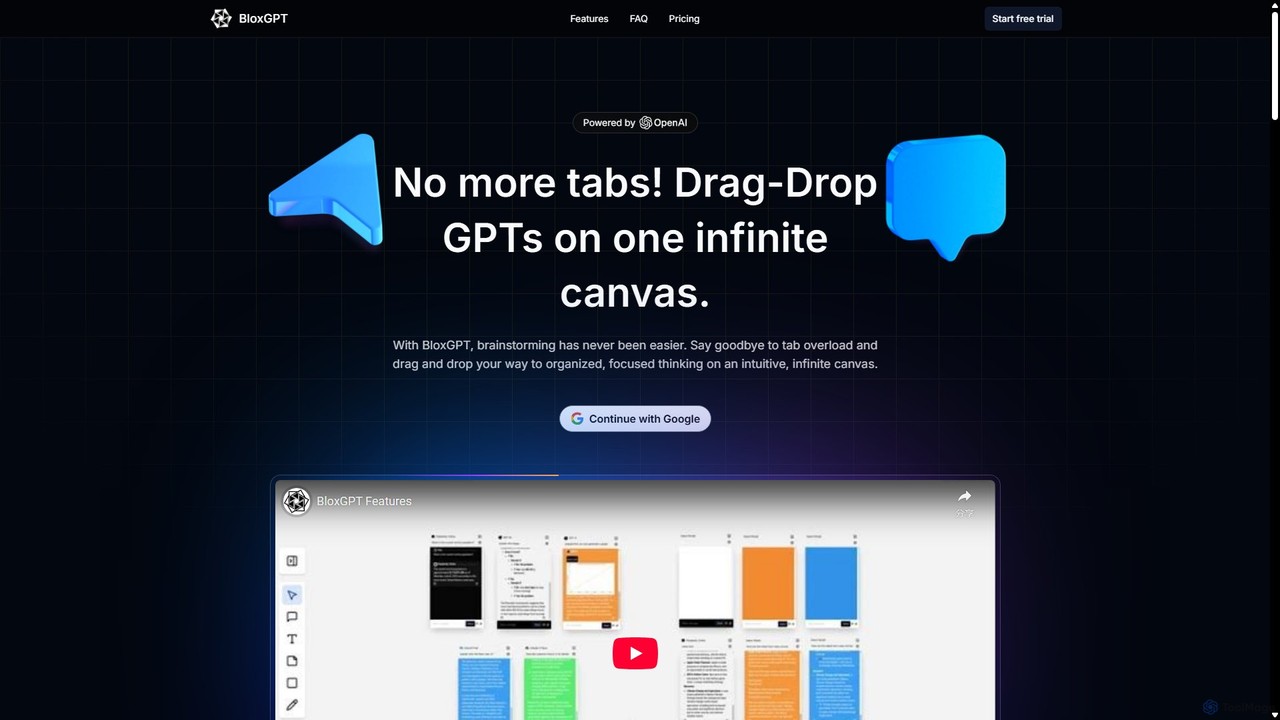
BloxGPT
BloxGPT is an AI-powered collaborative workspace that replaces tab clutter with a single, infinite canvas. Users can drag and drop GPT instances, brainstorm ideas, create diagrams, and collaborate with teams in real-time. It's designed for visual thinking, project planning, and enhanced productivity.
WireframingJeda.ai Categories
Jeda.ai Embed Widget
Copy this embed code to place the badge on your blog, article, or product site and send readers directly to this ToolMage detail page.

Related AI tools
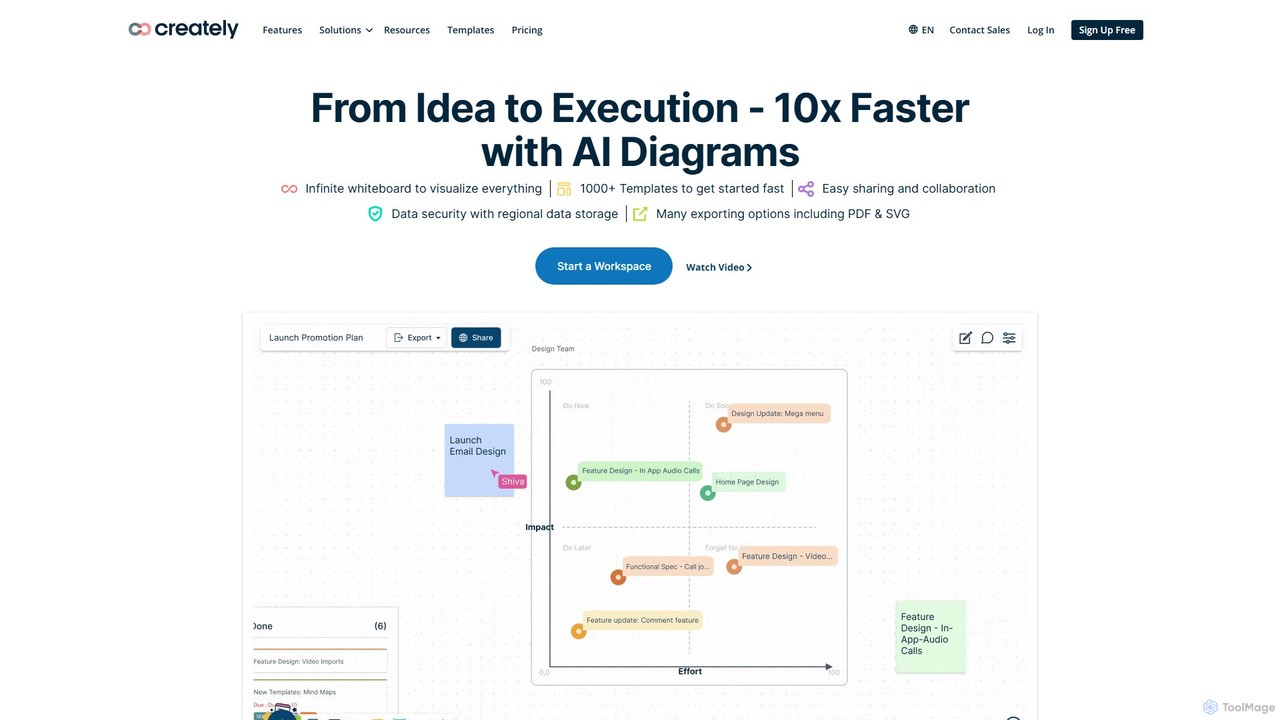
Creately
Creately is an AI-powered visual collaboration and work management platform. It combines intelligent diagramming, online whiteboarding, and data-driven project management on a single smart canvas, helping teams brainstorm, plan, and execute projects more effectively.
Planning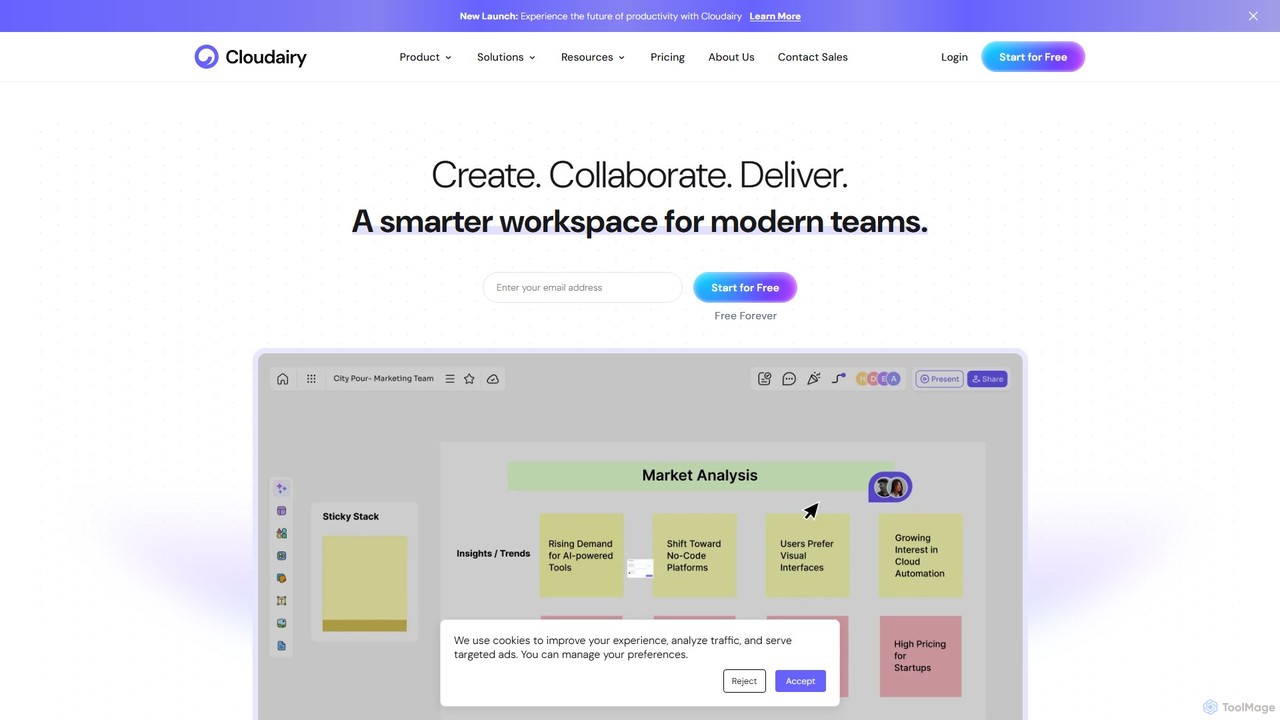
Cloudairy
Cloudairy is an AI-powered collaborative visual workspace designed for modern teams. It integrates AI-driven diagramming, mind mapping, image generation, and documentation tools into a single platform. It enables teams in engineering, sales, and project management to brainstorm, design, and deliver projects with enhanced efficiency and creativity.
Generative Artboardmix
boardmix is an AI-powered collaborative online whiteboard designed to enhance team creativity and productivity. It integrates AIGC, mind mapping, flowcharts, and real-time collaboration tools into a single, infinite canvas, making it an all-in-one solution for brainstorming, project management, and visual communication.
Project ManagementMyMap
MyMap is an AI-native diagramming tool that transforms text, files, and web content into visual formats like mind maps, flowcharts, and presentations. Simply chat with the AI to generate, edit, and collaborate on diagrams in real-time. It's designed for visual thinkers to quickly structure ideas, plan projects, and create engaging content without manual design work.
PlanningMermaid Online
Mermaid Online is an advanced web-based editor and AI-powered diagram generator that transforms text descriptions and Mermaid syntax into professional visual diagrams. It supports various diagram types, offers real-time preview, and flexible export options, streamlining documentation and system design workflows for individuals and teams.
Text To DiagramBloxGPT
BloxGPT is an AI-powered collaborative workspace that replaces tab clutter with a single, infinite canvas. Users can drag and drop GPT instances, brainstorm ideas, create diagrams, and collaborate with teams in real-time. It's designed for visual thinking, project planning, and enhanced productivity.
Wireframing
FlowCraft
FlowCraft is an AI-powered platform that transforms text descriptions into stunning visual content like diagrams, infographics, and illustrations. Simply describe your idea, and FlowCraft generates professional-quality visuals in various styles. It's ideal for professionals and creators who need to visualize complex information quickly, without any design skills.
Diagramming
Lucidchart
Lucidchart is an intelligent diagramming and visual collaboration platform that uses AI, data automation, and real-time teamwork to help users visualize complex systems, processes, and ideas. It enables teams to create professional flowcharts, org charts, network diagrams, and more, fostering clarity and driving innovation.
Project Management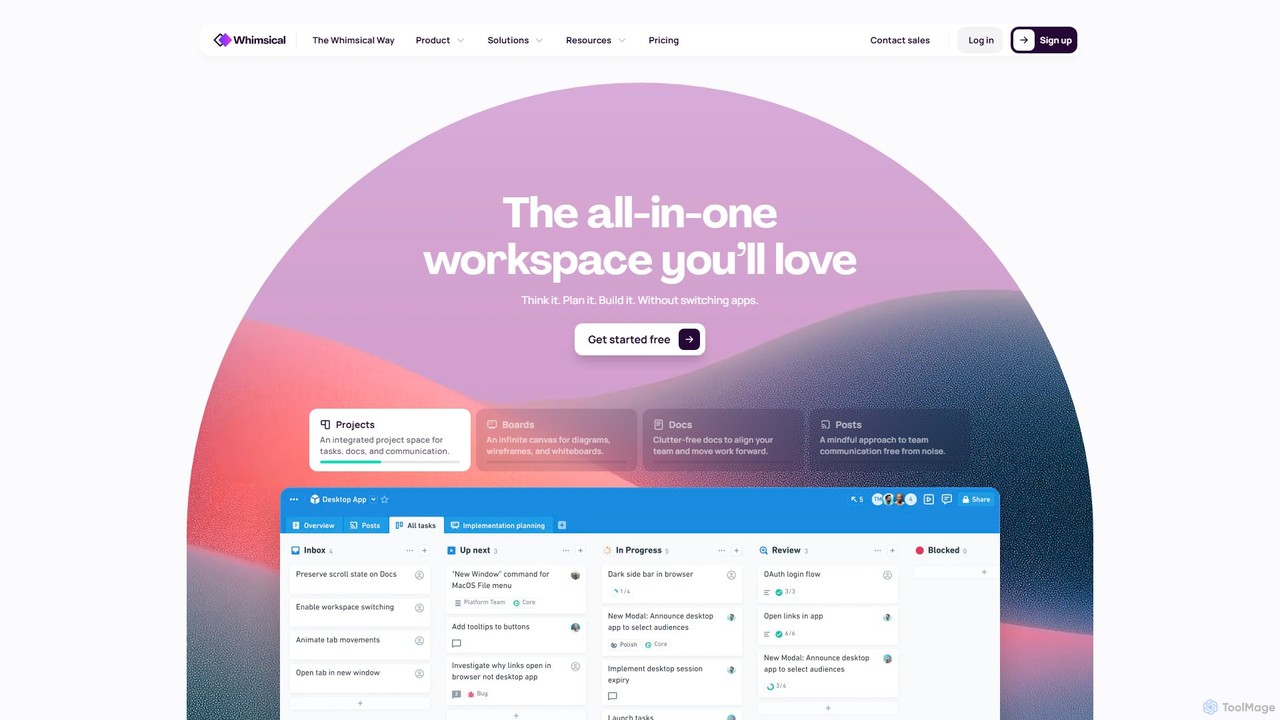
Whimsical
Whimsical is an all-in-one, AI-powered workspace that unifies visual collaboration, documentation, and project management. It combines whiteboards, mind maps, flowcharts, documents, and tasks to help teams streamline their entire workflow from initial idea to final execution in a single, interconnected platform.
Wireframing
Piktochart
Piktochart is an all-in-one visual communication tool, now enhanced with AI, for creating professional infographics, presentations, reports, and social media graphics. It simplifies data visualization and design, enabling users to transform text and data into compelling visuals effortlessly, with features for brand consistency and team collaboration.
Data Visualization
Edraw.AI
Edraw.AI is an AI-powered visual collaboration platform that enables users to create diagrams, mind maps, flowcharts, and other visuals with ease. It combines a user-friendly interface with powerful AI tools for generation, analysis, and design. Featuring real-time collaboration, an extensive library of templates and symbols, it's designed to boost productivity for teams in project management, IT, marketing, education, and more. Get started for free and transform your ideas into professional visuals.
Visualization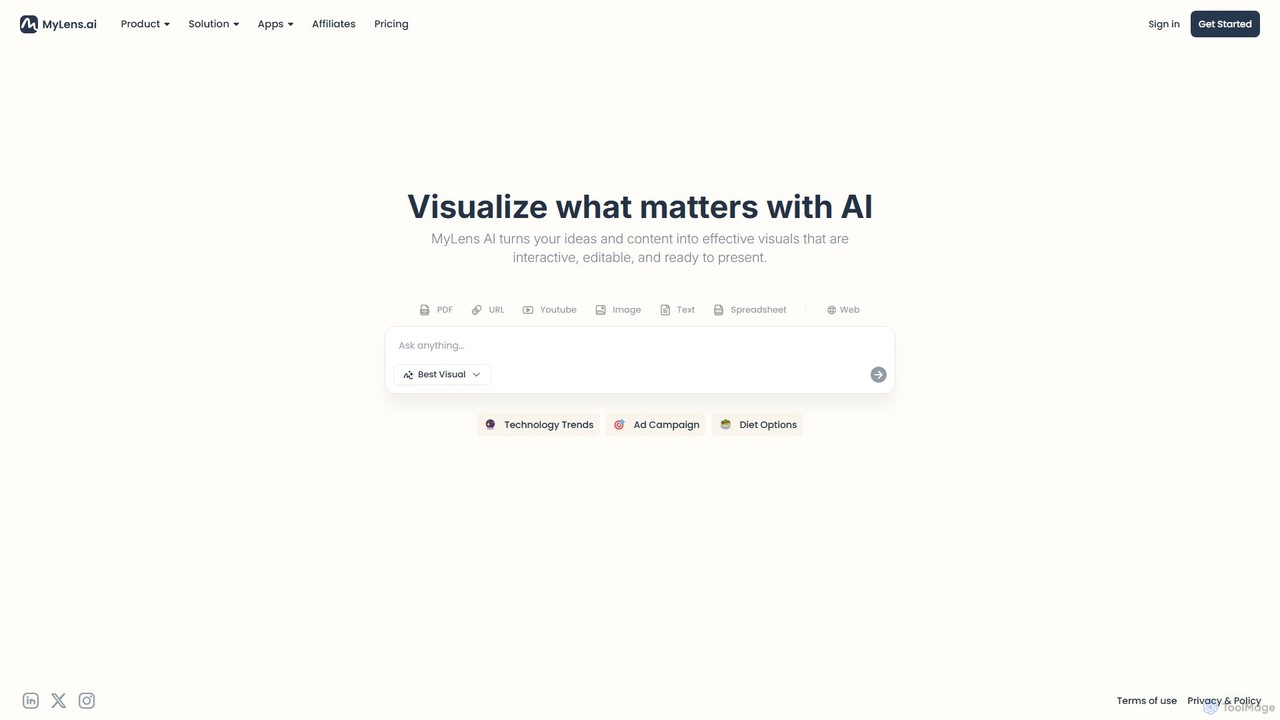
MyLens
MyLens is an AI-powered visualization platform that transforms your text, data, and ideas into interactive, editable, and presentation-ready visuals. Effortlessly create stunning infographics, charts, diagrams, and presentations to communicate complex information with clarity and impact.
Infographics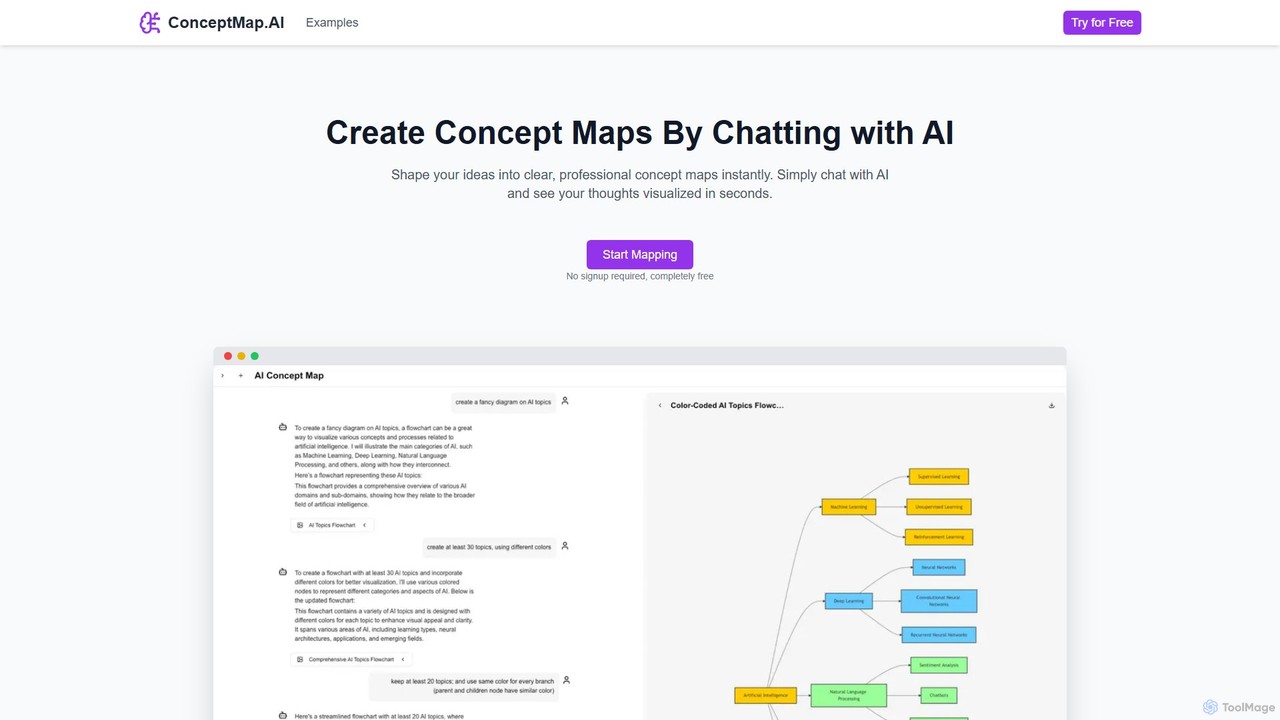
ConceptMap AI
A free, chat-based AI tool that instantly transforms your conversations and ideas into professional concept maps, mind maps, and flowcharts. Ideal for knowledge workers, students, and researchers to organize complex information, brainstorm, and plan projects without any manual diagramming.
Learning
AmyMind
AmyMind is an AI-powered mind mapping tool that instantly transforms text, documents (PDF, Word, Markdown), and ideas into clear, organized mind maps, flowcharts, and UML diagrams. It features AI-assisted exploration for deeper insights, one-click export to multiple formats like PowerPoint and PDF, and a versatile online whiteboard. Ideal for students, professionals, and creatives looking to visualize information and streamline their workflow.
Diagramming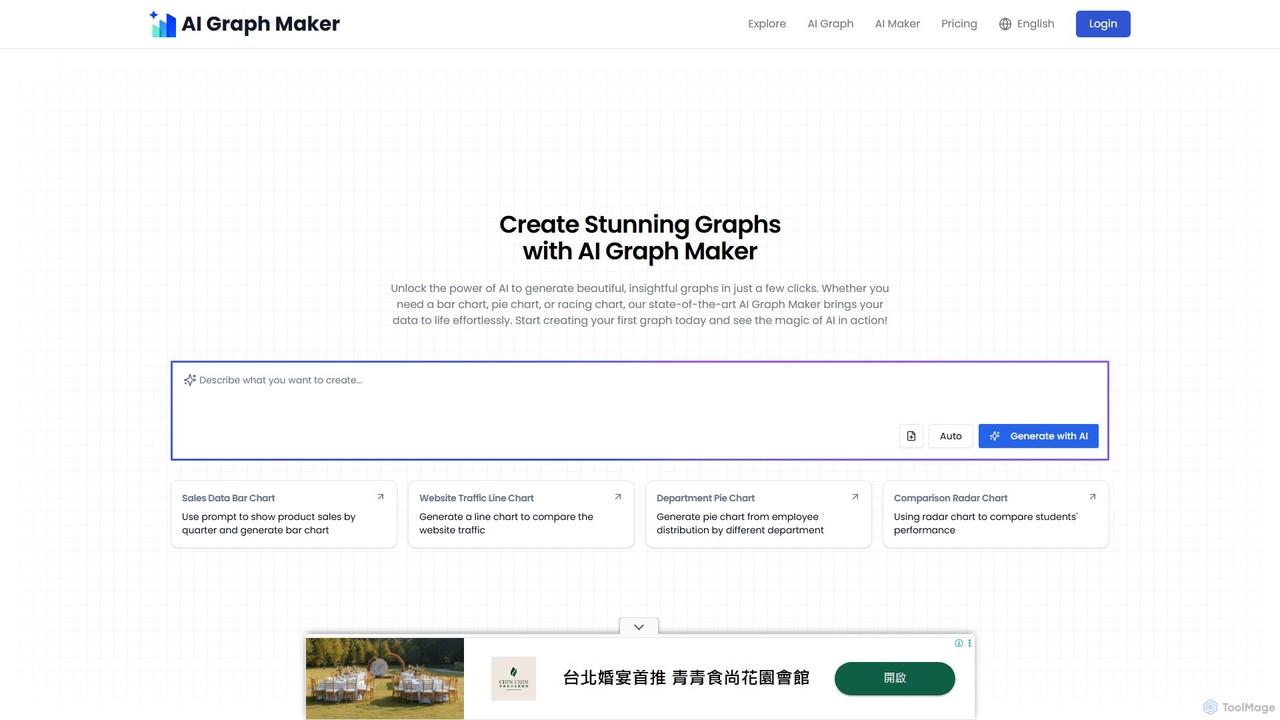
aigraphmaker
aigraphmaker is an AI-powered platform that transforms raw data and text prompts into a wide variety of professional and interactive charts and diagrams. It enables users, from beginners to experts, to effortlessly create stunning visualizations like bar charts, mind maps, flowcharts, and knowledge graphs in seconds, without any coding or design skills required.
Analytics
Jeda.ai Comments (0)
Sign in to comment.
Sign inNo comments yet.