ToolMage
Sign in

Best 3 File Conversion AI tools for Utilities

Popular File Conversion AI tools in Utilities include Quicktools by Picsart, Nero, and Soundwise, helping you work more efficiently.

Soundwise
Freemium

Soundwise

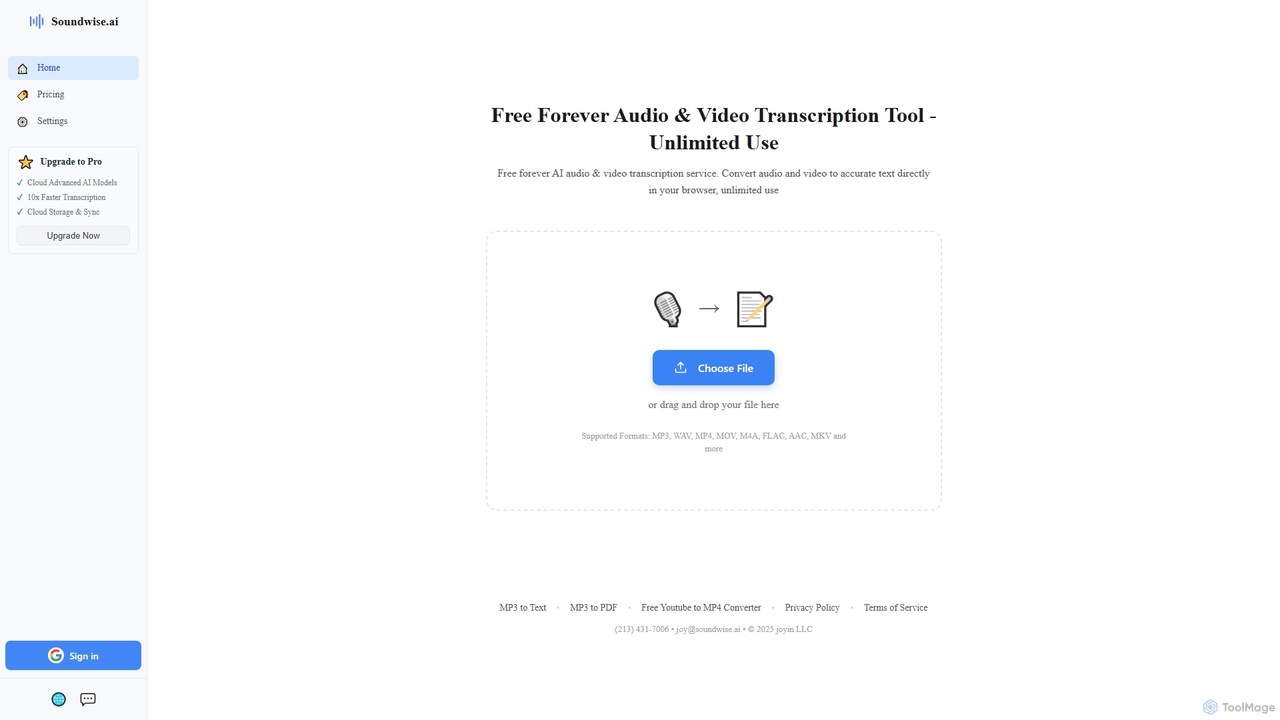
Soundwise is a free-forever AI-powered online tool designed for unlimited audio and video transcription. It accurately converts various media files into text directly within your web browser, offering a convenient solution for anyone needing quick and reliable transcriptions.

Transcription
Visits 184.5KFavorites 109Likes 106

Quicktools by Picsart
Free

Quicktools by Picsart

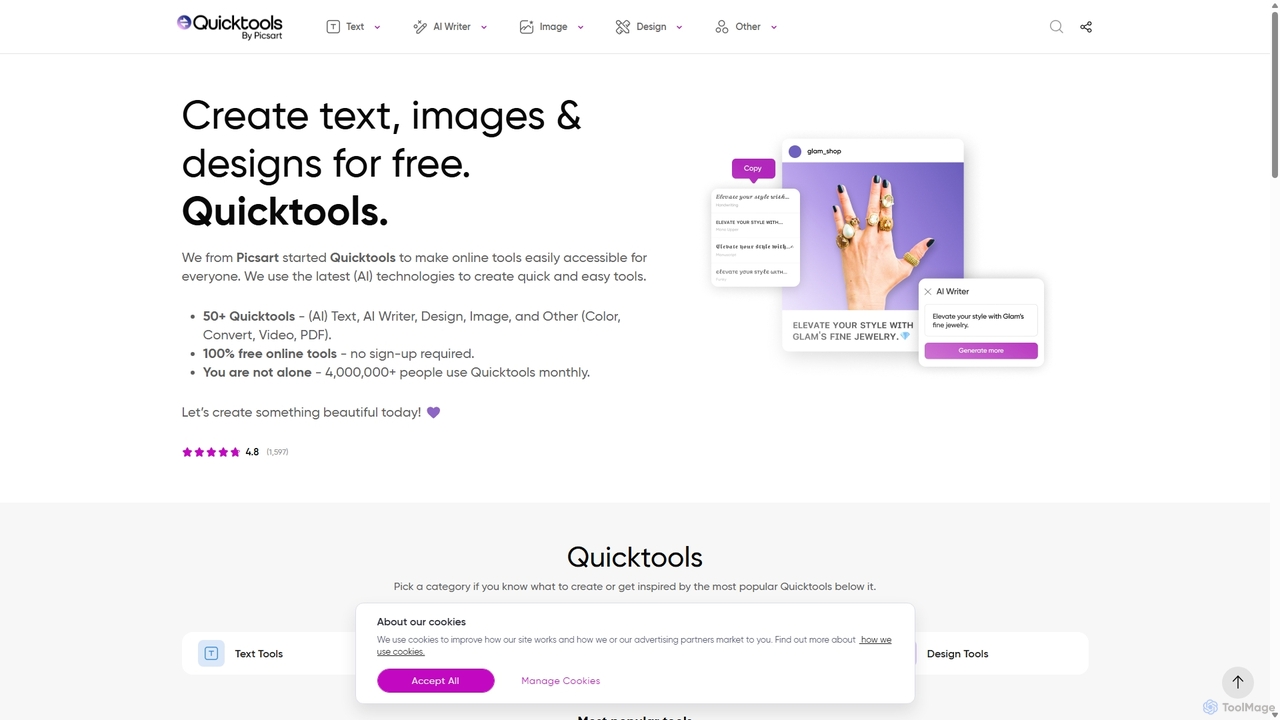
Quicktools by Picsart is a comprehensive suite of over 50 free, AI-powered online tools for creative tasks. It offers a wide range of single-purpose utilities for image editing, text generation, design, and file conversion. Designed for speed and simplicity, it allows users to perform quick edits like background removal, image upscaling, and font generation without needing to sign up or use a complex editor.

Image Editing
Visits 4.2MFavorites 122Likes 130
Nero
Paid

Nero

Nero is a powerful, AI-enhanced multimedia suite for Windows. Evolving from its legendary CD/DVD burning roots, it now offers a comprehensive 7-in-1 solution for video editing, file conversion, media management, data backup, and AI-powered photo enhancement. It's an all-in-one toolkit for managing your entire digital life.

Photo Editing
Visits 1.6MFavorites 110Likes 110

About File Conversion

File Conversion tools are AI-powered utilities designed to transform digital files from one format to another with enhanced intelligence and efficiency. Leveraging advanced algorithms, these tools can accurately interpret complex file structures, preserve data integrity, and optimize output quality, often automating tasks that would be manual or error-prone. They are invaluable for professionals and individuals needing seamless data interoperability across various platforms and applications, streamlining workflows and ensuring compatibility while maintaining high fidelity.

Core Features

  • Intelligent Format Detection: Automatically identifies source file types and suggests optimal target formats.
  • Batch Processing with AI Rules: Converts multiple files simultaneously, applying smart rules for naming, compression, or quality adjustments.
  • OCR Integration: Extracts editable text from scanned documents or images during conversion to formats like Word or PDF.
  • Quality Optimization: Preserves or enhances visual and audio quality during format changes, minimizing data loss.
  • Metadata Preservation: Ensures crucial file metadata (e.g., author, date, tags) is retained or correctly mapped during conversion.

Applicable Scenarios

Content creators often use these tools to adapt media files for different platforms, while data analysts convert various data formats for unified processing. Legal and administrative professionals rely on them to transform scanned documents into searchable, editable text, significantly improving document management and accessibility.

How to Choose

When selecting an AI file conversion tool, consider the range of supported input/output formats, the intelligence of its AI features (like OCR accuracy or smart compression), and its batch processing capabilities. Security protocols for sensitive data and integration options with existing workflows are also crucial for professional use.

Featured tool rankings

File Conversion use cases

1

Convert Scanned Documents to Editable Text with OCR

Legal professionals or administrative staff frequently encounter scanned paper documents (PDF, image files) that need to be edited or searched. AI file conversion tools with integrated Optical Character Recognition (OCR) can accurately extract text from these scans, transforming them into editable Word documents or searchable PDFs. This significantly reduces manual data entry, improves document accessibility, and streamlines information retrieval for case management or record-keeping.

2

Batch Optimize and Convert Images for Web Publishing

E-commerce managers or digital marketers often need to publish hundreds of product images online, requiring specific formats (e.g., WebP, JPEG) and optimized file sizes for fast loading. AI conversion tools can batch process entire folders of images, intelligently resizing, compressing, and converting them while maintaining visual quality. This automates a time-consuming task, ensuring consistent image standards and improving website performance.

3

Transform Audio/Video for Multi-Platform Distribution

Content creators or media producers frequently need to adapt their audio and video assets for various social media platforms, streaming services, or broadcast standards, each with unique format and codec requirements. AI-powered converters can intelligently analyze source media and transcode it to optimal target formats, adjusting resolutions, bitrates, and audio channels. This ensures compatibility and high-quality playback across diverse distribution channels without manual configuration.

4

Migrate Legacy Document Formats to Modern Standards

Organizations with extensive archives of older documents (e.g., WordPerfect, old Microsoft Office versions) face challenges with compatibility and long-term preservation. AI file conversion tools can intelligently parse these legacy formats, converting them into modern, universally accessible formats like PDF/A or current Office documents. This preserves historical data, ensures future accessibility, and reduces the risk of data loss due to outdated software.

5

Intelligent Data Format Transformation for Analytics

Data analysts often work with diverse datasets stored in various formats (e.g., CSV, XML, JSON, Excel) that need to be unified for analysis or database ingestion. AI conversion tools can intelligently map and transform these complex data structures, handling schema variations and data type conversions automatically. This streamlines the data preparation phase, enabling quicker integration and more accurate insights from disparate sources.

6

Prepare Training Data by Normalizing File Formats

AI/ML engineers and researchers require large, consistent datasets for model training, often needing to normalize image sizes, convert video encodings, or standardize text formats. AI file conversion tools can automate the preprocessing of raw data, ensuring all files conform to the specific requirements of the training pipeline. This reduces manual effort in data curation and improves the consistency and quality of training inputs.

File Conversion FAQ

What are AI File Conversion tools?

AI File Conversion tools are software applications that leverage artificial intelligence to convert digital files from one format to another. Unlike traditional converters, they use AI algorithms to intelligently analyze file content, optimize conversion parameters, and often perform advanced tasks like OCR or smart compression. Their primary goal is to enhance accuracy, efficiency, and quality in transforming various file types for different uses.

How do AI File Conversion tools differ from traditional converters?

The key difference lies in intelligence and automation. Traditional converters follow predefined rules, often requiring manual input for settings and struggling with complex or damaged files. AI File Conversion tools, however, can intelligently detect file characteristics, suggest optimal settings, handle errors more gracefully, and perform advanced tasks like extracting text from images (OCR) or optimizing media quality automatically. This results in higher accuracy, better output quality, and significantly less manual effort.

What file formats can AI conversion tools handle?

AI file conversion tools are designed to handle a vast array of formats across different categories. This includes common document types (PDF, DOCX, TXT, ODT), image formats (JPEG, PNG, WebP, TIFF), audio/video files (MP4, MOV, MP3, WAV), and even complex data formats (CSV, JSON, XML, SQL). The AI component often allows for more robust handling of variations within these formats and can sometimes infer conversions for less common or proprietary types.

What are the main benefits of using AI for file conversion?

Using AI for file conversion offers several significant benefits. Firstly, it dramatically increases efficiency through intelligent automation and batch processing, saving considerable time. Secondly, AI enhances accuracy, especially for complex tasks like OCR or preserving intricate document layouts. Thirdly, it improves output quality by intelligently optimizing compression and maintaining fidelity. Lastly, AI tools offer greater flexibility in handling diverse and sometimes challenging file inputs, reducing errors and ensuring seamless interoperability.

How do I choose the best AI File Conversion tool for my specific needs?

To choose the best AI file conversion tool, first assess your primary needs: which specific file formats do you frequently convert? Then, consider the AI capabilities offered, such as OCR accuracy, intelligent compression, or smart data mapping. Batch processing and speed are crucial for high-volume tasks. Also, evaluate security features if handling sensitive data, and check for integration options with your existing software ecosystem. Finally, compare pricing models and user interface ease of use.