ToolMage
Sign in

Best 11 Multimedia AI tools

Popular Multimedia AI tools include Google DeepMind, Nero, Apowersoft, Tubly, FliFlik, DW Free Video Downloader, Aicontentlabs, Swapdatface, vocalremoveroak, and Omnigen, helping you work more efficiently.

Swapdatface
Freemium

Swapdatface

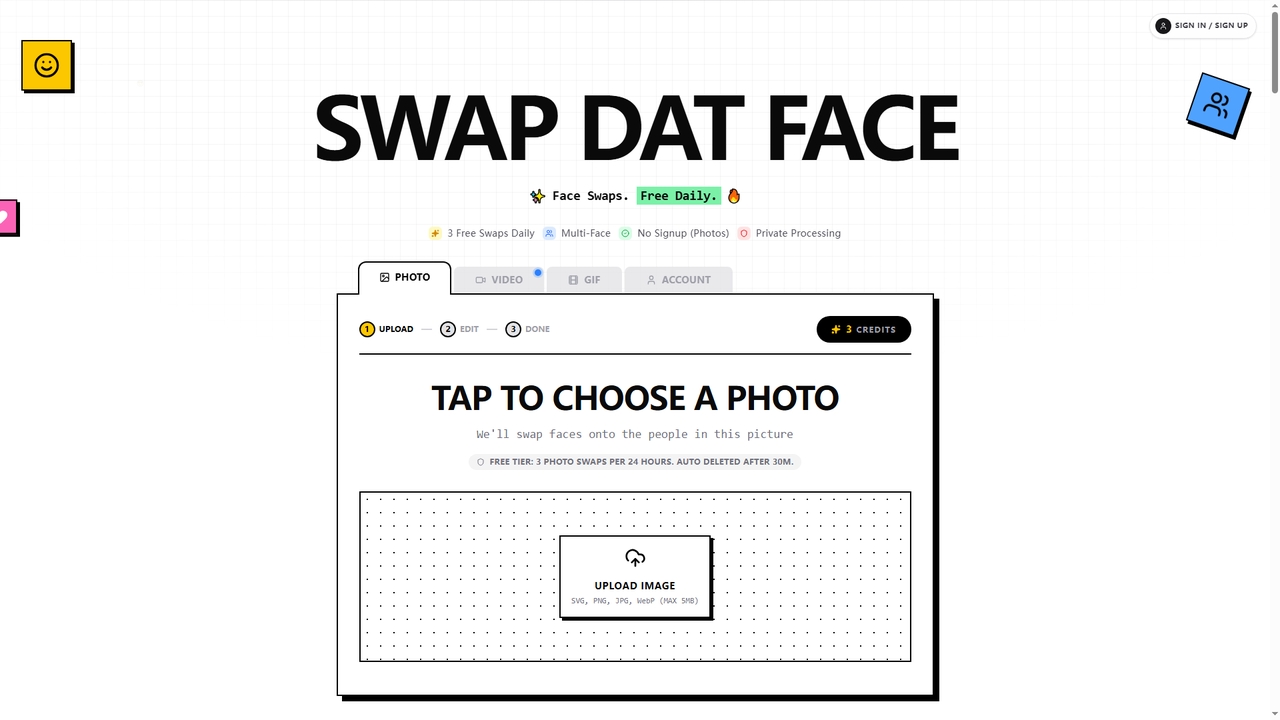
Swapdatface is a fast, free, and privacy-focused AI tool that allows you to seamlessly swap faces in photos, GIFs, and videos. It offers 3 free daily photo swaps without requiring an account, with an optional credit system for unlocking GIF/video swaps and extended retention. Processing is private, and files are auto-deleted by default after 30 minutes.

Fun
Visits 10KFavorites 16Likes 16
DW Free Video Downloader
Free

DW Free Video Downloader

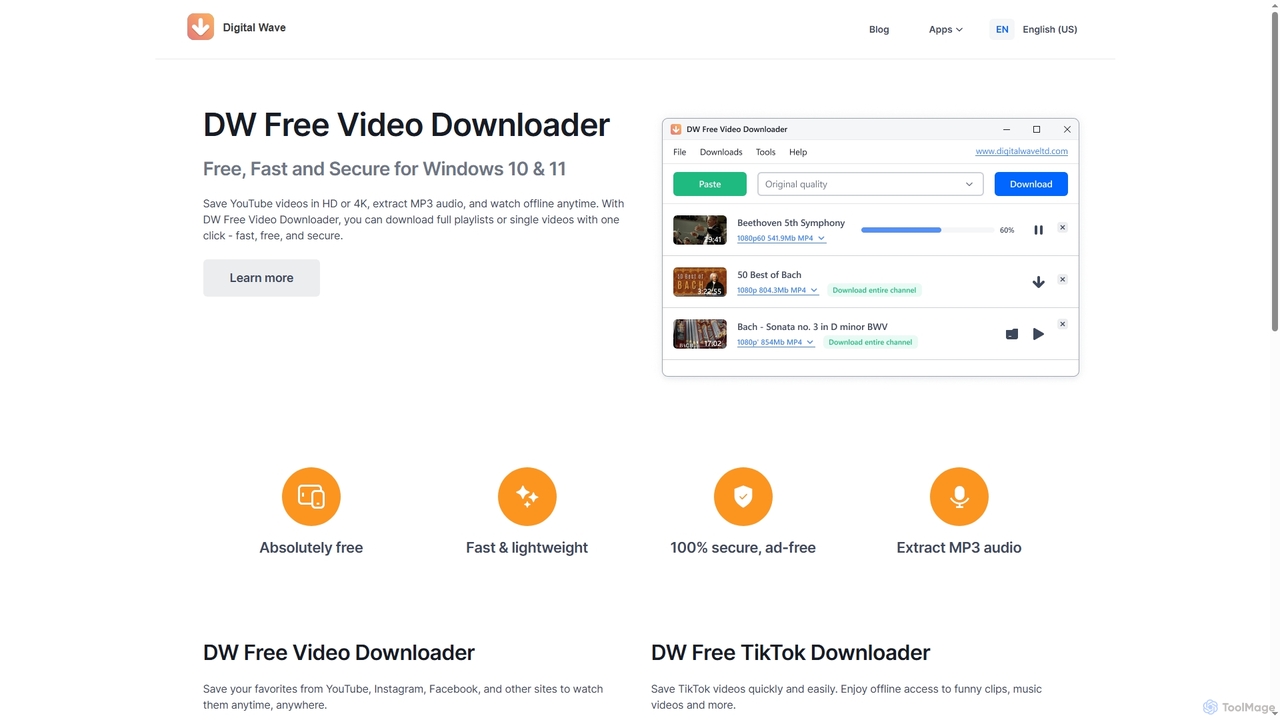
DW Free Video Downloader is a free, fast, and secure desktop application for Windows 10 & 11. It enables users to download videos in HD or 4K from sites like YouTube, Instagram, and Facebook, save entire playlists, and extract MP3 audio for offline access.

Video Downloader
Visits 28.6KFavorites 101Likes 120
Omnigen
Freemium

Omnigen

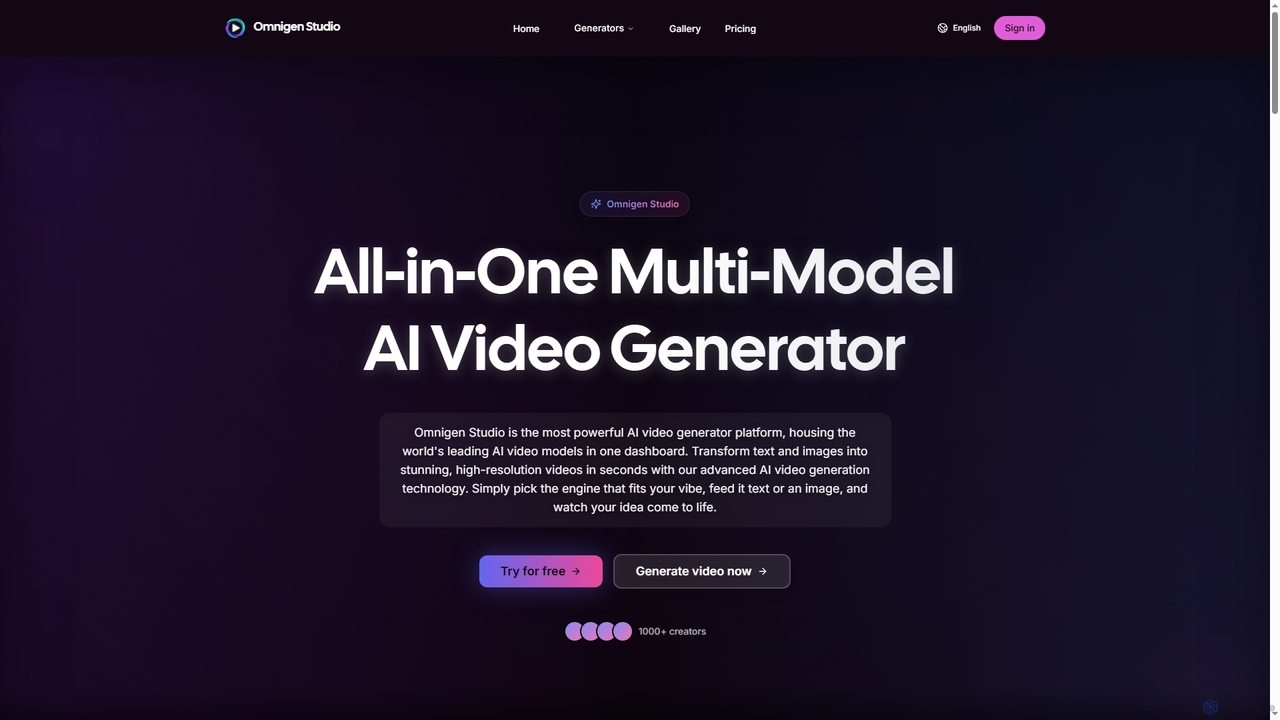
Omnigen is an all-in-one multi-model AI video generator platform that empowers creators to transform text and images into stunning, high-resolution videos in seconds. It integrates leading AI video models like Veo, Wan, and Sora 2, offering a seamless workflow for diverse creative needs, from social media clips to cinematic sequences.

Social Media Video
Visits 3.4KFavorites 96Likes 89
Goveliro

Goveliro

Goveliro is an AI-powered desktop application designed for creating high-quality subtitles offline. It offers automatic language detection and transcription, extensive customization options for subtitle styling, and seamless editing capabilities. Users maintain full control over their content without cloud uploads or subscriptions, ensuring privacy and efficient workflow with GPU acceleration.

3D
Visits 3.4KFavorites 86Likes 96
Tubly
Freemium

Tubly

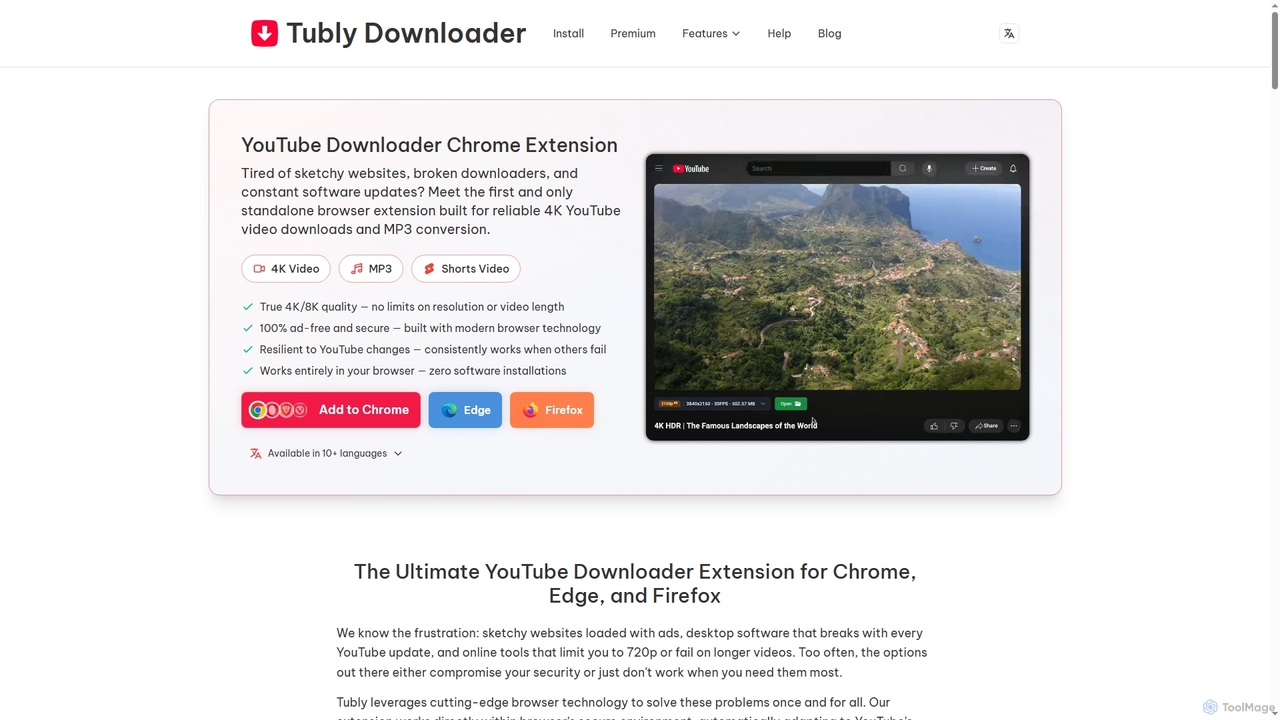
Tubly is a powerful and secure browser extension for Chrome, Edge, and Firefox, enabling users to download YouTube videos in up to 8K resolution and convert them to high-quality 320kbps MP3s. It supports YouTube Shorts, private content, and offers an ad-free, reliable offline viewing experience across all major operating systems.

Audio Converter
Visits 590.6KFavorites 99Likes 101
Aicontentlabs
Freemium

Aicontentlabs

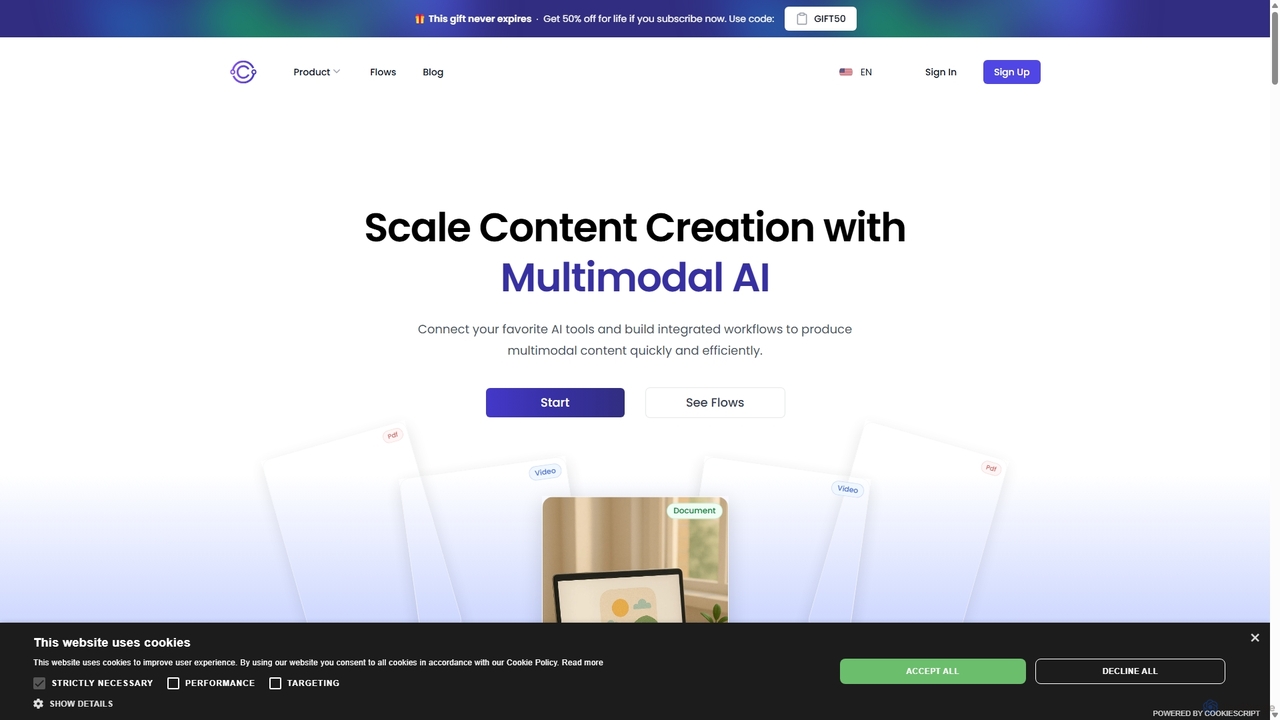
AI Content Labs is a powerful workflow automation platform that integrates a vast array of AI models for advanced content creation. It enables users to build complex, multi-step workflows for generating text, images, audio, and video, streamlining content production for marketers, developers, and creators.

Api & Integration
Visits 21.9KFavorites 115Likes 119
vocalremoveroak
Freemium

vocalremoveroak

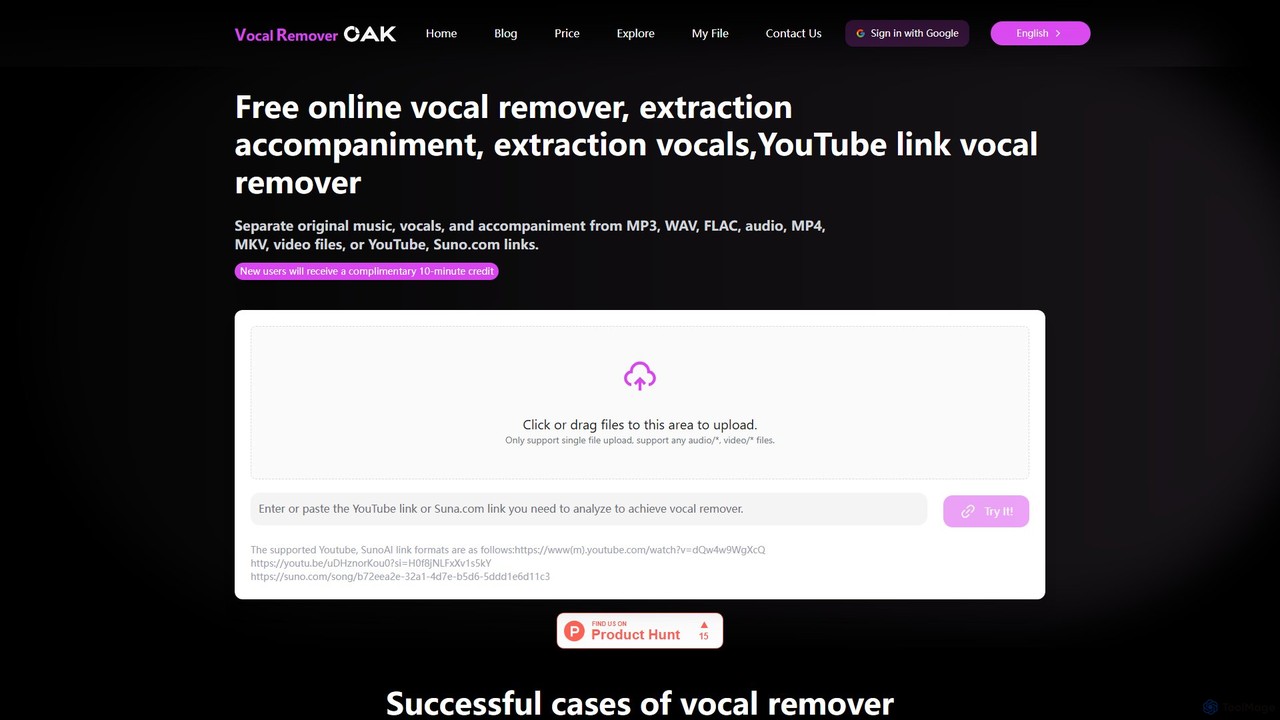
vocalremoveroak is a free online AI tool that separates vocals and instrumentals from any audio or video file. Using advanced deep learning, it quickly processes files from your device, YouTube, or Suno.com links. Ideal for musicians, DJs, and content creators to produce high-quality karaoke tracks, remixes, or instrumental versions with lossless audio quality.

Audio Editing
Visits 7KFavorites 115Likes 123
FliFlik
Freemium

FliFlik

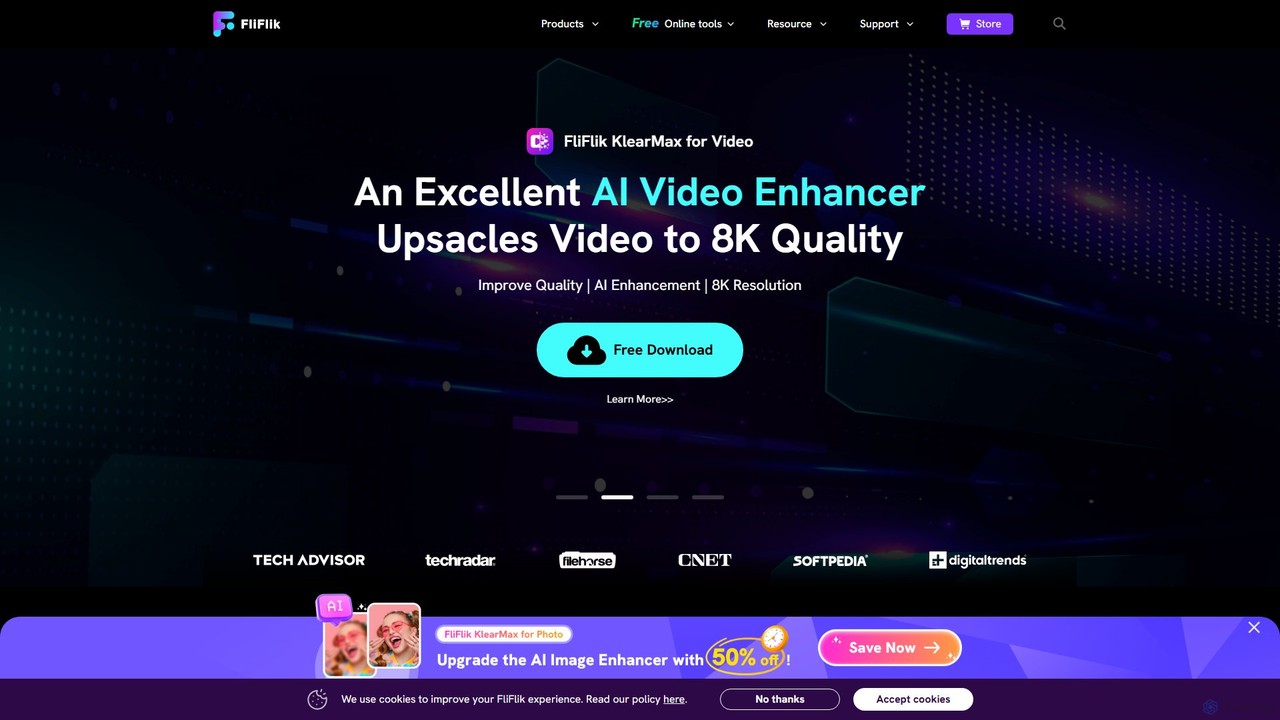
FliFlik offers a suite of AI-powered multimedia solutions to enhance, edit, and transform your photos, videos, and audio. Its user-friendly tools, including a photo/video enhancer, a real-time voice changer, and an object remover, make professional-grade editing accessible to everyone. Effortlessly upscale videos to 8K, restore old photos, remove unwanted objects, and customize your voice for gaming or streaming.

Voice Modulation
Visits 553.7KFavorites 94Likes 98
Google DeepMind
Freemium

Google DeepMind

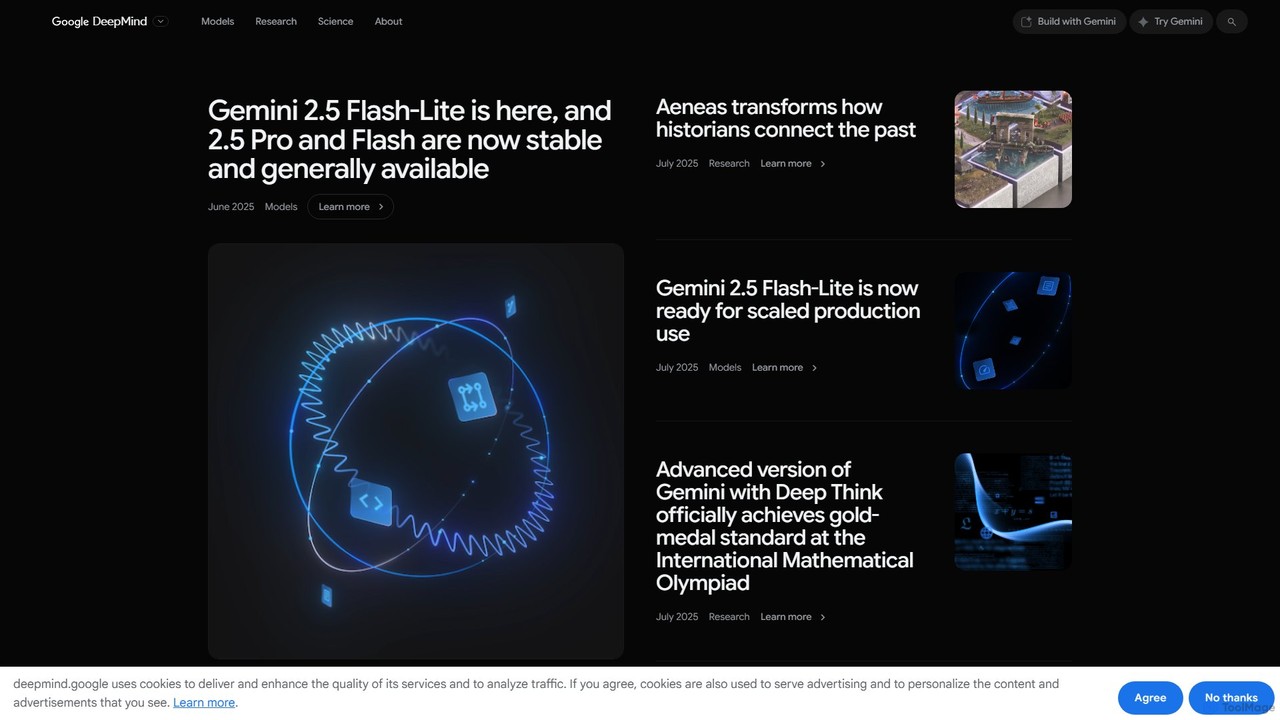
Google DeepMind is a world-leading AI research lab and product unit, developing advanced AI models like Gemini, Imagen, and Veo. It focuses on building responsible AGI to benefit humanity, offering tools for scientific discovery, creative generation, and developer applications through platforms like Google AI Studio and Vertex AI.

Machine Learning
Visits 6.1MFavorites 139Likes 142
Apowersoft
Freemium

Apowersoft

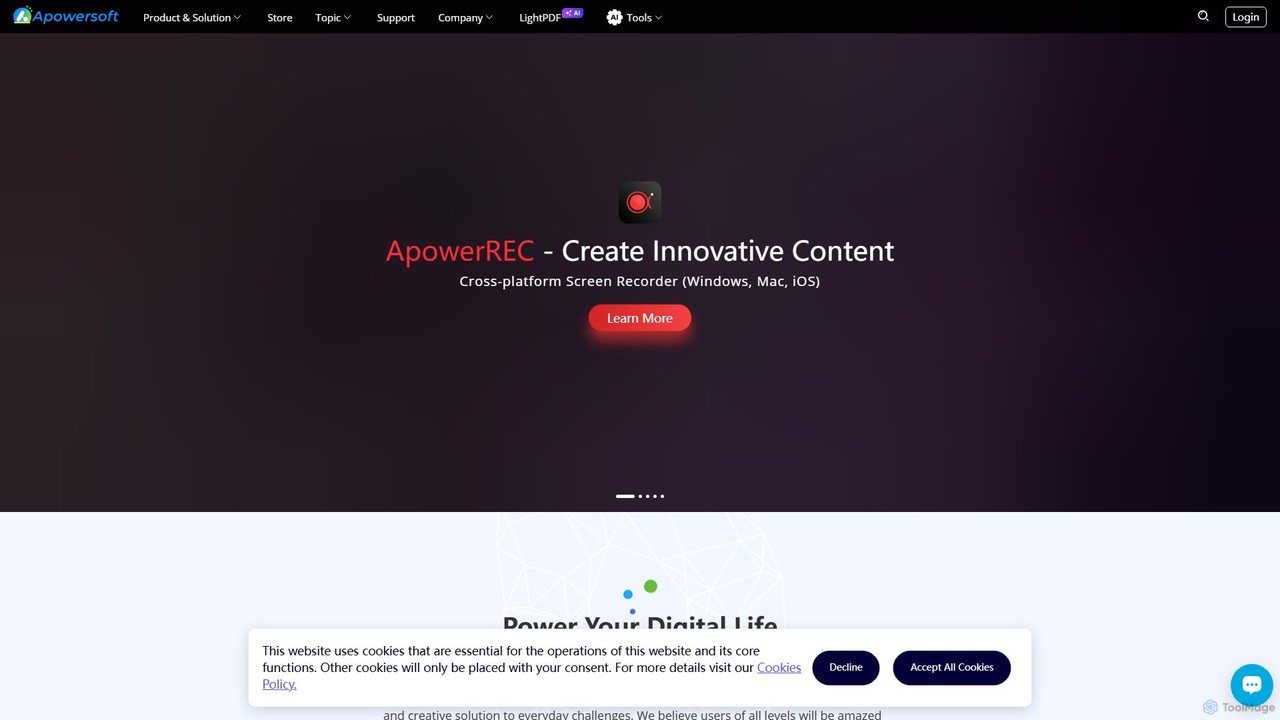
Apowersoft offers a comprehensive suite of multimedia and utility software for business and daily use. It provides user-friendly solutions for video editing, screen recording, file conversion, PDF management, mobile device management, and data recovery. Integrating AI technology, Apowersoft delivers simple, high-quality, and efficient creative and data solutions across multiple platforms.

Video Editing
Visits 615.1KFavorites 99Likes 89
Nero
Paid

Nero

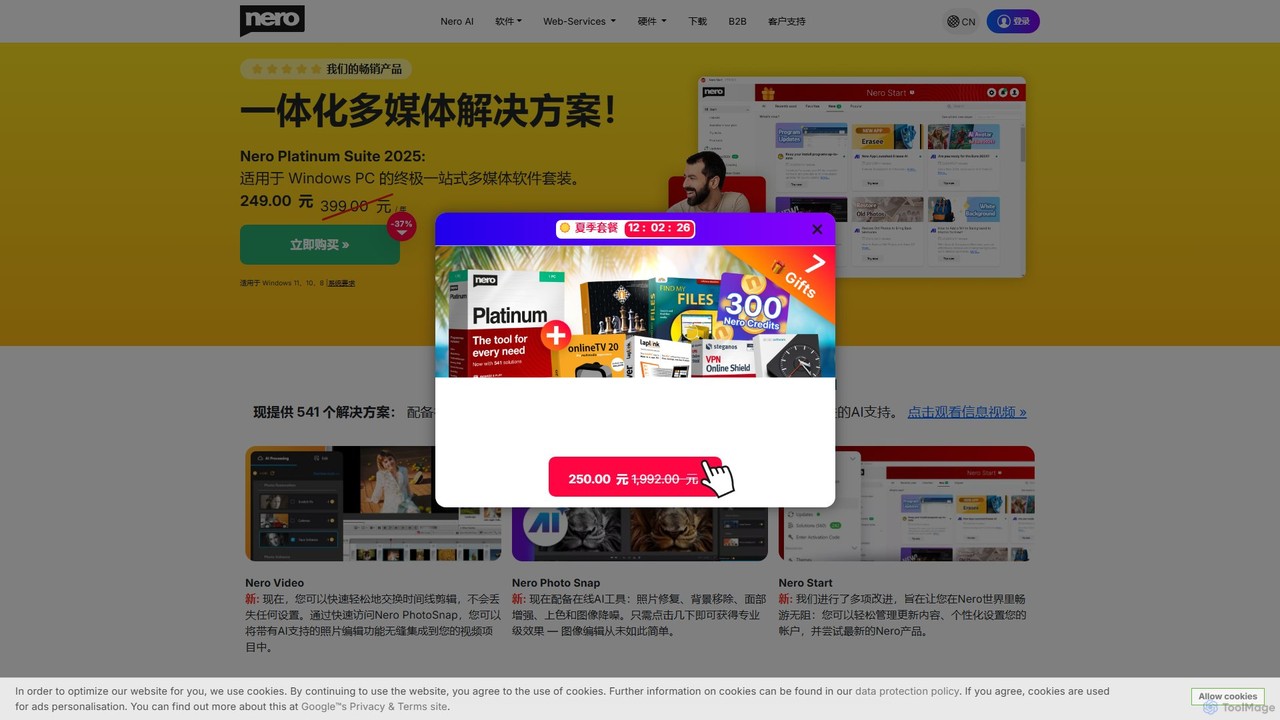
Nero is a powerful, AI-enhanced multimedia suite for Windows. Evolving from its legendary CD/DVD burning roots, it now offers a comprehensive 7-in-1 solution for video editing, file conversion, media management, data backup, and AI-powered photo enhancement. It's an all-in-one toolkit for managing your entire digital life.

Photo Editing
Visits 1.6MFavorites 106Likes 102

About Multimedia

Multimedia AI tools are AI-powered applications designed to create, edit, enhance, and analyze various forms of digital media, including images, videos, audio, and text. These tools leverage advanced machine learning algorithms, such as computer vision and natural language processing, to automate complex tasks and generate high-quality content. They empower creators, marketers, and businesses to streamline workflows, personalize experiences, and produce innovative multimedia assets with unprecedented efficiency and creativity.

Core Features

  • AI Image Generation: Automatically create unique images, illustrations, and visual assets from text prompts or existing data.
  • Intelligent Video Editing: Automate tasks like scene detection, object tracking, color correction, and generate video clips or summaries.
  • Advanced Audio Processing: Enhance sound quality, remove noise, generate realistic voiceovers (text-to-speech), and create music.
  • Text-to-Multimedia Conversion: Transform written content into engaging videos, presentations, or interactive experiences.
  • Content Analysis & Optimization: Analyze multimedia for sentiment, object recognition, or performance metrics to optimize content strategy.

Use Cases

AI multimedia tools are widely adopted across various sectors. Content creators use them to rapidly prototype visual ideas and generate social media assets. Marketing teams leverage AI for personalized ad creation and video production at scale. Educational institutions can create engaging interactive learning materials, while businesses automate the production of training videos and marketing collateral.

How to Choose

When selecting AI multimedia tools, consider the specific media types you work with (image, video, audio, text) and the desired output quality. Evaluate the range of AI features offered, such as generative capabilities, editing automation, or analytical insights. Assess ease of use, integration with existing workflows, and the pricing model. Finally, review user feedback and the tool's ability to handle your project scale and complexity.

Featured tool rankings

Multimedia use cases

1

Generating Marketing Videos from Text Scripts

Marketing professionals can utilize AI multimedia tools to transform written ad copy or blog posts into engaging short-form marketing videos. By simply inputting text, the AI can select relevant stock footage, generate voiceovers, add background music, and apply visual effects, significantly reducing video production time and costs. This enables rapid A/B testing of video ads and consistent content delivery across platforms.

2

Automating Product Image Background Removal and Enhancement

E-commerce businesses and photographers frequently need clean product images. AI multimedia tools can automatically detect and remove backgrounds from hundreds of product photos in seconds, replacing them with transparent or custom backdrops. Additionally, AI can enhance image quality, adjust lighting, and correct colors, ensuring professional-grade visuals for online stores and catalogs without manual editing.

3

Creating Personalized Educational Content

Educators and e-learning developers can leverage AI to convert lecture notes or textbook content into interactive multimedia lessons. AI tools can generate animated explanations, create quizzes with visual aids, or even produce personalized video summaries for students based on their learning pace. This enhances engagement and makes complex topics more accessible, catering to diverse learning styles.

4

Enhancing Audio Quality for Podcasts and Voiceovers

Podcasters, voice artists, and content creators often face challenges with audio quality due to background noise or inconsistent recording environments. AI multimedia tools can automatically identify and remove unwanted noise, echo, and reverberation, while also normalizing volume levels and enhancing speech clarity. This ensures professional-sounding audio for broadcasts, interviews, and narration, even with imperfect source recordings.

5

Designing Unique Social Media Graphics and Banners

Social media managers and content creators constantly need fresh visual content. AI multimedia tools allow users to generate unique graphics, banners, and post visuals from simple text prompts or existing brand assets. The AI can suggest layouts, color schemes, and even create variations of a design, enabling rapid content iteration and maintaining a consistent brand aesthetic across various social platforms.

6

Translating and Localizing Video Content Automatically

Global businesses and content distributors can use AI multimedia tools to automatically translate and localize video content for international audiences. This involves AI-powered transcription, translation of subtitles or captions, and even generating new voiceovers in different languages using text-to-speech technology. This significantly reduces the time and cost associated with manual localization, expanding content reach globally.

Multimedia FAQ

What are AI Multimedia Tools?

AI Multimedia Tools are software applications that use artificial intelligence, particularly machine learning and deep learning, to automate and enhance tasks related to digital media. They can generate, edit, analyze, and transform images, videos, audio, and text. Their core purpose is to simplify complex creative processes, improve content quality, and enable new forms of media creation.

How do AI Multimedia Tools work?

AI Multimedia Tools typically work by employing various AI models trained on vast datasets of multimedia content. For instance, generative AI models (like GANs or Transformers) can create new images or videos from scratch based on prompts. Other models use computer vision for object recognition in images/videos, or natural language processing for text-to-speech/video conversion and content analysis. These models learn patterns and apply them to new inputs.

Who can benefit from using AI Multimedia Tools?

A wide range of professionals and individuals can benefit. This includes content creators (bloggers, YouTubers, podcasters), marketing teams (for ad creation, social media), graphic designers (for rapid prototyping, asset generation), video editors (for automation, enhancement), educators (for interactive content), and businesses of all sizes looking to streamline their content production and enhance their digital presence.

What are the main types of AI Multimedia Tools?

The main types include AI image generators (e.g., text-to-image, image editing), AI video tools (e.g., automated editing, video generation from text, upscaling), AI audio tools (e.g., noise reduction, text-to-speech, music generation), and AI text-to-multimedia converters. Some tools offer a combination of these functionalities, providing comprehensive solutions for various creative needs.

How do I choose the best AI Multimedia Tool for my needs?

To choose the best tool, first identify your primary media type (image, video, audio) and specific tasks (generation, editing, enhancement). Consider the tool's output quality, ease of use, and integration capabilities with your existing software. Evaluate its pricing model, scalability for your projects, and the availability of features like collaboration or advanced customization. Reading user reviews and trying free trials can also help in making an informed decision.