Omnigen
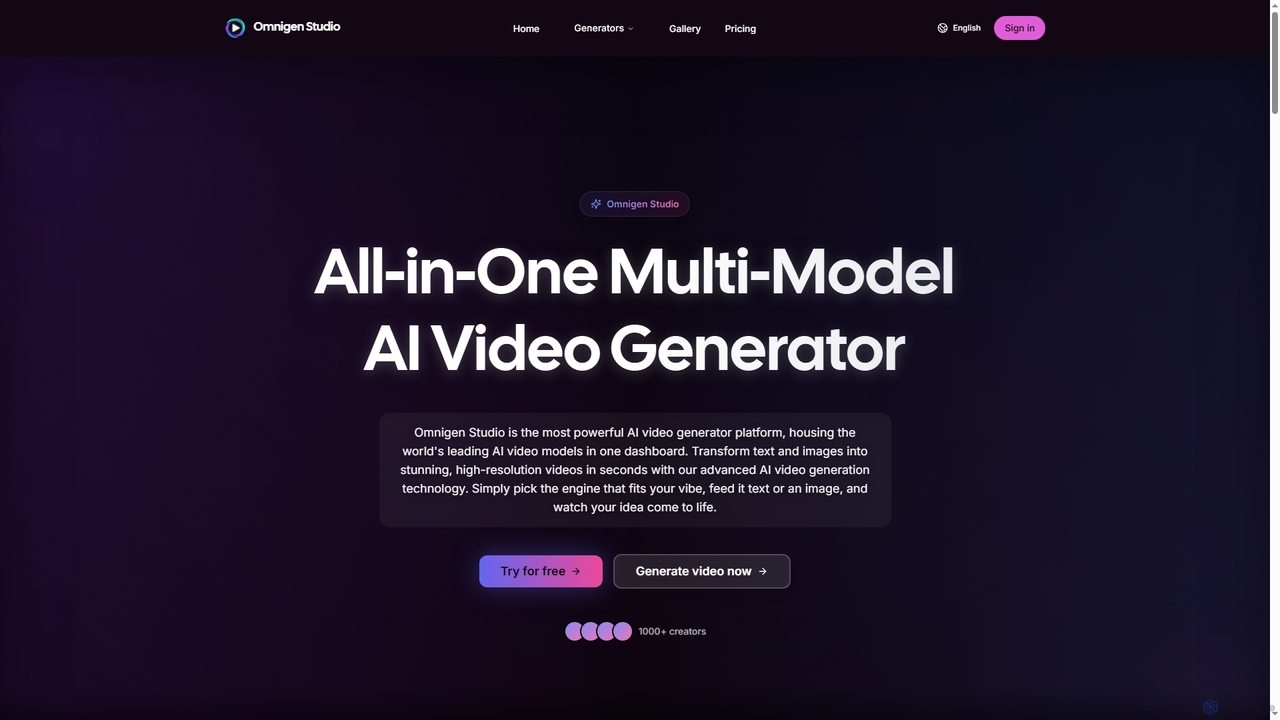
Omnigen is an all-in-one multi-model AI video generator platform that empowers creators to transform text and images into …
Omnigen is an all-in-one multi-model AI video generator platform that empowers creators to transform text and images into stunning, high-resolution videos in seconds. It integrates leading AI video models like Veo, Wan, and Sora 2, offering a seamless workflow for diverse creative needs, from social media clips to cinematic sequences.
About Ai Video Editing
AI Video Editing tools are a category of software that leverages artificial intelligence and machine learning to automate and enhance various aspects of video production. These tools can intelligently analyze video content, identify key elements, and perform complex editing tasks with minimal human intervention. They significantly streamline workflows for content creators, marketers, and filmmakers, enabling faster production cycles and higher quality outputs.
Core Features
- Automated Scene Detection: Intelligently identifies and segments different scenes or events within a video, simplifying organization and editing.
- Smart Cutting & Trimming: Automatically removes filler words, pauses, or irrelevant footage, creating concise and engaging videos.
- AI Upscaling & Enhancement: Improves video resolution, clarity, and overall visual quality, even from low-quality sources.
- Object Removal & Replacement: Seamlessly removes unwanted objects or replaces backgrounds in video clips.
- Voice-to-Text & Subtitle Generation: Automatically transcribes spoken audio into text and generates accurate subtitles or captions.
Use Cases
AI Video Editing tools are invaluable for professionals seeking to accelerate their video production. Content creators can quickly generate social media clips, marketers can produce personalized video ads at scale, and filmmakers can automate tedious post-production tasks like color correction or object tracking, allowing them to focus more on creative storytelling.
How to Choose
When selecting an AI Video Editing tool, consider its specific AI capabilities (e.g., what tasks it automates), ease of use and learning curve, compatibility with your existing editing suite, the quality of its AI-generated outputs, and its pricing model. Evaluate whether it offers the precise features needed to address your most time-consuming editing challenges.

Ai Video EditingUse Cases
Automate Social Media Video Creation
Social media managers and content creators often need to produce a high volume of short, engaging videos daily. AI video editing tools can automatically identify highlights from longer footage, generate dynamic captions from spoken audio, and apply trending effects or music, drastically reducing the time spent on editing and enabling consistent content output across platforms.
Enhance & Upscale Archival Footage
Filmmakers and archivists working with older or lower-resolution video material can utilize AI video editing for restoration. These tools employ advanced algorithms to upscale footage to 4K or even 8K, reduce noise, sharpen details, and correct colors, breathing new life into historical archives or improving the quality of user-generated content for professional use.
Generate Multilingual Subtitles & Captions
Global content creators and educators aim to reach diverse audiences. AI video editing software can automatically transcribe video dialogue into text, generate accurate subtitles in the original language, and then translate them into multiple languages. This feature significantly expands content accessibility and global reach without manual transcription or translation efforts.
Streamline Product Video Production
E-commerce businesses and product marketers frequently create videos showcasing new products. AI tools can automate tasks like background removal, object tracking for product highlights, and even generate voiceovers from text. This accelerates the production of professional-looking product demonstrations and promotional videos, ensuring consistency and speed.
Remove Unwanted Objects or Backgrounds
Videographers and visual effects artists often face challenges with distracting elements or inconsistent backgrounds. AI video editing allows for intelligent object removal, seamlessly erasing photobombers or unwanted props from a scene. Similarly, AI can automatically detect and replace video backgrounds, facilitating virtual production or green screen effects without complex manual masking.
Create Dynamic Video Highlights for Events
Event organizers and sports broadcasters need to quickly produce highlight reels from hours of footage. AI video editing tools can analyze video content to detect key moments, exciting plays, or significant speeches based on visual cues, audio spikes, or even crowd reactions. This automates the selection and compilation of the most impactful clips, delivering engaging summaries rapidly.