ToolMage
Sign in

Best 2 Video Generation AI tools for Multimedia

Popular Video Generation AI tools in Multimedia include Google DeepMind and Aicontentlabs, helping you work more efficiently.

Aicontentlabs
Freemium

Aicontentlabs

AI Content Labs is a powerful workflow automation platform that integrates a vast array of AI models for advanced content creation. It enables users to build complex, multi-step workflows for generating text, images, audio, and video, streamlining content production for marketers, developers, and creators.

Api & Integration
Visits 22.8KFavorites 121Likes 127
Google DeepMind
Freemium

Google DeepMind

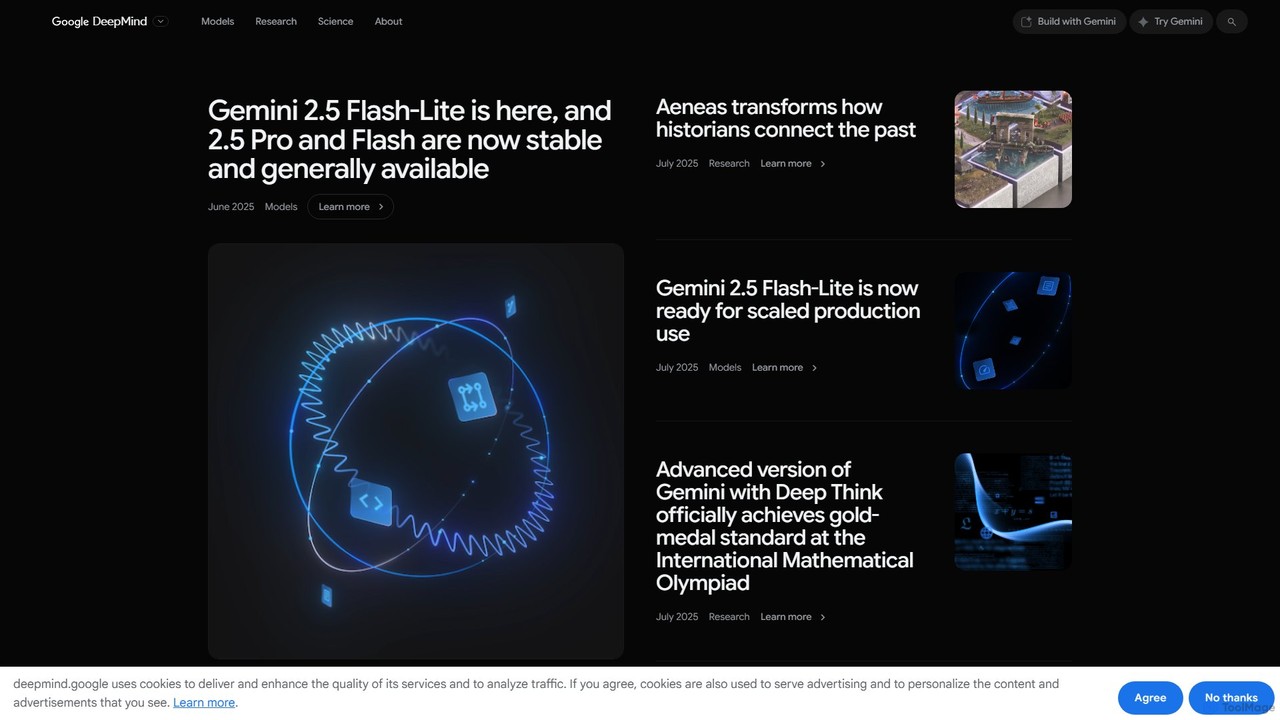
Google DeepMind is a world-leading AI research lab and product unit, developing advanced AI models like Gemini, Imagen, and Veo. It focuses on building responsible AGI to benefit humanity, offering tools for scientific discovery, creative generation, and developer applications through platforms like Google AI Studio and Vertex AI.

Machine Learning
Visits 6.1MFavorites 145Likes 145

About Video Generation

Video Generation tools are a class of AI software that automatically create video content from text descriptions, images, or other inputs. These tools leverage advanced generative models to synthesize realistic or stylized video sequences from scratch. They enable users to produce marketing clips, social media content, and animated stories without needing traditional filming or complex animation skills. This technology significantly accelerates the video production workflow, making it accessible to a broader range of creators and businesses.

Core Features

  • Text-to-Video Synthesis: Generates video clips based on detailed textual descriptions or prompts.
  • Image-to-Video Animation: Transforms static images into dynamic videos with motion and effects.
  • Style Transfer: Applies the artistic style of one image or video to another, creating unique visual aesthetics.
  • AI Avatars & Lip-Sync: Creates videos featuring digital human presenters that speak provided text with synchronized lip movements.
  • Scene Generation & Extension: Creates entire scenes or extends the duration of existing clips with contextually relevant content.

Use Cases

These tools are widely used by marketers for creating quick and engaging social media ads, content creators for producing short-form videos and B-roll footage, and educators for developing animated explainer videos. Businesses also use them for rapid prototyping of visual concepts and creating internal training materials with AI avatars.

How to Choose

When selecting a Video Generation tool, consider the output video quality and resolution, the consistency of generated motion and objects, and the range of supported styles. Also evaluate the generation speed, pricing model (e.g., per-video credits or subscription), API availability for integration, and the platform's policy on watermarking final videos.

Featured tool rankings

Video Generation use cases

1

Creating Social Media Marketing Videos

A marketing manager for an e-commerce brand needs to produce a high volume of short video ads for platforms like TikTok and Instagram. Instead of hiring a production team, they use an AI video generator. They input a product description, target audience style (e.g., 'vibrant, energetic'), and a call-to-action. The tool generates several 15-second video variations in minutes, allowing the team to A/B test different concepts and significantly reduce campaign launch time.

2

Animating Static Illustrations for Storytelling

A children's book author wants to create animated versions of their stories for YouTube. They upload their static illustrations into an image-to-video tool. By adding simple prompts like 'gentle breeze rustling the leaves' or 'character blinks and smiles,' the AI animates the scenes. This process brings the illustrations to life without requiring specialized animation software or skills, enabling the author to reach a new audience with engaging video content.

3

Generating Explainer Videos for Corporate Training

An HR department needs to create a series of training modules on new company policies. They use an AI video generator with an avatar feature. They simply paste the training script, choose a digital presenter, and select a background. The AI generates a professional-looking video with the avatar speaking the text and synchronized lip movements. This method is faster and more cost-effective than filming a live presenter, and videos can be easily updated by just changing the script.

4

Visualizing Concepts for Film and Game Development

A creative director at a game studio is in the early stages of designing a new world. To quickly visualize key scenes and environments, they use a text-to-video tool. They input descriptive prompts like 'a futuristic city at night, with flying vehicles and neon signs reflecting on wet streets.' The AI generates short video clips that serve as a dynamic mood board or pre-visualization, helping the team align on the artistic direction before committing significant resources to 3D modeling and animation.

5

Producing B-Roll Footage for Content Creators

A YouTuber creating a documentary needs various background shots (B-roll) to illustrate their narration, such as 'a bustling coffee shop' or 'a serene forest at sunrise.' Sourcing or shooting this footage can be time-consuming and expensive. Using an AI video generator, they can create custom, high-quality B-roll clips on demand by simply describing the required scene. This provides a flexible and affordable alternative to stock footage libraries.

6

Transforming Blog Posts into Engaging Videos

A content marketer wants to repurpose a popular blog post into a video for better engagement on social media. They input the URL or text of the article into an AI tool. The AI analyzes the content, selects key points, finds or generates relevant video clips for each section, and combines them with AI-generated narration and background music. This automates the process of converting written content into a shareable video format, extending the reach of their original work.

Video Generation FAQ

What is AI Video Generation?

AI Video Generation refers to tools that use artificial intelligence to create new video content from inputs like text, images, or audio. Unlike traditional video editors that modify existing footage, these tools synthesize video from scratch. They are powered by complex models trained on vast datasets of videos, enabling them to understand and generate motion, scenes, and characters based on user prompts.

How to choose the right AI Video Generation tool?

To choose the right tool, evaluate these factors:

  • Output Quality: Check the maximum resolution (e.g., 1080p, 4K), visual clarity, and realism of the generated videos.
  • Control & Customization: Assess how much control you have over camera angles, character consistency, and artistic style.
  • Generation Speed: Consider how long it takes to render a video, as this impacts workflow efficiency.
  • Cost: Compare pricing models, such as monthly subscriptions, pay-per-video credits, or API usage fees.
  • Use Case Fit: Ensure the tool specializes in the type of video you need, whether it's realistic scenes, animation, or avatar presentations.
What is the difference between AI Video Generation and video editing software?

The key difference lies in creation versus manipulation. AI Video Generation creates entirely new video content from non-video inputs like text or images. It synthesizes pixels, motion, and scenes. Traditional video editing software (like Adobe Premiere Pro or Final Cut Pro) is used to cut, arrange, color grade, and add effects to pre-existing video footage that has already been filmed or created. One generates, the other edits.

What types of videos can AI generators create?

AI video generators can create a wide variety of short-form content. Common examples include promotional videos for social media marketing, animated explainer videos for educational purposes, conceptual visualizations for creative projects, B-roll footage for content creators, and corporate presentations using AI avatars. While the technology is rapidly evolving, it currently excels at producing short clips rather than full-length feature films.

How does AI Video Generation technology work?

AI Video Generation typically works using deep learning models like diffusion models or Generative Adversarial Networks (GANs). These models are trained on massive datasets containing millions of videos and their corresponding text descriptions. When you provide a prompt, the model uses its learned patterns to generate a sequence of images (frames) that logically follow each other to create motion, effectively 'imagining' the video based on your input.