


Goveliro Overview
Goveliro is an innovative AI tool engineered to streamline the subtitle creation process directly on your computer. It empowers users to generate stunning, professional subtitles offline, ensuring complete control over their content and delivering flawless results. By eliminating the need for cloud uploads and subscriptions, Goveliro prioritizes user privacy and offers a secure, efficient environment for all subtitling needs. Its advanced AI capabilities automatically detect languages and transcribe audio into text, making the process both intelligent and localized.
How to use Goveliro
To use Goveliro, users would typically import their video files into the application. The integrated AI then automatically processes the audio, detecting the language and transcribing the text into captions. Users can then leverage Goveliro's seamless editing interface to review, sync, and refine the generated subtitles in real-time. Customization options allow for applying predefined animated templates or adjusting fonts, colors, and animations to match specific branding or creative visions. Once satisfied, the final subtitles can be exported either embedded within the video file or as a separate SRT file for broader compatibility.
Core Features of Goveliro
- Offline Captioning: Create subtitles directly on your computer without requiring internet access or cloud uploads, ensuring data privacy and control.
- AI Powered Transcription: Utilizes advanced AI to automatically detect languages and accurately transcribe audio into text, all performed locally.
- Creative Styling: Offers predefined animated subtitle templates and extensive customization options for fonts, colors, and animations to create professional and eye-catching subtitles.
- Seamless Editing: Provides an intuitive interface for effortless editing, real-time syncing, and previewing of captions.
- Flexible Export Options: Allows users to save their work as video files with embedded subtitles or as standard SRT files.
- GPU Acceleration: Enhances performance and speeds up processing times by leveraging the computer's GPU for a smoother workflow.
Use Cases for Goveliro
Goveliro is ideal for a wide range of professionals and content creators who require efficient, private, and customizable subtitling solutions. This includes independent filmmakers and videographers needing to add captions to their projects without relying on online services, educators creating accessible learning materials, and marketing professionals producing localized video content. It's also suitable for individuals who prioritize data privacy and wish to keep their video content and transcription processes entirely local, such as those working with sensitive information or personal projects.
Advantages of Goveliro
The primary advantages of Goveliro lie in its offline functionality, offering unparalleled privacy and control over content by eliminating cloud uploads. The AI-powered transcription significantly reduces manual effort, while GPU acceleration ensures a fast and efficient workflow. Users benefit from extensive creative freedom through customizable styling options and predefined templates, allowing for professional and engaging subtitle presentation. Furthermore, the "without subscription" model implies a potentially cost-effective, one-time investment, avoiding recurring fees.
Goveliro FAQ
Goveliro Alternatives
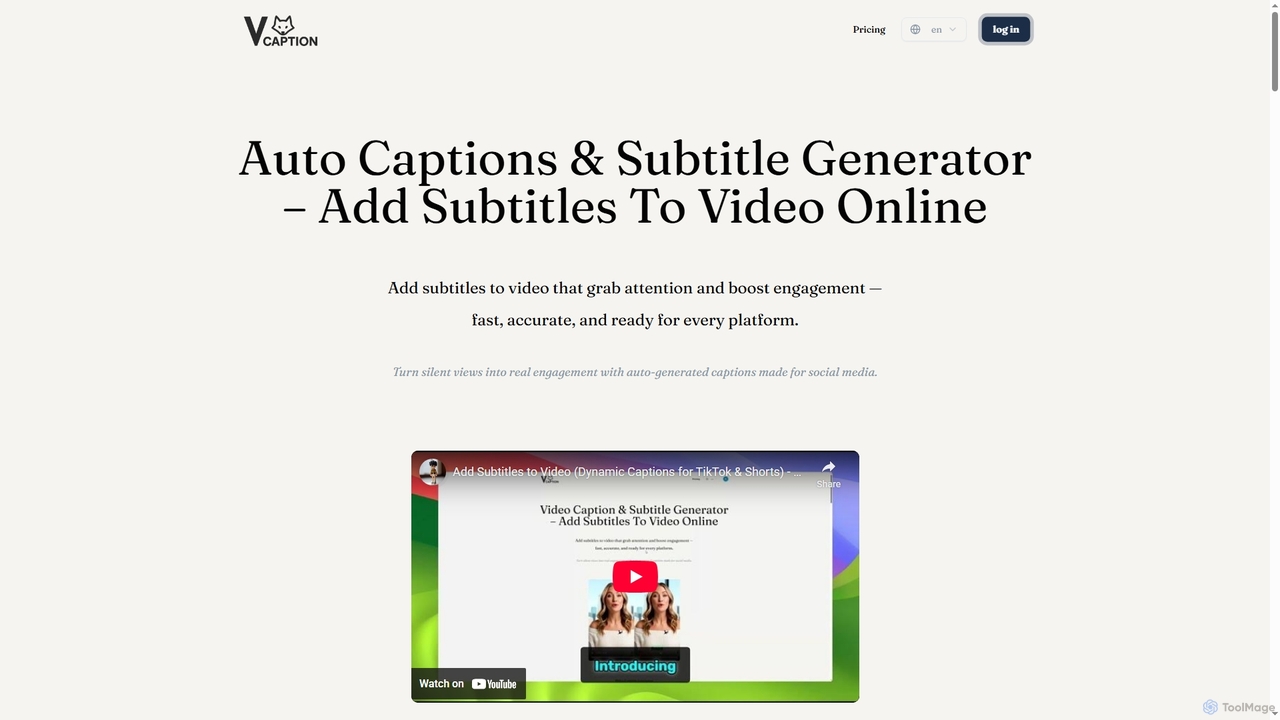
VideoCaption
VideoCaption is an AI-powered online tool that automatically generates and adds stylish, accurate subtitles to your videos. Boost engagement and accessibility across social media, e-learning, and marketing platforms with ease. Transform silent views into meaningful interactions quickly and professionally.
3D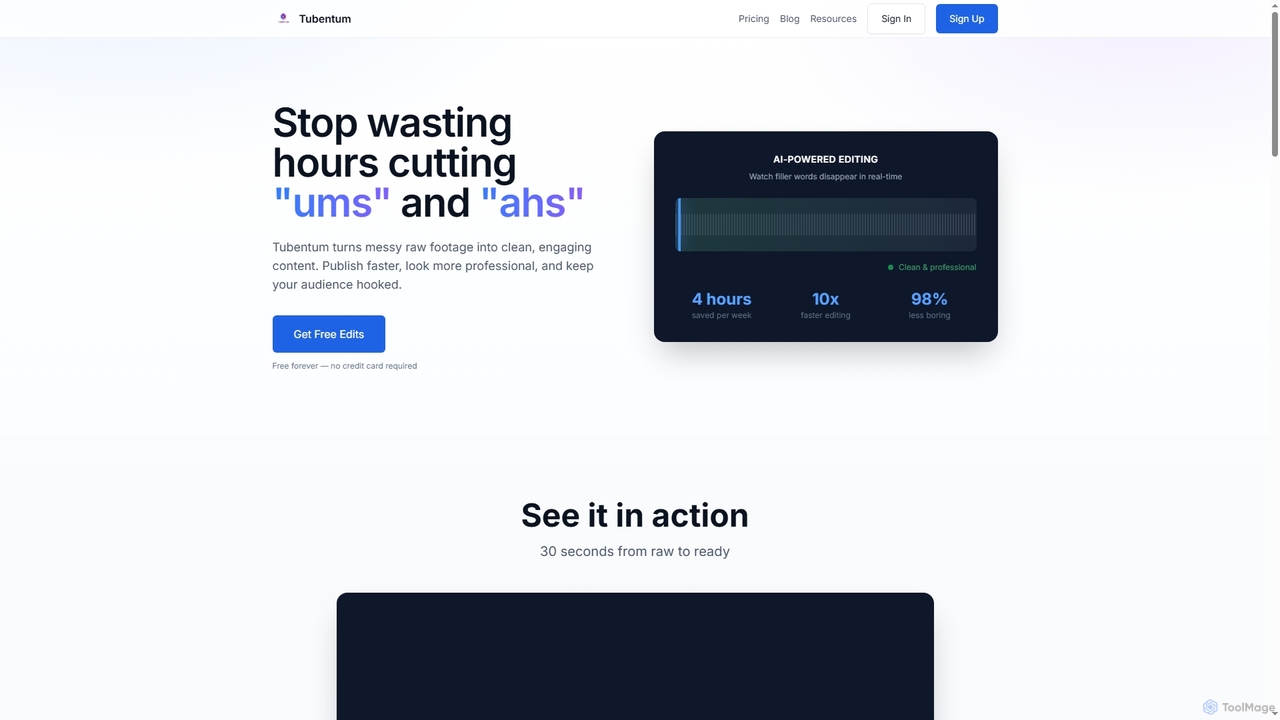
Tubentum
Tubentum is an AI-powered video editing tool that automatically removes filler words like "ums," "ahs," and silences from your raw footage by editing text. It helps content creators, podcasters, and educators produce clean, engaging, and professional video content faster, boosting viewer retention and algorithm performance.
3D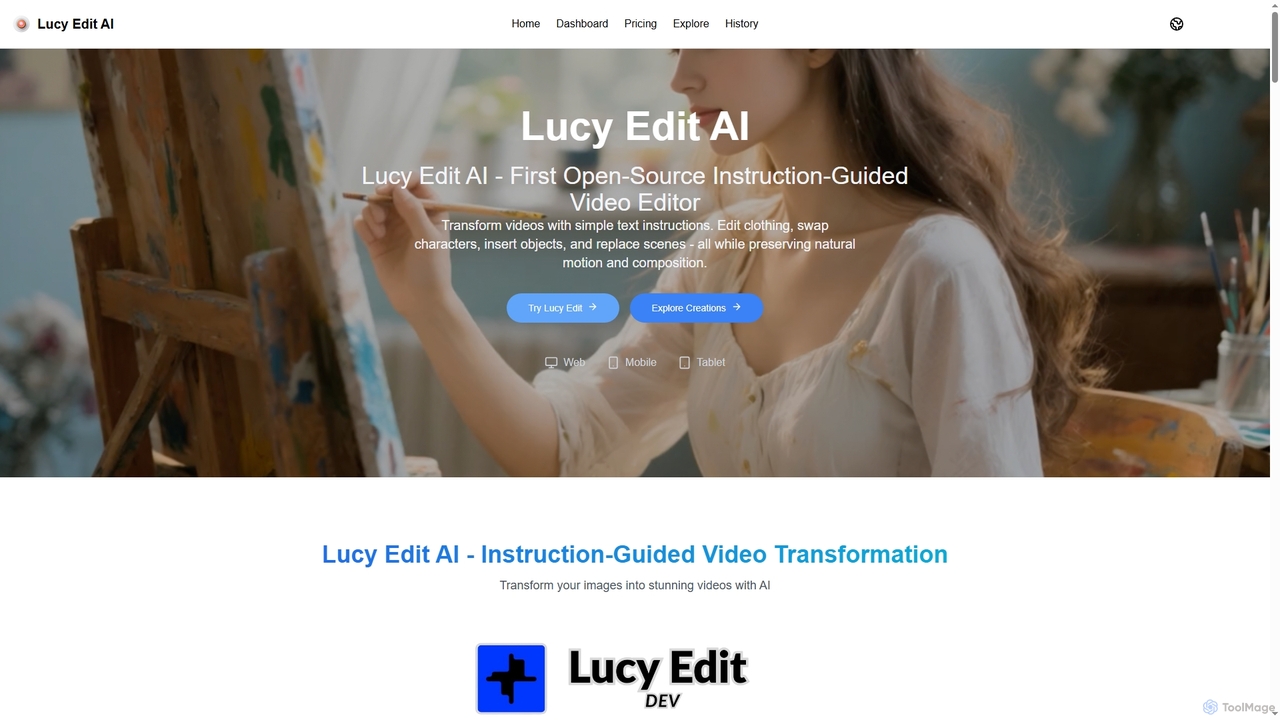
Lucy Edit AI
Lucy Edit AI is the first open-source, instruction-guided video editing model that empowers creators to transform videos using simple text commands. It allows for complex edits like changing clothing, swapping characters, inserting objects, and replacing scenes, all while meticulously preserving natural motion and composition. This innovative tool eliminates the need for masks or fine-tuning, making advanced video manipulation accessible to a wide range of users.
3D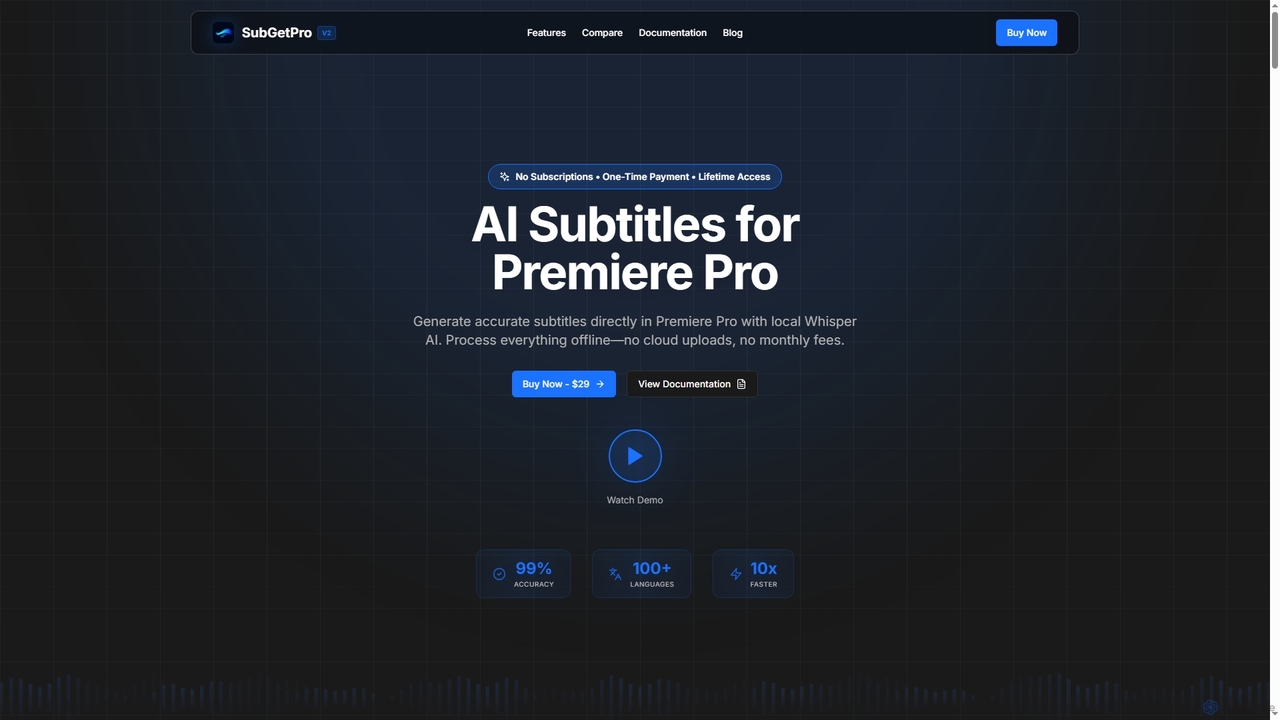
SubGetPro
SubGetPro is an AI subtitle generator designed for Adobe Premiere Pro, offering accurate, offline transcription with a one-time payment. It leverages local Whisper AI to create subtitles in over 100 languages, ensuring privacy and significantly faster processing without any subscriptions.
3D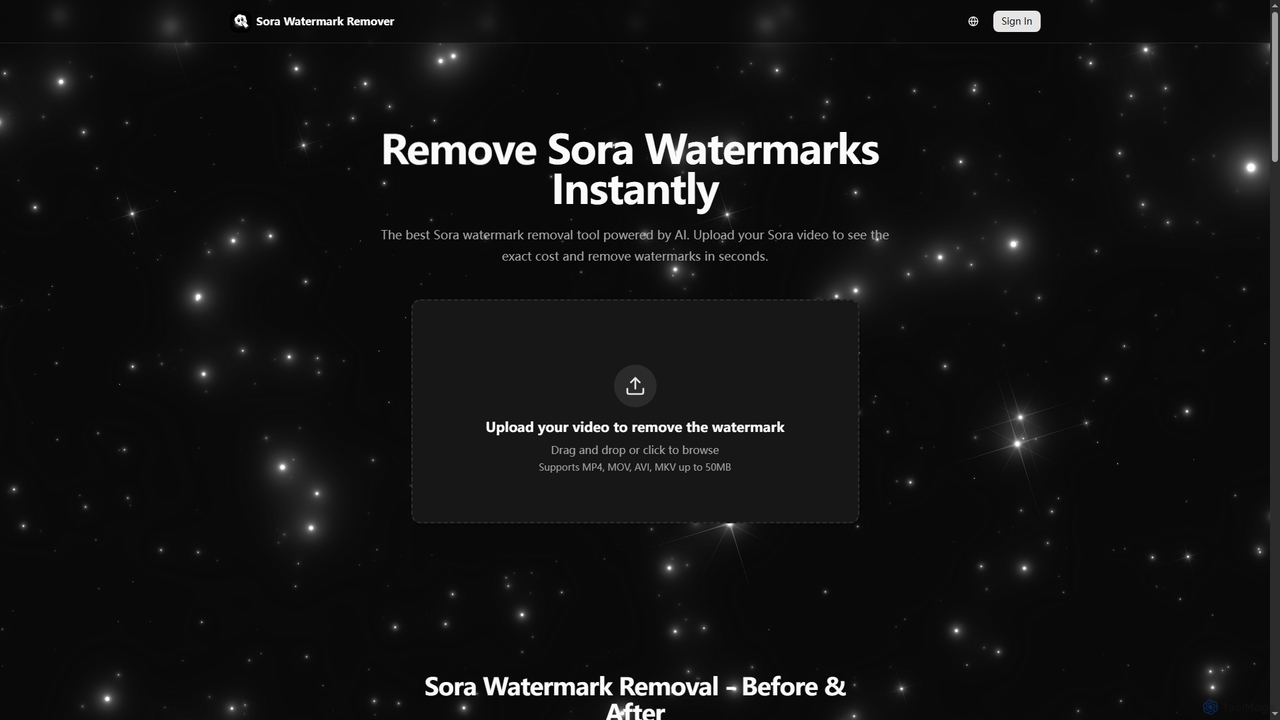
Sora Watermark Remover
Sora Watermark Remover is an AI-powered online tool designed to instantly remove watermarks from Sora AI-generated videos. It offers fast, secure, and high-quality processing, allowing creators and professionals to produce clean, watermark-free video content without subscriptions.
3DGoveliro Categories
Goveliro Jobs
Goveliro Embed Widget
Copy this embed code to place the badge on your blog, article, or product site and send readers directly to this ToolMage detail page.

Related AI tools
Ray3
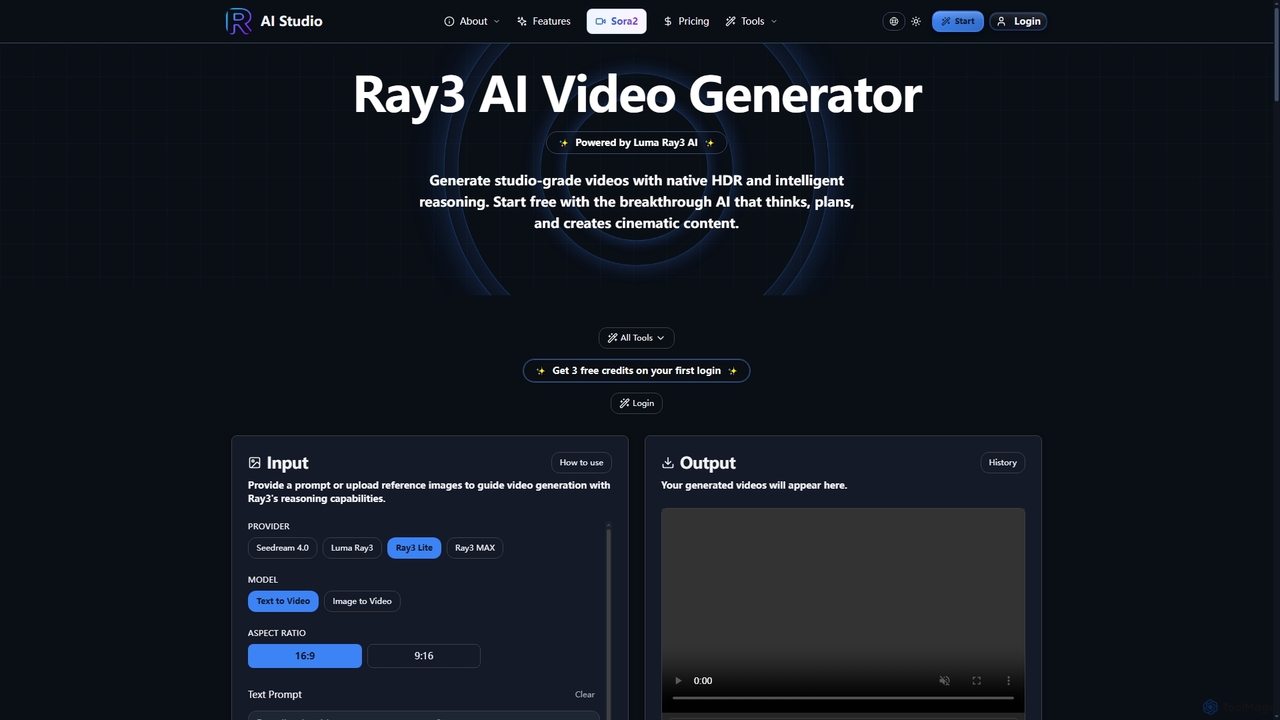
Ray3 is the world's first reasoning AI video model, powered by Luma AI, capable of generating studio-grade videos with native HDR. It understands complex prompts, plans sophisticated sequences, and offers rapid iteration through Draft Mode, making professional video creation accessible and efficient.
Reasoning Ai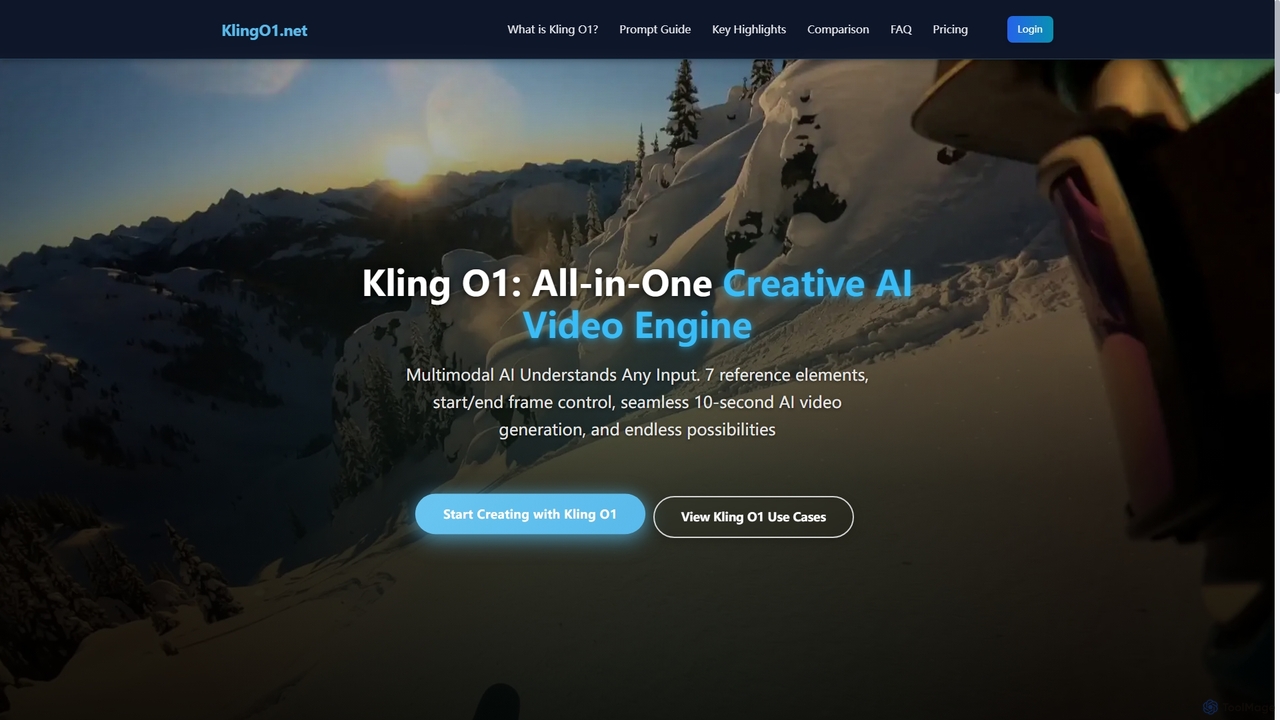
Kling O1
Kling O1 is the world's first unified multimodal AI video model, enabling effortless creation, editing, and generation of high-fidelity videos from text, images, and video references. It offers advanced features like consistent character generation, multi-task fusion, and flexible duration control for diverse creative projects, running entirely in the cloud without special hardware.
Multimodal GenerationTubentum
Tubentum is an AI-powered video editing tool that automatically removes filler words like "ums," "ahs," and silences from your raw footage by editing text. It helps content creators, podcasters, and educators produce clean, engaging, and professional video content faster, boosting viewer retention and algorithm performance.
3D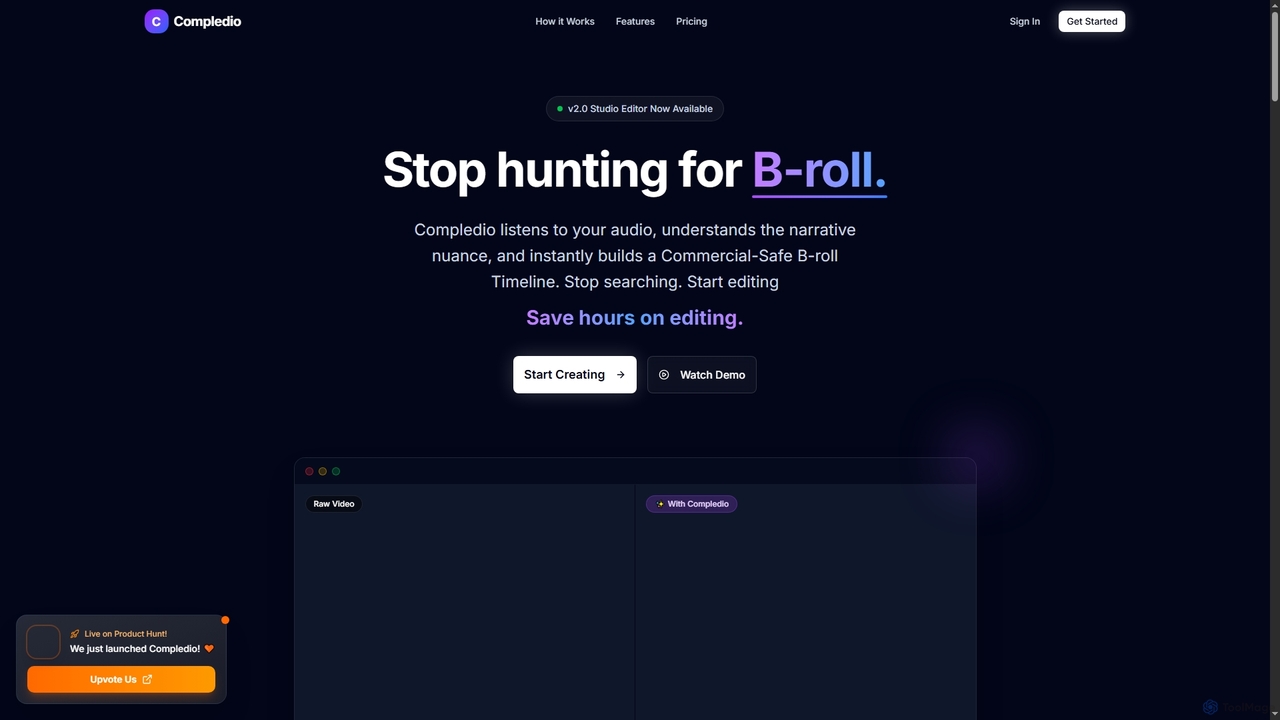
Compledio
Compledio is an AI-powered automated B-roll generator and studio editor that transforms audio and video content into engaging visual narratives. It intelligently analyzes your narrative, synthesizes contextually relevant, commercial-safe B-roll footage, and places it directly onto a professional timeline, saving creators hours of manual editing and stock footage searching.
3DSora Watermark Remover
Sora Watermark Remover is an AI-powered online tool designed to instantly remove watermarks from Sora AI-generated videos. It offers fast, secure, and high-quality processing, allowing creators and professionals to produce clean, watermark-free video content without subscriptions.
3DVideoCaption
VideoCaption is an AI-powered online tool that automatically generates and adds stylish, accurate subtitles to your videos. Boost engagement and accessibility across social media, e-learning, and marketing platforms with ease. Transform silent views into meaningful interactions quickly and professionally.
3DLucy Edit AI
Lucy Edit AI is the first open-source, instruction-guided video editing model that empowers creators to transform videos using simple text commands. It allows for complex edits like changing clothing, swapping characters, inserting objects, and replacing scenes, all while meticulously preserving natural motion and composition. This innovative tool eliminates the need for masks or fine-tuning, making advanced video manipulation accessible to a wide range of users.
3D
Jyek
Jyek is an AI agent platform that understands objectives, creates execution plans, uses tools, and delivers verifiable results for complex, multi-step tasks.
Automation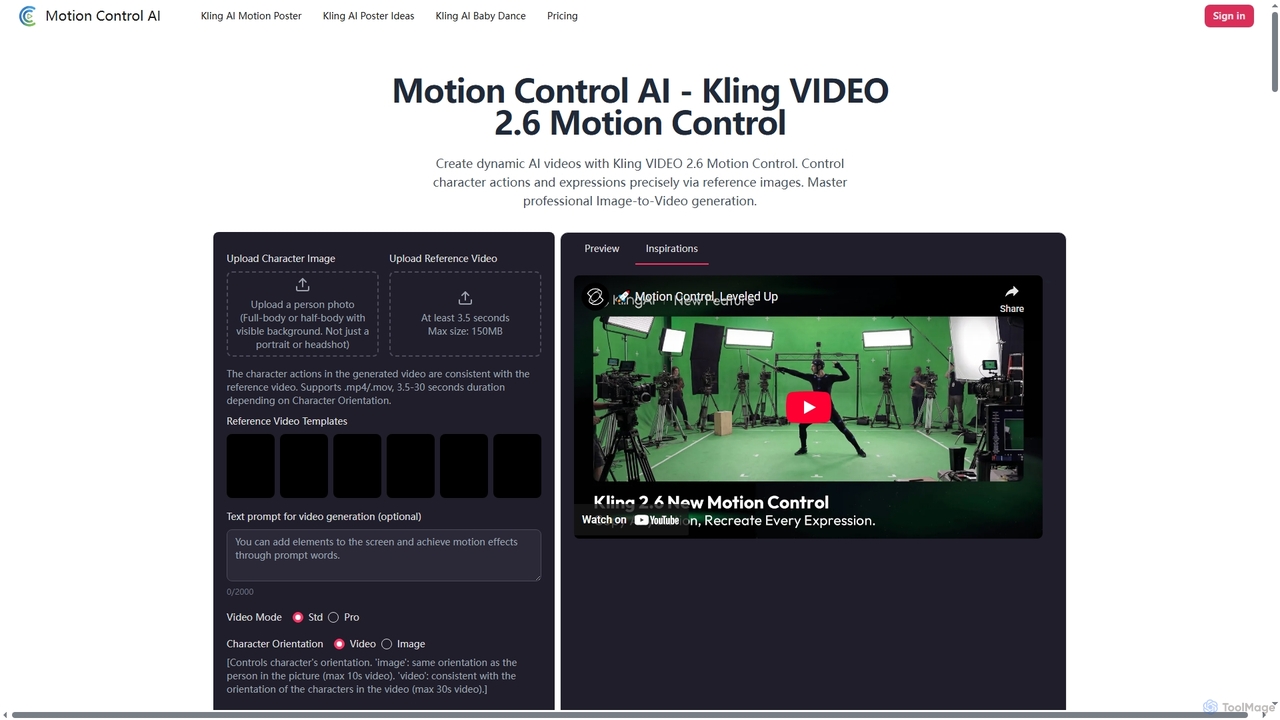
Motion Control AI
Motion Control AI, powered by Kling 2.6, transforms static images into dynamic, high-fidelity videos. It offers precise control over character actions, expressions, and camera movements using reference images and text prompts, enabling professional-grade image-to-video generation for various creative and commercial applications.
3DSubGetPro
SubGetPro is an AI subtitle generator designed for Adobe Premiere Pro, offering accurate, offline transcription with a one-time payment. It leverages local Whisper AI to create subtitles in over 100 languages, ensuring privacy and significantly faster processing without any subscriptions.
3D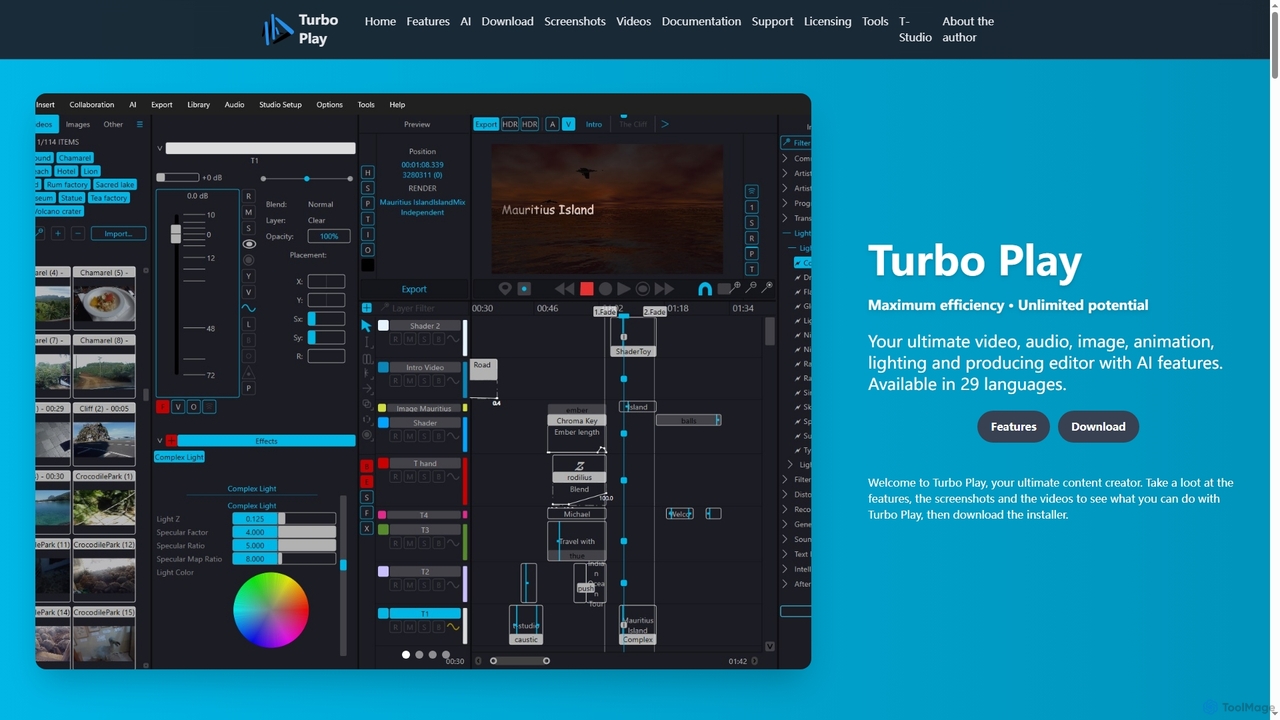
Turbo Play
Turbo Play is an all-in-one AI-powered video, audio, image, and animation editor designed for maximum efficiency and unlimited creative potential. It offers a comprehensive suite of tools for content creation, including advanced AI features for background removal, face swapping, speech separation, and text-to-image generation, catering to both casual and professional users across 29 languages.
3D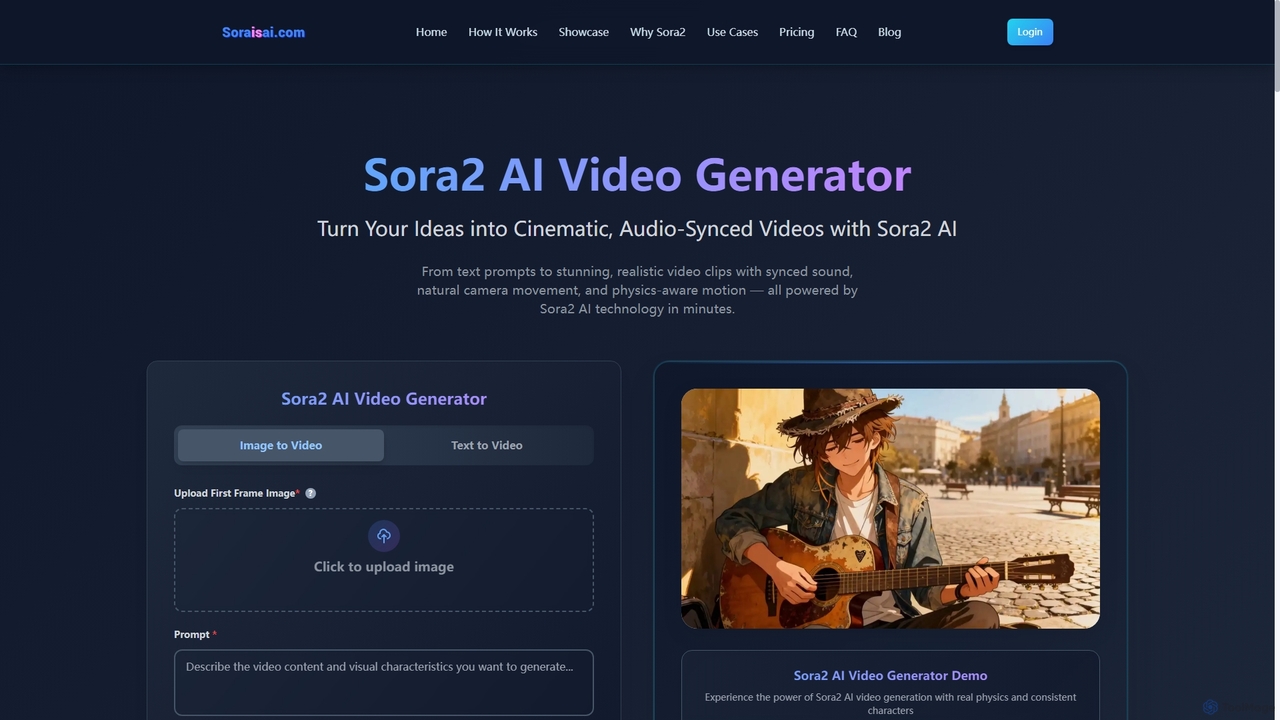
Sora2 AI
Sora2 AI is a next-generation AI video generator that transforms text prompts and images into cinematic, realistic video clips with synchronized audio, natural camera movement, and physics-aware motion. It offers rapid video production for diverse applications, from marketing to social media content.
Animation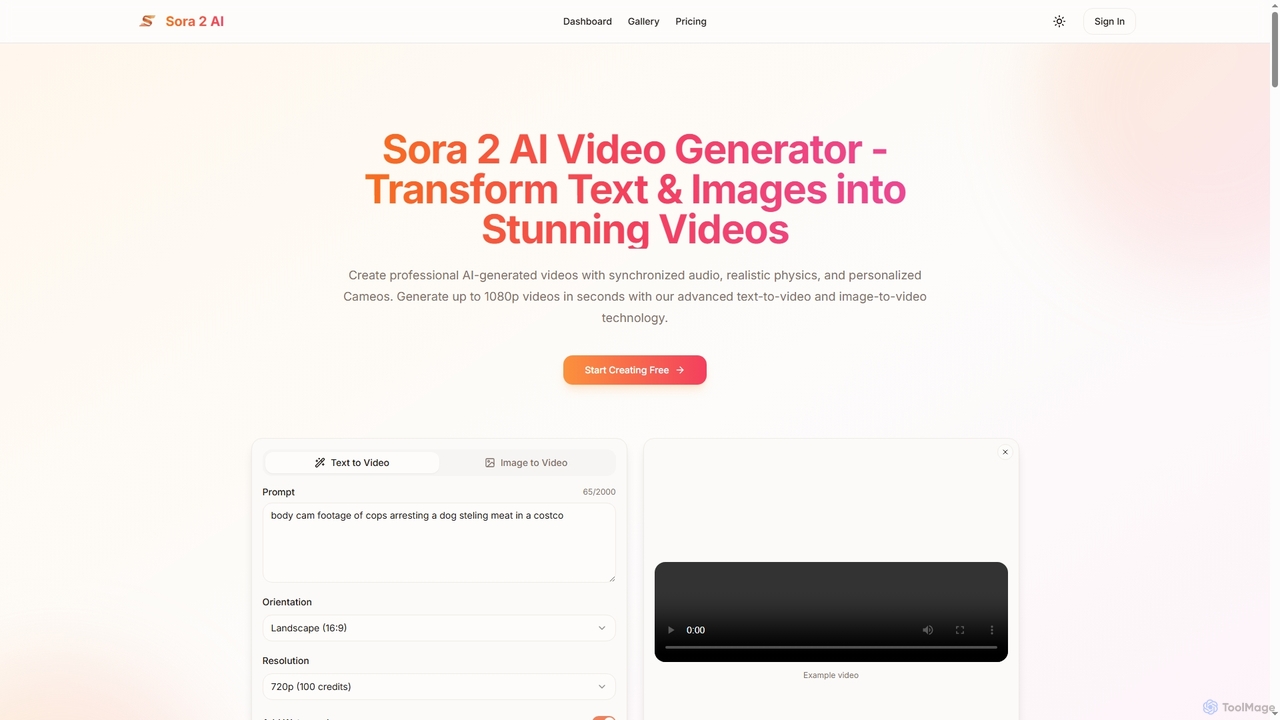
Aisora2
Aisora2 is an advanced AI video generator that transforms text prompts and images into professional-quality videos. It features synchronized audio, realistic physics, and personalized Cameos, enabling creators to produce stunning 1080p videos up to 20 seconds long with ease. Ideal for content creators, marketers, and businesses seeking efficient video production.
Video Editing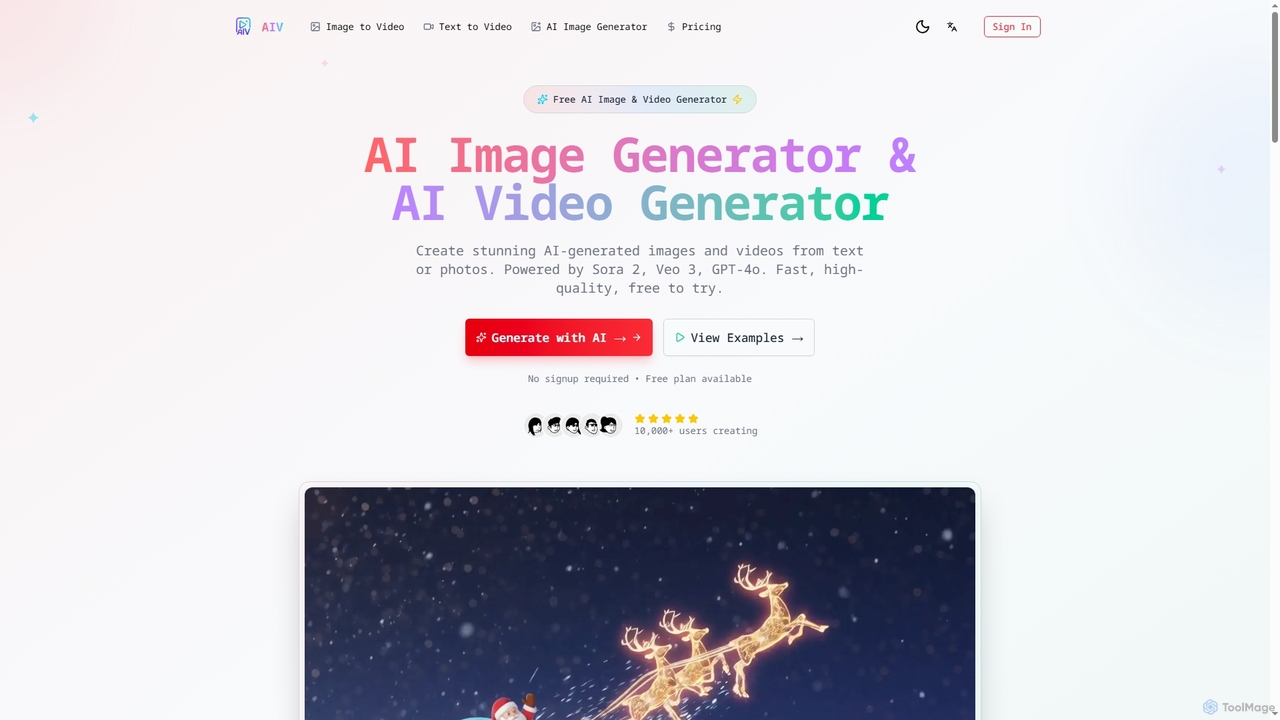
AI Image Video
AI Image Video is a powerful platform that leverages advanced AI models like Sora 2, Veo 3, and GPT-4o to generate stunning images and cinematic videos from text prompts or existing photos. It offers fast, high-quality content creation for various needs, from social media to professional marketing, with an easy-to-use interface and commercial use rights.
Content Creation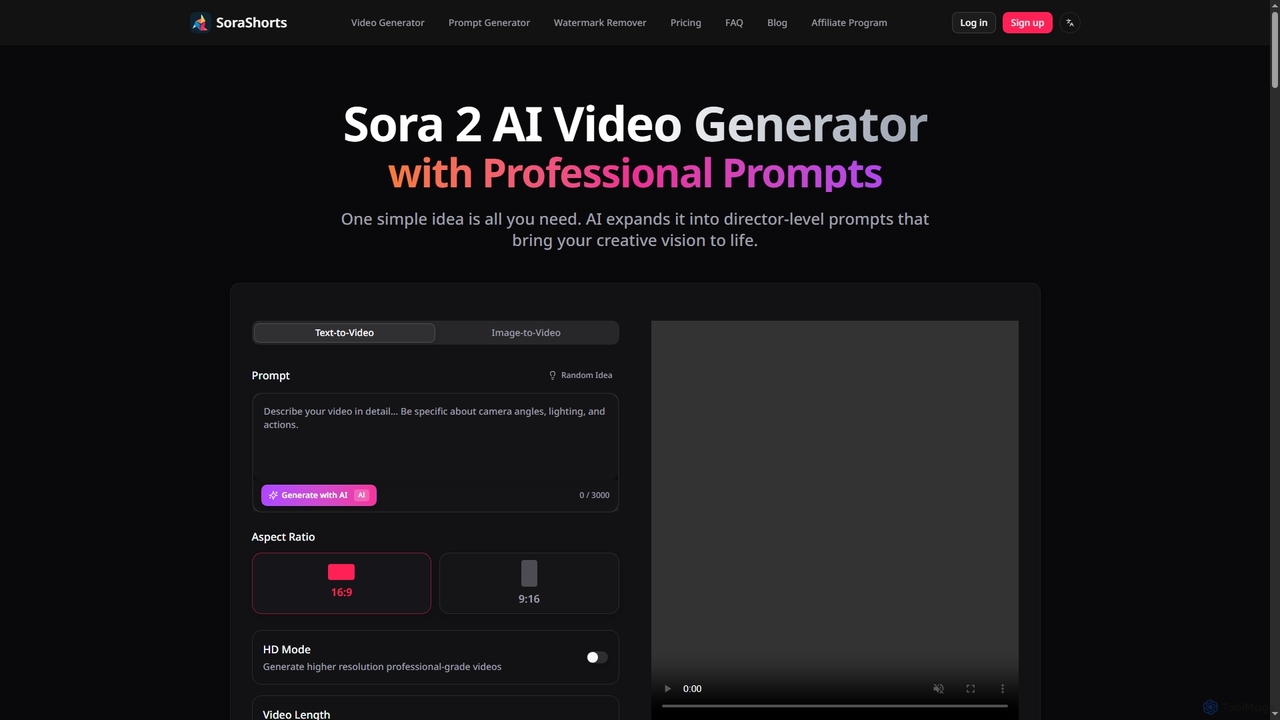
SoraShorts
SoraShorts is an advanced AI video generator powered by Sora 2 technology, enabling users to transform text or images into professional, watermark-free videos. It includes a sophisticated prompt generator for cinematic quality and a tool to remove watermarks, streamlining video creation for various commercial and creative needs.
Prompt Engineering
Goveliro Comments (0)
Sign in to comment.
Sign inNo comments yet.