

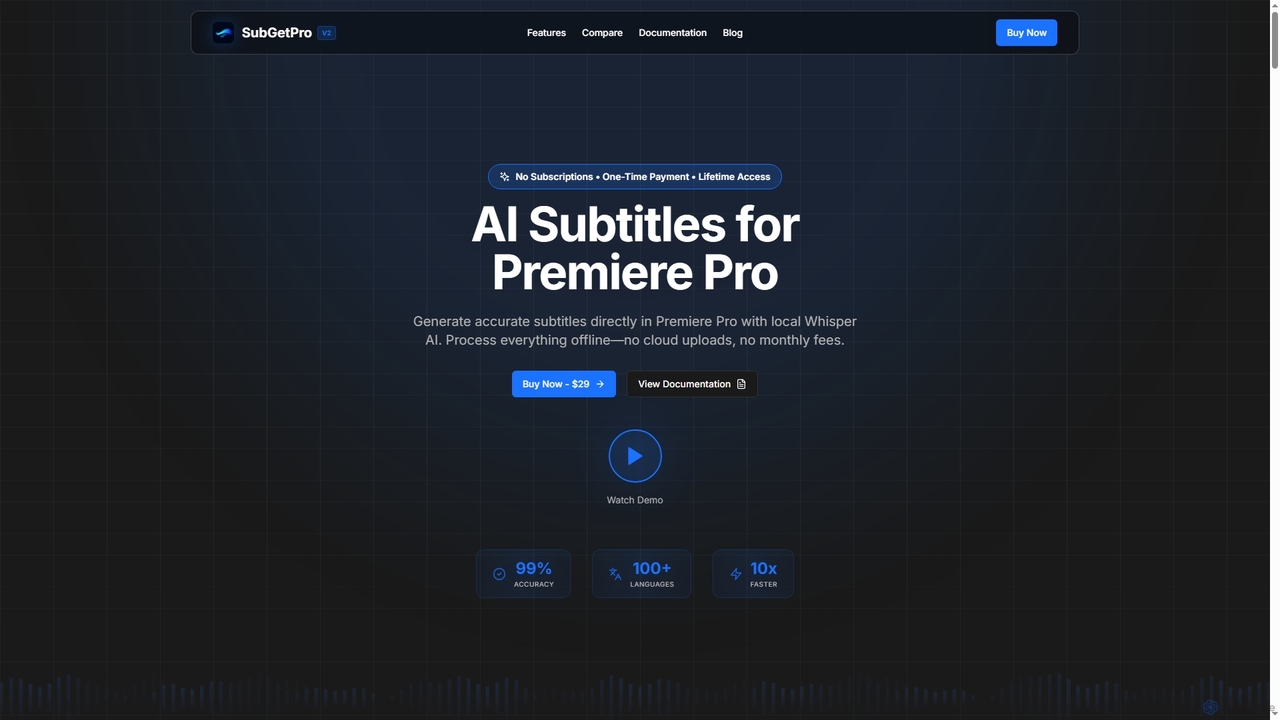
SubGetPro Overview
SubGetPro is a powerful AI subtitle generator seamlessly integrated into Adobe Premiere Pro. It stands out by offering a one-time payment model, eliminating the need for recurring subscriptions. Utilizing local Whisper AI, SubGetPro processes all transcription offline on your machine, guaranteeing complete privacy and security as no data is uploaded to the cloud. It boasts 99% accuracy for clear audio and supports over 100 languages, delivering results up to 10 times faster than traditional methods, especially with GPU acceleration.
How to use SubGetPro
Getting started with SubGetPro is a straightforward 4-step process:
- Install: Run the provided setup script to install the extension within Adobe Premiere Pro.
- Select: Choose specific clips on your timeline or define a 'Work Area' using In/Out points for transcription.
- Transcribe: Click the 'Transcribe' button and let the integrated Whisper AI process your audio.
- Import: With a single click, import the generated subtitles directly as a caption track onto your Premiere Pro timeline.
Core Features of SubGetPro
- One-Click Transcription: Supports 'Selected Clips' or 'Work Area' modes with automatic clip merging and gap handling.
- Silence Detection: Automatically identifies and marks silent sections for efficient editing.
- Full-Featured SRT Editor: Allows drag & drop reordering, text editing, timing adjustments, and supports Right-to-Left (RTL) languages.
- Text Edit Mode (BETA): Edit transcripts as plain text before generating and inserting SRT directly to the timeline.
- MOGRT Caption Styles (NEW): Apply custom caption styling using Motion Graphics templates for professional designs.
- 100% Local Processing: All transcription occurs on your machine, ensuring data privacy and security without cloud uploads.
- Track Detection: Automatically identifies audio tracks, displays clip counts, and allows multi-track selection.
- Direct Timeline Import: Seamlessly imports subtitles as caption tracks into Premiere Pro, no external tools needed.
- GPU Acceleration: Utilizes NVIDIA CUDA for up to 10x faster processing, enabling real-time and batch transcription.
- Offline Operation: Functions completely offline after initial setup, requiring no internet connection for transcription.
- Customizable Settings: A dedicated panel for model selection, GPU/CPU toggle, export formats, and other preferences.
Use Cases for SubGetPro
SubGetPro is an indispensable tool for a wide range of professionals and content creators, including:
- Video Editors: Streamline post-production workflows by quickly generating accurate subtitles for documentaries, short films, and corporate videos.
- Content Creators & YouTubers: Enhance accessibility and SEO for video content by adding precise captions to vlogs, tutorials, and entertainment videos.
- Educators & E-learning Developers: Create accessible learning materials by transcribing lectures, online courses, and instructional videos.
- Filmmakers: Efficiently generate subtitles for international distribution or accessibility requirements.
- Marketing Professionals: Produce engaging video content with captions for social media campaigns and advertisements, improving reach and engagement.
Advantages of SubGetPro
SubGetPro offers several compelling advantages:
- Cost-Effective: A single, one-time payment of $29 grants lifetime access and updates, eliminating recurring subscription costs.
- Uncompromised Privacy: 100% local processing means no data leaves your machine, ensuring complete privacy and security.
- Exceptional Speed: Up to 10x faster transcription with GPU acceleration compared to manual methods.
- High Accuracy: Achieves 99% accuracy for clear audio thanks to OpenAI's Whisper AI.
- Extensive Language Support: Supports over 100 languages, including comprehensive RTL support.
- Seamless Integration: Works directly within Adobe Premiere Pro as an extension, offering an intuitive and easy-to-use interface with no learning curve.
- Commercial Use License: Your purchase includes a license for commercial projects, allowing use for client work, YouTube videos, and courses.
Pricing and Plans
SubGetPro is available for a one-time payment of $29. This includes lifetime access to all features and future updates, with no monthly subscriptions or hidden fees. Pay once, own forever.
SubGetPro FAQ
SubGetPro Alternatives
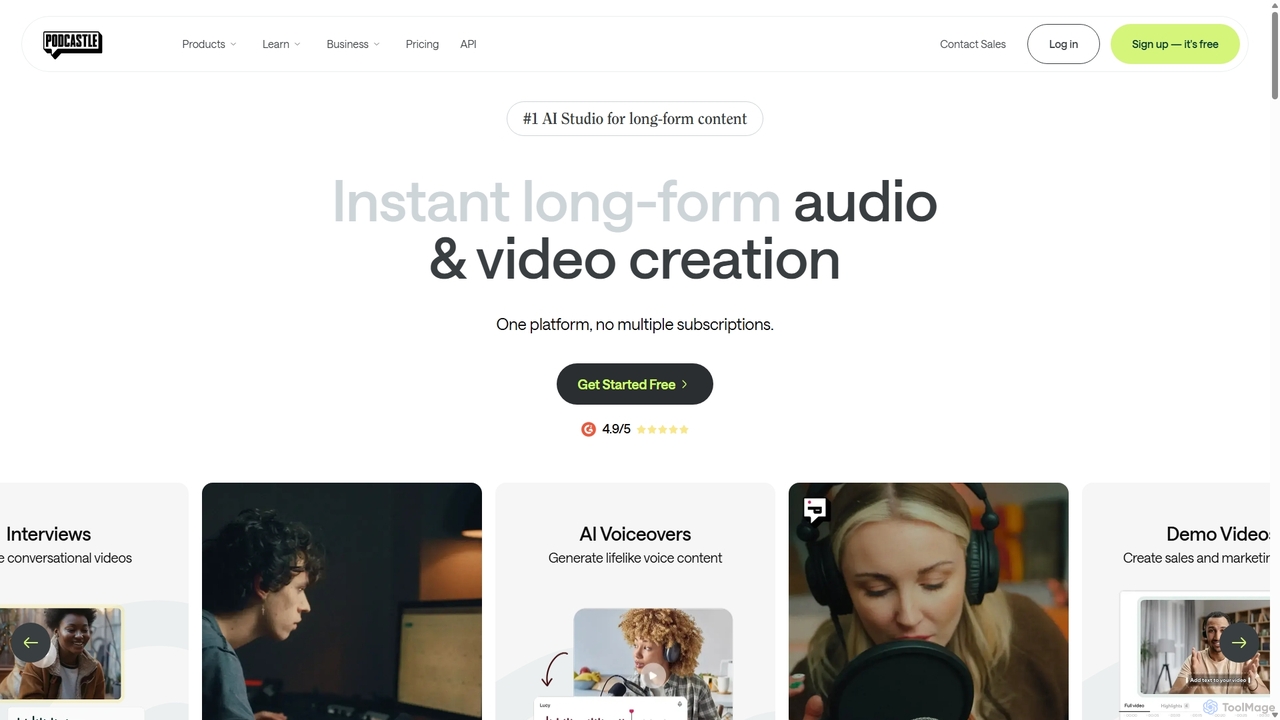
Podcastle
Podcastle is an all-in-one, AI-powered platform for audio and video creation. It simplifies the entire workflow from high-quality recording and text-based editing to AI-enhanced post-production and podcast hosting. Features include studio-quality recording, AI noise removal, voice cloning, and seamless video editing, making it ideal for podcasters, content creators, and marketers.
3D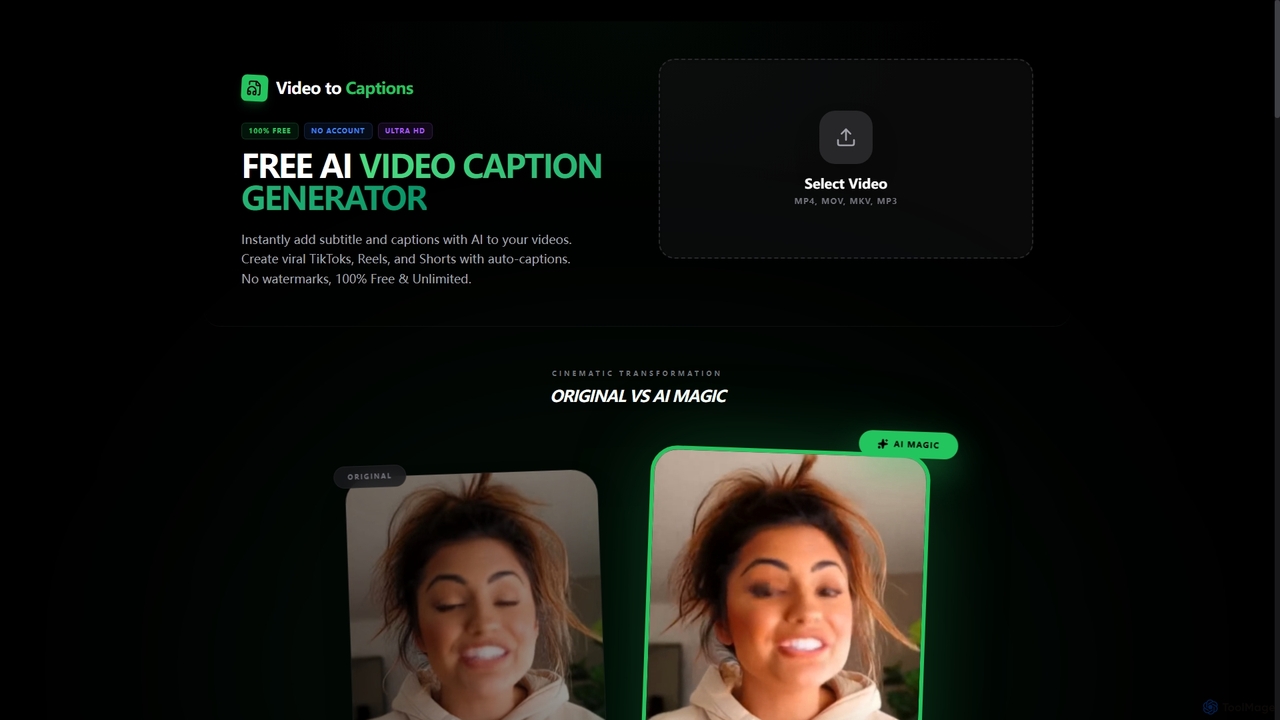
VideotoCaptions
VideotoCaptions is a 100% free AI-powered online tool that instantly generates subtitles and captions for videos. It helps creators boost engagement on platforms like TikTok, Instagram Reels, and YouTube Shorts with various viral caption styles, all without requiring an account or leaving watermarks.
3D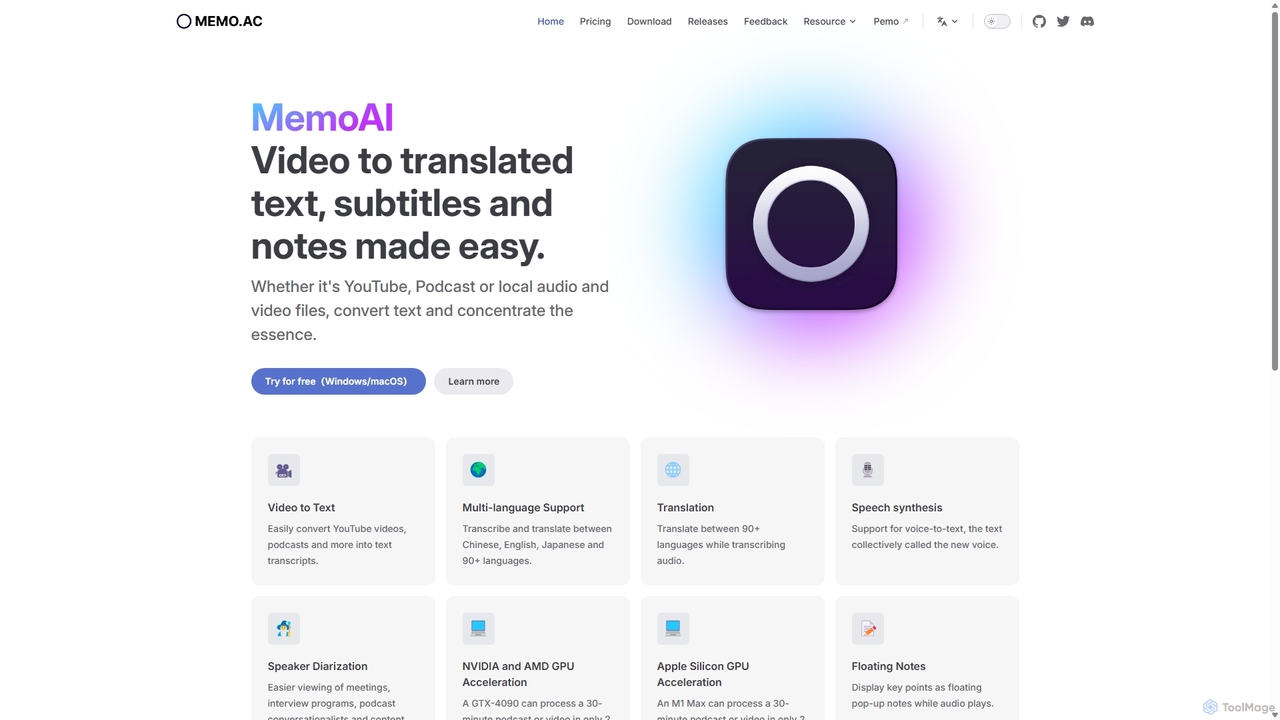
Memo AI
Memo AI is a privacy-focused desktop application for Windows and macOS that provides AI-powered transcription, translation, and summarization for audio and video files. It operates completely offline, leveraging GPU acceleration for fast processing of local files and online content from platforms like YouTube. It supports over 90 languages, speaker diarization, and various export formats.
Speech To Text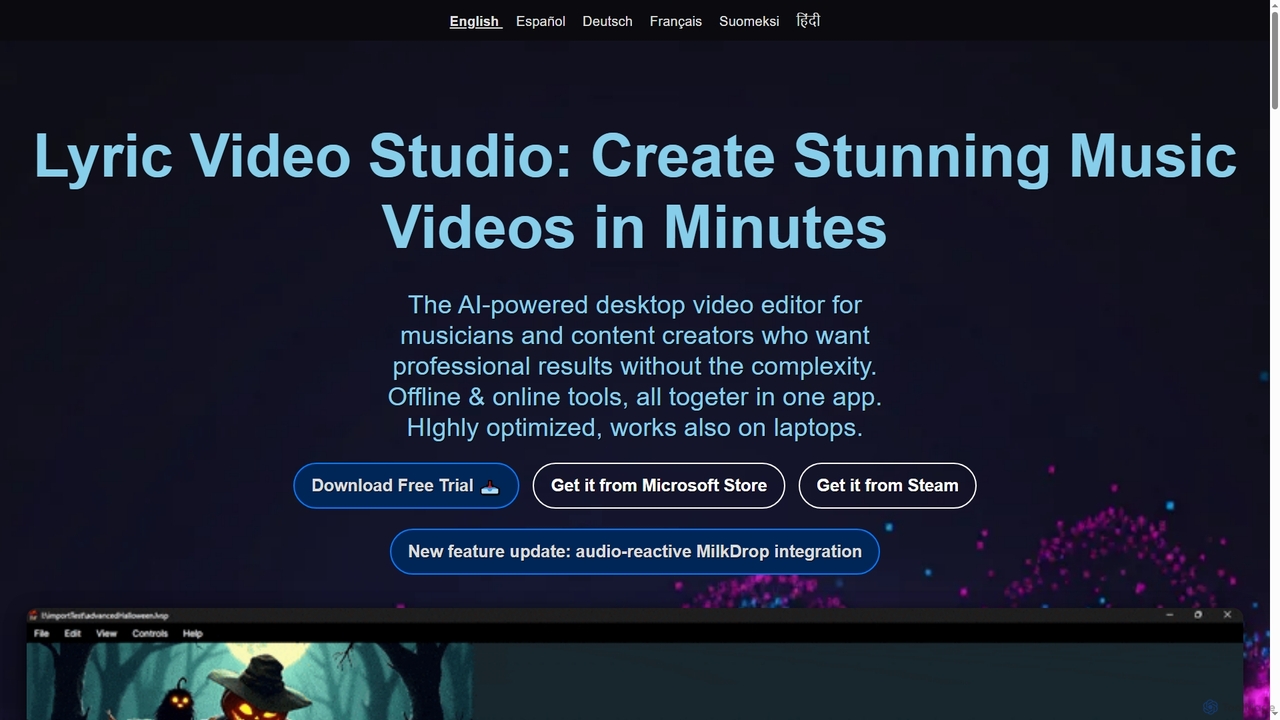
Lyric Video Studio
Lyric Video Studio is an AI-powered desktop video editor for musicians and content creators to produce stunning music videos and lyric videos quickly. It offers effortless editing, AI-driven visual generation, automatic subtitle creation, and 4K export, combining offline and online tools for professional results without complexity.
3D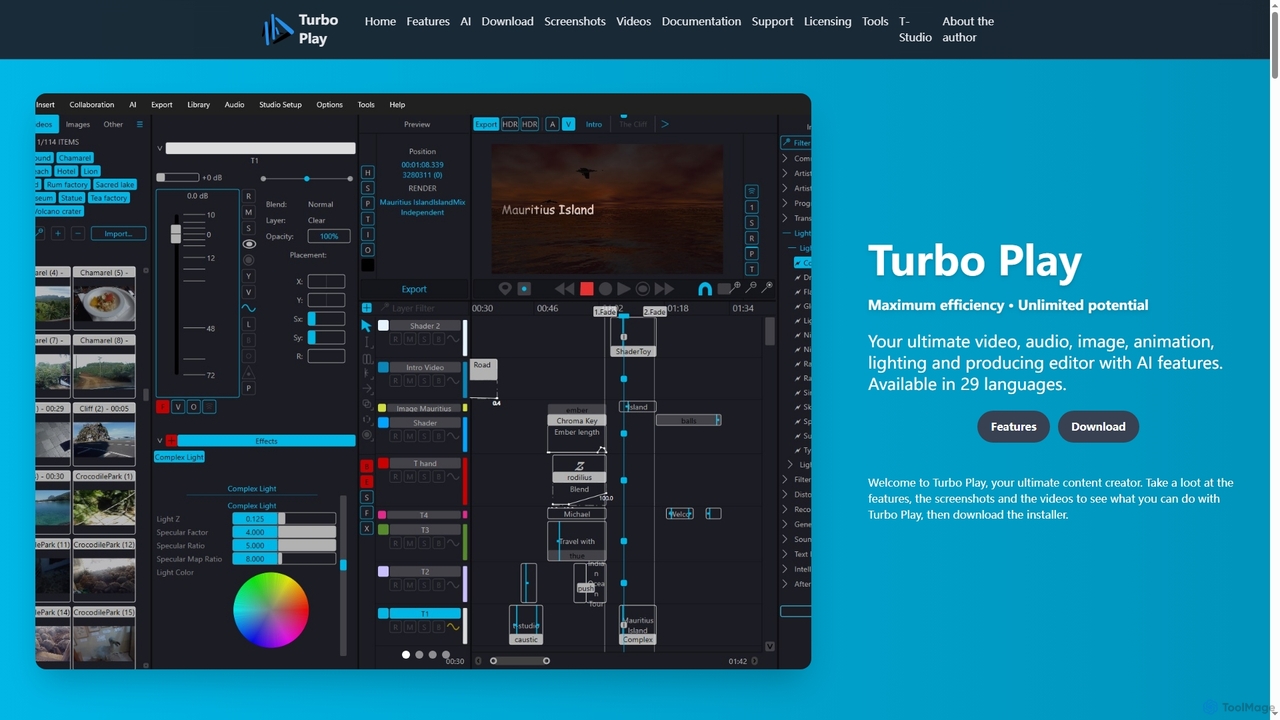
Turbo Play
Turbo Play is an all-in-one AI-powered video, audio, image, and animation editor designed for maximum efficiency and unlimited creative potential. It offers a comprehensive suite of tools for content creation, including advanced AI features for background removal, face swapping, speech separation, and text-to-image generation, catering to both casual and professional users across 29 languages.
3DSubGetPro Categories
SubGetPro Jobs
SubGetPro Embed Widget
Copy this embed code to place the badge on your blog, article, or product site and send readers directly to this ToolMage detail page.

Related AI tools
Memo AI
Memo AI is a privacy-focused desktop application for Windows and macOS that provides AI-powered transcription, translation, and summarization for audio and video files. It operates completely offline, leveraging GPU acceleration for fast processing of local files and online content from platforms like YouTube. It supports over 90 languages, speaker diarization, and various export formats.
Speech To TextLyric Video Studio
Lyric Video Studio is an AI-powered desktop video editor for musicians and content creators to produce stunning music videos and lyric videos quickly. It offers effortless editing, AI-driven visual generation, automatic subtitle creation, and 4K export, combining offline and online tools for professional results without complexity.
3DTurbo Play
Turbo Play is an all-in-one AI-powered video, audio, image, and animation editor designed for maximum efficiency and unlimited creative potential. It offers a comprehensive suite of tools for content creation, including advanced AI features for background removal, face swapping, speech separation, and text-to-image generation, catering to both casual and professional users across 29 languages.
3D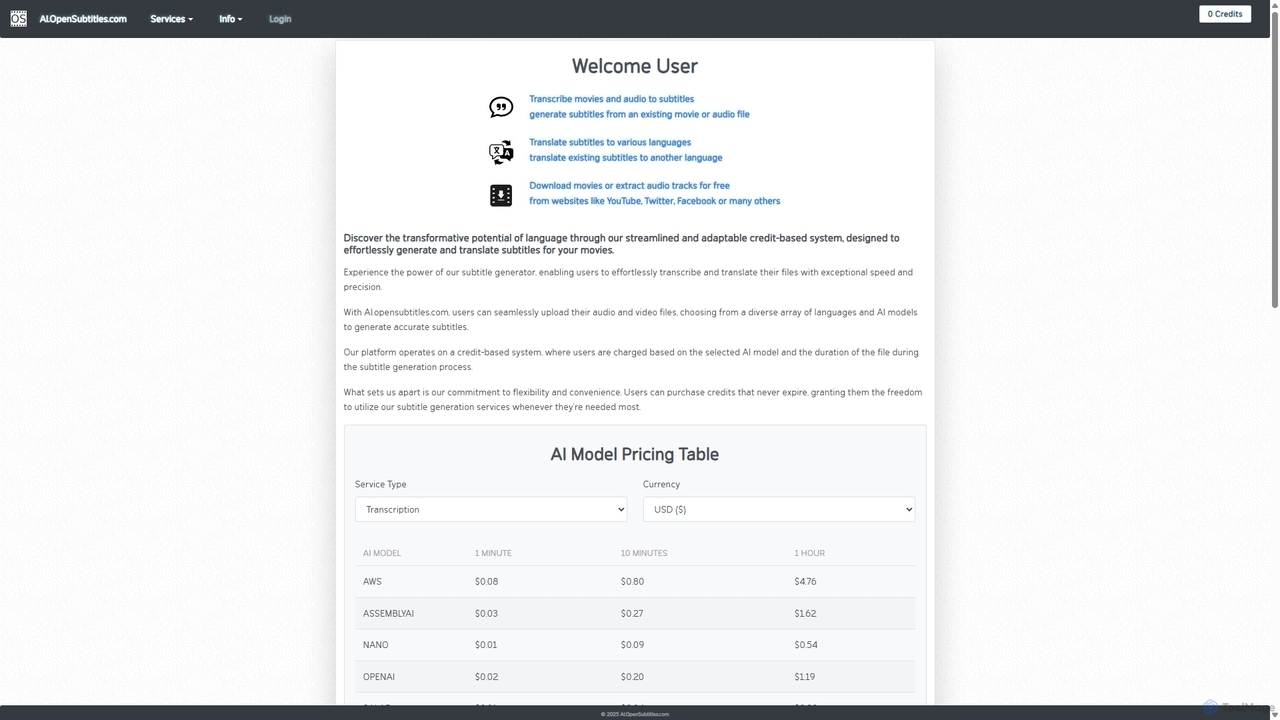
AI.OpenSubtitles.com
AI.OpenSubtitles.com is a powerful platform for AI-driven subtitle generation, transcription, and translation. It allows users to upload video or audio files, choose from various advanced AI models (like AWS, DeepL, OpenAI), and receive accurate subtitles in over 100 languages. Its flexible, credit-based system ensures you only pay for what you use, making it a cost-effective solution for content creators and businesses aiming for a global audience.
Transcription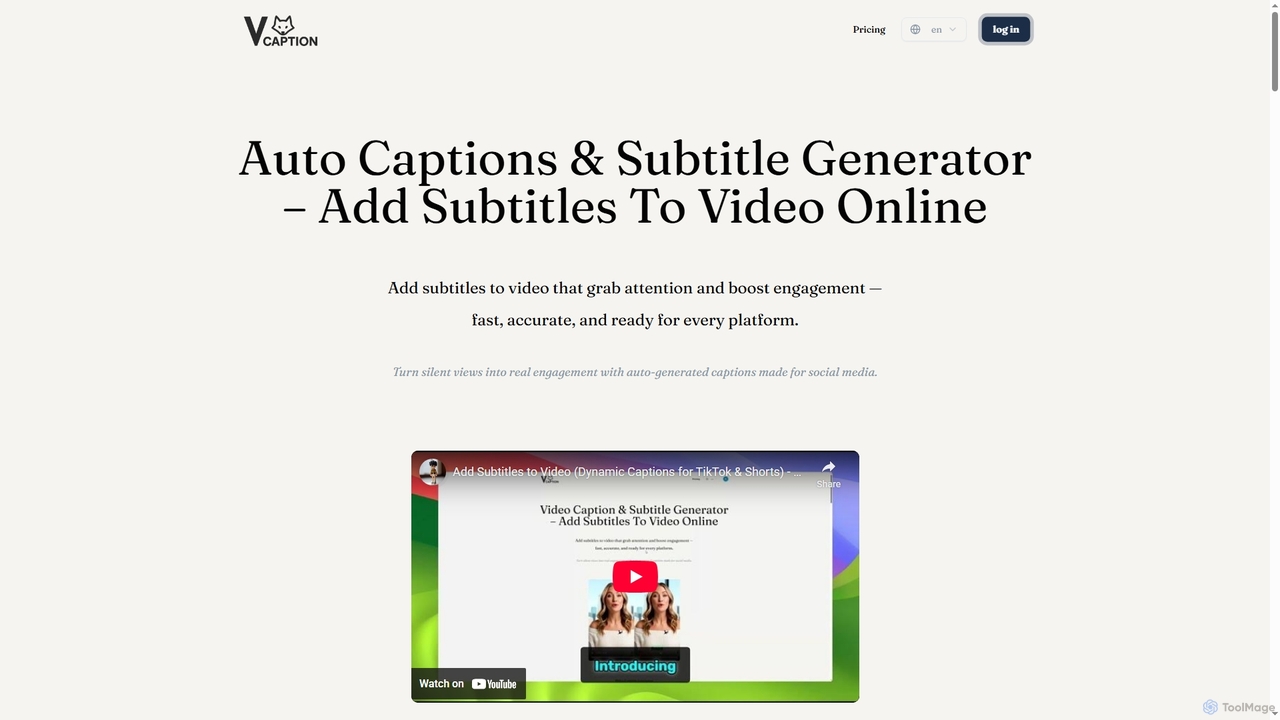
VideoCaption
VideoCaption is an AI-powered online tool that automatically generates and adds stylish, accurate subtitles to your videos. Boost engagement and accessibility across social media, e-learning, and marketing platforms with ease. Transform silent views into meaningful interactions quickly and professionally.
3D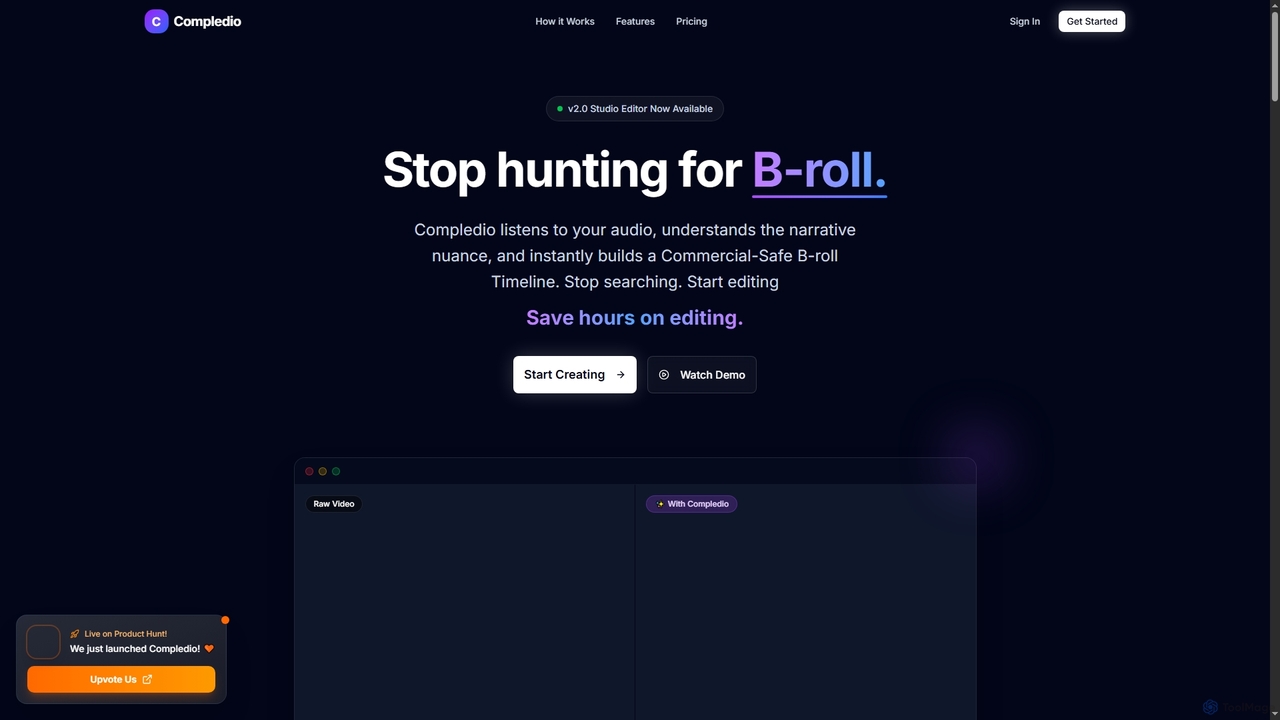
Compledio
Compledio is an AI-powered automated B-roll generator and studio editor that transforms audio and video content into engaging visual narratives. It intelligently analyzes your narrative, synthesizes contextually relevant, commercial-safe B-roll footage, and places it directly onto a professional timeline, saving creators hours of manual editing and stock footage searching.
3D
Podcut
Podcut is an AI-powered audio and video editing platform designed for podcasters and content creators. It automates tedious editing tasks by allowing you to edit your media by simply editing the text transcript. Automatically remove filler words, long silences, and background noise to produce studio-quality content in minutes, not hours.
3D
Banva
Banva is an AI-powered platform for lightning-fast, highly accurate video subtitling, transcription, and translation in over 80 languages. Customize, edit, and burn subtitles directly into your videos through an intuitive browser-based interface. Ideal for content creators and businesses aiming for global reach and accessibility.
Transcription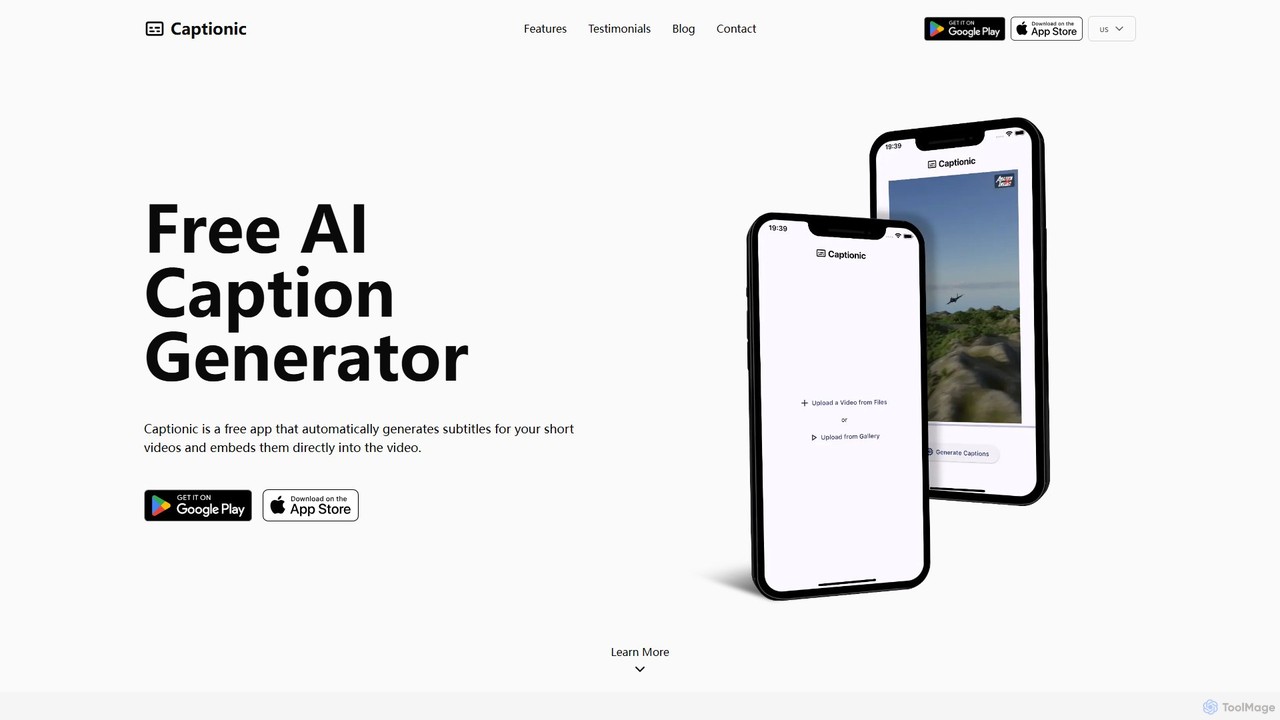
Captionic
Captionic is a free AI-powered mobile app that automatically generates and embeds accurate captions for your videos in multiple languages. It's designed to boost video engagement, improve SEO, and enhance accessibility for a global audience.
AutomationPodcastle
Podcastle is an all-in-one, AI-powered platform for audio and video creation. It simplifies the entire workflow from high-quality recording and text-based editing to AI-enhanced post-production and podcast hosting. Features include studio-quality recording, AI noise removal, voice cloning, and seamless video editing, making it ideal for podcasters, content creators, and marketers.
3DVideotoCaptions
VideotoCaptions is a 100% free AI-powered online tool that instantly generates subtitles and captions for videos. It helps creators boost engagement on platforms like TikTok, Instagram Reels, and YouTube Shorts with various viral caption styles, all without requiring an account or leaving watermarks.
3D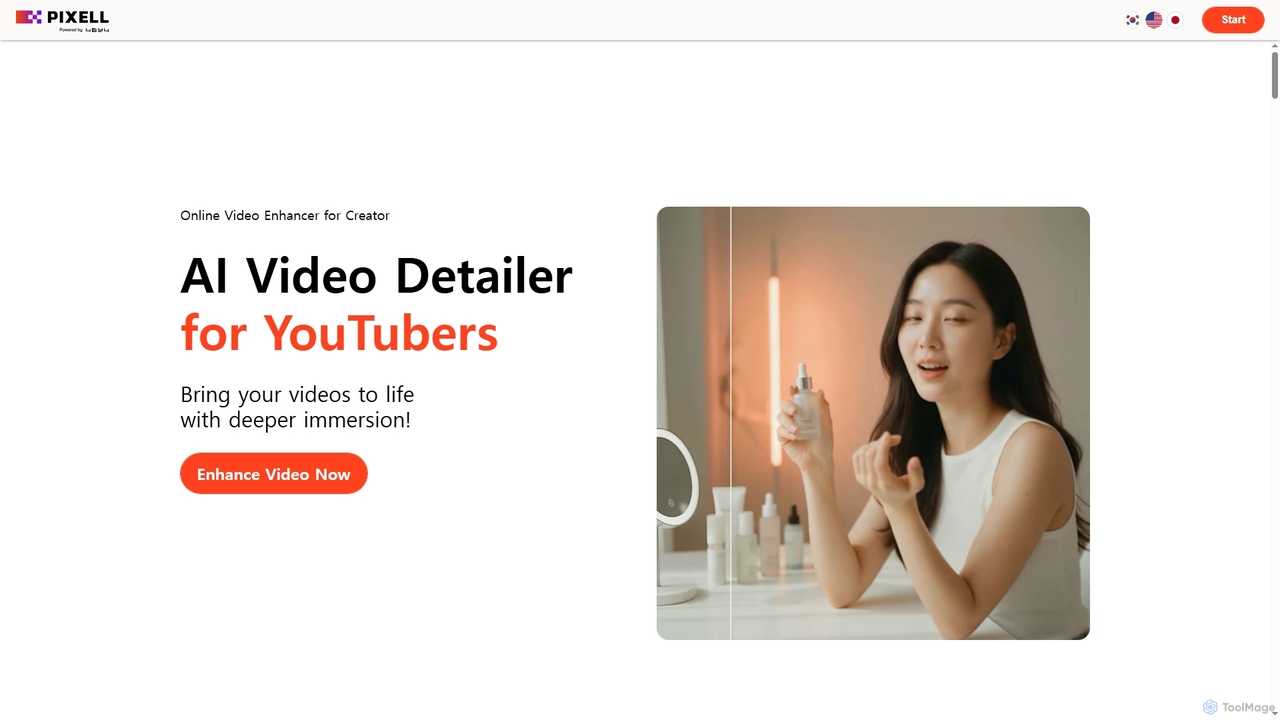
Detailer
Detailer is an AI-powered online video enhancer designed for creators, especially YouTubers, to achieve crystal-clear, professional-grade video quality. It focuses on reducing noise, sharpening edges, and preserving colors and textures, making videos more immersive and suitable for large-screen viewing without distortion.
3D
Goveliro
Goveliro is an AI-powered desktop application designed for creating high-quality subtitles offline. It offers automatic language detection and transcription, extensive customization options for subtitle styling, and seamless editing capabilities. Users maintain full control over their content without cloud uploads or subscriptions, ensuring privacy and efficient workflow with GPU acceleration.
3D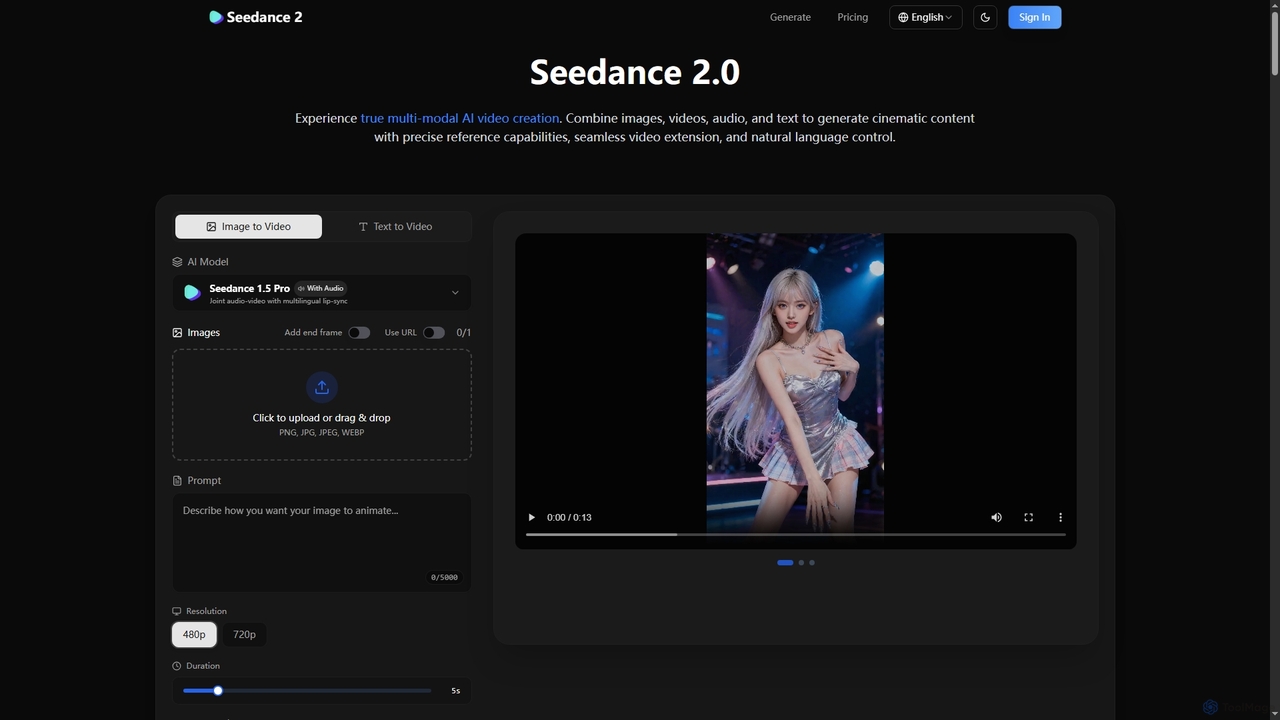
Seedance 2
Break free from generic AI video. Seedance 2 offers unparalleled multi-modal control, allowing creators to precisely reference motion, styles, and characters from their own assets, ensuring cinematic consistency and targeted editing capabilities.
Content Creation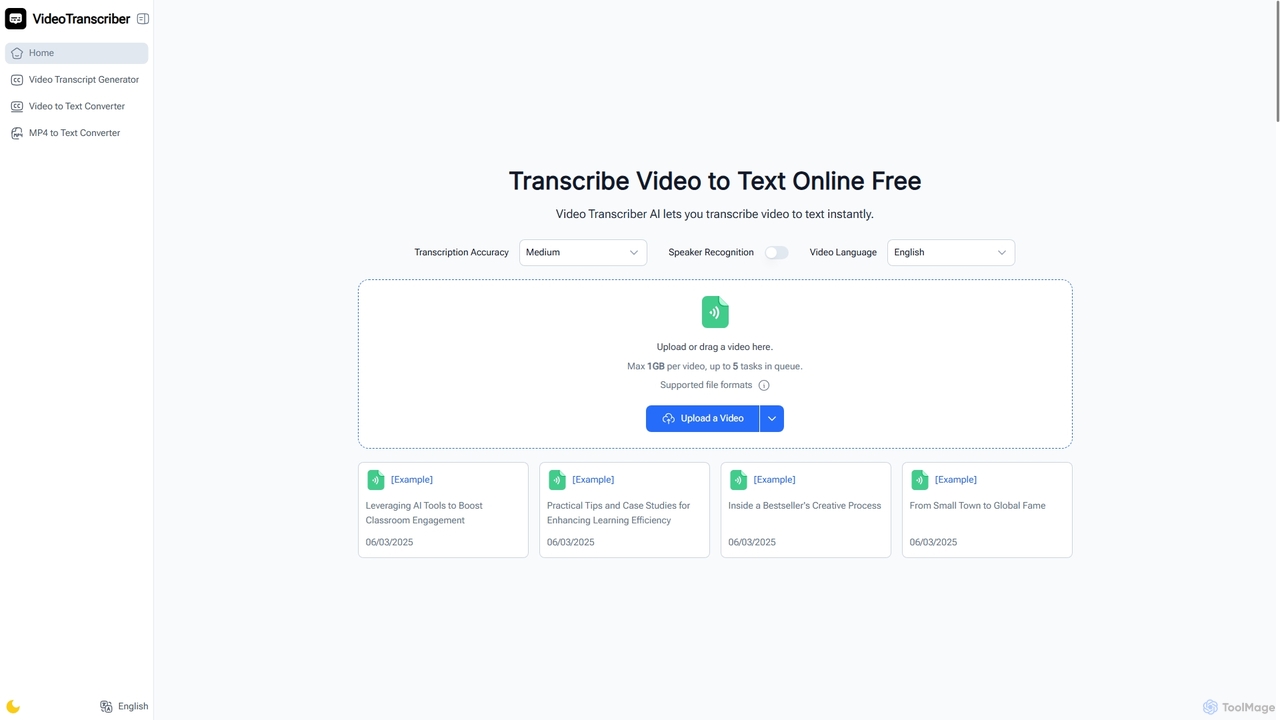
Video Transcriber AI
Video Transcriber AI is a free online tool that instantly converts video content into accurate, readable text. It supports various formats like MP4, YouTube links, and Zoom recordings, making it ideal for students, professionals, and content creators to quickly get transcripts without any sign-up.
Meeting Tools
SubGetPro Comments (0)
Sign in to comment.
Sign inNo comments yet.