

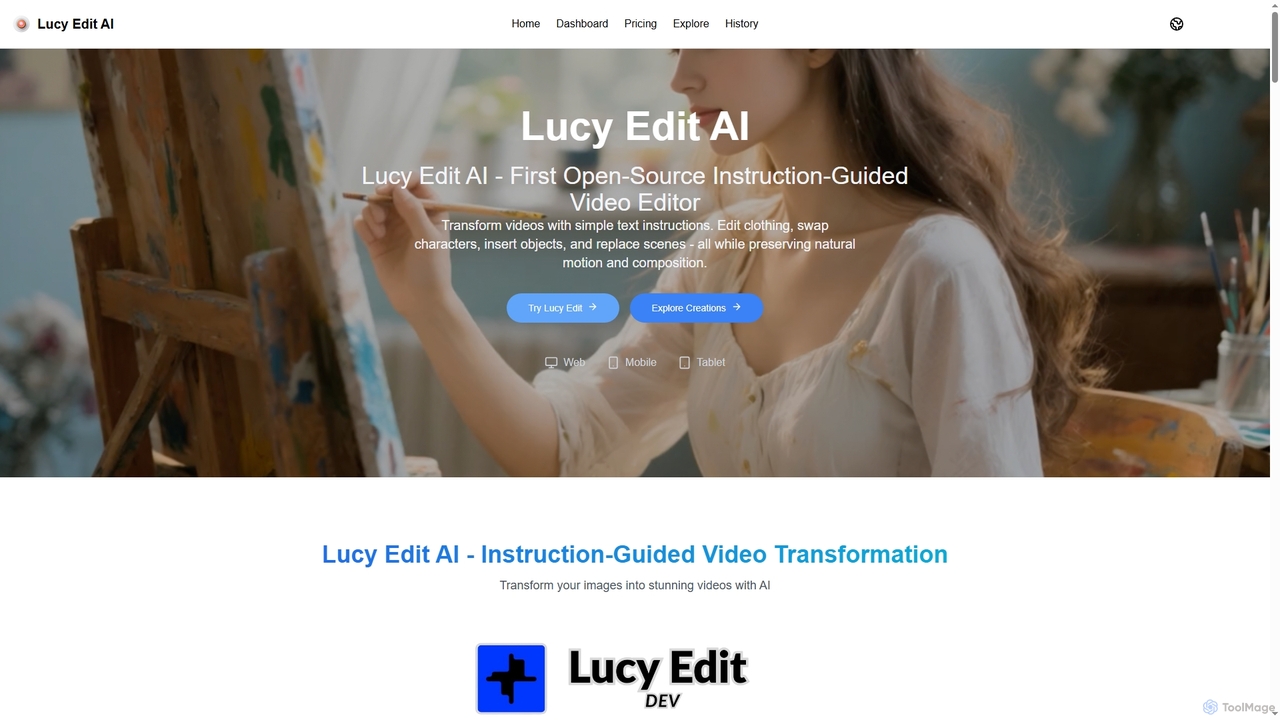
Lucy Edit AI Overview
Lucy Edit AI stands at the forefront of AI-powered video editing, offering an unparalleled instruction-guided experience. As the first open-source model of its kind, it democratizes advanced video transformation capabilities, allowing users to achieve sophisticated edits through intuitive text prompts. Built on the robust Wan2.2 5B architecture, Lucy Edit AI is designed to deliver high-fidelity transformations, ensuring that creative visions are brought to life with remarkable realism and consistency.
How to use Lucy Edit AI
To use Lucy Edit AI, simply provide descriptive text instructions (prompts) detailing the desired video transformation. The platform processes these commands to modify elements within your video. For optimal results, use 20-30 descriptive words, incorporating specific trigger words like 'Change', 'Add', or 'Replace', and provide detailed context and style descriptions. The tool handles complex edits without requiring manual masking or fine-tuning, streamlining the editing workflow significantly. Once the prompt is submitted, Lucy Edit AI generates the transformed video, supporting up to 81 frames with consistent editing.
Core Features of Lucy Edit AI
- Text-Guided Editing: Transform videos with simple text instructions, eliminating the need for masks or fine-tuning.
- Motion Preservation: Maintains natural motion and composition, ensuring realistic and seamless video transformations.
- Character Transformations: Replace characters, change clothing, or modify appearances while preserving identity and natural movement.
- Object & Scene Editing: Insert new objects or completely replace backgrounds and scenes using text instructions for creative storytelling.
- Open-Source Model: Built on Wan2.2 5B architecture, completely open-source and free to use for creative video editing needs.
- 81-Frame Generation: Supports consistent editing throughout longer, more complex video transformations.
- High-Fidelity Transformations: Delivers precise edits while maintaining the natural flow and consistency of the original video.
Use Cases for Lucy Edit AI
Lucy Edit AI is ideal for a diverse range of creative and professional applications. Content creators can rapidly prototype visual ideas for social media, YouTube, or marketing campaigns. VFX artists can quickly generate complex visual effects, character modifications, or scene replacements without extensive manual labor. Filmmakers can explore creative transformations and visual storytelling concepts with unprecedented ease. It's also perfect for digital artists looking to experiment with dynamic visual elements and for anyone seeking to enhance their videos with unique, AI-generated content.
Advantages of Lucy Edit AI
The primary advantage of Lucy Edit AI lies in its instruction-guided, open-source nature, making advanced video editing accessible and flexible. It eliminates the time-consuming processes of masking and fine-tuning, significantly accelerating the creative workflow. The tool's ability to preserve natural motion and identity ensures high-quality, realistic outputs. Being open-source, it offers unparalleled freedom for users to adapt and integrate it into their pipelines, fostering innovation and community-driven development. Its support for 81-frame generation allows for more complex and consistent video transformations.
Pricing and Plans
Lucy Edit AI offers a flexible pricing structure, including a free open-source model and various paid plans to suit different needs. The core model is completely open-source and free to use for any purpose, including commercial projects. For enhanced features and higher usage limits, the following plans are available, with a 50% discount for annual billing:
- Basic Plan: $7.9/month (or $94.8/year). Includes 100 credits/month (1200 with annual billing), 50 high-quality images/month, standard generation speed, basic customer support, all format downloads, and commercial license with unrestricted usage rights.
- Standard Plan: $15.9/month (or $190.8/year). Includes 500 credits/month (6000 with annual billing), 250 high-quality images/month, priority generation queue, priority customer support, all format downloads, and commercial license with image editing tools.
- Pro Plan: $63.9/month (or $766.8/year). Includes 2000 credits/month (24000 with annual billing), 1000 high-quality images/month, fastest generation speed, dedicated account manager, all format downloads, and commercial license with advanced editing tools.
Additionally, one-time add-on packages are available without a subscription:
- Small Add-on Package: $50 for 800 credits. Includes faster image generation, permanent history records, and a commercial license.
- Large Add-on Package: $100 for 1600 credits. Includes faster image generation, permanent history records, and a commercial license.
Lucy Edit AI FAQ
Traffic
Latest traffic
Status
Monthly traffic trend
- 2026-1: 1.2K
- 2026-2: 1.0K
- 2026-3: 3.2K
- 2026-4: 2.6K
- 2026-5: 2.6K
Geography
Top 5 countries / regions
- 🇳🇬Nigeria100.0%
Top keywords
| Keyword | Cost per click |
|---|---|
| 루시ai | $0.00 |
| decart lucy 2.0 | $0.00 |
| lucy 2.0 | $1.71 |
| lucydecart | $0.00 |
| lucy decart ai | $0.45 |
Lucy Edit AI Alternatives
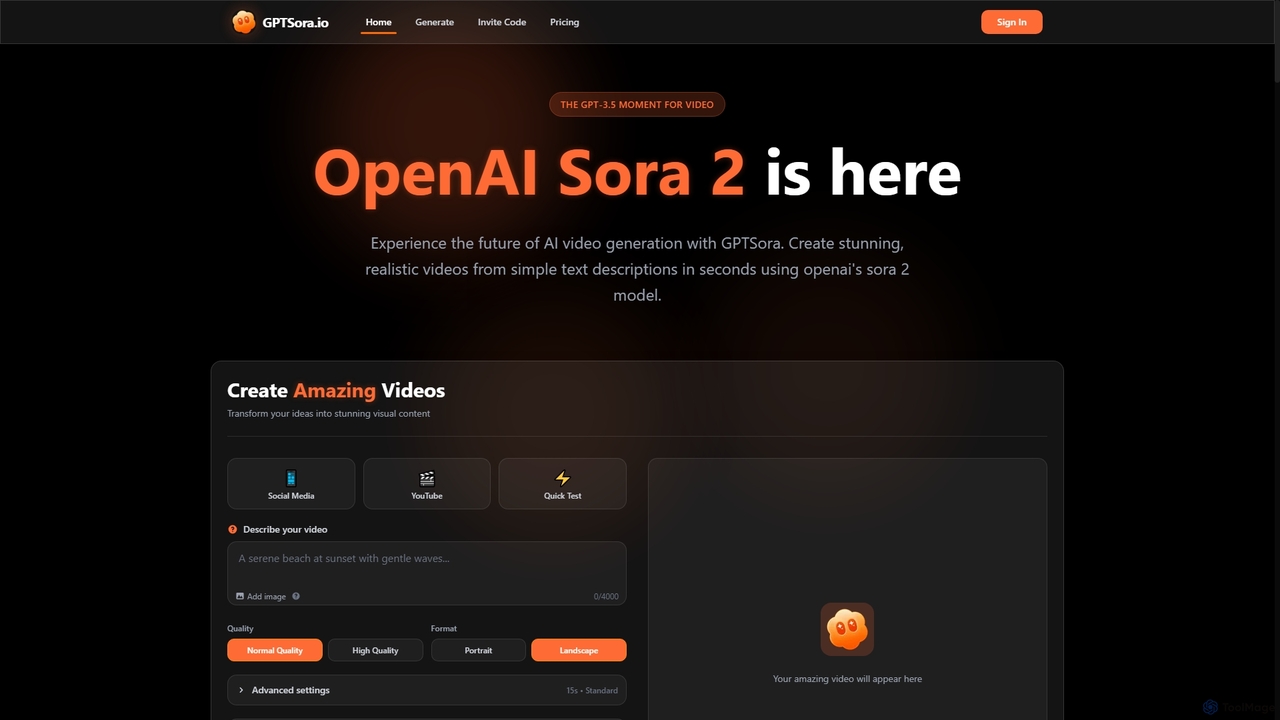
GPTSora
GPTSora is an advanced AI video generation platform powered by OpenAI's Sora 2 model, enabling users to create stunning, realistic videos from simple text descriptions and images in seconds. It offers enhanced control, synchronized audio, and advanced physics for diverse creative and commercial applications.
3D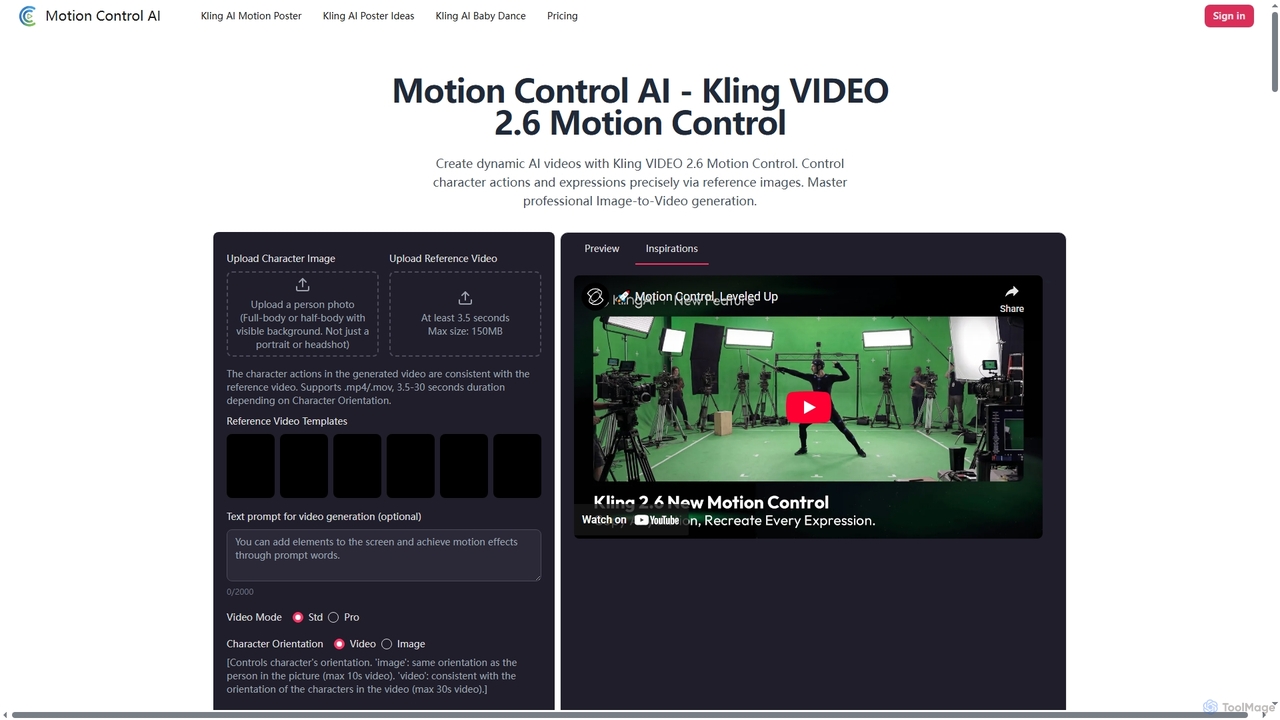
Motion Control AI
Motion Control AI, powered by Kling 2.6, transforms static images into dynamic, high-fidelity videos. It offers precise control over character actions, expressions, and camera movements using reference images and text prompts, enabling professional-grade image-to-video generation for various creative and commercial applications.
3D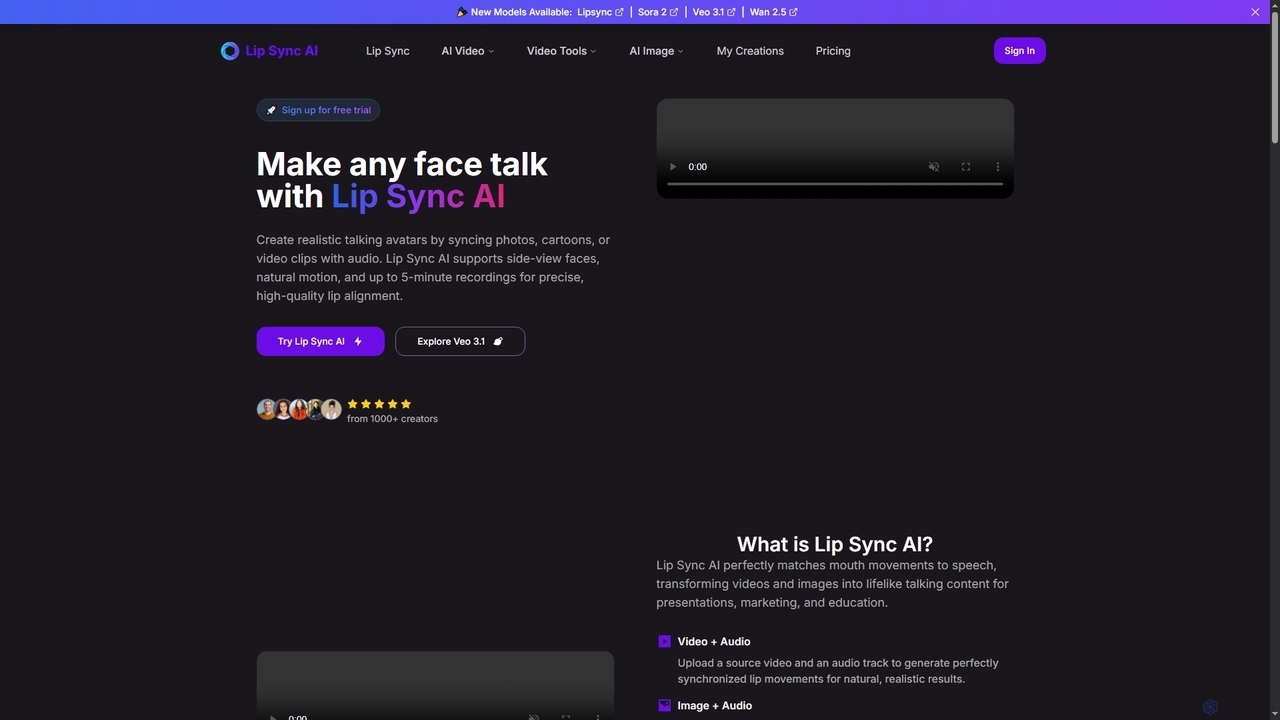
Lipsync AI
Lipsync AI is an advanced online AI tool that transforms images and videos into realistic talking avatars. It precisely synchronizes lip movements with any audio, supporting human and non-human characters for diverse content creation needs.
3D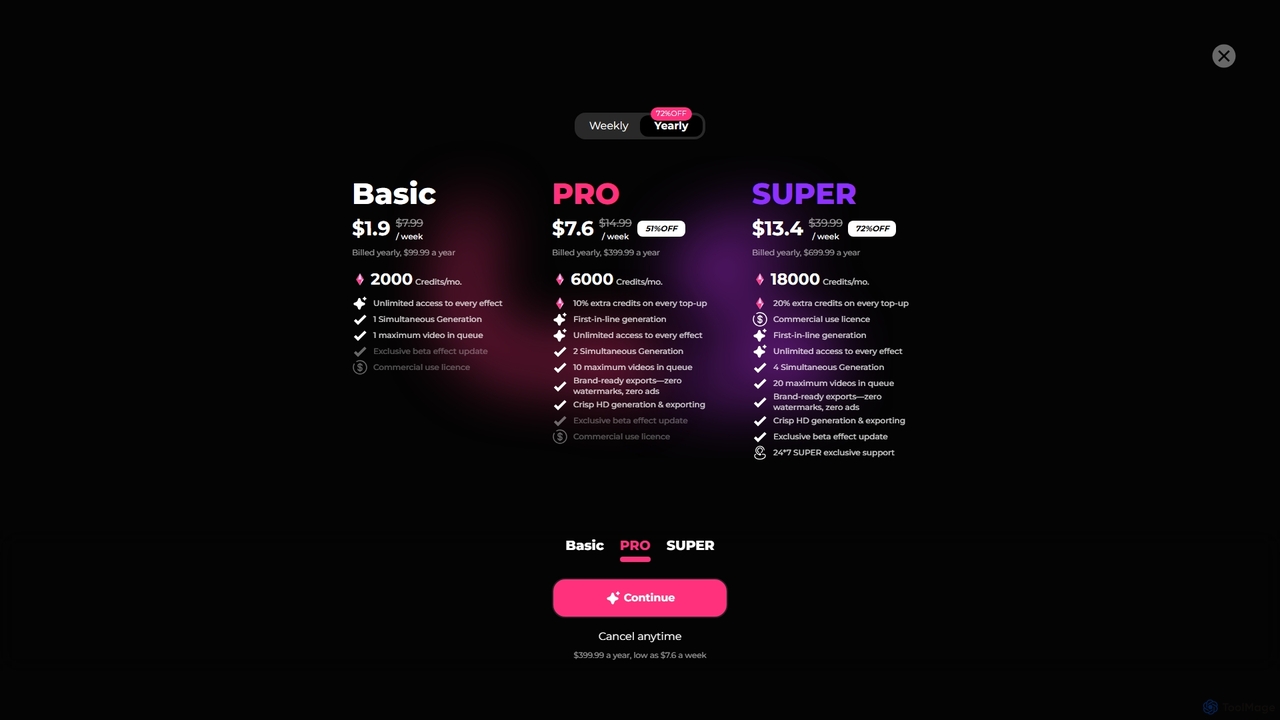
Bunnie AI
Bunnie AI is an advanced AI video generator that transforms photos into dynamic, ready-to-share videos using a vast library of over 1000 templates. It offers next-gen motion effects, body shaping, and AI clothes changing features, designed for quick, high-quality content creation without complex editing, making professional video creation accessible to everyone.
3D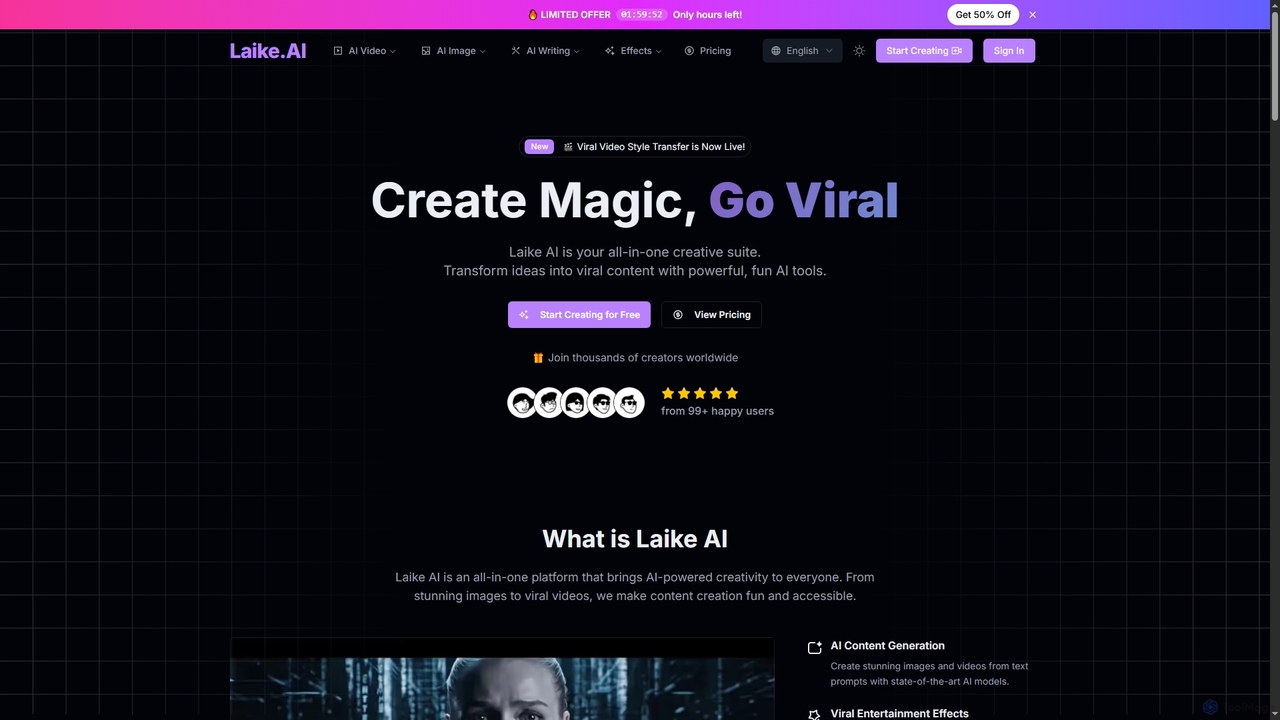
Laike
Laike is an all-in-one AI-powered creative suite designed to transform ideas into viral content. It offers powerful tools for generating stunning images and videos, applying trending entertainment effects, and sharing creations effortlessly across social platforms.
Image GenerationLucy Edit AI Categories
Lucy Edit AI Jobs
Lucy Edit AI Embed Widget
Copy this embed code to place the badge on your blog, article, or product site and send readers directly to this ToolMage detail page.

Related AI tools
GPTSora
GPTSora is an advanced AI video generation platform powered by OpenAI's Sora 2 model, enabling users to create stunning, realistic videos from simple text descriptions and images in seconds. It offers enhanced control, synchronized audio, and advanced physics for diverse creative and commercial applications.
3D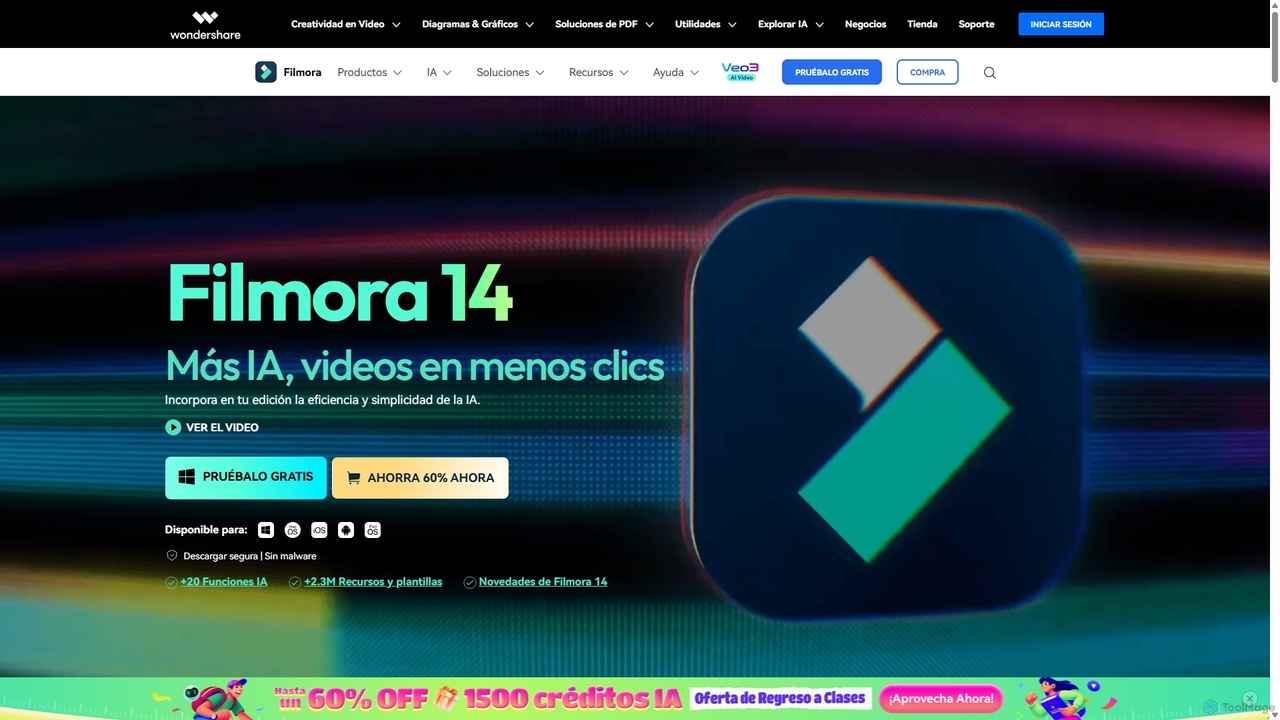
Filmora
Filmora is an AI-powered video editor that simplifies the creation process for both beginners and professionals. It offers a vast suite of AI tools, including smart clip generation, text-to-video, and advanced audio enhancement, combined with a user-friendly interface and a massive library of effects and resources to make video editing faster and more creative.
Social Media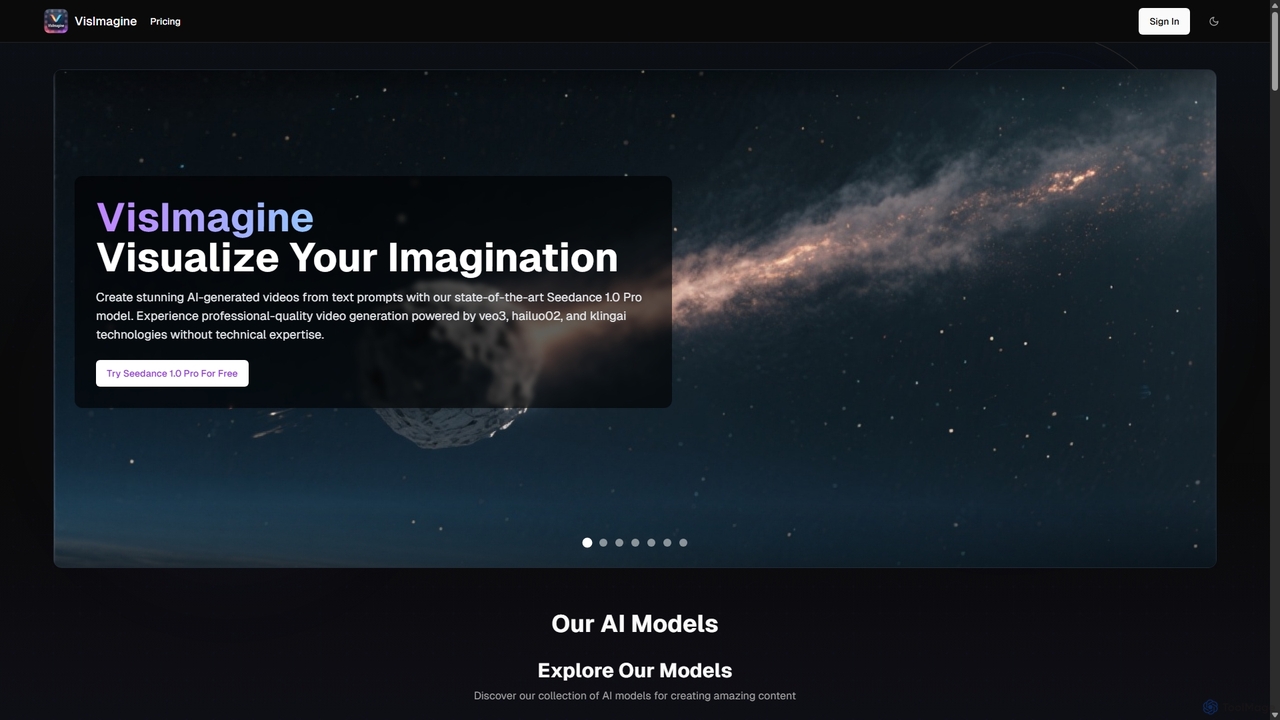
VisImagine
VisImagine is a powerful AI content creation platform specializing in professional video generation. It offers a diverse suite of models for text-to-video, image-to-video, image generation, audio creation, and scriptwriting. Leveraging advanced technologies like Seedance 1.0 Pro, Veo 3, and Kling, it enables users to transform ideas into stunning visual narratives, complete with special effects, consistent characters, and synchronized audio, all without technical expertise.
Voice Generation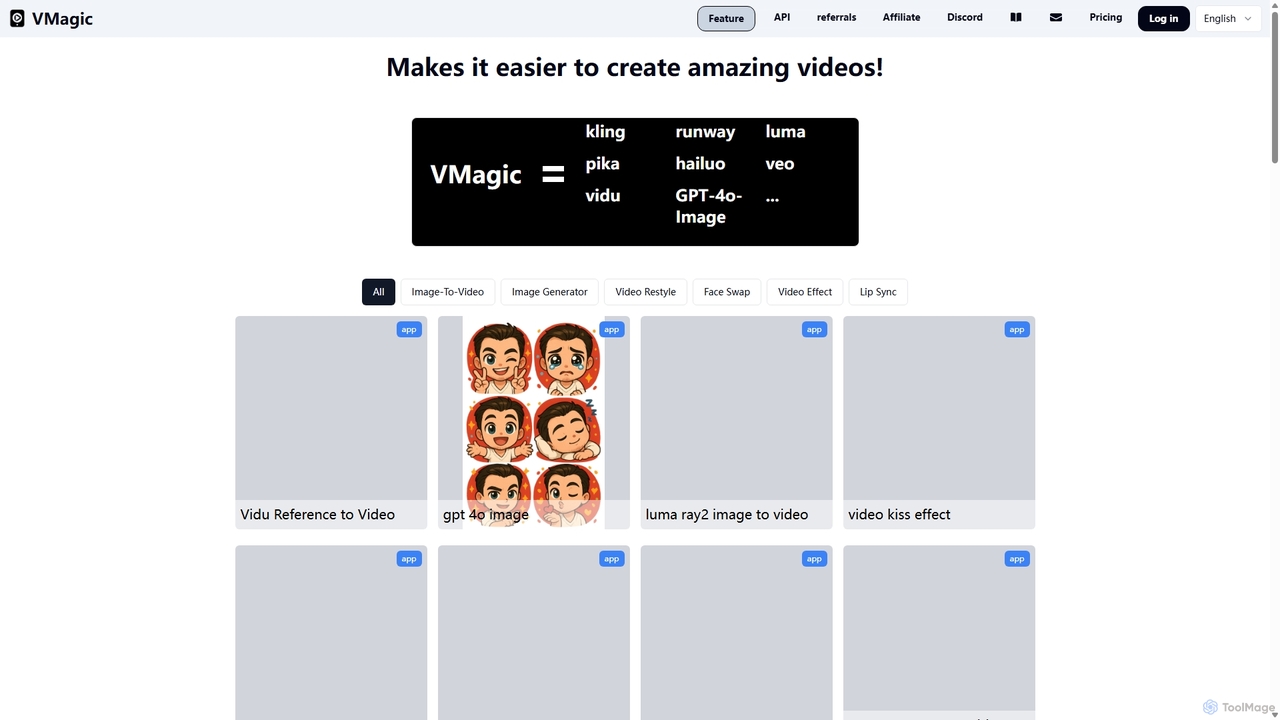
VMagic AI
VMagic AI is a powerful, all-in-one platform for creating stunning videos and images. It integrates top models like Kling, GPT-4O, and Runway to offer features like video-to-animation, text-to-video, AI face swap, lip sync, and advanced image generation. It simplifies the creative process, making it easy for anyone to produce professional-quality visual content.
Face Swap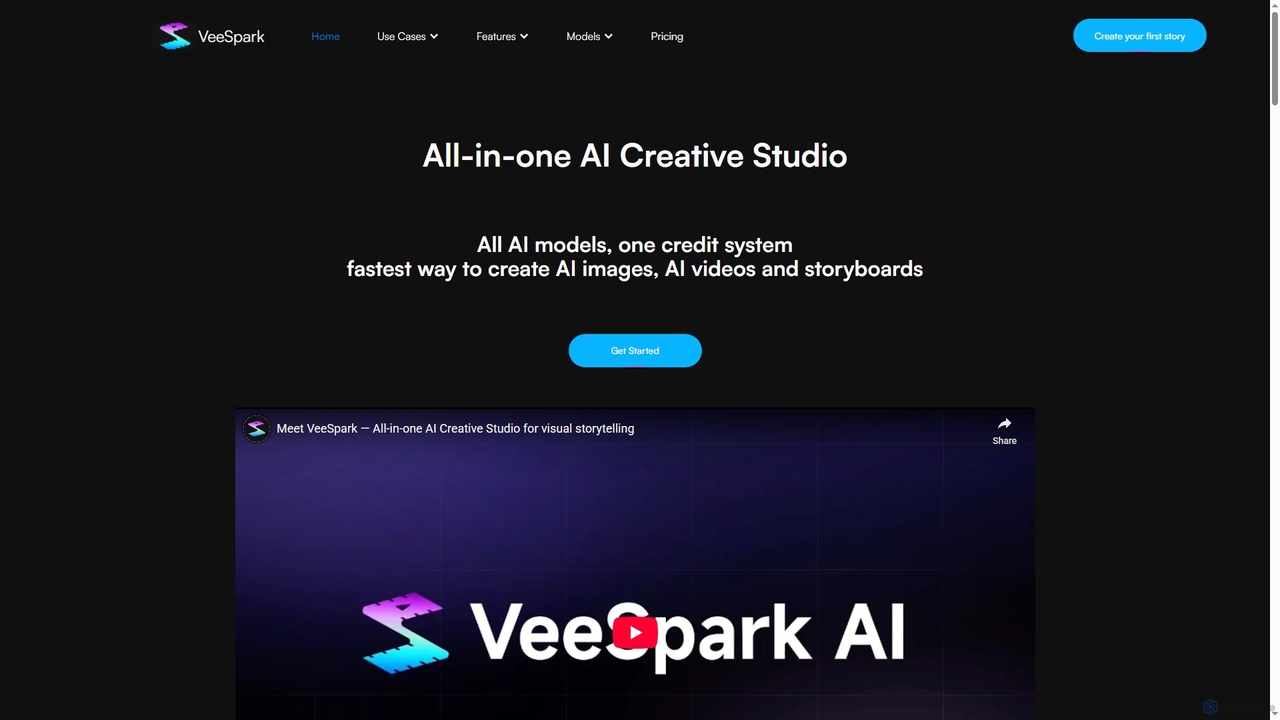
VeeSpark
VeeSpark is an all-in-one AI creative studio designed for visual storytelling, enabling users to transform ideas and scripts into dynamic storyboards, high-quality images, and consistent videos. It integrates multiple advanced AI models like Sora 2, Google Veo 3, and Nano Banana, offering a streamlined workflow for filmmakers, marketers, and content creators to produce compelling visual narratives efficiently.
Storyboarding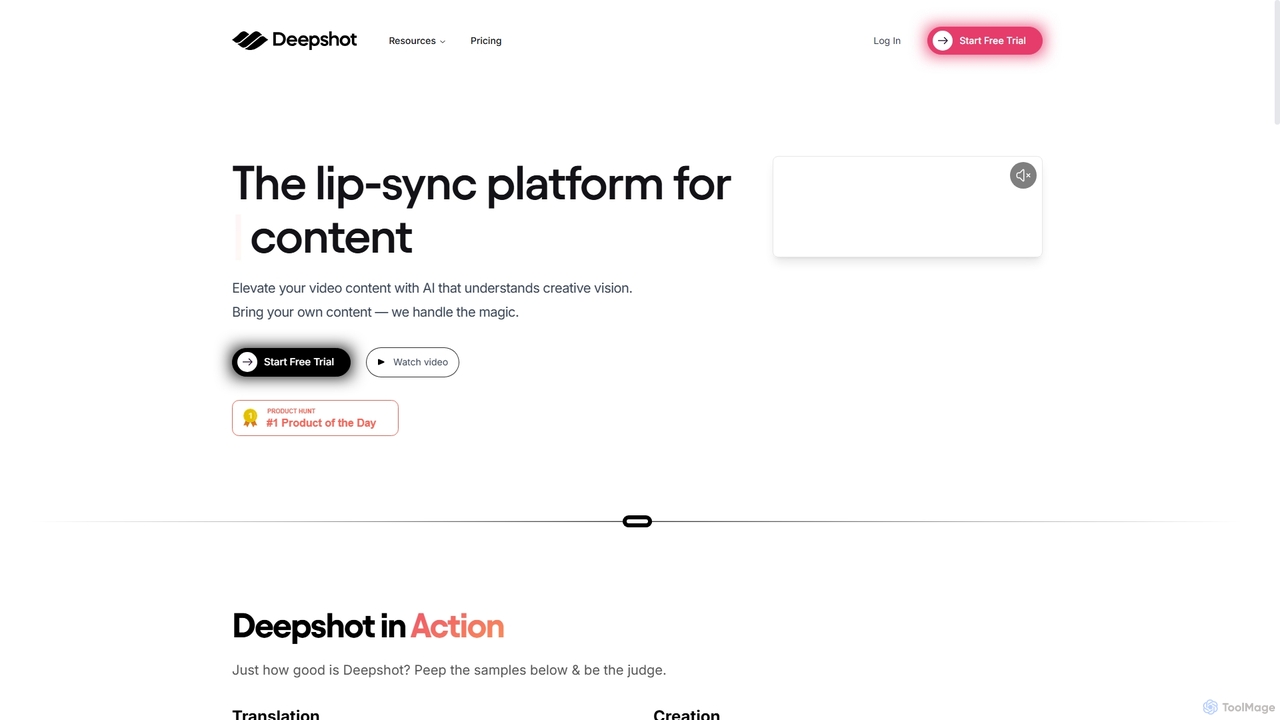
Deepshot
Deepshot is an AI-powered lip-sync platform that enables content creators to translate, correct, and generate video dialogue seamlessly. Repurpose existing footage with new scripts, fix mistakes without reshoots, and A/B test content to maximize engagement. It's designed to save time, reduce costs, and break language barriers for a global audience.
Voice Modulation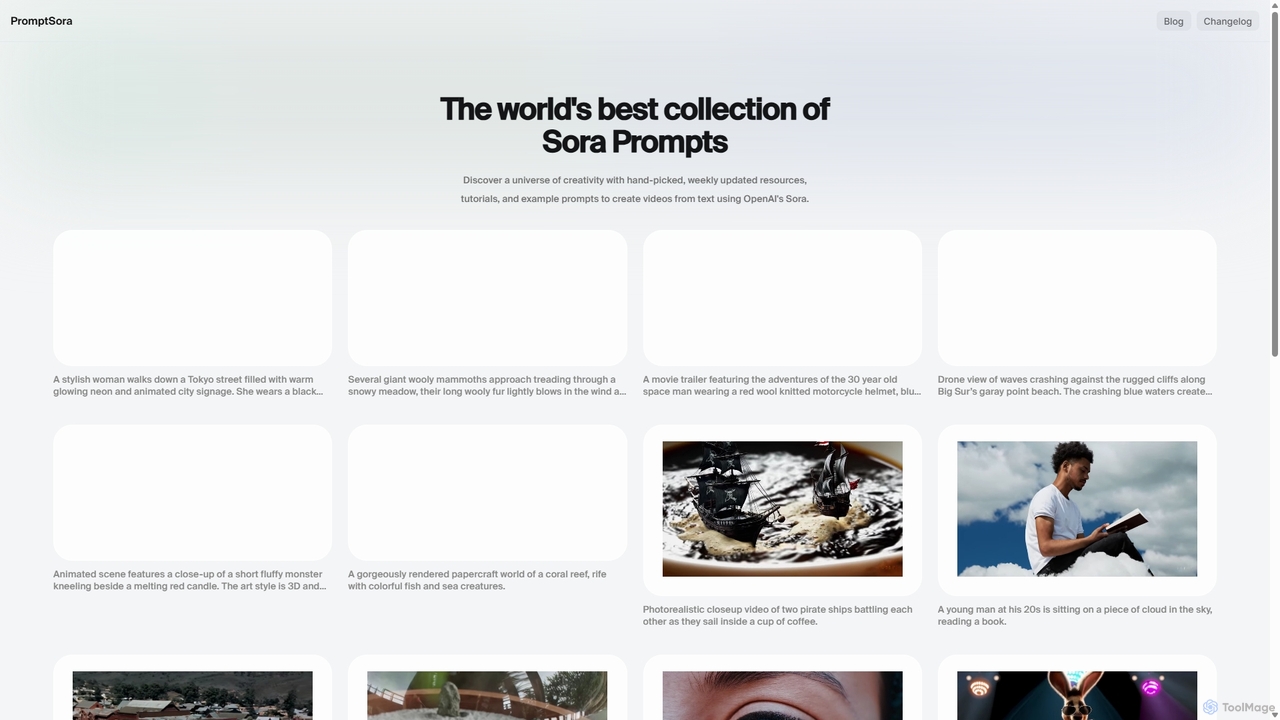
PromptSora
PromptSora is a curated platform offering a vast collection of high-quality prompts and their resulting videos for OpenAI's Sora. It serves as an essential free resource for creators, marketers, and AI enthusiasts to discover, learn, and master the art of text-to-video prompt engineering. The library is updated weekly with new examples, tutorials, and creative inspiration.
Learning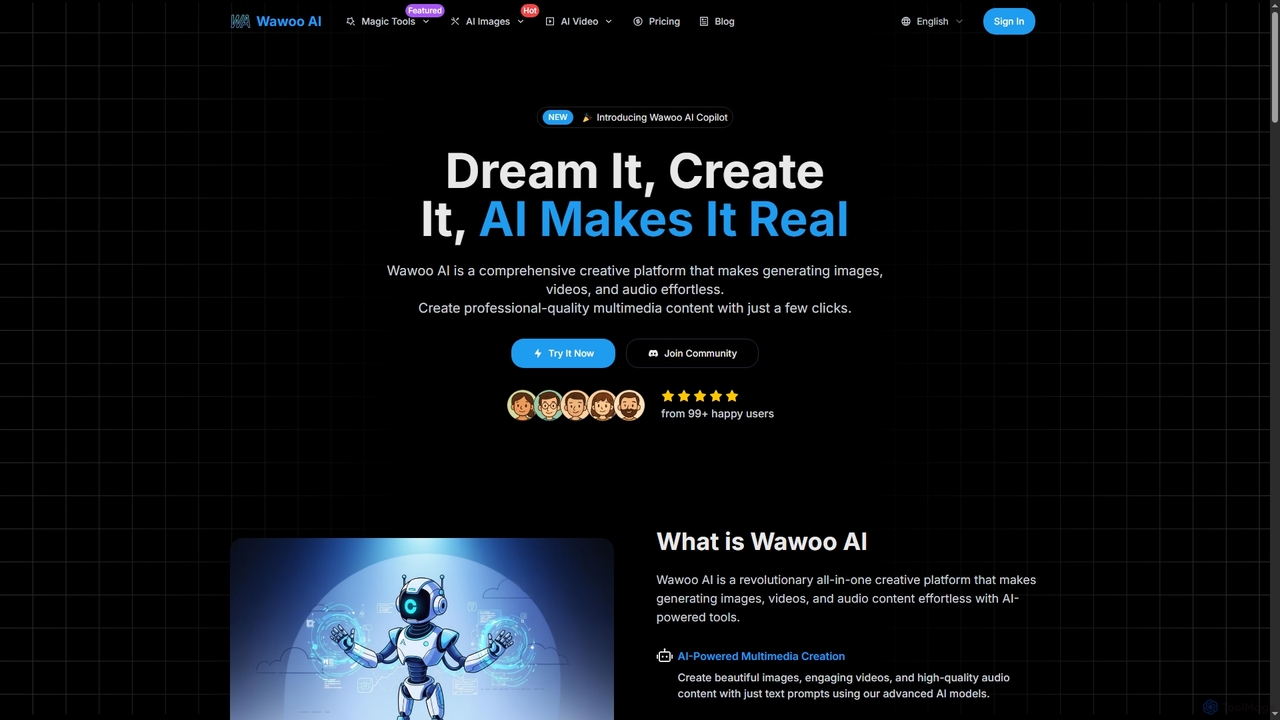
Wawoo AI
Wawoo AI is an all-in-one creative platform leveraging advanced AI to effortlessly generate professional-quality images, videos, and audio from simple text prompts. It empowers creators of all skill levels to produce stunning multimedia content rapidly, offering features like AI Copilot, multiple AI models, and commercial usage rights.
Digital Art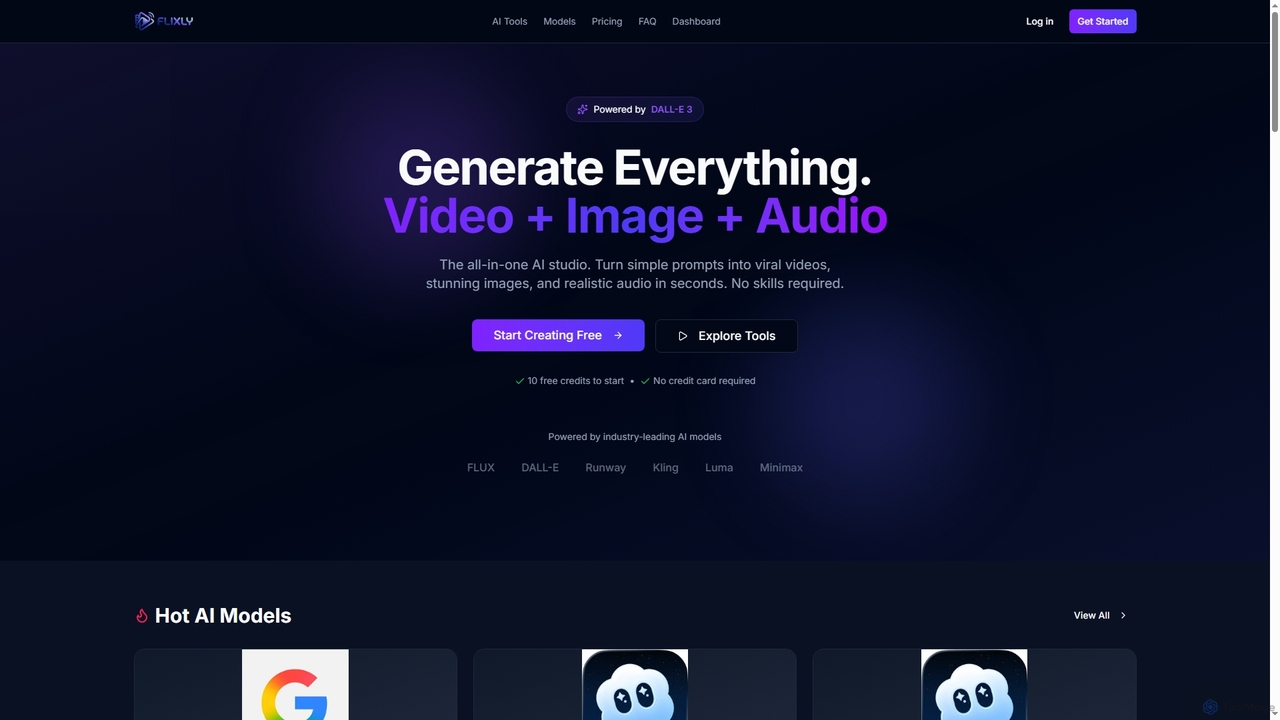
Flixly
Flixly is an all-in-one AI studio that transforms simple text prompts into stunning videos, images, and realistic audio in seconds. Leveraging industry-leading AI models like DALL-E 3 and Sora 2, it offers a comprehensive suite of creative tools for everyone, no technical skills required. Start creating with 10 free credits today.
Ai Art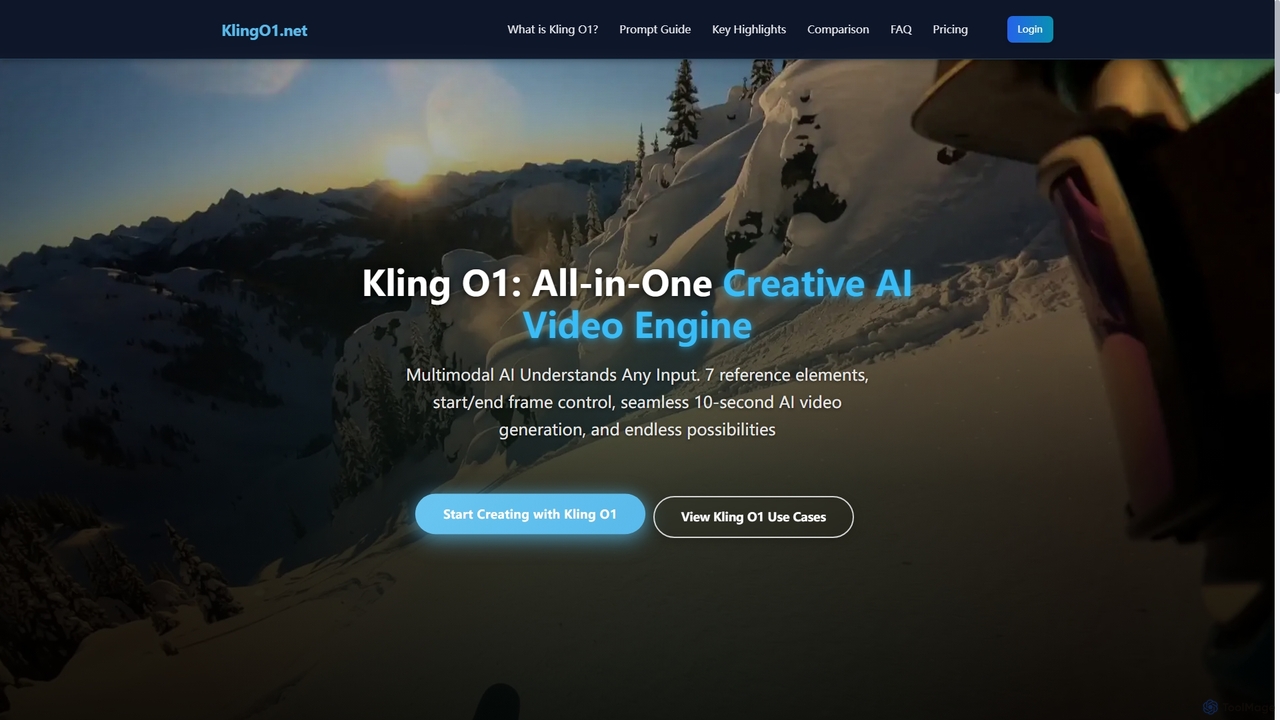
Kling O1
Kling O1 is the world's first unified multimodal AI video model, enabling effortless creation, editing, and generation of high-fidelity videos from text, images, and video references. It offers advanced features like consistent character generation, multi-task fusion, and flexible duration control for diverse creative projects, running entirely in the cloud without special hardware.
Multimodal Generation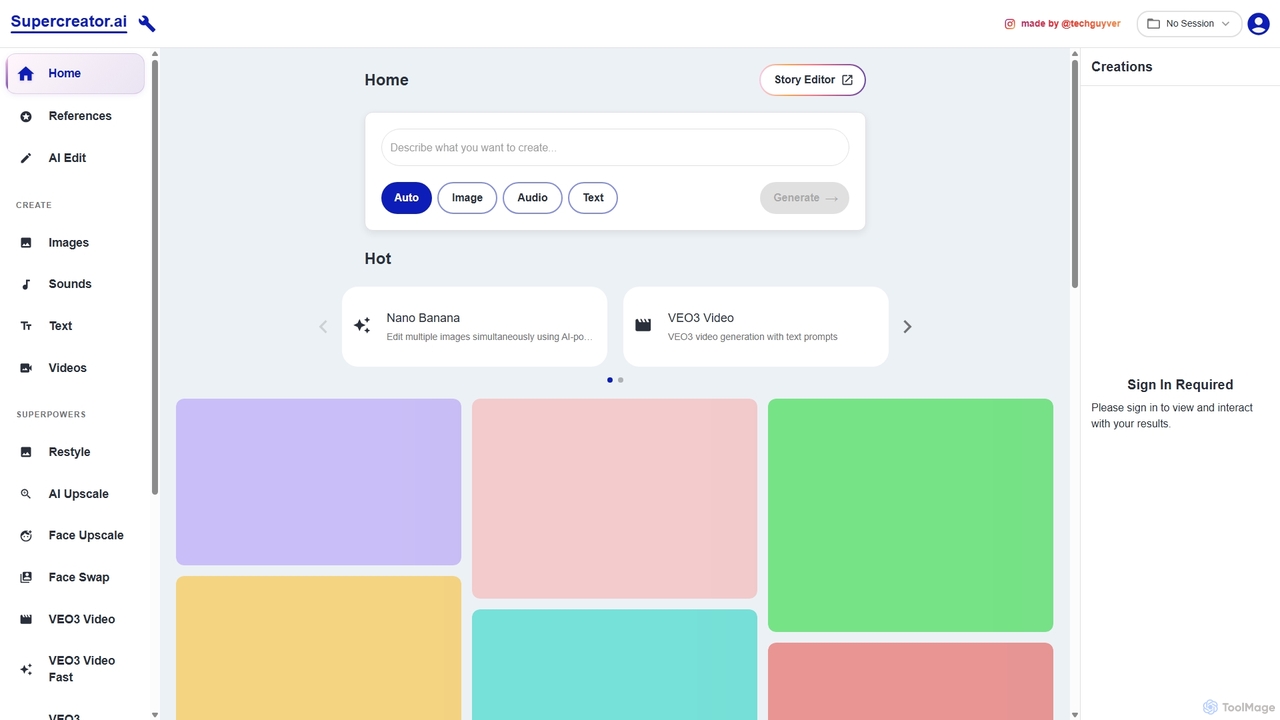
Supercreator.ai
Supercreator.ai is an all-in-one AI content creation suite, described as 'AGI in your pocket.' It empowers creators to generate and edit videos, images, audio, and text using advanced AI models like VEO3 and Kling 2.1. The platform integrates powerful tools for upscaling, face swapping, restyling, and multi-modal editing into a single, streamlined workflow.
Music Generation
Jyek
Jyek is an AI agent platform that understands objectives, creates execution plans, uses tools, and delivers verifiable results for complex, multi-step tasks.
Automation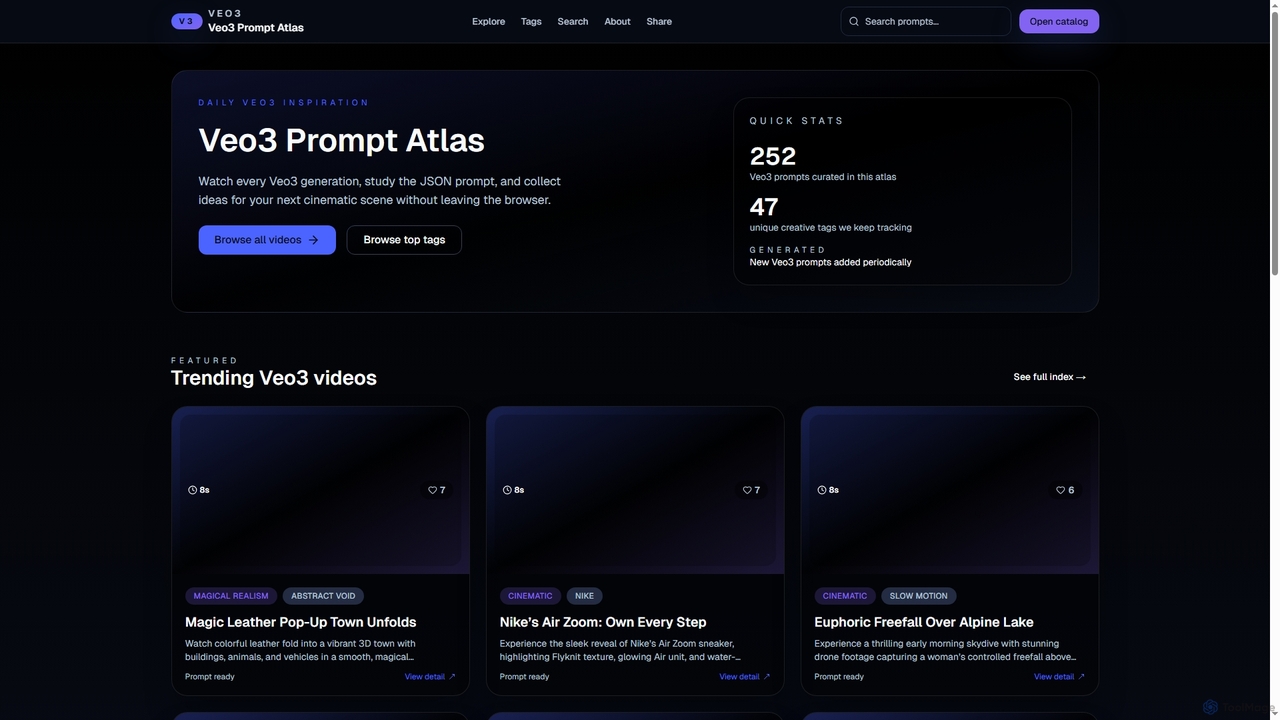
Veo3jsonprompts
Veo3jsonprompts is a curated library, or 'Prompt Atlas,' for the Veo3 video generation model. It allows users to browse a collection of cinematic video examples, study their detailed JSON prompts, and gather inspiration. The platform is regularly updated, making it a valuable resource for AI video creators and prompt engineers.
InspirationMotion Control AI
Motion Control AI, powered by Kling 2.6, transforms static images into dynamic, high-fidelity videos. It offers precise control over character actions, expressions, and camera movements using reference images and text prompts, enabling professional-grade image-to-video generation for various creative and commercial applications.
3D
Runway
Runway is an advanced AI-powered creative suite for content creation. It offers a wide range of tools, including state-of-the-art text-to-video (Gen-2), video-to-video (Gen-1), image generation, AI-powered video editing, and more. It's designed for filmmakers, artists, and marketers to ideate, generate, and edit content like never before, streamlining complex creative workflows.
Image Generation
Lucy Edit AI Comments (0)
Sign in to comment.
Sign inNo comments yet.